
Turn Scattered Phone Photos Into a Photo Book You Can Keep
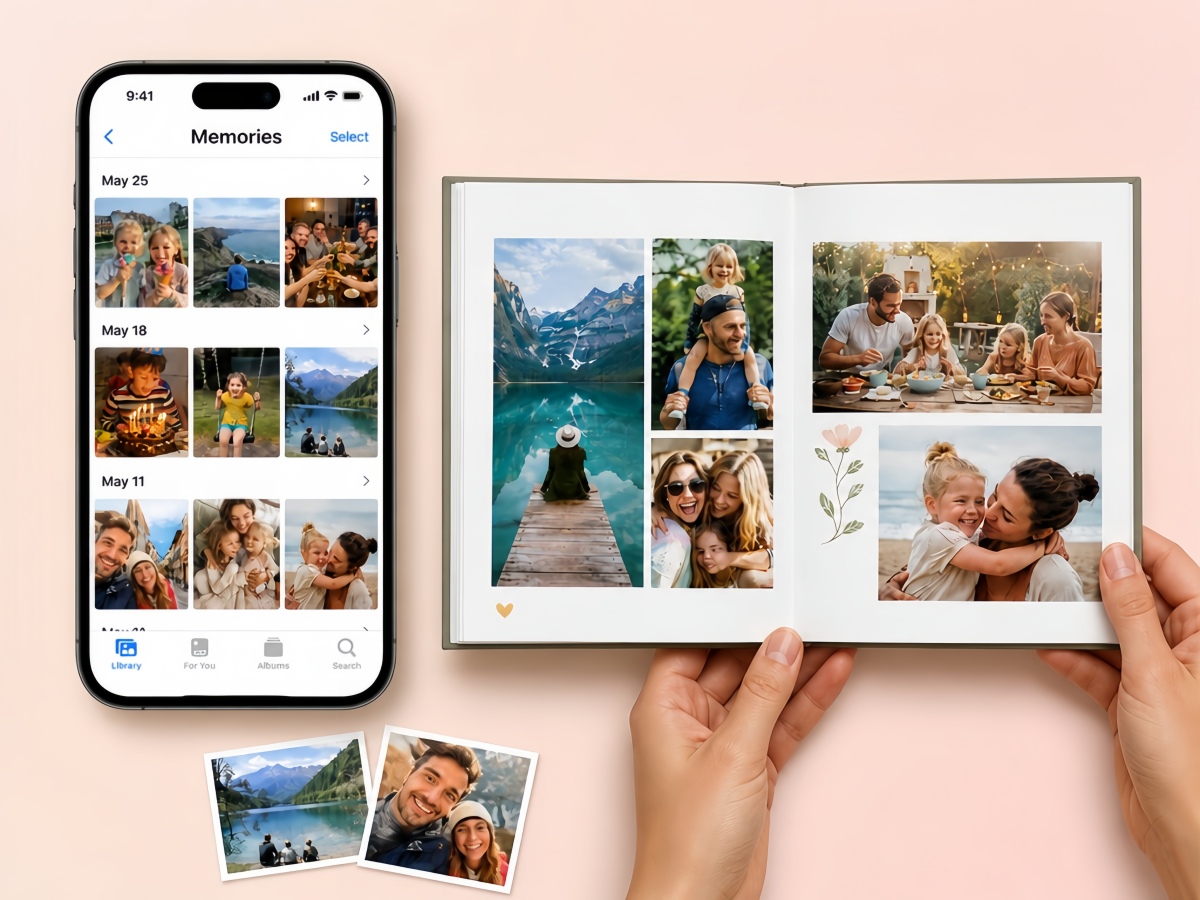
Tell Designkit what photo book you want with a simple prompt, then upload your photos. AI turns your ideas into a personalized book with cohesive layouts and visuals.
How to Create a Photo Book With Designkit
Step 1. Upload Your Photo
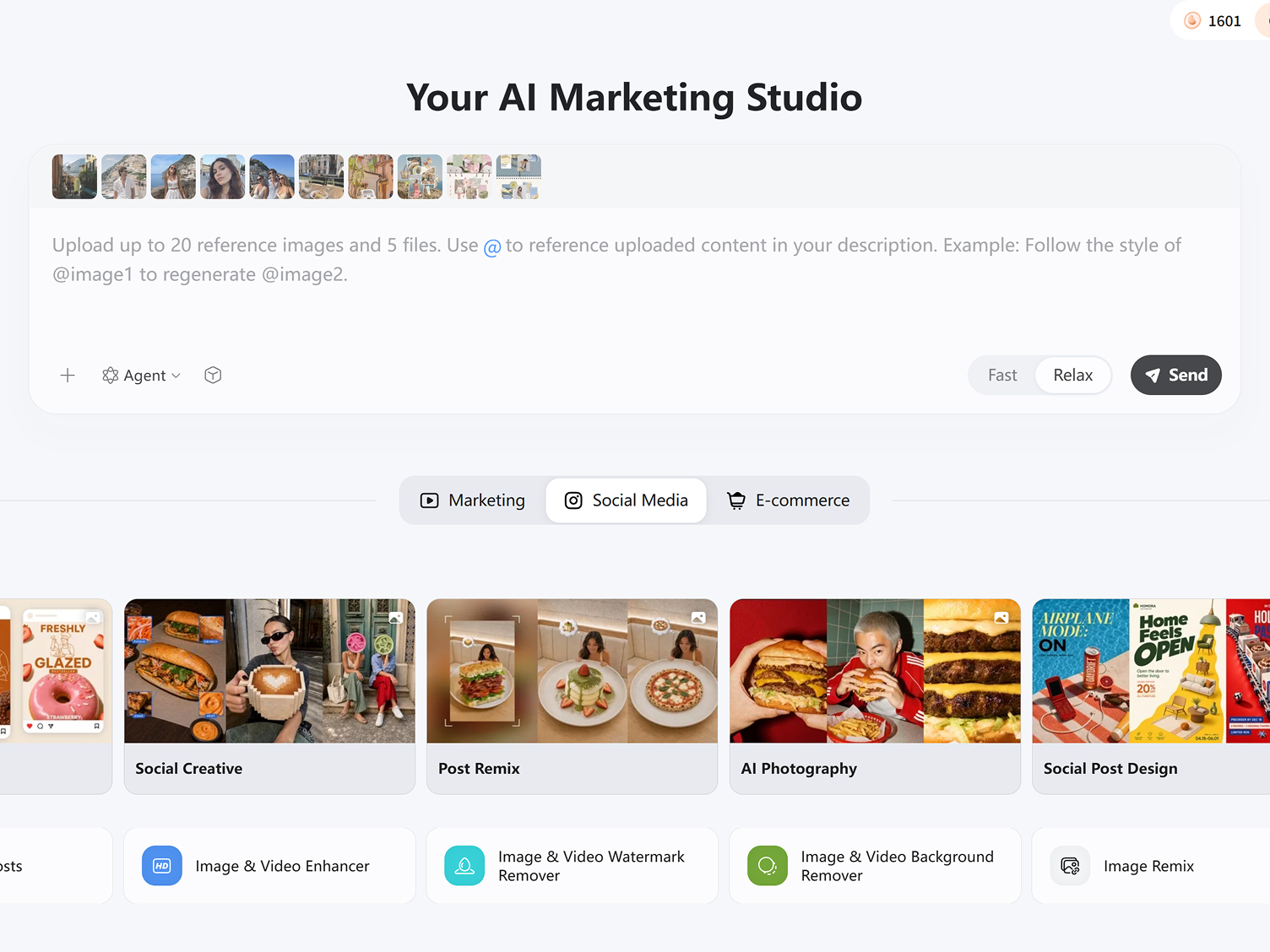
Go to the Designkit workspace, click +, and upload the photos you want to include in your photo book. You can also add reference images to guide the visual style, layout, color palette, or overall look you want to create.
Step 2. Create Your Photo Book
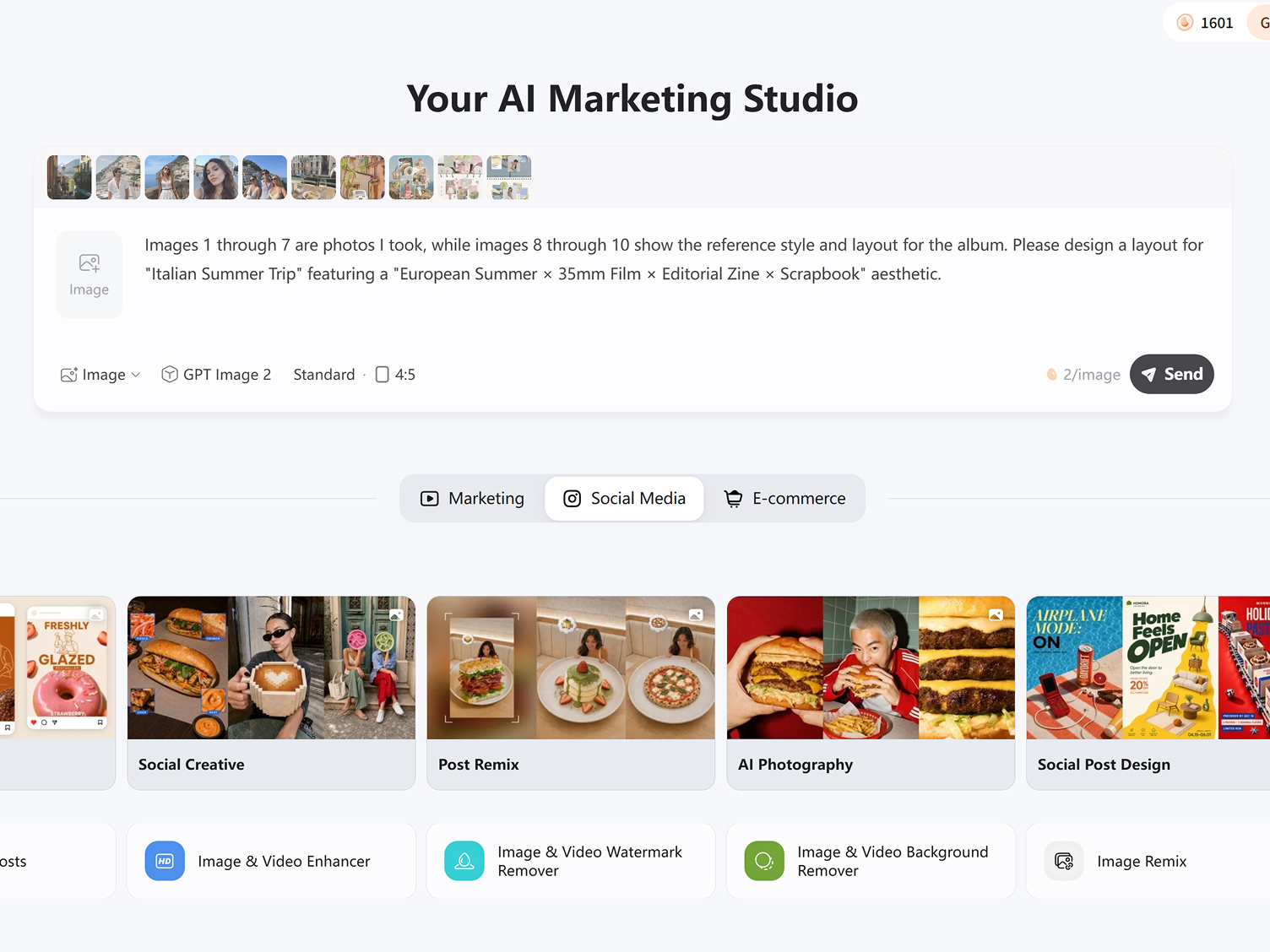
Write a prompt describing the photo book you want. Add the theme, page style, layout, image arrangement, and purpose. Then click Generate to create your concept from the uploaded images and instructions.
Step 3. Review and Download
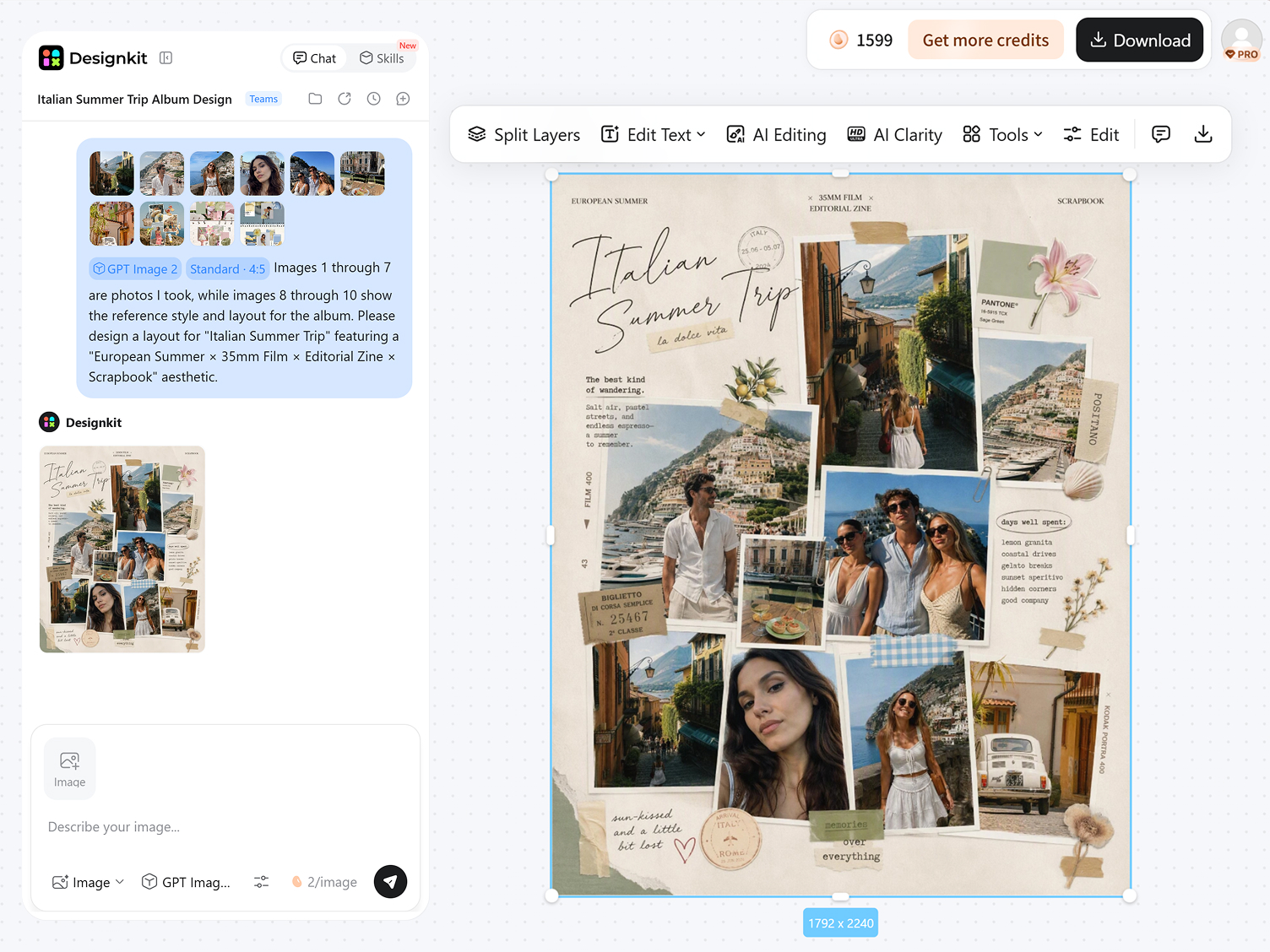
Review the generated photo book and select the version that best matches your idea. Refine it with Designkit’s editing tools to adjust images, text, or layout if needed. Once ready, download your completed photo book.
Build a Photo Book Around the Story Behind Your Photos
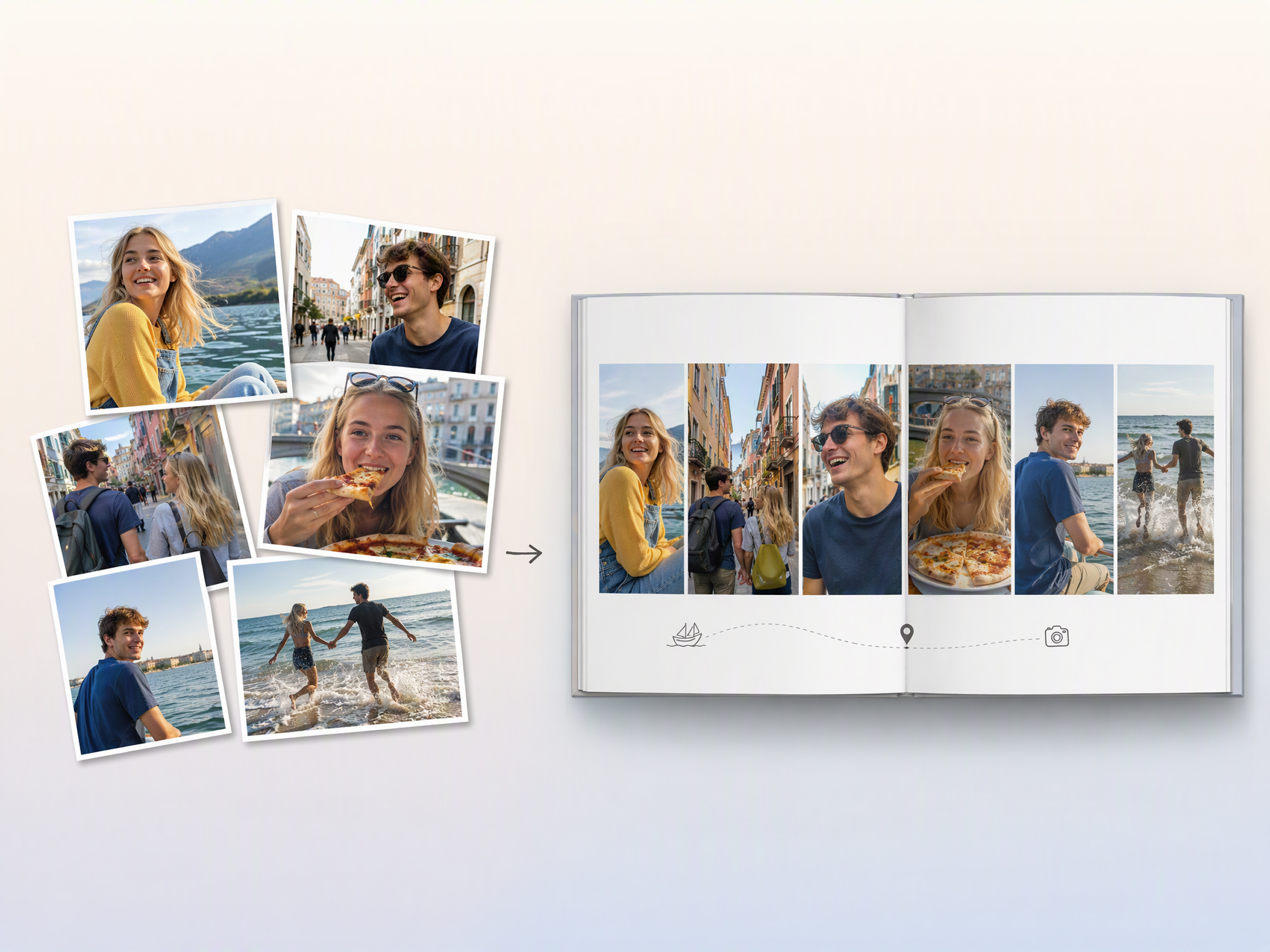
Organize Photos Into a Story for the Occasion
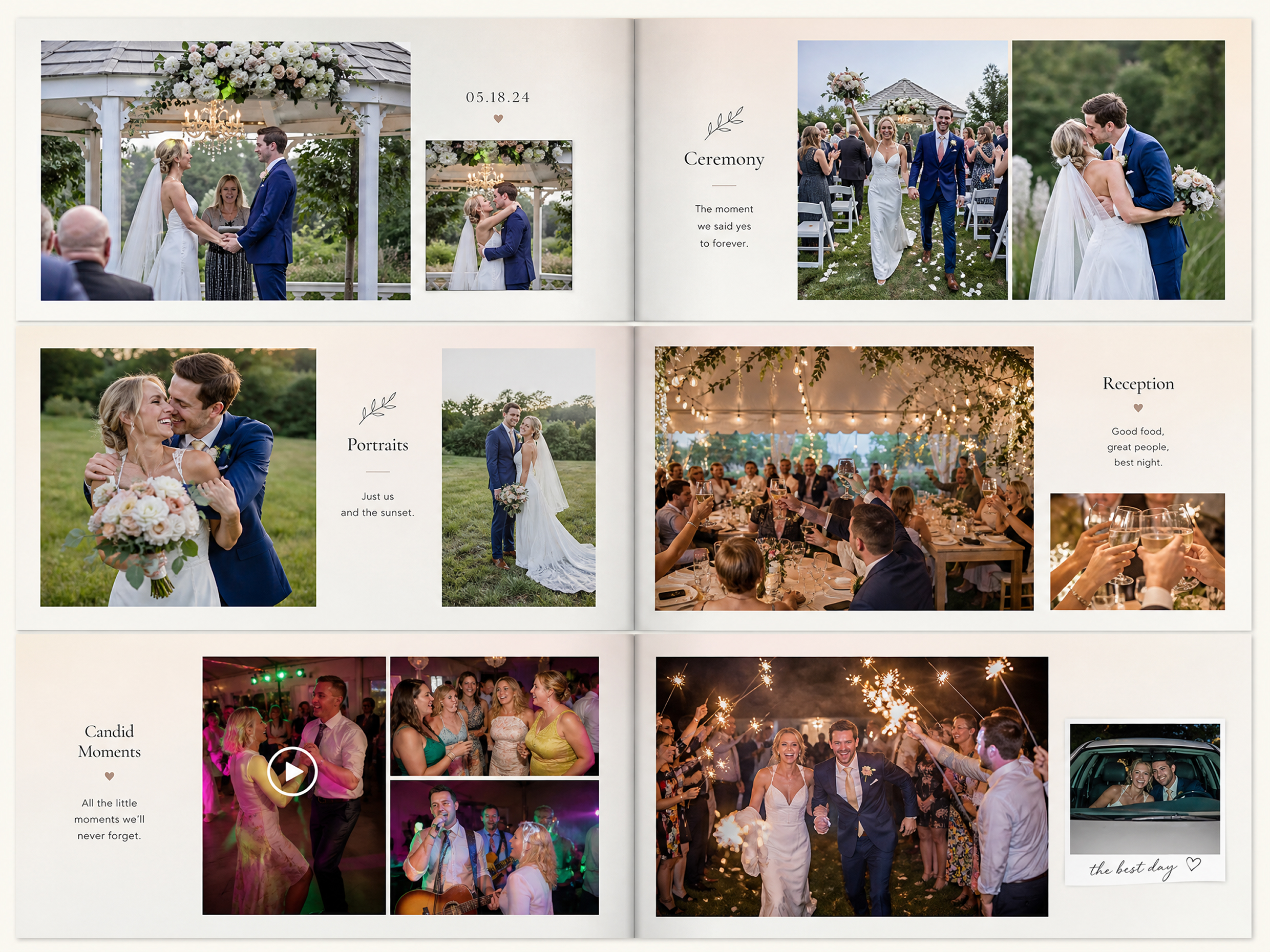
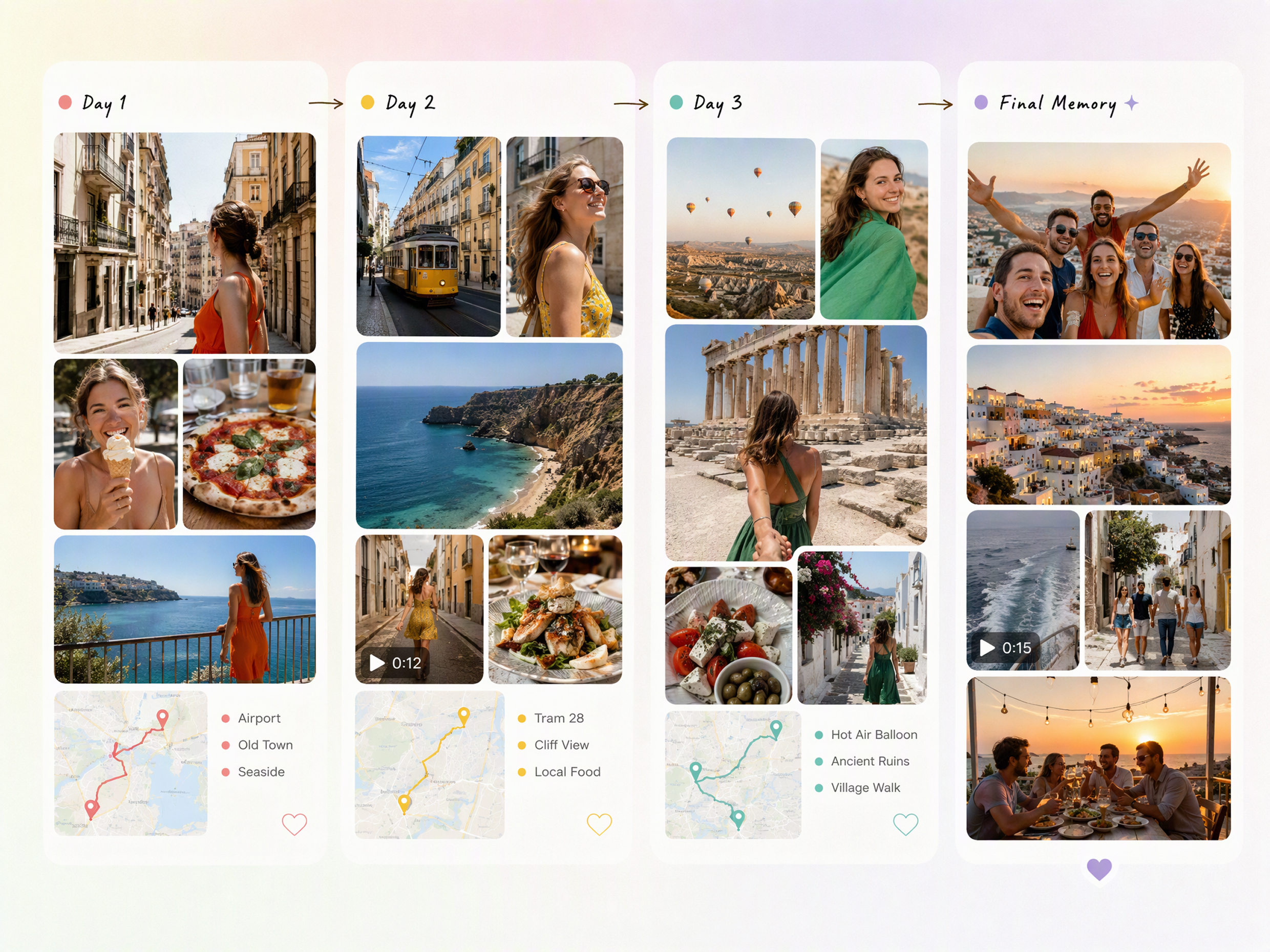
Turn a collection of images into a visual story around a wedding, vacation, birthday, family milestone, or personal project. Designkit helps arrange your photos into a cohesive sequence with a defined theme and layout, making it easier to make a photo book that feels connected rather than like a collection of unrelated images.
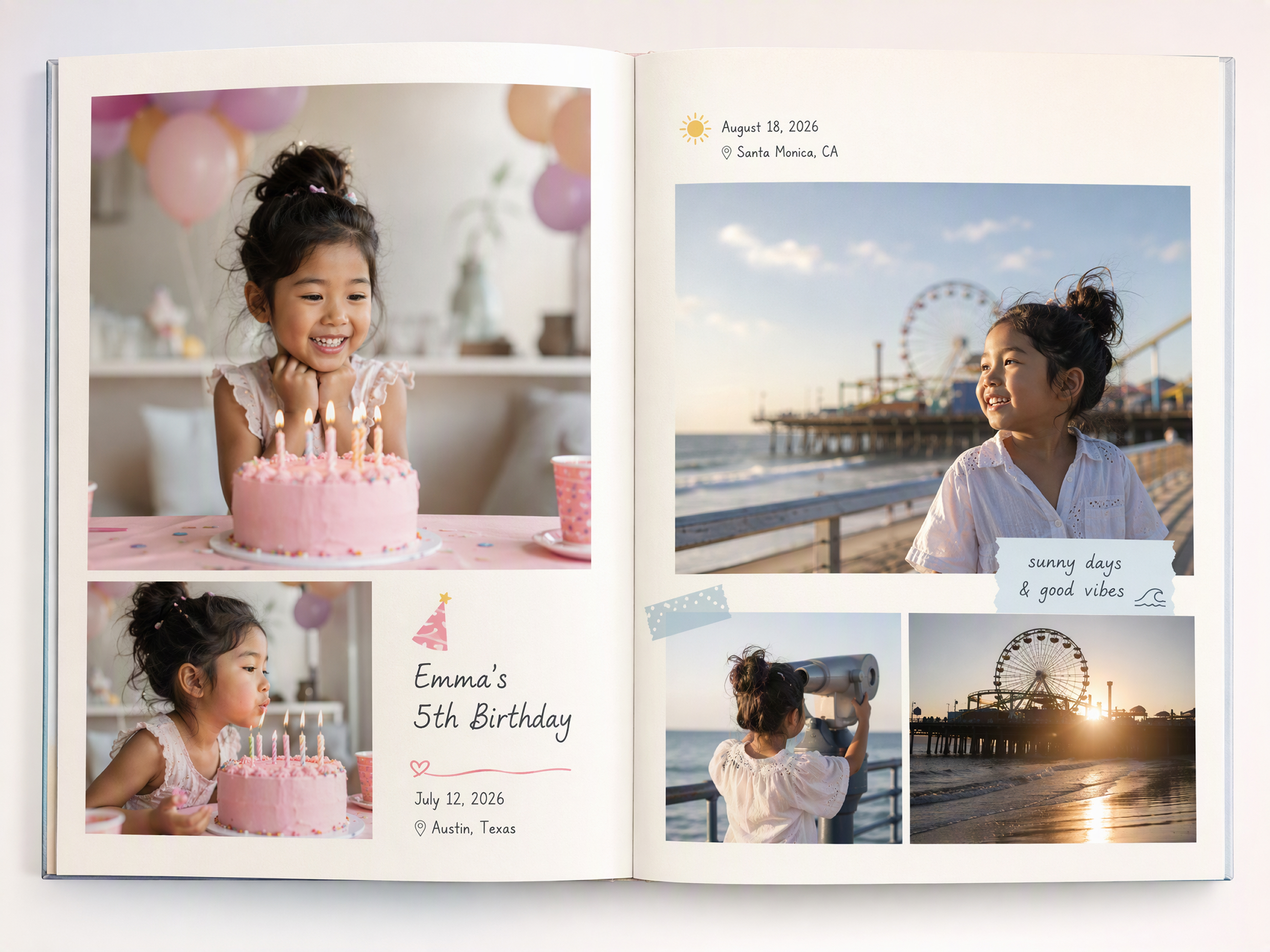
Captions With Dates, Places, and Names You Add
Add meaningful details alongside your photos, including dates, locations, names, short captions, or personal notes. Designkit helps combine these details with your images as you build the pages, making it useful for personalized photo albums where the context behind each memory matters as much as the photograph itself.
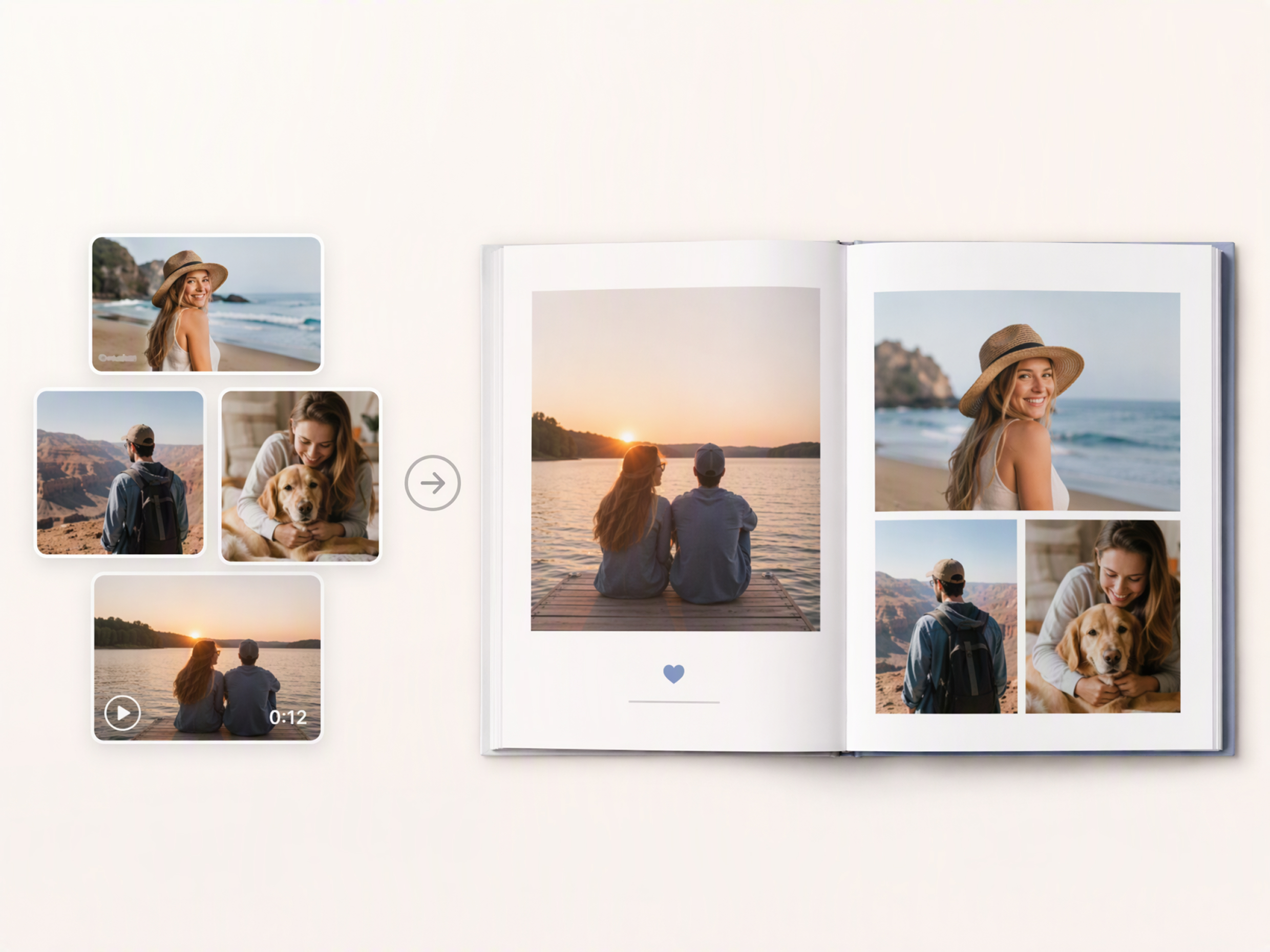
Bring Photos From Different Moments Into One Story
Combine photos from different days, locations, or events into one organized visual narrative. Whether you are creating a wedding album photo book, travel collection, or family memory book, Designkit helps bring varied images together around a shared theme, so you can make a book with photos without manually building every page from scratch.
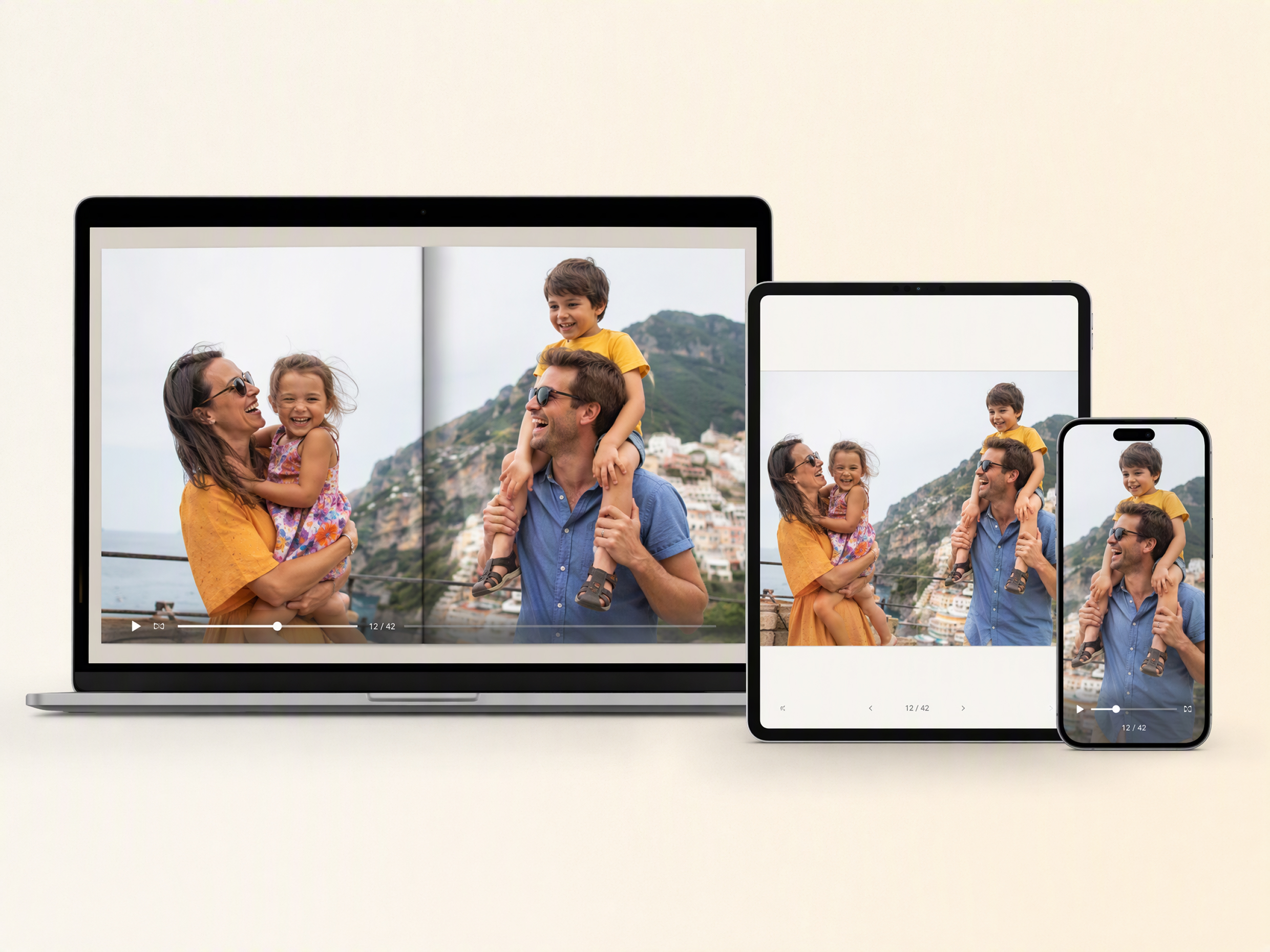
Download a Finished Shareable Digital Photo Album
Once your pages are arranged and refined, turn the finished project into a digital album that can be saved or shared. Designkit gives you a practical way to create a custom photo book from your selected images and story, making the finished result suitable for sharing with family, friends, clients, or collaborators.
Enhance Your Photos Before They Go Into the Book
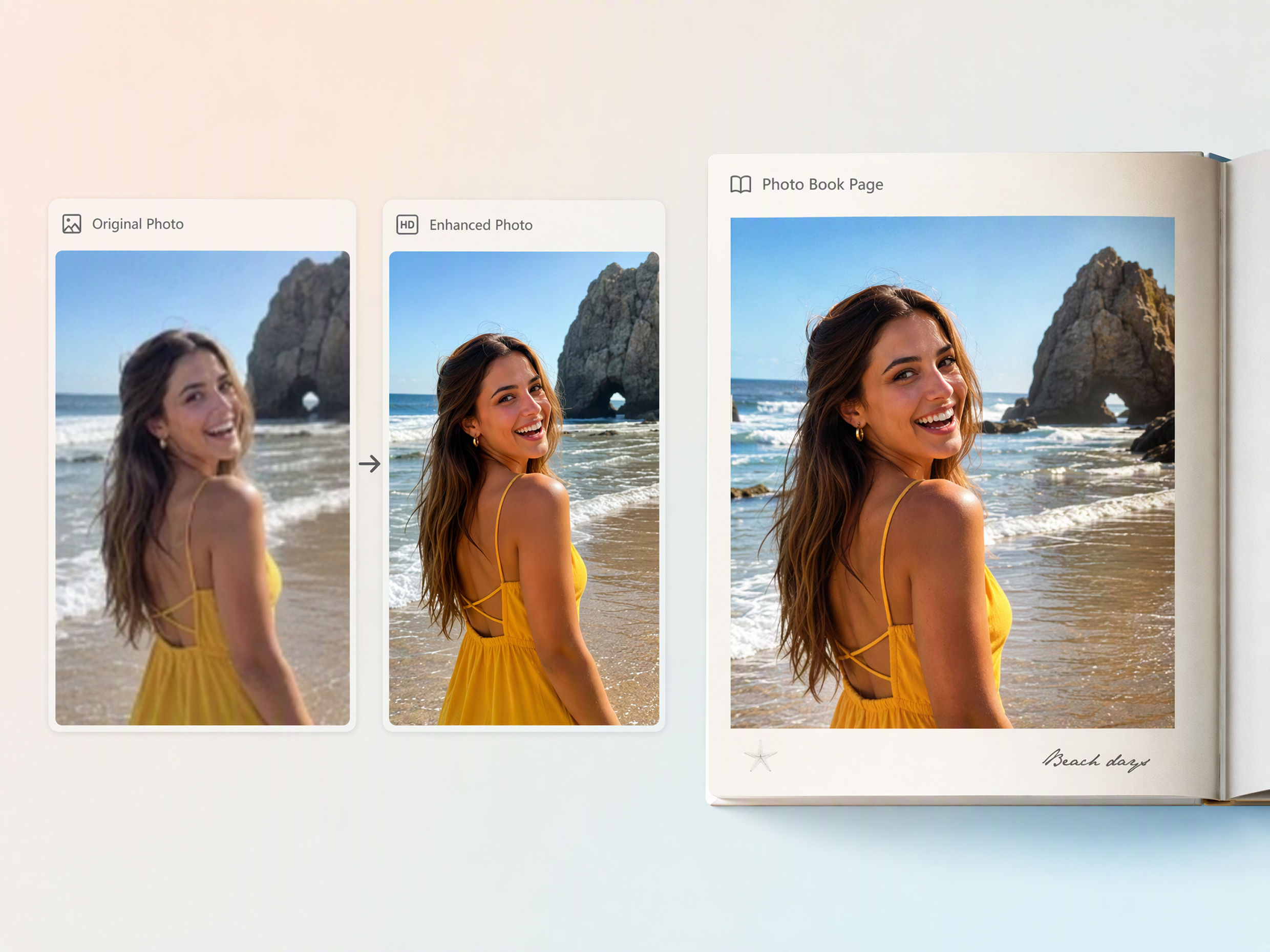
Improve your source images before placing them into the final pages. Designkit can help enhance image quality and refine visual details, while creative tools such as an AI art generator can add a different visual treatment when you want selected pages to go beyond standard photographs. This helps prepare varied images for a more cohesive photo book.
Create Photo Books for Memories, Gifts, and Creative Projects
Keep Years of Family Memories in One Book
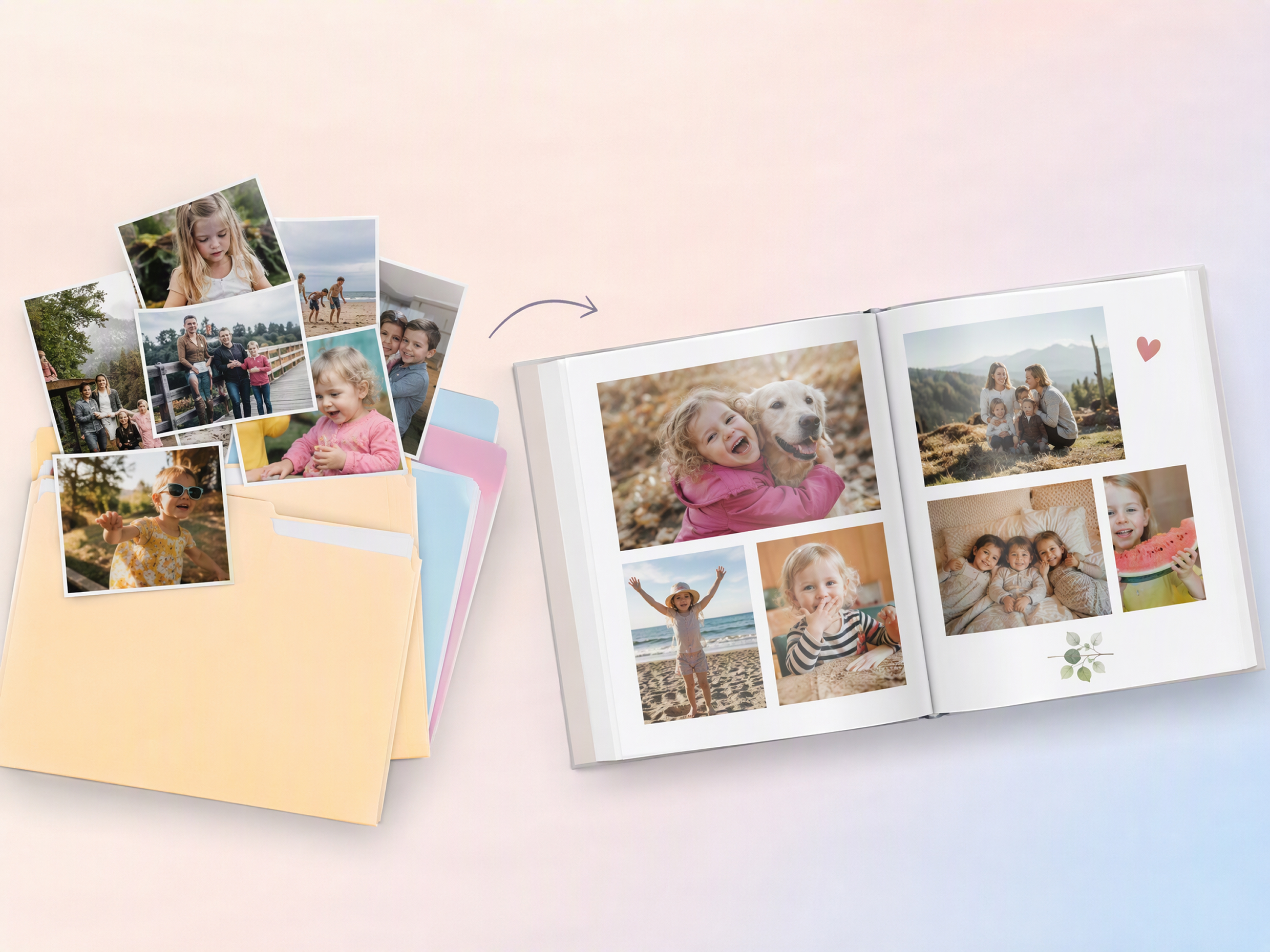
Bring birthdays, holidays, school events, vacations, and everyday moments into one custom photo book. Designkit helps families organize photos into a clear visual story, add meaningful details, and preserve memories that might otherwise remain scattered across different folders.
Why Use Designkit to Make a Photo Book

Keep Photo Editing and Book Creation in One Workflow
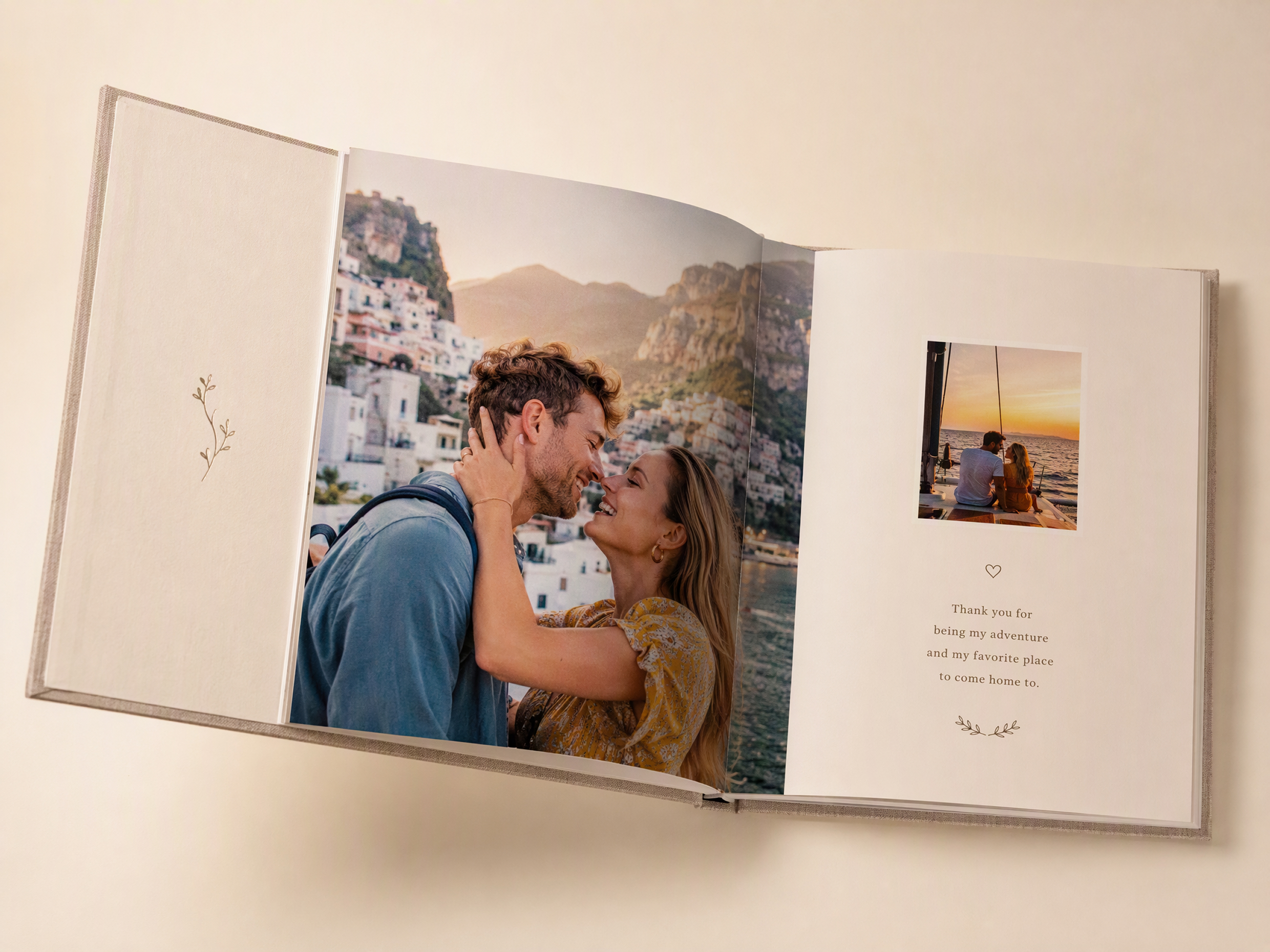
Edit, enhance, organize, and arrange your photos in one workflow. Designkit works as a photo book creator, reducing the need to move between separate tools.
Create Your Photo Book Without Hiring a Designer
Build albums yourself with flexible layouts, captions, and image arrangements. Designkit makes it practical to create a photo book around your memories without outsourcing each project.

Try Photo Book Creation With Free Credits
Use free credits to explore your album idea before committing to a final version. Test layouts and visual directions with a custom photo book workflow that fits your project.
Unlock More Creative Possibilities for Your Photos

Image Combiner Online

Image Text Editor
Remove People in Photos
AI Shadow Remover
Frequently Asked Questions
What's the difference between a photo book and a photo album?
Do the pages look like a real photo book or an AI collage?
They can be designed as structured pages rather than random image collages. Designkit lets you guide the theme, image arrangement, text, and overall page direction, so the result follows a deliberate visual story. You can also refine the generated pages with editing tools, making the workflow suitable when you want to make a book with photos that feel organized and intentional.
Can I make a picture book without professional design skills?
Yes. You can create a picture book without knowing professional layout or graphic design techniques. Start with your photos and describe the type of book, theme, mood, or audience you have in mind. Designkit helps turn those directions into a visual starting point, making it useful as a picture book maker for family memories, travel stories, gifts, and creative projects.
Can I make a photo book from pictures on my phone?
Yes. You can use photos from your phone as the source material for your book, provided you can upload them to your workspace. Designkit lets you bring those images into the creation workflow, organize them around a theme, and develop the pages from your selected photos. This makes it easier to make a photo book without manually rebuilding every page from scratch.
How can I make a personalized photo album for Mom?
Choose meaningful photos such as family celebrations, childhood memories, holidays, milestones, and everyday moments, then organize them around a personal theme. Add names, dates, captions, or short messages to make the book more meaningful. Designkit helps arrange these elements into a personalized photo album for Mom, giving you a structured starting point that you can refine before sharing or printing.
Can I add captions and dates to my photo book?
Yes. Captions, dates, names, locations, and short personal notes can help explain the memories behind your photos. Designkit lets you incorporate this information while developing your pages, so the text becomes part of the visual story rather than an afterthought. This is especially useful when creating personalized photo albums for family milestones, weddings, vacations, or gifts.
I don't know how to arrange my photos. Can Designkit help?
Yes. You can start by grouping photos around an event, person, location, timeline, or theme instead of deciding every page manually. Designkit can help turn that direction into an organized visual sequence, which you can then review and refine. If you're learning how to create a photo album, this approach gives you a starting structure before you make detailed layout decisions.
Can I use my photo book design for a book cover?
Yes, if the finished design is suitable for your intended cover dimensions and publishing requirements. A photo book page can provide inspiration for a cover, but the cover may need different sizing, margins, typography, and front-cover composition. Designkit can help develop the visual direction, and a book mockup generator can help you preview how the cover concept may appear on a finished book.
Make a Photo Book From the Photos You Already Have
Turn the photos sitting on your phone into something you can actually look through, share, and keep. Create a personalized photo book with Designkit.



What People Say about Making Photo Books With Designkit
Real experiences turning scattered photographs into meaningful books.
I Finally Did Something With All Those Photos
, Mom I had years of family photos sitting on my phone that I never got around to organizing. I started with one year and used Designkit to put the photos into a book. It was nice having all those memories in one place instead of buried in my camera roll.
Our Wedding Photos Finally Made Sense Together
We had photos from getting ready, the ceremony, the reception, and plenty of candid shots. I wanted the book to follow the day instead of feeling like a random collection of pictures. Designkit gave me a way to organize everything into one story.
I Made a Photo Book for My Mom
I had old family photos spread across my phone and computer. I picked out pictures from different years and put them together for my mom. It turned out to be a much more personal gift than just sending her a folder of photos.
Our Vacation Became Something We Could Actually Keep
After the trip, we had hundreds of photos sitting on our phones. I picked the ones from each place we visited and added a few notes about the trip. Now we have something to look through instead of scrolling through the camera roll. FAQs