
Turn Your Book Cover Into Realistic Book Mockups With AI
Upload a flat cover to create hardcover, paperback, and 3D ebook mockup visuals for publishing, promotions, and online stores without 3D software.
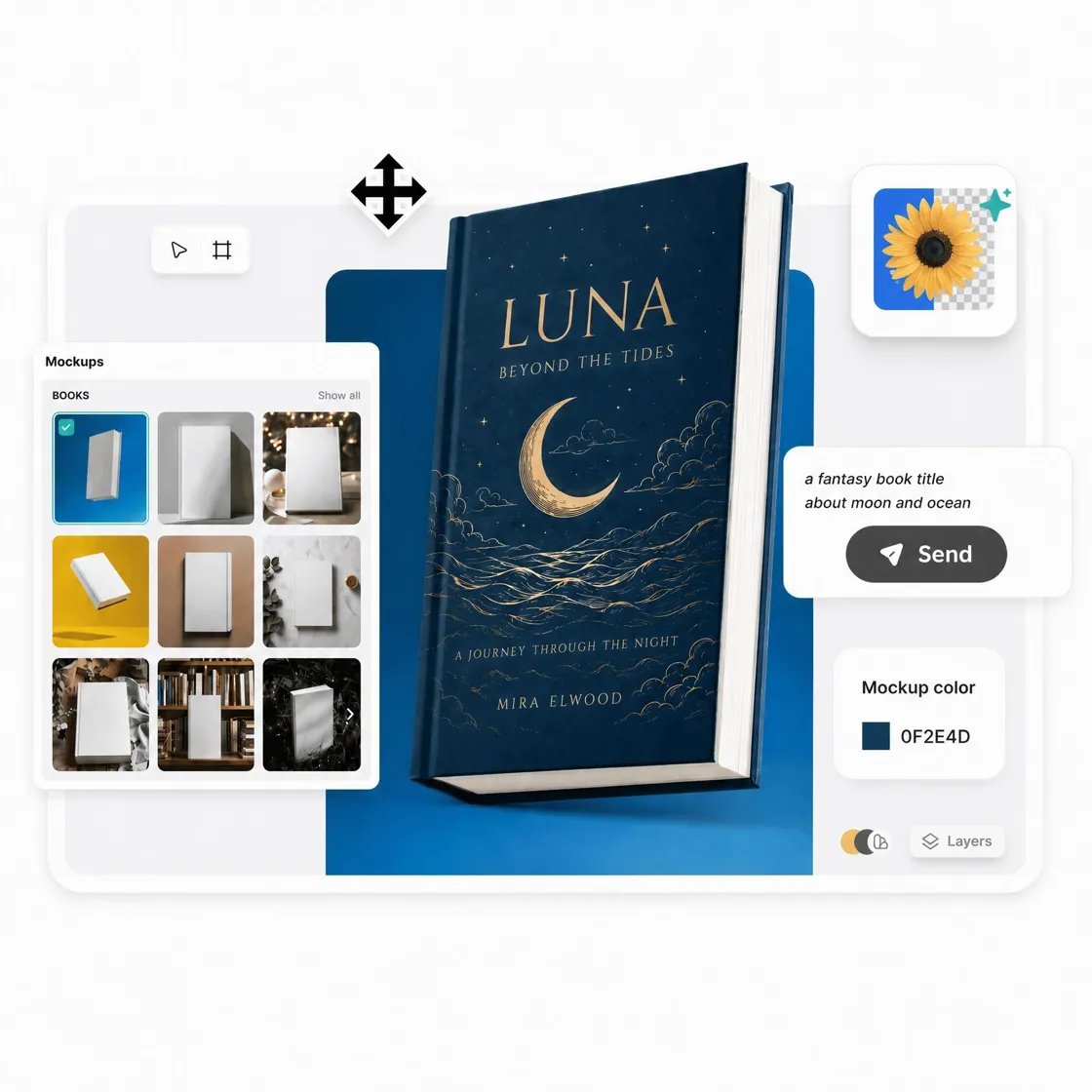
How to Create a 3D Book Mockup in 3 Steps
Upload Your Book Cover Design
Upload your book cover in JPG or PNG format, then let Designkit transform it into realistic hardcover, paperback, or ebook mockups.
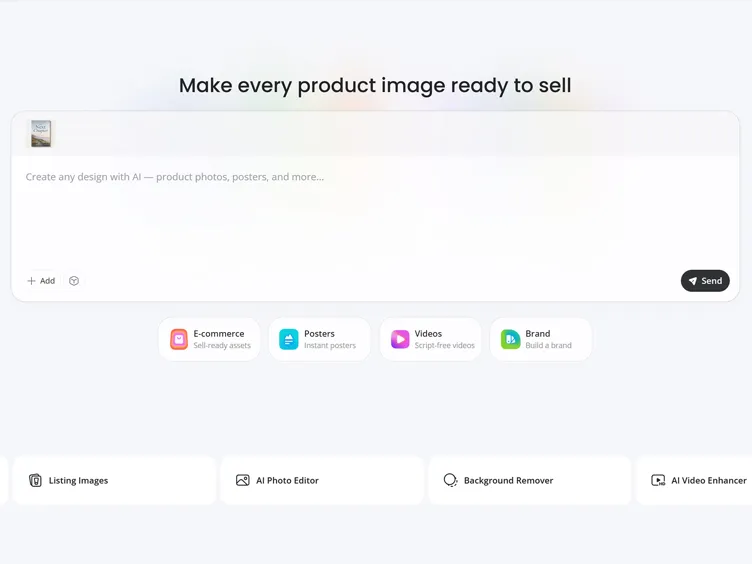
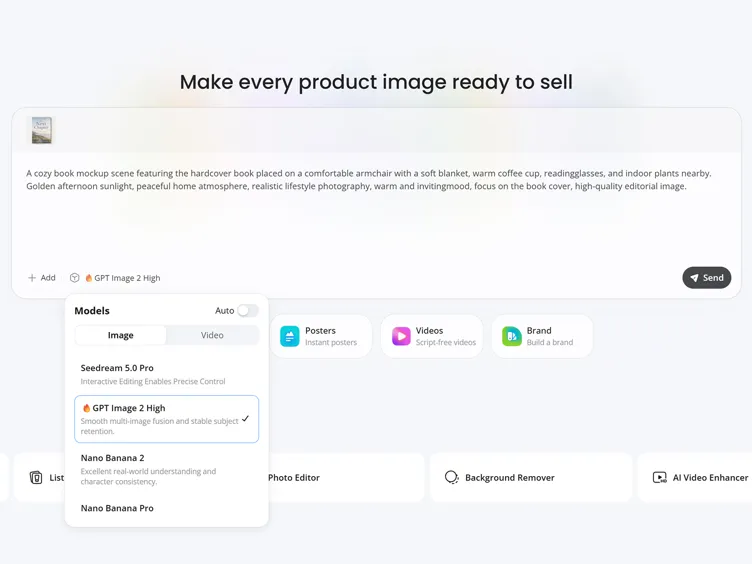
Generate Your 3D Book Mockup
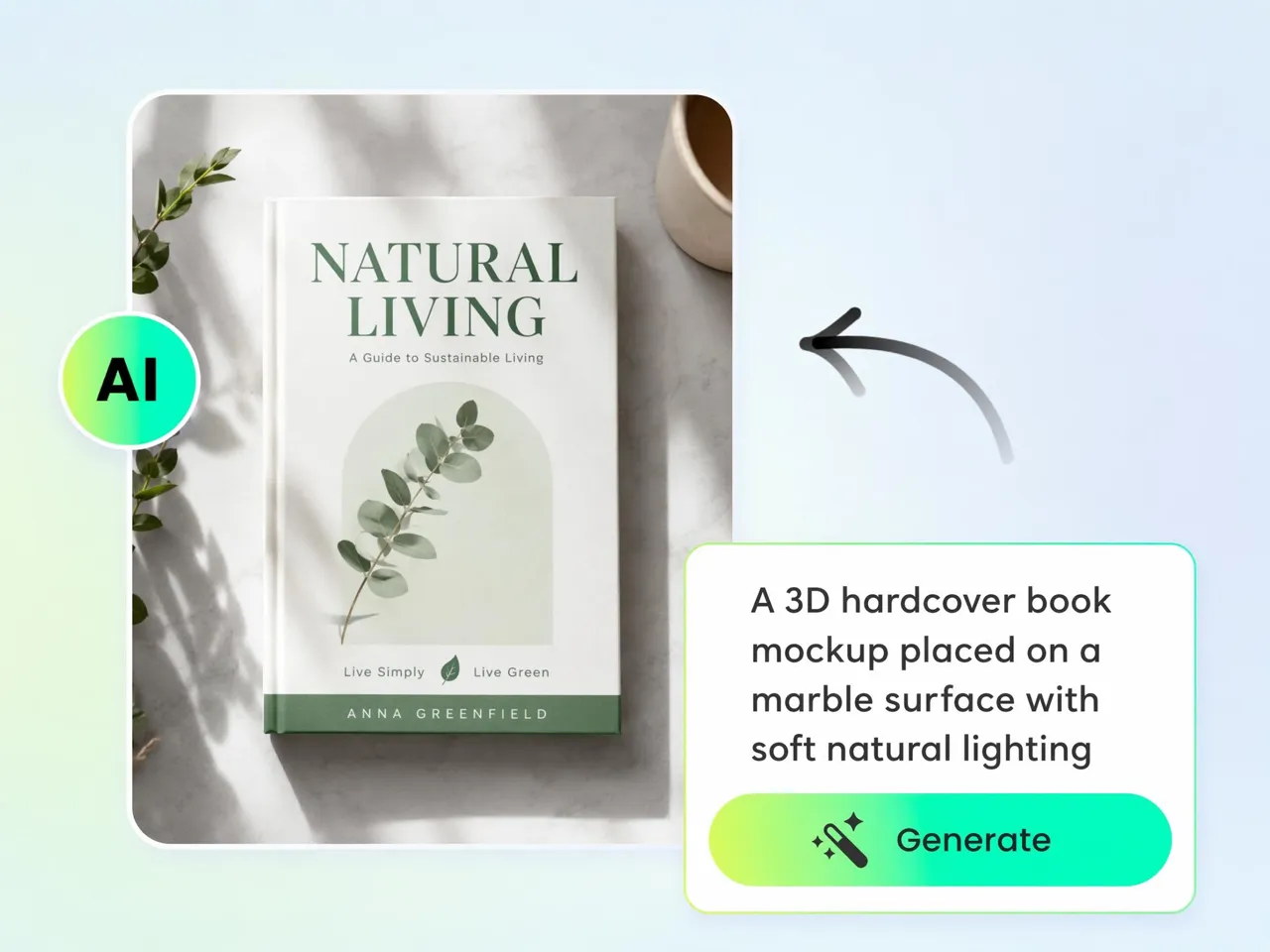
Choose a book format, describe your preferred scene, and let Designkit generate realistic hardcover, paperback, or ebook visuals.
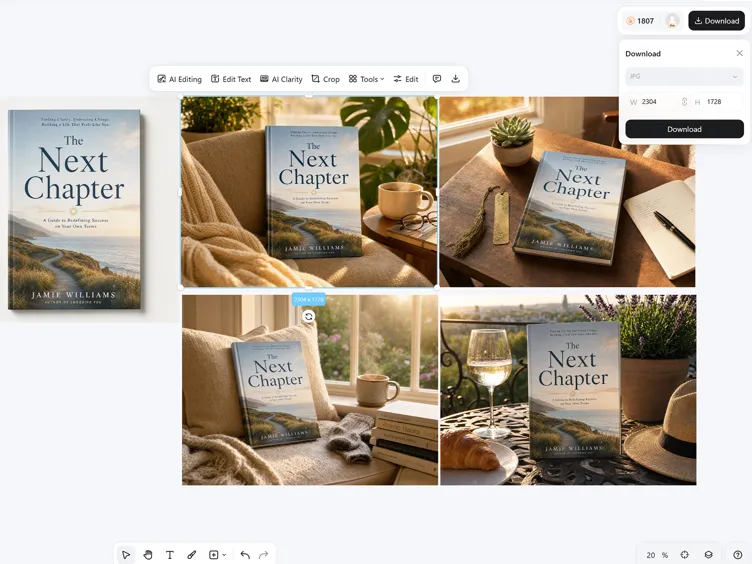
Preview and Export Marketing Assets
Review your mockups, compare different presentations, and export high-resolution visuals ready for KDP, websites, ads, or social media.
What Makes Designkit Book Mockup Generator Stand Out
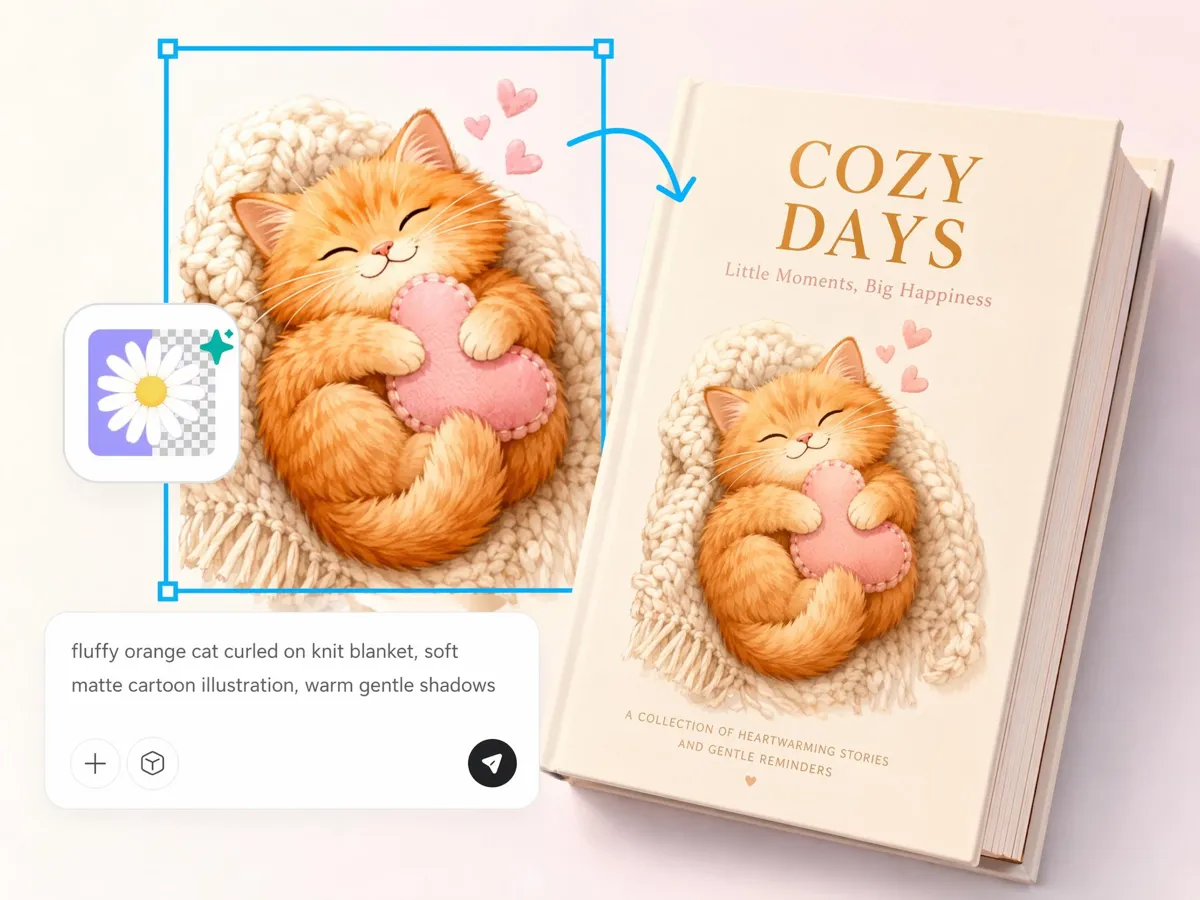
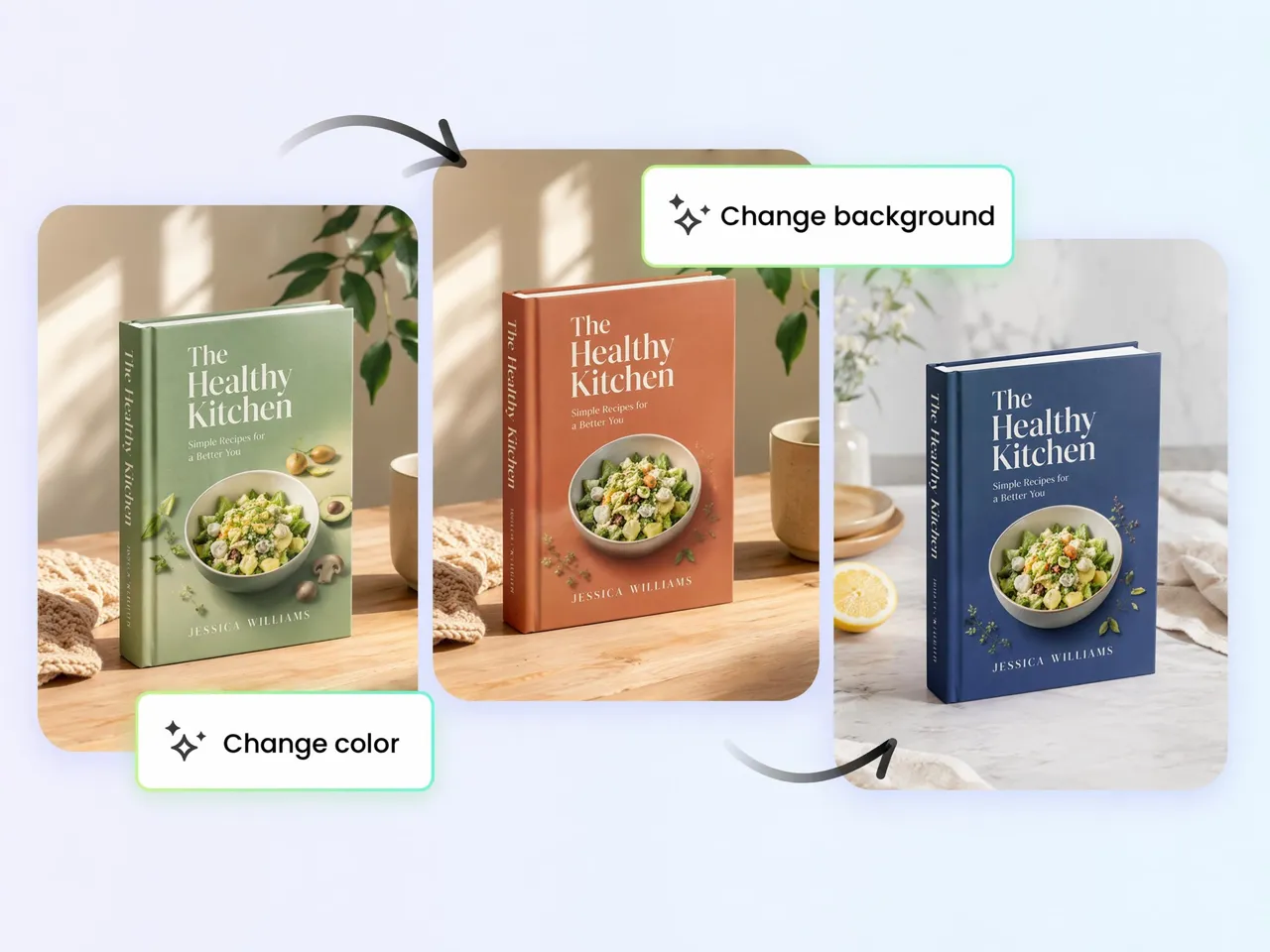
Visualize Any Book Format Before Publishing
See what your cover looks like as a hardcover, paperback, workbook, journal, or 3D ebook before release. Compare formats from a single design to choose the presentation that best fits your audience, marketplace, or promotional campaign.
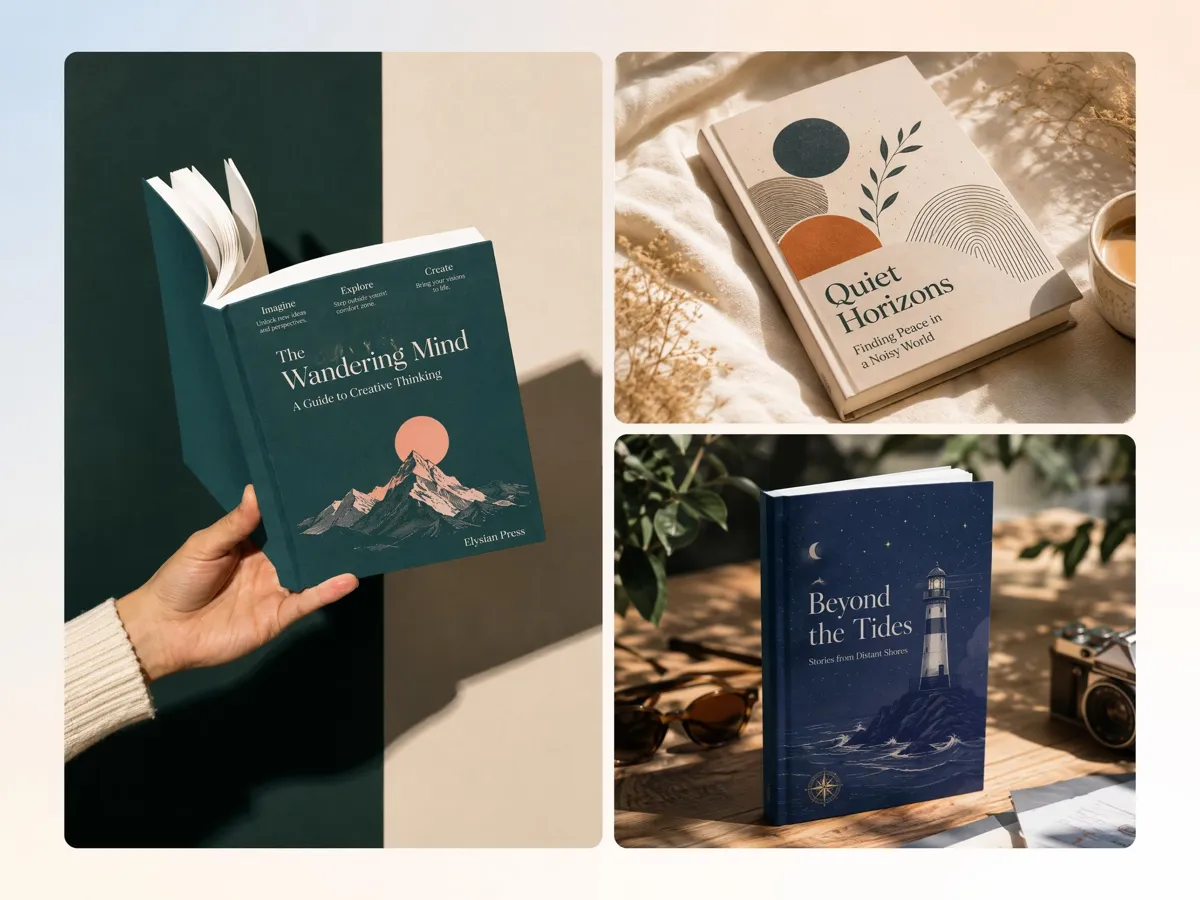
Create Custom Book Scenes Beyond Templates
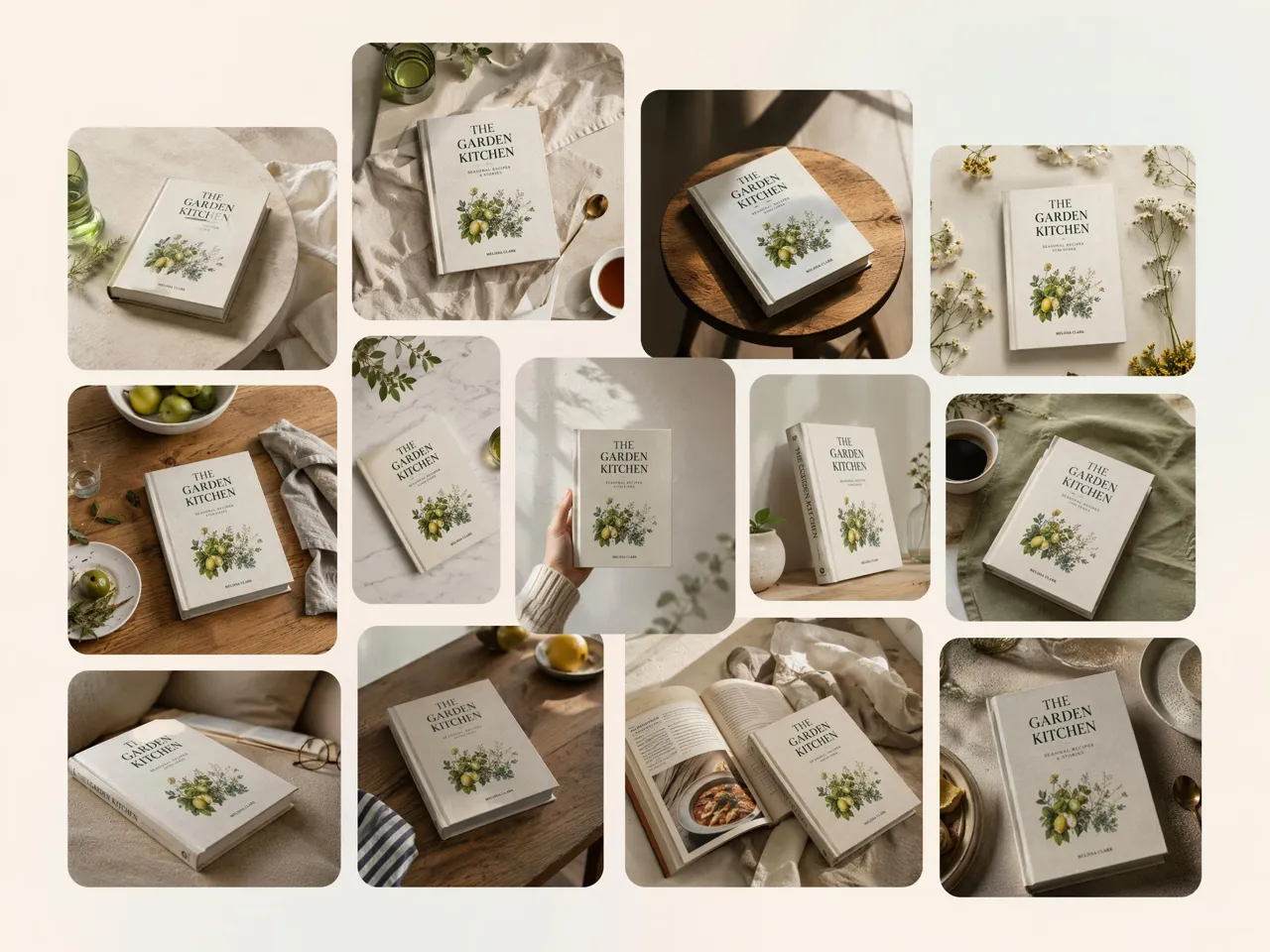
Stop searching through PSD mockup libraries for the right setting. Use Designkit's AI background generator to create bookstores, reading desks, libraries, or custom promotional scenes that match your book, audience, and campaign.

Create Marketing Assets Across Every Channel
Transform one book cover into visuals for Amazon listings, author websites, email campaigns, and social media. Pair your mockups with the white background tool to create clean product images that look ready for online marketplaces.

Reuse One Cover for Endless Campaign Ideas
Refresh existing book promotions without redesigning your cover. Generate new mockups for seasonal launches, discounts, bundle offers, or special editions, giving every campaign a fresh presentation while keeping your branding familiar.
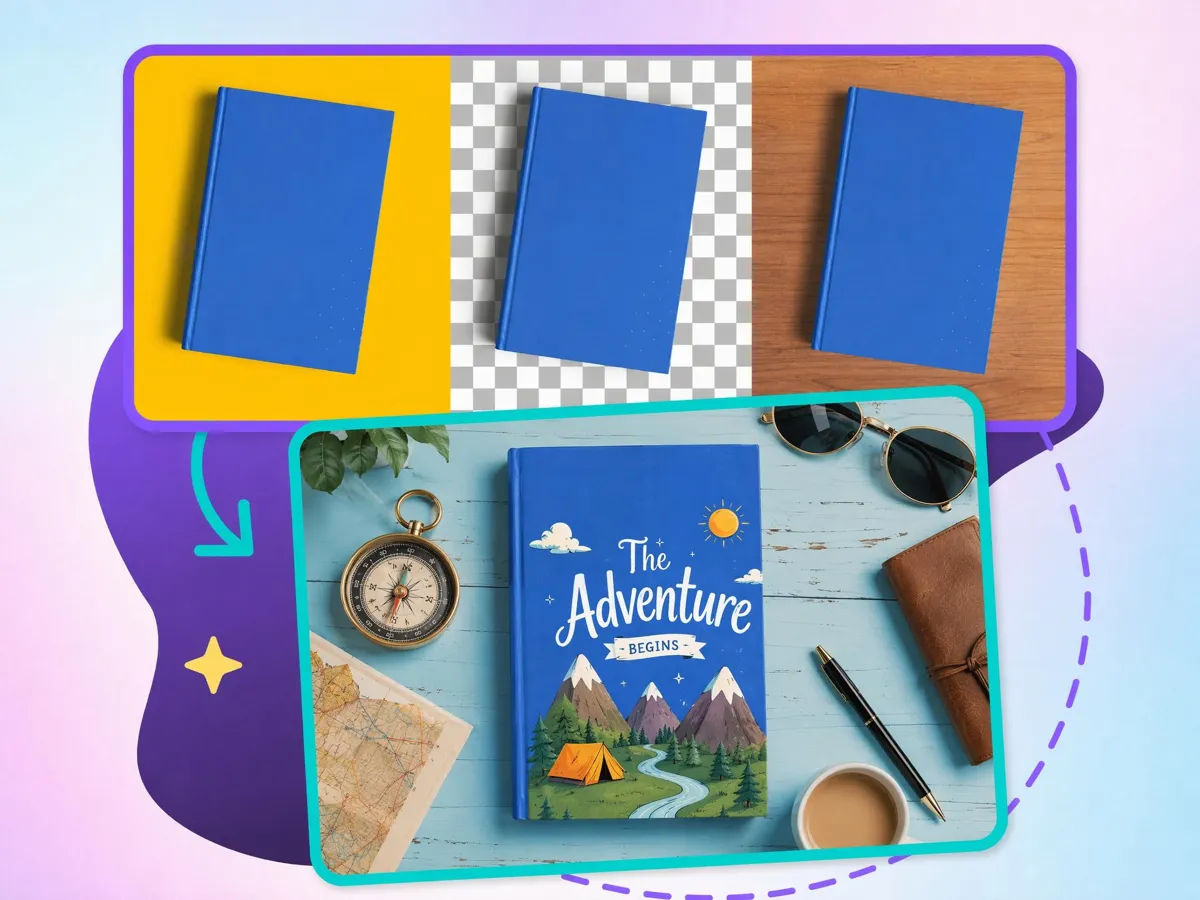
Generate Book Mockups Without 3D Software
Turn a flat cover into a realistic 3D book without blending, editing, or rendering software. Designkit works as a practical 3D book maker for publishing and marketing visuals.
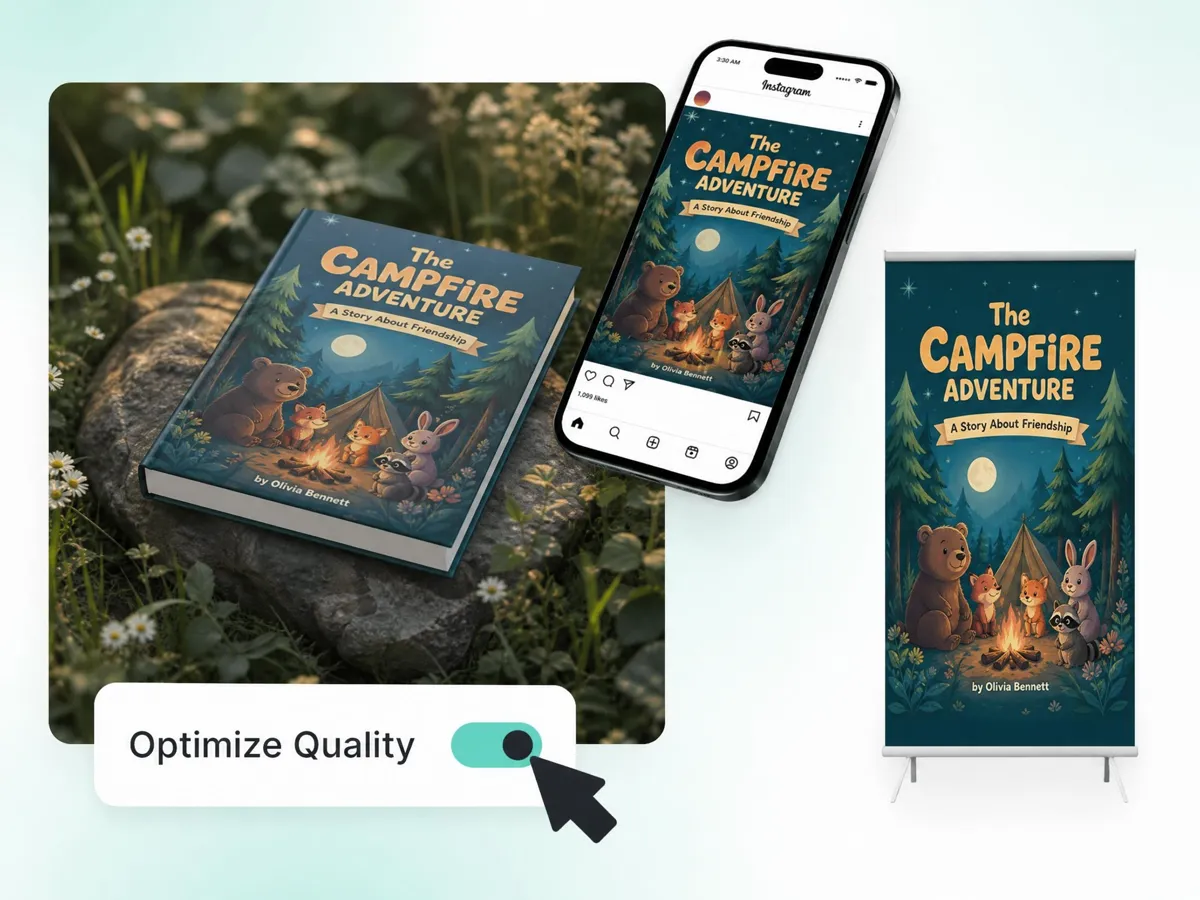
Keep Covers, Spines, and Page Depth Realistic
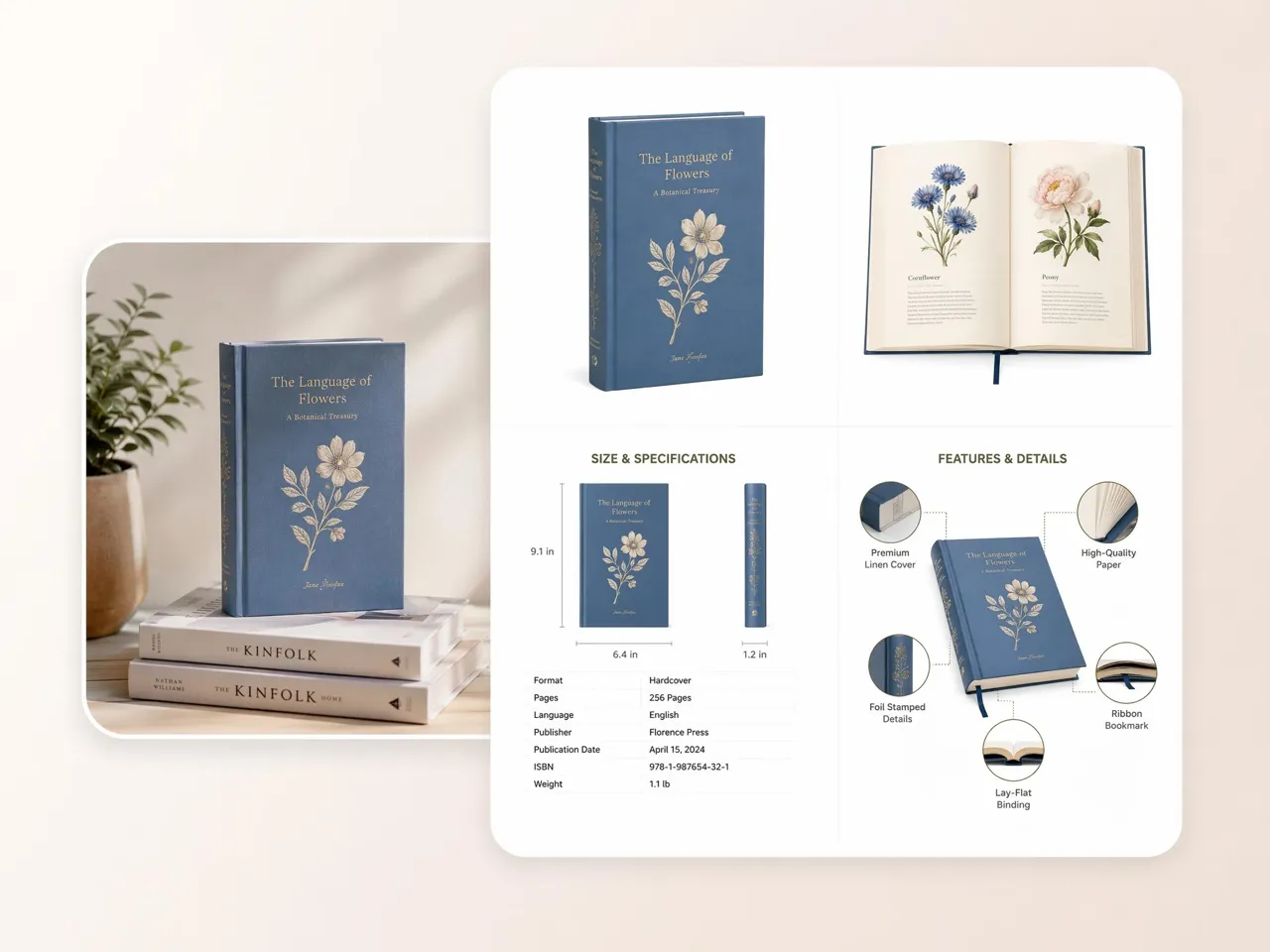
Present your cover with natural page thickness, readable spine text, balanced shadows, and realistic proportions. Every mockup is designed to resemble a professionally photographed book instead of a flat digital graphic.
Built for Authors, Publishers, and Creators
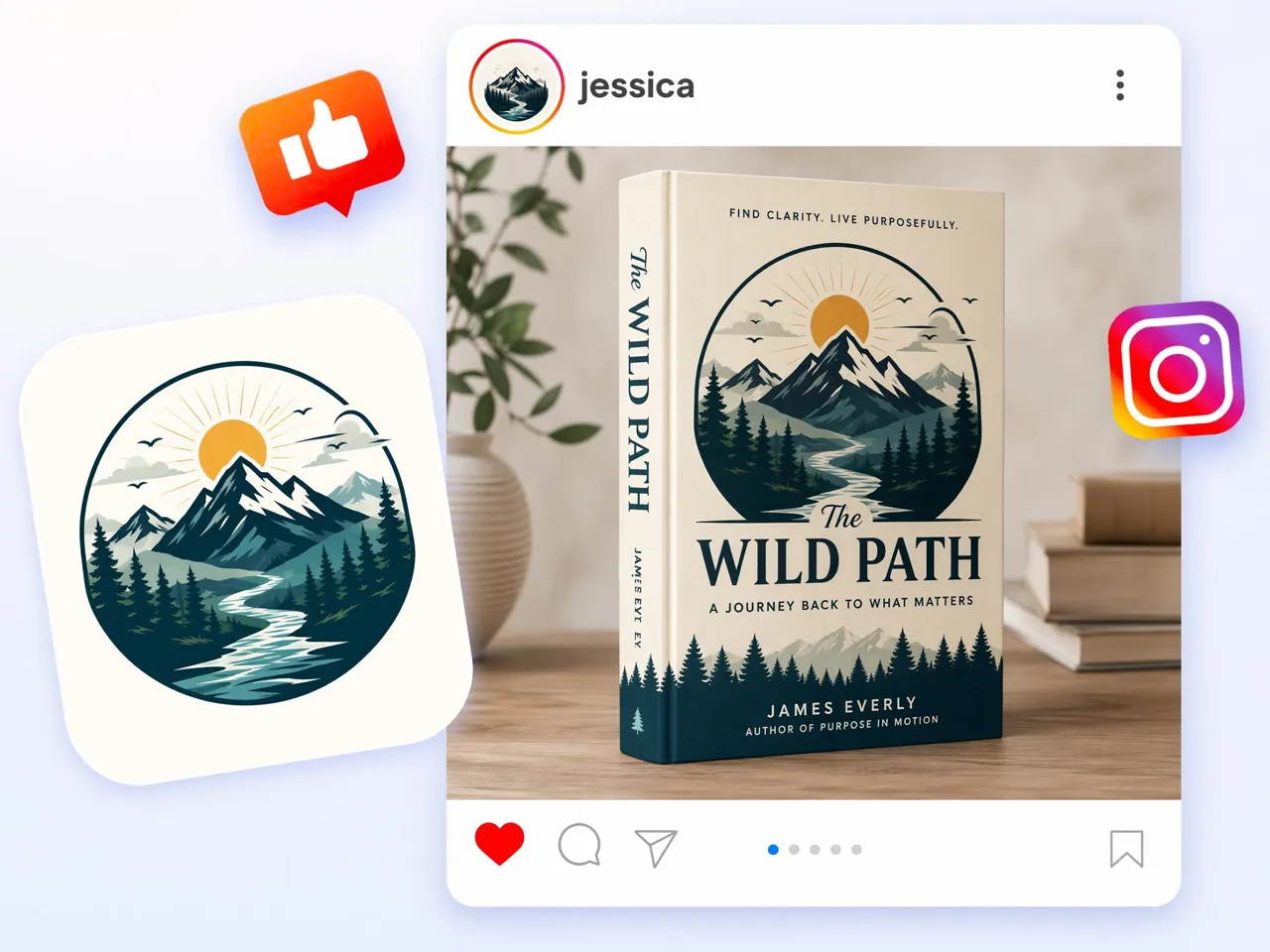
Create KDP Book Images Before Publishing
Launch your book with confidence by previewing hardcover, paperback, and ebook formats before release. Build polished visuals for Amazon KDP, author websites, and promotional campaigns without waiting for printed copies.

Why Choose Designkit Book Mockup Generator

Create Marketing Mockups Before Printing
Review book presentations before ordering proofs, helping you refine launch visuals and marketing materials early.

Skip Template Libraries and Manual PSD Mockups
Skip manual PSD editing and use the AI image generator to create custom scenes using a modern 3D book cover maker workflow.

Turn One Cover Into a Full Launch Asset Set
Build listing images, social posts, email visuals, and landing page graphics from the same cover file.

Keep Every Title Visually Consistent
Present every title with the same style across book series, publisher catalogs, and online storefronts.

Support Covers, Workbooks, and Digital Products
Use one workflow to present novels, journals, workbooks, ebooks, and educational resources professionally.

Test More Promo Concepts Faster
Compare different promotional scenes before launch to choose visuals that best support your campaign goals.
Unlock More Creative Possibilities

Mockup Generator
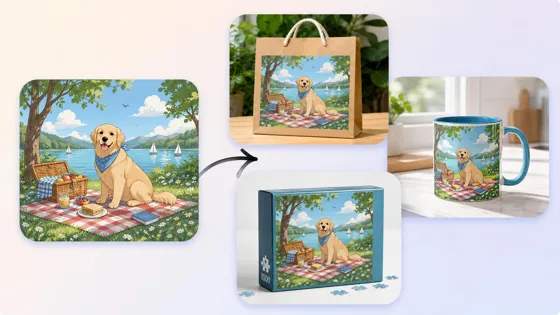
3D Mockup Generator
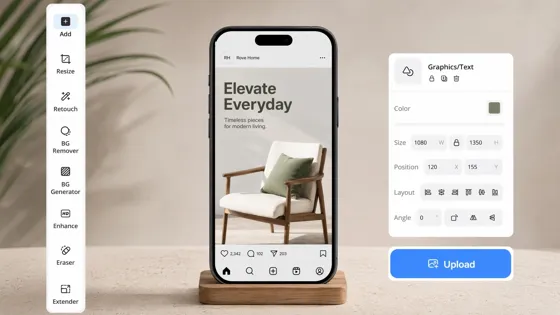
Instagram Mockup Generator
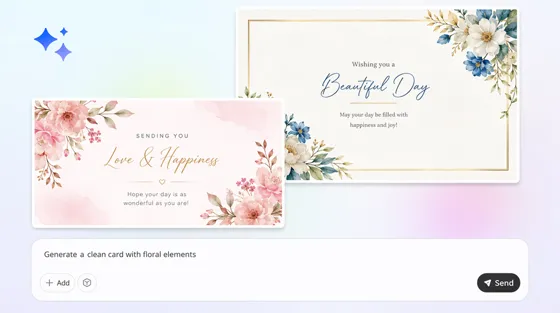
Card Mockup Generator
Frequently Asked Questions
What is a book mockup generator?
Can I create a 3D book cover from an image?
Yes. Upload a JPG or PNG book cover, and Designkit creates a realistic 3D book mockup with visible spine thickness, page depth and natural shadows. From the same cover, you can create different presentation styles for a variety of marketing and publishing needs.
Can I use book mockups for Amazon KDP?
Yes, book mockups are perfect for Amazon KDP marketing, author websites, social media, ads and A+ Content. They help you promote your book before and after launch, but they are not a replacement for the print-ready cover you need for KDP publishing.
Can I create ebook mockups?
Yes. Designkit creates ebook mockups alongside hardcover and paperback presentations. Display your cover on digital reading devices or in promotional scenes to market ebooks across websites, online stores, email campaigns, and social platforms.
Can I customize book scenes?
Yeah. Designkit creates a scene around your book. Choose the setting you like: a bookshelf in a bookstore, a reading desk, a coffee table or a studio background. This approach allows for more creative freedom than the use of fixed mockup templates.
Are book mockups useful before printing?
Yeah. Authors and publishers often use mockups to review book layouts, compile launch materials and test marketing ideas before ordering proofs or going ahead with a print run. This makes it easier to refine the marketing assets before you commit to production.
Is there a free book mockup generator I can try?
Yes. New users receive signup credits to try Designkit as a free 3D book mockup generator before upgrading. Create different scenes, compare formats, and export realistic book visuals for your marketing campaigns.
What file format do I get after exporting?
Export your book mockups in high-resolution JPG or PNG files. These formats are perfect for Amazon KDP marketing, author websites, online bookstores, social media, and promotional campaigns. You can use the exported images right away without any further editing or resizing.
Turn Your Book Cover Into a Launch-Ready Mockup
Create realistic book visuals for publishing, marketing, and online stores with AI. Upload your cover and generate professional mockups in minutes.



What Authors Say About Designkit Book Mockups
See how writers, publishers, and designers create realistic book visuals without traditional mockup software.
Created Launch Images Before Publishing
My manuscript was ready, but printed copies weren't. I uploaded the cover to Designkit and created hardcover, paperback, and ebook mockups for my Amazon launch, website, and social media, giving readers a complete preview before release.
Faster Client Presentations
Clients often find it difficult to judge flat cover artwork alone. By presenting realistic book mockups instead, I shortened review cycles and usually reached final approval after the first presentation instead of several revisions.
Consistent Publishing Catalogue
Managing multiple titles meant using different PSD templates for every release. Designkit helped us present every book with the same visual style, making our online catalogue look more organized and easier for readers to browse. FAQs