
Create Your Own Nail Designs and Try Them On
Describe the shape, colors, and finish you want, or paste a reference. Generate a full set and preview it on your hand so you can show your nail tech exactly what you mean.
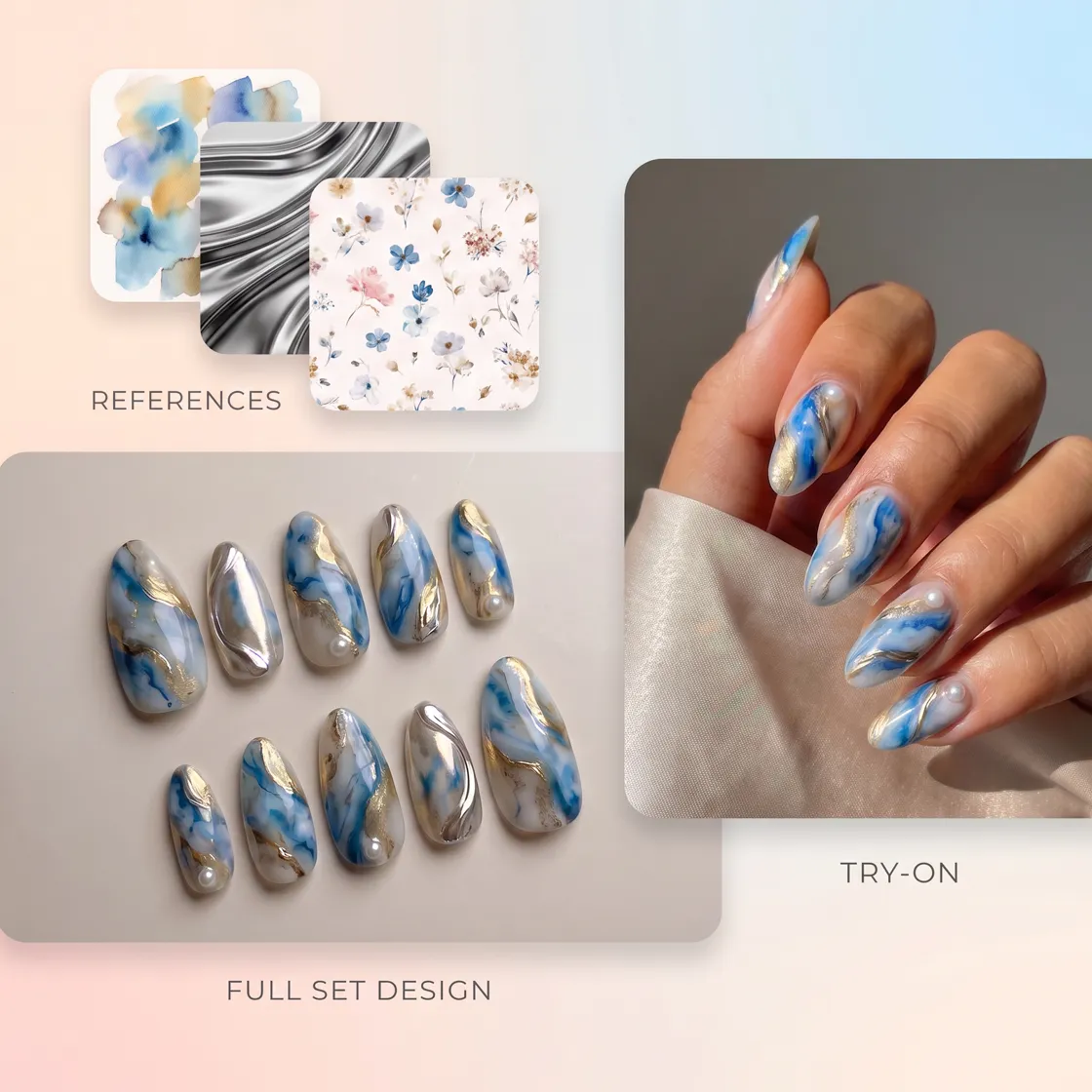
Turn Your Nail Ideas Into Designs With AI
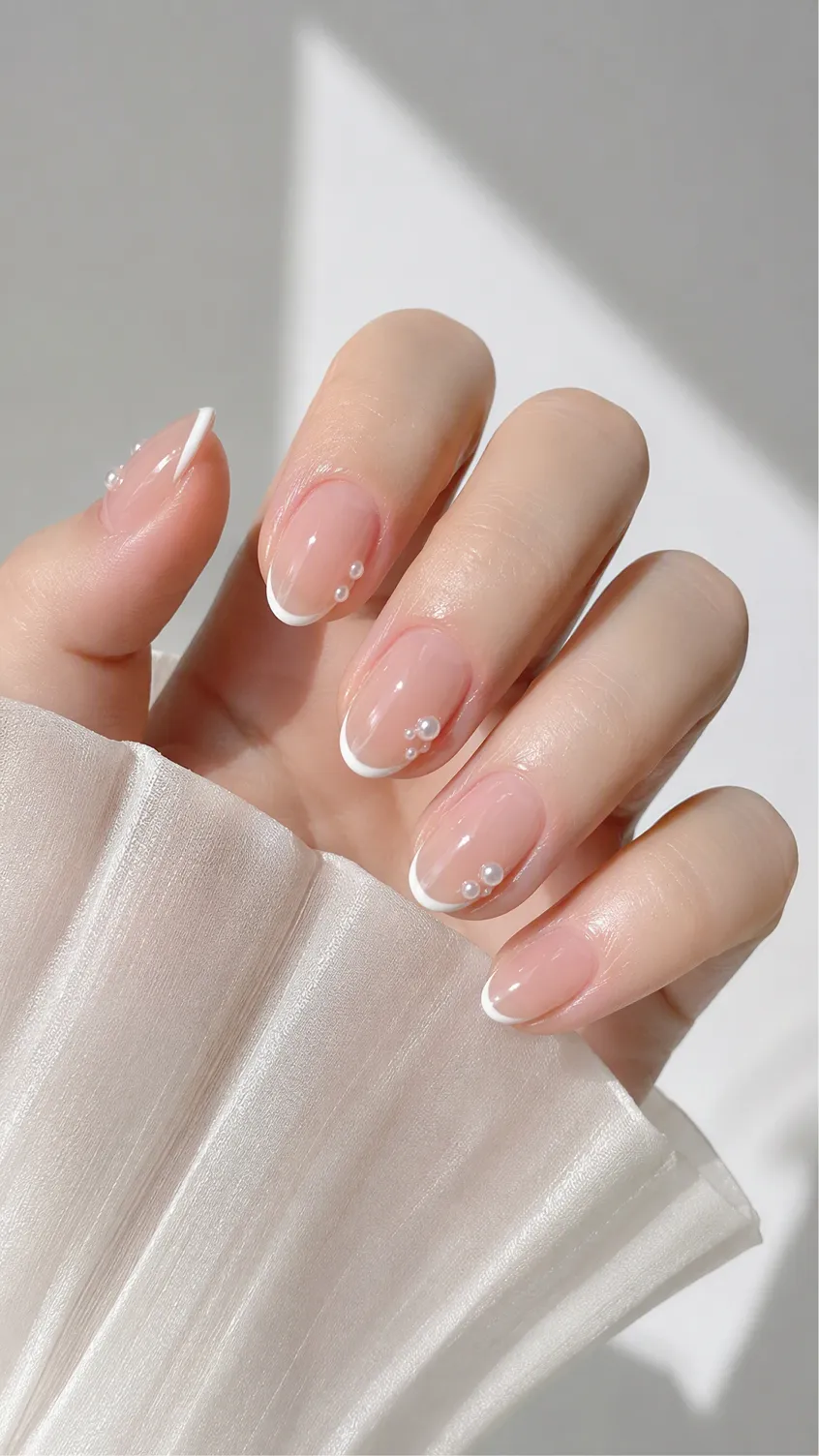
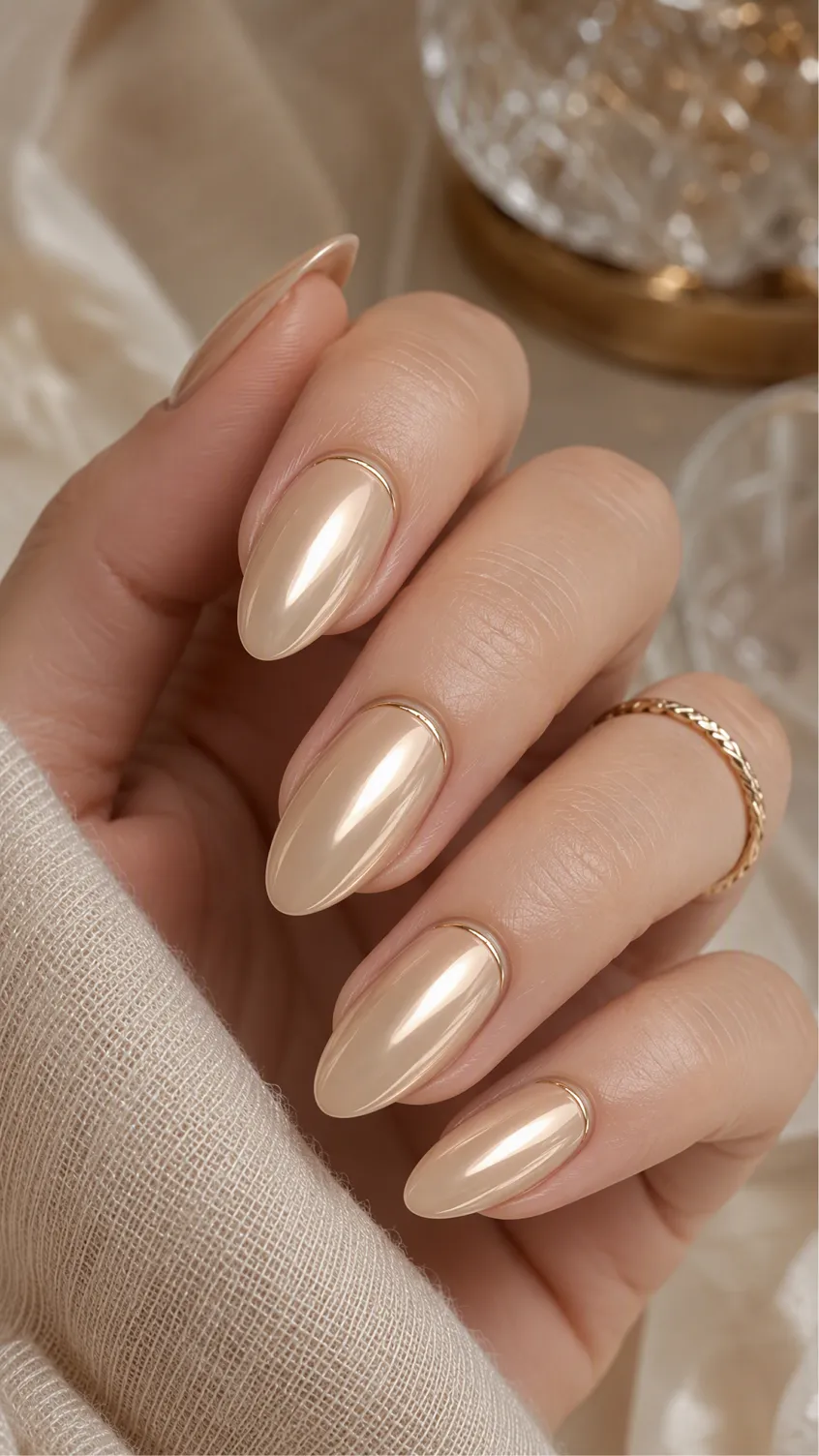
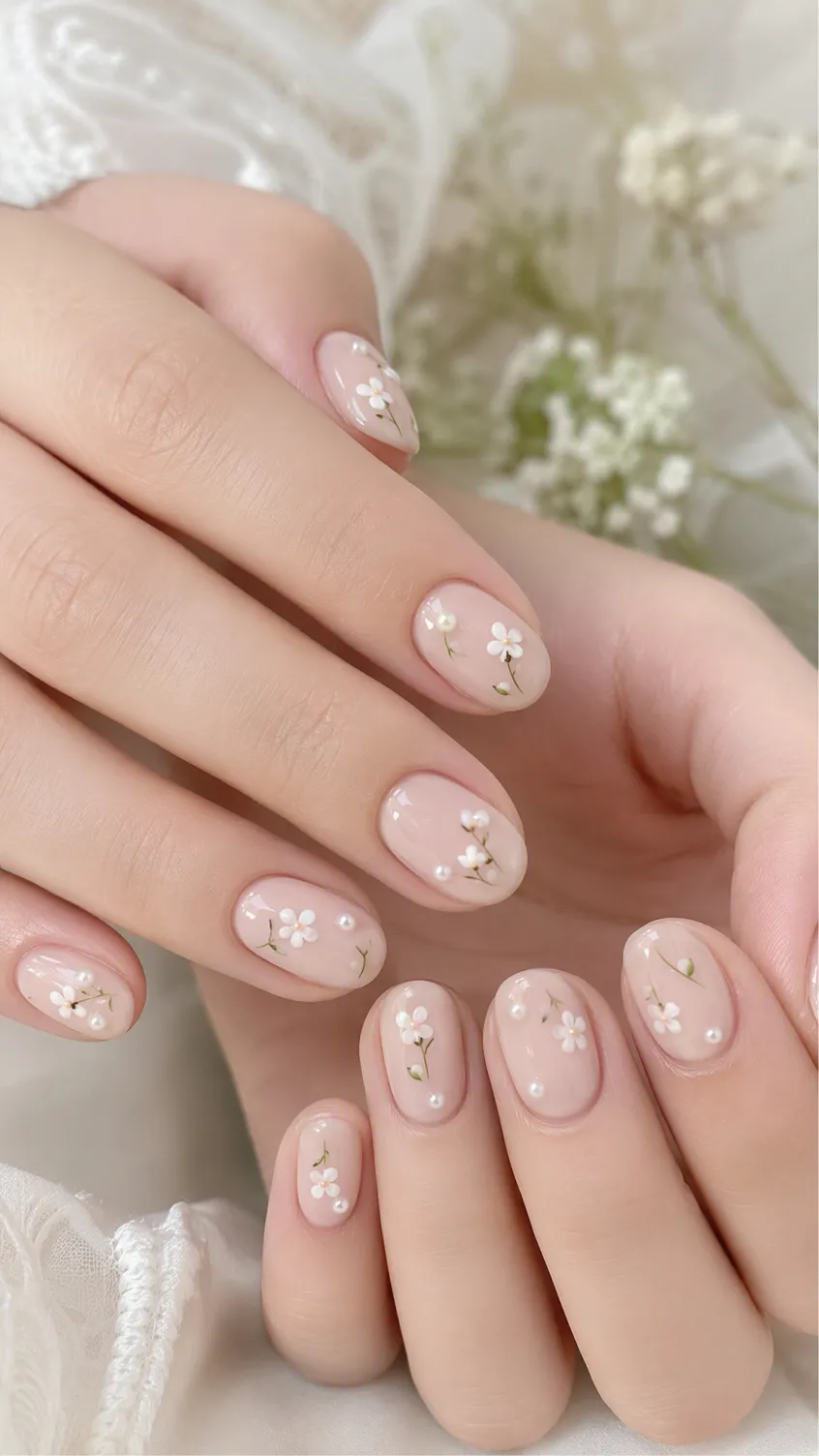
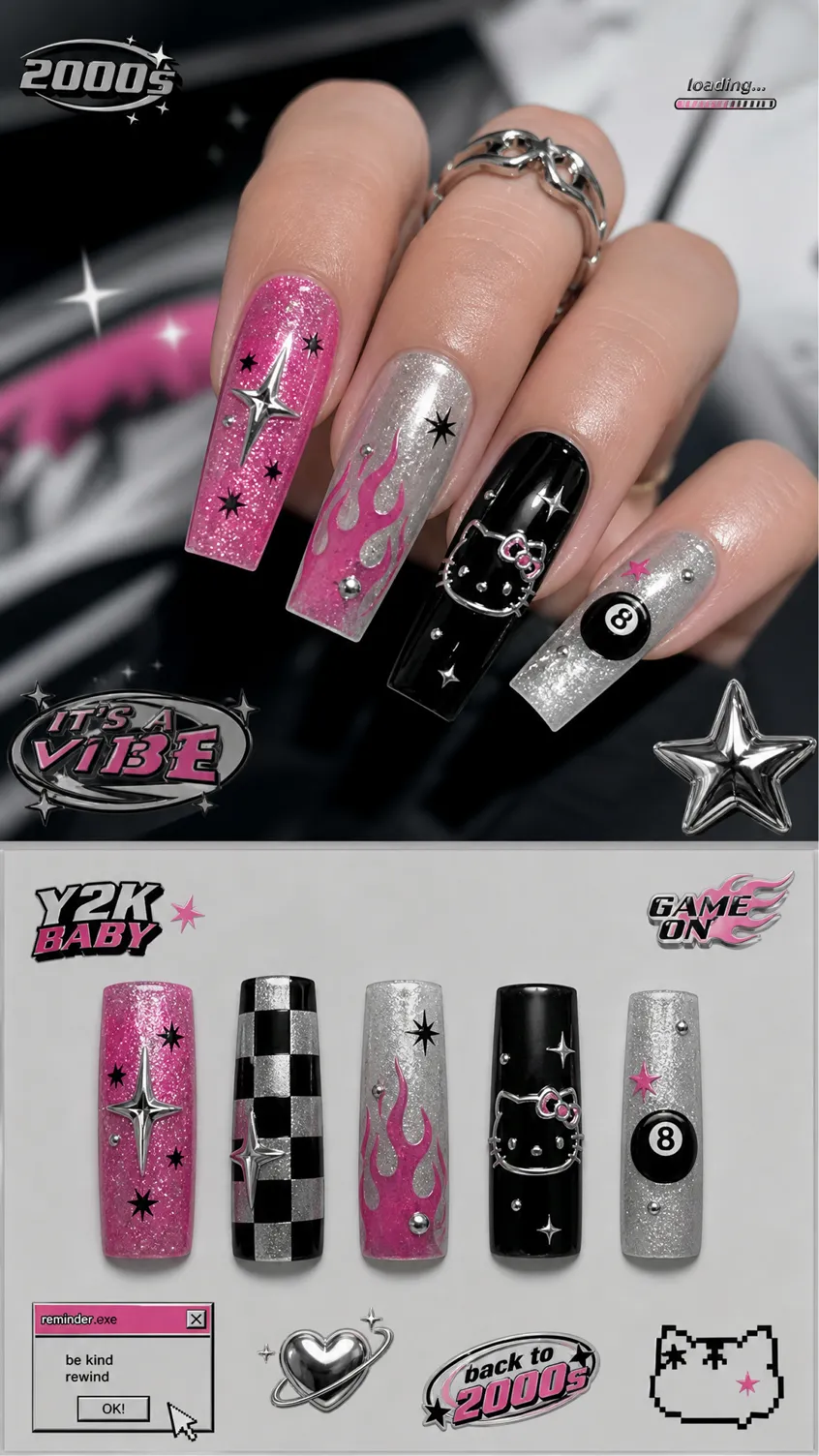
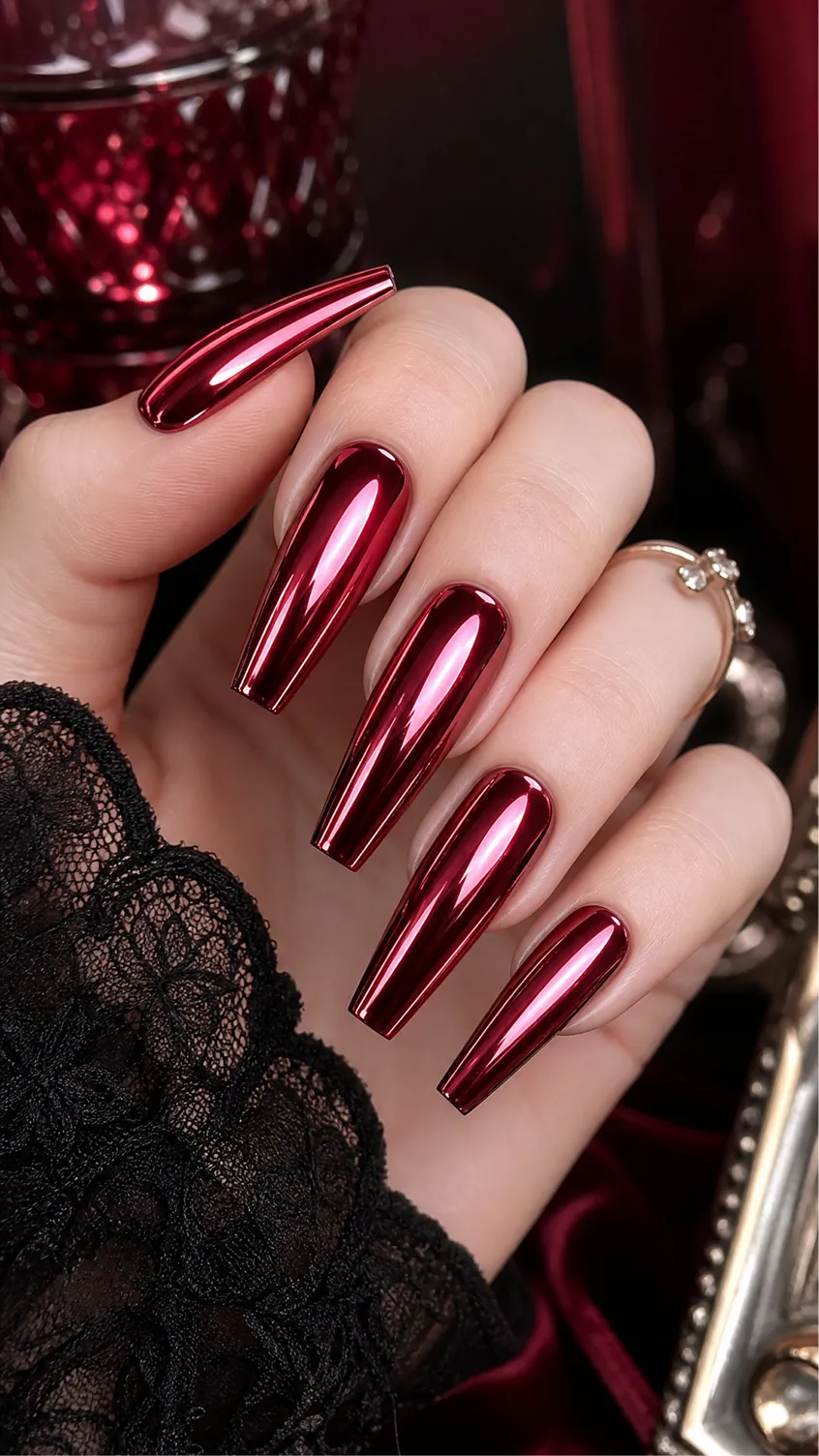
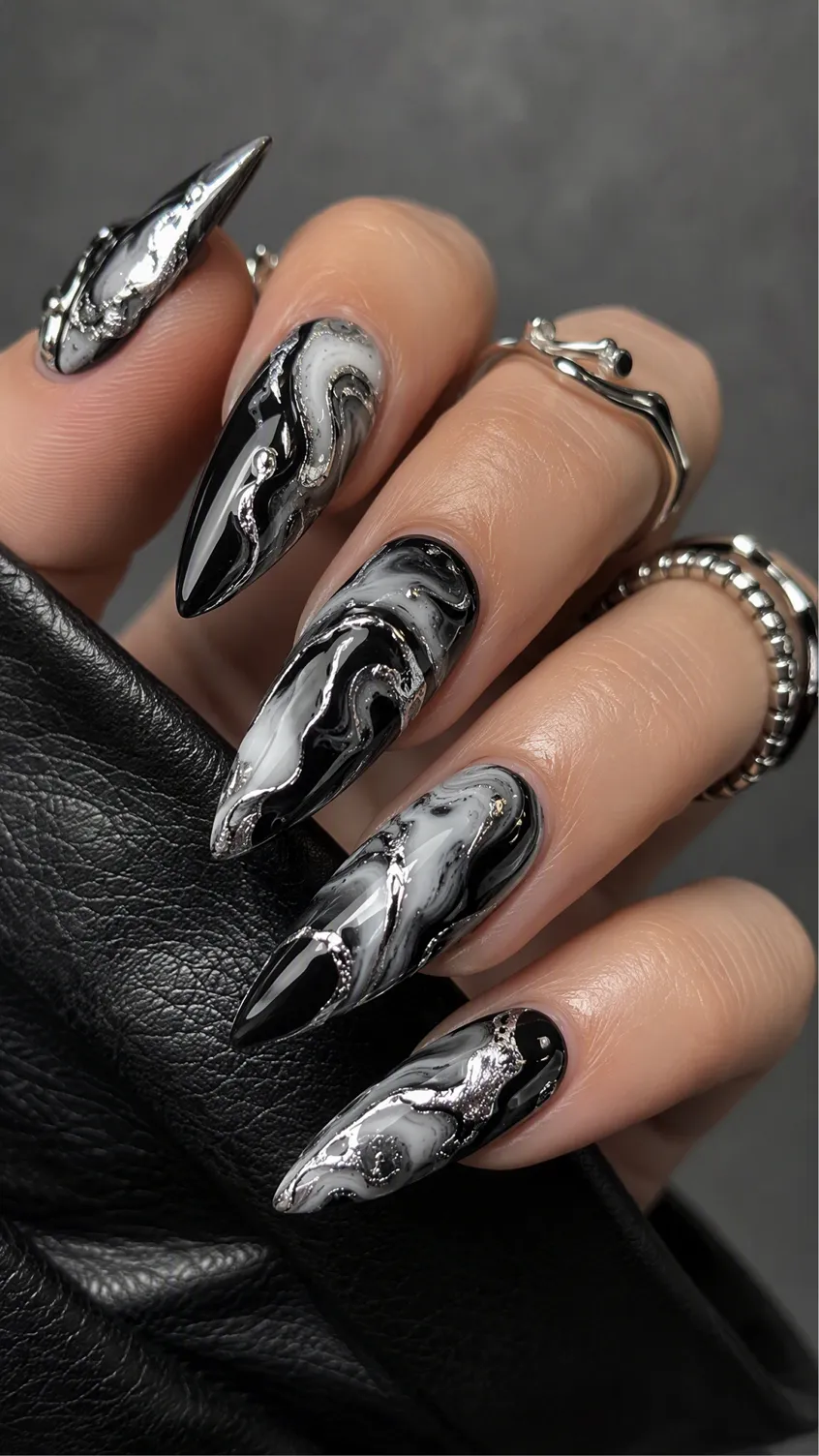
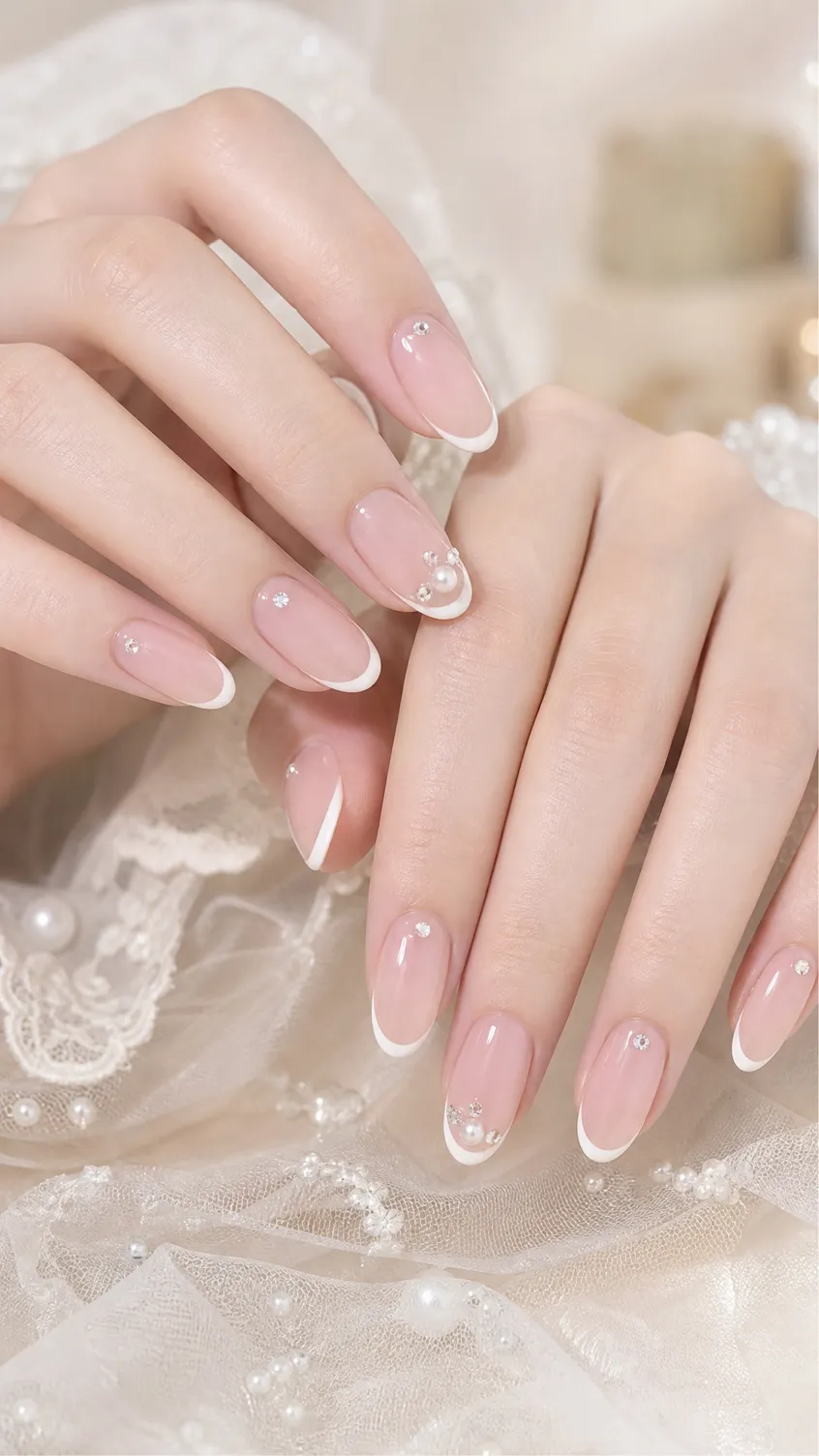
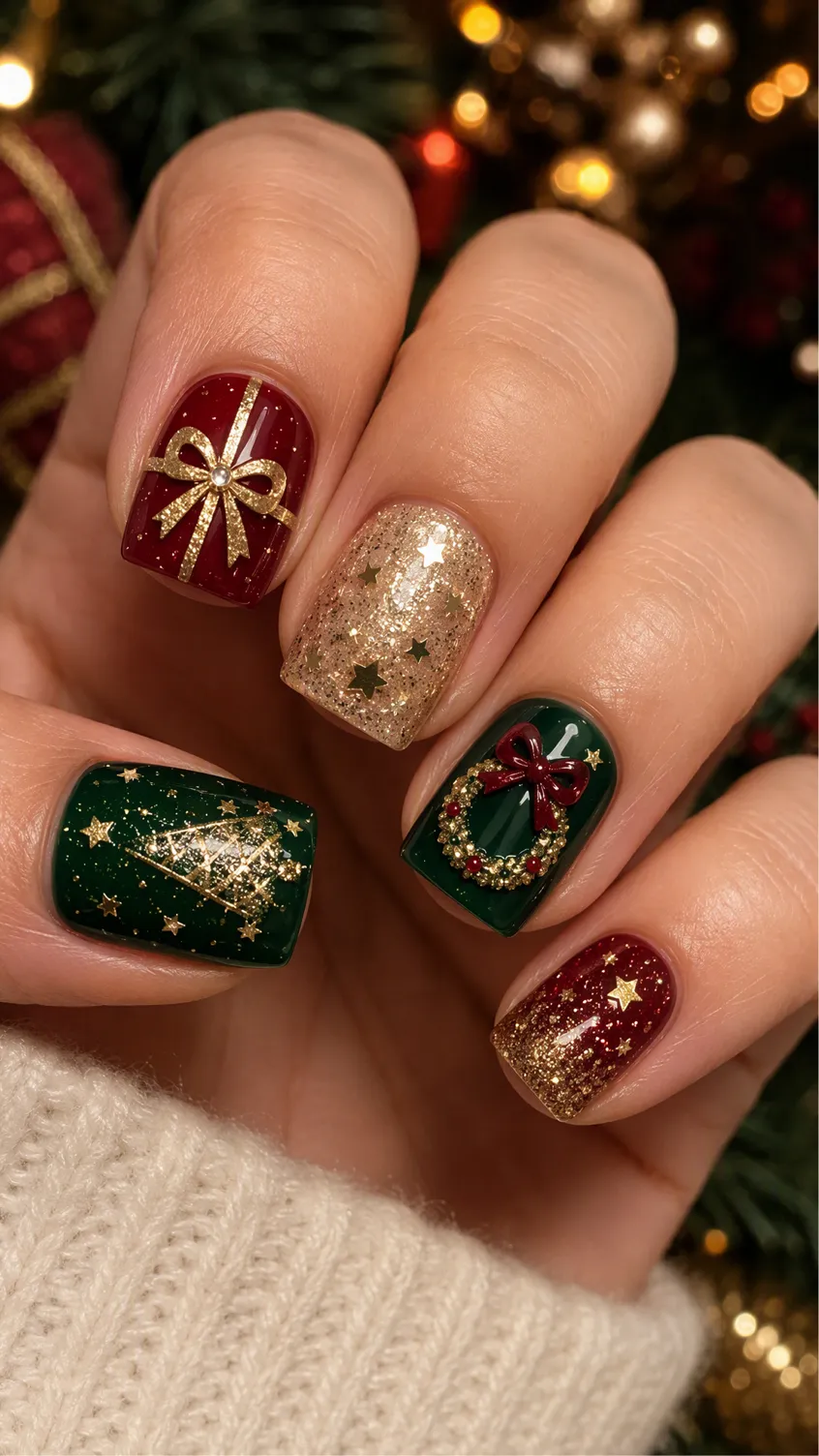
How to Create and Try On AI Nail Designs with Designkit
Step 1. Upload Your Hand Picture
Sign in to Designkit and go to the home page. Upload a clear picture of your hand to use as the base for your nail design. Choose image generation model.

Step 2. Add Design Ideas or a Reference
Describe the nail color, shape, pattern, length, or finish you want. You can also paste a reference image so Designkit can guide the design direction.

Step 3. Create Nail Design and Try it On
Generate your nail design, then use Virtual Try-On to see how the design looks on your uploaded hand photo before deciding on the final look.
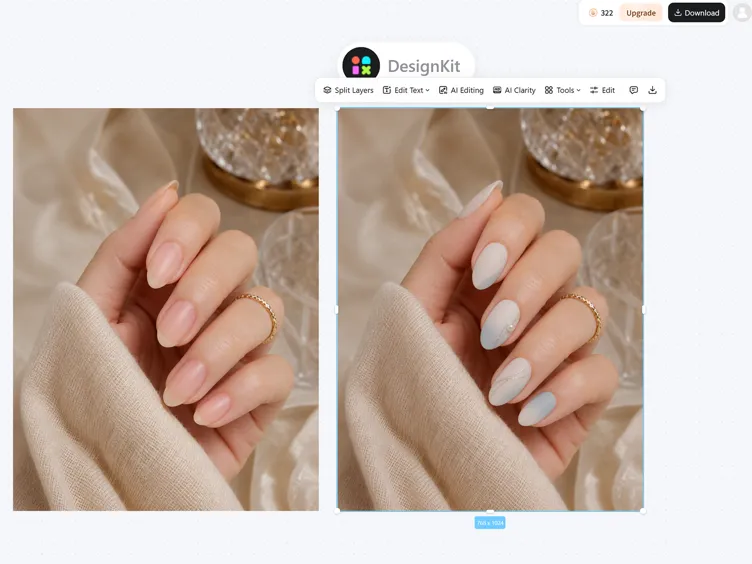
Create Nail Designs and See How They Look
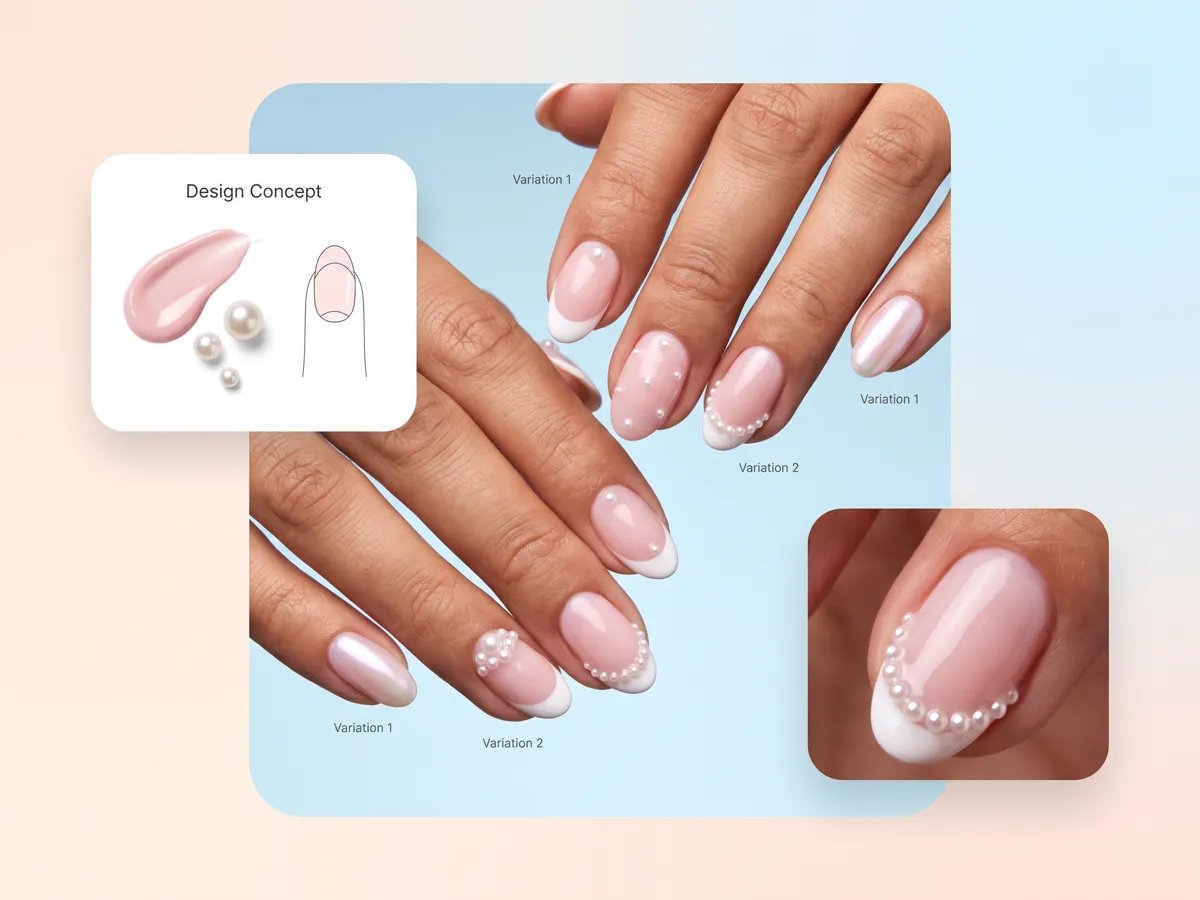
Build a Complete Manicure Look From One Nail Idea
With Designkit, turn a simple nail idea into a complete manicure by defining the shape, color, pattern, length, and finish. Its nail design generator helps you develop a cohesive look from one concept and explore different combinations before making a decision. Use it to design your own nail style and see how the elements work together in one finished look.
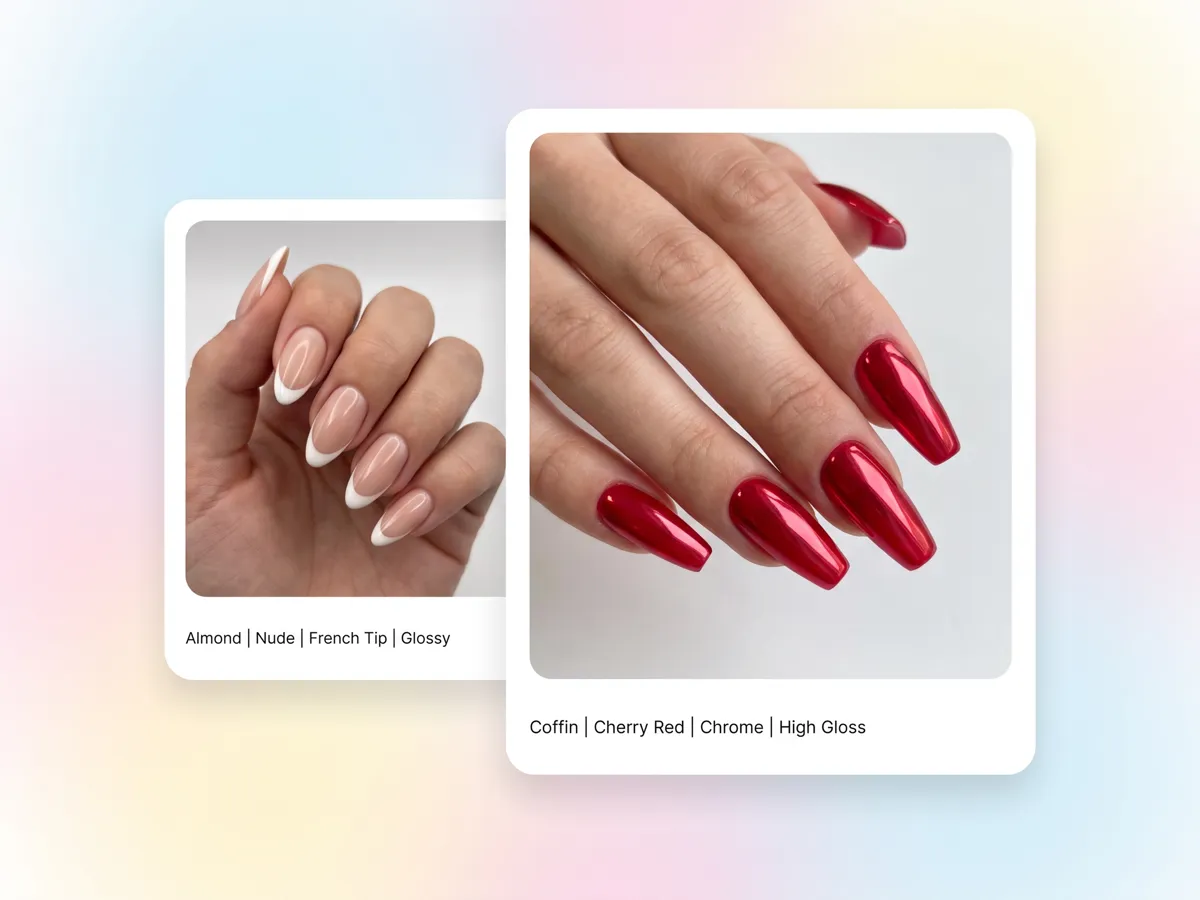
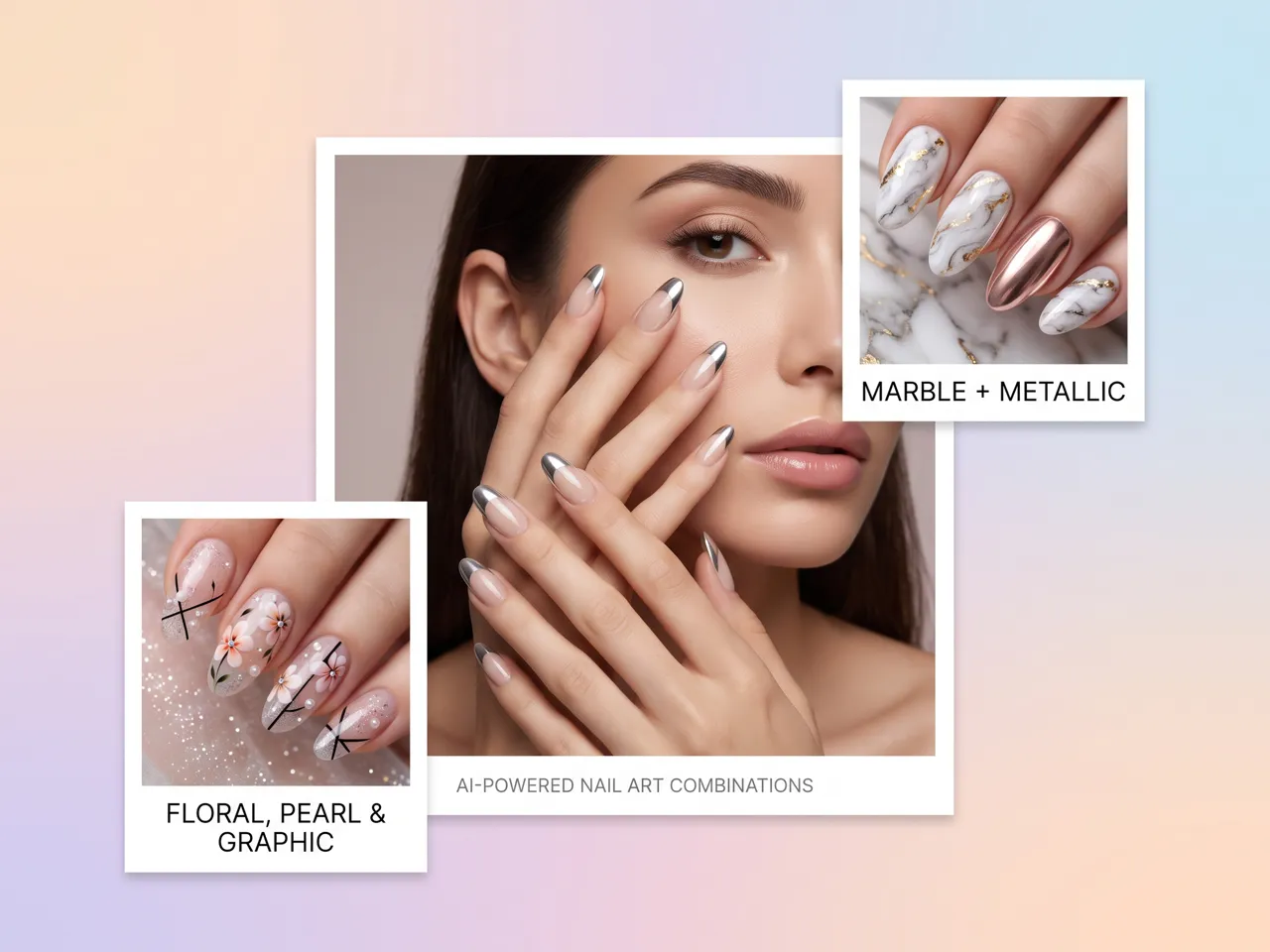
Customize Shape, Color, Pattern, and Finish Together
Designkit lets you combine nail shape, color, pattern, length, and finish in one design instead of testing each element separately. Its AI nail art generator can help explore combinations such as almond, square, or coffin shapes with glossy, matte, or metallic finishes. Use virtual nail color try on to compare shades and find a suitable color direction.
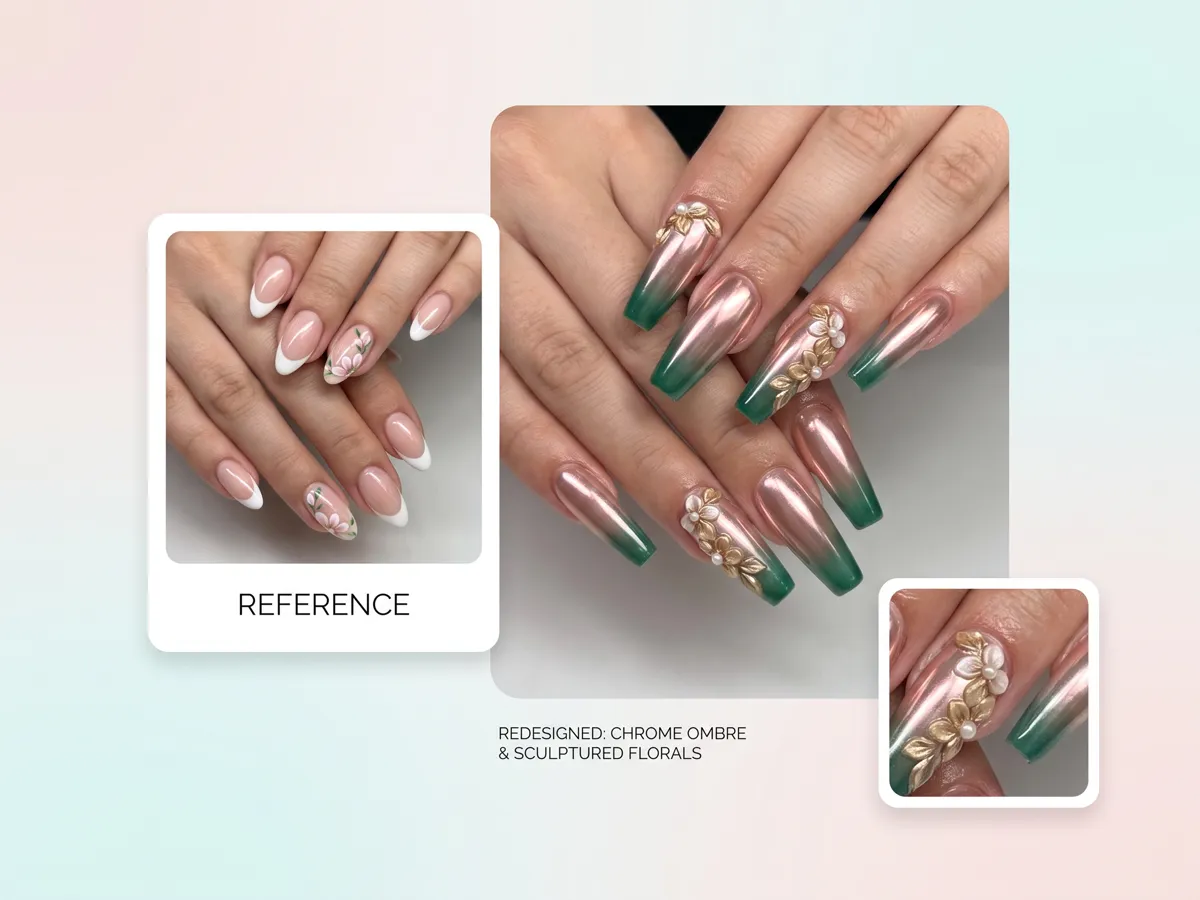
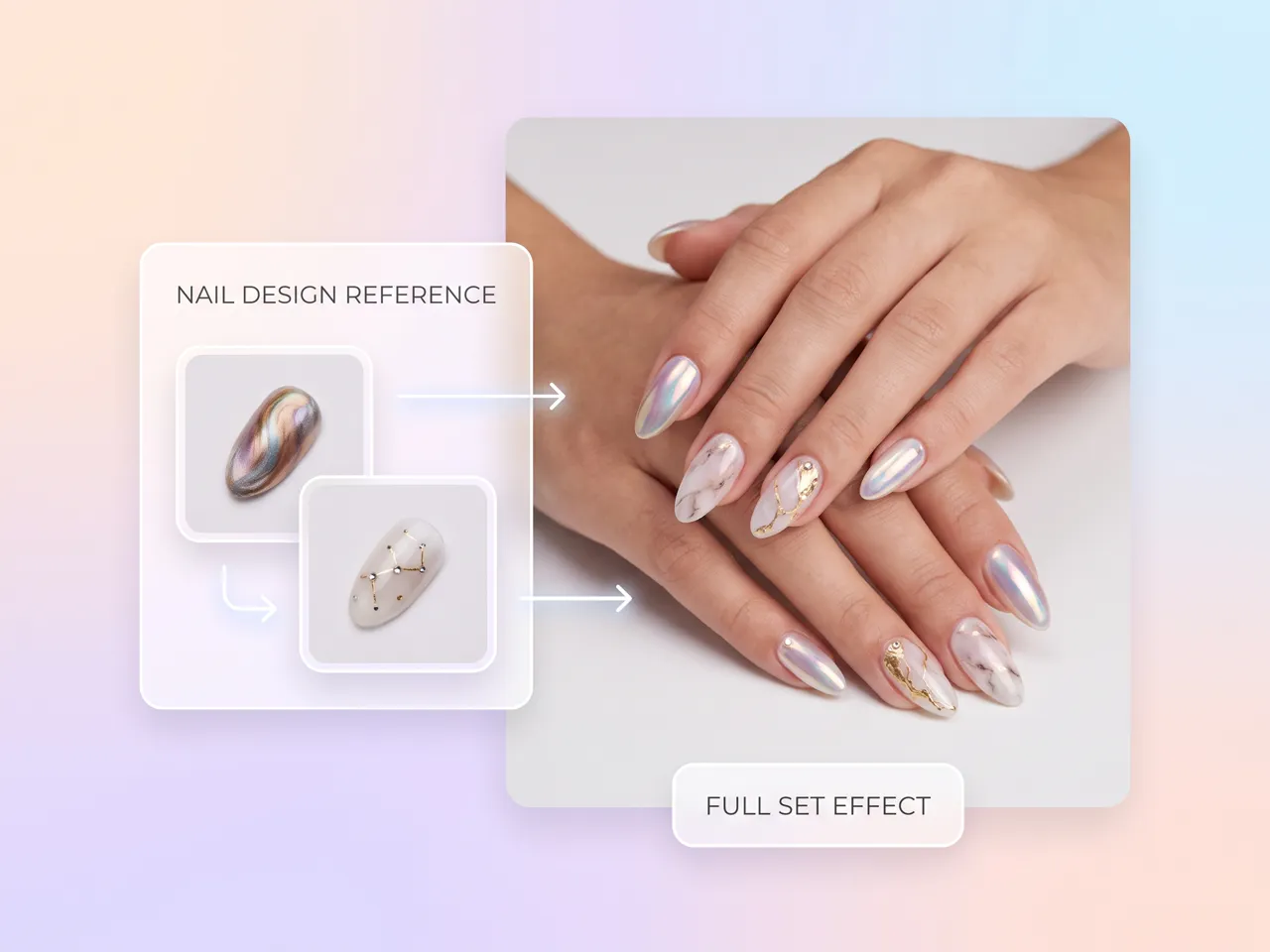
Remix Your Nail Reference Into a Brand-New Look
Upload a favorite nail reference to Designkit and use it as the starting point for a new style. Keep the details you like while changing the shape, colors, patterns, length, or finish. The AI image-to-image generator helps transform an existing reference into fresh variations, giving you more ways to create your own nail art without starting from a blank design.
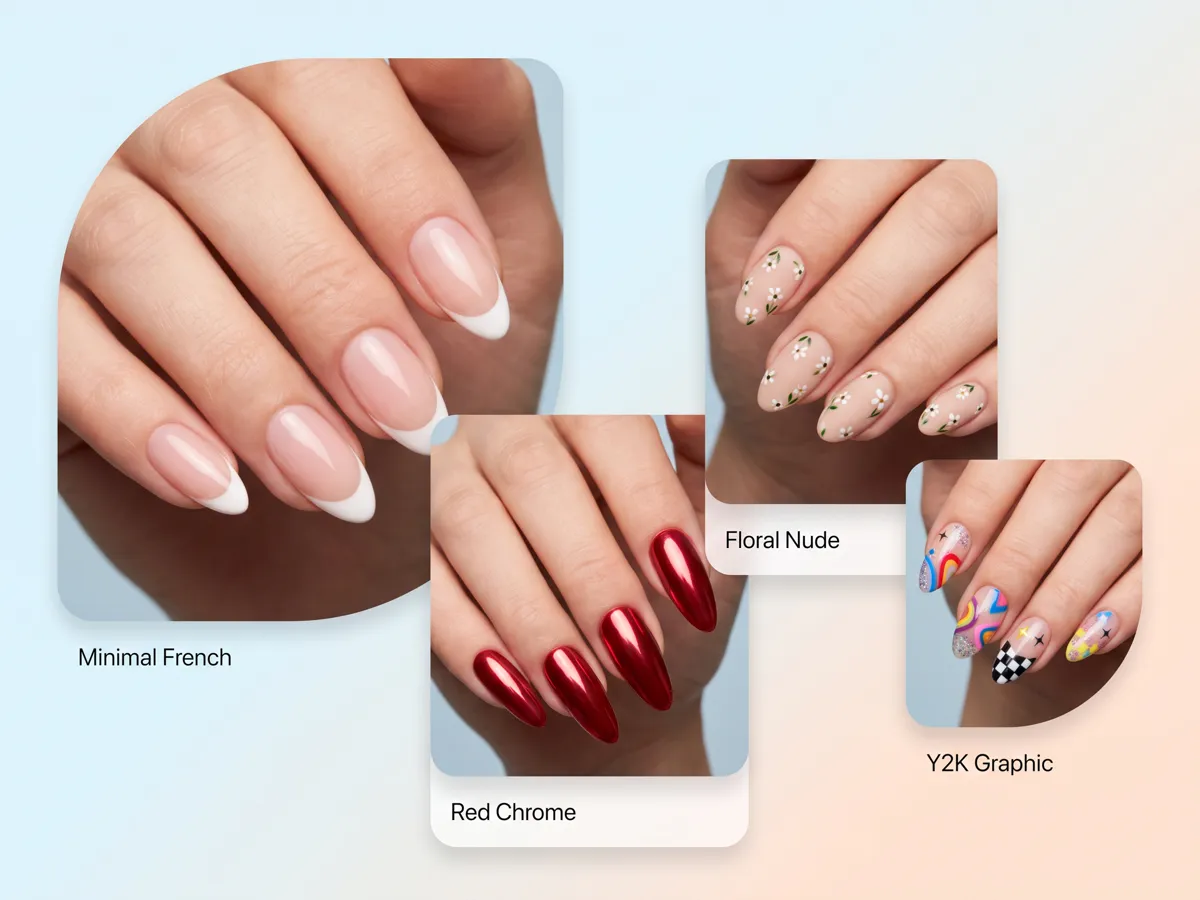
Compare Multiple Nail Looks Before Choosing One
Designkit helps you explore multiple nail concepts before settling on one. Generate variations with different shapes, colors, patterns, lengths, and finishes, then compare the results to narrow down your preferred style. With virtual try on, you can preview how different shapes may change the overall manicure and identify the look that matches your desired style.
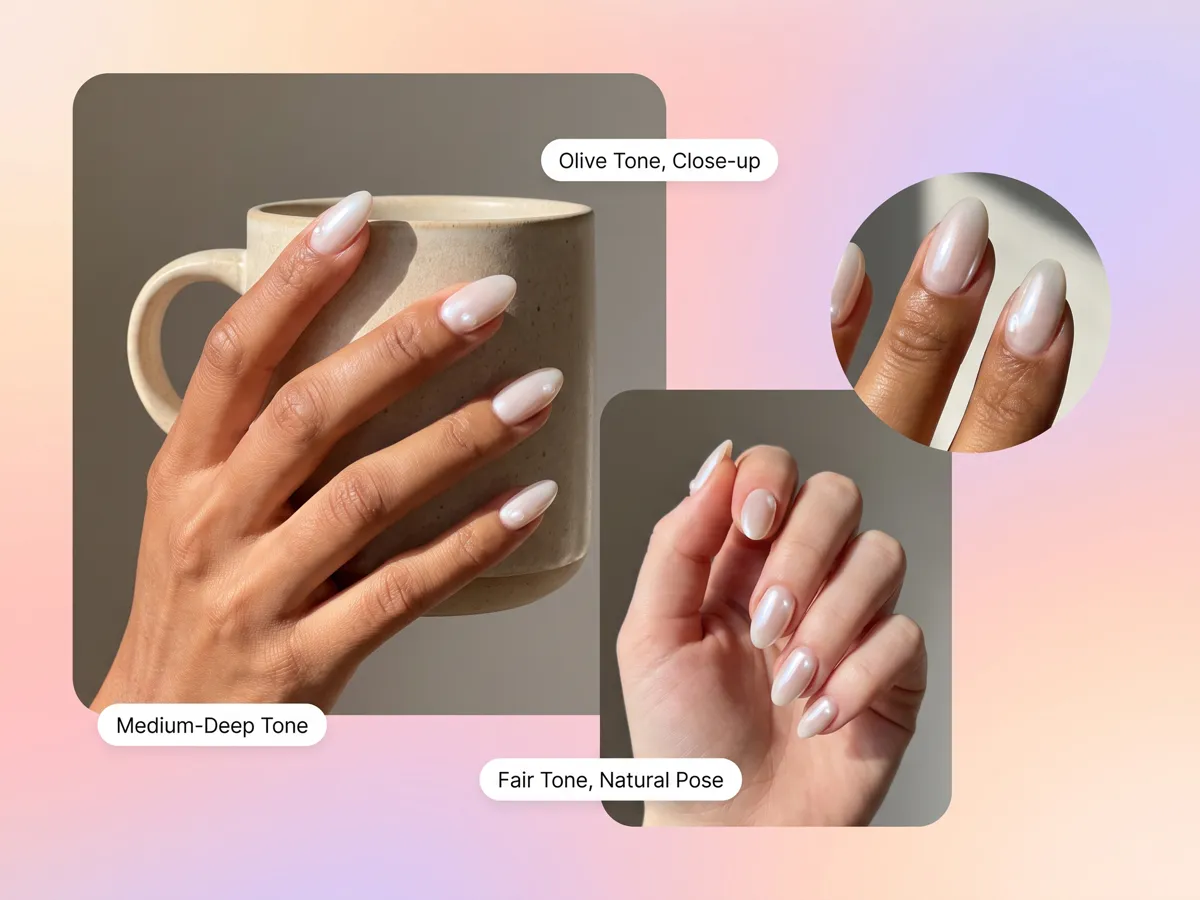
Preview Your Nail Design on Your Uploaded Hand Photo
Upload a hand image to Designkit and preview how your selected nail concept looks when applied. This gives you a clearer idea of the complete manicure before choosing a final design. You can also use the AI photo editor to make adjustments to the source image before generating a more suitable virtual try-on result.
Who Can Use Designkit AI Nail Generator
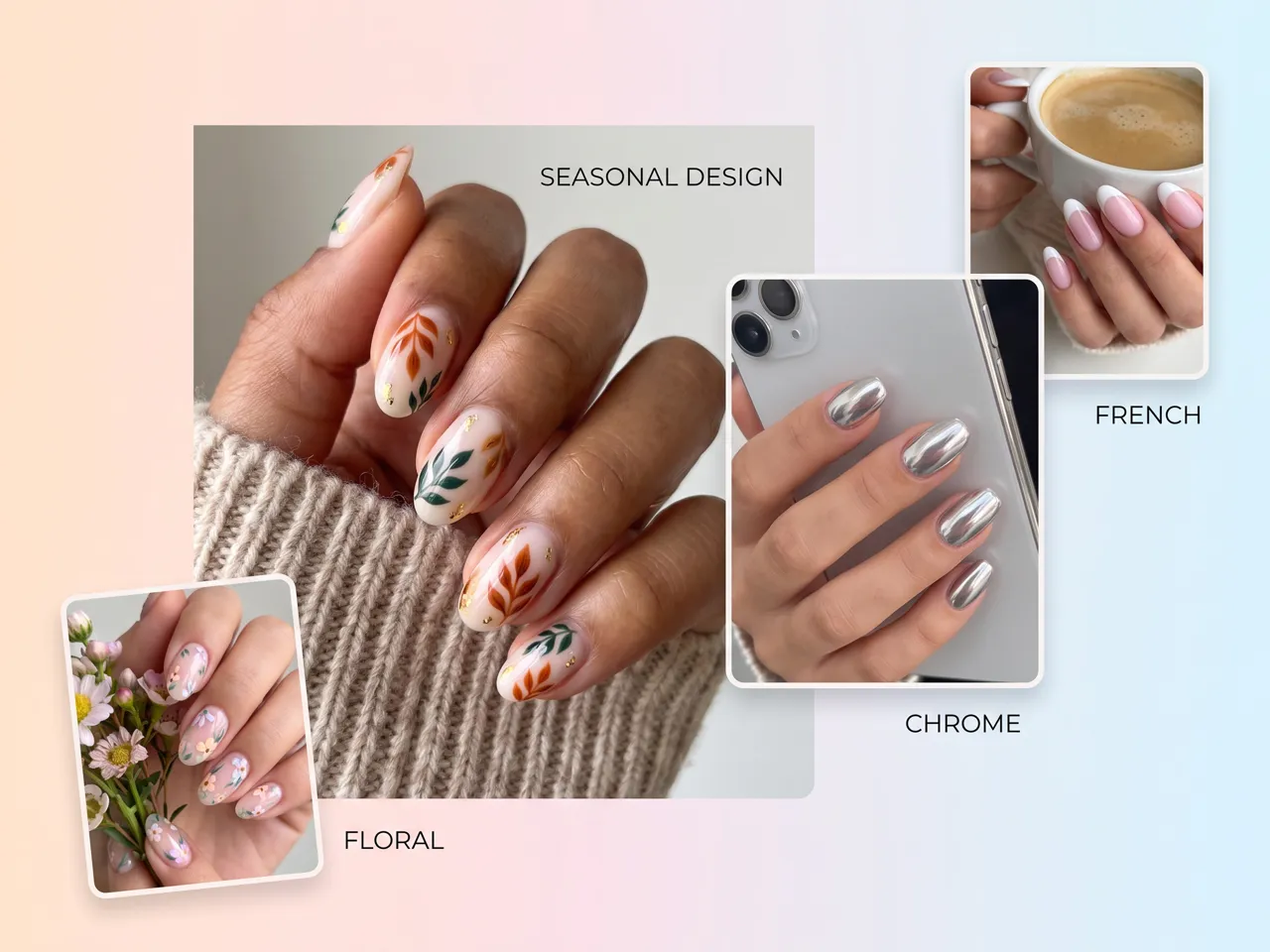
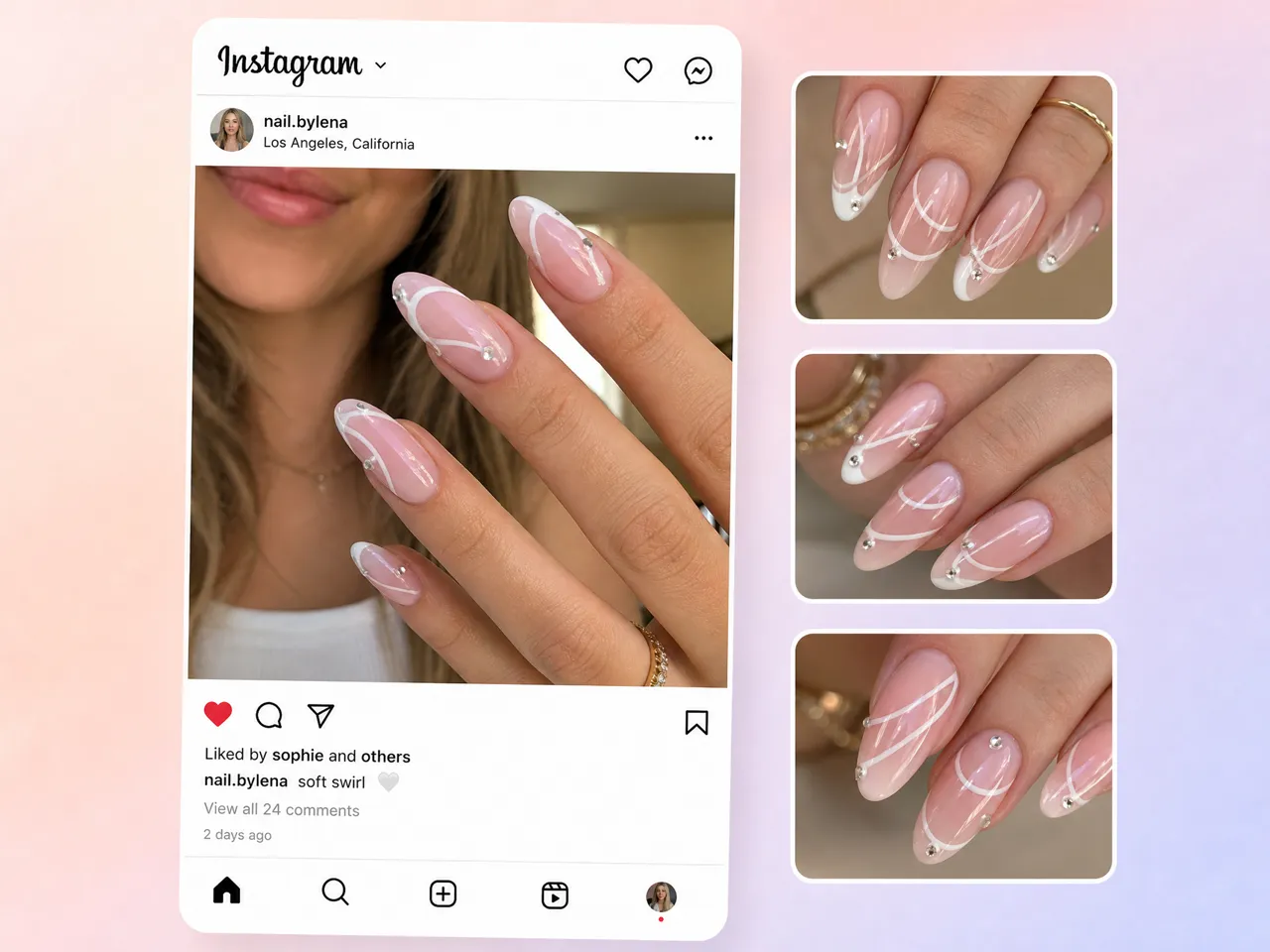
Preview a Nail Design Before Your Appointment
Explore colors, shapes, patterns, finishes, and decorative details before visiting a salon. Use a virtual nail try on to compare different looks and narrow down the design you want to request.
Why Choose Designkit for AI Nail Design

Experiment Without Using Real Nail Products
Explore nail colors, patterns, shapes, and finishes virtually before applying polish or buying products, so you can compare ideas without wasting materials.
Plan the Look Before Paying for the Manicure
Preview your preferred nail design before booking a manicure. Test different styles and details to find a look that matches your outfit, occasion, or preference.
Try AI Nail Design Online With Free Credits
Explore AI nail design ideas with free credits before committing to a paid workflow. Generate different looks and refine your manicure concept at your own pace.
Unlock More Ways to Create Nail Design Ideas
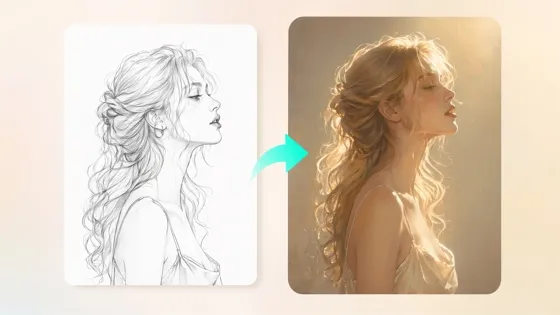
Sketch to Image AI
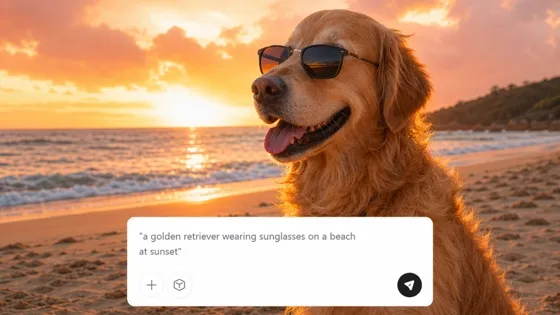
AI Text to Image
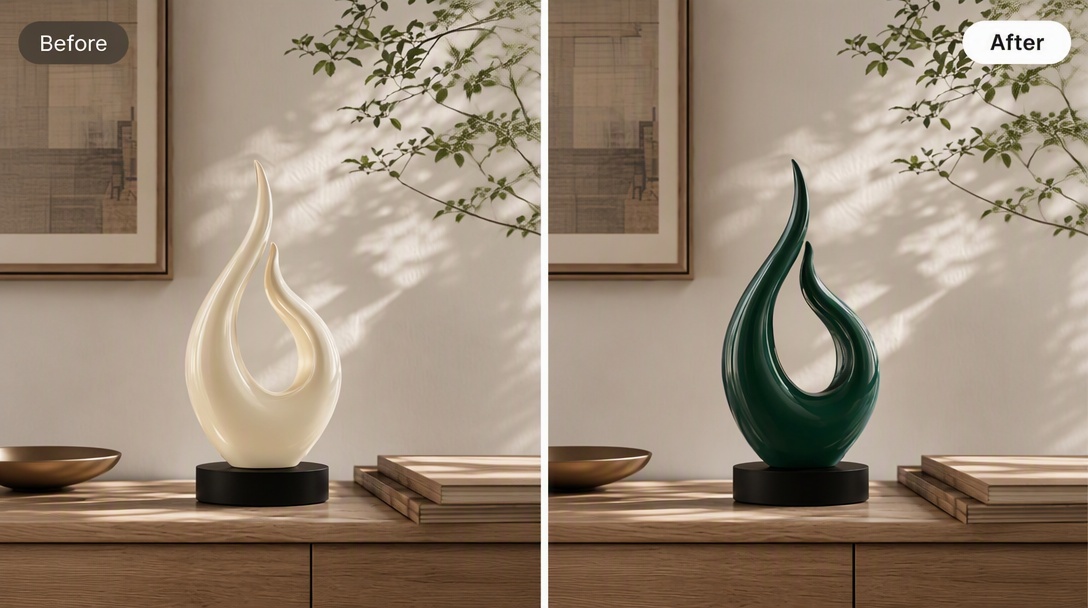
AI Color Changer
Image Combiner Online
Frequently Asked Questions
Can I generate a nail design for a specific shape?
Can I use my own nail photo as a reference?
Uploading your own nail photo can help you explore designs based on your existing nail length, shape, or overall appearance. Designkit supports image-based creative workflows, so you can use a reference image and build from it rather than describing every visual detail from scratch. For more detailed transformations, you can also continue editing the generated result.
Can I generate a virtual nail color try-on?
You can explore different Polish colors and finishes by using your nail photo or a suitable reference image as the starting point. Designkit's image editing capabilities can help you test creative color directions before deciding on a manicure, including lighter, darker, metallic, pastel, or more unconventional shades. You can also use change image color workflows when exploring color variations in an existing image.
Can I create nail art with several colors?
Yes. You can describe multiple colors and specify how you want them arranged, such as alternating nails, French tips, gradients, color blocks, or accent nails. Designkit's image generation tools can turn those instructions into visual concepts, while further editing lets you adjust the palette, patterns, and other details until the combination matches your idea.
Do the results look realistic enough to show my nail tech?
They can be used as visual references for communicating a manicure idea, although an AI-generated image should not be treated as an exact prediction of how the finished physical manicure will look. For more specific concepts, provide details about shape, length, colors, finish, and decorations. Designkit also lets you refine the generated image, so your reference better represents the design you want to discuss.
Can I generate different designs for each nail?
You can describe a manicure where individual nails have different colors, patterns, artwork, or accent details. For example, you could request a set with solid-color nails, two patterned nails, and one decorative accent nail. Designkit's image-generation workflow can explore the complete set from one creative direction and help you develop variations.
Can each nail in the set look different?
A single manicure concept can include different designs across individual nails while still following an overall theme. You can specify which nails should have particular colors, patterns, finishes, or decorations, then refine the generated result to explore alternatives. If you are starting from a hand-drawn idea, an AI sketch to image generator workflow can also help turn a rough concept into a more developed visual reference.
See Your Nail Design Before You Choose It
Generate a few full manicure options, preview them on your hand, and bring a clear reference to your next visit. Start with free credits.



What People Say About Designkit AI Nail Generator
Real experiences turning manicure ideas into visual nail references.
I Finally Had Something to Show My Tech
I usually saved ten different nail photos and still couldn't explain what I wanted at my appointment. I described the colors, almond shape, and chrome finish in Designkit and created a few variations. Showing the final reference to my nail technician made the consultation much easier.
It Helped Clients Explain Vague Ideas
Clients often arrive saying they want something “simple but different.” I started using generated concepts to explore colors and patterns with them. Instead of going back and forth trying to describe the idea, we could discuss an actual visual reference.
I Found Better Color Combinations
I had been using the same pink and nude combinations in my content. Creating different palettes with Designkit helped me experiment with chrome, burgundy, green, and metallic details and gave me new ideas for upcoming posts.
I Could Test Designs Before My Appointment
I wanted a bold manicure but wasn't sure whether chrome, glitter, or a matte finish would work with the colors I liked. Creating several versions beforehand helped me narrow down the design I actually wanted.
It Made My Nail Portfolio More Varied
I wanted to expand my portfolio beyond the same floral and French-tip sets. I used different prompts for patterns, finishes, and color combinations to develop new concepts, which gave me more directions to experiment with in my actual work.