
AI Color Changer: Professional Online Tool for Instant Product Color Swapping
Stop letting unshot color variants delay your product launch. Our AI color changer allows you to transform a single photo into an entire multi-color collection in seconds. We guarantee realistic fabric textures, natural light physics, and crystal-clear HD quality that looks 100% authentic.
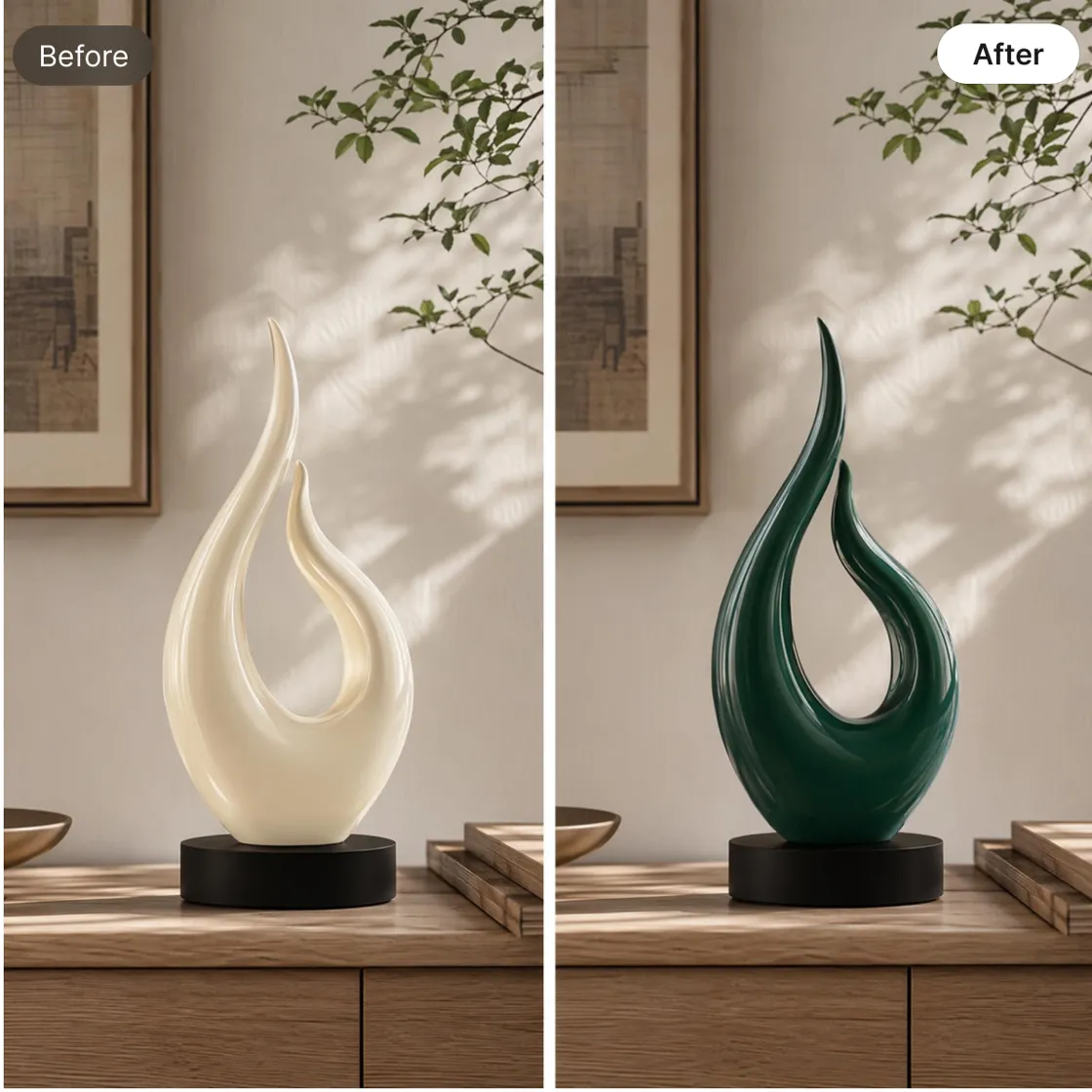
How to Change Product Colors in 3 Easy Steps
Upload Your Master Asset
Upload a high-res photo of your product in any color. Our AI supports PNG, JPG, and more, locking in every fine detail from fabric grain to metallic sheen.
Pick Your Exact Palette
Select from curated presets or enter a custom HEX code to match your physical production samples. The AI intelligently maps the new color onto the object, respecting original shadows and highlights.
Export Your Global Catalog
Review the color accuracy and click 'Download.' Your high-definition assets are ready for Shopify, Amazon, or social media ads instantly.

Build Product Visuals Before Every Color Sample Arrives
Launching products in multiple colors often requires waiting for additional samples and scheduling separate photoshoots. This can delay listing preparation, campaign planning, and marketplace updates. Designkit helps generate color variations from existing product photos, allowing teams to prepare product pages, promotional graphics, and marketing assets sooner without waiting for every version to be photographed.
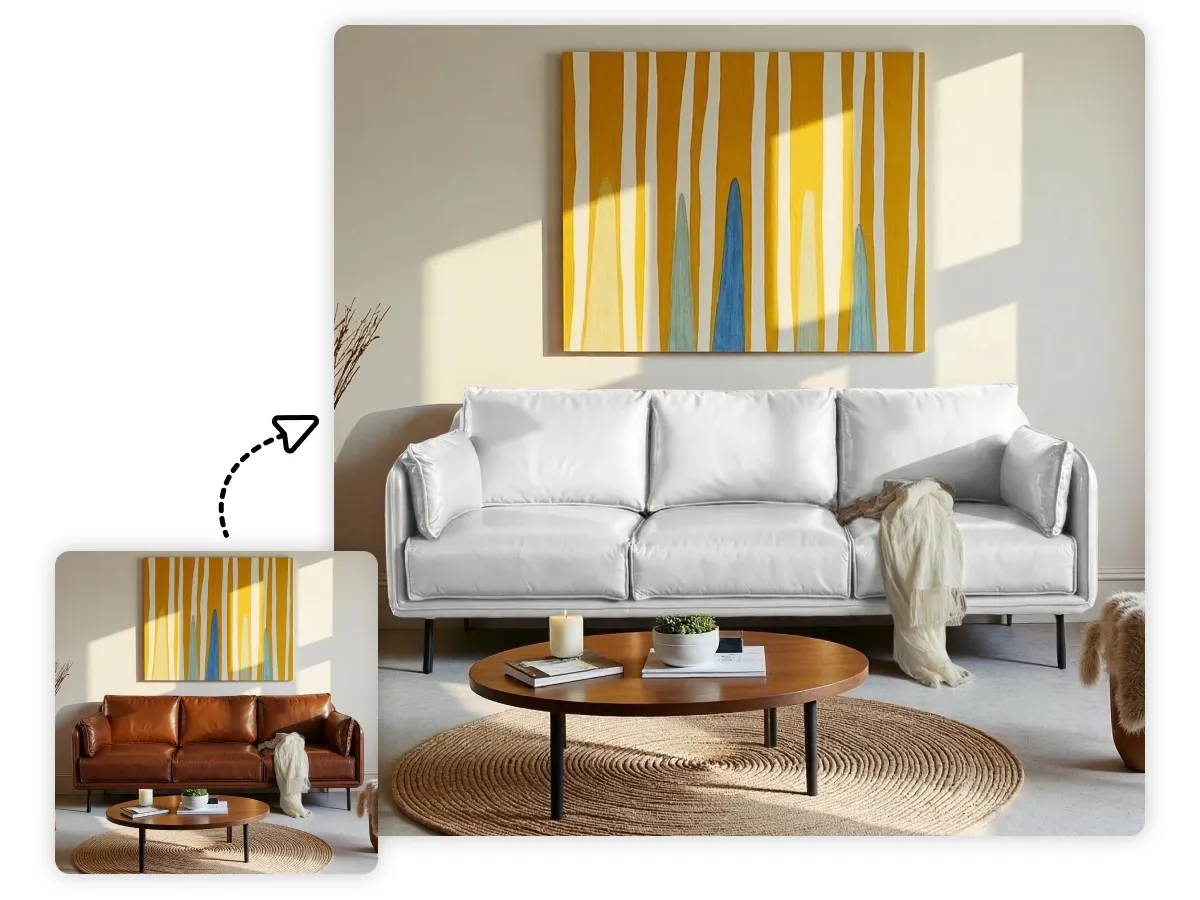
Maintain Product Textures and Materials After Color Changes
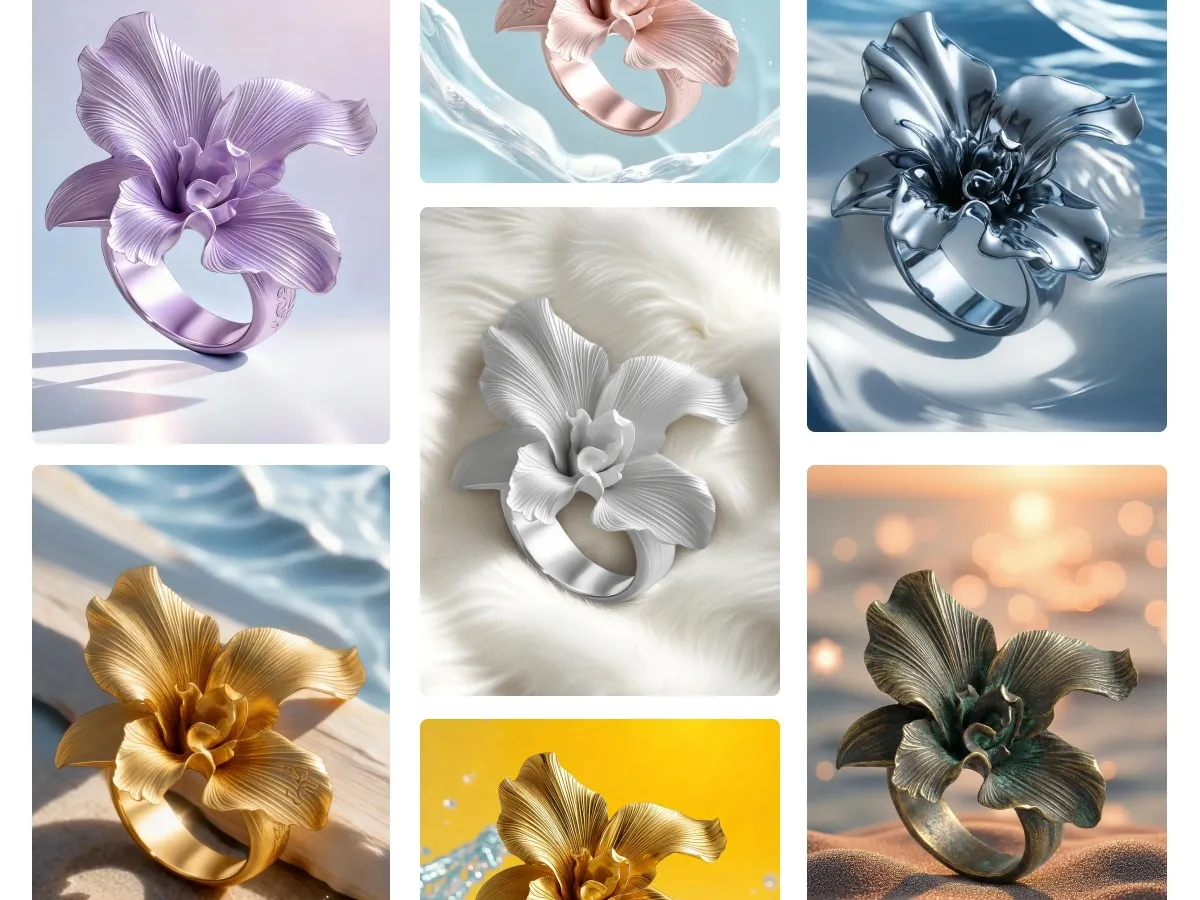
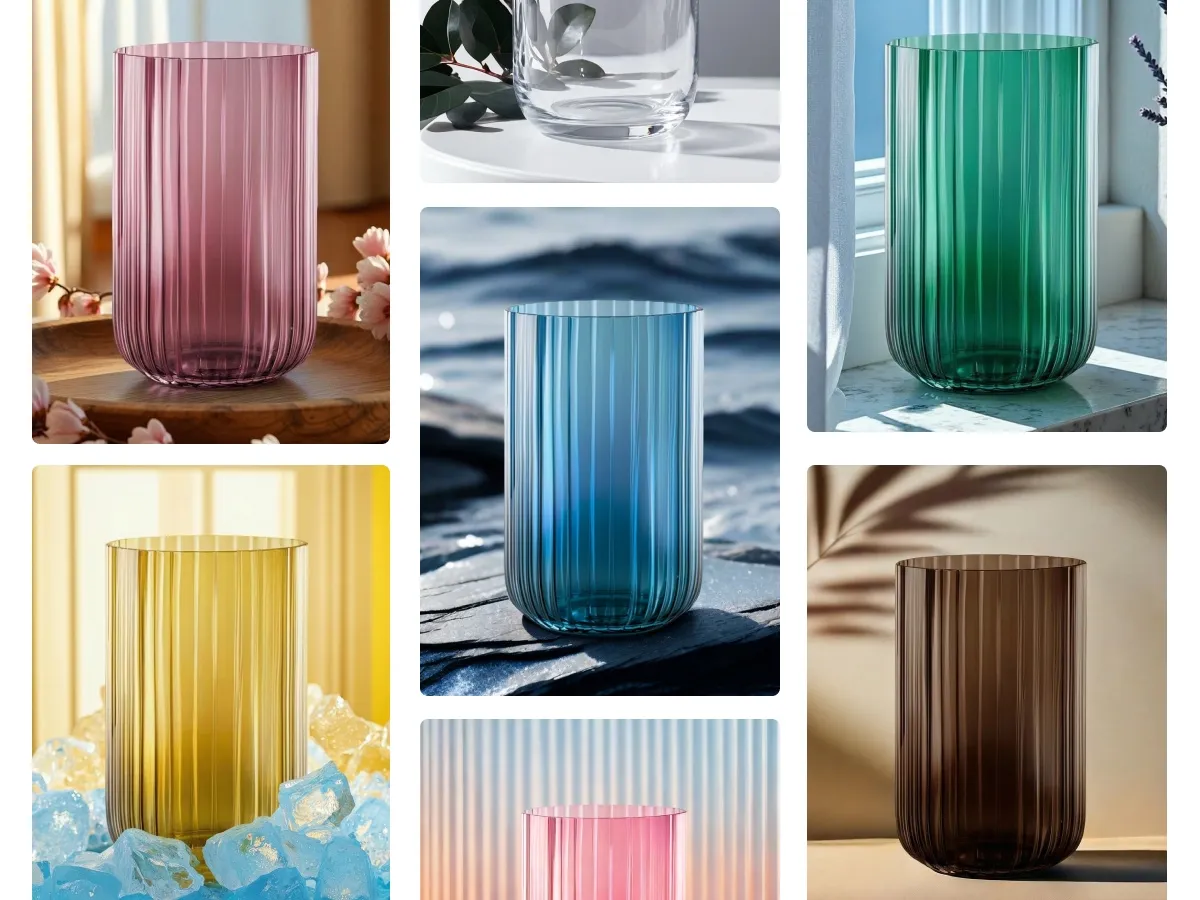
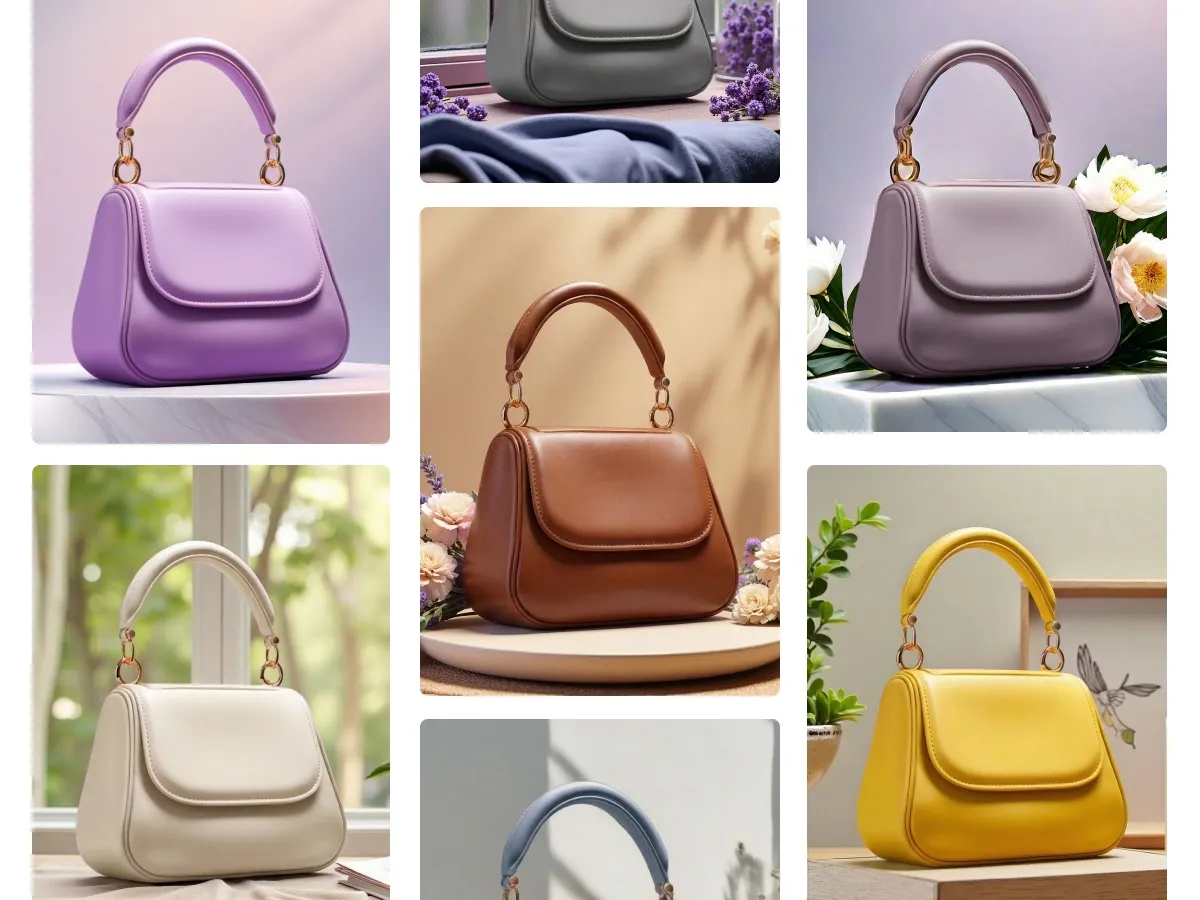
Designkit retains the original texture, shadows, and highlights of materials including leather, fabric, wood, and metal when generating new color variants. Unlike tools that simply overlay a color layer, the edited images maintain the same depth and material feel as the original, keeping every color option visually consistent across listings and catalogs.
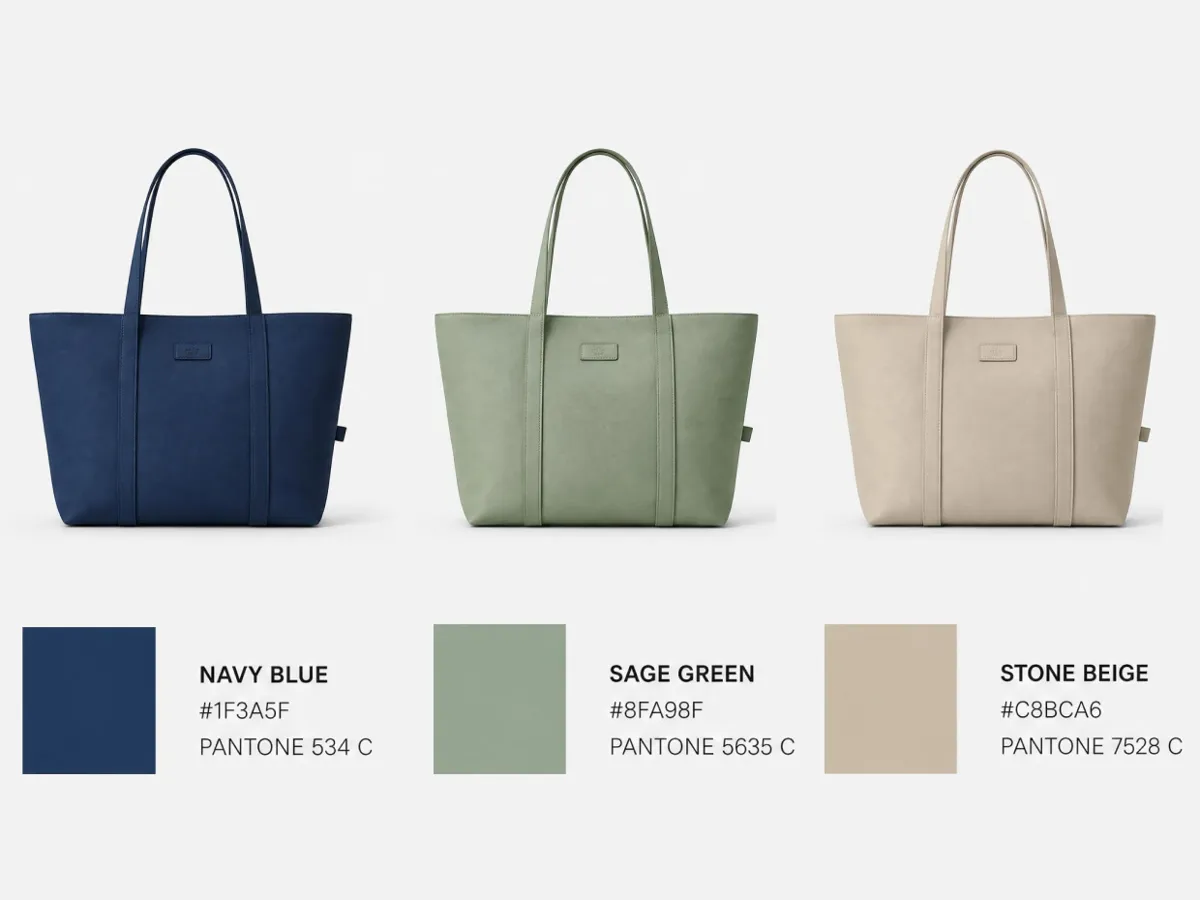
Match Brand Colors and Specific Shades Exactly
Many product teams need color variants that match exact brand guidelines, seasonal palettes, or approved shade references. Designkit lets you specify the target color when generating variants, so the output reflects the intended shade rather than an approximated version. This keeps product imagery aligned with brand standards and reduces back-and-forth when preparing assets for campaigns or marketplace listings.
Maximize Your Inventory: Strategic Usage Scenarios for AI Color Swapping
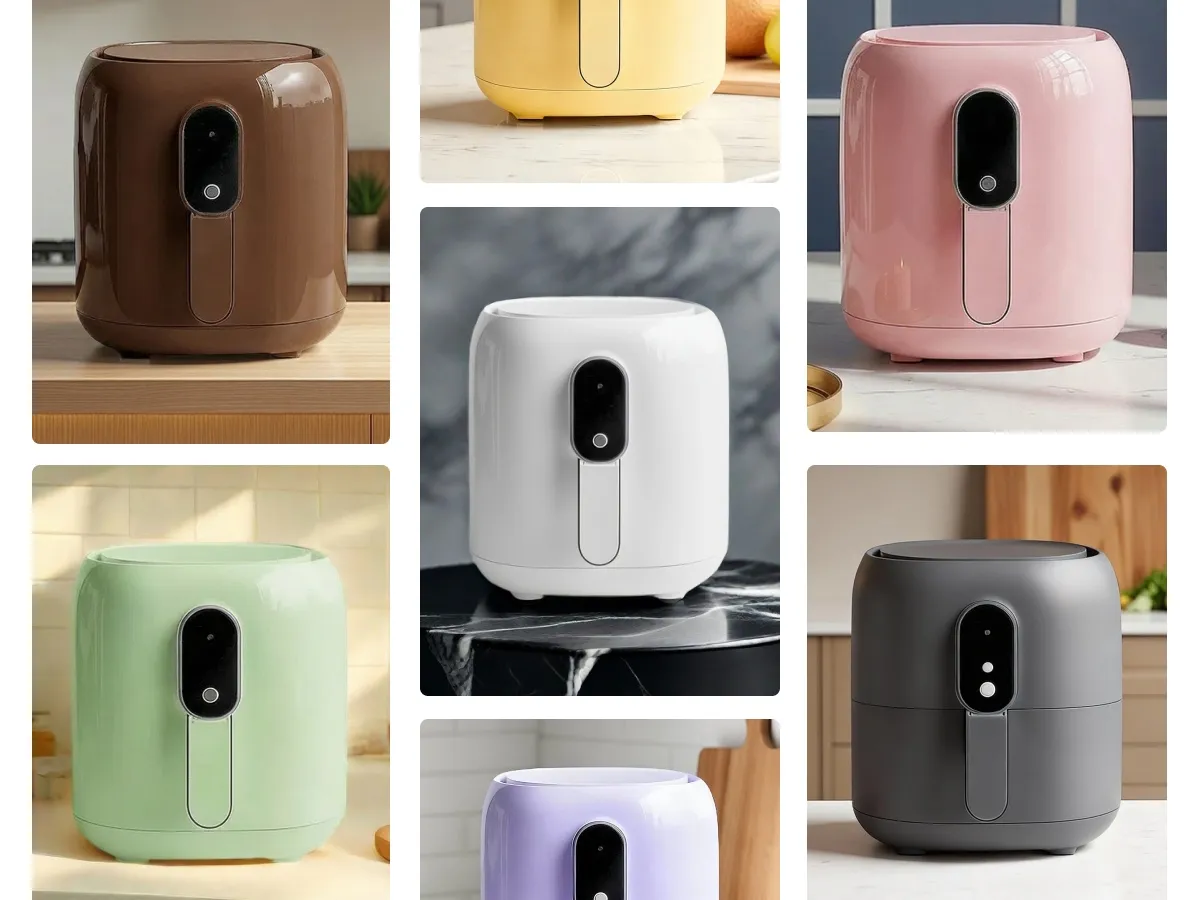
Fashion Brands: Show More Colorways From One Product Photo
Fashion brands often need to show the same product in several colors before every sample is ready to shoot. With an AI color changer, one product photo becomes multiple color versions online, keeping the original shape, texture, lighting, and styling. It fits collection pages, lookbooks, and launch visuals when samples are still in production.
Everything You Need to Generate Product Color Variations

Effortless Browser-Based Editing
Change product colors directly in your browser with no software to install. It is the most efficient choice for high-volume catalog management.
Preserve Original Texture & Detail
Unlike basic filters, our AI preserves the exact sharpness of the original. Even after a total color shift, fine details like stitching and material pores remain visible.

Brand-Consistent Presets
Access a library of professional color palettes tailored for apparel, tech gadgets, and home decor to ensure your store looks cohesive and on-brand.
Frequently Asked Question
What is an AI color changer, and how does it work?
Is this AI color changer free to use, or do I need a paid plan?
You can try the AI color changer free to test how your product looks in different colors before committing to any paid plan. This lets you validate HEX codes and texture accuracy on your own images at no upfront cost.
Can I use this AI color changer online without installing any software?
Yes. The AI color changer online runs entirely in your browser, so there is nothing to download or install. This makes it easy to manage high volume catalog work directly from any computer.
Will the new color exactly match my HEX code or physical production sample?
Yes. You can enter a custom HEX code to match your physical samples precisely, and the AI maps that exact color onto the product while respecting the original shadows and highlights, so the final image reflects your real production color.
Will using the AI color changer reduce my image resolution or quality?
No. The output stays in high definition after the color change, preserving fine details like stitching, fabric grain, and metallic sheen from your original upload, so the exported image is ready for both print-quality use and web listings.
Can I batch process my entire product catalog at once?
Yes. You can upload up to 30 images per batch and apply consistent HEX codes across your whole product line, which keeps lighting and color uniform across your catalog while saving significant time compared to reshooting each item.



What Sellers Say About Our AI Color Changer
See how brands are using Designkit's AI color changer to launch color variants faster and keep their catalogs consistent.
Launched Our Full Color Lineup Before Inventory Arrived
We used to wait weeks for every color sample to ship from the factory before we could even start marketing. Now we upload one production photo and this AI color changer generates every colorway we plan to sell, so we open pre-orders and build buzz long before the actual inventory shows up.
Colors Finally Look Real, Not Neon
I was skeptical about using an AI color changer online instead of my usual desktop editing software, but everything runs smoothly right in the browser tab. Leather still looks like leather and mesh still looks textured after the color changes, with none of the washed out or plastic look I got from older hue rotation tools.
Matches Our Exact Brand HEX Codes Every Time
I found this AI color changer free plan while researching options for our next catalog refresh, and it was enough to test our exact HEX codes against real production samples before we paid for anything. The AI mapped our brand colors precisely while keeping the original shadows and highlights intact.
Solved Our Amazon Swatch Image Headache
Amazon wants every color variant framed the same way at the right size, and reshooting twelve swatches for one listing was eating up our whole week. This AI color changer generates every variant already sized to marketplace standards, so I upload once and get a full set of compliant swatch images ready for the listing.
Kept Lighting Identical Across Our Entire Catalog
Shooting the same product in ten colors always left us with slightly different lighting and angles between photos, which made our store look messy. Switching to an AI color changer online let us batch fifty items from one master photo with lighting, angle, and pose staying perfectly identical, cutting our production timeline dramatically.