
AI Attractiveness Test Free Online
Upload a photo and start your AI attractiveness test right away. The tool checks your face across beauty, symmetry, face shape, skin quality, and more. You get an instant beauty score and a short breakdown for each area you pick.
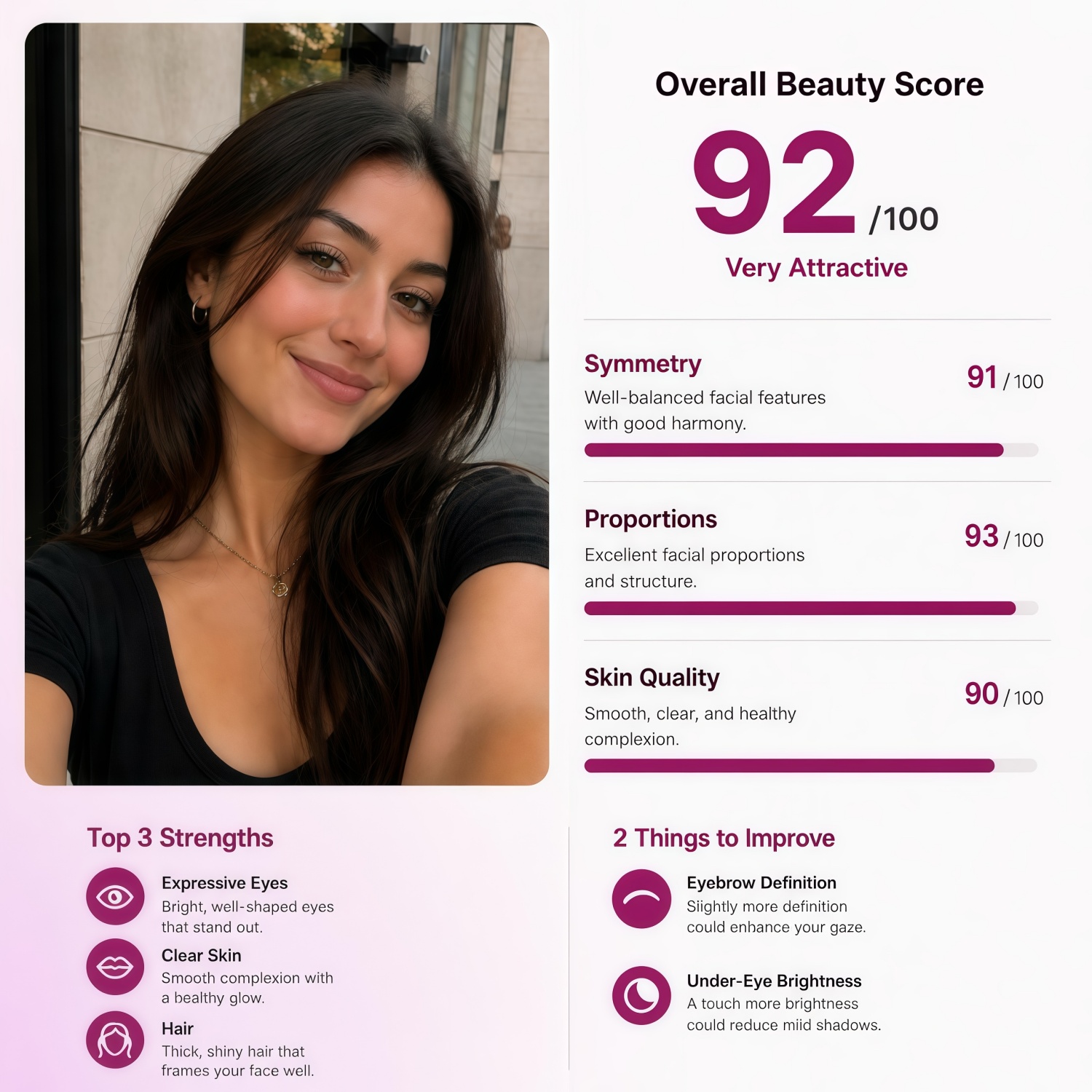
Choose Your Analysis Type
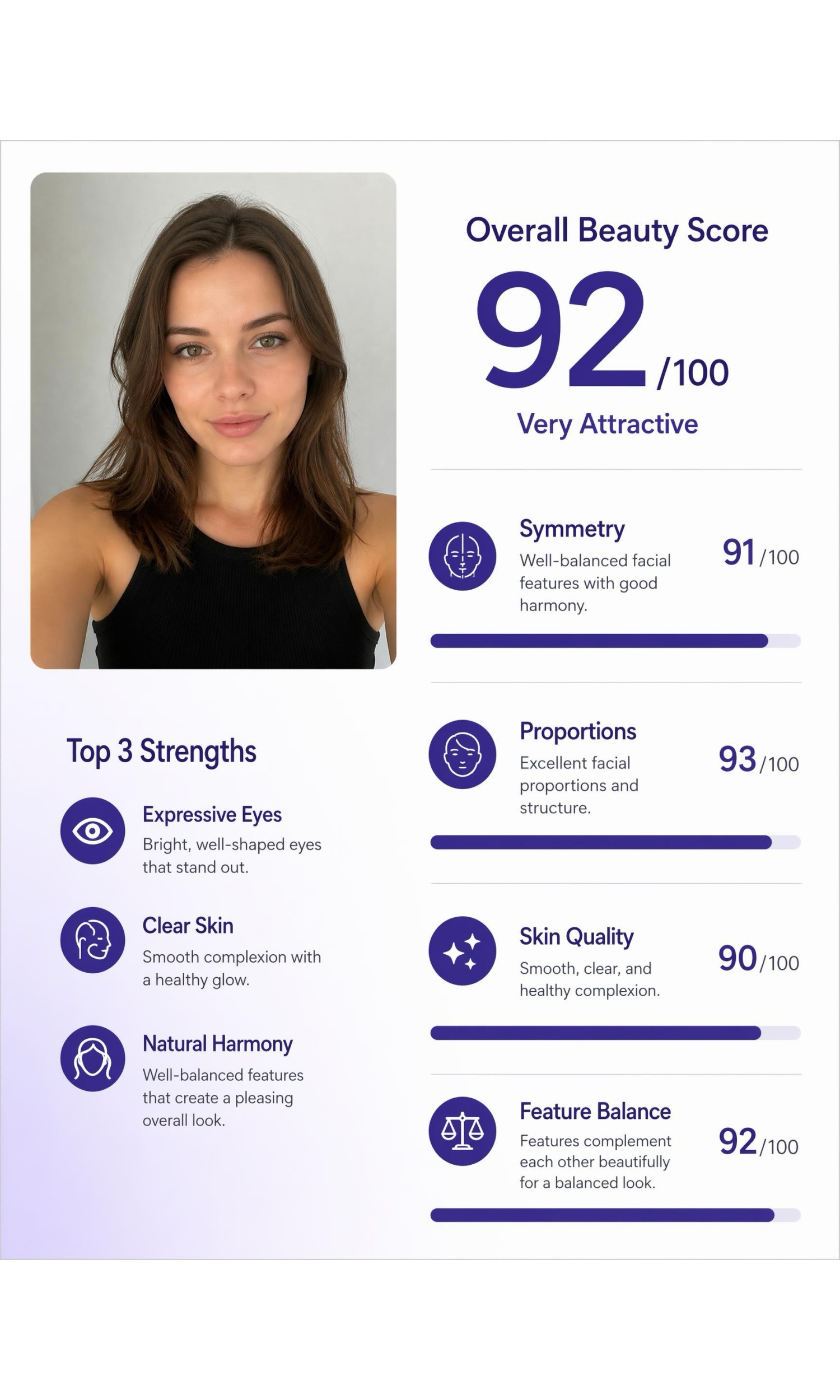
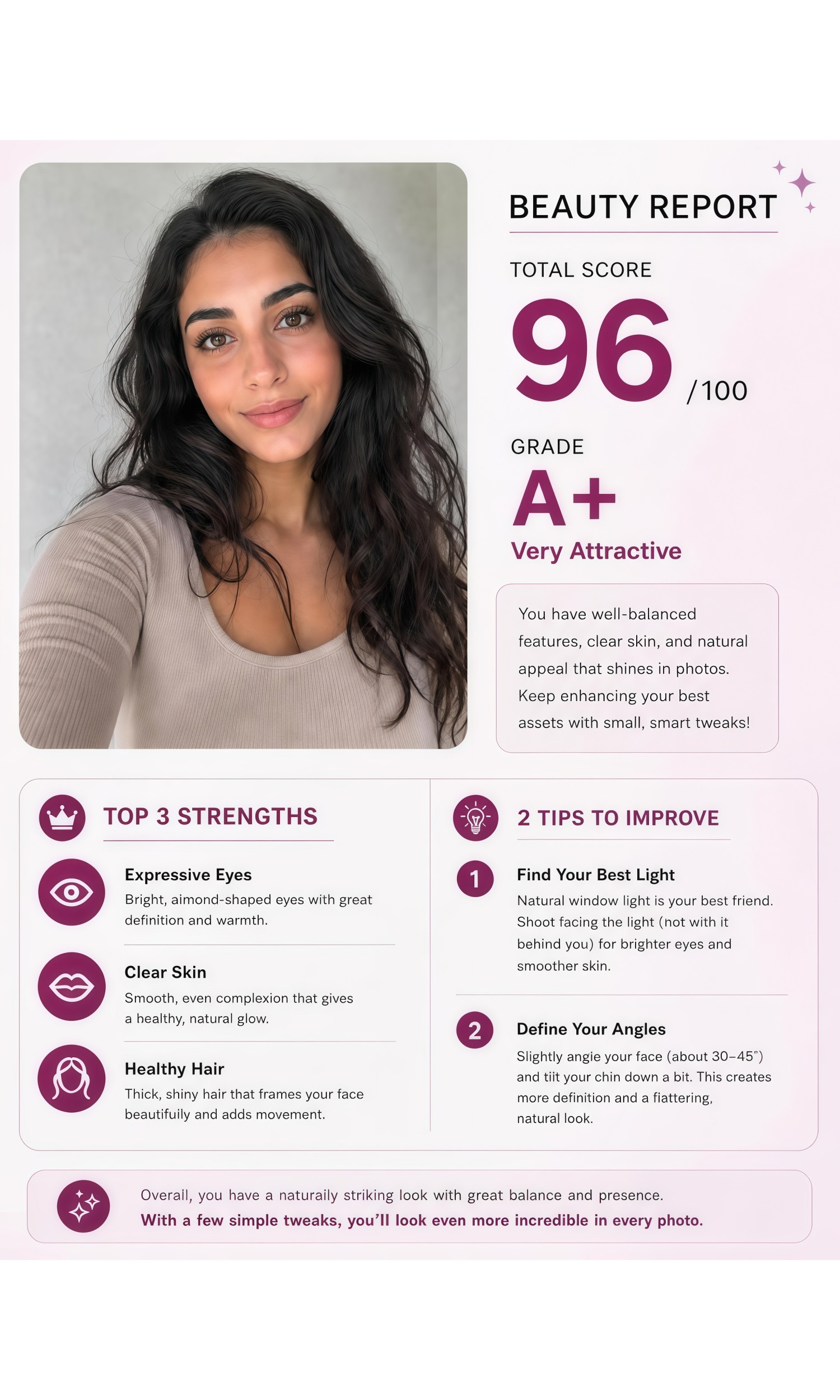
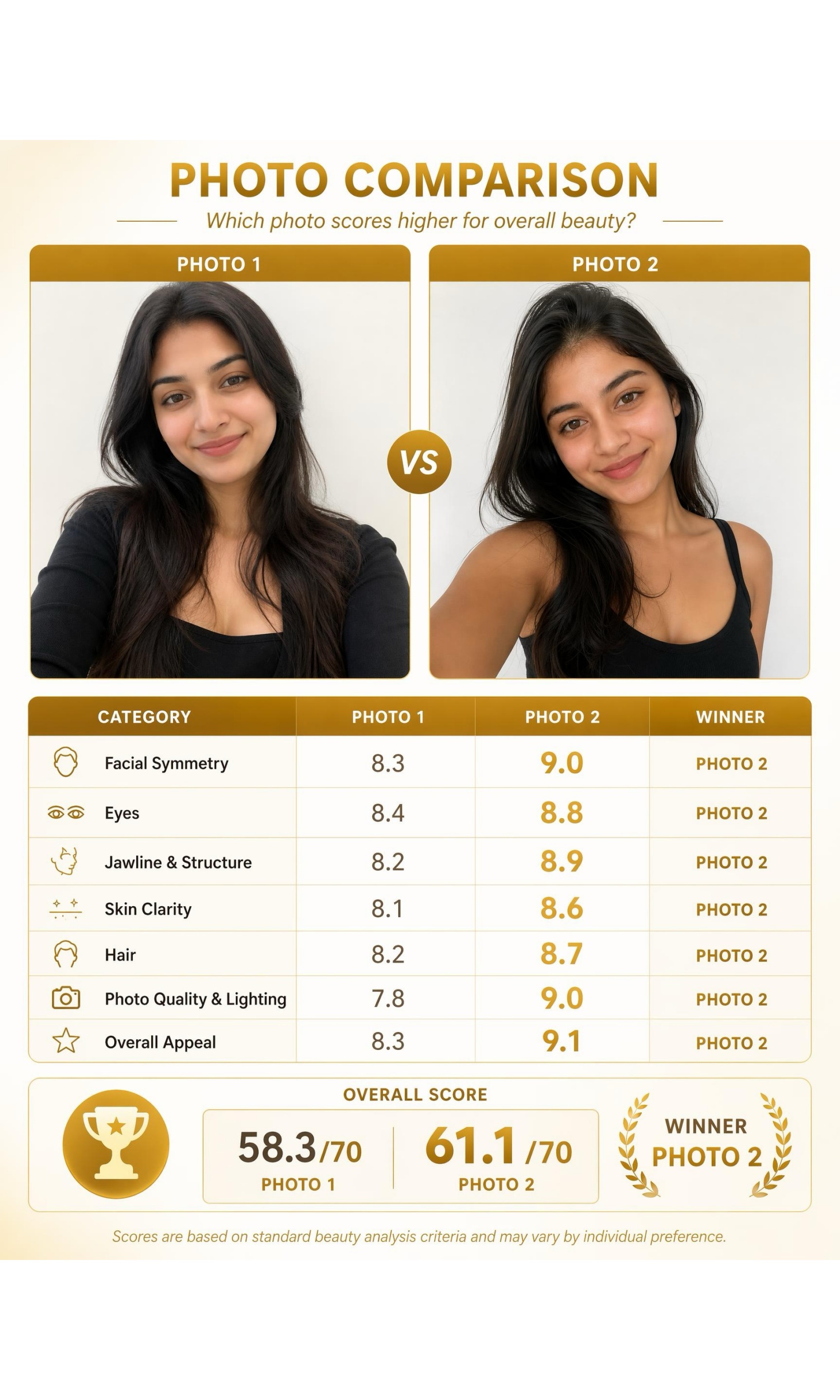
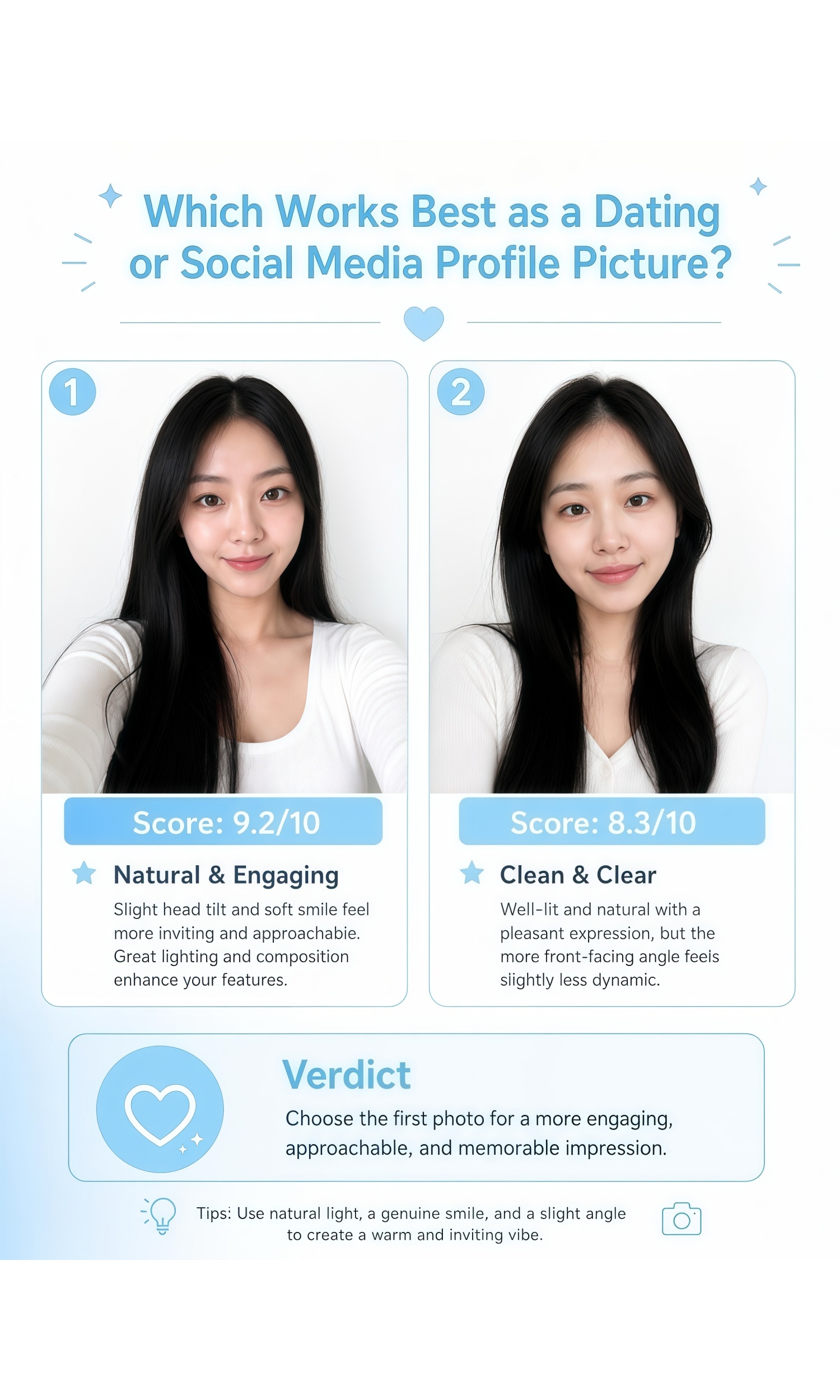
How to Take an AI Attractiveness Test
Pick a Test
Choose a dimension such as Beauty, Symmetry, or Face Shape, or tap one of the ready-made prompts above.
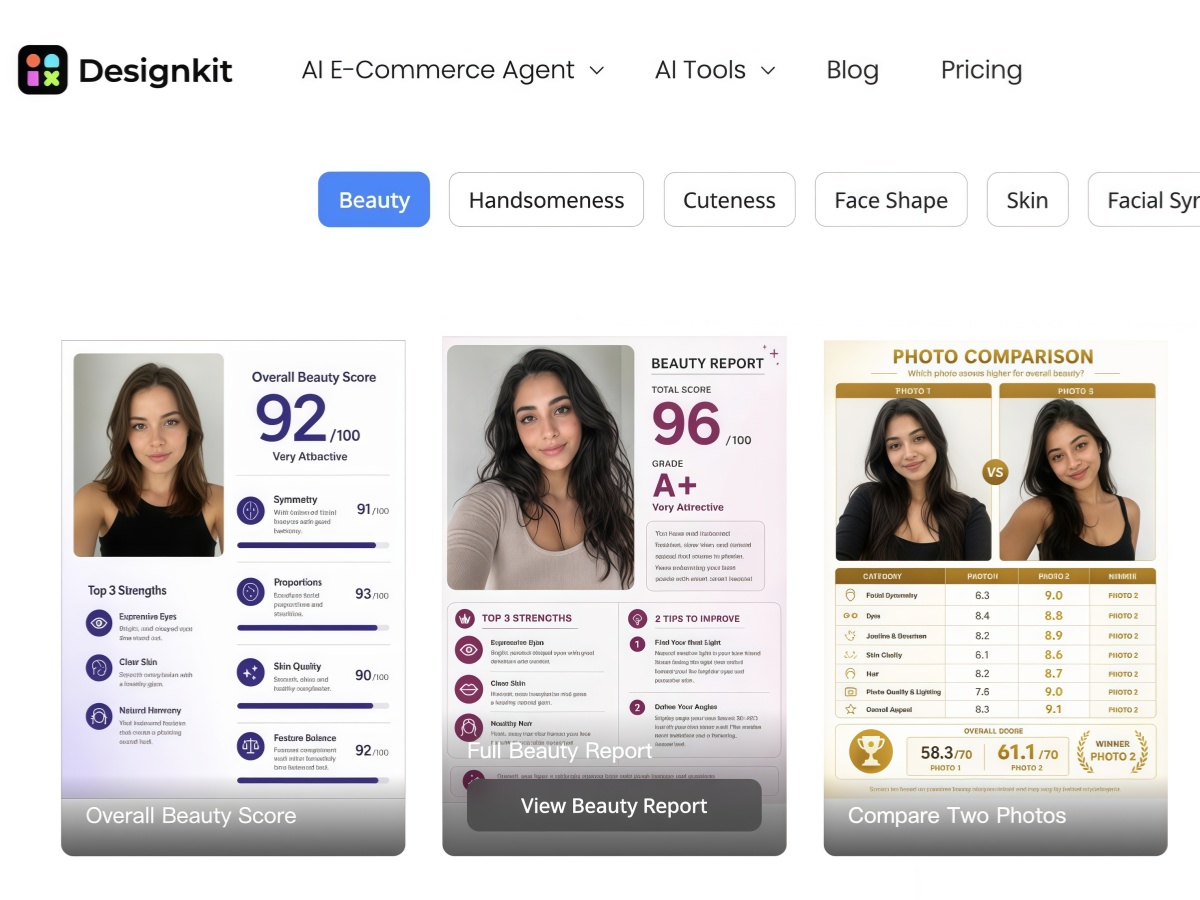
Upload Your Photo
Upload a clear front-facing photo. Even lighting and a neutral expression usually give the most stable score.
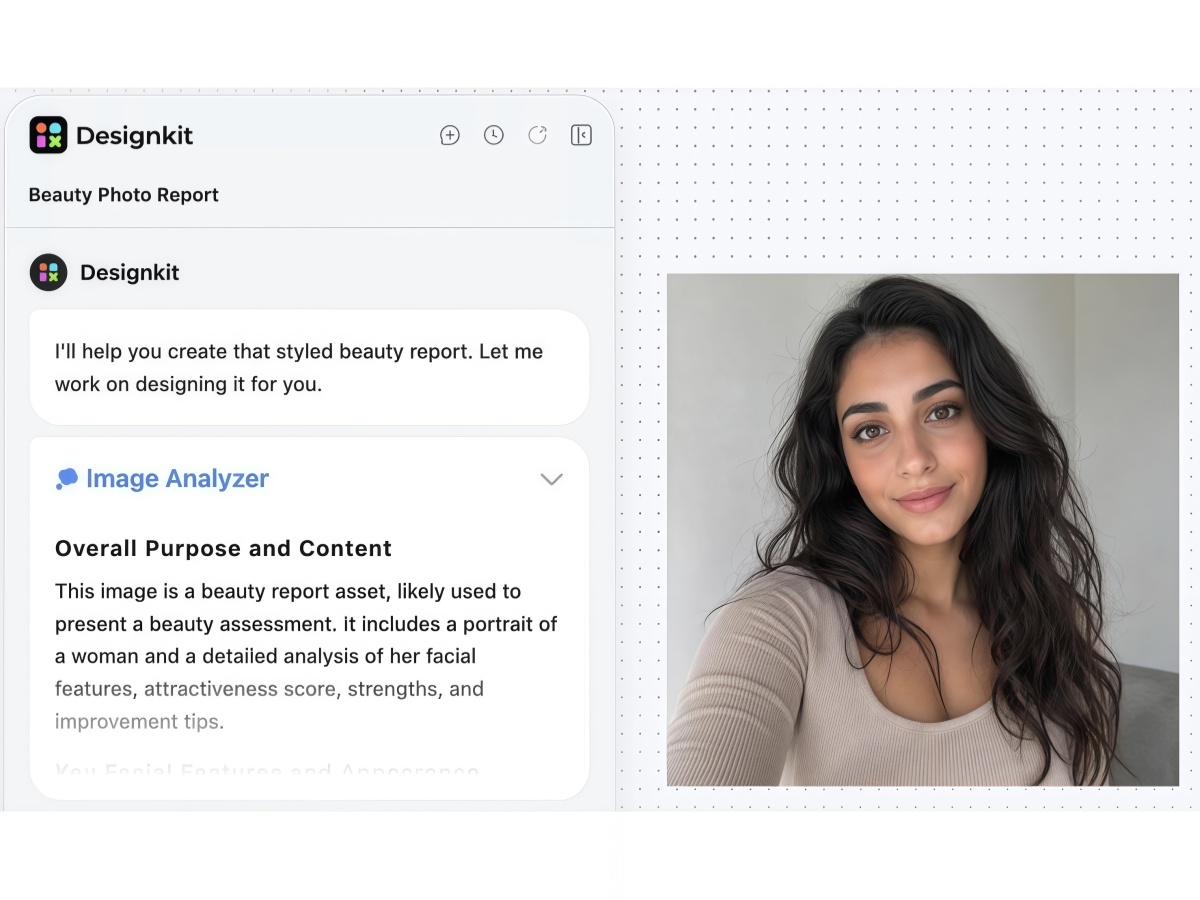
Read Your Report
The AI agent returns your score, a breakdown by dimension, and short tips. You can download the result or run another test.
What Each Attractiveness Dimension Means
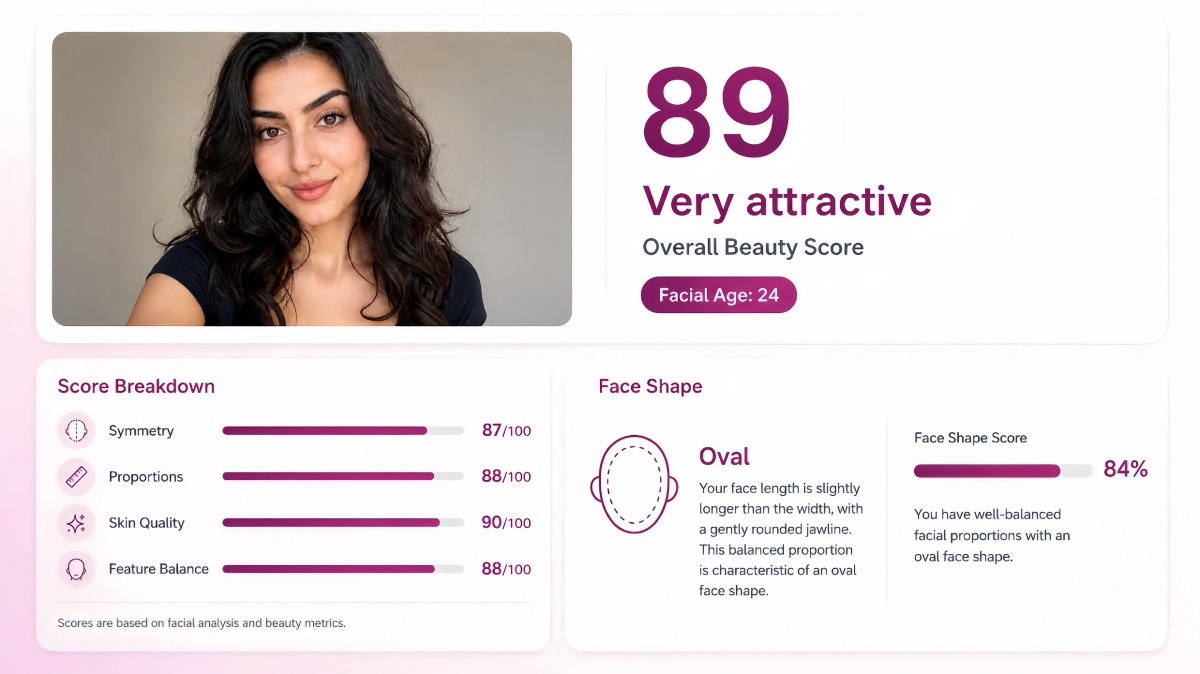
Beauty
Beauty is your overall facial appeal based on harmony, proportions, and how well your features work together. It is not an average of single features. It reflects the full impression of the photo.
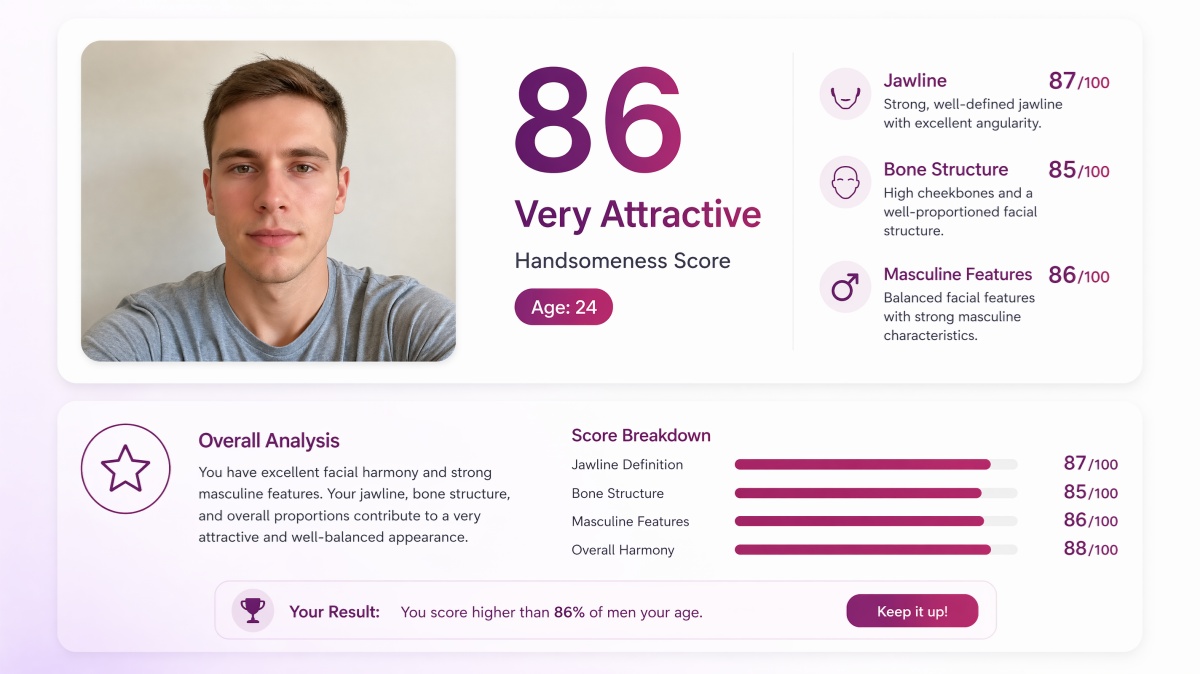
Handsomeness
Handsomeness focuses on structure, such as the jawline, cheekbones, and brow area. This test is often used for masculine looks, but it can apply to any face with strong structural features.
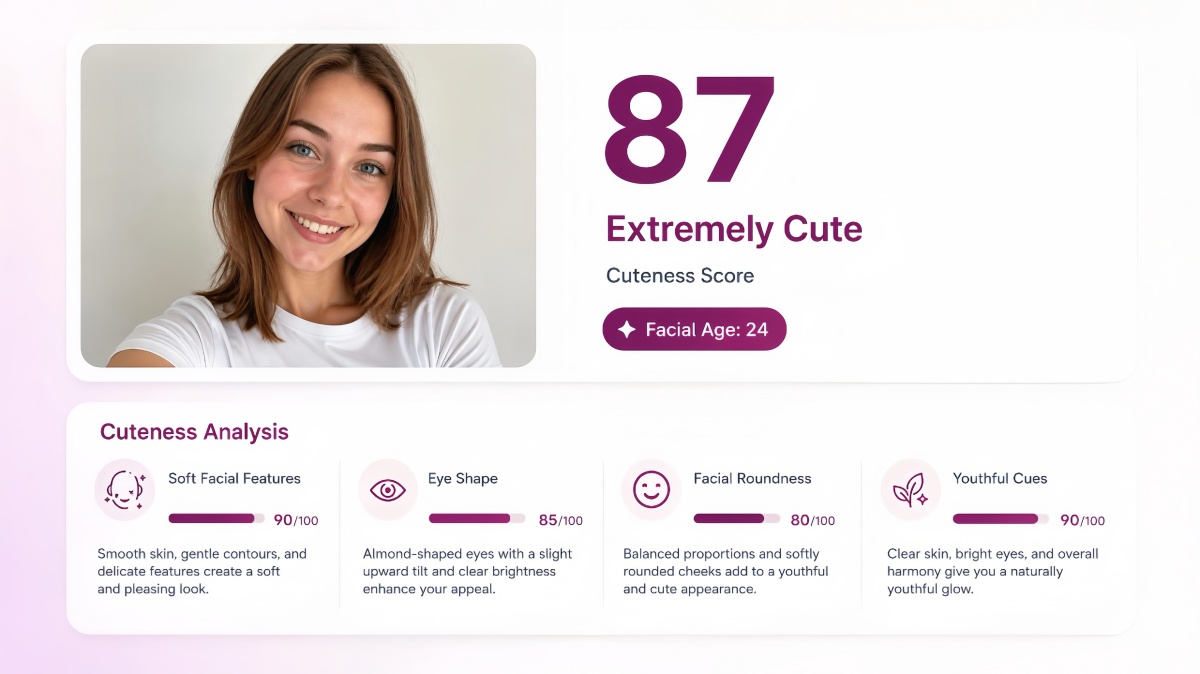
Cuteness
Cuteness measures soft and youthful facial cues, such as rounder contours, eye shape, and gentler features. A high cuteness score does not mean a low beauty score. The two measure different things.
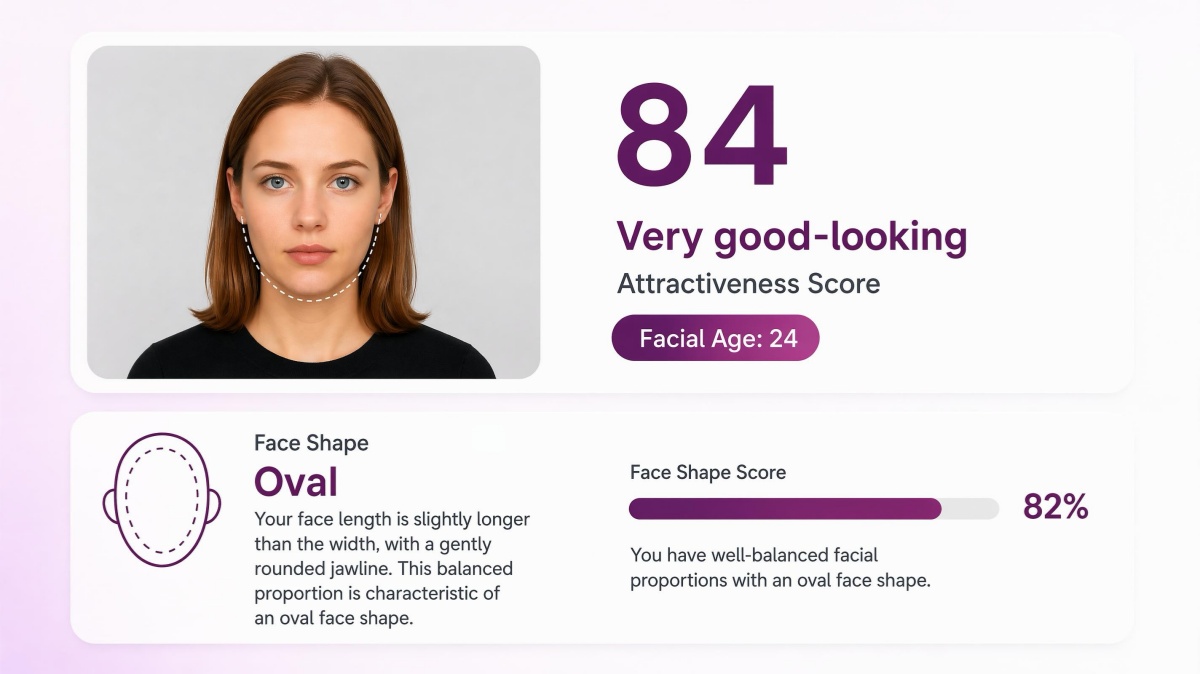
Face Shape
Face shape identifies whether your face reads as oval, round, square, heart, or oblong. This helps with hairstyle and glasses choices. It does not directly mean attractive or unattractive.
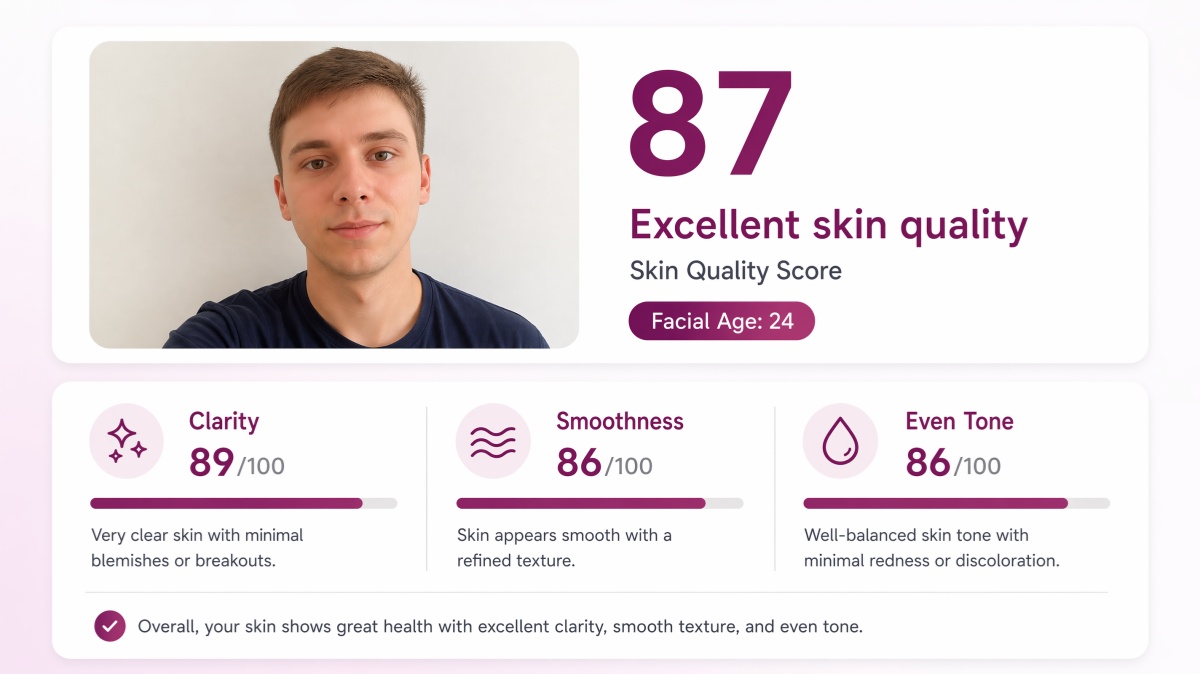
Skin
Skin quality looks at clarity, smoothness, and even tone in the photo. Lighting, makeup, and retouching can change this score quickly. This is a visual photo rating, not a medical skin assessment.
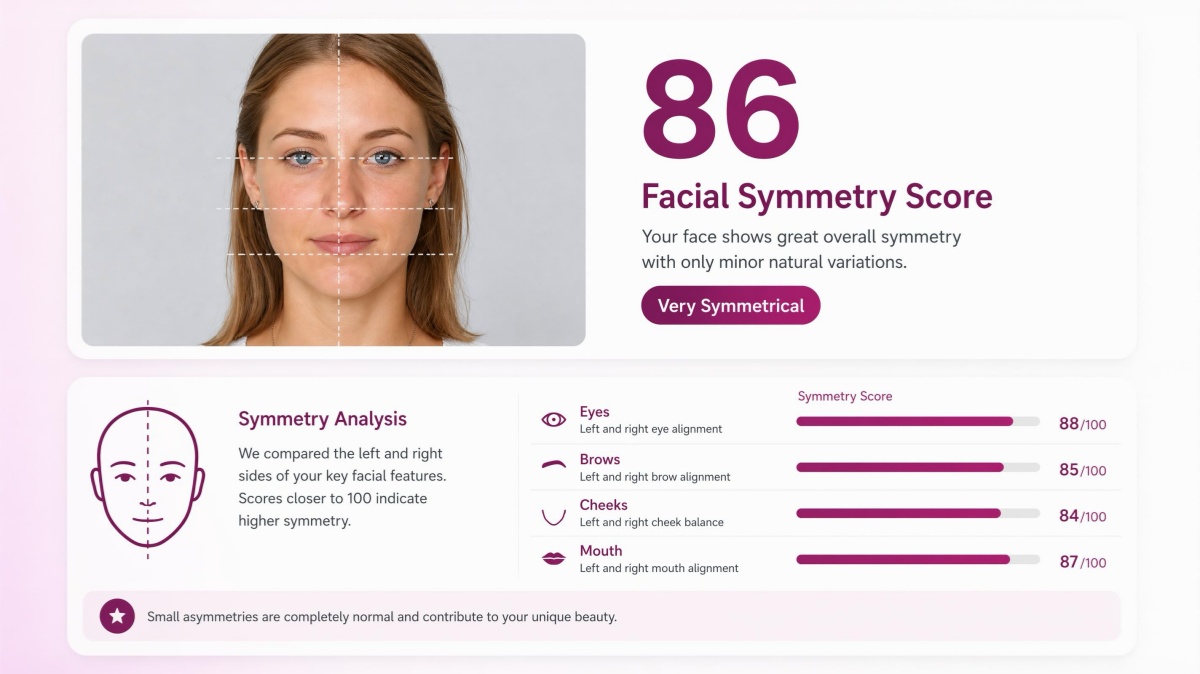
Facial Symmetry
Facial symmetry checks how closely the left and right sides of your face match. It also looks at common proportion patterns such as facial thirds. Symmetry is one factor many people notice, but it is not the only one.
Improve Your Score Before You Retest
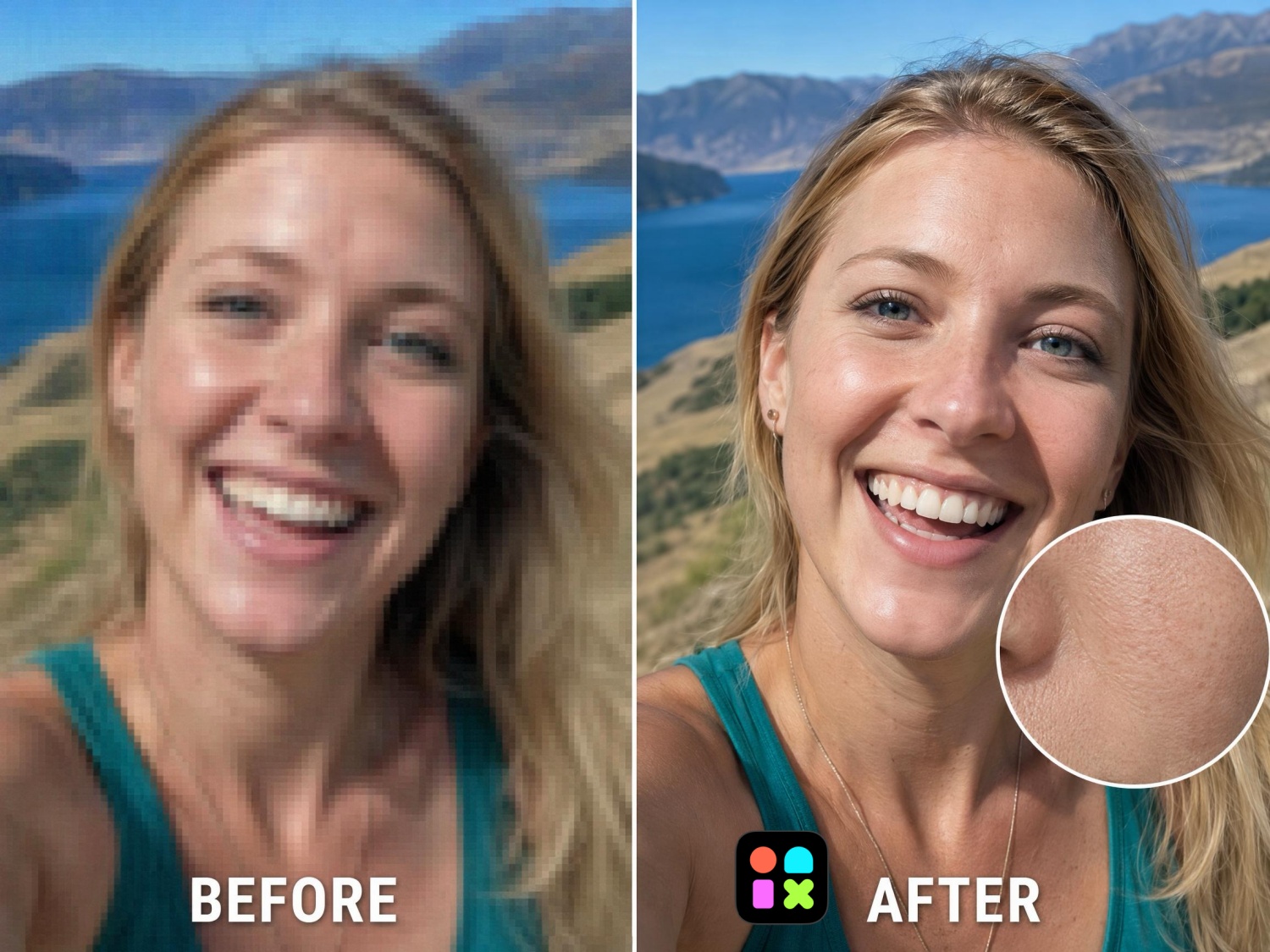
Blurry or Low-Resolution Photo
A soft or pixelated image makes it harder to read skin texture and facial detail. Run your photo through the AI Image Enhancer to sharpen clarity and upscale resolution before you retest.
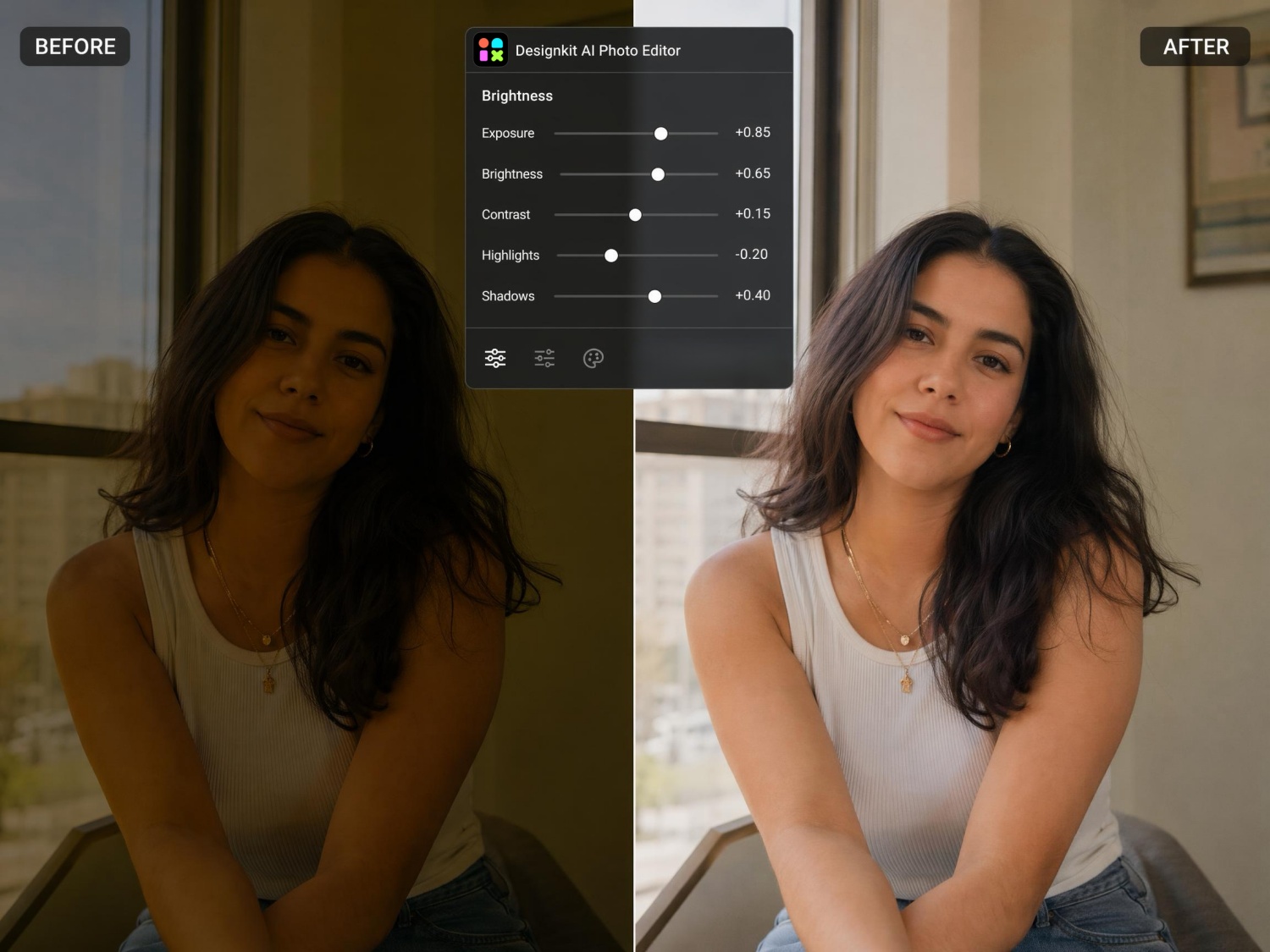
Dark, Yellow, or Flat Lighting
Poor lighting can flatten your features and shift skin tone in the photo. Use the AI Photo Editor to brighten the image, fix color cast, and balance exposure before scoring again.
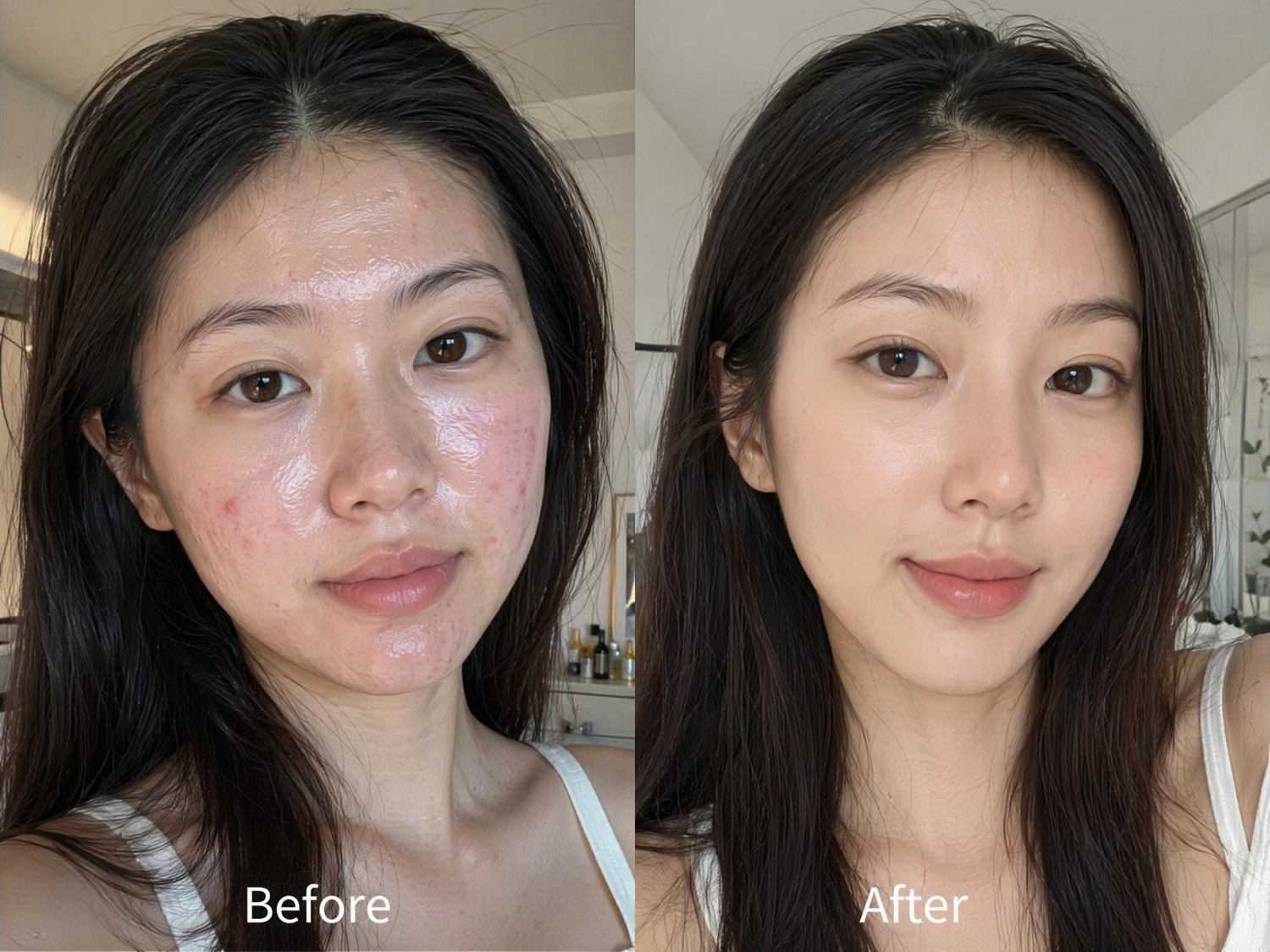
Blemishes, Redness, or Oily Shine
Acne, redness, and shine often lower the skin score even when your face looks fine in person. Retouch to smooth skin lightly, keep a natural look, and retest.
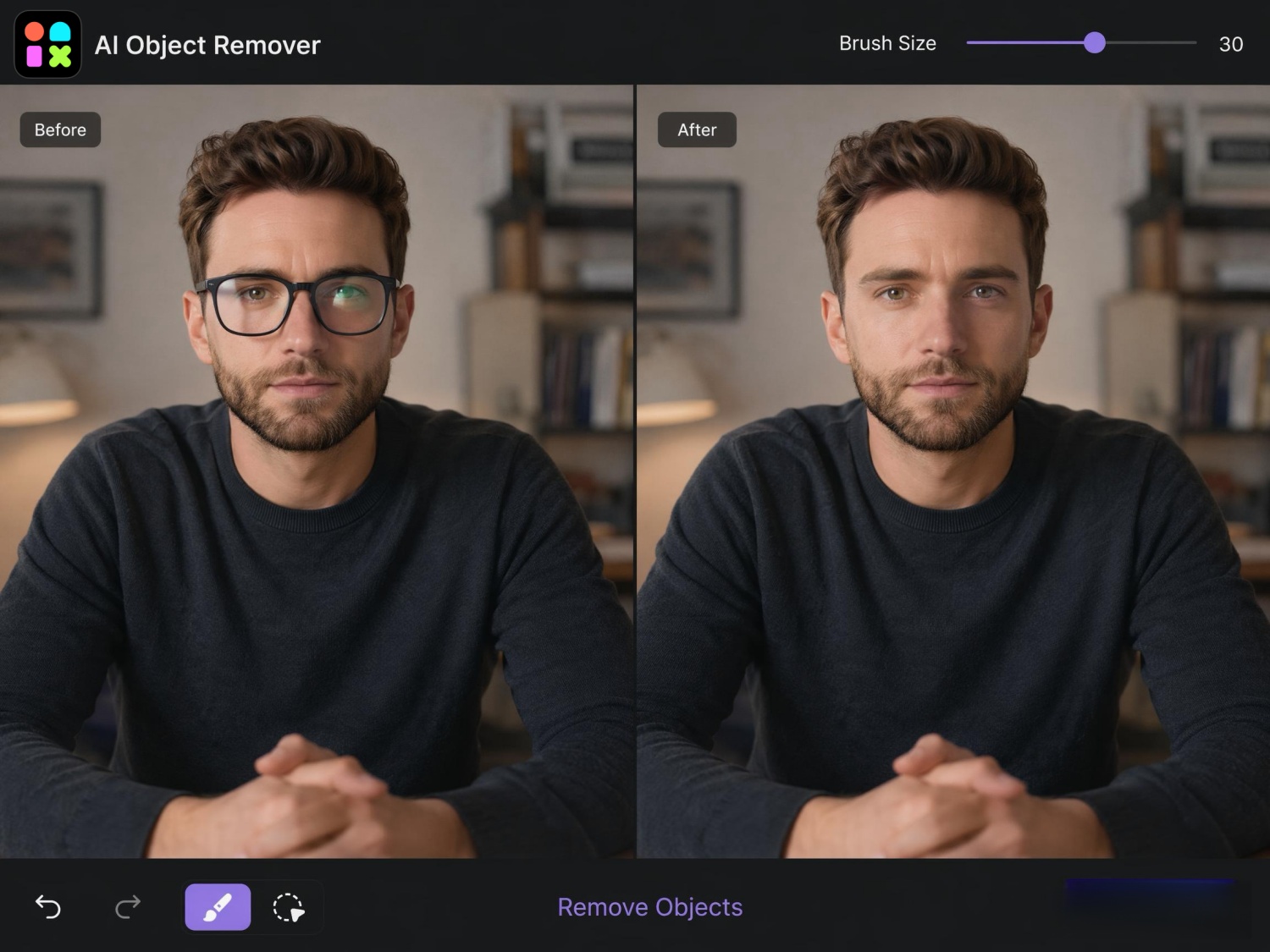
Glasses or Face Coverings
Heavy frames, lens glare, or objects near your face can affect symmetry and eye scores. Try the AI Object Remover to clear glasses or clutter, then run the test on a cleaner photo.
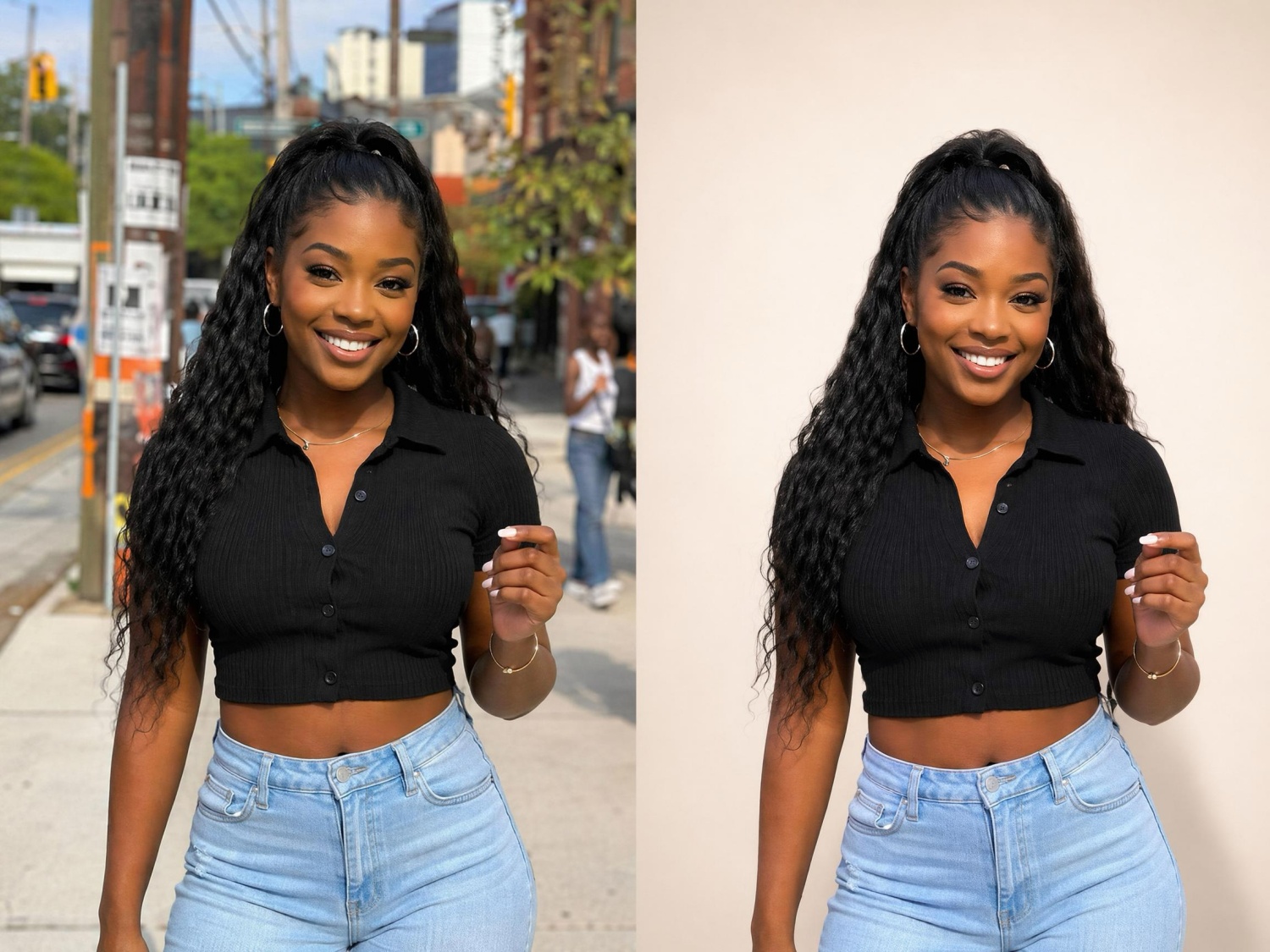
Messy or Distracting Background
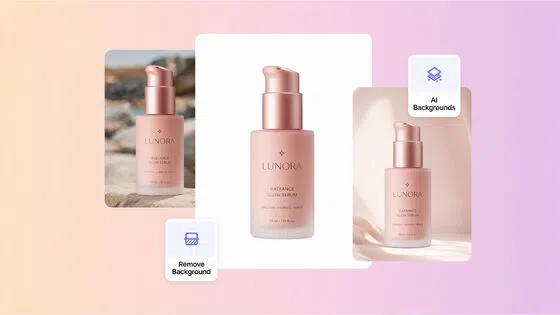
A busy background pulls attention away from your face in the photo. Use the Background Remover to cut out your portrait and place it on a clean backdrop before retesting.
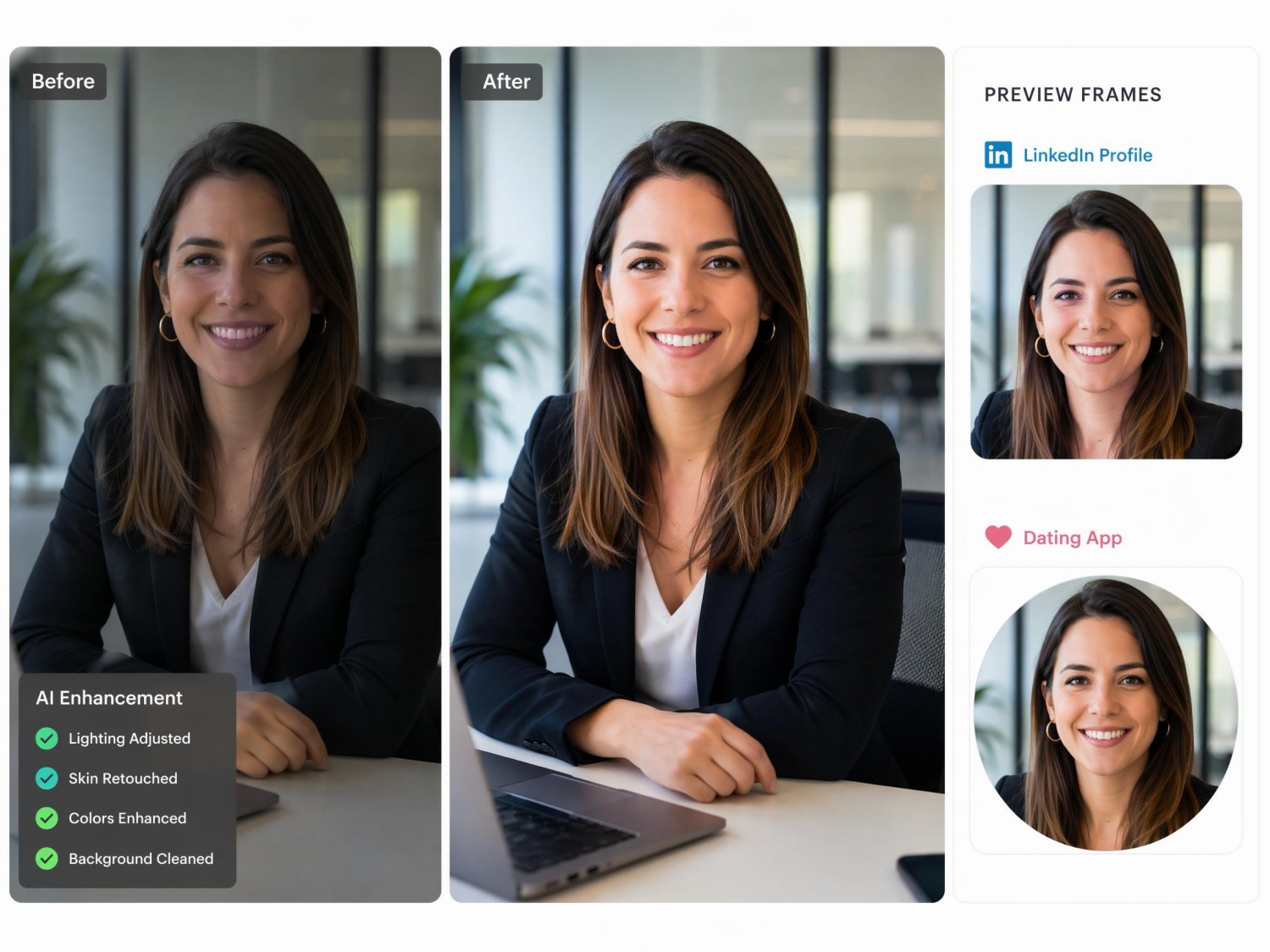
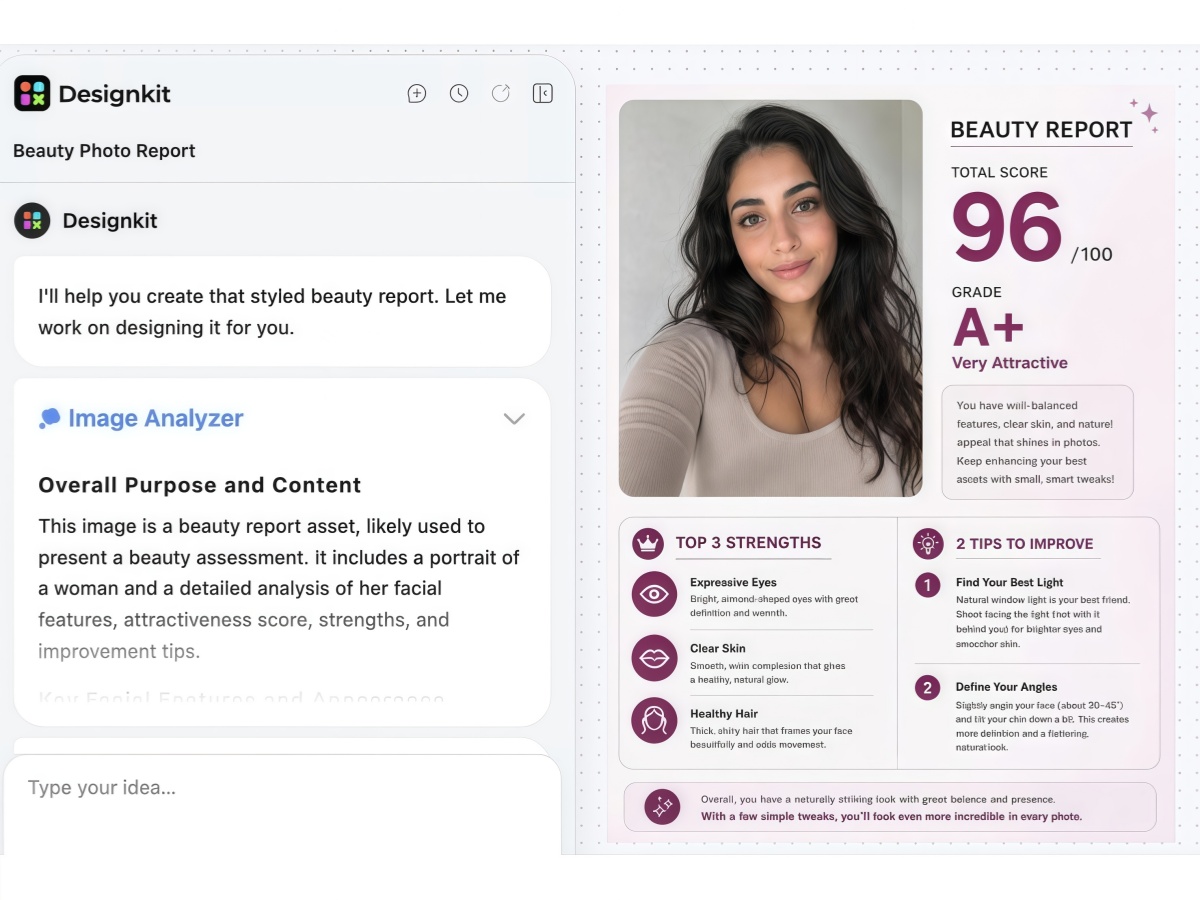
Need a Stronger Profile Photo
If you are choosing a photo for LinkedIn, dating apps, or social media, polish the image first. The AI Photo Editor handles crop, lighting, skin cleanup, and background in one place. Retest when the photo looks ready to post.
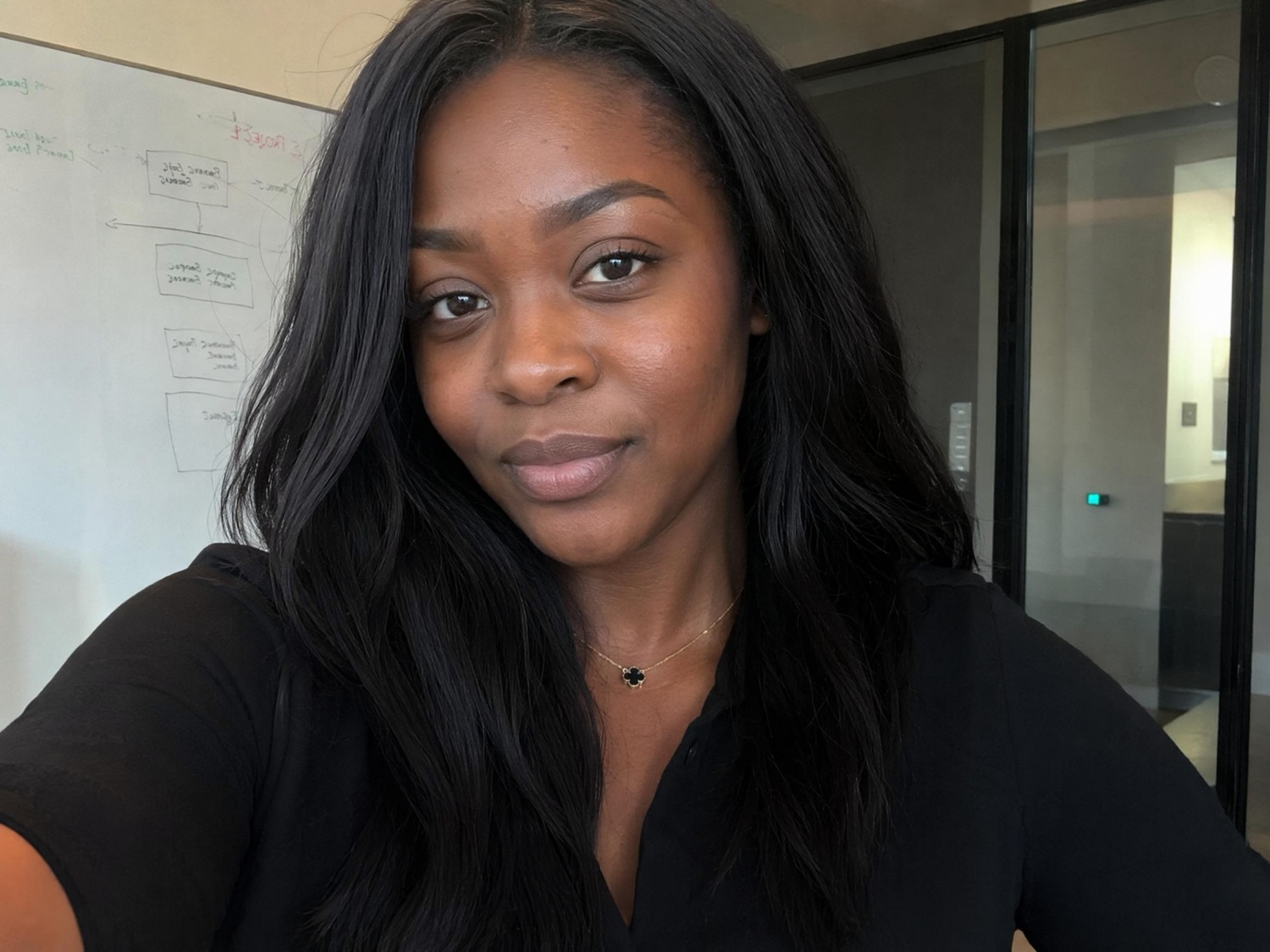
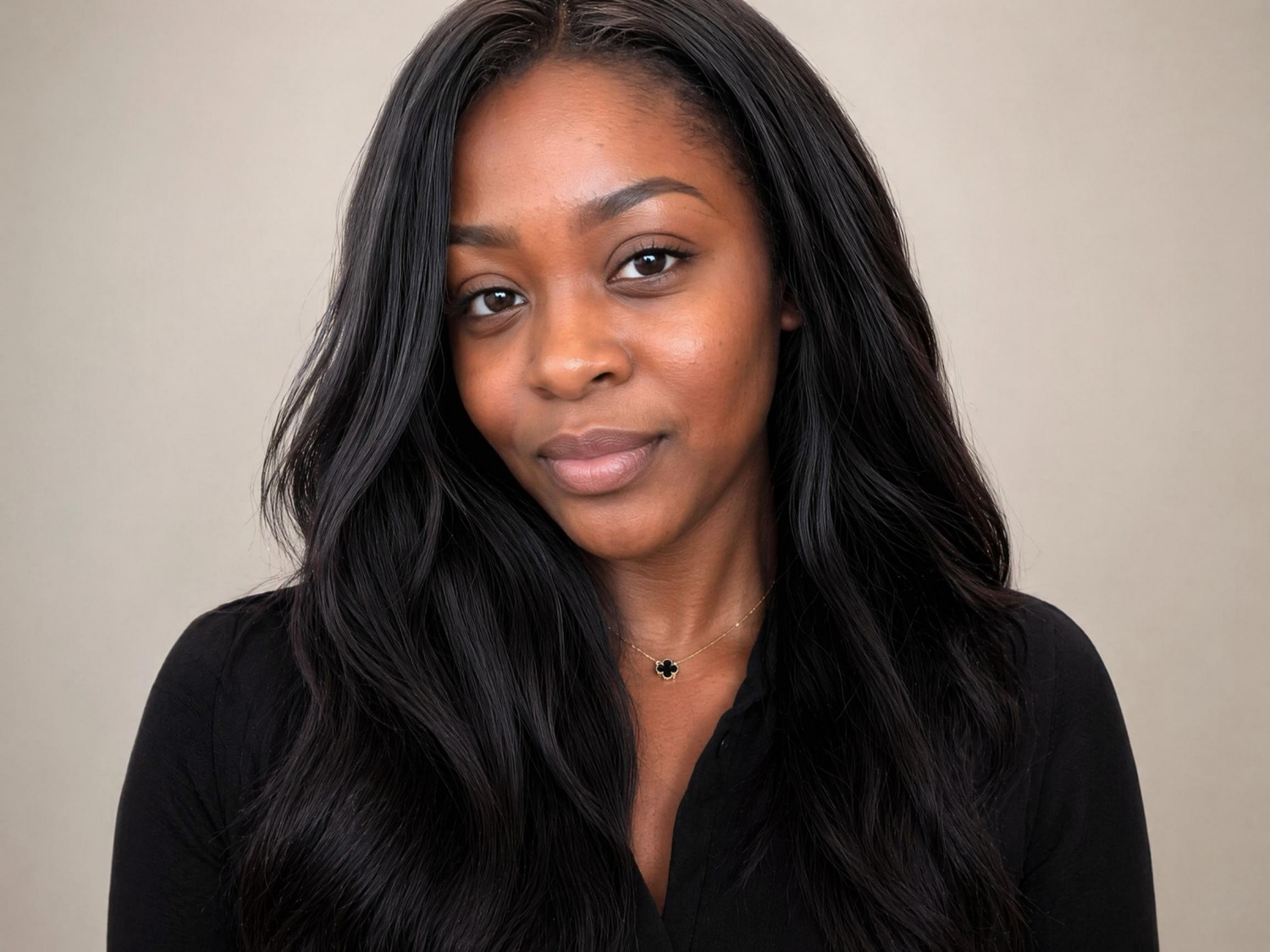
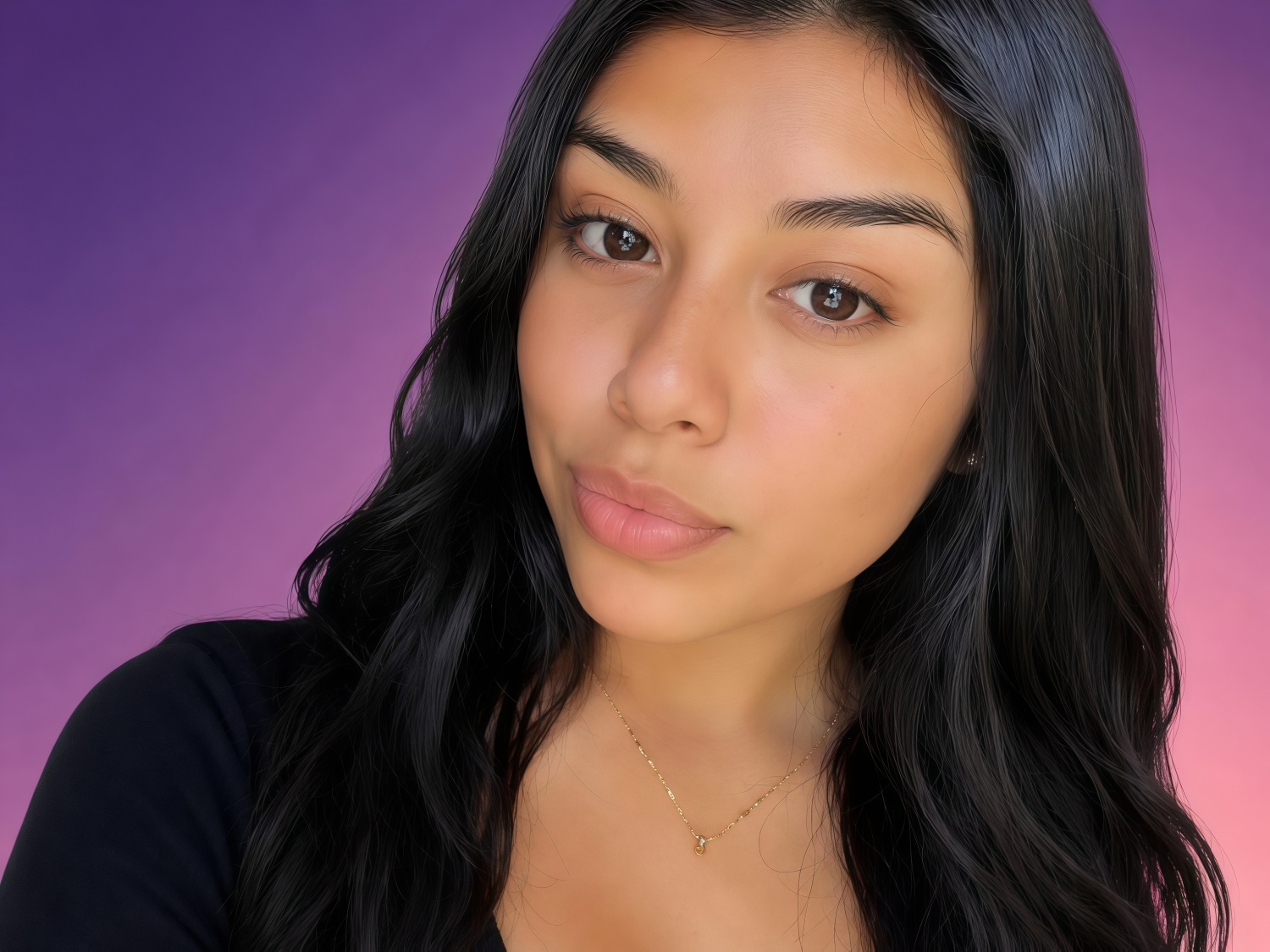
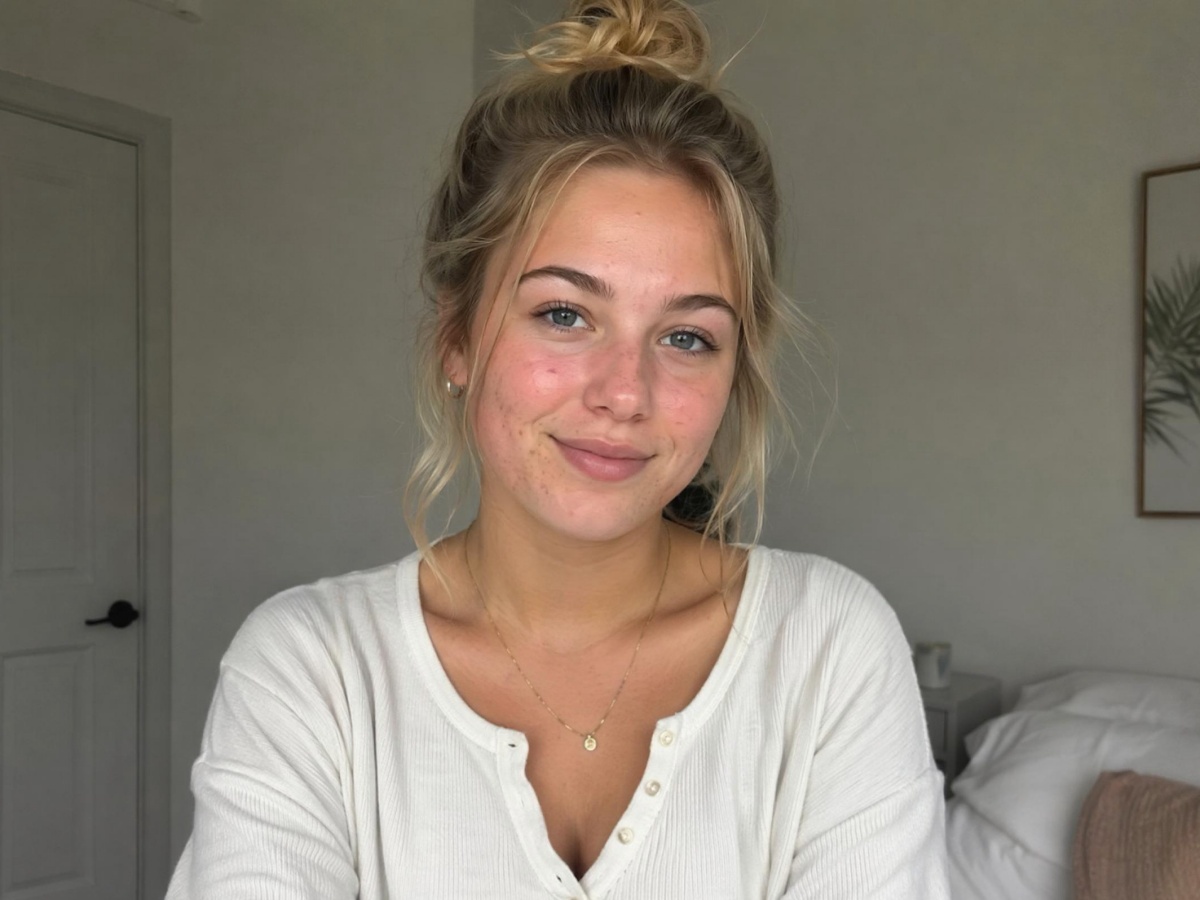
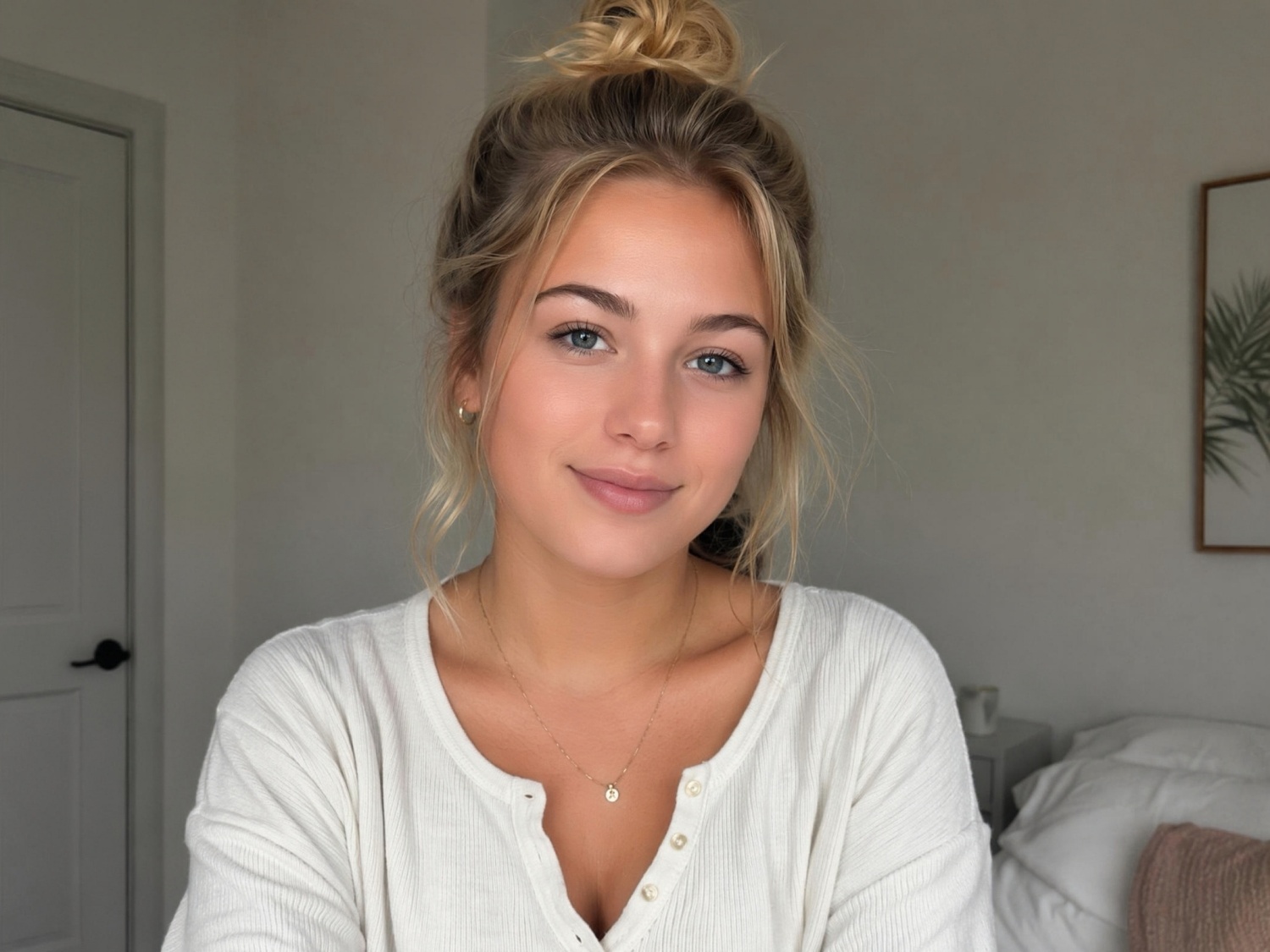
See How Photo Quality Changes Your Score







Unlock More Creative Possibilities
AI Beauty Photo Editor
AI Face Enhancer
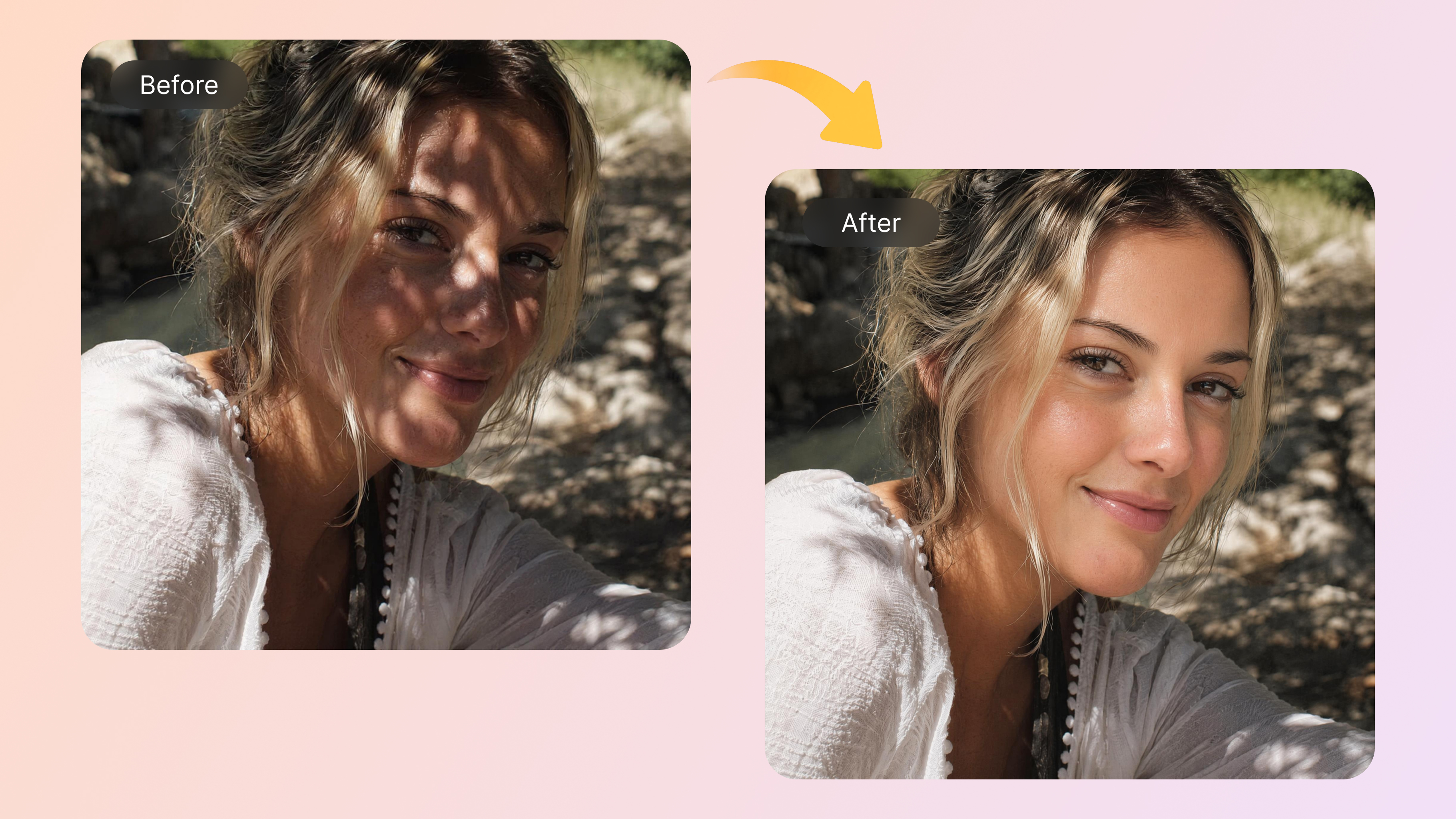
AI Shadow Remover Online
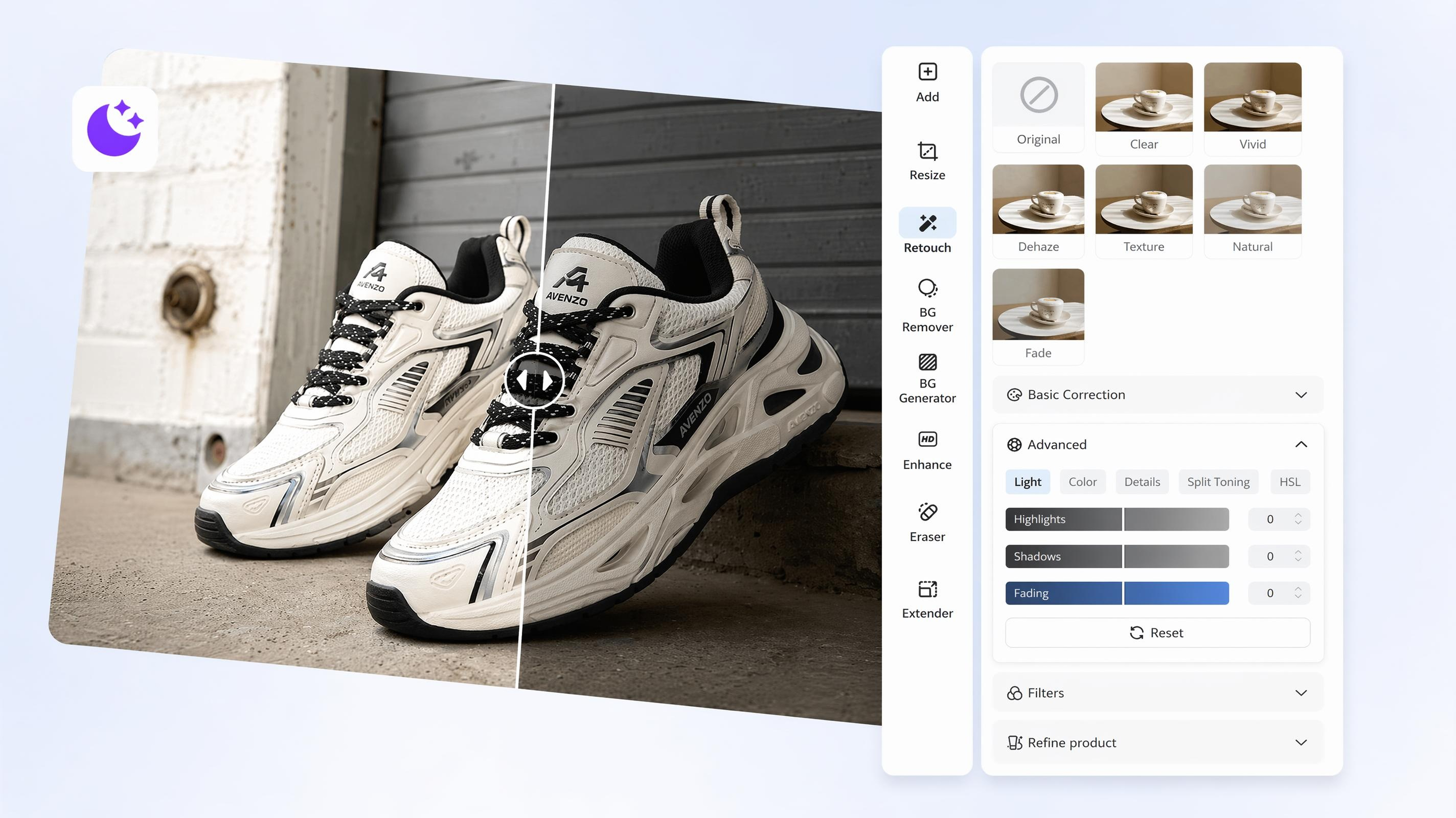
AI Image Brightener
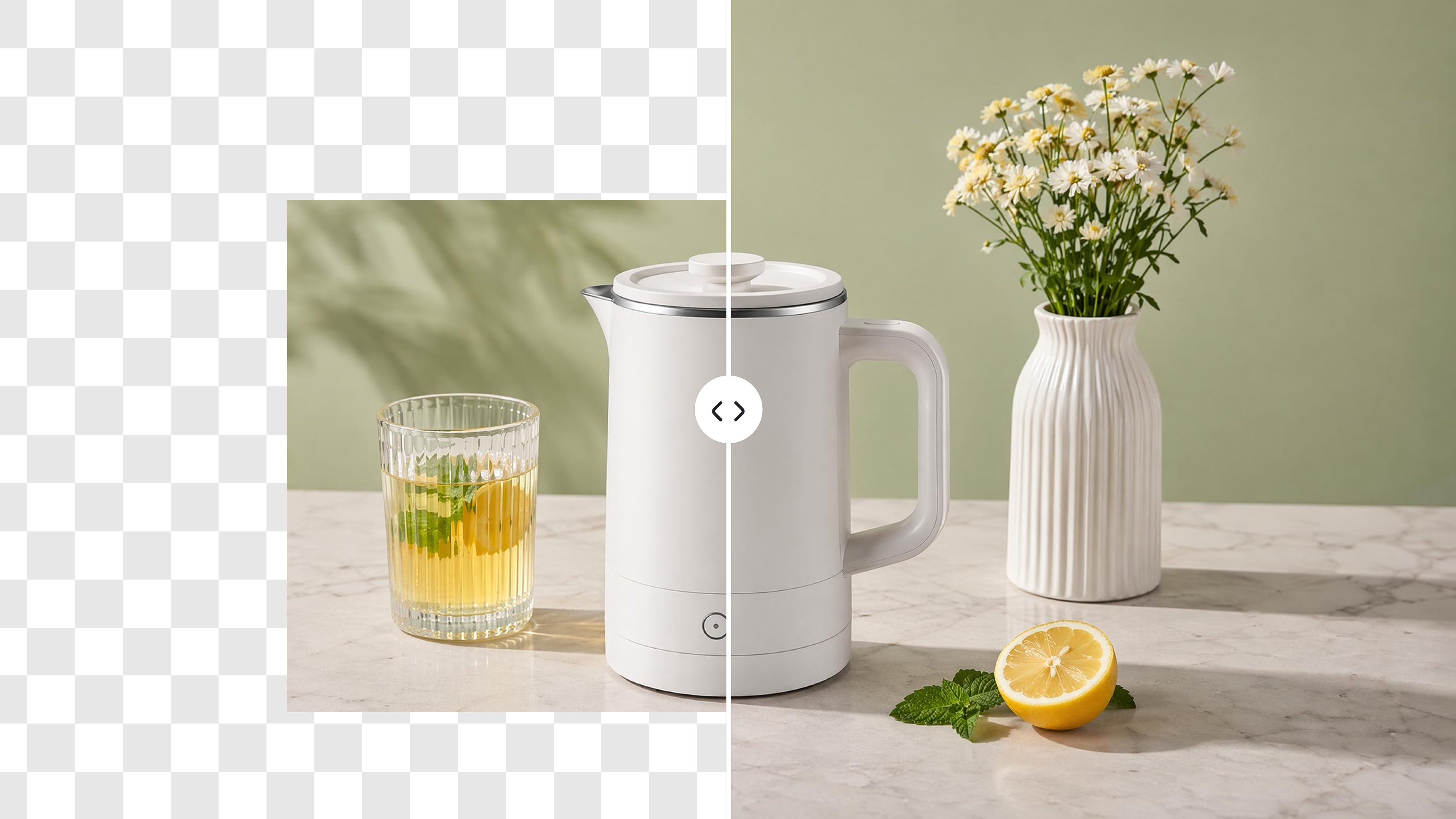
AI Image Extender
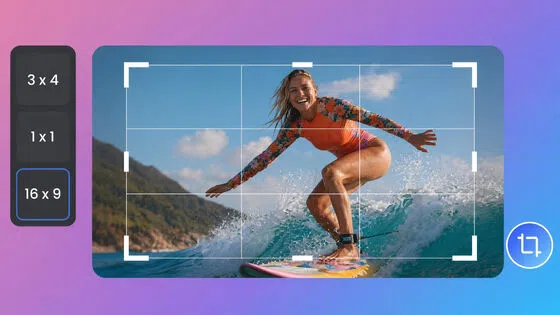
Image Cropper Online
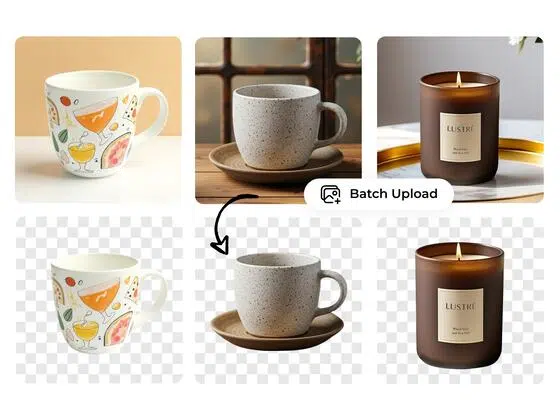
Free Background Remover Online
Remove Watermarks from Images
AI Attractiveness Test FAQ
What is an AI attractiveness test?
How is the AI score calculated?
The tool uses AI vision to read your photo and apply the test you choose. It scores the visual factors in that test, such as symmetry or skin clarity, and combines them into an overall result with short notes.
Is the AI beauty score accurate?
It can be consistent for visual factors like symmetry and photo clarity, but it is not a real beauty standard. Lighting, camera angle, filters, and image quality can all change the score.
Are my photos stored?
No. Your photo is processed for the test and is not saved for other uses. Once the analysis is done, the image is removed.
Is the attractiveness test free?
Yes. You can upload a photo and run the test online without downloading an app.
What affects my score the most?
Photo quality, lighting, face angle, expression, and visible obstructions such as glasses or hair over the face. Small changes in the photo often change the score more than small changes in appearance.
Does skin color affect the result?
No. Skin color does not lower or raise your score by itself. Lighting, shadows, and image quality can still affect how clearly the AI reads skin texture and tone.
How can I get a better score?
Use a clear front-facing photo with even lighting. If the image is blurry, dark, or heavily filtered, improve the photo first and test again.
Try the AI Attractiveness Test Now
Upload your photo, choose a test type, and get your beauty score in seconds. Run one dimension or try several to compare results.

What People Say About the Face Rating Tool
Picked the better selfie in two minutes
I had two selfies I liked but could not decide between them. I ran both through the beauty test and went with the higher score. Not scientific, but it saved me from posting the blurrier one.
Useful before updating dating photos
I was redoing my Hinge photos and wanted a quick gut check. The symmetry and face shape notes were more helpful than the number itself. Still treated the score as a bit of fun.
Helped me choose a LinkedIn headshot
My team gave me three cropped headshots from an event. I tested all three and picked the one that scored best for a professional look. The lighting fix tip in the report was actually useful.
The score jumped after I fixed the lighting
First score was low and I almost took it personally. Then I brightened the same photo and retested. Big difference. Made me realize the camera setup mattered more than I thought.
Face shape result matched my stylist's advice
I tried the face shape test out of curiosity. It called my face oval and suggested layered cuts, which is basically what my hairstylist already told me. The symmetry breakdown was a nice bonus.
Good for comparing angles, not for self-esteem
I use it when I am shooting content for Instagram. Quick way to see which angle reads better on camera. I would not obsess over the score, but it is handy when you are testing three similar shots.