
AI Video Object Remover: Erase Distractions From Any Video
Remove unwanted objects and background distractions from any video using AI. Create smooth, natural-looking footage without frame-by-frame editing.
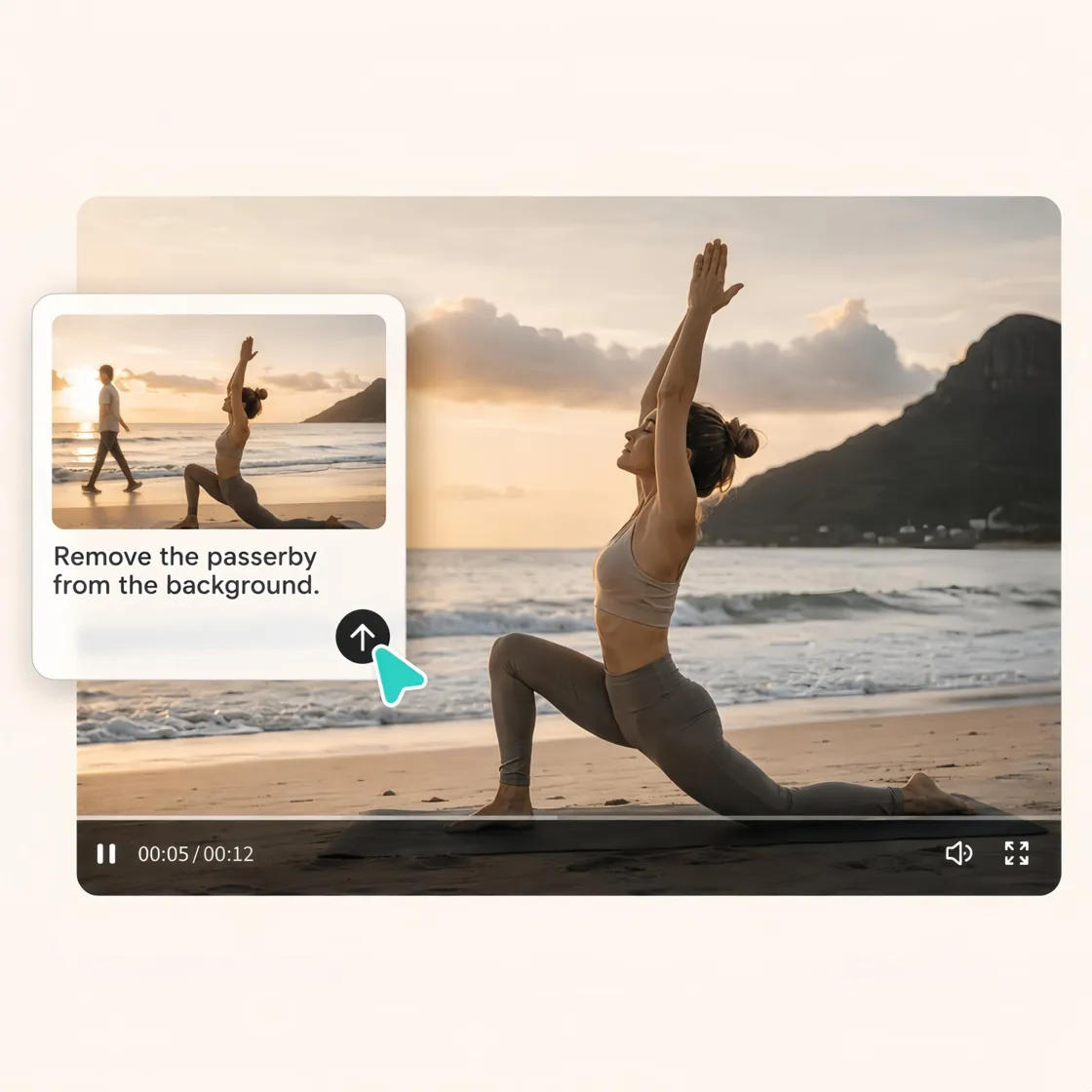
How to Remove Objects from Videos in 3 Steps
Upload Your Video
Upload an MP4, MOV, or other supported video. Designkit analyzes each frame to identify the area around the object before editing begins.

Describe What You Want to Remove
Use simple text prompts with AI to identify and remove unwanted objects, then generate a clean version of your video automatically.

Preview and Export
Generate the edited video, preview and download a clean version with natural background reconstruction and smooth motion.
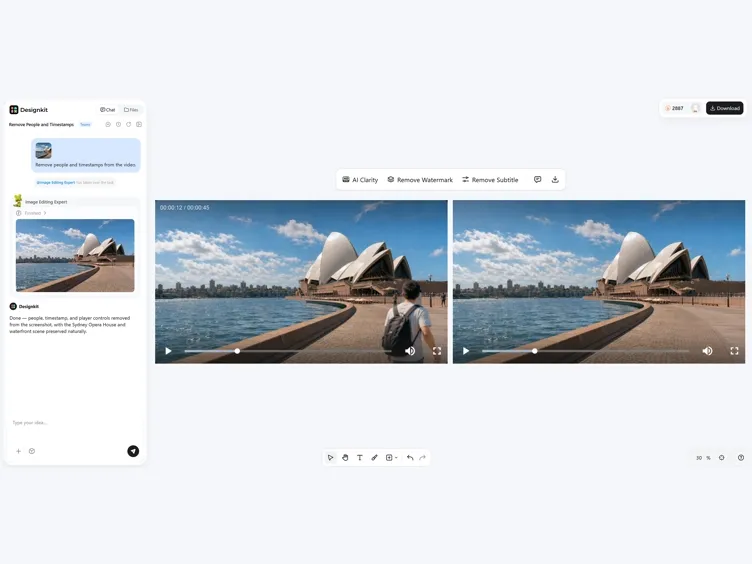
Everything You Need to Remove Objects From Videos
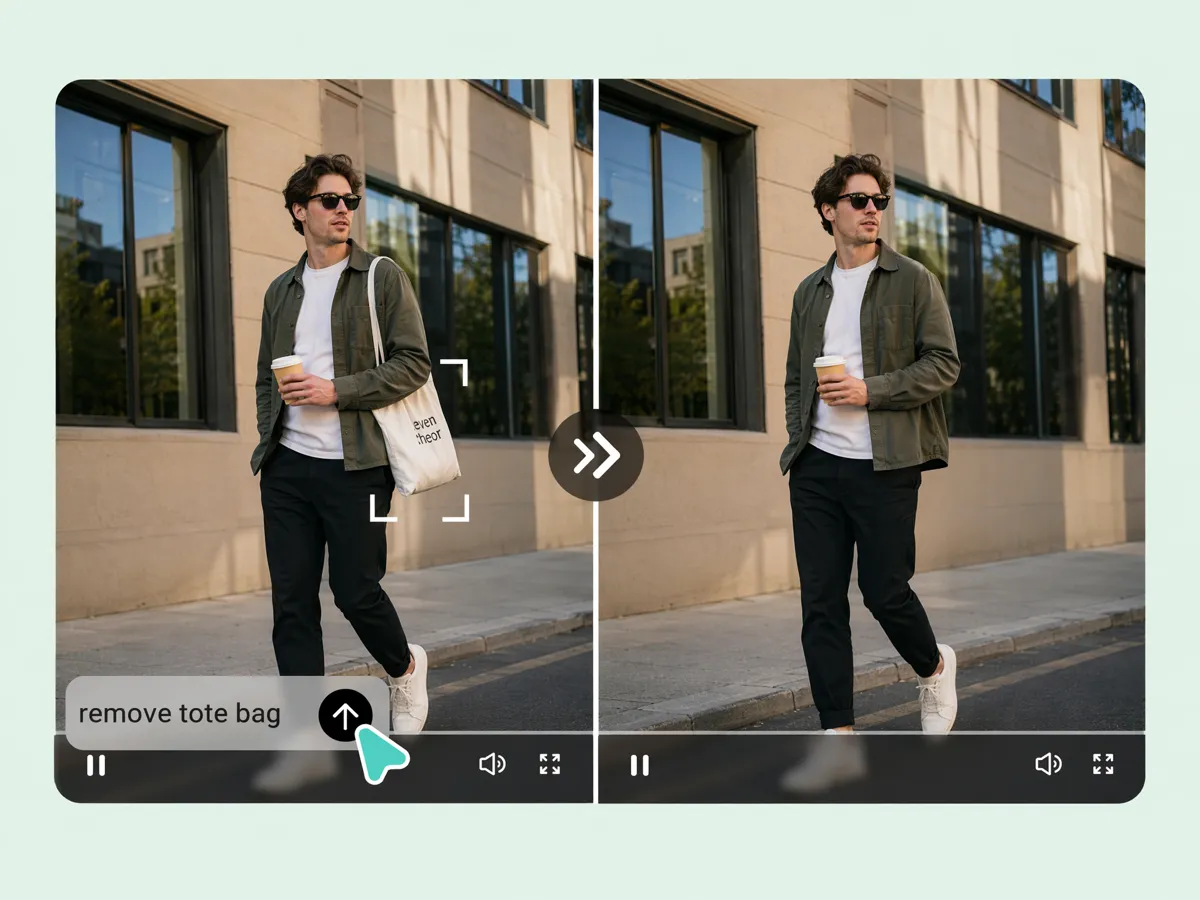
Remove Objects Without Frame-by-Frame Editing
Remove unwanted people, objects, or distractions from an entire video instead of editing every frame manually. Designkit's video object remover detects and removes objects throughout the timeline while preserving natural movement and the surrounding scene.
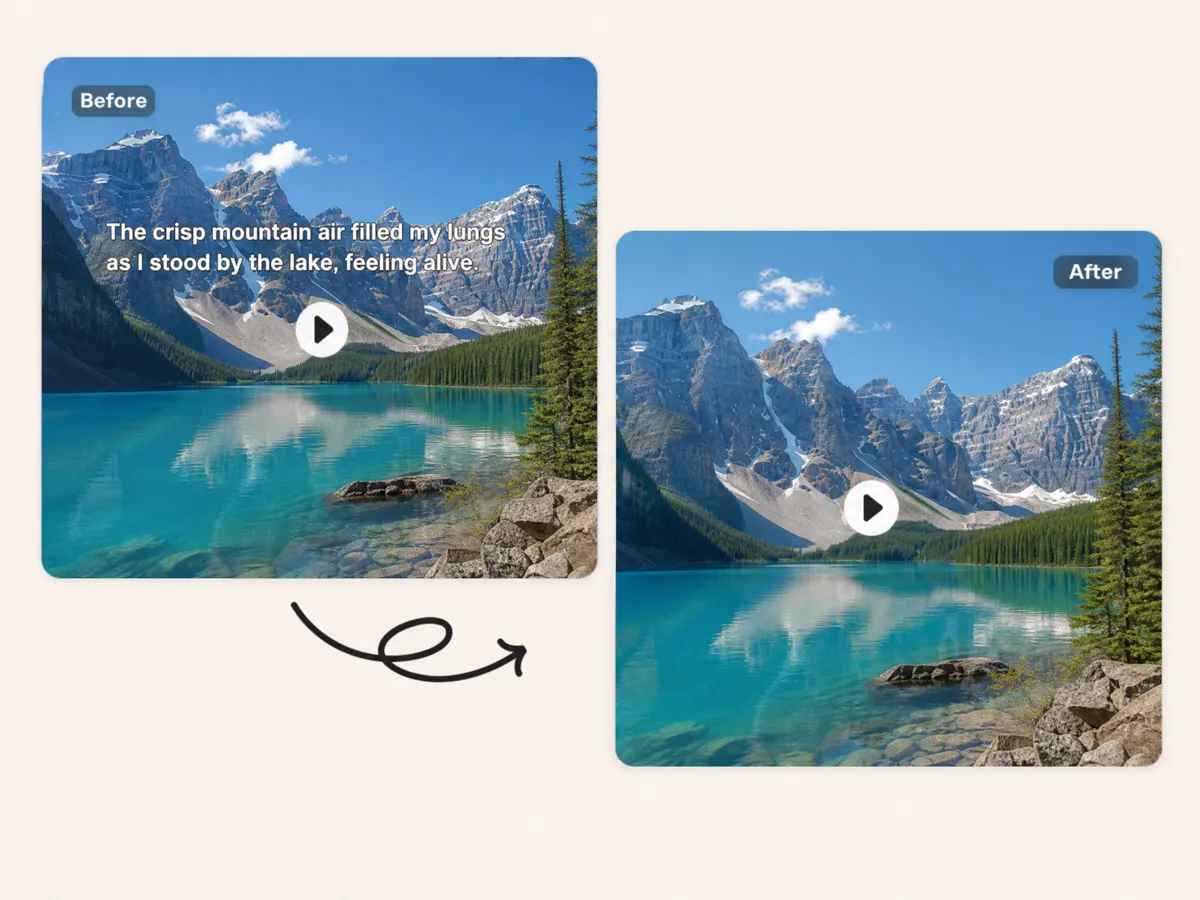
Clean Up Watermarks, Text, and Distracting Elements
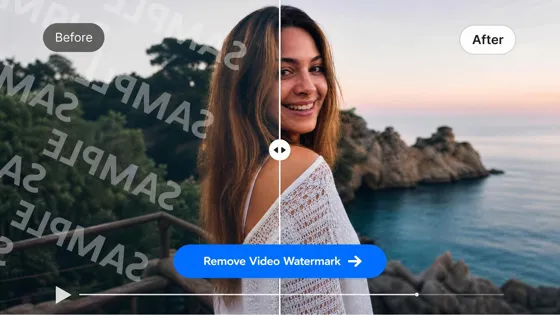
Outdated logos, subtitles, timestamps, and text overlays can make videos unusable. Designkit helps remove objects from video online, cleaning unwanted elements while maintaining image quality for marketing, tutorials, and social content.
AI-Powered Scene Reconstruction for Natural Results
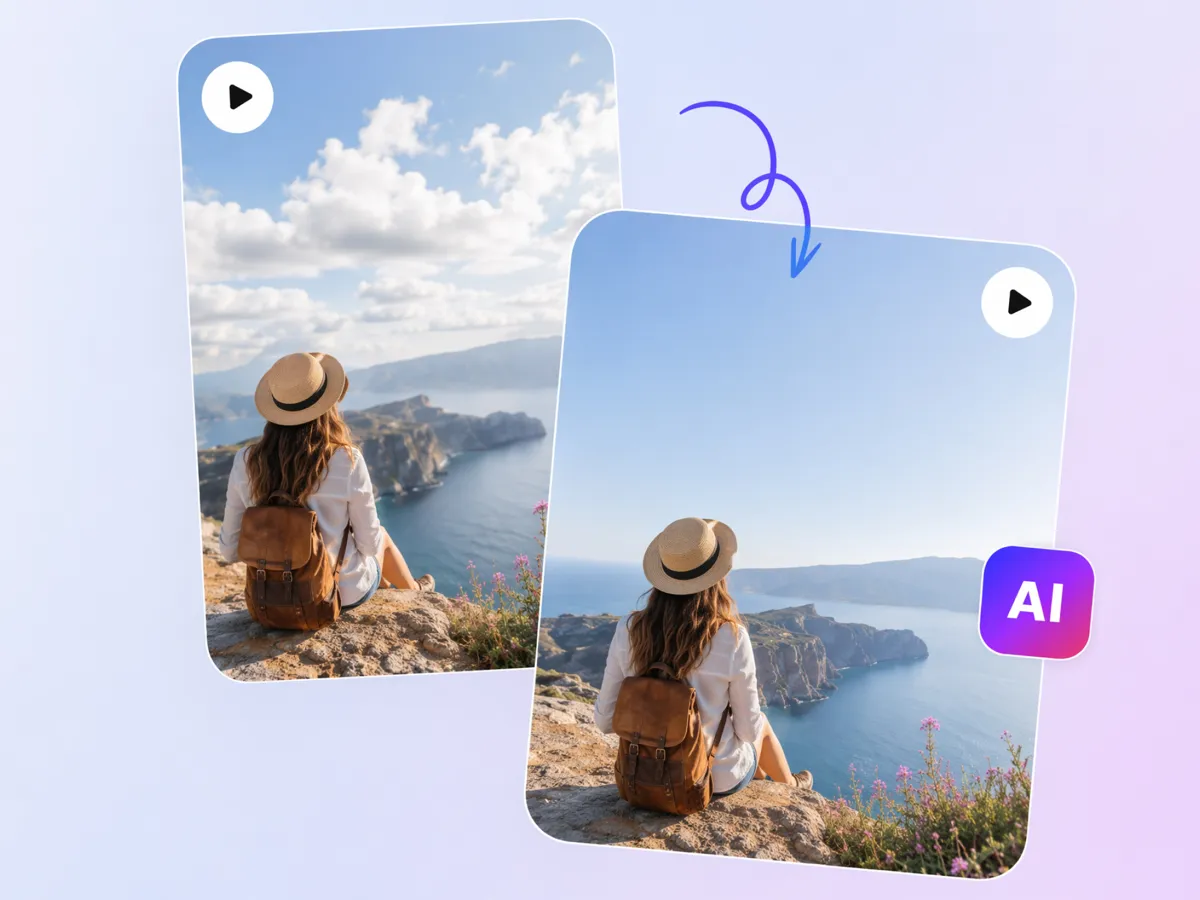
Simply deleting an object can leave visible gaps or blurry areas. Designkit's AI video object remover rebuilds the background using surrounding details, helping lighting, textures, and motion blend naturally after unwanted elements are removed.

Remove Moving Objects With Smart Tracking
People, vehicles, animals, and other moving objects can be difficult to remove manually. Designkit uses smart tracking to follow distractions across the timeline, making object remover from video workflows more accurate and reducing repeated editing.

One-Click Cleanup for Social Media Content
Create cleaner videos for TikTok, Instagram Reels, YouTube Shorts, and other social platforms without reshooting footage. Designkit lets you remove objects from video, helping creators publish distraction-free content with less manual editing.
Who Uses Designkit Video Object Remover
Remove Travel Distractions Effortlessly
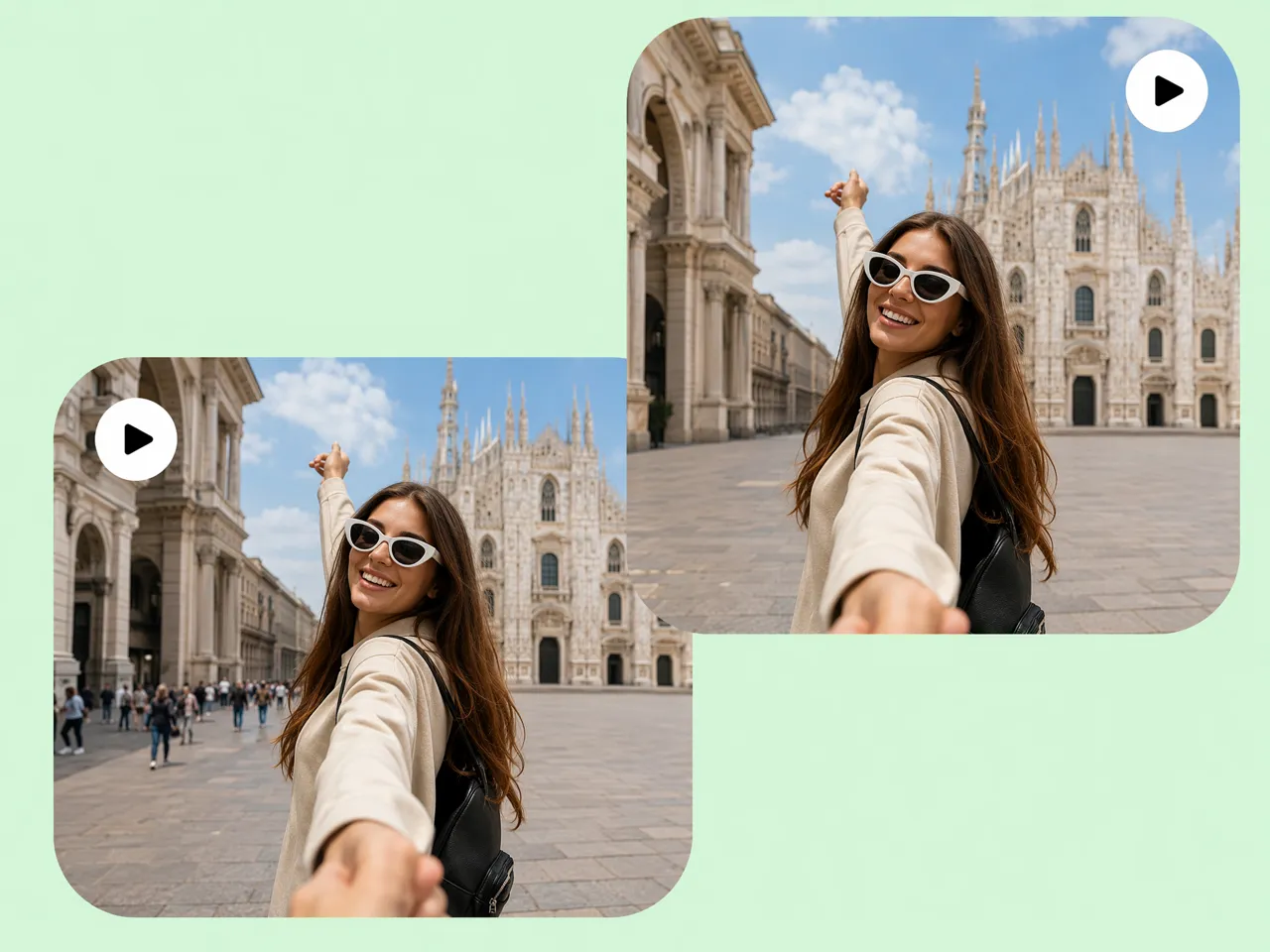
Crowded tourist spots, passing vehicles, and unexpected bystanders can distract viewers from your destination. Designkit helps remove objects from video online, keeping the focus on landscapes, landmarks, and travel experiences without filming the scene again.



Why Choose Designkit for Video Object Removal

More Stable and Natural Scene Reconstruction
Rebuild removed areas with fewer visible artifacts, helping scenes remain visually believable from start to finish.

Better Results on Moving Subjects
Handle moving distractions more reliably, reducing flicker and keeping object removal smoother across video frames.

Faster Than Manual Editing
Complete repetitive cleanup work in fewer steps, reducing editing time across long videos and large projects.
Unlock More Creative Possibilities
AI Video Enhancer
Video Watermark Remover
Video Background Remover

AI Video Generator
Frequently Asked Questions
What types of objects can AI remove from a video?
Can Designkit remove moving people or vehicles?
Yes, moving subjects such as pedestrians, cars, bicycles, and animals can be removed from many videos. Designkit tracks objects throughout the timeline and reconstructs the background to create smoother, more natural-looking results without frame-by-frame editing.
How does AI rebuild the background after removing an object?
AI analyzes nearby textures, lighting, colors, and motion to fill the space left behind after an object is removed. Designkit uses scene-aware reconstruction to blend the repaired area with the surrounding environment, helping reduce visible gaps or inconsistencies.
Will the edited video still look natural?
Yes, in many cases, the edited video can maintain a natural appearance when the source footage is clear. Designkit preserves lighting, shadows, textures, and motion as it removes unwanted objects, helping the final video blend together more smoothly.
Does object removal work in complex backgrounds?
Complex scenes with detailed backgrounds can often be edited successfully, although results depend on the video's quality and movement. Designkit analyzes surrounding visual information to reconstruct busy scenes while minimizing noticeable editing artifacts.
What video formats does Designkit support?
Common video formats used for social media, marketing, tutorials, and personal projects are supported for upload and editing. Designkit allows you to work with widely used video files, so you can edit content without converting it into uncommon formats first.
Do I need professional video editing experience?
You do not need advanced editing skills to remove unwanted objects from videos. Designkit simplifies the workflow with intuitive tools that let beginners and experienced creators clean up footage without learning complex video editing software.
Can I preview the edited video before downloading?
Previewing your edits before exporting helps you confirm that the unwanted objects have been removed correctly. Designkit lets you review the cleaned video, make additional adjustments if needed, and download the final version only when you're satisfied with the result.
Turn Distracting Footage Into Clean, Professional Videos
Turn distracting footage into polished, professional-looking videos in just a few clicks. Remove people, text, watermarks, and unwanted objects while keeping scenes natural and smooth.



What Creators Say About Designkit Video Object Remover
Users love how Designkit removes unwanted objects and instantly makes their videos feel clean, smooth, and professional.
I Saved My Travel Memories
I filmed in crowded places and later found strangers and distractions ruining my best shots. I felt disappointed. Designkit removed them so smoothly that my videos still feel natural and real. It honestly saved my favorite travel memories and made them worth sharing again.
Editing Became So Much Easier
Before, I spent hours doing slow frame-by-frame masking, which was tiring and frustrating. With Designkit, I remove objects in minutes. It reduced my workload a lot and made editing feel faster, smoother, and far less stressful every day.
Better Property Videos Without Reshoots
Property walkthroughs often include temporary clutter or personal items that distract buyers. Designkit helped remove those distractions before publishing, making every listing look cleaner and more appealing without returning to film the property again.
Saved Us From Reshooting Product Videos
We updated several product videos by removing outdated logos and promotional text instead of filming everything again. Designkit helped us refresh existing content, saving significant production time while keeping our campaigns on schedule.