
Generate Custom Mug Mockups for Your Brand
Got a design but no samples yet? Add your artwork or type a prompt, and see it on a real-looking coffee mug before you list it or print it.
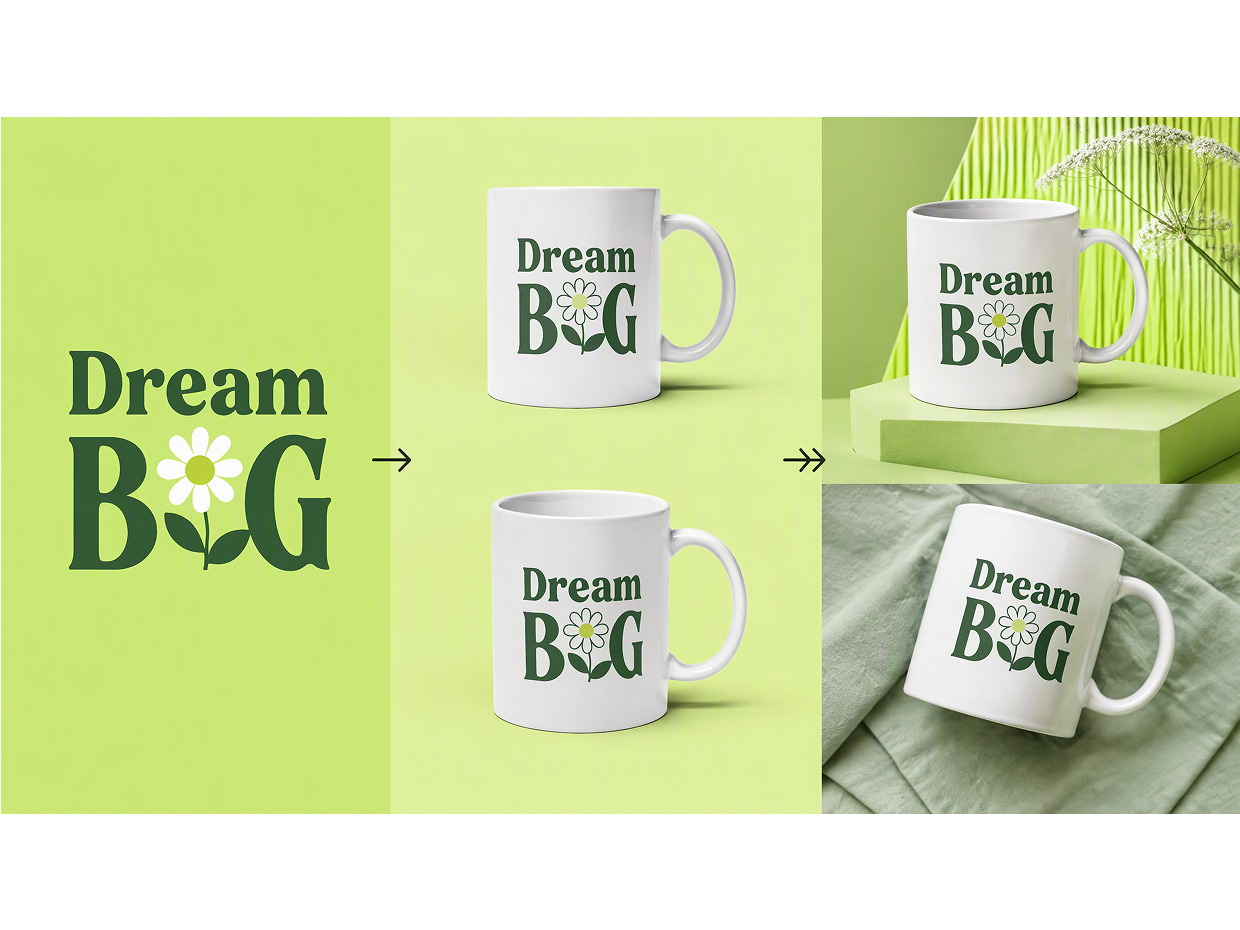
How to Create a Mug Mockup in 3 Steps
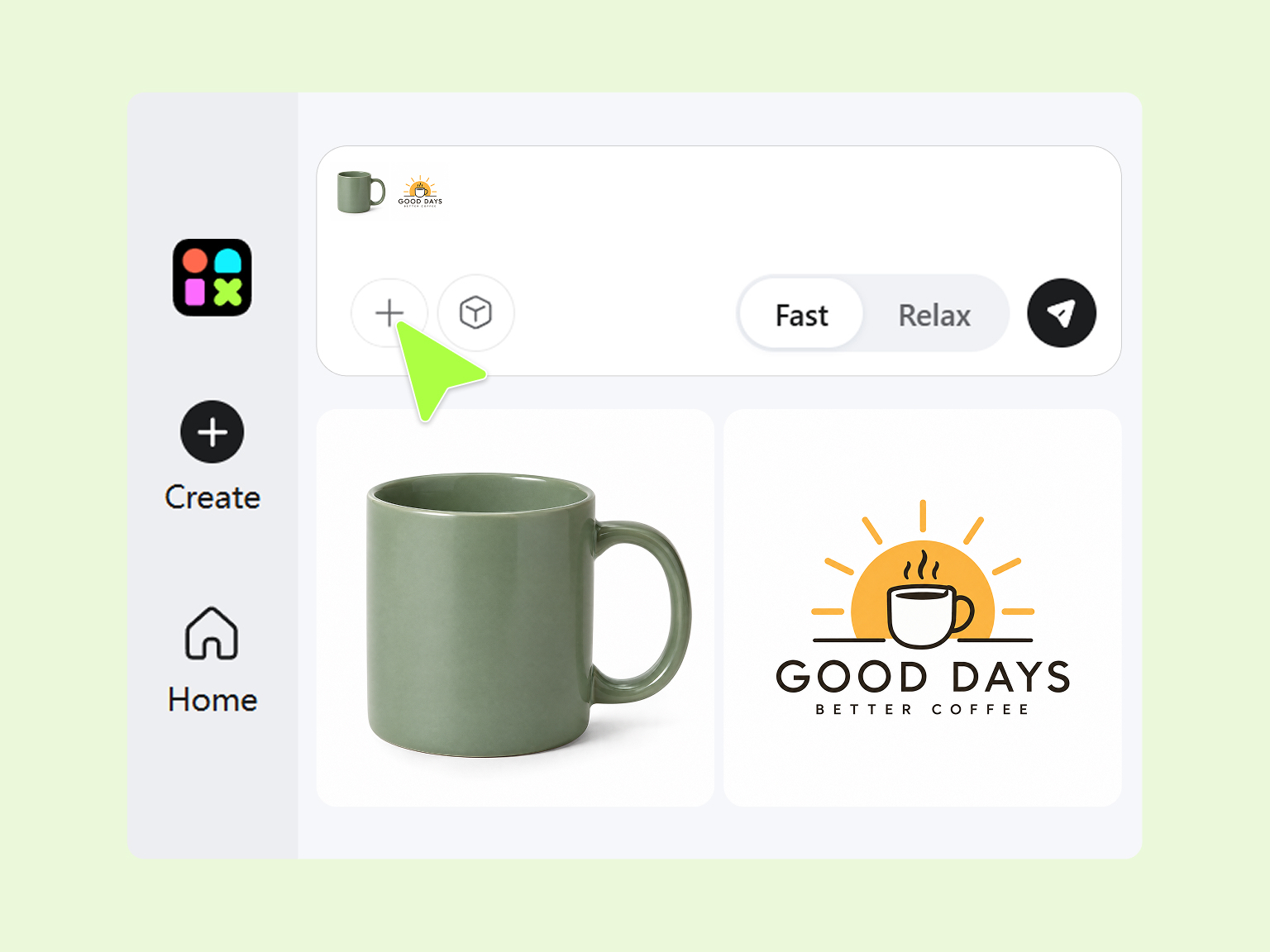
Step 1. Upload Your Artwork or Describe Your Idea
Add a logo, an illustration, or a finished mug design. No file yet? Describe the mug, the art on it, and where it should sit.
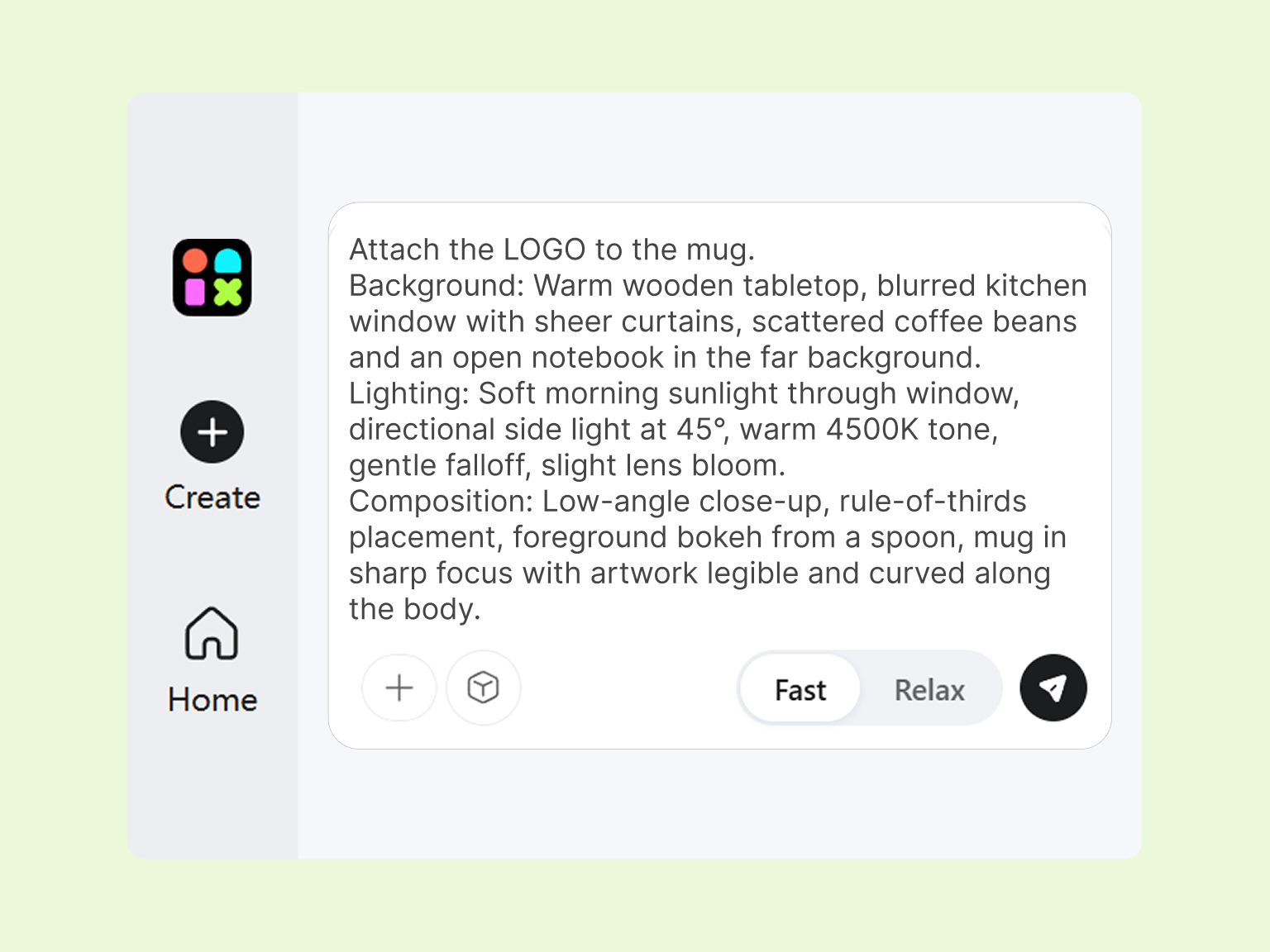
Step 2. Generate Your Mug Mockup
Tell Designkit what the background and light should look like. A sunny kitchen counter feels very different from a dark café table.
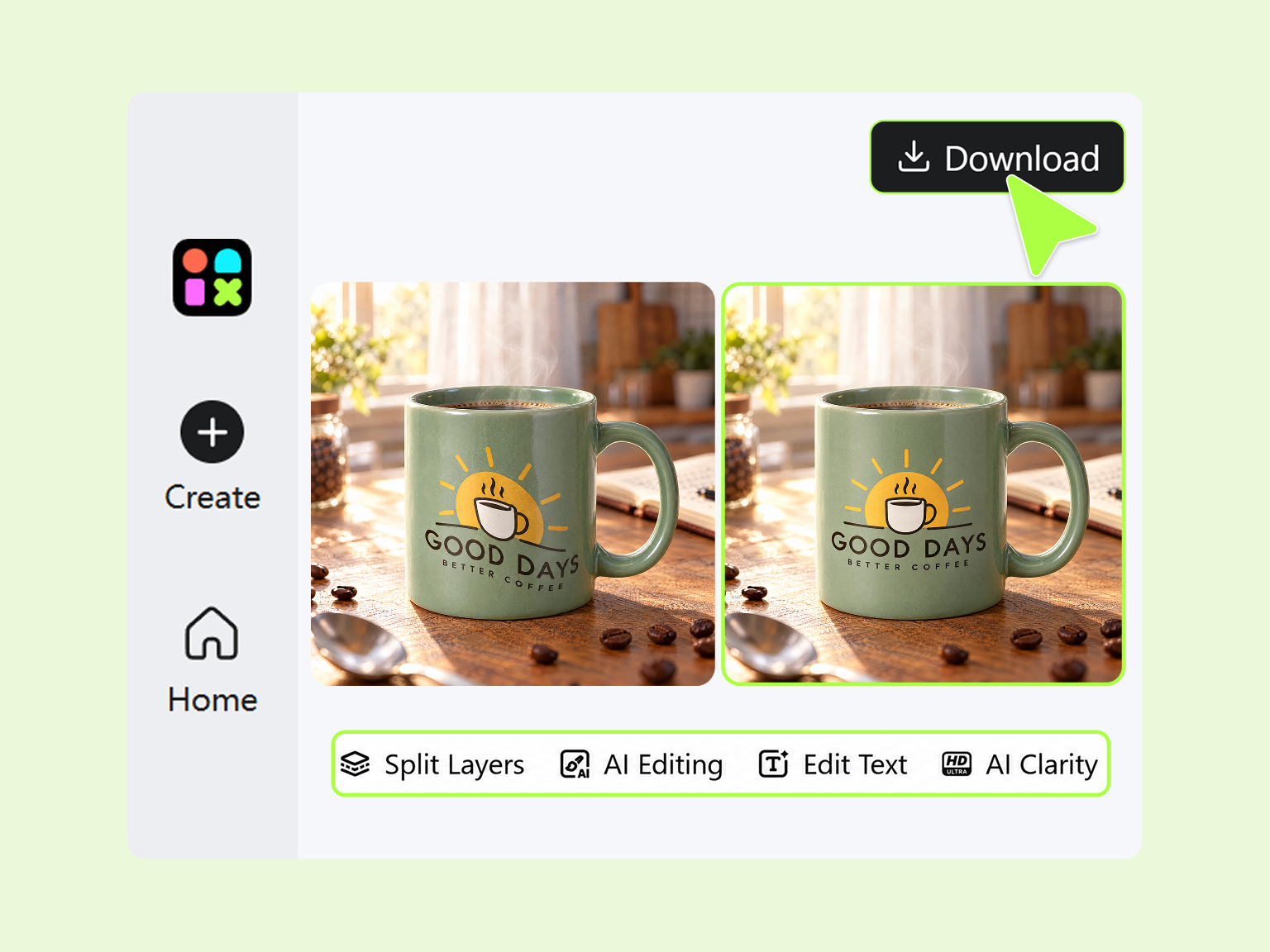
Step 3. Refine and Export Your Image
Check the result, then crop, sharpen, or erase anything distracting. Download it once it looks like a photo you'd actually post.
What Makes Designkit Ideal for Mug Mockup Design
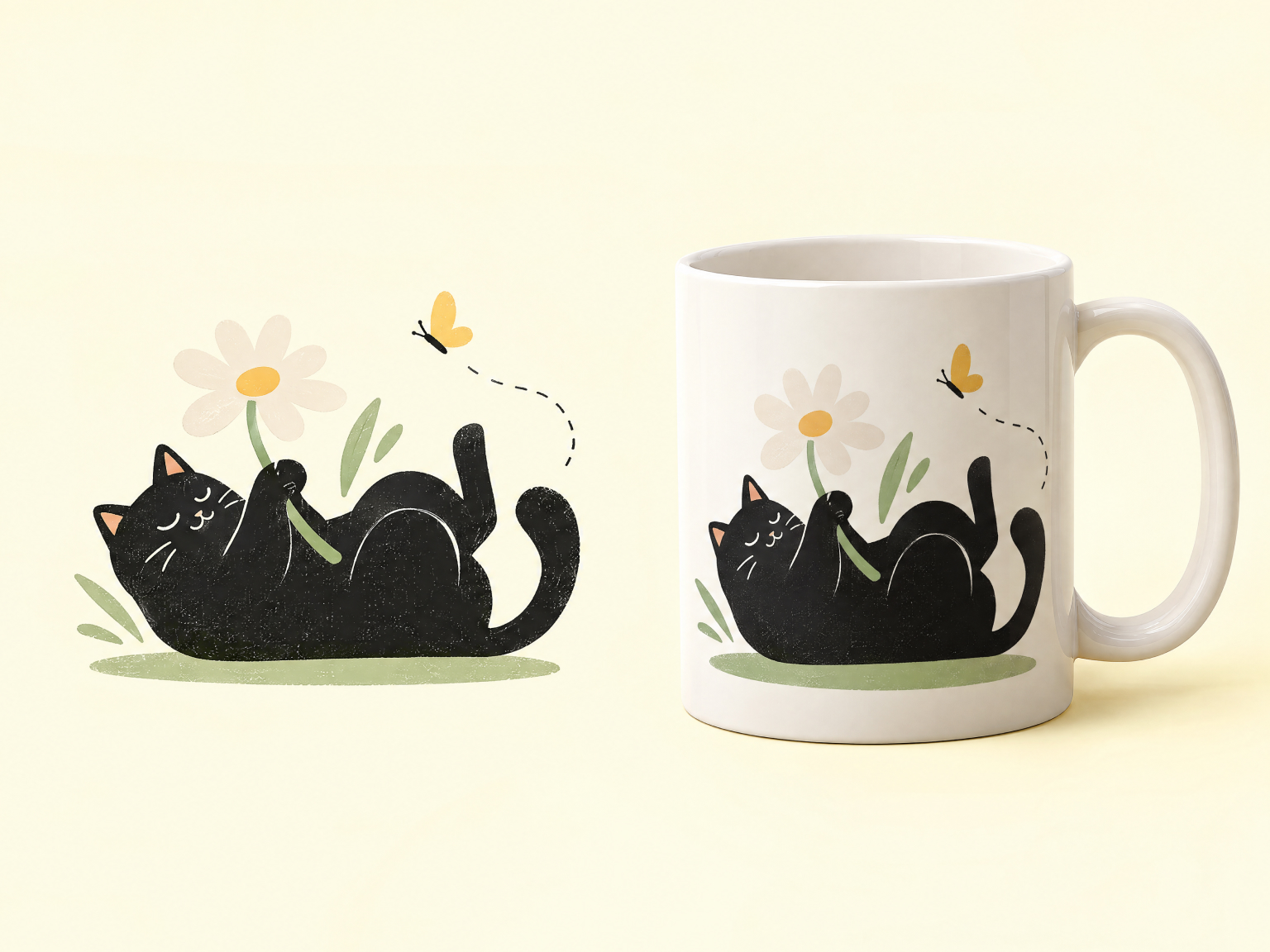
Place Flat Artwork on a Curved Mug
Art that looks great as a flat file often looks stuck on once it's on a mug. Upload it and the AI mockup generator bends it around the curve, with light and shadow to match, for a believable 3D mug design.
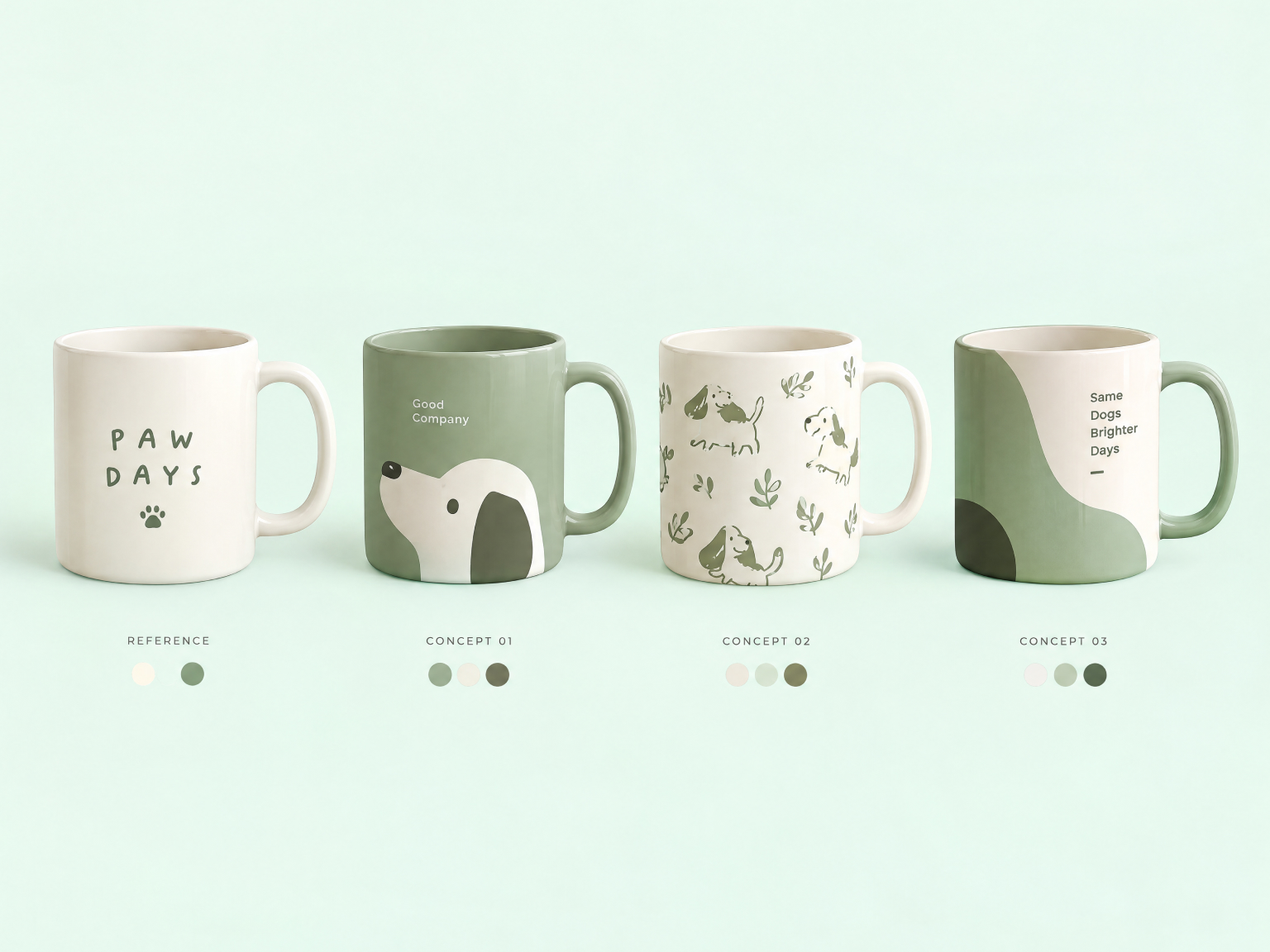
Rework a Reference Image Into Your Own Mug Concept
Saw a mug photo with the mood you want? Use it as a reference. Tell the mug creator what to swap, like your artwork, the glaze color, or the table it sits on, and you get your own version of it.
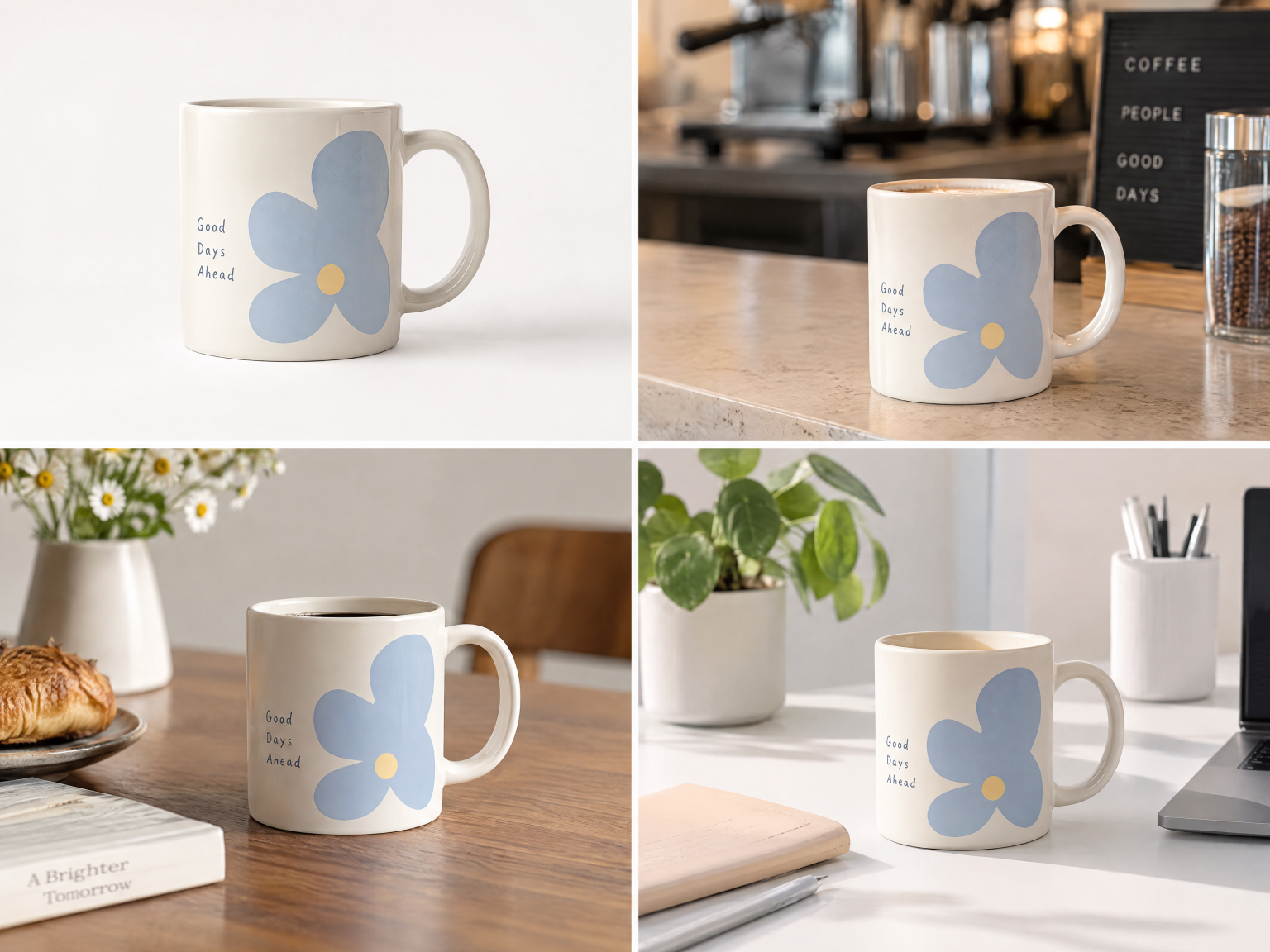
Set Your Mug in a Scene That Fits the Product
A Christmas mug and a home office mug shouldn't share a backdrop. Ask for a café counter or a gift box flat lay, or use the AI background generator to match the setting to whoever's buying.
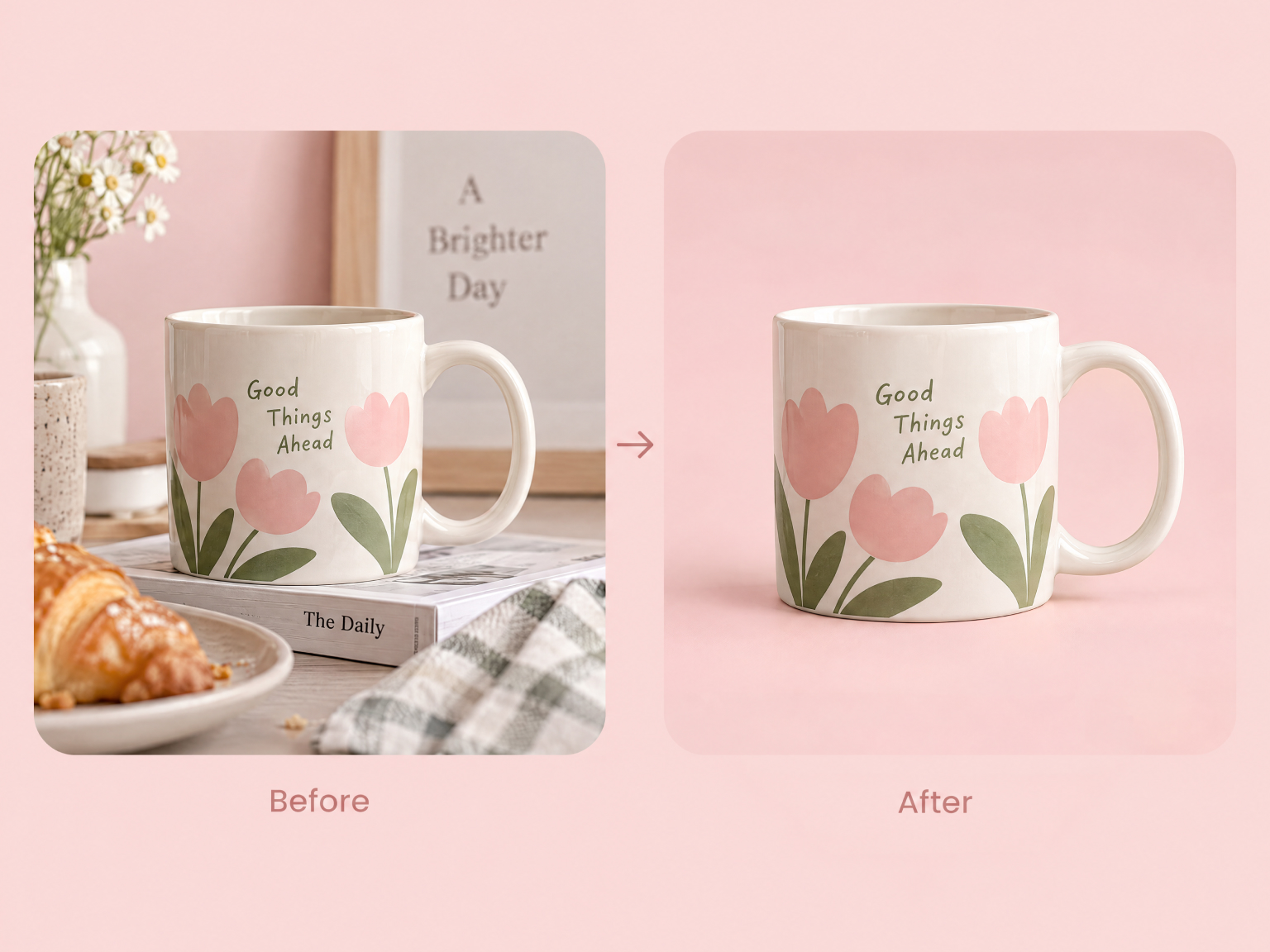
Prepare a Cleaner Mug Visual for Your Store
Some listings just need the mug and nothing else. Clear out the clutter or cut the mug out completely with the background remover, then drop it into a listing, catalog page, or promo graphic.
Create Mug Mockups for Different Creative and Business Needs
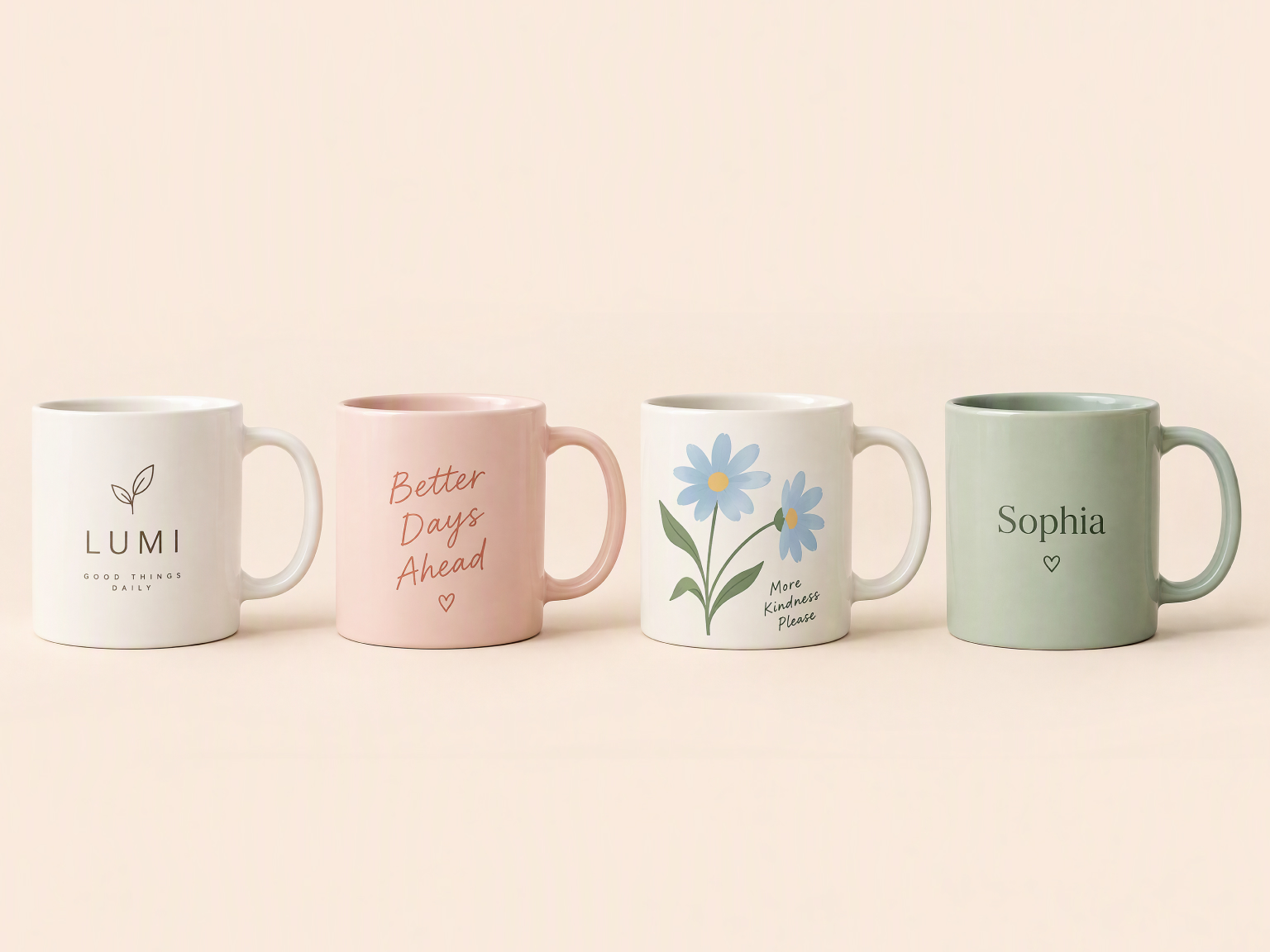
Give Each Mug Design a Store-Ready Presentation
Ten mug designs shouldn't mean ten sample orders. Make a mockup for each one, add white background product photos for the main image slot, and every listing goes live with a full image set.
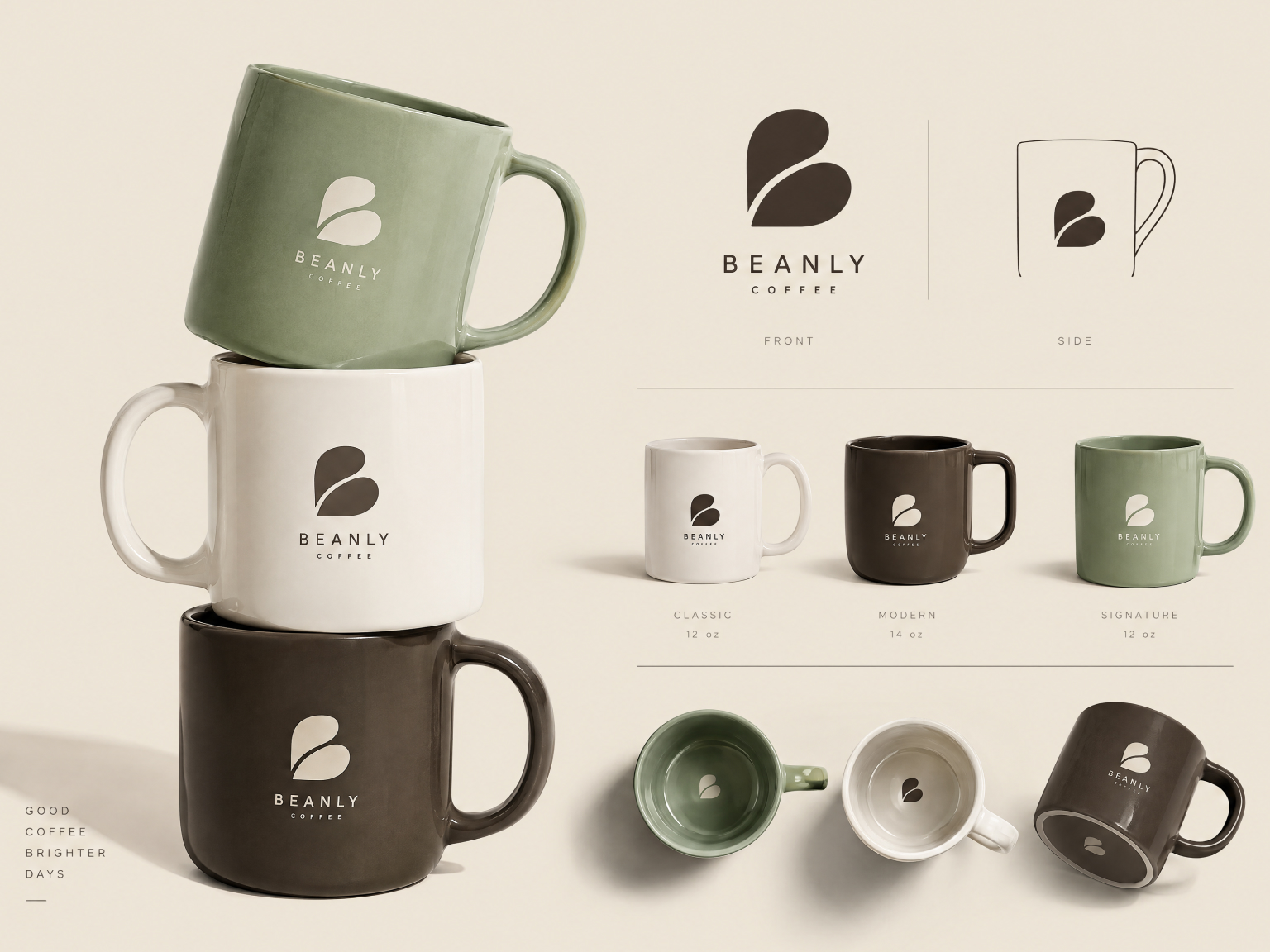
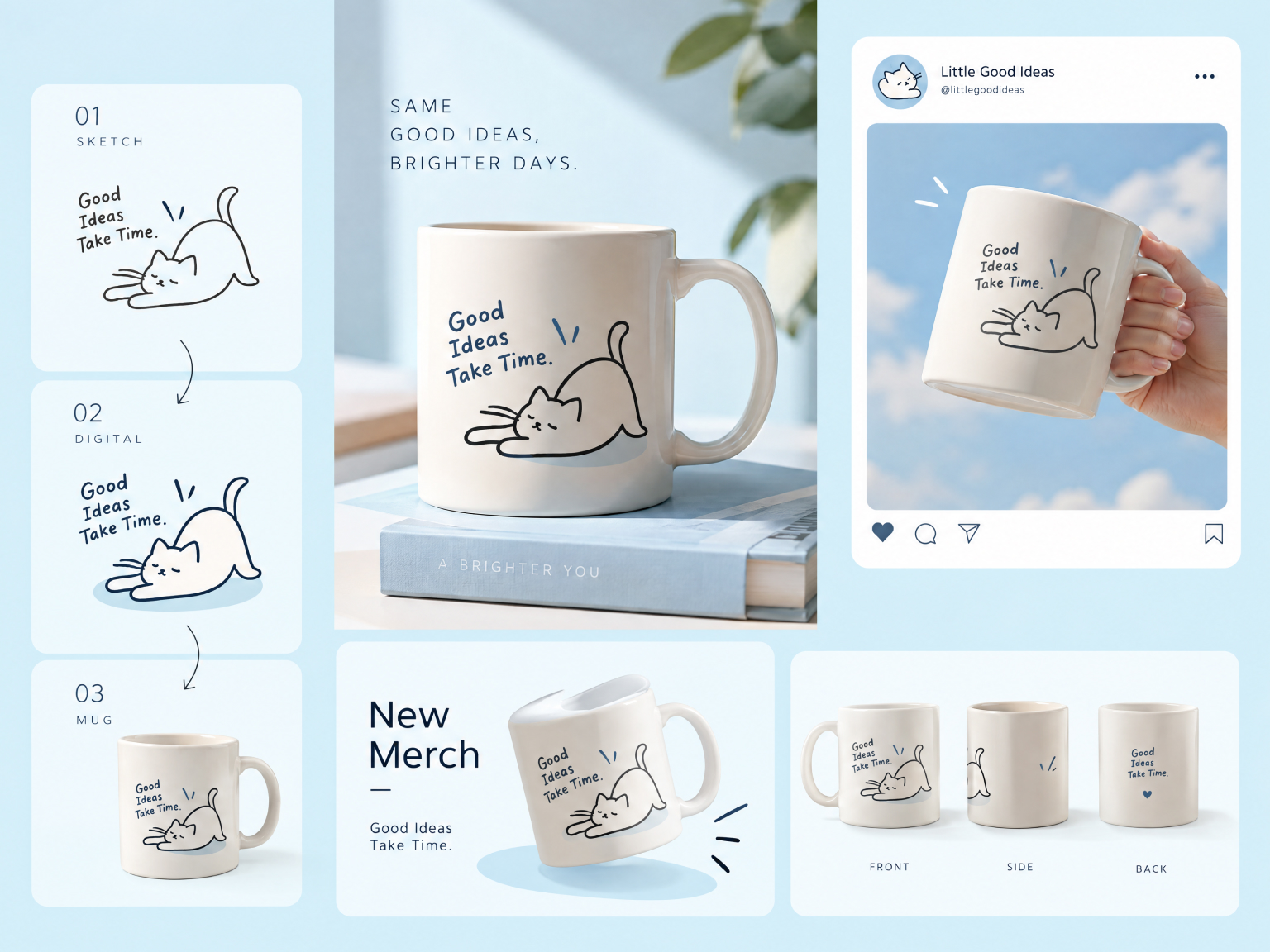
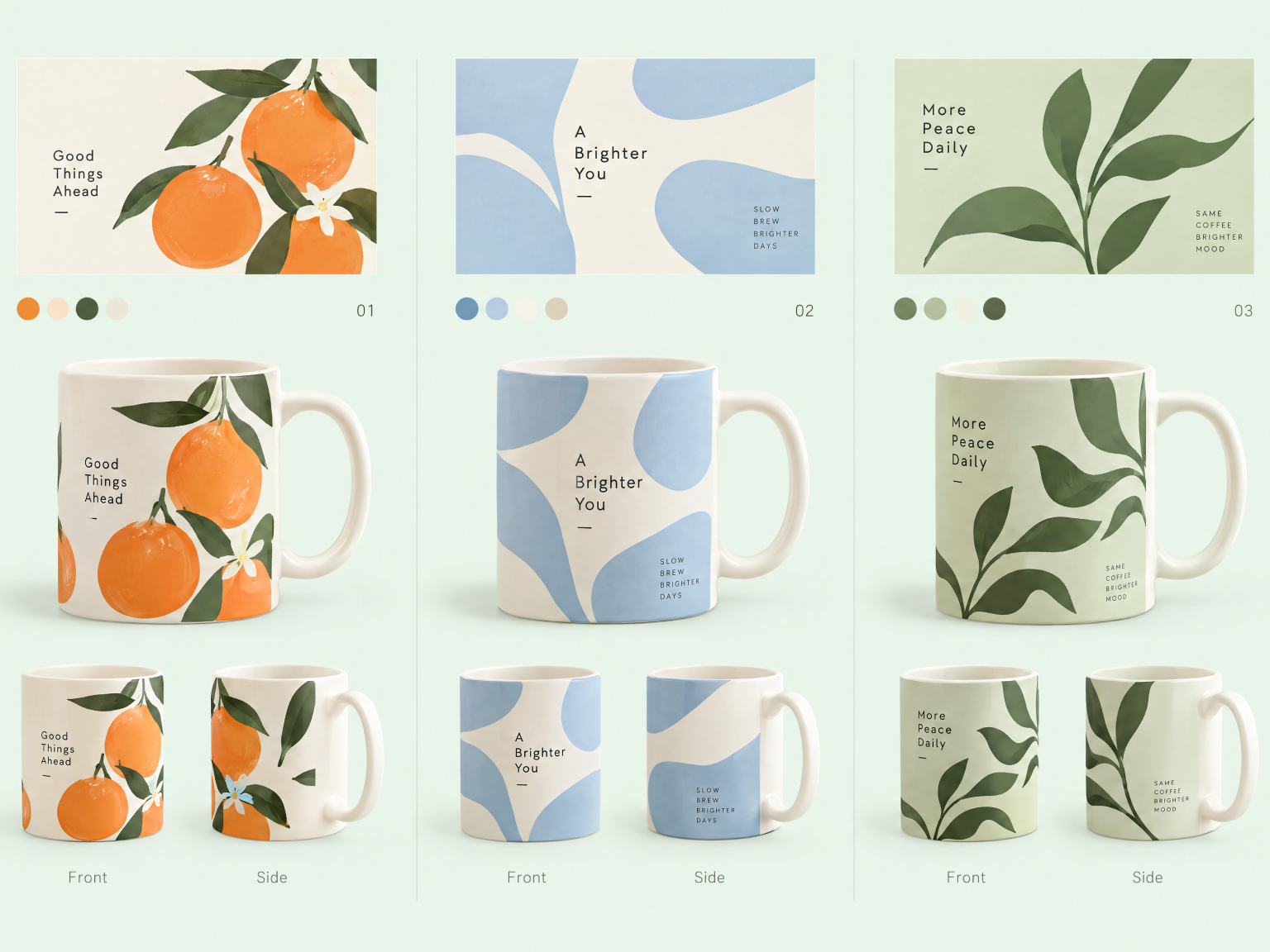
Why Choose Designkit for Your Mug Mockup Needs
See a design on a mug before paying for samples or shipping, and only print the ones that'll sell.
You don't have to bend artwork with warp tools and masks anymore. The mockup handles the mug's shape and light.
New accounts get 20 signup credits plus 10 more every day, so you can test a few mug ideas first.
Explore More Video Tools
Frequently Asked Questions
Can I change the generated output on my mug mockups?
Will an AI-generated asset look professional enough to use?
It can, if you give it good input. Clean, high-res artwork and a specific scene, like "white mug on an oak desk, morning light," get the most believable results. Designkit adds light and shadow around the mug so the print looks like part of it. Zoom in on text edges before you publish, and regenerate if something looks off.
How do I design a coffee mug online if I only have a logo?
A logo is plenty. Upload it as a PNG, ideally with a transparent background, then describe the mug color, style, and setting. Designkit puts the logo on the mug and builds the scene around it. If your logo has a solid background, run it through the transparent background maker first so only the mark shows up on the mug.
Can I create a mug online with a transparent background?
Yes. Make the mug mockup first, then remove the background so you're left with just the mug as a PNG. Cutouts are handy for marketplace listings, product grids, or dropping the mug into a banner. In Designkit, open the result in the editor and use the background remover to export it.
Does the coffee mug generator support wraparound designs?
Partly. A mockup only shows the side facing the camera, so each image shows one section of a wraparound design. To show the full wrap, generate a few views and name the angle each time, like front, back, or handle side. Put them together in your listing and buyers can follow the pattern around the mug.
Do new users get free credits for mug mockups?
Yes. New Designkit accounts get 20 signup credits plus 10 daily credits, which is enough to try a few designs and scenes before you pay for anything. Commercial use depends on your plan, though, so check your account before you sell products using the images.
Can I remix an existing product image to design a coffee mug online?
Yes, as long as you're allowed to use the photo. Upload it as a reference and say what should change, such as the artwork, the mug color, or the background. Designkit keeps what works and swaps the rest, which helps when you like a setting and only need your design in it. Just don't reuse another brand's artwork.
Does the mug maker online tool allow bulk generation?
Yes. If you sell several mug designs, upload them together and apply one scene or style to the whole batch. The collection looks related without you setting up each mockup on its own. For bigger catalogs, the batch photo editor can also resize or sharpen everything before you publish.
Make Your Next Mug Listing Visual
Upload your logo or describe the setting you have in mind, and see your design on a mug in a few minutes. It's free to try.



What Professionals Say About Designkit Mug Mockups
Notes from sellers, designers, and marketers who stopped editing mug photos by hand.
Stopped Guessing How the Final Mug Would Look
I had flat illustrations and no budget for a photographer, so my store only showed the artwork. I put the designs on mugs in Designkit and swapped the listing photos. Conversions went up about 22% the next month.
Cut Out Tedious Mesh Warping Entirely
Warping a logo around a mug in Photoshop used to take an hour per client, sometimes more. Now I upload the mark and the curve and lighting are done for me. That's roughly 4 hours a week back.
Kept Campaign Assets Completely Unified
Our mug photos were shot at different times and nothing matched. I generated 50+ images with the same cozy café background, and for once the whole holiday campaign looked like it came from one brand.
Validated Merch Concepts Before Printing
I didn't want to buy stock for a mug line nobody had asked for yet. I made mockups from a few prompts, built a pre-order page around them, and the first run was funded on day one. FAQs