
AI Video Extender: Turn Short Clips into Longer Videos
When a take ends too early, continue the last frames with AI so you get more usable seconds for Reels, ads, and product demos without another shoot.
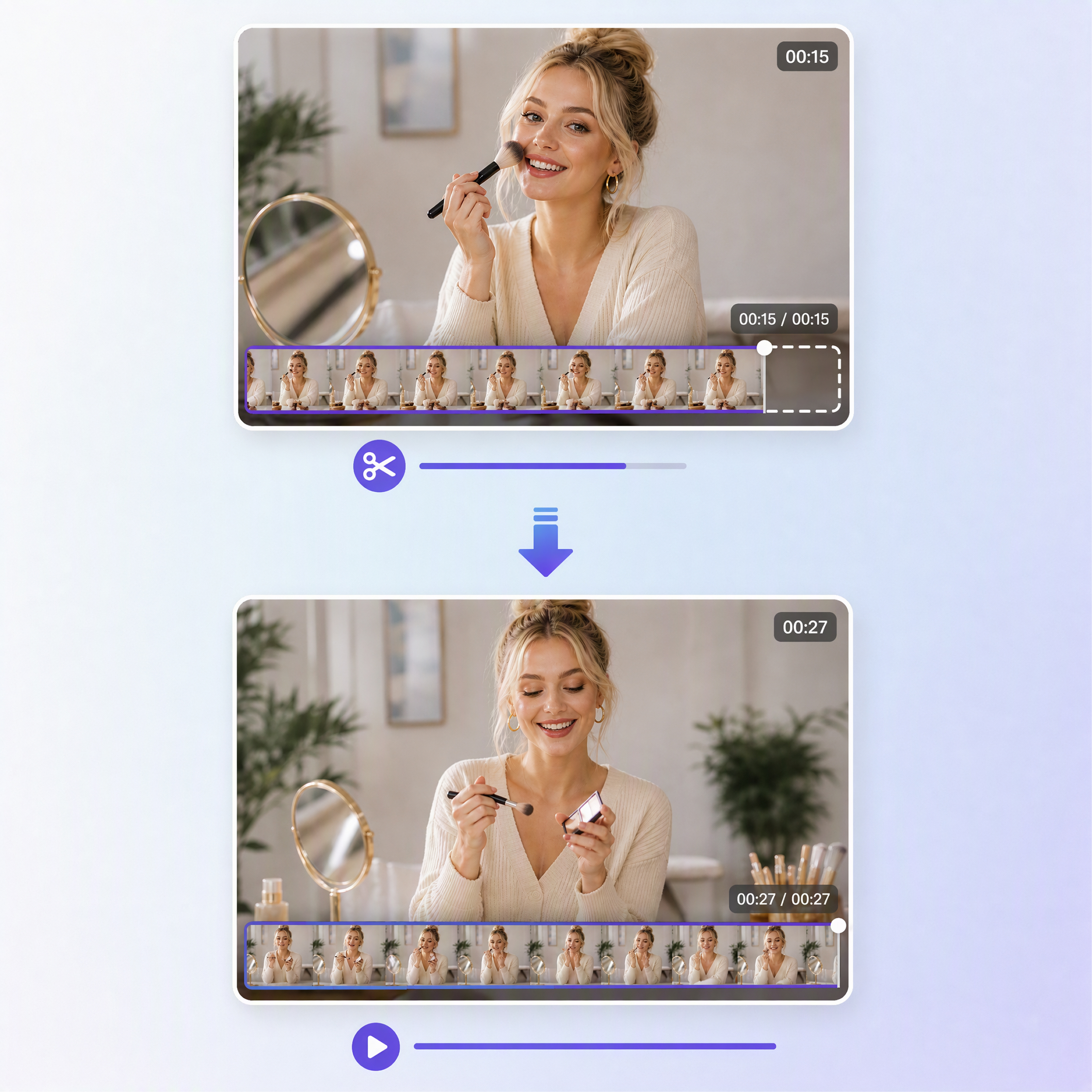
How to Continue a Short Clip with Designkit in 3 Steps
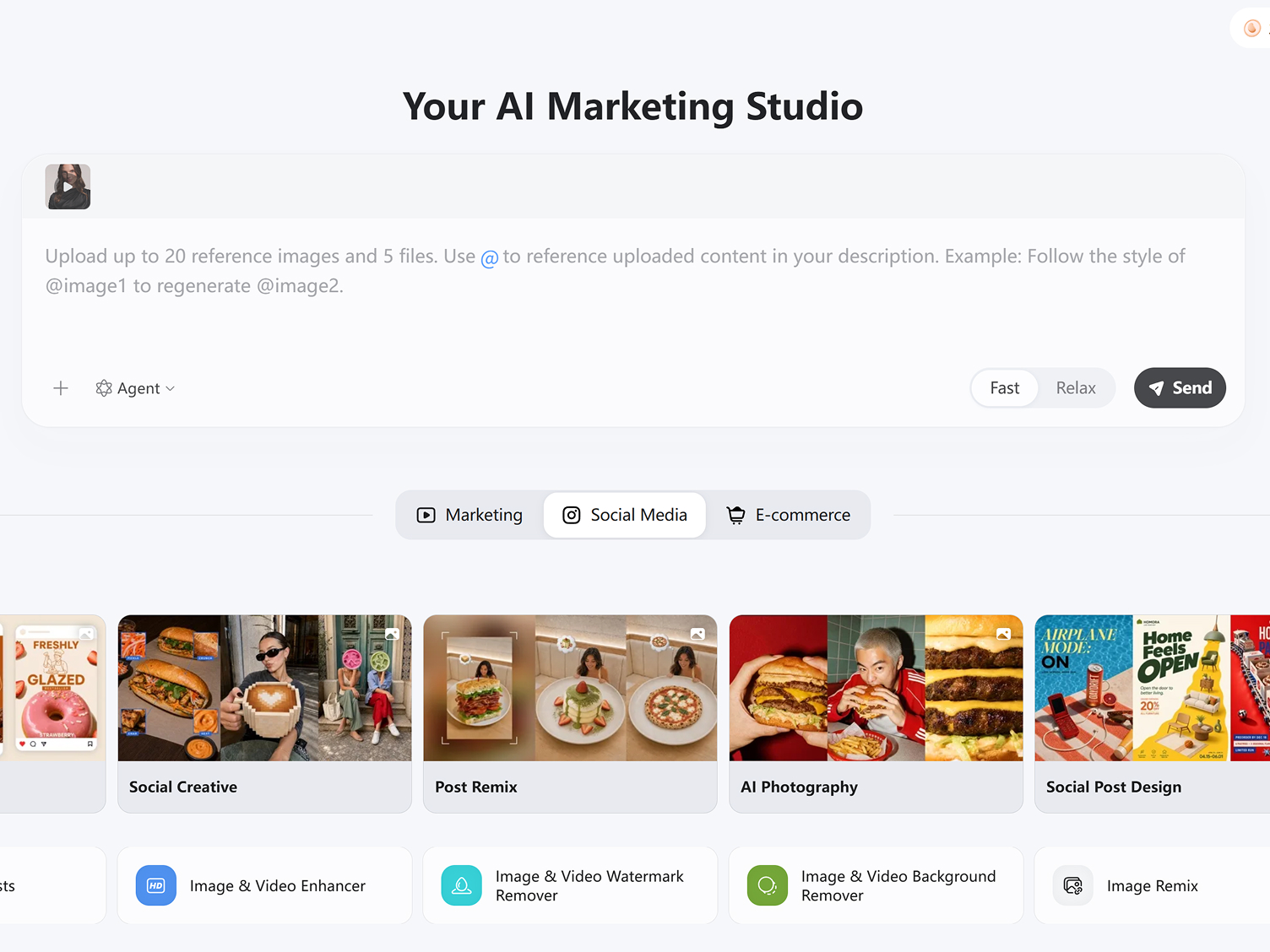
Upload Your Video Clip
Start by uploading a short video that you want to extend. Designkit analyzes the last frames, motion flow, lighting, and subject behavior to understand how the scene should naturally continue.
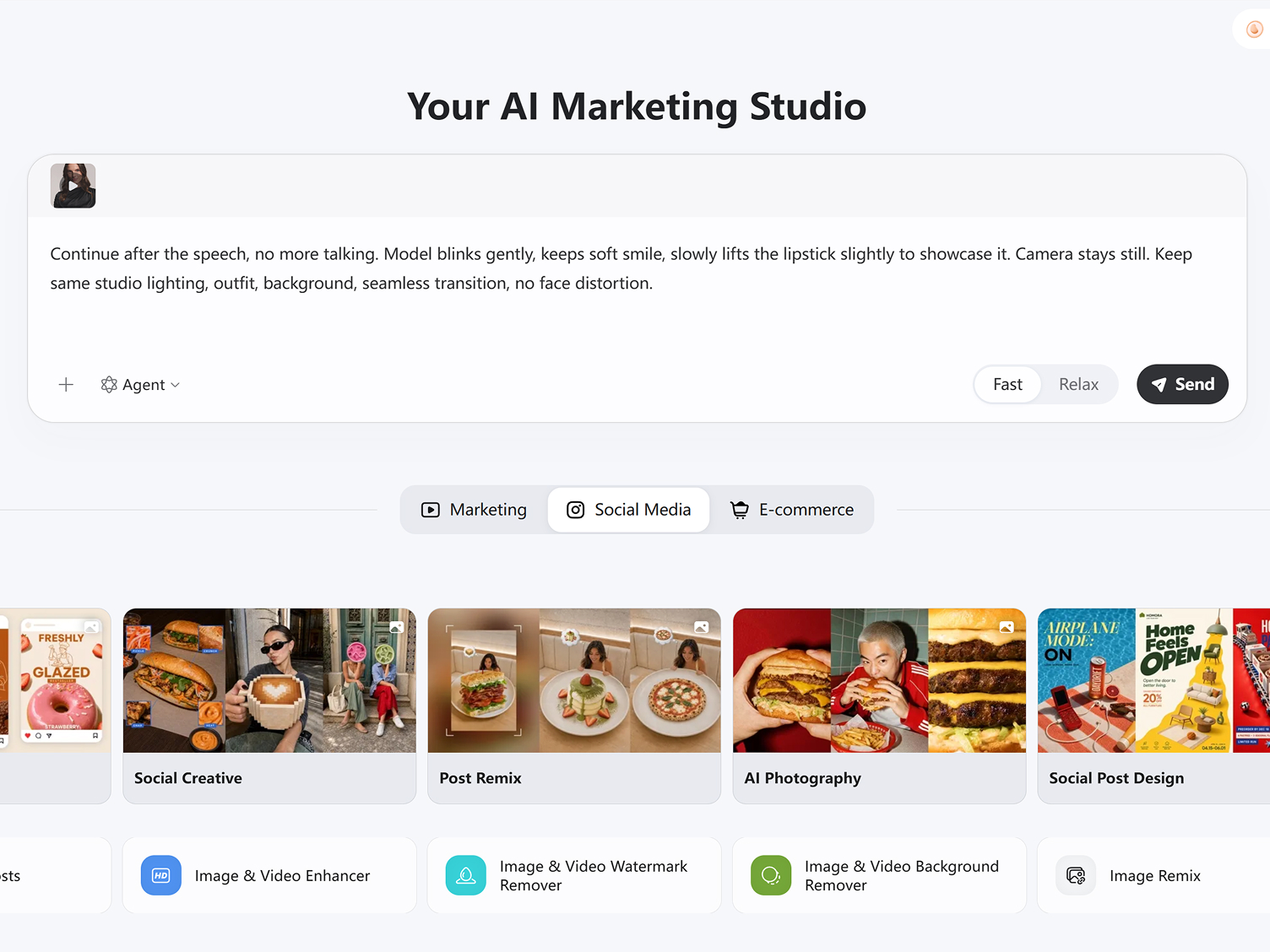
Add Simple Creative Direction
Describe how you want the video to continue using a short prompt. You can guide actions, camera movement, or scene changes, and Designkit converts them into a smooth video extension that matches your original style.
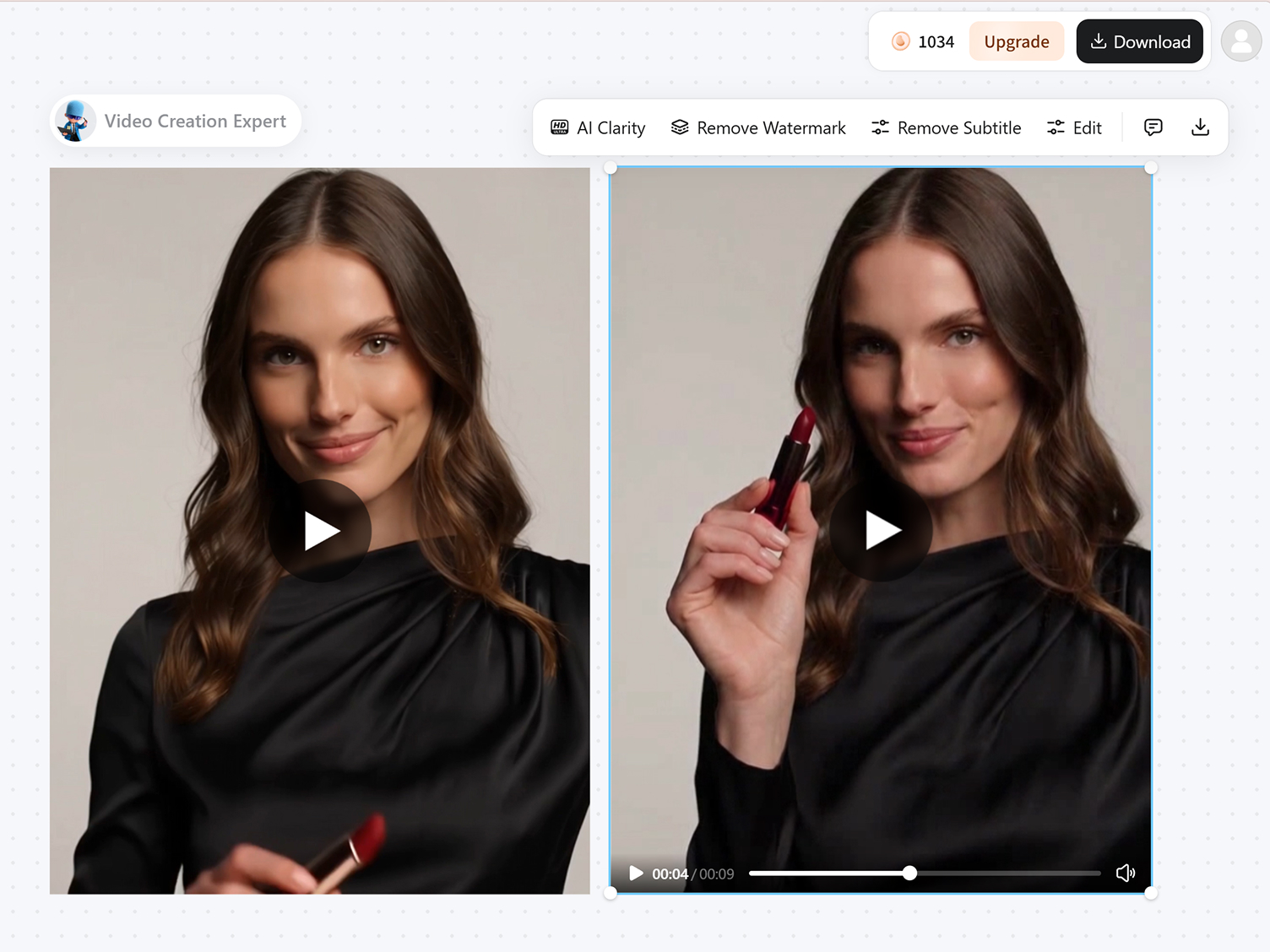
Generate and Download Your Clip
Click generate to create your extended version. Designkit produces a seamless continuation with stable motion, consistent visuals, and natural scene flow—ready to use for reels, ads, or social content.
What Can You Do With Designkit's AI Video Extender?
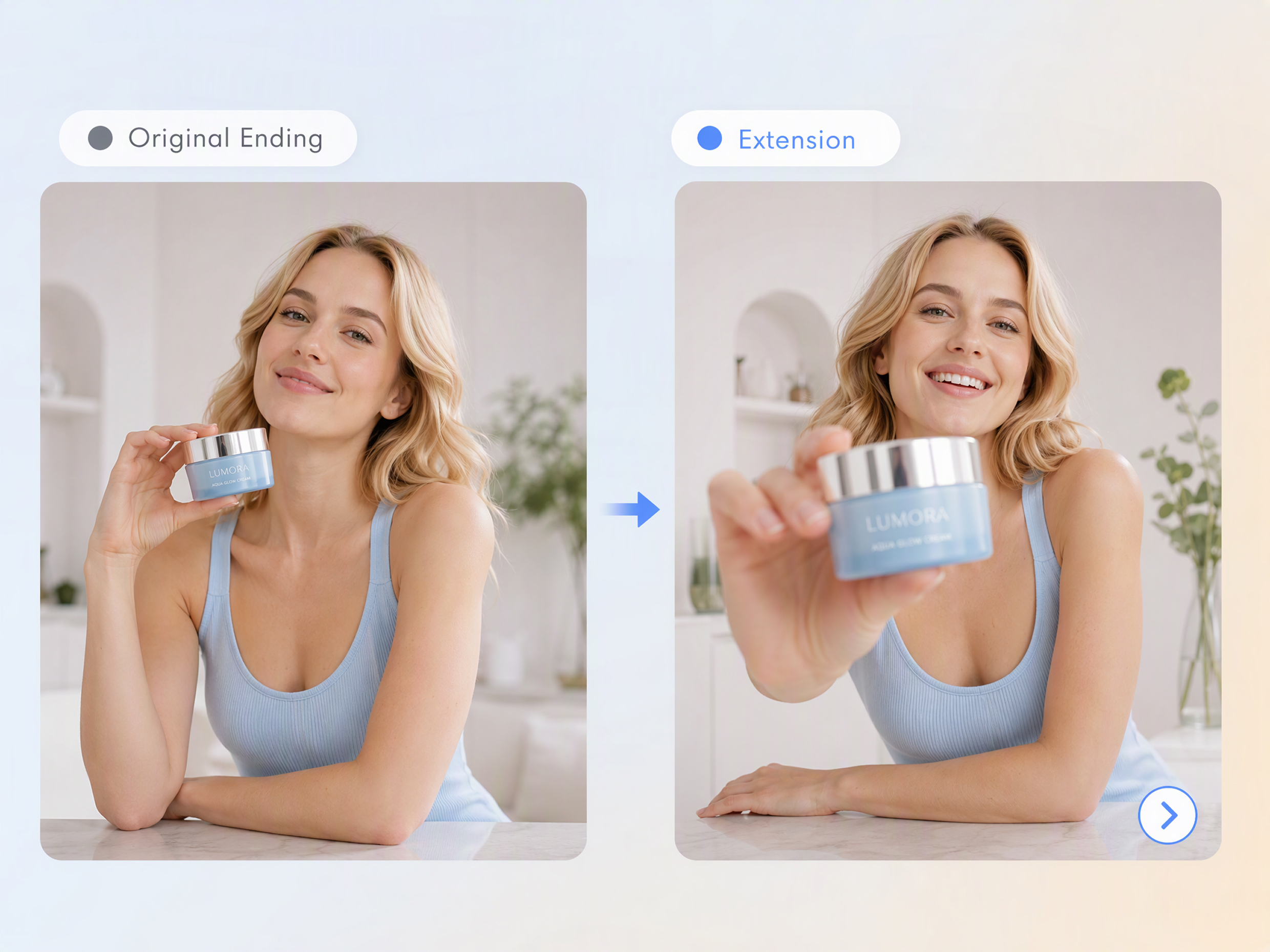
Extend a Scene in the Direction You Actually Want
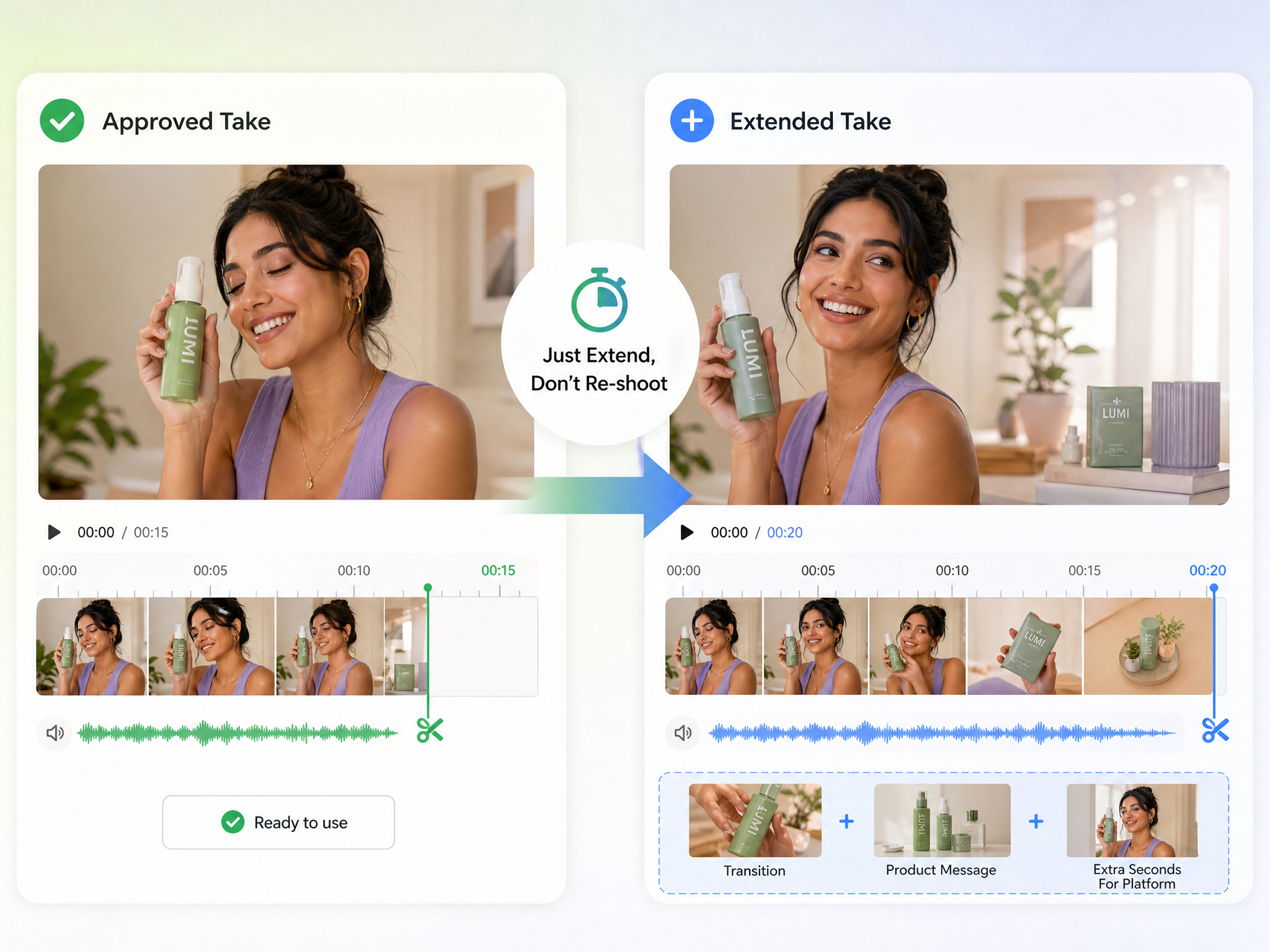
Use our AI video extender to continue a scene beyond its original ending while describing what you want to happen next. Whether you need more action, background movement, or additional visual context, you can extend video with AI instead of cutting away abruptly. This makes it easier to create a natural continuation when the original footage does not provide enough time for the complete idea.
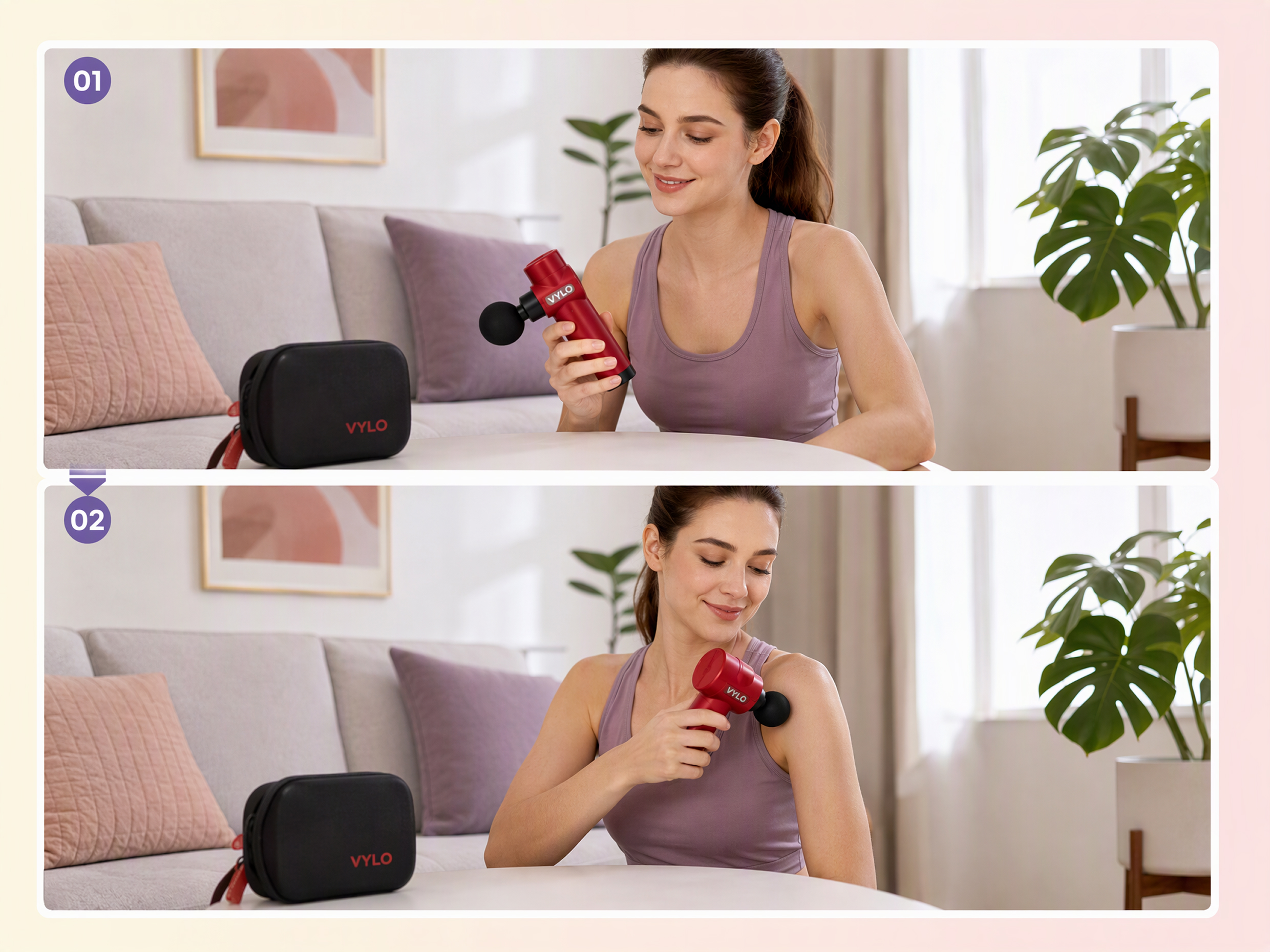
Keep the Original Subject and Visual Context Intact
When you are extending videos, maintaining the existing subject, setting, composition, and visual context can matter as much as adding new seconds. Designkit helps extend the footage around the original scene, so the added section works with what is already there. Use its AI video enhancer capabilities to refine extended footage when you need the continuation to blend more naturally with the source.
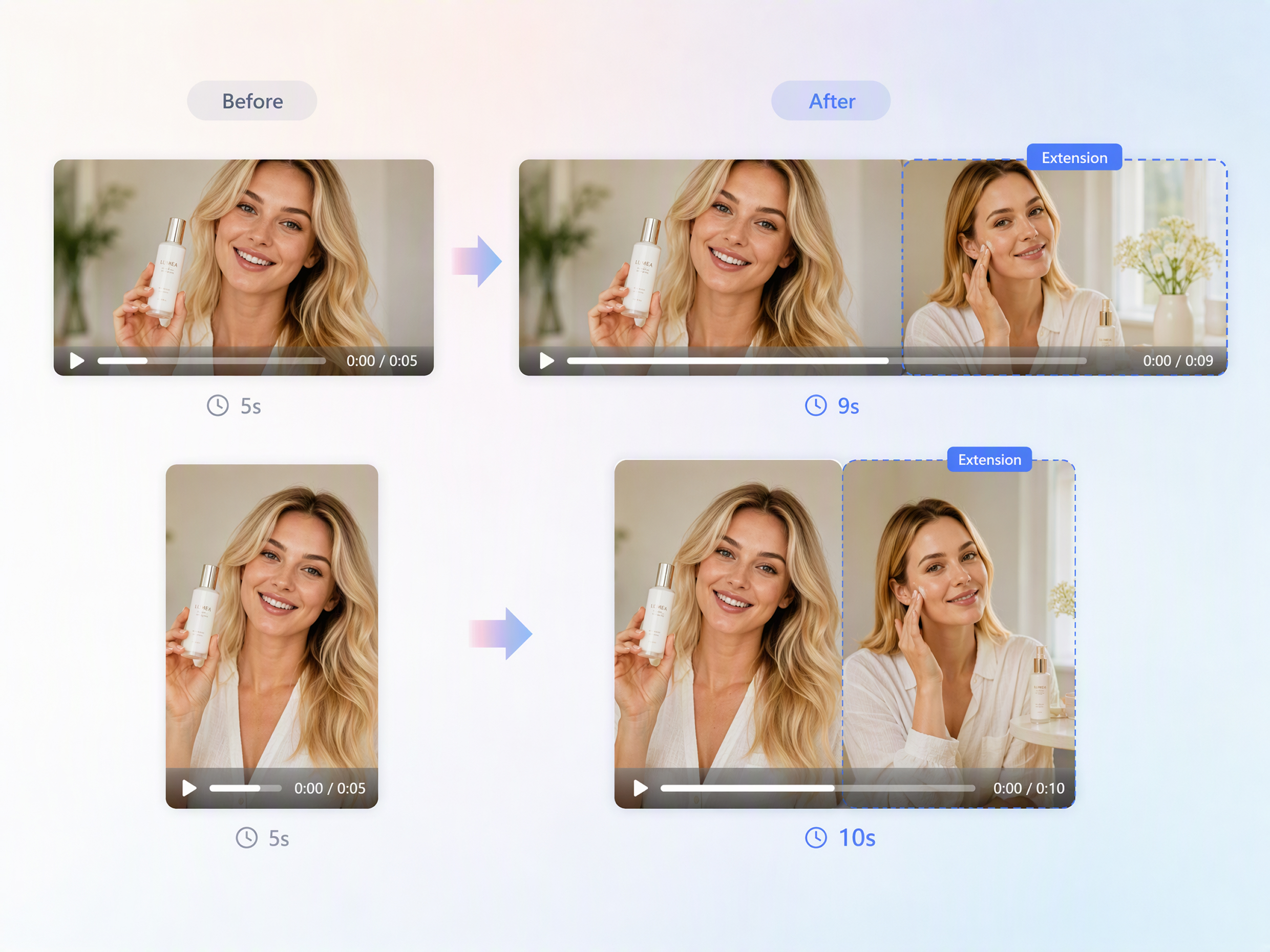
Add the Seconds Your Platform or Edit Needs
If your footage is too short for a specific edit, use an AI video duration extender to add the time you need without rebuilding the entire video. Designkit lets you extend video length when a transition, product explanation, social post, or ad needs additional footage. Instead of searching for another clip, expand the existing sequence to better fit your intended format.
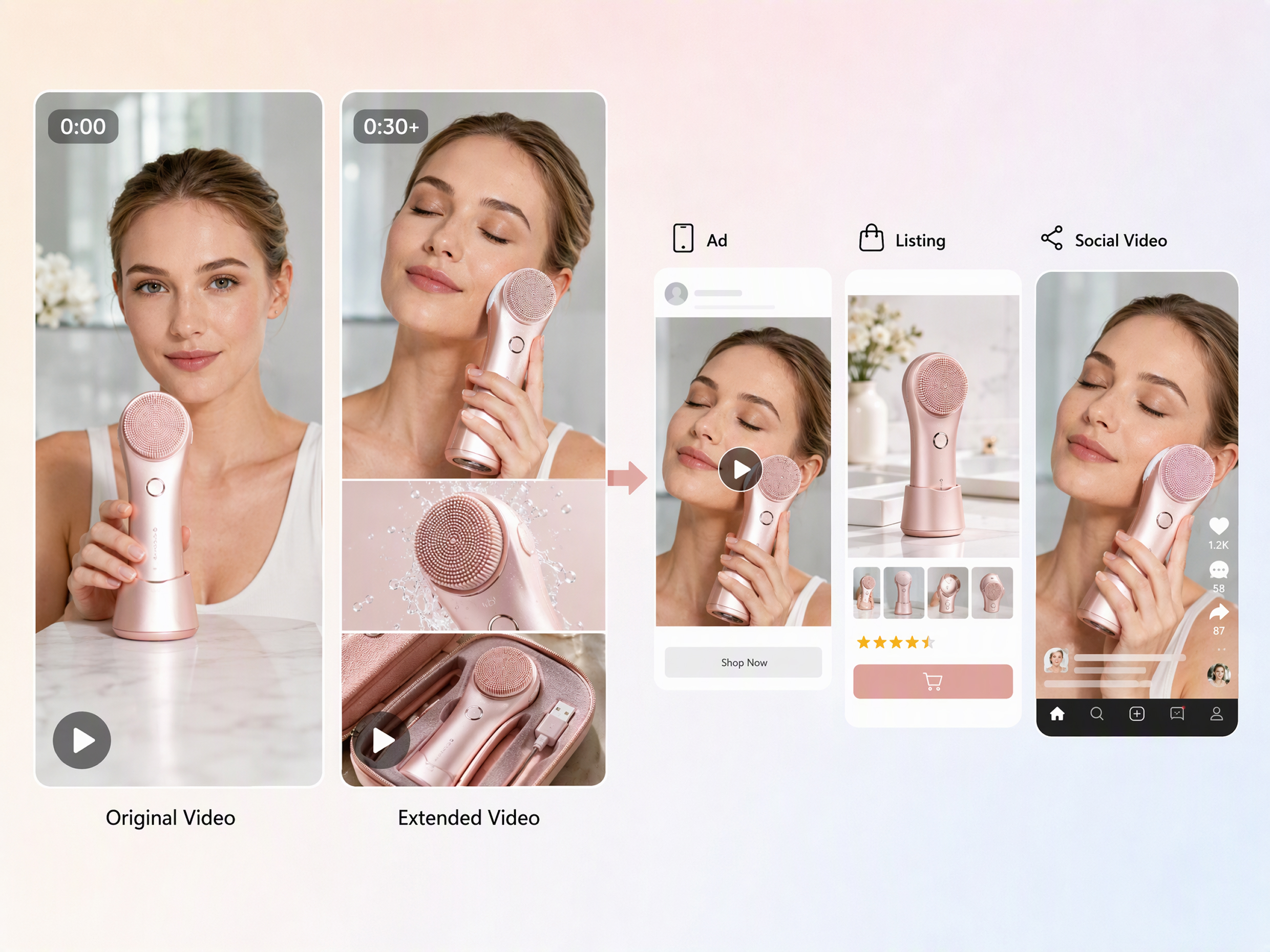
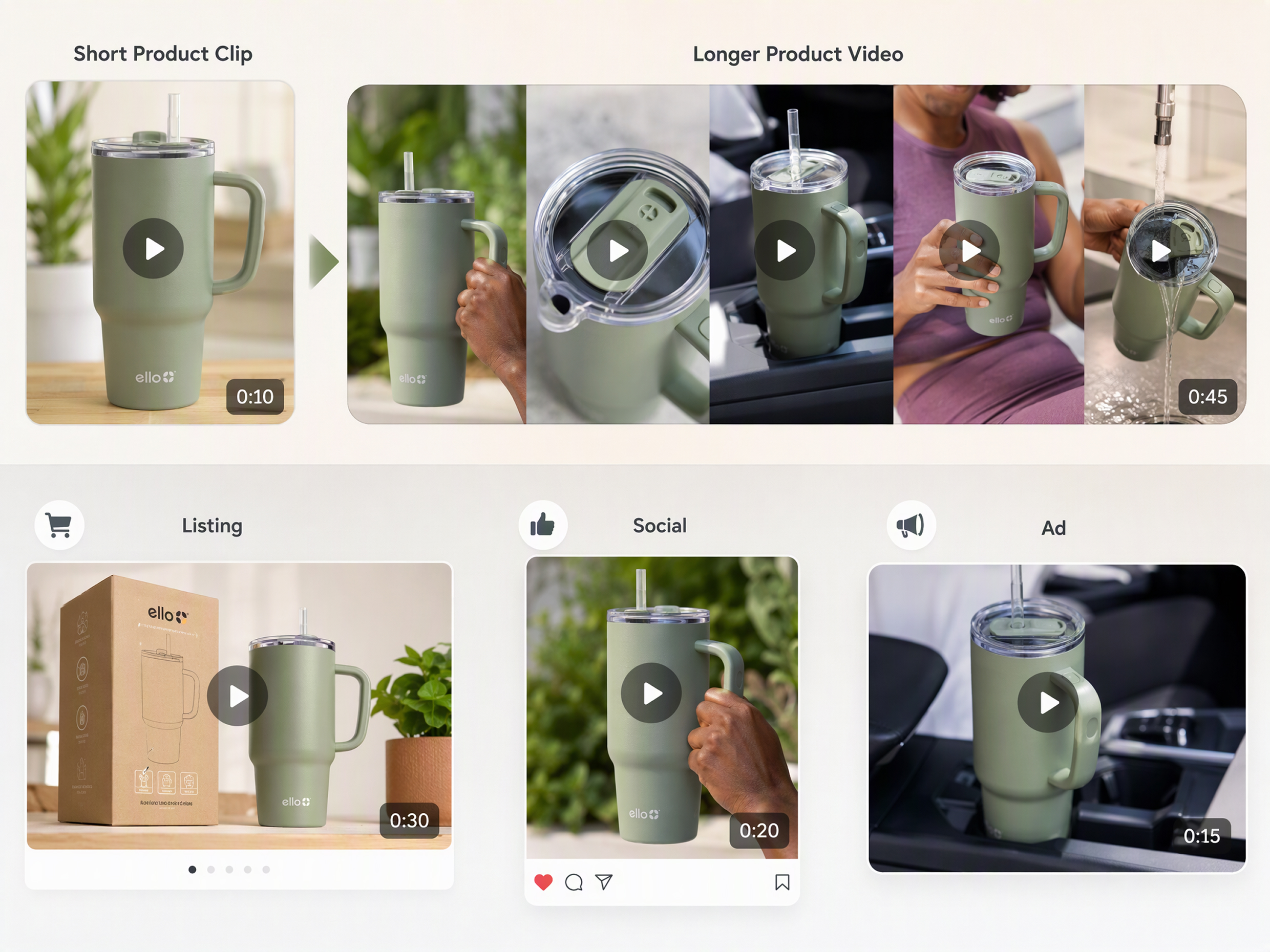
Extend Product Footage for Different Marketing Moments
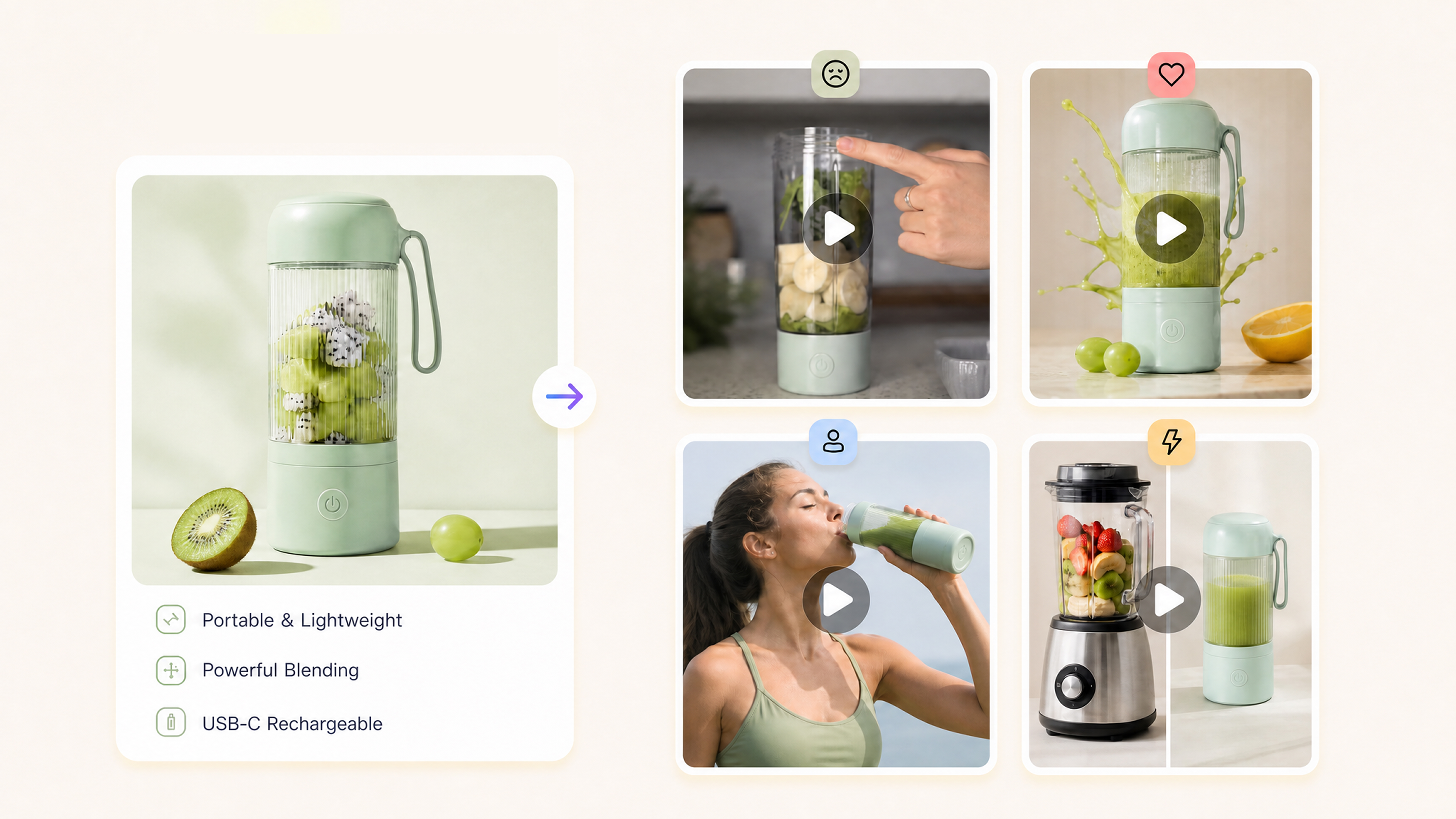
Product footage often needs different lengths for ads, listings, social posts, and promotional content. Use an AI video expander to add useful seconds to existing product scenes while keeping the focus on the item. Designkit's product video generator can help turn one product recording into longer variations for different marketing placements and content requirements.
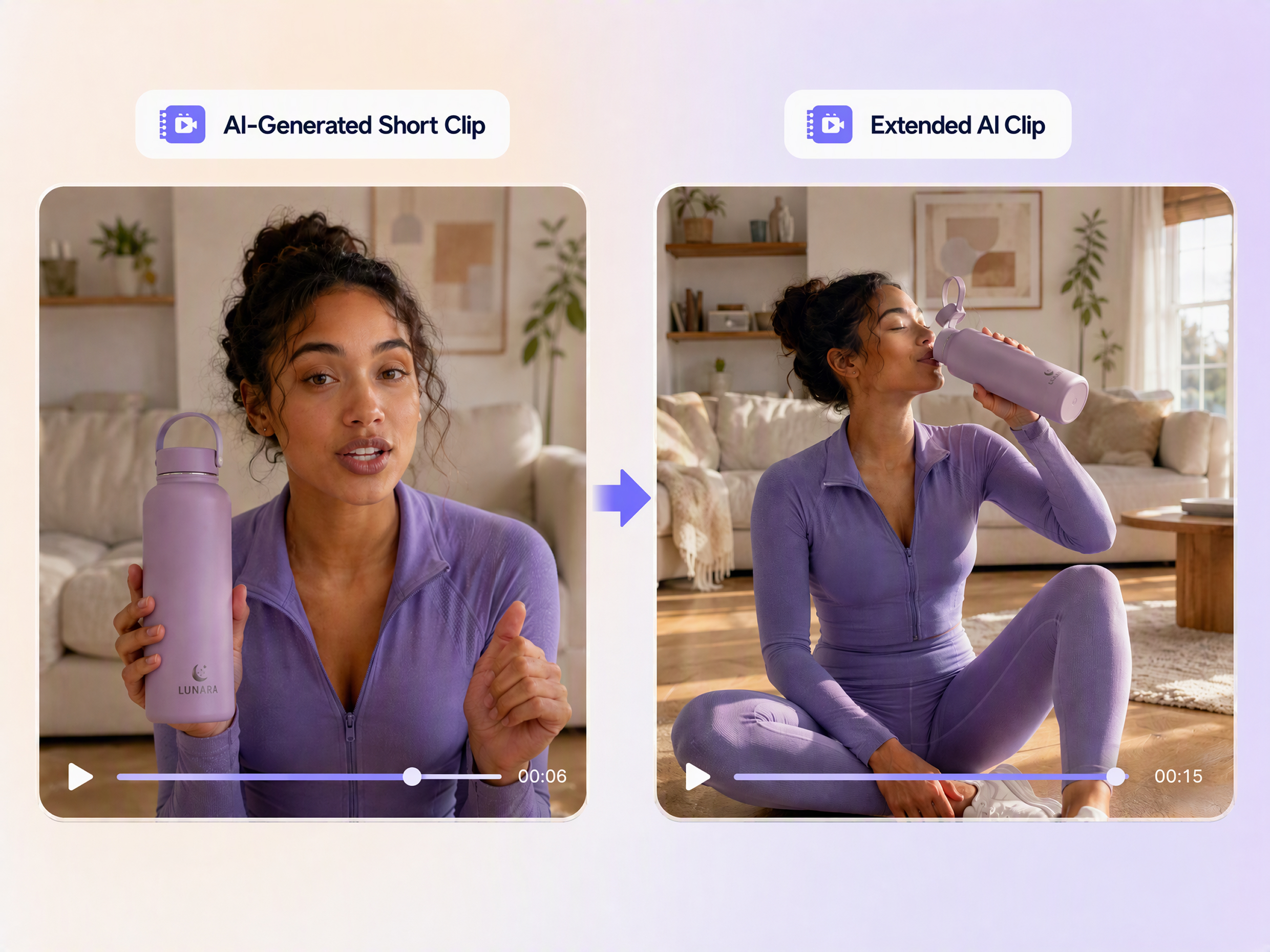
Extend Short AI Clips That End Too Early
Short AI-generated clips can capture the right concept but end before the action or message is complete. Use an AI video expansion workflow to continue the sequence and create longer variations from the existing clip. Designkit helps you extend video length for social content, transitions, and creative experiments, while a UGC video maker workflow can help turn short UGC-style footage into longer content.
Extend Existing Footage Across Content Formats
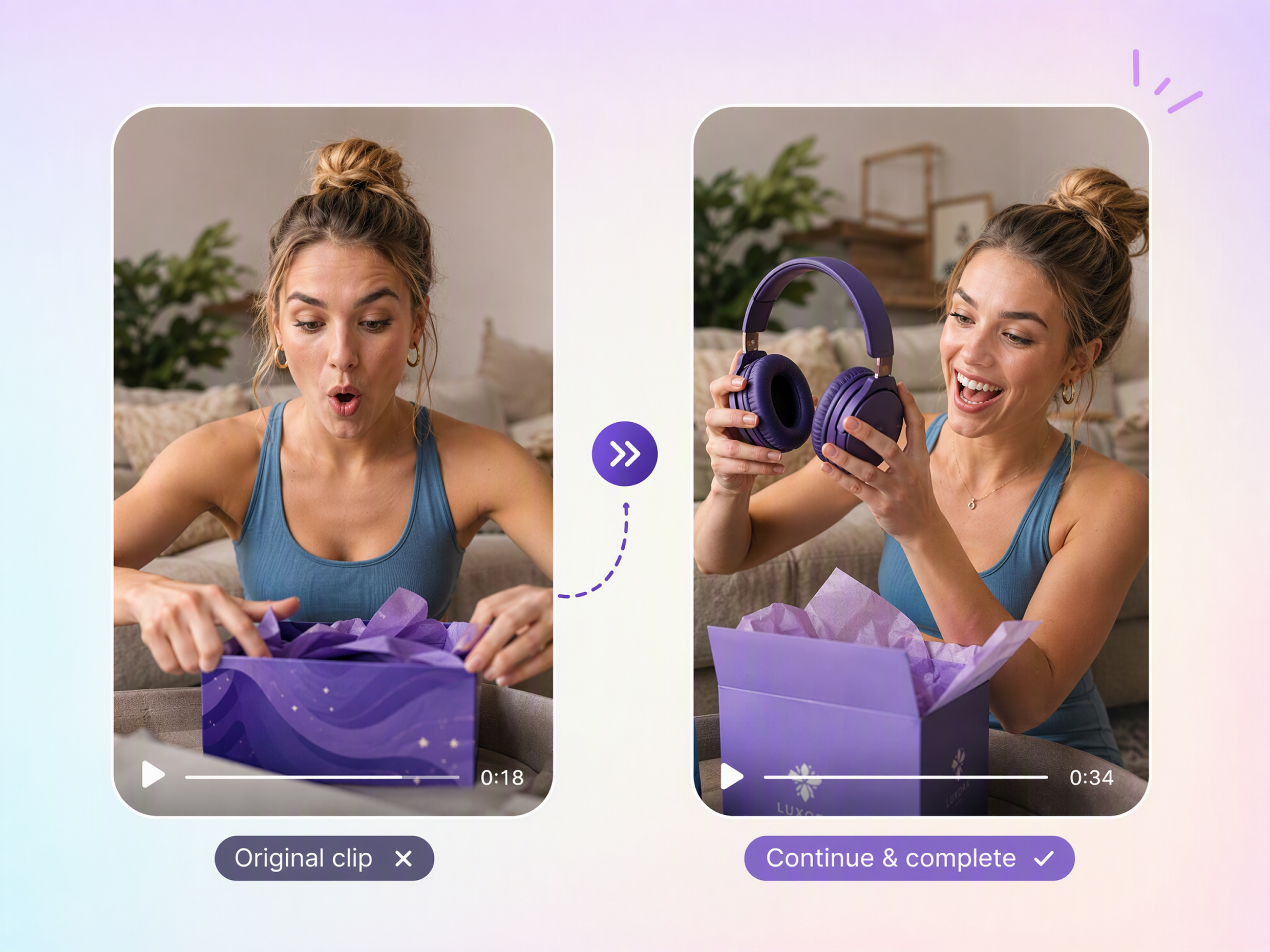
Give Short-Form Stories More Time to Play Out
When a short video cuts off before the action or story feels complete, add more time without starting over. Extend video length with AI to give transitions, reactions, or key moments enough room to play out naturally.
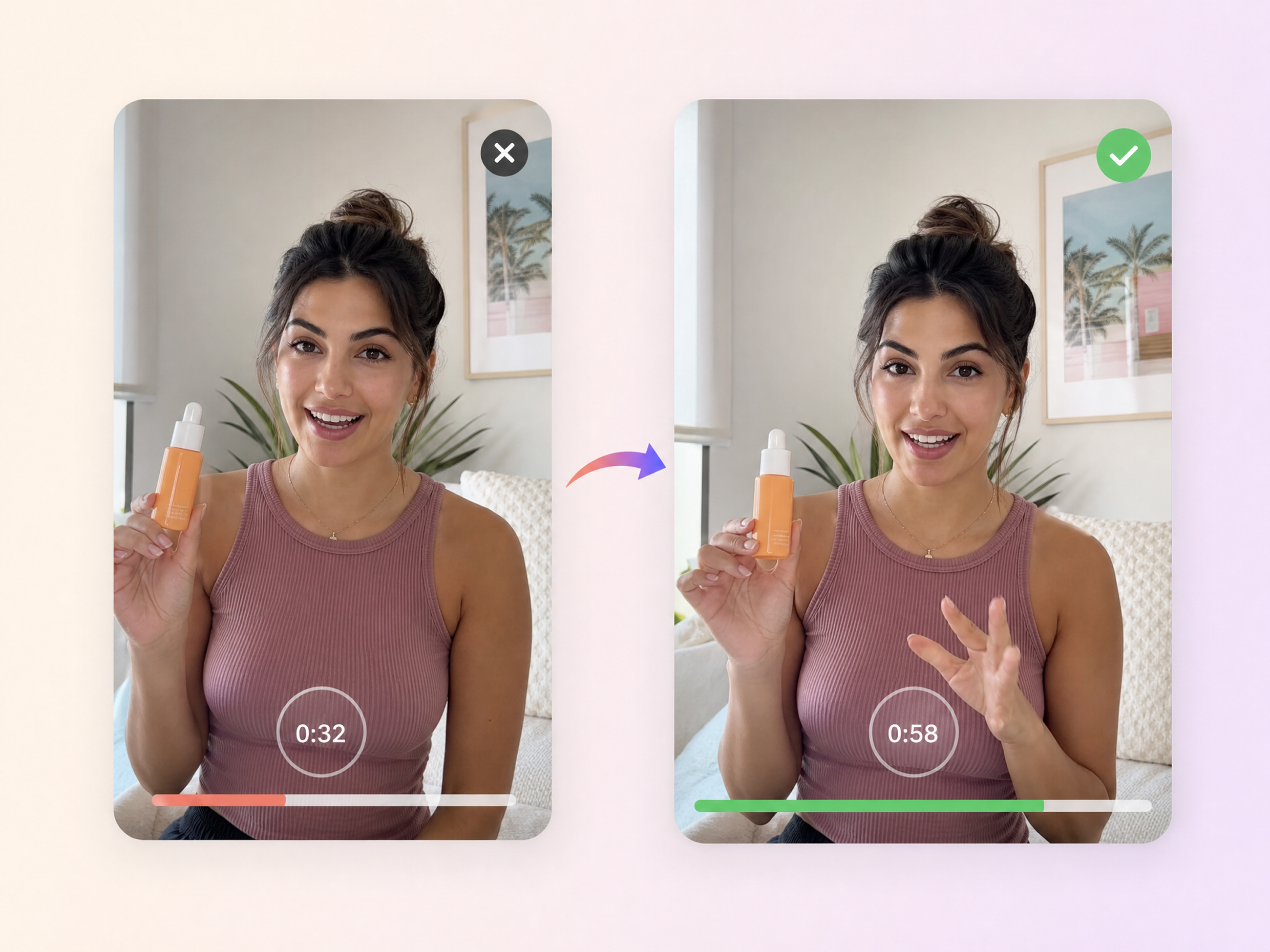
Unlock More Creative Possibilities for Your Workflow
AI Video Hook Generator
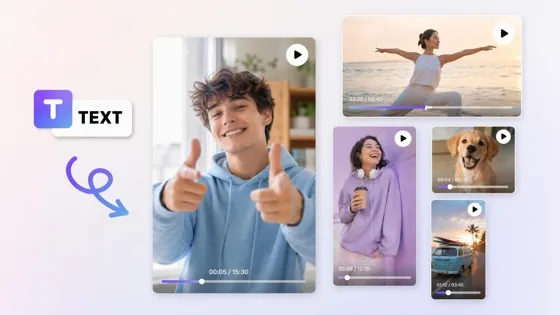
AI Text to Video
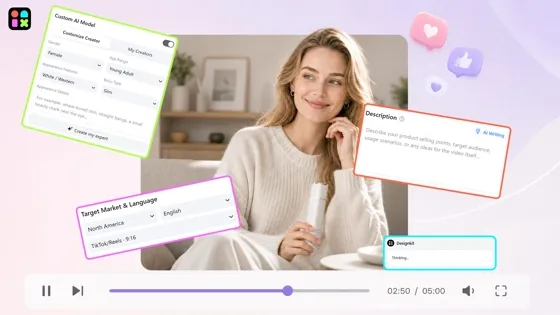
AI Video Agent
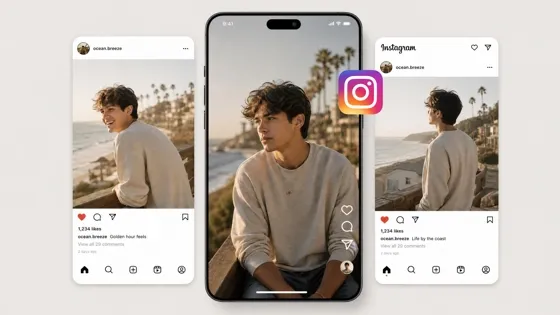
Instagram Video Maker
Frequently Asked Questions
Can I extend video length without reshooting?
Will the extended part look continuous with my original clip?
It can be designed to continue the existing scene rather than starting with an unrelated shot. The result depends on the source footage and how clearly the next action is described. Designkit’s video extender builds from your original clip so the added section can follow the existing subject, setting, and visual direction more naturally.
How is this different from generating a brand-new AI video?
Video extension starts with footage you already have and adds time beyond its original ending, while a new AI video begins from a prompt, image, or other input and creates a separate sequence. Designkit lets you extend video with AI when you want to preserve an existing moment instead of replacing it with an entirely new generation.
Can I use an AI video extender for TikTok, Reels, and YouTube Shorts?
Yes. Extending a clip can help when a short-form video needs a few more seconds for its message, transition, reaction, or product moment. You can use an AI video duration extender to prepare longer versions of existing footage for TikTok, Reels, and YouTube Shorts, then adjust the final edit to match each platform’s requirements.
What types of videos can I extend?
You can extend many types of footage, including product demonstrations, UGC, social clips, ads, tutorials, and short creative scenes. The most useful cases are videos that already have the right visual direction but end before the content is complete. Designkit can work as an AI video expander when you need more usable footage from an existing clip.
Can I control what happens during the video extension?
Yes. You can describe what you want to happen after the original clip ends, such as continuing an action, revealing more of a product, or allowing a scene to develop. The more specific your direction, the clearer the intended continuation. Designkit’s AI video expansion workflow uses your prompt to guide the added footage.
How do I extend a video with AI?
Start with the video you want to make longer, then describe what should happen after the existing footage ends. The AI generates additional content based on the original scene and your direction. With Designkit, you can extend video with AI using its online video extender workflow, then use the expanded clip in your next edit.
Give Your Video More Time to Play Out
Extend short clips with AI when the original footage ends too soon. Continue the action, product demo, UGC moment, or scene without another shoot.
Why Extend Videos With Designkit
Skip Reshoots for Missing Seconds
Add the missing seconds to an existing clip instead of reshooting the scene. Use an AI video extender when a take ends just short.
Guide With a Short Prompt
Describe what should happen next and let Designkit extend video with AI around the existing scene, subject, and visual context.
Try AI Video Extension Free
Test Designkit’s video extender with free credits and see how added footage fits your original clip before committing to a longer edit.



Creator Feedback on Extending Clips With Designkit
See how users use Designkit to extend their videos
A Few Extra Seconds Saved the Whole Edit
I was cutting together a product video and one of the key shots ended before the action was complete. Replacing it meant searching through old footage or asking the team for another take. I used Designkit to extend the shot and got enough extra footage to finish the edit without changing the rest of the sequence.
No Need to Arrange Another Product Shoot
We had already filmed several product clips, but one demo needed more time to show how the product actually worked. Booking another shoot just for a few extra seconds didn't make sense. Designkit let me extend the existing footage and add more room to the demonstration without starting production over.
My UGC Clips Needed More Room for the Product Demo
Some of my UGC videos felt rushed because the product demo ended almost immediately after the main action. I didn't always have time to film another take for every small change. Designkit helped me extend those clips so there was more room for the demonstration and closing message.
I Had B-Roll That Was Useful but Too Short
I had several B-roll clips that matched the look of my video, but they were too short to fit naturally into the final edit. Finding replacement footage would have meant compromising on the scene. I used Designkit to extend the clips I already had and kept the original visual direction.