
AI Clip Maker: Turn Long Videos Into Short-Form Content
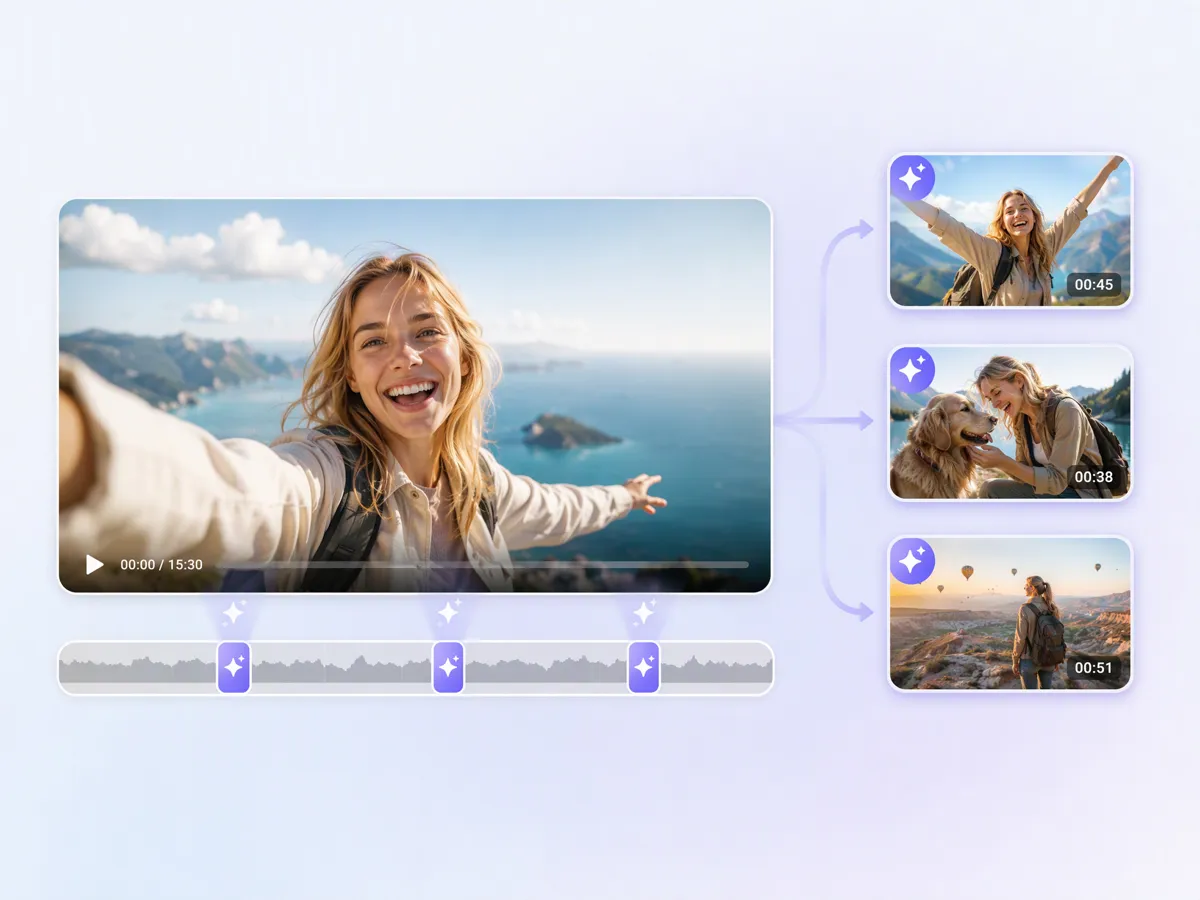
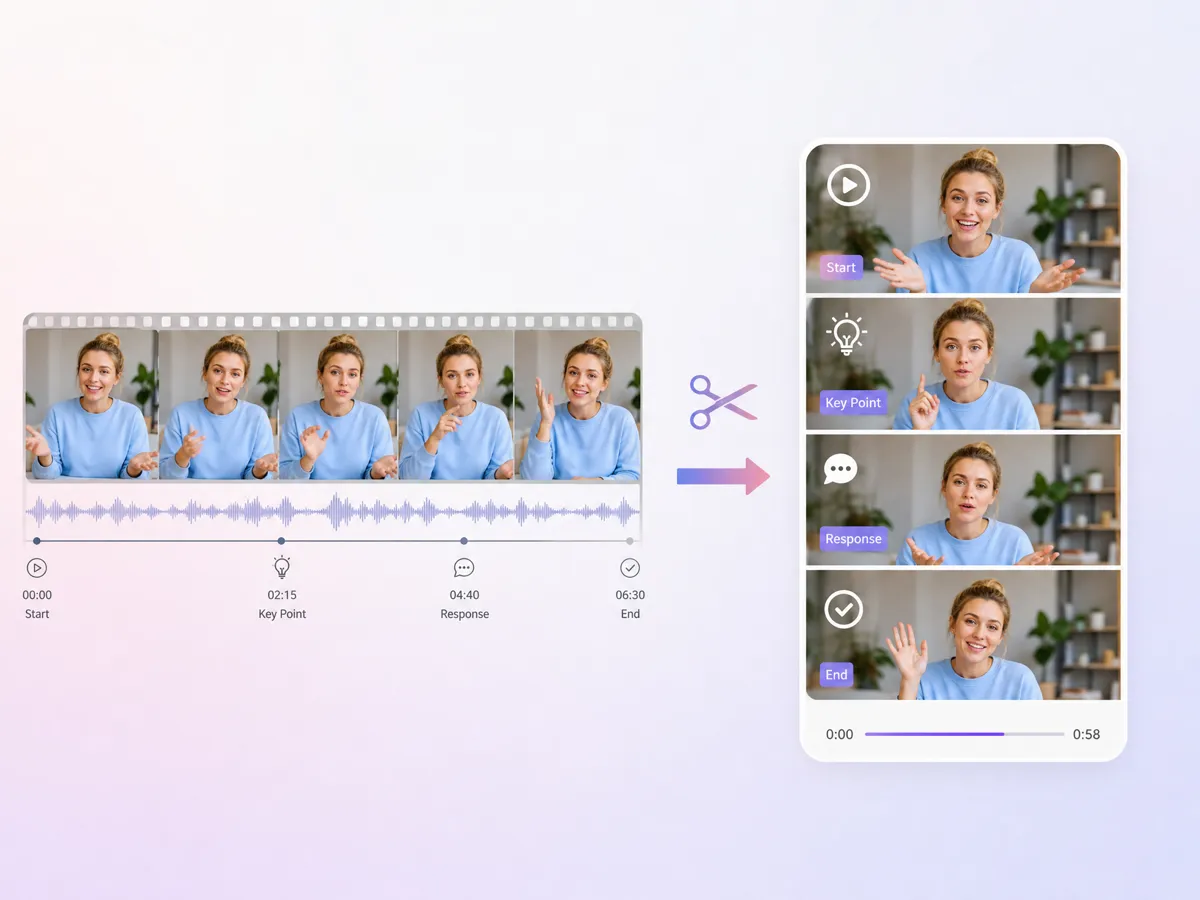
Find useful moments in podcasts, interviews, webinars, livestreams, and other long videos, then turn them into short clips for TikTok, Reels, YouTube Shorts, and more.
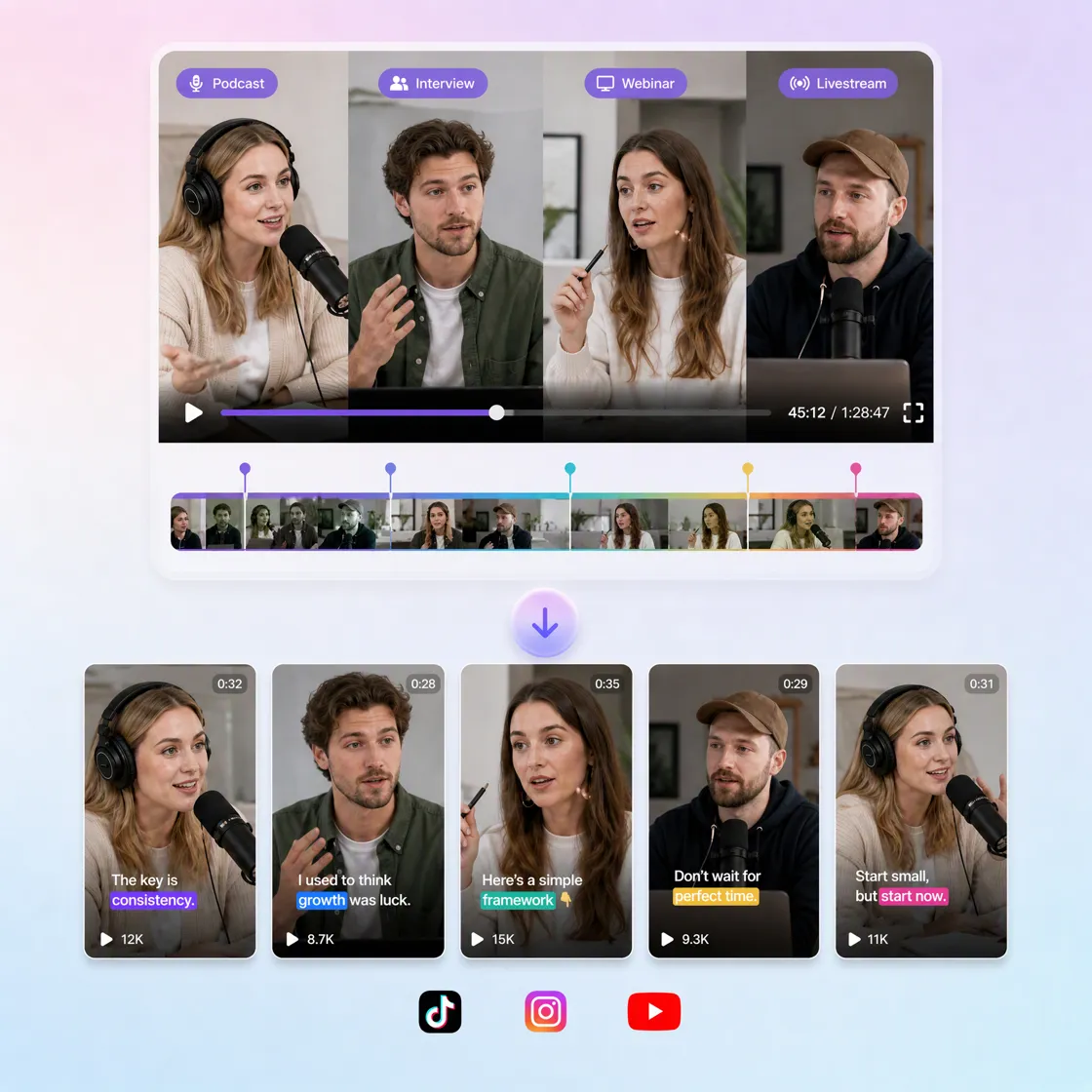
How to Create AI Video Clips in 3 Steps with Designkit
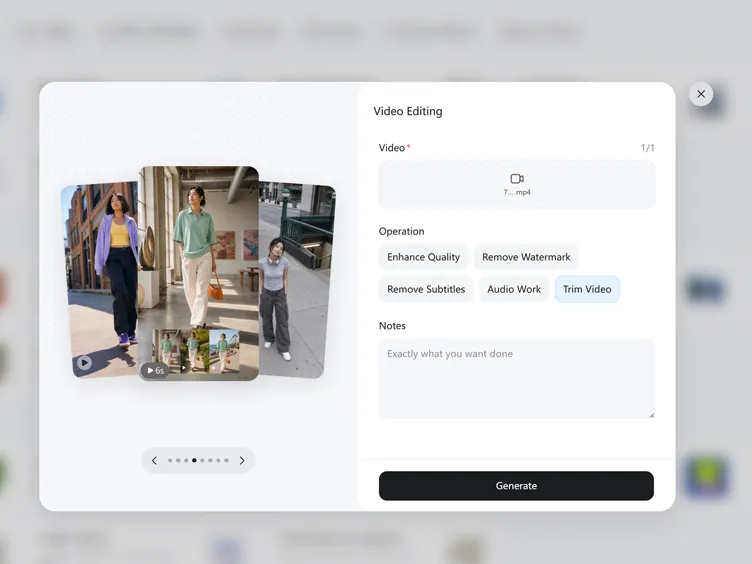
Upload Your Video Content
Open Video Editing to upload a podcast, webinar, interview, livestream, or long-form video you want to repurpose into clips.
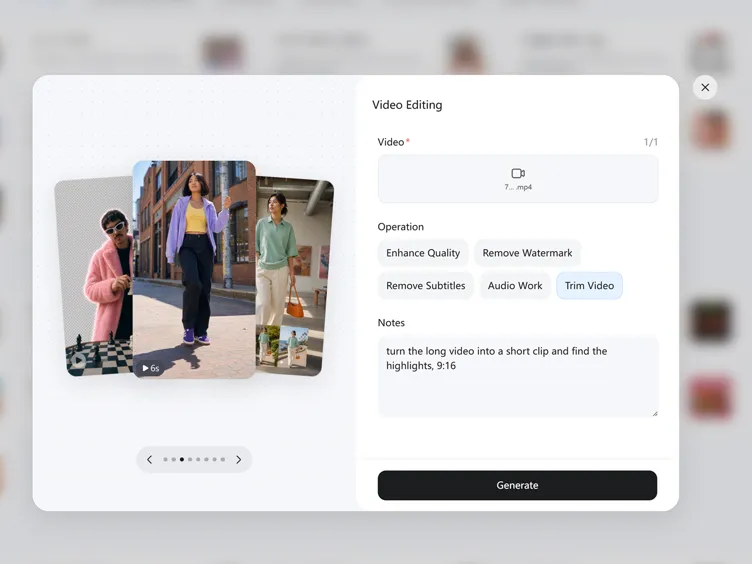
Generate AI-Powered Clips
Select Trime Video and enter what clips you want. Designkit finds valuable moments, creates engaging variations, and builds shareable short-form videos.
Export and Share Anywhere
Download your clips and publish them on TikTok, Instagram Reels, YouTube Shorts, LinkedIn, and other social platforms.
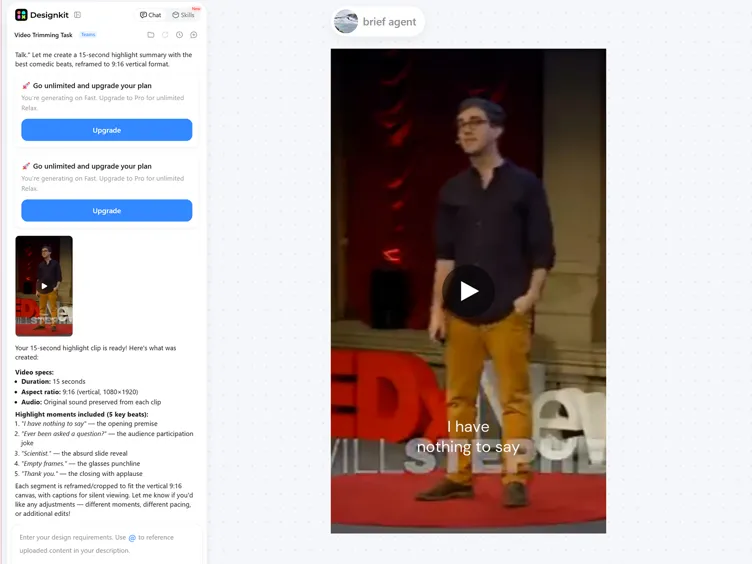
Make More From Every Long-Form Video
Generate UGC-Style Videos Without a Shoot
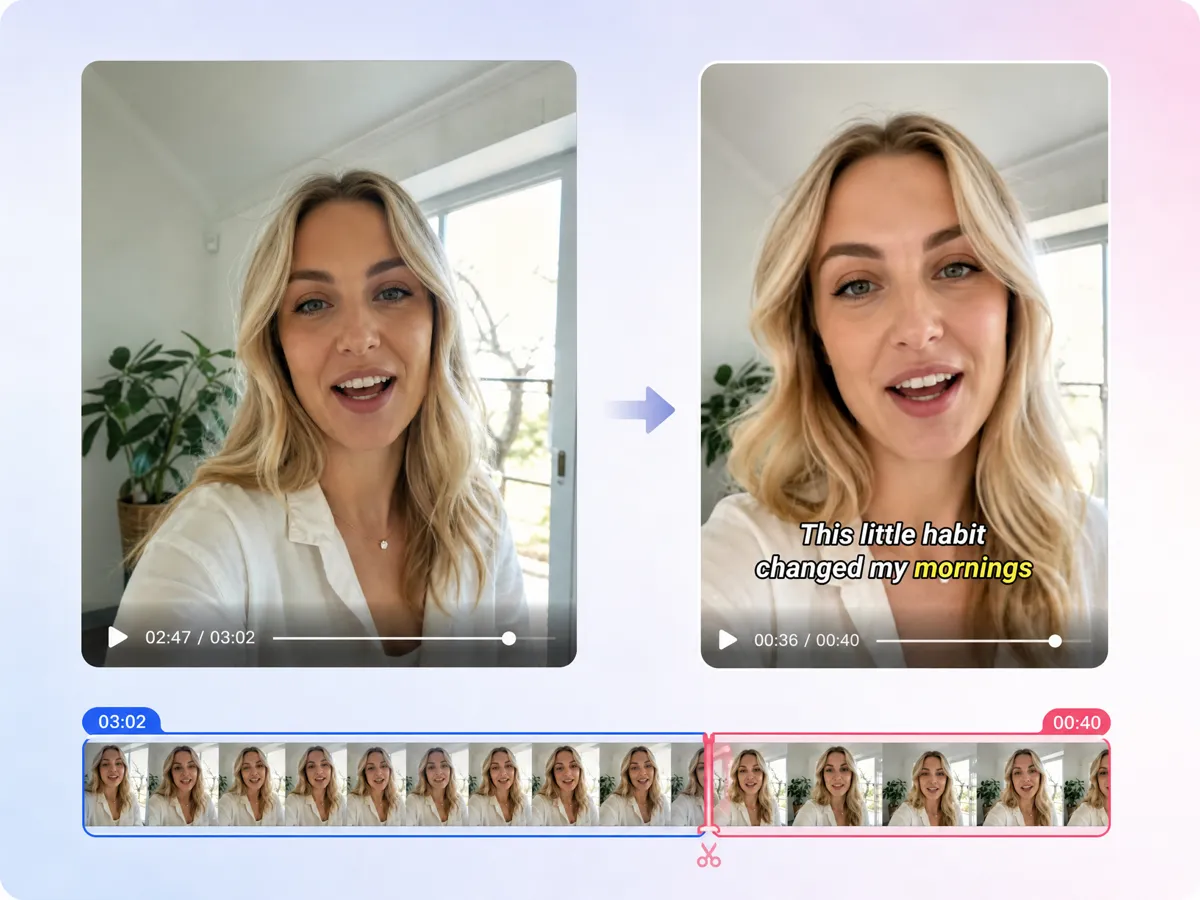
Create short-form videos with the casual pacing, framing, and presentation people expect from UGC without setting up a camera or recording a full shoot. Use the AI UGC video workflow to turn product ideas and references into ready-to-edit content for social campaigns, creator-style posts, and everyday marketing.
Create 8 Types of Short-Form Video Content
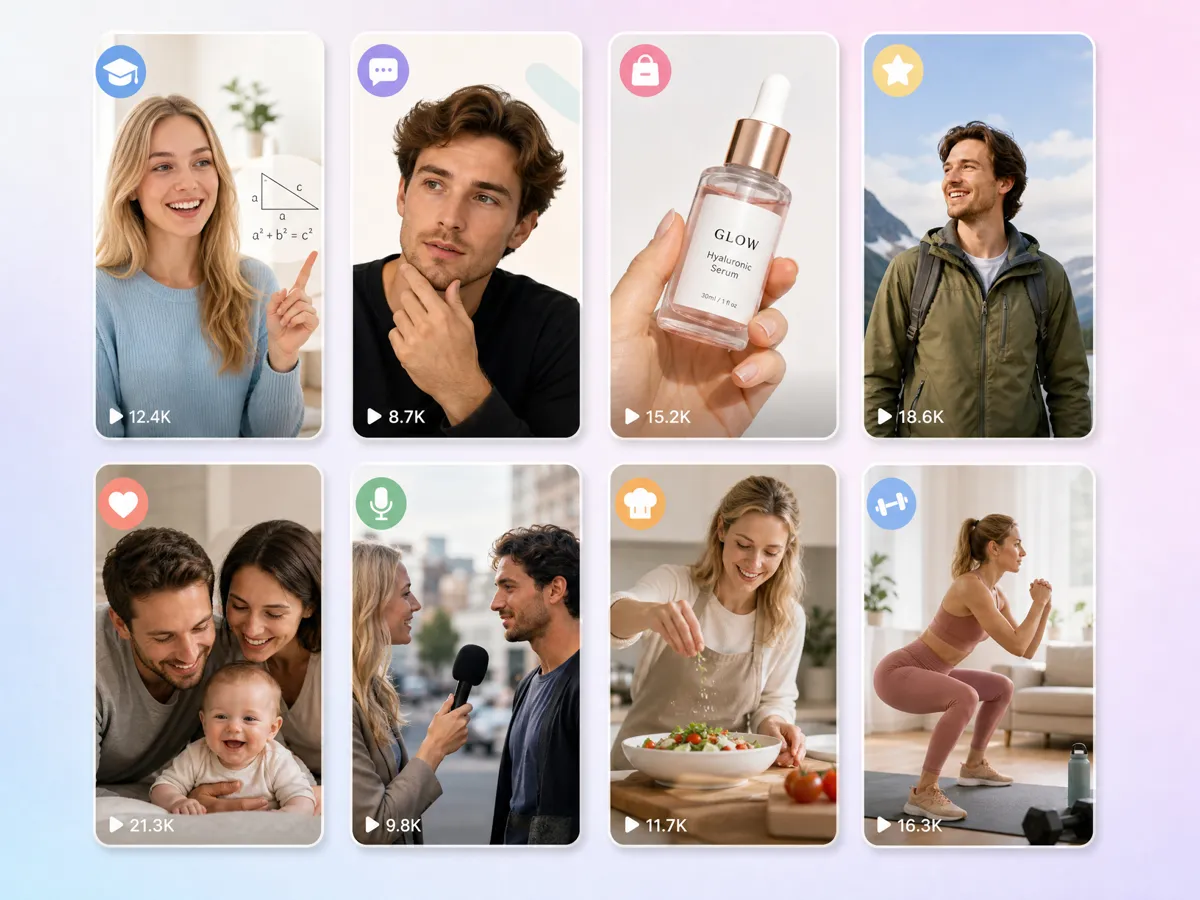
Create 8 types of short-form content for different marketing needs without starting every video from scratch. Generate product-focused clips, social posts, promotional content, and other formats from one idea, then adapt the output for your campaign. It works as an AI video clip generator when you need multiple clips without a full production workflow.
Recreate Viral Video Formats With Your Own Content
Use familiar viral structures as creative direction for new videos. Recreate the pacing, presentation, and format of viral clips with your own product, message, or reference instead of relying on a camera shoot. This gives marketers and creators a practical way to explore trends, test concepts, and build timely short-form content.
Generate Multiple Clips From One Creative Idea
Turn one concept into multiple short-form variations so you can test different hooks, visuals, and presentations without rebuilding each video individually. Use an AI clip tool to create batches for campaigns, product launches, and social calendars, making it easier to compare creative directions and maintain a steady flow of content.
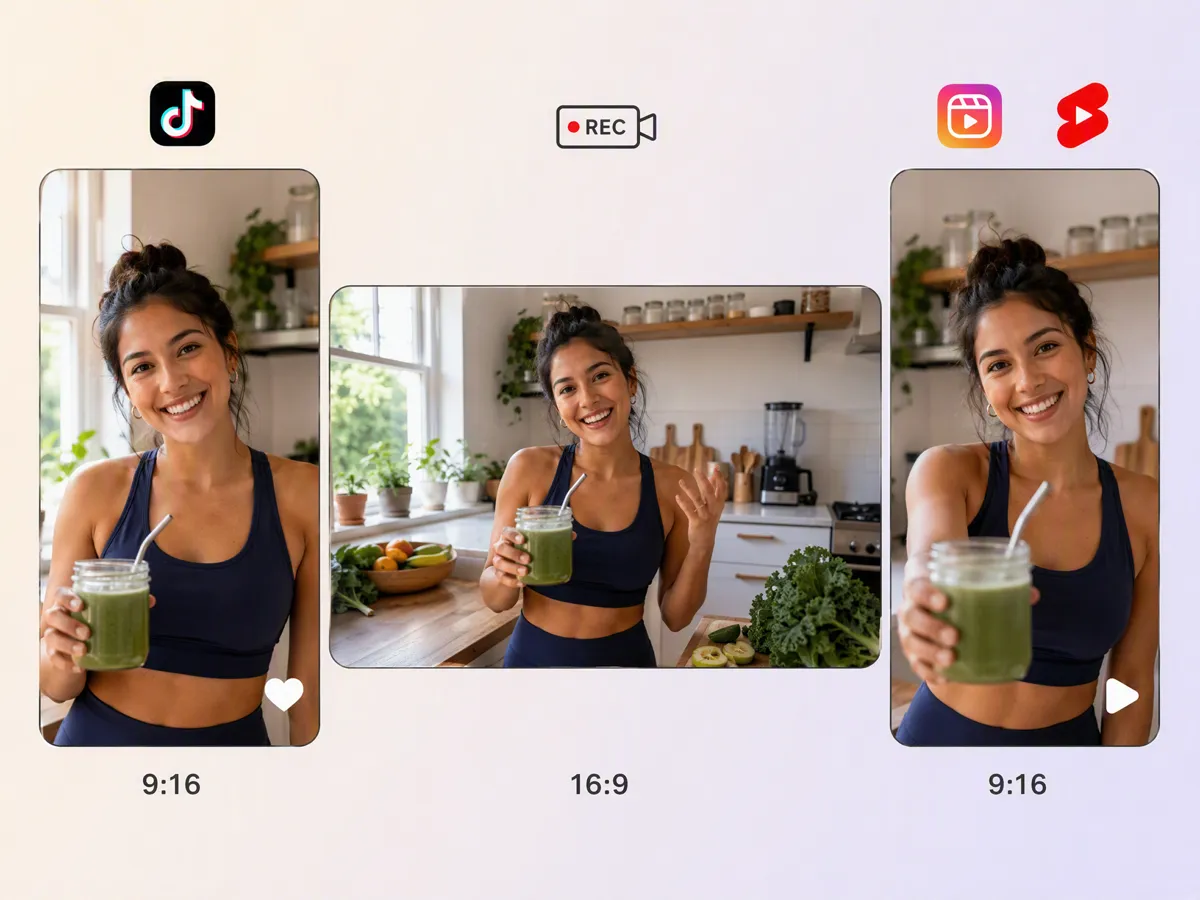
Export Clips for Different Social Platforms
Create and adapt clips for the platforms where your audience already watches short-form content. Adjust the output for social publishing instead of manually rebuilding every version, whether you need an Instagram video maker, YouTube Shorts maker, or TikTok video maker workflow. This helps turn one creative direction into platform-ready video assets.
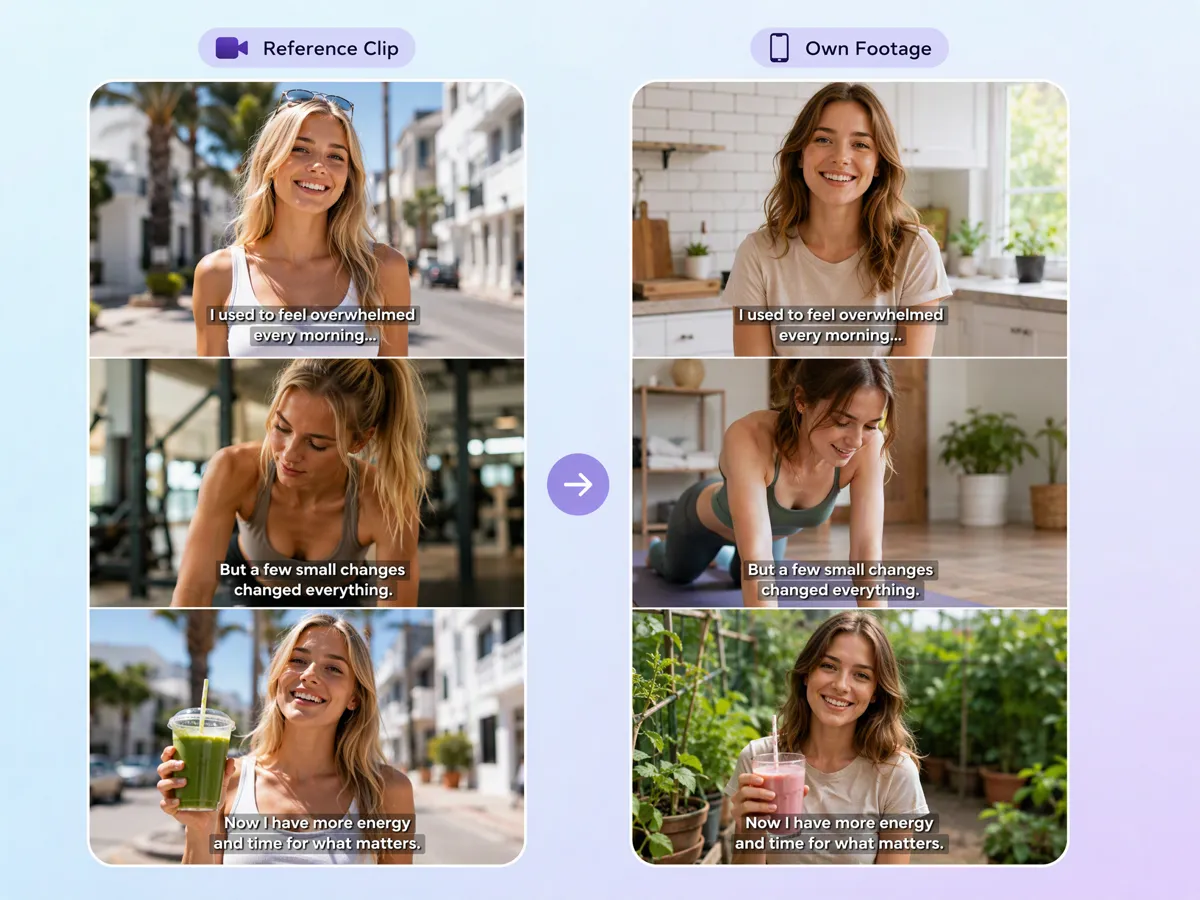
Create AI Video Clips Without Recording From Scratch
Skip the camera, location, lighting, and repeated takes when you need quick video content. Generate clips from your creative direction and refine the result for social, product marketing, or promotional use. Whether you need a free AI clip maker for quick experiments or a repeatable clip maker AI workflow, you can create more video without a traditional shoot.
Built for Creators, Marketers, and Teams Who Need More Viral Clips
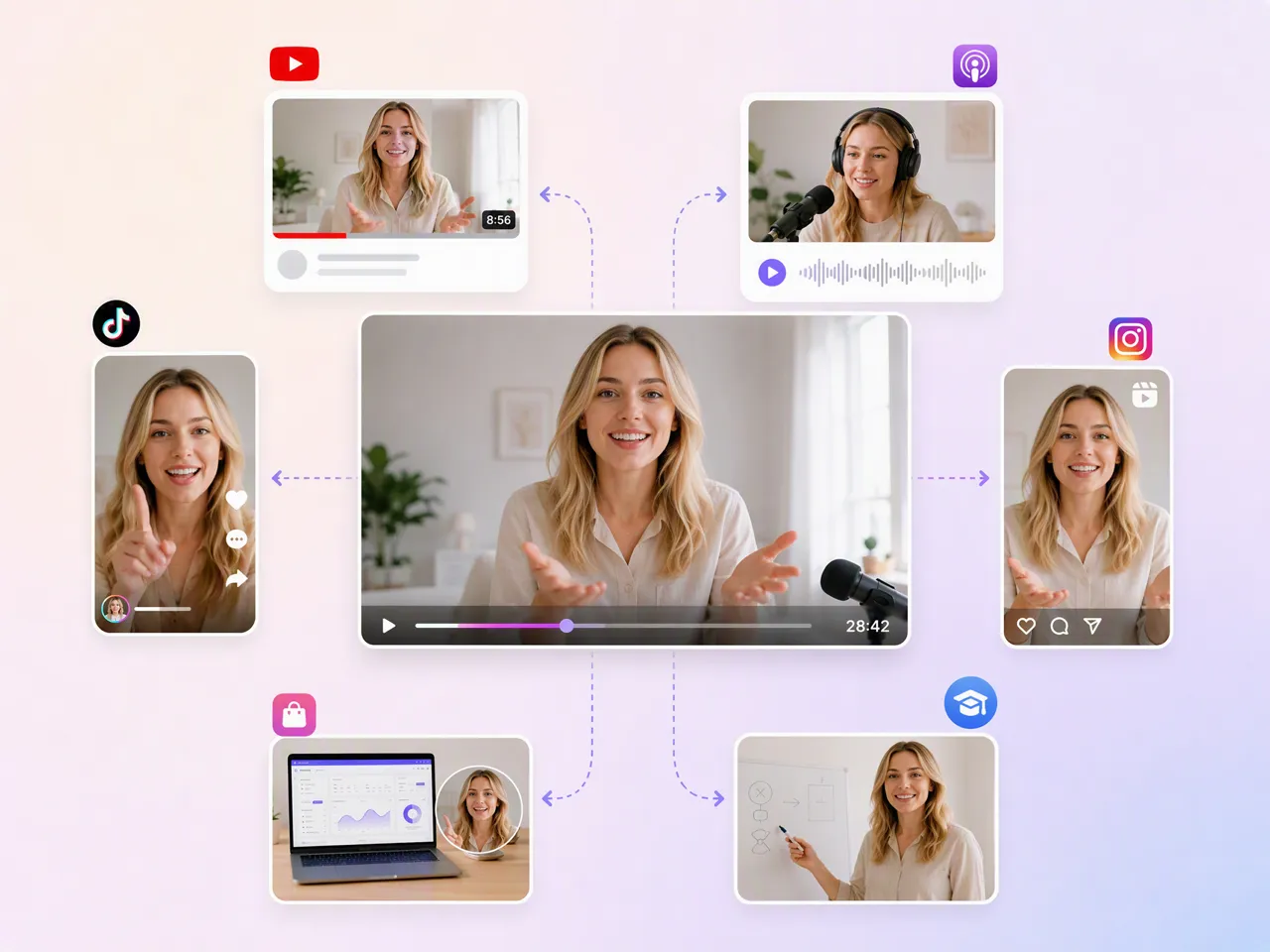
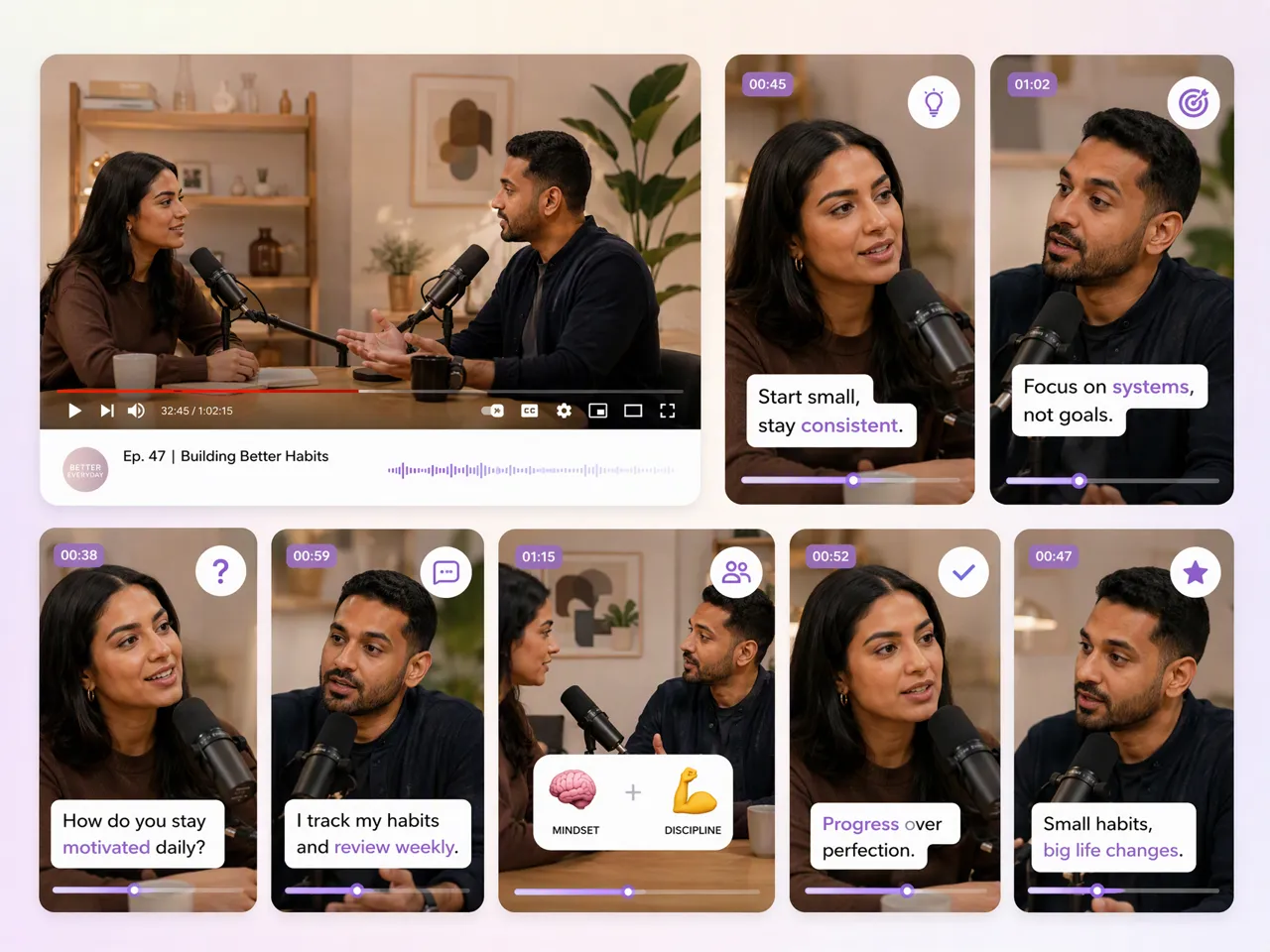
Turn Full Episodes Into Shorts, Reels, and TikToks
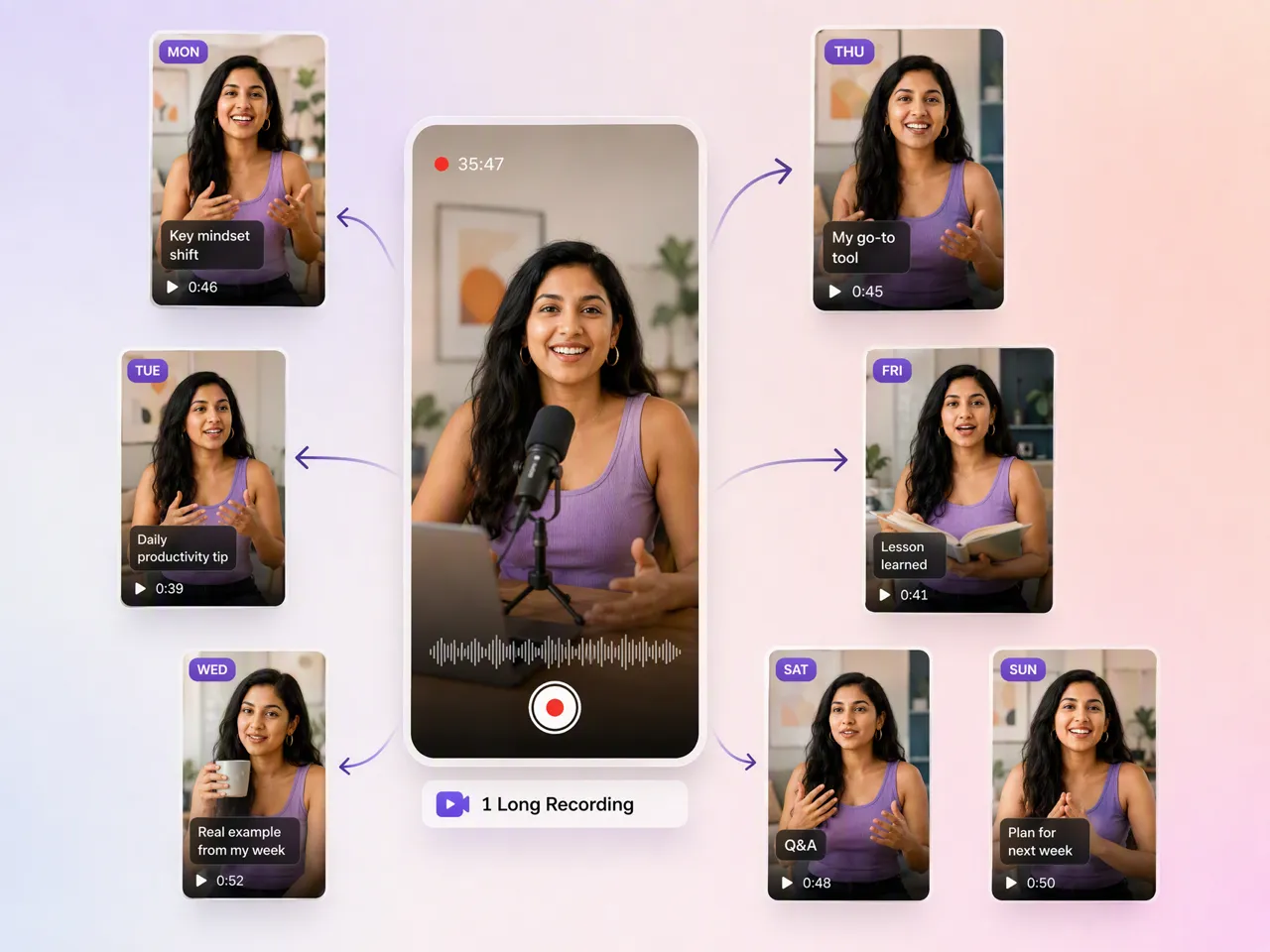
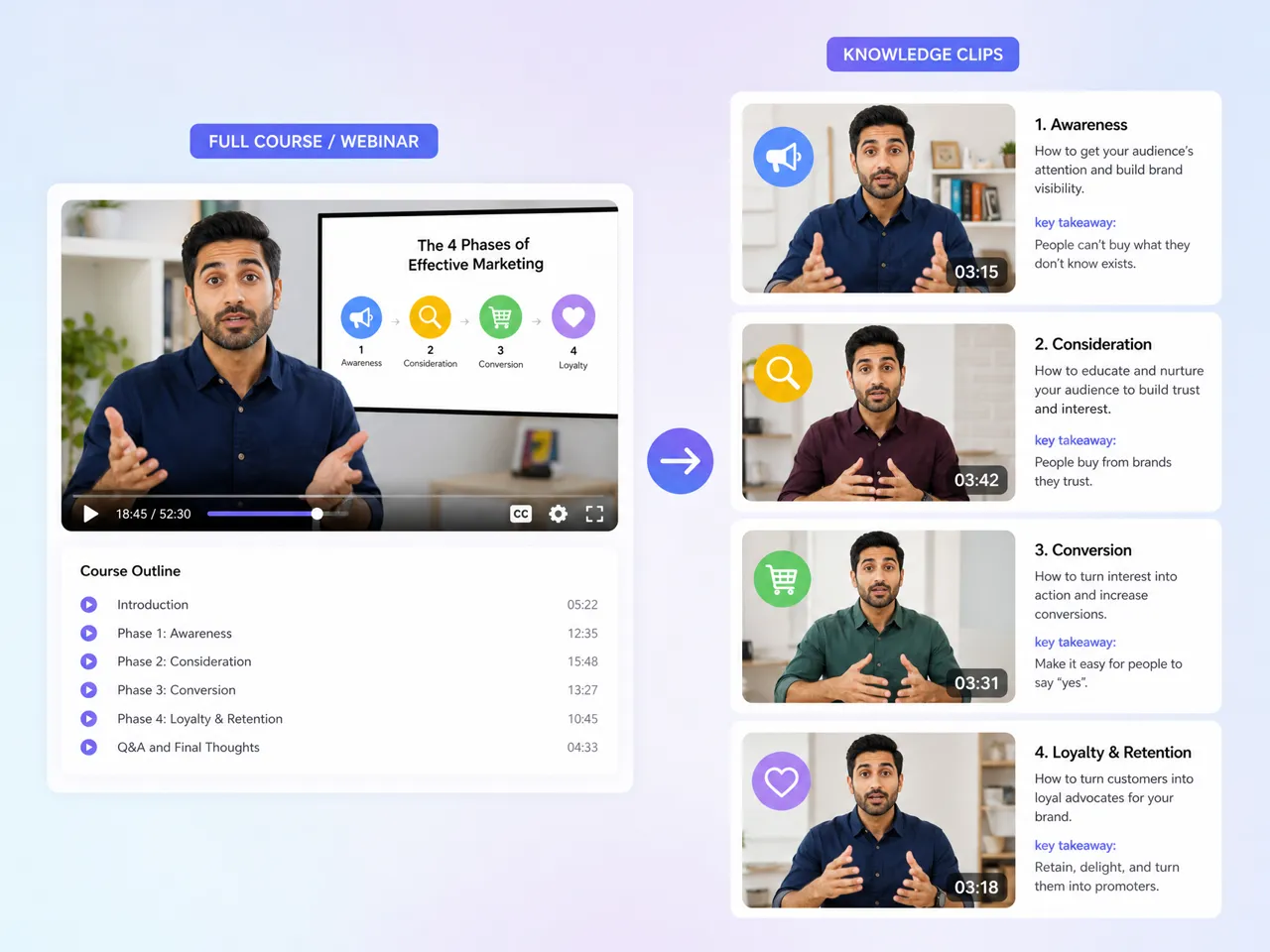
Turn podcasts, interviews, and YouTube episodes into focused short-form videos while keeping the original context intact. Create multiple clips from one recording for Shorts, Reels, and TikTok without manually searching through every section.
More Tools for Your Short-Form Workflow
Instagram Video Maker
TikTok Video Maker
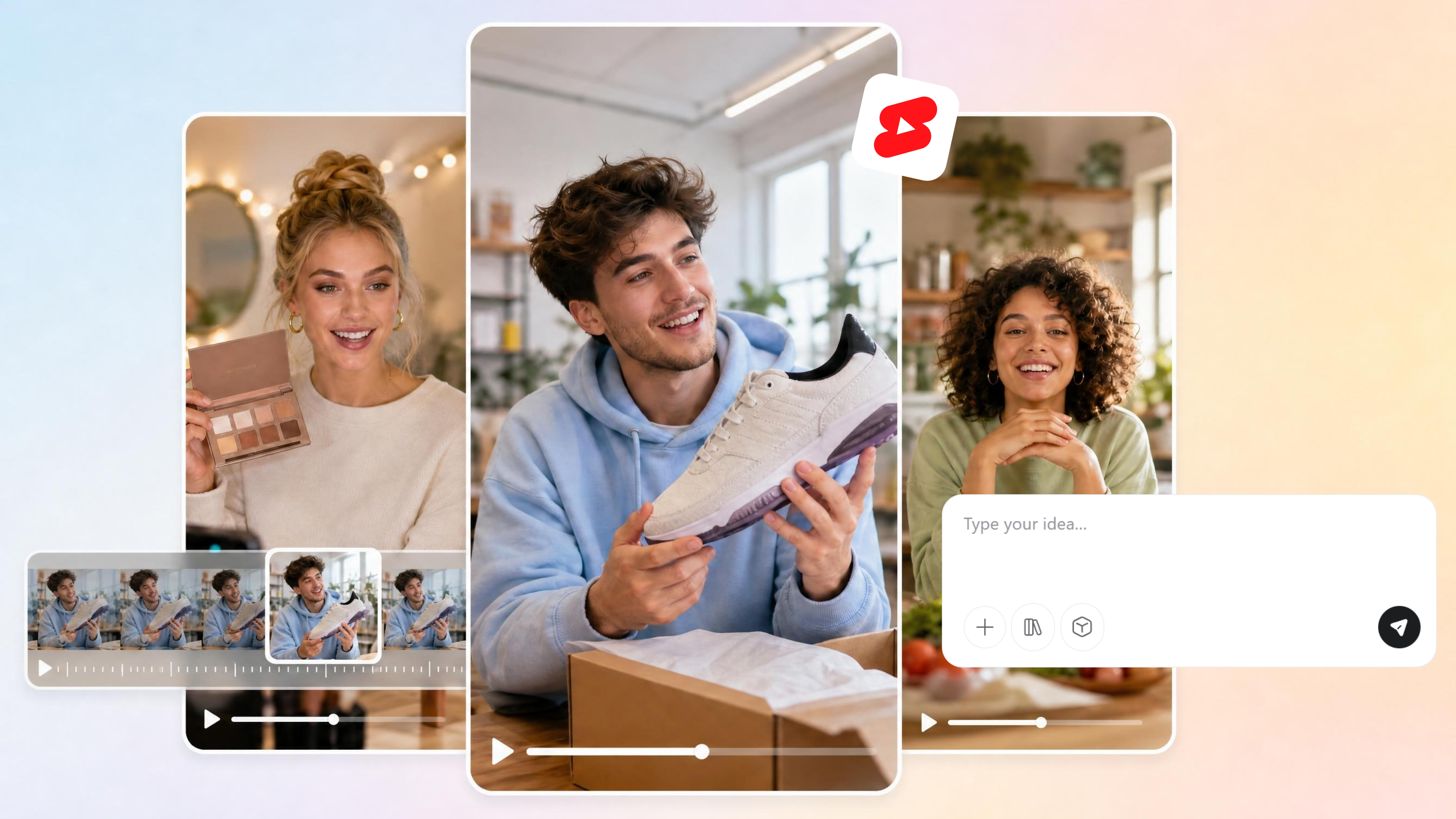
AI YouTube Shorts Maker
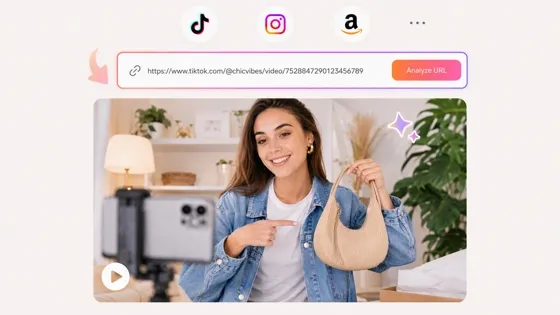
URL to Video Maker
Frequently Asked Questions
Can I create clips from long podcasts and interviews?
How many clips can I generate from one video?
You can create multiple variations from the same creative direction rather than producing every clip independently. This makes it useful when you need different hooks, presentations, or visual treatments for social content. The available output depends on your workflow and credits, so the number of clips you can generate may vary. Use the AI video clip generator to explore different versions of a concept and build a broader set of short-form assets.
Can I reuse old videos to create new content?
Yes. Existing videos can provide useful footage or creative references for developing new short-form content. Rather than simply cutting an old recording into smaller sections, Designkit helps you generate fresh video concepts based on the material and direction you provide. This can help refresh older product, creator, or campaign assets for new publishing needs, including content created with an AI video generator or image to video workflow.
Are clips optimized for TikTok, Reels, and YouTube Shorts?
You can create video variations suited to major short-form platforms and adapt the output to different publishing requirements. This is useful when one concept needs versions for TikTok, Instagram Reels, and YouTube Shorts instead of being recreated separately for every channel. You can also use a Youtube shorts maker workflow to develop short-form content that fits your channel strategy while maintaining the intended creative direction.
Can I create clips for business and marketing purposes?
Yes. AI-generated clips can support product promotion, social campaigns, branded content, and other commercial video needs. For example, ecommerce teams can turn product concepts into creator-style promotional videos, while marketers can develop variations for different campaigns. You can combine clip creation with tools such as a promo video maker or video ad maker when building broader marketing assets.
Can I use clip variations to test audience engagement?
Yes. Creating several versions of the same concept can help teams test different creative directions, such as hooks, product presentations, pacing, or visual approaches. Instead of changing the entire idea for every test, you can generate variations around a consistent concept and compare how audiences respond across channels. This makes a clip creator workflow useful for ongoing social content testing and creative iteration.
Can I create AI clips for free?
Designkit offers free credits that let you explore AI video creation before committing to a larger workflow. You can use those credits to test different concepts, generate clip variations, and see how the generative video workflow fits your needs. The amount of free usage may depend on the current plan and credit terms. If you want to create AI clips for free, check the available credits in your account before starting larger batches. CTA
Get More Short-Form Content From Your Videos
Find useful moments in your podcasts, interviews, webinars, and recordings, then shape them into clips for TikTok, Reels, YouTube Shorts, and more.
Why Choose Designkit for AI Clip Creation

Skip the Shoot-and-Edit Cycle
Create short-form videos without recording every clip from scratch. Turn ideas or existing content into social-ready assets without repeating the full production process.

Reduce Outsourced Clip Editing
Create multiple short-form variations in one workflow instead of sending every recording to an editor. Keep more clip production in-house while scaling your content output.

Try AI Clip Creation With Free Credits
Explore AI clip creation with free credits before committing to a larger workflow. Test different video ideas, formats, and creative directions without paying upfront for every experiment.



What Users Say About AI Clip Making
Real stories from creators, marketers, and businesses turning long videos into high-performing clips with less effort.
The Old Episodes Finally Had a Second Life
We had a backlog of interviews that were still full of useful conversations, but nobody had time to go through them again. Turning those recordings into short clips gave us a reason to bring some of that content back.
Finding the Right Moment Was Not the Hard Part Anymore
Editing wasn't really my biggest problem. I just didn't know which parts of a two-hour recording were worth turning into clips. Having potential moments surfaced for me made the whole process much more manageable.
Our Product Demos Became More Useful After the Launch
We had plenty of product videos from the launch, but most of them were only being used once. Cutting useful sections into shorter clips gave us more material for social posts without filming another round.
One Interview Gave Us Several Different Stories
There wasn't just one good moment in the interview. One section worked as a product insight, another as a quick tip, and another as a personal story. Looking at them as separate clips gave us much more to work with.