
AI Highlight Video Maker for Sports, Podcasts & Events
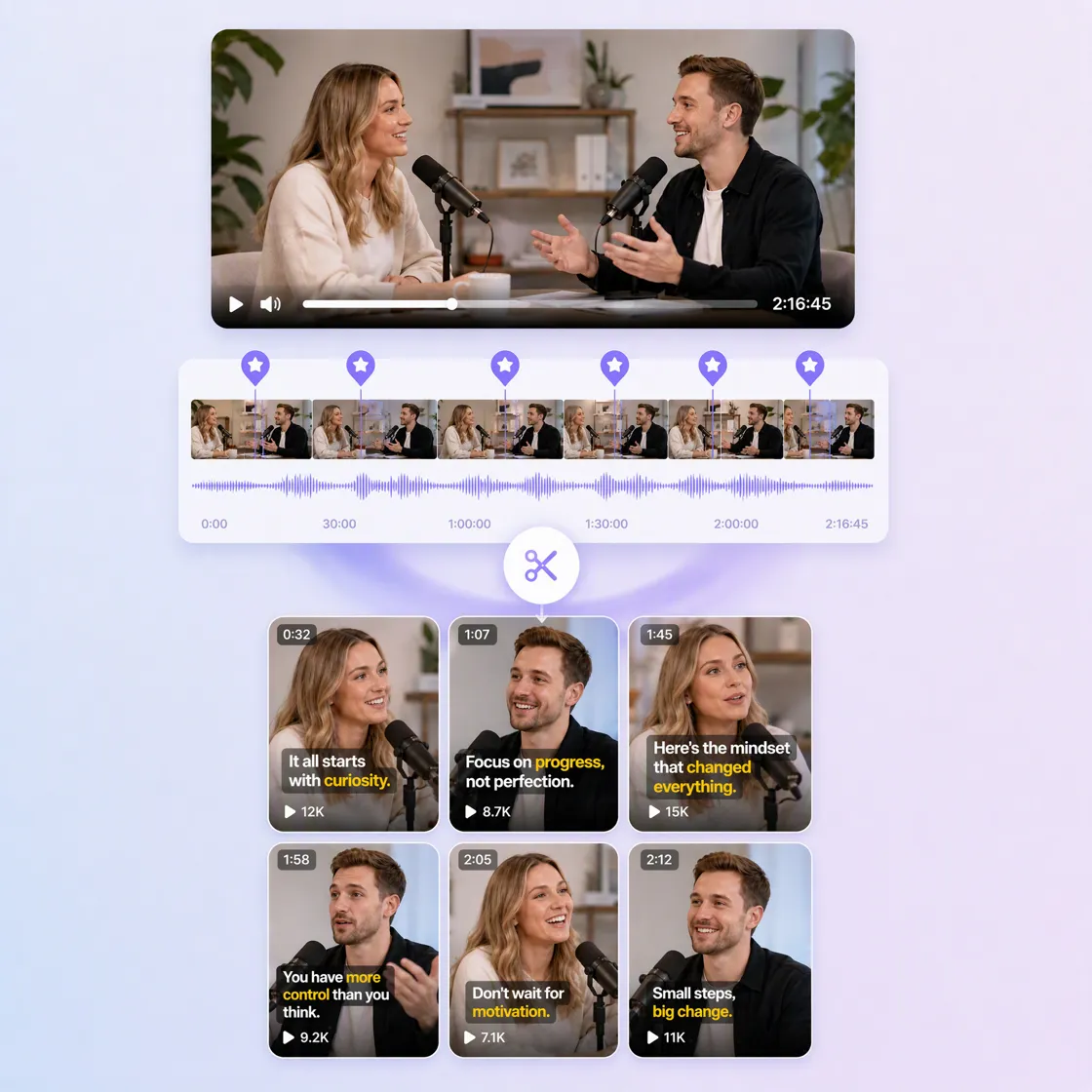
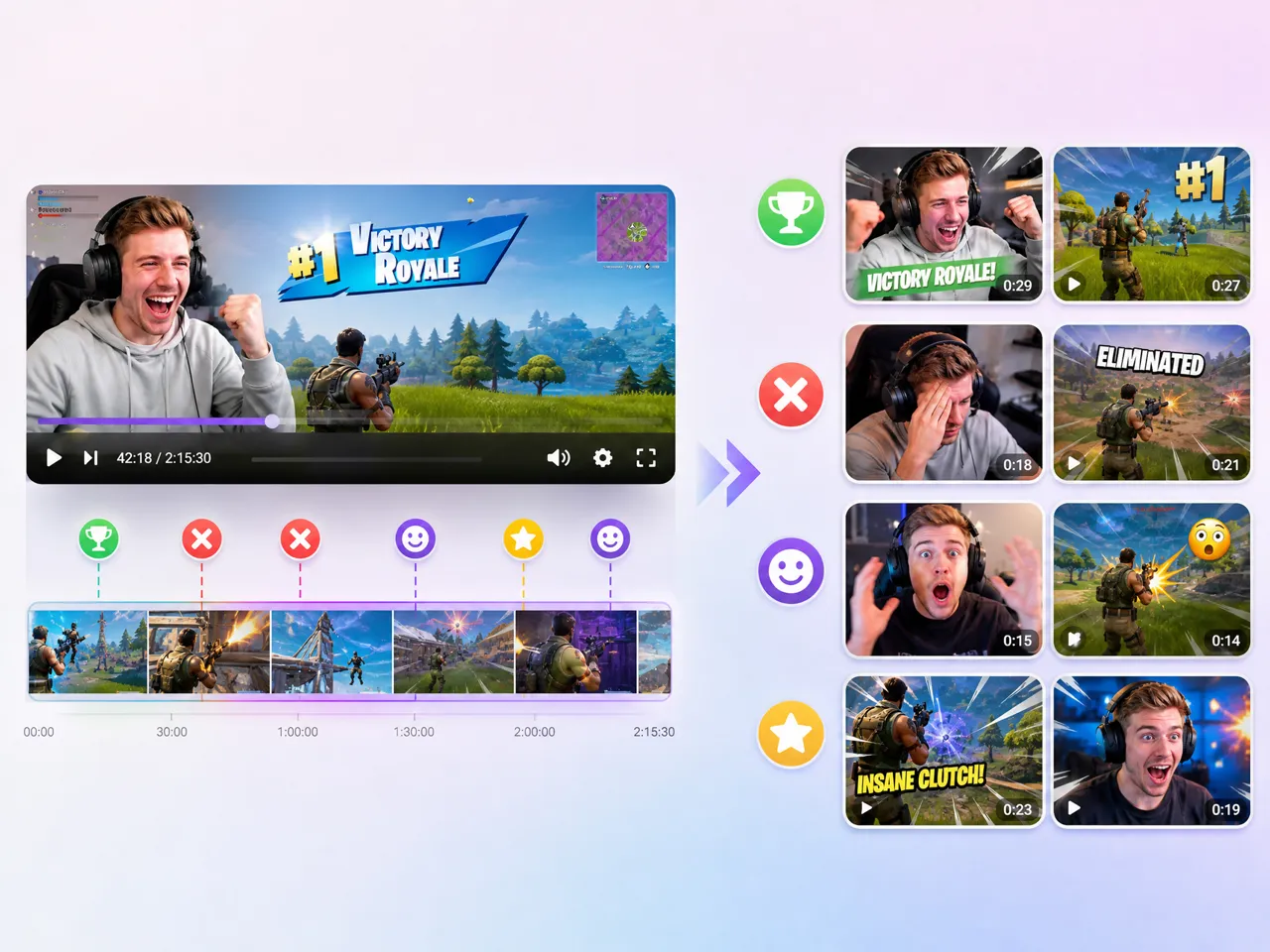
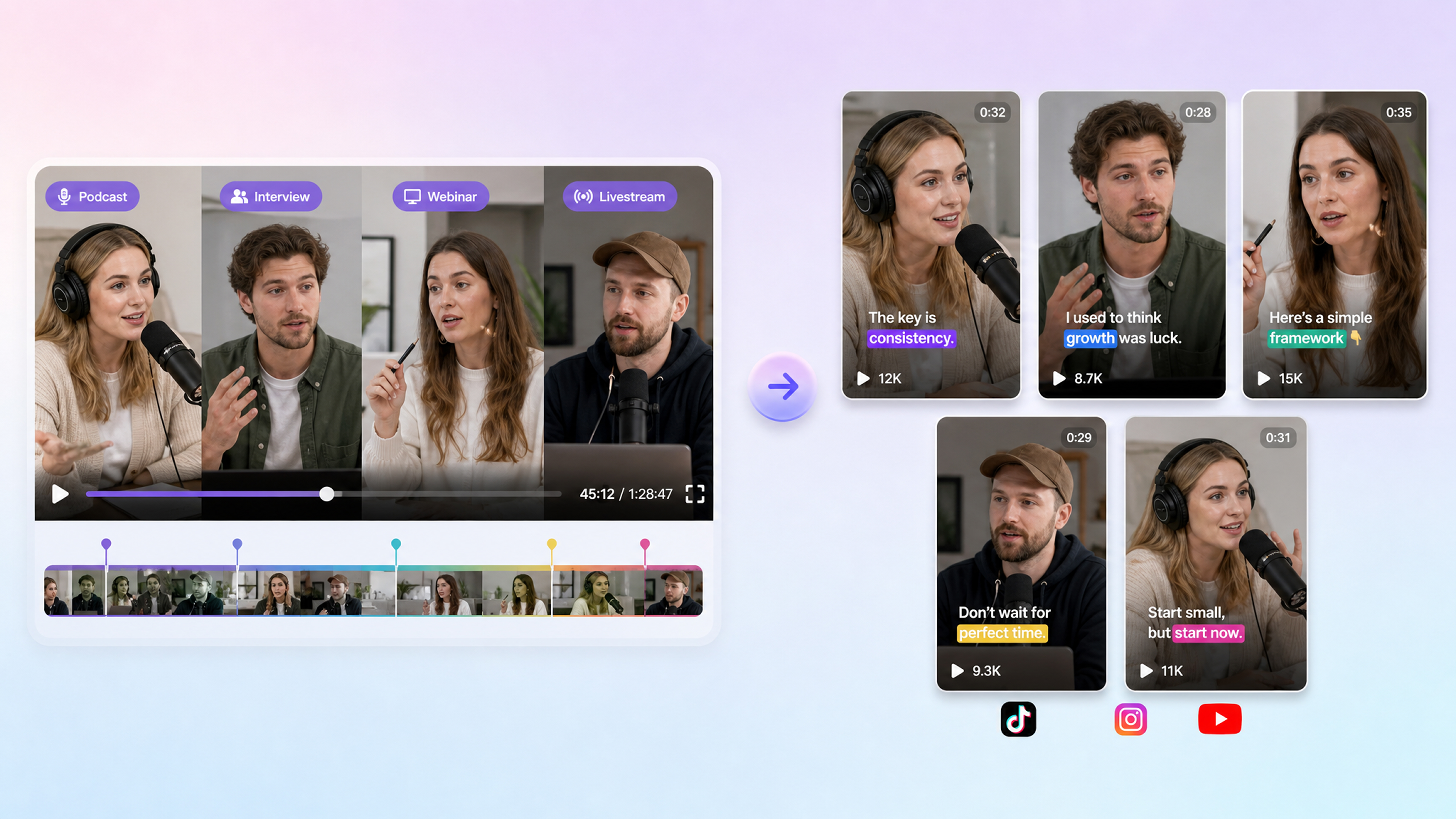
Stop scrubbing hours of footage. Upload a long recording, let AI surface the strongest moments, and turn them into short clips ready for social.
How to Create Video Highlights in 3 Steps
Start With a Long Video
Upload a sports match, podcast, webinar, interview, livestream, gameplay recording, or event video. Start with footage that already contains the moments you want to share.
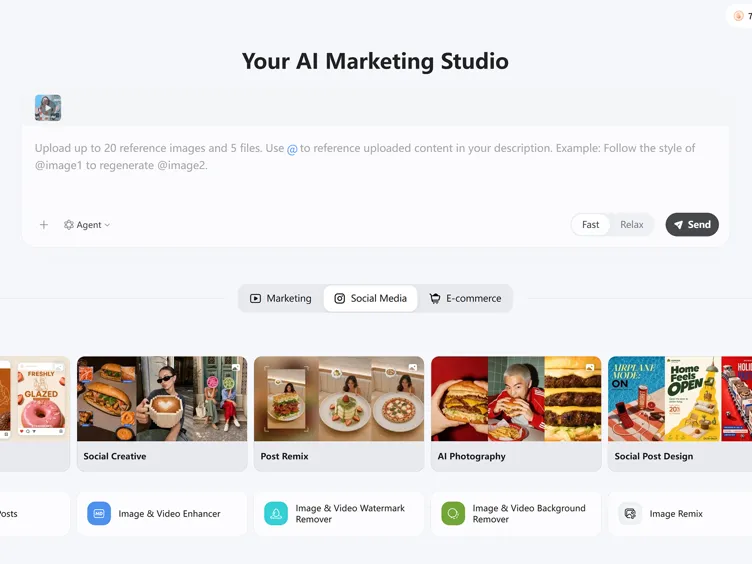
Find and Shape the Highlights
Let AI identify key moments, then review the selected clips and shape them around the story, topic, or audience you want each highlight to reach.
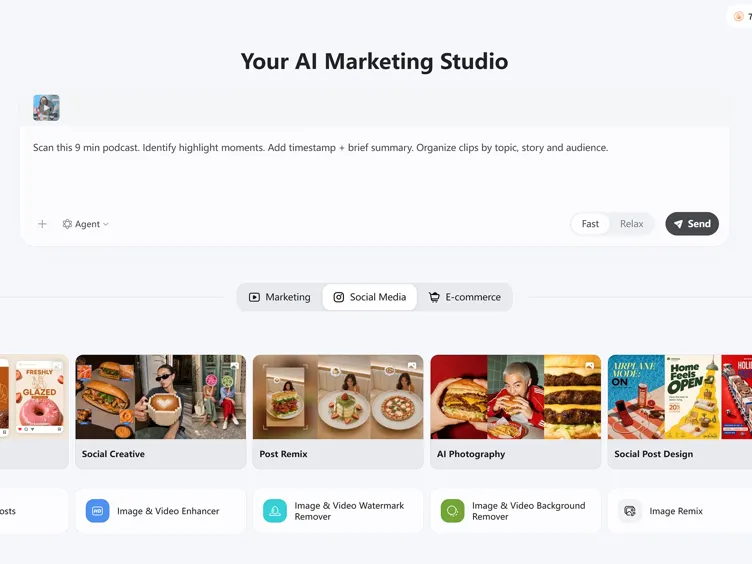
Refine and Export Highlight Video
Adjust the selected clips, presentation, and format, then export your highlights for YouTube Shorts, TikTok, Instagram Reels, or other social channels.
What Can You Create With Designkit's AI Highlight Video Maker
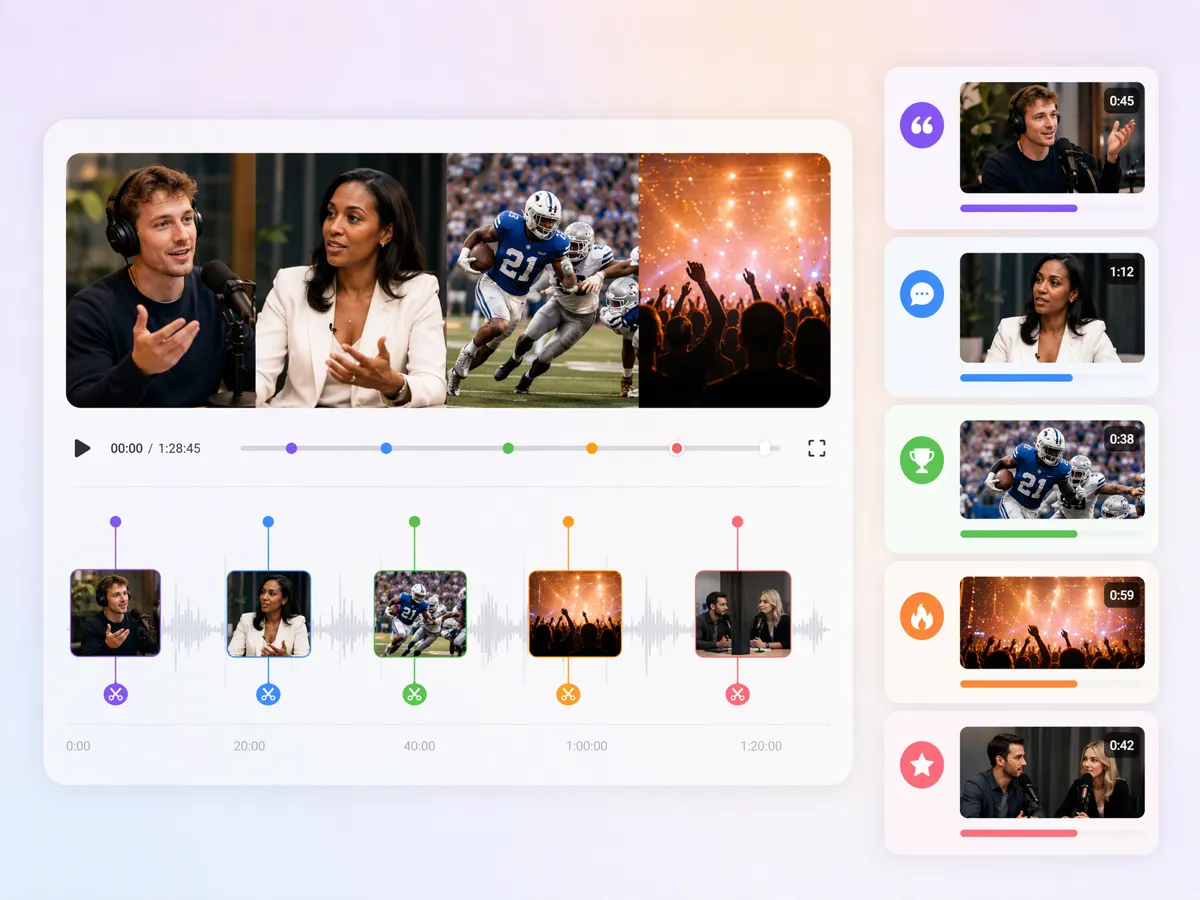
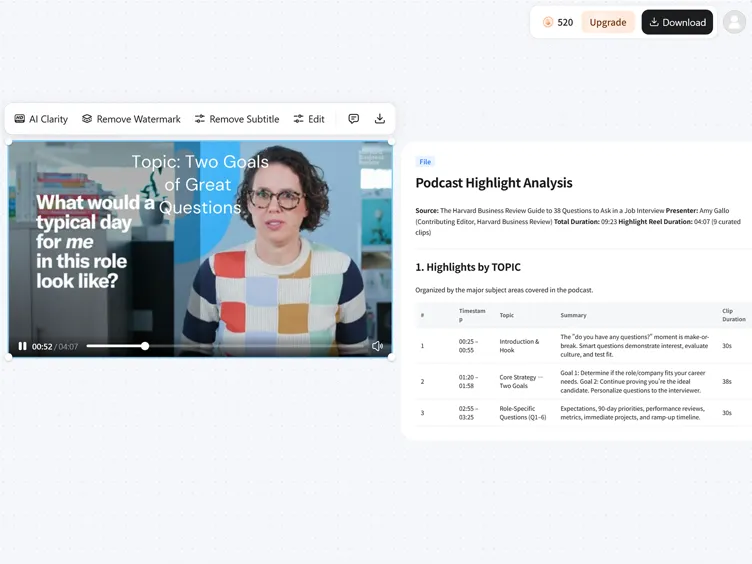
Find the Moments That Matter in a Long Recording
Turn a long recording into a focused selection of the moments worth sharing. An AI highlight video maker can help identify key sections from interviews, podcasts, events, webinars, or recorded sessions, so you spend less time reviewing the full video manually. Select the moments that support your message, then shape them into a shorter highlight instead of starting the edit from zero.
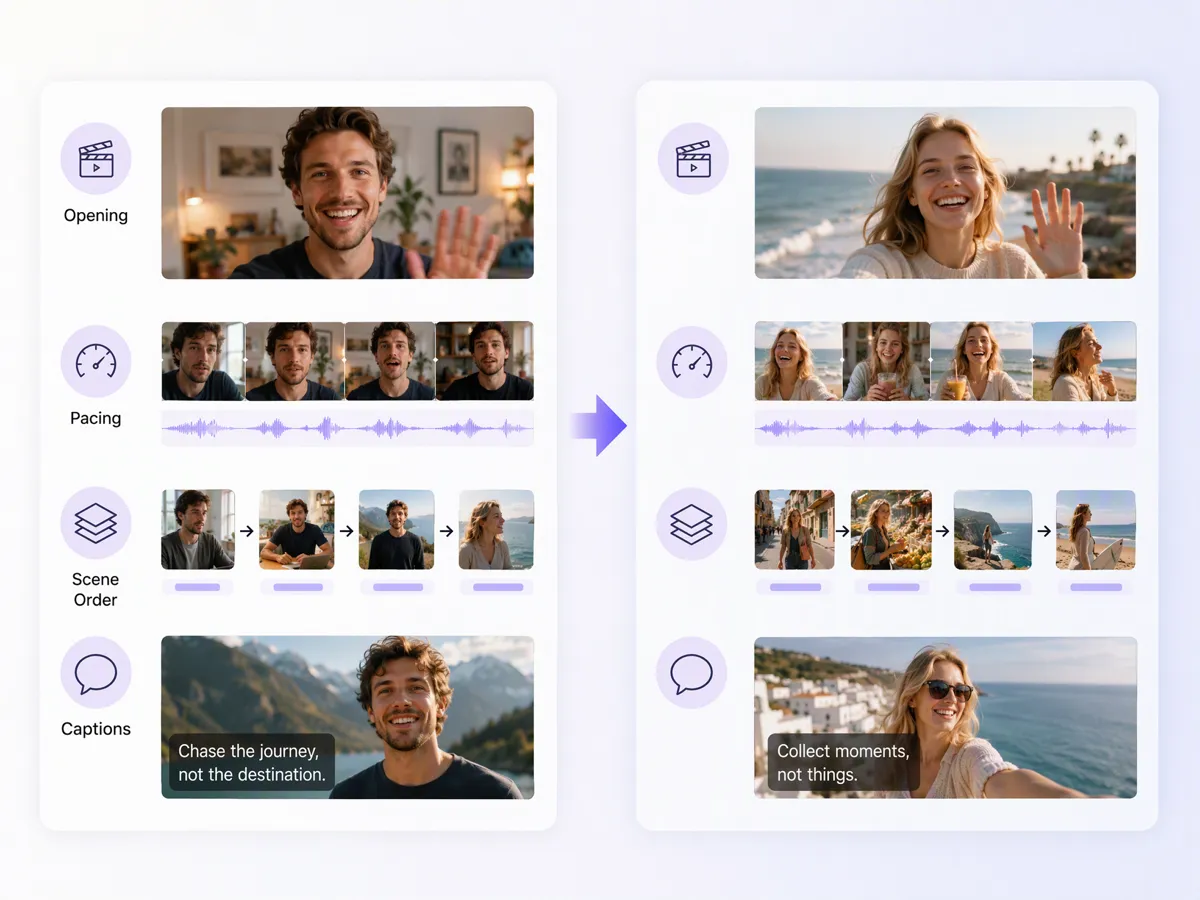
Recreate a Viral Highlight Format From a Reference Video
Use a reference when you already have a clear idea of how you want your highlights to feel. Study the opening, pacing, scene order, captions, or presentation style, then adapt those elements to your own footage. This approach is useful when you want to make a highlight video around a familiar social format without copying another creator's actual content. An AI viral video generator can also support creative variations.
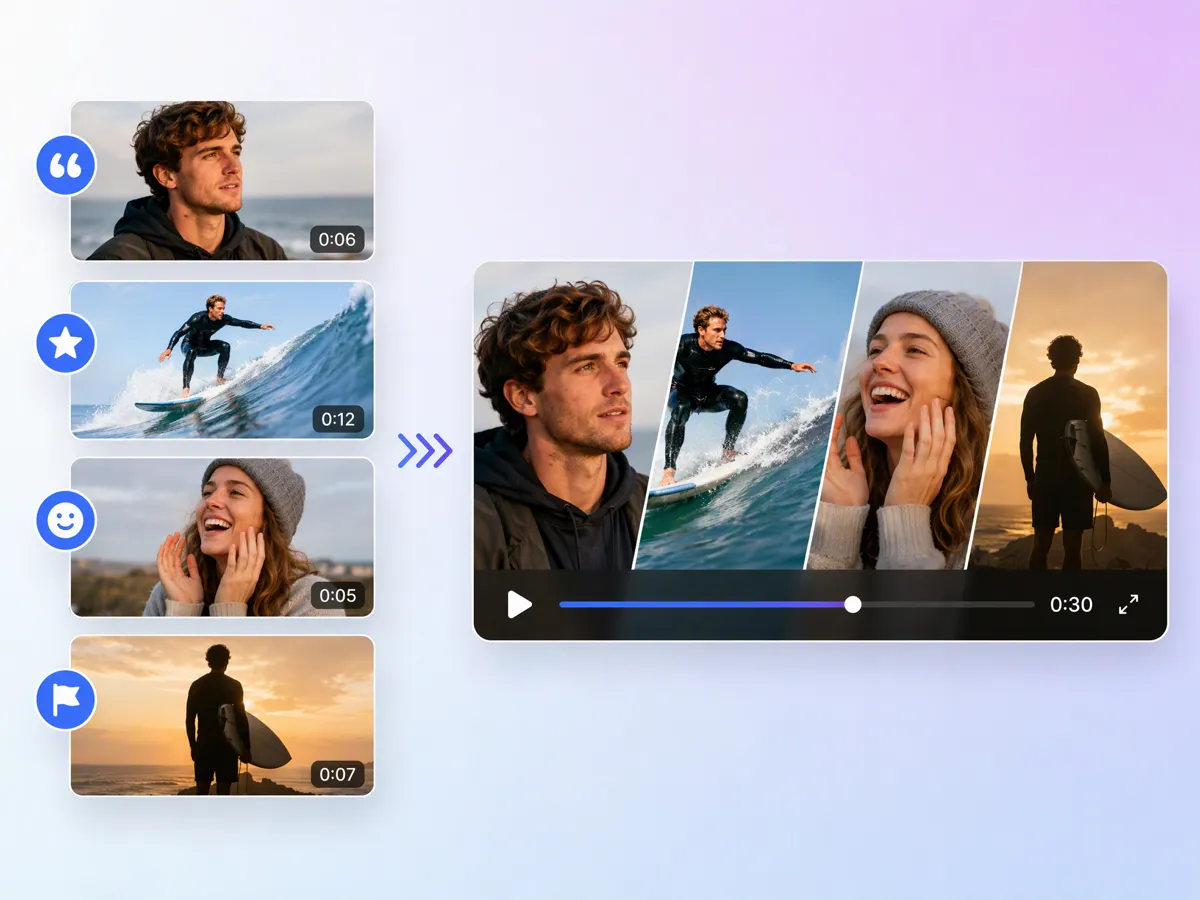
Turn Selected Moments Into a Complete Highlight Story
A collection of good clips still needs a clear beginning, middle, and ending. Arrange selected moments around a central topic, conversation, event, or product story, so the final video feels intentional rather than like disconnected cuts. Whether you are learning how to make a highlight video from an interview or turning a recorded session into a recap, Designkit can help shape the selected footage into a complete story.
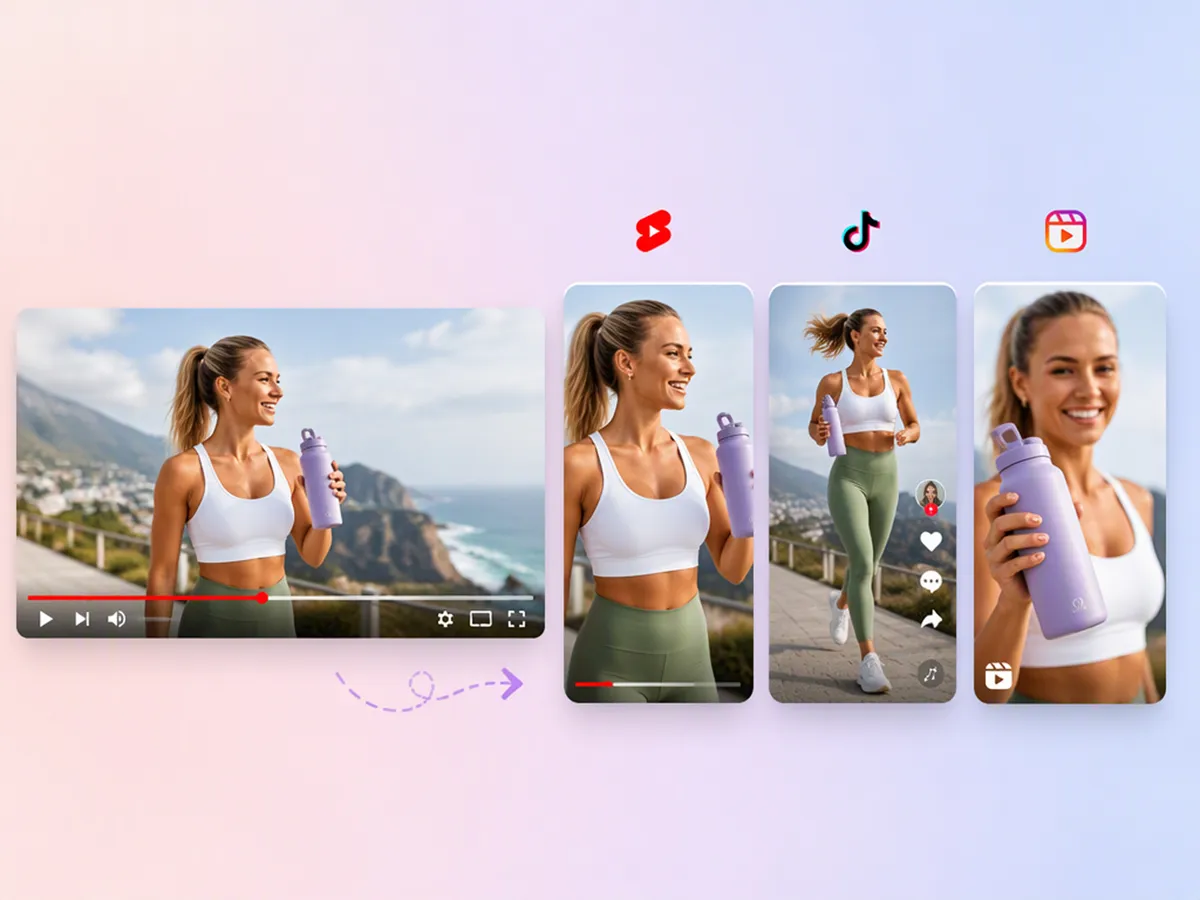
Export Vertical Clips Ready for Social Platforms
Prepare your highlights for platforms where viewers expect short, vertical content. Turn longer recordings into focused clips that can be adapted for Shorts, Reels, TikTok, or other social placements without rebuilding the entire edit for every channel. A YouTube Shorts maker can be useful when a strong moment from a longer recording needs to become a standalone short with the right framing and pacing.
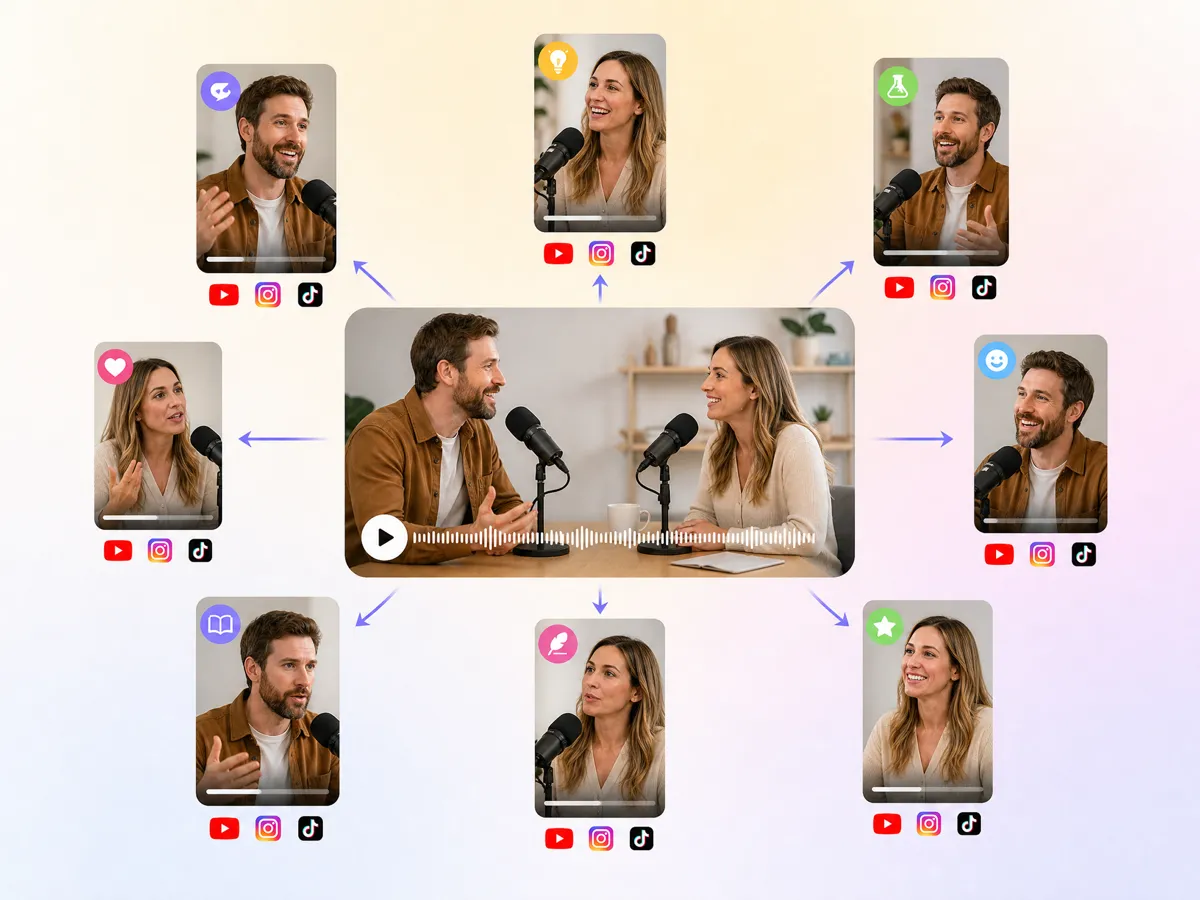
Turn One Recording Into Multiple Pieces of Content
Get more value from a single recording by turning different moments into separate clips, each built around a clear takeaway, quote, demonstration, or story beat. This works well for interviews, podcasts, events, product content, and creator videos. A video highlight maker can help you create multiple pieces of content from the same source without treating every clip as a completely new project.
Create Video Highlights for Sports, Podcasts, Live Events, and More
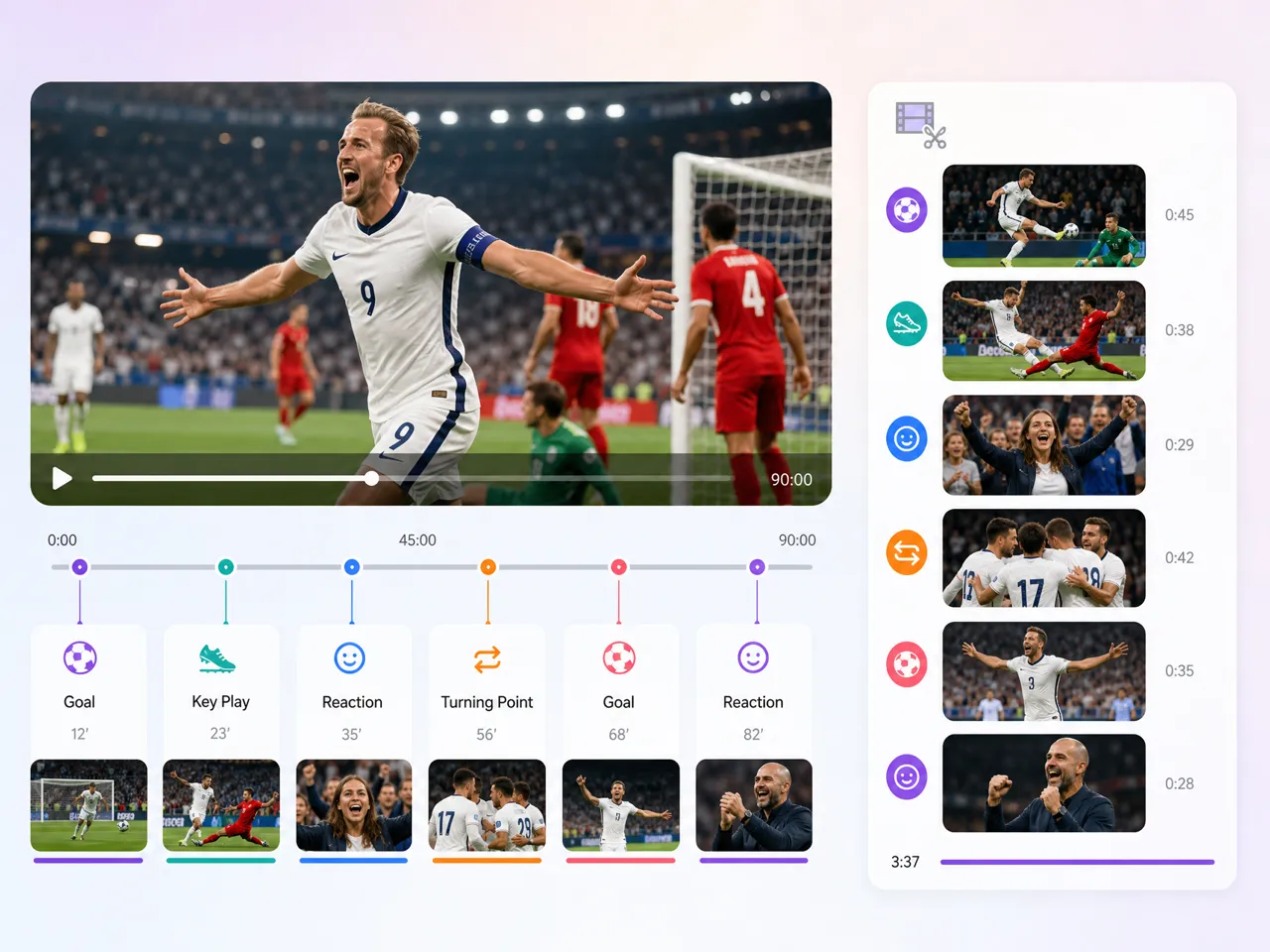
Capture the Best Plays From Every Match
Turn full-game footage into focused sports highlights featuring key plays, goals, reactions, and turning points. An AI sports highlight video maker can help organize standout moments into a shareable highlight reel, from weekly matches to major events such as World Cup video highlights.
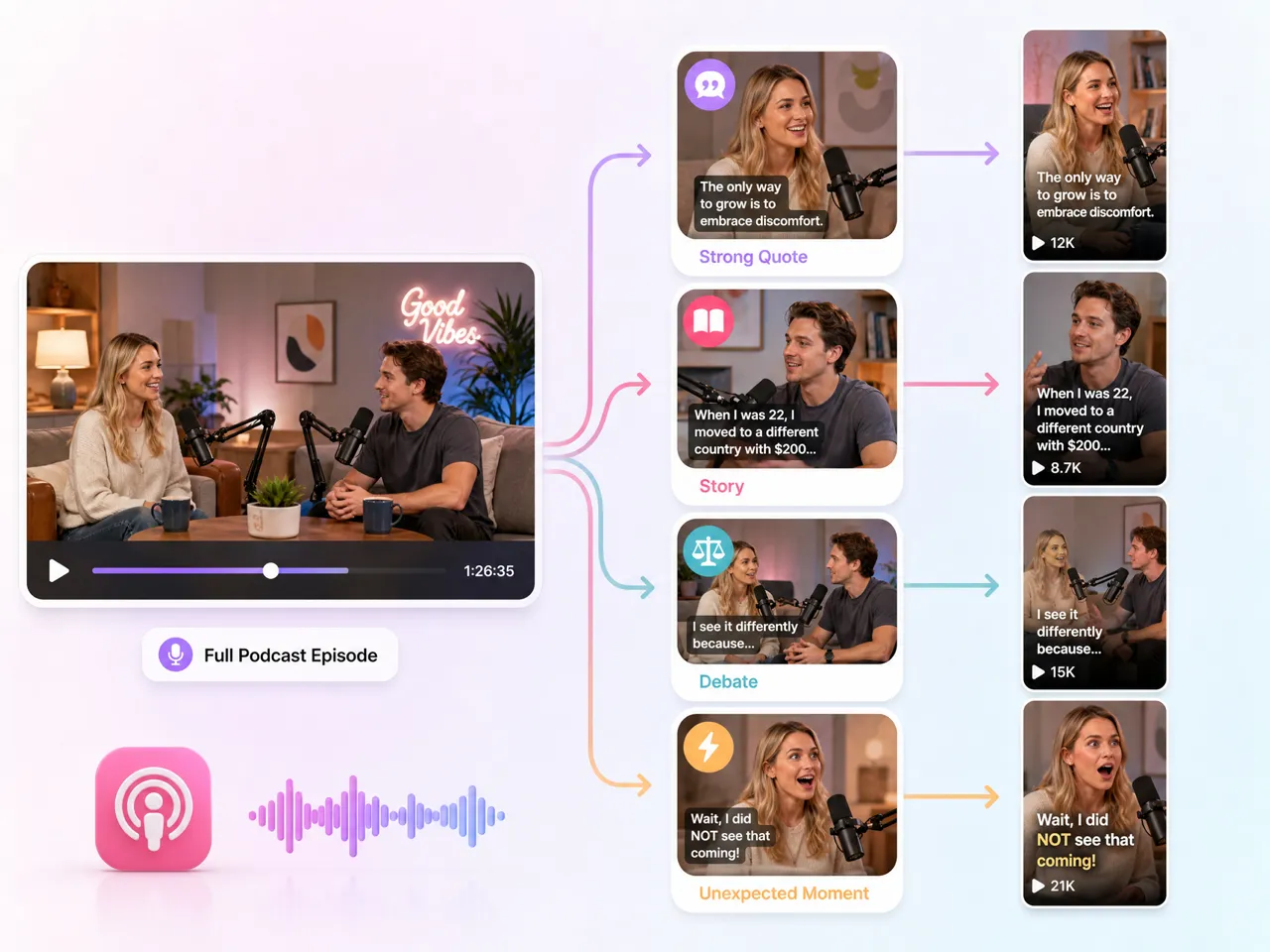
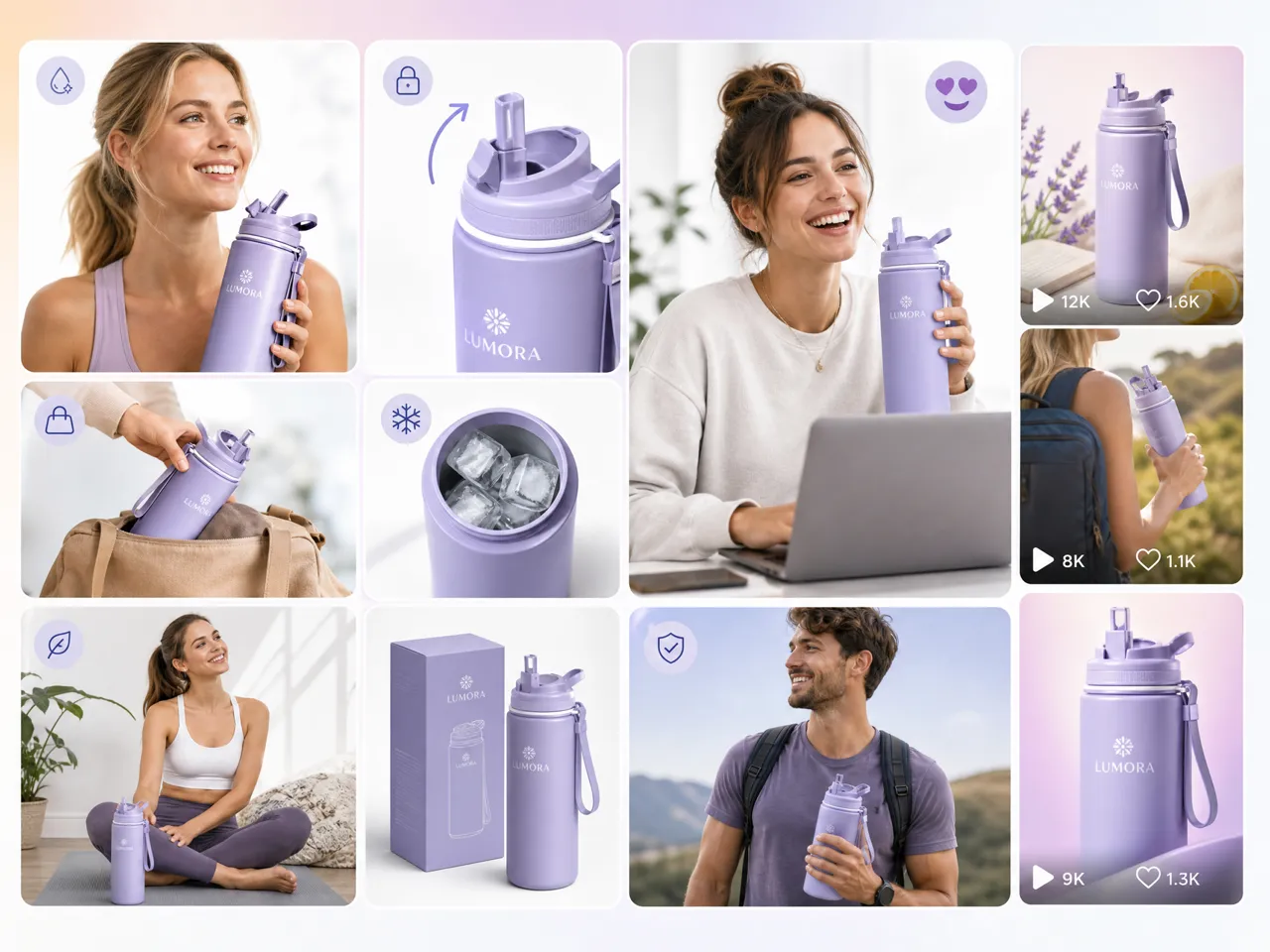
Explore More AI Video Features for Your Content Workflow
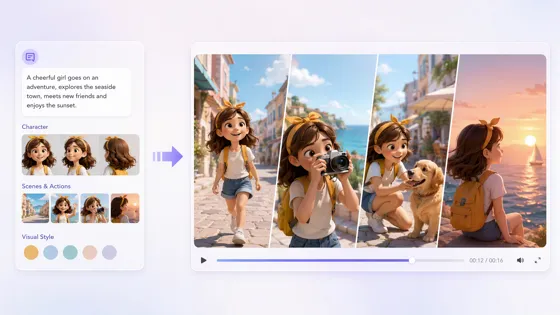
AI Animation Generator
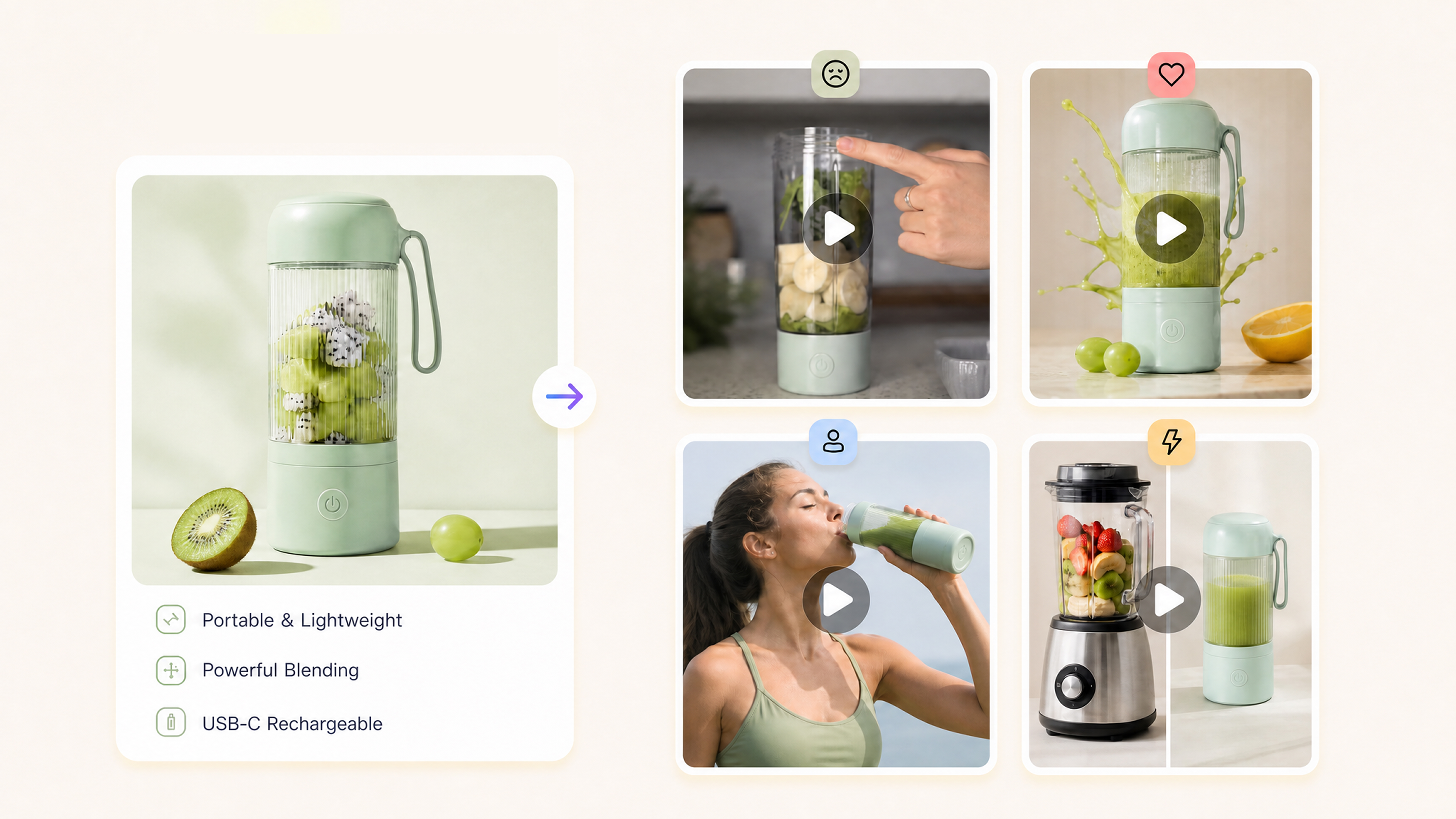
AI Video Hook Generator
TikTok Video Maker
AI Short Video Maker
Frequently Asked Questions
How do I make a highlight video from a long recording?
Can AI automatically find the best moments in a video?
AI can analyze a recording and identify sections that may be useful based on factors such as key actions, spoken content, memorable moments, or changes in the scene. The results still depend on the source and what counts as important. Designkit’s highlight AI tool helps surface useful moments so you can focus on shaping the final highlight rather than reviewing every second manually.
Can I tell the AI what moments I want to highlight?
You can provide direction about the type of moments you want to focus on, such as goals, product features, strong quotes, reactions, or specific parts of a conversation. Clear instructions help narrow the content toward your intended highlight. Designkit lets you guide the selection process when creating highlights for sports, podcasts, events, product videos, and other long recordings.
How many short clips can I get from one video?
There is no single number because it depends on the length of the source video, how many meaningful moments it contains, and how you want to divide the content. One recording can often provide several clips when it includes distinct topics or memorable moments. Designkit lets you turn different sections of one recording into multiple highlight videos instead of treating the source as a single finished edit.
Can I make sports highlights from a full match?
A full match can be turned into a sports highlight video by selecting key plays, goals, saves, reactions, or other important moments and arranging them into a shorter sequence. An AI sports highlight video maker can reduce the manual work involved in finding standout plays. Designkit can help turn selected match moments into focused sports content for social sharing and recaps.
Can I recreate a highlight style from a reference video?
Yes. A reference video can guide elements such as pacing, opening structure, transitions, captions, framing, or the overall presentation style. You should adapt the approach to your own footage rather than copying another creator's content. Designkit lets you use a reference to shape the direction of your highlight video while keeping the actual moments and story based on your recording.
Is there a free AI highlight video maker?
Some AI video tools offer free credits or limited plans that let you test highlight creation before paying. The available features and usage limits vary by platform. Designkit provides free credits so you can experiment with AI-assisted video highlights, test different recordings, and explore how a highlight video creator fits your content workflow before committing to regular production.
Find the Moments Worth Sharing
Upload one long recording, review the moments AI finds, and export a short clip for social. Free credits included when you start.
Why Make Video Highlights With Designkit

Skip Hours of Reviewing Long Recordings
Find useful moments from long recordings without watching every minute by hand. Focus your editing time on the clips that actually matter for your final cut.

Prepare Highlights for Different Social Formats
Turn selected moments into short-form content suited to different social platforms, so one recording can support more than one publishing format easily.

Try AI Video Highlights With Free Credits
Use free credits to test different highlight ideas and see how your recordings can be turned into shorter, shareable videos before committing to a larger project.



What Users Say About Designkit's AI Video Highlights
Discover how creators turn long videos into highlight clips that boost views fast.
I Finally Got More Use From Each Podcast
We had a full episode every week, but turning it into social clips was always the part that got pushed back. I didn't want to listen through the entire episode again just to find a few good moments. Designkit gave me several sections worth reviewing, and I could turn the useful ones into clips without starting from the full timeline.
The Match Footage Was Taking Me All Night
I used to watch through the full match after every game and mark timestamps as I went. By the time I finished, the moment everyone was talking about had already passed on social. Designkit helped me narrow down the goals, reactions, and key plays first, so I could spend my time shaping the recap instead of hunting through the footage.
We Had Product Footage, But No Time to Recut It
We already had a longer product demo, but it wasn't practical to use the whole thing on social. I needed short sections that actually showed the product doing something useful. Designkit helped me pull those moments out without asking our video team to make another round of edits.
I Didn't Have to Scrub Through the Whole Session
I usually record my entire gaming session and end up with hours of footage sitting on my drive. Finding the few moments actually worth posting was the annoying part. Designkit helped me narrow it down to the wins, clutch plays, and funny reactions I wanted to check. I could focus on polishing the good clips instead of watching the whole session again.