
Halloween Marketing Ideas to Boost Sales and Engagement
Plan Halloween campaigns that drive sales: timed promotions, social ideas, and channel tactics you can launch this season. Create matching visuals in Designkit when you are ready.

Halloween gives businesses an opportunity to run seasonal specials, promote products, and reach customers preparing parties, buying costumes, or decorating their homes. The best Halloween marketing ideas start with a clear goal: selling seasonal inventory, increasing order value, or bringing more people to your store. Choose an offer, set a deadline, and create the content customers need to act. These steps give your marketing for Halloween a clear direction across social media, email, and your website.
Why Halloween Still Deserves a Campaign Slot
Halloween spending covers more than costumes and candy. Customers also buy party supplies, themed food, beauty products, gifts, and decorations. Businesses can respond to this demand by adapting existing products or creating relevant offers. Review last year's seasonal sales to identify products worth promoting without ordering excess inventory. Even if Halloween falls outside your core category, you can explore Halloween business ideas such as themed packaging, a seasonal bundle, or a local offer.
When to Start Your Halloween Marketing Campaign
Use this timeline to plan your campaign around product availability, customer buying habits, and shipping deadlines.
July to August: Prepare the Campaign
Pick the products, figure out the promotional margins, check your stock, and decide what you want the campaign to achieve. Have your copy of the landing page, email schedule, and design requirements in place before the production gets busy.
September: Tease Products and Launch Early Offers
Share product sneak peeks, decorating tips, and early shopping reminders. If your products need to be shipped or prepared, encourage customers to place their orders before October.
Early to Mid-October: Run the Main Promotion
Publish your main offer and coordinate your website banner, social posts, emails, and paid ads. Keep the offer consistent across channels, and link each placement to the relevant product or collection page.
Final Week: Push Deadlines and Last-Minute Options
Keep customers informed of when promotions end and when they need to place orders to receive products before Halloween. If shipping deadlines have expired, suggest local pickup or ready-to-use items.
After Halloween: Prepare for BFCM
Analyze sales and conversion data, remove invalid offers, and find out which messages worked best. Before your customers start seeing last year's promotions, update your BFCM campaign creative to replace Halloween.
Halloween Sale, Promotion, and Campaign Ideas
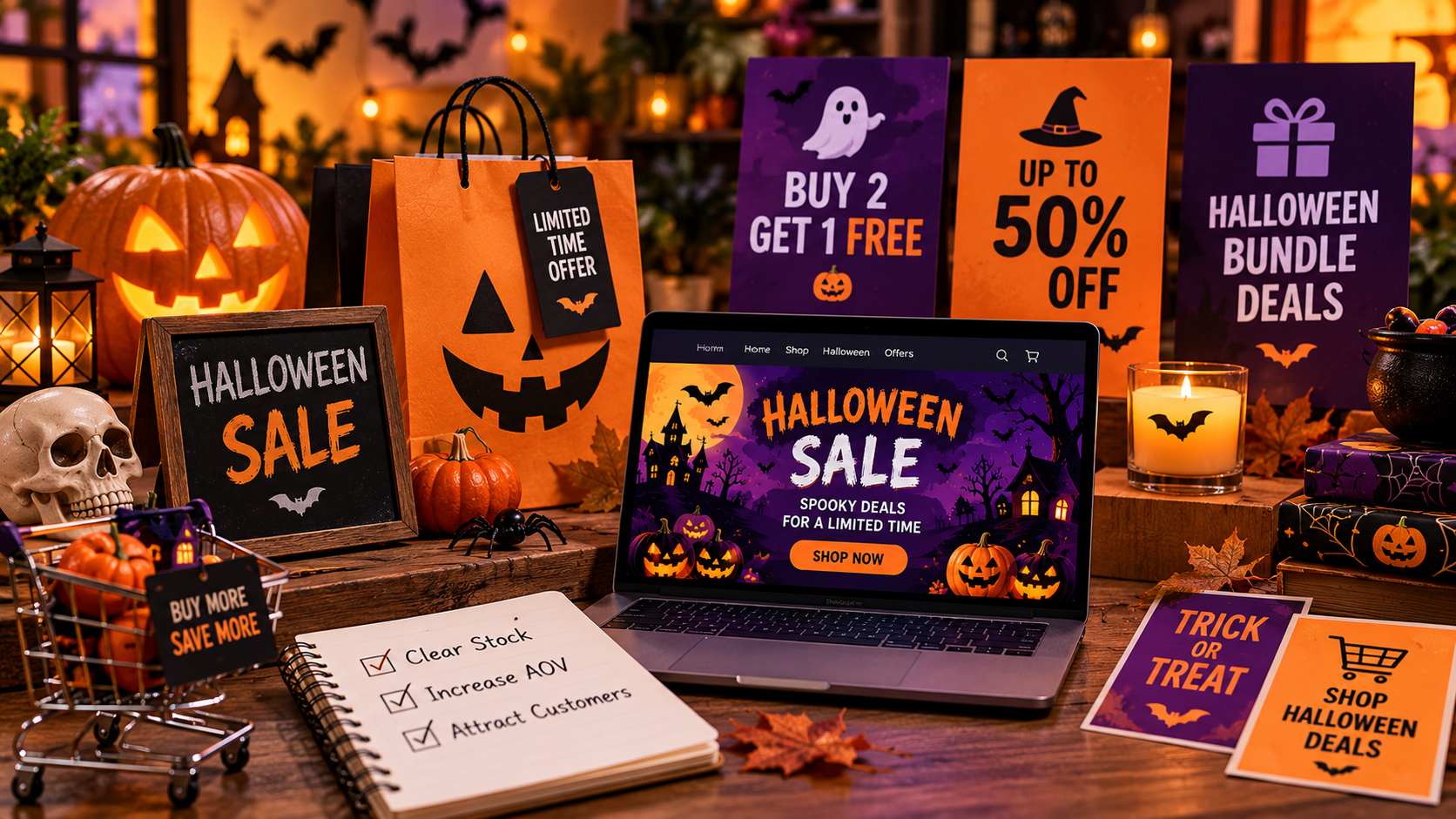
Choose promotions based on your seasonal inventory, profit margins, and target audience. These Halloween promotion ideas and Halloween campaign ideas can help you clear stock, increase average order value (AOV), and attract relevant customers.
Limited-Time Discounts: Best for Clearing Seasonal SKUs
Clear Seasonal stock with short-term discounts before Halloween is over. Save on select in-stock costumes, decorations, or themed products. Set a firm end date. Show cutoff date for shipping. Customers don't know what to order to get something by Oct. 31.
Halloween Bundles: Best for Increasing AOV
Complementary products bundled to increase order size. A party supply store may put themed plates, cups, napkins, and decorations into a party kit, and a costume retailer may package a costume with the accessories that go with it. Price the bundle to encourage more purchases, but don't sacrifice your profit margin.
BOGO or Gifts With Purchase: Best for Protecting Thin Margins
BOGO deals suit products customers buy in multiple ways, such as candy and party favors. If your margins are thin, prefer a gift with purchase over a sitewide percentage discount. For example, offer a themed gift when customers spend above a set amount, with clear eligibility rules and minimum-spend requirements.
Themed Product Drops: Best for Testing Seasonal Demand
Instead of introducing a new line of products, refresh your existing products with limited-edition packaging, themed labels, or a small seasonal collection. A bakery could bake pumpkin-shaped cookies, and a beauty brand could wrap its existing products in Halloween packaging. See if the seasonal update is worth repeating again by tracking sales.
Brand Partnerships: Best for Complementary Audiences
Team up with a business that serves the same clientele or has related products. A bakery and party supply store could cross-promote a Halloween party package through their channels. If you have a purely online business and no proper partner, then don't bother with the partnership and focus on your own campaign.
Halloween Events: Best for Local Customer Engagement
If your business has a local audience who can attend, host an event. A cafe might do a costume contest, a retail store could do a themed shopping evening. Then promote the date and location and deadline to register. Follow up with attendance and sales. If you're an online-only business, try a virtual contest.
Halloween Marketing Ideas for Social Media and Other Channels
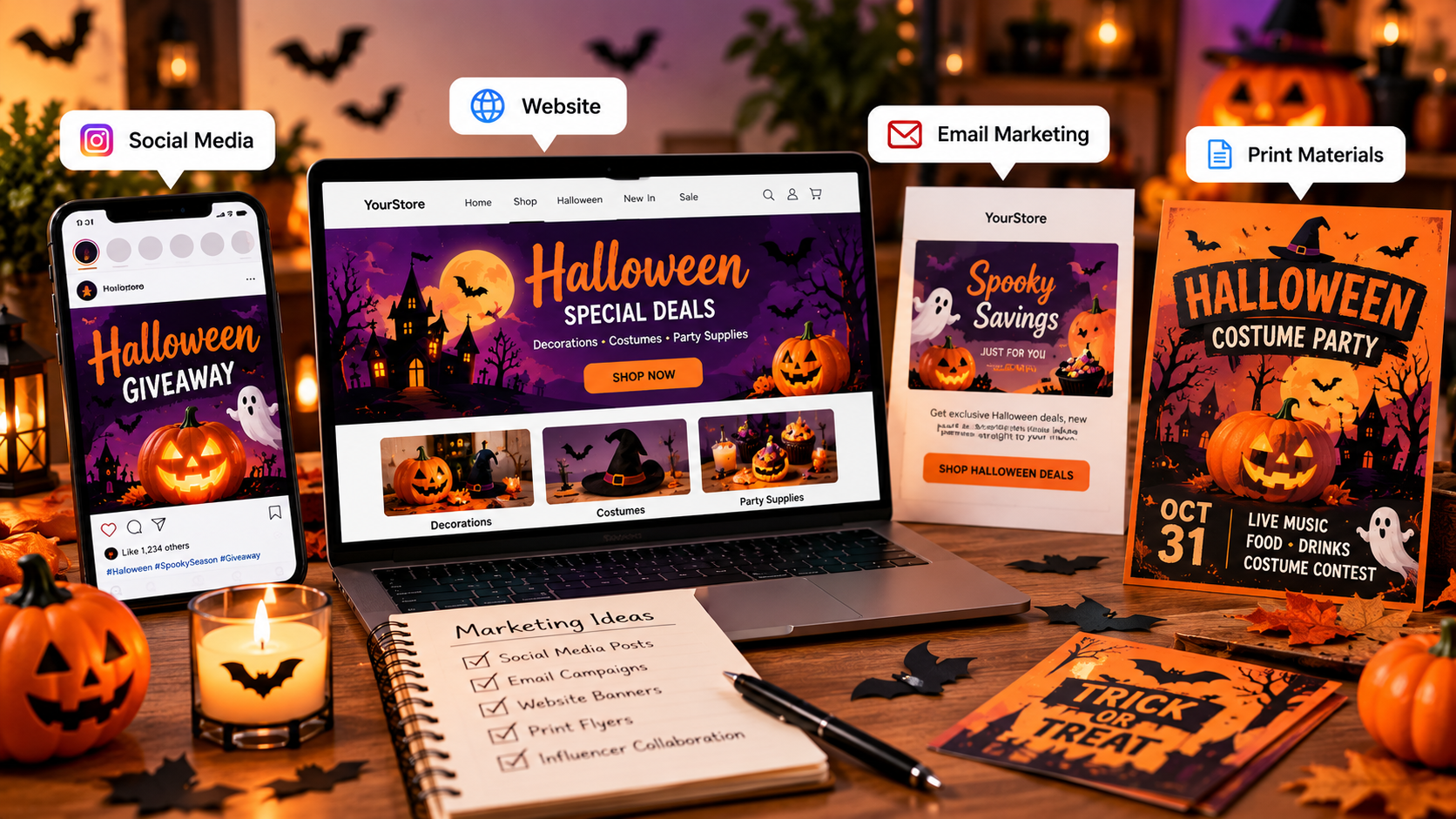
Choose marketing ideas for Halloween that match the purpose of each channel. Social media attracts attention, email brings interested customers back, your website supports purchases, and printed materials reach local shoppers.
Create Halloween-Themed Posts, Reels, and Stories
Create 3 posts for 1 product/offer. For example, a home-decorating store could post a room transformation Reel, a decorating tutorial, and a roundup of products. Make Stories for polls, countdowns, and promotion deadline reminders. Always have a clear call to action (link to collection, store, etc.) Don't post the same graphic over and over; mix up the format for each platform.
Run Contests, Giveaways, and Hashtag Challenges
Send in a themed photo with a campaign hashtag, ask for a costume idea, or vote on a favorite decoration. Choose a prize that's related to your products so that the contest will appeal to people who could become future customers. Mention the closing date for entries, who can enter, the prizes, and when the winner will be announced. Before you start the competition, check the promotion rules of the platform.
Encourage User-Generated Content
Encourage your customers to post pictures of their Halloween make-up, decorated areas or products they've bought from you. Create a campaign hashtag and explain how customers can submit their photos or videos. Ask permission to repost their stuff, and credit the creator. Then you can take approved submissions and use them in social posts or a campaign gallery.
Send a Halloween Email Campaign
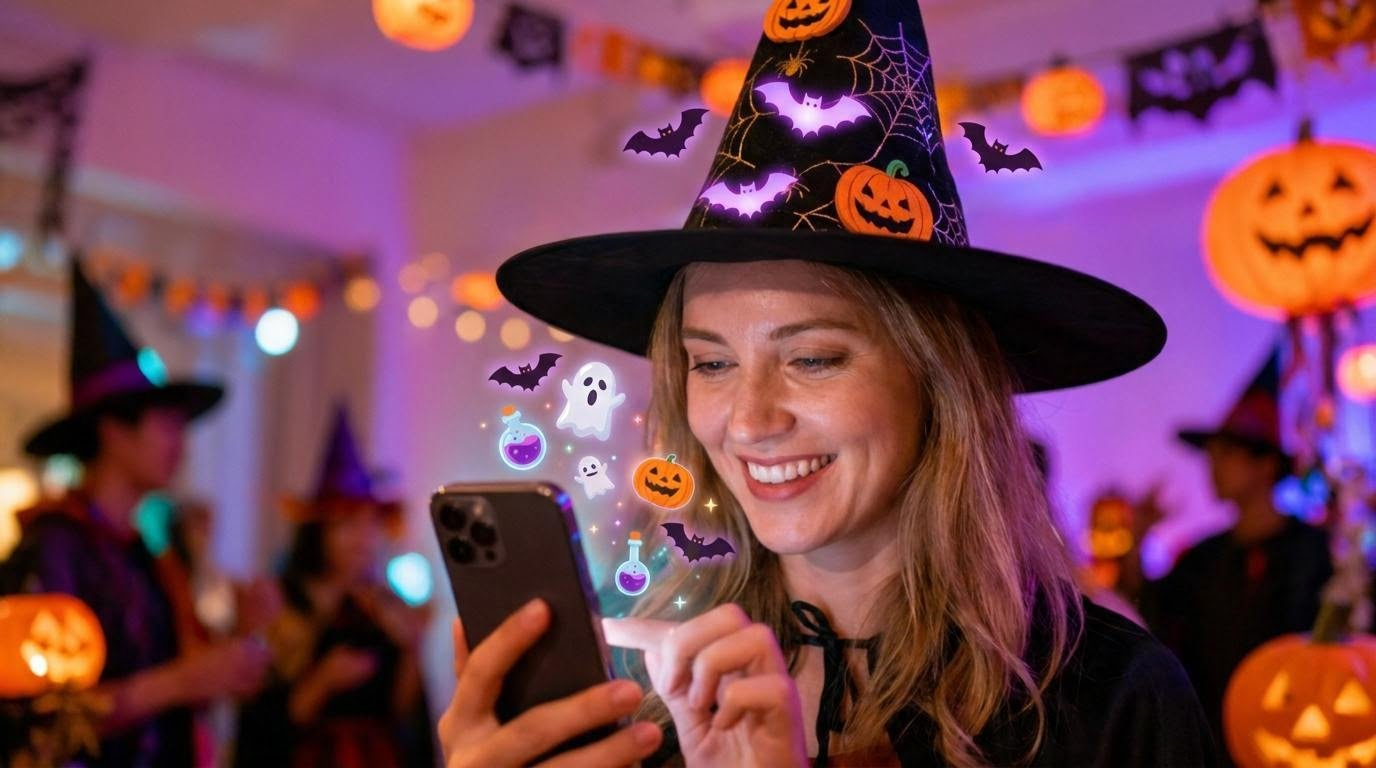
Create a 3-email sequence with different goals for each email. Send a first announcement introducing the collection or offer, a main promotion email with the best products, and a final reminder before the offer or shipping deadline. If you can, segment your list out. Existing customers may be more open to complementary products, while new subscribers may need more context around the offer.
Create Halloween Landing Pages and Website Promotions
Create a landing page that clusters seasonal products and details the offer, eligibility rules, and expiry date. Send visitors to a specific page rather than just to a general category via a homepage banner.
Visit the page using mobile devices and remove expired offers as soon as possible. Ensure that your ads, emails, and website all state the same price and deadline.
Use Halloween Packaging, Posters, and Promotional Materials
Local businesses can use window posters to announce events, counter cards to promote bundles, and themed packaging to support seasonal purchases.
Include the offer, dates, and a clear call to action. Check poster dimensions, text readability, and image resolution before printing.
How to Create Halloween Marketing Designs With Designkit
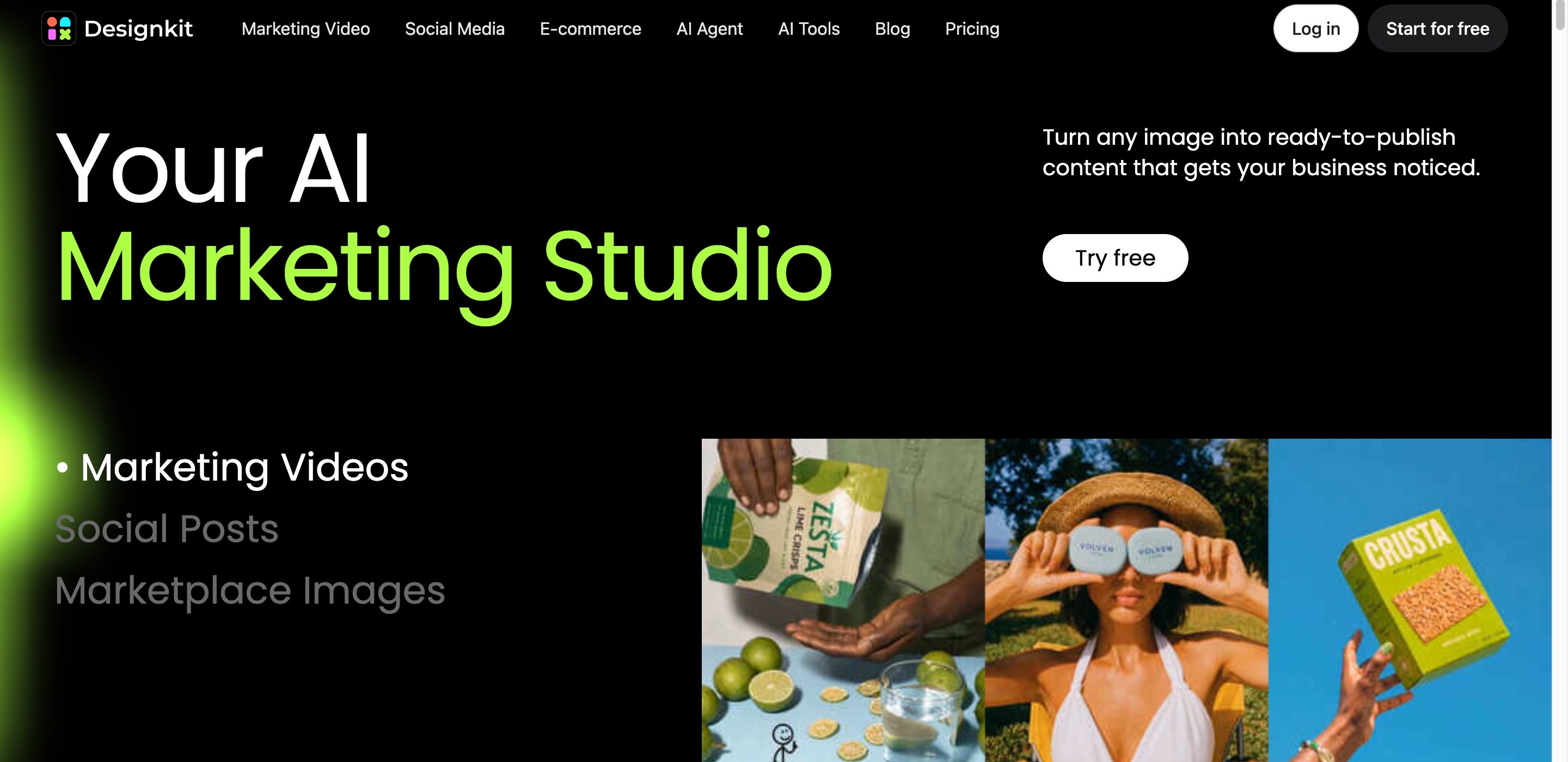
Prepare your visuals for the campaign before scheduling posts and launching offers. Designkit can help you design social graphics, sale banners, and fliers that match the same campaign style.
3 Steps to Creating Halloween Marketing Visuals with Designkit
Step 1: Upload a Reference and Enter Prompts
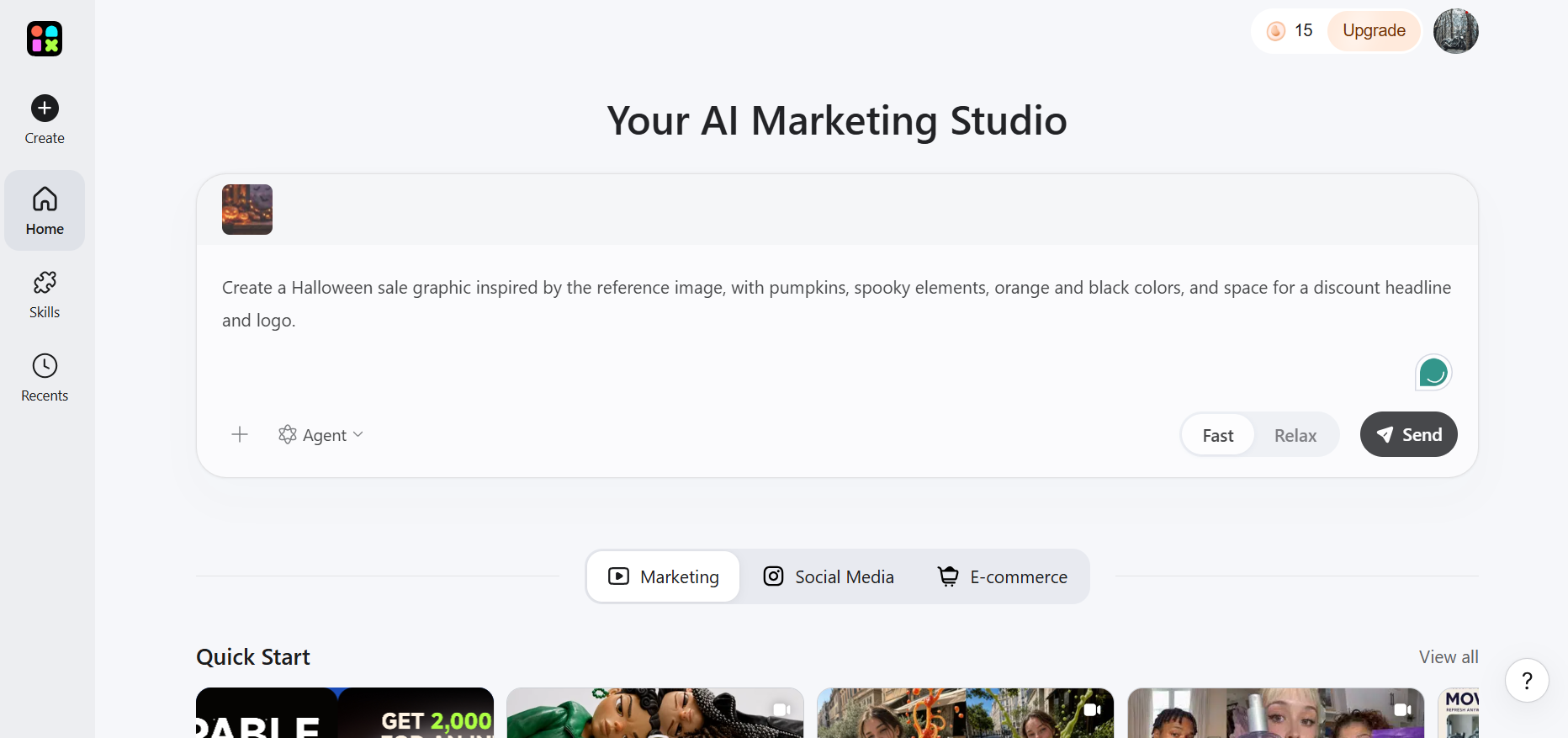
Open Designkit and upload a reference image that matches your Halloween campaign idea. Enter a prompt describing the visual you want, including Halloween elements such as pumpkins, bats, spooky backgrounds, seasonal colors, promotional text, and your preferred layout. Specify the intended format, such as a social media post, banner, or flyer.
Step 2: Generate and Customize Halloween Marketing Visuals
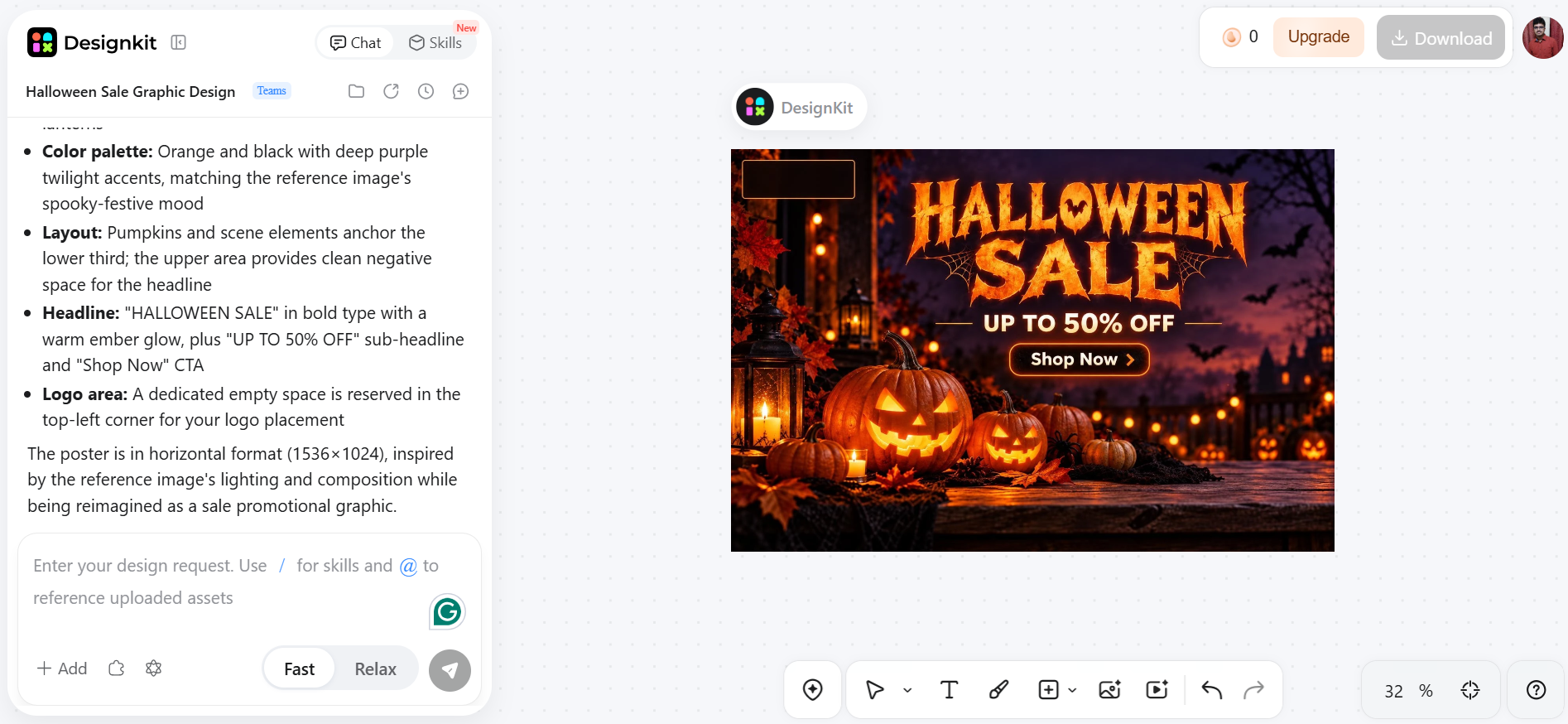
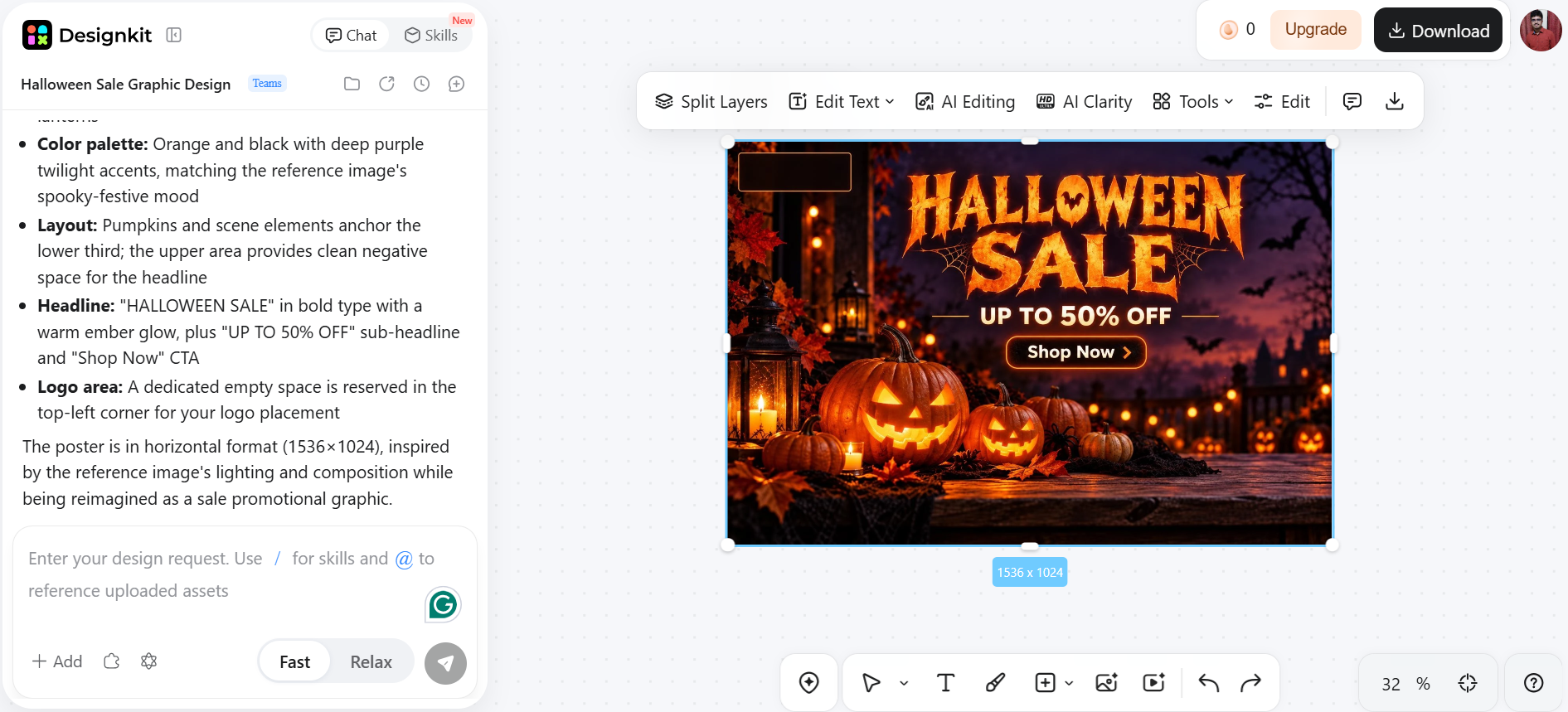
Generate the visual using your reference image and prompt. Refine the result with Designkit's available editing tools, adjusting the colors, composition, text, and other details to match your brand. Make sure your offer, discount, and call to action are easy to read, especially on smaller screens.
Step 3: Download and Use Your Design
Review the final visual for spelling errors, accurate promotional details, and consistent branding. Download the finished design and adapt it to different platforms. Publish your Halloween campaign visuals across your website, email campaigns, and social media channels.
Create Eye-Catching Halloween Marketing Designs
Capabilities of Designkit for Halloween marketing
-
AI social media post generator: Create Halloween-themed graphics for social media posts, promotions, and seasonal campaigns while keeping your messaging and visual style consistent.
-
Banner maker: Design website banners featuring Halloween offers, discount codes, and campaign deadlines to highlight promotions across your website.
-
AI photo editor: Refine product photos and promotional images by improving image quality and adjusting visual details to match your Halloween campaign.
-
AI background generator: Replace plain backgrounds with Halloween-inspired settings, such as pumpkins, autumn scenes, or spooky decorations, to give product visuals a seasonal look.
-
Consistent campaign branding: Reuse your brand colors, typography, logo placement, and visual elements across social posts, banners, email headers, and flyers.
-
Faster campaign adaptation: Repurpose existing designs for different platforms and formats, making it easier to prepare campaign assets for websites, email promotions, and social media channels.
Halloween Marketing Tips and Mistakes to Avoid
Before launching your Halloween marketing campaign, check the offer, creative assets, and publication schedule. Confirm that prices, stock availability, and delivery promises match the information customers see on your website.
Start Planning Early
Confirm stock levels, pricing, and delivery timelines before announcing a promotion. Prepare your designs and schedule content in advance, so you have time to correct errors.
Make the Offer Easy to Understand
Specify the discount, qualifying products, minimum spend, and end date. Customers want to know exactly what they will get, so don't make vague claims such as "huge Halloween savings."
Keep Seasonal Visuals On-Brand
Use Halloween colors and graphics that are in line with your usual style of design. For example, a children's retailer might choose playful characters, whereas a premium beauty brand might prefer darker colors and minimal graphics.
Avoid Overcrowded Designs
Select a main image, one offer, and one call to action. Too many pumpkins, bats, decorative fonts and competing messages can make the promotion more difficult to read.
Track Results and Avoid Common Mistakes
Measure performance based on your campaign goals. For sales campaigns, track revenue and conversion rates. For bundles, monitor average order value (AOV). For email newsletters, review click-through rates. For events, measure registrations and attendance. Use these results to identify what worked, improve underperforming campaigns, and plan future promotions.
Be on the lookout for expired coupons, out-of-stock products, inconsistent prices, and unrealistic delivery promises. Monitor which offer creative formats performed best, then apply those learnings when planning your next seasonal campaign.
Conclusion
Halloween marketing ideas should be tied to an offer, have a clear deadline, and be easy to purchase. Pick promotions that will help you maintain your margins, get on social media and email your customers, and ensure your website is in tip-top shape before your campaign launches. Designkit allows you to design graphics for your social posts, banners, and fliers. Before you publish, review each asset. Then monitor sales and engagement throughout your campaign and use the results to inform your next seasonal campaign.
Frequently Asked Questions
What are some effective Halloween marketing ideas?
What are some good Halloween sale ideas for small businesses?
Small businesses can attract Halloween shoppers with product bundles, tiered discounts, gifts with purchases, and limited-time seasonal offers. For example, a beauty store could bundle Halloween makeup products, while a bakery could promote themed treats. Designkit helps create promotional visuals that highlight these offers across social media and websites.
How can I promote my business for Halloween?
Promote your business through Halloween-themed social media posts, targeted emails, seasonal landing pages, and special offers. Share product demonstrations, behind-the-scenes content, or customer contests to encourage engagement. Designkit can help you create consistent campaign graphics and banners that communicate your message across different marketing channels.
What are some creative Halloween promotional ideas?
Try a Halloween costume contest, a themed photo challenge, limited-edition packaging, a spooky product launch, or a collaboration with a complementary local business. You can also create a countdown campaign or offer a special discount for a limited period. Use Designkit to produce Halloween-themed posters and promotional visuals that support these campaign ideas.
When should I start a Halloween marketing campaign?
Start planning your Halloween campaign in July or August, particularly if you need seasonal products, packaging, or coordinated marketing materials. Begin teasing your offers in September and launch your main promotions in early October. Designkit can help you prepare social posts, website banners, and email graphics in advance, leaving time to review and adapt them before launch.
How can I create Halloween marketing graphics without a designer?
You can create Halloween marketing graphics using an AI design tool such as Designkit. Upload a reference image, describe the Halloween theme and layout you want, and generate visuals for social media posts, website banners, or promotional flyers. Refine the colors, imagery, and branding, then review the promotional details and export each design in a format suitable for its intended channel.
You May Also Like

Hair Color Ideas 2026: Trending Shades & Virtual Try On

How to Write an Instagram Bio: Examples, Tips & Ideas

Best Products to Sell on Amazon: 10 Ideas for Beginners

How to Make a Slideshow for Facebook: Photos, Music & Tips 2026

How to Celebrate National Dog Day 2026: Date & Easy Ideas

15 Simple Self-Care Ideas for Busy Schedules and Daily Life

Celebrate International Cat Day 2026: Date & 10 Fun Ideas

Chic Outfit Ideas for Every Occasion: 15 Stylish Looks & Tips

How to Find a Product by Image: 7 Methods That Work (2026)

Aesthetic Poster Ideas: Find Your Style and Create Printable Art

20 FIFA World Cup Merchandise Ideas That Fans Actually Buy

Father's Day Gift Ideas: Personalized Card, Poster and Video

Father's Day Card Ideas: Messages, Printable and Personalized Cards
Create Eye-Catching Halloween Marketing Designs With Designkit
Designkit will help you create social posts, sale banners, fliers, and other promo graphics for your Halloween campaign. Keep your creative assets consistent across the channels your customers use to find your business.


