
How to Write a Bio for Instagram
Write a clear Instagram bio in 150 characters: say who you are, who it is for, what followers get, and what to do next, with examples you can copy.

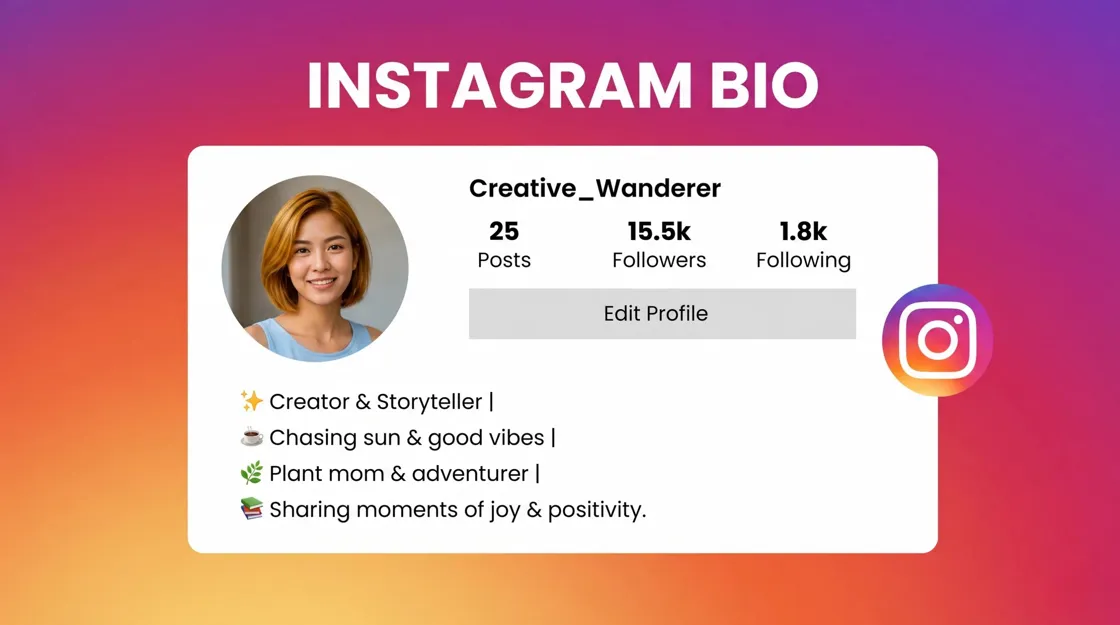
If you want to know how to write a bio for Instagram, start with this: you have 150 characters to say who you are, who the account is for, what someone gets from following you, and what to do next. A useful shorthand is Identity → Audience → Value → CTA. It is not an official Instagram rule, but it keeps most profiles clear when space is tight.
Instagram Bio Limits & Quick Formula
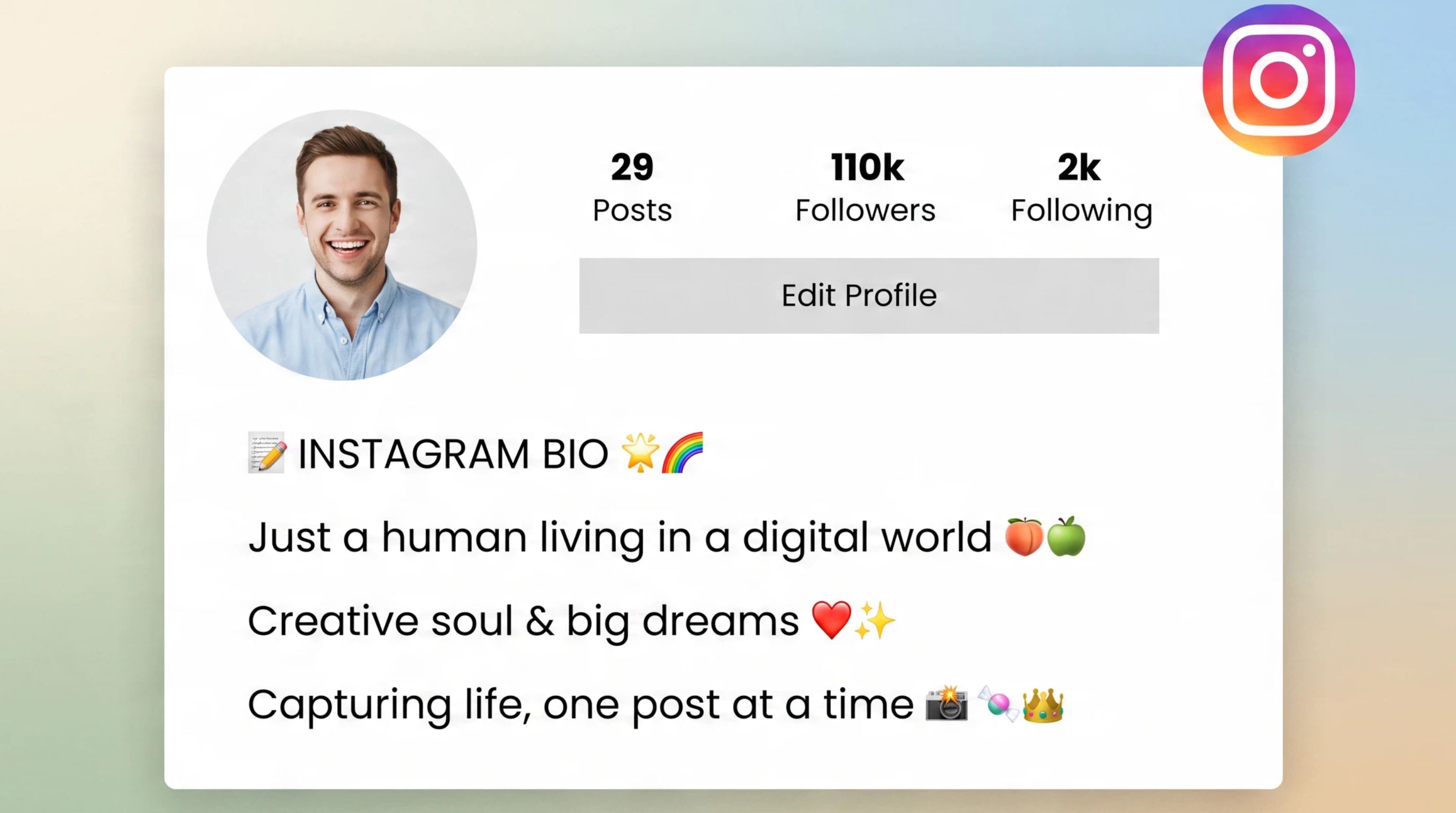
Your Instagram bio sits under your name and profile photo. Instagram caps it at 150 characters, counting letters, spaces, line breaks, and emojis. That limit is why generic lines like “living my best life” waste the only text most first-time visitors will read.
When people ask what to put in an Instagram bio, these four pieces usually cover it:
Identity: your role, brand, or niche in plain words.
Audience: who the content is for, so the right people feel spoken to.
Value: what they get if they follow: tips, products, stories, or deals.
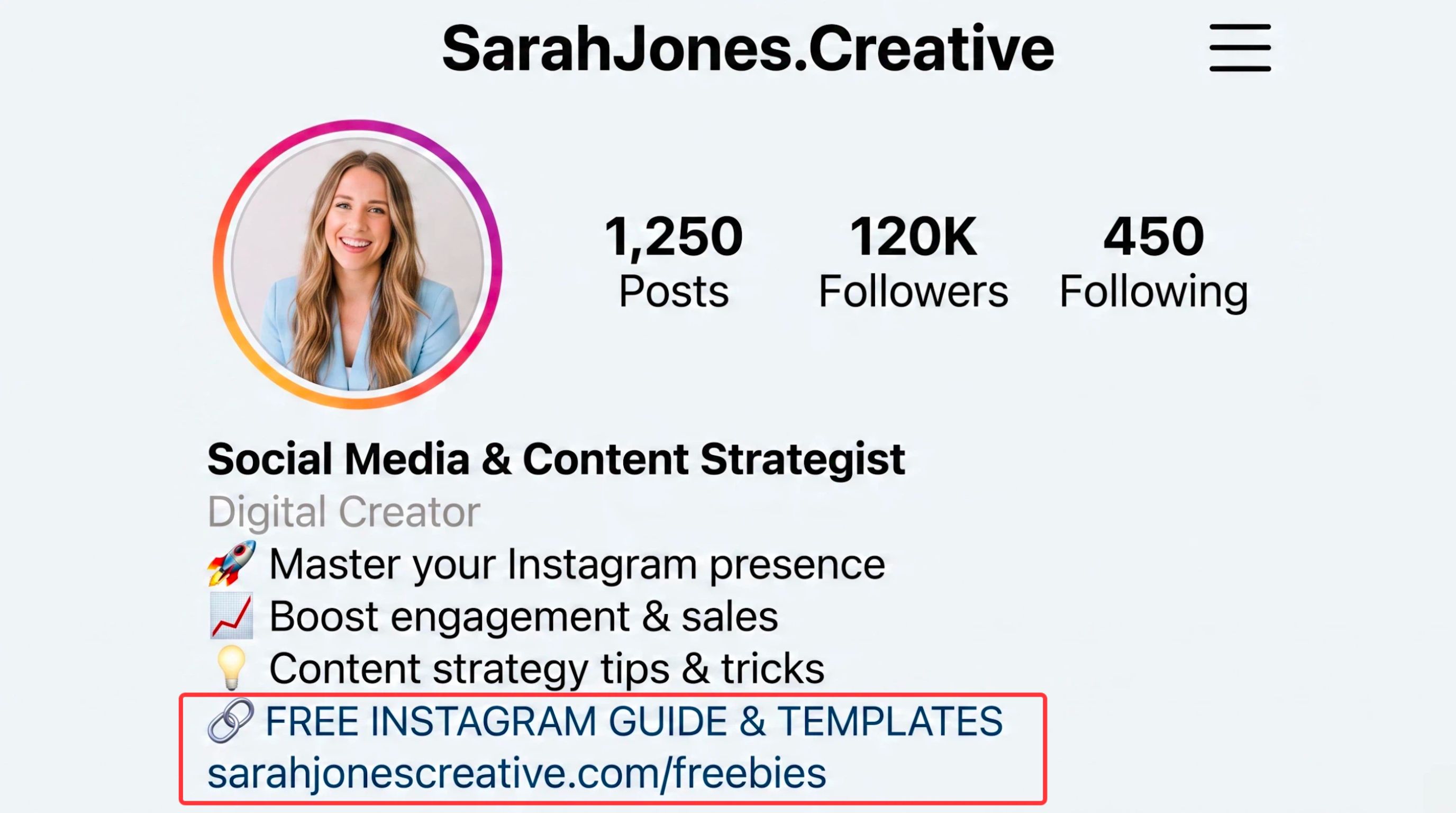
CTA: one next step that points to your link (shop, book, subscribe, download).
You do not need all four on every account. A personal page might skip a hard sell. A shop might put the offer and CTA first. Use the formula as a checklist, then cut anything that does not earn its characters.
How to Write a Bio in 5 Steps
Work through these steps once, then paste the draft into Instagram and trim to 150 characters.
Step 1: Decide what the profile should do
What to write: one goal for the next 30 to 90 days: more follows, more clicks, bookings, or sales.
Example: “Get coaches to book a free consult from the link.”
Step 2: Write your identity line
What to write: title + niche. Skip clever slogans if they hide what you do.
Example: “Wedding photographer for small elopements in Colorado.”
Step 3: Name the audience and the value
What to write: who it is for and what they leave with. Be specific enough that the wrong audience self-selects out.
Example: “Weekly meal plans for parents cooking after work.”
Step 4: Fit it into 150 characters
What to write: stack short lines, drop filler words, and keep one or two emojis only if they replace text (📍, 👇). Count in Instagram’s editor, not a Notes app, so line breaks are accurate.
Example draft → trimmed:
Draft: “I am a digital marketer who helps small service businesses grow with simple weekly tips.” (easy to bloat)
Trimmed: “Digital marketer for service businesses. Practical weekly tips. Free checklist ↓”
Step 5: Add one clear CTA
What to write: a verb that matches your link in bio. Change this line when the offer changes; keep identity stable.
Example: “Shop the new drop ↓” / “Book a consult ↓” / “Read the free guide ↓”
Instagram Bio Examples by Account Type
Copy these as starting points, then swap in your niche, city, and offer. Each example stays near the character limit.
Creator bios
Budget travel for backpackers. New vlog every Friday. Collabs: [email protected]
Home workouts for beginners. 20-minute routines. Free plan in the link ↓
Easy weeknight recipes for busy families. New video every Tuesday ↓
Business bios
Hand-poured candles made in Seattle. Free shipping over $50. Shop spring scents ↓
Custom skateboards built to order. 2–3 week turnaround. Start your board ↓
Neighborhood bakery · sourdough daily · Preorder weekend boxes ↓
Personal brand bios
B2B marketer helping solo consultants get consistent leads. Podcast episodes ↓
Career coach for mid-level PMs. Resume reviews + interview practice. Book here ↓
Finance writer explaining money without jargon. Newsletter signup ↓
Weak vs stronger (same idea, clearer benefit):
Profile |
Weaker |
Stronger |
|---|---|---|
Fitness |
Fitness lover 💪 |
Beginner strength plans you can do at home |
Photo |
I take photos 📸 |
Wedding photos with natural light and candid moments |
Shop |
Fashion store |
Minimal everyday basics for work-from-home weeks |
The stronger lines say who it is for and what changes for them. That is usually what turns a profile visit into a follow.
Instagram Bio Tips
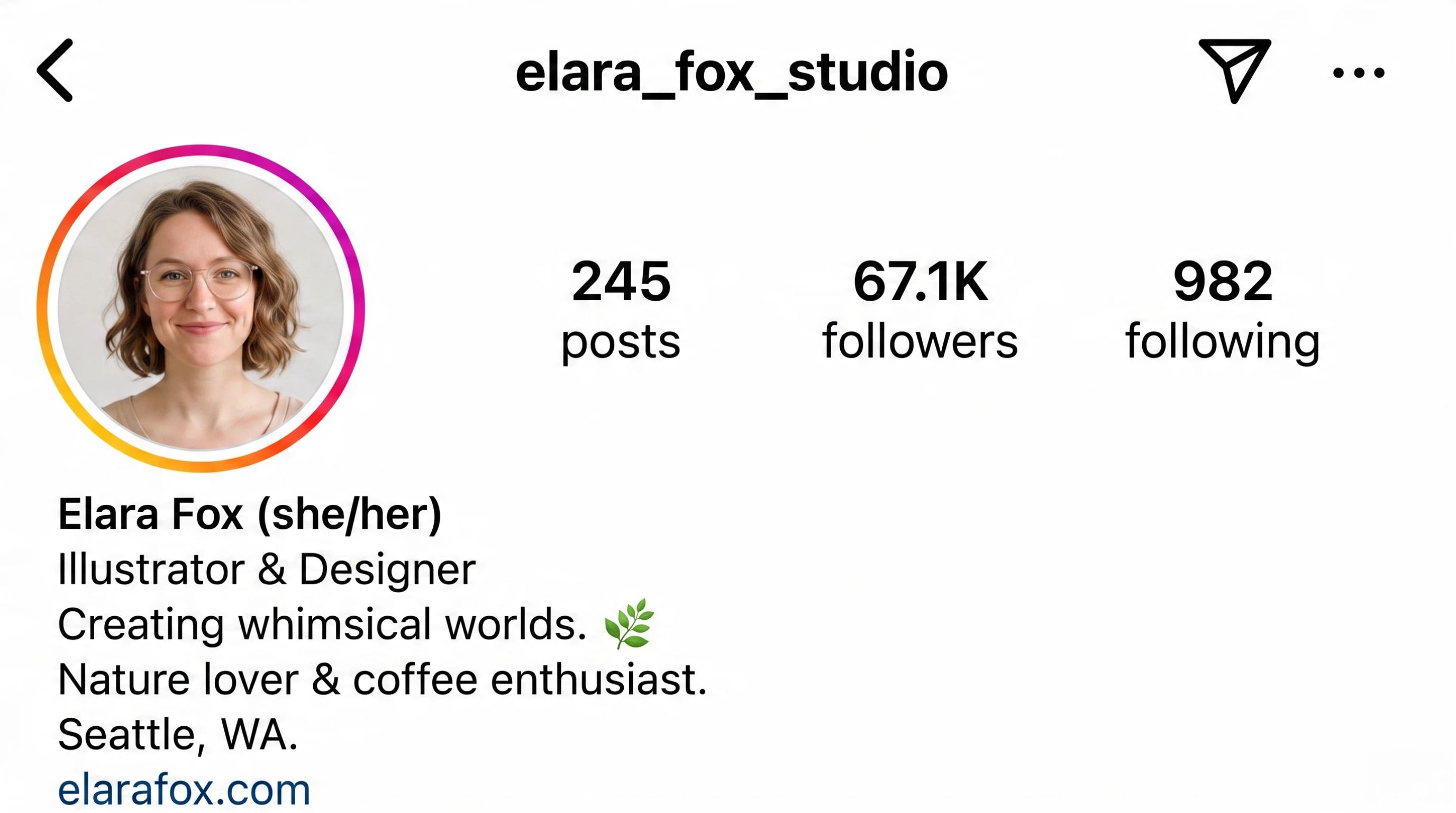
These tips sit on top of the steps above. They cover details people often miss.
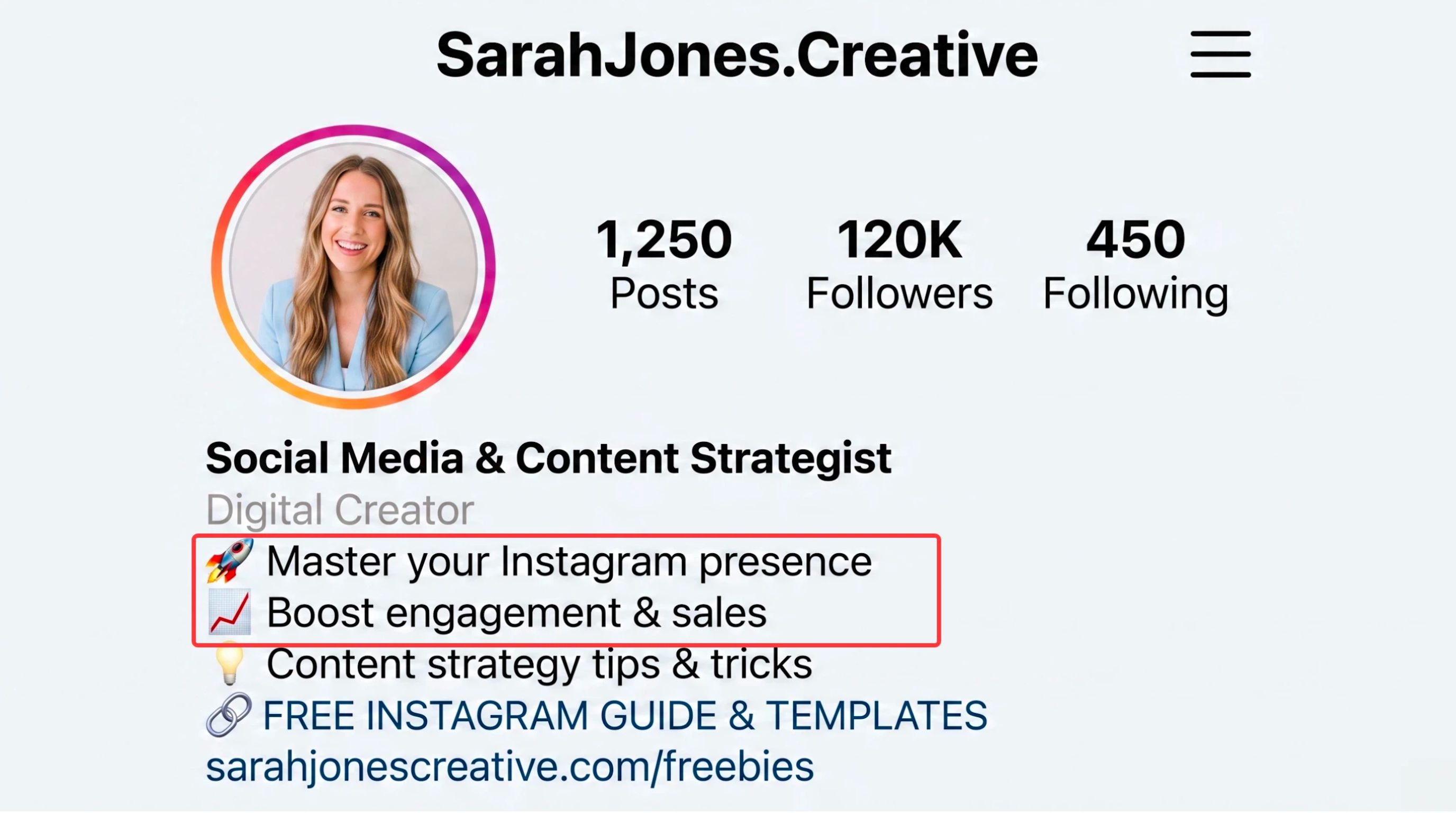
Lead with the line that matters. On mobile, only the first line shows before “more.” Put identity or value there, not a motto.
Use searchable words once. Niche terms in your bio and name can help profile search. Write them the way people type, not as keyword stuffing.
Match the grid. If the bio promises budget travel and the feed is luxury hotels, people leave. Align the promise with what they see first.
One CTA is enough. Extra hashtags and long link-in-bio menus burn characters and slow people down.
Refresh the offer line, not your whole identity. Keep who you are stable; swap the last line when you launch a product, drop, or lead magnet.
For post sizing after your bio is set, see Instagram image size guidelines.
Create Instagram Content With Designkit
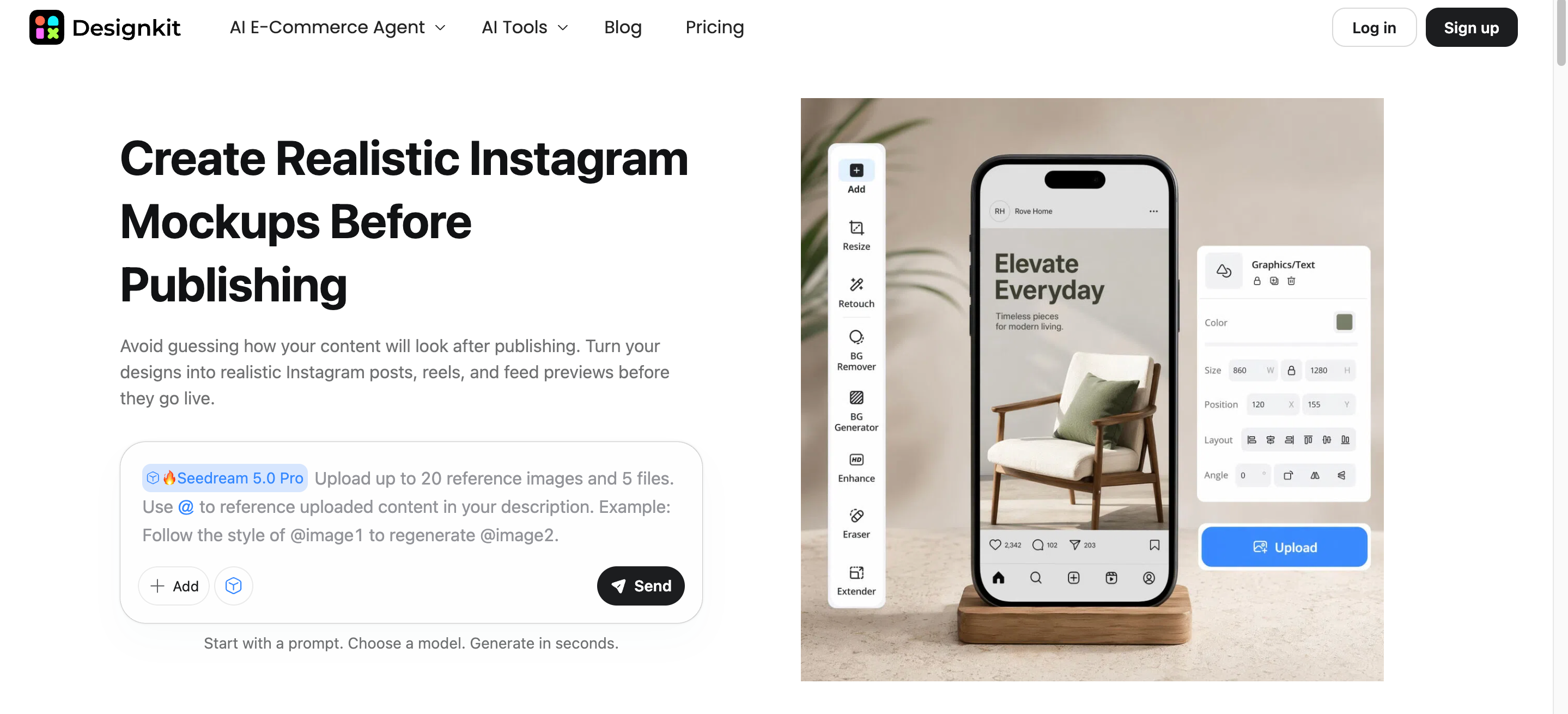
A clear bio only works if the feed matches it. Once your profile text is locked, use Designkit to turn product photos and simple briefs into Instagram-ready posts without rebuilding every layout from scratch.
Pick an Instagram format (single post, carousel, or story size) and upload your product or reference images.
Describe the look you want; Designkit drafts visuals and copy you can edit on the canvas.
Tweak text and details, then export files sized for the feed. If you only need dimensions fixed, use the Instagram image resizer.
Open Designkit when you are ready to produce the next batch of posts that match your new bio.
Frequently Asked Questions
How many characters can an Instagram bio be?
What should I put in an Instagram bio?
Most strong bios cover identity, audience, value, and a single call to action. In practice that means who you are, who the content is for, what someone gets by following, and what to tap next in your link.
What makes a good Instagram bio?
A good Instagram bio is specific and easy to scan. It states a clear purpose, names a real audience, and avoids vague lines that could fit any account. If a stranger can explain what you do after one read, you are close.
Should I use keywords in my Instagram bio?
Yes, when they match how people search for your niche. Place natural phrases near your name or in the first line. Stuffing unrelated keywords wastes characters and makes the bio harder to trust.
Should I use emojis in my Instagram bio?
One or two can help as line markers or a pointer to your link. More than that usually looks noisy and burns the 150-character limit. If an emoji does not replace a word or guide the eye, leave it out.
You May Also Like

Hair Color Ideas 2026: Trending Shades & Virtual Try On

How to Write an Instagram Bio: Examples, Tips & Ideas

Best Products to Sell on Amazon: 10 Ideas for Beginners

How to Make a Slideshow for Facebook: Photos, Music & Tips 2026

How to Celebrate National Dog Day 2026: Date & Easy Ideas

15 Simple Self-Care Ideas for Busy Schedules and Daily Life

Celebrate International Cat Day 2026: Date & 10 Fun Ideas

Chic Outfit Ideas for Every Occasion: 15 Stylish Looks & Tips

How to Find a Product by Image: 7 Methods That Work (2026)

Aesthetic Poster Ideas: Find Your Style and Create Printable Art

20 FIFA World Cup Merchandise Ideas That Fans Actually Buy

Father's Day Gift Ideas: Personalized Card, Poster and Video

Father's Day Card Ideas: Messages, Printable and Personalized Cards
Turn Profile Visits Into Followers
Lock in a clear Instagram bio, then keep the feed consistent. Designkit helps you create posts that match what your profile promises.


