
Get a Personalized Message Delivered by AI Santa
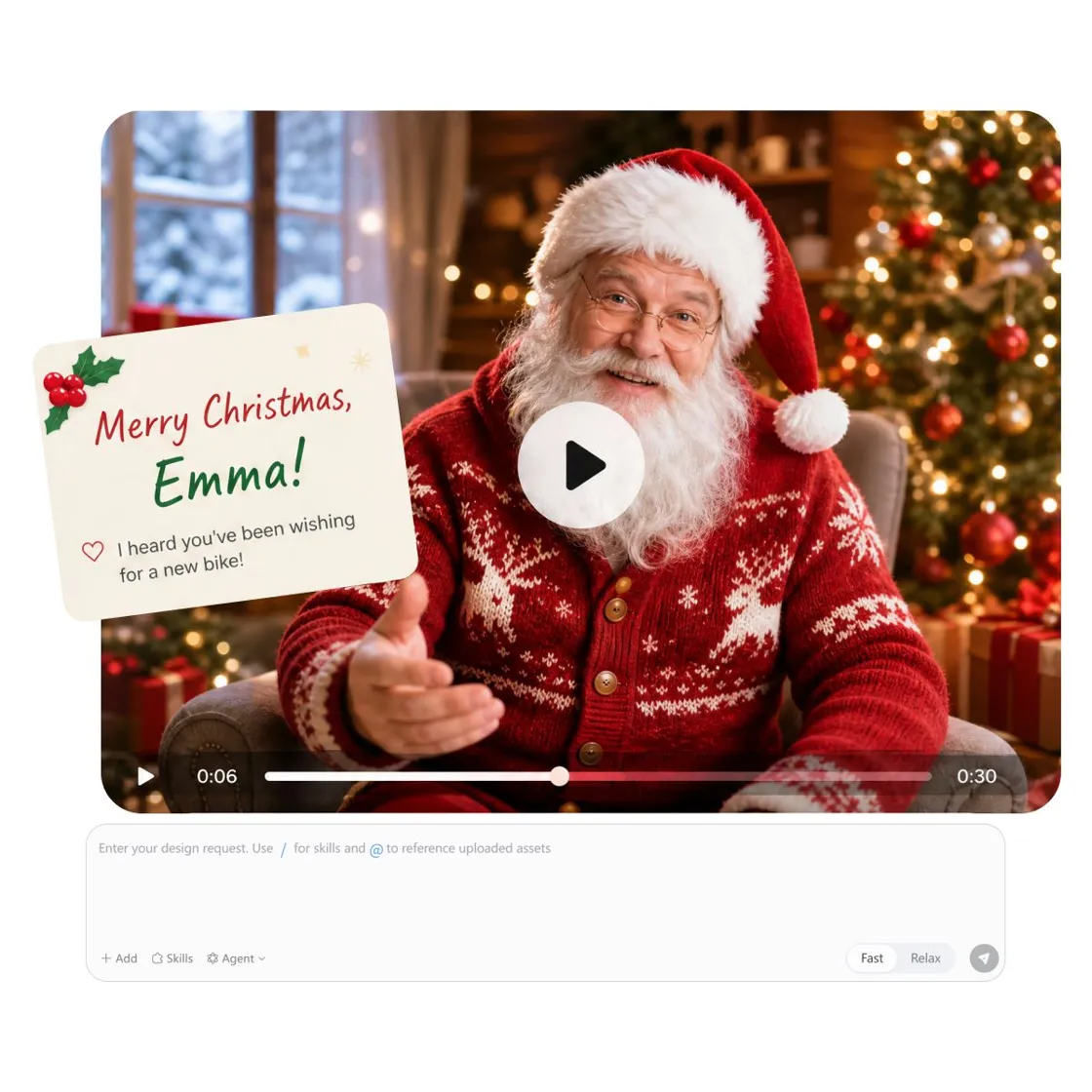
Turn your Christmas message into an AI Santa video for children, family, friends, or customers. Personalize the greeting with names, special details, and a festive style that suits the occasion.
How to Create an AI Santa Video With Designkit
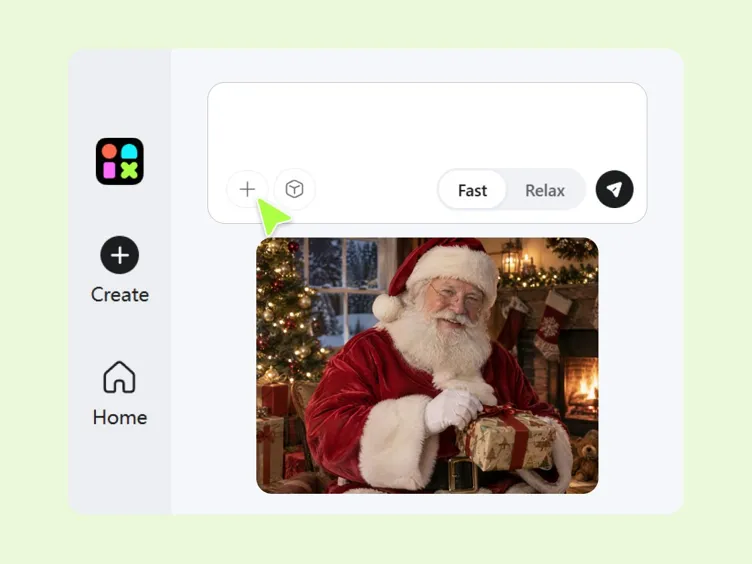
Step 1. Upload Reference Images
Open the Designkit workspace, upload reference Santa images, and choose video generation and a model. Adjust video settings.
Step 2. Write a Personal Santa Message
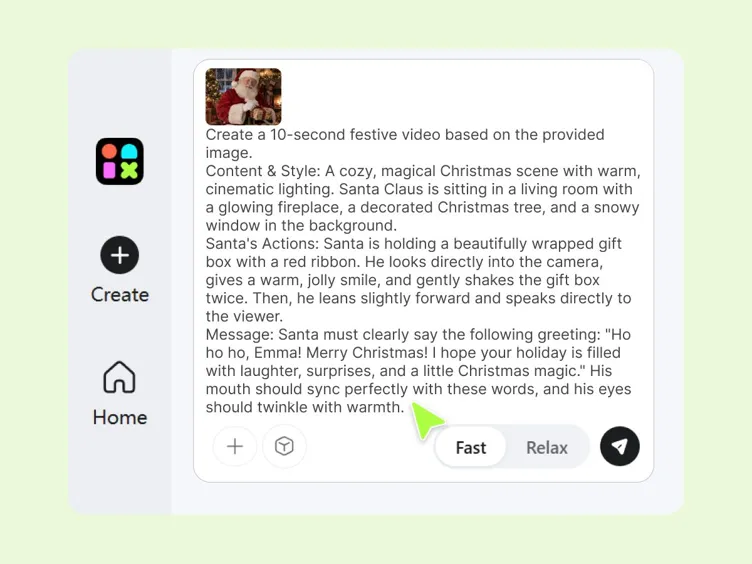
Write Santa's message with the recipient's name, favorite activity, or Christmas wish. For business videos, include your holiday offer or customer greeting.
Step 3. Generate and Review Your Santa Video
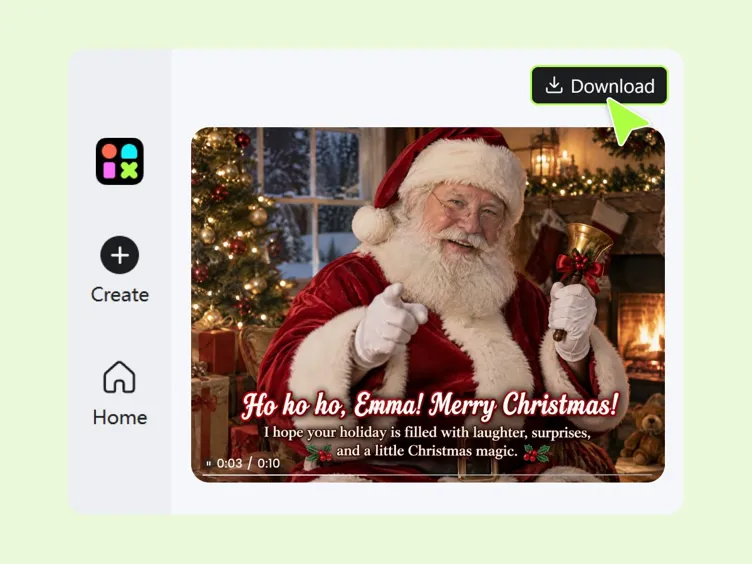
Generate your video and check Santa's appearance, spoken message, lip movements, and festive visuals. Make adjustments if needed, then download or share it using available options.
What You Can Create With AI Santa Video Generator
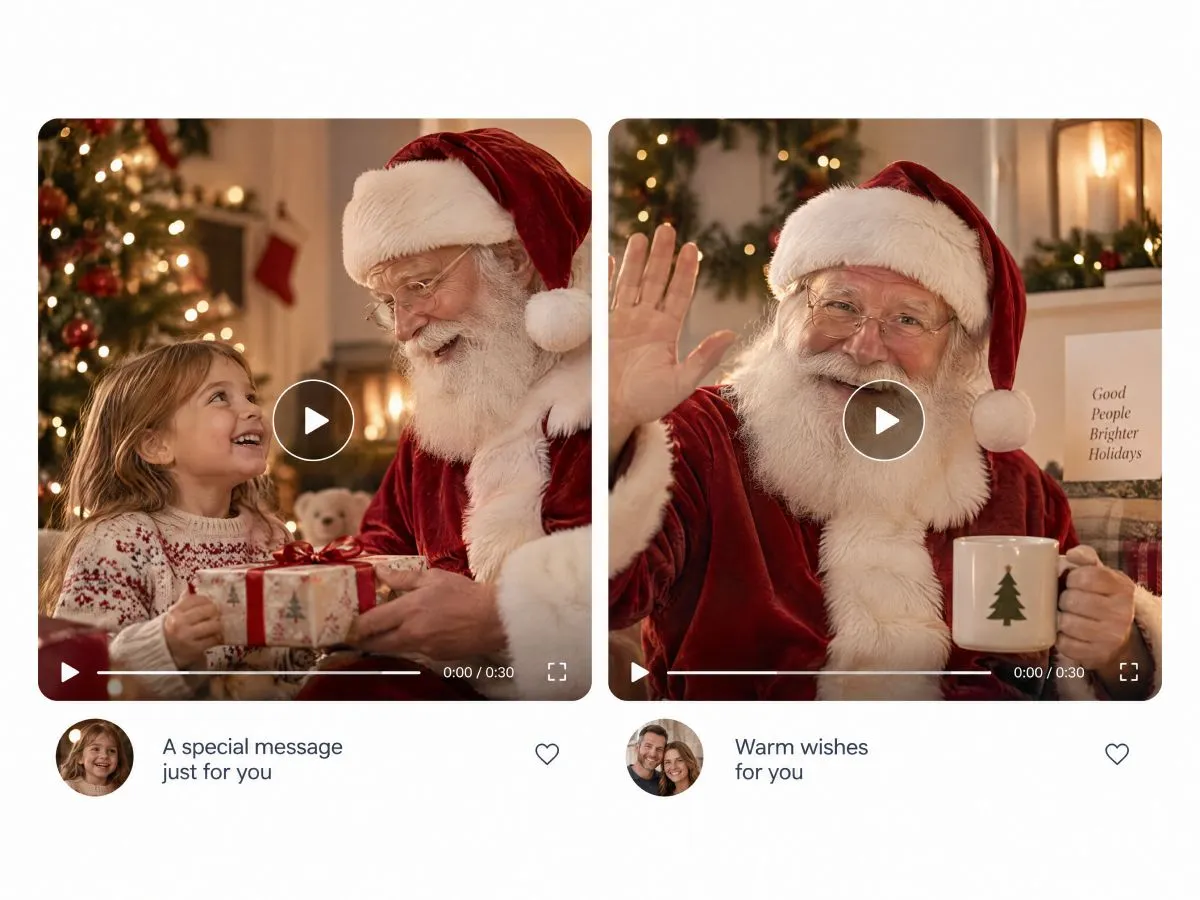
Personalize Santa's Script With Names and Details
Create a custom Santa video message with a child's name, Christmas wishes, or personal details. Describe what Santa should say, then use the AI text to video generator to turn your idea into a personalized greeting. Whether you're creating a message from Santa for family or a festive surprise for friends, tailor the script to make each video feel more personal.
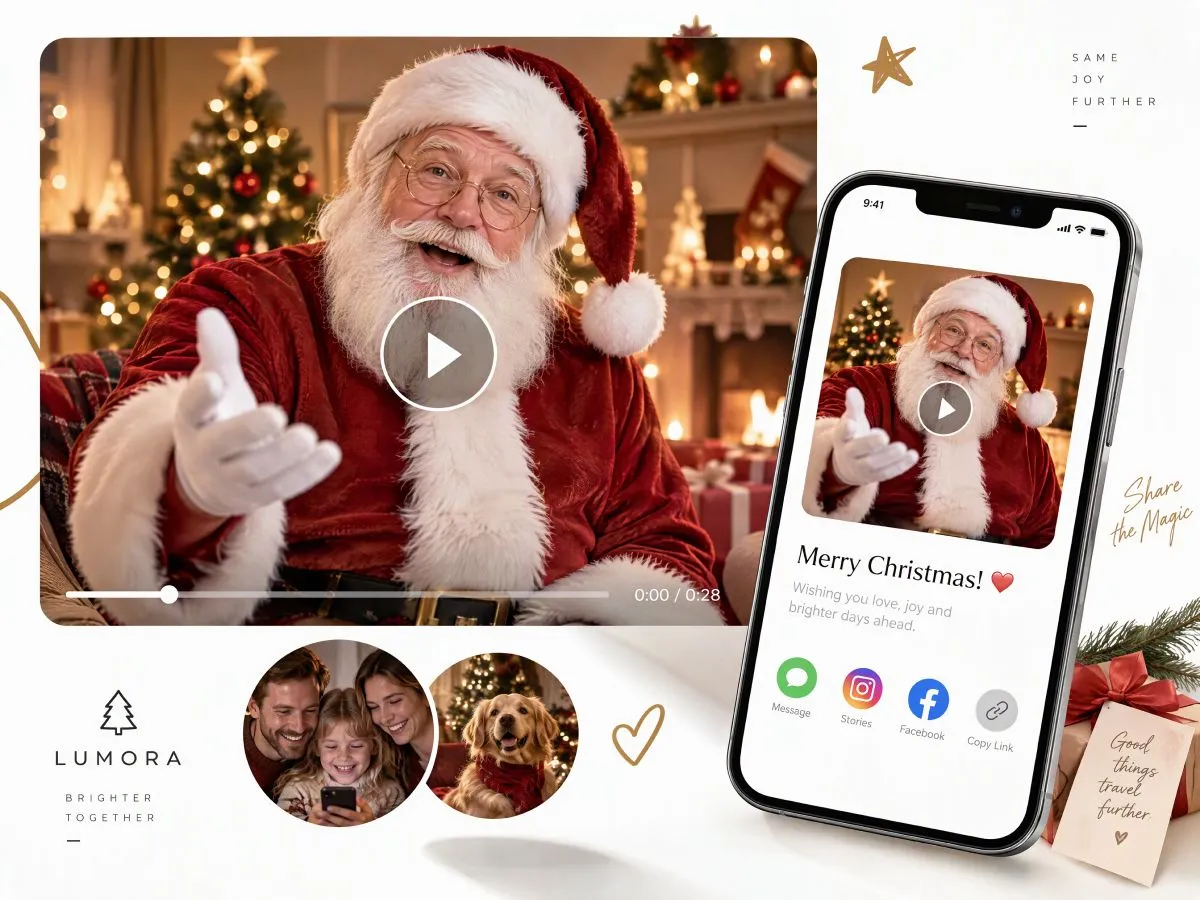
Generate a Share-Ready Santa Greeting Fast
Turn a Christmas greeting into an AI Santa video without arranging a costume, filming a performer, or recording every line yourself. Describe your idea and generate a Santa video message for family chats, social media, or holiday greetings. Review the result before sharing, especially when creating a personalized video message from Santa for children or loved ones.
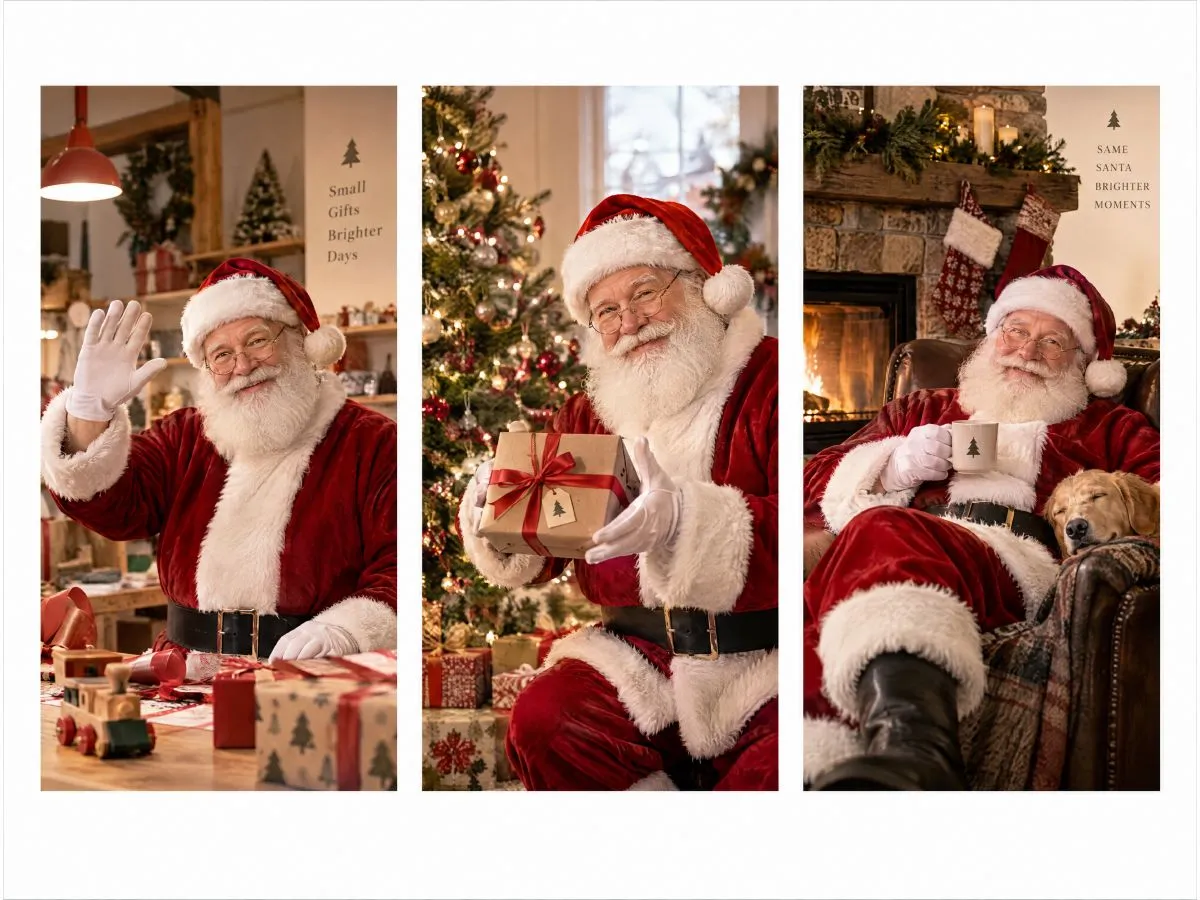
Keep Santa's Look Consistent From Scene to Scene
Create a Santa Claus video with a recognizable appearance across different scenes. Use your visual references and prompts to guide Santa's clothing, facial features, and overall style, then review the generated footage for noticeable changes. The AI video enhancer can help refine video quality, making your Santa AI video more polished before you share it with your audience.

Put Products and Holiday Offers Into the Story
Give your Christmas campaign a festive twist by featuring products, seasonal discounts, or special offers in a Santa video. Build a short story around Santa introducing a gift, presenting a holiday bundle, or sharing a limited-time promotion. Use the product video generator to create supporting product-focused content that helps e-commerce sellers bring seasonal offers to social media and promotional campaigns.
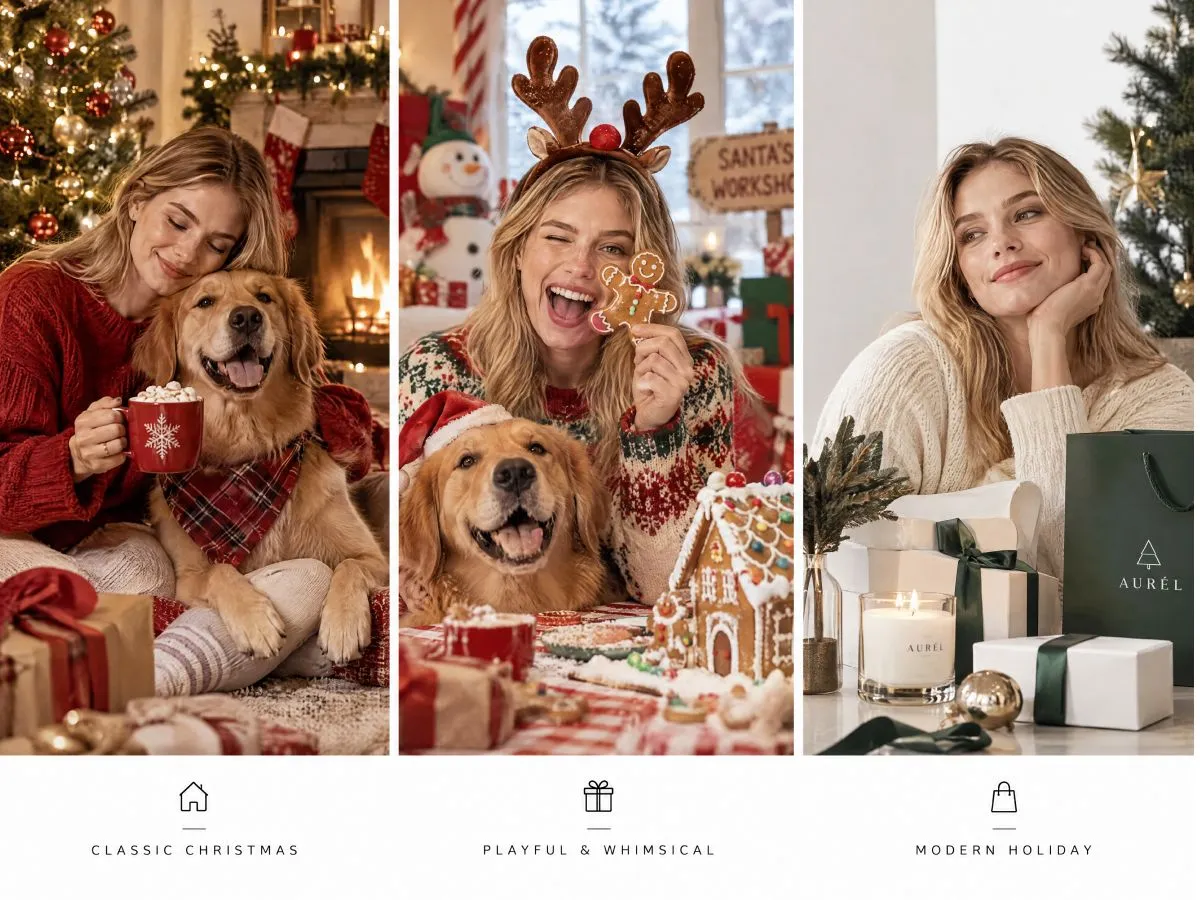
Choose a Christmas Look That Fits Your Audience
Shape your AI Santa Claus video around the mood and audience you want to reach. Create a warm, realistic greeting for family, a playful animated Santa video for children, or a festive promotional concept for your brand. Use animated video styles to explore different visual approaches and the AI storyboard generator to plan scenes before generating your final Christmas video.
Who Can Use Designkit's AI Santa Video Generator
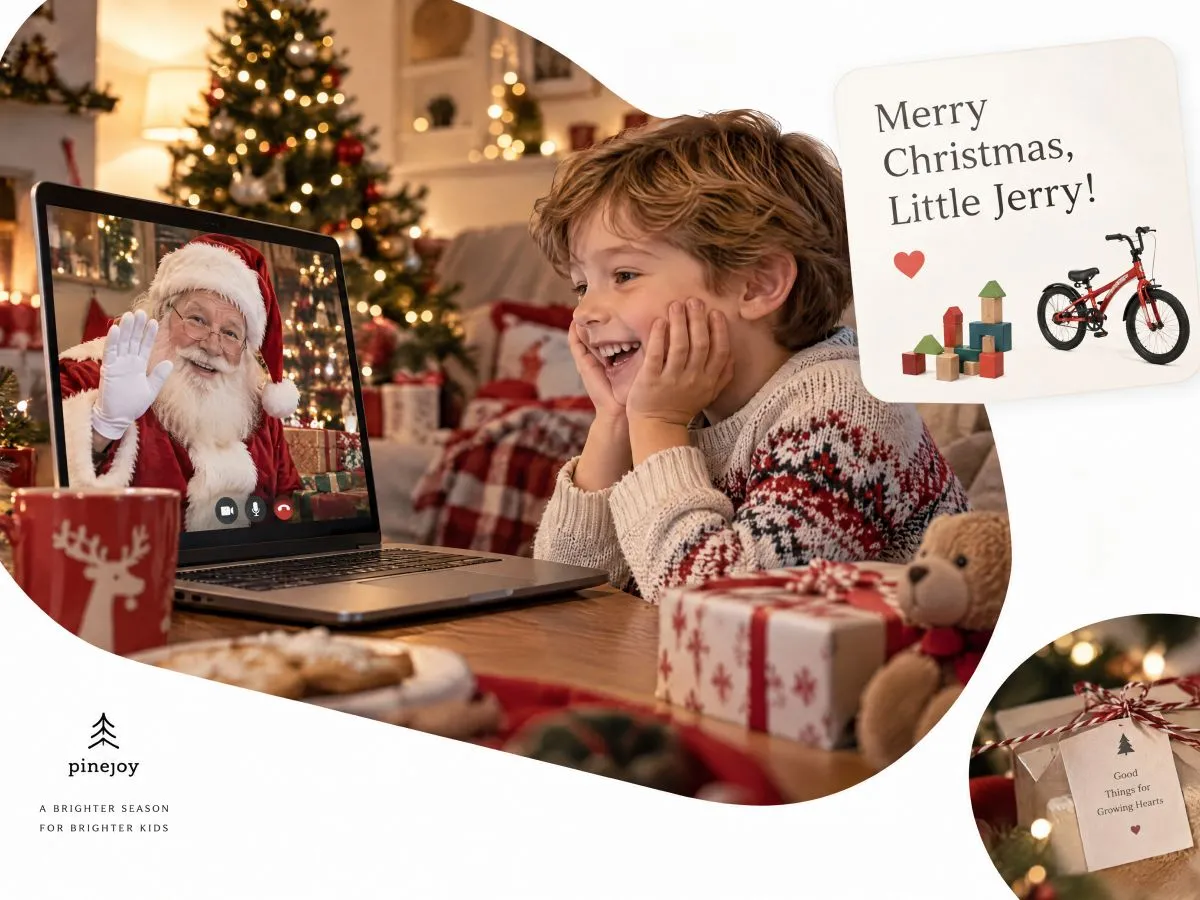
Surprise Kids With a Santa Message That Uses Their Name
Create a personalised video message from Santa with your child's name, Christmas wishes, or a playful reminder. A Santa talk to kid online experience can make the holiday feel more magical, giving children a special greeting to watch and share with family.

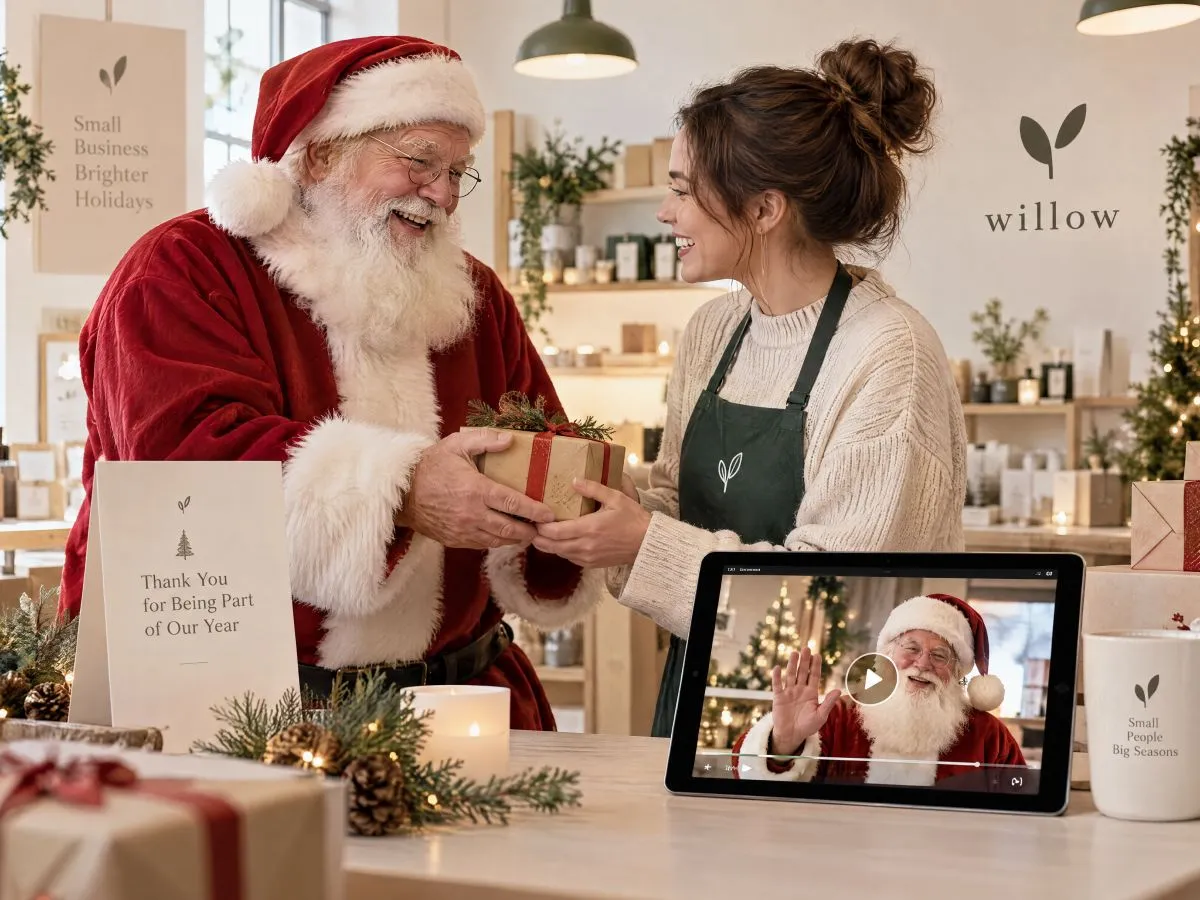
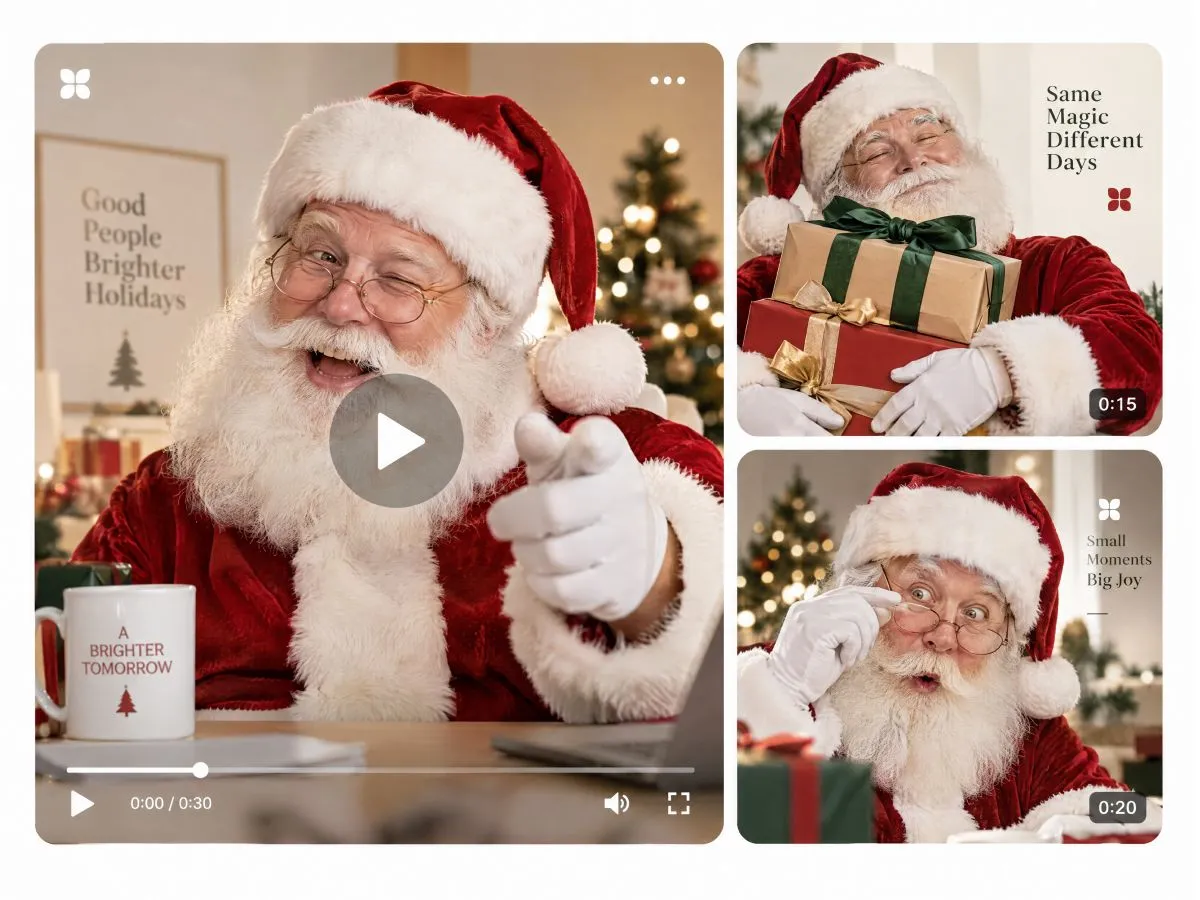
Make Your Santa Greeting Fit the Occasion With Designkit

Turn your holiday message into a Santa video without spending hours planning scenes, arranging a shoot, or coordinating with a video production team.

Bring Santa to your screen without hiring a performer, setting up a camera, or decorating a filming space. Create a festive greeting from your own workspace.
Try different Santa video styles and holiday messages with Designkit's available free credits before deciding which Christmas greeting best fits your audience.
Frequently Asked Questions
What is an AI Santa video?
Does the Santa video look real enough to share with family?
An AI Santa video can look realistic or animated, depending on the model, prompt, and visual style you choose. Designkit lets you explore different Christmas looks and create a Santa Claus video message for family gatherings or holiday surprises. Review facial details, expressions, and scene consistency before sharing your personalized greeting.
Can I create an AI Santa video from a text prompt?
Yes, you can describe Santa's appearance, dialogue, setting, and Christmas message in a text prompt to guide video generation. Designkit's text-to-video generator helps turn written ideas into video content, making it useful for creating a custom Santa video without filming every scene yourself.
Can I upload a reference image to guide Santa's appearance?
Yes, if your selected video generation model supports image references, you can upload an image to guide Santa's appearance, clothing, or overall visual style. Designkit's available generation options may vary, so check the selected model's input requirements before creating a Santa Claus video with a specific character design.
How long can an AI Santa video be?
The maximum length of an AI Santa video depends on the generation model, selected settings, and available features. Designkit's supported video duration may vary by model, so check the current options before creating your Christmas greeting. For longer messages from Santa Claus, consider planning shorter scenes and combining them during editing.
Can I make Santa speak with realistic lip movements?
Yes, some AI video models can generate speech with synchronized lip movements, although the results depend on the model, audio input, and prompt. Designkit's AI video agent can help you explore video creation workflows. Preview the finished Santa video to check dialogue timing, facial expressions, and lip synchronization before sharing it.
Can I generate a Santa video with my own script?
Yes, you can prepare a custom script with a child's name, Christmas wishes, gift-related messages, or a festive brand greeting. Add the dialogue and scene instructions to your prompt, then use Designkit to create a personalized Santa video message. Review the generated speech and visuals to ensure the final greeting matches your intended message.
Can I turn a photo of Santa into a talking video?
You may be able to turn a Santa photo into a talking video if your selected AI model supports image-to-video generation and speech animation. With Designkit, explore the available video tools and check their image and audio input requirements. A suitable reference photo and clear dialogue can help you create a talking Santa Claus video for Christmas greetings.
Send a Santa Message This Christmas
Create an AI Santa video for a family surprise, a customer greeting, or a festive campaign. Personalize the message, review the finished result, and get it ready for your holiday plans.



Different Ways to Use AI Santa Video Maker
See how sellers, marketers, families, and creators use Designkit to make personalized Santa videos for Christmas.
Surprise My Kid Without a Big Setup
Parents I added my daughter's name and the gift she kept talking about. The video felt personal enough to send on Christmas Eve without making a big production of it. I checked the wording once, fixed one detail, and sent it over WhatsApp. She watched it twice and asked if Santa really knew her list.
Our Holiday Product Videos Felt More Seasonal
We wanted our gift collection videos to feel more connected to Christmas without organizing another product shoot. Designkit helped us turn a short promotional idea into a Santa-themed video concept. I could review how the product and offer appeared in the final edit before preparing the content for our store.
Sending a Holiday Greeting Took Less Setup
I wanted to thank our customers for supporting the business throughout the year, but arranging a filmed greeting felt unnecessary for a short message. Designkit helped me develop a Santa-themed video around our holiday wishes. I reviewed the wording and brand details before sharing it with customers.
Our Christmas Posts Had a More Playful Style
I was planning several Christmas posts and wanted to try something beyond static graphics. Designkit helped me turn a short holiday joke into a Santa-themed video concept for our audience. I could review the tone and visual direction before deciding whether it suited the page. FAQs