
Create Christmas Photos From Prompts or Your Own Images
Start with a selfie, a family shot, or just an idea typed out. A minute later you have a Christmas portrait worth posting (or printing).
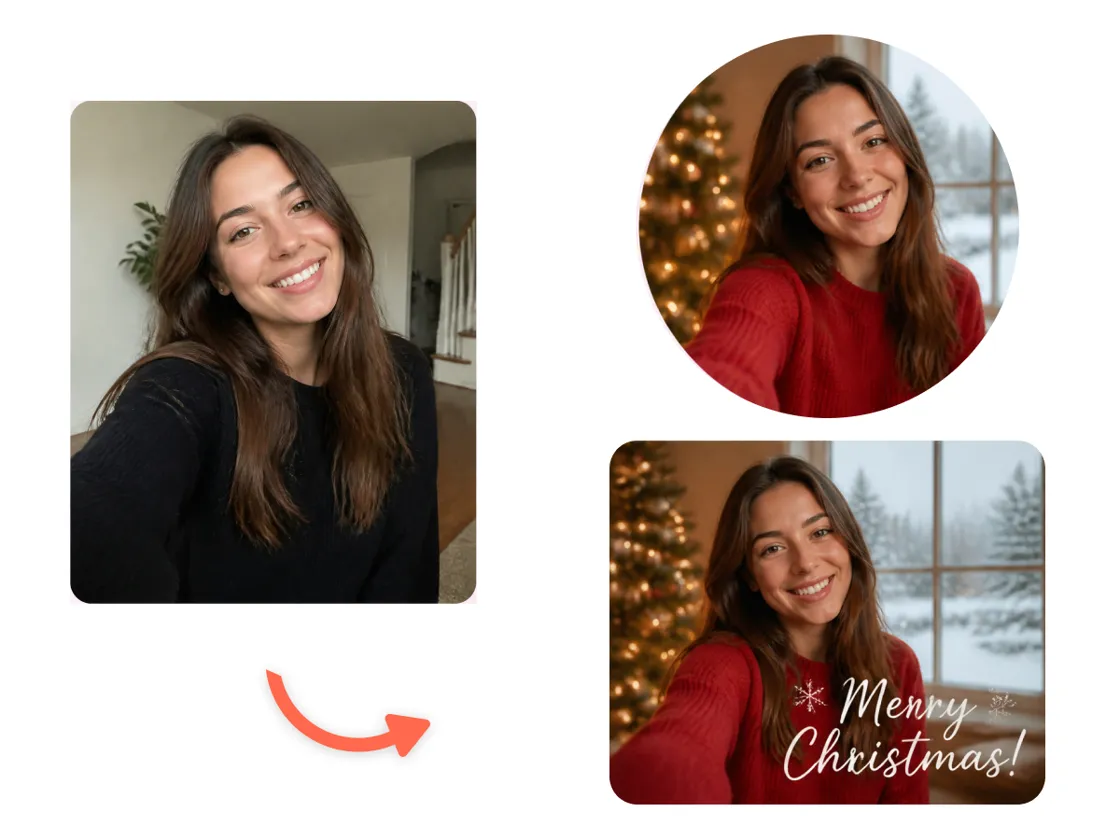
How to Generate Christmas Images in 3 Steps
Step 1. Describe Your Christmas Scene or Add a Reference Image
Type what you're picturing: who's there, where, what colors. That's your AI Christmas photo prompt. Got a photo to start from? Hit "+" and add it.
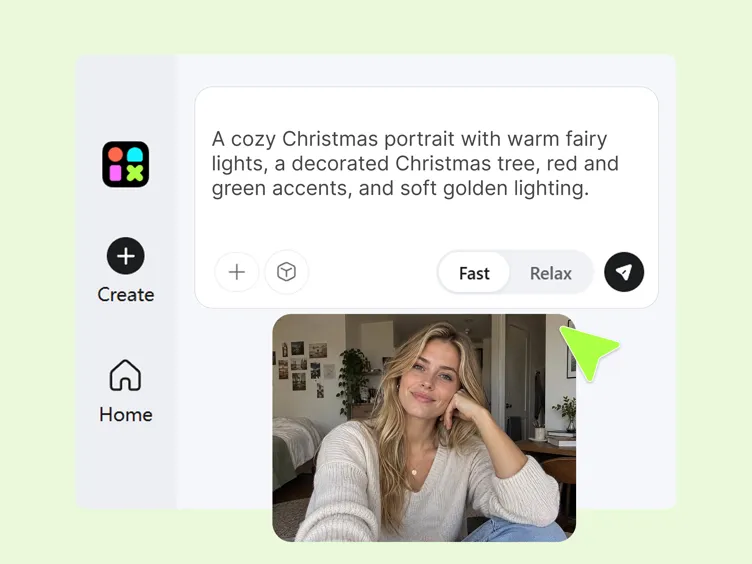
Step 2. Generate the Image and Adjust Your Prompt
Click "Send." Not quite right? Maybe it needs snow, or you'd rather go blue and silver. Change a word or two and send it again.
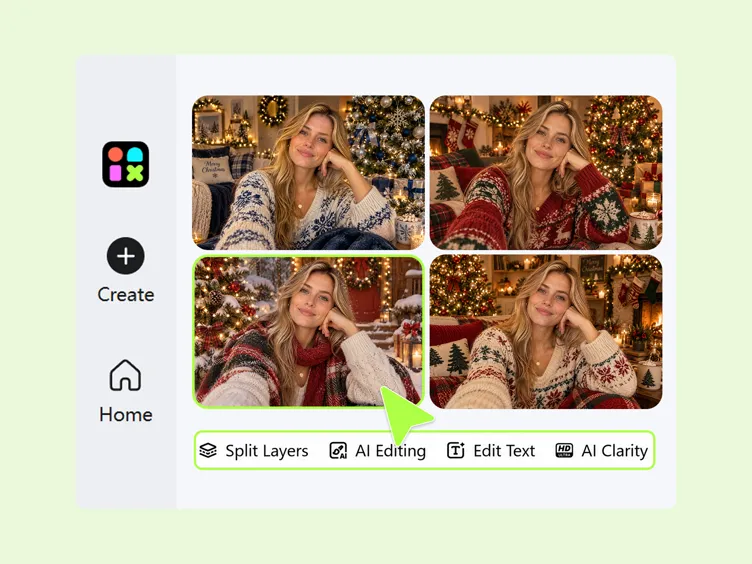
Step 3. Refine the Image on Canvas and Download
On the canvas, AI Clarity sharpens things up and AI Editing handles the small fixes. Then download it.
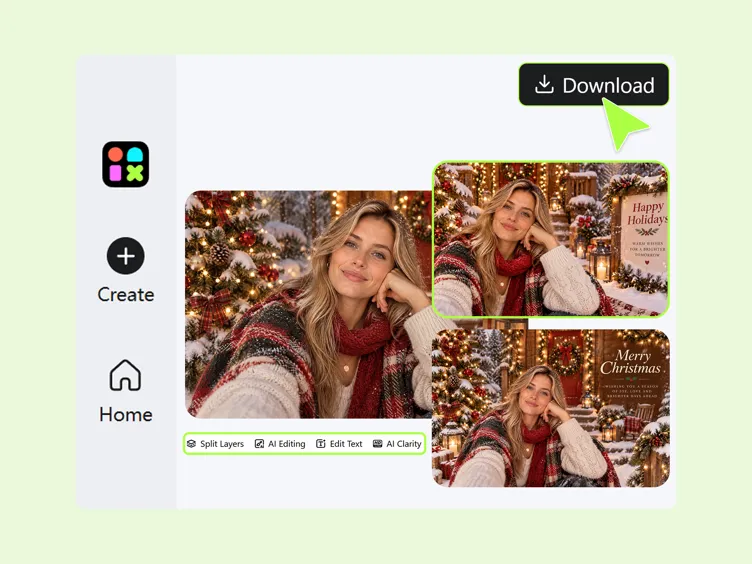
What You Can Create with the AI Christmas Photo Generator
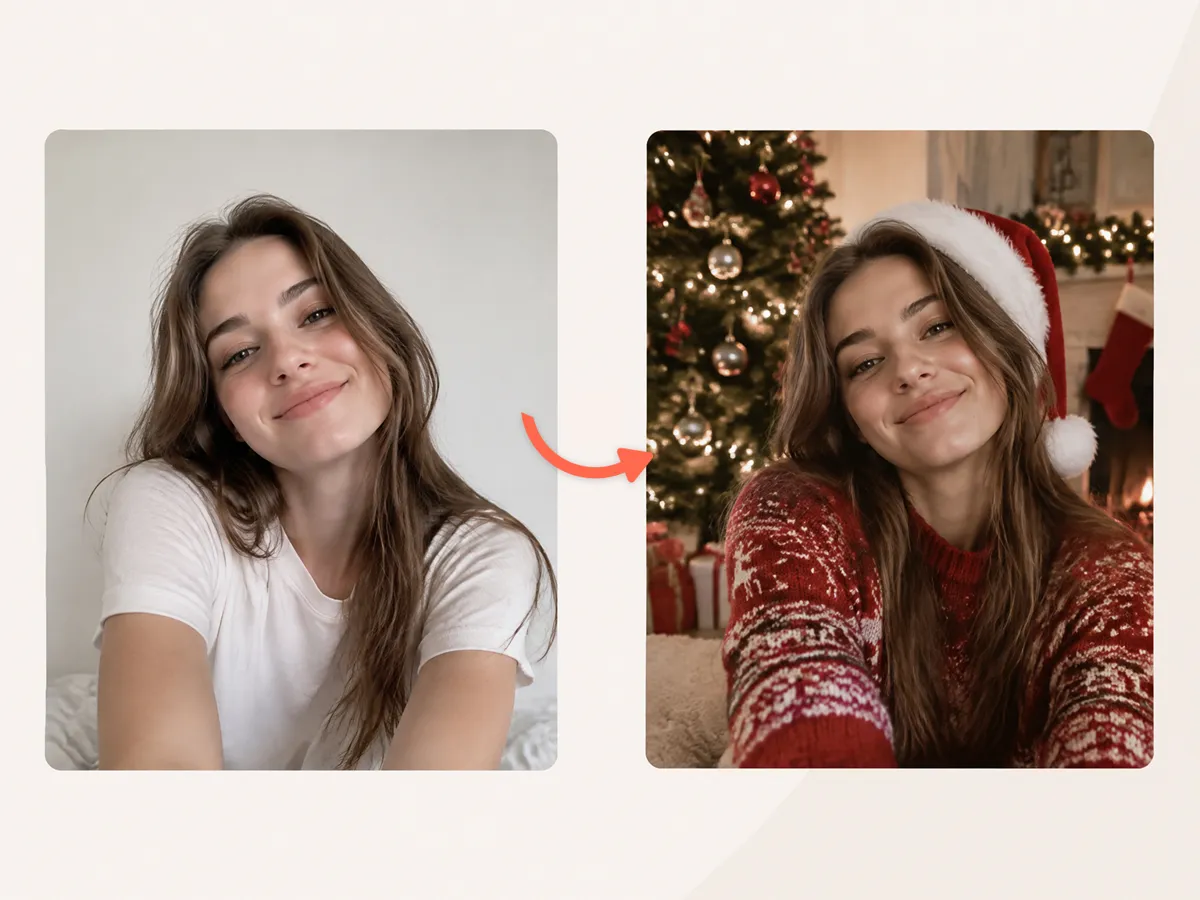
Restyle Your Real Photo into a Christmas Scene
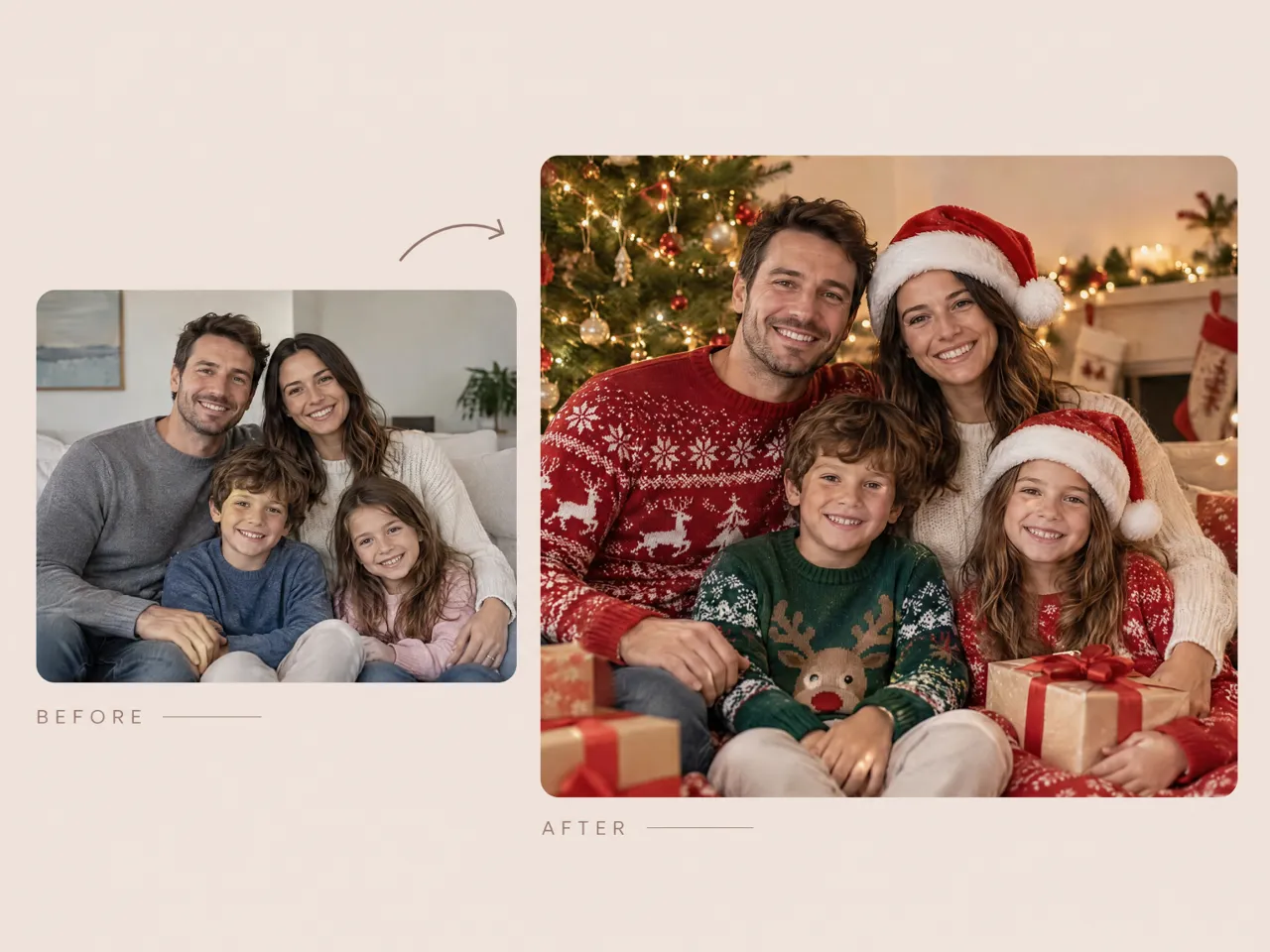
You love the photo. You don't love the beige wall behind everyone. Ask for a decorated tree or a snowy porch instead. It's not a Christmas filter for photos; the scene gets rebuilt, so your family Christmas pictures look real.
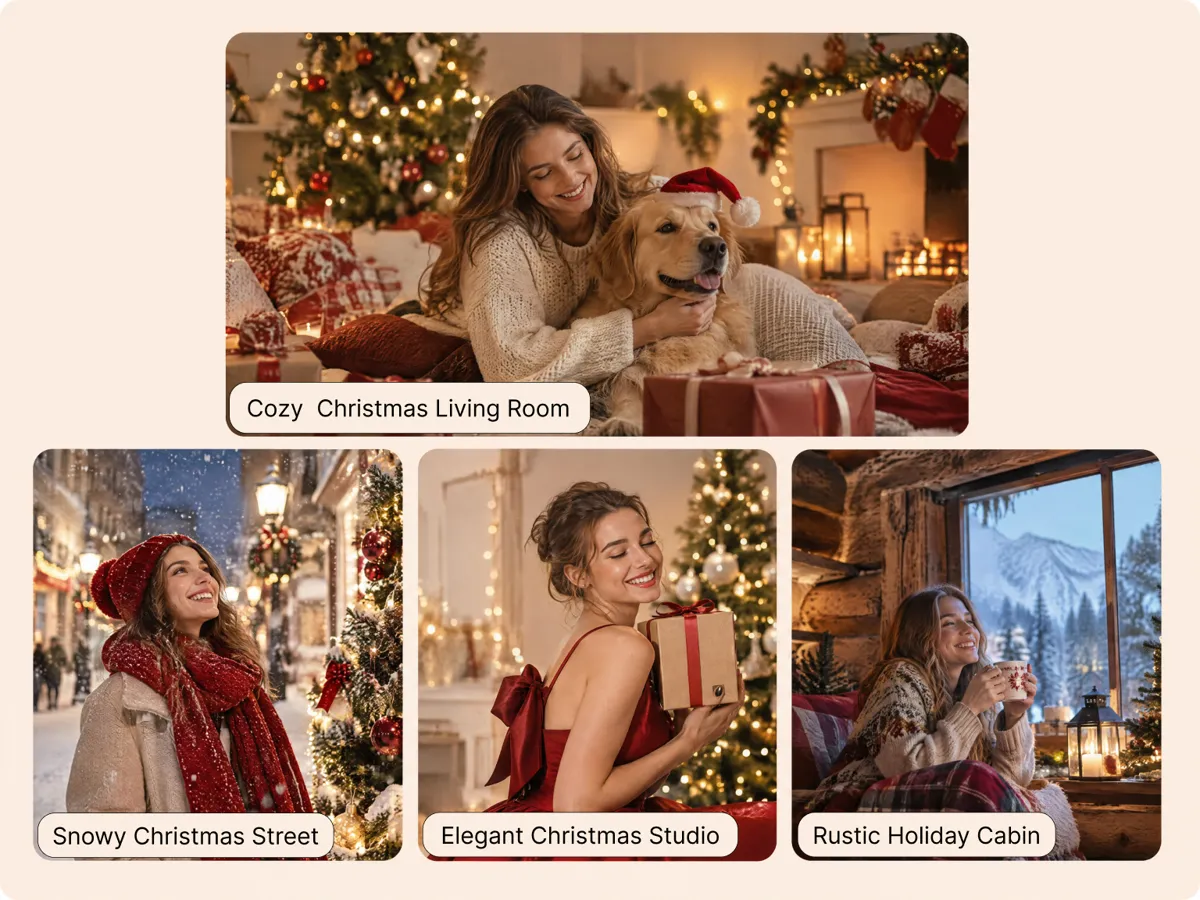
Create a Christmas Portrait from a Short Prompt
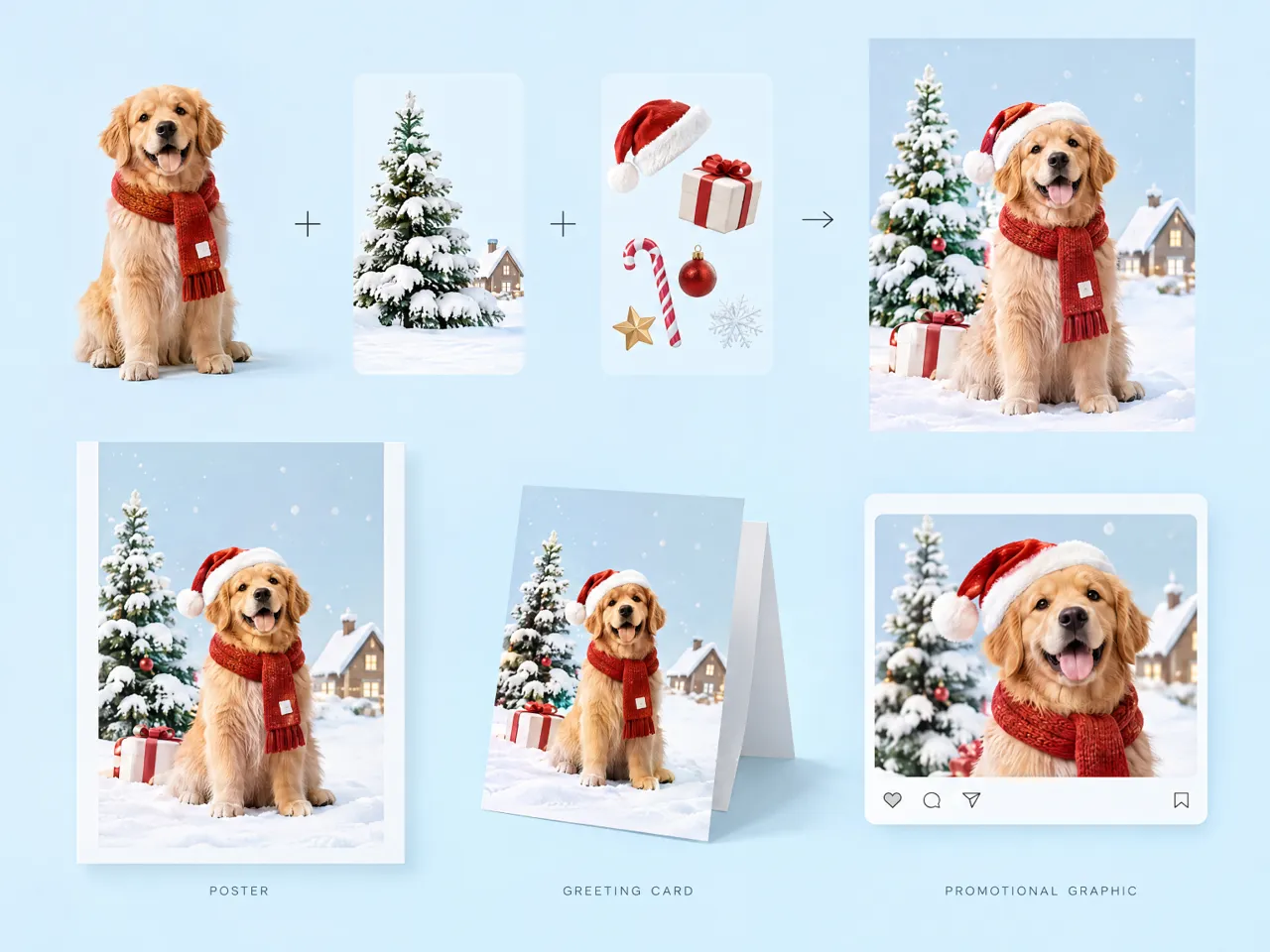
Don't have a photo? You don't need one. Something as short as "golden retriever, red scarf, fireplace" is enough for the AI image generator to give you beautiful Christmas pictures to start from.
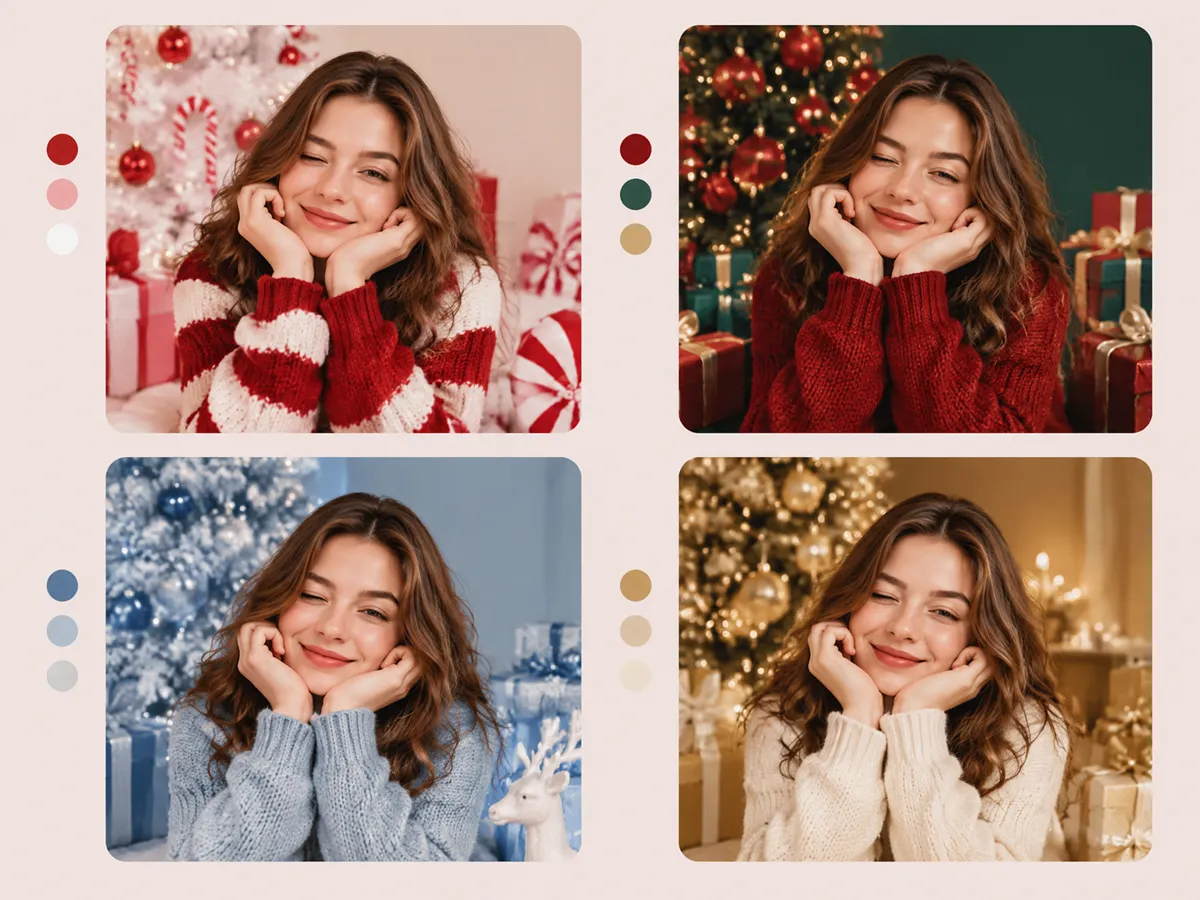
Match Holiday Trends and Color Looks
Candy cane stripes are everywhere this year, and the AI Christmas photo trend moves fast. Try the stripes, let AI generate blue Christmas scenes with a bit of silver, or go grainy and vintage. Pick whatever suits your feed.
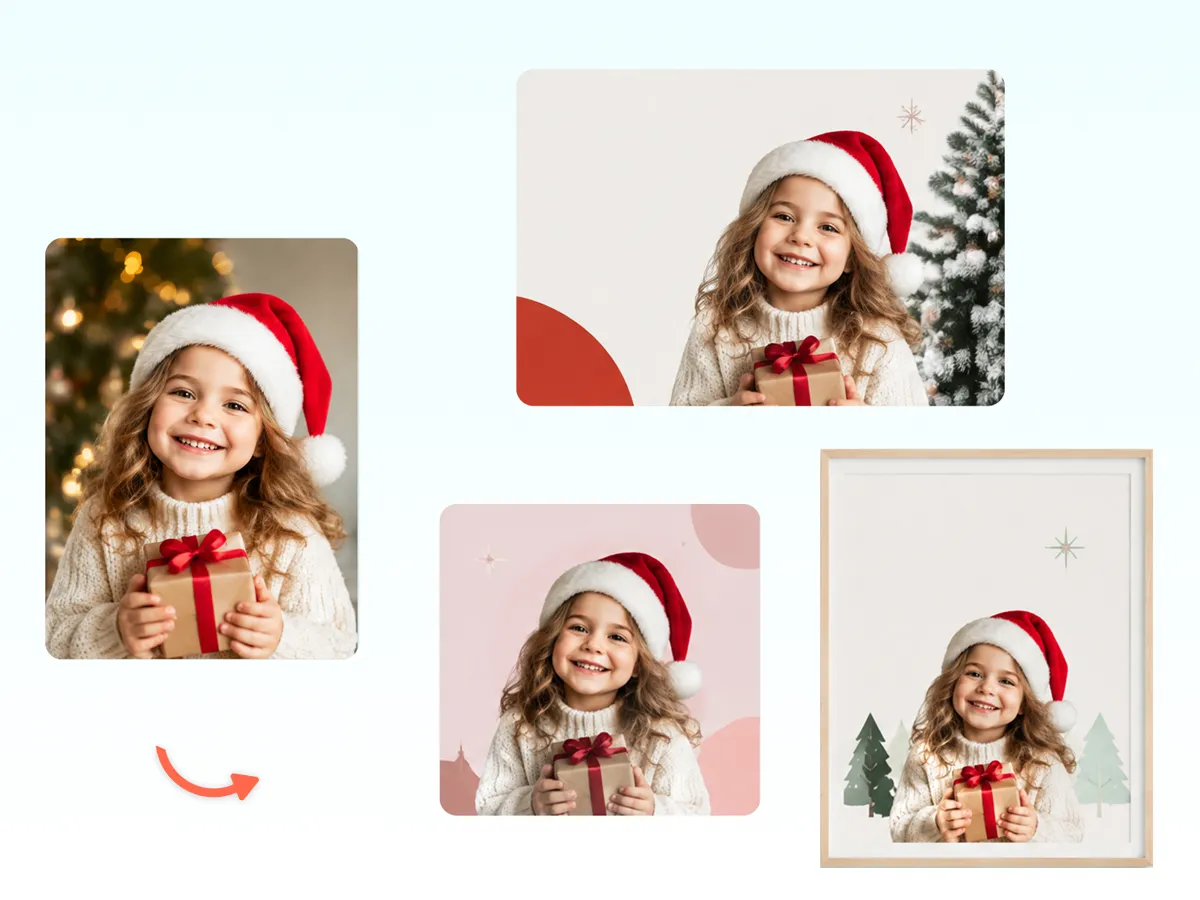
Prepare the Photo for Cards, Posts, or Prints
Need it on a card? Cut yourself out with the transparent background maker and drop the image into the AI Christmas card generator. Works for printable Christmas pictures and phone-sized posts alike.
Who Uses an AI Christmas Photo Generator
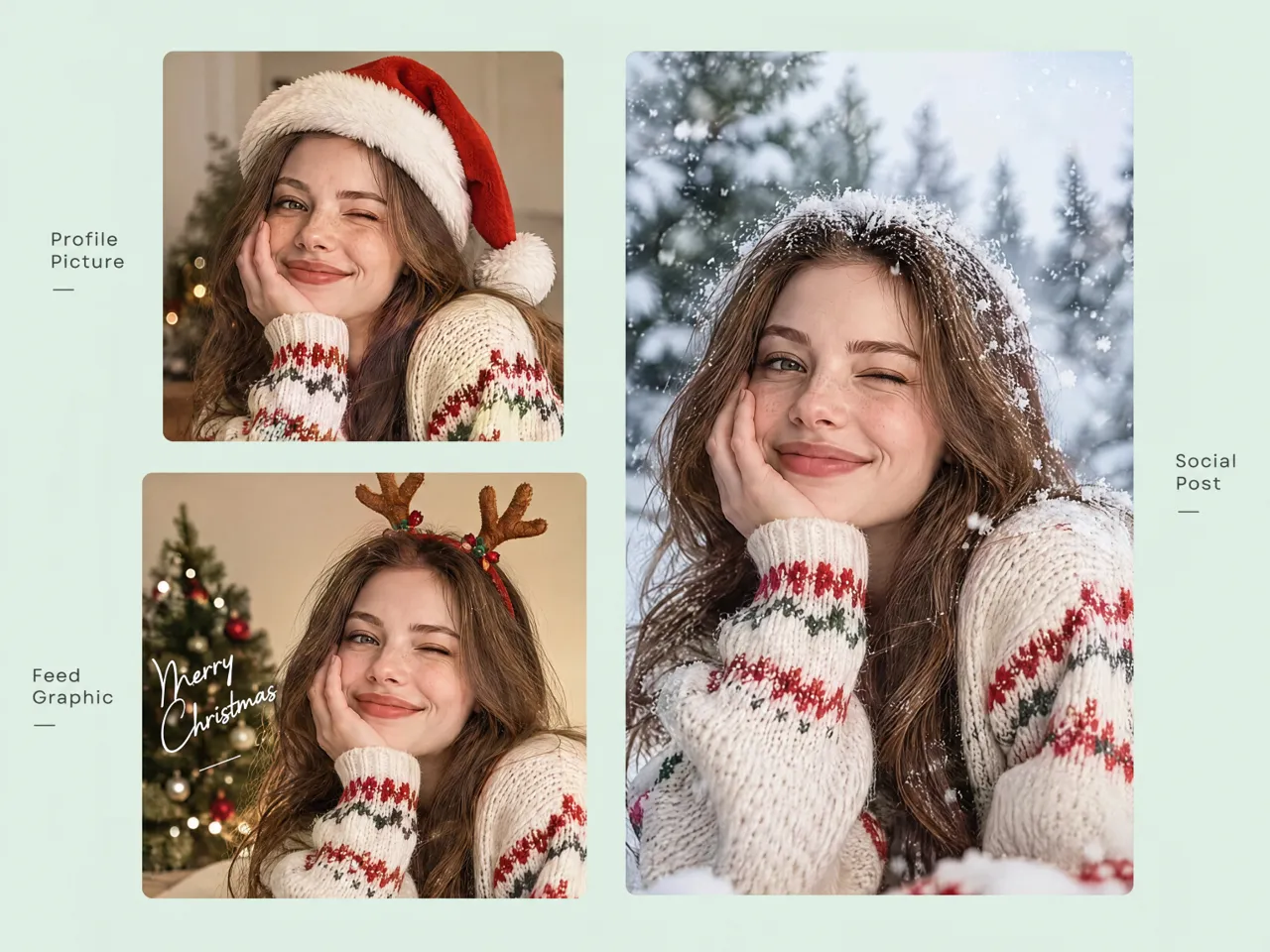
Update Your Profile and Feed with a Christmas Photo
Nobody wants to set up a photoshoot for one December post. Take a selfie you already like, turn it into Christmas pictures for profile updates, and resize the Christmas AI photos for each app with the image resizer.
Why Choose Designkit for Christmas Photo Creation
Skip the Expensive Studio Photoshoot
Your own photos become holiday portraits. No photographer to book, no outfits to coordinate.

Get Festive Looks Without Prompt Fatigue
A photo or a few words gets you there. You don't need a paragraph of prompt to get a festive look.

Finish the Card Unlike One-Off AI Tools
The image doesn't stop at download. Keep editing on canvas until it's a finished card or post.
Frequently Asked Questions
How do I make a Christmas photo with AI?
Will the Christmas photo still look like me or my family?
Mostly, yes. Faces stay closest when the photo is sharp and well lit and you only ask for a new background or outfits. Ask for a lot of changes at once and things can drift. So zoom in on each person before you share it, and if Grandpa doesn't look like Grandpa, run it again.
Can I turn my existing photo into a Christmas picture?
Yes, that's one of the most common uses. Upload the photo, then tell it what to add: a tree behind you, matching sweaters, snow outside the window. Your photo stays as the base. It works best when you already like the pose and only the setting feels wrong.
How do I write an AI Christmas photo prompt?
Think about who's in it, where they are, and the mood you're after. Something like "family of four in red pajamas by the fireplace, tree lit up behind them, warm golden light" works well. Short is fine to start with. Then change one thing at a time so you can tell what made the difference.
How can I create an AI candy cane picture?
Just ask for it. Mention red-and-white stripes and where you want them, whether that's a sweater, the background, or props. A prompt like "woman in a striped sweater holding giant candy canes, soft studio light" is a good place to start. You can also upload your own photo and ask for the candy cane version of it.
Can I create printable Christmas pictures or Christmas cards?
Yes. Look at the image at full size first, because small issues show up on paper. Sharpen it with AI Clarity, then add your greeting and layout in the AI poster generator. Want to see the card before you print? The card mockup generator shows it in a real-looking scene.
Can I edit the Christmas photo after generating it?
Yes. Think of it as a Christmas pic editor too, since nothing's locked until you download. Change details with AI Editing, sharpen with AI Clarity, or erase that one stray object with the object remover. You can even cut out the background and use the photo in a card.
Turn Your Holiday Idea into a Final Image Today
Got a photo you love or an idea you can't stop picturing? Start there. Your first one is free to make.



How Creators Use Designkit for Christmas Photos
A few people who made their Christmas photos here, and what they did with them.
Our Family Photo Finally Had the Christmas Setting We Wanted
Our family picture was fine, except for the boring living room behind us. I asked for a tree and warm lights, and the second version was the one. My mother-in-law asked where we had it taken, which made my day.
I Could Try the Candy Cane Look Without Building It by Hand
Everyone on my feed was doing candy cane photos, and I didn't want to piece one together from stock graphics. I typed out the stripes and the setting, tried three versions, and posted the last one. Took maybe ten minutes.
We Needed More Than a Festive Product Banner
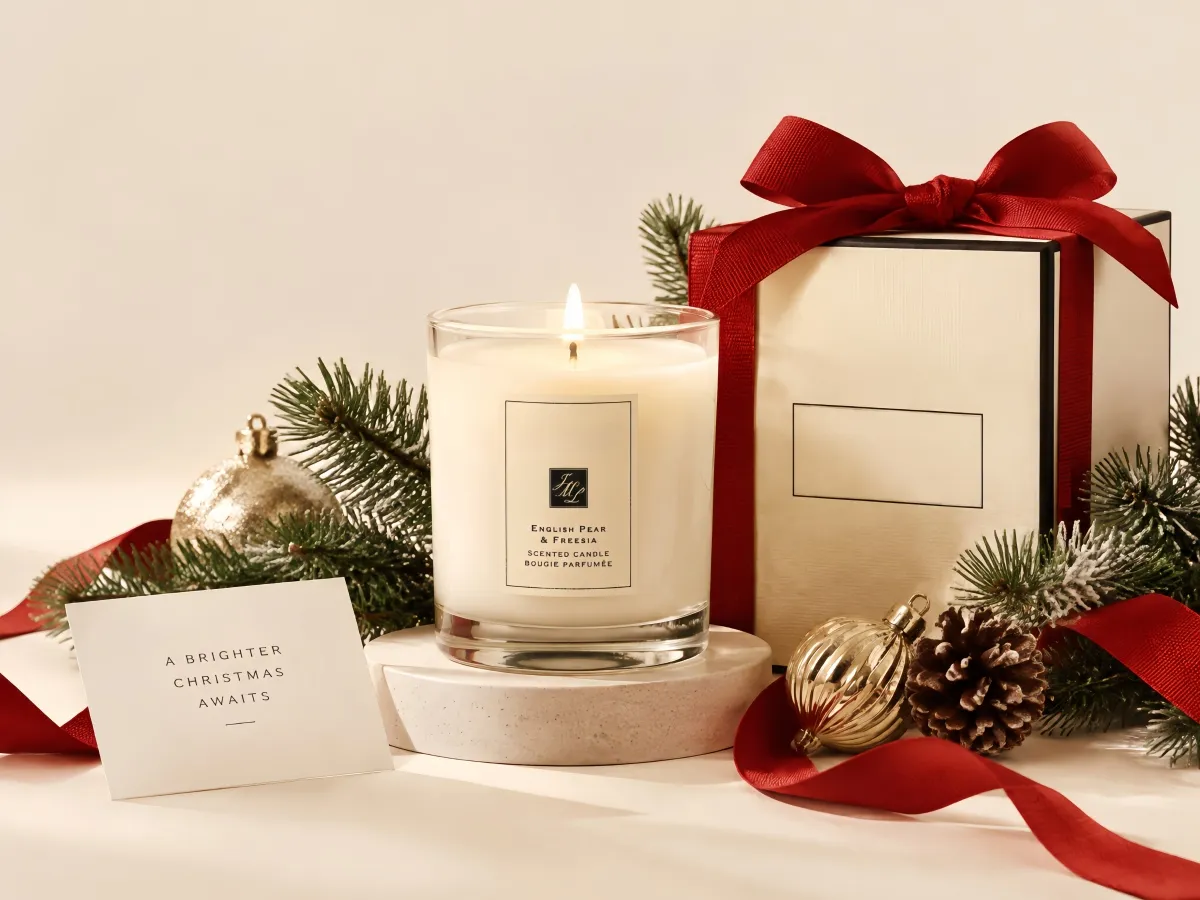
A standalone holiday picture wasn't enough for us; it had to fit inside a promo layout. I made the scene and built the poster without leaving Designkit. No exporting and reimporting saved us a whole afternoon.
I Could Adjust the Artwork After Generating It
I always know what card I want before I have the art. This time I generated the scene, fixed the lighting and one odd ornament on the canvas, and put it straight into my layout. That last bit is why I kept using it. FAQs