
AI Animation Generator for Stories, Characters, and Ideas
Turn scripts, ideas, and images into animated videos with scenes, characters, and motion for storytelling, social media, education, and marketing.
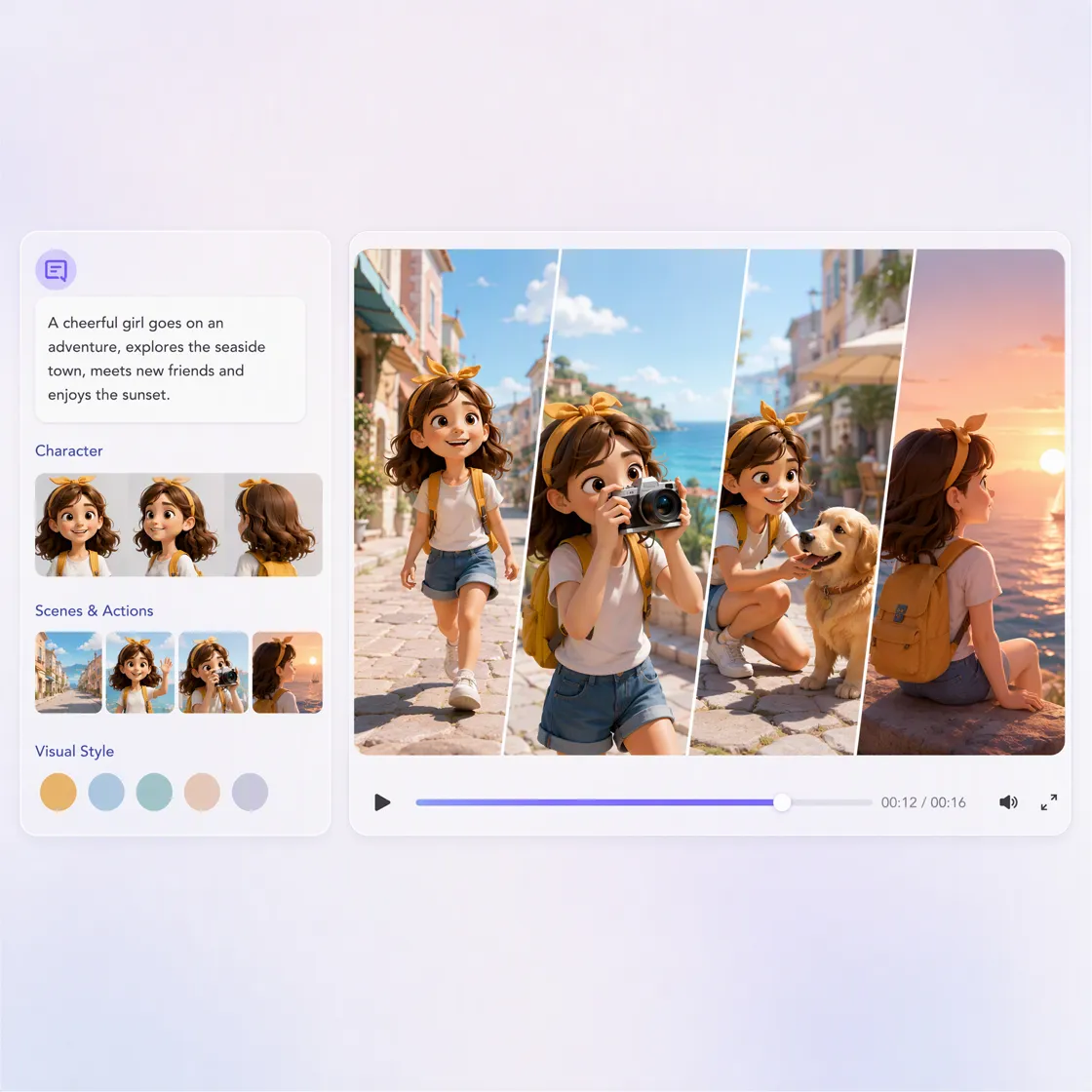
How to Create Animations in 3 Steps with Designkit
Start With a Script, Idea, or Image
Describe the story you want to tell, provide a script, or upload an image or character you want to animate. Include details such as the subject, setting, action, and visual style.
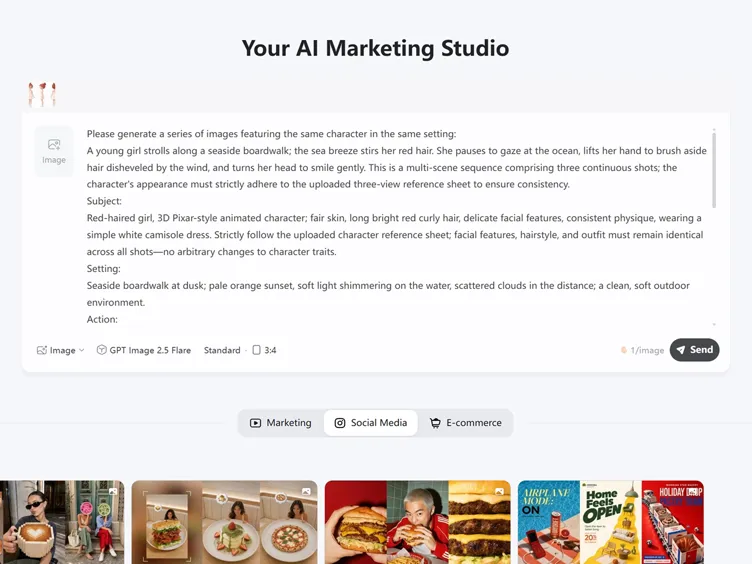
Develop the Animated Scenes
Generate the animation and review how the characters, visuals, motion, and story work together. Refine the direction if a scene needs a different look or action.
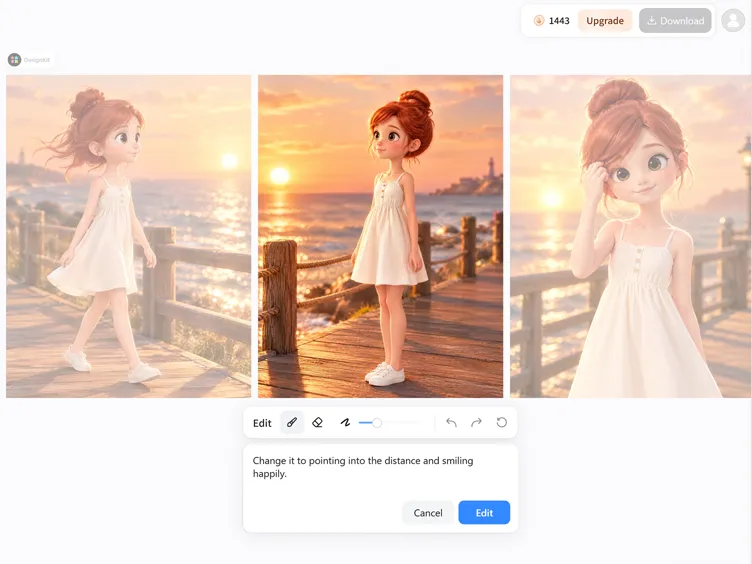
Prepare Your Content Animation
Review the finished video, adjust the presentation where needed, and export a version suited to your YouTube, TikTok, Instagram, or other content workflow.
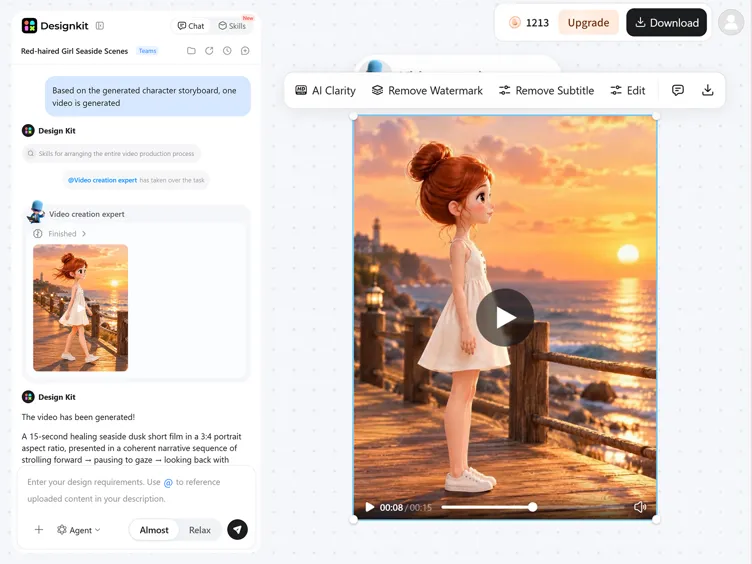
Create With Designkit's AI Animation Generator
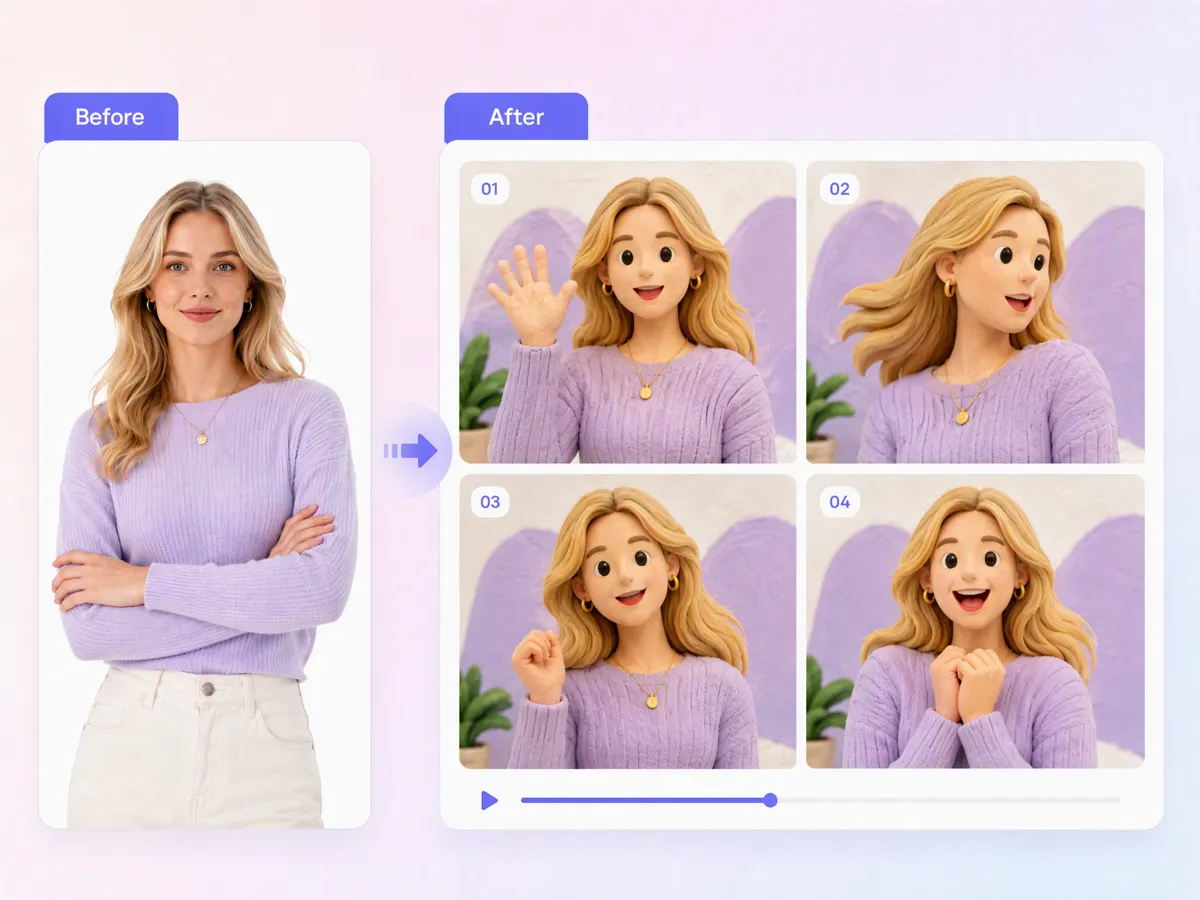
Bring Static Characters and Images Into Motion
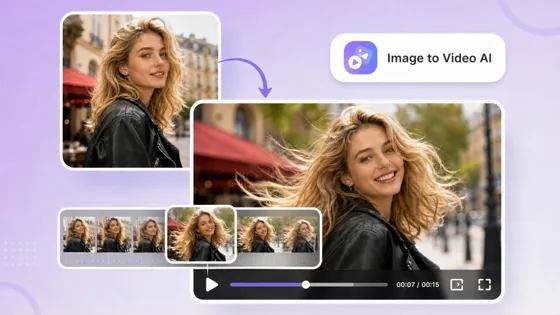
Turn still characters, illustrations, and product images into animated scenes with movement, expression, and visual direction. Use an AI animation generator from images to explore motion without manually animating every frame. You can also start with a cartoon character and develop it into a more dynamic visual for stories, social posts, or creative projects.
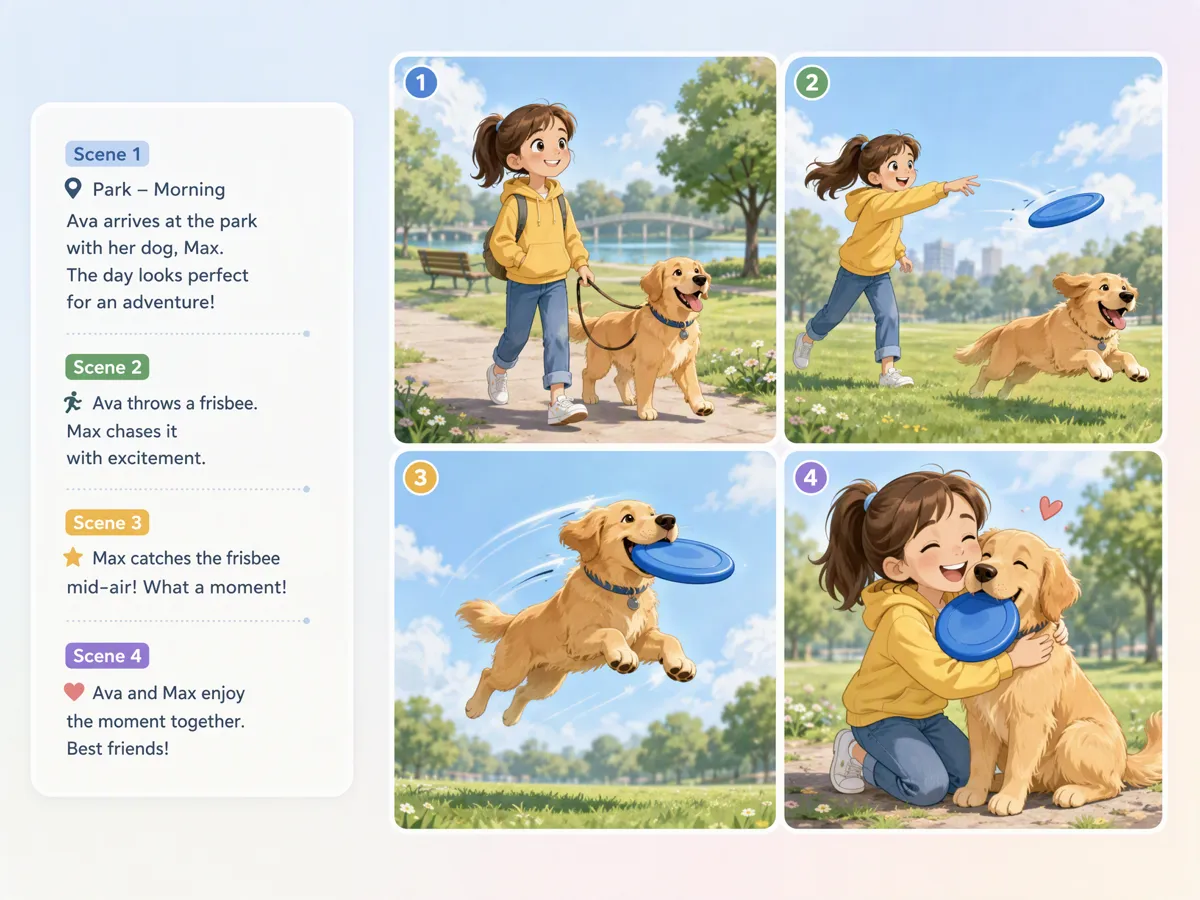
Turn Scripts Into Multi-Scene Animated Videos
Transform a written script into a sequence of animated scenes with characters, actions, and visual transitions that follow the intended story. A text to AI workflow helps move from written ideas to complete animated content without planning every scene manually. This is useful for storytelling, explainers, educational videos, and other structured animation projects.
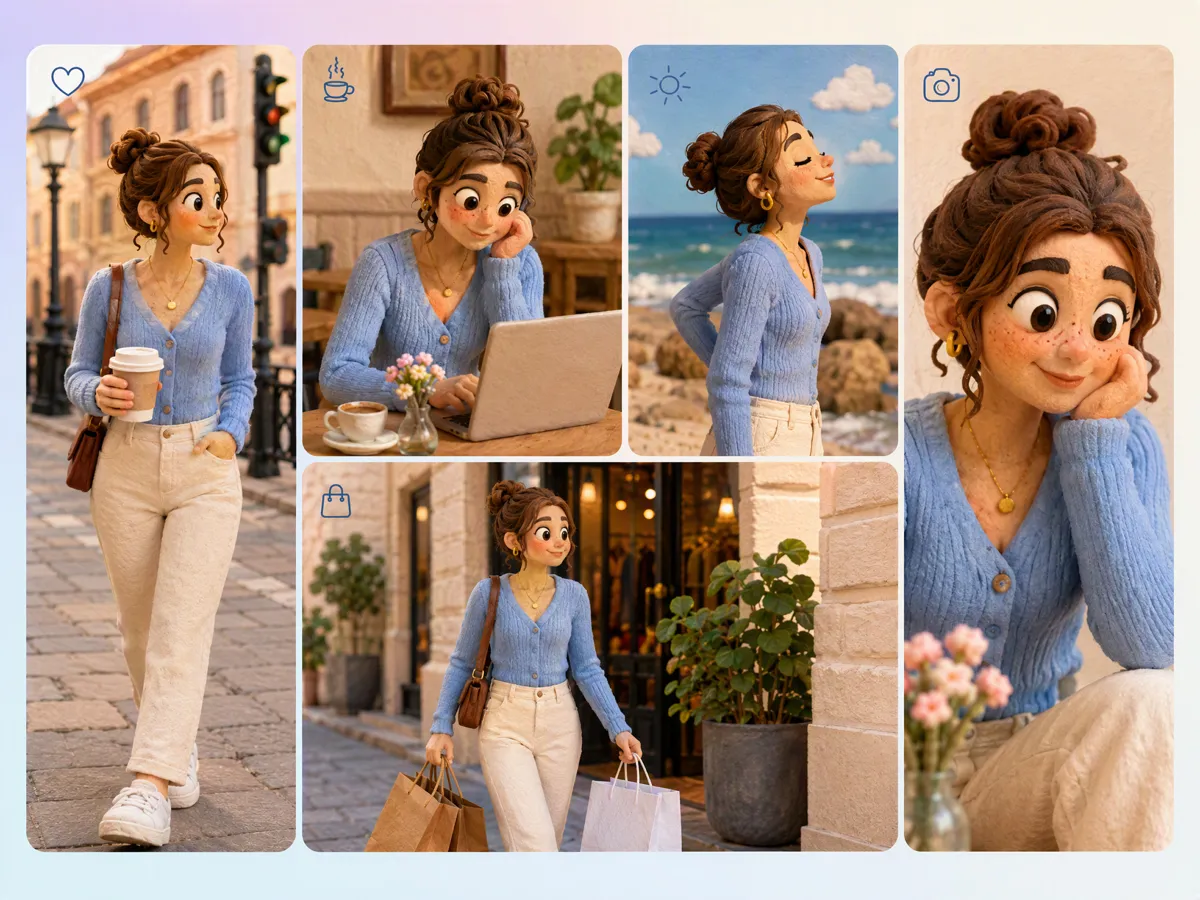
Keep Characters Recognizable From Scene to Scene
Build animated sequences where the same character remains visually recognizable across different scenes, actions, and settings. This helps maintain continuity when developing stories rather than generating disconnected characters for every shot. Use an AI animation video maker to create scenes around a consistent character direction while keeping the overall animation aligned with your original concept.
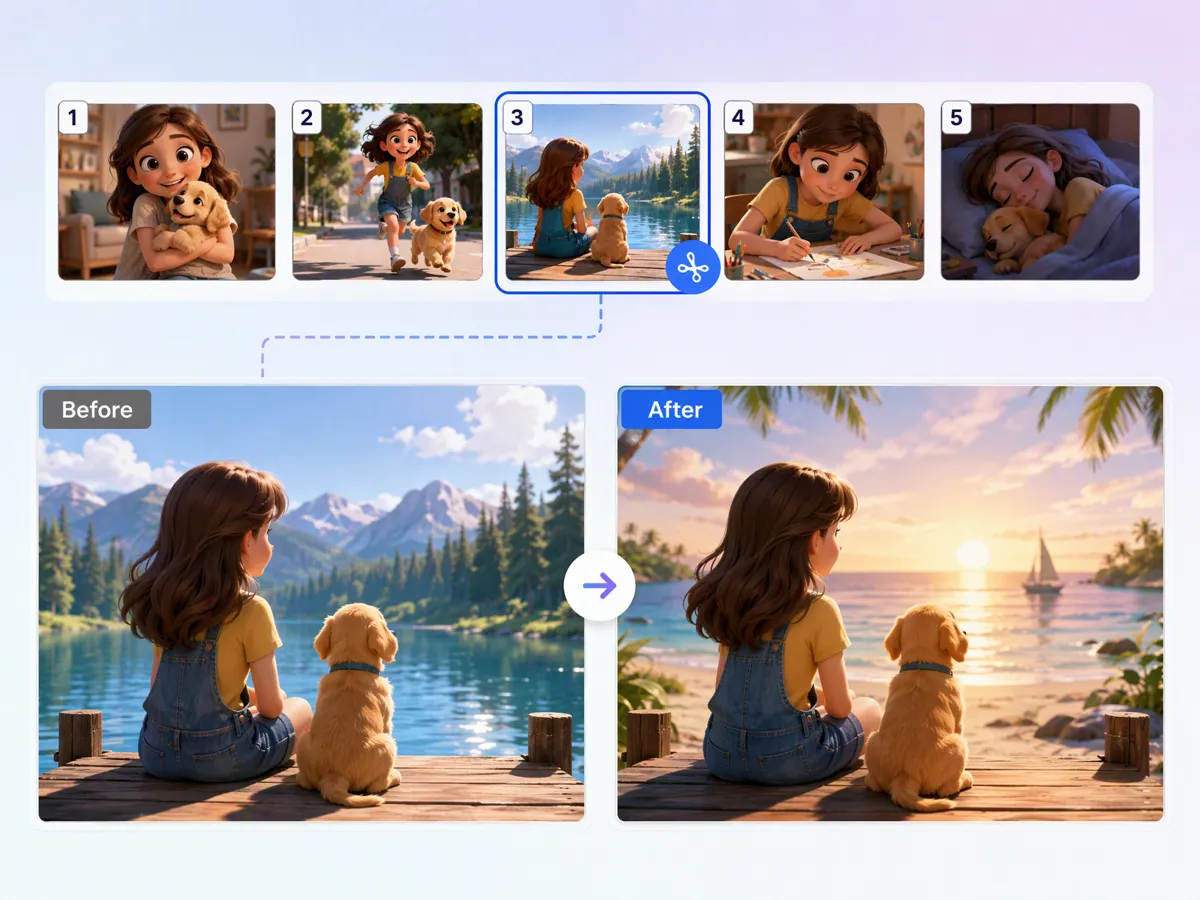
Refine Individual Scenes Without Rebuilding the Story
Adjust a specific animated scene by refining the prompt, action, setting, or visual direction instead of starting the entire sequence again. With an AI animation prompt, you can describe the change you want and iterate on individual moments while preserving the broader story structure. This makes scene-level editing more practical when developing multi-scene animated content.
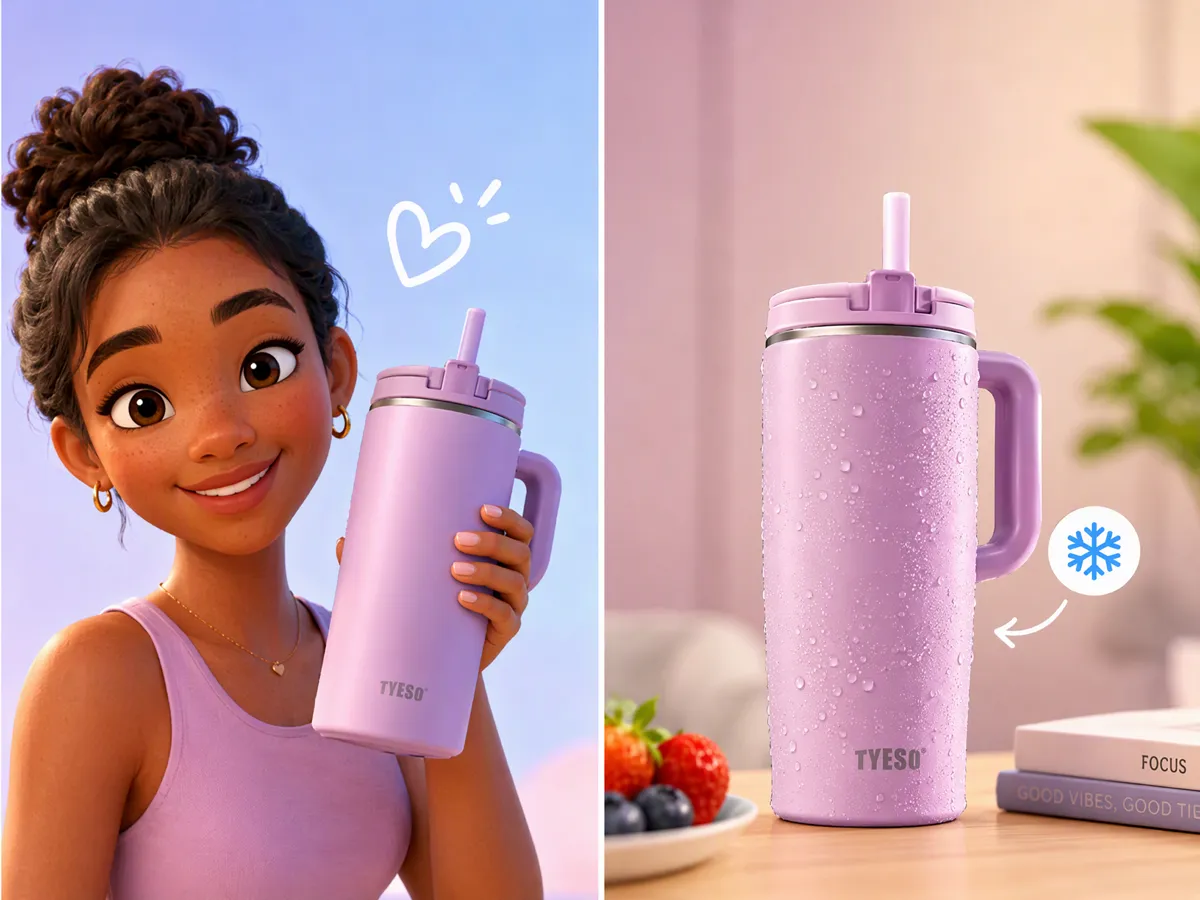
Give Animated Content a Natural UGC Feel
Create animation that feels more like casual creator content than a traditionally produced animated sequence. Guide the visuals toward natural movement, simple framing, and relatable presentation for social-first storytelling. This approach can work for product demonstrations, creator concepts, and short social videos when you want animation with a less formal presentation.
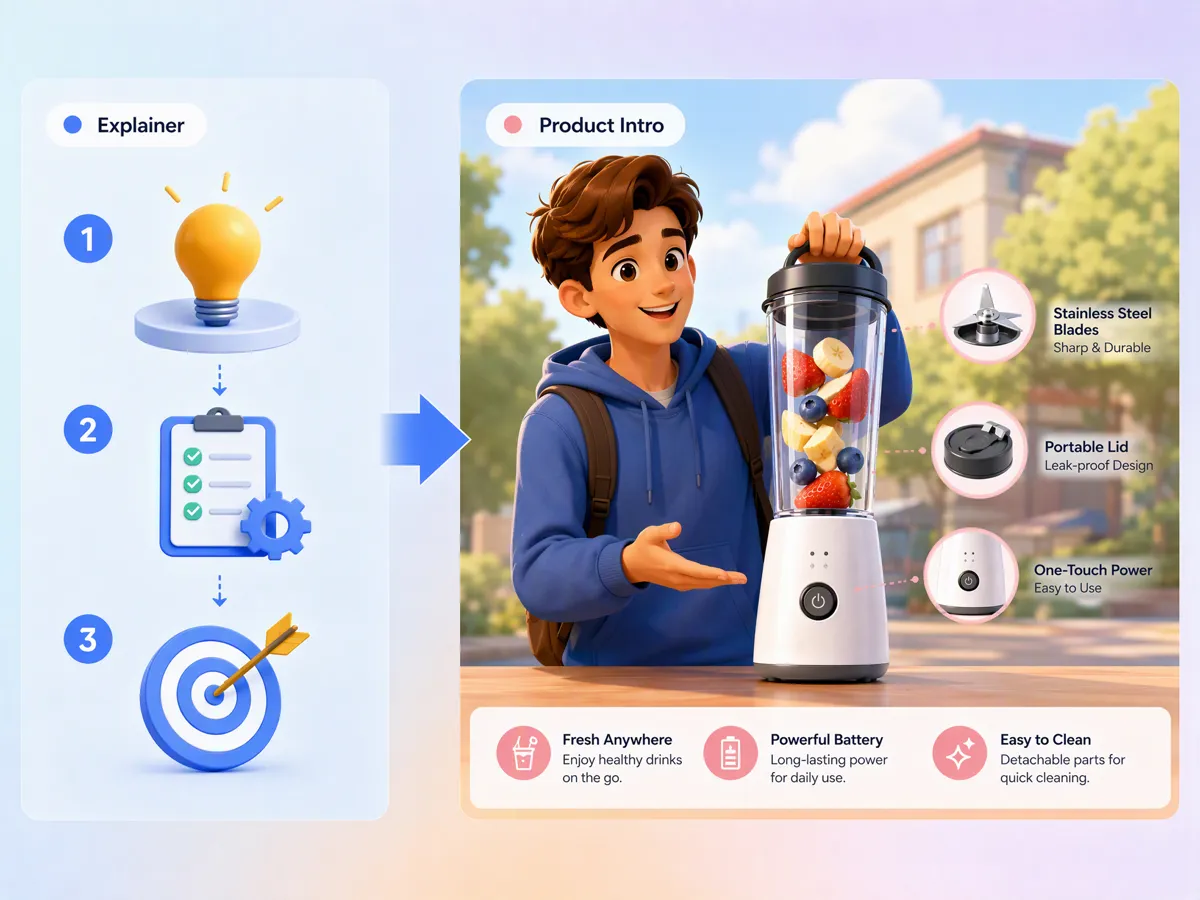
Create Explainer, Story, and Product Motion Clips
Develop animated clips for different content goals, from explaining a concept to presenting a product or telling a short story. An AI video animation generator can help turn creative directions into visual sequences without requiring traditional animation production for every scene. Create focused clips for social media, education, product communication, and branded storytelling.
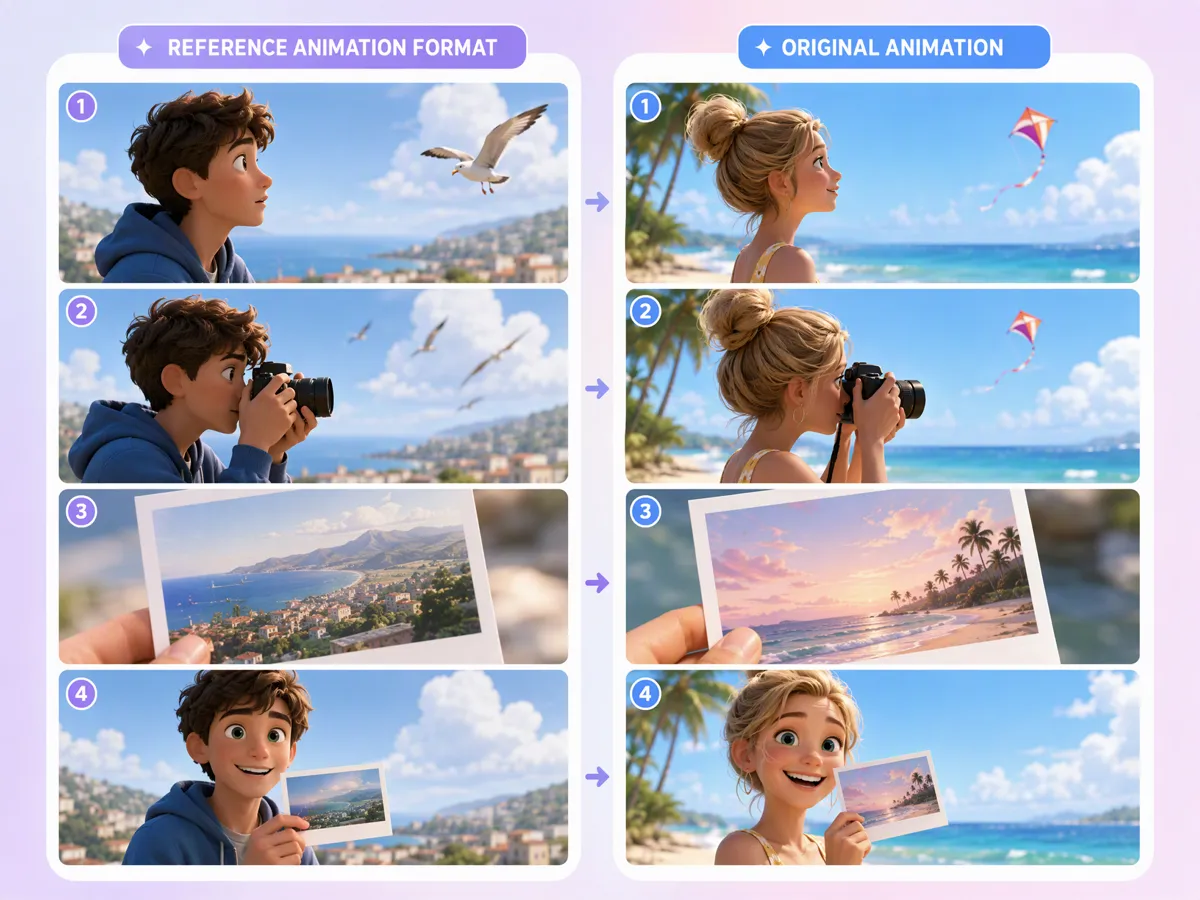
Recreate Trending Motion and Animation Formats
Use popular motion styles and animation structures as creative references for developing your own concepts. Instead of copying existing footage, describing the visual direction and recreating the format with original characters, scenes, or ideas. This gives creators a practical way to explore current animation trends and produce fresh variations for social content.
AI Animation Across Stories and Social Content
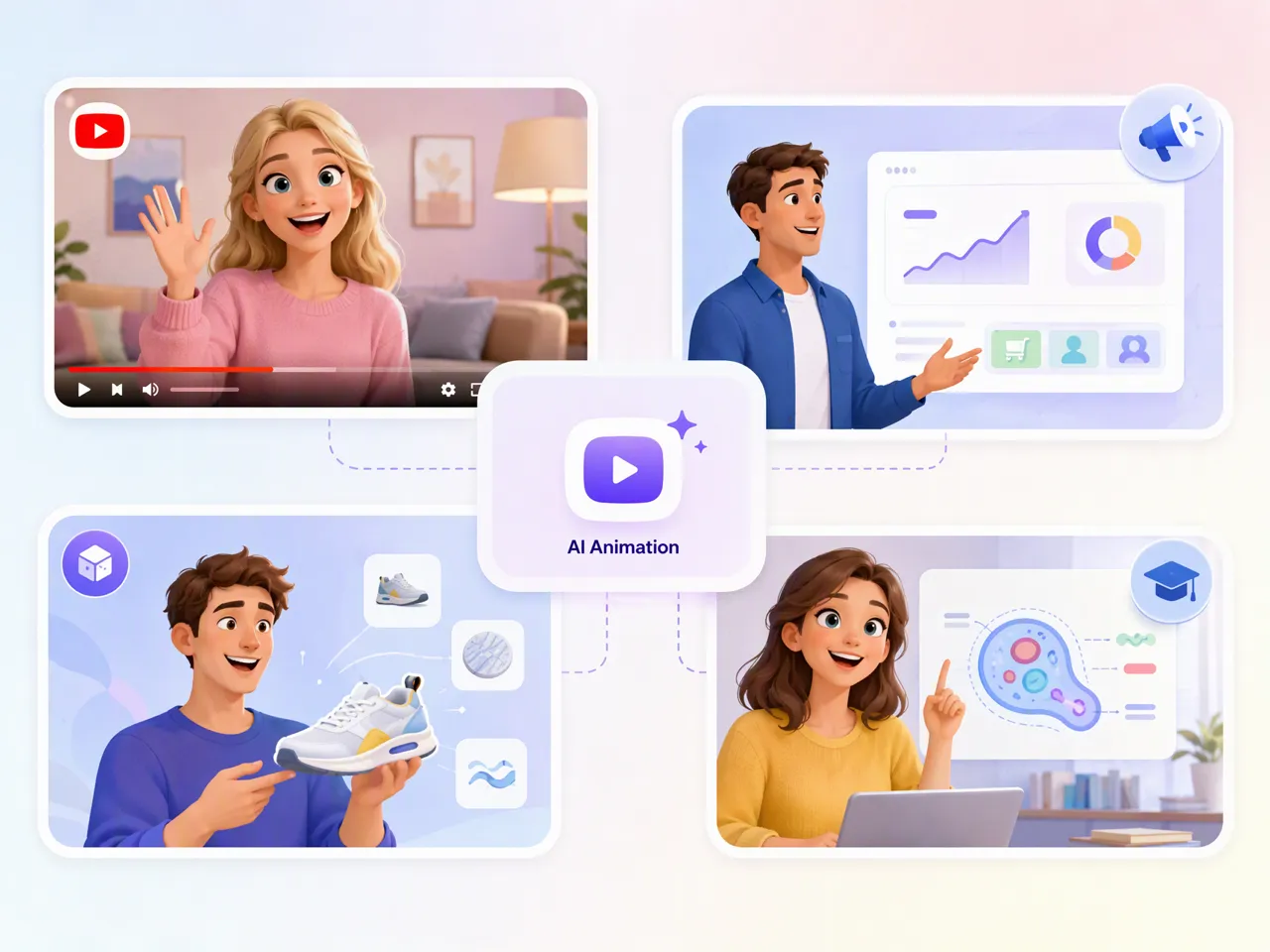
Turn Scripts and Story Ideas Into Animated Videos
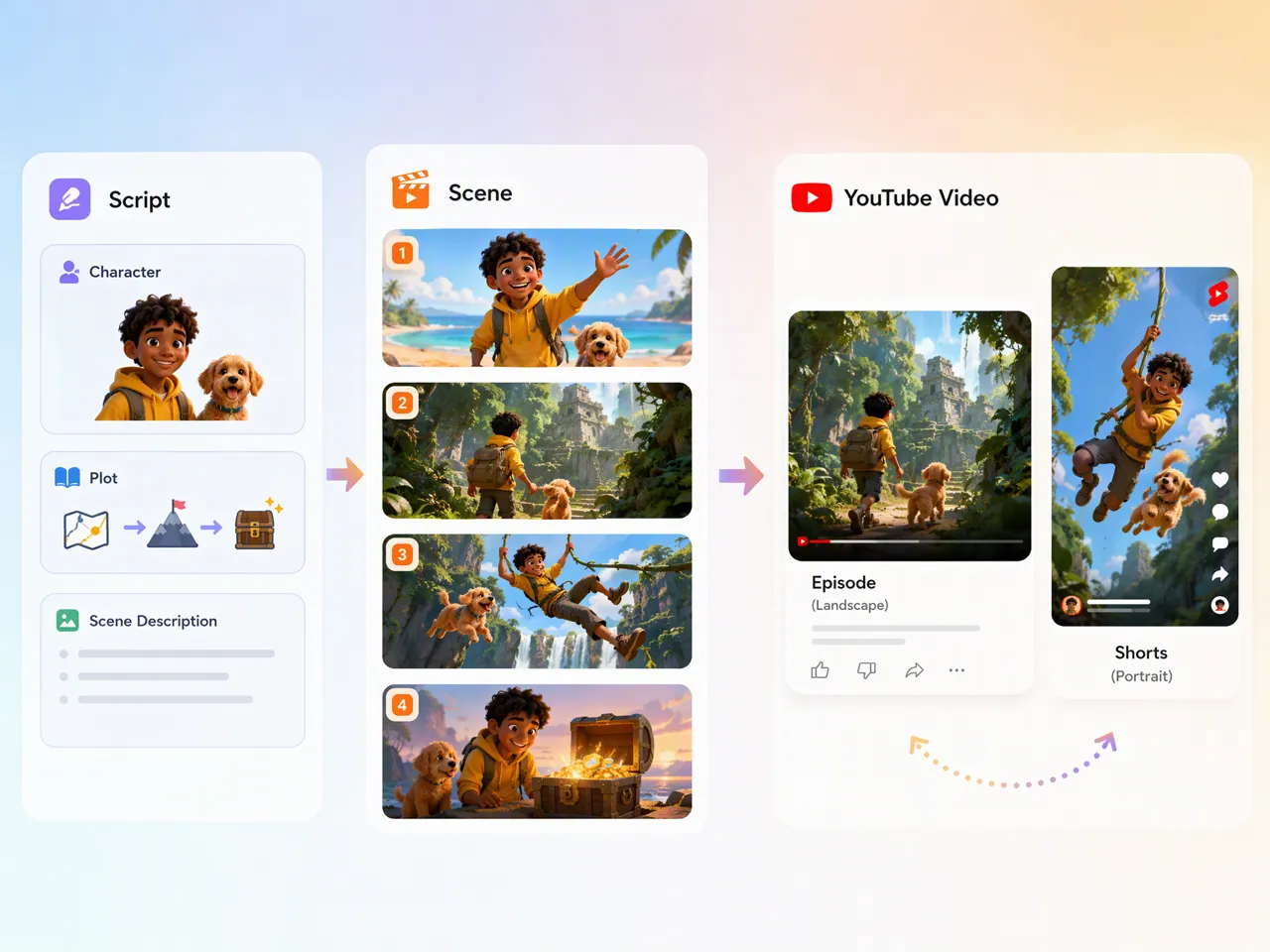
Turn scripts, story concepts, and character ideas into animated scenes for YouTube. Use an AI animation generator online to develop visual stories without drawing or animating every scene manually, then create content for episodes, shorts, and channel series.
Unlock More Features to Bring Ideas Into Motion
AI Image to Video Tool
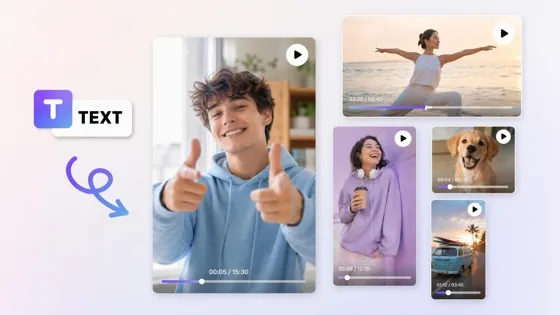
AI Text to Video Tool
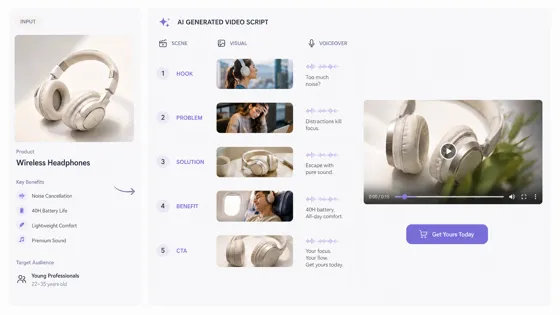
AI Script Generator
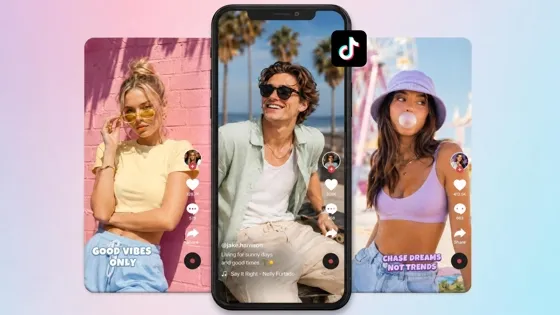
TikTok Video Maker
Frequently Asked Questions
Can I create animations from just one idea or image?
Can I maintain the same character across multiple animations?
Character consistency can be maintained across scenes by keeping the character's appearance and core visual direction consistent when generating new shots. This is useful for stories, series, and branded content where the same character needs to remain recognizable. You can start with a cartoon character maker concept and develop it across multiple animated scenes and sequences.
What type of animations can I create?
You can create animated stories, character scenes, product visuals, explainers, social clips, and other short-form content. Depending on your starting material, you can use an AI cartoon animation generator for character-led content or an AI 3d animation generator for more dimensional visual styles. The workflow can support both creative storytelling and practical marketing or educational animation needs.
Can I use AI animations for marketing and ads?
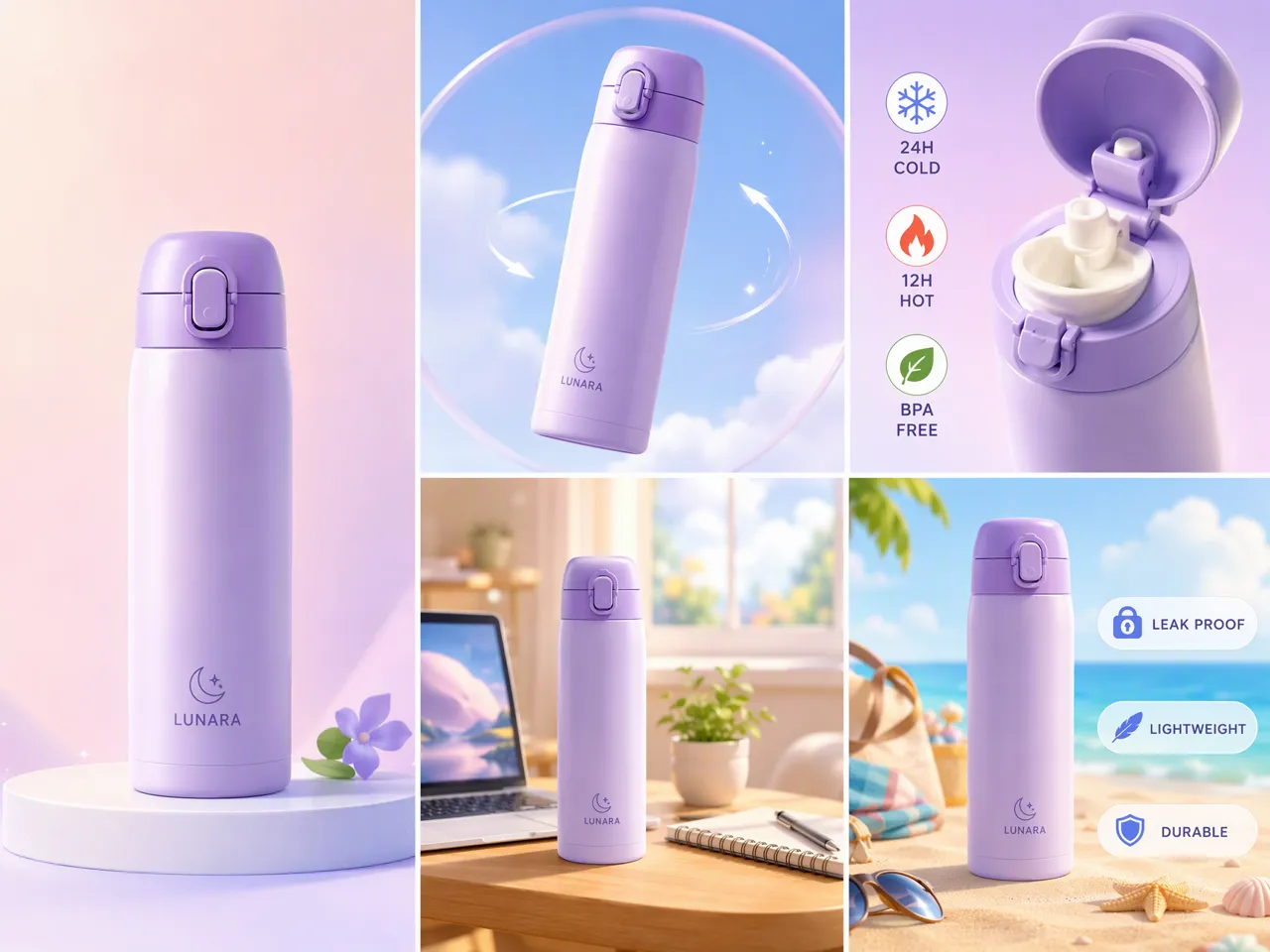
AI-generated animation can be used for product demonstrations, promotional videos, social campaigns, explainers, and other marketing content. You can turn product visuals or concepts into motion-based scenes without producing every shot manually. For broader campaign creation, an AI video generator can also help develop supporting video assets around the same creative direction.
Can I control how each animation scene behaves?
You can guide individual scenes through prompts that describe the character's action, movement, setting, composition, and overall visual direction. This lets you refine a particular moment without rebuilding the complete story. An AI video animation generator from text is useful when you want to describe how a scene should unfold and iterate on the result through prompt-based changes.
Can I recreate a viral animation or video format?
You can use a trending animation or video format as creative inspiration and recreate its general structure with your own characters, story, visuals, or product concept. The goal is to generate an original version rather than reuse someone else's footage. An AI animation generator can help explore different motion patterns, scene structures, and presentation styles for social content.
Can I create animations suitable for short-form platforms?
You can create short animated scenes and clips designed for social-first content, including character stories, product visuals, explainers, and promotional concepts. A free AI animation generator can be useful for testing ideas before creating larger batches. You can also use image to video or text to video workflows when adapting visual concepts for short-form platforms. CTA
Give Your Story a Moving Visual
Start from a script or image and export an animated clip for YouTube or social. Use free credits to test the workflow.
Why Make Animations With Designkit

Skip a Full Animation Production Setup
Explore animation ideas without setting up keyframes, character rigs or a traditional production workflow for every project.
Reduce Animation Project Costs
Create short explainers, product animations, and concept videos without commissioning a full animation project every time.
Try AI Animation With Free Credits
Start with a small project and test the animation workflow before committing to a larger production.



What Users Say About Designkit Animated Content
Real feedback from creators, marketers, and brands using Designkit to produce animated content faster.
The Story Finally Had a Visual Direction
We had the script and the campaign idea, but the animation itself was still completely undefined. Being able to see different scenes made the story much easier to discuss with the team before we committed to a full production.
Those Old Character Sketches Finally Moved
I had a folder full of character drawings that I liked but never really used. Turning some of them into animated scenes gave me a way to build stories around characters that had previously just been static artwork.
The Product Was Much Easier to Explain in Motion
Static product images weren't really showing how the product worked. Adding movement helped us demonstrate the main feature in a way that was easier to understand, especially for short social videos.
It Gave Our Lessons More Visual Context
Some of our lessons are hard to explain with slides alone. Adding simple animated scenes gave students something visual to follow while I was explaining the topic, without turning every lesson into a full animation project.