
Birthday Video Maker for Memories, Greetings And Surprises
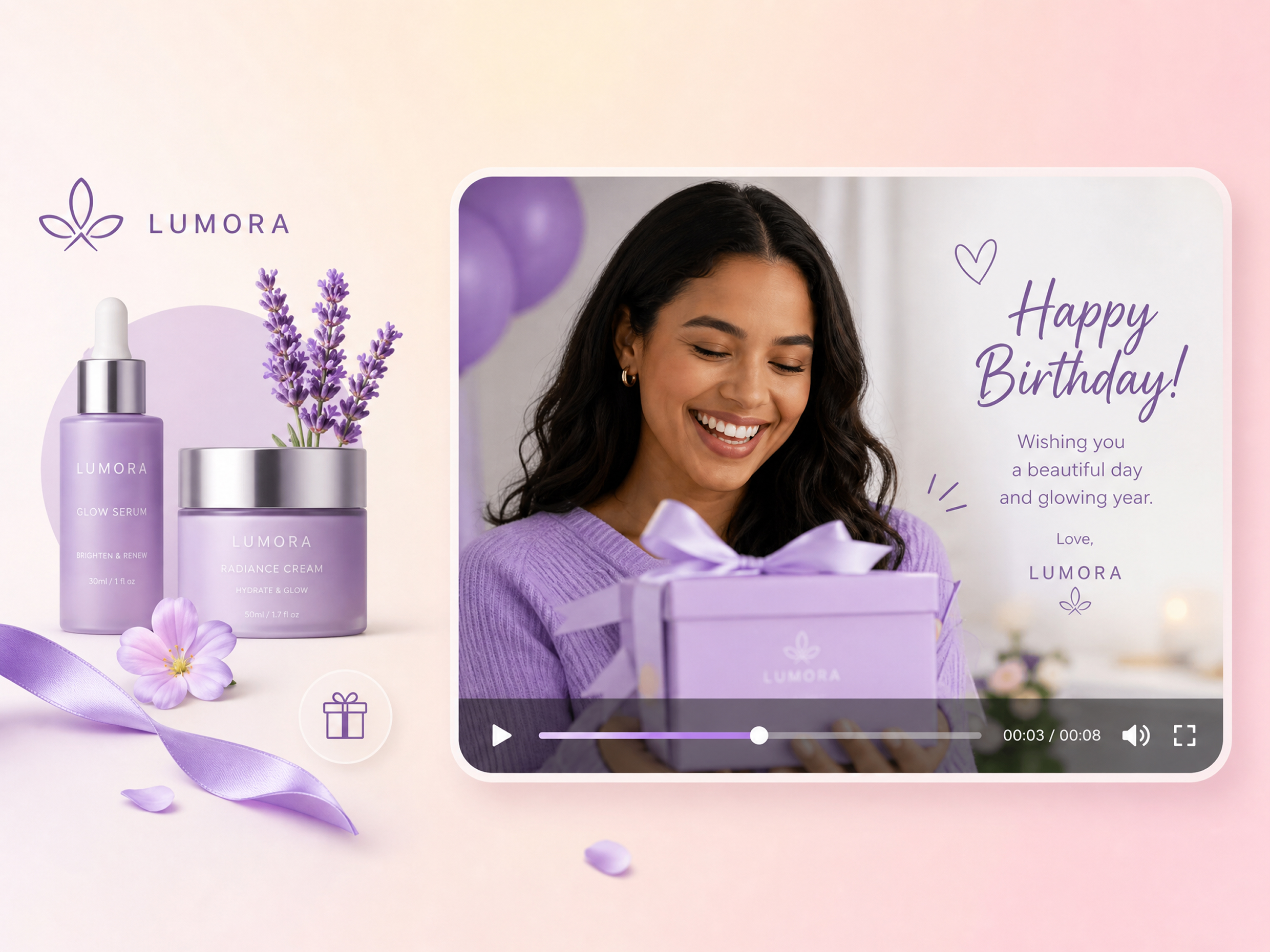
Upload their photos and a short birthday message. Designkit turns them into a personal greeting, memory clip, or invite you can send the same day.
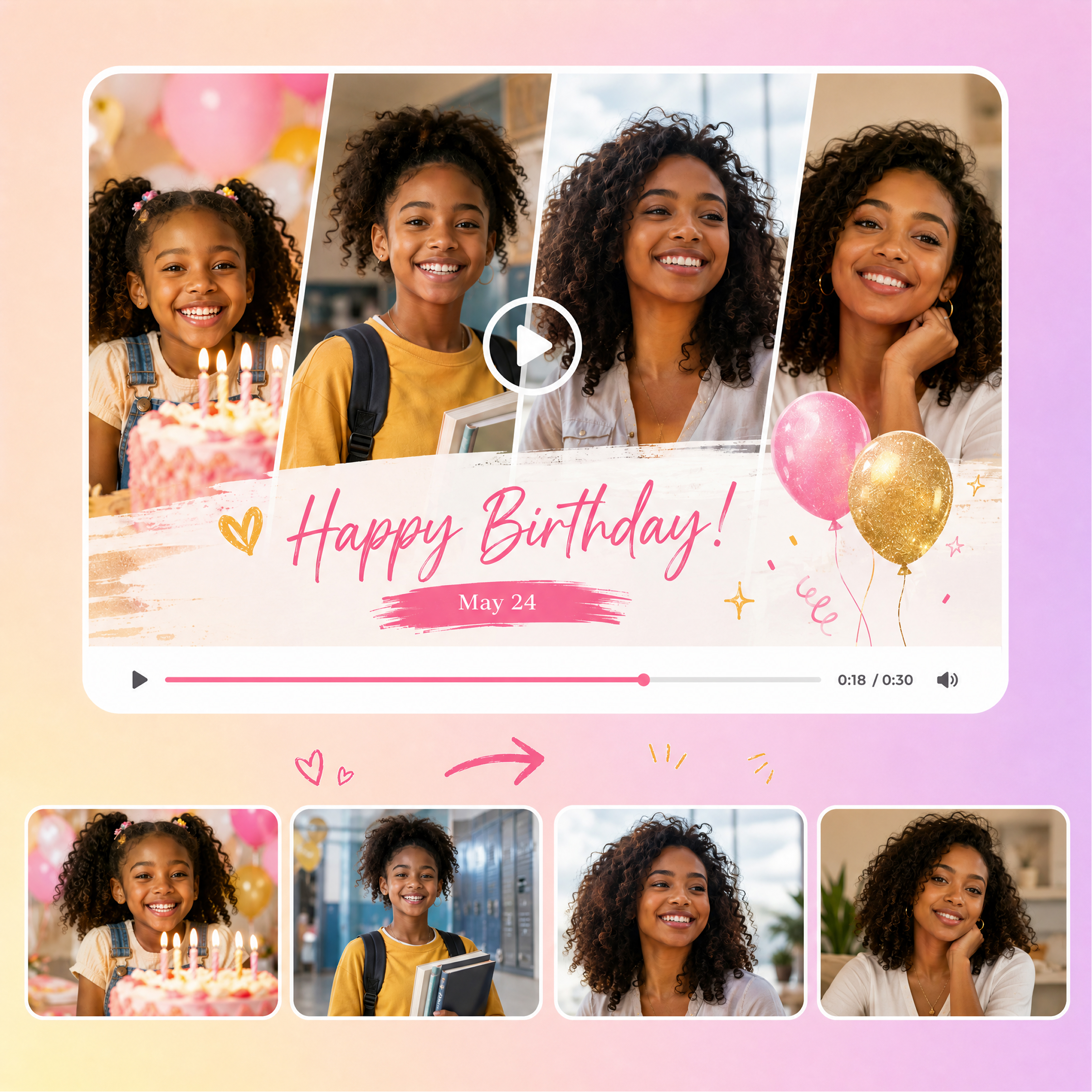
How to Create a Birthday Video With Designkit
Start With the Photos or Message
Upload photos, clips, birthday messages, or other moments for the person you're celebrating. You can also start with a birthday idea if you don't have a full media set yet.
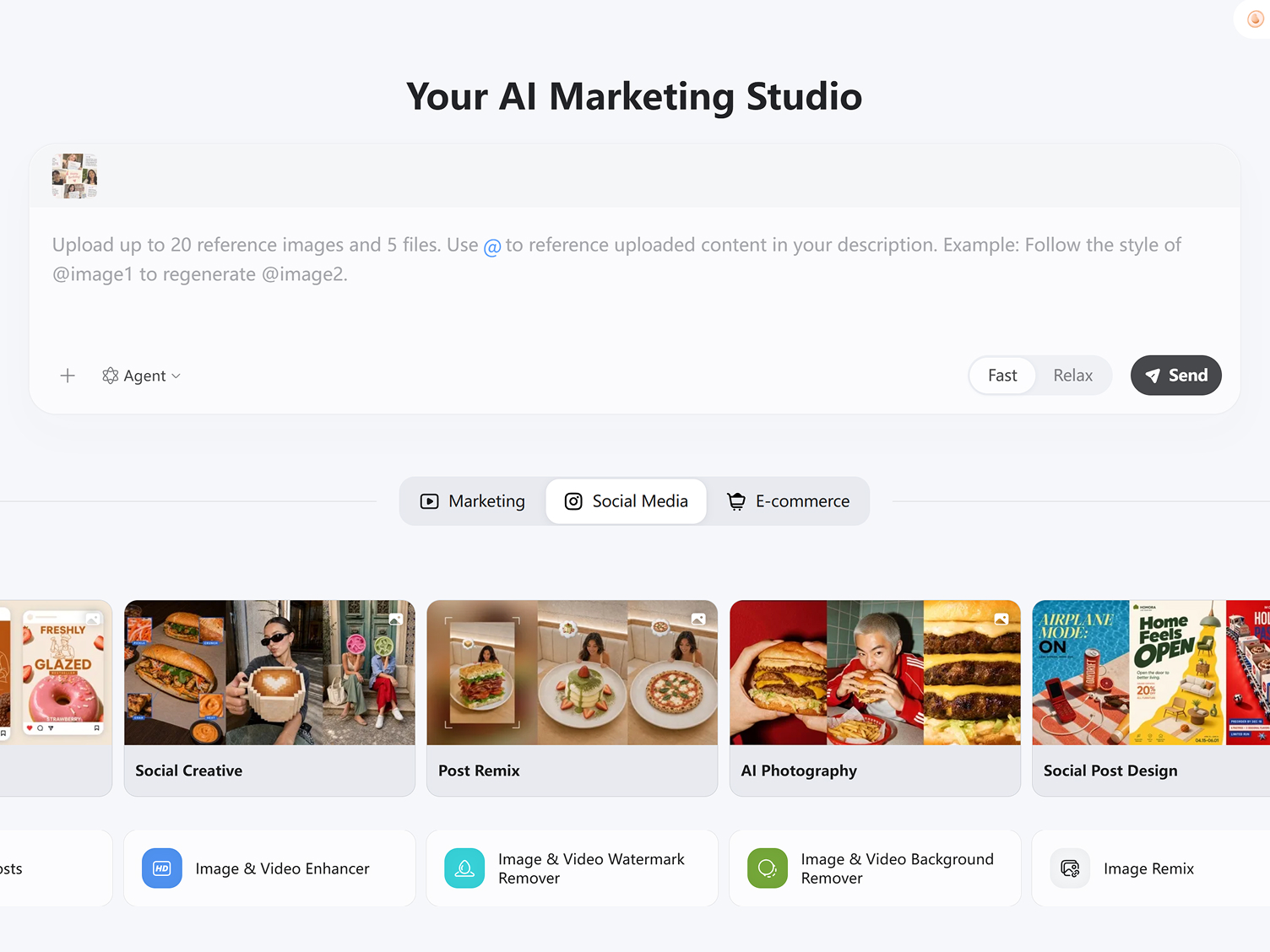
Give the Video a Personal Direction
Tell Designkit who the video is for, what you're celebrating, and the feeling or story you want. Montages, tributes, and kids' invitations can need different visuals.
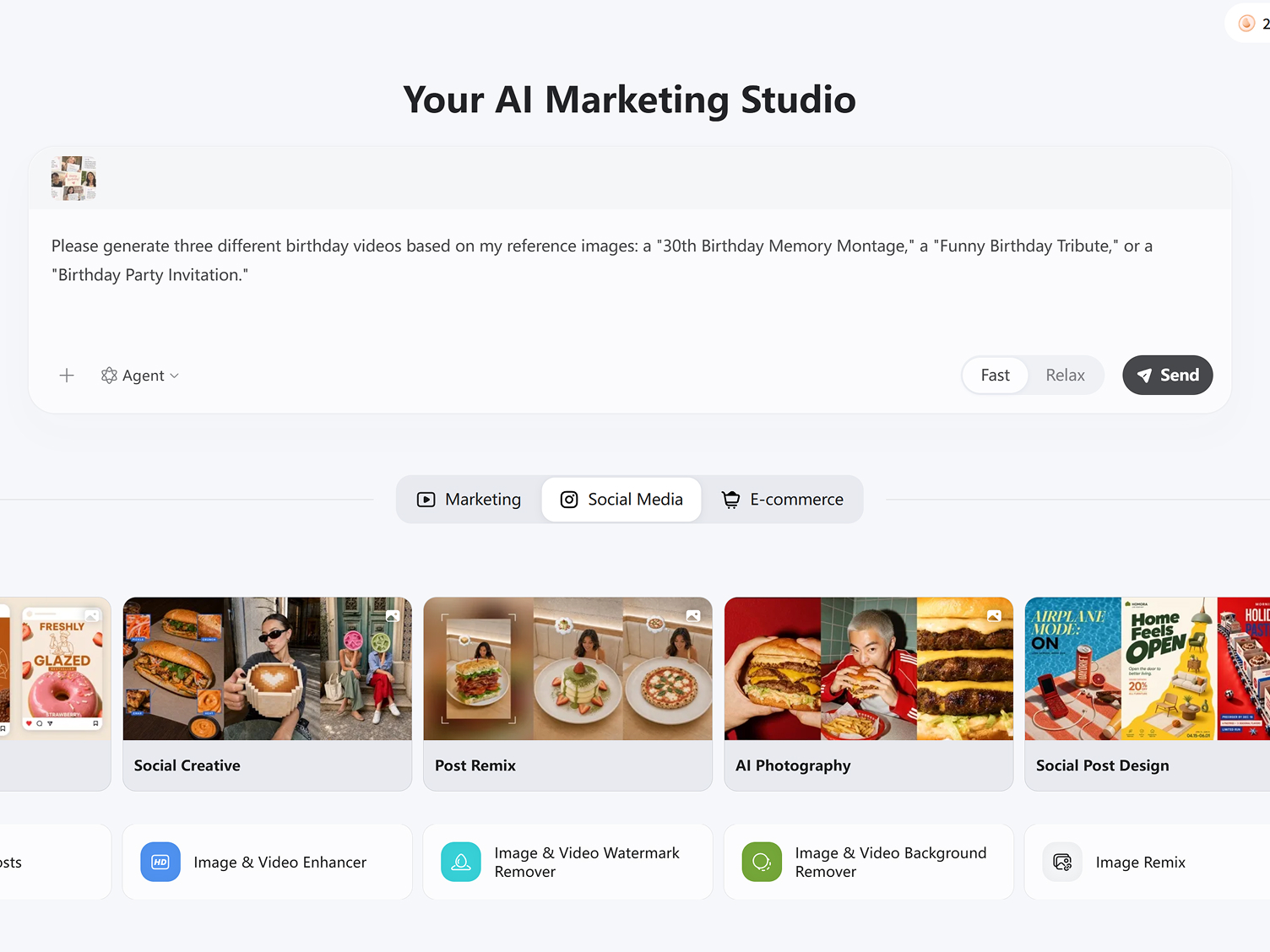
Preview It and Send Celebration
Use the finished birthday video as a private greeting, surprise contribution, party invitation, social post, or shared family memory.
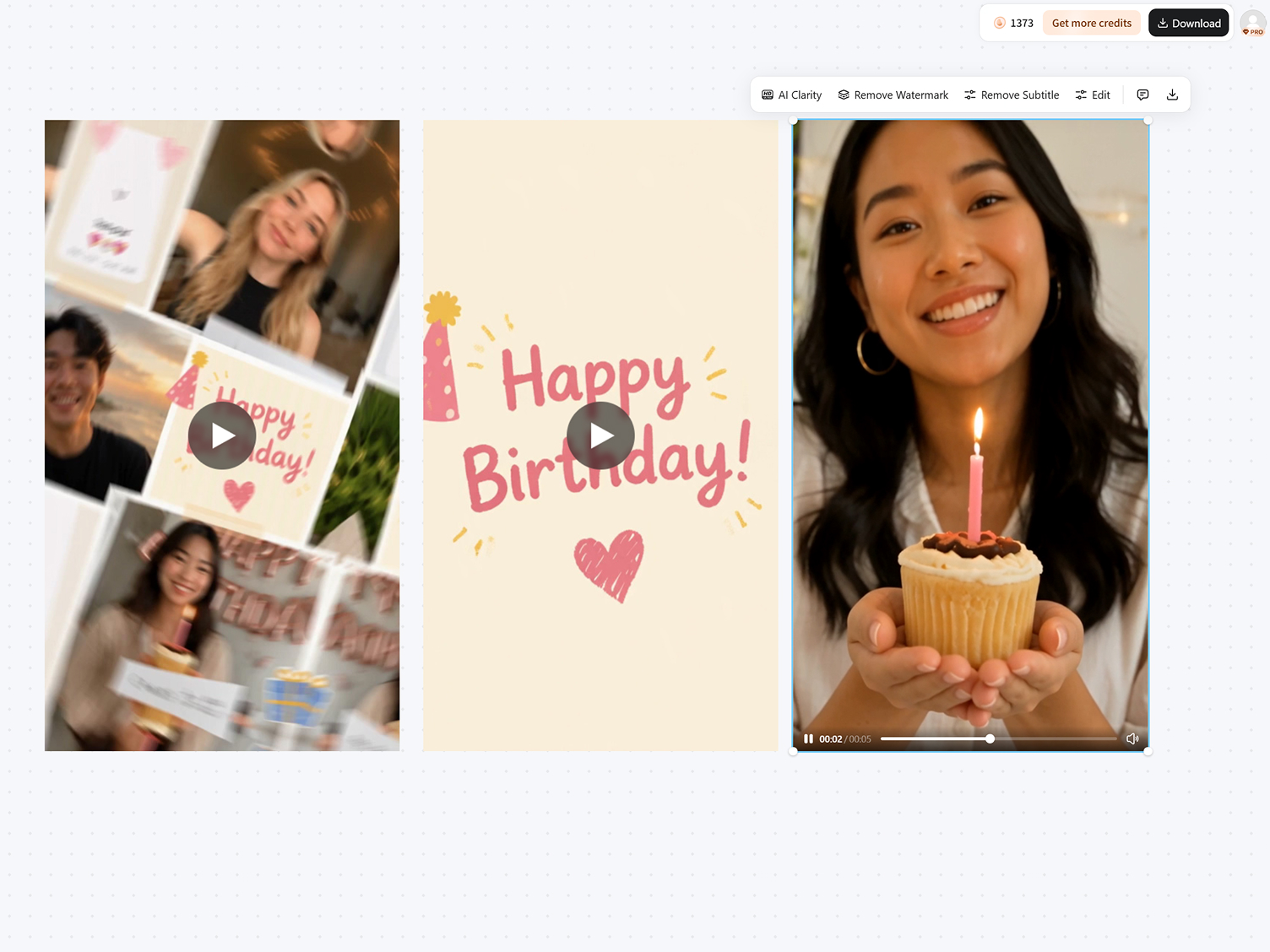
What Makes Designkit's Birthday Video Maker Different
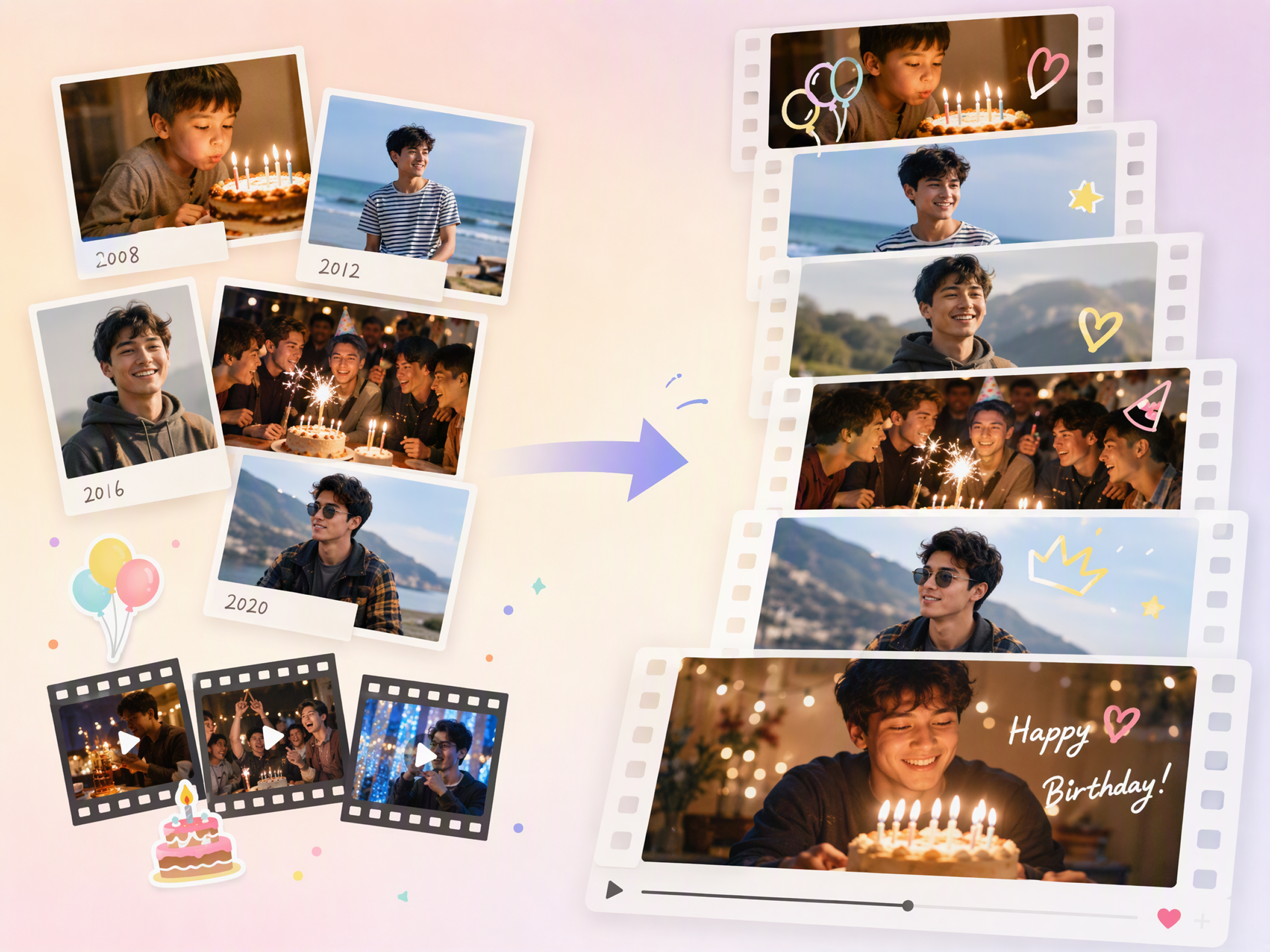
Turn Your Collection of Memories Into a Birthday Story
Bring photos, short clips, messages, and meaningful moments together into one birthday story instead of sharing them separately. Designkit helps arrange your memories into a connected video with scene transitions, text, music direction, and visual pacing. Use an online birthday video maker to turn a collection of personal moments into a celebration video that feels like a story.
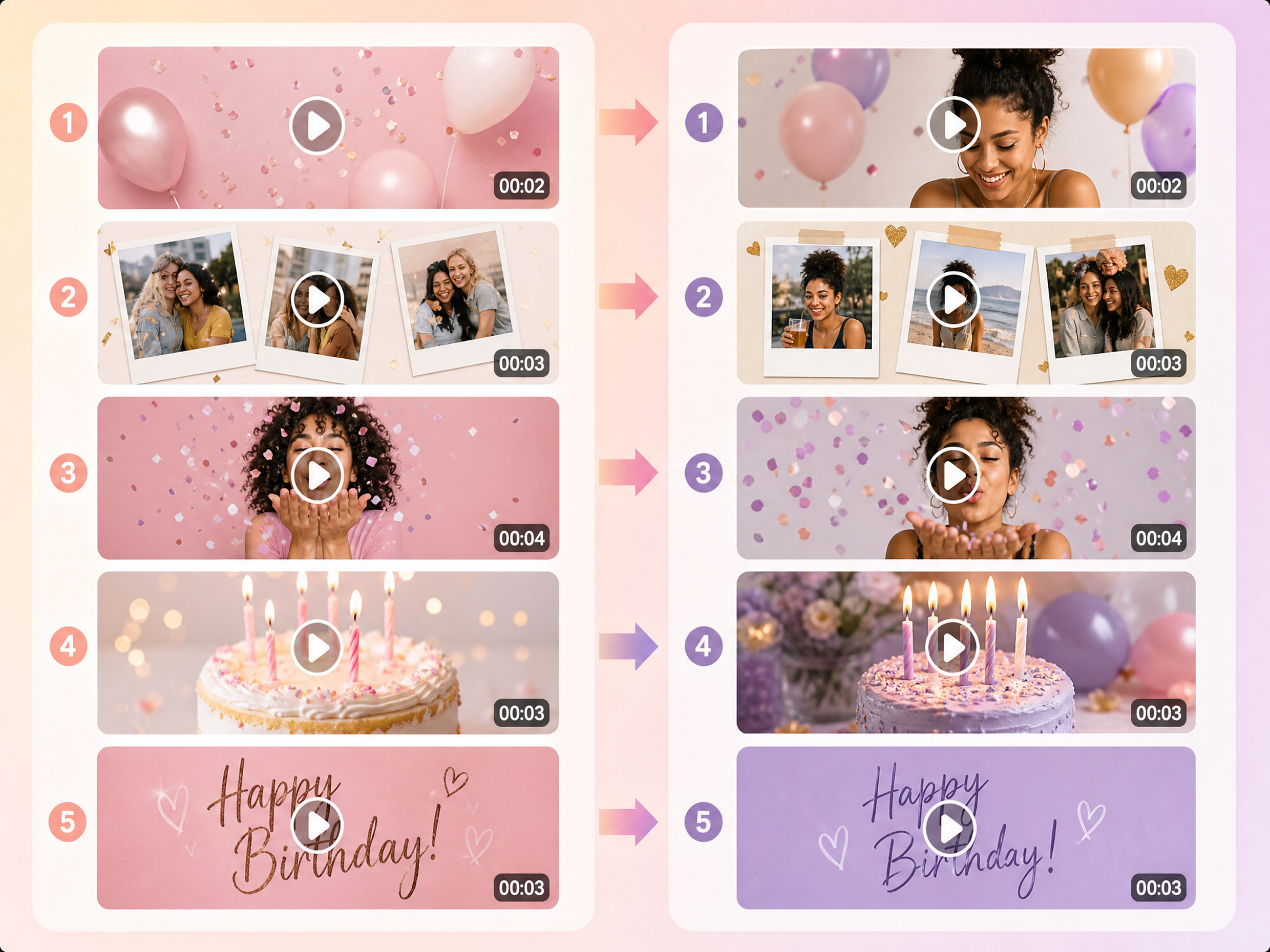
Recreate a Birthday Video Style You Already Love
Use a birthday video you like as a creative reference and recreate its overall format for your own celebration. Explore its pacing, scene flow, transitions, and visual structure while replacing the original content with your photos and messages. Designkit supports AI viral video generator workflows for adapting familiar trending formats into a birthday video that matches your own story.
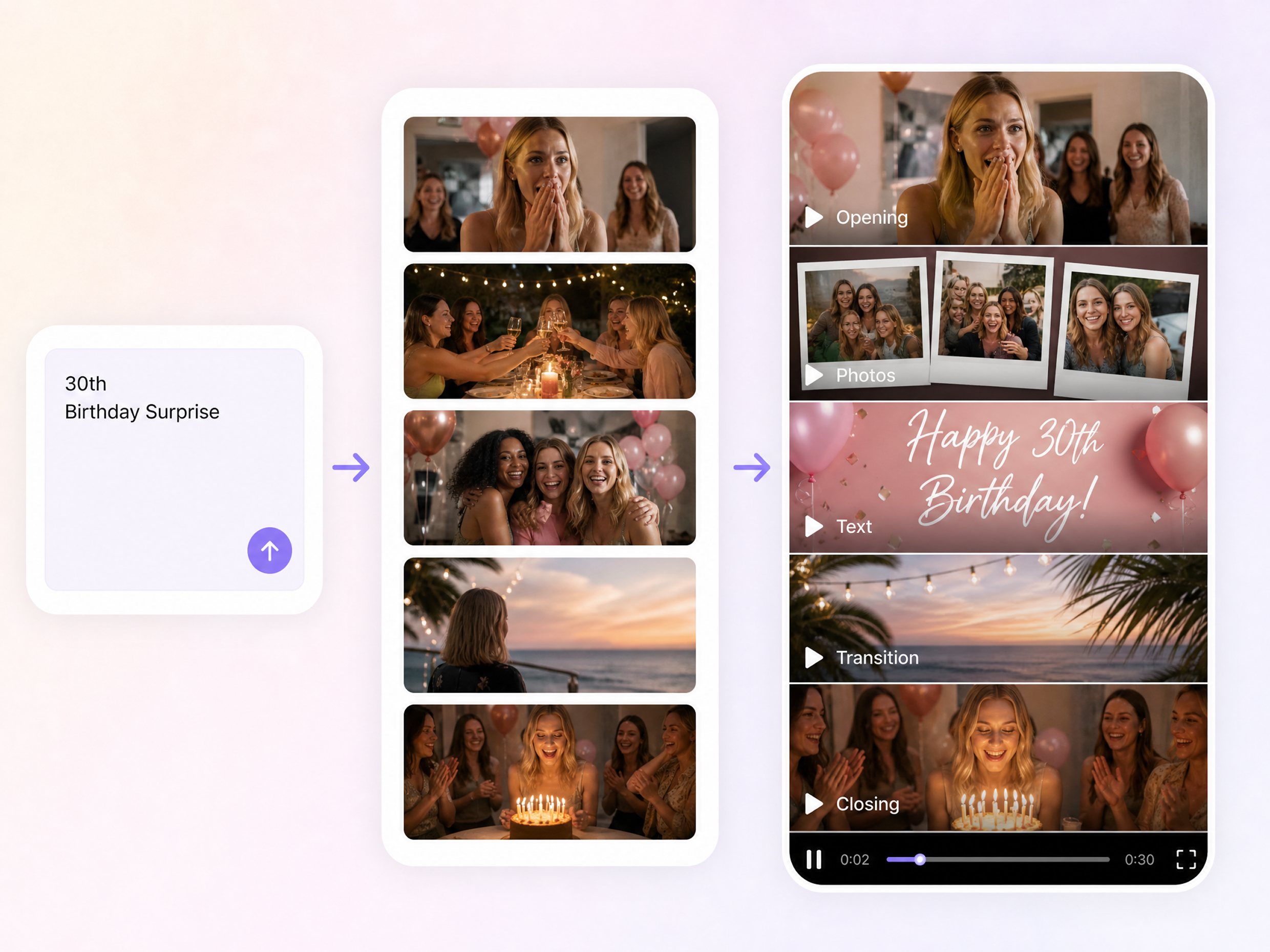
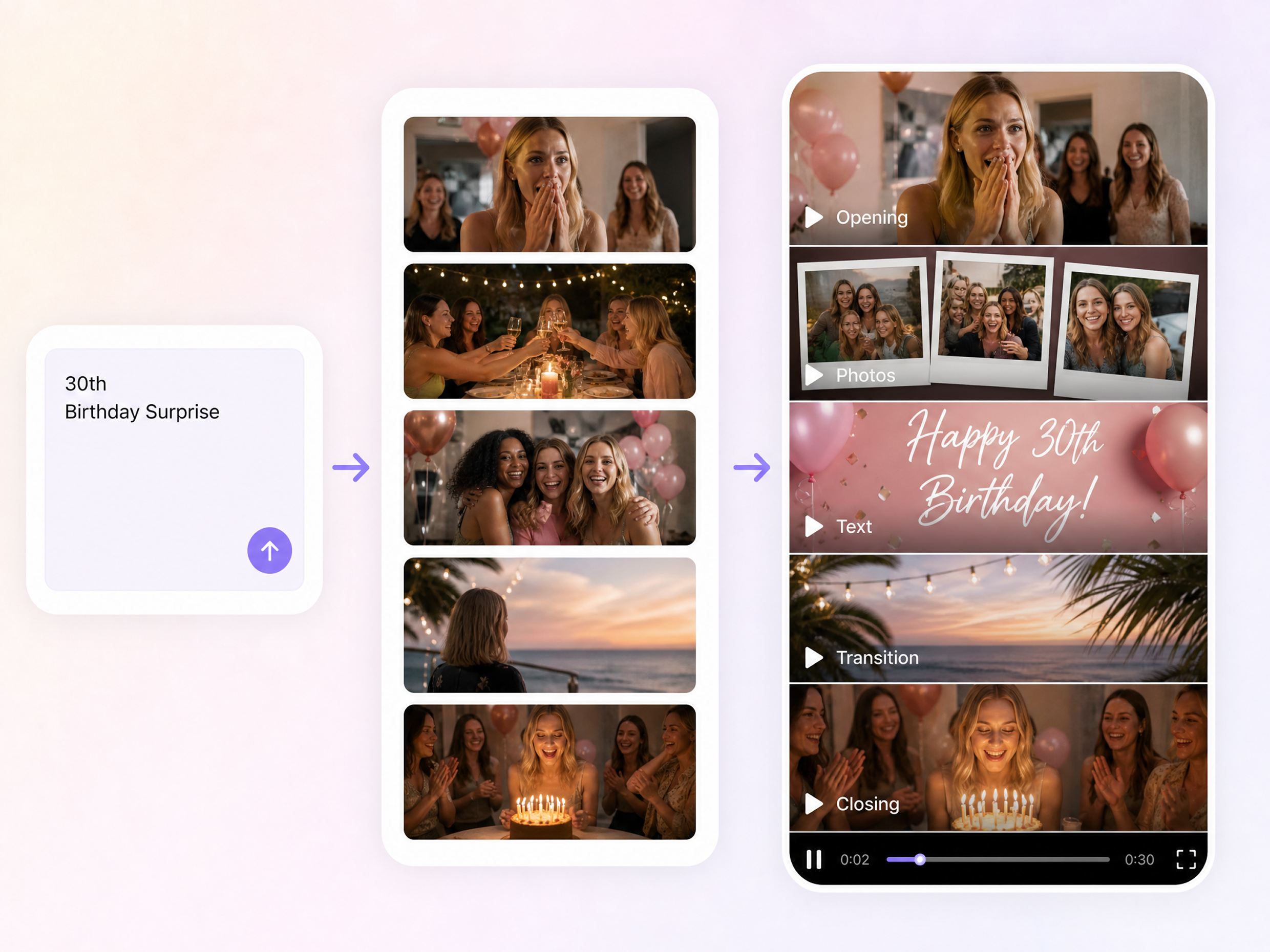
Turn a Birthday Idea Into a Full Celebration Video
Start with a simple birthday concept, such as a surprise greeting, memory montage, party invitation, or tribute, and develop it into a complete video. Designkit uses AI video generation to help turn your idea into scenes with a visual sequence, text, transitions, and supporting elements, so you can move from a rough concept to a finished birthday video without planning every scene manually.
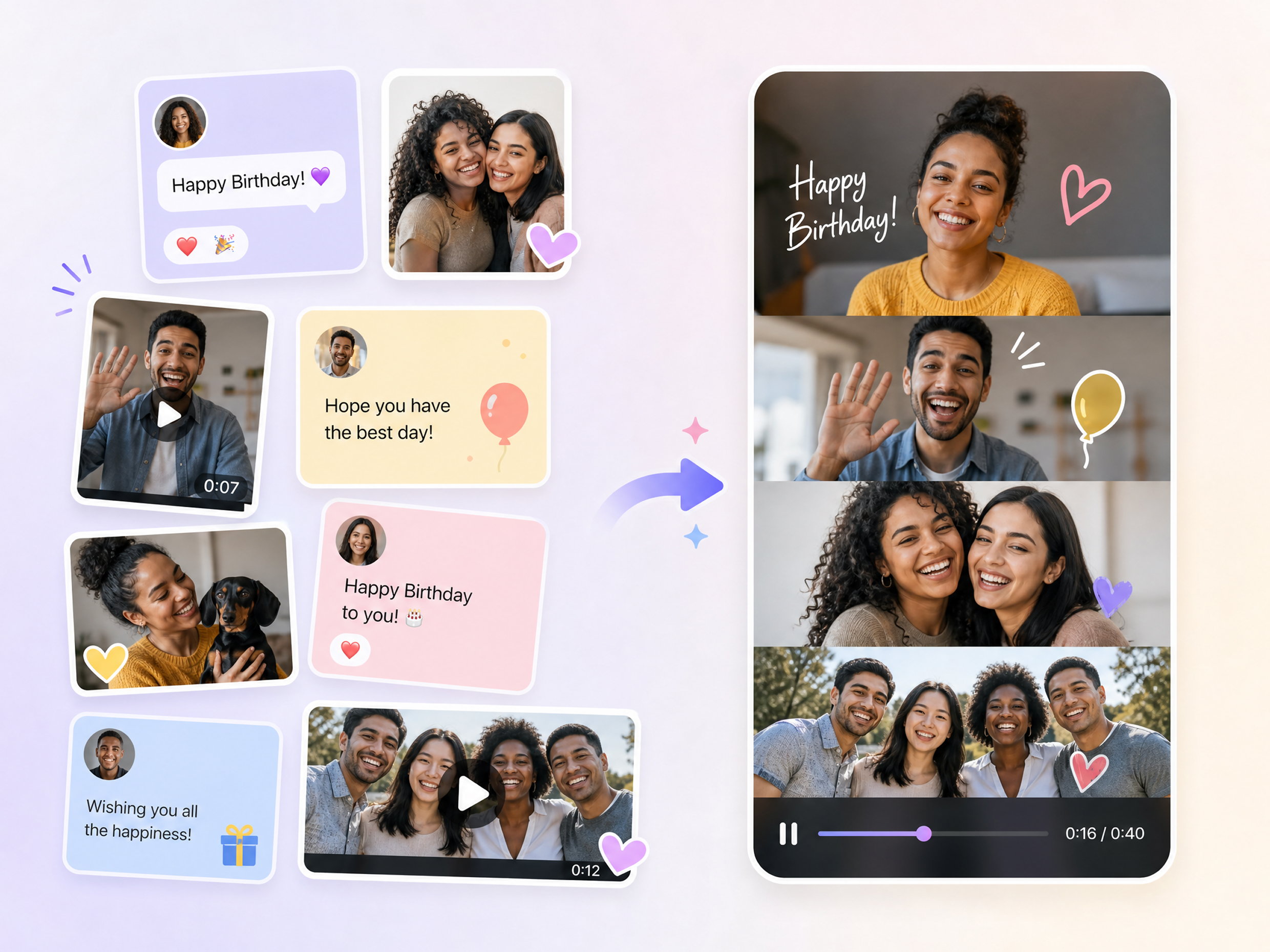
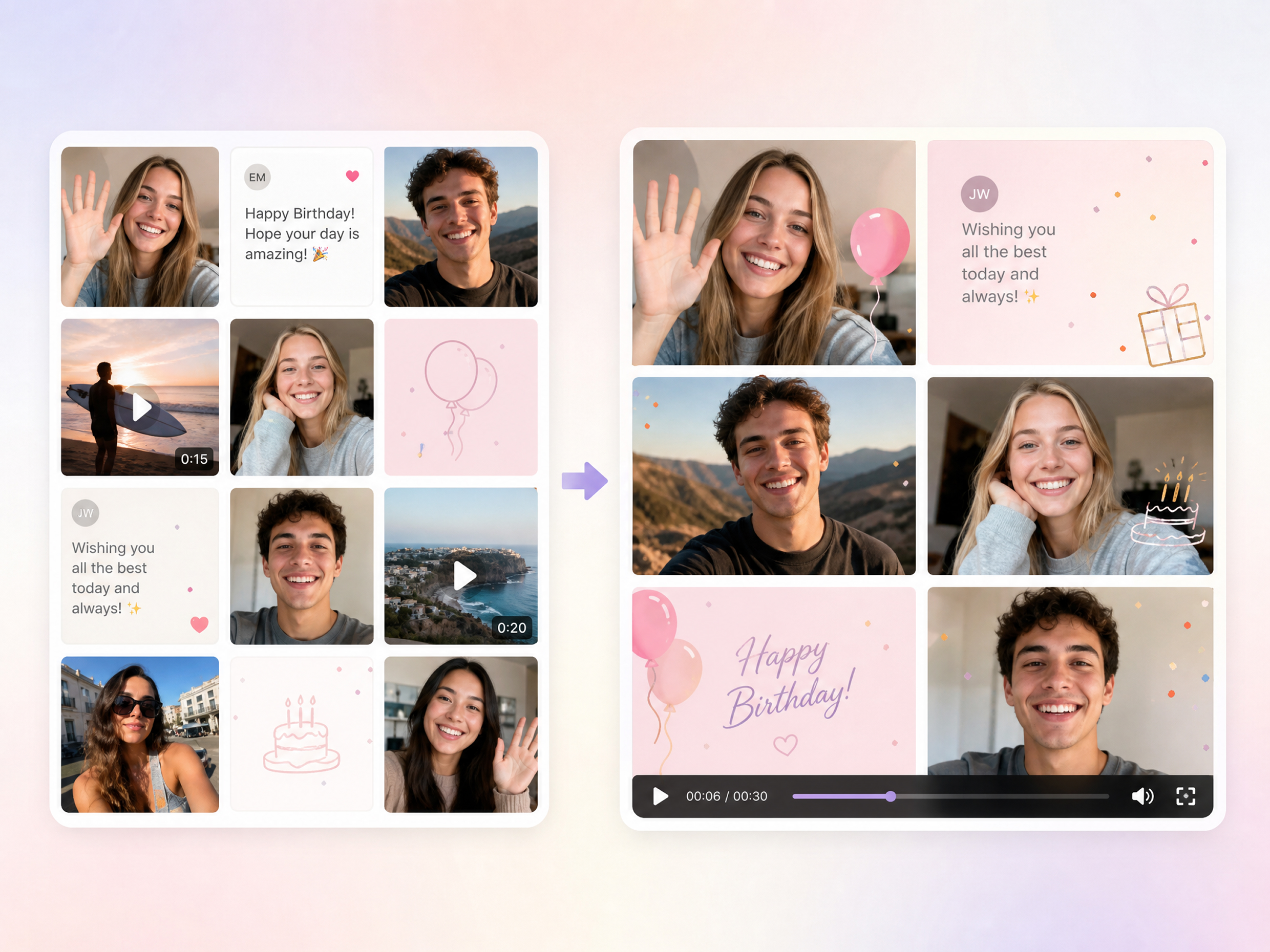
Compile Birthday Messages You Already Collected
Bring together birthday wishes from friends, family members, classmates, or colleagues and turn them into one shared greeting. Designkit can help organize written messages, photos, and video clips into a structured sequence with transitions and text placement. Create a video birthday greeting that gives everyone a place in the celebration instead of sending each message separately.
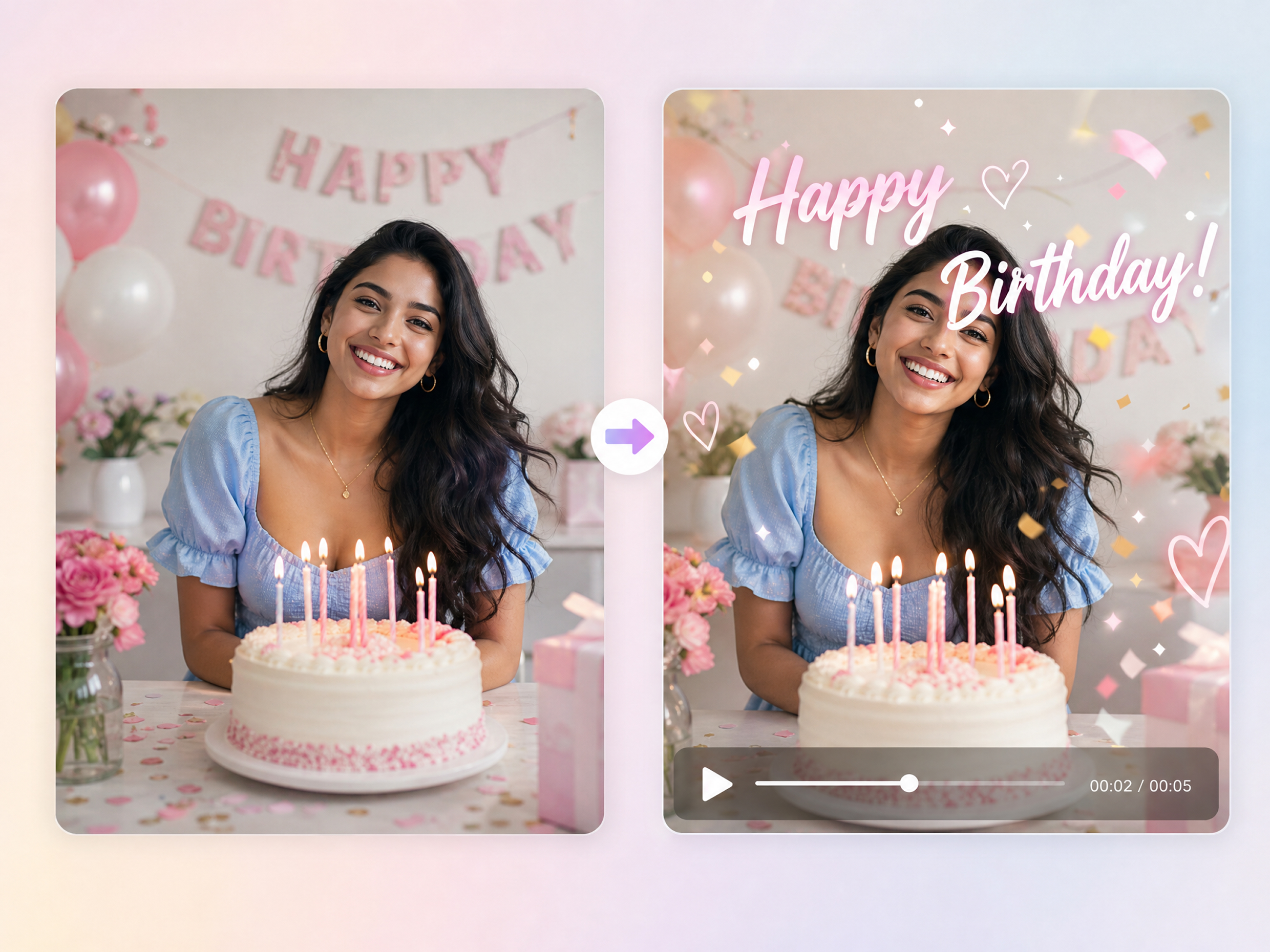
Bring a Favorite Birthday Photo to Life With Motion
Give a meaningful birthday photo more movement and personality instead of leaving it as a static image. Designkit can help animate a favorite portrait or memory with motion, scene effects, and visual transitions while keeping the original moment recognizable. Create a happy birthday animation video from one photo when you want to turn a simple memory into a more engaging birthday surprise.
Create Birthday Videos for the People and Moments That Matter
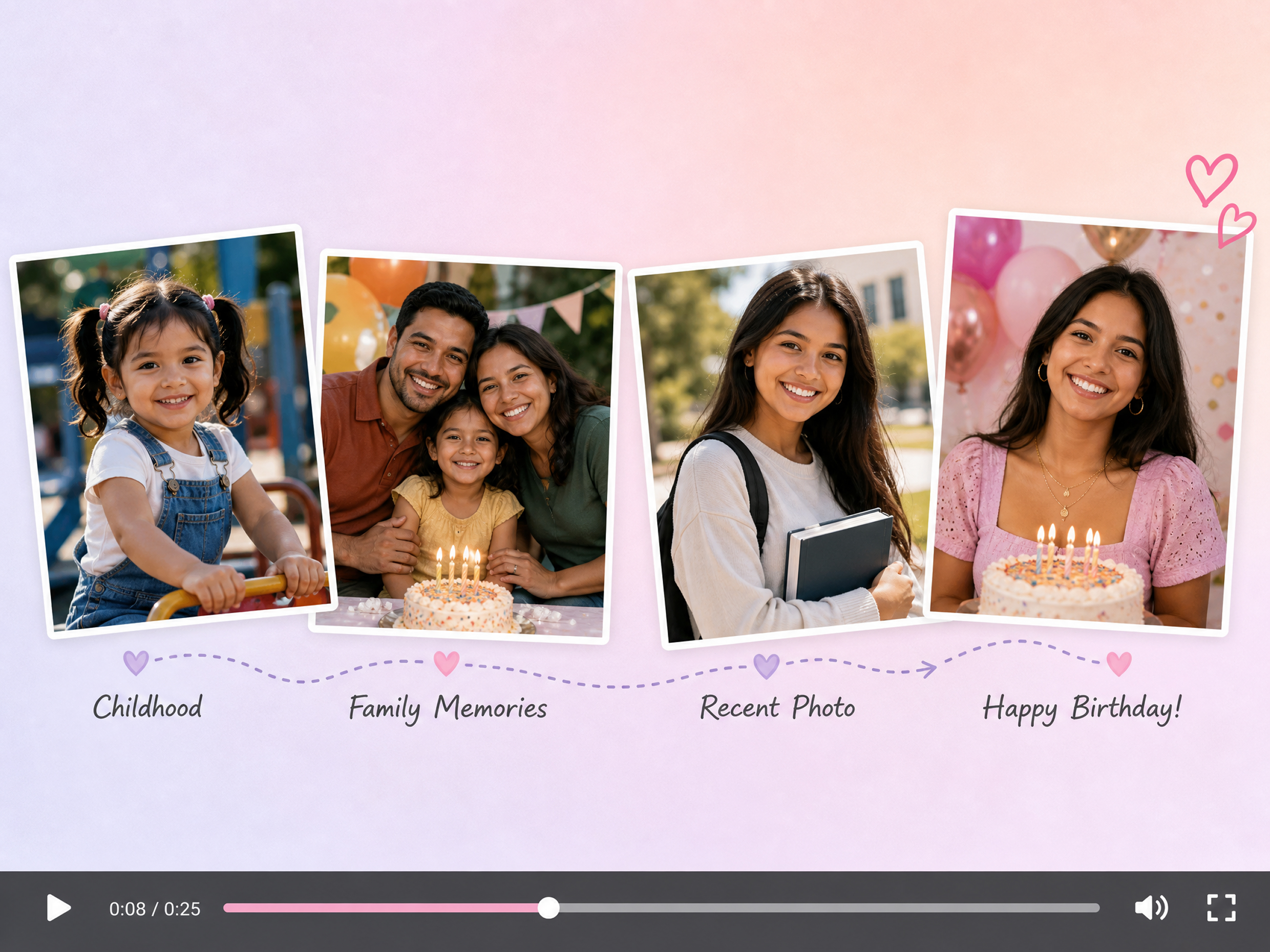
Turn Years of Photos Into a Birthday Memory Video
Turn family photos and video clips into a birthday memory video that celebrates a parent's milestone, a child's growing years, or a partner's special day. Add music, heartfelt messages, and favorite moments to create a birthday video montage that brings cherished memories together.
Unlock More Creative Possibilities for Your Celebration
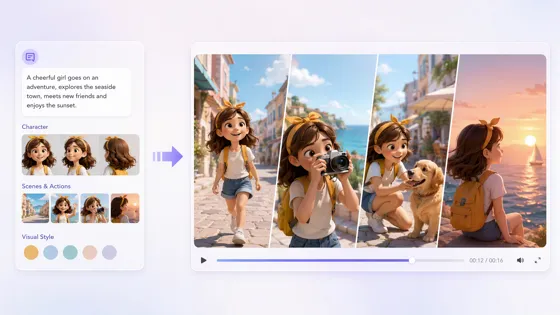
AI Animation Generator
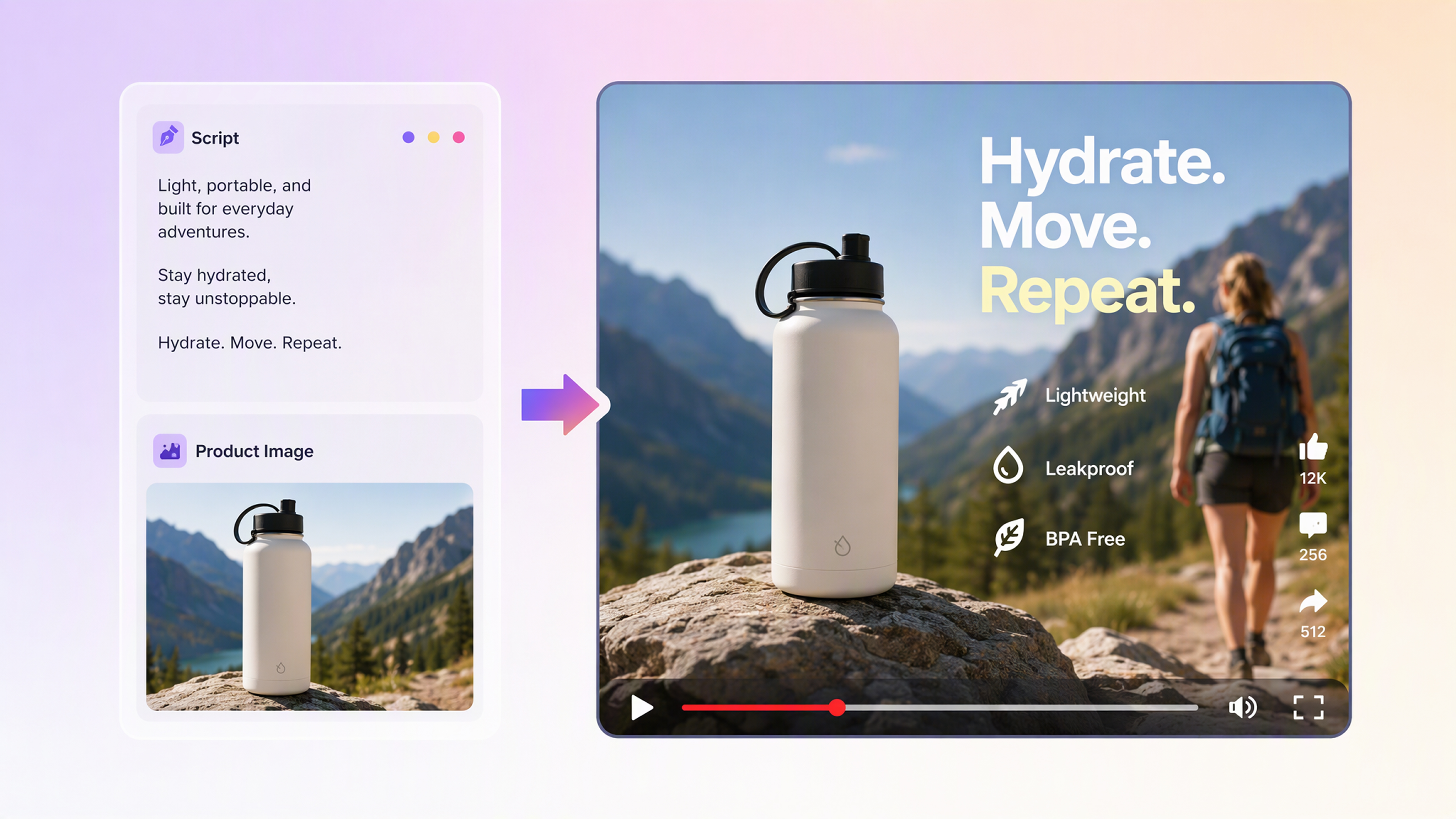
Faceless Video Maker
Instagram Video Maker
TikTok Video Maker
Frequently Asked Questions
How do I make a birthday video with photos and music?
How long should a birthday video be?
A birthday video can be anywhere from 15 seconds to several minutes, depending on how many memories or messages you want to include. Short videos work well for social media, while longer ones can tell a fuller story. Designkit lets you develop different video lengths and structures, helping you decide which moments, messages, and visuals deserve space in the final celebration video.
Can old or low-quality photos still work in a birthday video?
Yes, old or low-quality photos can still work if they capture meaningful memories. You can improve their clarity before adding them to the video with old photo restoration. Designkit can then help turn those improved images into a birthday sequence, adding movement, transitions, text, and visual effects so older memories feel more suitable for a modern video.
How do I make a video birthday greeting for a friend?
Start with photos, short clips, and memories that represent your friendship, then add a personal birthday message and music that suits the occasion. Designkit helps you combine these materials into a structured greeting with arranged scenes, text overlays, transitions, and visual effects. You can shape the video around your friend's personality, shared memories, and the message you want to deliver.
Is there a free birthday video maker online?
Yes, some online tools provide free credits or limited free options for creating birthday videos. Look for features that support photos, music, text, transitions, and customizable scenes. Designkit lets you start with your own birthday idea or uploaded assets, generate a video concept, adjust the creative direction, and explore the result with available free credits before deciding on your final version.
How do I share a birthday video on Instagram, WhatsApp, or Facebook?
Export the finished video in a format suitable for the platform, then upload it as a post, Story, Status, or message. For how to create birthday video on Facebook, consider the placement and aspect ratio before exporting. Designkit helps prepare birthday video concepts for different social placements, letting you adjust the format, visuals, and content, so the finished video is easier to share across platforms.
Send a Birthday Video Before the Day Gets Away
Try Designkit with free credits. Upload a few photos and your message, then send a greeting that feels made for them.
Why Make Birthday Videos With Designkit
No Complex Timeline Editing Skills Needed
Create a birthday video without manually arranging every clip or learning timeline editing. Designkit AI video enhancer handles the structure while you focus on photos and message.
Built Around Their Photos, Not Stock Templates
Use personal photos, memories, and messages instead of relying on generic stock templates. Designkit helps turn those moments into a birthday video that feels personal.
Try Birthday Video Creation With Free Credits
Explore birthday video ideas with free credits before committing to a full project. Designkit lets you test different visual directions and create a celebration video from your own content.



How People Use Designkit Birthday Videos
Families, friends, and creators make personalized birthday videos quickly with Designkit.
A Birthday Video Made From Our Family Photos
I had a folder full of family photos from different years and wanted to put them together for my mom's birthday. I used the older pictures along with a few recent clips and added a short birthday message. Designkit helped turn everything into a birthday video that felt personal without me having to figure out the whole video structure myself.
We Turned Everyone's Birthday Messages Into One Video
A few of us wanted to make a birthday surprise for a friend who lives in another city. Everyone sent a photo, a short message, or a quick video, and I put them together in Designkit. Having everything in one birthday video made the surprise much easier to organize than sending everyone's messages separately.
A Birthday Video for a Remote Teammate
We had a coworker celebrating a birthday while working from another city, so everyone sent in a quick message or photo. I put the contributions together in Designkit and added a short birthday greeting from the team. It gave us one video we could send to the whole group instead of trying to coordinate everyone's messages separately.
A Personal Birthday Greeting for Our Customers
We wanted to send birthday greetings to a few regular customers without making every message feel like the same generic email. I used our brand details along with a simple birthday message and created short videos we could share individually. It gave us a more personal way to stay in touch while still keeping the process manageable.