
Faceless Video Generator for Stories, Shorts, and YouTube
Turn scripts, ideas, and images into faceless videos with scenes, narration, and creator-style visuals for YouTube, Shorts, UGC, and more.
How to Make a Faceless Video With Designkit
Enter Your Script, Topic, or Article
Start with a video idea, blog post, product review, educational topic, or complete script that you want to transform into a publish-ready faceless video

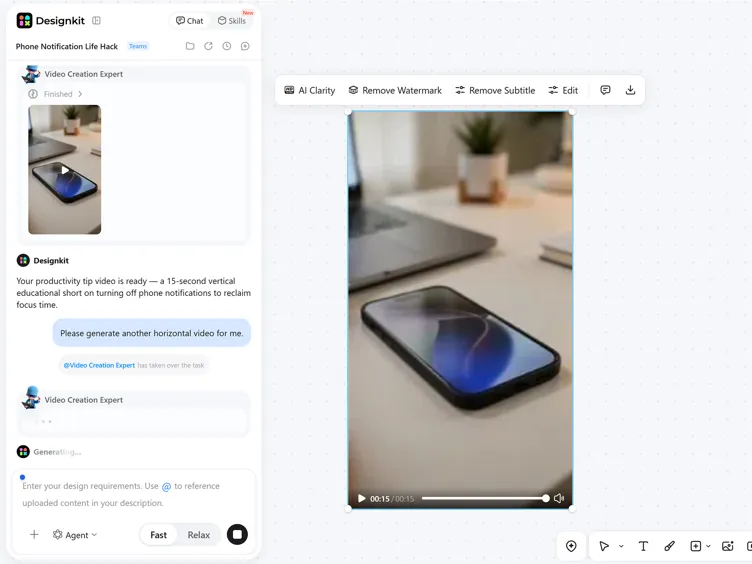
Generate Your Faceless Video
Designkit assists with script writing, scene planning, visual sequencing, model design, story flow, and retention-focused pacing based on your content and video goals.
Export and Publish Anywhere
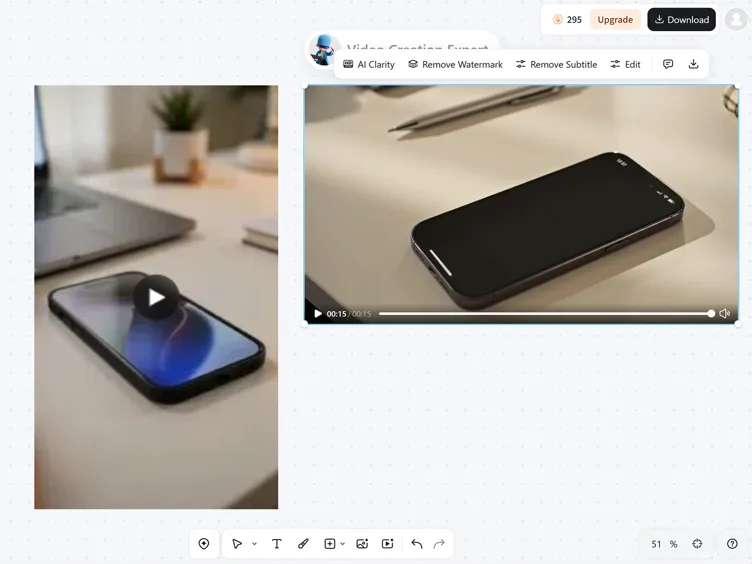
Download your finished video and publish it on YouTube, YouTube Shorts, TikTok, Instagram Reels, or other platforms without recording yourself on camera.
What Can Designkit’s Faceless Video Maker Create?
Turn a Script Into a Story, Not Just a Stock Slideshow
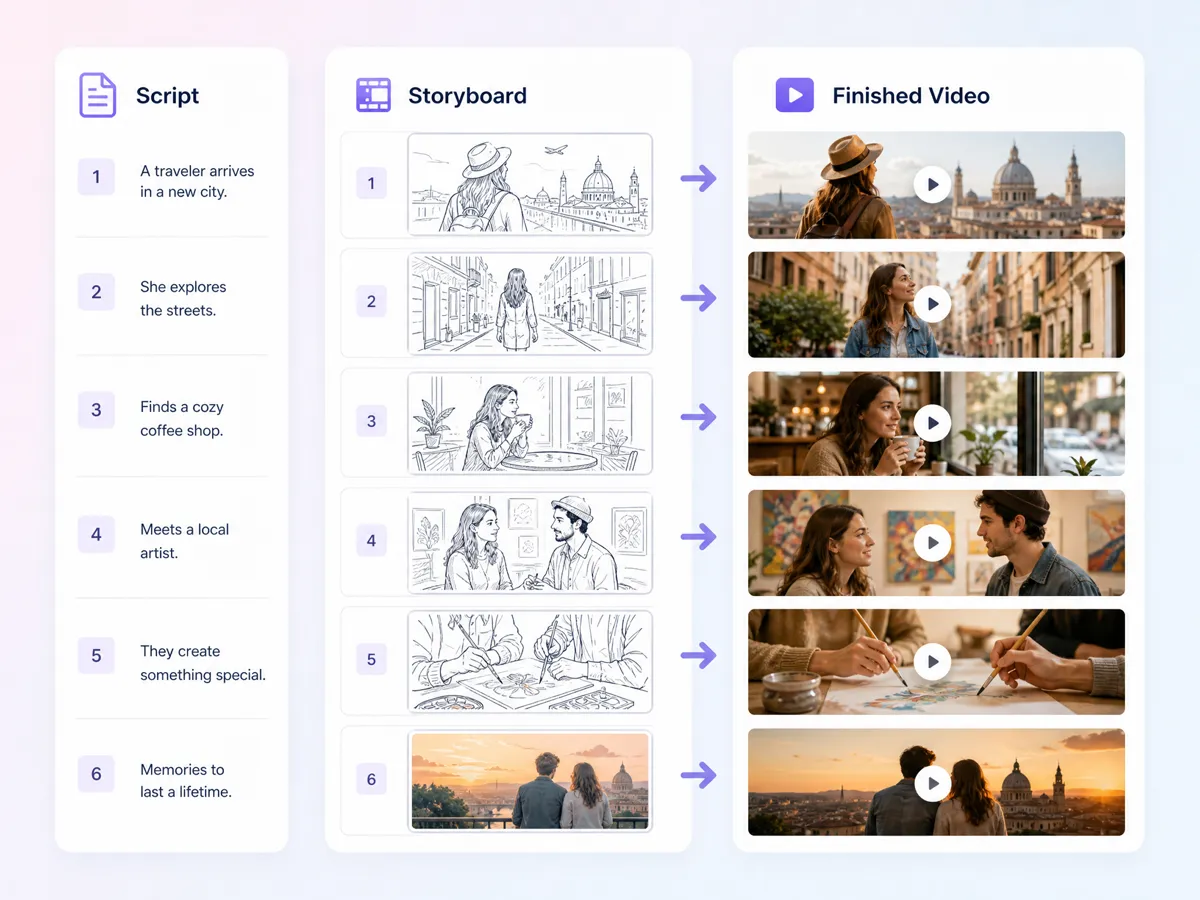
Turn a script into a sequence of scenes that supports the story instead of simply placing stock clips behind narration. Build visual moments around the topic, pacing, and message, so each section has a reason to be on screen. Designkit lets you create faceless videos from written ideas, making it useful for YouTube explainers, list videos, tutorials, and other formats where the story carries the content.

Bring Static Images and Product Assets Into Motion
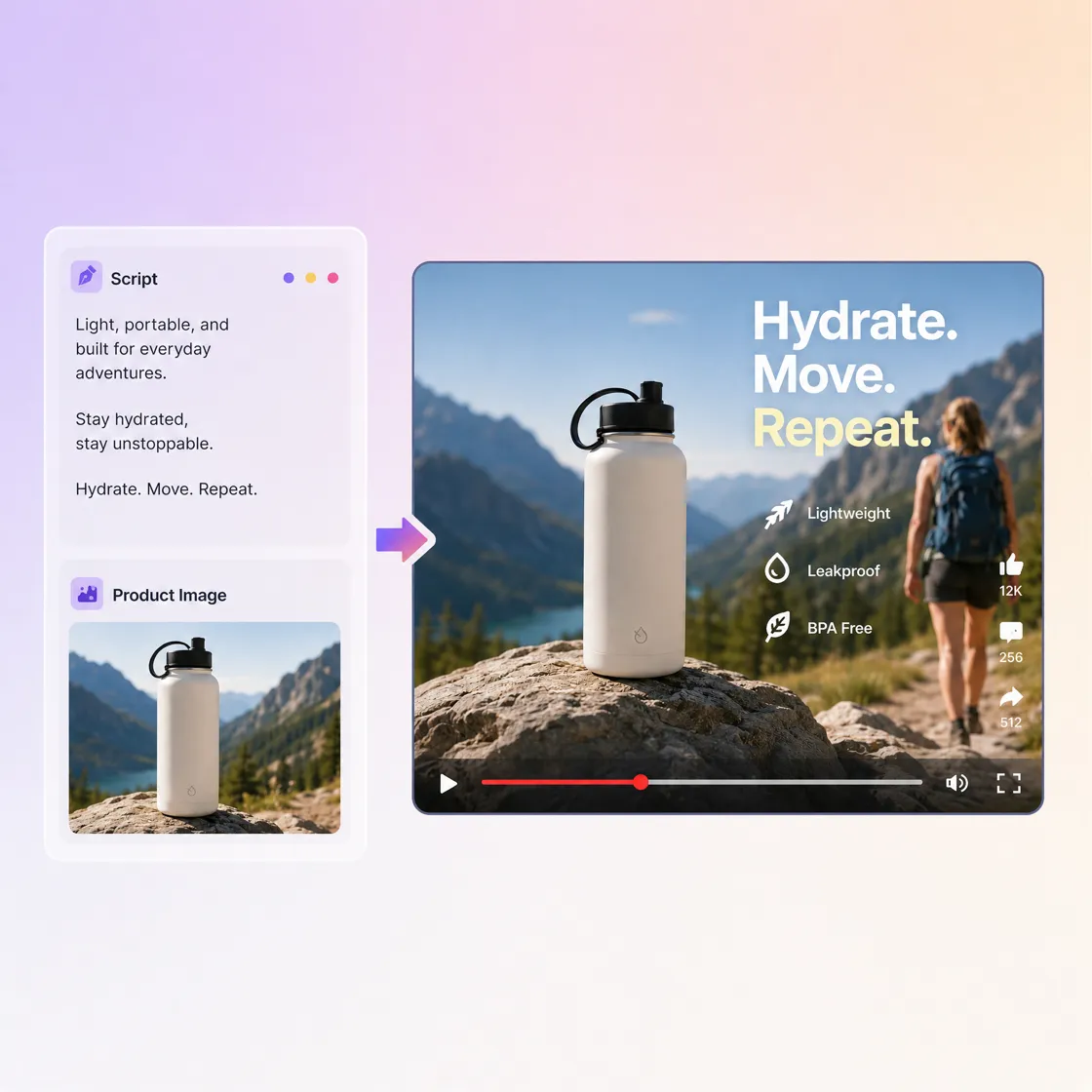
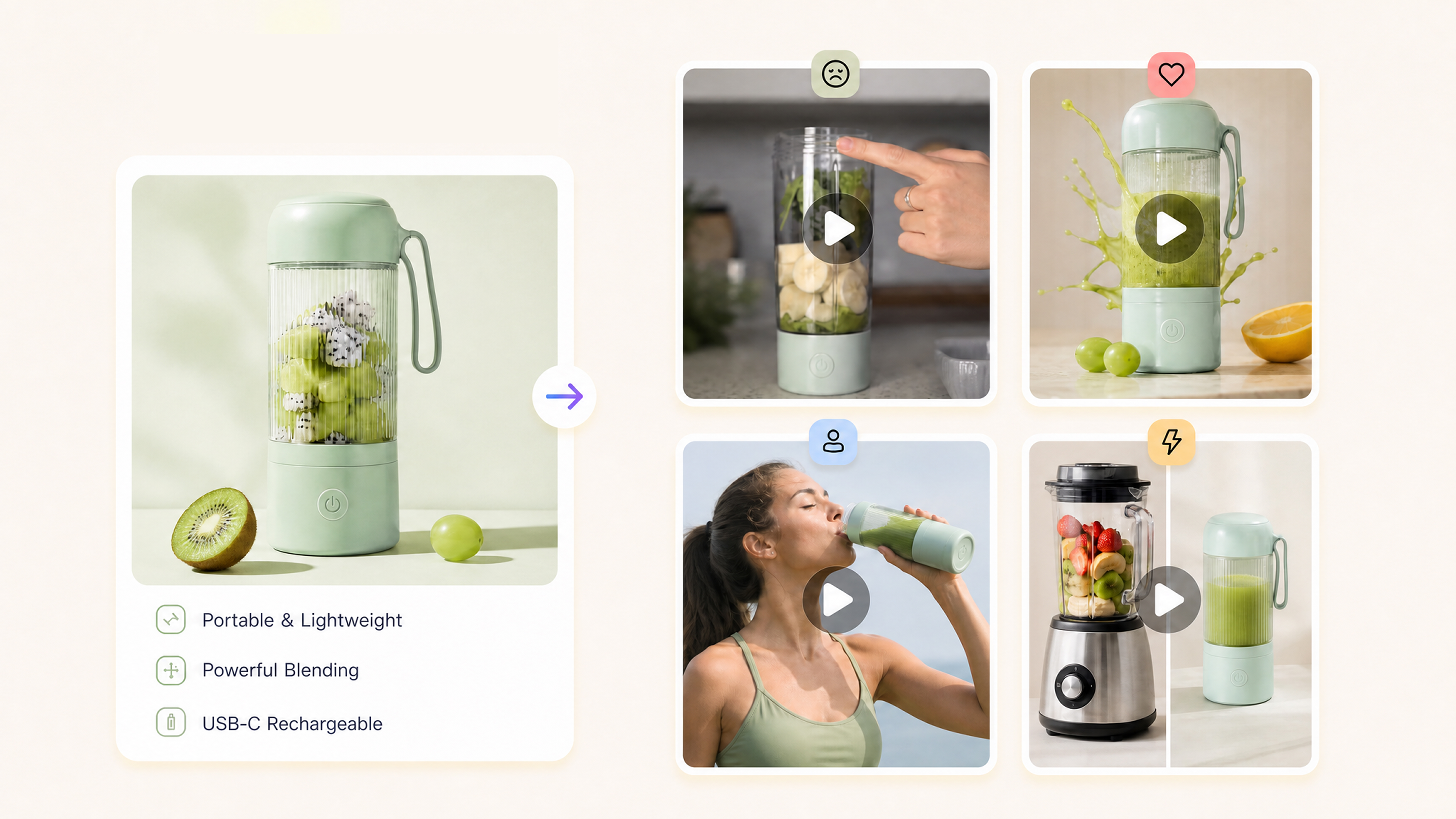
Give existing images, product photos, and other static assets a more active role in your video. Instead of displaying a product image for the entire scene, build movement and visual progression around the assets you already have. Designkit can turn these materials into faceless video content for product showcases, tutorials, social posts, and promotional videos without requiring a new camera shoot.
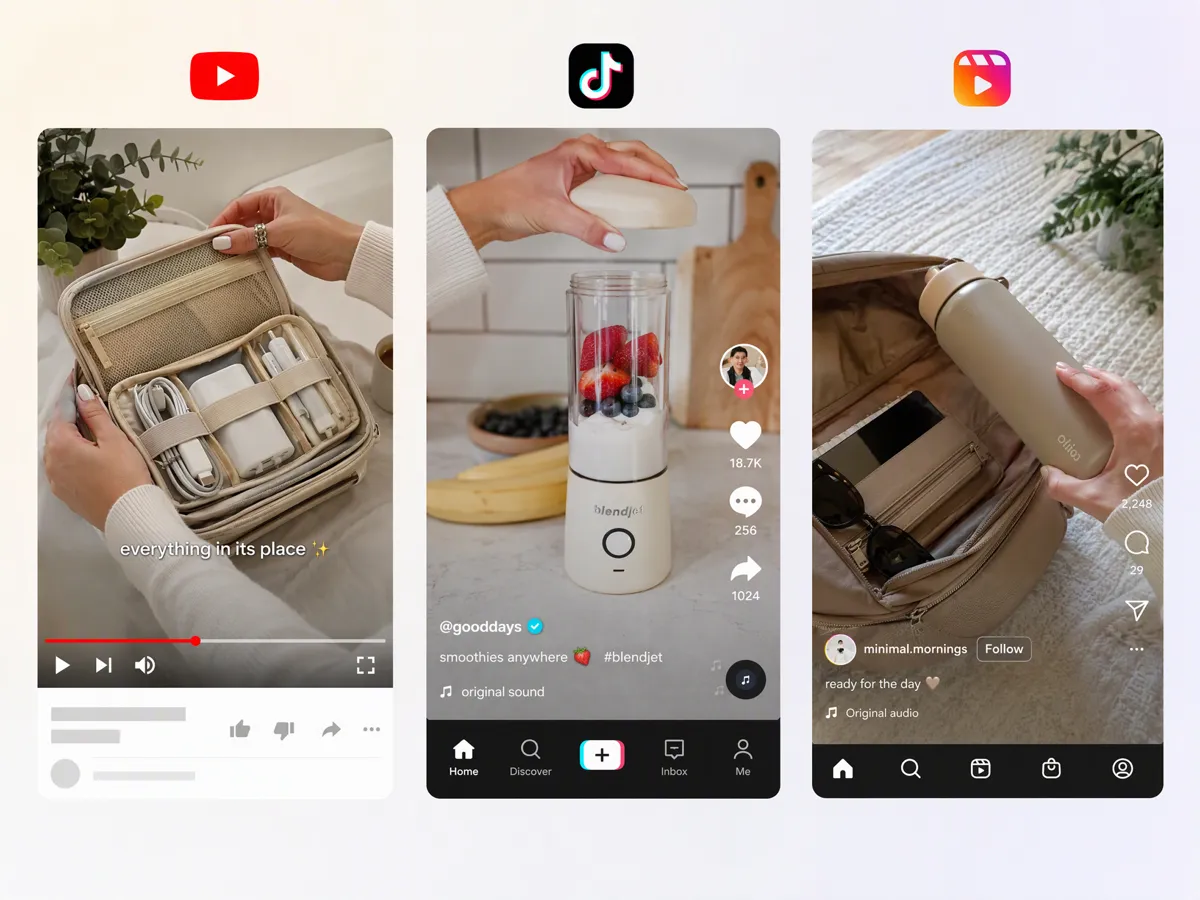
Keep Faceless Content Looking Like Creator Content
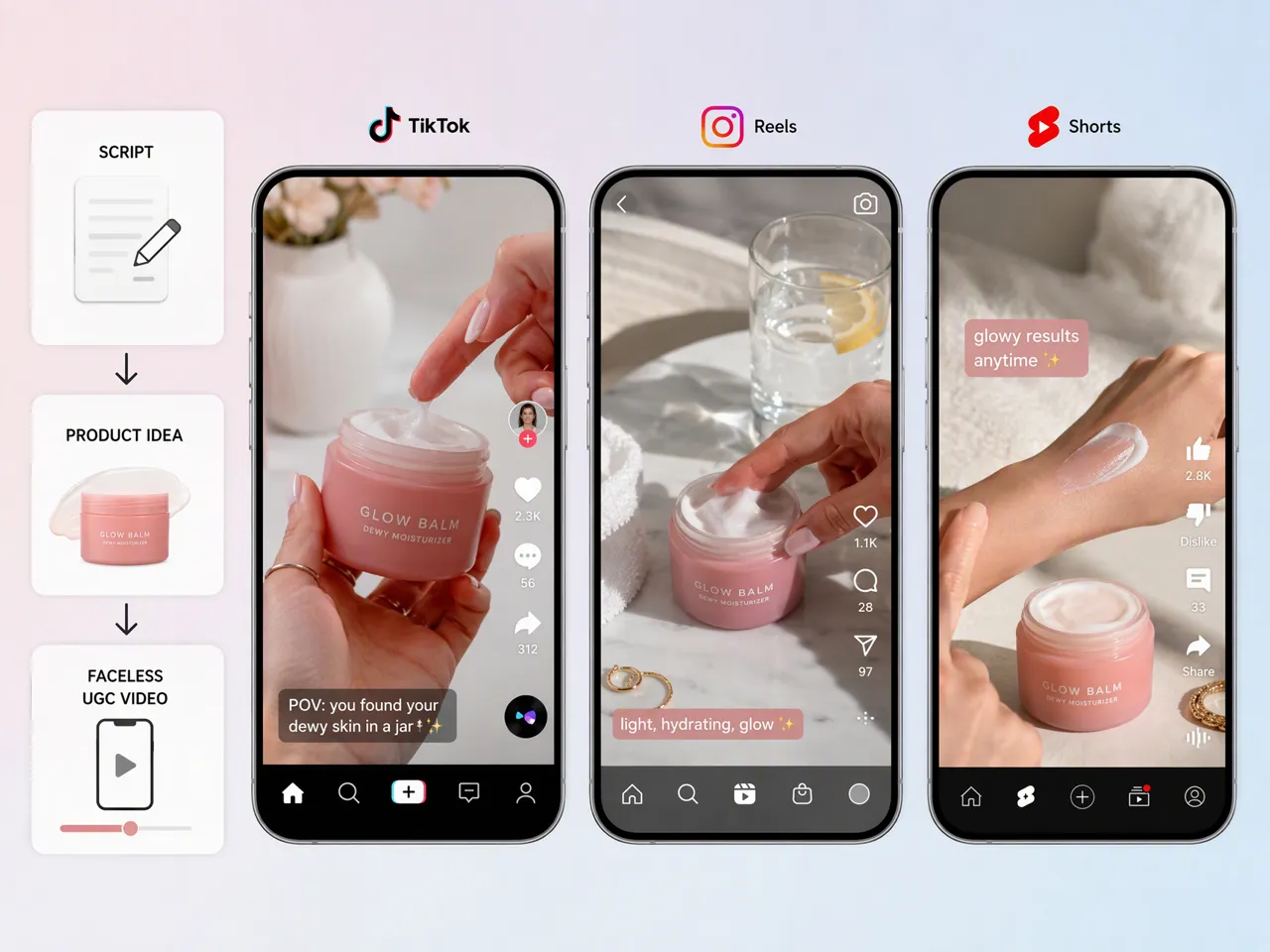
Faceless does not have to mean impersonal. Build videos with creator-style pacing, narration, product demonstrations, reactions, and visual storytelling while keeping the presenter off camera. Designkit helps you create UGC-style faceless videos that can work for social content, product promotion, and YouTube, giving you a way to capture the feel of creator content without requiring an on-screen creator.
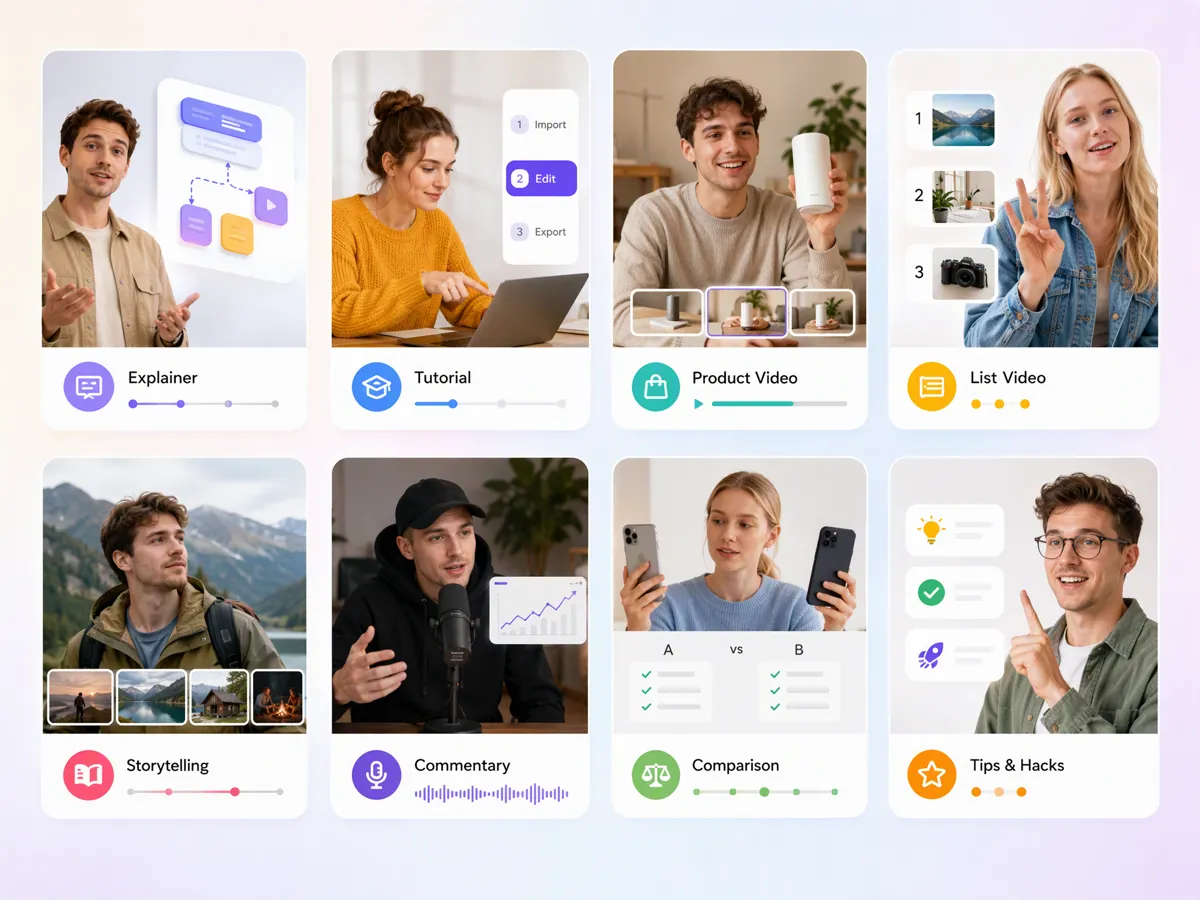
Create 8 Types of Faceless Video Content
Explore different formats instead of making every faceless video follow the same structure. Create content such as explainers, tutorials, product videos, list-style videos, storytelling content, and other formats suited to different audiences and platforms. Designkit gives you multiple directions for building faceless YouTube videos, so you can choose a format based on the topic rather than forcing every idea into one template.
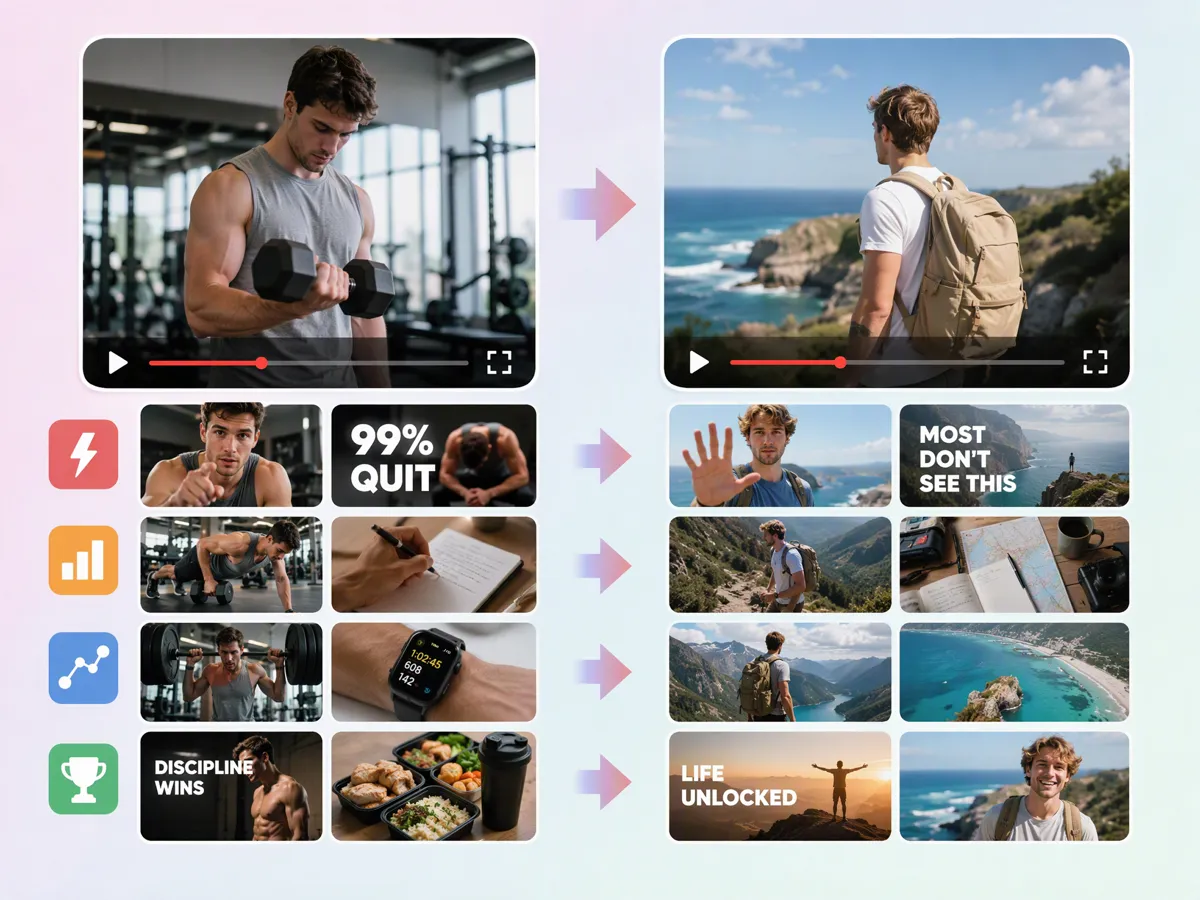
Recreate Viral Video Structure Without Showing Your Face
Use a popular video as a creative reference when you want to understand and adapt its structure without appearing on camera. Focus on elements such as the opening hook, pacing, scene progression, and storytelling pattern while creating original content. Designkit can support this process with an AI viral video generator, helping you explore viral-style formats for your own faceless videos.
Create Faceless Videos for YouTube, Social, Products, and Education
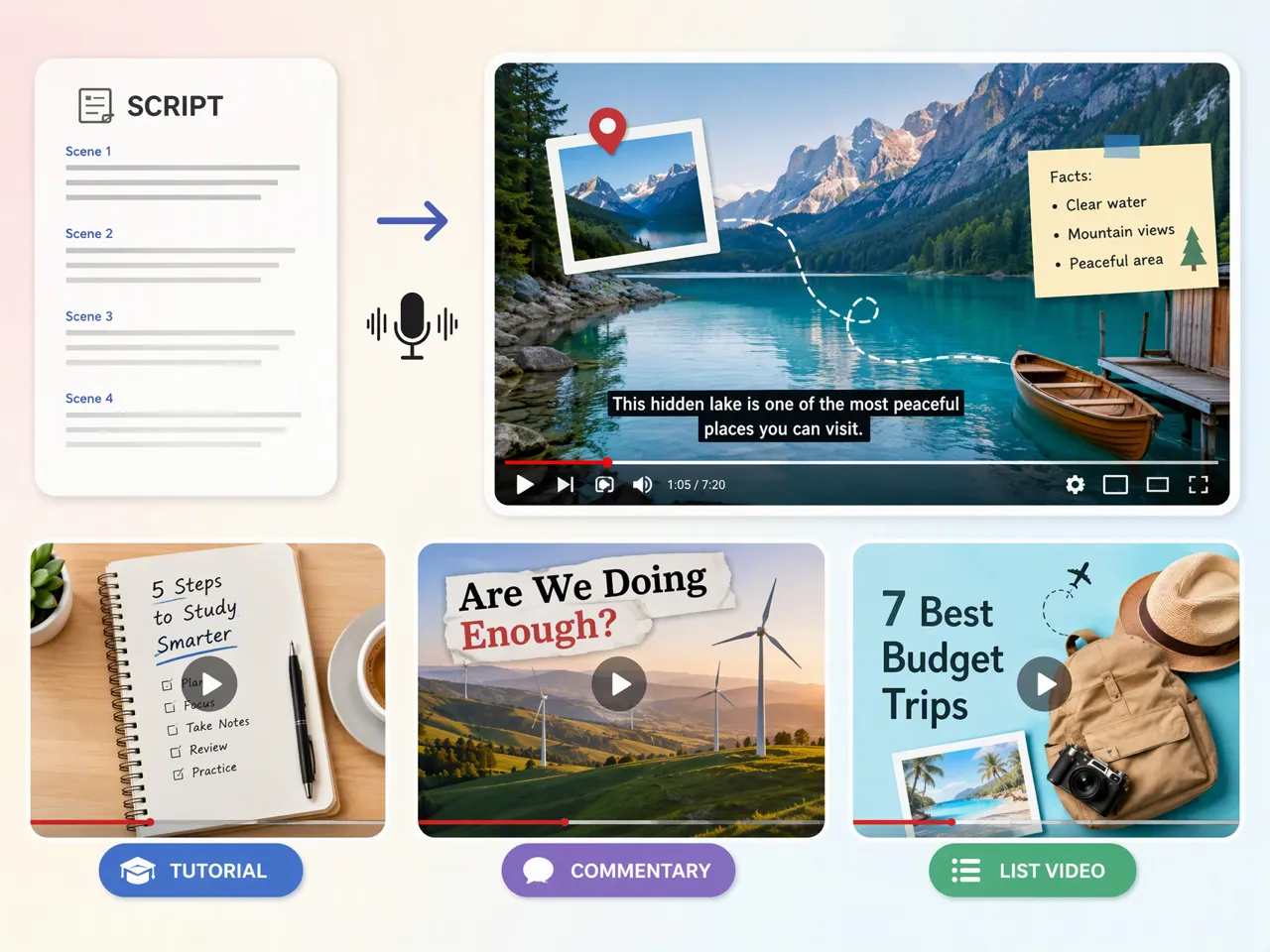
Build Narrated Videos Without Recording Yourself
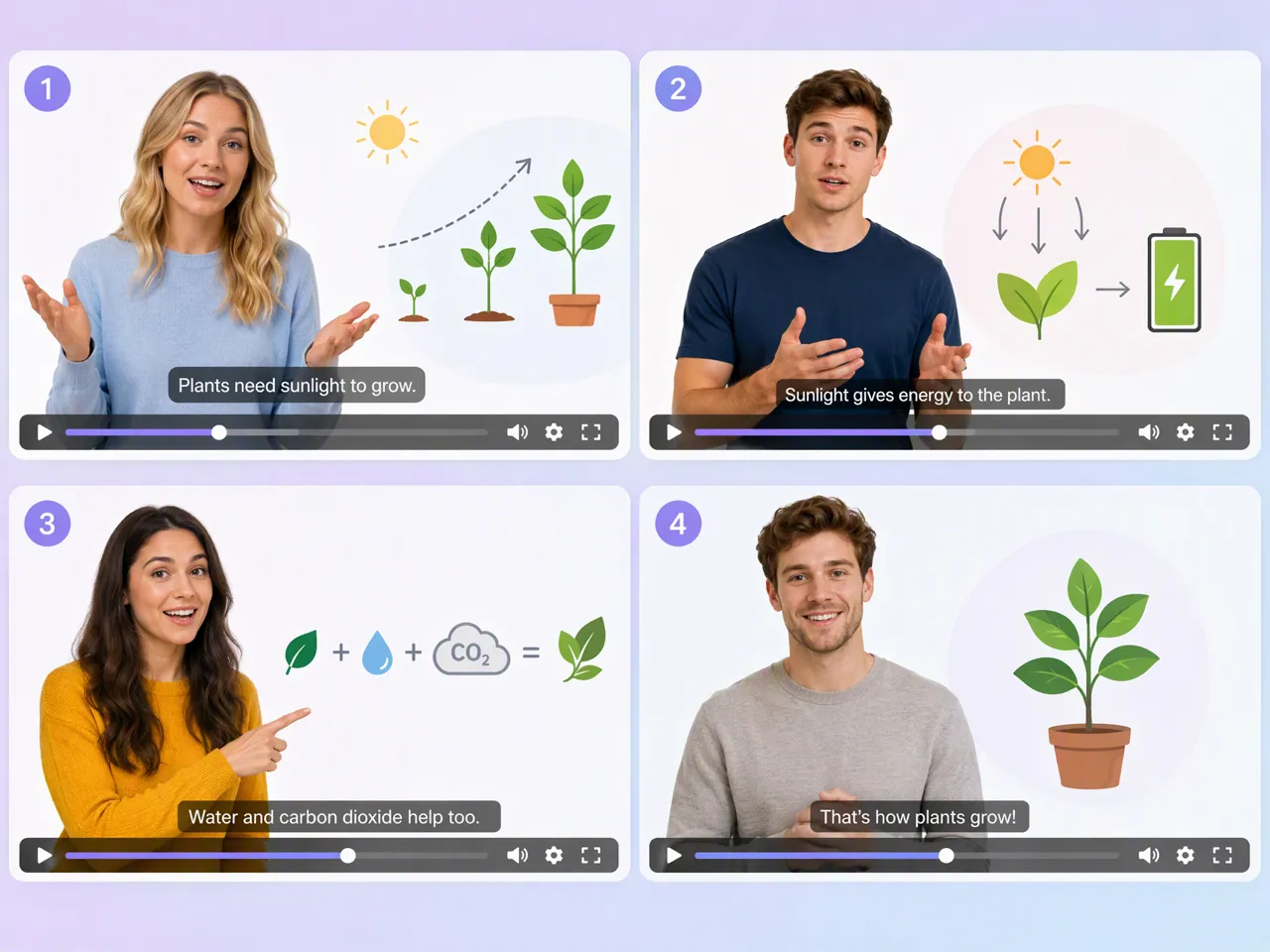
Create narrated videos without setting up a camera or recording your own voice on screen. An AI faceless video generator can turn scripts and ideas into structured videos for tutorials, commentary, lists, and other YouTube formats.

Explore More Video Creation Features
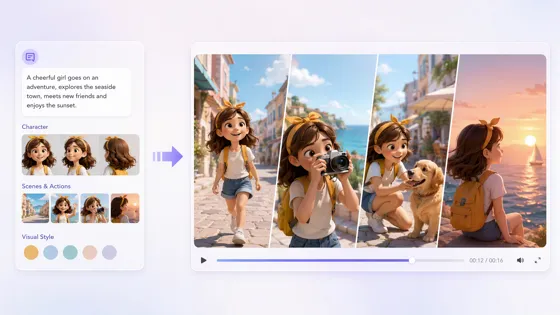
AI Animation Generator
AI Video Hook Generator
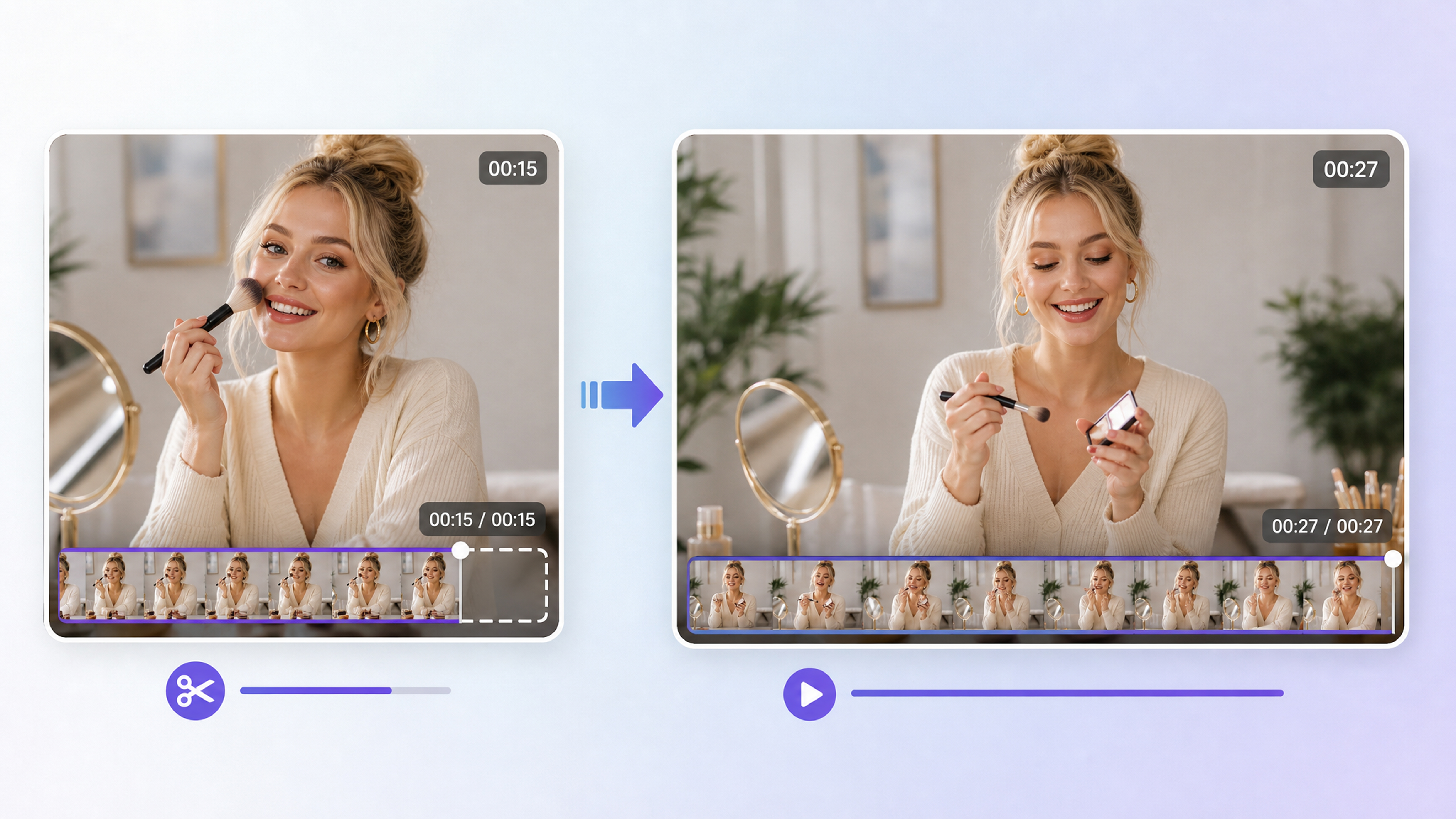
AI Video Extender
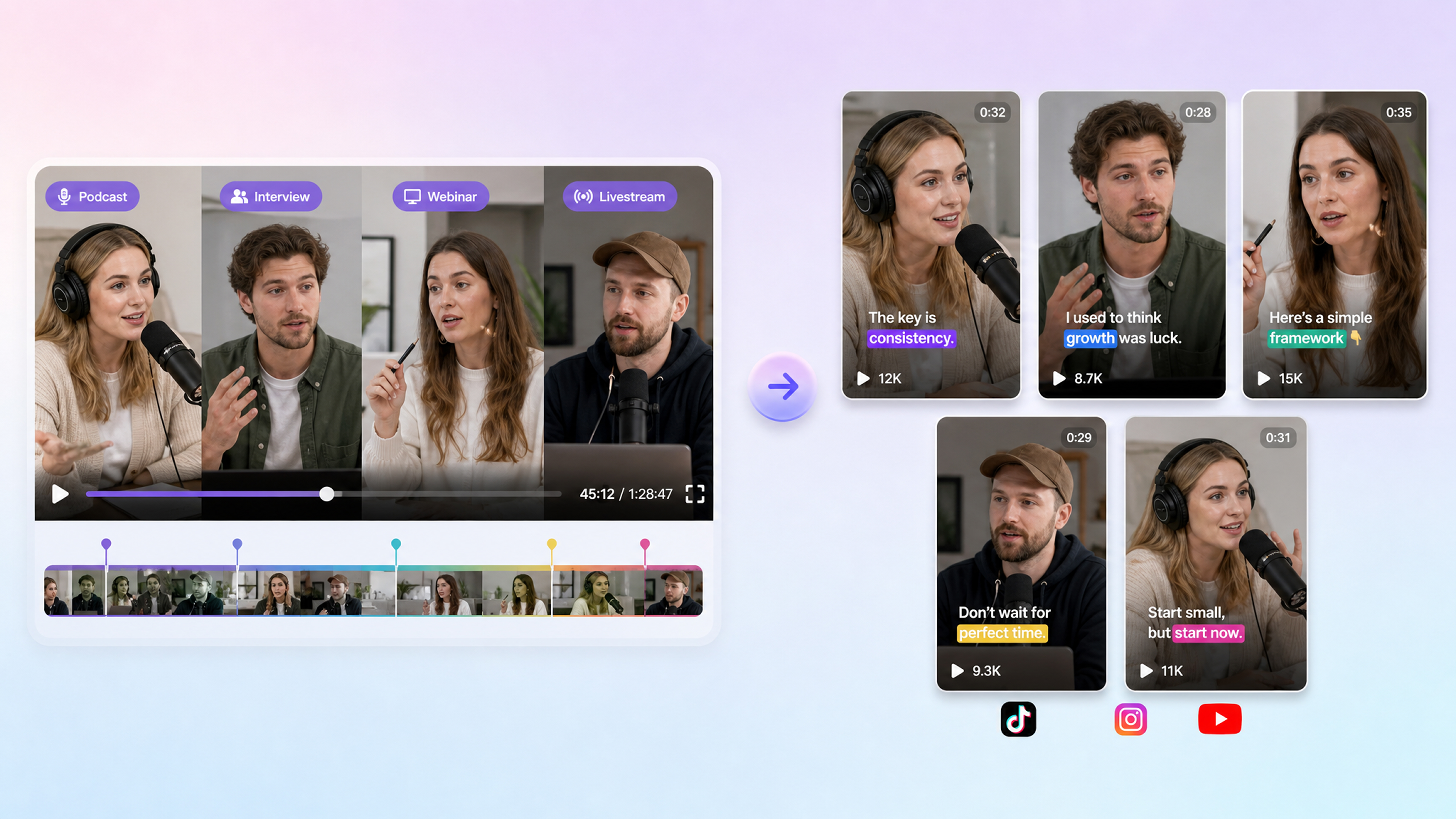
AI Short Video Maker
Frequently Asked Questions
Can I start a faceless YouTube channel with AI?
Can I turn a blog post into a faceless video?
Yes. A blog post can provide the structure for a faceless video, with key points transformed into narration, scenes, supporting visuals, and captions. This works well for tutorials, explainers, lists, and educational content. Designkit helps turn written material into a faceless YouTube video, so you can reuse existing content without recording yourself.
Do Designkit faceless videos look like stock footage slideshows?
Not necessarily. Faceless videos can use generated scenes, motion, text, narration, product visuals, and other elements rather than simply placing stock clips behind a voiceover. Designkit gives you different visual directions to work with, which can be useful for creating branded content alongside a marketing video maker.
How do I set voice and visuals while keeping my face off camera?
Choose the narration style, script, visual direction, and scene structure you want, then use those elements to tell the story without appearing on screen. You can use voiceovers and visuals to carry the presentation from start to finish. Designkit helps coordinate these elements when learning how to make faceless AI videos for YouTube or other platforms.
Can I create faceless videos without using stock footage?
Yes. You can create faceless content using generated visuals, product imagery, animations, text, screen-style scenes, or other original assets instead of relying entirely on stock footage. Designkit can help build these videos from your concept and content, including commercial videos.
Can I recreate a viral video format without showing my face?
You can take the structure or creative pattern of a popular format and adapt it to your own topic without appearing on camera. Focus on recreating the type of hook, pacing, or storytelling rather than copying another creator's content. Designkit can help turn the concept into new faceless content and support formats such as a UGC video workflow.
Is there a free faceless video generator?
Some AI video tools offer free credits or limited free creation, although available features and usage limits vary. Designkit provides free credits that you can use to explore faceless video creation before committing to a larger workflow. This gives you a way to test free faceless AI video maker capabilities for different channel concepts and formats.
Make Your Next Video Without Showing Your Face On Camera
Turn a topic, script, article, or image into a faceless video with scenes, narration, and creator-style visuals for YouTube and social media.
Why Create Faceless Videos With Designkit

Skip a Full Production Setup for Everyday Videos
Create faceless content without cameras, locations, or a full production setup. Turn your ideas into videos while keeping the process focused on the content.

Create Videos for Different Platforms Without Filming Again
Adapt the same concept for YouTube, Shorts, social posts, or marketing content without recording yourself again for every platform or format.

Try Faceless Video Creation With Free Credits
Use free credits to test different faceless video ideas, formats, and visual directions before investing more time into your regular content creation workflow.



Creator Feedback on Faceless Video Creation
See how creators use Designkit to save time, cut costs, boost engagement, and grow faceless content businesses.
I Could Make Content Without Being on Camera
I wanted to start a YouTube channel, but filming myself was the part I kept putting off. I had plenty of topics and could write the scripts, but I didn't want to be the presenter. Designkit gave me a way to turn those ideas into videos while keeping myself completely off camera.
The UGC Style Worked Better for the Product
We didn't need another polished brand video for this campaign. The product needed something that felt more like a creator talking about it. I used Designkit to create a faceless version with a more casual UGC feel, which gave us another style to test without booking another creator shoot.
One Topic Gave Me Several Pieces of Content
I had already written a long piece about a topic, but I didn't want that work to stay as a blog post. I turned the main idea into a longer video and then worked from the same topic for shorter social clips. That made the original research much more useful.