
AI Hook Generator for Scroll-Stopping Video Ideas
Create hooks from your product, topic, or campaign idea. Turn selected hooks into videos and generate matching ad and social copy before publishing.
How to Create a Hook in 3 Steps with Designkit
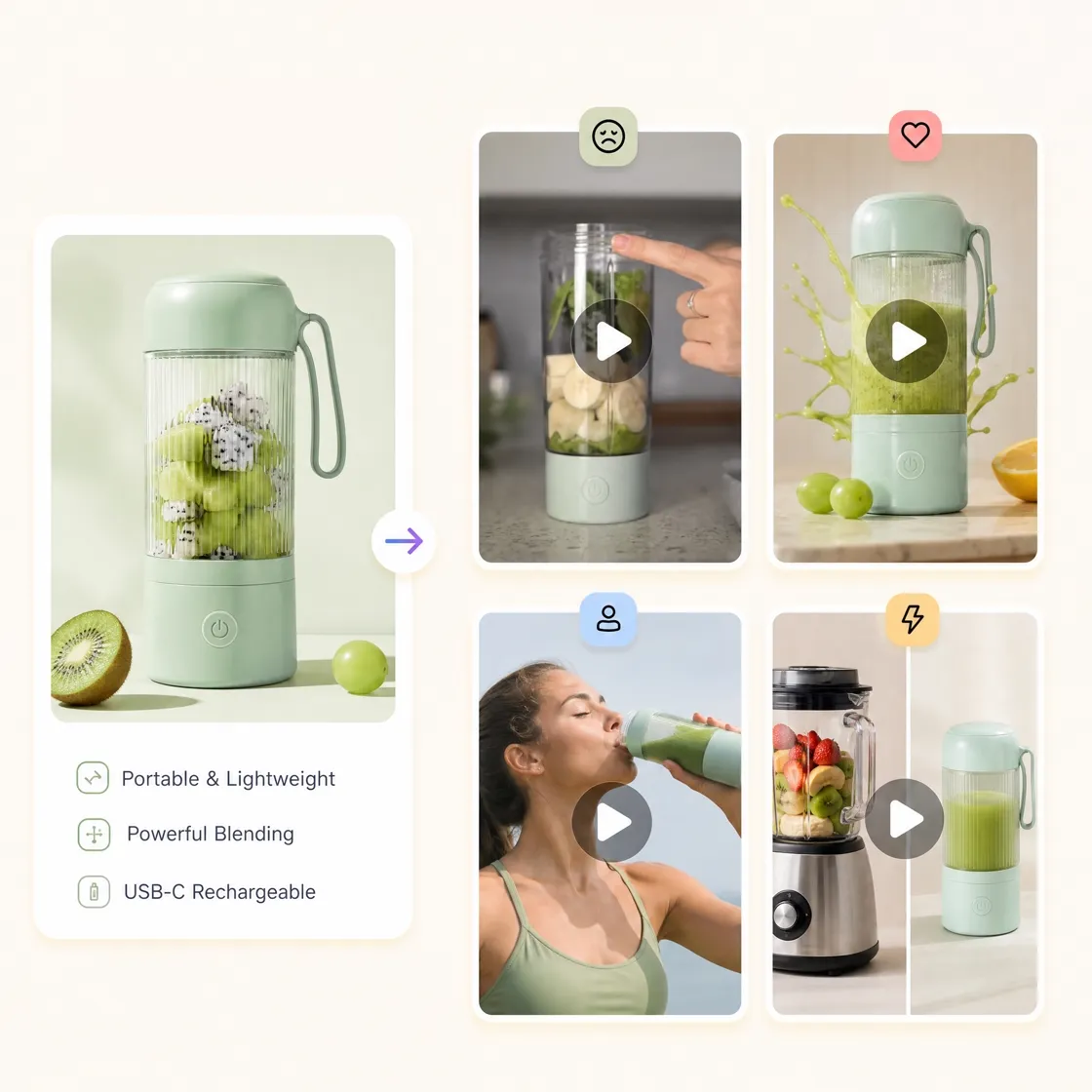
Enter Your Topic or Product
Describe your product, audience, topic, or marketing idea. Give Designkit the context it needs to create relevant hook options for your video.
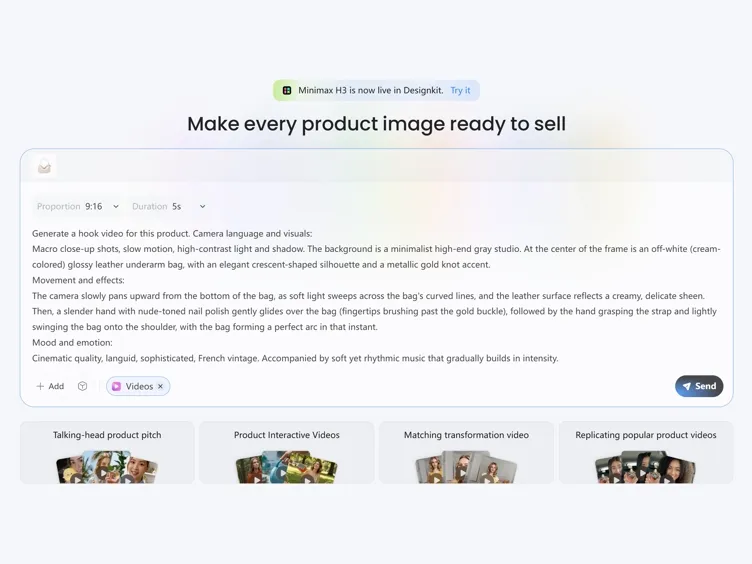
Choose and Customize Your Hook
Review different hook angles and select the one that fits your content. Refine the wording or creative direction before moving into video creation.
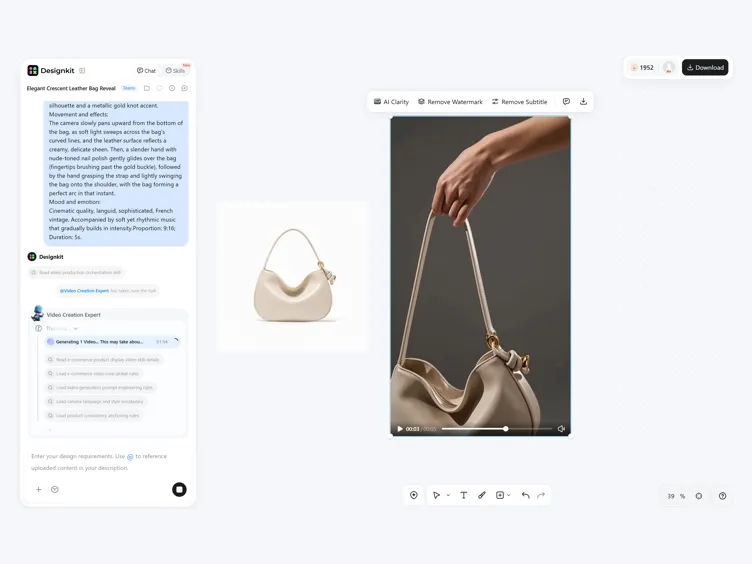
Preview and Create Your Video
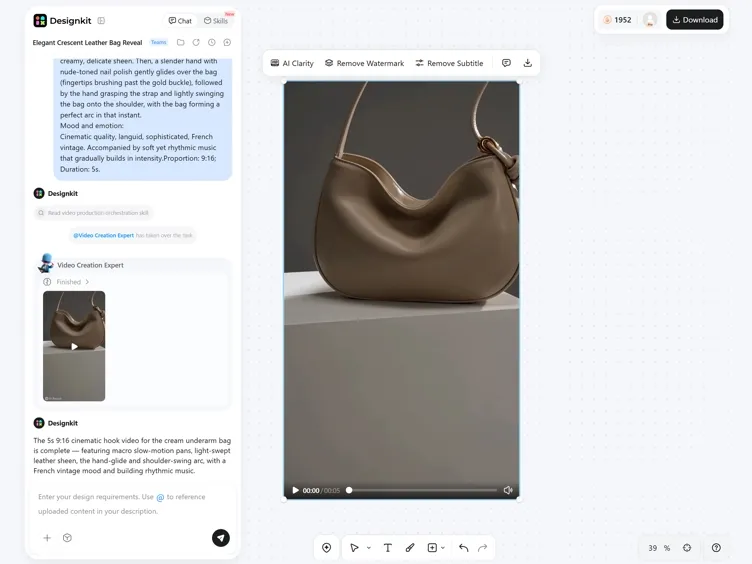
Review your selected hook, turn it into a video, and generate writing copy from the finished content before publishing.
What Makes Designkit an Effective Hook Generator
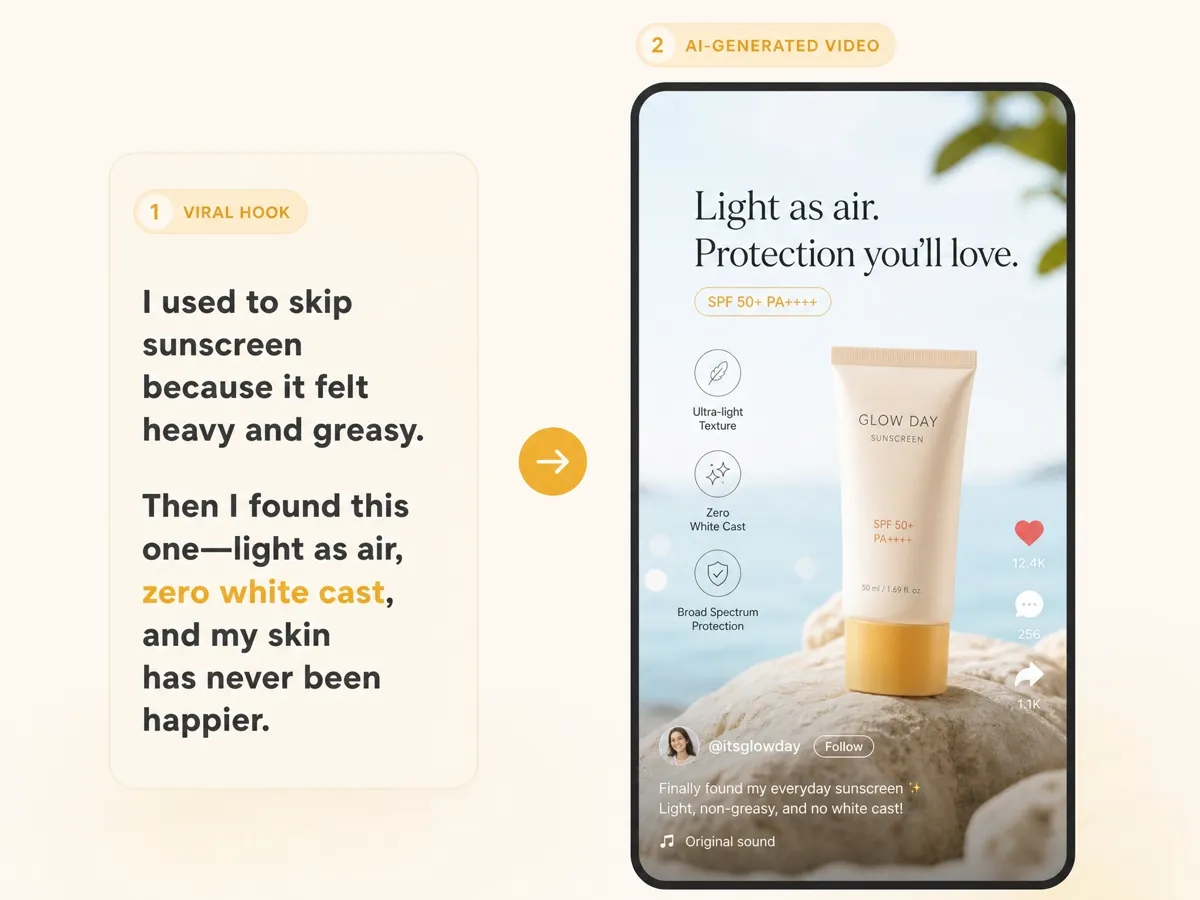
Turn Hooks Into Short-Form Videos
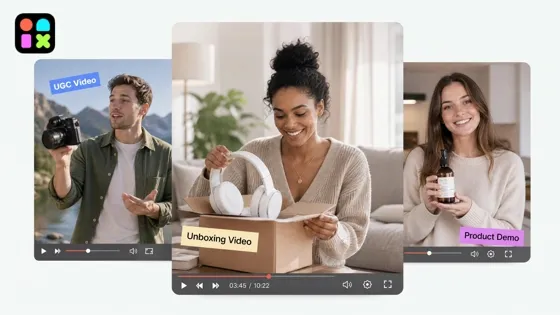
Move beyond written ideas by turning selected hooks into complete videos. Use your opening concept as the foundation for UGC videos, product demos, ads, and social content.
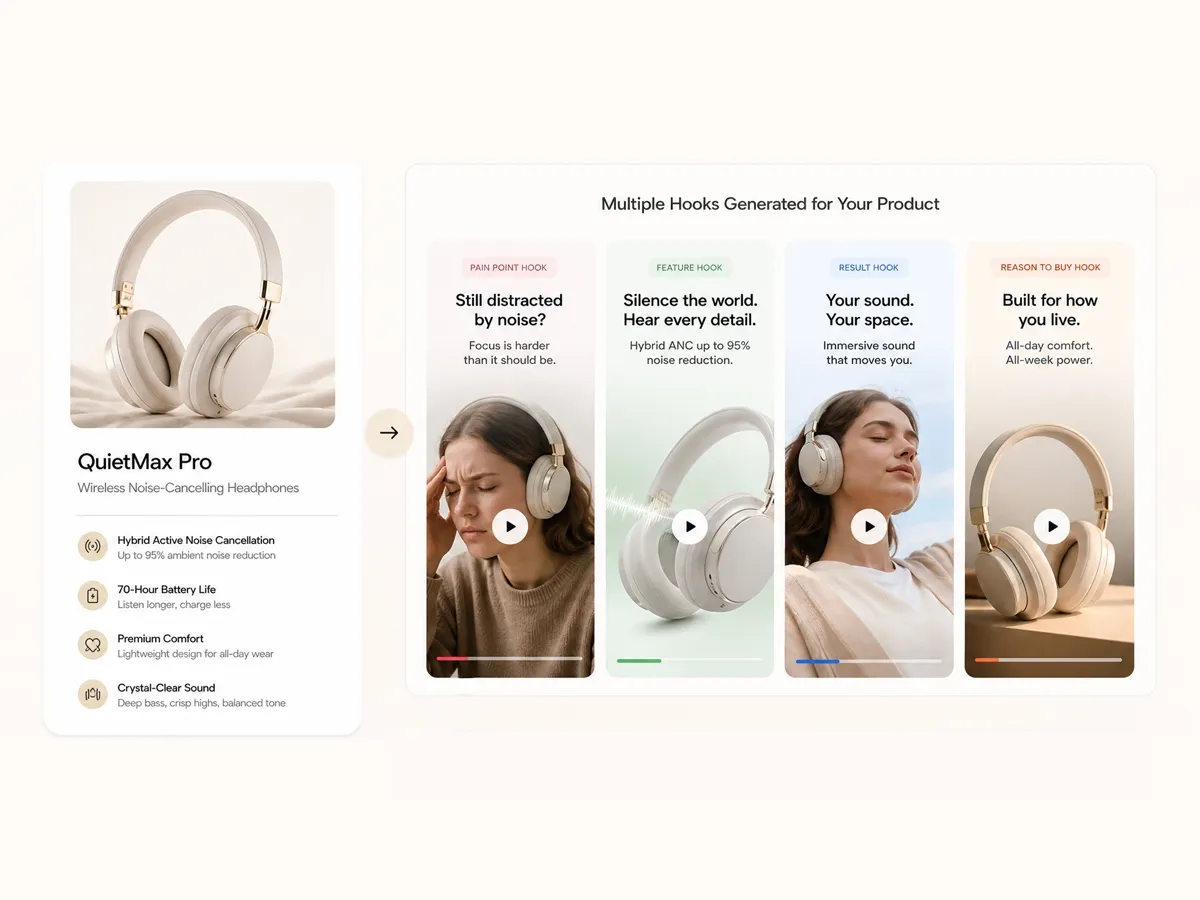
Create Product Hooks for Ecommerce Videos
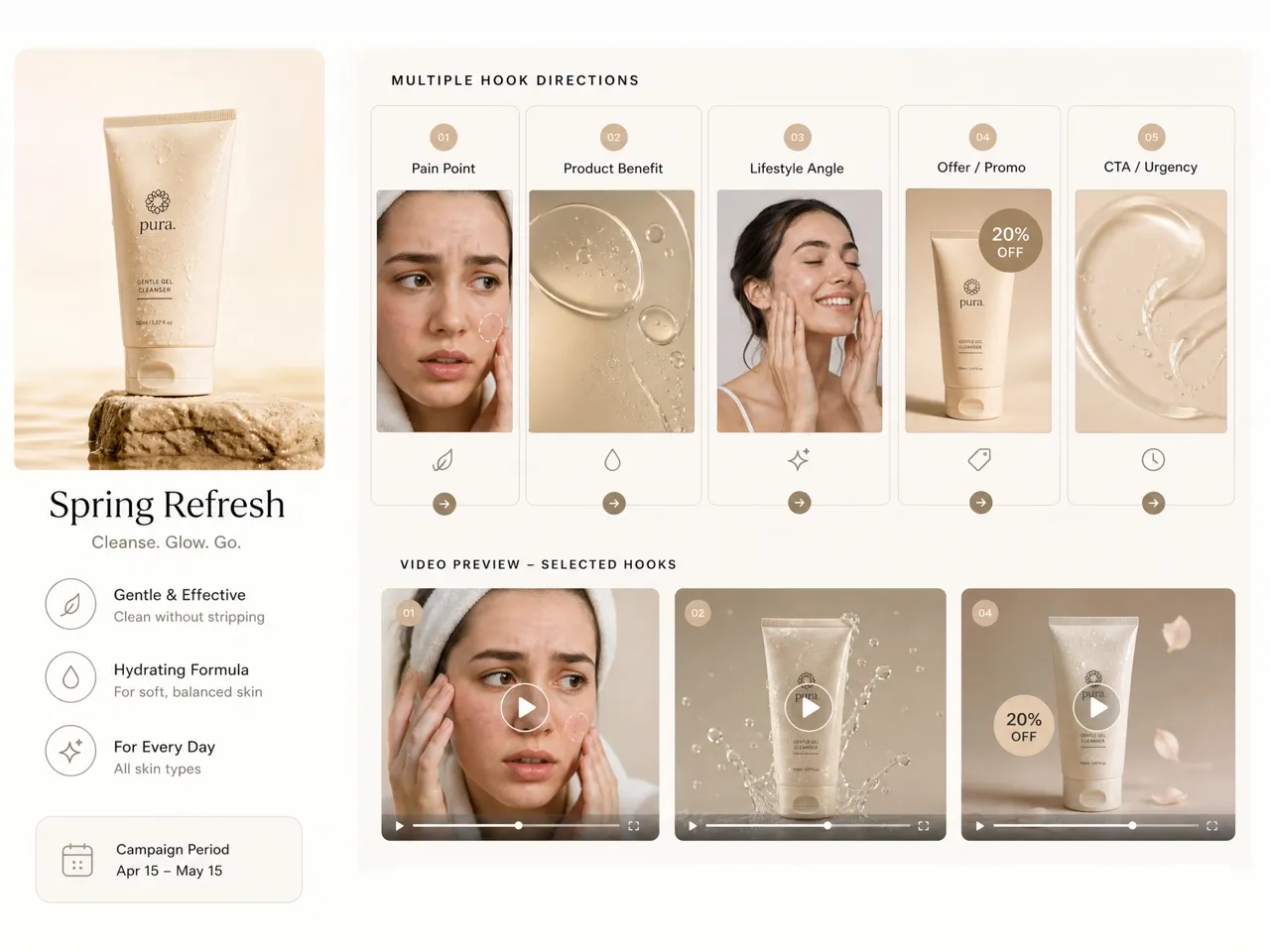
Turn product benefits, customer pain points, and selling points into hooks designed for product videos, shopping ads, and promotional campaigns. Create openings that connect products with buyer needs.
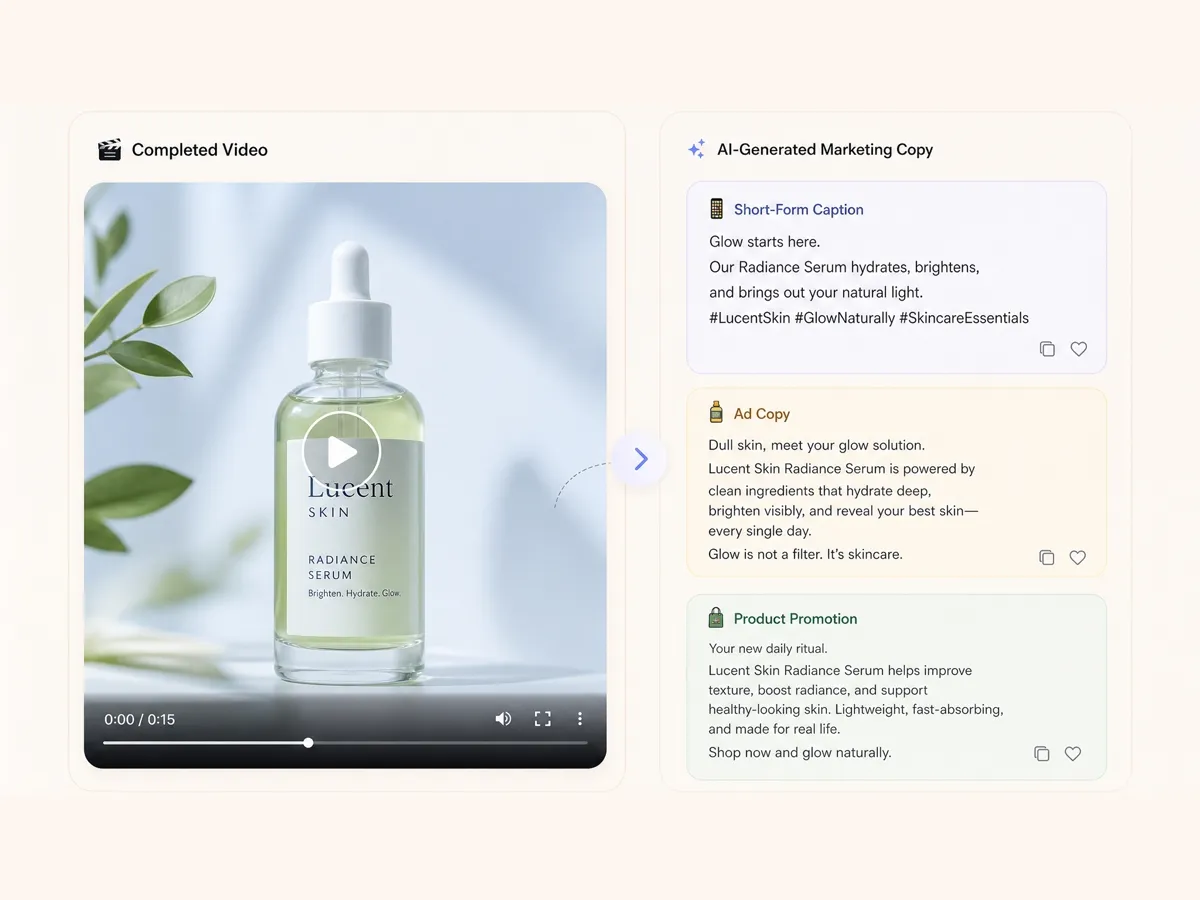
Generate Marketing Copy After Video Creation
Create ad copy and social media captions based on your finished video. Prepare the text needed for publishing without moving your content between separate tools or starting your copy from scratch.
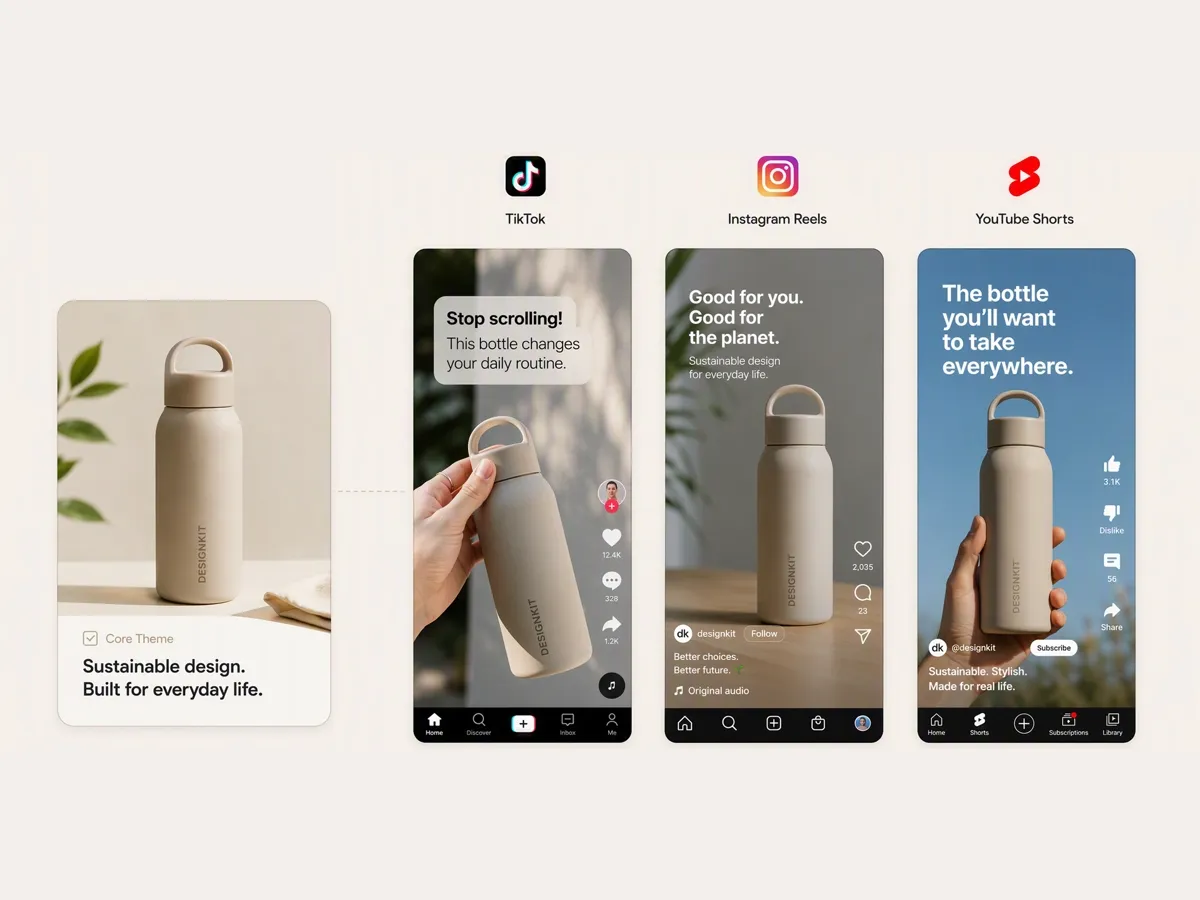
Create Platform-Specific Video Hooks
Develop hooks for TikTok, Instagram Reels, YouTube Shorts, and other short-form channels. Use the AI video generator to turn selected hooks into videos for different platforms.
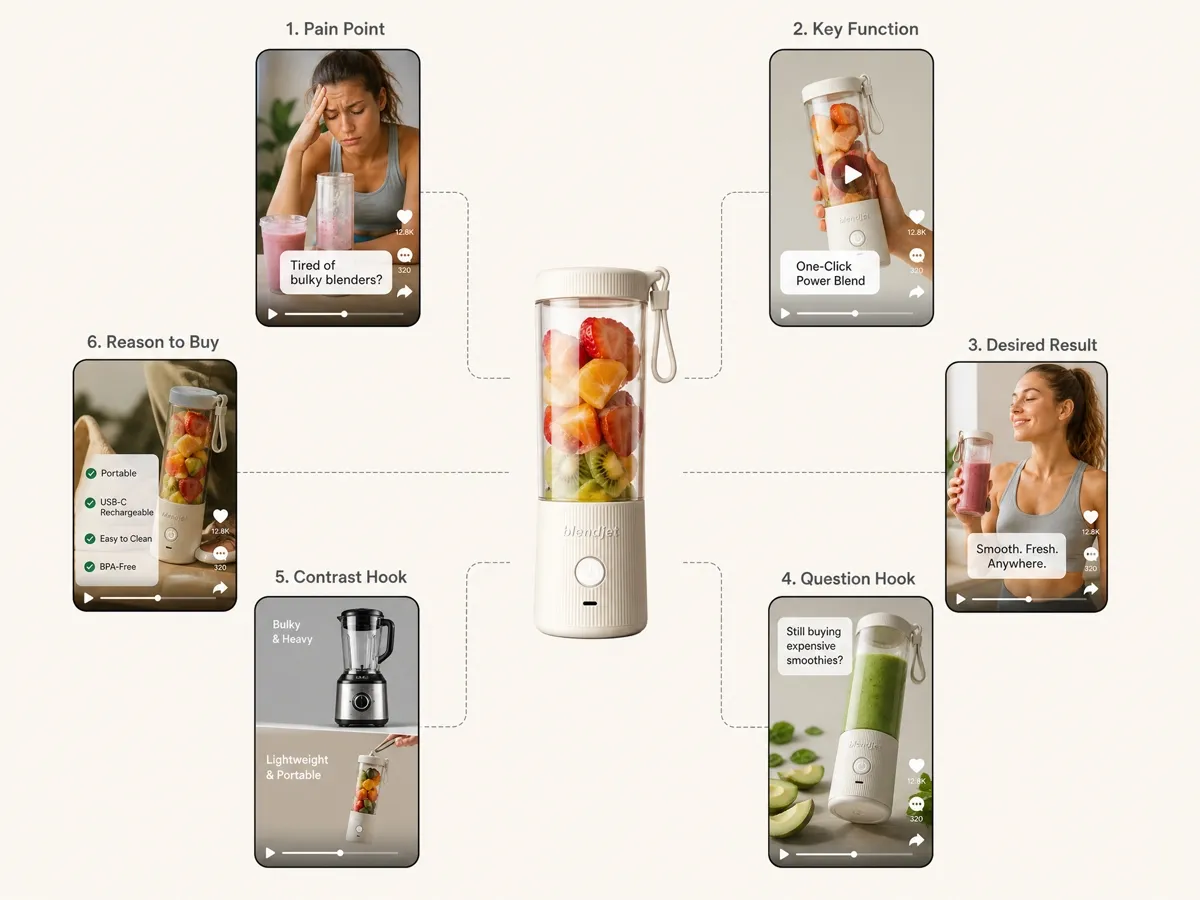
Generate Multiple Hooks From One Idea
Create different hook variations from a single product, topic, or campaign message with Designkit's hook creator. Compare multiple openings before choosing the direction for your video.
Hook Creation for Creators, Sellers, and Marketing Teams
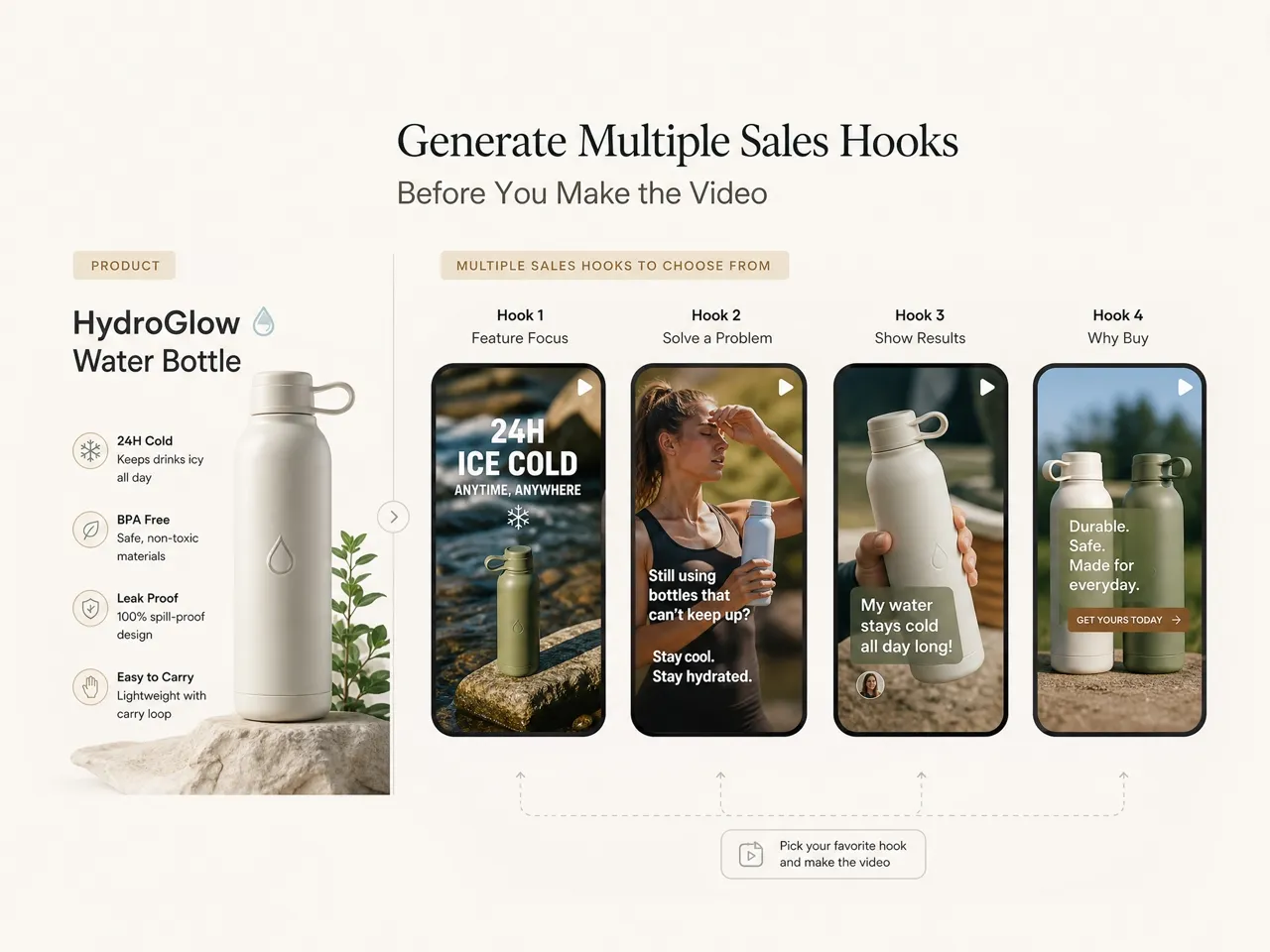
Create Product Hooks Before Launching New Videos
Turn product features, customer problems, and buying motivations into hooks for ads or listing videos. Test different messages before investing in full video production and compare which angles fit your campaign.
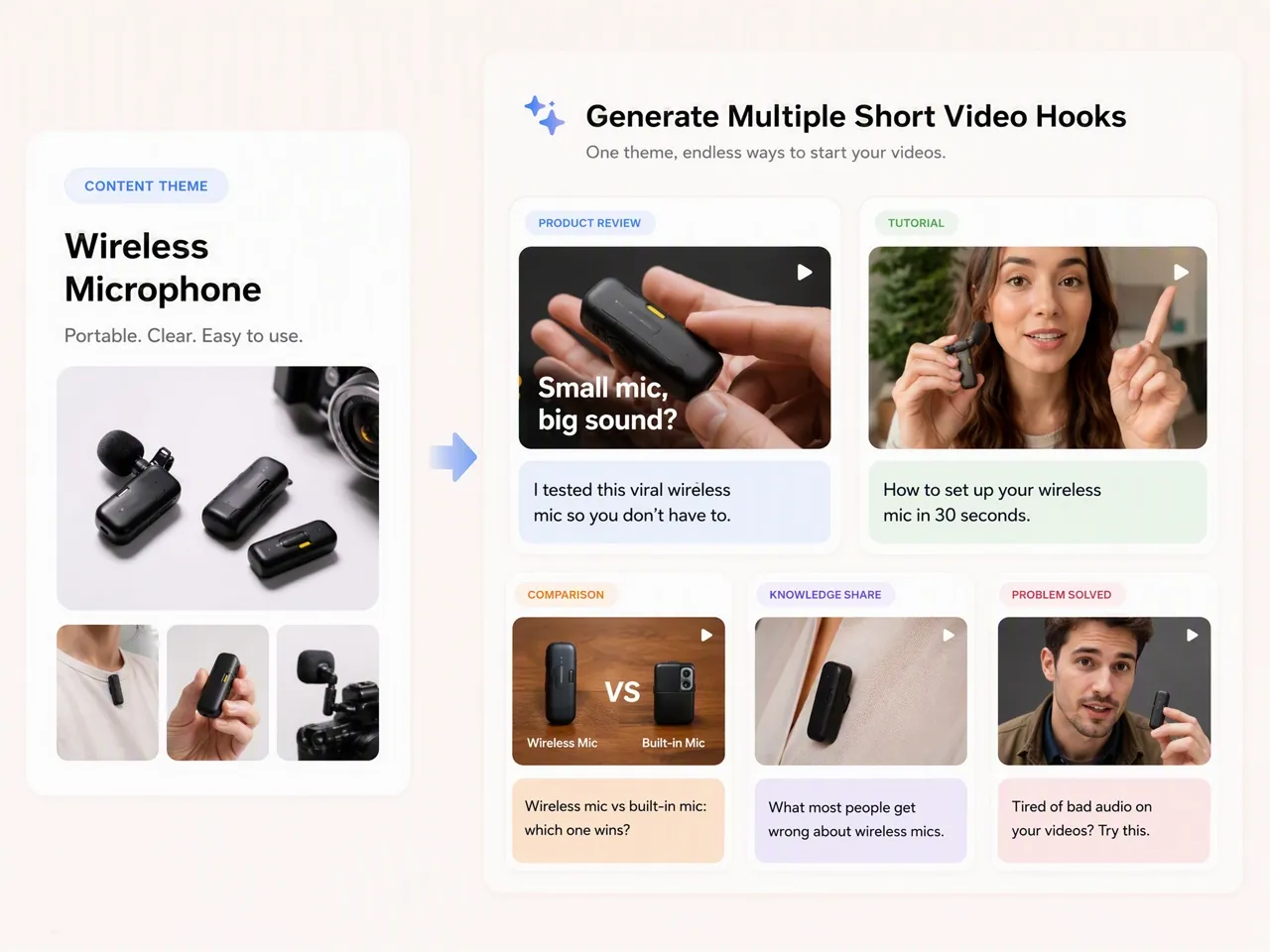
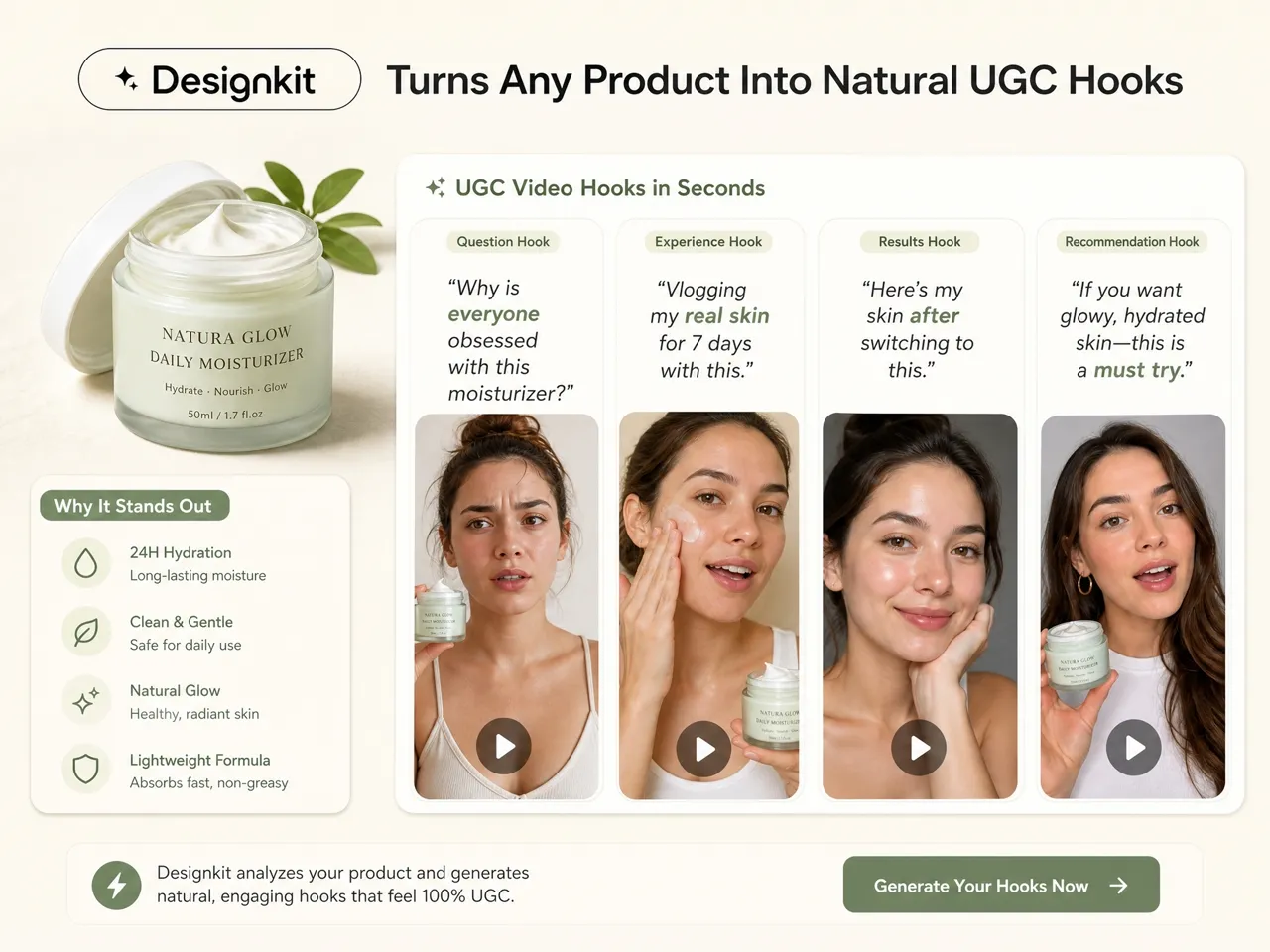
Why Choose Designkit for Hook Generation

Create Videos Without Extra Production Teams
Turn hook ideas into product demo video concepts without coordinating separate writers, creators, or editors.

Validate Creative Ideas Before Production
Compare different hooks and video directions before spending time or budget on production.

Support 8 Video Types for Different Campaign Goals
Create hooks for demos, tutorials, reviews, comparisons, ads, explainers, UGC, and more.

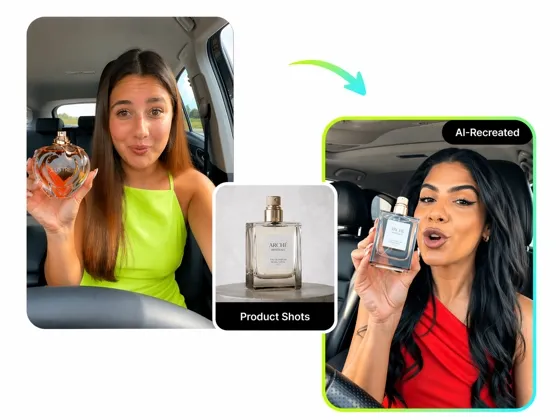
Recreate a Reference Video Opening
Reuse a reference video's opening structure for your product while creating a new version.

Publish Faster With Video-Based Copy Creation
Generate ad text and social captions from your finished video for a connected publishing workflow.

Try the Workflow With Free Signup Credits
Explore Designkit's hook and video workflow with free signup credits before choosing a paid plan.
Unlock More Creative Possibilities
AI Video Ad Recreation
AI Video Enhancer
AI Video Generator
AI Image to Video Generator
Free AI Instagram Video Maker
Script to Video AI
AI Text to Video
TikTok Script Generator
Frequently Asked Questions
What is a hook generator?
How do I make a hook for a video?
Start with the main topic, product, audience, or problem your video addresses. A hook sentence generator like Designkit can create several opening directions that you can review and refine before video creation.
Can an AI hook generator create hooks for products
Yes. An AI hook generator can create product-focused openings from features, benefits, customer pain points, and promotional information. Designkit uses these details to develop hooks for product videos and campaigns.
Can I create different hooks for the same video idea?
Yes. You can create multiple hook variations from the same topic, product, or campaign message. Designkit helps you compare different opening directions before choosing the one to develop into a video.
Can I turn a hook into a video?
Yes. A selected hook can serve as the starting point for a complete video concept. With Designkit, you can move from hook creation into video production without rebuilding the creative direction from scratch.
Is Designkit a free hook generator?
Designkit offers free signup credits, allowing you to try its hook and video creation workflow, explore different creative directions, and see how the tools fit your content needs before choosing a paid plan.
Can Designkit generate copy after creating a video?
Yes. Designkit can generate supporting ad text and social media captions from your finished video, helping you prepare the copy needed to publish the content.
Start With a Hook and Build Your Video
Create video hooks, turn ideas into short-form content, and generate the marketing copy you need for publishing.

What Creators and Marketers Say About Designkit
Creators, ecommerce sellers, and marketing teams use Designkit to develop video openings, create content, and prepare publishing materials.
I Finally Have Ideas for the First 3 Seconds
I can usually think of the topic, but finding a strong opening takes time. Designkit gives me several hook ideas to choose from, helping me find a natural direction and move from the initial concept into video creation.
It Helps Me Avoid Repeating the Same Openings
When I publish regularly, I often run out of ways to start similar topics. Designkit helps me explore different opening ideas for the same type of content, so I can keep videos varied without starting from scratch.
The Copy After Video Creation Saves Me Extra Time
After creating a video, I still need captions and ad text for publishing. Designkit generates supporting copy from the finished video, which saves me from opening another document and writing everything again.
I Test Different Product Angles Before Making Ads
Sometimes I have a good product but don't know the strongest way to introduce it. Creating several hooks helps me compare different product angles before committing time and resources to producing the full ad.