
Design One TikTok Banner, Split Into 3 Pinned Video Covers
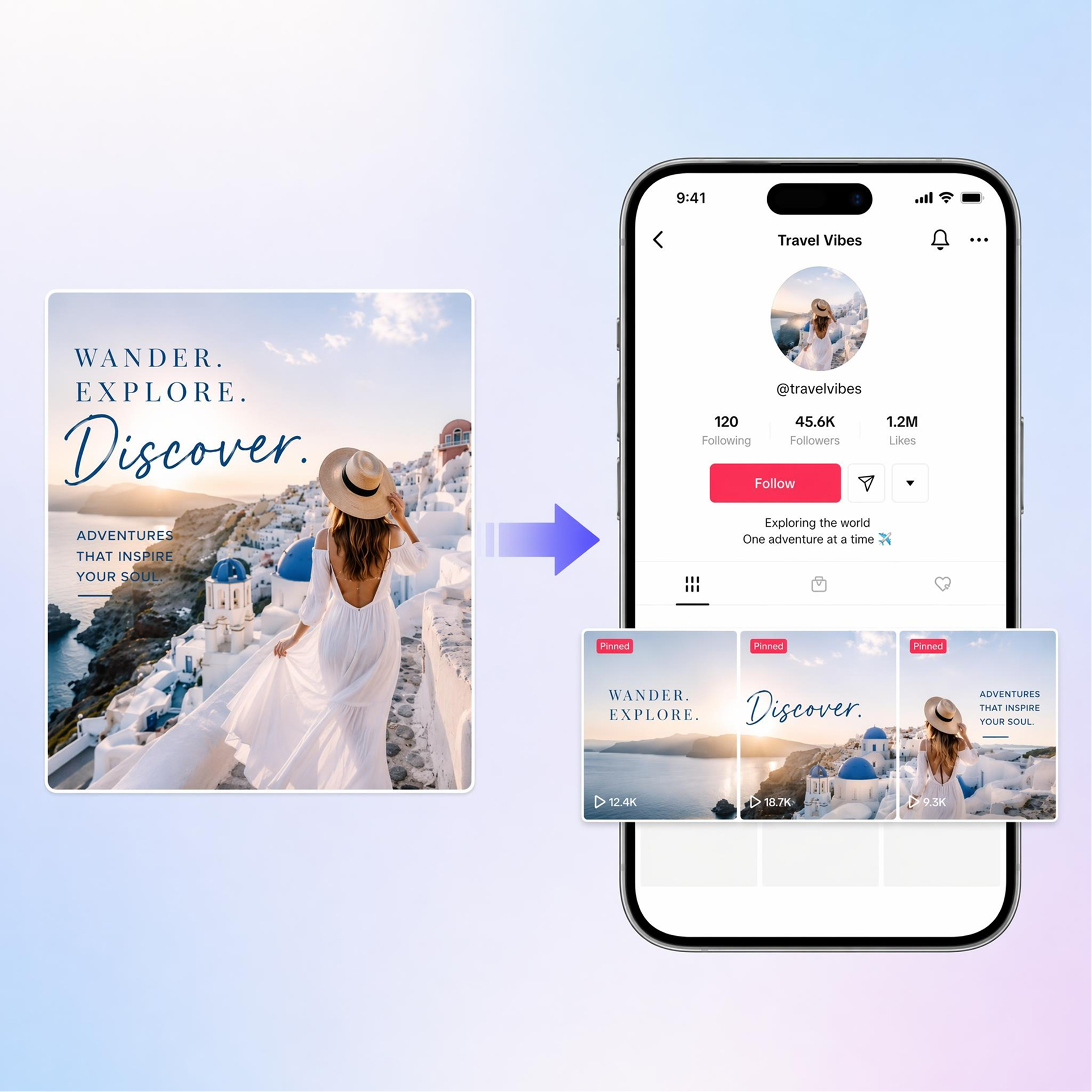
Upload one wide banner image or describe your look in a short brief. AI generates 3 matching video covers for pinned posts, so your profile grid shows one connected banner at the top.
How to Make a TikTok Banner
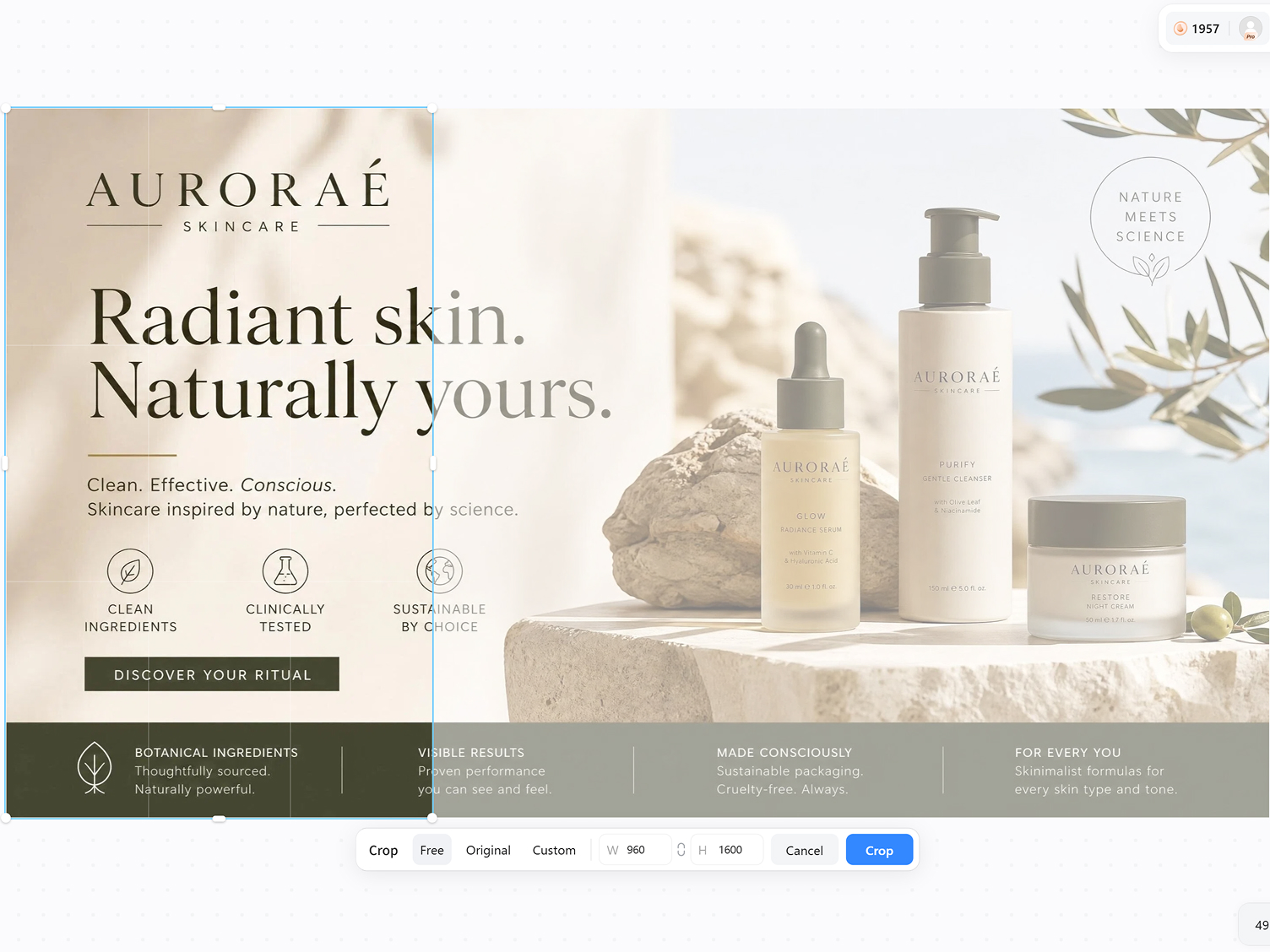
Upload One Banner or Add a Brief
Upload a wide banner image, brand photo, or type a short description of the pinned-cover set you want.
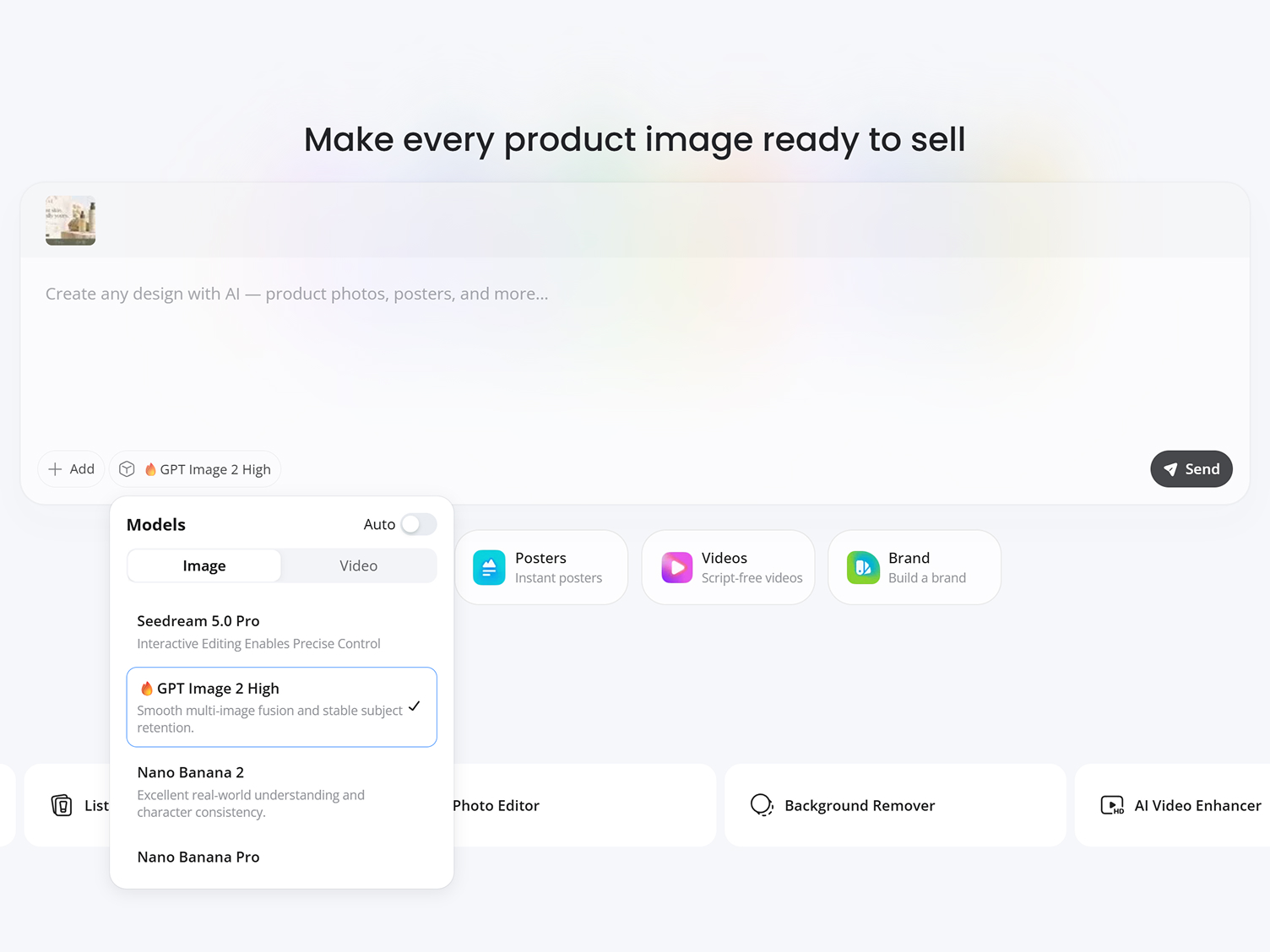
Choose the 3-Cover Split Layout
Select the pinned-banner layout, add your headline or offer text, and let AI place each slice inside TikTok's grid-safe zone.
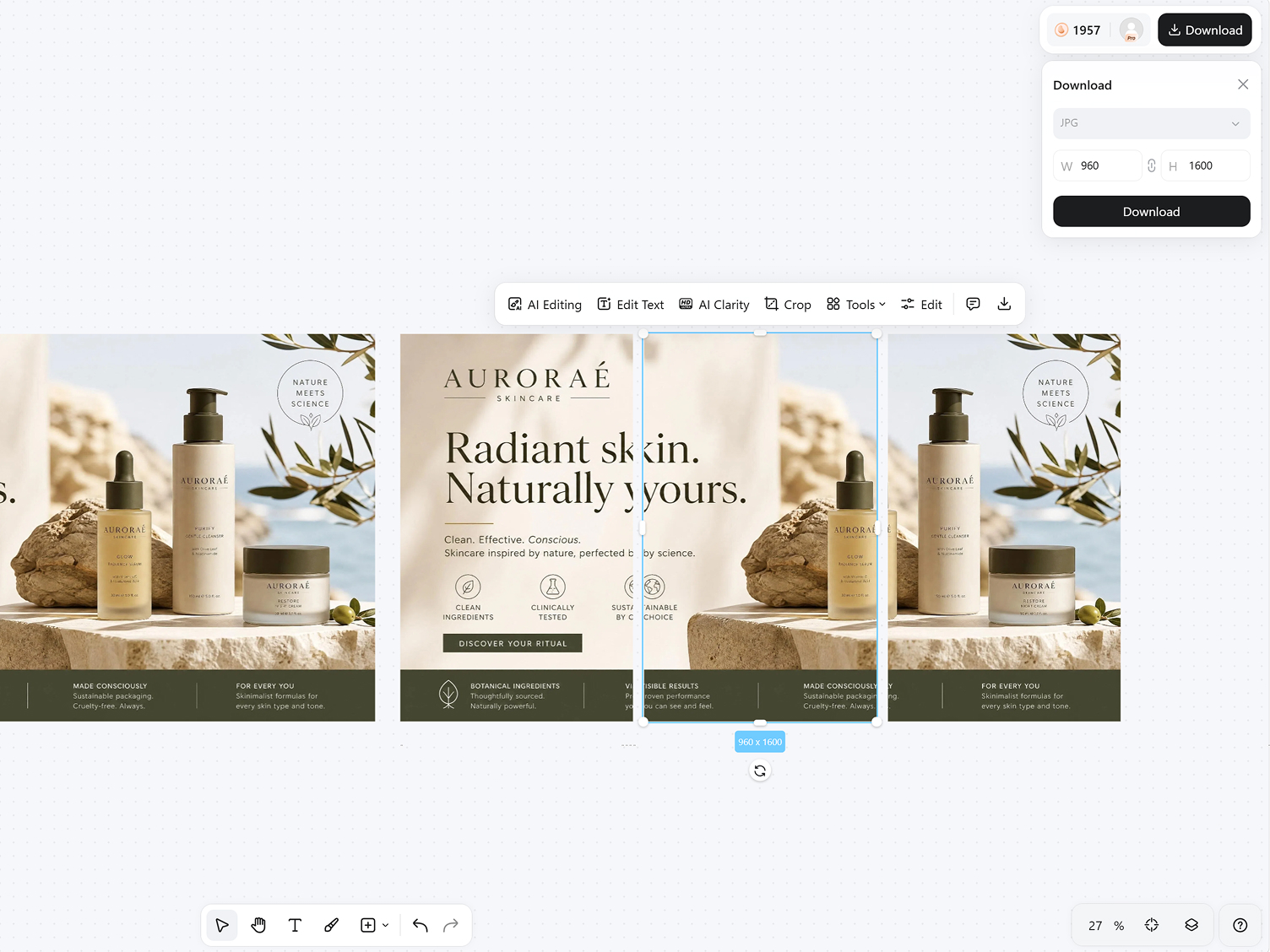
Download and Set as Pinned Covers
Export 3 high-resolution 1080x1920 covers, upload each one to a pinned video, and line them up at the top of your profile.
TikTok Banner Features Built for Pinned Cover Sets
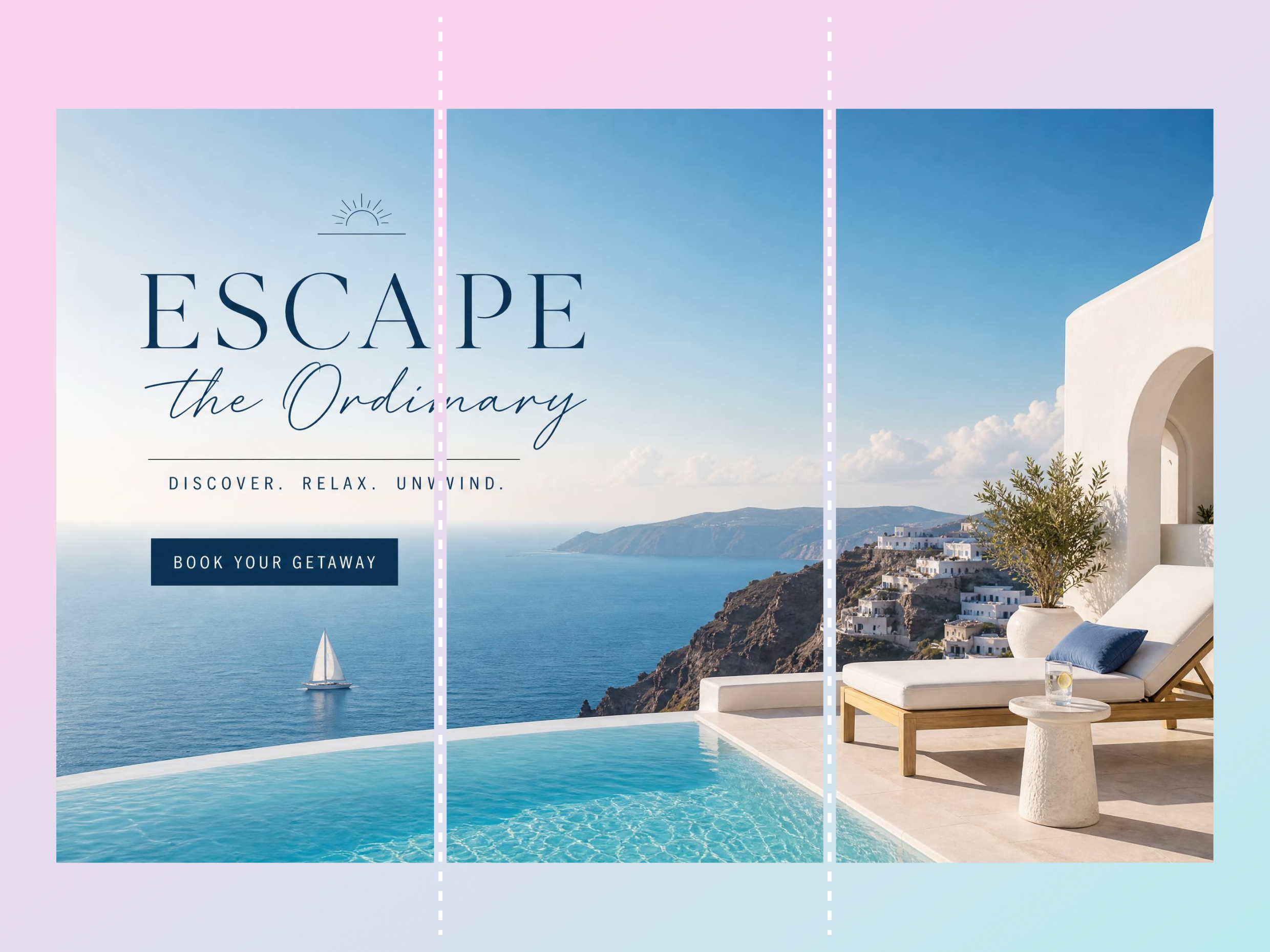
Turn One Banner Into 3 Pinned Video Covers
Turn one design into three coordinated pinned covers that form a seamless TikTok banner across your profile. Designkit splits the artwork automatically, so you can skip manual cropping, keep spacing consistent, and publish a clean three-part cover set fast.
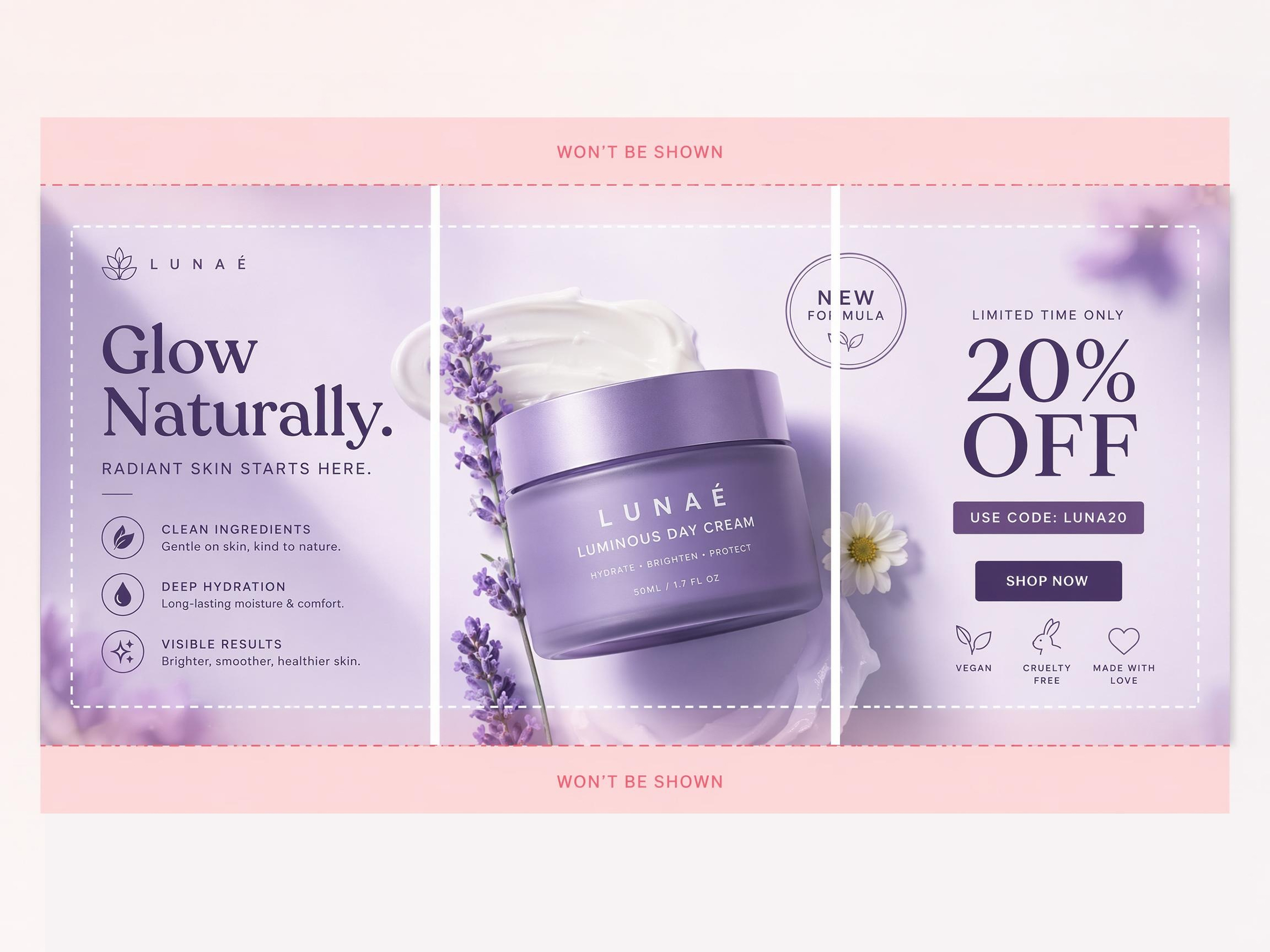
Keep Each Slice Readable in the Profile Grid
Text, logos, and faces can blur or shift after uploading if the crop is off. Designkit keeps each slice inside the grid-safe zone, so every cover stays readable on its own while still connecting into one banner when the three videos are pinned together.
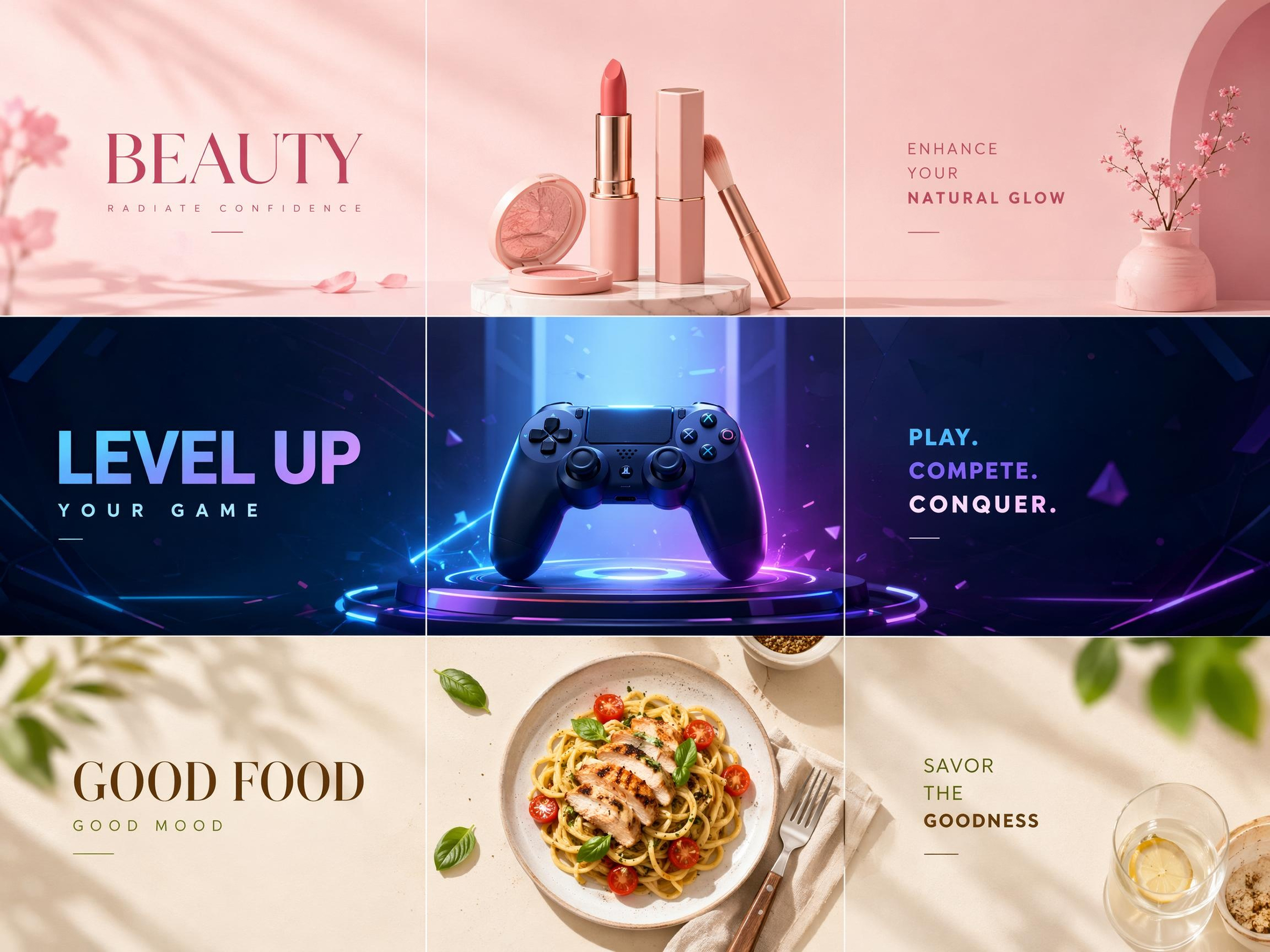
Build Pinned Covers for Beauty, Gaming, Food, and More
Generic templates rarely fit a niche. Designkit's banner maker for TikTok creates pinned cover sets for beauty, gaming, food, fitness, education, travel, and more from a simple prompt, so your profile matches your content instead of looking recycled.
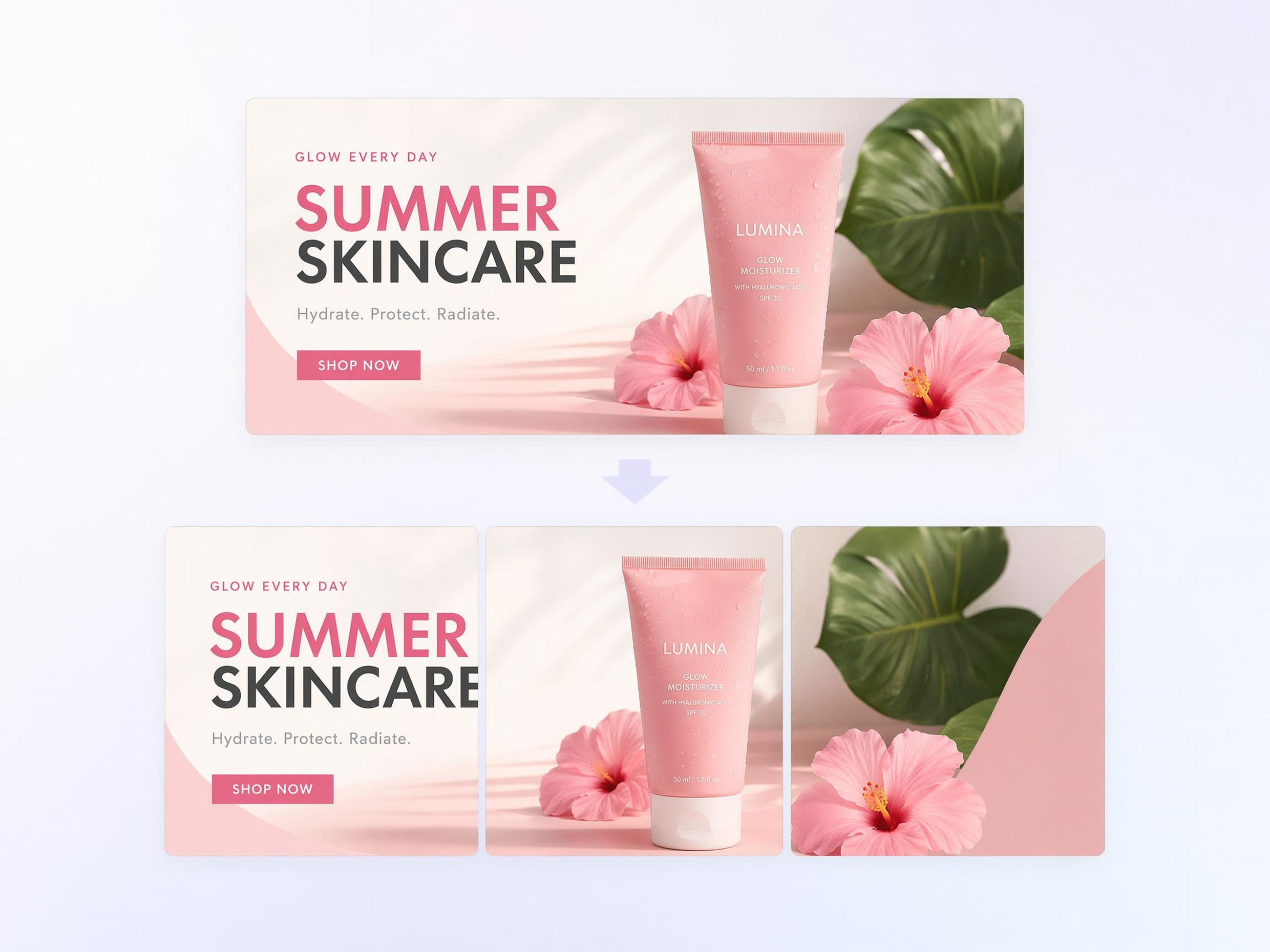
Create TikTok Shop and Campaign Banners
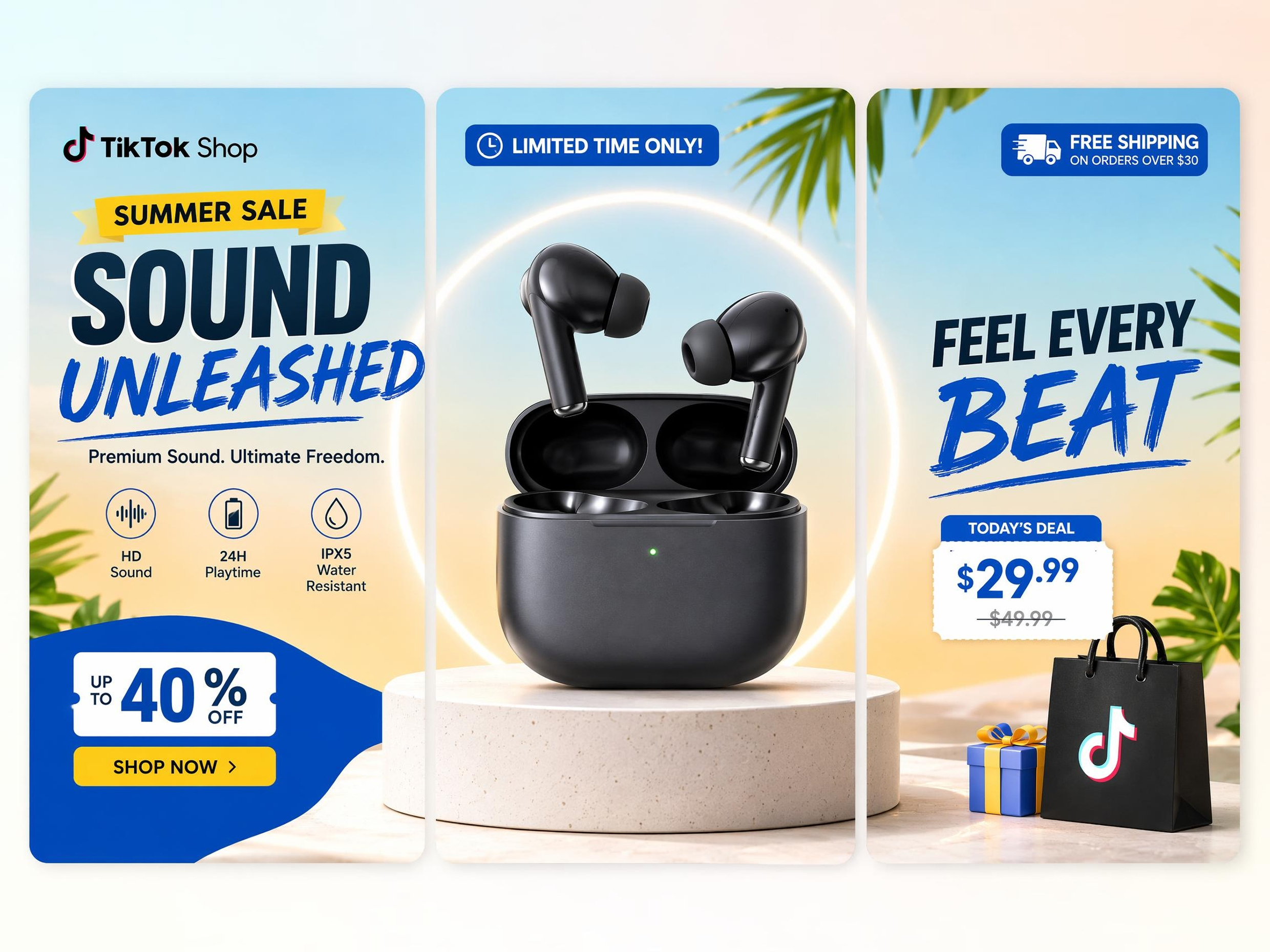
Product launches and promos need visuals that match your store. Designkit's TikTok banner maker builds campaign banners around your products, brand colors, and text, then splits them into pinned covers that work for both profile branding and sales.
Update Covers with Prompt-Based AI
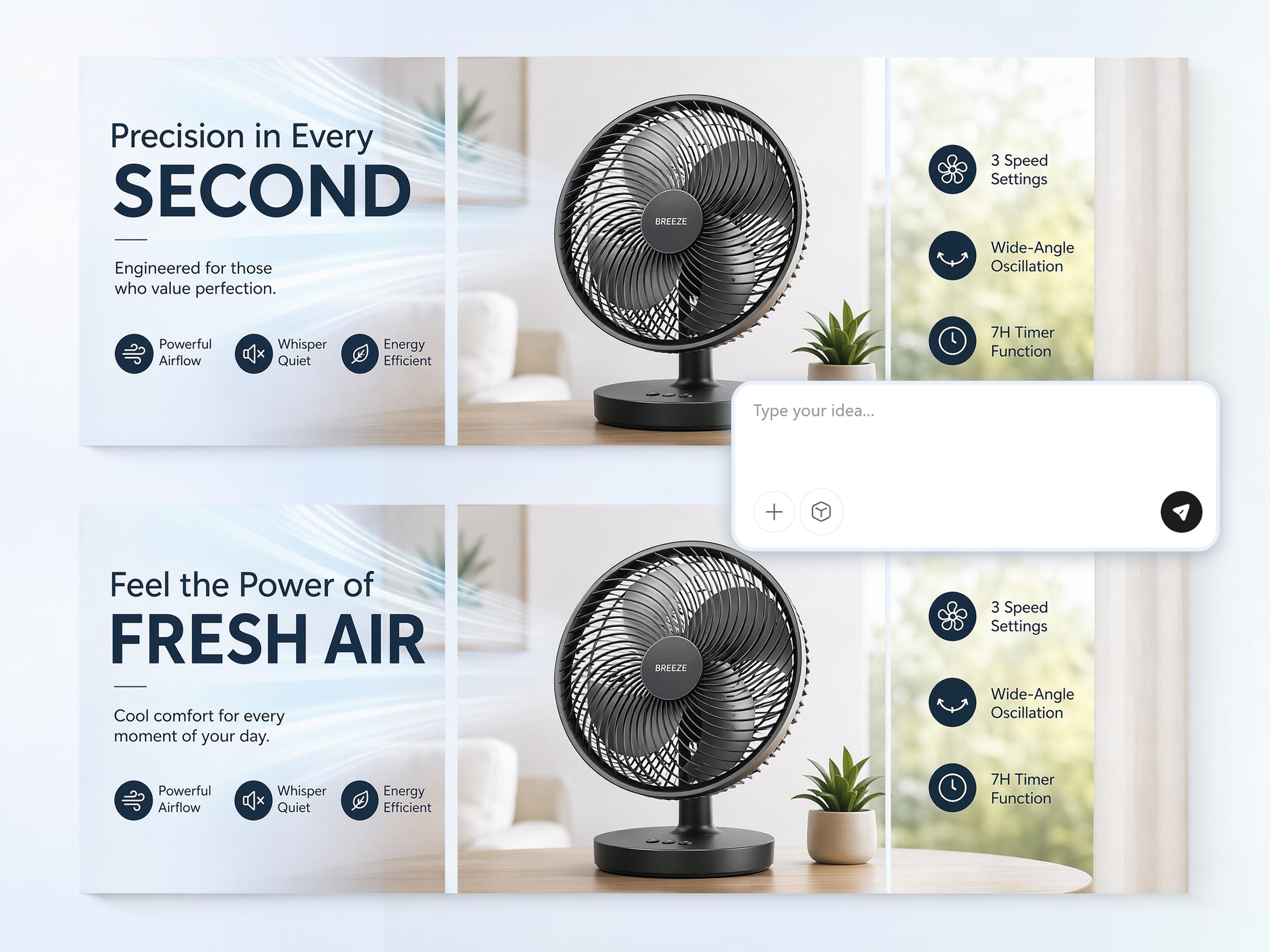
When a campaign changes, you should not rebuild the whole layout. Designkit lets you update headlines, artwork, offers, or product shots with text prompts, making TikTok banner design faster when you need fresh content for a new post or launch.
Refresh Pinned Sets Without Losing Your Look
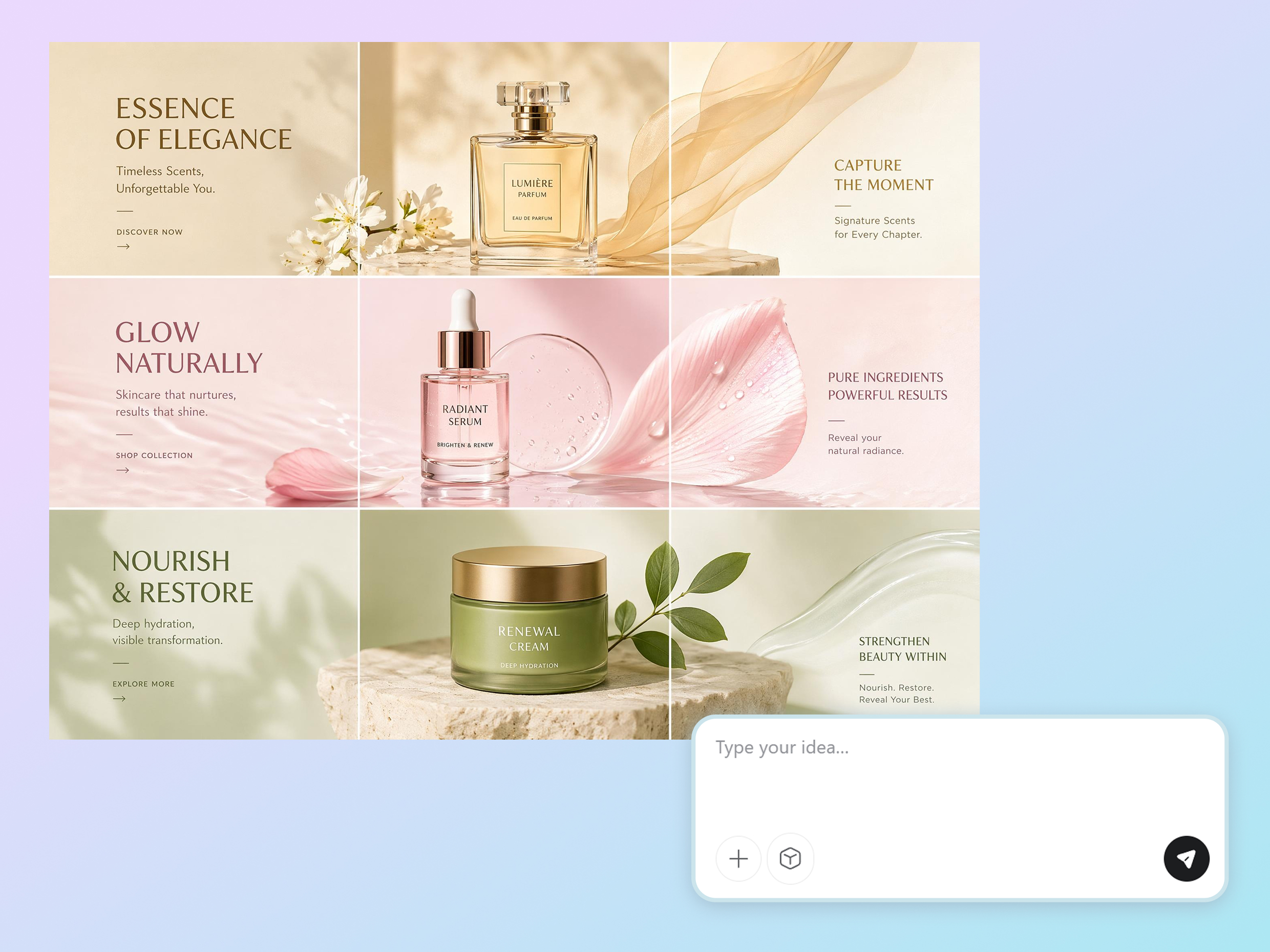
Seasonal updates can break your profile look if every cover changes style. Designkit helps you refresh banners for TikTok sets while keeping the same visual identity, so all three pinned covers stay consistent even when you swap products, text, or promo art.
Who Uses Designkit for TikTok Banners
Show Your Niche and Posting Style at a Glance
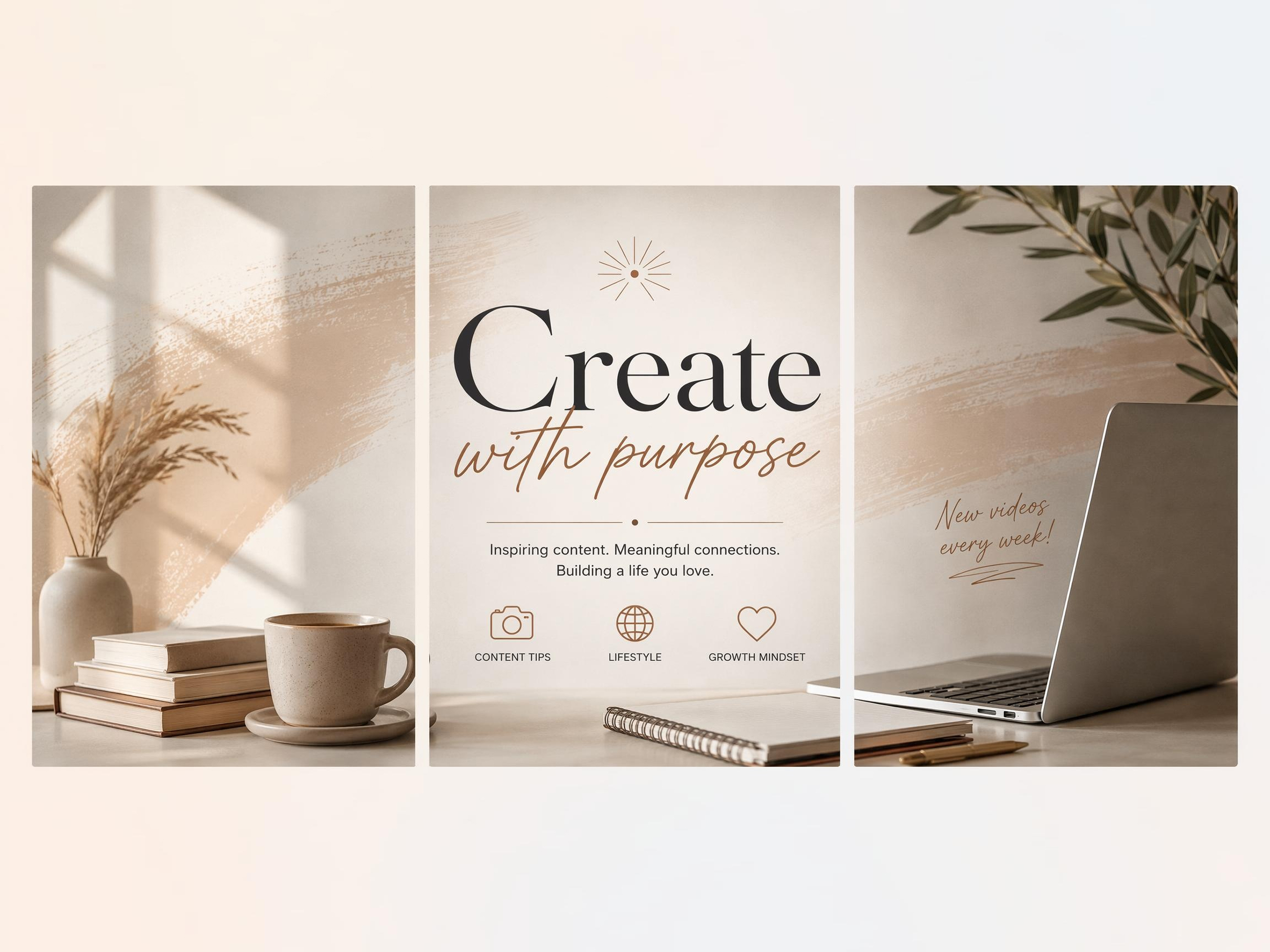
New visitors often judge a creator in seconds, and random thumbnails can hide what you actually post. Designkit turns one banner into linked pinned covers that introduce your niche, posting style, and creator identity before viewers tap a video.
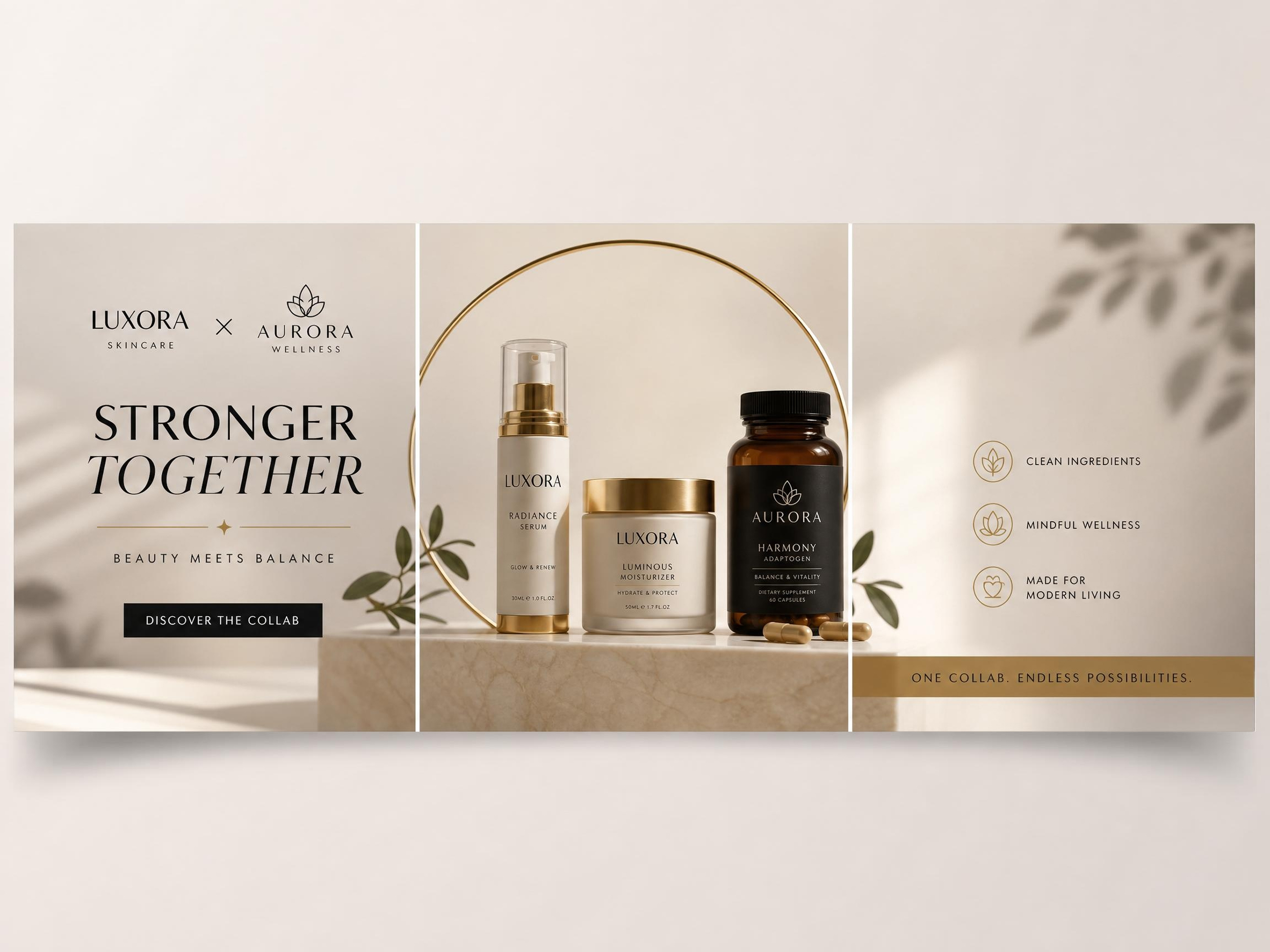
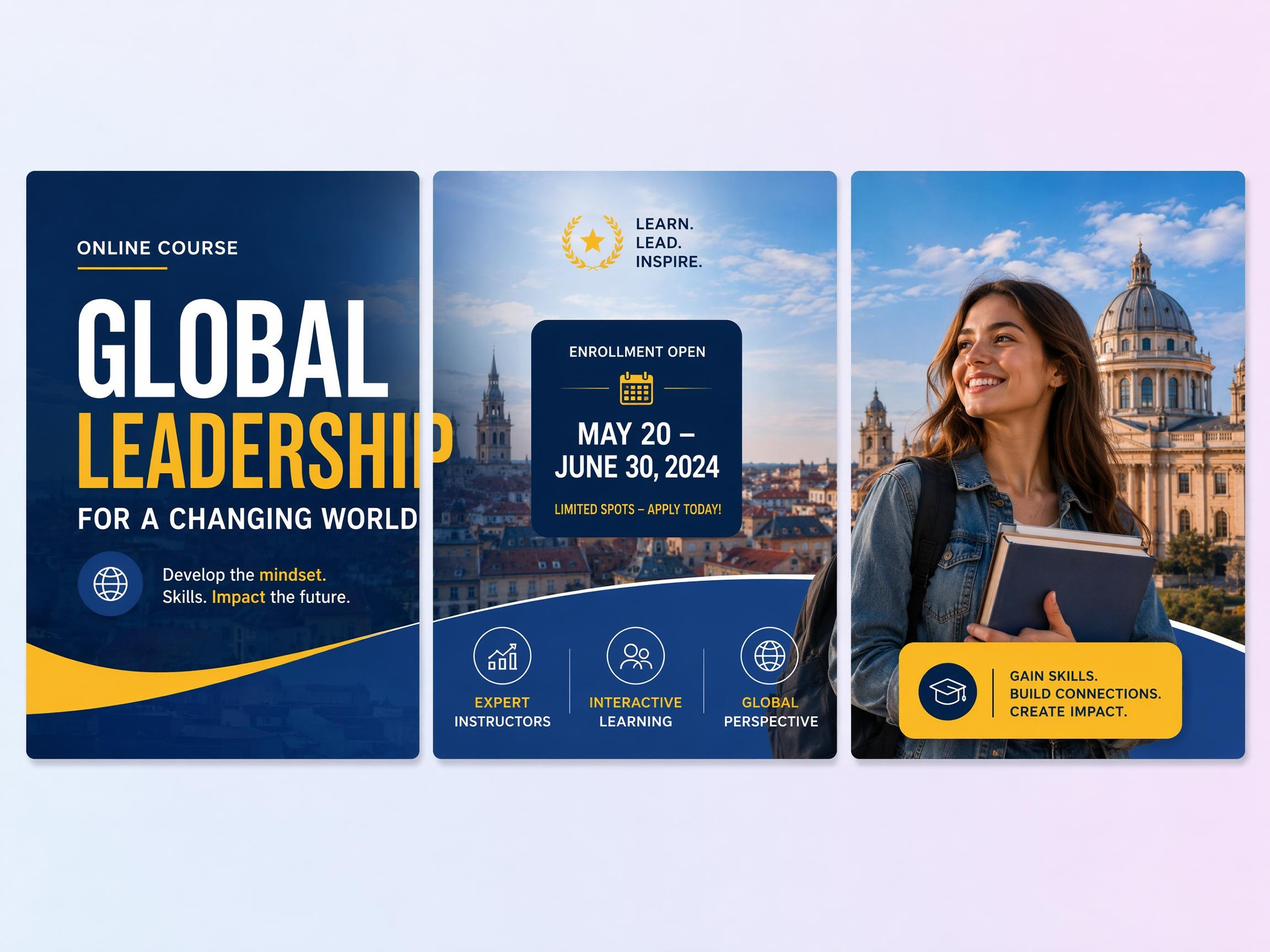
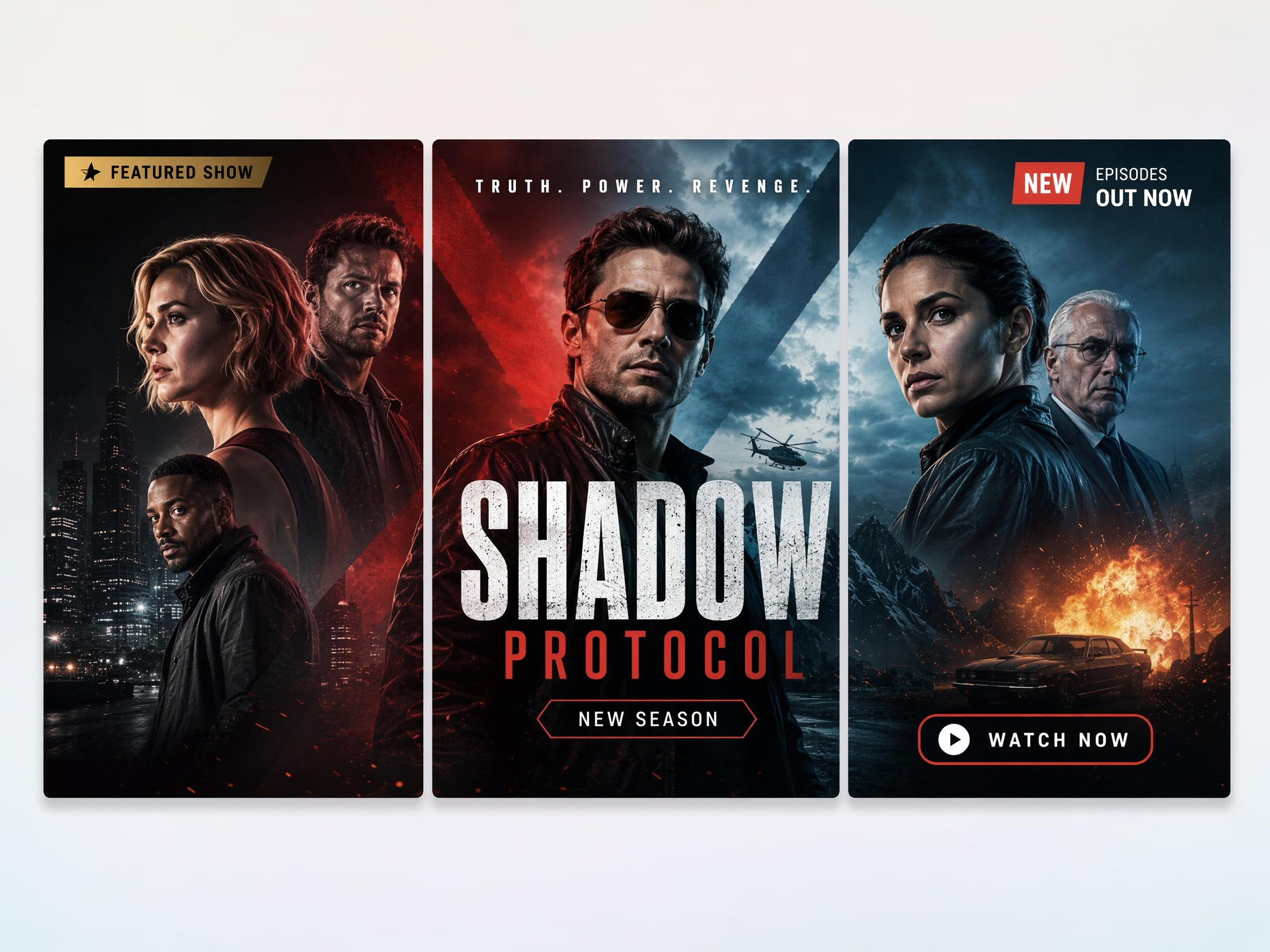
Why Creators Pick Designkit for TikTok Banner Sets
One Banner, Three Covers, No Manual Slicing
Start from one design and get three upload-ready pinned covers without cutting the image yourself in another editor.
TikTok Grid Crop Built In
Keep key text and visuals inside the safe zone, so each slice survives TikTok's profile grid crop and still connects across all three pins.
Faster Than Briefing a Designer
Publish a new seasonal or promo pinned set in minutes when offers, dates, or featured products change.
Shop, Ads, and Pinned Covers in One Workflow
Use the same brand assets for video covers, shop headers, and campaign banners without rebuilding every asset separately.
No Design Software Required
Creators and sellers export upload-ready covers without Photoshop, Canva layer editing, or manual resizing.
Reuse One Banner Style Across Launches
Swap product shots, event dates, or promo copies while keeping the same visual system for every new pinned set.
Unlock More Creative Possibilities
AI Banner Maker
Facebook Cover Photo Maker
LinkedIn Banner Maker
Twitch Banner Maker
Frequently Asked Questions
Does TikTok have a profile banner like Facebook?
Can I turn one banner into 3 TikTok video covers?
One wide design can be divided into three separate covers that align when the videos are pinned. Designkit automatically splits the artwork into matching sections while keeping text, logos, and images positioned correctly, reducing manual cropping and helping the finished profile look organized and connected.
What size should each TikTok video cover be?
TikTok video covers are commonly prepared at 1080 × 1920 pixels to match the platform's vertical format. Designkit exports each cover in the correct dimensions while keeping important elements inside the visible area, helping your pinned covers remain clear across different devices.
Can I create TikTok banners from a text prompt?
Yes. A short description is enough to generate banner concepts based on your niche, campaign, products, or visual style. Designkit turns simple prompts into coordinated pinned cover designs that you can refine further by adjusting colors, headlines, artwork, or layout before publishing.
Can I upload my own branding assets?
You can upload logos, product images, brand colors, icons, and other visual assets to personalize your designs. Designkit incorporates these elements into your pinned cover set, helping your TikTok profile stay aligned with your existing brand identity instead of relying on generic graphics.
Can I make banners for product launches?
Yes. Pinned cover sets work well for promoting product launches, seasonal campaigns, limited-time offers, and new collections. Designkit helps organize promotional messages and product visuals into coordinated covers that attract attention before visitors watch your videos.
Can one design be reused for future campaigns?
A single visual style can be reused while updating headlines, products, seasonal artwork, or promotional messages. Designkit lets you refresh individual design elements without rebuilding the entire pinned cover set, making future campaigns easier to prepare while keeping your profile recognizable.
Do AI-generated pinned covers look professional in the profile grid?
When text placement, spacing, and visual hierarchy are planned correctly, AI-generated covers can create a clean and organized profile appearance. Designkit keeps each cover readable on its own while ensuring all three pinned videos connect into one cohesive visual display for your TikTok profile.
Upload a TikTok Banner That Becomes 3 Pinned Covers
Write a short brief or upload a brand image and get 3 TikTok video covers sized for pinned posts. Try Designkit free and refresh your profile top row today.



What Creators Say About Designkit TikTok Banner Maker
Real experiences building stronger creator branding
My Profile Finally Looked Planned
Before using Designkit, every launch looked like a separate project with different colors, layouts, and message styles. Now I keep one visual identity across product drops, collaborations, and seasonal promos. Followers recognize my posts faster, and the whole page feels more polished, trustworthy, and easier to update when I need a quick campaign refresh.
Made Product Launches Feel Bigger
Each collection now gets branded campaign graphics that look intentional and professional, even without hiring a designer. I can launch new products with visuals that match the store's style, which makes every release feel more organized, more memorable, and easier for customers to notice across social posts, promotions, and product announcements.
Helped My Creator Brand Stand Out
I wanted visuals that felt personal and creative instead of generic templates that looked like everyone else's. Designkit helped me build banners that match my tone, colors, and content style, so every campaign feels connected to my brand and more authentic to my audience. It also makes my page easier to remember at a glance.
Simplified Weekly Promotions
We update weekly specials all the time, so I needed a faster way to keep promotions fresh without redesigning from scratch. Now I just swap the offer and keep the same branding, which makes every update look consistent, saves time, and helps customers recognize our restaurant instantly across every promotion and announcement.
Made Sponsorship Posts Look Premium
Working with sponsors means every promotional graphic has to look clean, premium, and on-brand. Designkit helped me create campaign visuals that fit my channel style while still meeting partner expectations, so sponsored posts feel more natural, more polished, and easier to publish on schedule without losing my creator identity.
Saved Hours Before Every Event
Concert announcements, guest speakers, and ticket promotions all follow one visual style now, which makes every event feel part of the same brand. Preparing graphics takes far less planning than before, and I can update details quickly while keeping the campaign polished, recognizable, and ready for promotion across every channel.