
Create Realistic Instagram Mockups Before Publishing
Avoid guessing how your content will look after publishing. Turn your designs into realistic Instagram posts, reels, and feed previews before they go live.
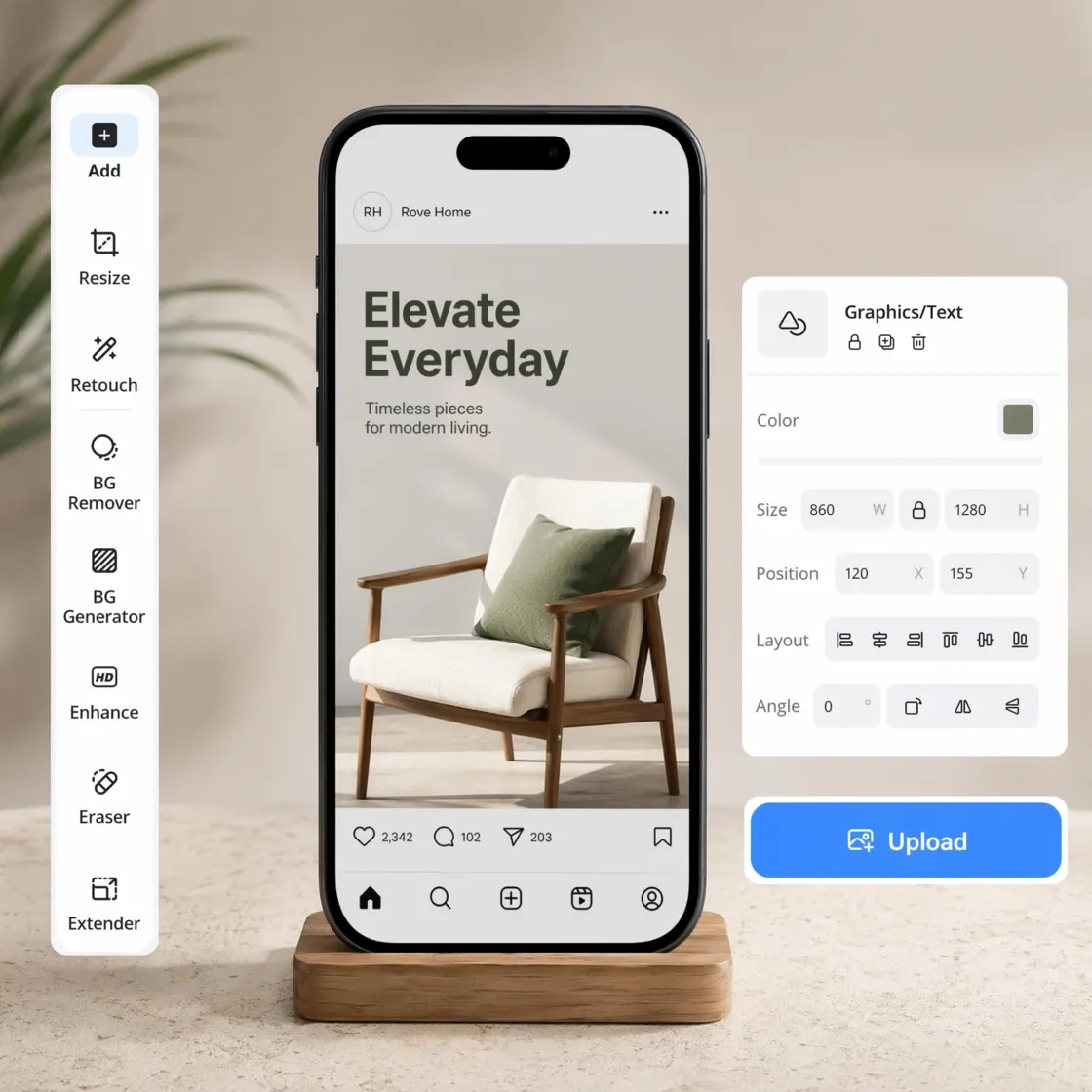
How to Create an Instagram Mockup in 3 Steps
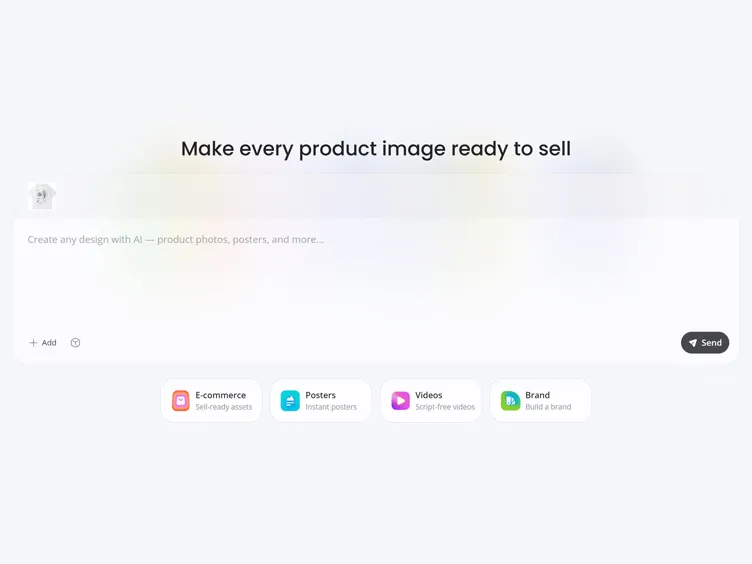
Upload Your Product Photo or Design
Upload a product photo, marketing graphic, or campaign design in JPG or PNG format to start creating your Instagram mockup.
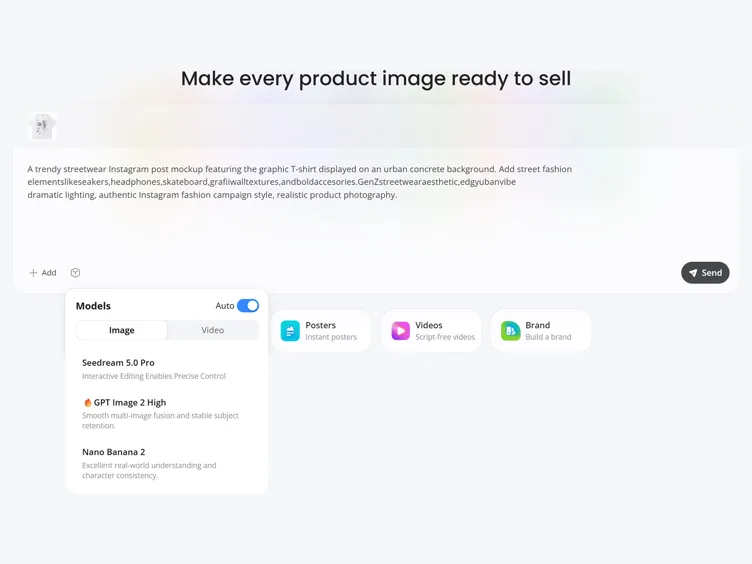
Customize Your Instagram Preview
Choose an Instagram post, reel, or feed layout, then adjust backgrounds, colors, branding, and composition to match your campaign.
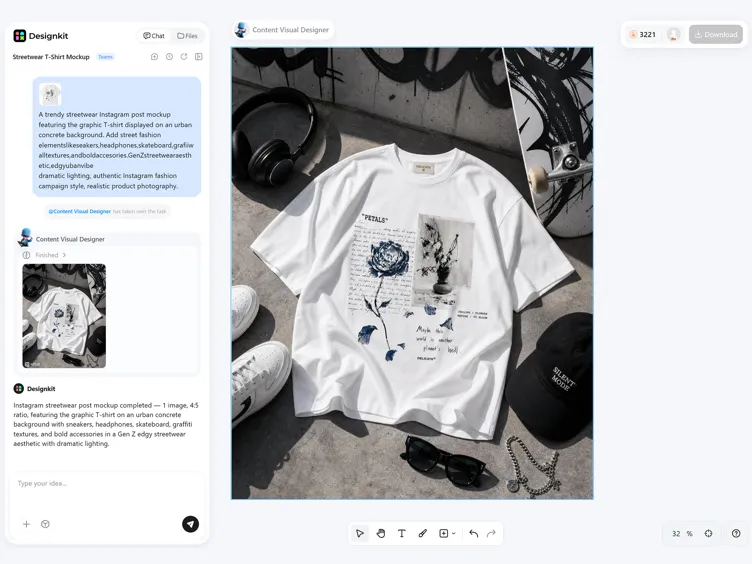
Export Presentation-Ready Mockups
Preview your final design, compare different versions, and export high-resolution mockups ready for presentations or publishing.
What Makes Designkit Instagram Mockup Generator Stand Out
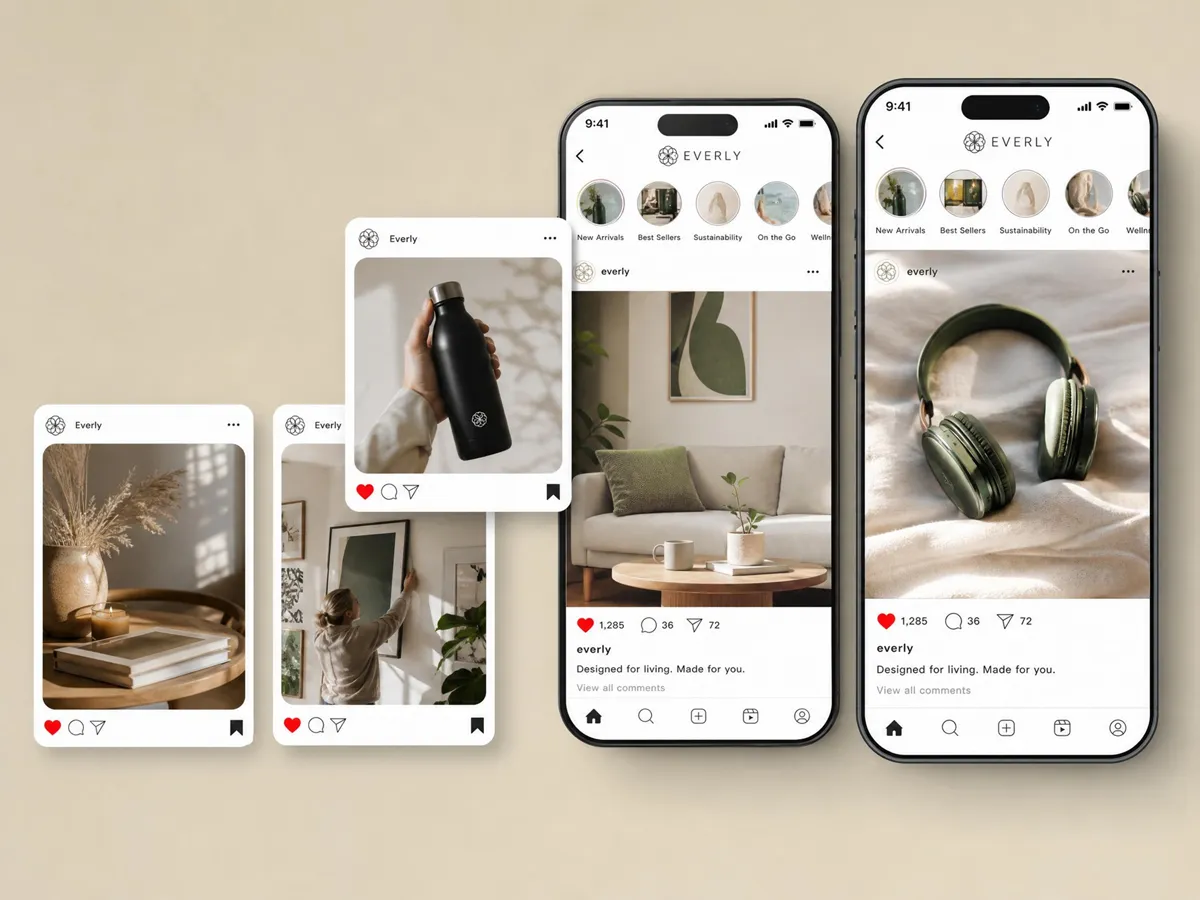
Generate Post, Reel, and Story Creatives From One Upload
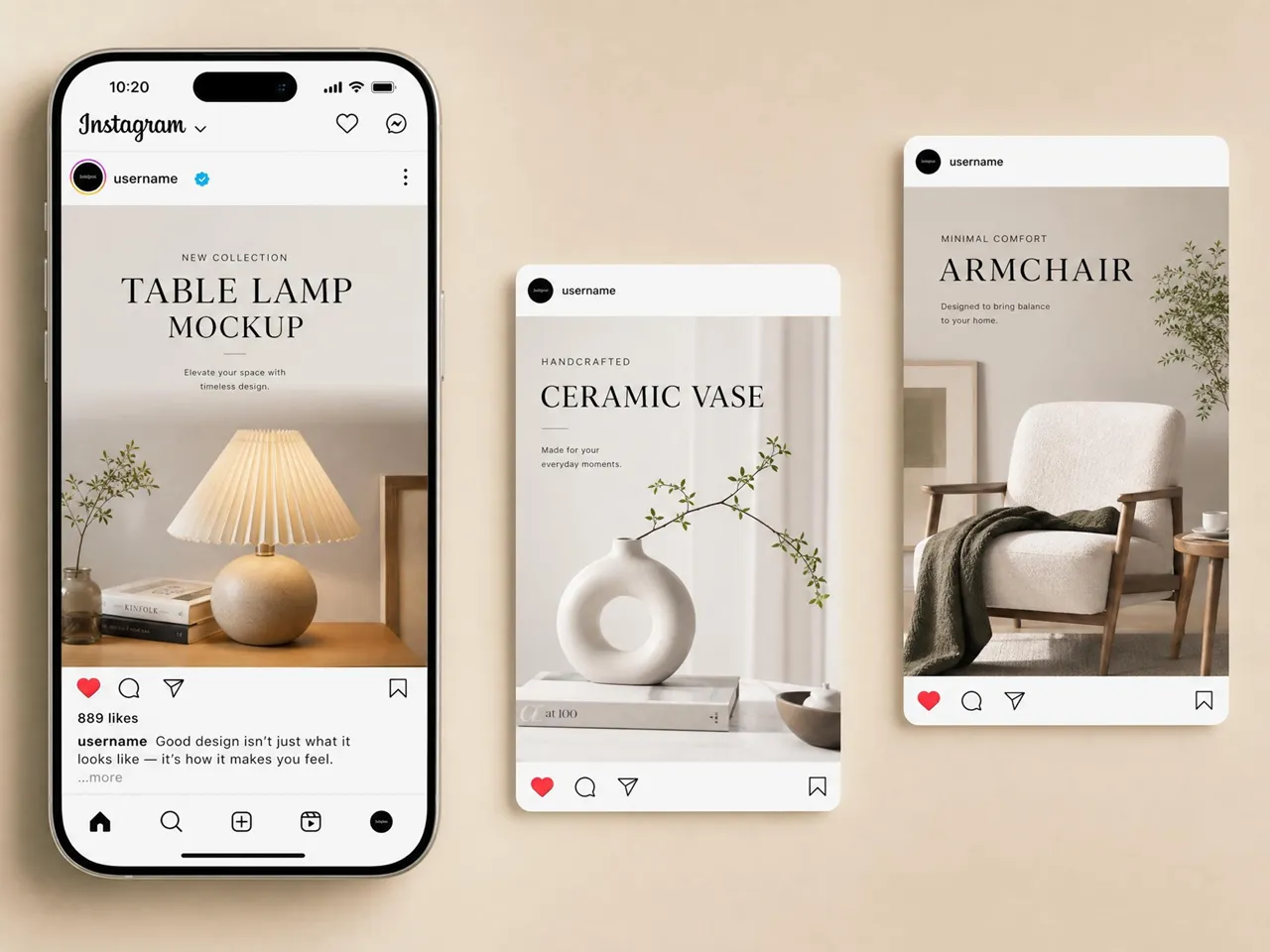
Create square posts, vertical reels, and story visuals from a single product photo or design. Skip rebuilding every format manually and prepare Instagram creatives that stay visually aligned across your entire campaign.
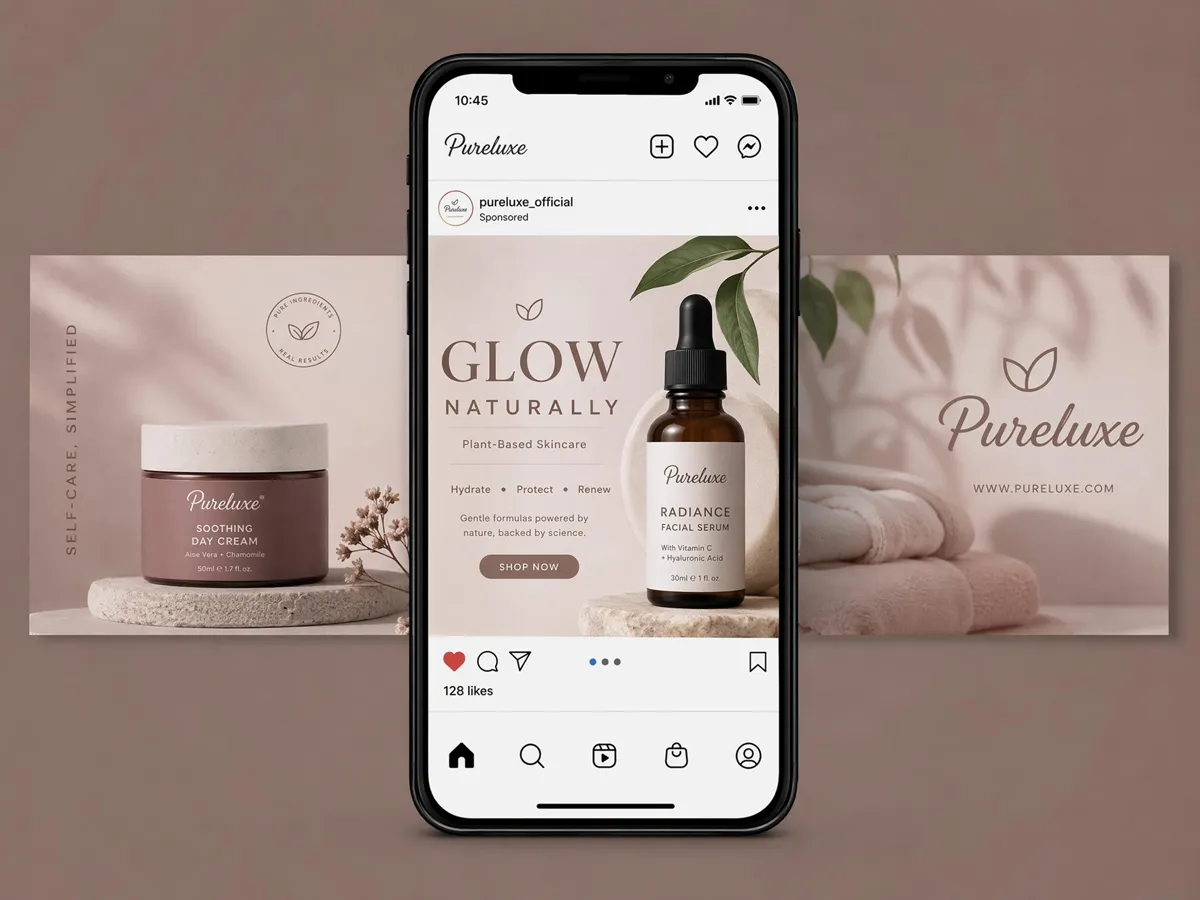
Preview Campaign Visuals Before Publishing
Review spacing, composition, branding, and visual hierarchy in realistic Instagram layouts before publishing. Spot design issues early, refine creative direction, and share polished previews with your team or clients.
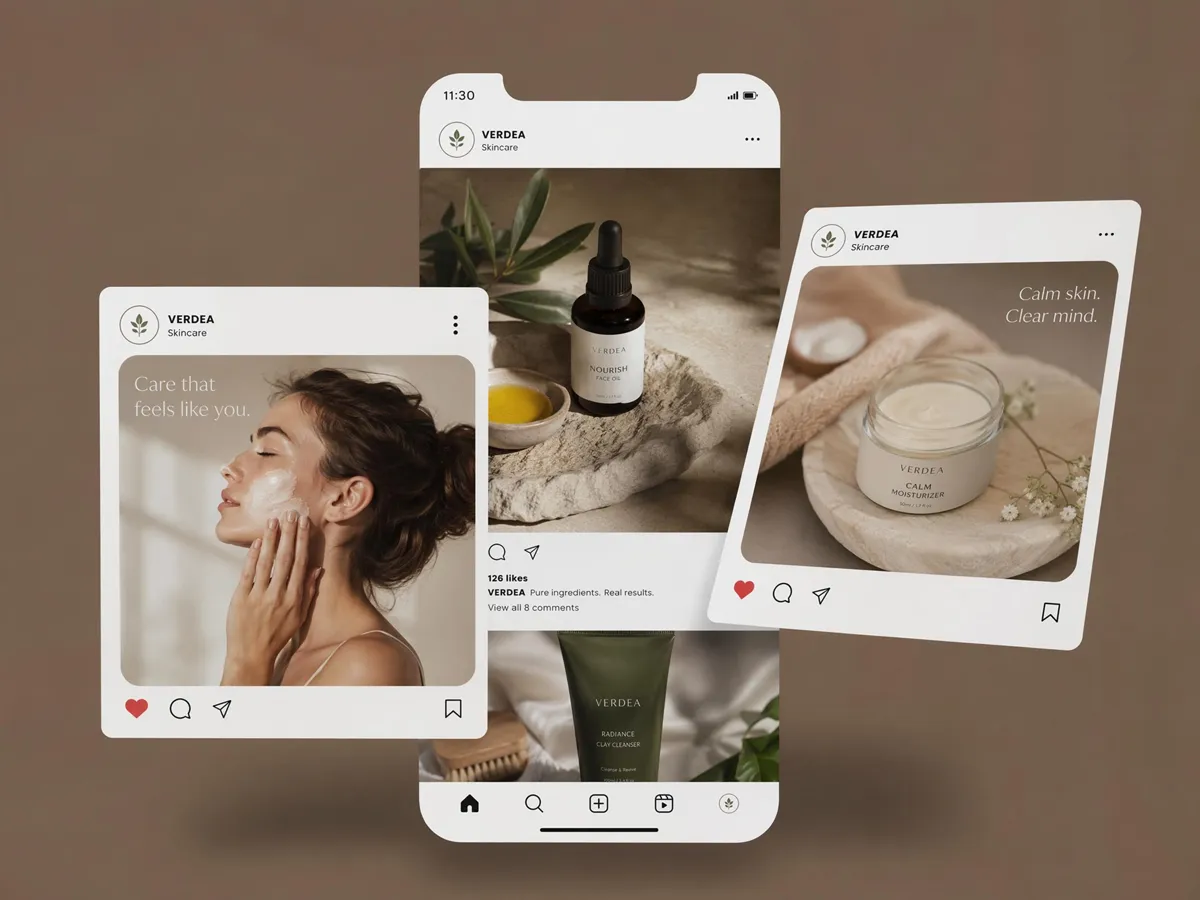
Customize Scenes, Backgrounds, and Brand Style
Adjust backgrounds, colors, layouts, and visual styles to match your brand. Use Designkit's AI background generator to create custom scenes and produce Instagram mockups that keep every campaign visually consistent.
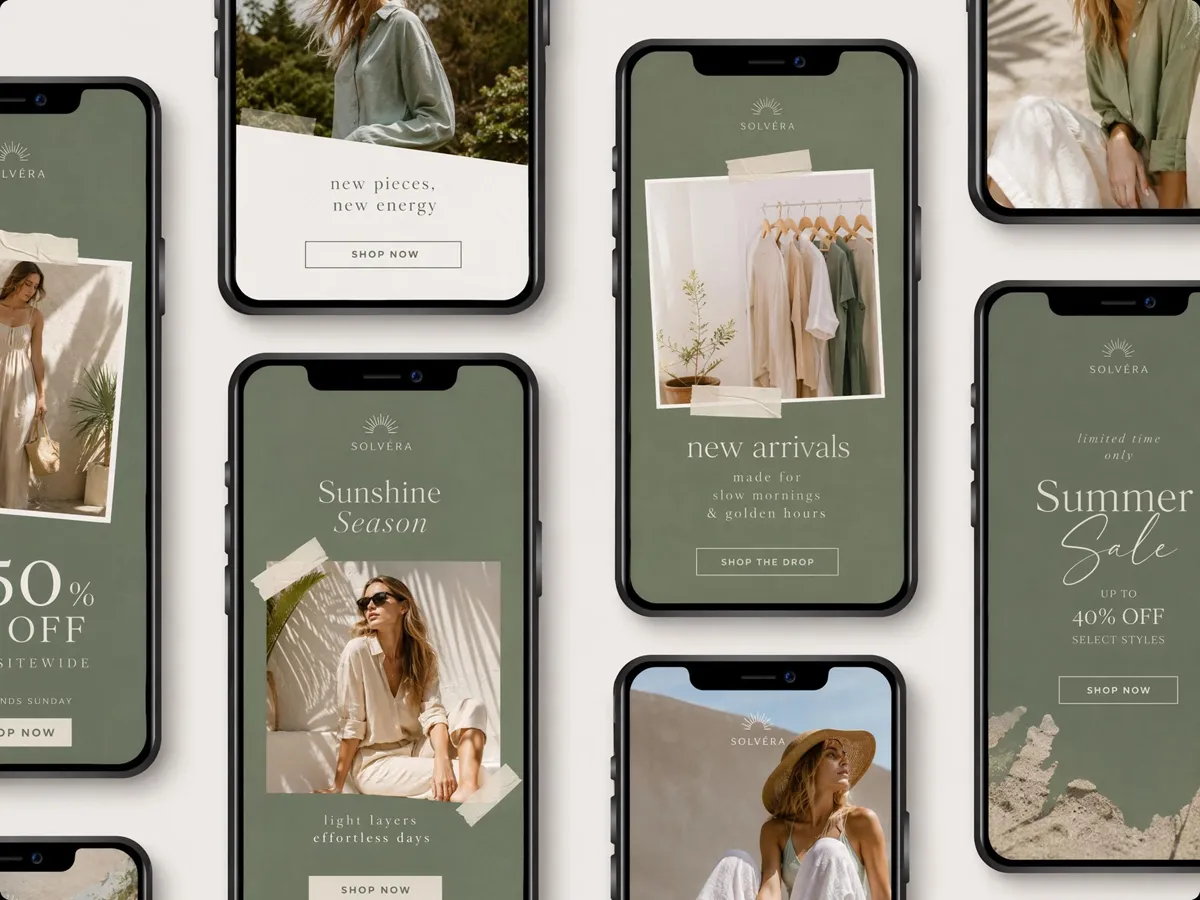
Test Multiple Creative Directions Fast
Generate multiple Instagram mockup variations with different layouts, messaging, and visual styles in one session. Compare concepts side by side to identify the strongest creative before launching campaigns or requesting approvals.
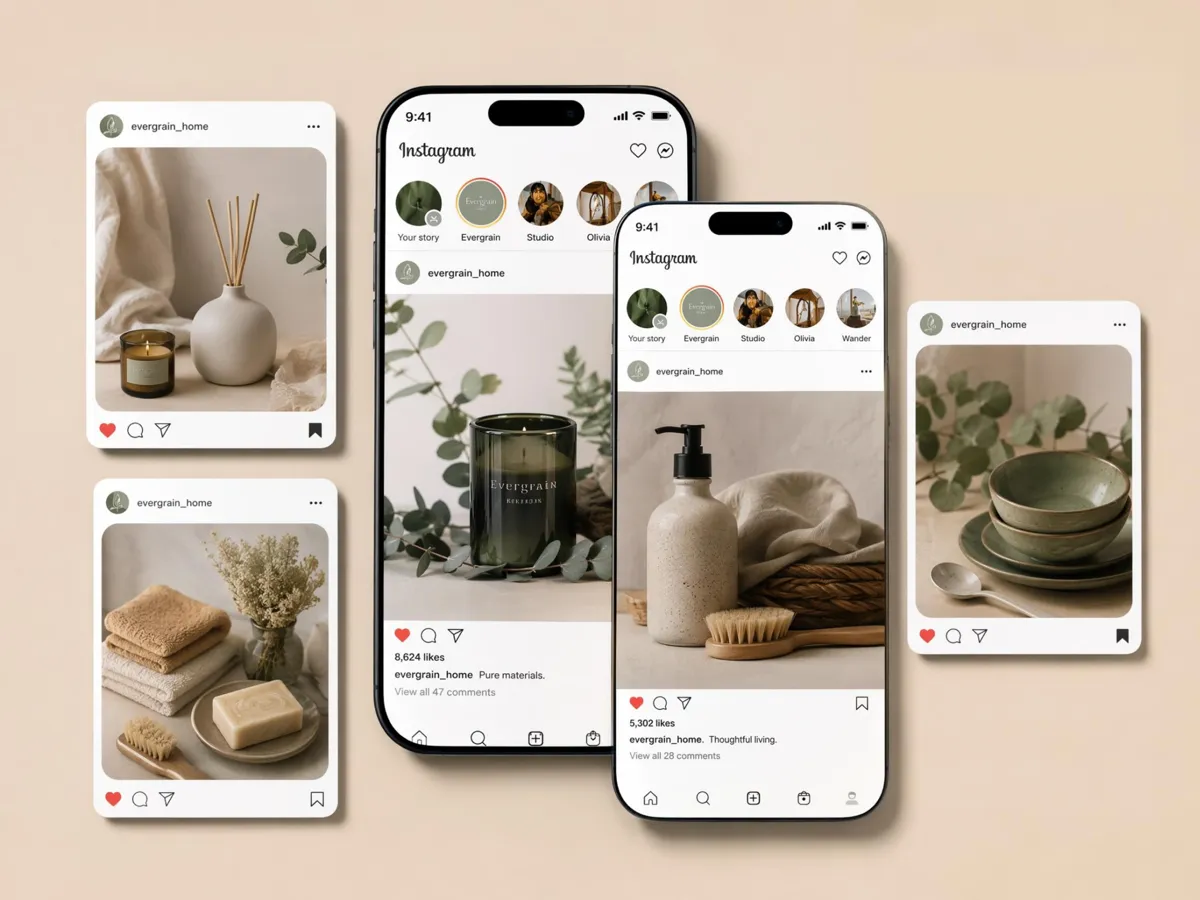
Keep Every Campaign On Brand
Maintain consistent colors, typography, profile details, and layouts across Instagram posts, reels, and feed previews. Build recognizable campaigns that strengthen your brand identity from the first post to the final promotion.
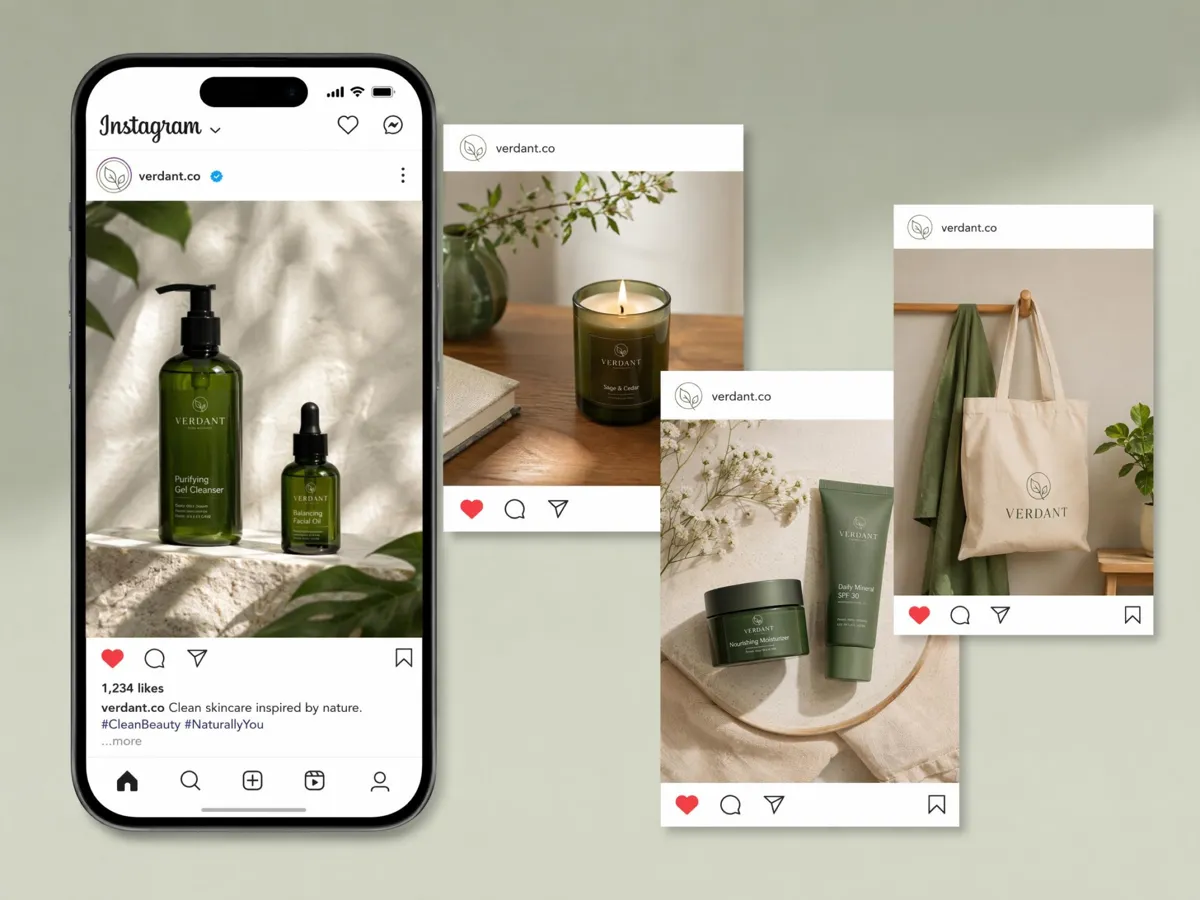
Plan Ecommerce Product Promotions Visually
Preview launches, seasonal promotions, and featured products inside realistic Instagram environments before publishing. Pair mockups with Designkit's white background tool to create cleaner, marketplace-ready visuals.
Who Uses an Instagram Mockup Generator
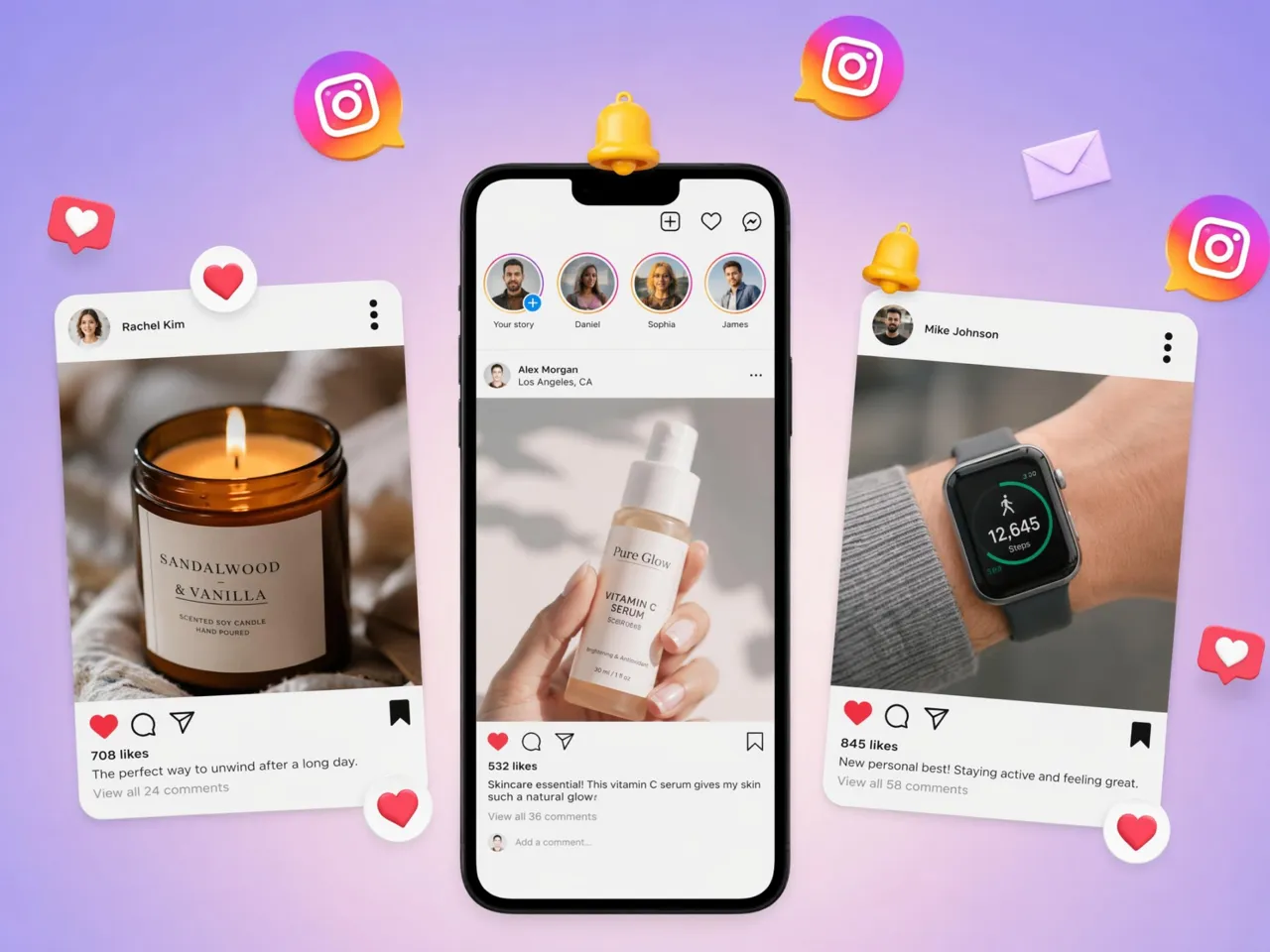
Plan Feed Visuals Before Posting
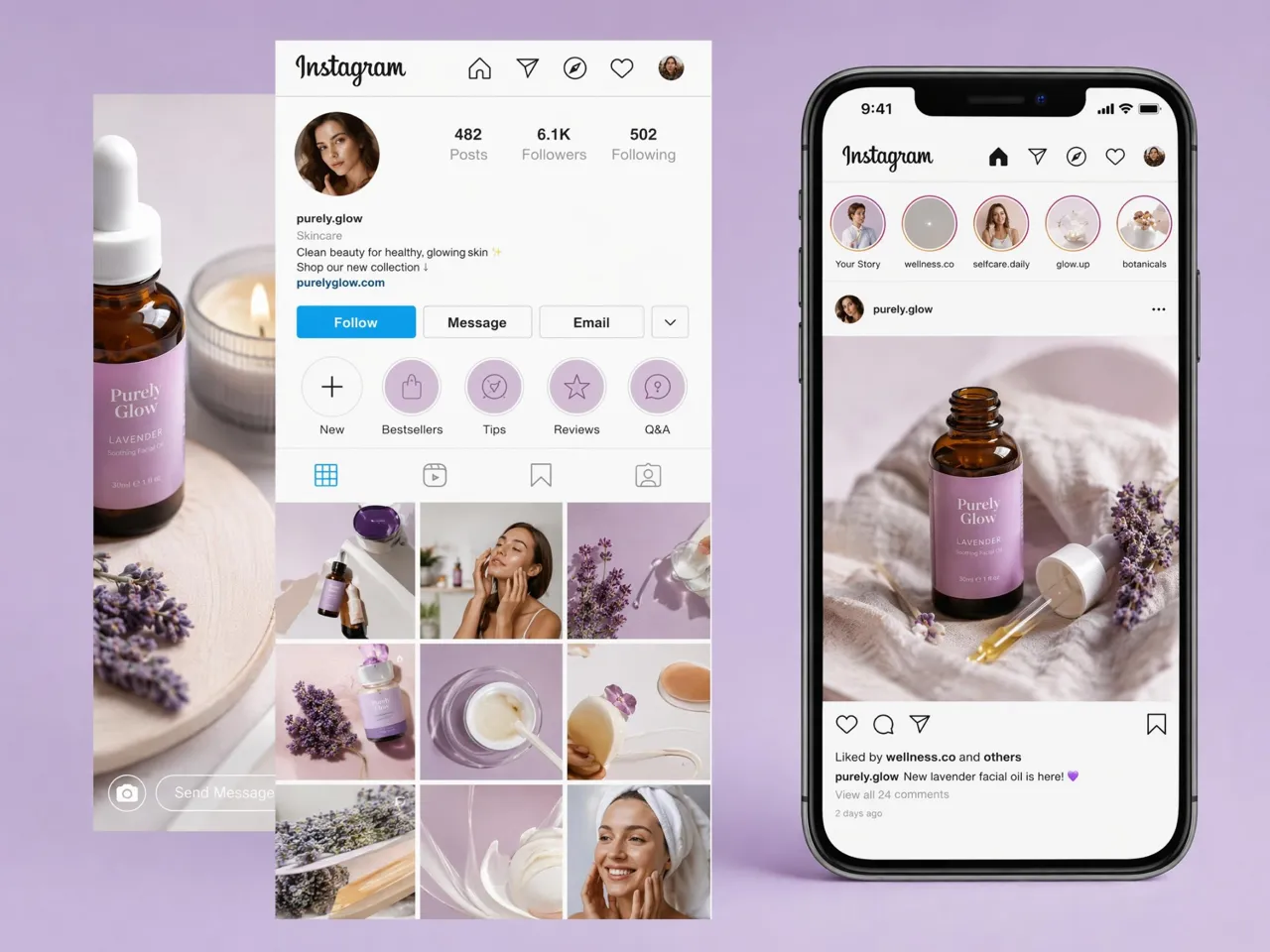
See how every new post fits your existing grid before it goes live. Preview colors, layouts, and spacing together to maintain a recognizable feed while planning launches, collaborations, and daily content with greater confidence.
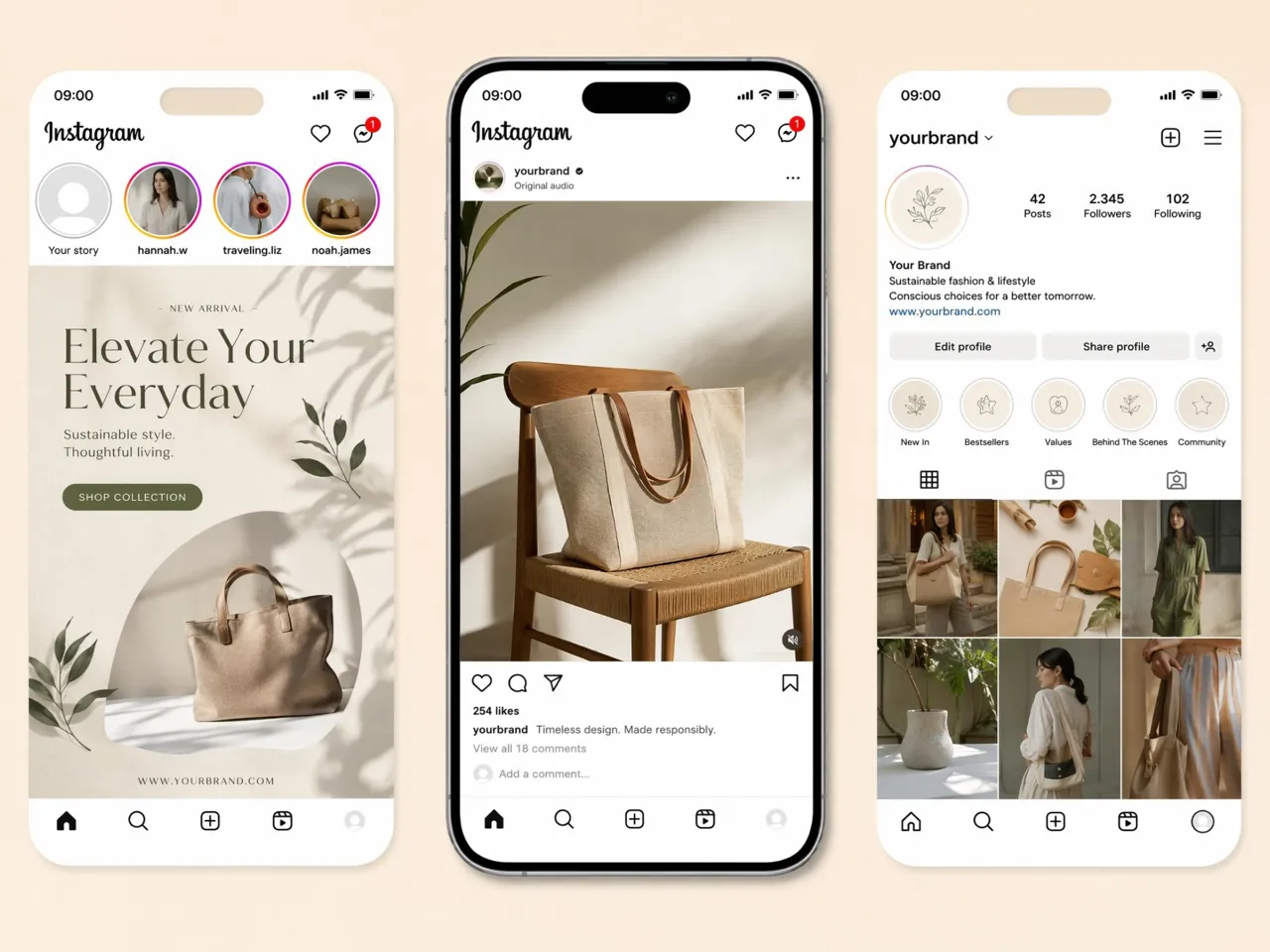
Why Choose Designkit Instagram Mockup Generator
Generate Creatives, Not Just Frame Templates
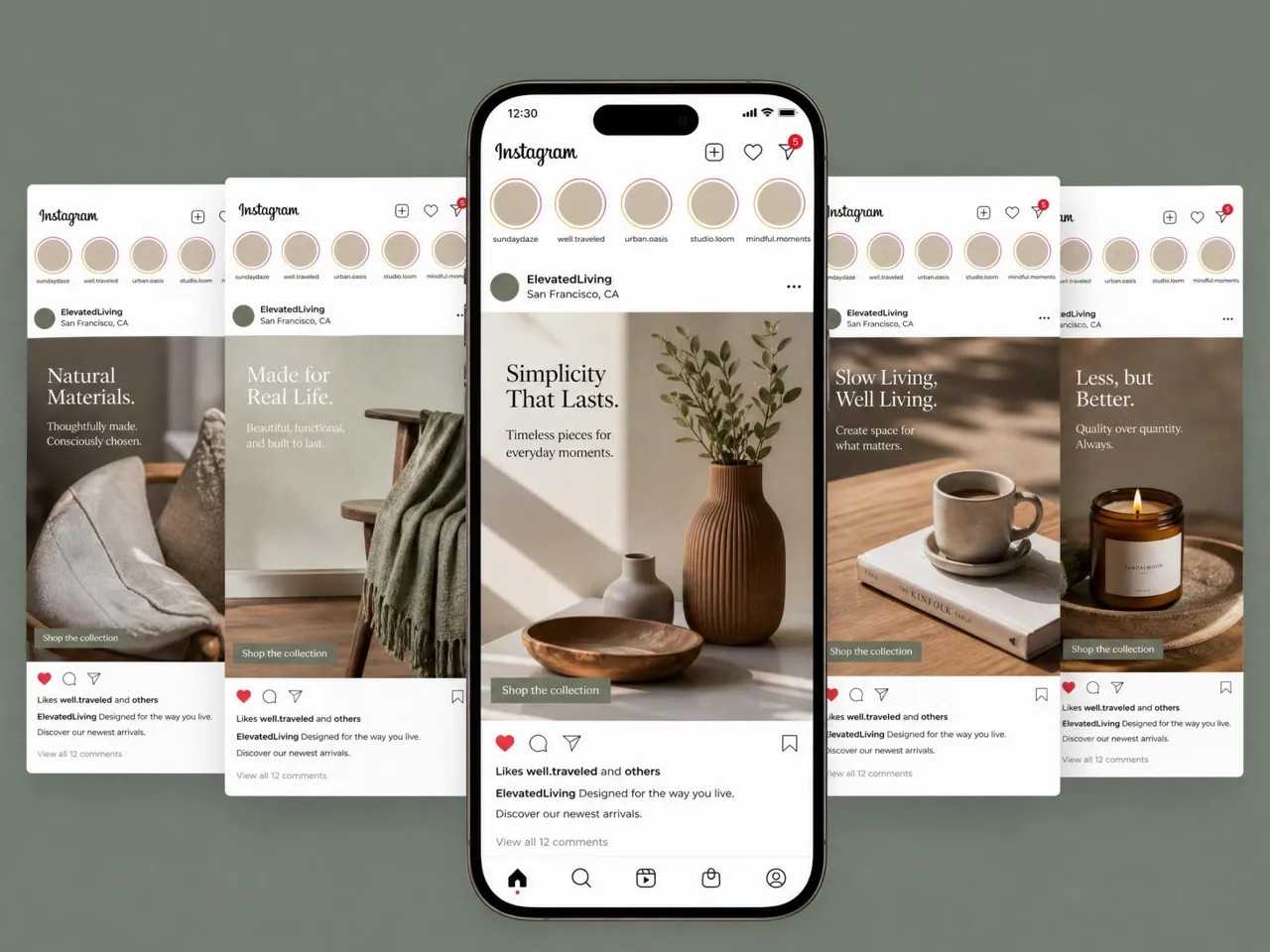
Create complete Instagram visuals instead of placing artwork inside static device frames. Show campaigns the way they'll actually appear before publishing or presenting them.

One Upload for Feed, Reels, and Stories
Turn one design into multiple Instagram formats without recreating assets for every placement. Save production time while keeping campaigns aligned across your content plan.

Faster Reviews for Teams and Clients
Share realistic Instagram mockups before production begins, so teams and clients can approve creative direction earlier and reduce unnecessary revision cycles.

More Variations Without Extra Design Hours
Test more layouts, messaging, and campaign concepts from the same design instead of spending hours creating separate versions for every creative direction.

Built for Instagram Size Requirements
Prepare feed posts, reels, and stories in the correct layouts from the start. Finish every creative with the image resizer to fit Instagram placements without extra manual adjustments.

Start Free With Signup Credits
Explore multiple Instagram mockup concepts before upgrading, making it easier to compare ideas and choose the strongest creative with no upfront commitment.
Unlock More Creative Possibilities
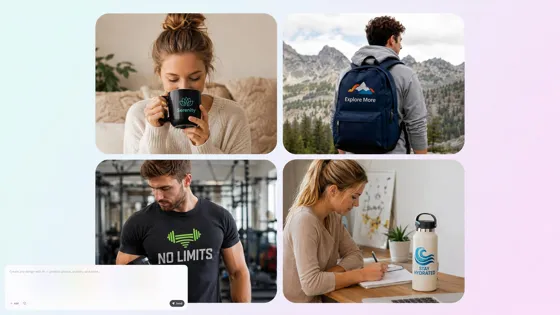
Mockup Generator
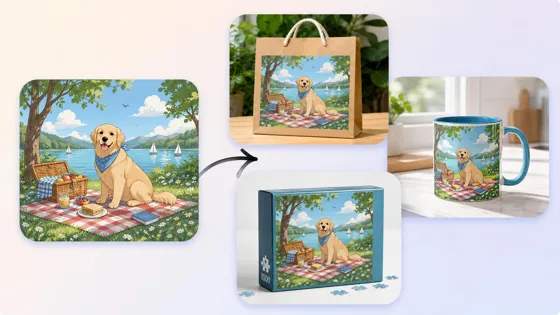
3D Mockup Generator
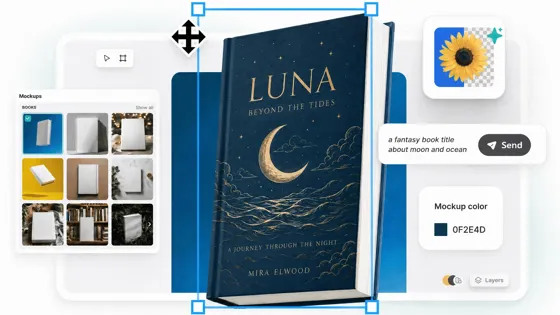
Book Mockup Generator
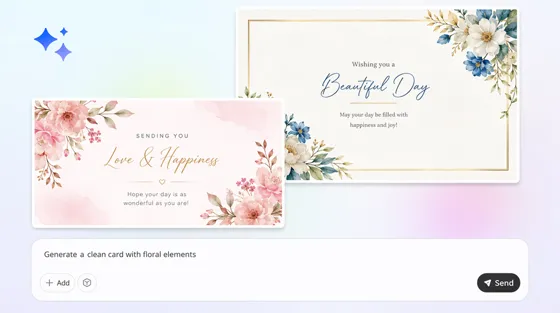
Card Mockup Generator
Frequently Asked Questions
What is an Instagram mockup generator?
Do I need design experience to create an Instagram mockup?
No. Upload a product image or design, select an Instagram format and tell us what style you want. Designkit does this automatically, so you can change layouts, branding and visuals without needing any advanced design software or editing skills.
Can I create mockups for different Instagram formats?
Yes. Create Instagram posts, reels, stories, and feed previews all from the same creativity as Designkit. You can configure multiple layouts for different placements, compare the results, and export the best one for your campaign objectives.
Can I create multiple mockups for the same campaign?
Yes. Generate several Instagram mockup variations from one product image or design to compare layouts, messaging, colors, and branding. Reviewing different creative directions before publishing helps you choose the strongest version for your audience or client.
Are Instagram mockups suitable for commercial use?
Yes. Instagram mockups created on paid plans are royalty-free for commercial use in social campaigns, advertisements, ecommerce promotions, and client presentations. Review the current free-plan terms if you plan to use mockups commercially.
What export options are available for Instagram mockups?
Export high-resolution JPG or PNG files optimized for Instagram posts, reels, stories, and campaign presentations. The exported mockups are ready to share with clients, teammates, or upload directly into your content workflow.
Can I use Instagram mockups for client presentations?
Yes. Many agencies, freelancers, and marketing teams use Instagram mockups to present campaign concepts before publishing. Showing realistic previews helps clients understand the final appearance, resulting in faster feedback and more confident approvals.
Create Instagram Mockups Before Your Next Campaign Goes Live
Create realistic Instagram mockups for posts, reels, and feeds. Test your ideas, present campaigns, and launch with confidence.



What Performance Marketers Love Most About DesignKit Instagram Mockups
See how marketers, creators, and businesses use Designkit to create Instagram mockups and speed up campaign reviews.
Cut Campaign Review Time From Days to Hours
Instead of uploading draft posts for review, I generate Instagram mockups first and share them with my team. Everyone agreed on the creative direction earlier, and our campaign review time has dropped from two days to a few hours.
Improved Client Approval Rates
Clients often struggled to imagine how flat artwork would appear on Instagram. Showing realistic post and reel mockups helped them approve concepts faster, reducing revision rounds by about 40% across recent campaigns.
Planned Product Launches More Confidently
Before every launch, I preview products inside Instagram feeds and reels instead of guessing the final look. Comparing several mockups before publishing has improved campaign planning and reduced last-minute creative changes.
Created More Campaign Variations Without Extra Design Work
One product photo now becomes several Instagram post mockups with different layouts and messaging. We test more creative options in less time, making A/B testing easier without adding work for our design team.
Built Social Presentations Without Designers
I handle social media myself, so hiring a designer for every campaign isn't practical. Designkit helps me create realistic Instagram mockups that I can confidently present to partners or publish on my own.
Delivered Better Client Presentations
Showing Instagram mockups instead of flat files helps clients understand the final result immediately. Approval meetings are shorter, feedback is more focused, and projects move into production much faster.