
Expand Image Canvas Without Warping Your Subject
Upload a photo and stretch it to a new aspect ratio. Designkit adds background around your image instead of scaling the whole file like a resizer.

No image ready? Try one of these samples:


How to Stretch an Image to a New Aspect Ratio in 3 Steps
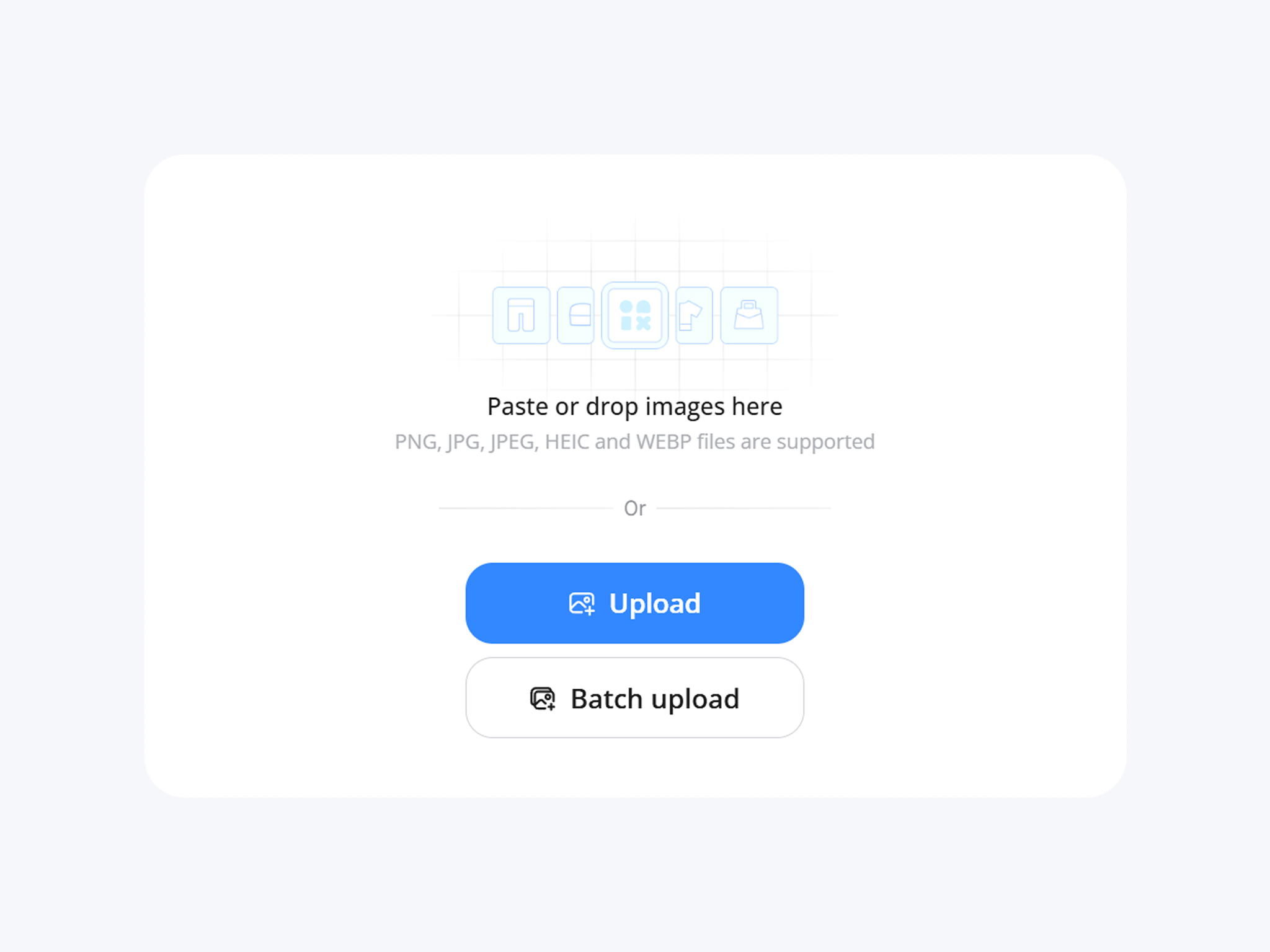
Upload Your Image
Add a JPG or PNG file. No software install needed, and no account required just to try the tool first.
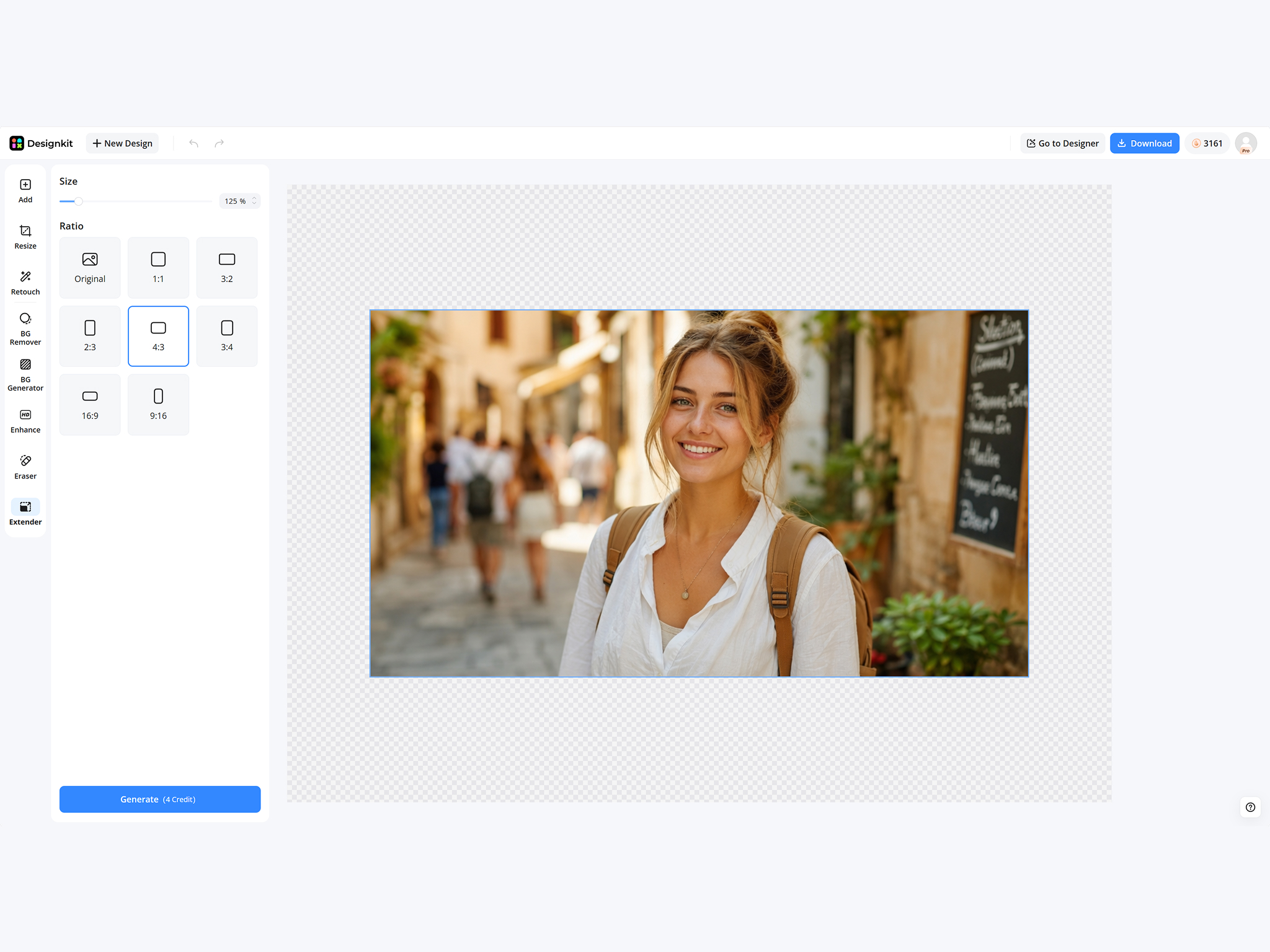
Choose a New Frame Size
Pick a target ratio or platform preset for Amazon, Etsy, Instagram, or Shopify, then preview how much background will be added.
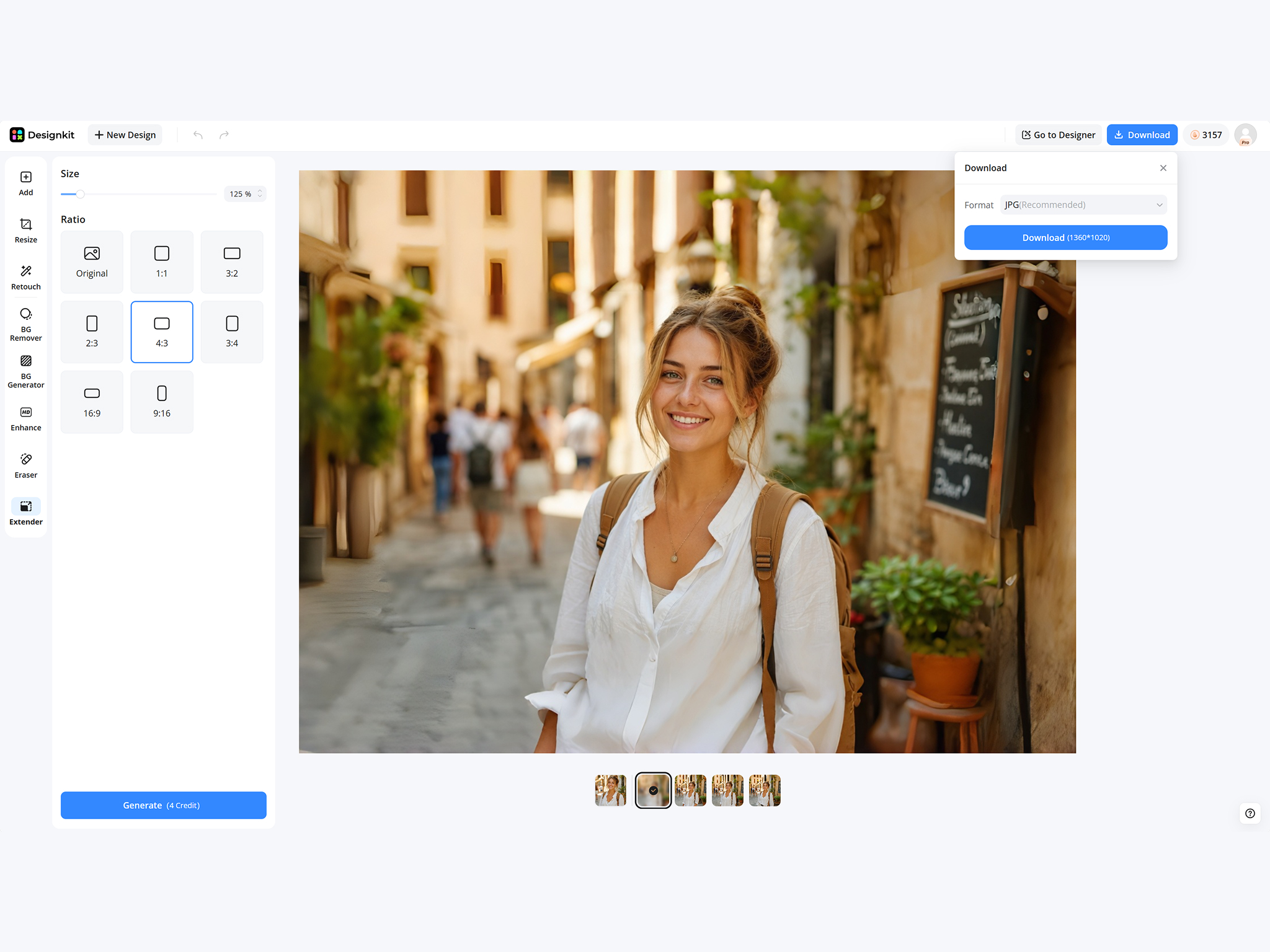
Download Your Stretched Image
Export a stretched file with the new aspect ratio, ready for listings, ads, presentations, or print layouts.
Key Features of Designkit Online Image Stretcher
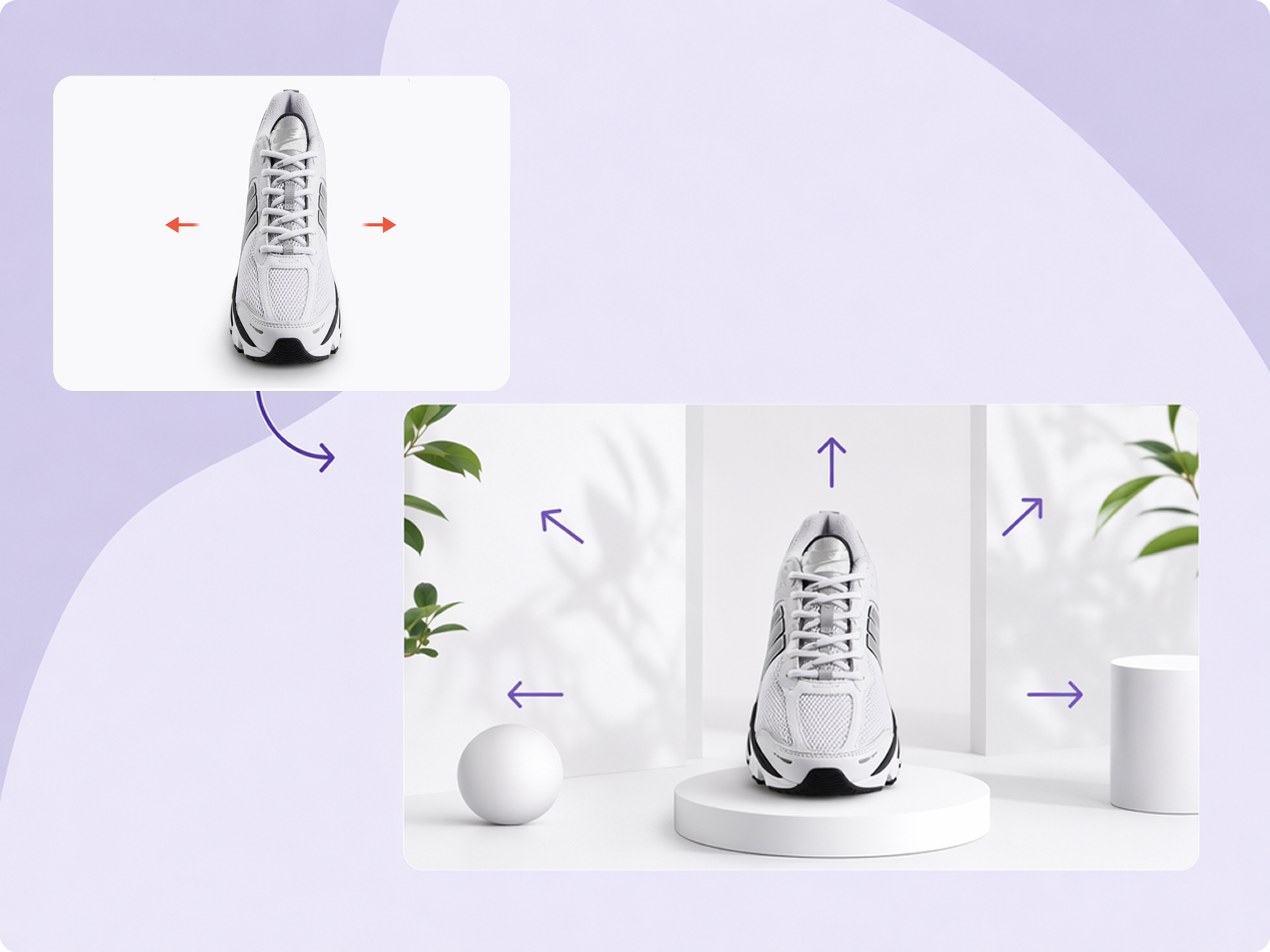
Expand the Canvas, Not the Whole Image
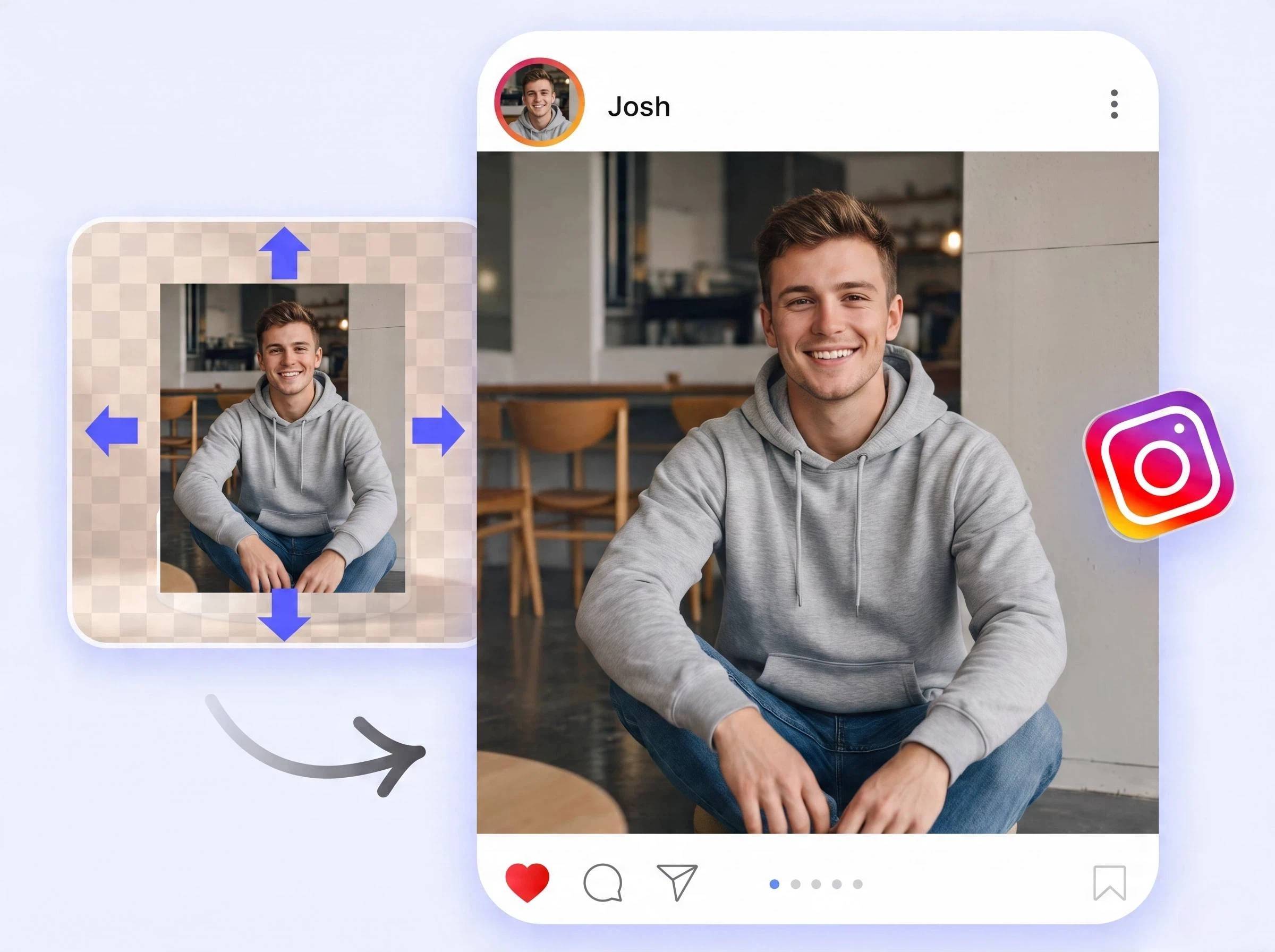
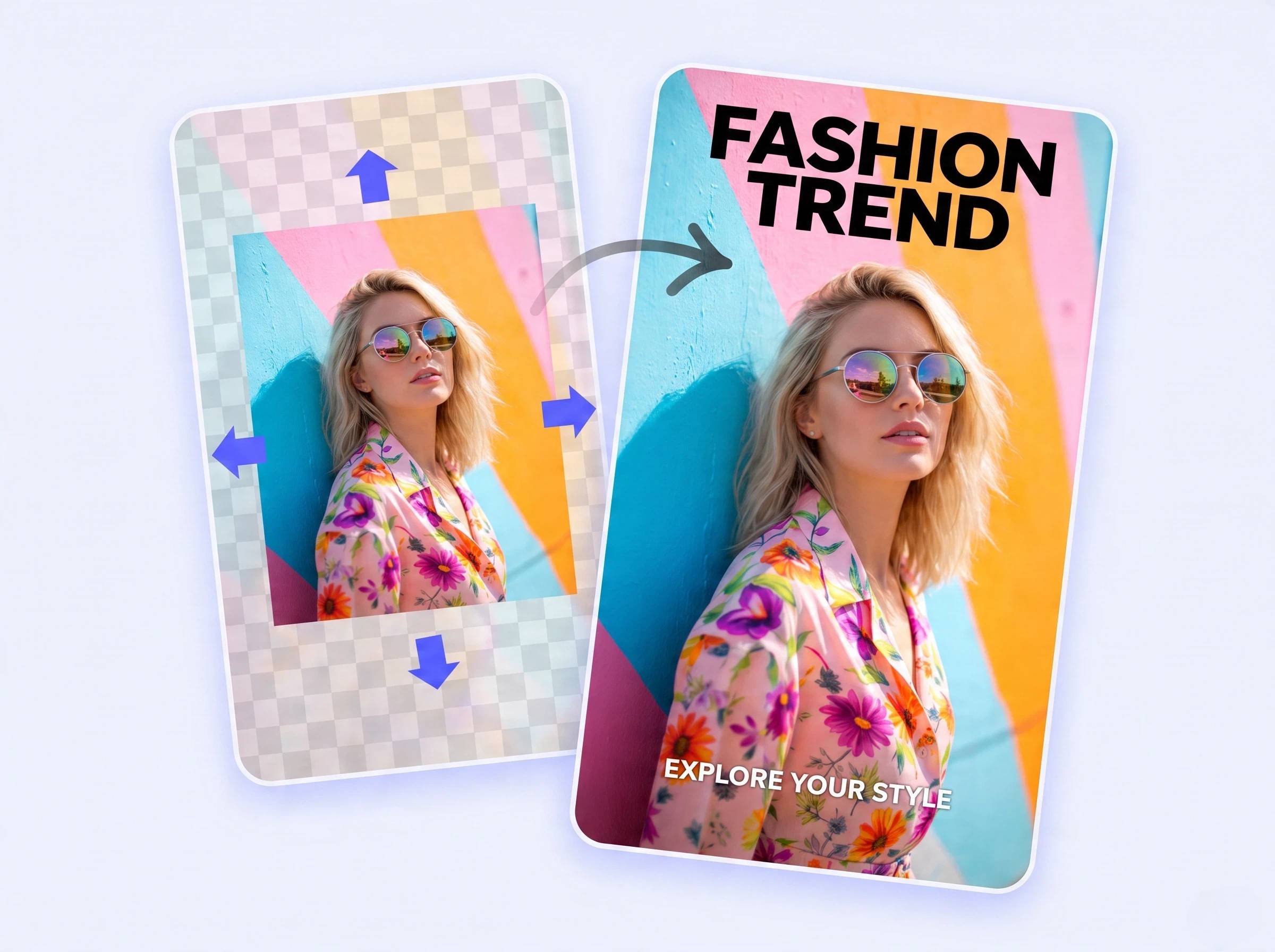
A resizer scales every pixel to a new size, which distorts faces and products. Designkit stretches the frame with the AI image extender technique instead, generating a new background around your photo, so products and faces keep their shape.
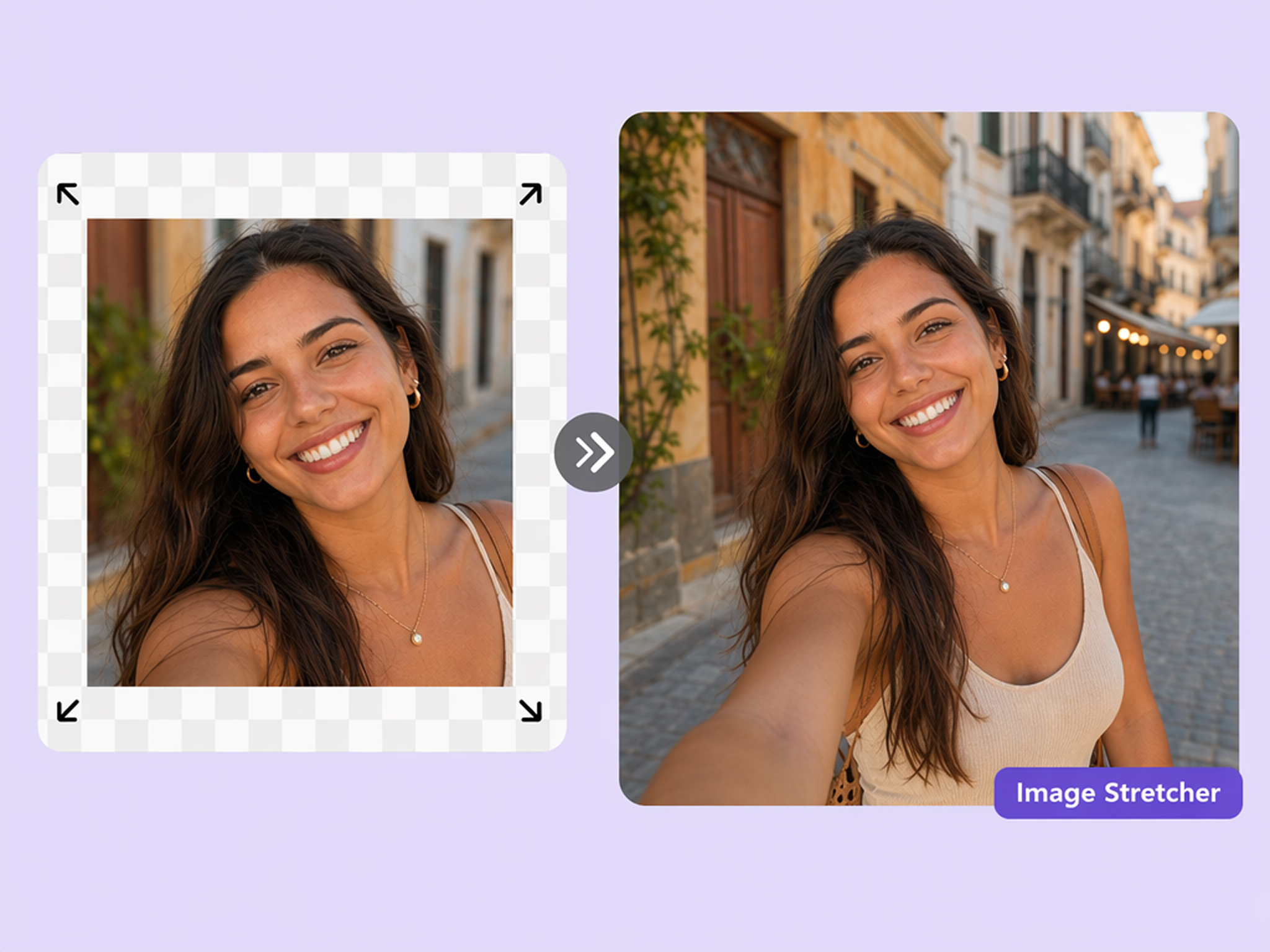
Change Aspect Ratio Without Cropping
Instead of cropping out faces, products, or key elements, Designkit expands your image naturally to match different aspect ratios, from social posts and stories to banners and presentations.
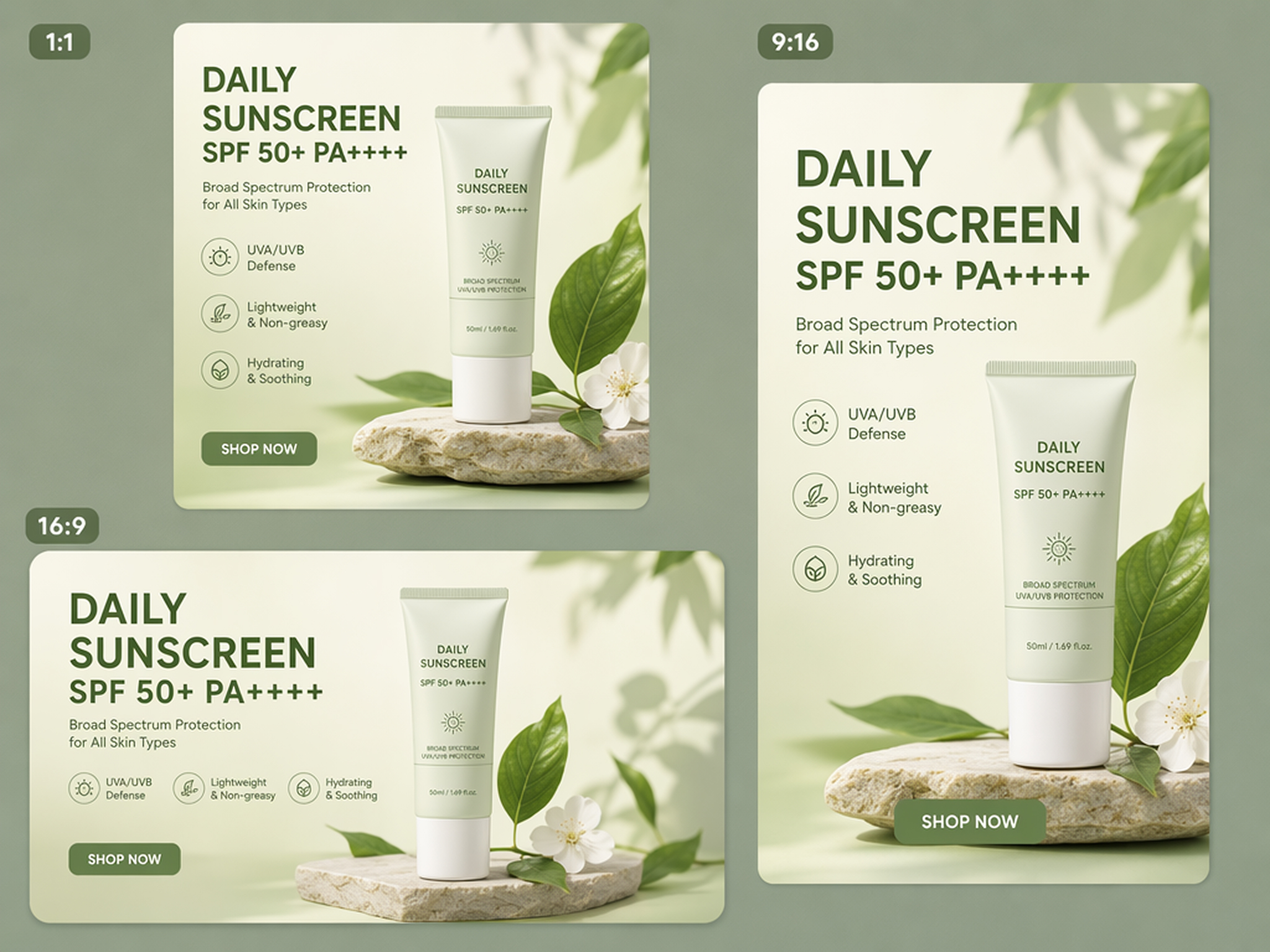
Preset Sizes for Social, Ads, and Print
Whether you're creating social posts, ad creatives, product listings, or print designs, Designkit helps you expand images into the right dimensions instantly, no pixel calculations, no manual resizing.
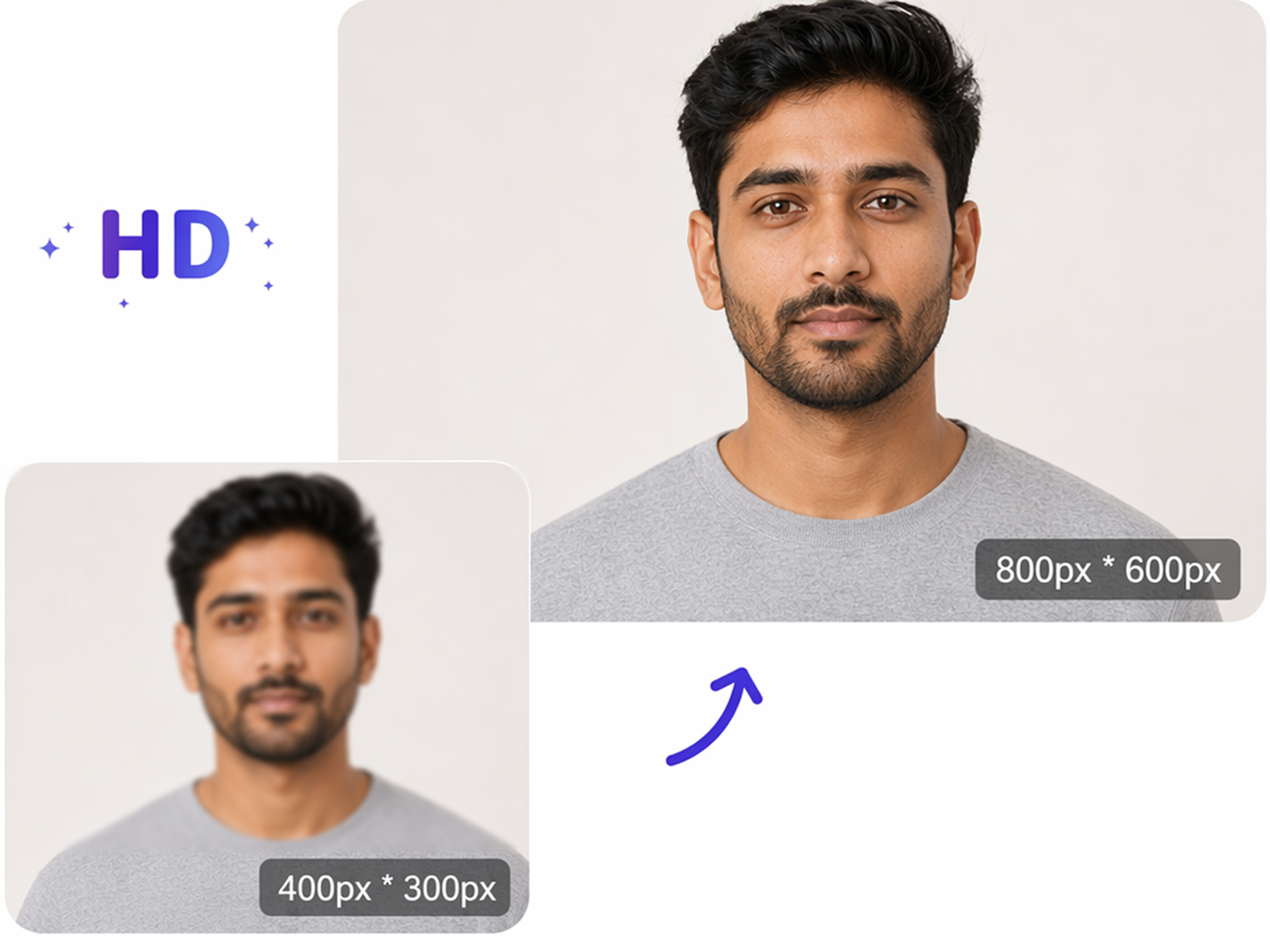
Preserve Product and Portrait Details
Designkit preserves important details like product edges, facial features, text, and logos while seamlessly blending the extended area with the original background.
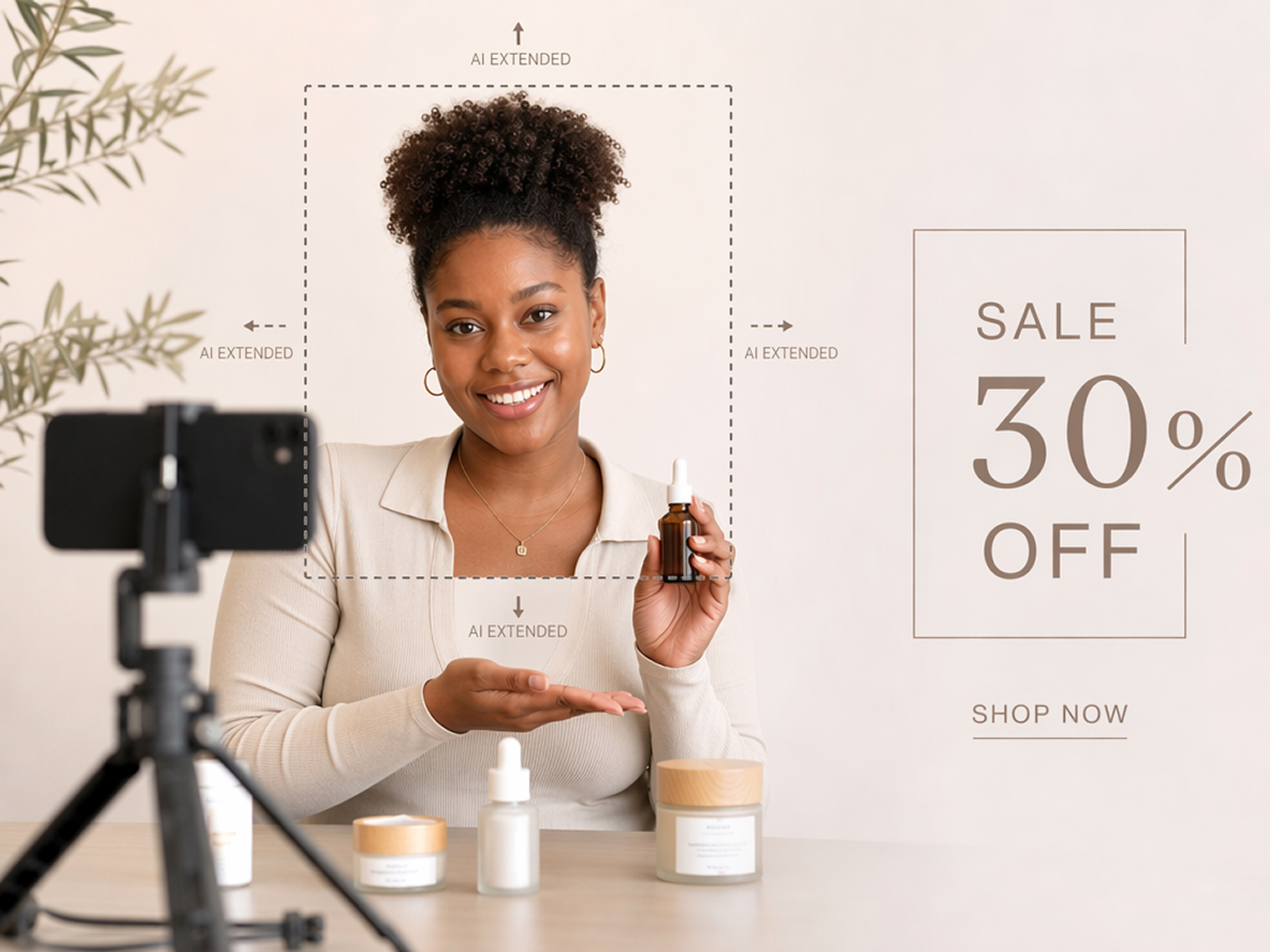
Add Space for Text, Logos, and Design Elements
Designkit lets you extend your image in any direction, creating natural empty space for marketing copy, product information, or creative layouts without changing your original image.
Who Uses Designkit to Stretch Images
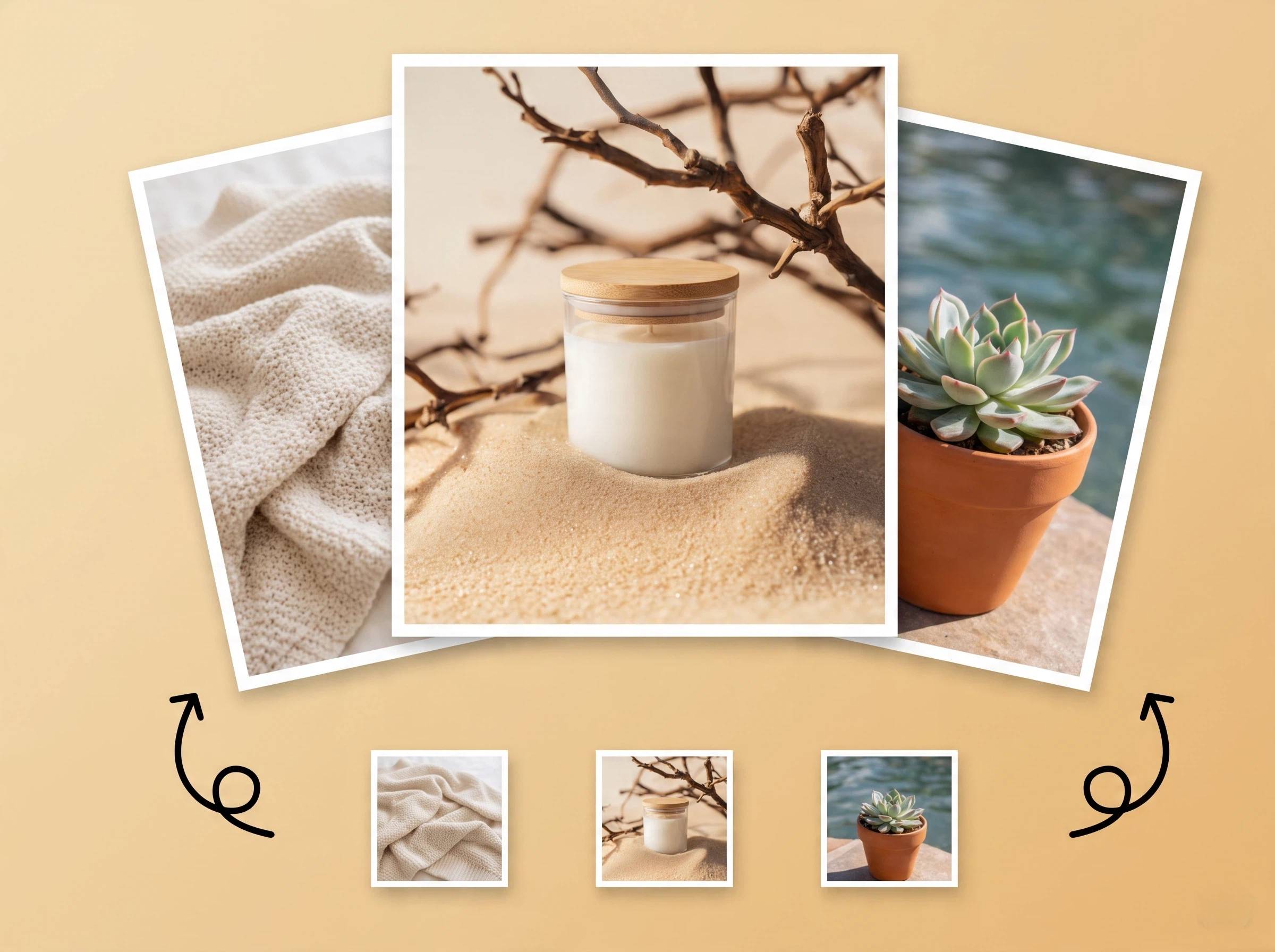
Stretch Photos for Banners, Posts, and Slides
Expand a photo into a wider or taller frame for websites, presentations, and campaign assets without cropping the subject out of the shot.
Why Choose This Stretch Tool Over Manual Editing

Built to Change Ratios, Not Just Scale Files
Traditional resizing can stretch your subject or cut away important details. Designkit intelligently expands your canvas to fit new formats while keeping your original image natural.
Adds Background Instead of Pulling Pixels
The tool extends edges with an AI-generated background instead of dragging corners and warping the subject.
Free Credits to Start
New accounts get 20 free credits at signup plus 10 daily credits to test the tool before committing to a paid plan.
Unlock More Creative Possibilities
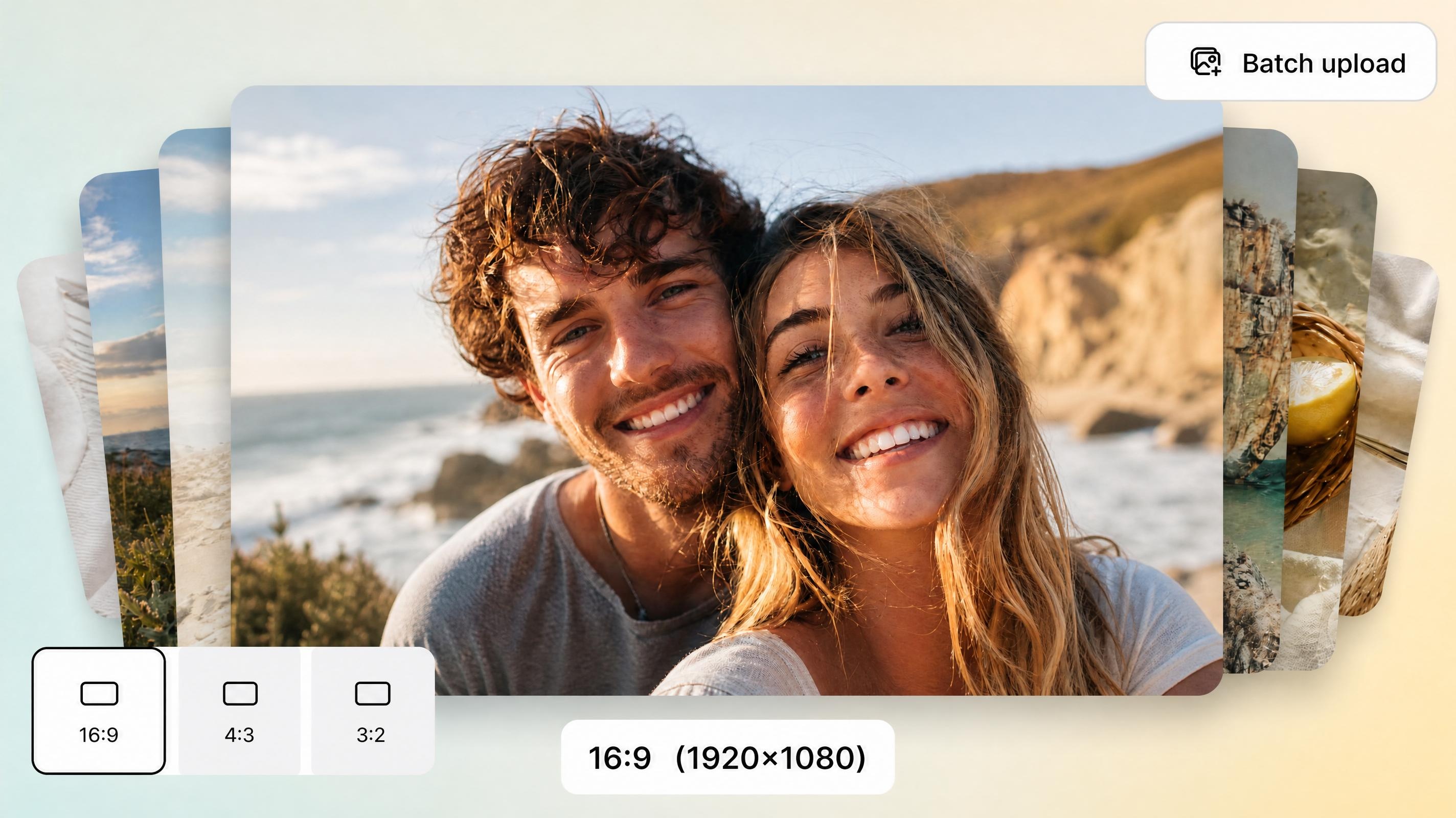
AI Bulk Image Resizer
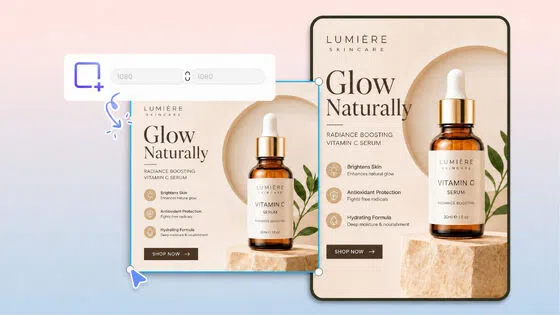
Resize Photo for Printing
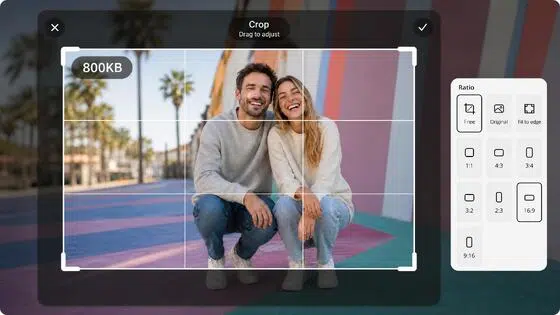
Free JPEG Resizer Online
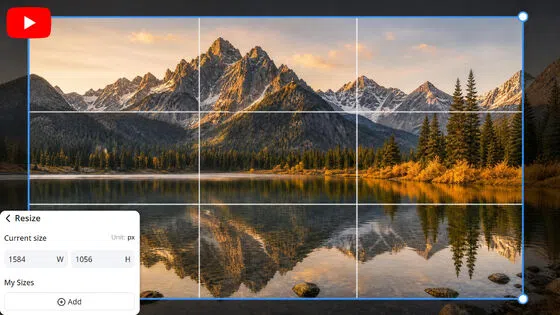
YouTube Banner Resizer Online
Frequently Asked Questions
Can I stretch an image online for free?
Will stretching a photo online make it blurry?
Not when the tool expands the canvas with AI. Designkit generates new background pixels instead of stretching the existing ones, which is what usually causes visible blur or warping in a basic resize.
How do I stretch an image to a new aspect ratio?
Upload your photo, pick a preset for social, ads, presentations, or print, or enter custom dimensions if you need something specific. Designkit expands the canvas to that size without cropping the subject out.
What is the difference between an image stretcher and an image resizer?
An image resizer changes the overall file size while keeping the same aspect ratio, which can distort the subject if you force a different shape. An image stretcher changes the aspect ratio itself by expanding the canvas and adding new background around your photo, so the subject is never cropped or warped in the process.
Can I stretch a photo for printing?
Yes. Expand the canvas for posters, flyers, and other print layouts. The Designkit tool keeps detail sharp at the larger sizes printing requires, instead of scaling up existing pixels the way a basic resizer would.
Stretch Your Next Image Without the Distortion
Upload a photo, choose a new aspect ratio, and expand it with free credits, no resizing distortion and no warping.

What Users Say About This Online Image Stretcher
Real feedback from creators, marketers, and designers who expanded images instead of resizing them.
No More Warped Product Shots
I used to drag corners in Photoshop, and everything looked visibly pulled and stretched. Now I expand to the ratio I need, and the subject stays the exact same shape it started with.
Presets Saved Me Real Time
I don't need a separate resizer tool anymore for social content. One landscape photo becomes a vertical story size without squeezing or distorting the whole image in the process.
Works for Print Too
I needed a wider version of a flyer photo for a last-minute print order. The expanded background printed clean without the blur I expected from just scaling the original file up.