
Turn Your Story Idea Into an Illustrated Book
Bring your stories to life with Designkit's AI storybook maker. Turn ideas or written stories into illustrated books for bedtime reading, learning, and creative projects.
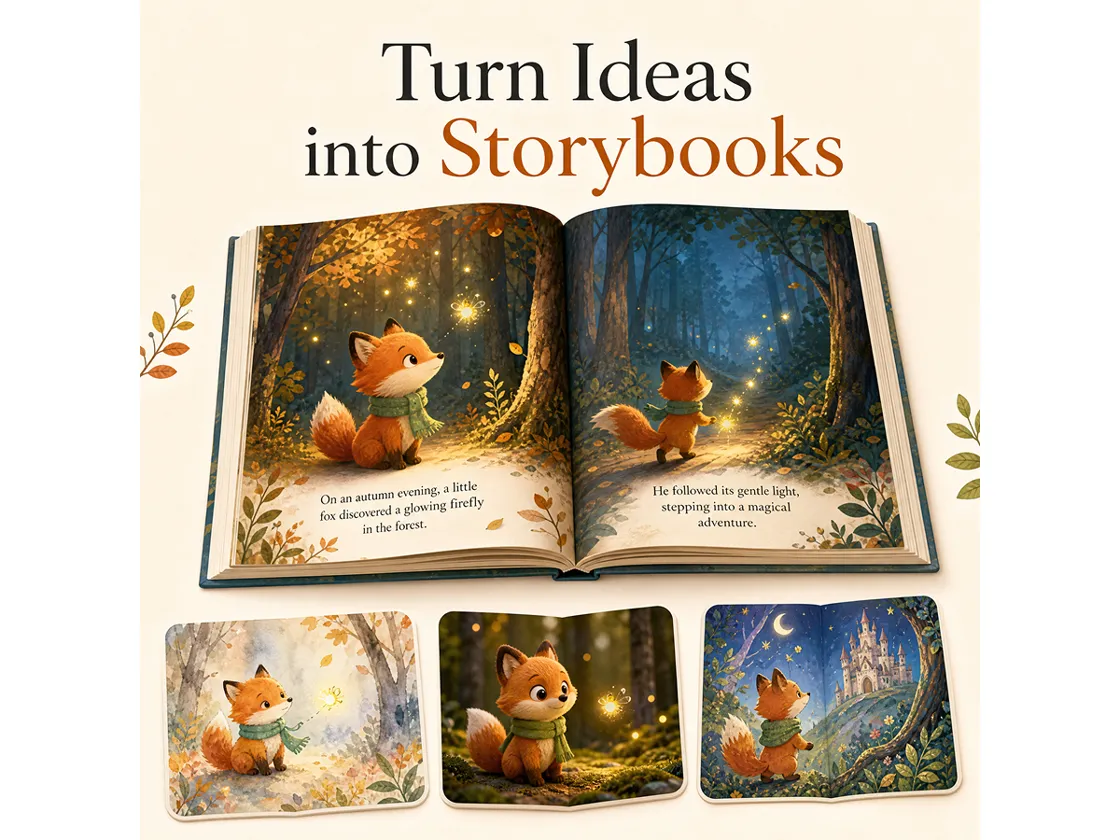
Create Magical Tales for Little Readers
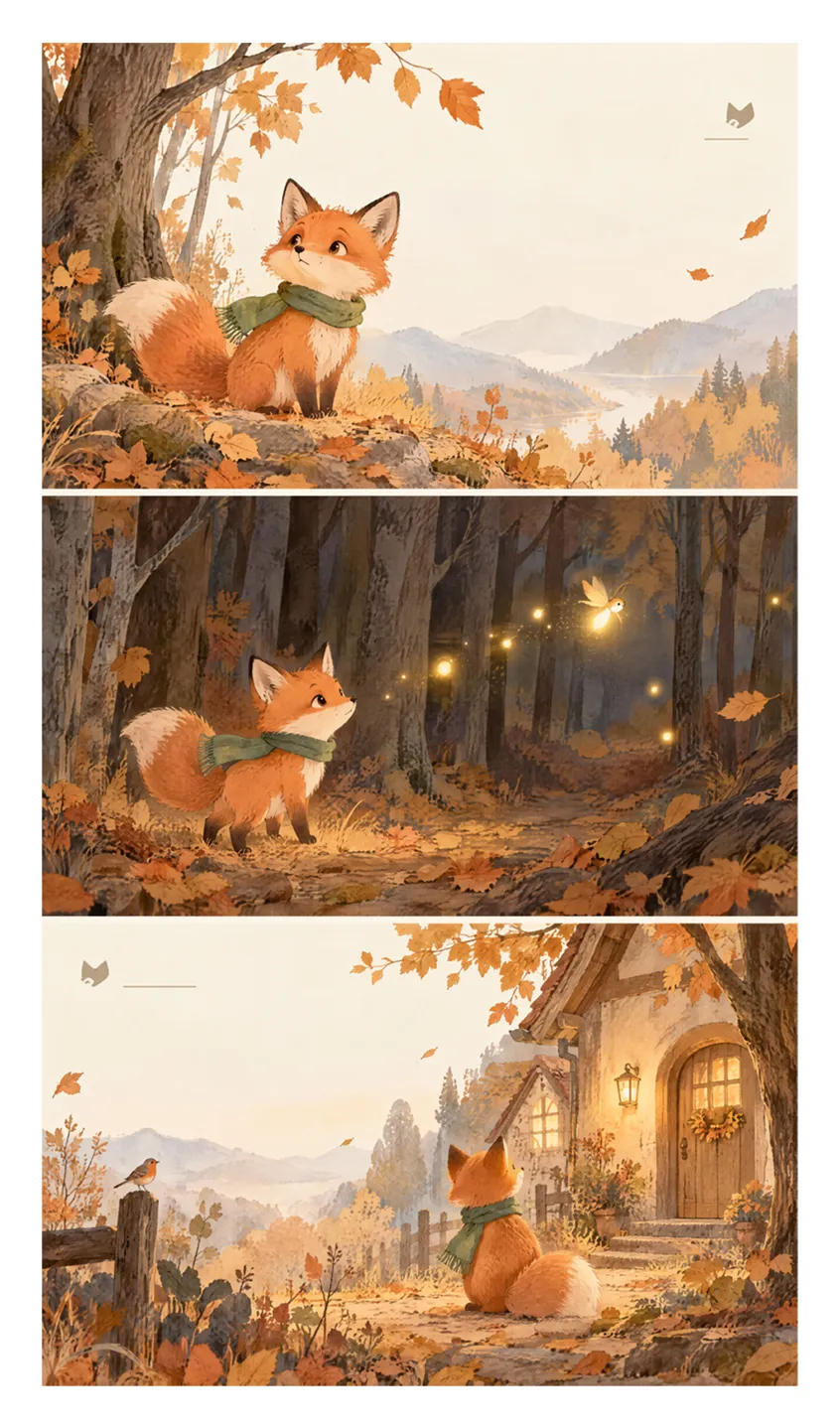
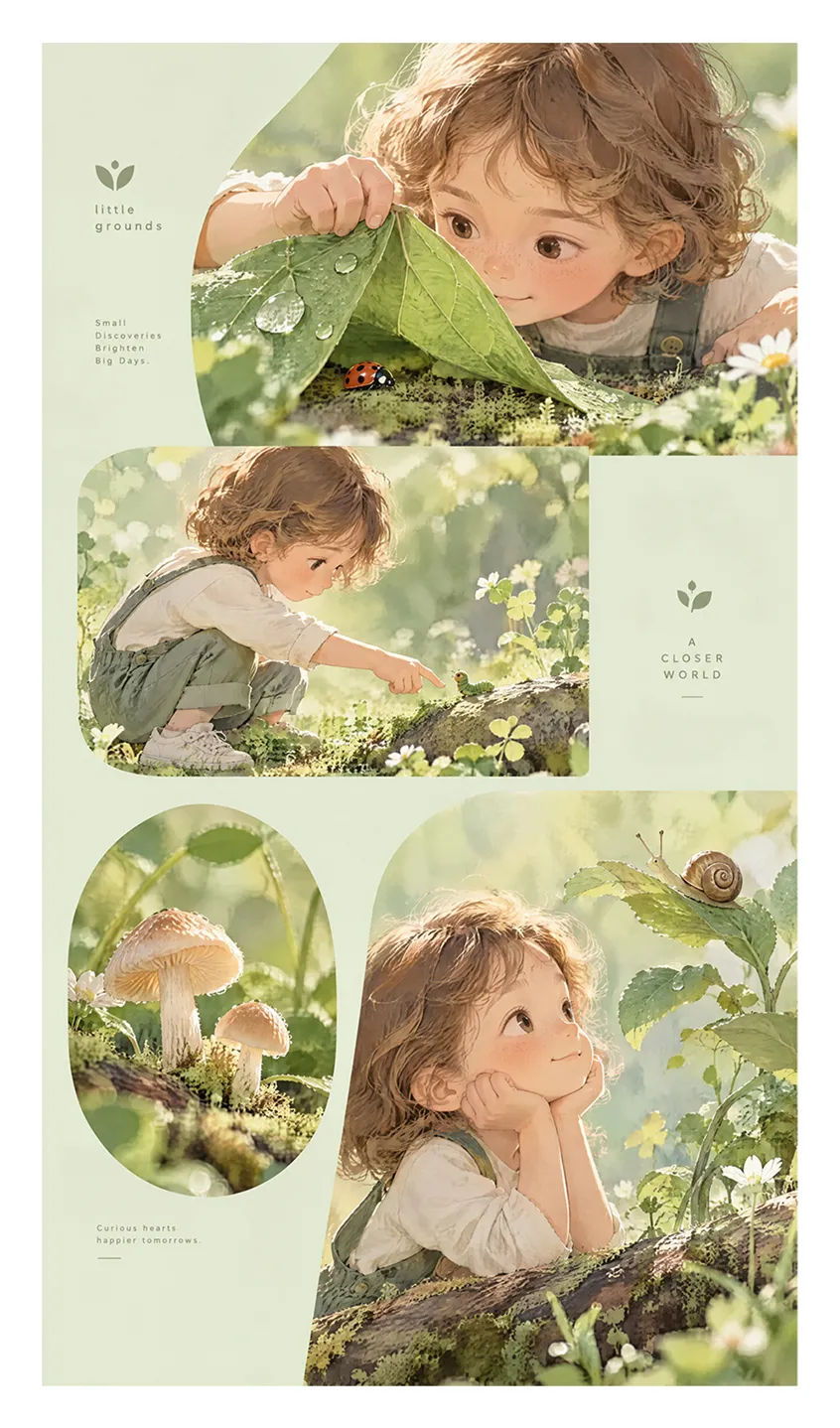
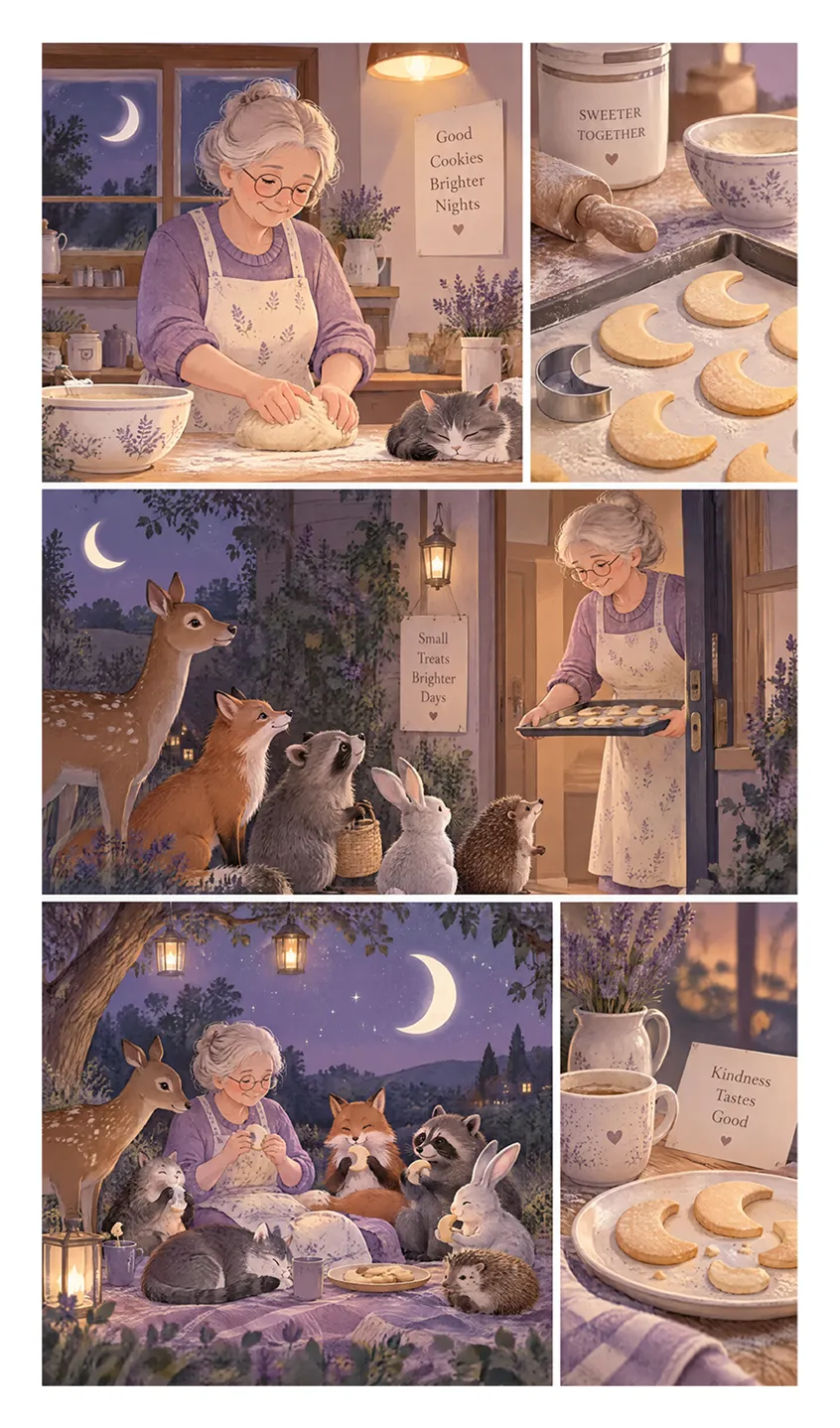
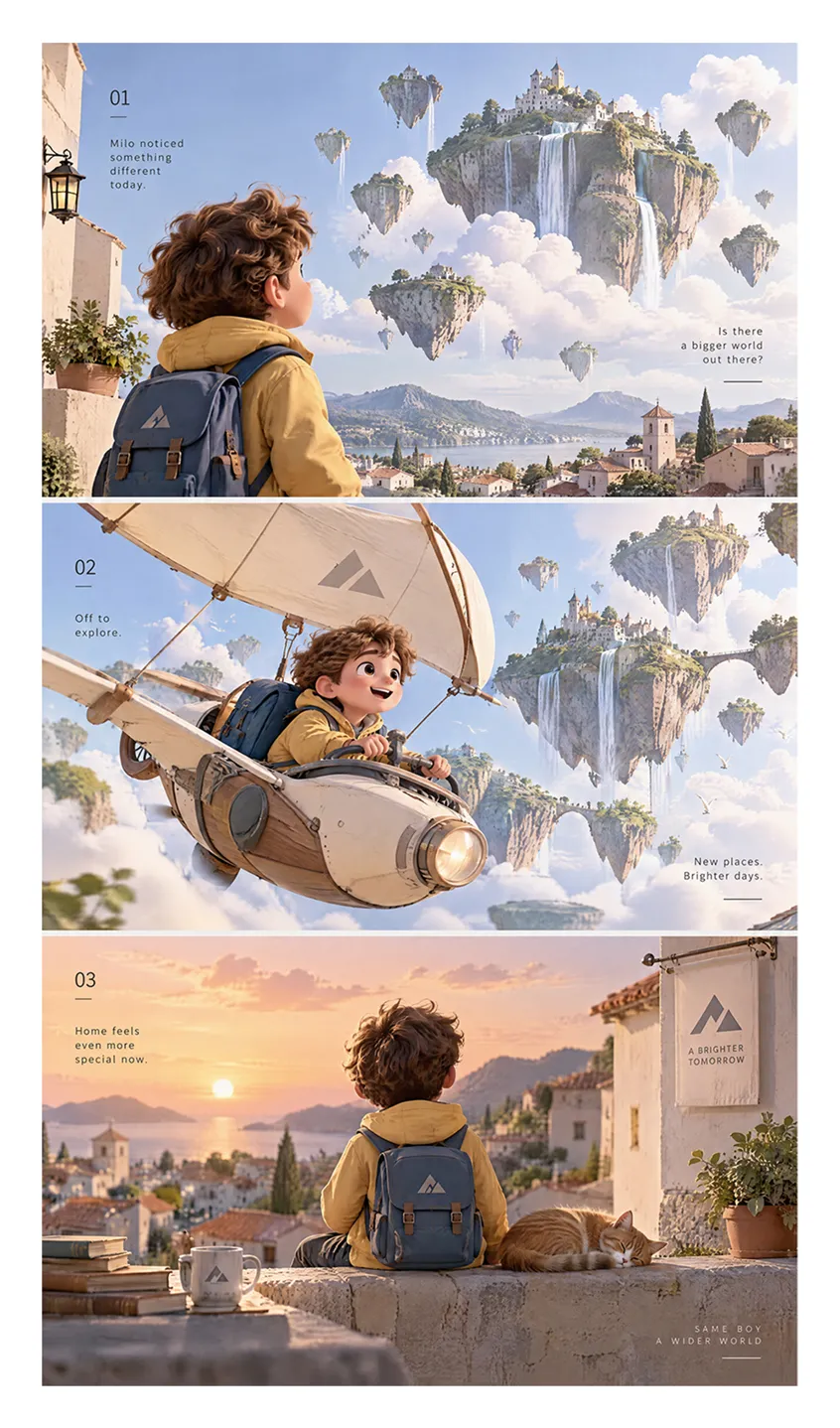
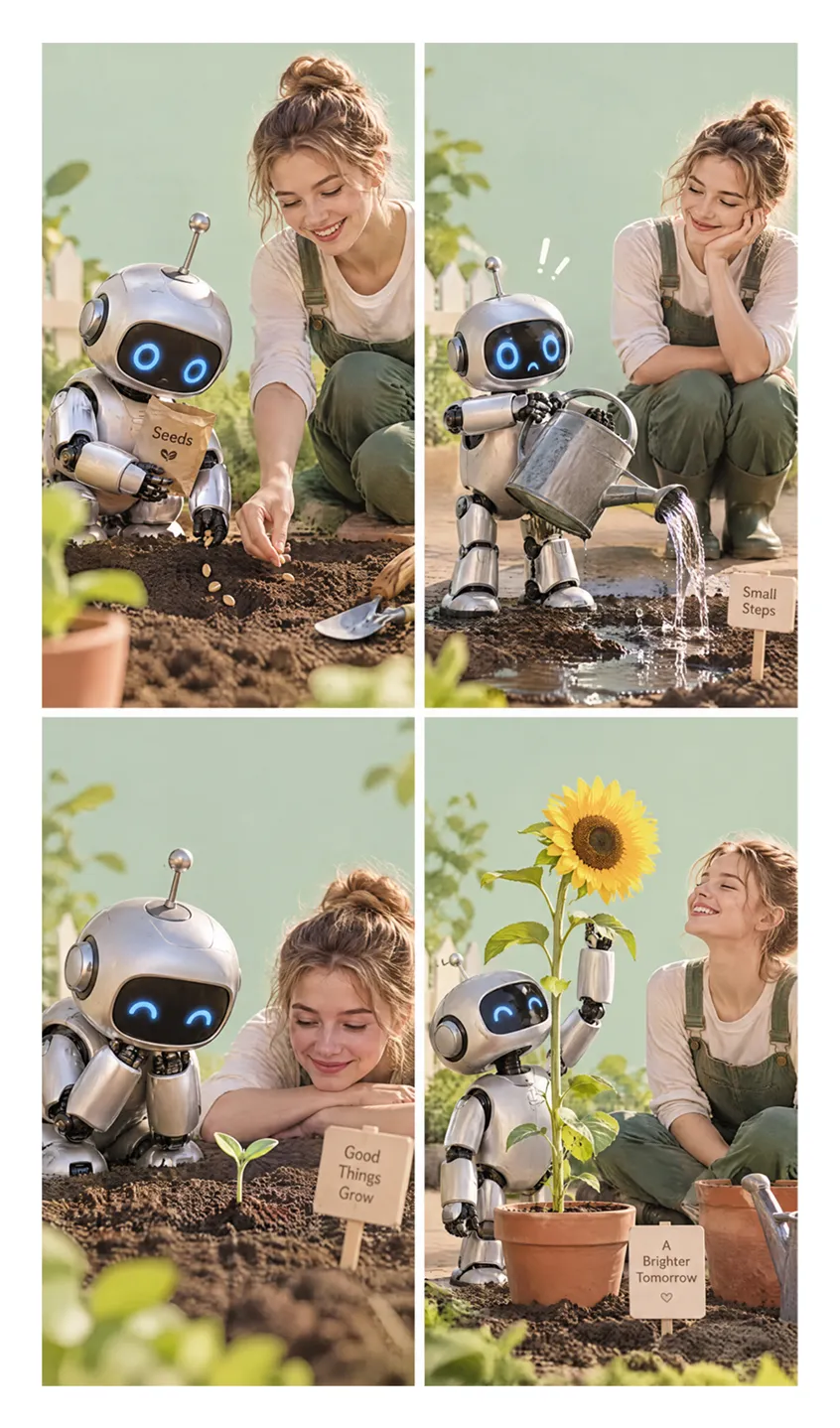
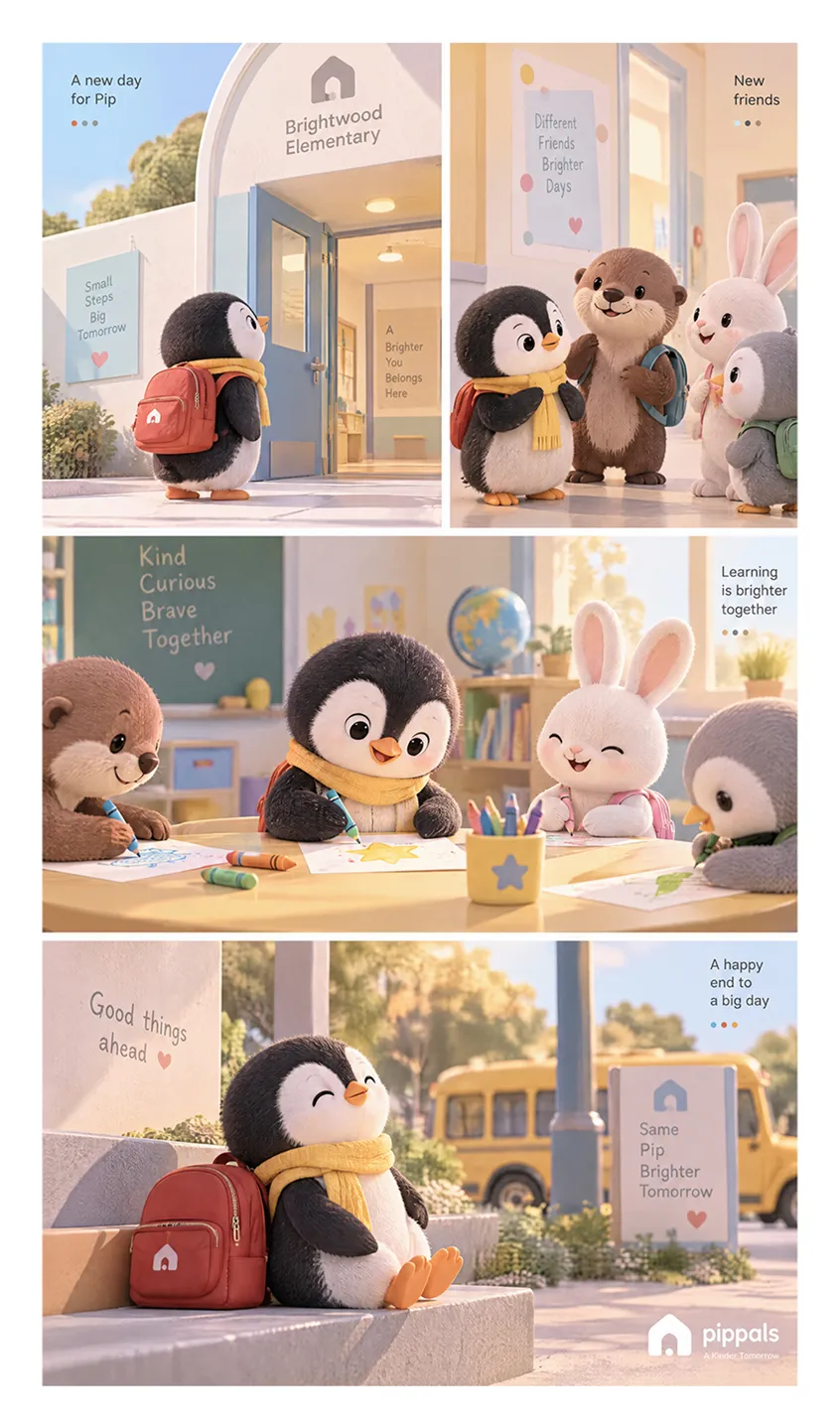
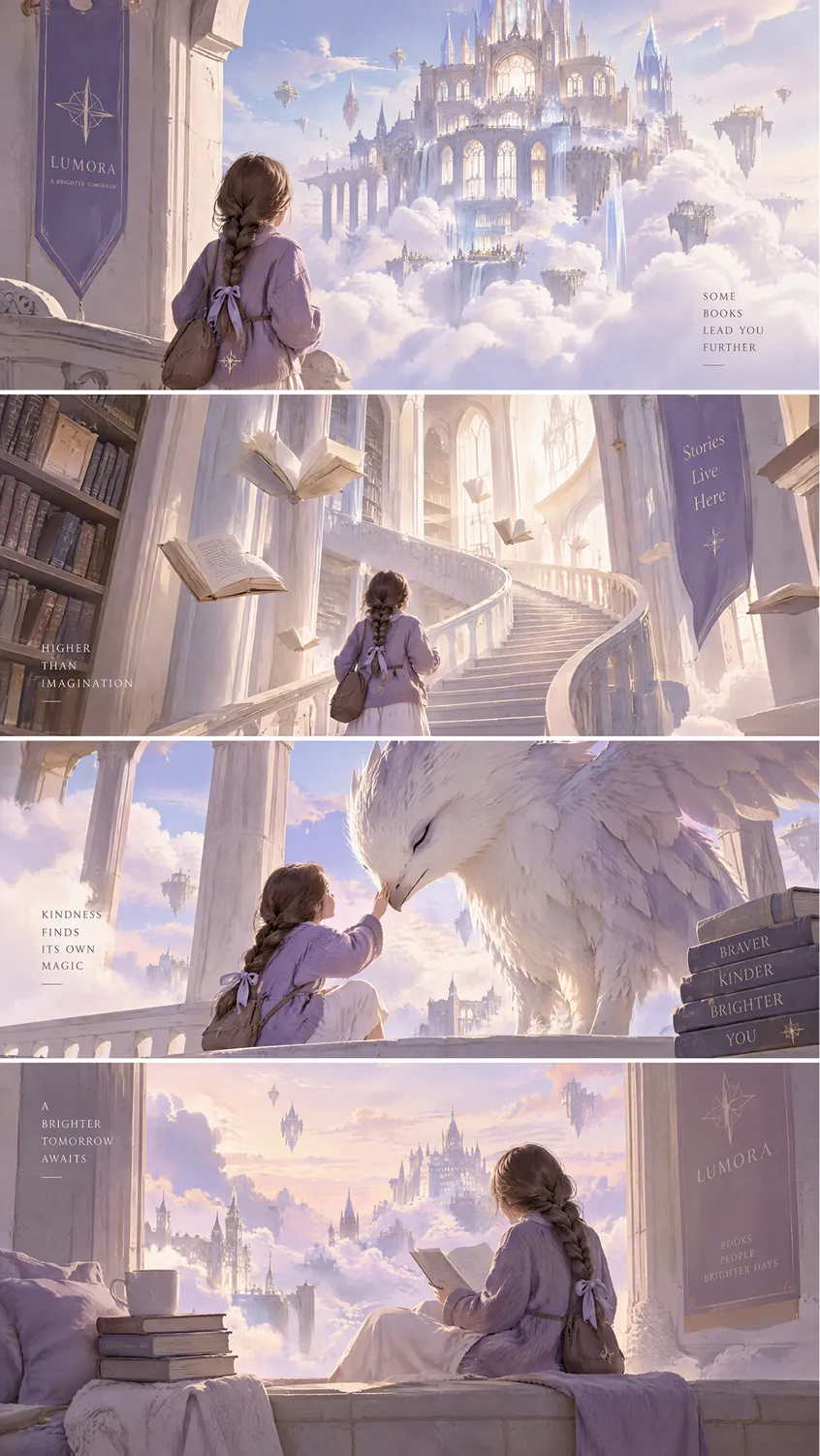
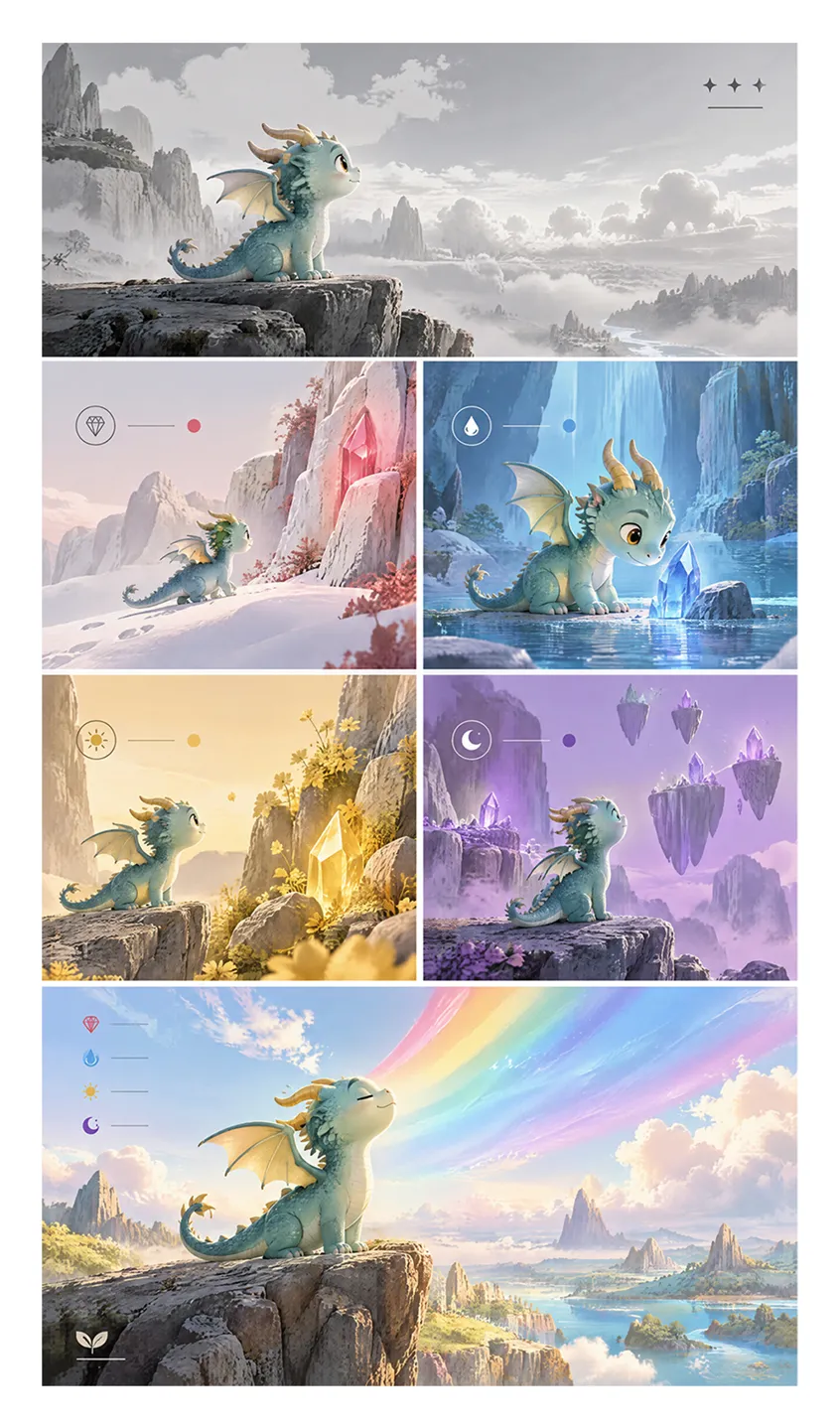
How to Make an Illustrated Storybook With Designkit
Step 1. Choose Your Book Type and Story Topic
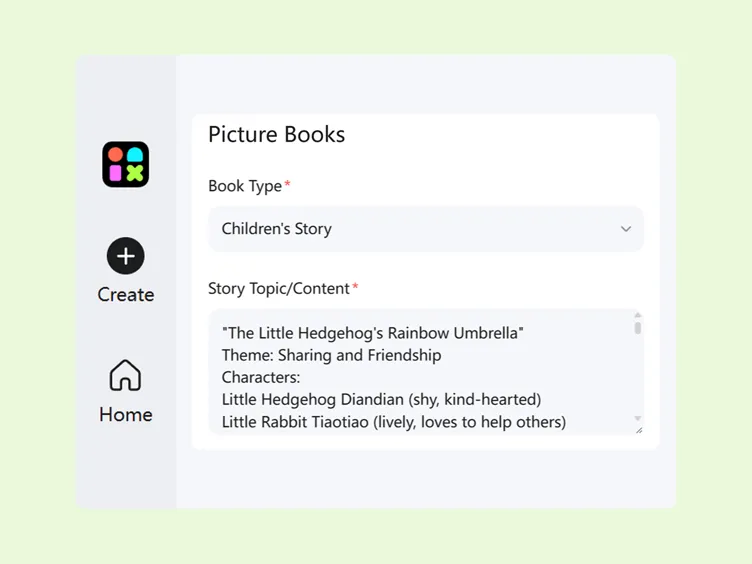
Sign in to Designkit, open Skills, and select Picture Book Maker. Choose a book type, such as a children's storybook, a life lesson book, or another available option. Enter your story topic or paste a complete story to get started.
Step 2. Customize Your Storybook Details
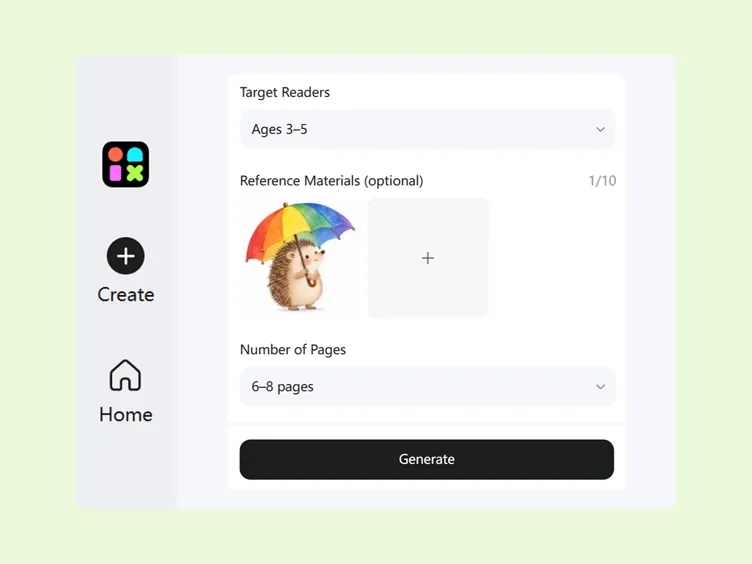
Select the target reader based on the intended age group. Add reference images, creative ideas, or other supporting materials to guide the story's visual direction. Choose the number of pages you want for your book.
Step 3. Generate Your Illustrated Storybook
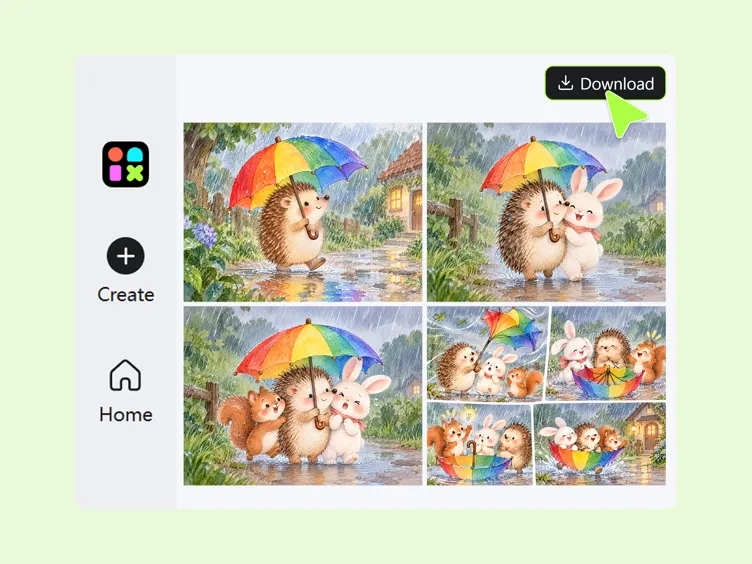
Click Generate to create your storybook. Review the story, characters, and illustrations across the pages to see how well they match your idea and intended audience. Make any available adjustments before preparing your storybook for downloading, sharing or publishing.
What Makes Designkit a Versatile Storybook Maker
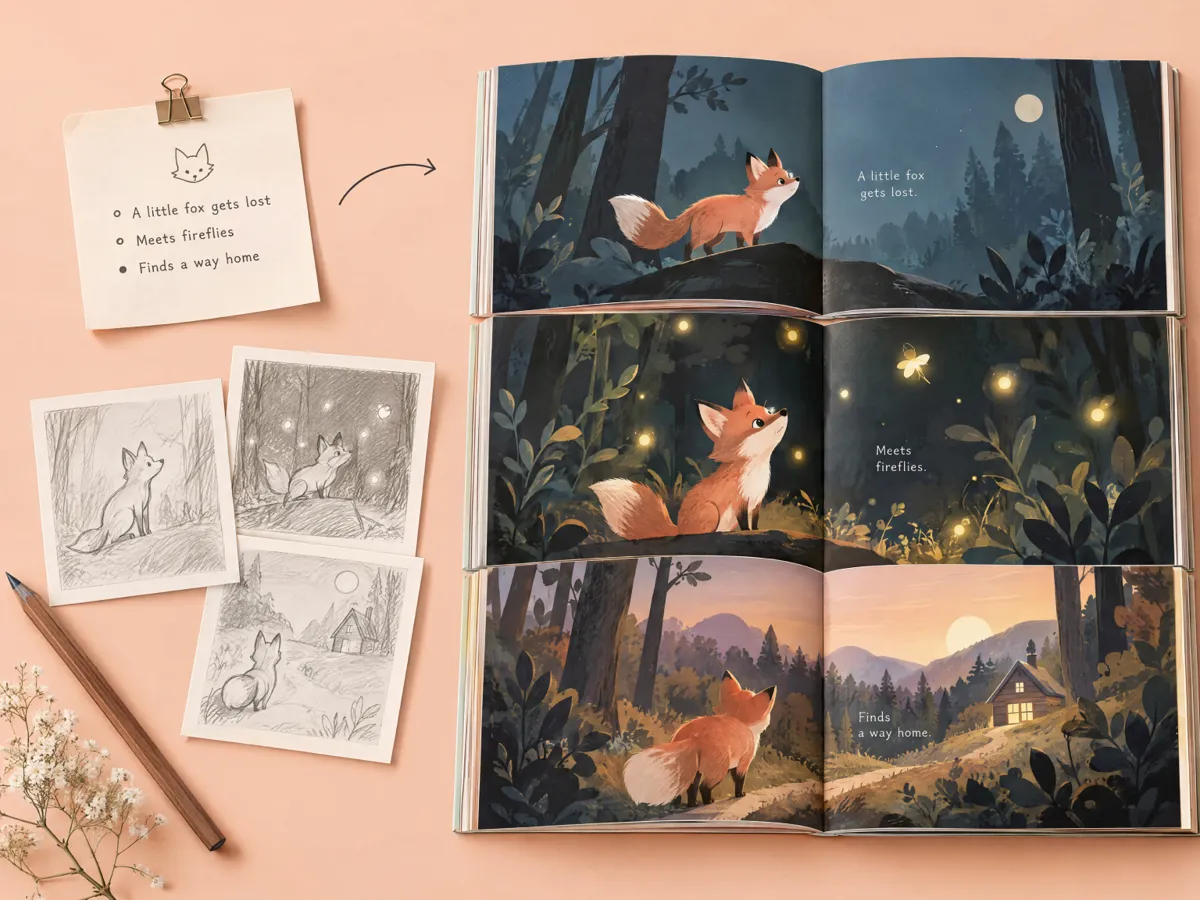
Start With a Fresh Idea or Illustrate a Story You've Already Written
Turn a simple idea, a bedtime tale, or a complete draft into an illustrated book with Designkit. Enter a story topic or your existing content, choose a book type, and set the target reader age group to shape your project. This storybook creator online helps you make your own children's book without starting every page from a blank canvas.
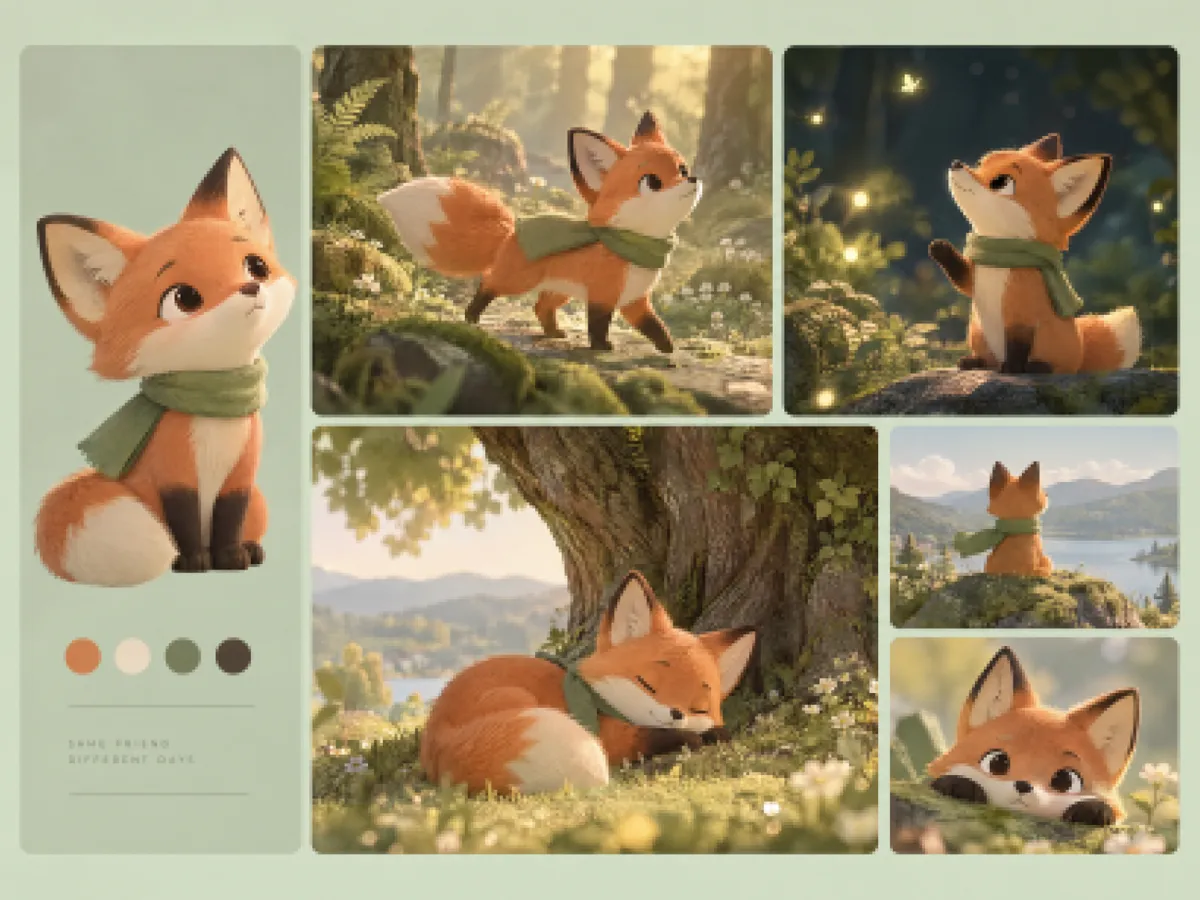
Keep Storybook Characters Recognizable From Page to Page
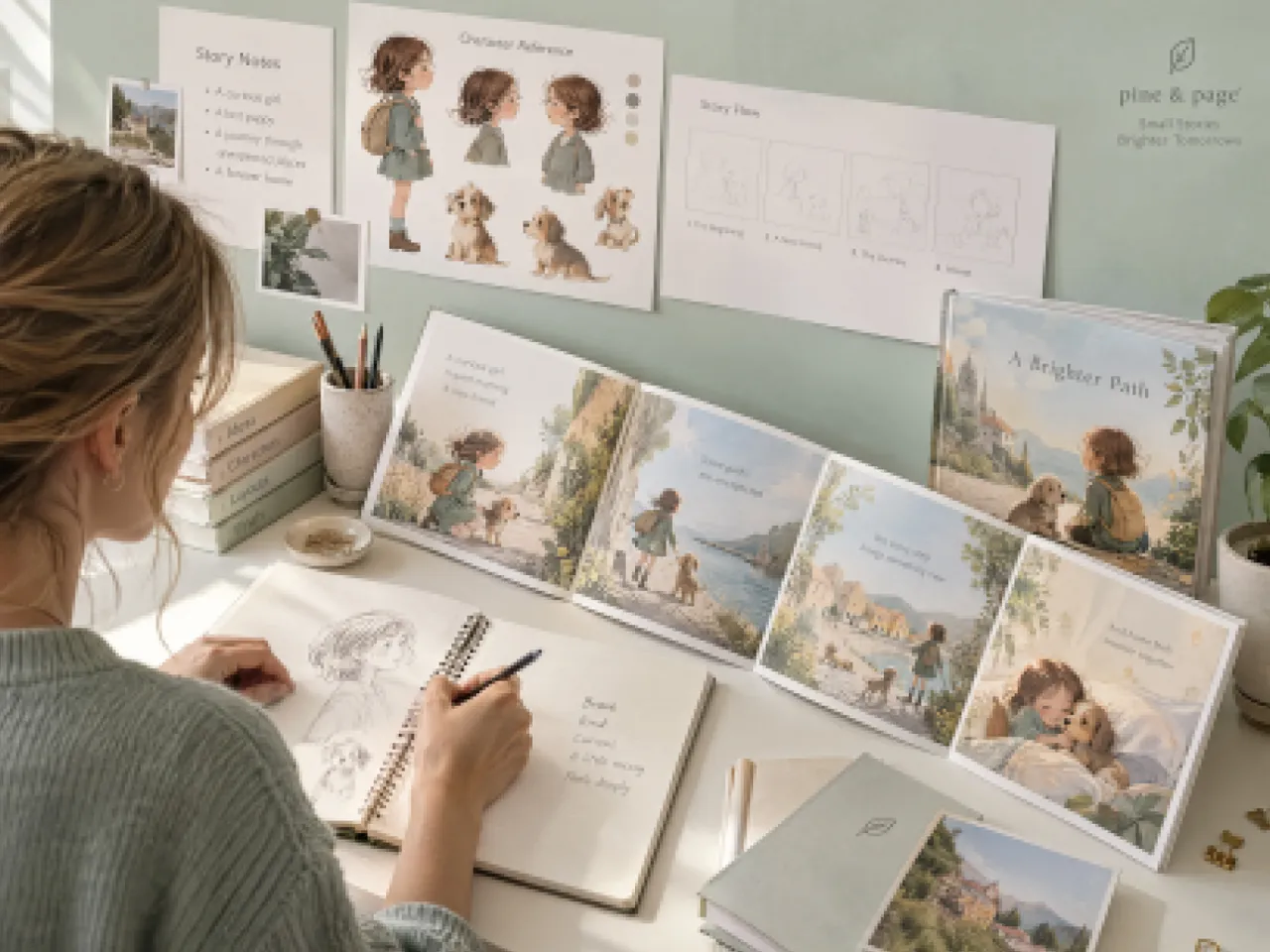
Consistent characters help young readers follow a story and connect with its heroes. Use Designkit to develop character illustrations from your story ideas, then refine their appearance with the AI photo editor when details need adjustment. This children's book maker helps you build a more cohesive visual narrative, so characters feel familiar as the story moves from one page to the next.
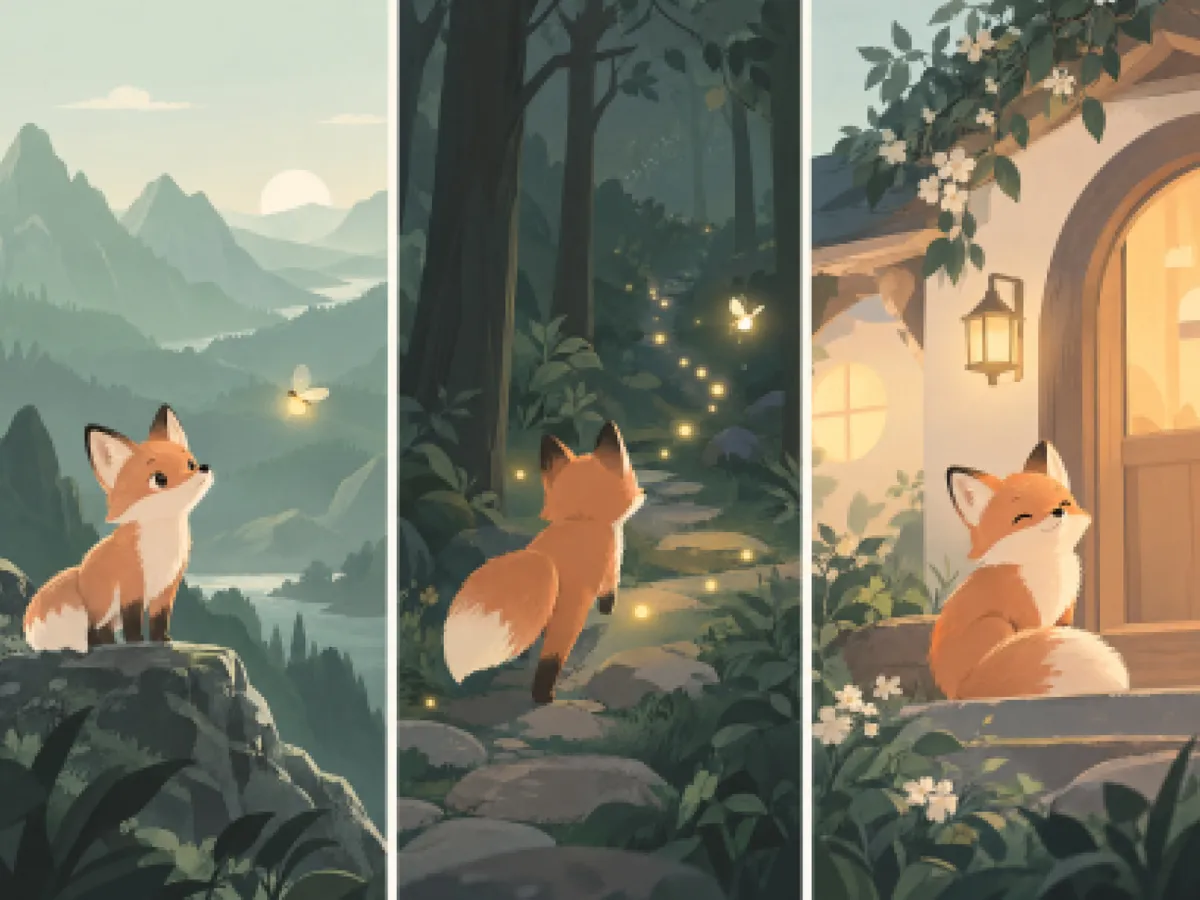
Illustrate the Story Beats That Move the Plot
Bring important moments to life by turning scenes, character actions, and emotional turning points into illustrations. Designkit helps you make your own story book with pictures, using an AI image generator to develop visuals from story prompts. Focus on the scenes that move the plot forward, from a character's first discovery to the final happy ending, instead of filling pages with unrelated artwork.
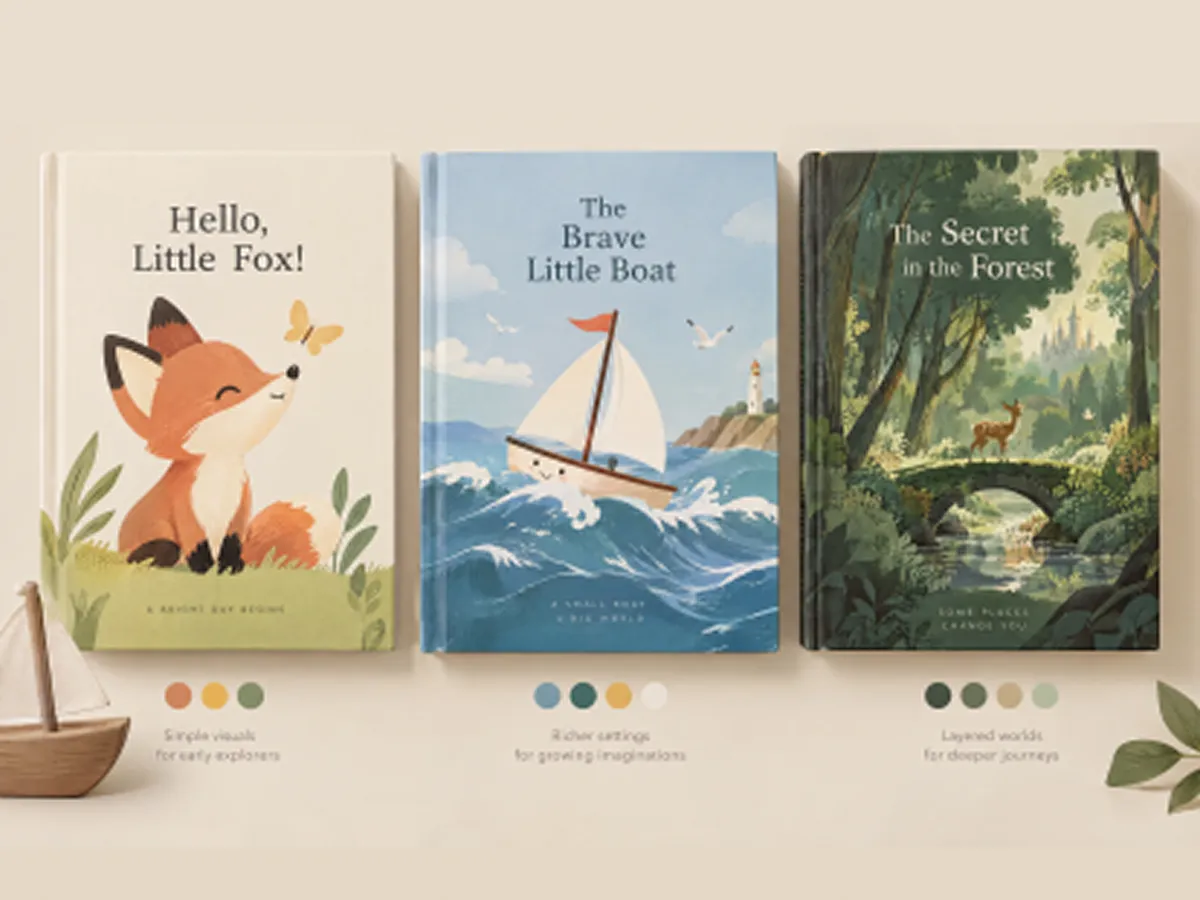
Match Tone and Detail to the Reader's Age
A toddler's bedtime story needs simpler scenes than an adventure book for older children. With Designkit, choose the target reader age group and shape your story around age-appropriate themes, language, and illustration details. Explore AI image styles to find a visual direction that suits the narrative, whether you're creating a gentle bedtime story or an imaginative picture book for independent readers.
Make Storybooks for Different Readers and Creative Goals

Make a Bedtime Story Around What Your Child Loves
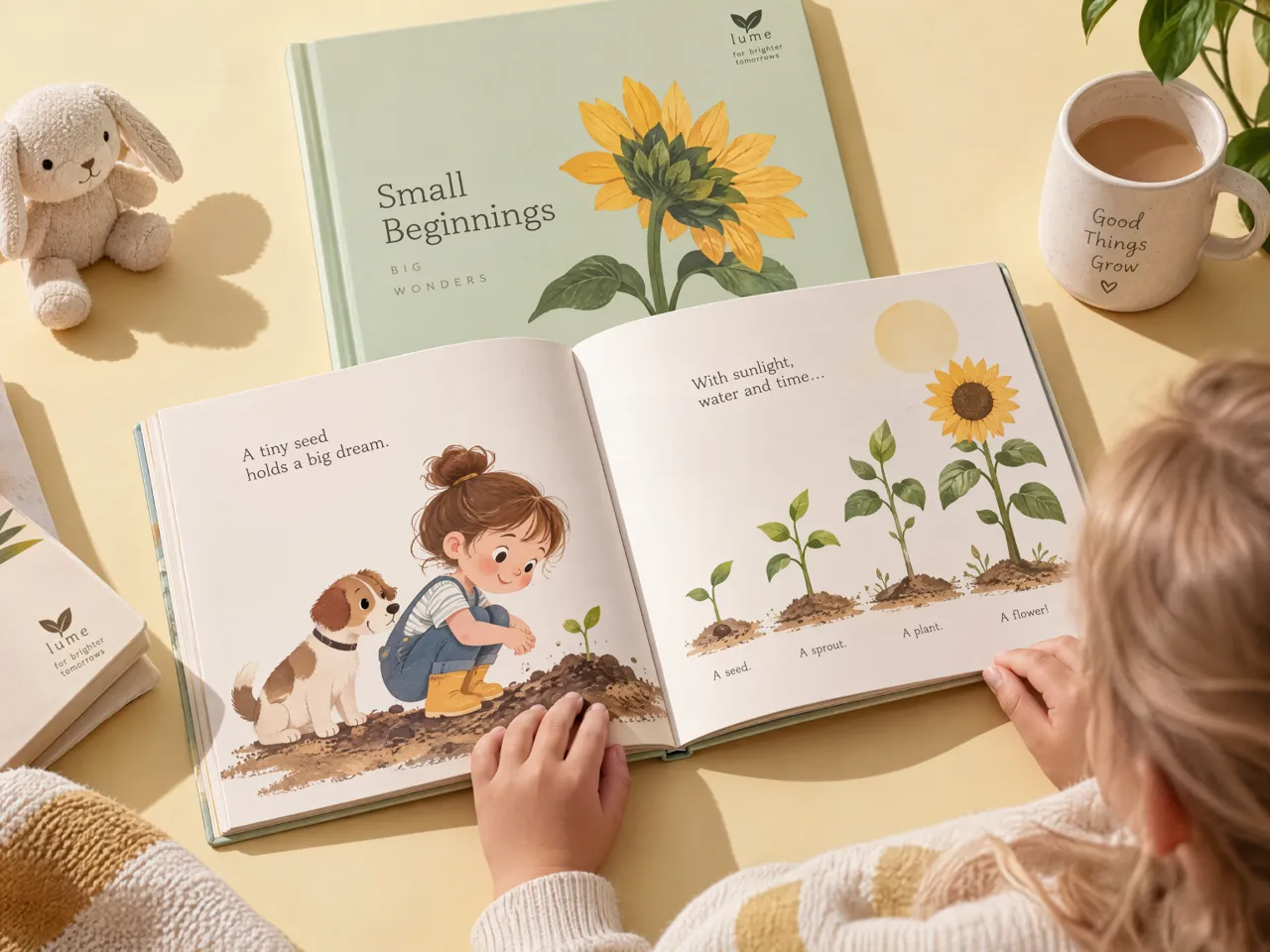
Turn your child's favorite animals, characters, or adventures into a personalized bedtime tale. Designkit helps parents create their own story book around familiar interests, with illustrations that bring each scene to life. Explore creative ideas for stories that make bedtime more engaging.

Why Choose Designkit for Storybook Creation

Compare visual approaches to the same story concept before deciding which direction best serves the reader, rather than committing to a single look too early.
Connect the narrative, character descriptions, and scene concepts, so the illustrations contribute to the story instead of functioning as unrelated decorative images.

Explore initial story concepts and illustration directions without immediately coordinating a writer, illustrator, and designer for every early-stage idea.


Frequently Asked Questions
Can I turn a simple idea into a complete storybook?
Can AI generate both the story and illustrations for a children's book?
AI can help develop story content and create illustrations, depending on the tools and workflow you use. Designkit lets you start with a story idea or written content and generate visuals from prompts using AI text to image capabilities. This children's book generator workflow helps you combine narrative and artwork into a book suited to your intended readers.
How can I create consistent characters across different storybook pages?
To maintain character consistency, define each character's appearance, clothing, colors, and distinguishing features before creating illustrations. Designkit helps you develop character visuals and refine them as needed, making it easier to create your own story book with pictures that feel connected. Review each page carefully to catch noticeable changes in character appearance.
Can I edit the text and illustrations after generating a storybook?
Yes, you can refine your story content and illustrations using suitable editing tools before finalizing your book. Designkit supports visual refinement, while an image text editor can help you adjust text incorporated into images when needed. Review spelling, readability, and illustration details to ensure your children's book is ready to share or print.
Can I create a children's storybook in different languages?
Yes, you can create a children's storybook in different languages by writing or adapting the story for your intended readers and generating suitable illustrations. Designkit lets you start with your own story content and develop its visuals. If you're learning how to make a children's book online for multilingual families, review translations for natural wording and age-appropriate language before publishing.
Bring Your Story Idea to Life With AI
Start with a character, a bedtime idea, or a children's book concept. Explore illustrations with Designkit and shape your story into a visual experience worth sharing.



What Creators Look for in a Storybook Maker
See how different creators could use Designkit to develop illustrated stories, explore visual ideas, and prepare content for their audiences.
Our Brand Story Finally Had a Visual Narrative
We had a product story worth telling, but our usual listing copy didn't show how the brand started or what made it different. Designkit helped us explore illustrated scenes around our brand concept, giving us a visual direction to develop for product storytelling and related content.
A Bedtime Story Built Around What My Child Loves
My child was going through a phase of loving ocean animals, and I wanted a story that reflected that interest. Designkit helped me develop the idea into a visual story concept with underwater scenes and friendly characters. It gave me something more personal to build on for our bedtime routine.
The Illustrations Gave Our Lesson a Clearer Starting Point
I was preparing a lesson about caring for the environment and wanted students to follow a simple story rather than read a block of text. Designkit helped me explore characters and scenes for the lesson. I could then review the wording and adapt the material to suit my class.
I Could Picture the Gift Before Finishing the Story
I wanted to make a storybook as a personal gift, but I couldn't picture how the main character and settings would work together. Designkit helped me explore the visual direction while I refined the idea. Having those scenes to work from made the concept feel much more tangible.