
Turn Existing PPT or Docs Into Editable Decks
Enter your topic or paste a detailed outline, set the audience, choose language and page count, then generate. Add up to 10 reference files if you already have source material.

How to Build a Slide Deck in 3 Steps
Step 1. Enter Topic and Audience
Type a core topic, or paste a detailed outline directly into the prompt box. You can also specify your target audience, such as investors, clients, or students, to ensure the AI tailors the presentation's tone and structure perfectly.
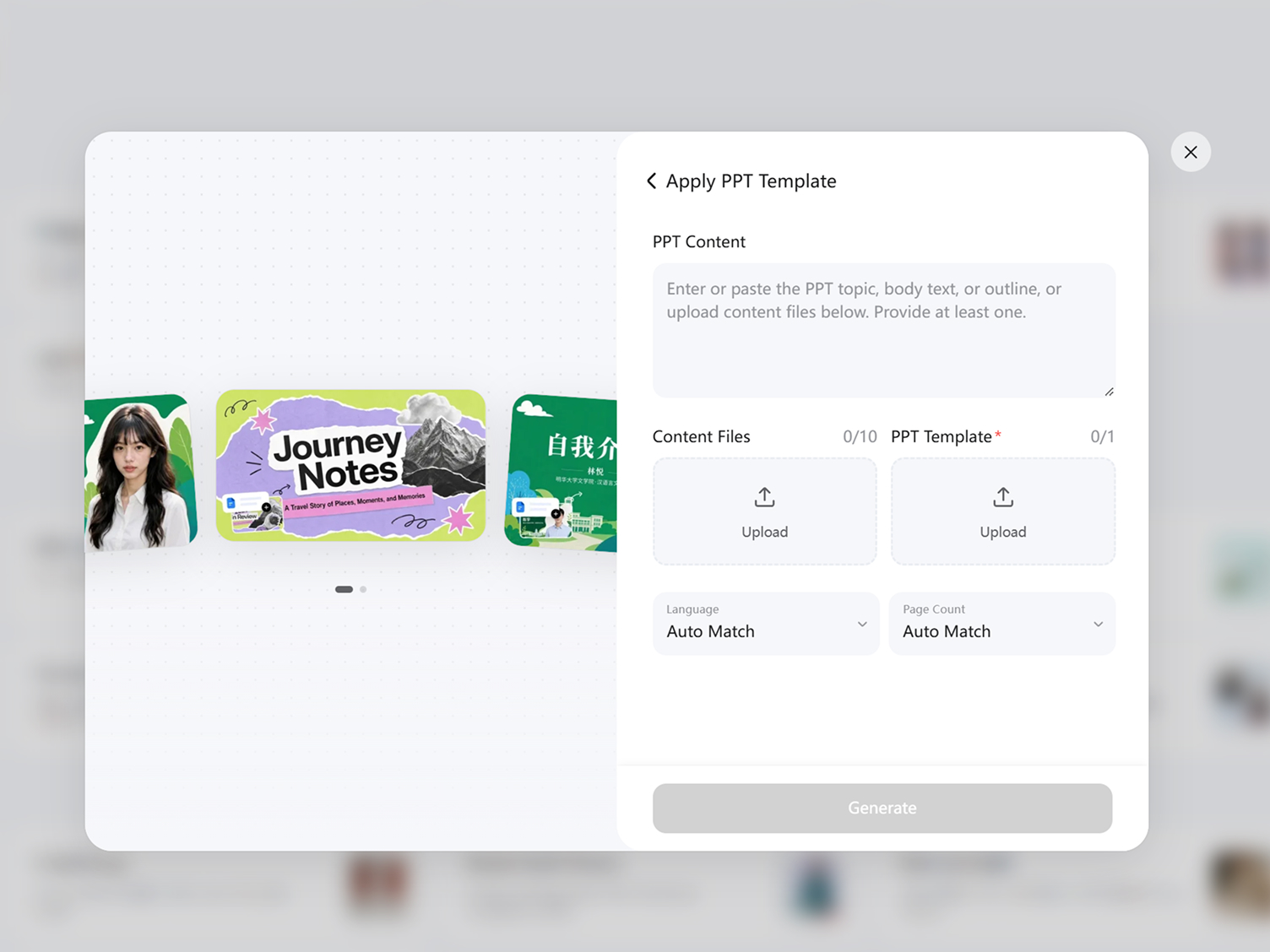
Step 2. Add Files and Set Options
Upload up to 10 reference files to provide deep context for your slides. Next, choose your preferred Language and exact Page Count, or simply select "Auto Match" to let the system determine the optimal length for your content.
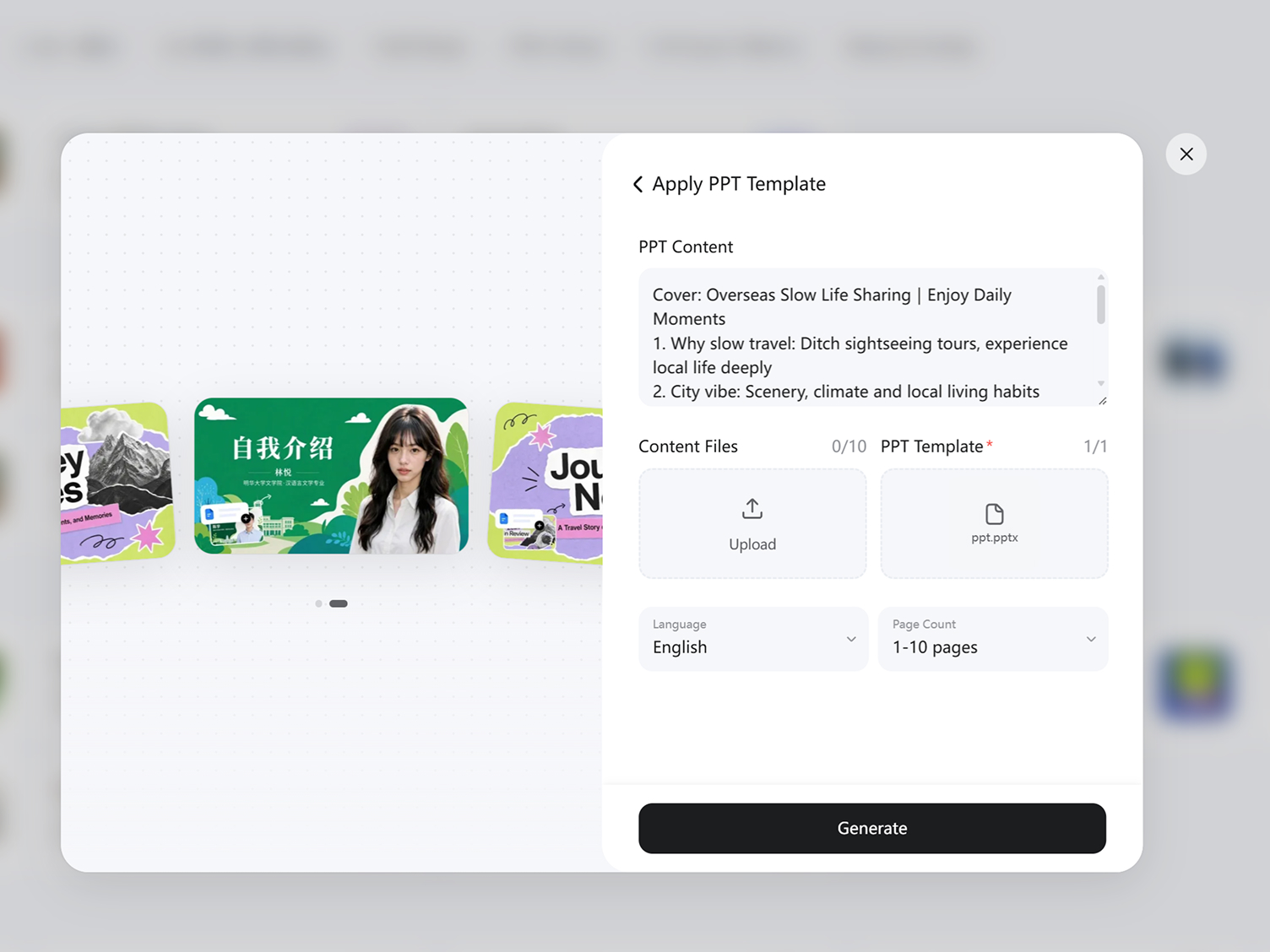
Step 3. Generate and Refine
Click Generate to build the complete presentation. Once the deck is generated, you can review the layout, use the on-canvas tools to edit text and visuals, and export the final file.
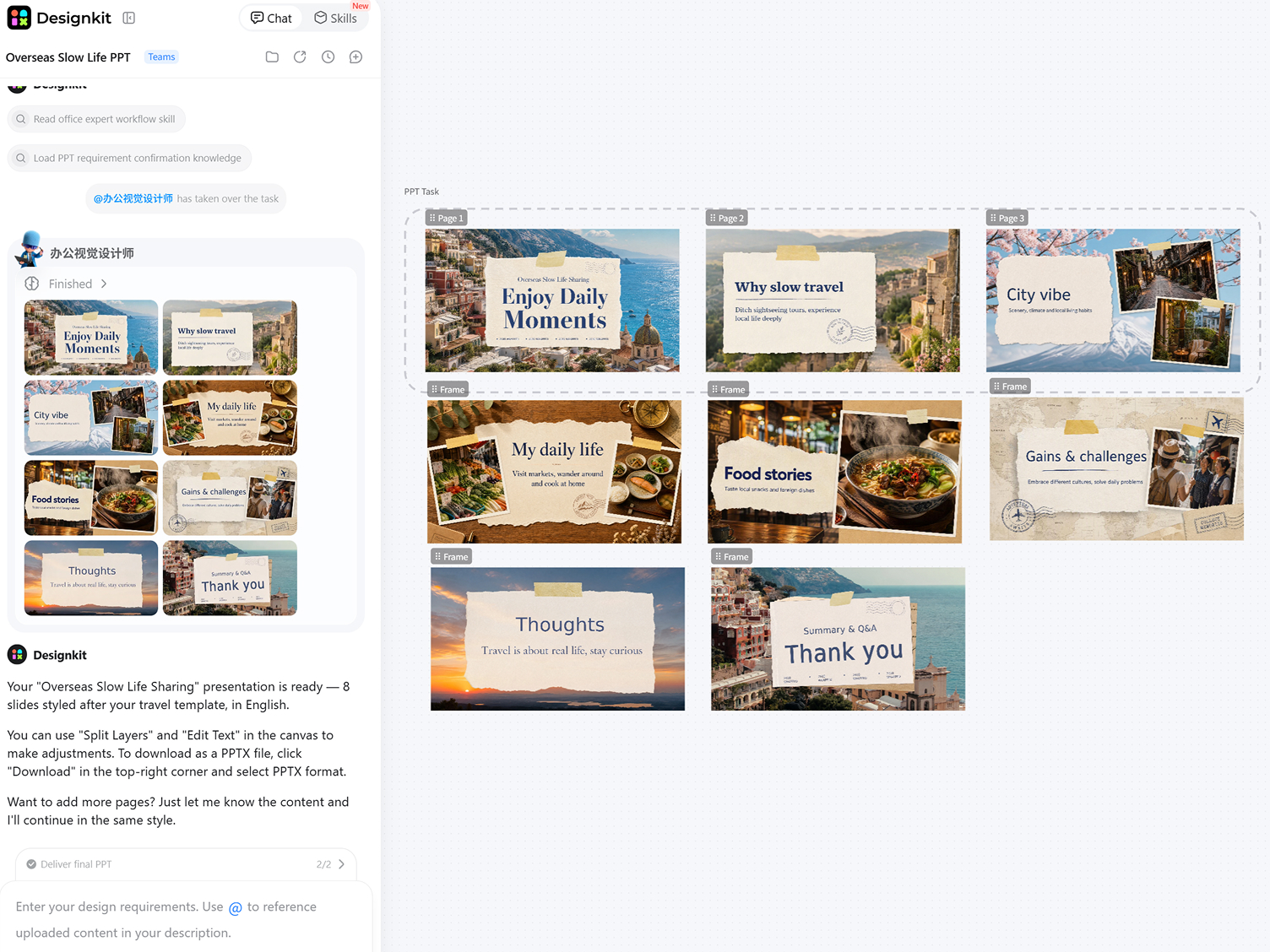
Capabilities of Designkit's AI Presentation Maker
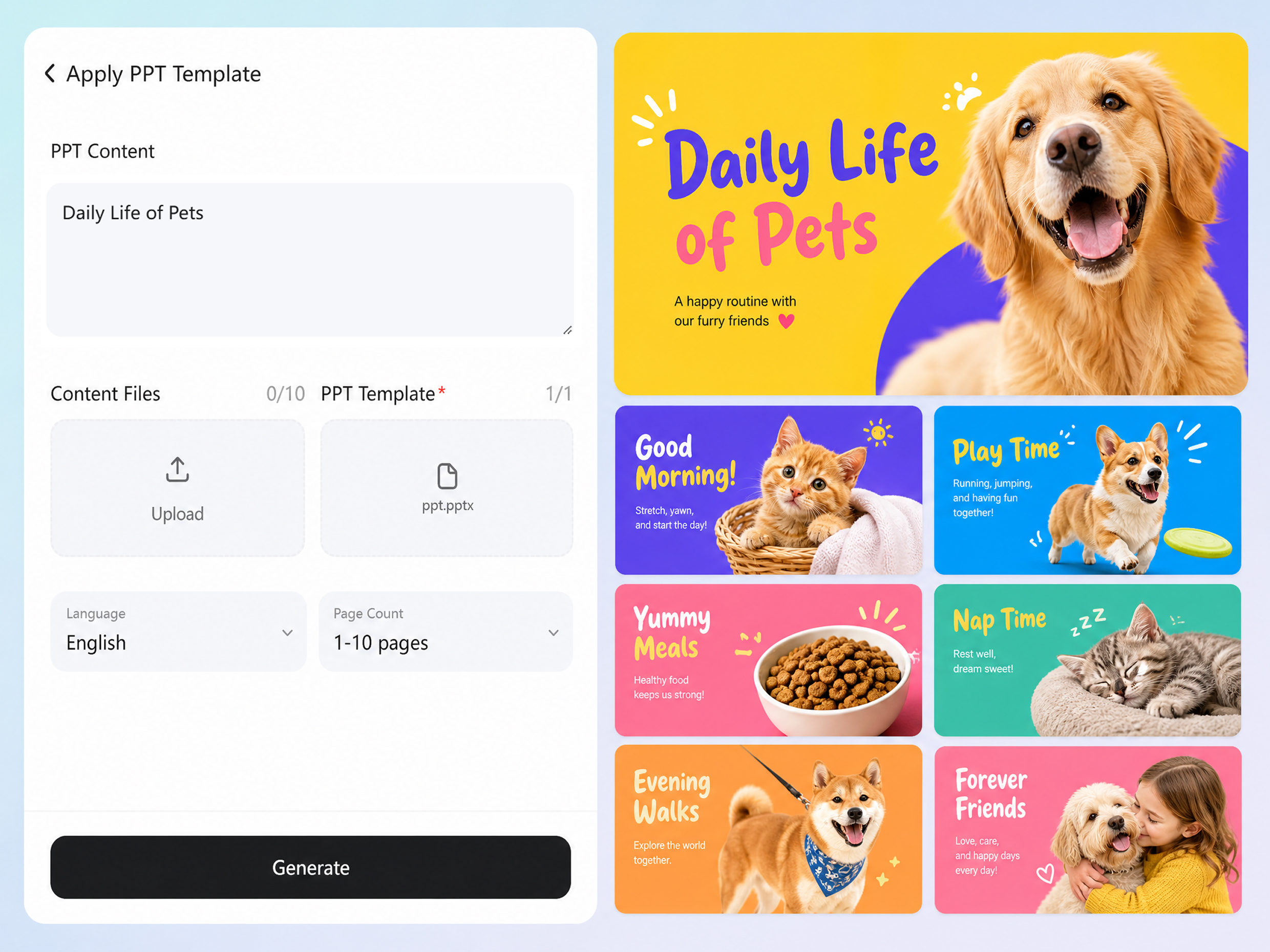
Generate from Topics or Detailed Outlines
Start your presentation design by simply entering a core topic or pasting a comprehensive text outline into the skill panel. The AI processes your exact input to structure the foundational narrative of your deck. You can enhance your finished slides further by adding custom graphics seamlessly through Designkit's AI image generator.
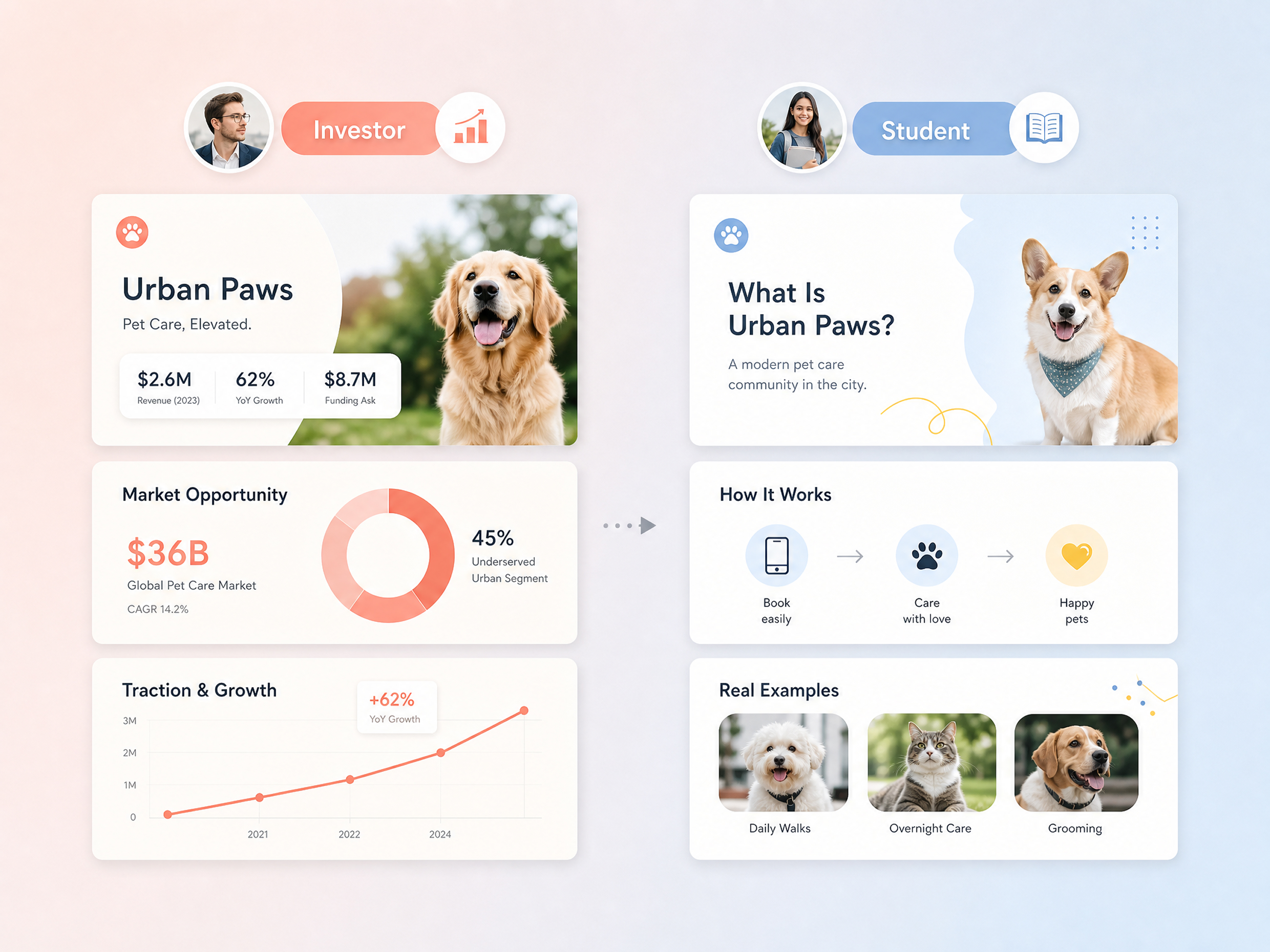
Tailor Slides to Specific Audiences
Ensure your core message resonates with the right people. Define your target audience, such as investors, clients, or students, directly in the dedicated form field. The system automatically adapts the terminology and structural flow to match expectations.
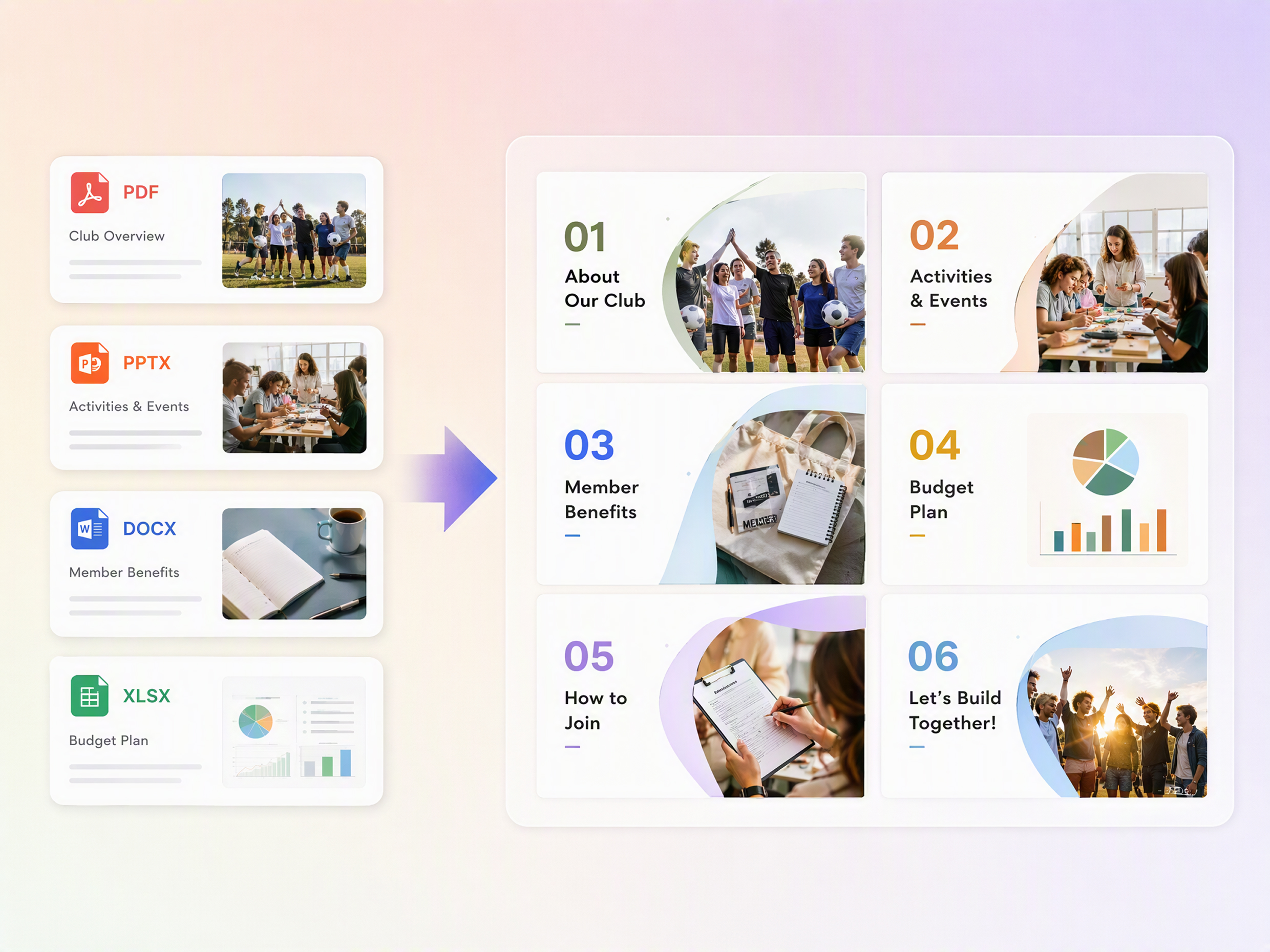
Consolidate Multiple Reference Documents
Combine scattered information into a single cohesive narrative. Upload up to 10 reference files into the skill form to provide deep context, allowing the system to extract key metrics across multiple source documents to build your AI PowerPoint generator layout accurately.
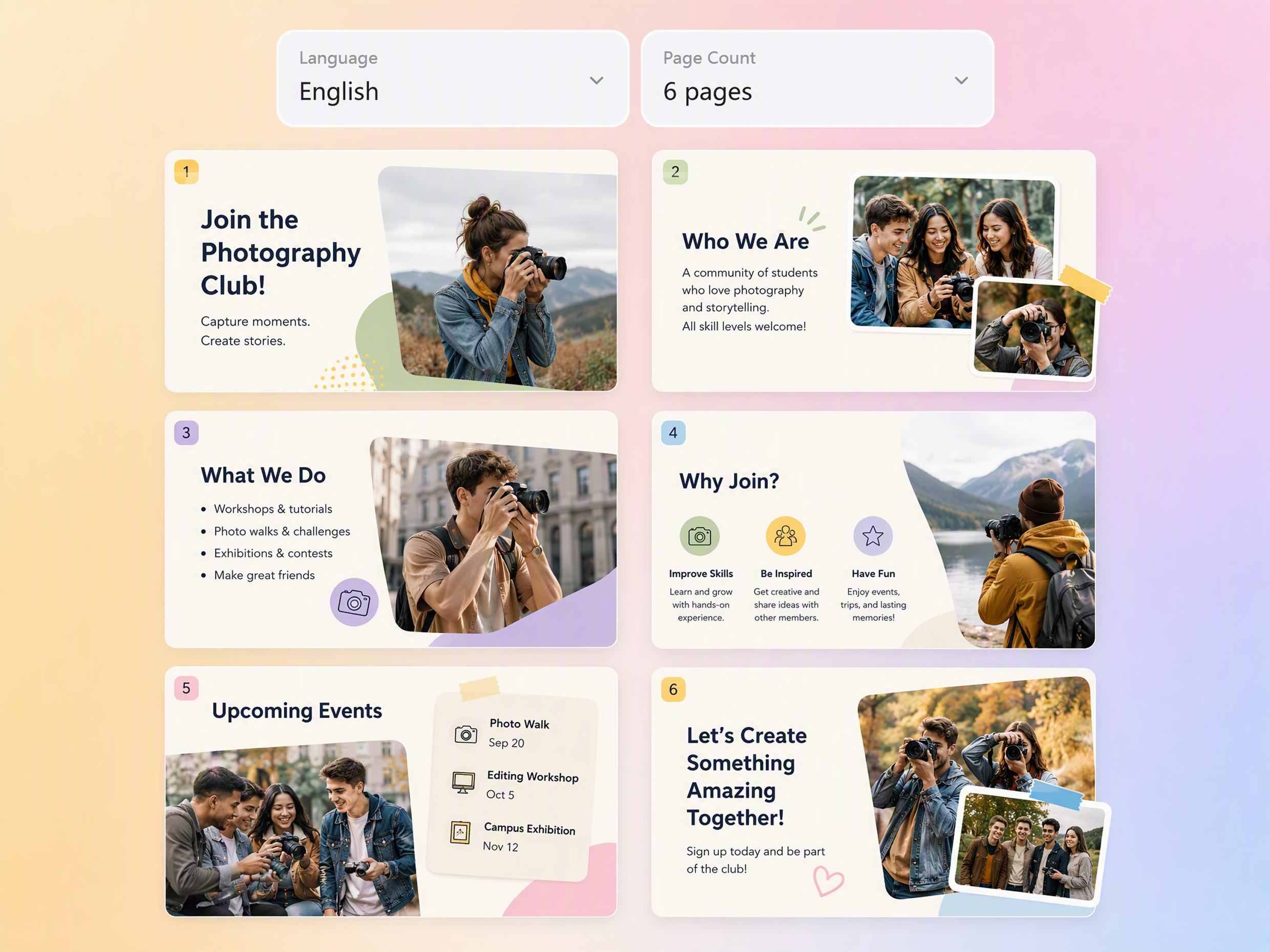
Control Output Length and Language
Dictate the exact parameters of your output or let the system do the heavy lifting. Choose a specific page count and preferred language from the panel dropdowns, or select Auto Match to determine the optimal number of slides automatically for your presentation maker workflow.
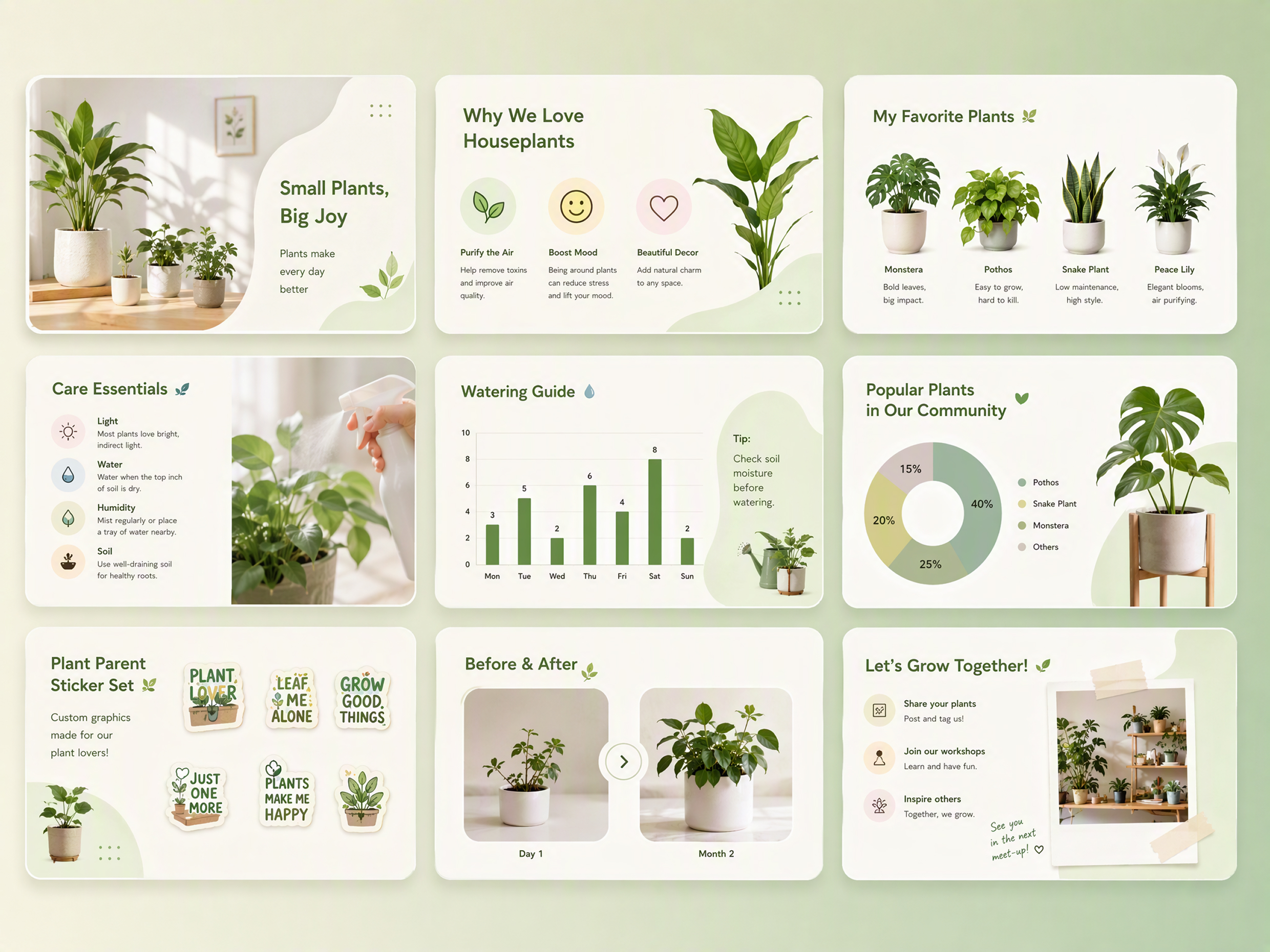
Produce Custom Visuals for Every Slide
Eliminate repetitive searches for stock photos once your editable first draft is generated. Automatically create relevant illustrations directly within your workspace utilizing text to image tools, ensuring the graphics perfectly match your specific AI PowerPoint presentation topic.
Beautify Existing Presentations
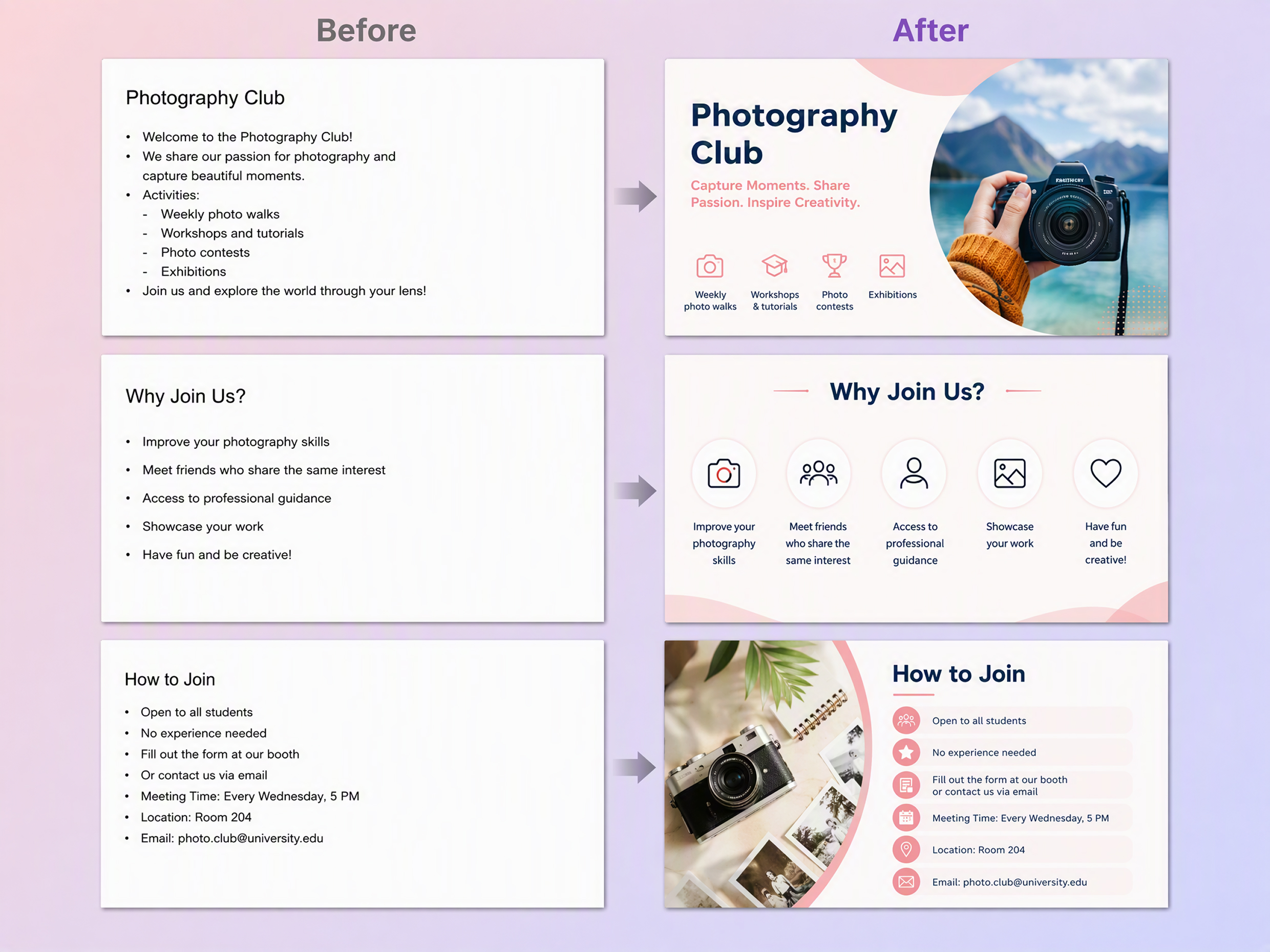
If you already have a finished deck that just needs a visual upgrade, bypass the main content generation panel. Cleanly upgrade your visual design using a dedicated AI photo editor workflow while keeping all your original text layouts completely intact.
AI Presentations for Work, School, and Business
Customize Client Proposals Quickly
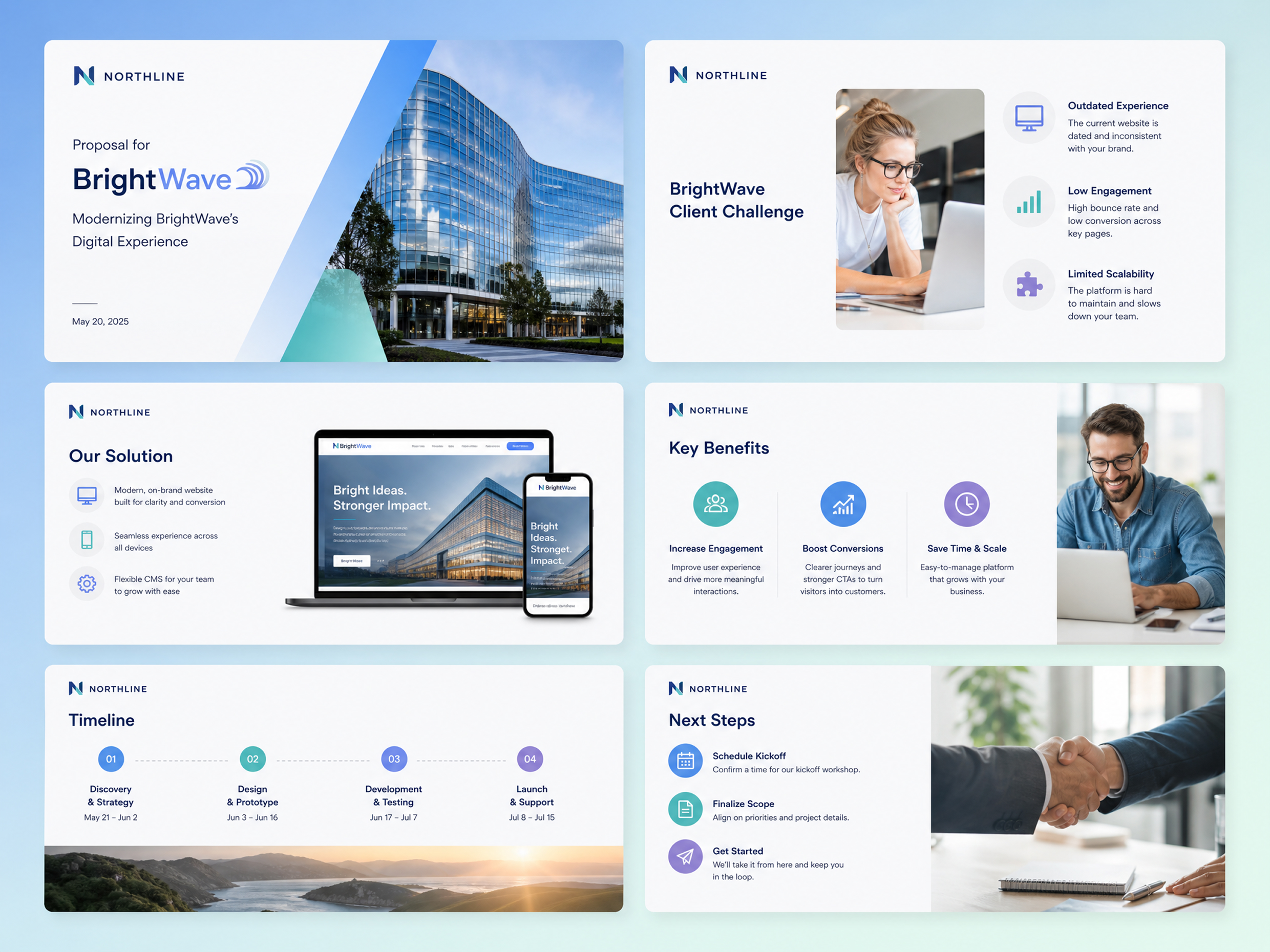
Tailoring sales proposals for different prospects is traditionally tedious. Upload up to 10 company case studies or product PDFs into the Reference Files section, set the Audience to clients, and let the AI slide generator extract the most relevant data to build a persuasive deck. Maintain brand consistency by applying logos refined through a transparent background maker.
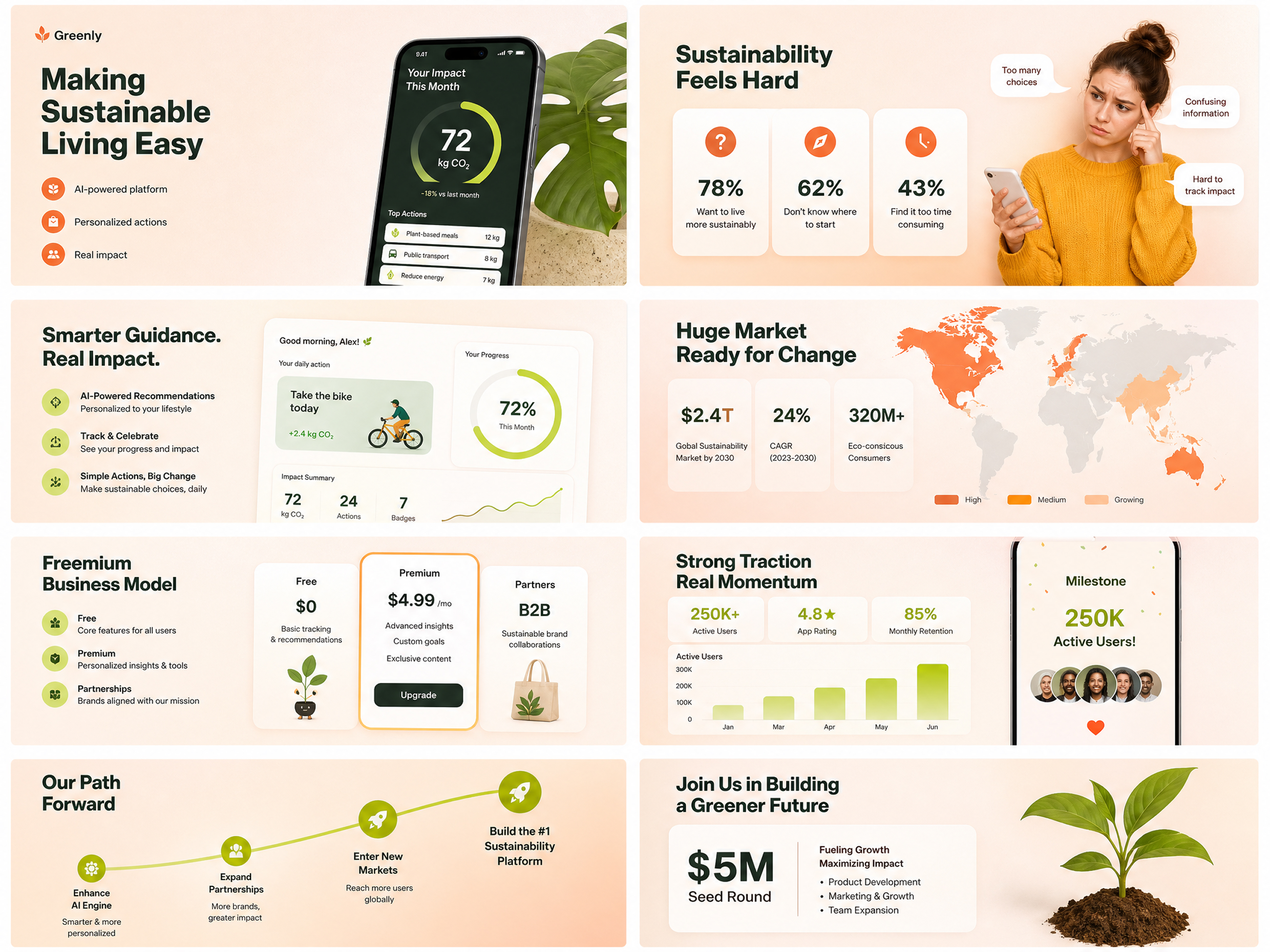
Why Choose Designkit as Your AI Presentation Tool

Skip Hours of Slide Formatting
Stop aligning text boxes and charts by hand. The tool structures your raw content into properly spaced layouts automatically based on the parameters you set.

Start From Content You Already Wrote
Don't start with a blank page. Upload your existing PDFs, Word documents, or legacy PowerPoint files as reference material to dictate the exact narrative.

A First Draft You Can Still Change
Avoid getting locked into rigid, uneditable designs. The AI ppt maker generates a complete draft that retains fully editable text boxes and image layers for manual refinement.
Create Visuals Beyond Your Slide Deck

AI Ad Poster Generator
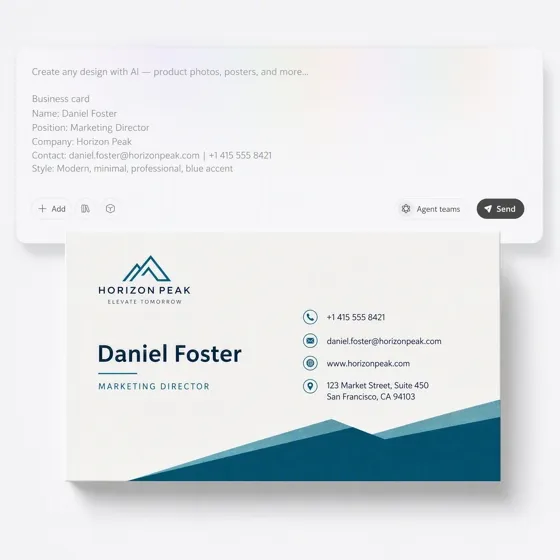
AI Business Card Maker
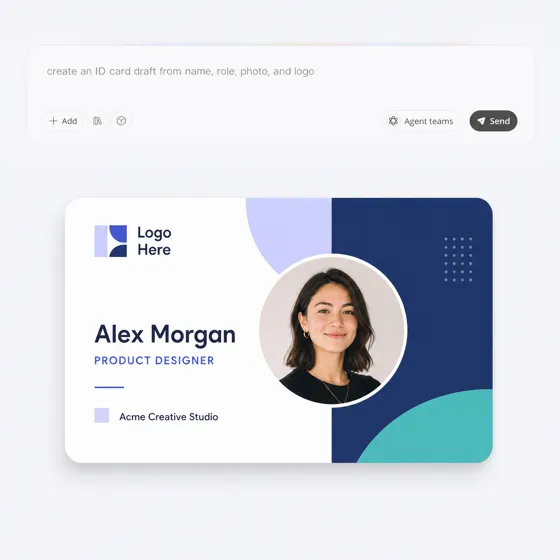
AI ID Card Generator

Text to Image Generator
Frequently Asked Questions
What is the AI presentation maker?
Do the generated slides look professional enough for business?
Yes. The system builds a structured, clean layout based exactly on your selected audience (such as investors or clients) and the data from your reference files. Because the resulting deck is fully editable, you are not locked into a rigid design. You always have the final say and can easily refine the layout on the canvas before exporting your final presentation.
Can I apply my own branding to the generated slides?
Yes, you can ensure your AI PowerPoint presentation aligns with your brand. While the initial skill form uses your uploaded reference files strictly to build the content and narrative, you have full control over the visual identity immediately after generation. Using the on-canvas editor, you can customize colors, fonts, and layouts. You can also utilize an AI background generator to produce custom branded textures for your title slides.
Does the system support updating existing PowerPoint files?
Yes, you can upload existing PowerPoint documents directly into the reference files section. The tool will extract the core data and text from your old slides and use that information to build a brand-new, structured deck tailored perfectly to your selected audience and page count.
Are the exported presentations fully editable?
Yes, every AI generated PowerPoint deck is completely customizable both inside the online workspace and after downloading. You can modify text boxes, swap graphics, and rearrange layouts directly on the canvas before exporting the finished file into standard presentation software for final sharing.
Can I build slides just from a text prompt?
Building a full deck from a single text prompt is completely supported. Typing a core topic and specifying your target audience is all you need to generate a complete presentation, which you can then refine and edit on the canvas before exporting.
Which file formats work for slide generation?
You can upload up to 10 reference files at once, including existing PowerPoint presentations, PDFs, Word files, or plain text documents. The system reads across all provided materials to extract narrative points and organize them into clear, boardroom-ready slides.
Can I add my own custom graphics to the slides?
Yes, you have access to integrated design tools right inside Designkit's AI presentation tool workspace to produce unique visuals on the fly. Rather than hunting down generic stock photos or waiting on a designer, you can generate the exact imagery you need without ever leaving the editor.
Turn Your Ideas Into a Presentation You Can Use
Your next slide deck is just a prompt away. Paste your outline, upload a document, or start with an idea to generate professional slides instantly using Designkit's presentation creator. Start creating now.



What Professionals Say About Our AI PPT Generator
See how managers, teachers, and founders reduce their presentation prep time and streamline slide production.
I Finally Had a Starting Point for Our Weekly Reports
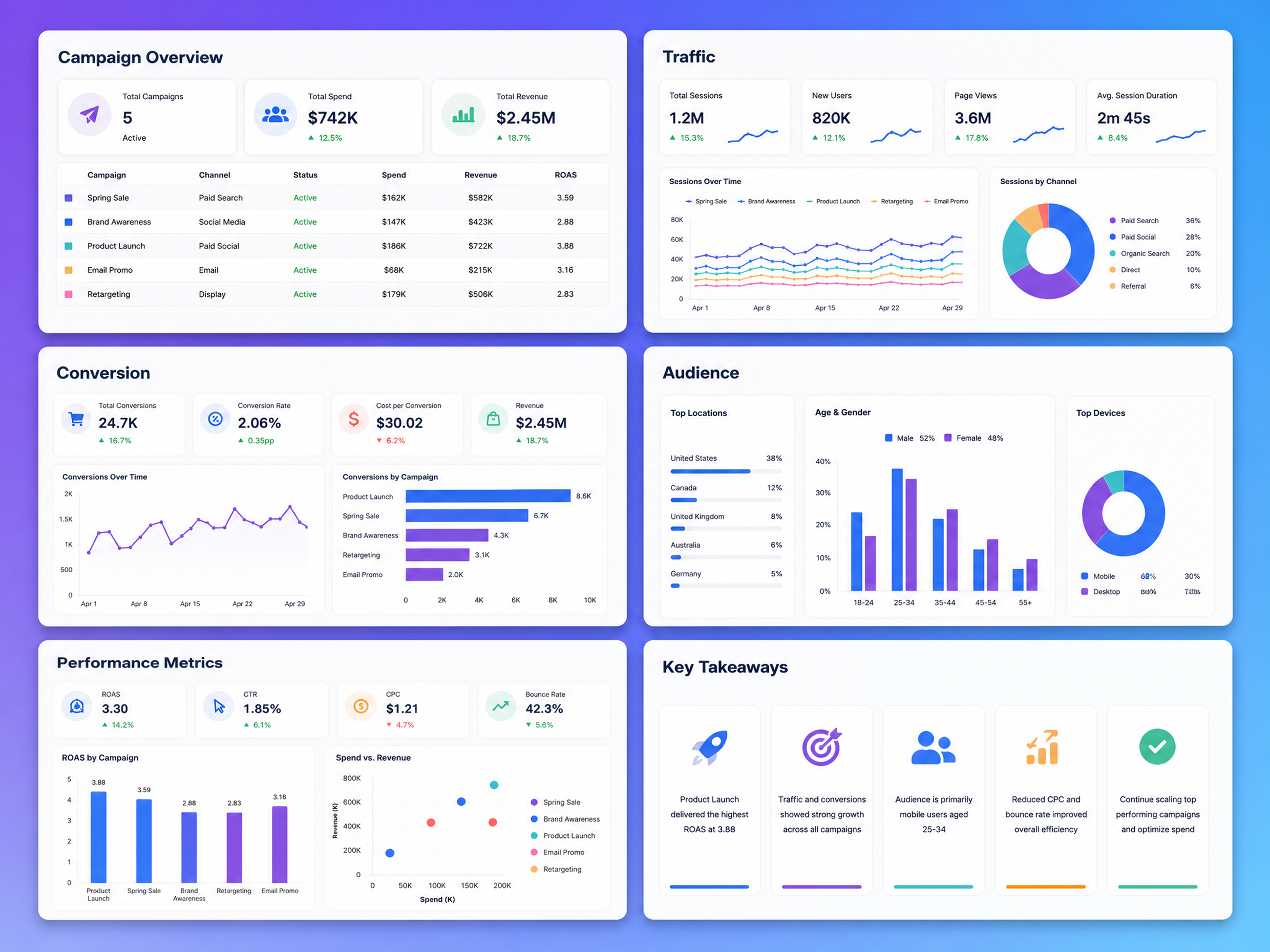
Our weekly reports already had all the data. The annoying part was turning that information into something people could actually present. Designkit gives me a structured deck to work from instead of starting with a blank PowerPoint file.
Launched a Course Without a Designer
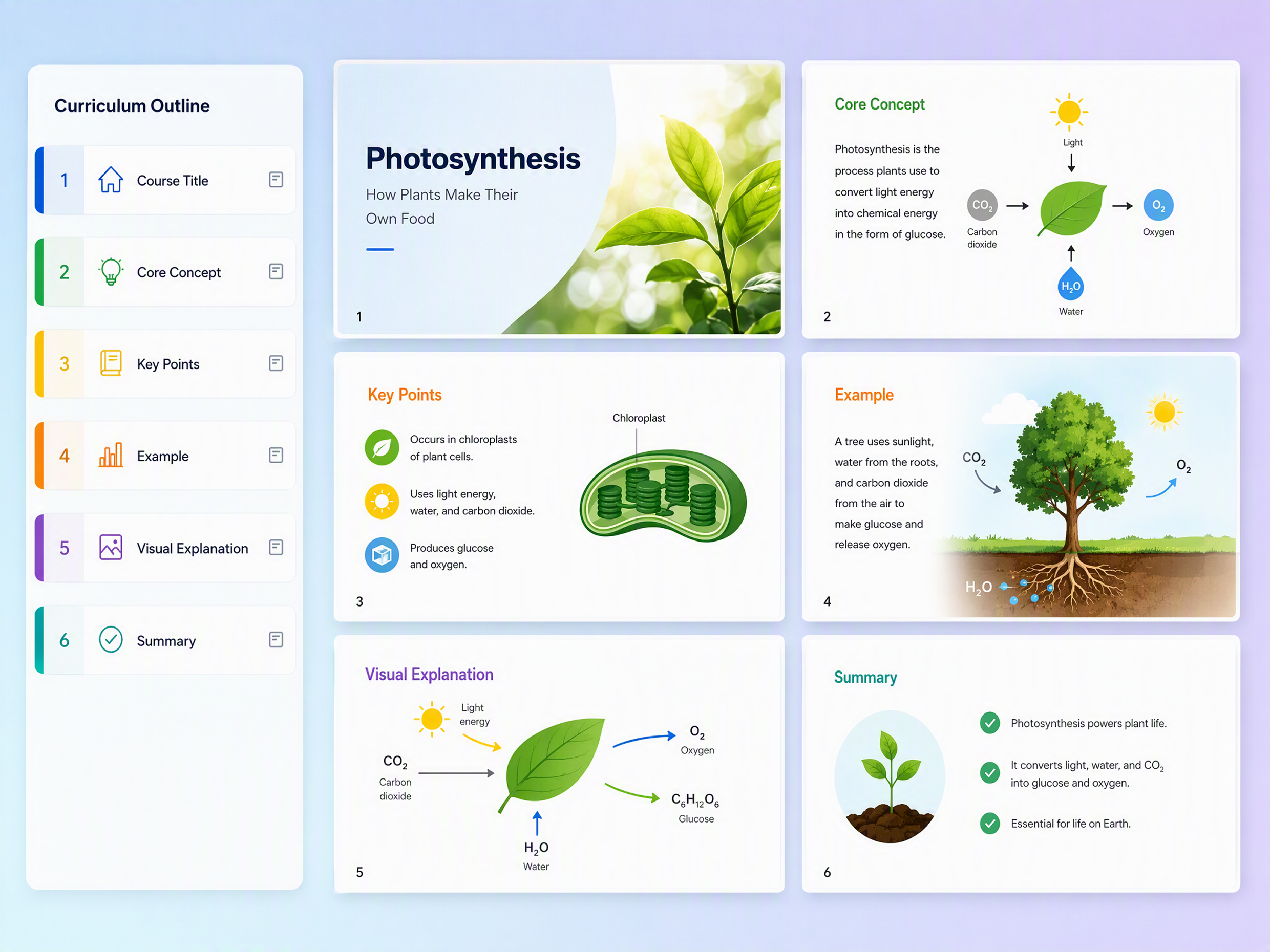
I needed engaging slides for a 12-module course but lacked the budget for a designer. Relying on this AI presentation maker meant I could simply paste my detailed syllabus outline into the prompt box, set my exact Page Count per module, and generate professional layouts. I produced over 200 slides in 2026 without hiring external design help.
Our Sales Team Starts from the Same Template
Different reps used to make their own versions of the same sales deck. Now we can start from a shared presentation style and focus on the customer-specific content instead of fixing formatting afterward.
Accelerated Investor Updates
Preparing quarterly investor updates used to take up my whole weekend. Now, I just upload my raw financial PDFs and product roadmaps as reference files, type "investors" as the audience, and click generate. It instantly maps out the narrative and builds a complete deck that I can quickly refine on the canvas before Monday morning.