
Remove Alamy Watermarks With AI Image Editing
Use Designkit's AI watermark remover to process eligible images, repair areas covered by repeating marks, and refine image details. Review the result before downloading your watermark-free image.

How to Remove an Alamy Watermark Online
Step 1. Sign In and Upload an Alamy Image
Sign in to Designkit, open Image Watermark Removal, and upload your Alamy image. Use batch upload for multiple files and ensure you have permission to edit them.

Step 2. Choose Automatic or Manual Watermark Removal
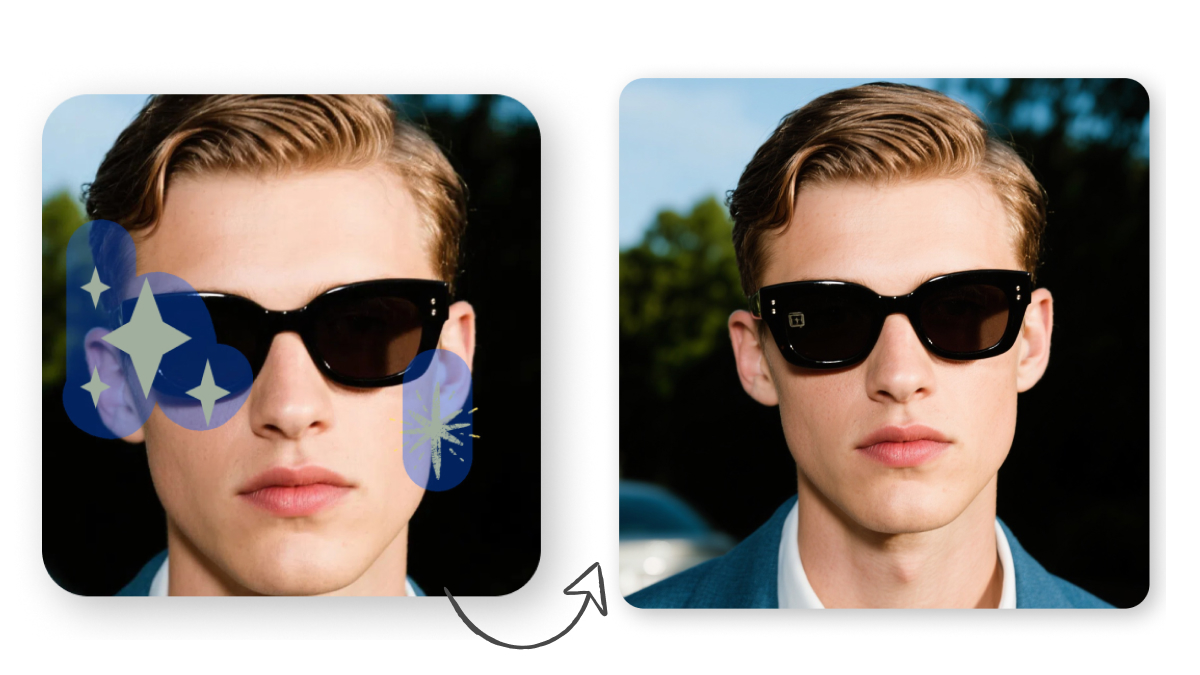
Select Auto and mark the watermark, or open Advanced, choose Brush, and highlight the area to edit. Click Start to process the image.
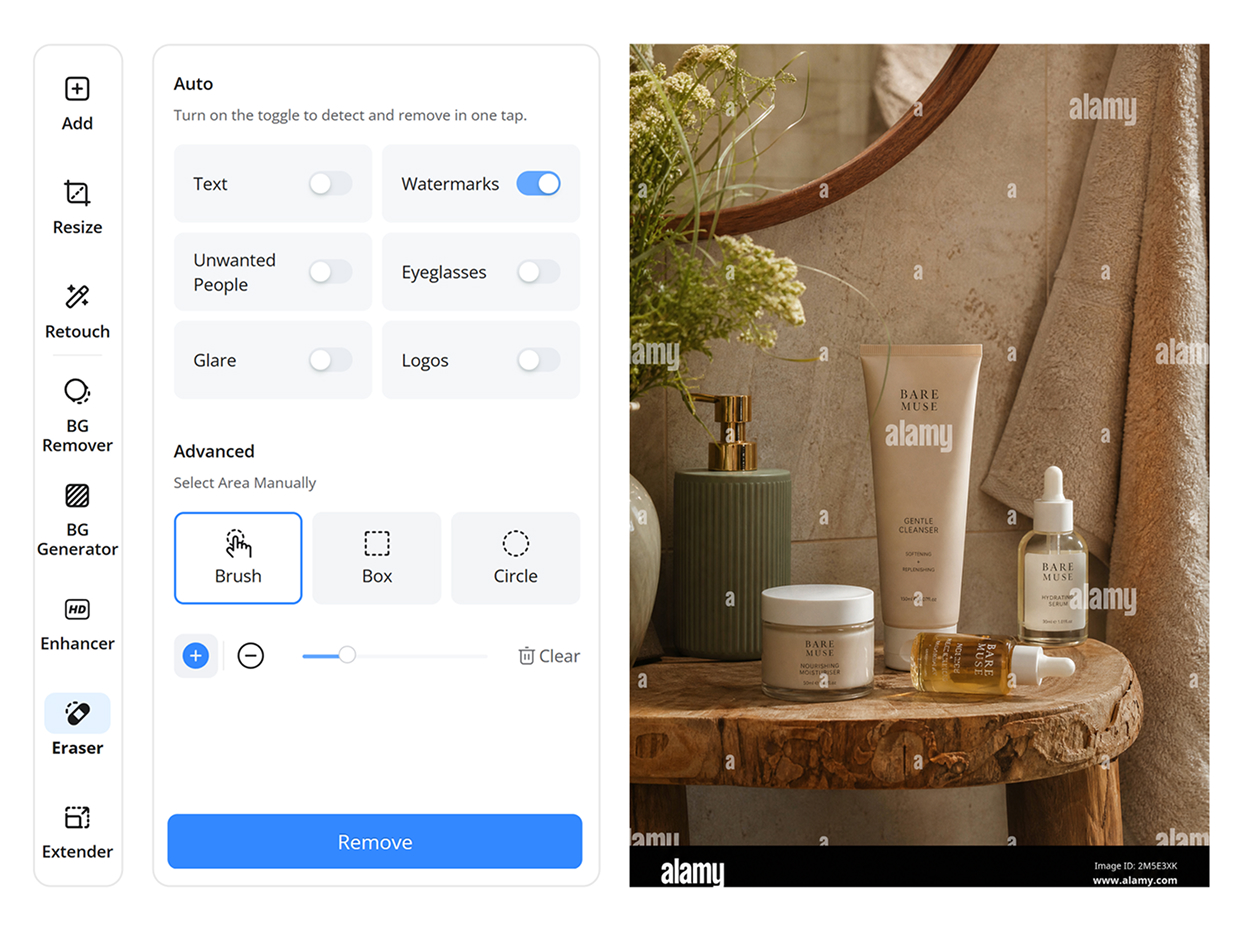
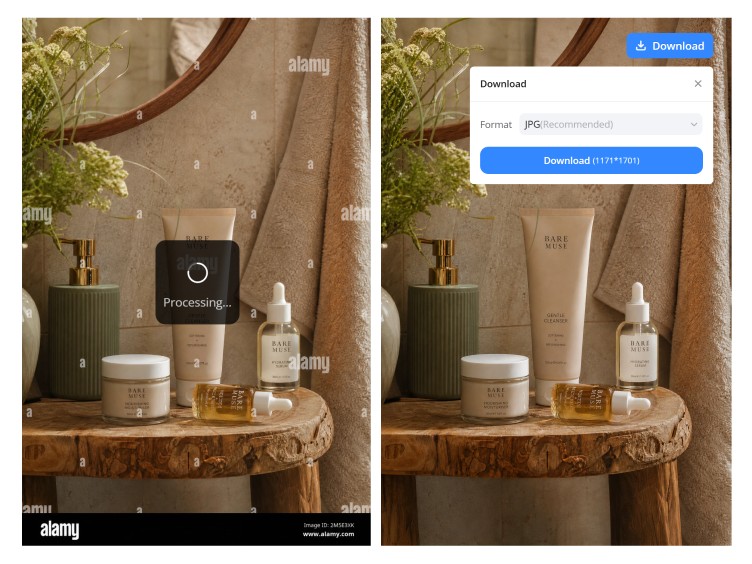
Step 3. Review and Download the Edited Image
Check the edited area, edges, and textures for visible flaws. Click Download to save the result. For publication, use a properly licensed, unwatermarked Alamy original.
What Can Designkit's Alamy Watermark Remover Do
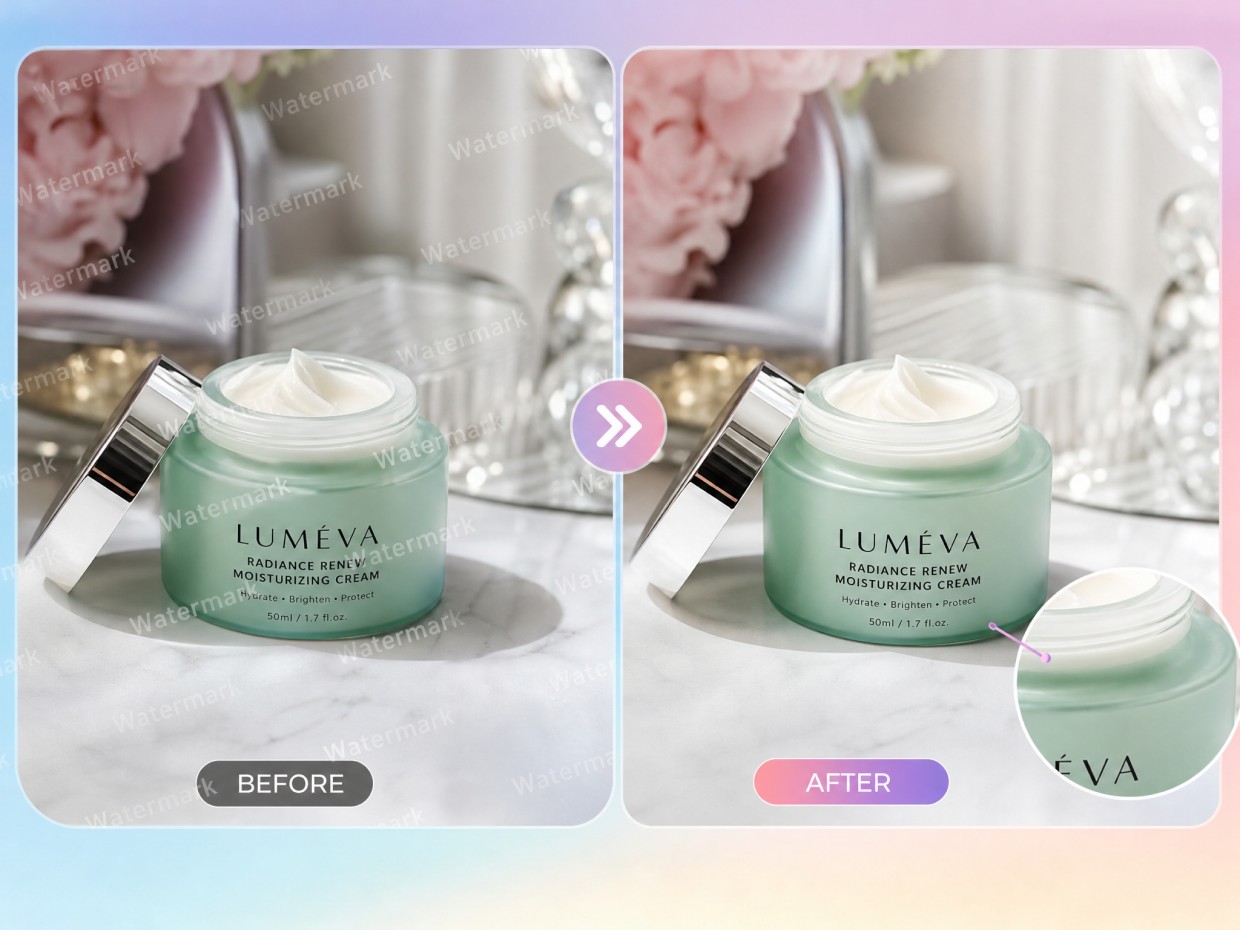
Remove Repeating Alamy Marks Across the Entire Image
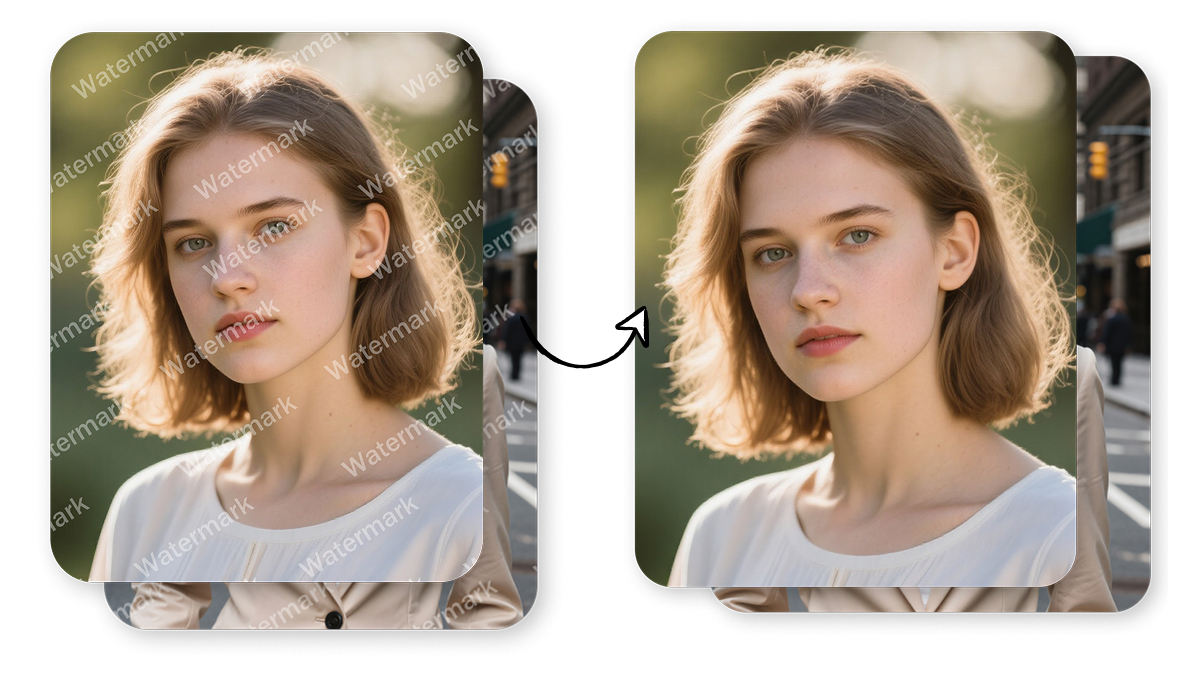
Repeated Alamy preview marks can obscure important details, making it harder to assess a photo's composition, subject, and overall quality. Designkit provides an Alamy watermark remover online for editing images you own or have permission to modify. Review the edited areas for unwanted changes before using the image in your design.
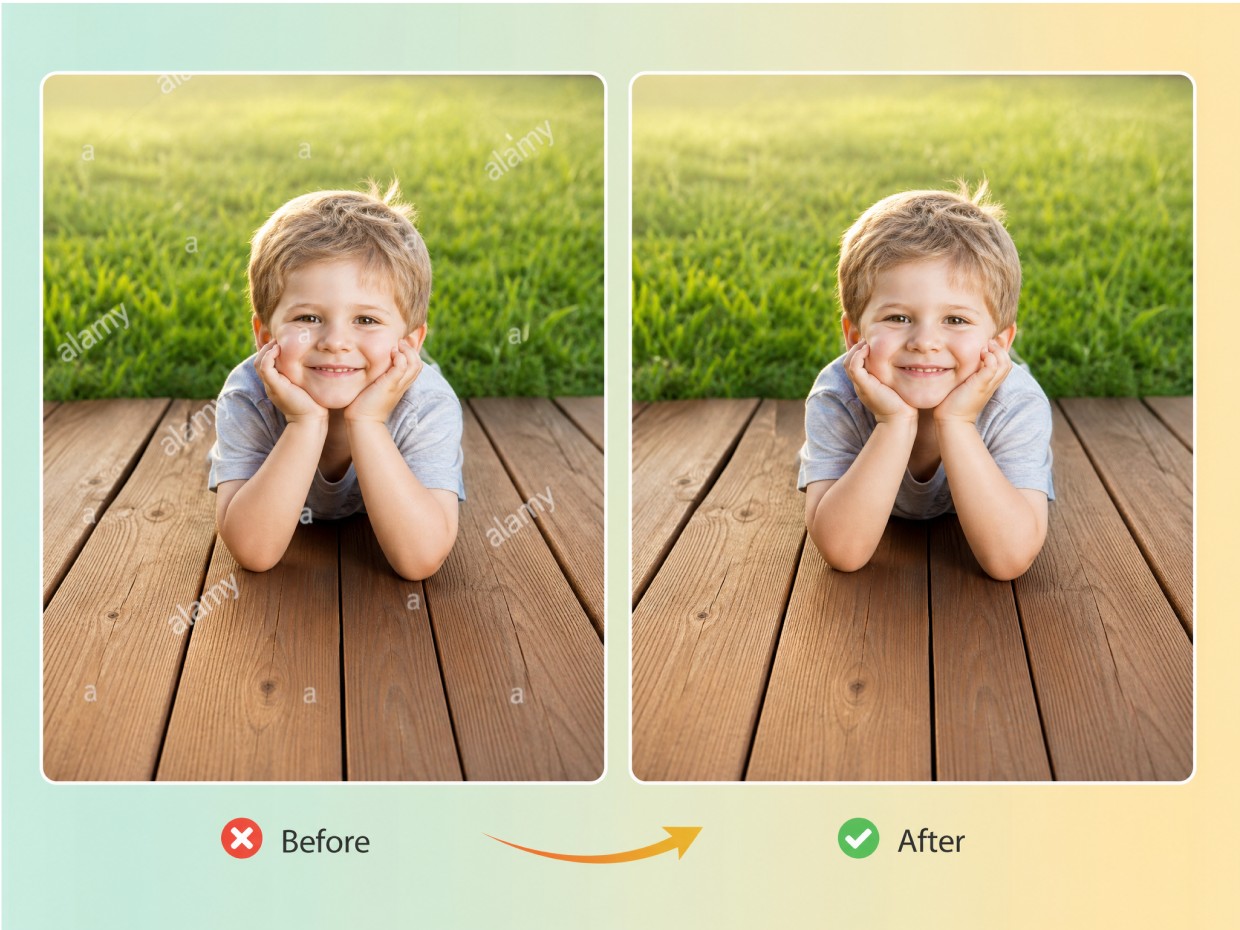
Rebuild Textures Without Losing Important Image Details
When Alamy marks cross brick walls, fabric, foliage, or other textured surfaces, editing may leave blurred patches or inconsistent patterns. Designkit helps you work on authorized images and inspect the edited areas for visible defects. Results depend on the image, and details hidden beneath a watermark may not be recoverable. Use licensed originals whenever possible for accurate final designs.
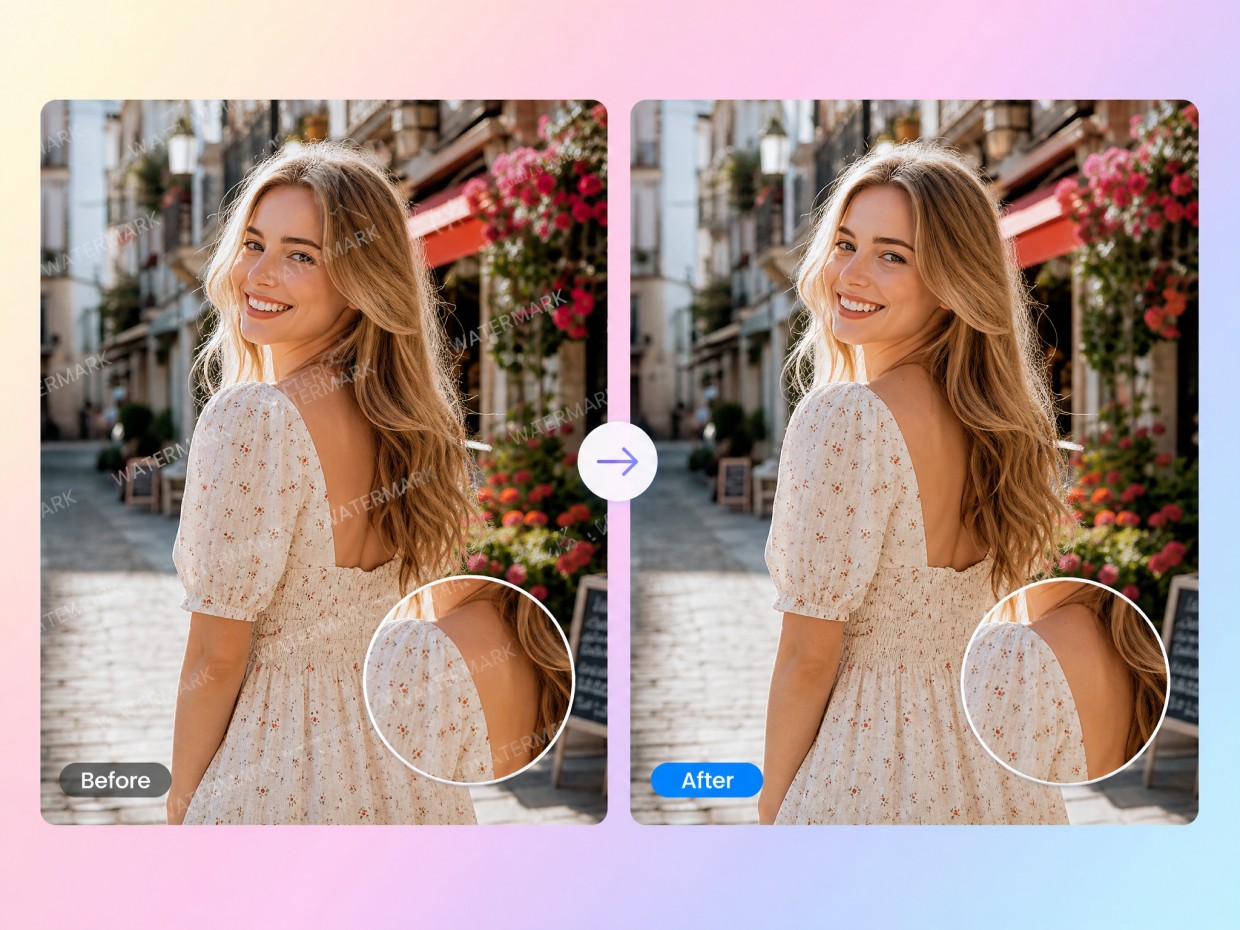
Clean Edges Around Faces and Objects
Watermarks that cross faces, clothing, or product outlines can make edited areas look uneven. Designkit's AI photo editor provides an image-editing workflow for authorized assets, helping you review edges and surrounding details after making changes. Check facial features, object contours, and fine textures carefully before using the image in a design, since automated editing may introduce noticeable artifacts.
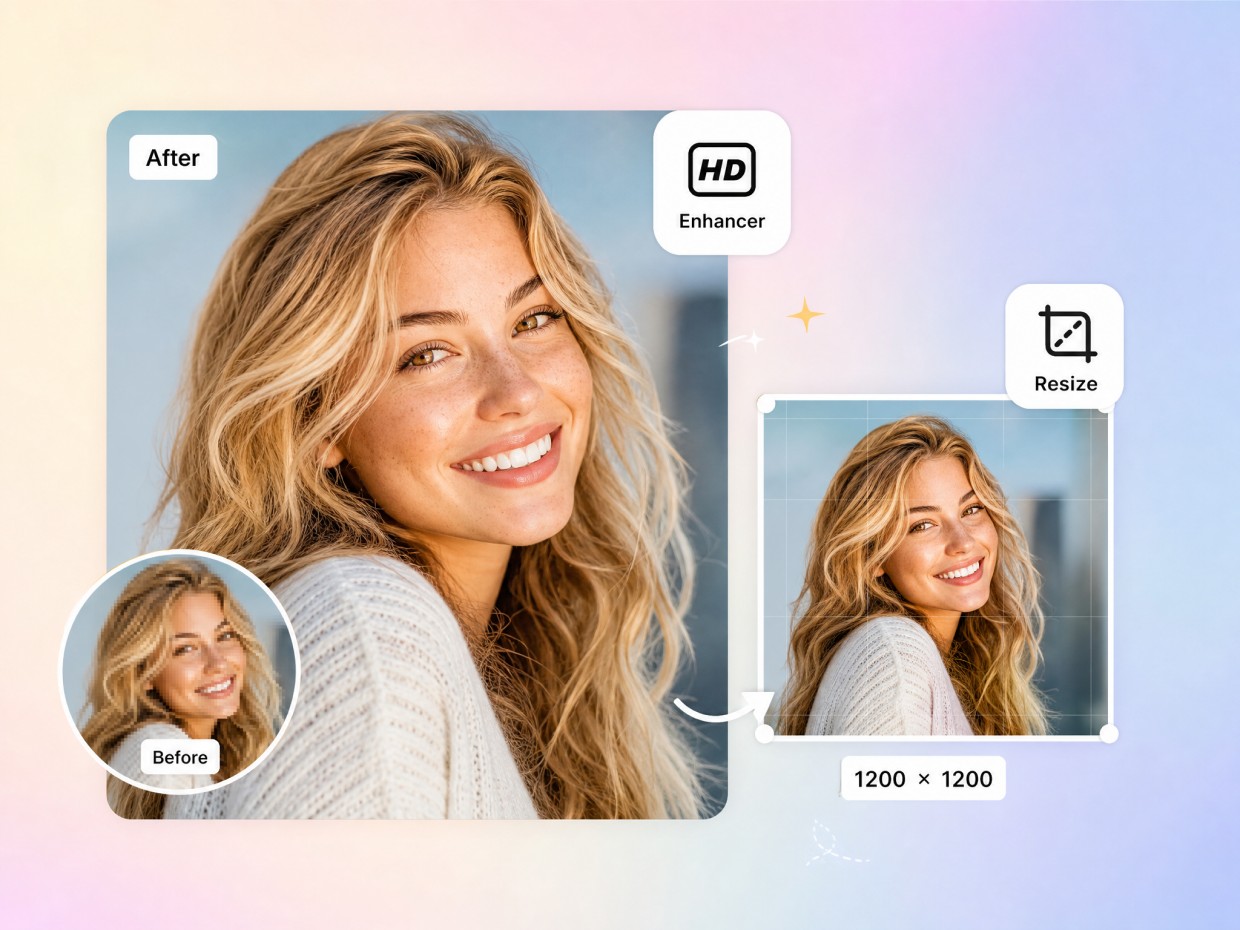
Enhance Image Clarity for the Next Editing Step
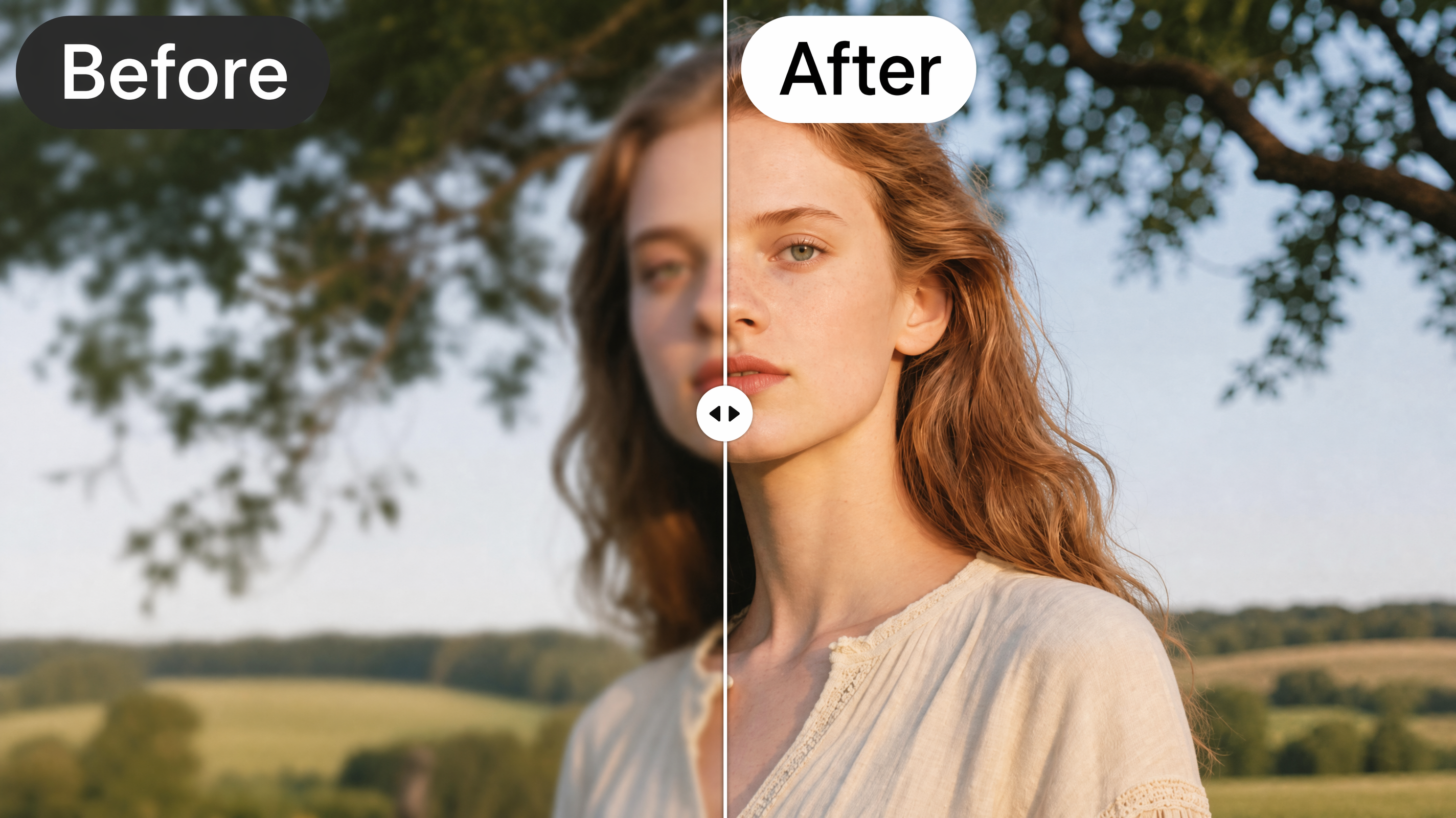
After editing an authorized image, you may notice soft details, uneven textures, or reduced sharpness in affected areas. Designkit's image enhancer can help improve perceived clarity before you continue with a layout or creative project. Inspect the result at full size to check for artificial-looking details. Enhancement can improve appearance, but it cannot reliably restore information obscured by an original watermark.
Who Can Use Designkit's Alamy Watermark Remover

Check Product Placement in Catalog Mockups
Tiled Alamy marks can hide packaging details and product finishes in catalog mockups. Designkit helps you edit authorized images and review product placement before finalizing layouts. If you search for an Alamy watermark remover online, use licensed, unwatermarked originals for published listings.

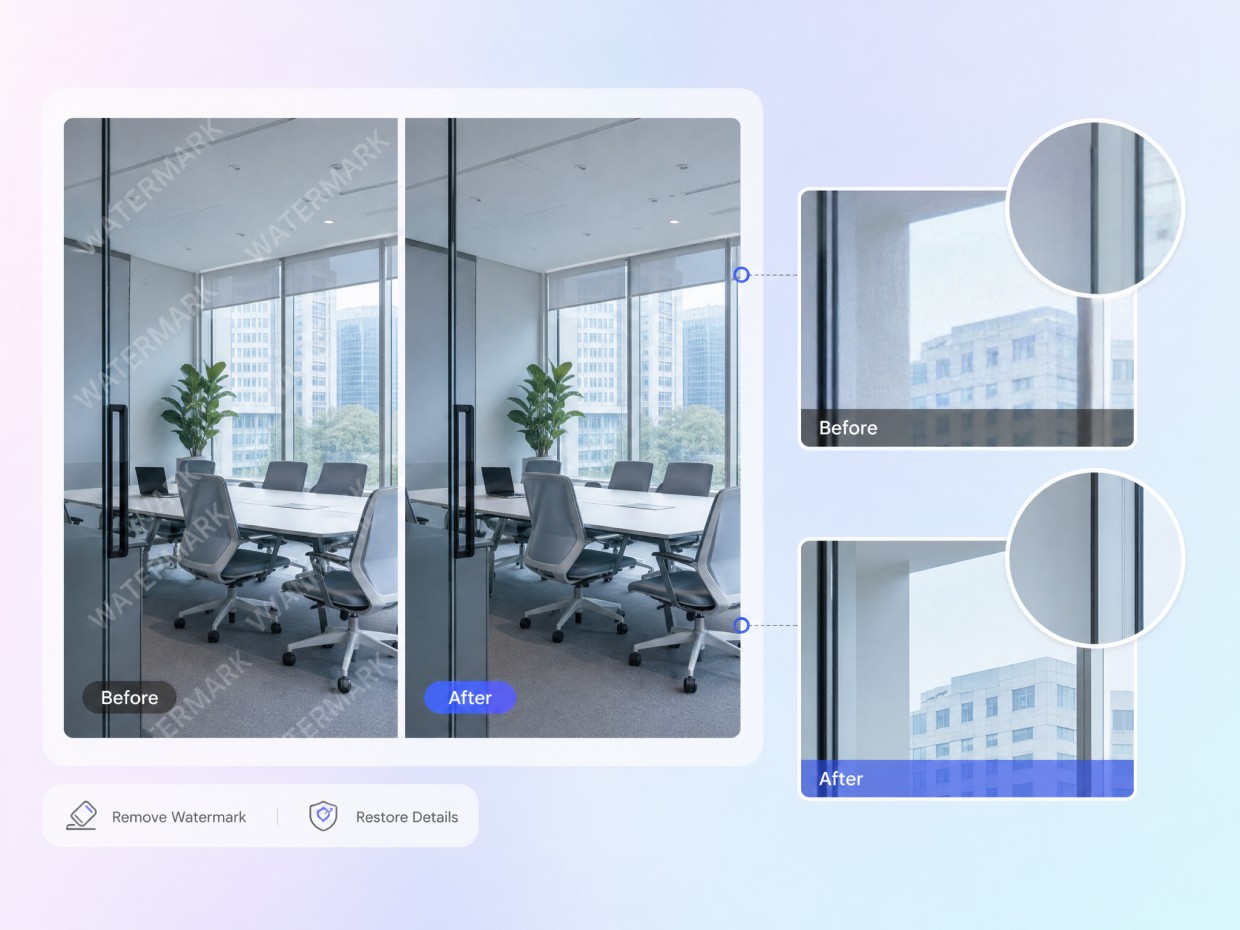

Why Choose Designkit for Alamy Watermark Removal
Explore how an Alamy watermark remover workflow handles repeated preview marks on authorized images, then inspect the edited areas before using licensed originals in final designs.

Skip some of the repetitive work of manual retouching. Designkit helps you edit specific areas of authorized images and review the results without relying entirely on Photoshop's clone stamp.

Use Designkit in your browser to edit authorized images and check the result before saving. Review image details carefully, and obtain licensed, unwatermarked Alamy files for final publication.

Remove Watermarks From Getty or Gemini
Frequently Asked Questions
What is an Alamy watermark remover?
Does removing the watermark give me a license to use the photo?
No, removing a watermark does not grant copyright ownership or permission to use a stock photo. You must obtain the appropriate Alamy license and follow its usage terms, even if the watermark is no longer visible. Designkit helps with authorized image editing, but it does not replace stock licensing. Before publishing a photo commercially, confirm that your license covers the intended platform, audience, and use.
Is there a free Alamy watermark remover online?
Some online image-editing tools offer free access, limited edits, or trial usage, but availability and output quality vary. A free Alamy watermark remover online does not provide permission to use copyrighted stock images. Designkit provides browser-based image-editing tools for authorized assets. Check the available features and usage limits, and obtain a licensed, unwatermarked Alamy photo for publication.
Can I remove an Alamy watermark without damaging the photo?
Not always. Watermarks may cover fine textures, faces, text, or object edges, and removing them can leave blur, smudging, or inconsistent details. Designkit helps you edit authorized images and inspect affected areas, but results depend on the image and the editing method. For the clearest result, use the licensed original without a watermark instead of relying on reconstruction to recover hidden details.
Can Designkit remove repeating Alamy watermarks across an image?
Repeating Alamy watermarks can cover much of a preview image, making individual marks difficult to address without affecting nearby details. Designkit offers image-editing tools for authorized assets, allowing you to work on edits and review the affected areas. Results may vary across complex backgrounds, so inspect the image carefully. For final projects, use the licensed, unwatermarked original to preserve image quality and comply with usage terms.
Can I remove watermarks from multiple images at once?
Batch watermark editing depends on the tool's supported features, file limits, and processing options. If you're working with a large collection of authorized images, check whether the chosen editor supports bulk processing and whether each result can be reviewed individually. Designkit offers image-editing tools for preparing visual assets, but you should verify current batch capabilities before relying on them for large projects.
Can I erase Alamy text from the corner of a photo?
Corner watermarks may be easier to target than repeating marks, but editing can still affect nearby borders, textures, or objects. Designkit helps you work on authorized images and review the edited area for visible inconsistencies. If the photo is an Alamy stock image, obtain the licensed, unwatermarked version for final use rather than removing copyright or licensing information without permission.
Clean My Image Now
Upload an image you can edit, clear scattered Alamy marks, and download a cleaner file for mockups or next steps. Try it free on Designkit.



How Different Users Use Designkit for Alamy Watermark Removal
Explore how e-commerce sellers, marketers, business owners, and creators handle stock image licensing and prepare authorized Alamy photos for different projects.
Our Product Images Need to Fit the Rest of the Catalog
When I prepare visual assets for a category page, I need the images to sit naturally beside our product photography. Designkit helps me refine eligible images and inspect details such as background texture and object edges before adding them to a draft layout. It gives me a clearer way to review consistency before the team approves the final assets.
We Can Review the Creative Direction Before Production
Our campaign team often needs to compare image composition and headline placement before committing to a final creative. Designkit lets me refine image details and prepare cleaner visual concepts for internal review. That helps the team discuss the direction of the campaign before moving on to the finished artwork.
I Can Prepare Draft Visuals Before Building a Social Post
I often plan several post ideas before settling on a final visual. Designkit gives me a place to refine image details and explore supported editing options before I build the finished post. I can review the edited image as part of my content planning instead of switching between several separate editing tools.
It Helps Me Prepare Clearer Business Presentations
I prepare presentations and website materials myself, so I don't want every image adjustment to require a complicated editing workflow. Designkit gives me AI-assisted tools to refine images and check how they look in the finished layout. I can make the necessary adjustments before sharing the material with colleagues or clients.