
AI Teaser Video Maker for Product Launches, Events & More
Create teaser videos that reveal just enough to make people curious. Use product images, video clips, scripts, and ideas to build anticipation before a launch, release, event, or announcement.
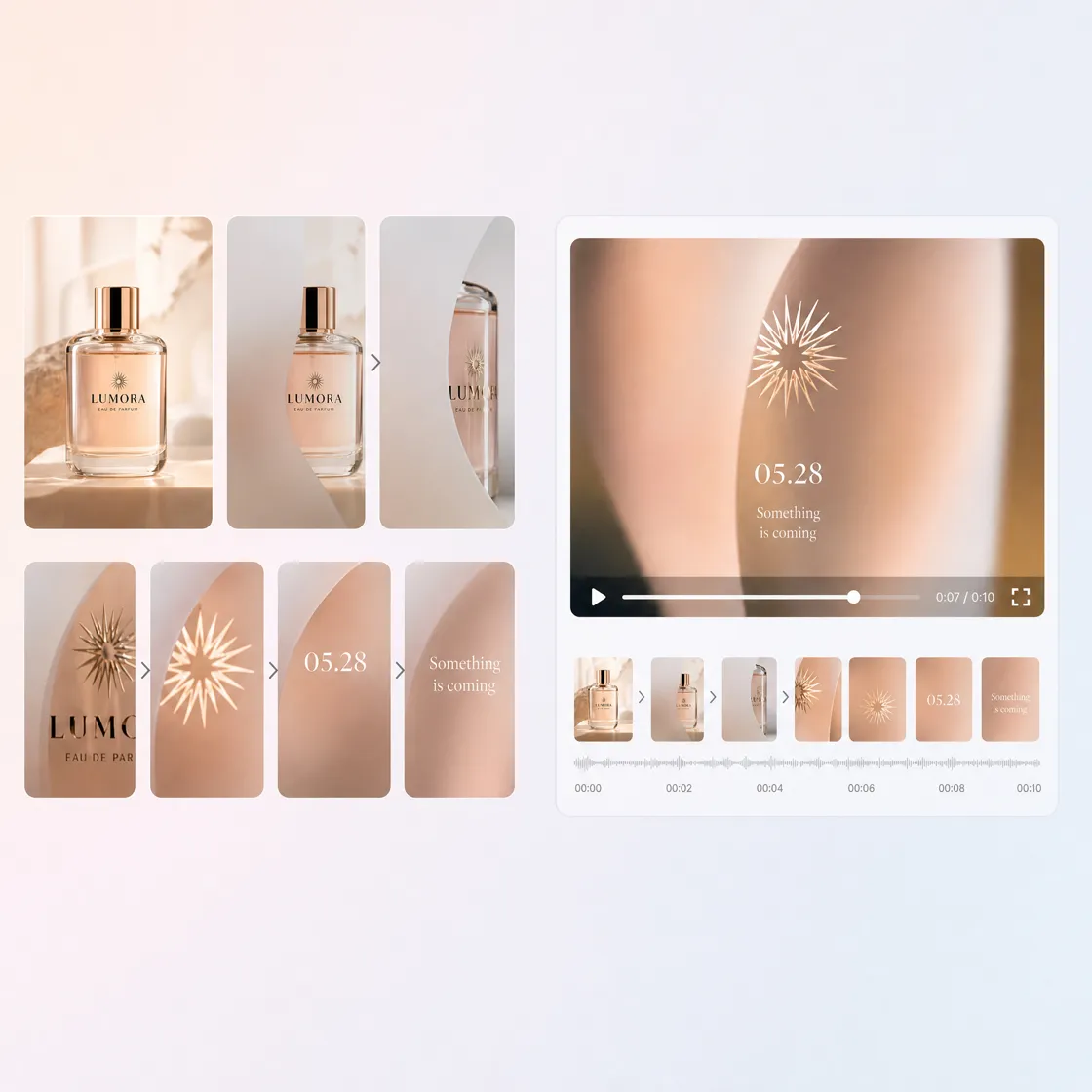
How to Create a Teaser Video with Designkit
Upload Your Content
Add a product image, video, script, event details, launch idea, or other source material. Tell Designkit what you are promoting and what should remain unrevealed.
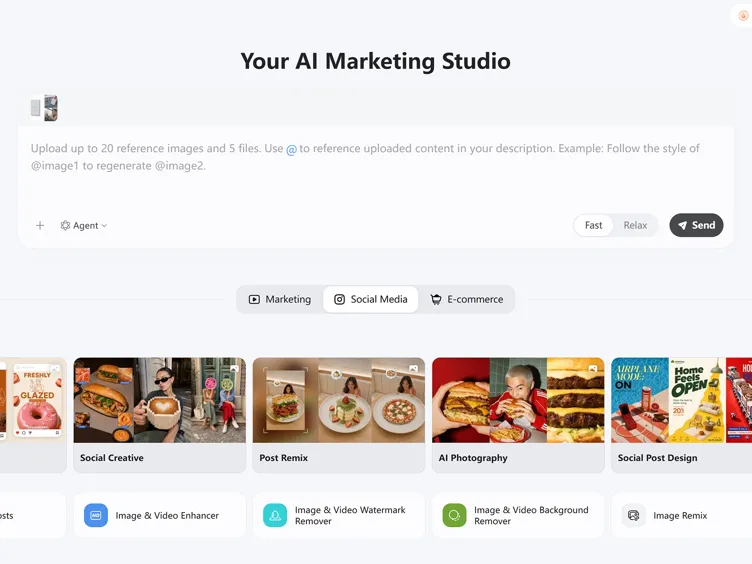
Generate Your Teaser Video
Choose the direction for your teaser and let AI shape the hook, visual sequence, partial reveal, text, and pacing around the information you want viewers to see.
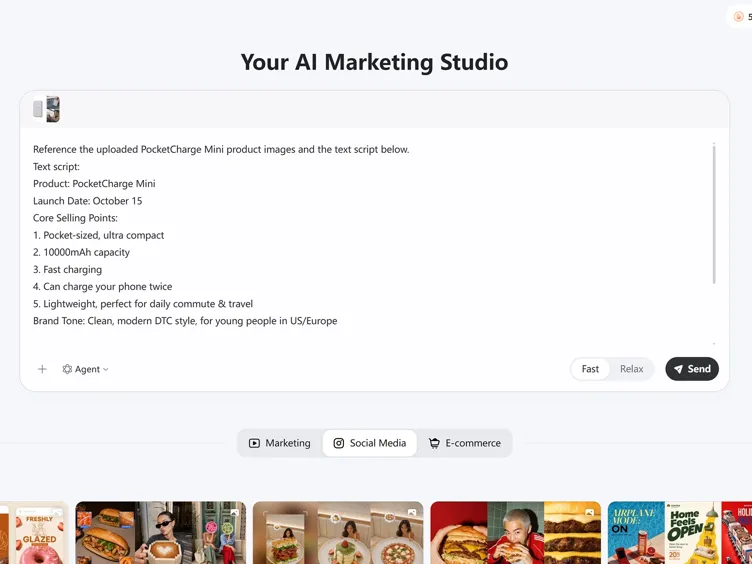
Customize and Publish Anywhere
Review the scenes, adjust the message or visual direction, and export the teaser in a format suited to your launch, social channel, or campaign.
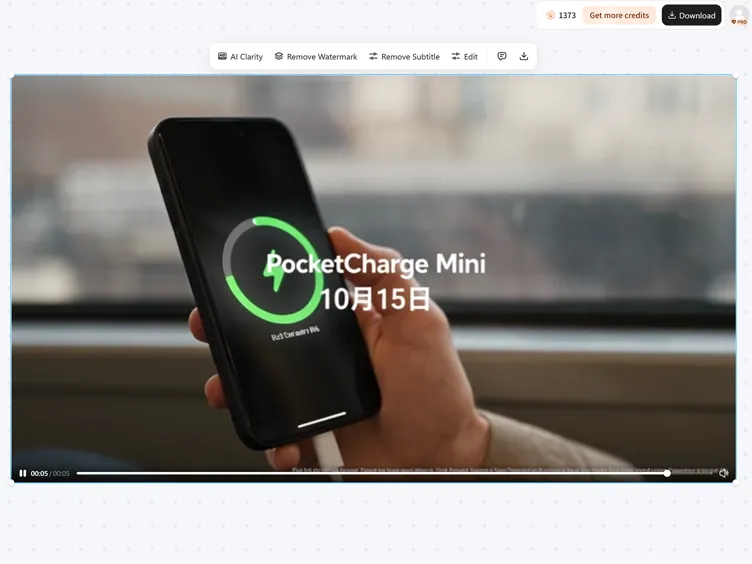
What Can You Create With Designkit's Teaser Video Maker
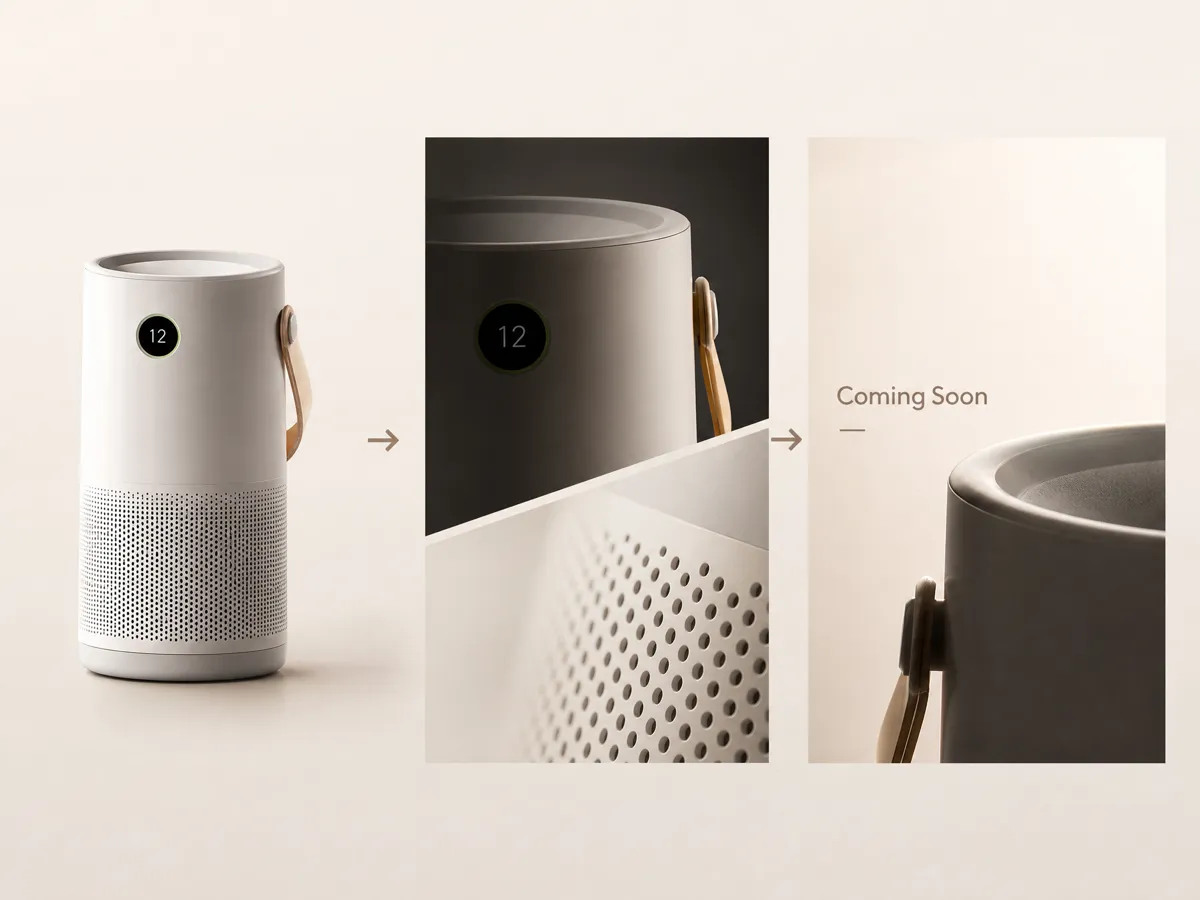
Reveal Just Enough in Your Teaser to Make People Want More
Build teaser videos that create curiosity without revealing the entire story. Start with product images, short clips, text, or campaign assets, then shape them into a focused preview for launches, announcements, and upcoming campaigns. A promo video maker can help turn early creative ideas into short-form teasers for social media, product pages, and promotional content.
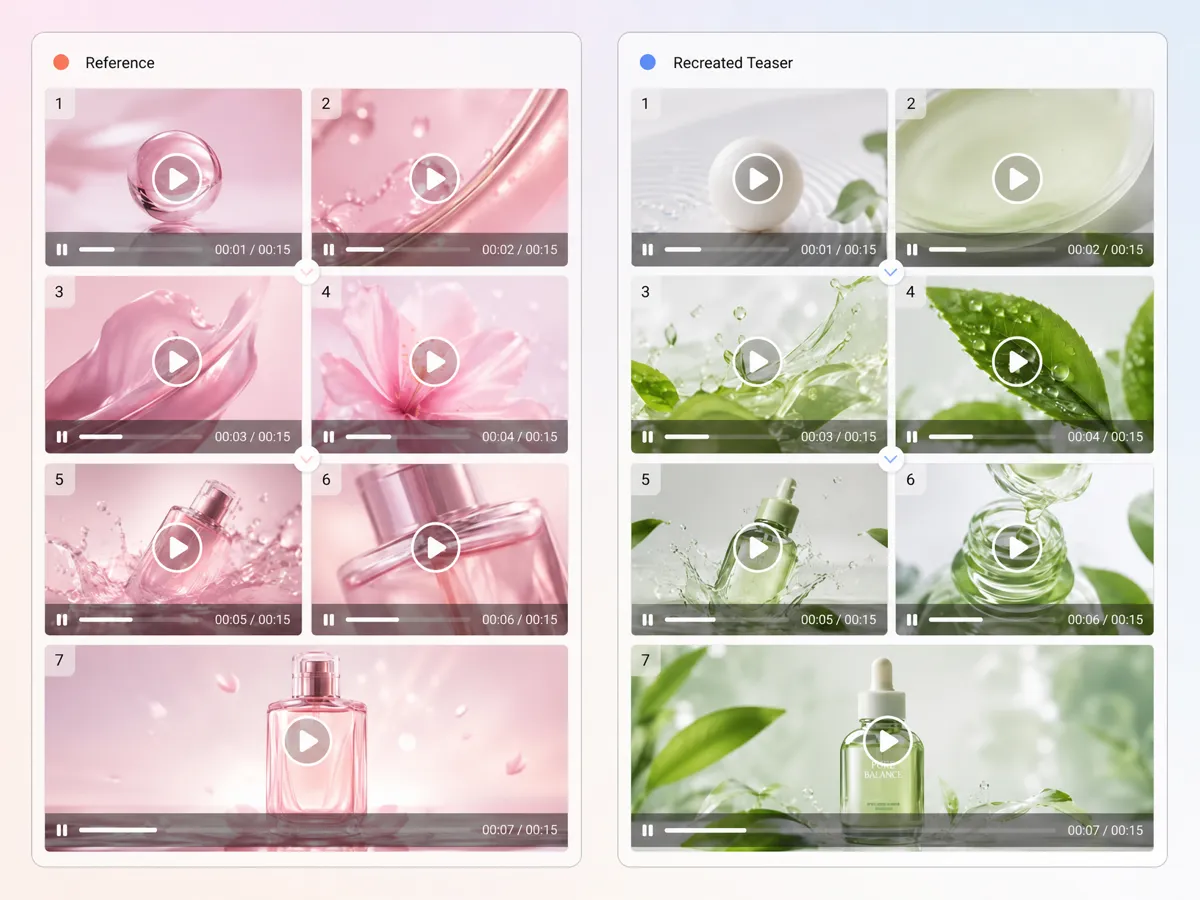
Recreate a Viral Teaser Format From a Reference Clip
Use a reference video to explore a familiar teaser structure while adapting it to your own content. Recreate elements such as pacing, scene progression, transitions, or visual direction without reusing the original footage. This can help marketers experiment with formats that already work well for short-form campaigns while keeping the content specific to their product, launch, or message.
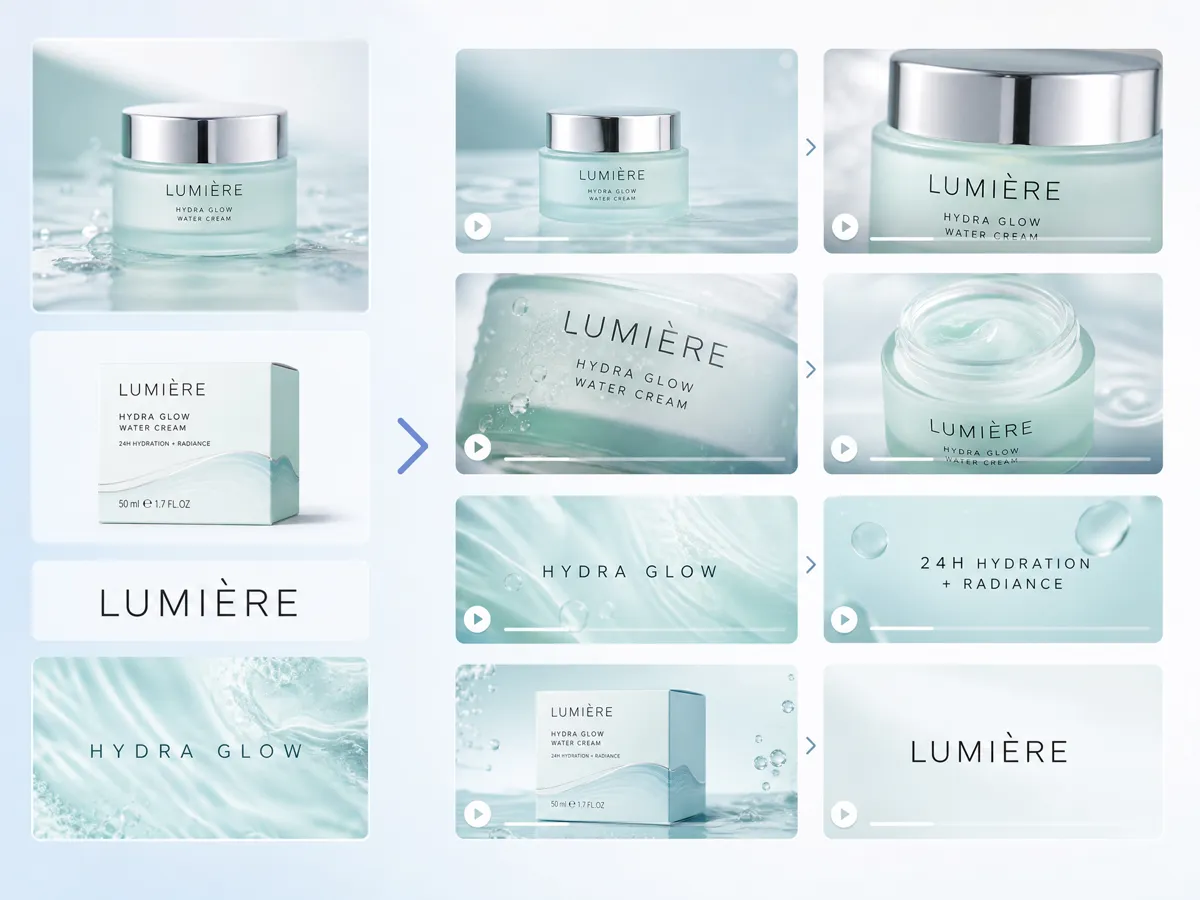
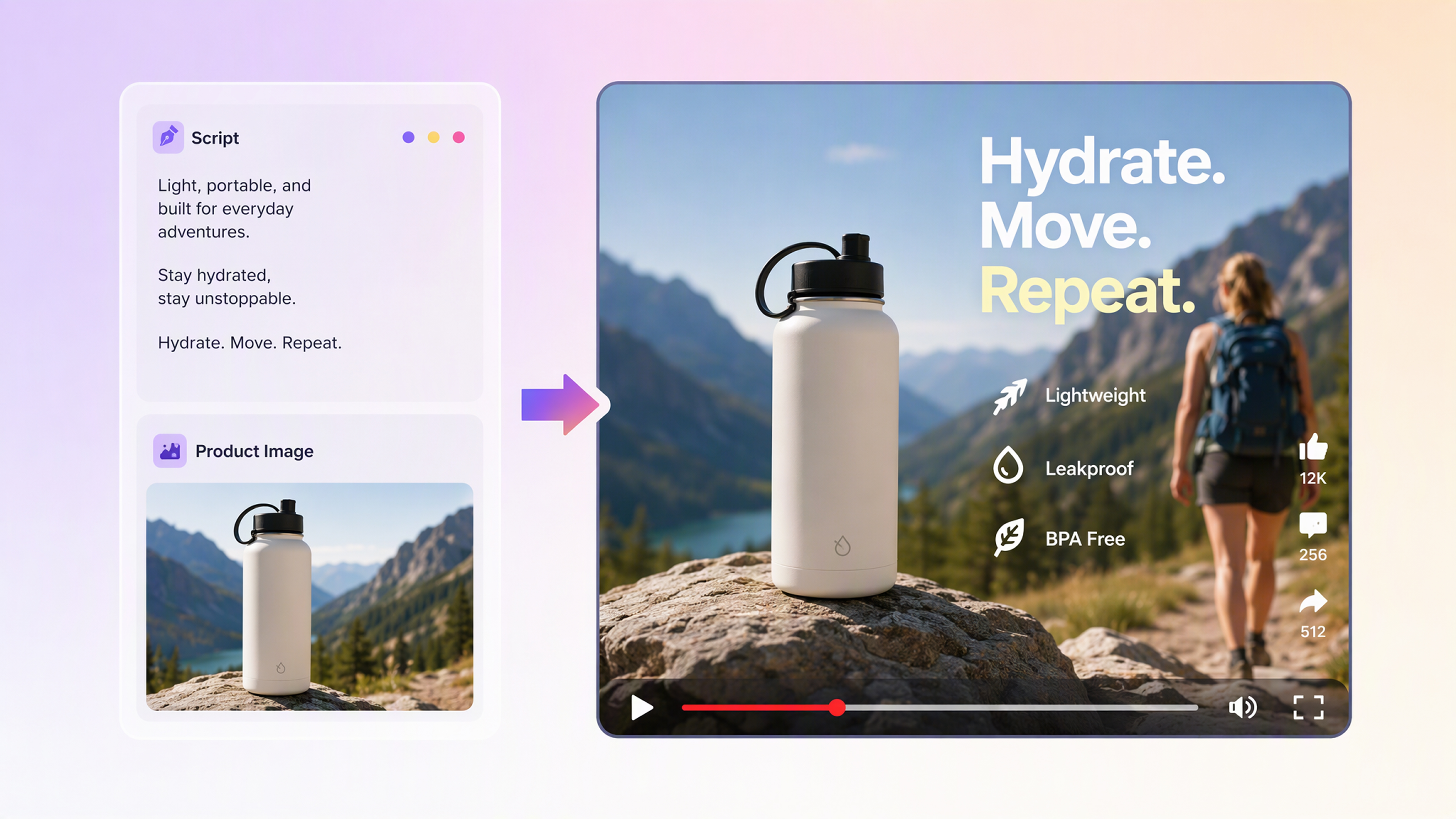
Turn Product Images and Static Assets into a Teaser
Give product photos, packaging images, campaign graphics, and static assets a stronger role in your launch content. Add movement, scene changes, text, and transitions to turn still visuals into a short teaser without filming new footage. A product video generator can help ecommerce teams create promotional previews of the assets they already have.
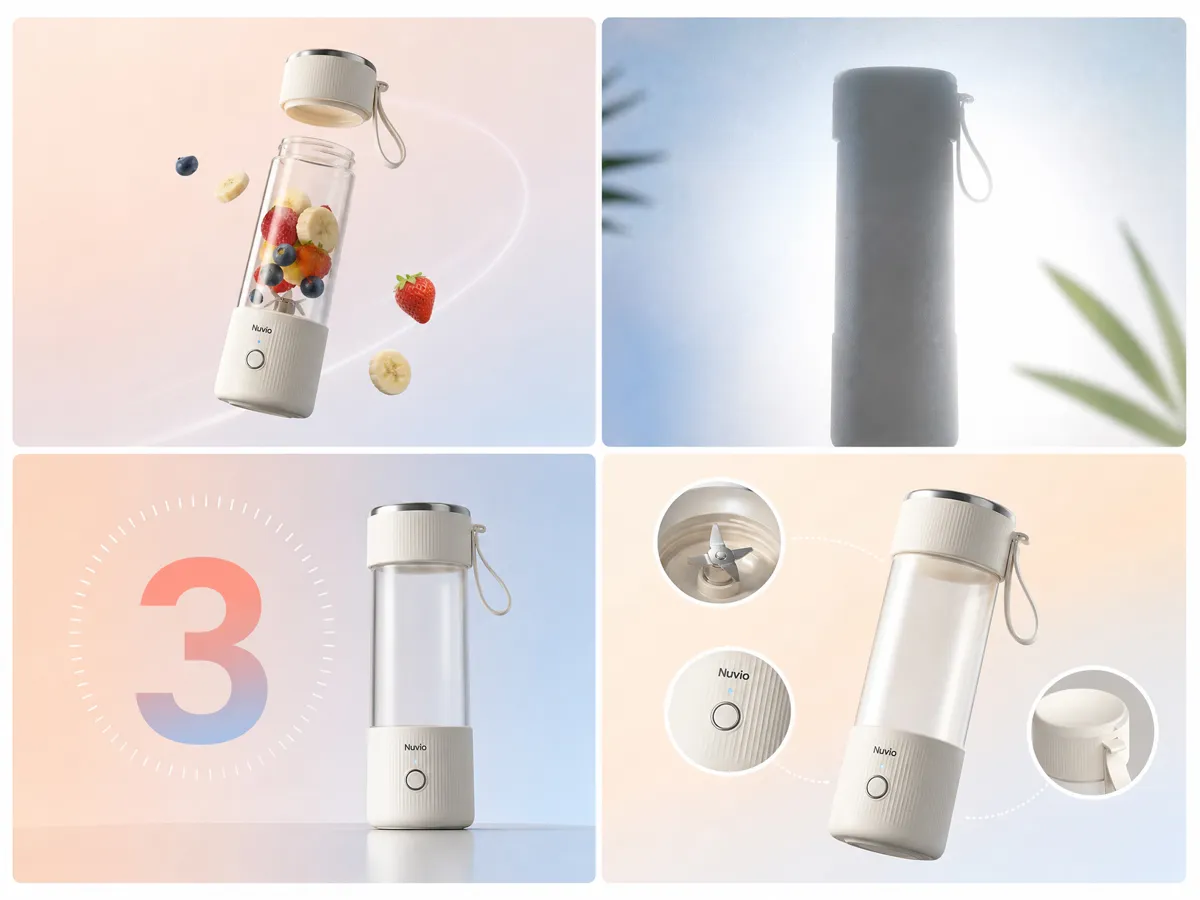
Test Several Teaser Directions Before the Reveal
Explore different creative directions before settling on the teaser you want to publish. Create variations with different openings, product focus, messaging, pacing, or visual sequences while working from the same core assets. This makes it easier to compare concepts for launches, social campaigns, and promotions before producing the final reveal. A marketing video maker can help turn these concepts into ready-to-review teaser variations.
Create Teaser Videos for Launches, Releases, Events, and Campaigns
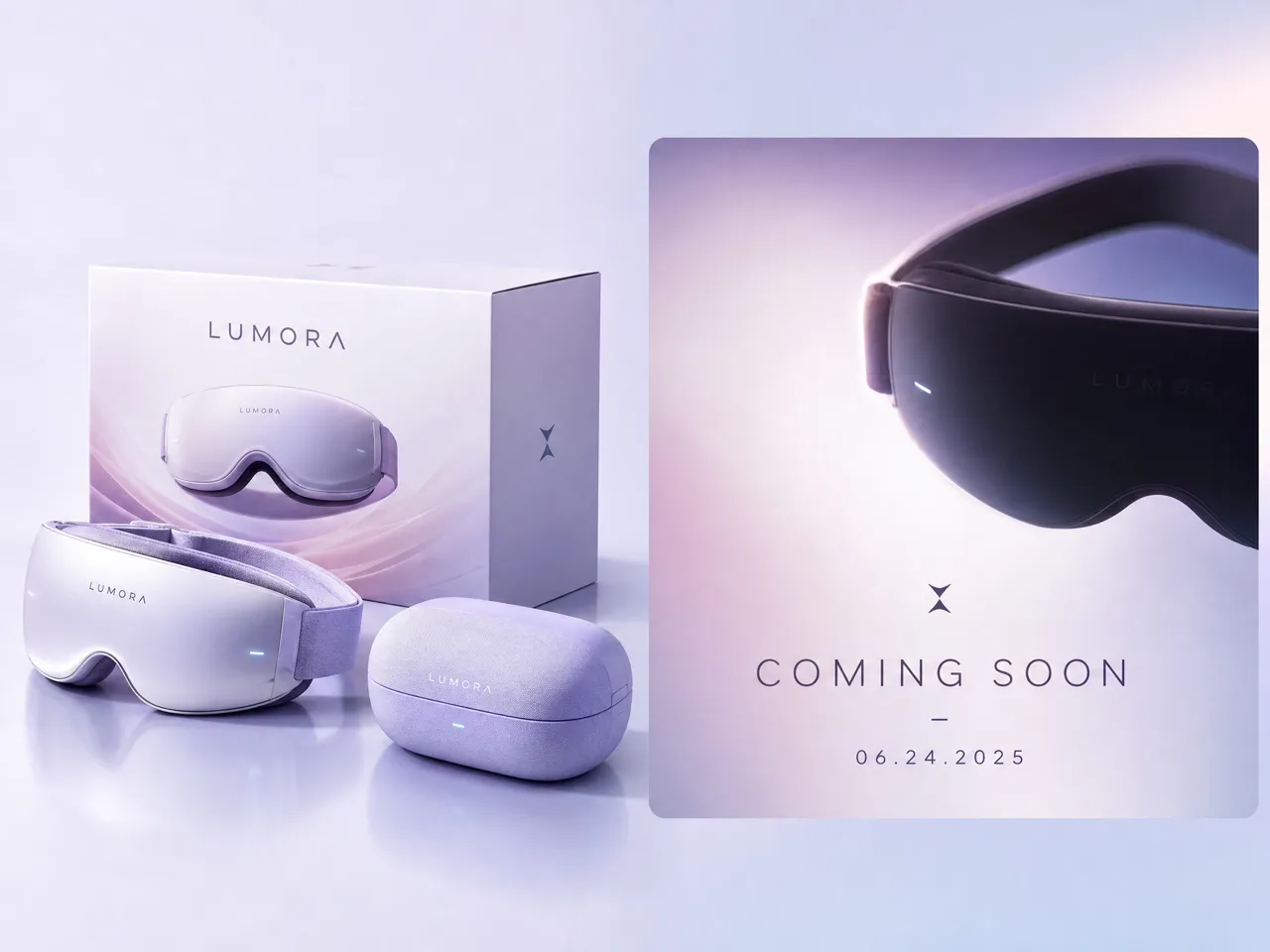
Give a New Product a Preview Before the Reveal
Build anticipation for an upcoming product with a short teaser that shows packaging, key features, or lifestyle moments without revealing everything. Turn product images and launch assets into a focused preview that gets shoppers curious before the full reveal.
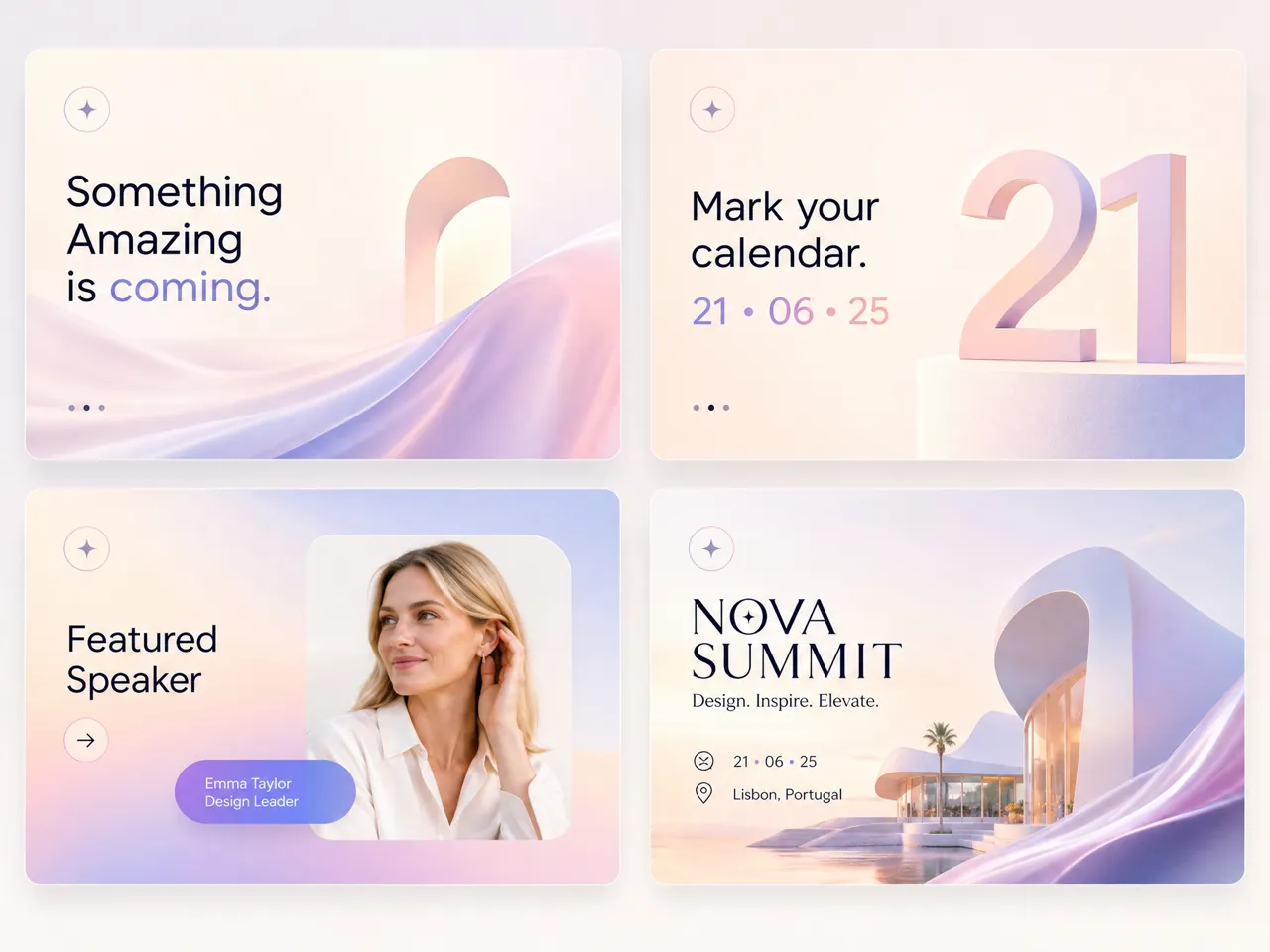

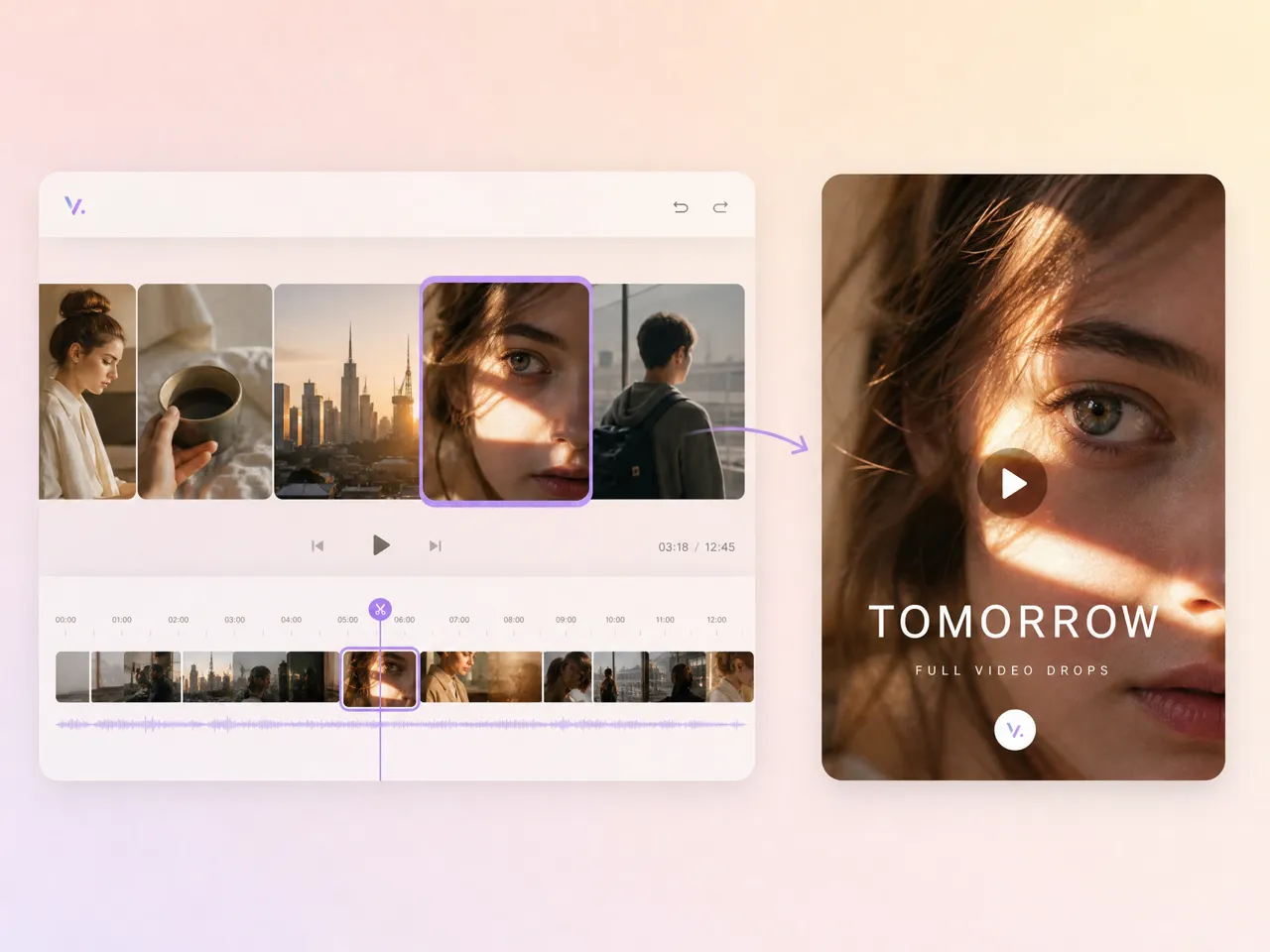
Unlock More Creative Possibilities for Your Teaser
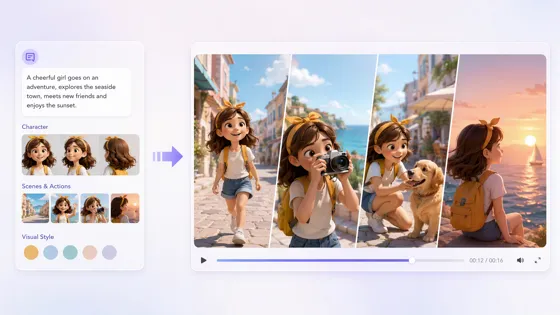
AI Animation Generator
Faceless Video Maker
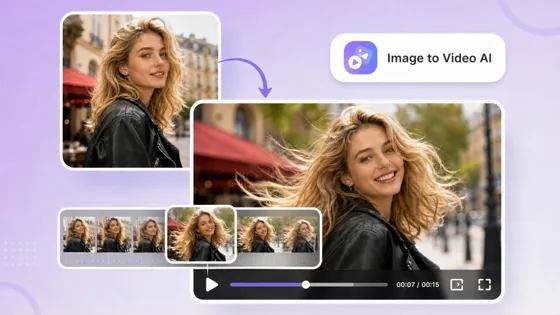
AI Image to Video
AI Short Video Maker
Frequently Asked Questions
What types of teaser videos can I make?
How long should a teaser video be?
A teaser should be long enough to establish the hook and create curiosity without revealing too much. Short formats often work well for social posts, ads, and launch campaigns. Designkit lets you create concise teaser concepts that focus on the key visual, message, or reveal you want viewers to remember.
Will the teaser look real enough for ads or social?
Yes, you can create teasers designed for social media and advertising with natural-looking visuals, movement, transitions, and product presentation. Designkit helps transform your idea and existing assets into polished short-form videos that can fit different campaign formats without requiring a full production shoot.
Can I create product teaser videos from images?
Yes. You can turn product photos, packaging images, campaign graphics, and other static assets into short teaser videos. Designkit adds movement, scene changes, text, and transitions to help build anticipation around a product before its full reveal, making existing assets useful for launch and promotional content.
Can I customize the on-screen person or keep the product as the hero?
Yes. You can shape the teaser around the product, an on-screen person, or a combination of both depending on your campaign. Designkit lets you direct the visual focus so products can remain the hero while people, scenes, text, and supporting visuals add context to the teaser.
Can I create a teaser from a product URL?
If your workflow provides usable product information or assets from a product page, you can use those details as the basis for a teaser concept. Designkit can then help develop the visual direction, scenes, and promotional treatment needed to present the product in a short, launch-focused video.
Can I recreate a teaser format from a reference video?
Yes. You can use a reference video to guide the structure and creative direction of your teaser. Designkit can help recreate elements such as pacing, scene progression, transitions, and visual flow while adapting the concept to your own product, campaign, or message rather than simply copying the original video.
Give Your Next Launch a Preview Worth Watching
Upload a product image or clip, set what stays hidden, and generate a short teaser with free Designkit credits.
Why Create Teaser Videos With Designkit

Skip a Full Shoot for Small Launch Teasers
Create short launch teasers from product images, clips, and existing assets without planning a full shoot for content that only needs a quick preview.
Adapt One Teaser for Different Launch Channels
Prepare teaser variations for social media, product pages, ads, and other launch channels while adjusting the format and message for each placement.

Try an AI Teaser Video Maker With Free Credits
Explore teaser concepts with free credits before committing to a larger production. Test different visuals, messages, and reveal styles for your next campaign.



What Users Say About Designkit's AI Teaser Video Maker
See how creators, marketers, and brands use Designkit to build excitement, increase engagement, and launch campaigns with confidence.
It Helped Us Build Curiosity Around the Launch
We wanted to start building some interest before our new product officially launched. Designkit helped us turn our product photos and lifestyle images into short teaser videos that gave people a preview without saying everything at once. It gave us something simple to share on social while we were getting the rest of the launch ready.
I Got More Content From One Video
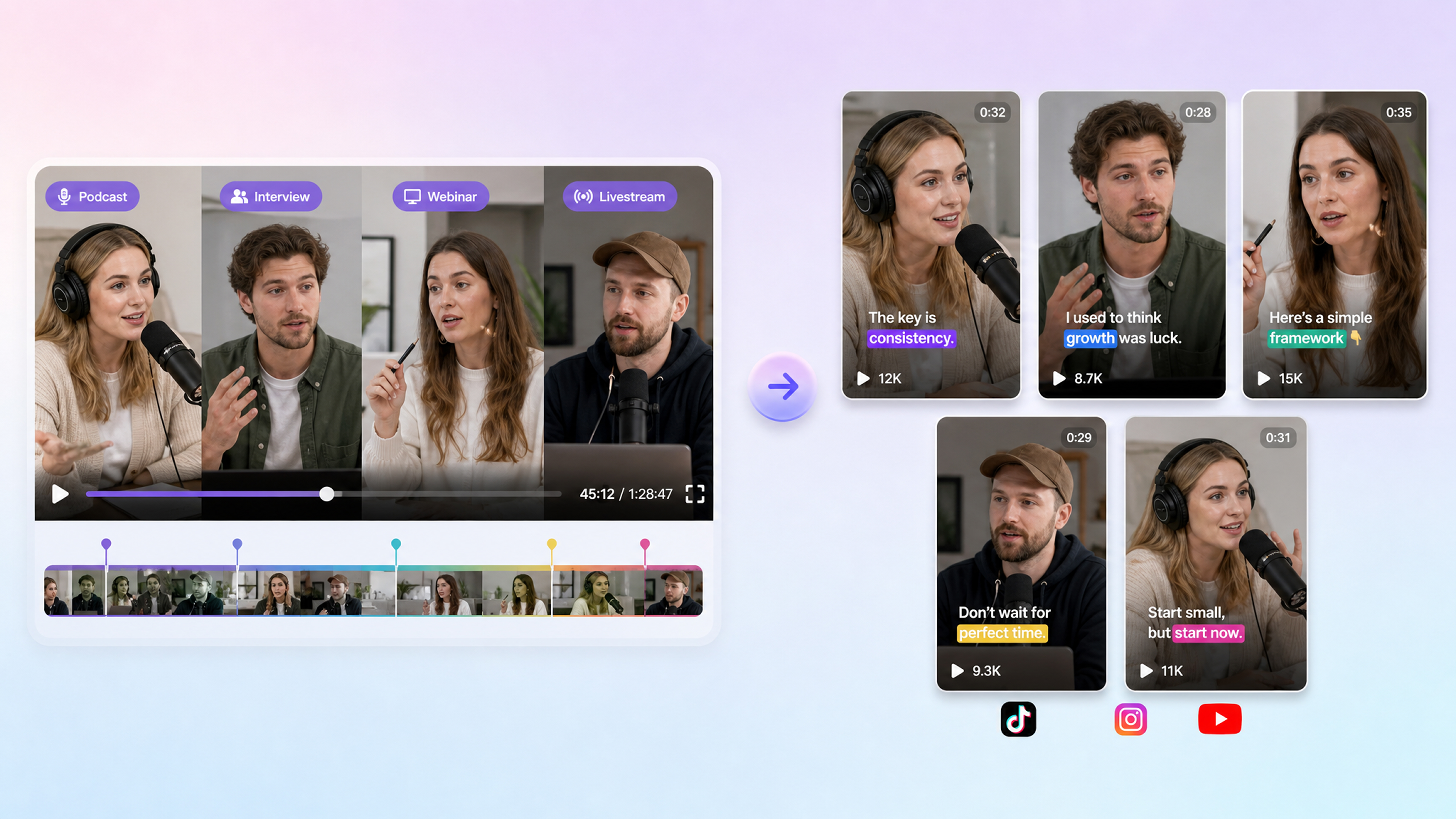
I had a longer video ready for my channel, but I also wanted something shorter to share before the full release. Designkit helped me turn parts of the original video into a few teaser clips without having to film something completely new. It gave me an easy way to build some interest before publishing the full video.”
It Gave Our Event Something to Share Early
Our event was still a few weeks away, but we wanted to start getting people interested early. We used the event graphics, venue images, and a few details to create short teaser videos. They gave us something we could post while we were still working on the rest of the event.
We Could Show the Course Without Giving Everything Away
I wanted people to get a feel for the course before signing up, but I didn't want to give away entire lessons. I used Designkit to create short previews from some of the course content. It helped me show what students could expect while keeping the main lessons for the actual course. FAQs