
Create Pitch Videos From Decks, Ideas, and Business Plans
Turn product screens, key claims, and pitch notes into a short video your investors or buyers can watch on their own, so you are not asking them to dig through a full deck first.
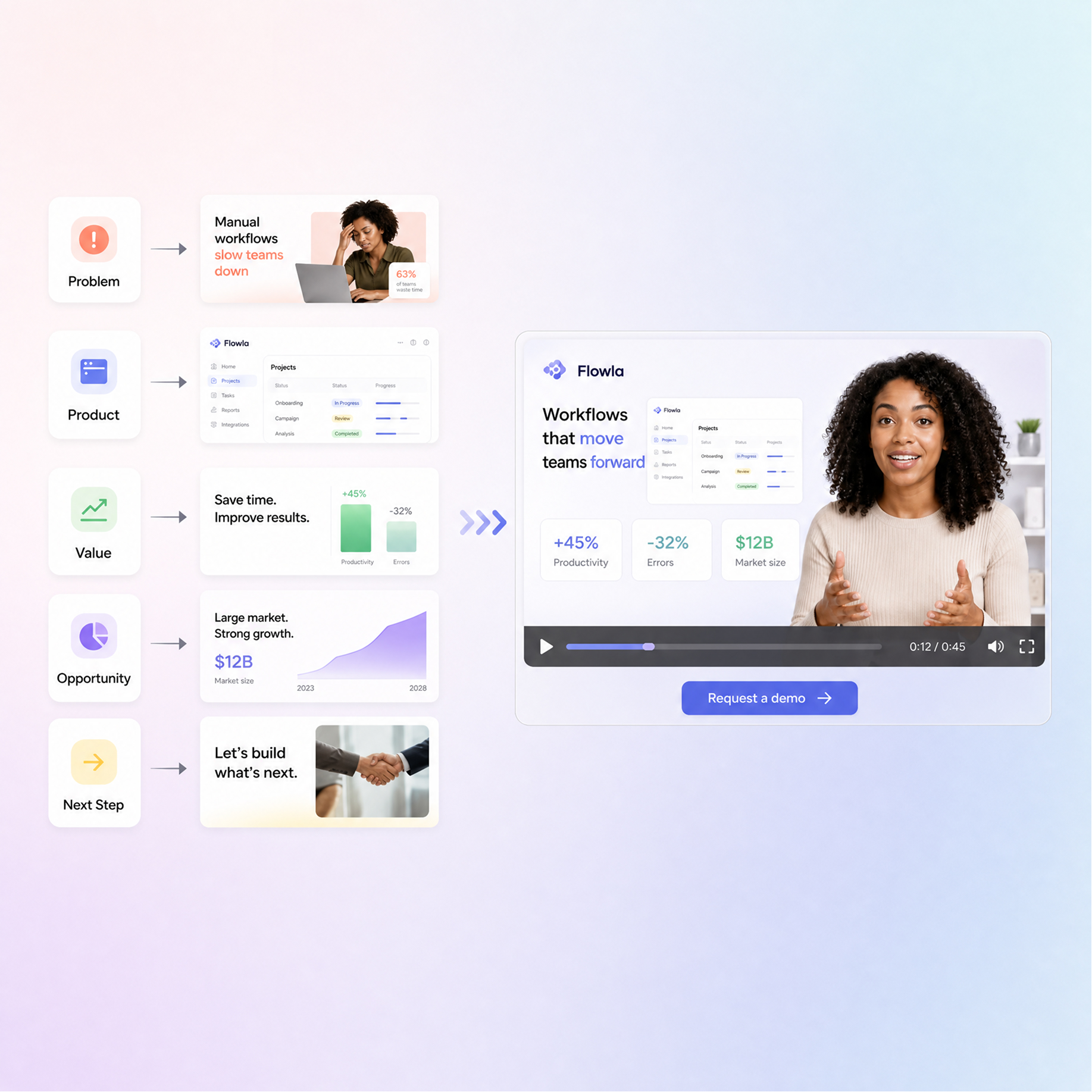
How to Create a Pitch Video With Designkit
Start With Your Pitch Materials
Upload the materials behind your pitch, such as a pitch deck, proposal, product screenshots, business information, or supporting content.
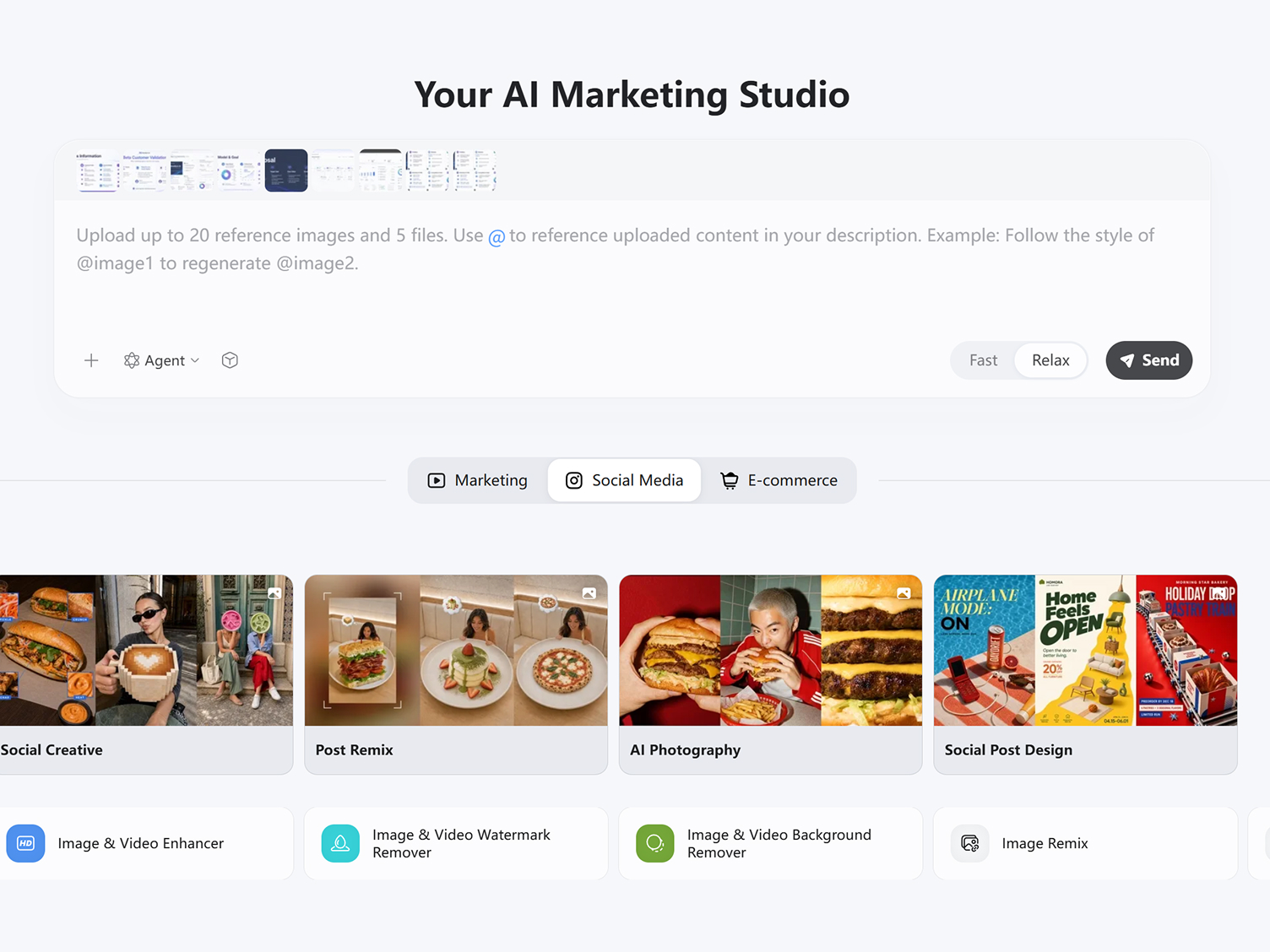
Set Audience and Main Argument
Tell Designkit who will watch the video and what you want them to understand. Focus the pitch around your value proposition, product, opportunity, or next step.

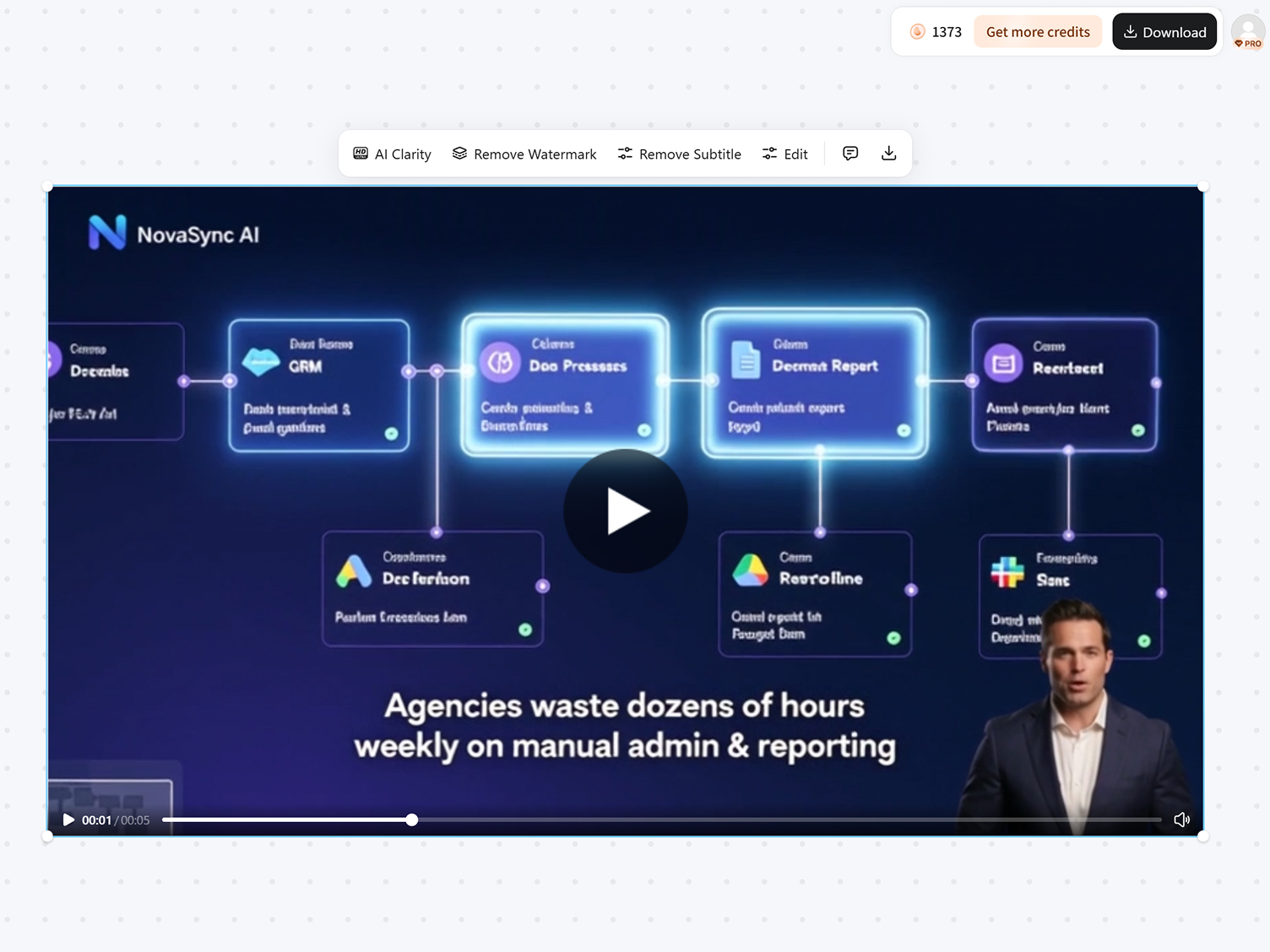
Create and Download Pitch Video
Turn key points into a pitch video with visuals, narration, and scenes. Review and adjust the message before sharing with investors, prospects, partners, or your team.
What You Can Create with Designkit's Pitch Video Maker
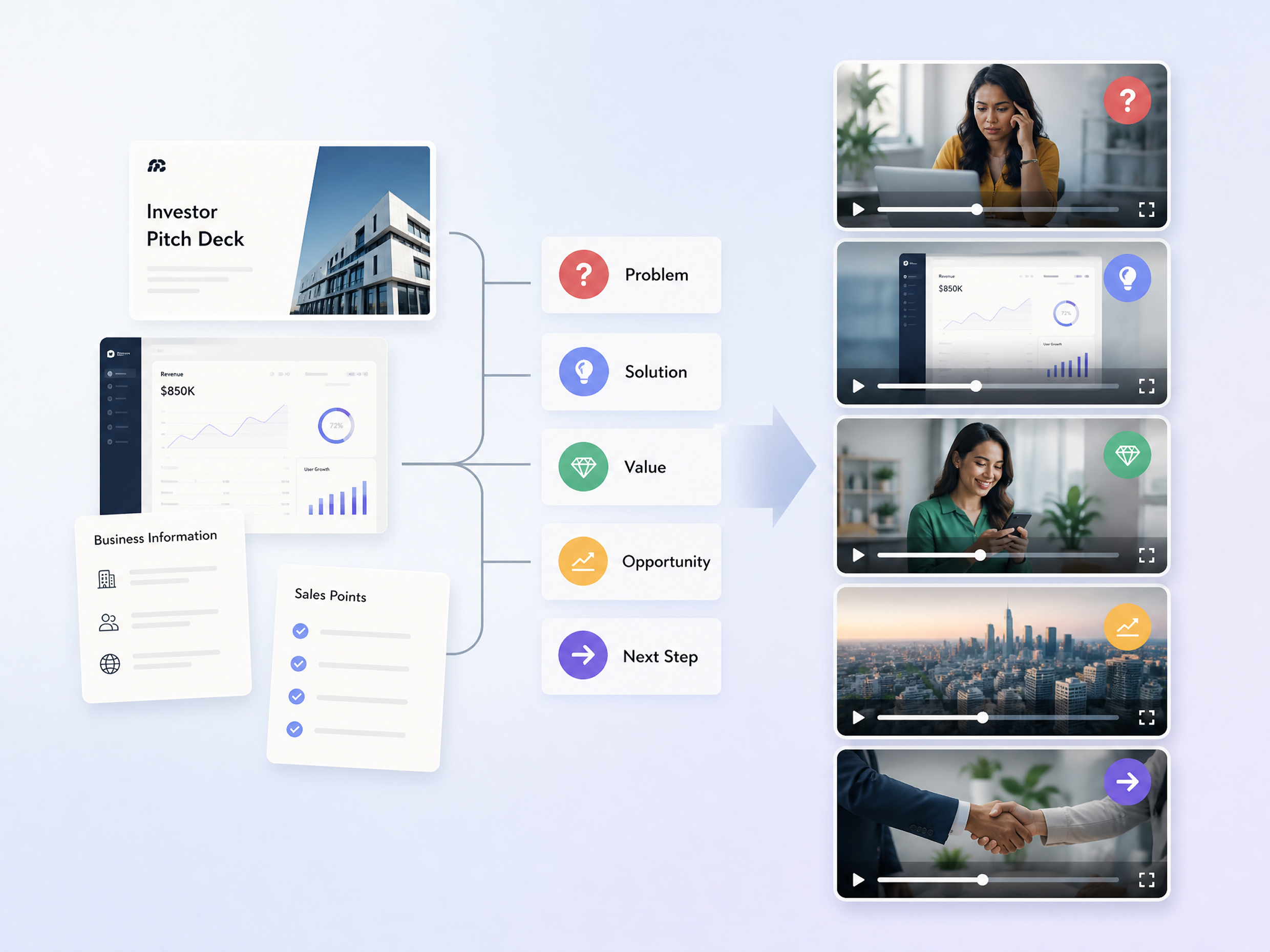
Turn Business Materials Into a Clear Pitch
Start with your existing pitch deck, product information, sales points, or business materials and turn them into a structured pitch video. Designkit helps organize the key message into a logical flow, so your sales pitch video can explain the offer, value, and next step without making viewers work through scattered information. Use the result for investor presentations, client outreach, product launches, or sales conversations.
Build Your Pitch Around a Video Reference
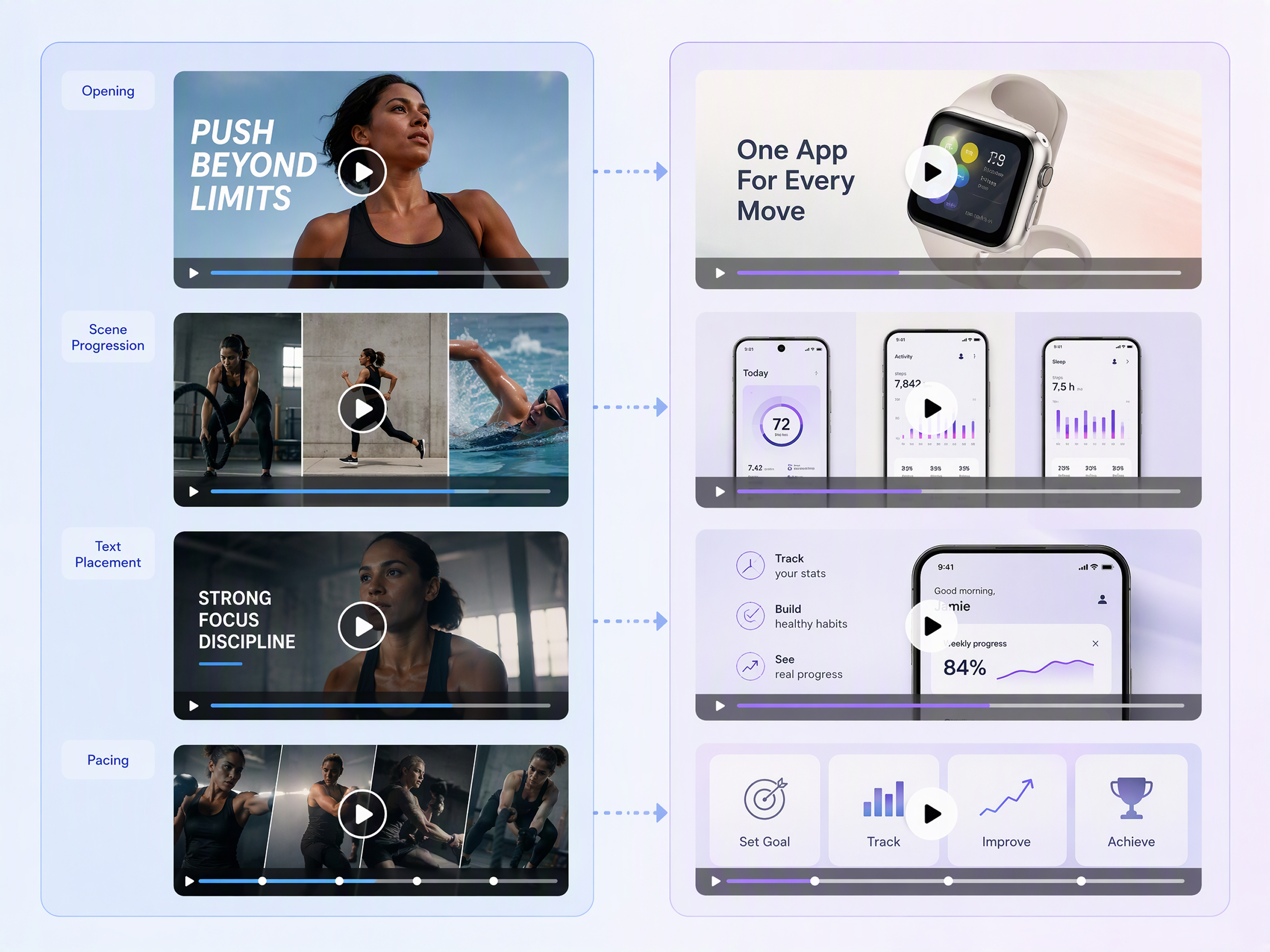
Give your pitch video maker a reference when you already know the visual direction, pacing, or presentation style you want. Use an existing video to guide the structure while adapting the content to your own business, offer, or audience. This works well when creating a product pitch video, sales presentation, or campaign asset that needs a clear visual model without simply copying the original video.
Create Different Pitches for Each Audience
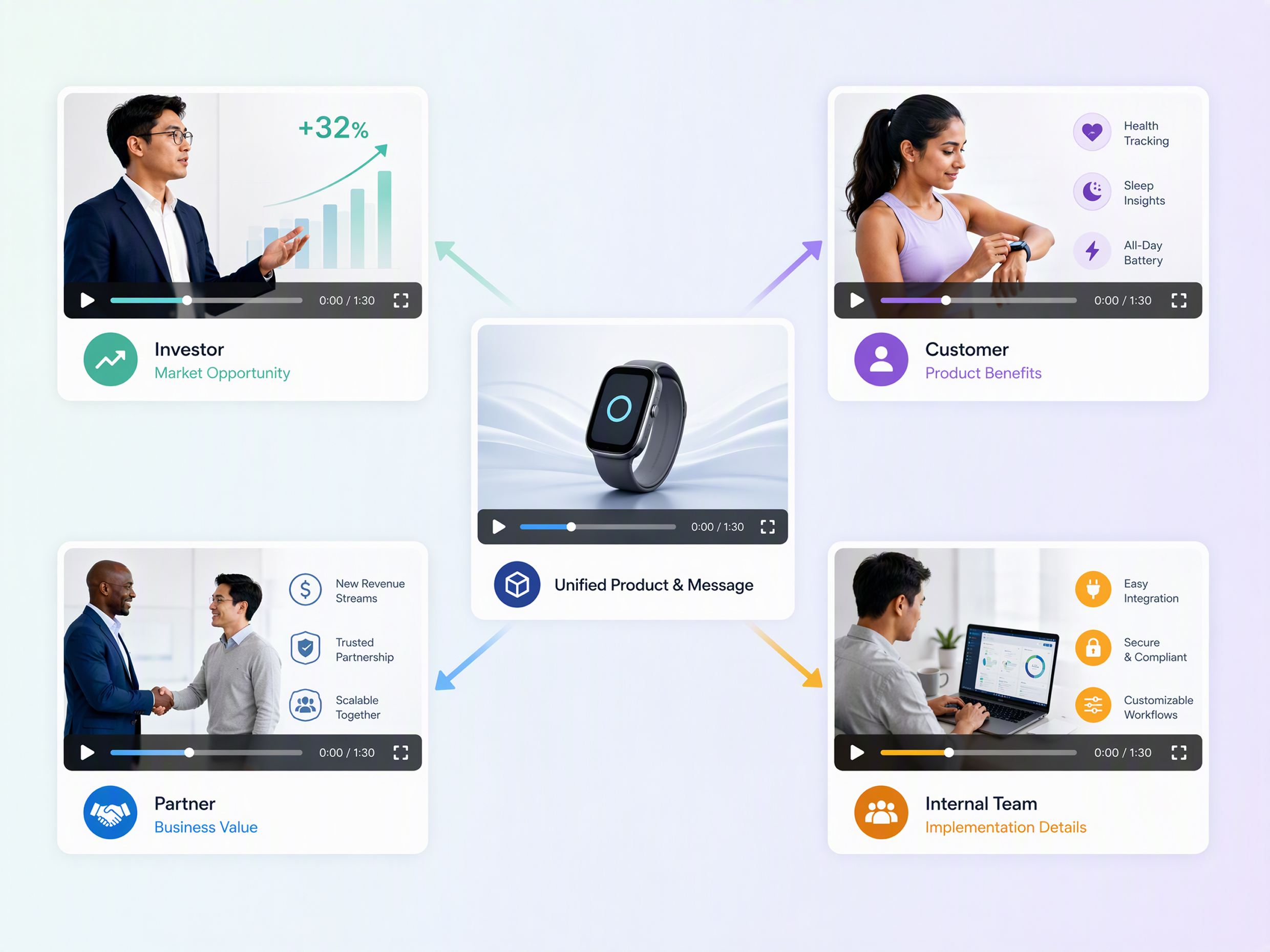
Adapt the same core business message for investors, prospects, customers, partners, or internal teams without rebuilding the entire sales pitch from scratch. Create versions that emphasize the information each audience needs, whether that means product value, business benefits, pricing context, or a specific call to action. For customer-facing campaigns, the pitch can also connect naturally with a marketing video maker workflow.
Choose the Pitch Format for Your Goal
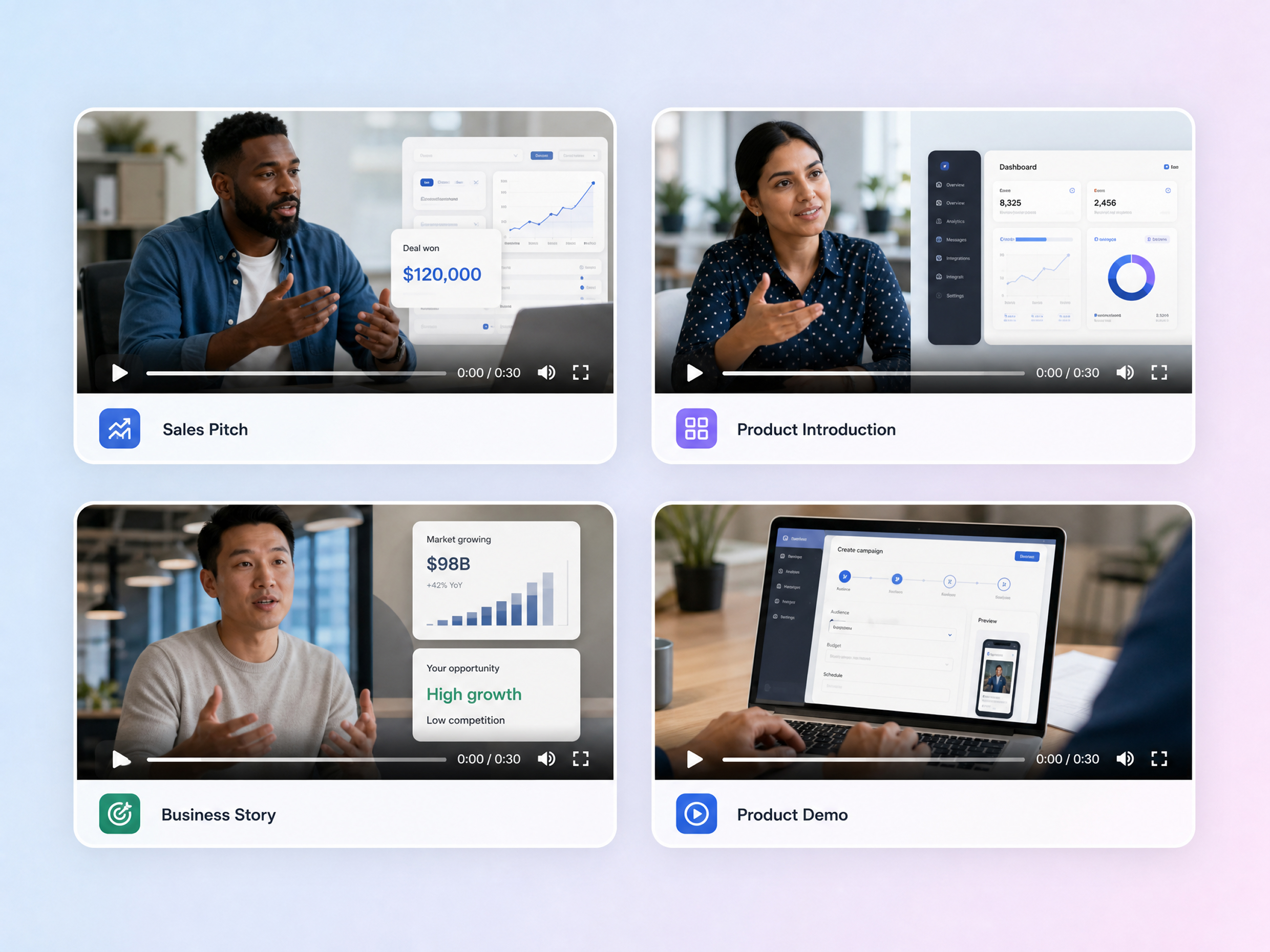
Create a pitch around the way you plan to present it, from a concise sales presentation to a product-focused introduction or a more detailed business story. A flexible AI pitch video generator can help turn your source materials into different video directions while keeping the core message focused. For product launches, you can also build a product demo video that shows how the offer works.
Turn One Pitch Into Multi-Channel Videos
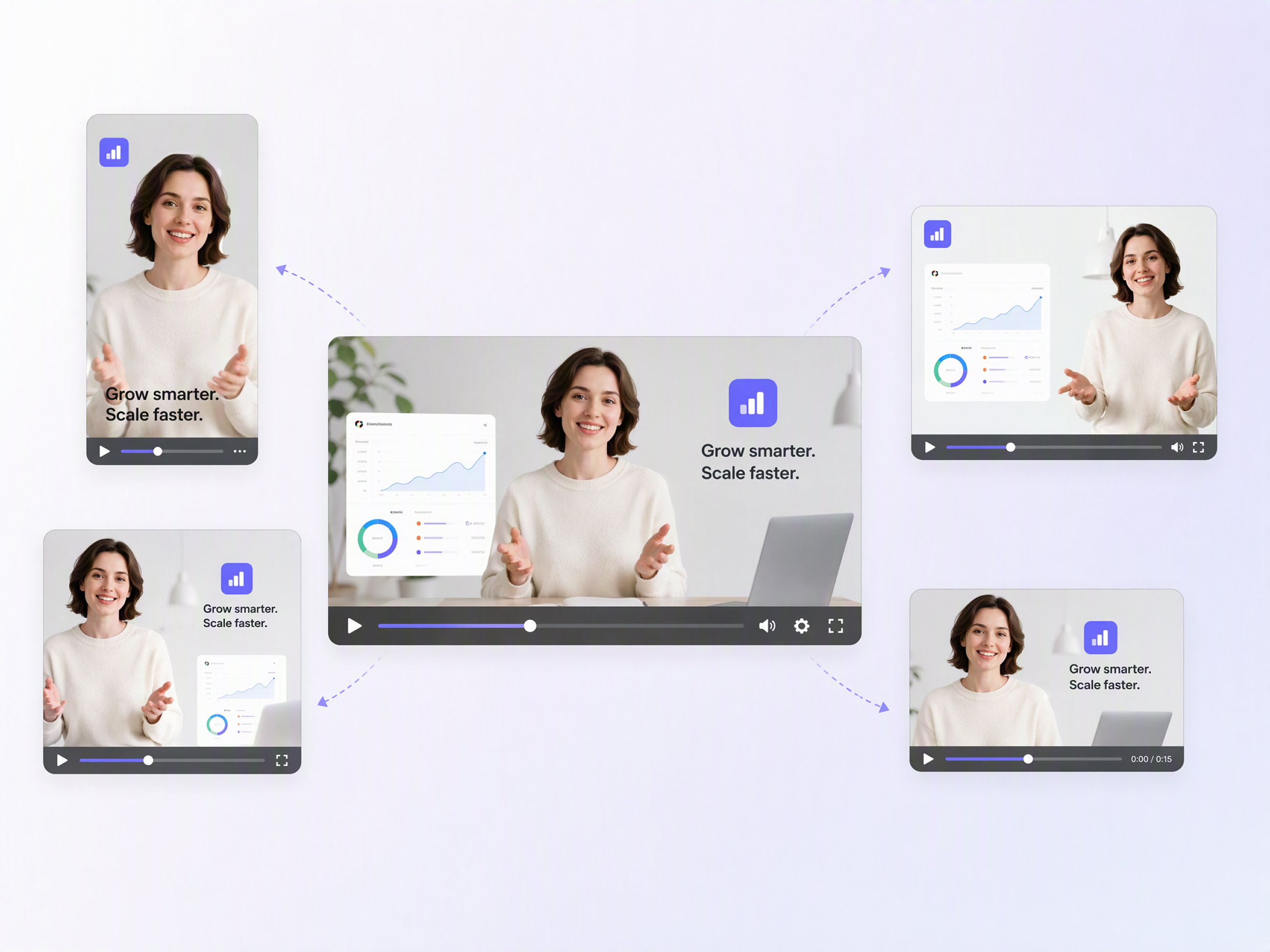
Repurpose a central pitch into video variations suited to different sharing channels instead of creating every version manually. Prepare concise sales pitch video clips for social posts, longer versions for presentations, or product-focused edits for customer outreach. You can also adapt the same message into assets created with a video ad maker, making one pitch easier to reuse across your marketing workflow.
Pitch Videos for Fundraising, Sales, and Launches
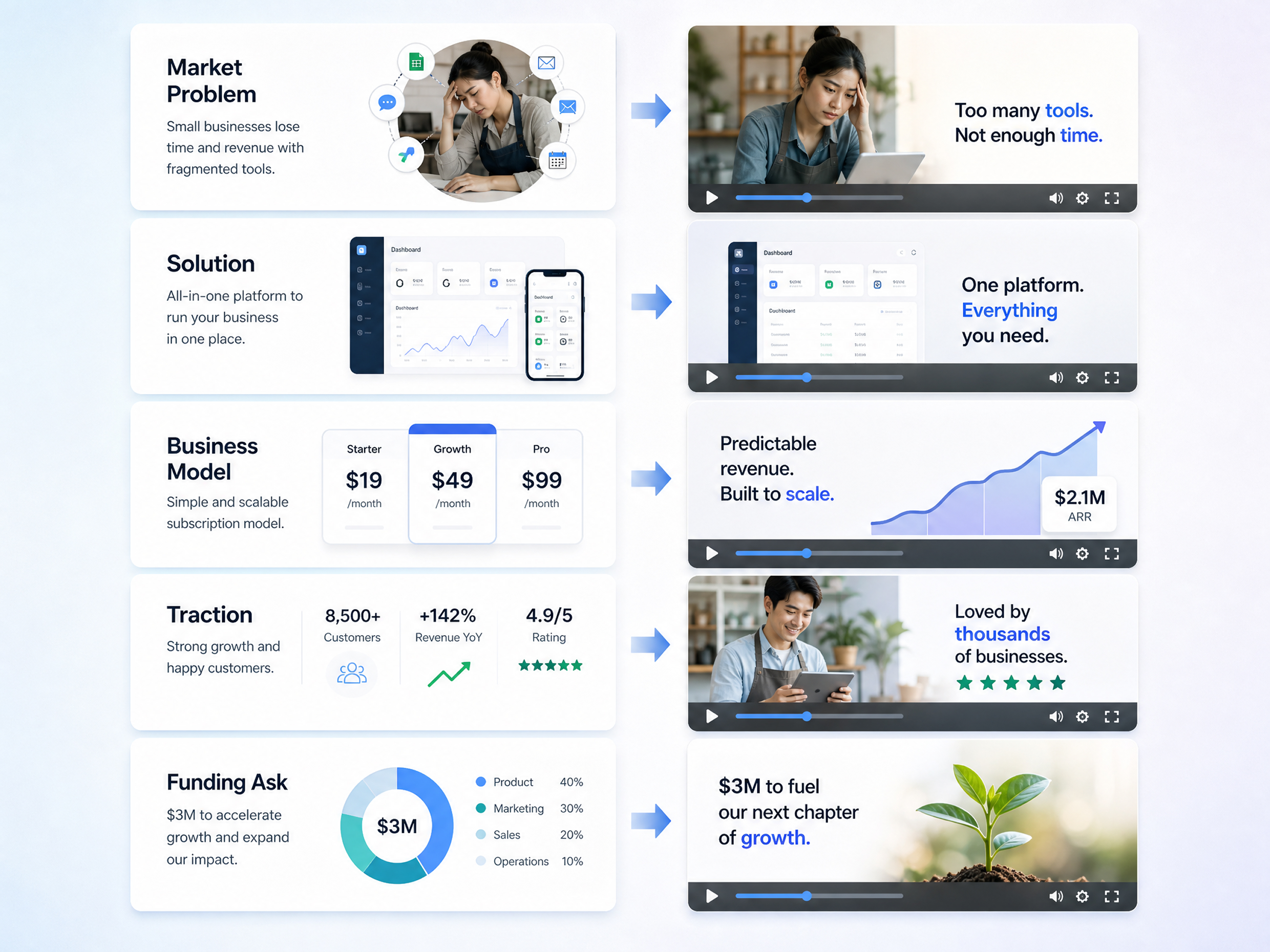
Turn Deck Slides Into an Investor Pitch Video
Turn key slides, business details, and funding information into an investor pitch video that presents the opportunity without requiring investors to read the entire pitch deck. Use an explainer video maker to make complex business information easier to follow.
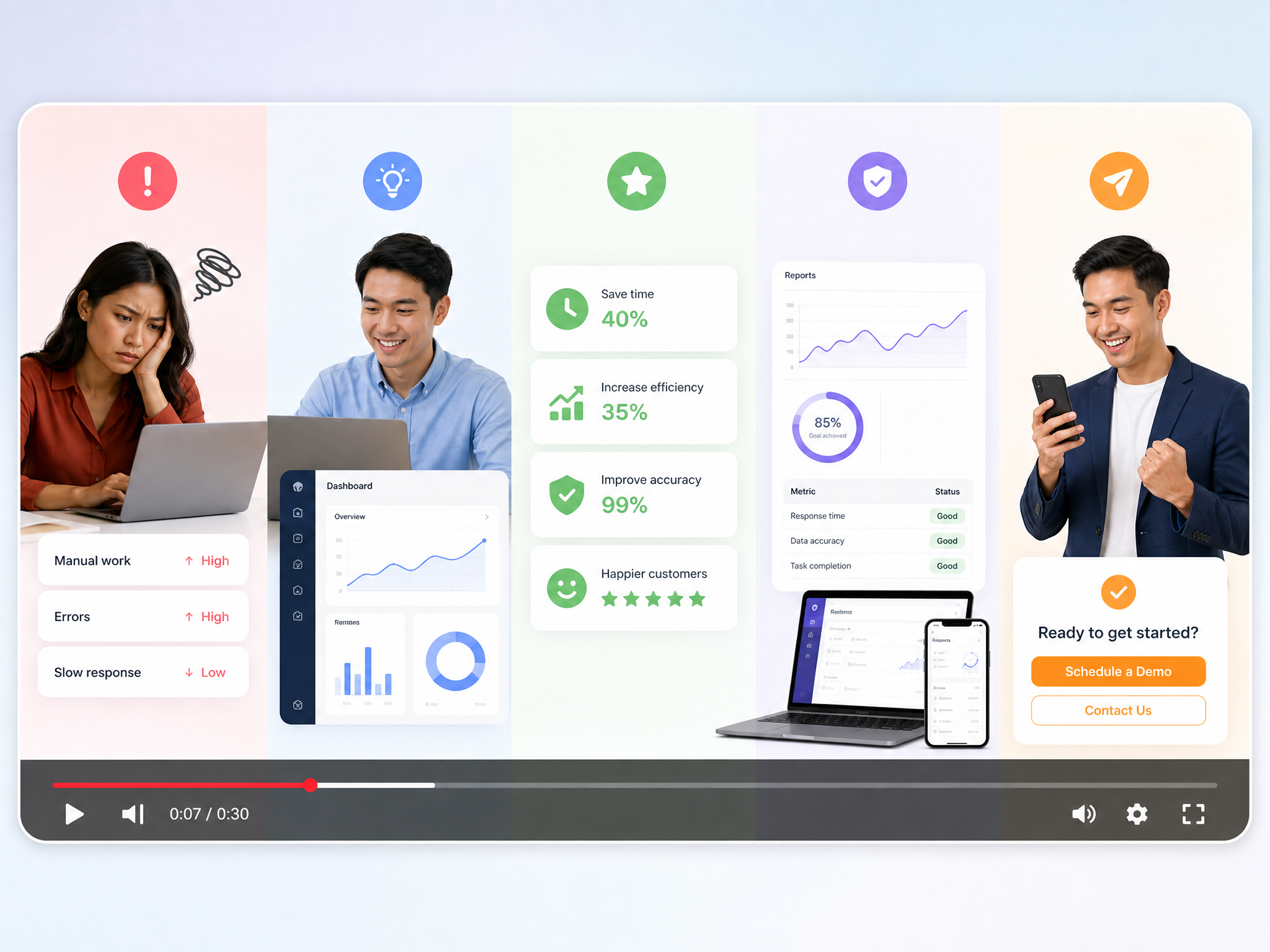
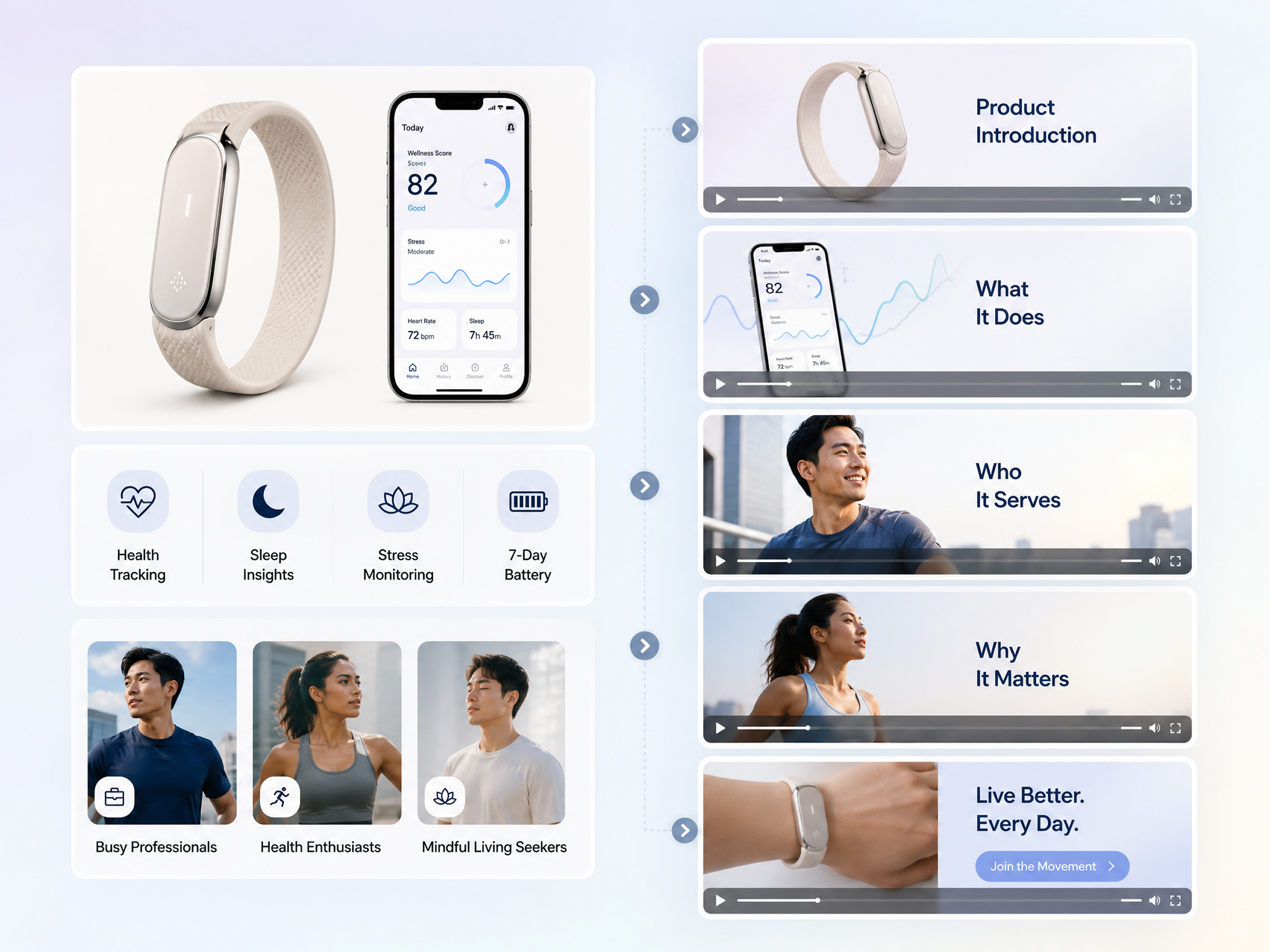
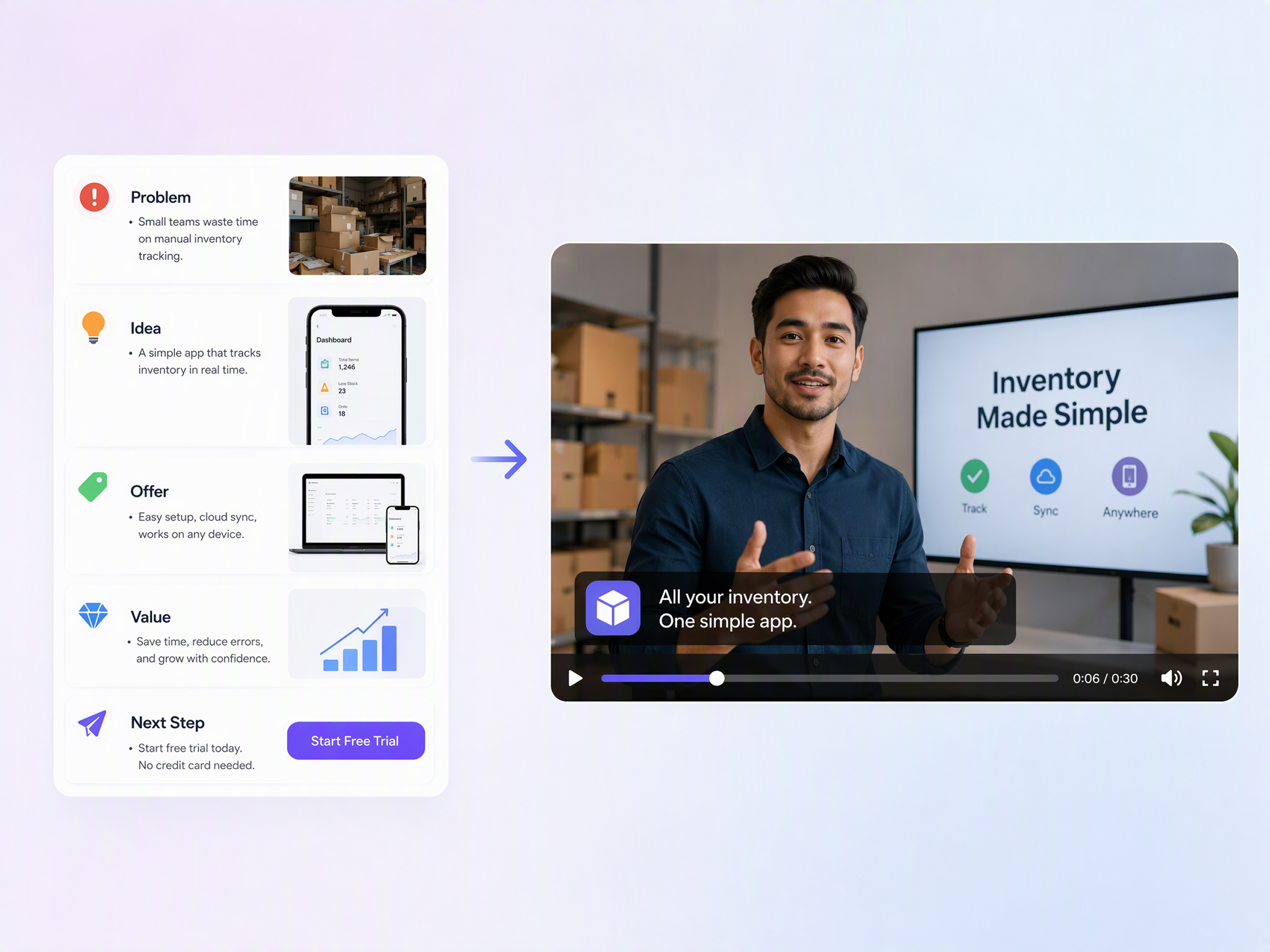
Unlock More Creative Possibilities for Your Pitch
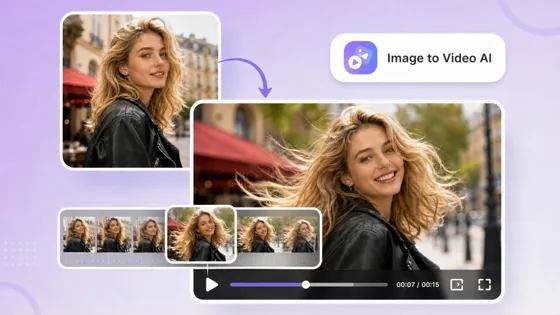
AI Image to Video
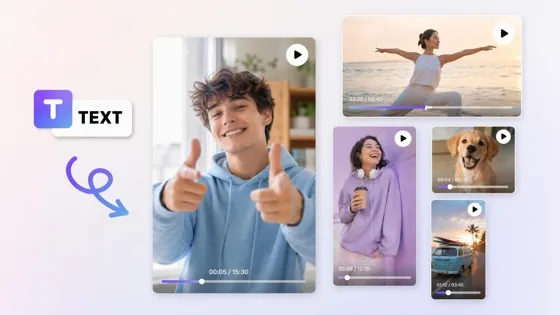
AI Text to Video
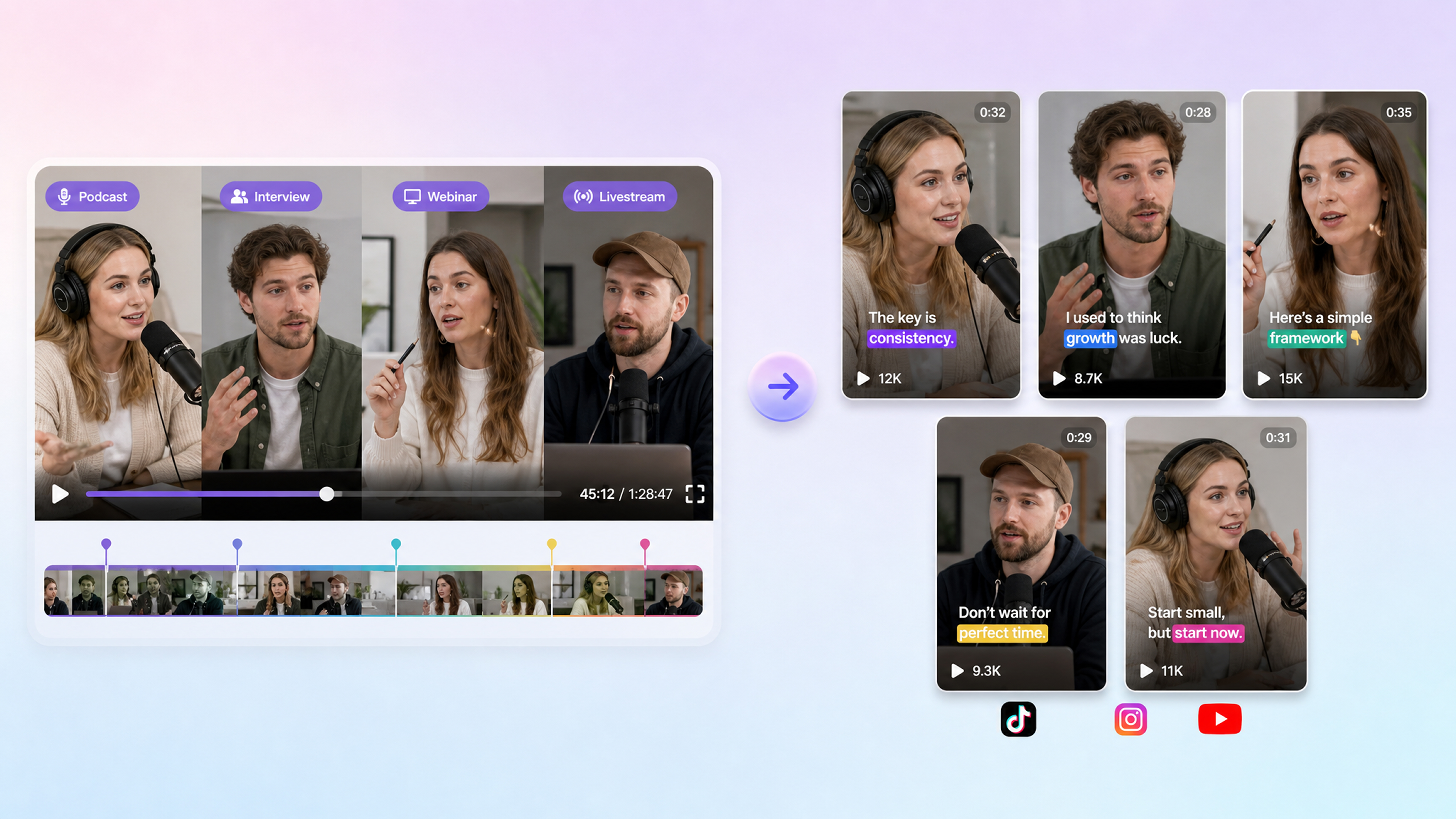
AI Short Video Maker
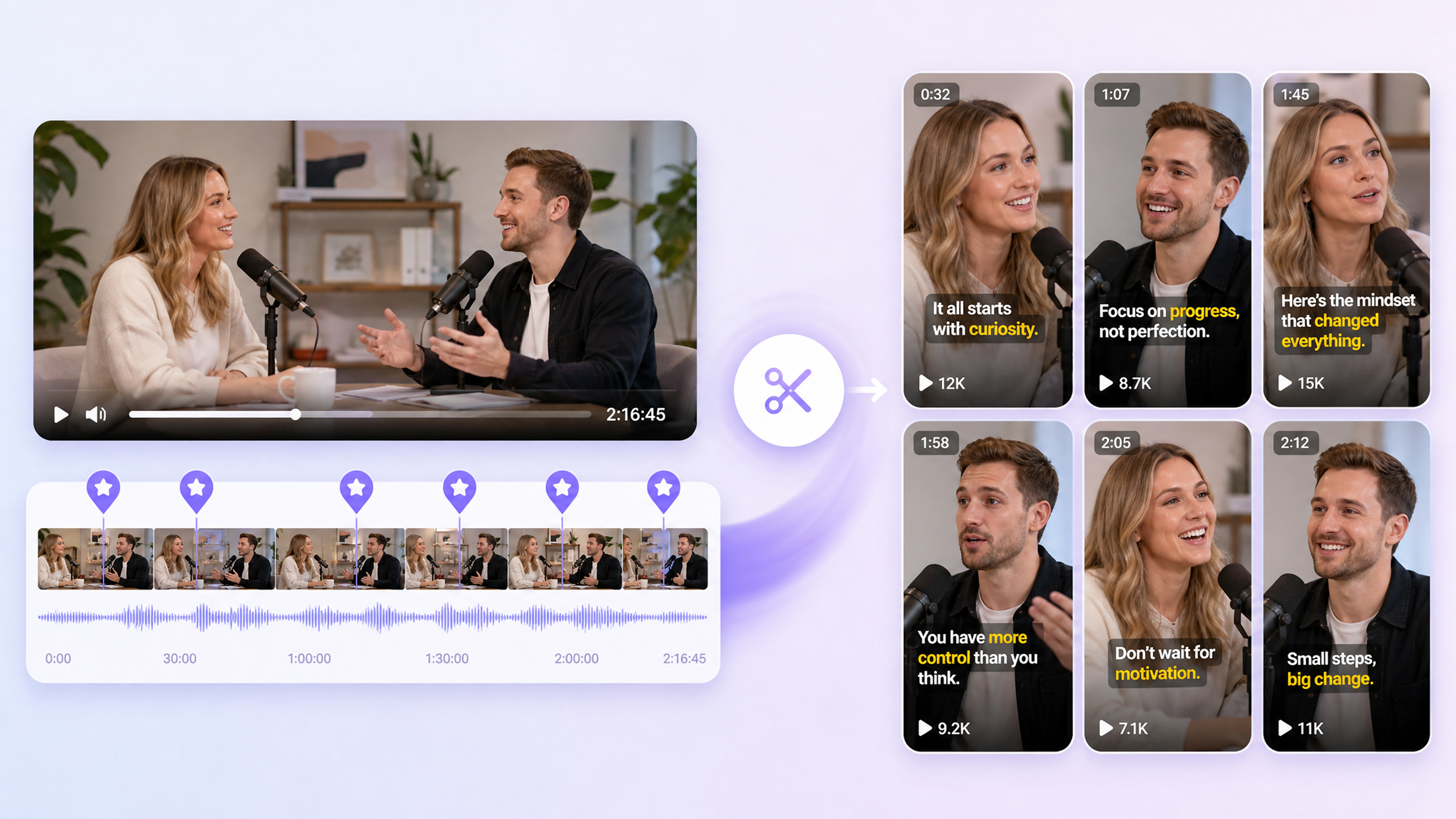
Highlight Video Maker
Frequently Asked Questions
What is a pitch video?
What is the difference between a pitch deck and a pitch video?
A pitch deck presents business information through slides, while a pitch video communicates the same core message through a visual narrative with movement, voice, and video elements. A pitch deck can provide the source material, while Designkit helps transform it into a more engaging format using its AI video agent workflow.
How do I turn a pitch deck into a video?
Start with your pitch deck and identify the essential information, including the problem, solution, market, product, and key business points. Organize these into a concise video structure rather than copying every slide. Designkit’s AI pitch video generator can help turn those materials into a structured pitch, making it easier to create and refine the final presentation.
Will the pitch video look credible to investors or buyers?
A credible pitch video should present relevant information clearly, use visuals that support the message, and avoid unnecessary effects that distract from the business case. Keep the content focused on evidence, benefits, and next steps. Designkit helps structure a professional sales pitch video from your materials while keeping the message aligned with your intended audience.
Can I create a pitch video without recording myself?
Yes. You can create a pitch video without appearing on camera by using business materials, product information, visuals, references, and generated video elements as the foundation. This can be useful when you need a product pitch video but do not have a presenter or production setup. Designkit lets you build the video around your content instead of requiring a personal recording.
How long should a pitch video be?
The ideal length depends on the audience, purpose, and amount of information you need to communicate. Keep investor and sales pitches focused on the points needed to understand the opportunity and next step, rather than adding information simply to increase length. With Designkit, you can shape a concise sales pitch video around the specific goal of your presentation.
Can I use a reference video to guide my pitch style?
Yes. A reference video can help communicate the visual direction, pacing, structure, or presentation approach you want for your pitch. You can use it as a guide while adapting the content to your own business and audience. Designkit’s pitch video maker lets you build around a reference while creating an original pitch suited to your message.
Can I make different versions for investors, sales, and launches?
Yes. You can adapt the same core business information into different versions based on what each audience needs to understand. An investor version may focus on the opportunity, while a sales version emphasizes customer value and a launch version highlights the product. Designkit helps create these variations, so one sales pitch can support different communication goals.
Start With a Pitch Video You Can Send Today
Use free credits to turn your product visuals and key talking points into a short pitch video for the next investor or sales conversation.
Why Choose Designkit for Pitch Videos

Turn Business Metrics Into Visual Evidence
Turn numbers, growth figures, and key business data into clear visuals that support your sales pitch and help audiences understand the story behind your claims.

Give Sales Teams More Than One Presentation
Create multiple sales pitch video versions from the same core materials, adapting the message for different prospects, products, or sales conversations.

Start Creating Pitch Videos With Free Credits
Explore Designkit’s pitch video maker with free credits and test different pitch formats before committing more time to production or presentation design.



What Teams Say About Designkit Pitch Videos
Startups, sales teams, and founders use Designkit to turn ideas into clear pitch videos.
An Investor Pitch From Our Fundraising Deck
Our fundraising deck already had the numbers, market opportunity, and business model covered. The missing piece was something investors could watch before a meeting. I pulled the core points into Designkit and shaped them into a short video. It works well as an introduction when sending the deck alone feels like too much information at once.
A Product Pitch for Our New Launch
The new product had several features that were difficult to explain in a few lines of launch copy. Showing the product screens alongside a short explanation made the story much clearer. I used Designkit to turn our existing product information into a video we could include in the launch campaign.
A Sales Video We Could Send Before a Call
Can you send me something I can look at first?" came up often in our sales conversations. A short video became a good answer to that question. I put together the main product benefits and visuals in Designkit and now have a pitch I can send before a call without asking a prospect to read through a full deck.
Our Pitch Deck Became a Video for Investor Outreach
We had already spent a lot of time working on our pitch deck, but we wanted a version we could send to investors who weren't attending a live meeting. I used the main points from the deck and built them into a short pitch video. It gave us another way to introduce the company before a conversation.