
Turn Your PDF Into a Video for Any Audience or Platform
Upload a report, guide, or deck. Designkit builds scenes with AI narration and captions so your content gets watched, not skipped.
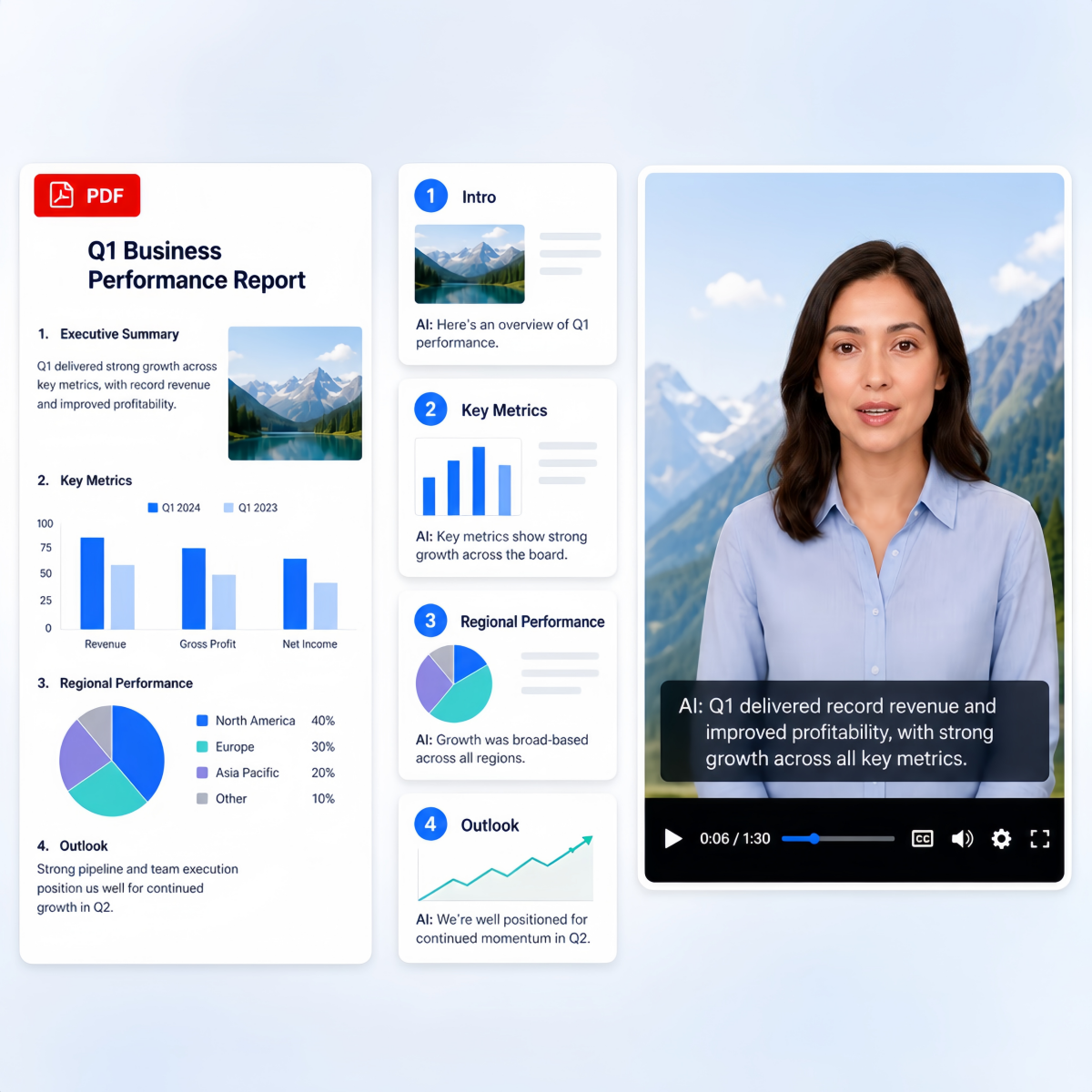
How to Convert a PDF Into a Video With Designkit
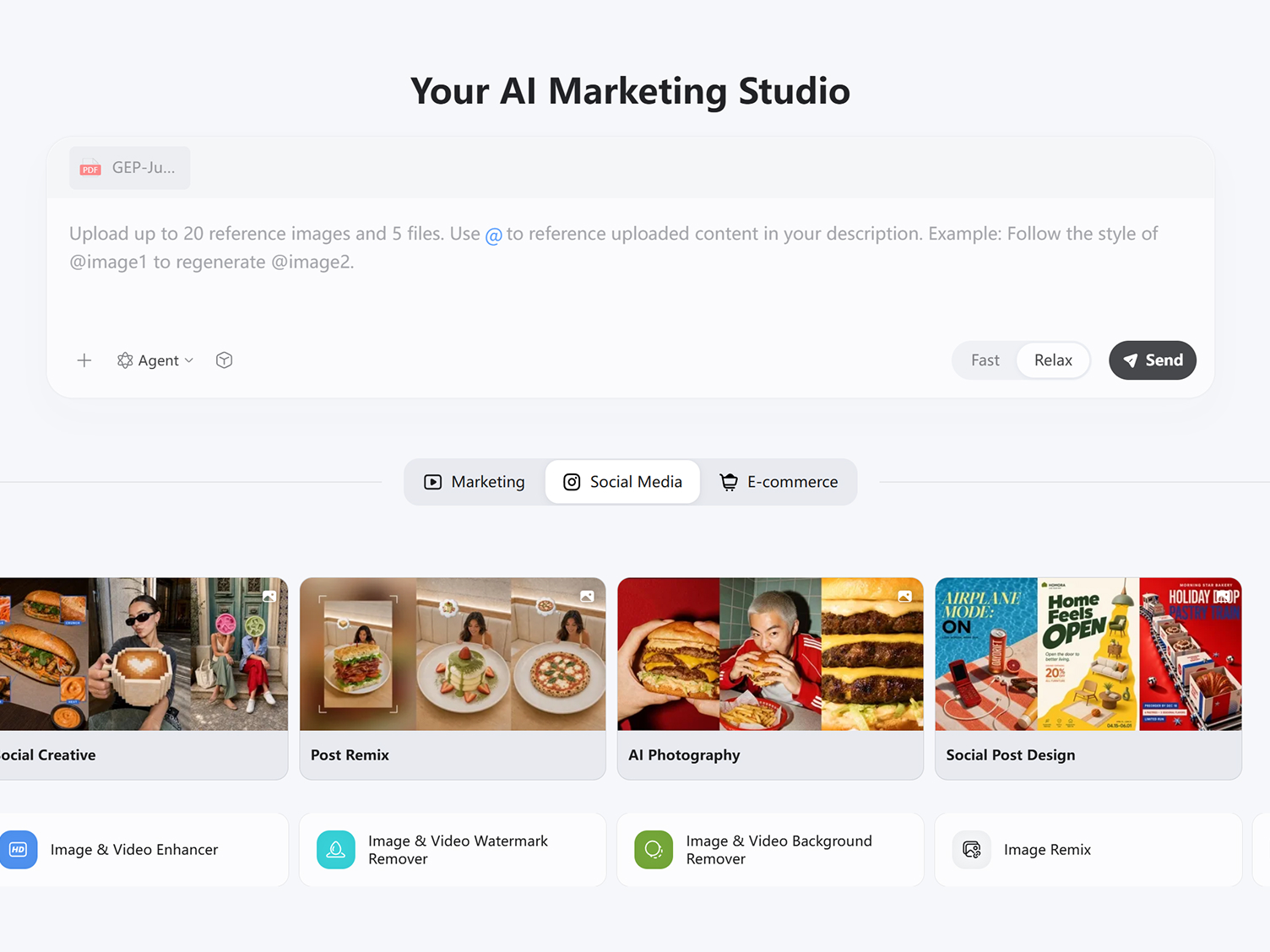
Step 1. Upload Your PDF Document
Upload a report, ebook, presentation, training guide, proposal, whitepaper, or any PDF file. Designkit analyzes the content, extracts key points, identifies sections, and prepares the document for video creation.
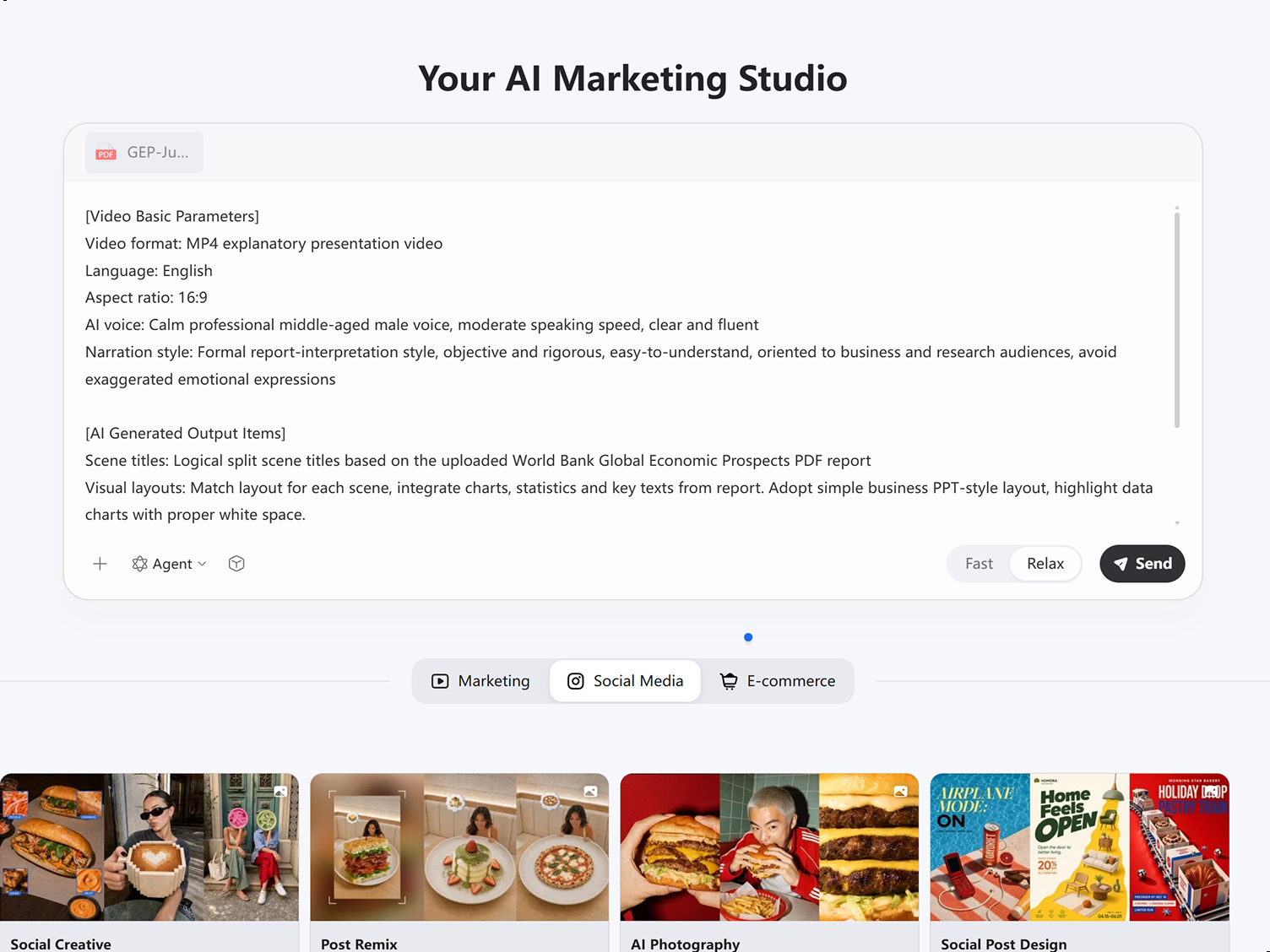
Step 2. Animate Your PDF to Video
Describe your preferred video format, language, aspect ratio, AI voice, and narration style. Designkit can automatically generate voiceovers, captions, scene titles, and visual layouts that match your document content.
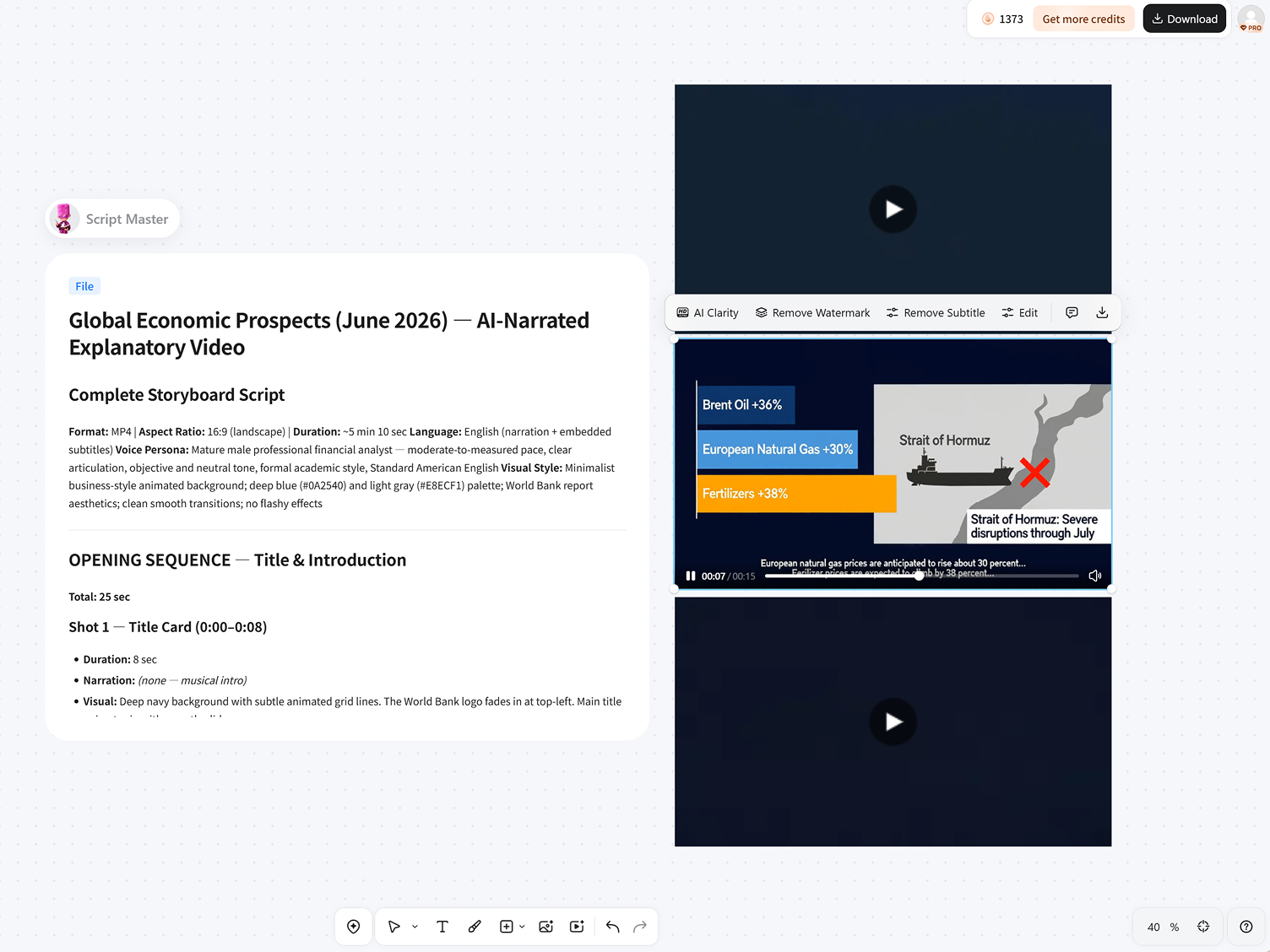
Step 3. Generate, and Export Video
Turn your PDF into a video with visuals, transitions, narration, and captions. Review, edit if needed, and export for training, presentations, or social.
What Makes Designkit Different for PDF to Video
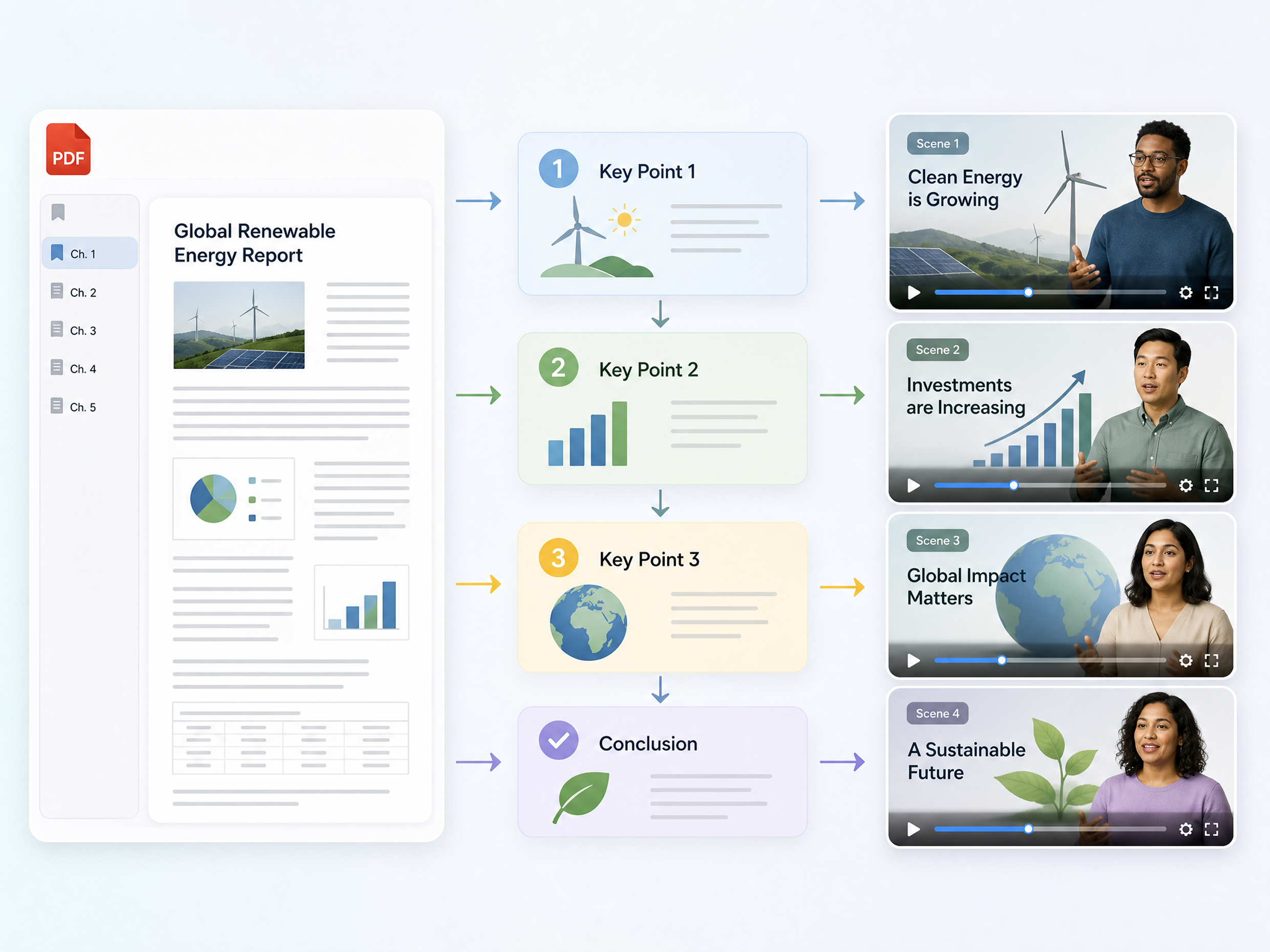
Turn a Long PDF Into a Video With a Clear Story
Turn lengthy PDFs such as reports, presentations, guides, or brochures into a video with a clear beginning, middle, and end. Designkit can identify key information, organize important sections into scenes, and transform written content into a more engaging visual flow. Use pdf to video ai to make dense documents easier to understand, present, and share.
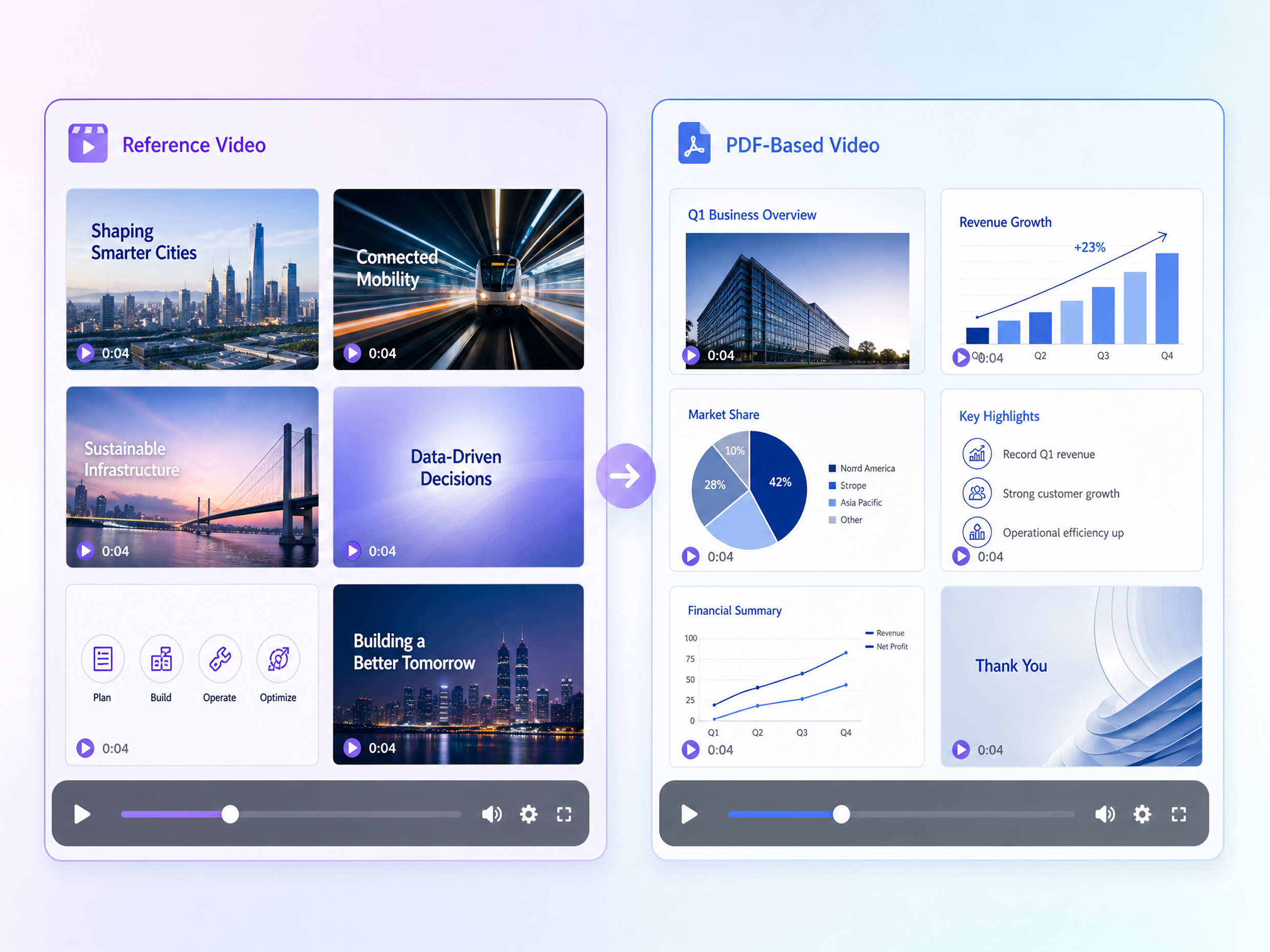
Build Your PDF Video Around a Reference You Like
Use a reference video to guide how your PDF content should be presented. You can draw from its pacing, scene structure, transitions, or visual direction while keeping your own document and message at the center. Designkit helps adapt your PDF content into a video format based on the creative approach you want to explore.
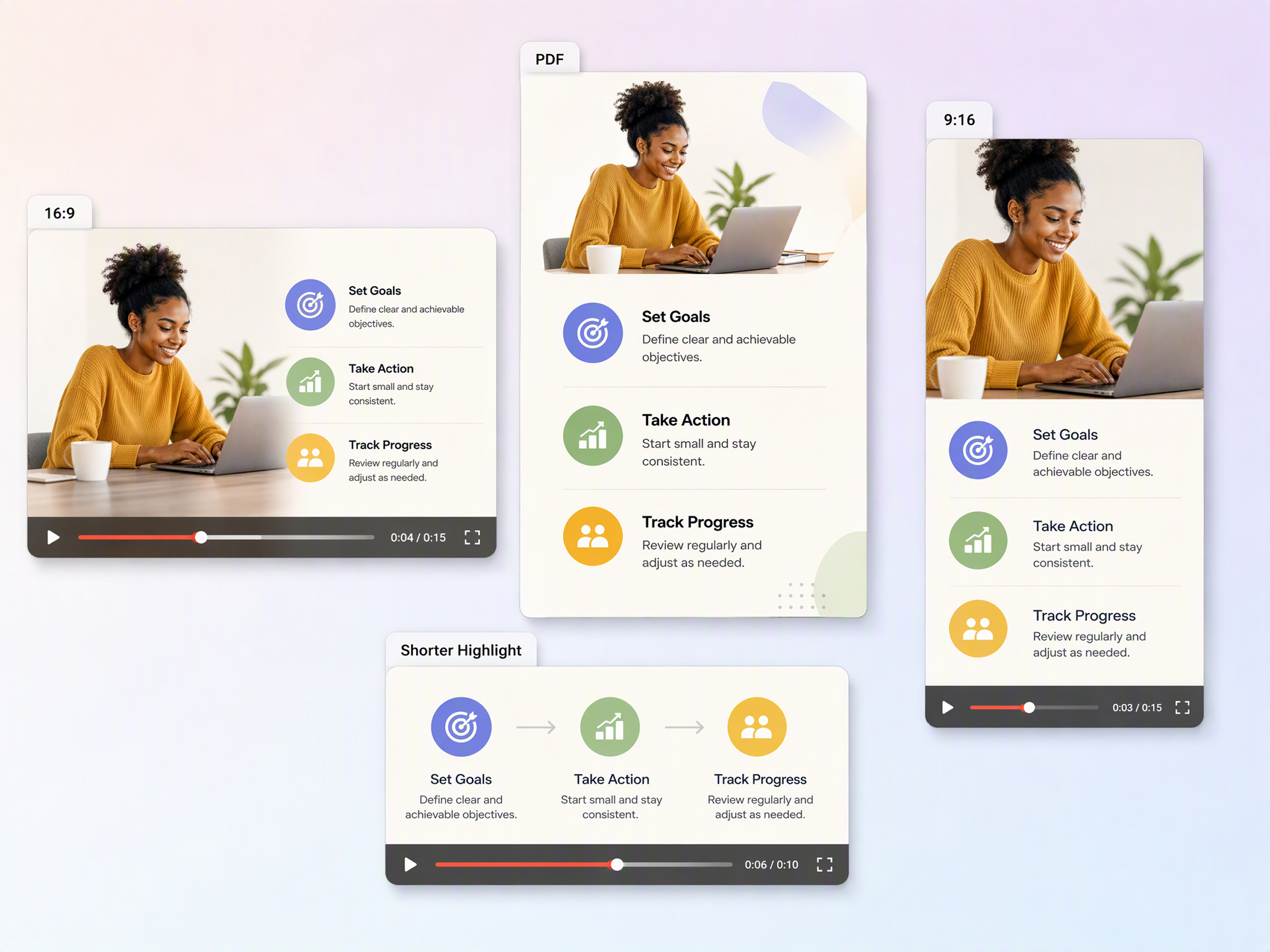
Choose the Length and Format for Where You'll Share It
Create different video versions based on where your content will be viewed. Adjust the video length and aspect ratio for social media, presentations, websites, or other placements instead of forcing one format everywhere. Designkit helps turn your document into a pdf to video converter workflow where the final video can be shaped around your intended platform.
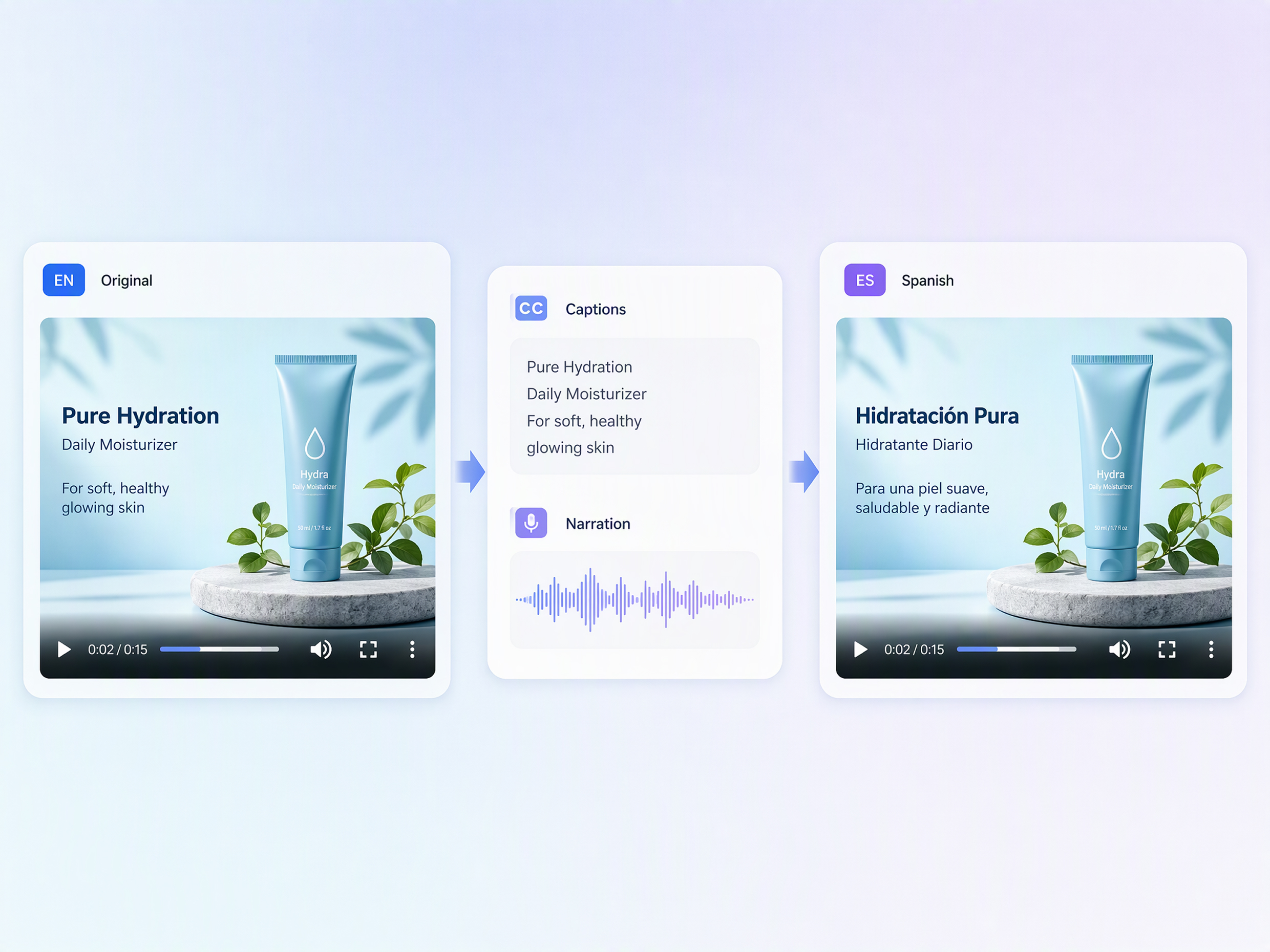
Translate Your PDF Video for Different Audiences
Make your PDF-based video easier to use across different languages and audiences by adapting its text and presentation. Designkit helps transform the original document content into a video while supporting localized versions for viewers in different markets. Use an AI video translator to adapt the finished video for international audiences, making training materials, reports, and presentations easier to distribute.
Put Charts, Tables, and Screenshots Into the Story
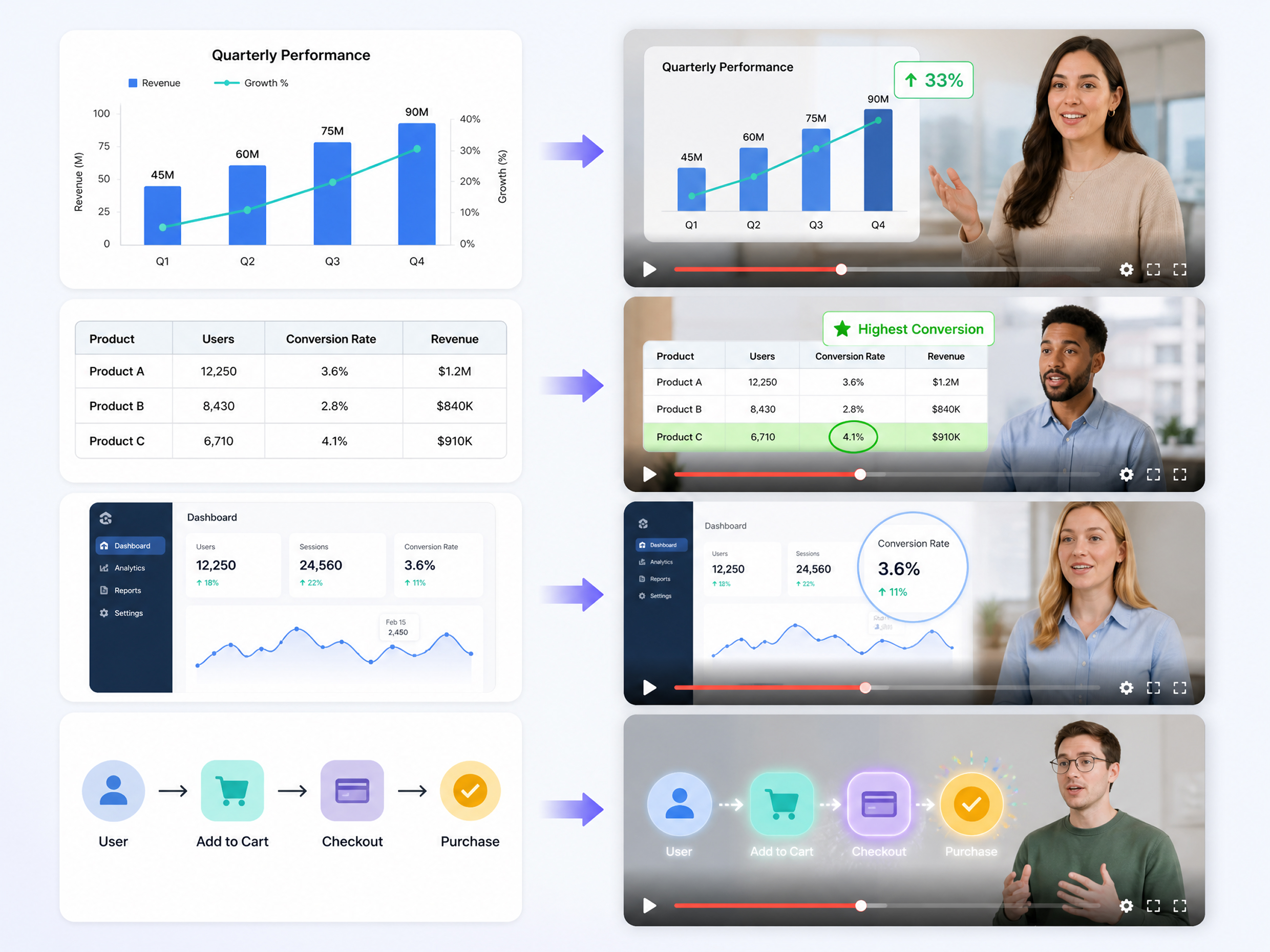
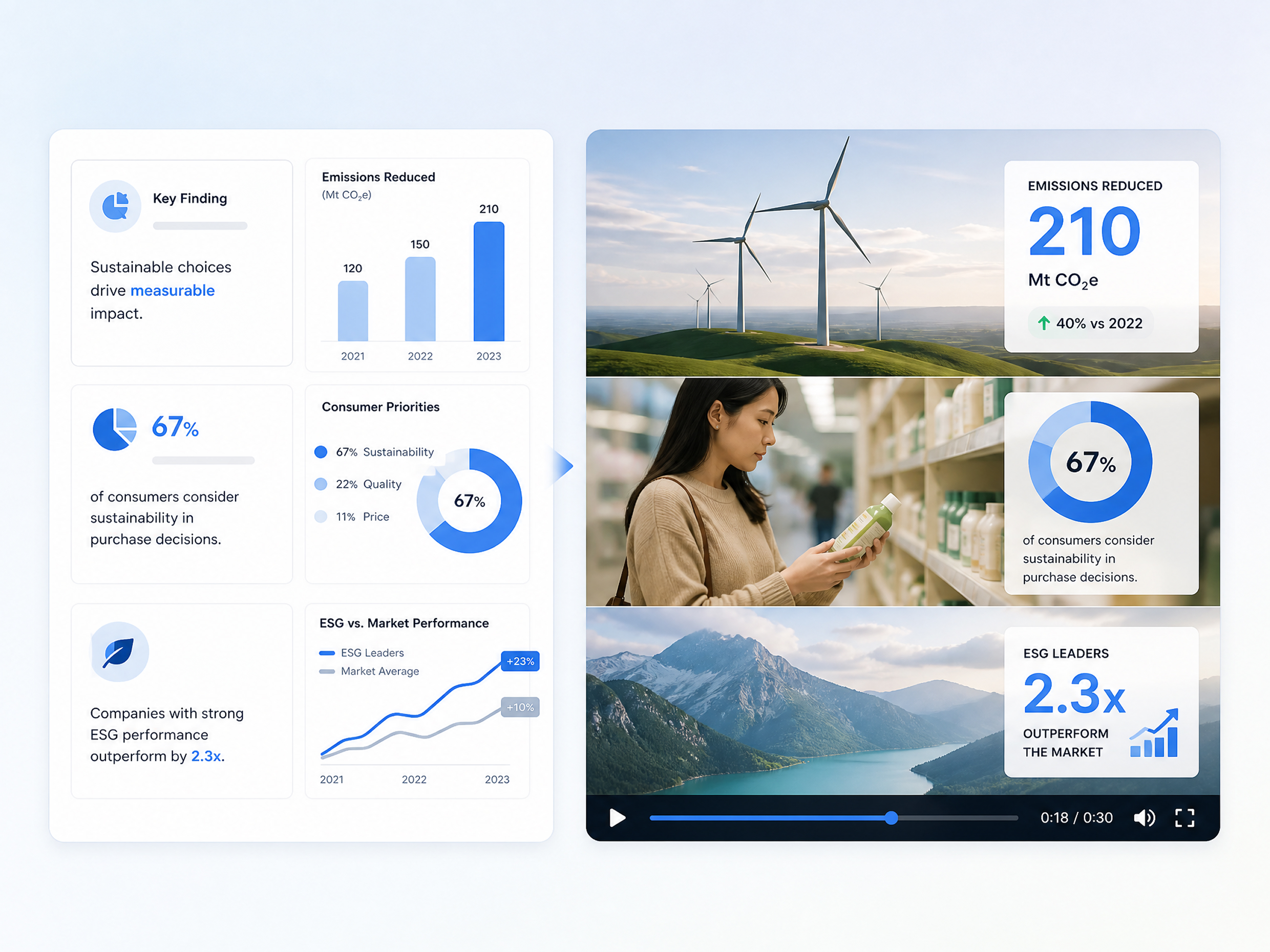
Keep important visuals from your PDF instead of reducing the video to plain text. Bring charts, tables, screenshots, diagrams, and other visual evidence into relevant scenes so viewers can understand the information in context. Designkit can combine these document elements with motion and sequencing, similar to an AI image to video generator for visual PDF content.
Who Uses Designkit's PDF to Video Converter
Turn Onboarding Guides Into Step-by-Step Training Videos
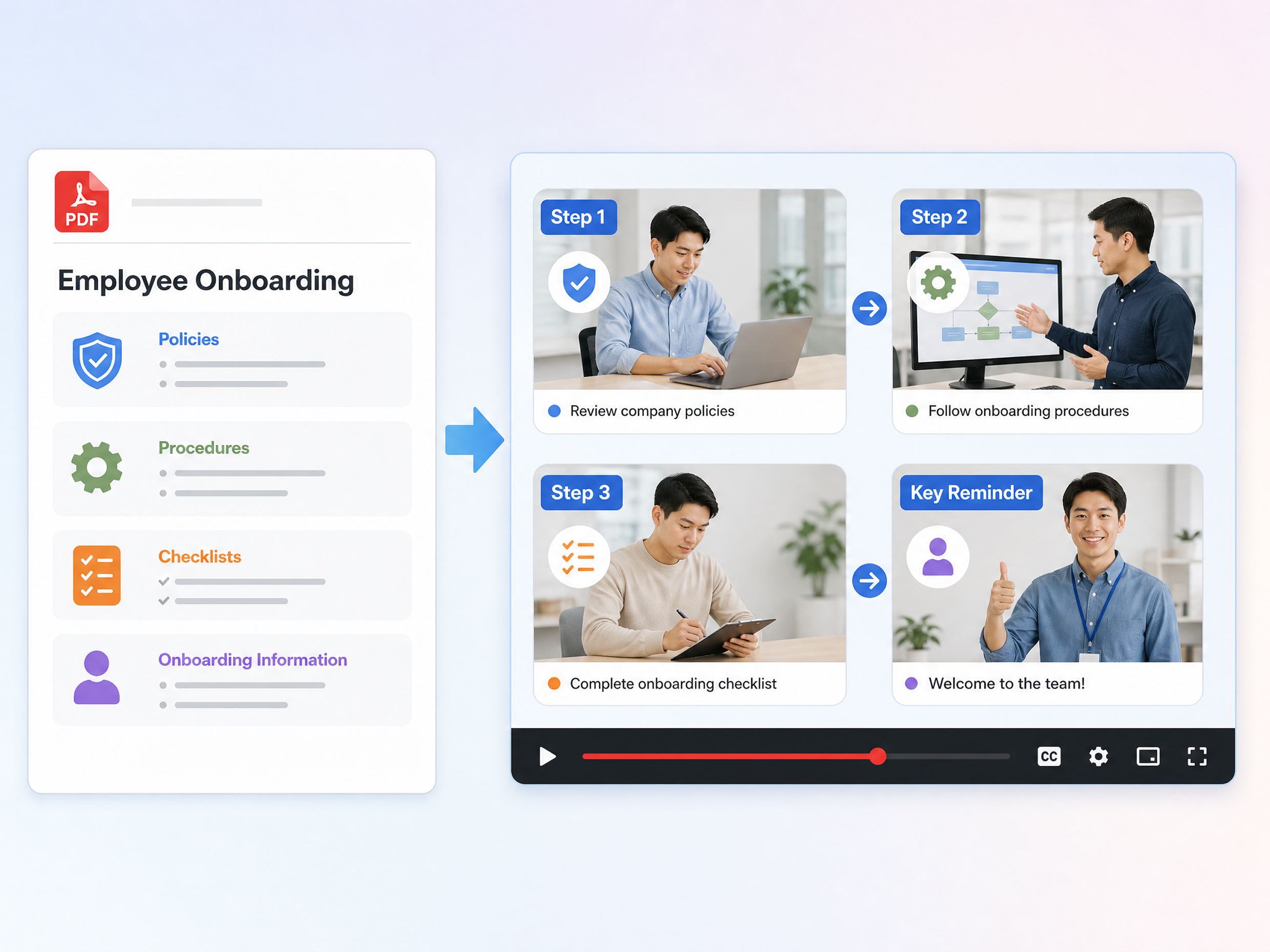
Help new employees understand policies, procedures, and onboarding material through concise training videos. An explainer video maker can make lengthy guides easier to follow and revisit during training.
Why Choose Designkit for PDF to Video Conversion

Skip a Full Video Production Workflow
Turn PDF documents into videos without manually scripting, filming, or editing every scene. Designkit helps simplify the process from document to video.

One Source, More Content Options
Repurpose one PDF into video content for training, presentations, marketing, or social media, adapting the format to suit different audiences and channels.

Try PDF to Video With Free Credits
Explore PDF-to-video creation with free credits. Designkit lets you test different content ideas and visual directions before committing to a larger project.
Unlock More Possibilities From Content to Video
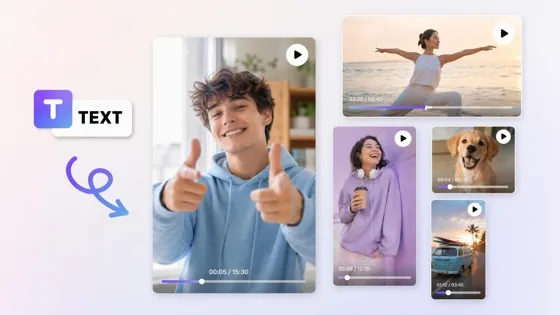
AI Text to Video

URL to Video Maker
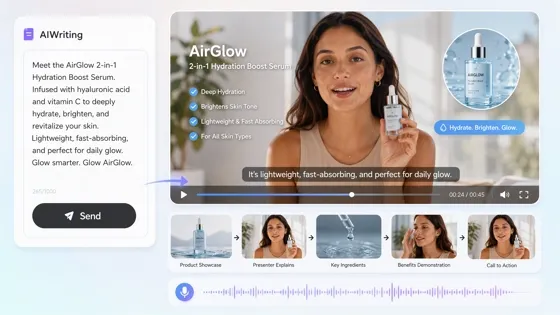
AI Script to Video
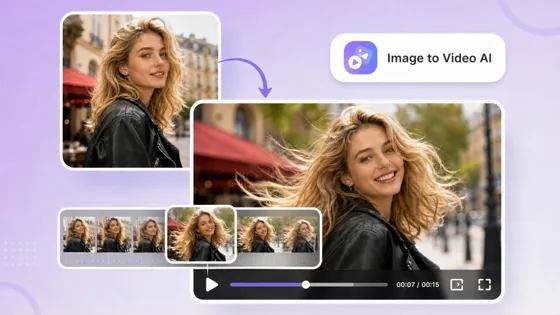
AI Image to Video
Frequently Asked Questions
What types of videos can I make from a PDF?
What is an AI PDF to video converter?
An AI PDF to video converter uses AI to transform information from a PDF into a structured video instead of requiring you to recreate every page manually. It can interpret text, visuals, headings, and supporting information to build a video flow. Designkit helps convert documents into scenes with suitable pacing, layouts, visuals, and transitions while keeping the original information at the center.
Can I turn a multi-page PDF into one video?
A multi-page PDF can be turned into one video by combining relevant information from different pages into a connected sequence. This works well for reports, presentations, manuals, brochures, and course materials where the information follows a larger topic. Designkit can organize content across multiple pages into scenes, helping you create one continuous video rather than editing each PDF page separately.
Can AI create a video script from a PDF?
Yes. AI can analyze the content of a PDF and use its main points to create a video script with a logical introduction, key sections, and closing message. A video script generator can help turn dense written material into spoken or on-screen content. Designkit can use your PDF as the source and structure its information into a script and scene sequence suited to the video format.
Can AI create scenes from different pages of a PDF?
AI can use information from different PDF pages to create separate scenes based on headings, topics, visuals, charts, or other meaningful sections. This helps prevent a video from simply displaying PDF pages one after another. Designkit can break the document into a connected visual sequence, selecting relevant content and arranging scenes so the video follows the structure and purpose of the original PDF.
Can I add images and video clips to a PDF video?
You can combine PDF content with images, video clips, and music to make the final video more visually varied. Instead of relying only on text from the document, supporting media can help explain products, demonstrate ideas, or reinforce important sections. Designkit lets you bring images, video, and music together with PDF-based content to build scenes that are more suitable for presentations, marketing, education, or social sharing.
Can I choose how long the PDF video is?
The video length can be adjusted based on how much information the PDF contains and where you plan to publish or present it. A short version may focus only on key points, while a longer version can cover more sections in greater detail. Designkit lets you adapt the video length and format to different content needs, helping turn the same PDF into a concise summary or a more detailed video.
Turn Your Next PDF Into a Video You Can Share
Bring your report, presentation, guide, ebook, or research PDF into Designkit and turn its most useful information into a video with visuals, narration, captions, and a creator-style presentation.



How Users Benefit From Designkit's PDF to Video Converter
Educators, trainers, consultants, and business teams use Designkit to make documents easier to understand, share, and remember.
Onboarding Was Easier to Explain With Video
We already had onboarding guides and SOPs in PDF format, but some sections were much easier to explain visually. I used Designkit to build training videos with narration and captions, so new hires had another way to go through the material.
Our Product Information Wasn't Stuck in PDFs Anymore
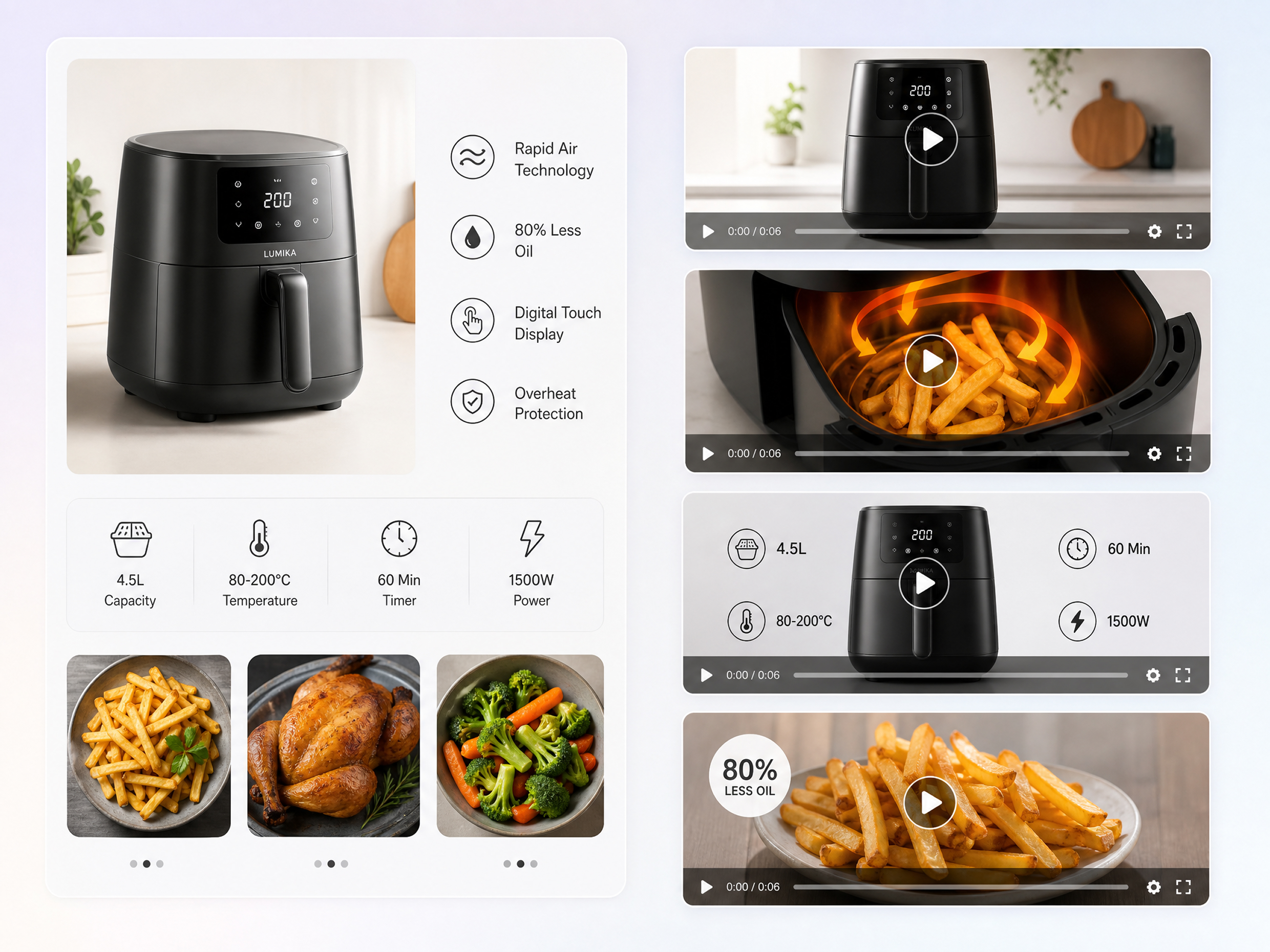
We already had catalogs, brochures, and specification sheets prepared for our products. Instead of creating video content separately, we could use those documents as the starting point. It’s been useful for product pages, launches, and social content.
I Didn't Have to Rebuild My Course From Scratch
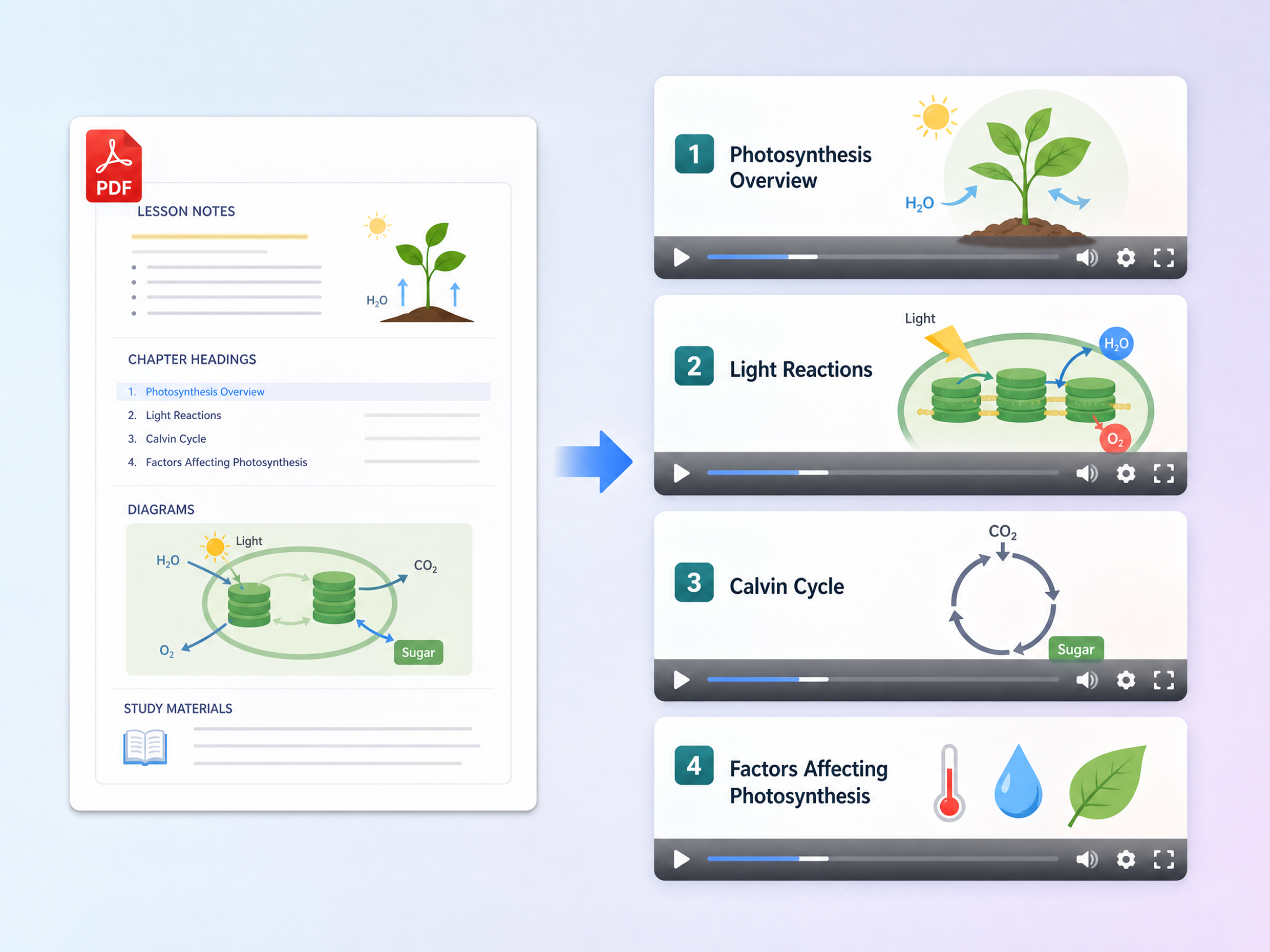
Most of my course material was already organized into PDFs, so rebuilding every lesson as video would have taken a lot of work. Designkit let me use those materials as the starting point and add narration, visuals, and captions for video lessons.
The Numbers Make More Sense When You Can See Them
Our reports rely heavily on charts and other visual information, so simply summarizing the text wasn't enough. Designkit helped us build videos around the findings while keeping the important charts and visuals part of the presentation.