
AI Video Script Generator for Engaging Video Content
Turn your ideas into complete video scripts with AI using a powerful video script writer for marketing, YouTube, TikTok, and social media content.
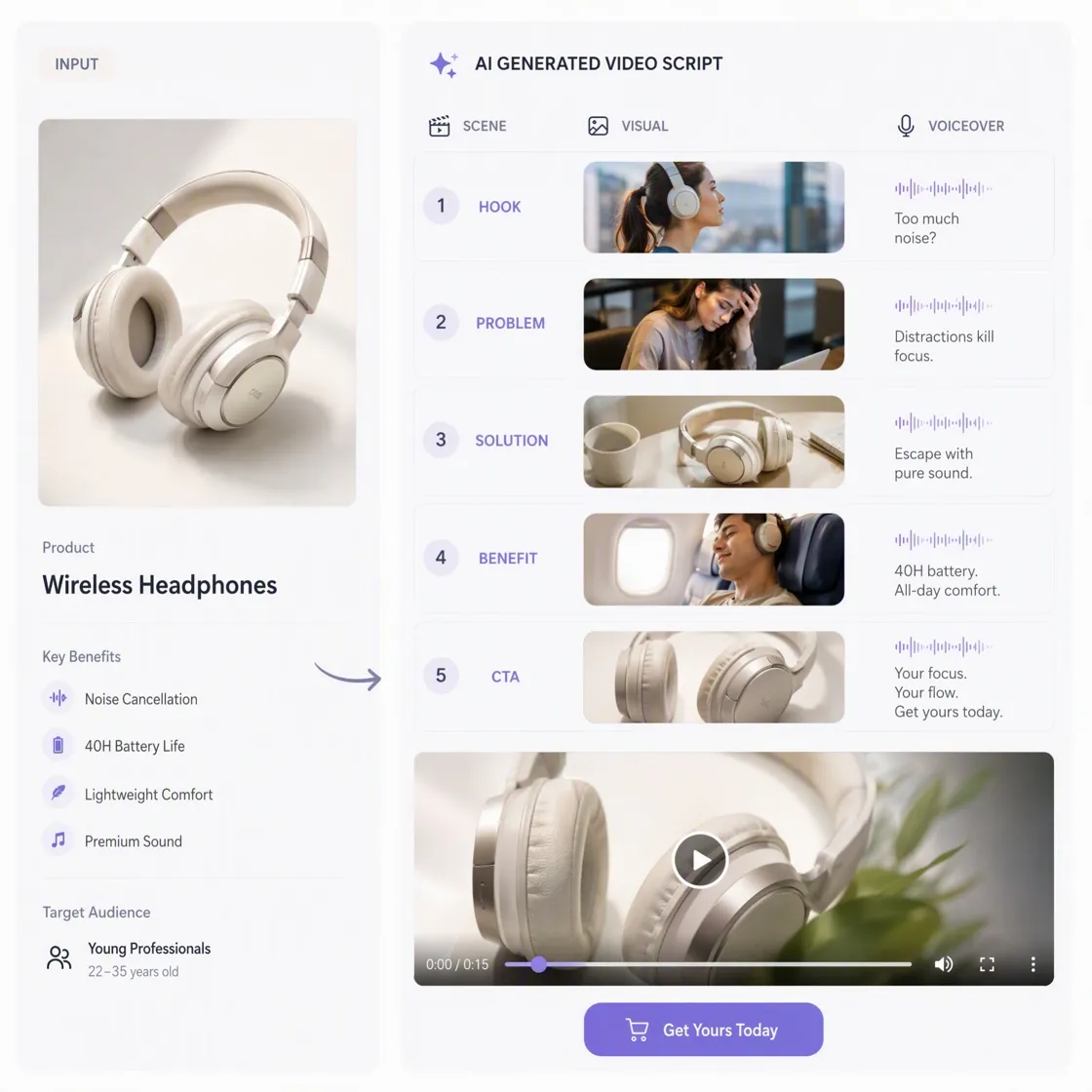
How to Generate AI Video Scripts in 3 Steps
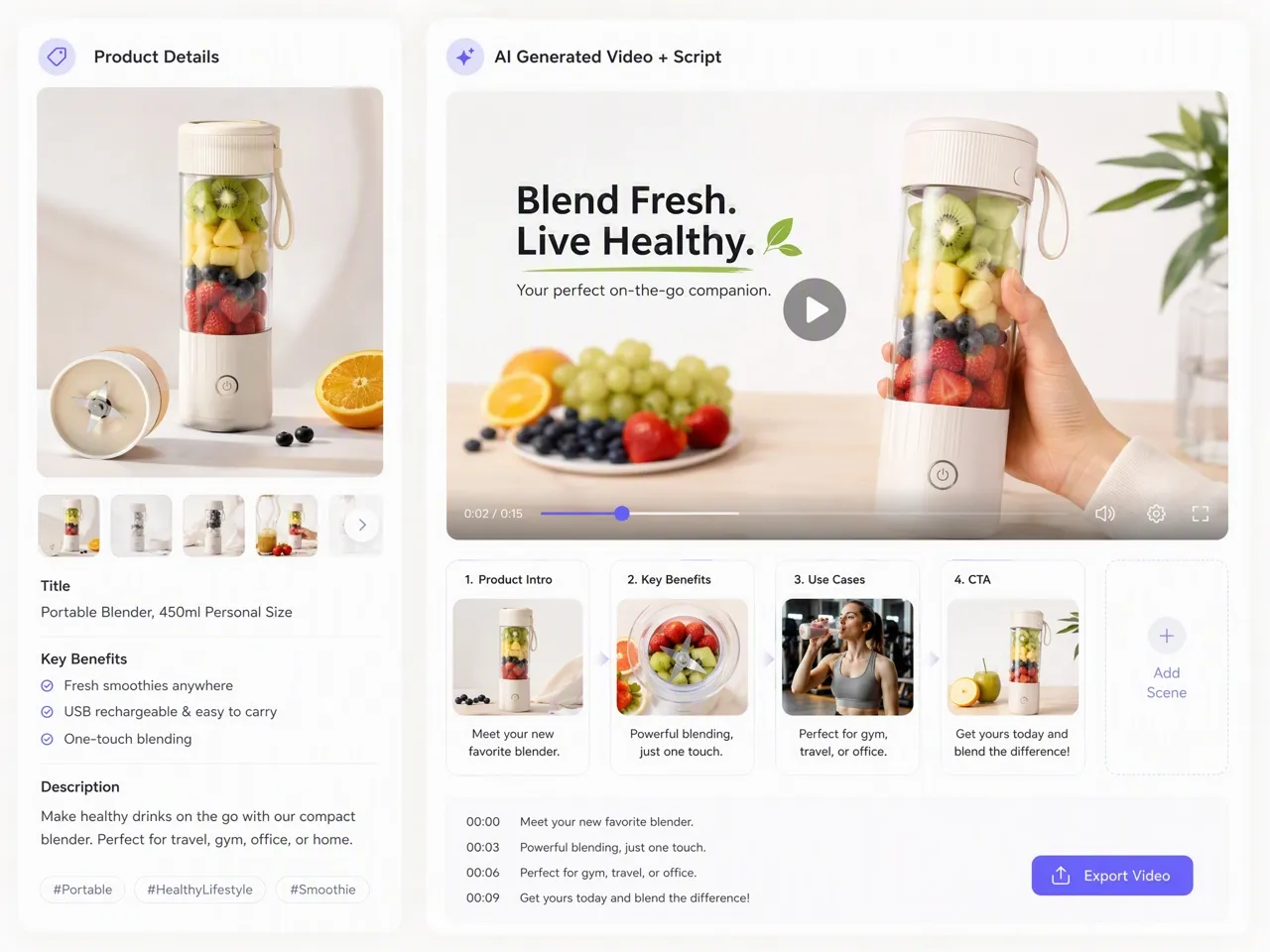
Enter Your Product Information
Upload product images and describe your selling points, audience, or campaign goals to generate an AI video script.
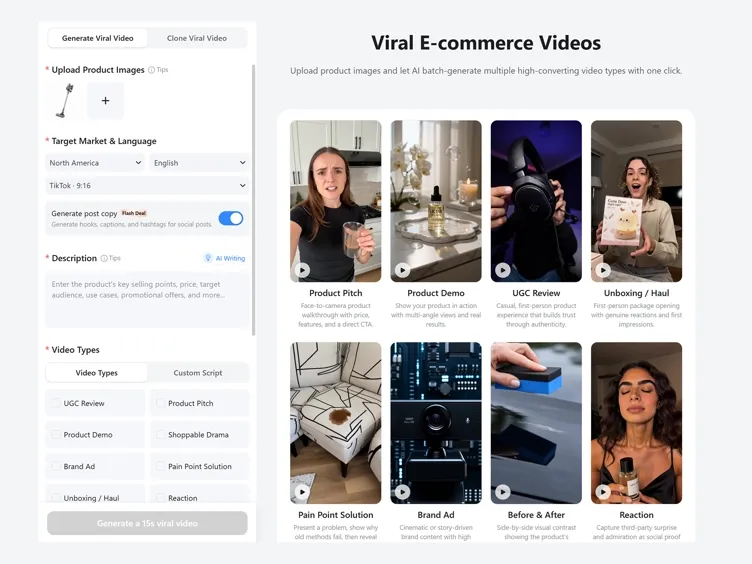
Generate Your Product Video
Review the generated script, then turn it into a marketing video using Designkit's proven short-form video workflow.
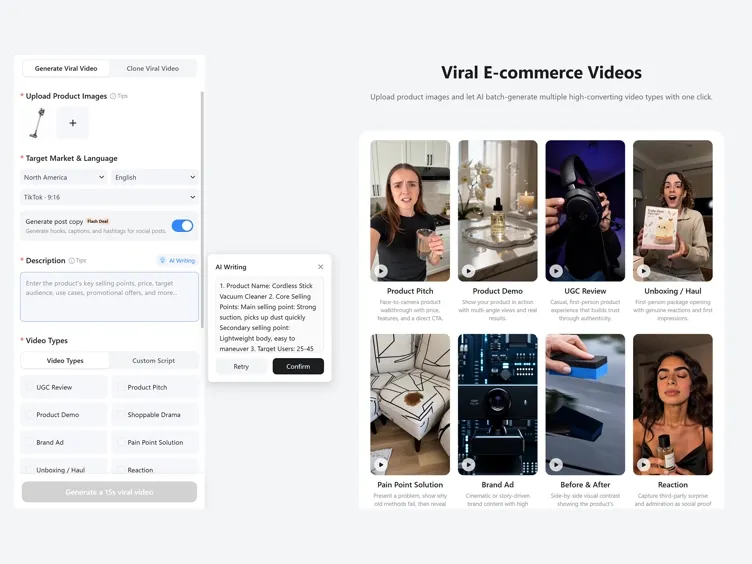
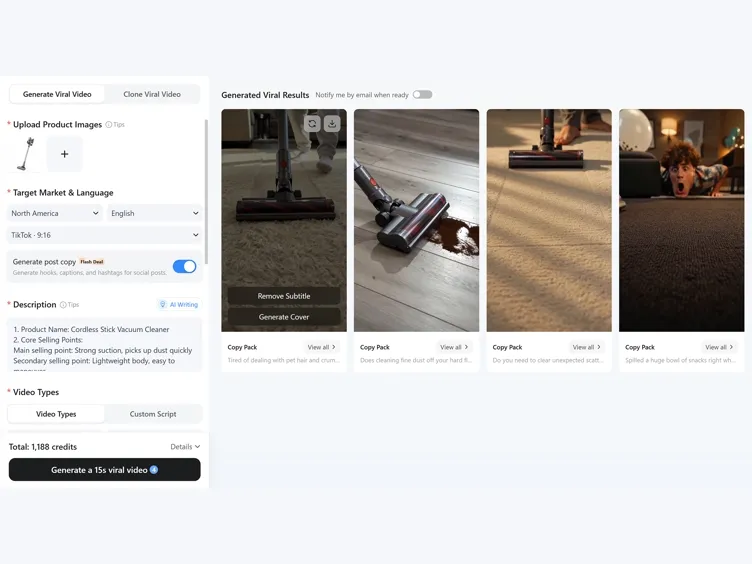
Create Publishing Assets
Generate matching video covers and social media copy with Workspace AI Agent for faster campaign publishing.
What You Can Create With Designkit AI Script Generator
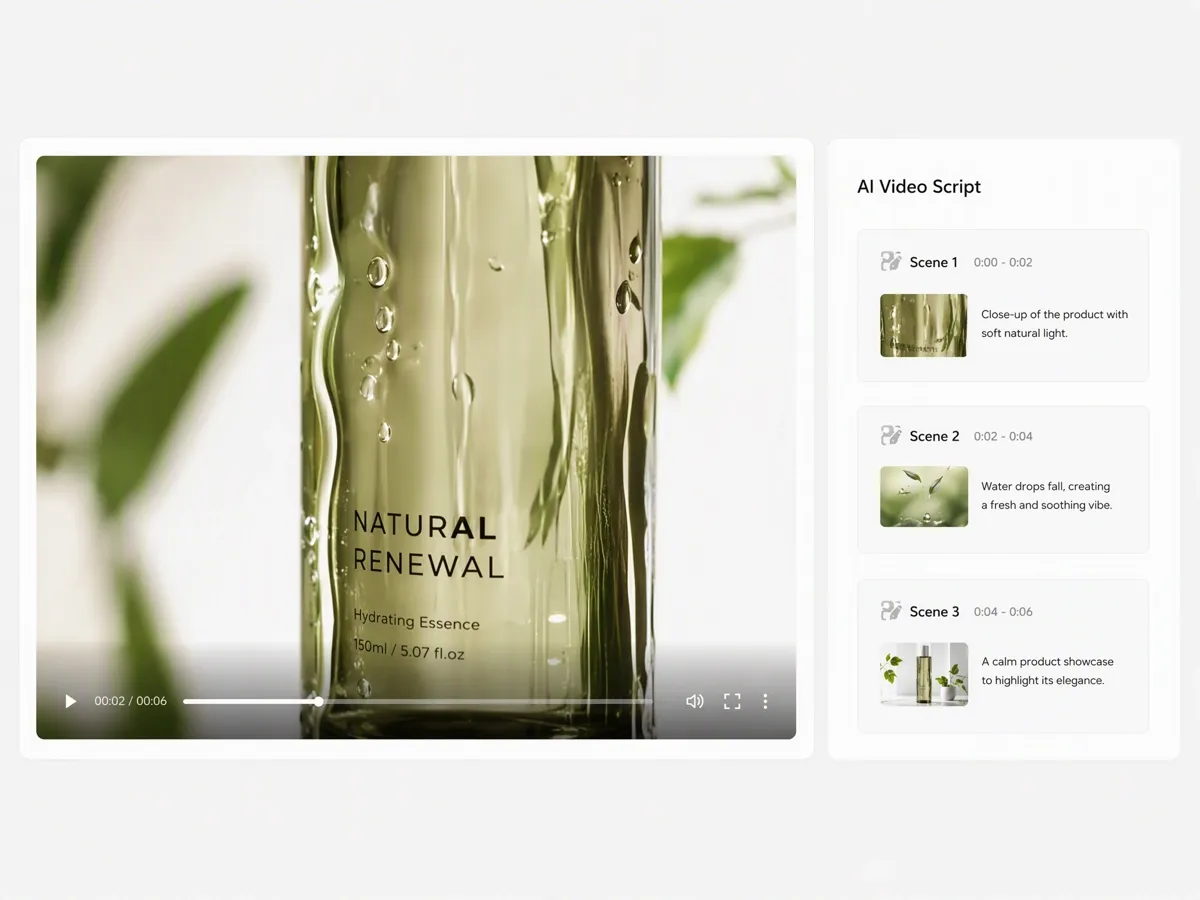
Generate Complete Video Scripts From Product Details
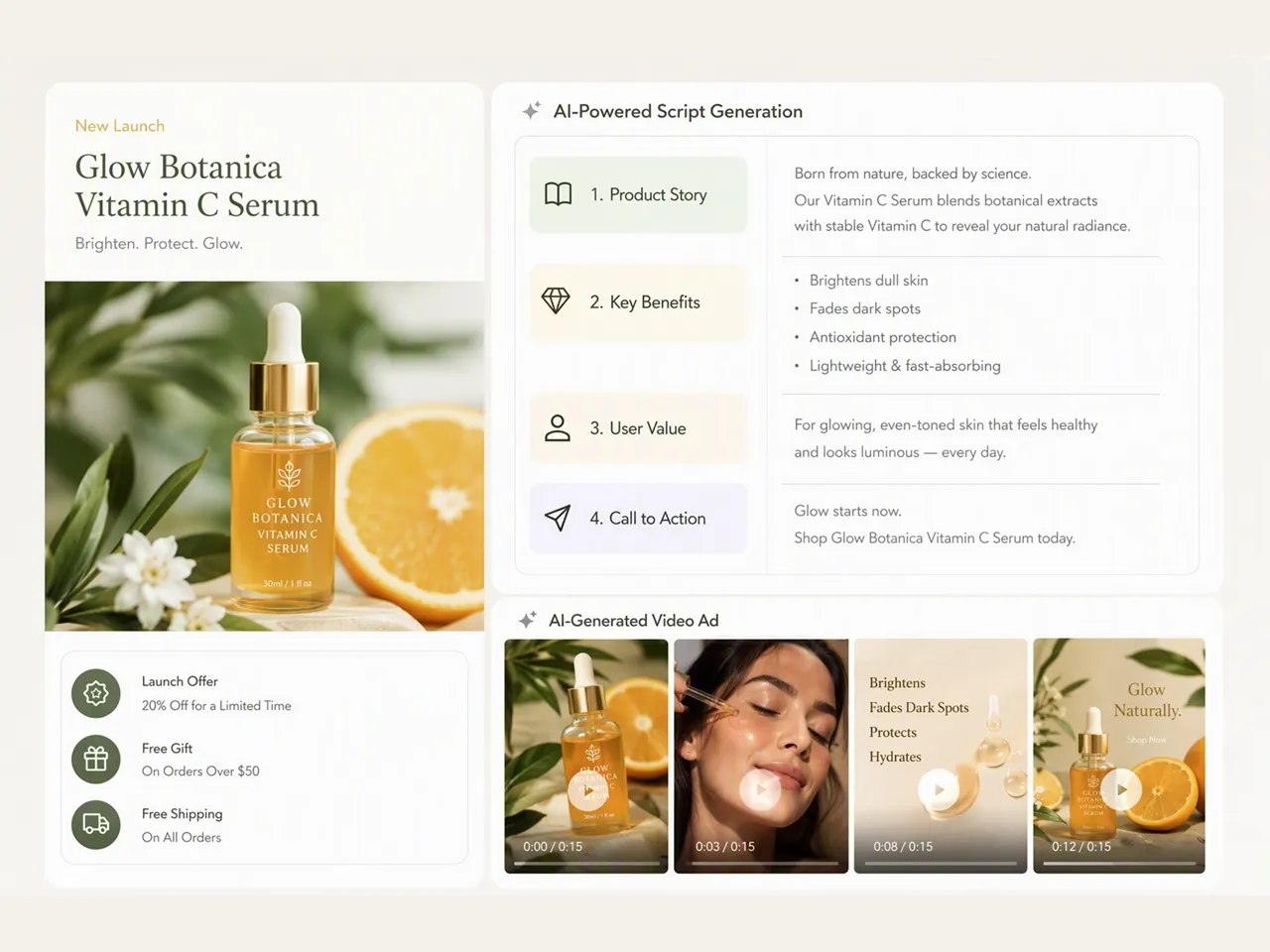
Turn product information into structured video scripts with hooks, scenes, narration, and CTAs. Designkit's AI script writer helps you move from product details to production-ready scripts in one workflow.
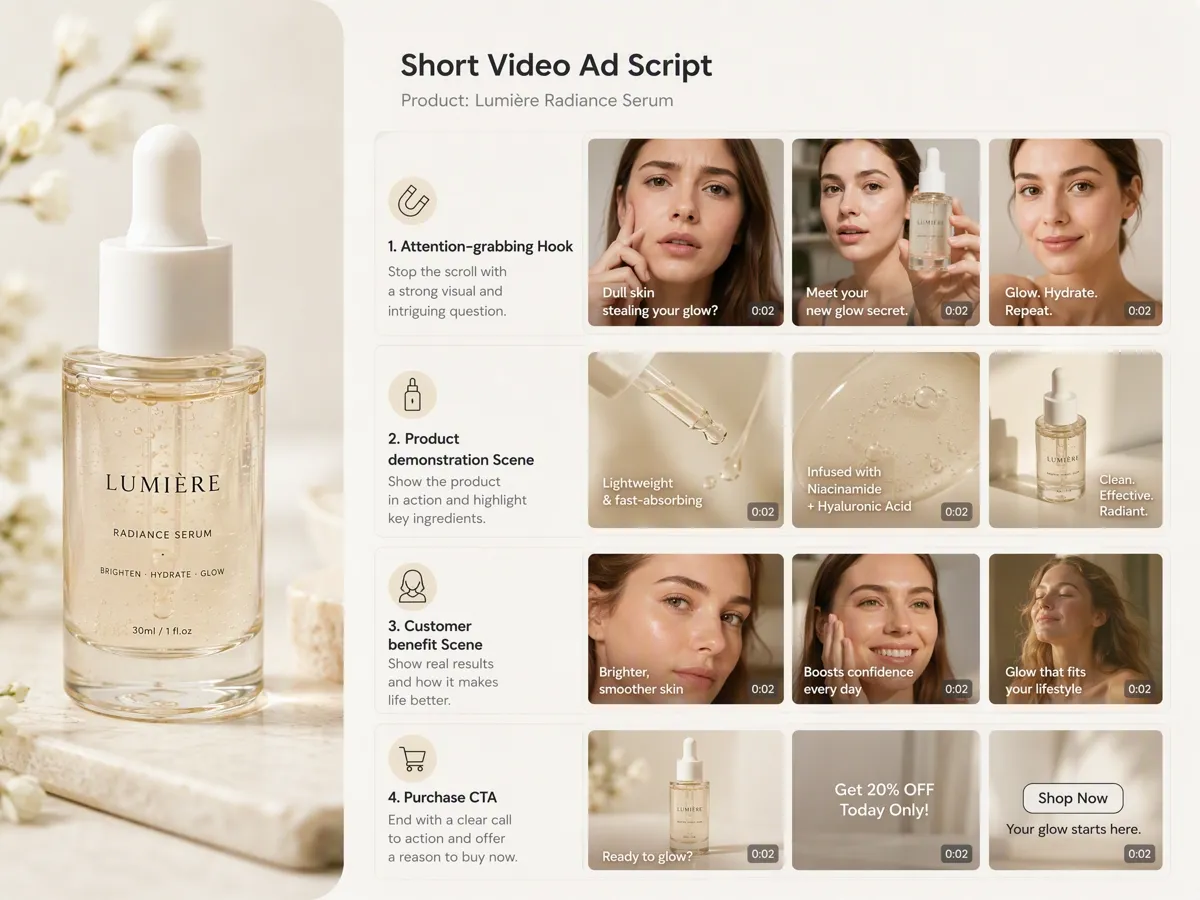
Create Hooks, Scenes, and CTAs for Short-Form Ads
Generate engaging hooks, scene-by-scene scripts, and persuasive CTAs for short-form ads. Use AI video generator to turn approved scripts into videos from the same workflow.
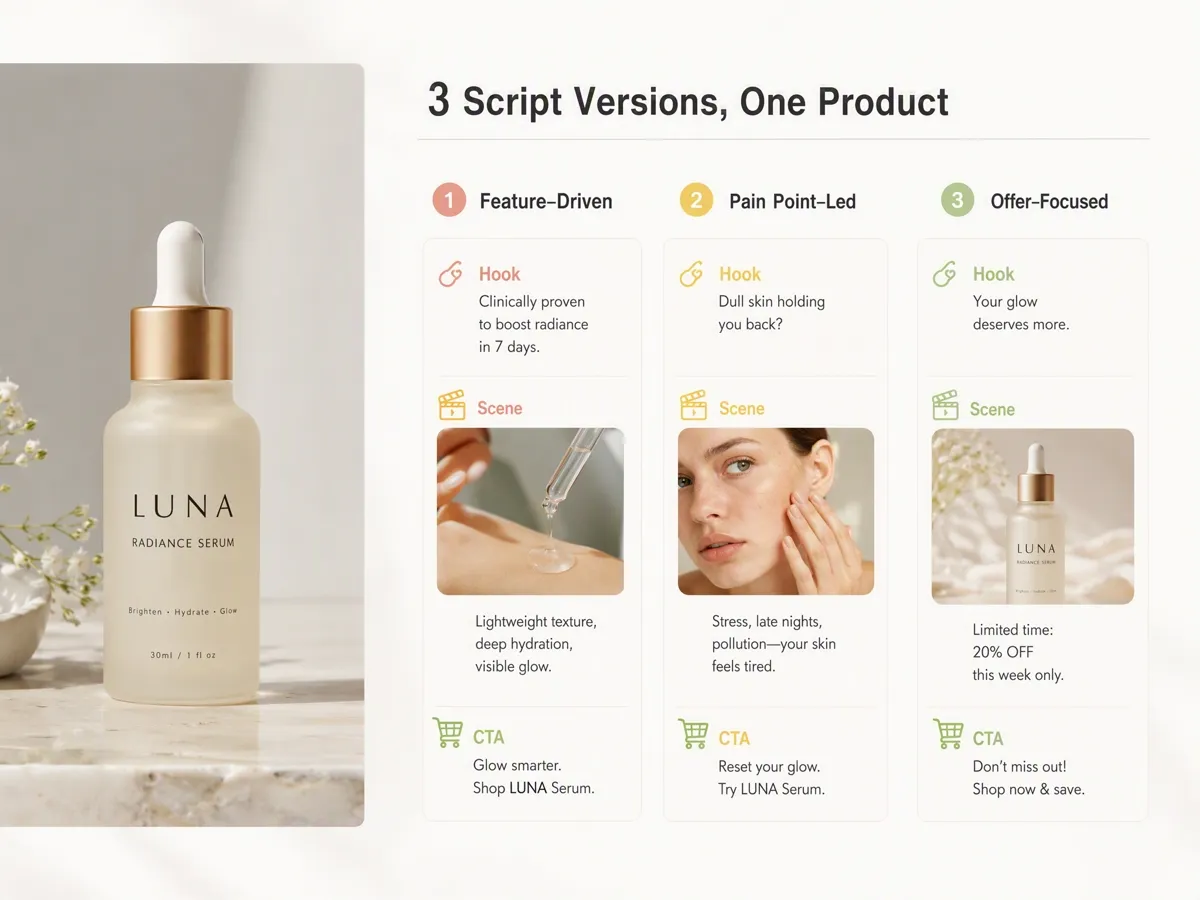
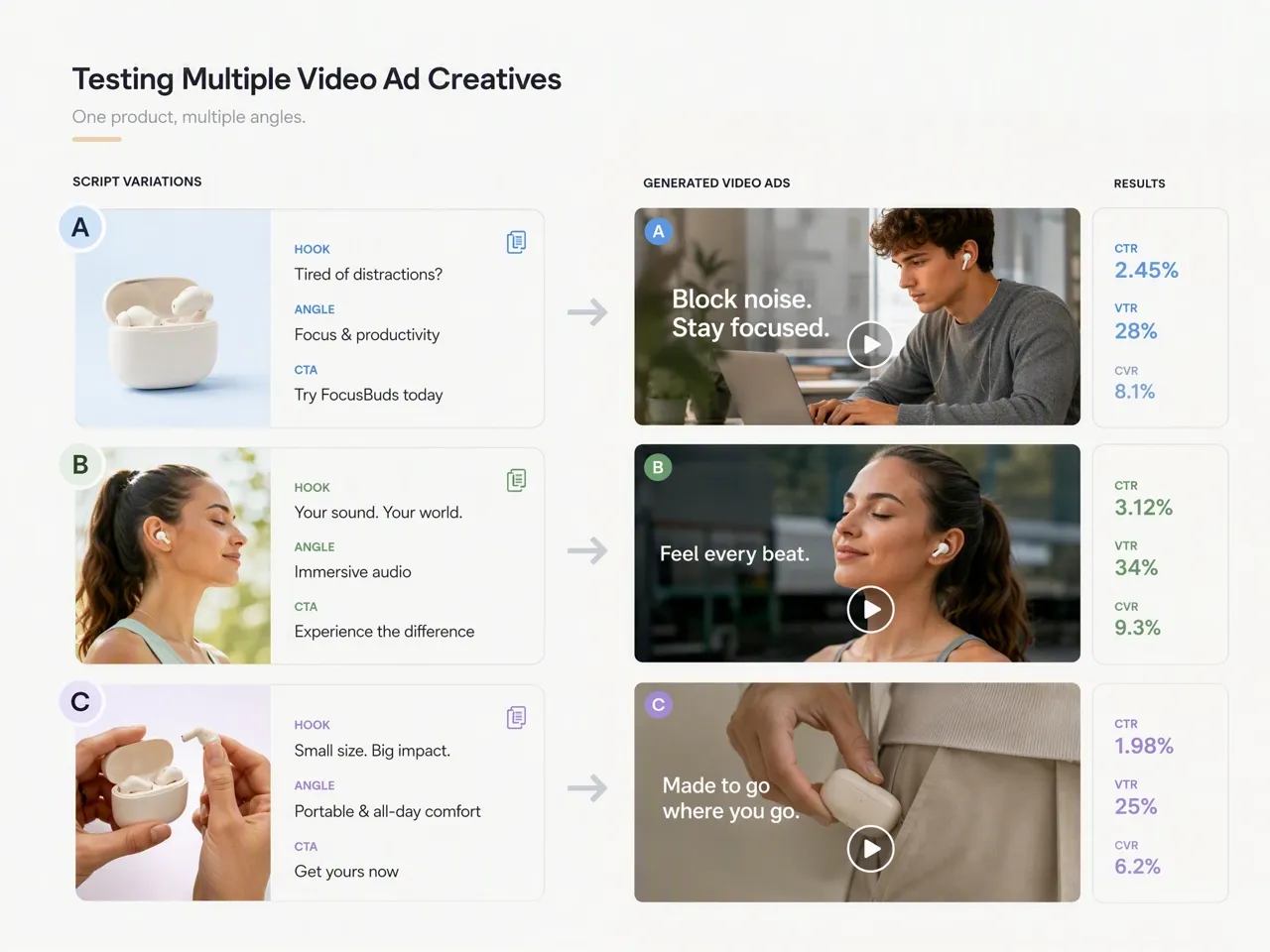
Generate Multiple Script Versions for the Same Product
Create multiple script versions with different hooks, messaging, and CTAs for the same product, making it easier to compare creative approaches and choose the strongest concept before video production.
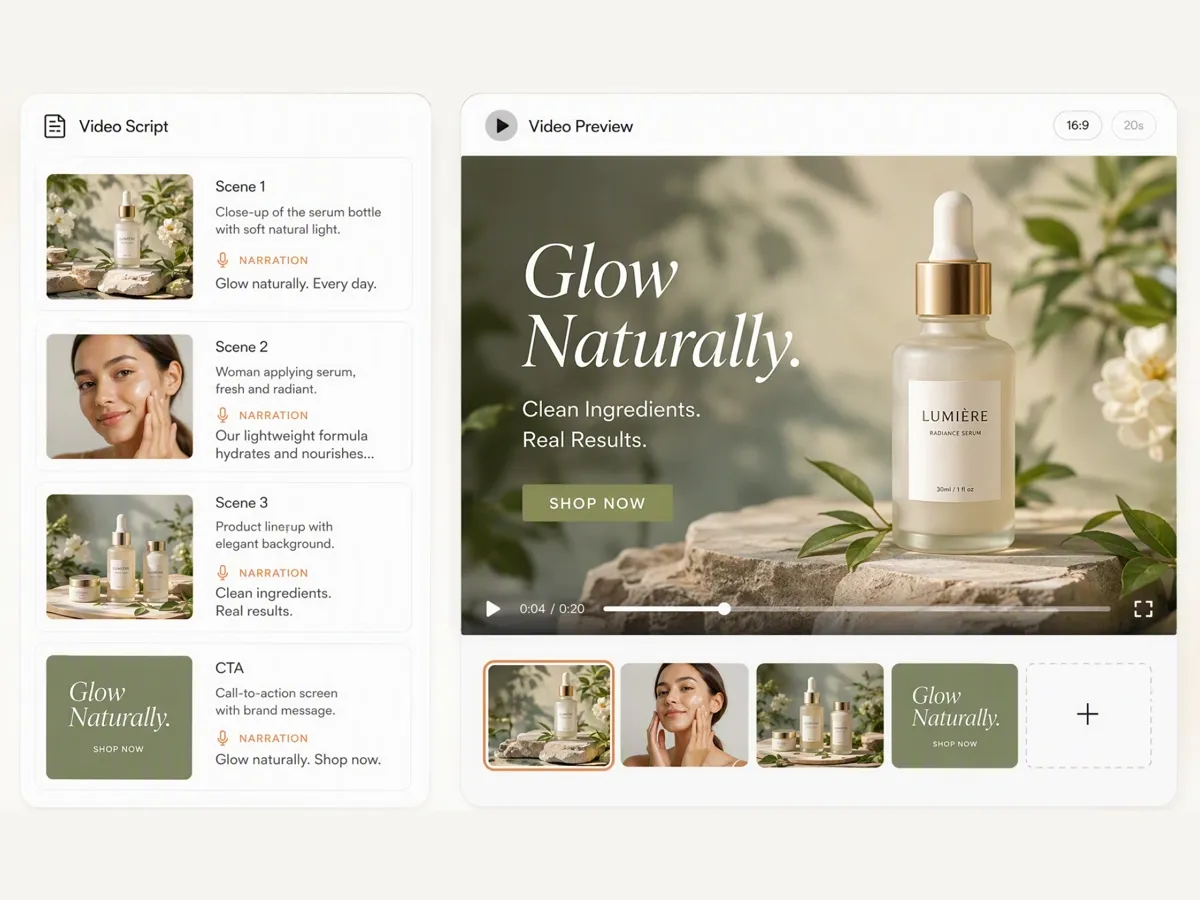
Turn Finished Scripts Into Marketing Videos
Turn approved scripts into marketing videos with video ad maker, then create campaign-ready content for different platforms without switching between multiple production tools.
Who Uses Designkit AI Video Script Generator
Refresh Product Listing Videos Without Rewriting From Scratch
Keep product listing videos relevant for new campaigns by turning existing product information into fresh scripts instead of rewriting every promotion from scratch.
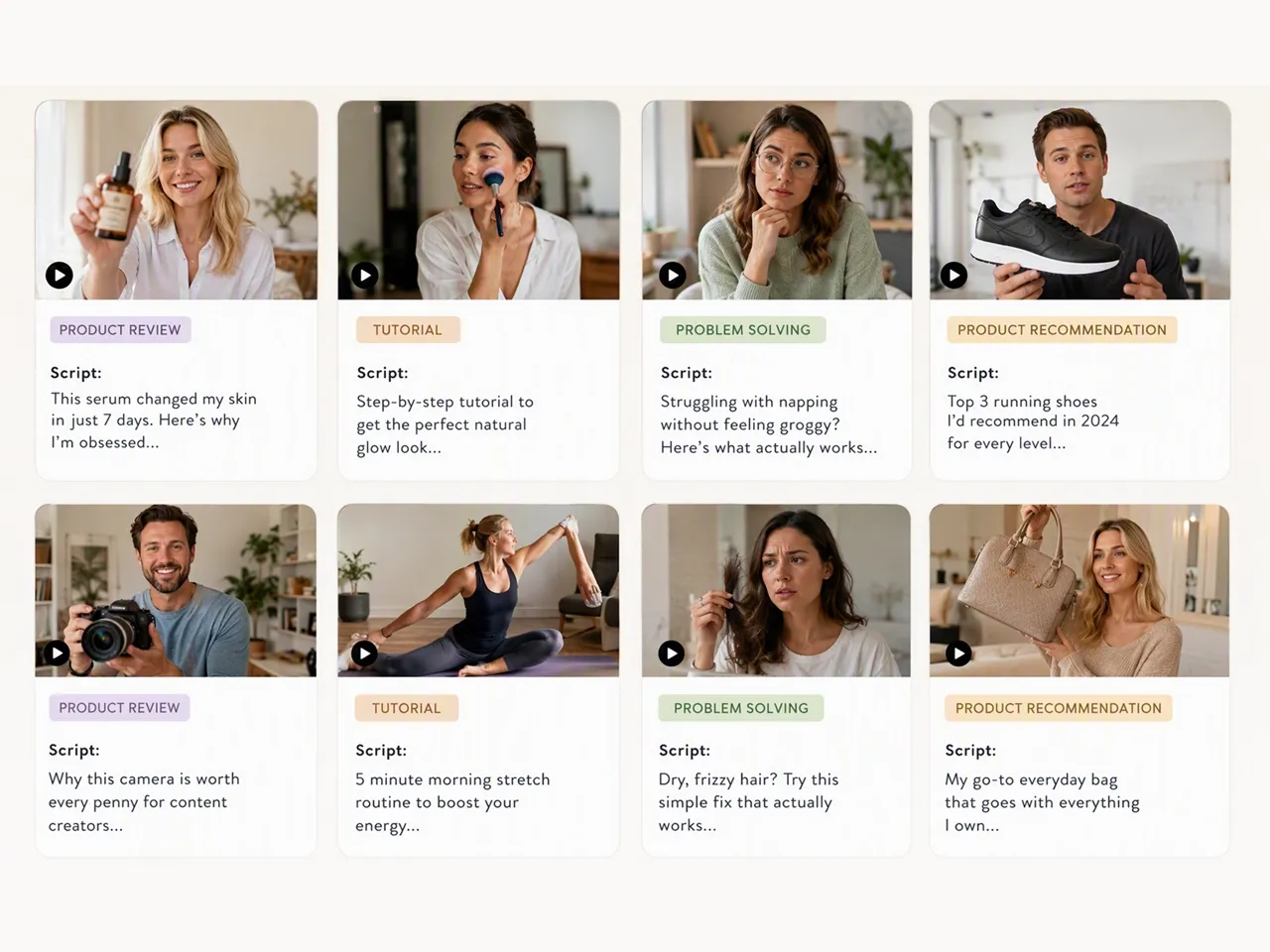
Why Choose Designkit for AI Script Generation
Built for Product Marketing Scripts
Create product-focused scripts that need fewer revisions before moving into video production.

Script to Video Without Tool Switching
Turn scripts into videos with Product Video Generator from one workflow instead of switching between separate tools.

Free Credits to Start Writing Today
Start generating marketing scripts with free signup credits before upgrading your workflow.
Unlock More Creative Possibilities
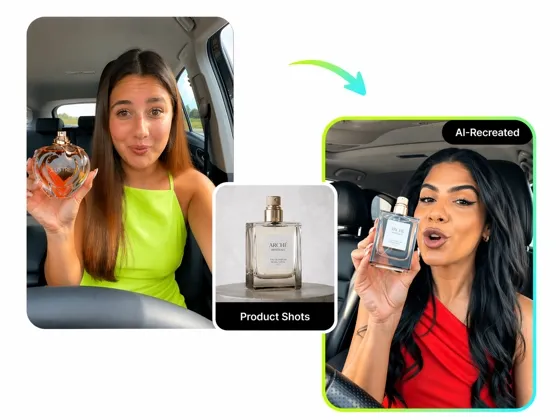
AI Video Ad Recreation: Create Viral E-commerce Ads in Seconds
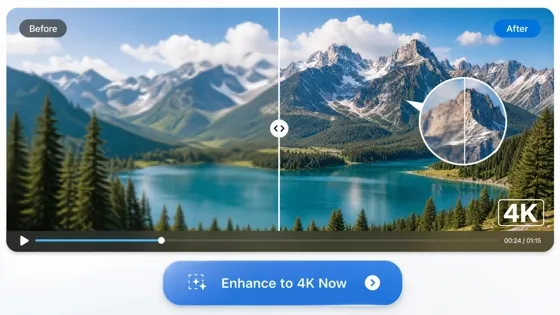
AI Video Enhancer: Upscale Video to 4K Online Free
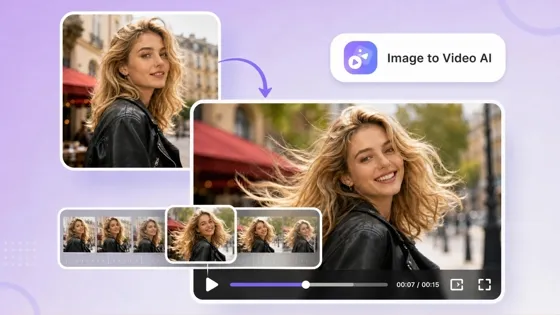
AI Image to Video Generator: Turn Images Into Video Online
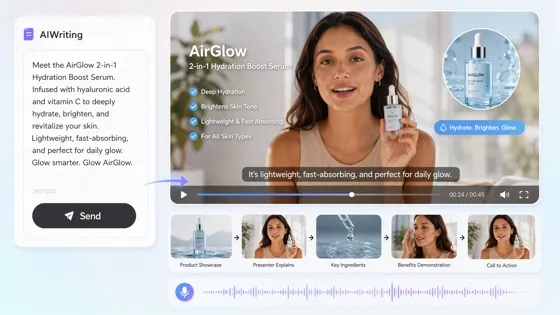
Script to Video AI for Product Ads & Social Video
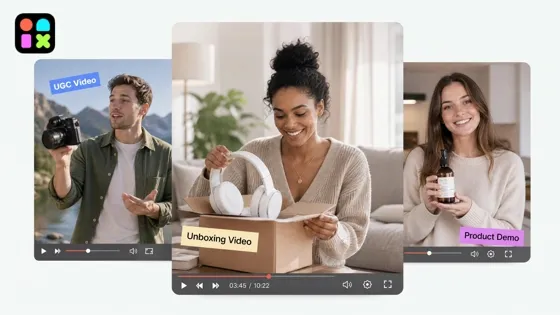
AI Video Generator: Turn Any Idea, Image or Text into Video Free
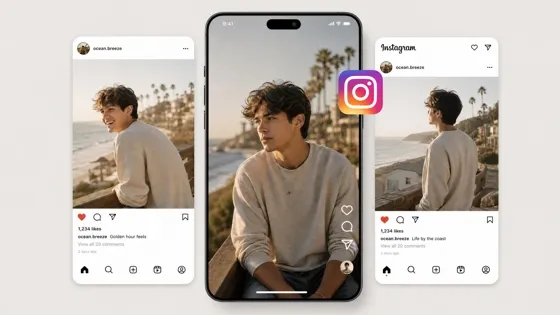
Free AI Instagram Video Maker for Reels, Stories, and Feed Videos
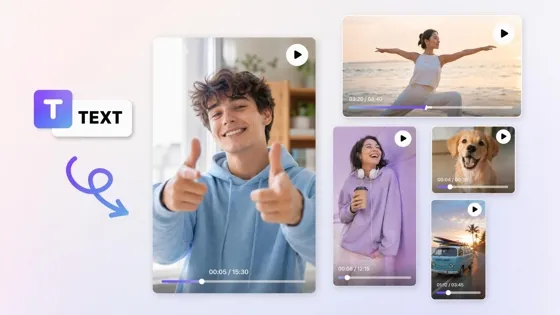
AI Text to Video: Turn Scripts Into Videos Online
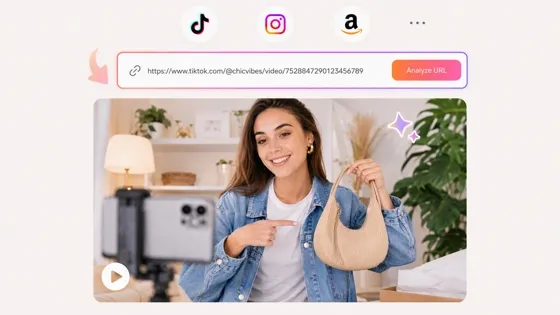
URL to Video: Convert Links Into AI Marketing Videos
Frequently Asked Questions
What can I create with an AI script generator?
Can I generate a video script from my product images?
Yes. Product images, descriptions, and selling points can be used to generate structured video scripts with hooks, scenes, narration, and CTAs. Designkit creates scripts tailored to your products and campaign goals.
Can AI generate scripts for TikTok, Instagram Reels, and YouTube Shorts?
Yes. AI can generate scripts optimized for different short-form platforms, including TikTok, Instagram Reels, and YouTube Shorts. Designkit creates platform-ready scripts that can be turned into videos for your preferred publishing channel.
Can I turn an AI-generated script into a video?
Yes. Once your script is finalized, it can be transformed into a marketing video without starting from scratch. Designkit lets you generate scripts and create videos within the same workflow.
Can Designkit create captions and social media copy from my video?
Yes. In addition to script generation, Designkit can create matching social media copy and video covers through the Workspace AI Agent, helping you prepare content for publishing more efficiently.
Can I create different script versions for the same product?
Yes. Creating multiple script versions makes it easier to compare different hooks, messaging, and CTAs before producing your final video. Designkit lets you explore multiple creative directions from the same product information.
Is Designkit's AI script generator free to use?
Yes. New users receive free signup credits to try Designkit's AI script generator, making it easy to get started with free AI script writing before upgrading to a paid plan.
Turn Scripts Into Publish-Ready Videos
Generate scripts, create marketing videos, and automatically prepare captions and covers for your next campaign with Designkit.

What Users Say About Designkit AI Script Generator
Creators, e-commerce sellers, marketers, and social media teams use Designkit to create scripts, videos, and publishing content faster.
Scripts We Could Use Without Heavy Rewrites
We expected to spend time rewriting the AI output, but most of the script was already usable. We only adjusted a few product details before turning it into our final marketing video.
Made Weekly Short-Form Planning Easier
Coming up with fresh ideas every week was the hardest part. Designkit helped me generate several script options at once, so planning content for TikTok and Reels became much more manageable.
Helped Us Compare Ad Angles Faster
We usually test different hooks before launching campaigns. Being able to generate multiple script versions made it easier to compare messaging and choose the strongest concept for production.
Cut the Back-and-Forth With Freelancers
We used to send scripts back and forth before recording product videos. Now we start with an AI-generated draft, make a few edits, and move straight into production with much less revision. FAQs