
Create AI Short Dramas With Characters, Products, and Story Ideas
Get story-led clips without a cast or shoot. Lock one character, drop in your product, pick a genre, and generate short dramas for social and product campaigns.
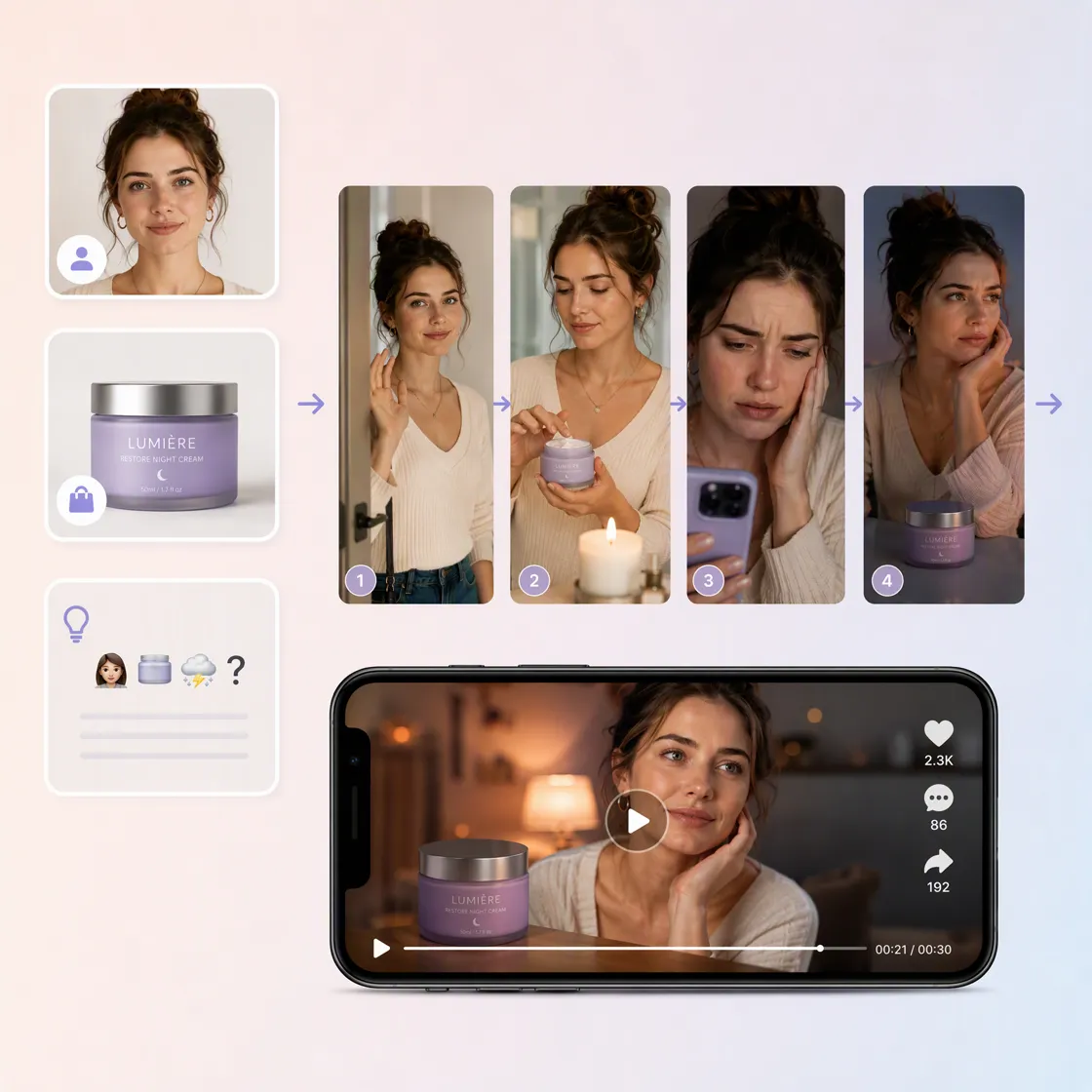
How to Generate Short Dramas in 3 Steps
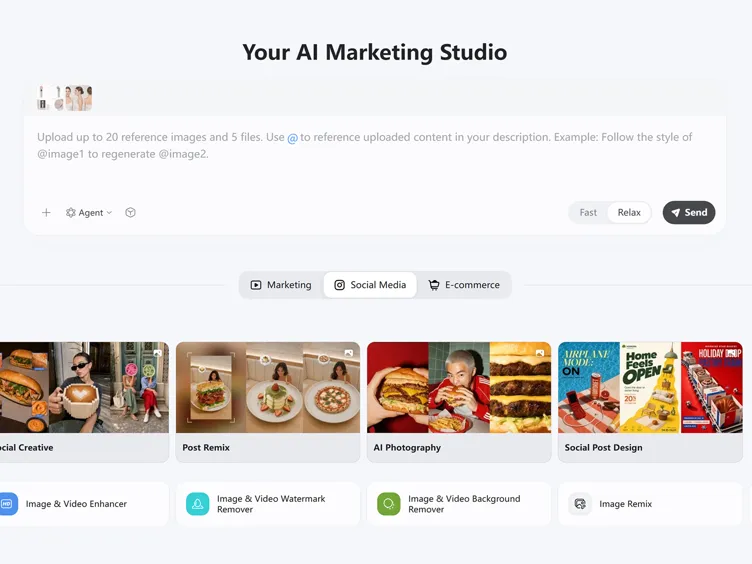
Step 1. Upload Images and Select Characters
Upload up to five product images and select one character profile to anchor your scene. This establishes the visual foundation for your narrative, ensuring your merchandise and actors remain consistent throughout the entire episodic sequence.
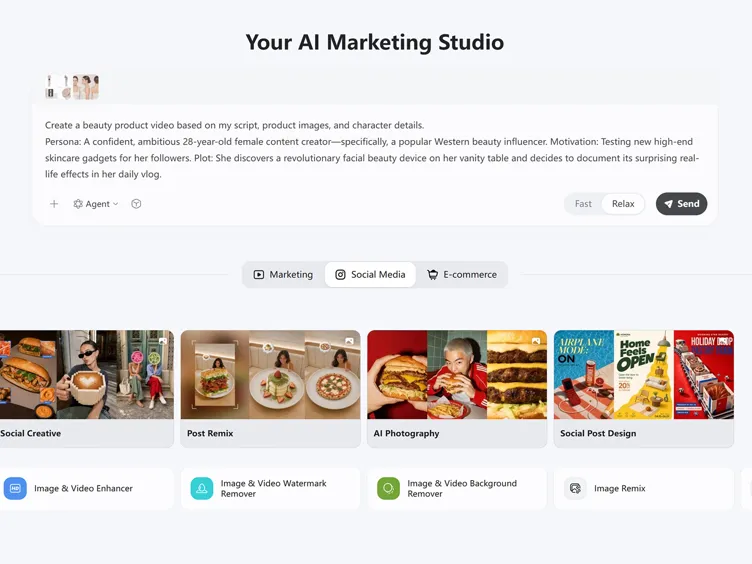
Step 2. Define the Character Description
Enter specific text detailing the character persona and identity to guide the narrative context. You can use the text box to establish motivations or use the add to description feature to expand on plot actions without writing a full script.
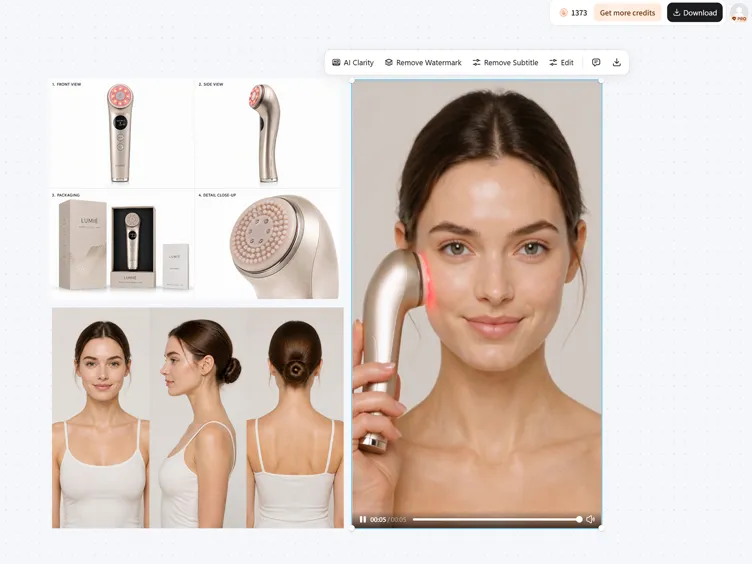
Step 3. Choose a Genre and Generate
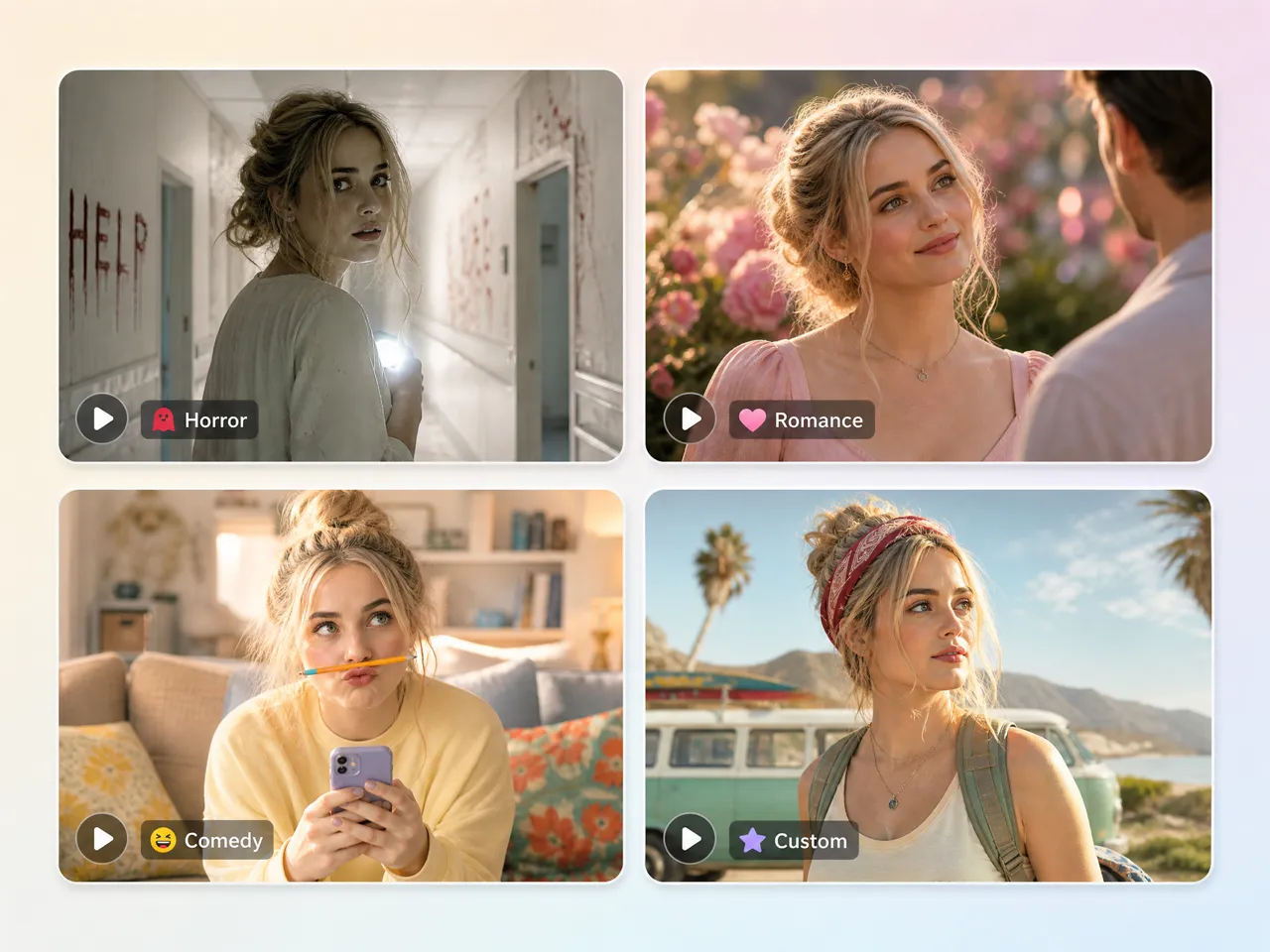
Select from custom, romance, thriller, comedy, or horror styles, then click generate. The system automatically structures the visual pacing and dramatic tension based on your chosen genre, allowing you to export a complete narrative clip instantly.
What You Can Do With Designkit Drama Video
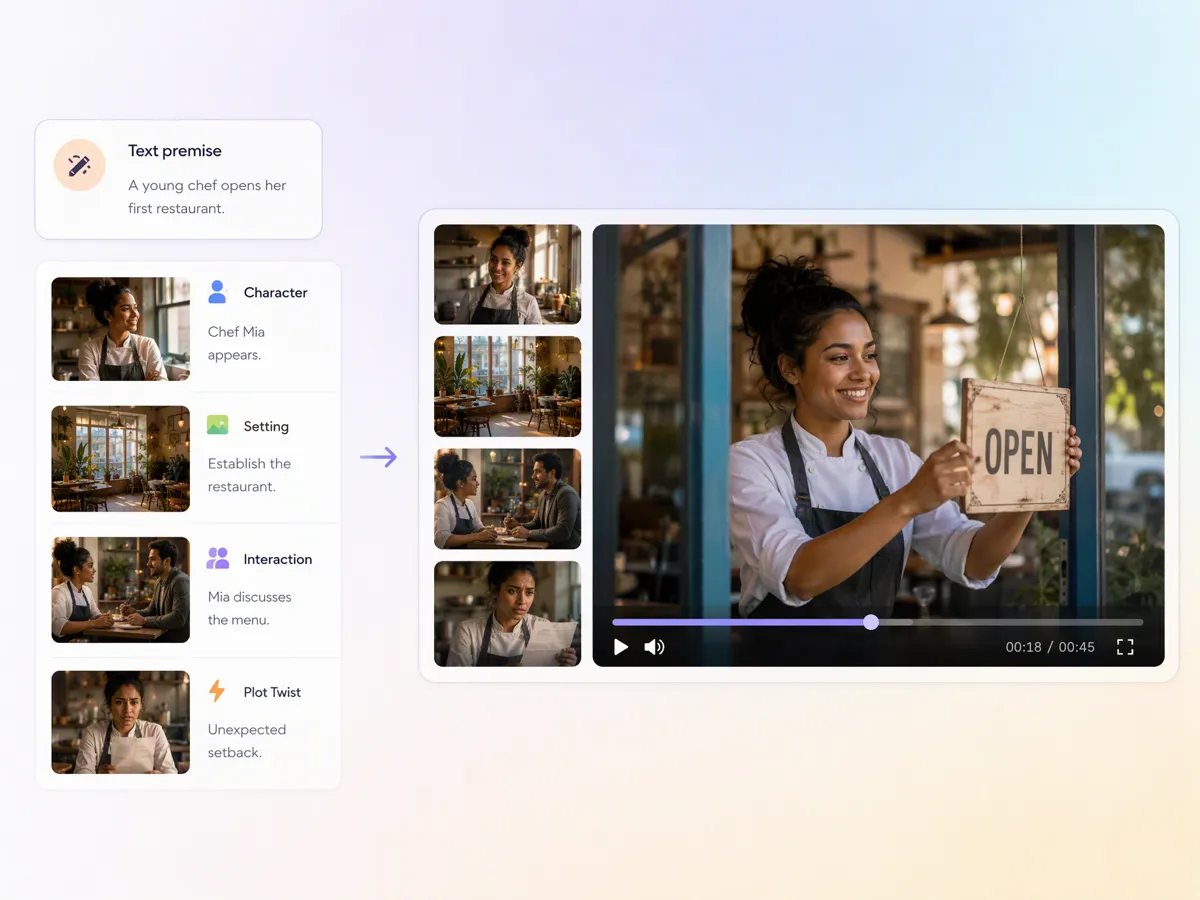
Turn Simple Text Descriptions into Complete Narrative Scenes
Move beyond basic prompts by turning your scene ideas into complete episodic clips. Use your text input to direct camera pacing and character action naturally, functioning as an intuitive AI video generator for your serialized storytelling.
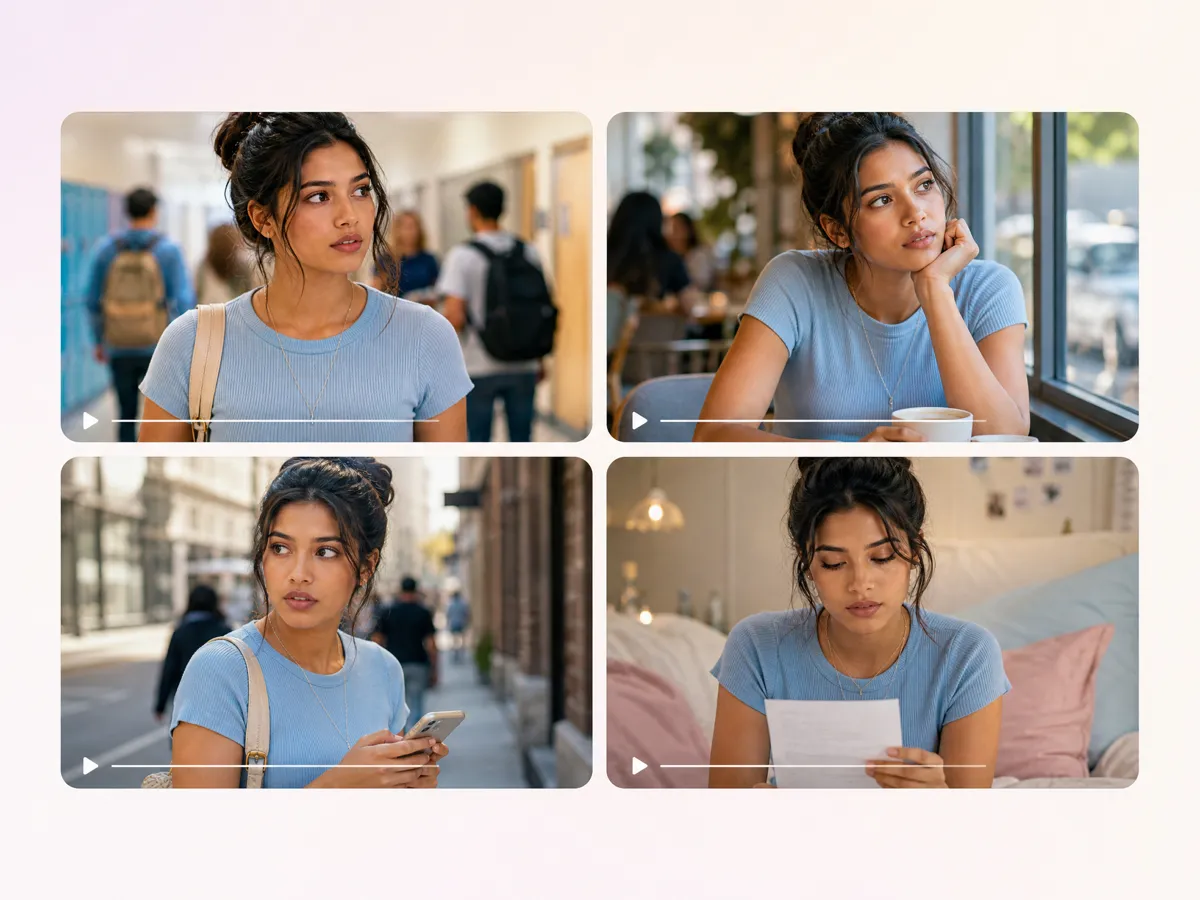
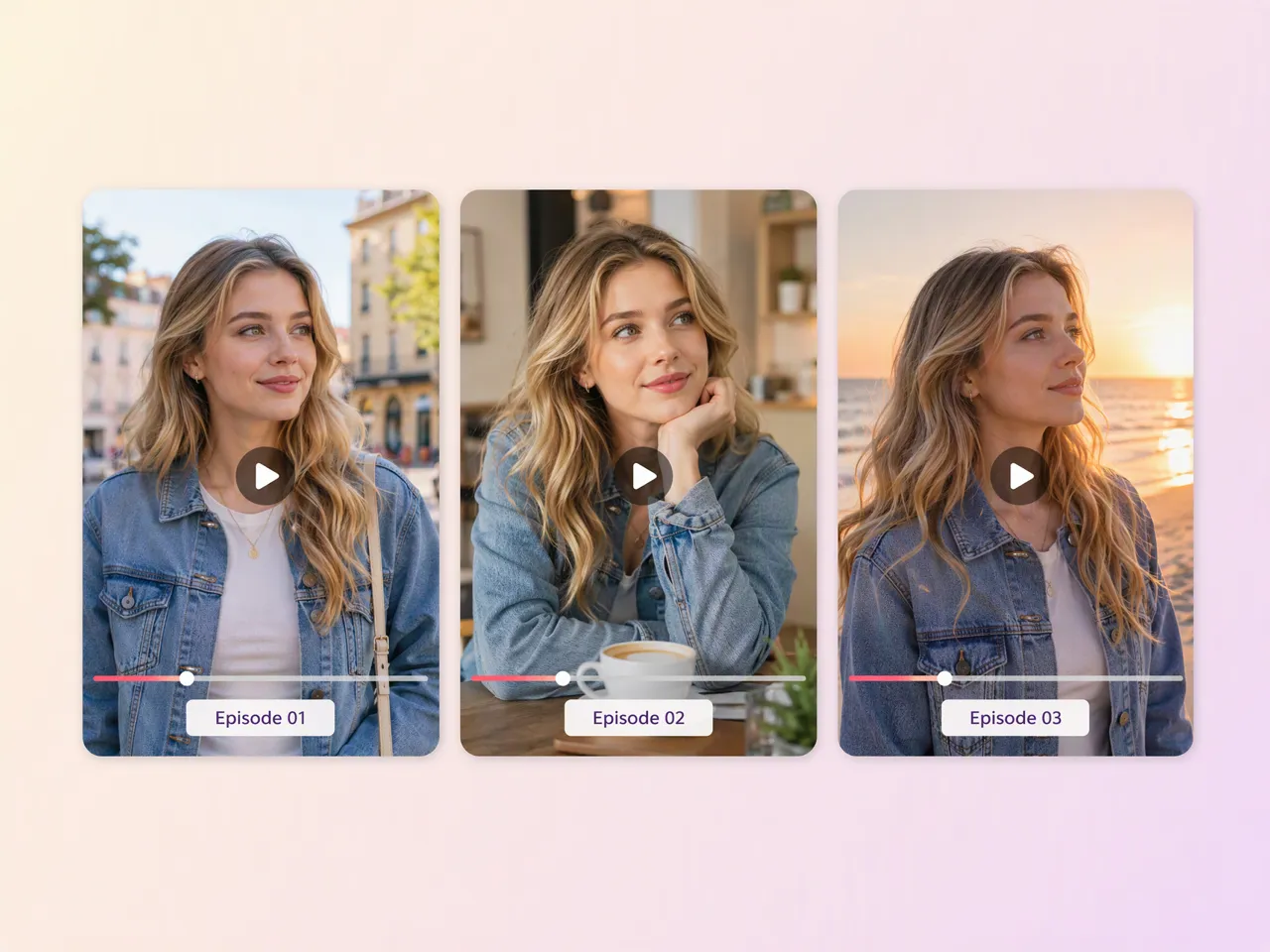
Keep the Same Character Across Every Drama Scene
Keep facial features and wardrobes identical across multiple scenes. The engine anchors your selected profile, removing the need for extra editing tools to fix continuity errors.
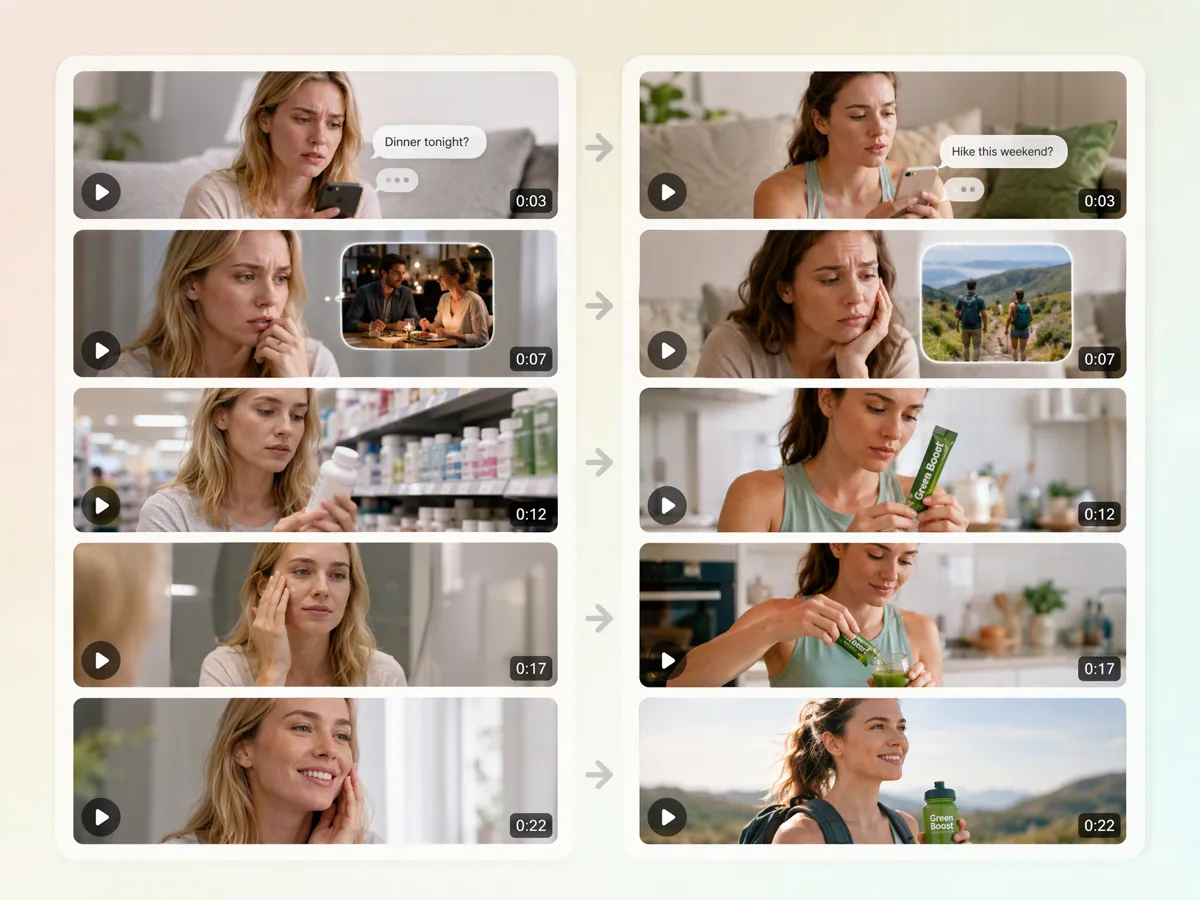
Rebuild a Trending Drama Around Your Own Character or Product
Take a reference video's dramatic structure and swap in your own assets to maintain proven scene pacing. Adjust environmental details precisely without relying on a manual video background remover to composite your new storyline.
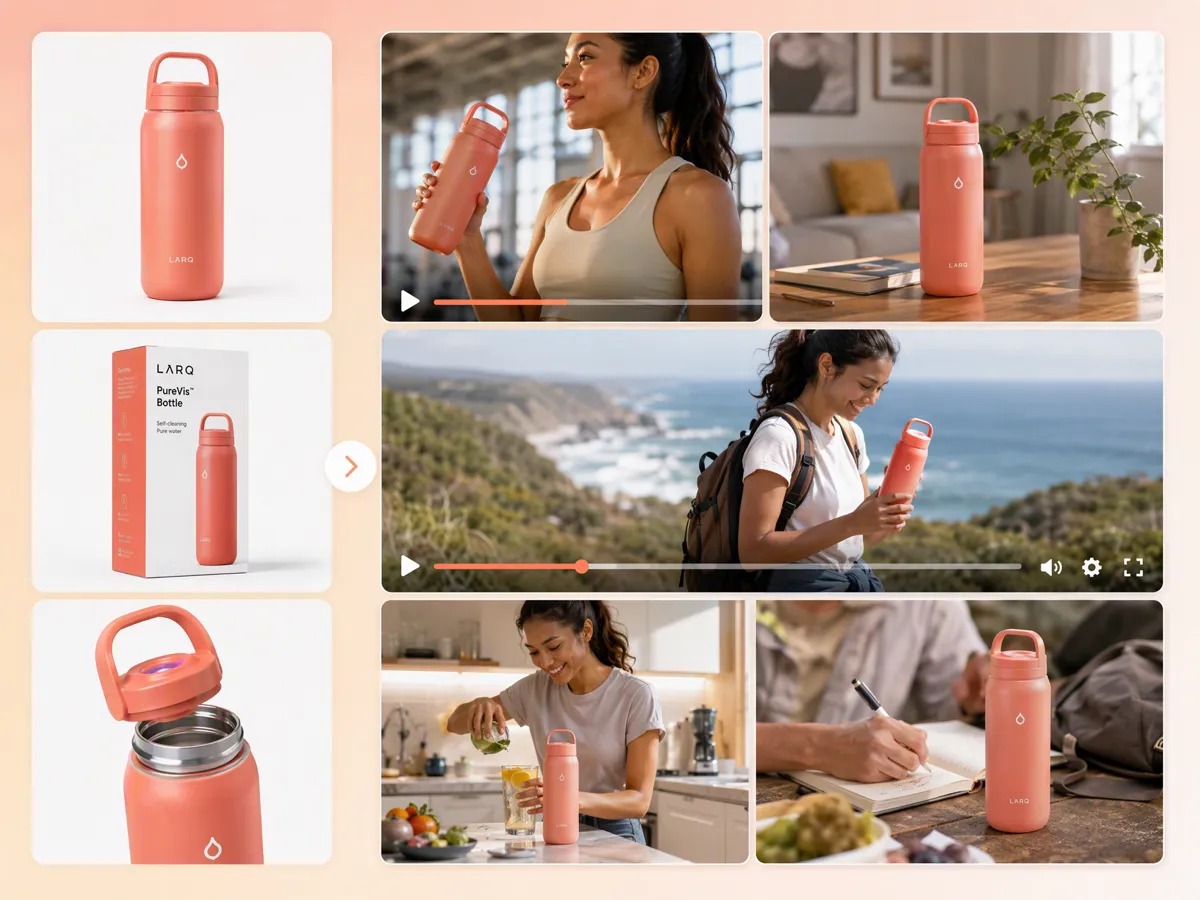
Put Products Inside the Story, Not Just in a Product Shot
Upload up to five product images to integrate your merchandise directly into the narrative action. Transform flat catalog assets into an engaging product video generator experience that connects items with actual character storylines.
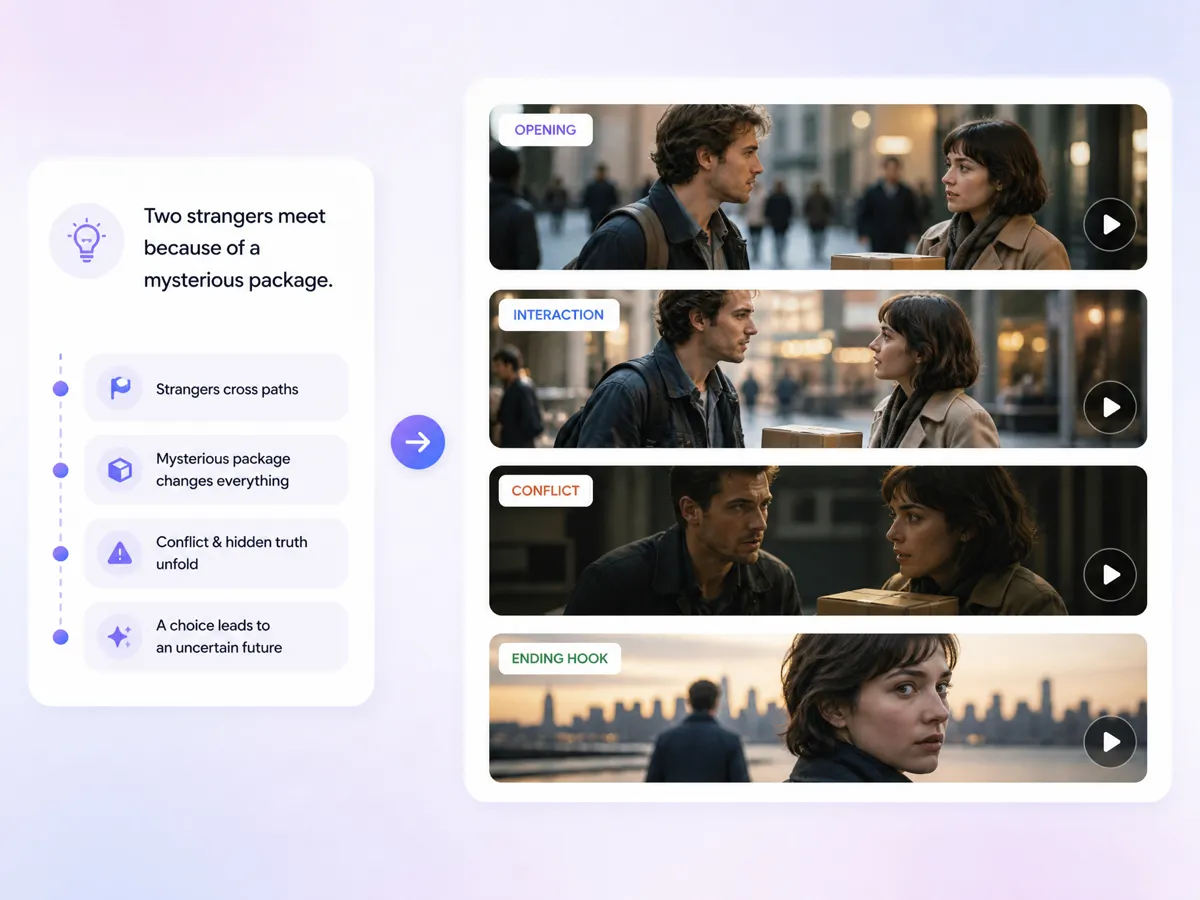
Start From a Story Idea Instead of a Full Script
You can build compelling narrative hooks and character interactions without writing a full storyboard sequence from scratch, because the AI drama script generator handles the narrative beats for you.
Who Uses Designkit for AI Short Dramas

Put Your Product Into a Short Drama Story
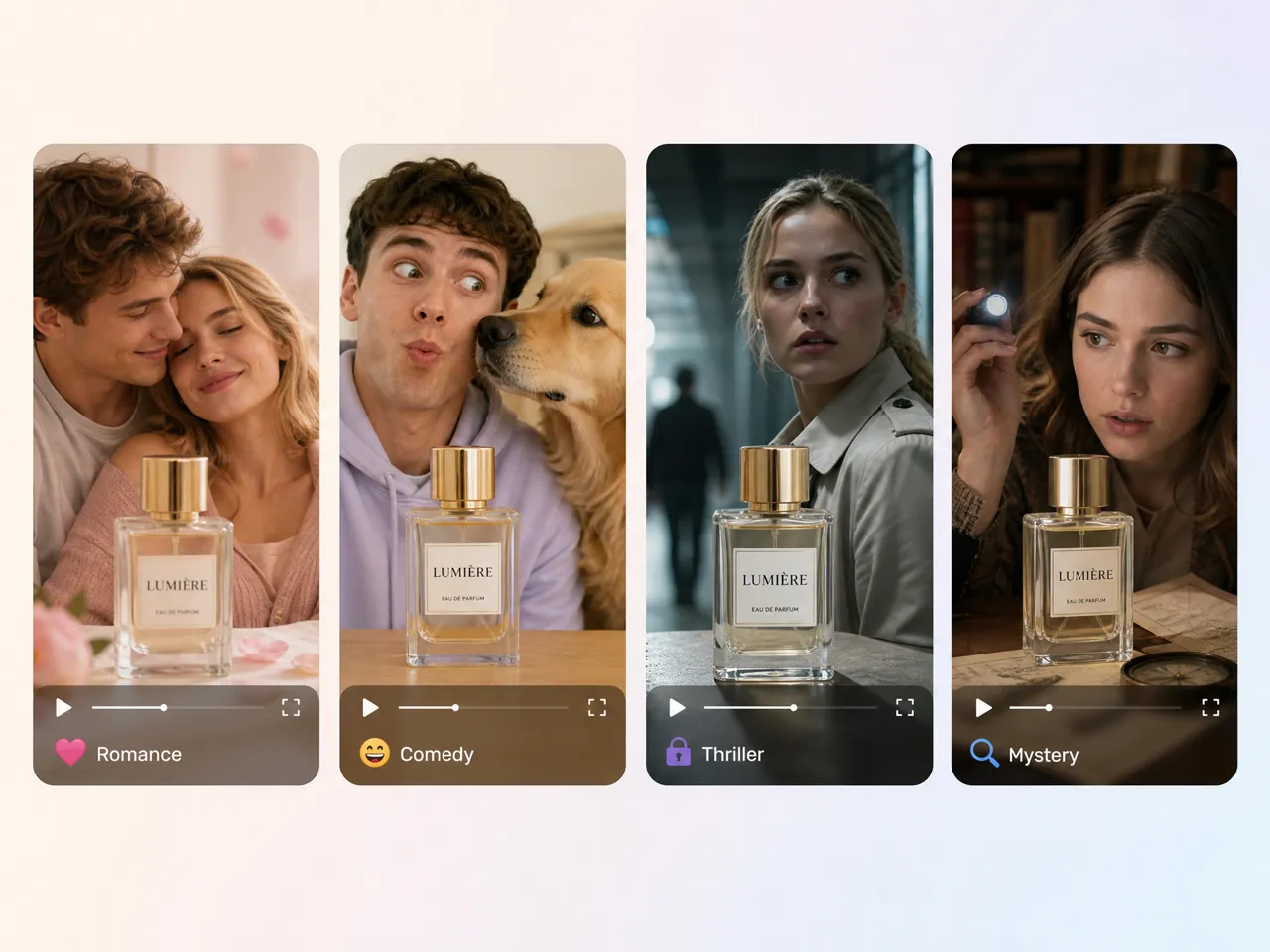
Stop relying entirely on static catalog images that fail to capture attention. By integrating your items into romantic or comedic scenes, you can upgrade a product image display workflow into dynamic, story-driven content that boosts buyer retention.
Why Choose Designkit's AI Drama Generator

Turn Product Photos Into Story Material
Unlike traditional editing software that leaves you with flat images, this platform integrates your merchandise directly into dynamic narrative scenes to capture viewer attention immediately.

Create Drama Concepts Without a Full Production Crew
Stop coordinating expensive actors, lighting, and set locations. Lock a character and genre preset to output consistent episodic sequences automatically.

Try AI Drama Creation With Free Credits
Move from concept ideas into video generation with sign-up credits, exploring character consistency and scenes before committing production budget.
Unlock More Ways to Create AI Videos
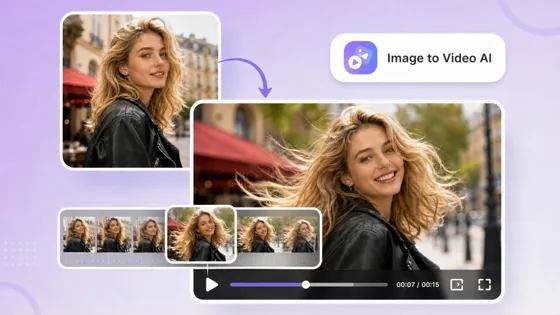
AI Image to Video
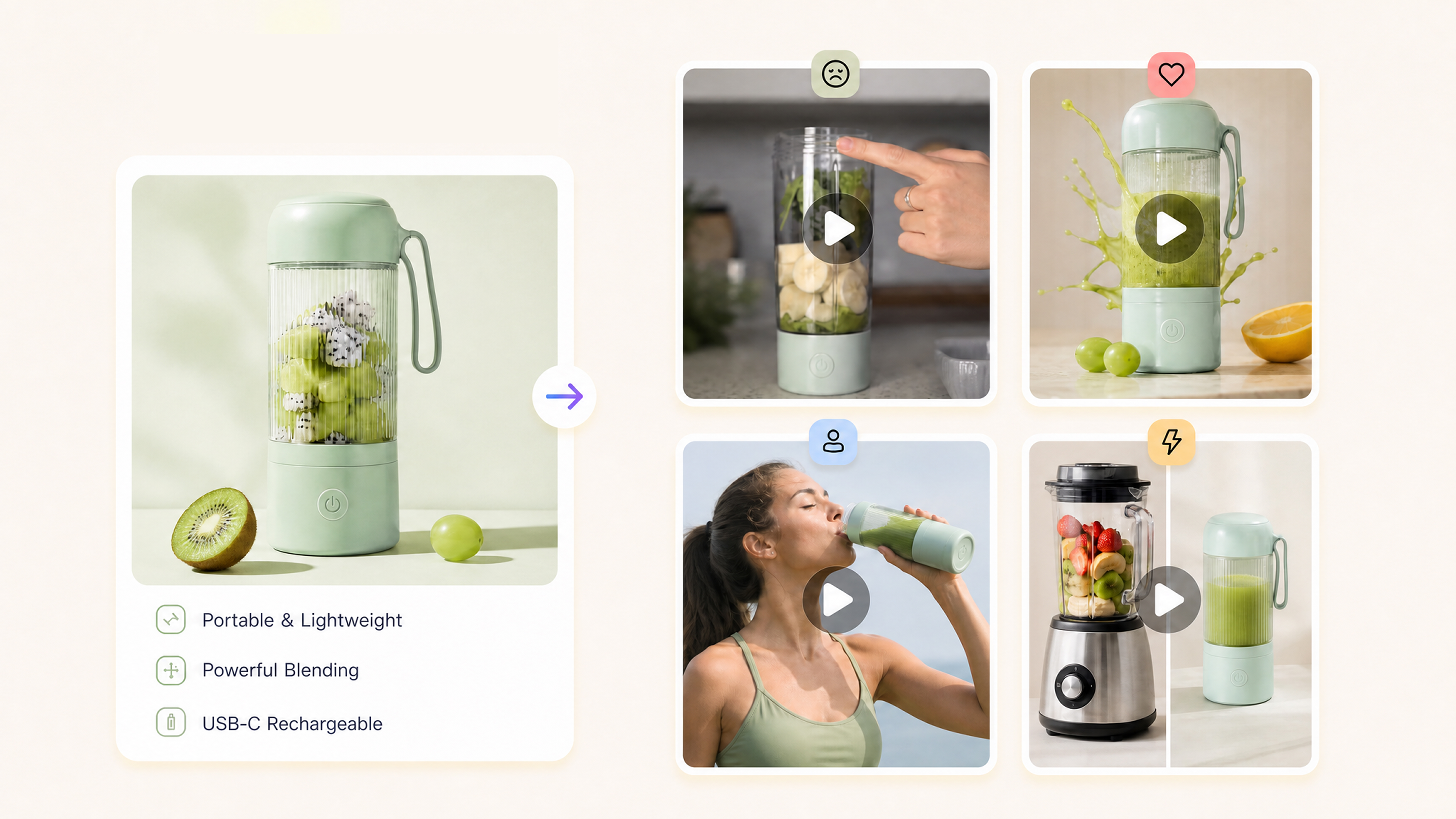
AI Hook Generator for Video Hooks and Marketing Copy
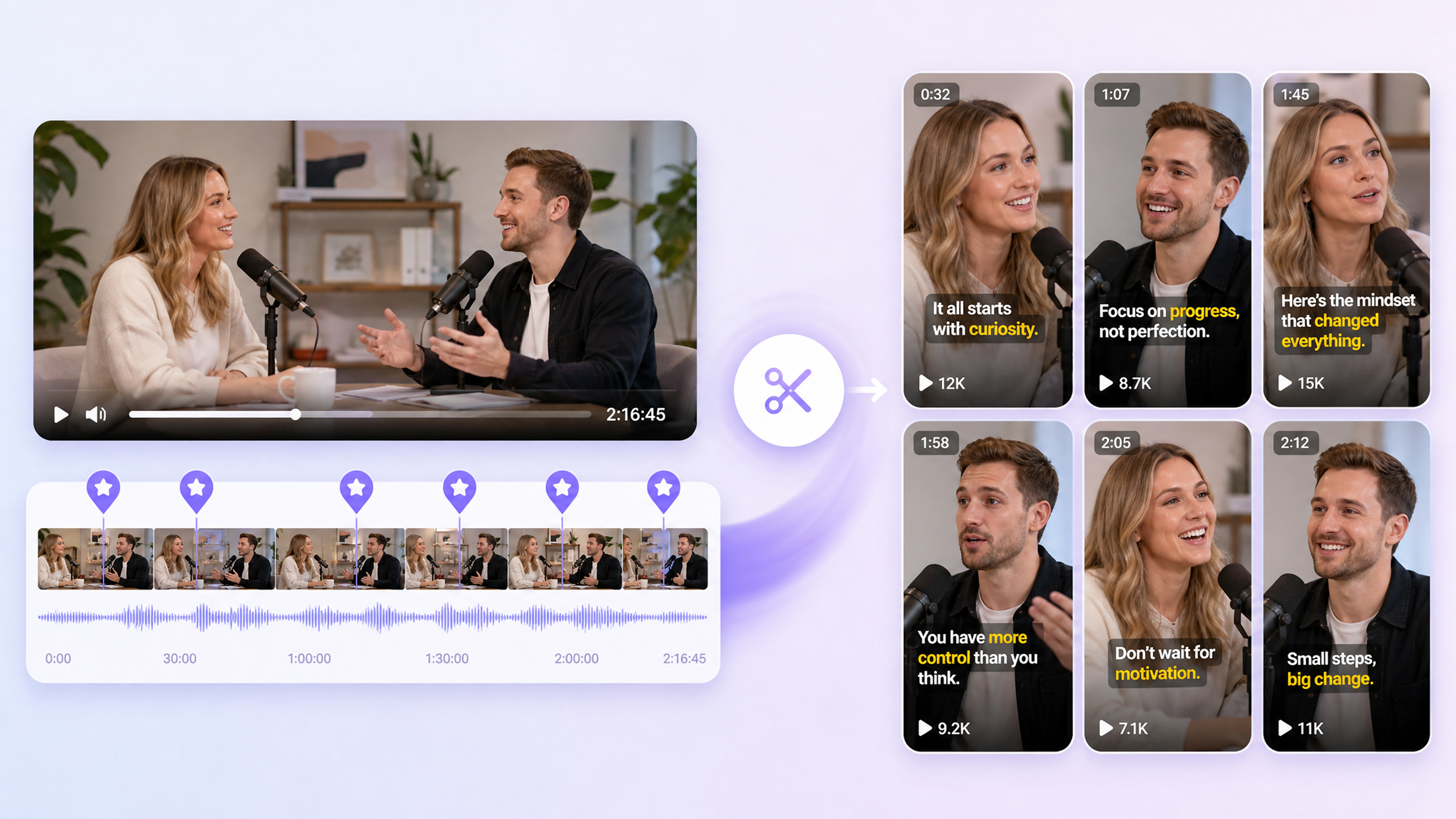
AI Highlight Video Maker
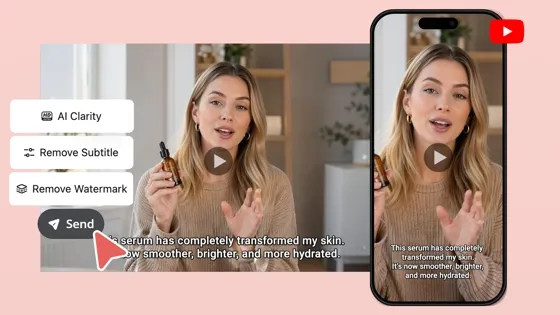
AI YouTube Video Maker
Frequently Asked Questions
What is an AI drama generator?
Can I create an AI drama without writing a full script?
Yes, Designkit structures narrative scenes and dramatic beats automatically from simple text inputs. You only need to enter a basic character persona, select a genre preset, and use the "Add to Description" option to expand your storyline without writing a manual screenplay.
What genres can I use for AI drama videos?
You can build your narratives using built-in romance, thriller, comedy, or horror styles. There is also a custom genre option if your storyline requires a distinct atmospheric tone or blended thematic elements.
Can I put a product into an AI drama?
Yes. You can upload up to five product images directly into the generation panel. Designkit integrates these items naturally into the scene, bypassing the need for a separate transparent background maker to overlay your merchandise.
Can I use a reference video for an AI drama?
Yes. You can remix an existing trending drama to replicate its underlying narrative structure. This process allows you to replace the original characters and adapt the scene while maintaining proven dramatic pacing.
Try a Short Drama Around Your Character
Start with a character, product image, story idea, or video reference and create a short drama around it.



What Professionals Say About Our AI Short Drama
See how teams replace expensive production cycles with instant narrative video generation.
A Product Story That Didn't Look Like Another Product Ad
I had plenty of product photos, but most of our content still looked like product content. For a new campaign, I tried putting the product into a short relationship story instead. The drama format gave us a completely different way to introduce the same item without setting up another shoot.
A Consistent Character Across Several Episode Ideas
The character was the part I wanted to keep consistent because I had ideas for several episodes around the same person. I started with one character profile and used it as the basis for different scenes. It gave me a starting point for building a series instead of making every video feel unrelated.
Testing Romance and Thriller Around the Same Product
We were considering two very different directions for a product campaign: a light romance story and something more suspenseful. Instead of choosing one based only on a script, I created both versions around the same product. Seeing the two concepts side by side made the creative discussion much easier.
We Used a Short Drama to Show the Campaign Idea
A written campaign idea can be difficult for a client to picture. I used a character, a reference video, and our campaign concept to create a short dramatic example. It wasn't the final production, but it gave the client something concrete to react to during the creative review.