
Generate a Missing Pet Poster from a Pet Photo
Upload your pet photo, add the last seen details and contact information, then create an editable missing pet poster with a clear alert layout.
Generate a Missing Pet Poster with Clear Details
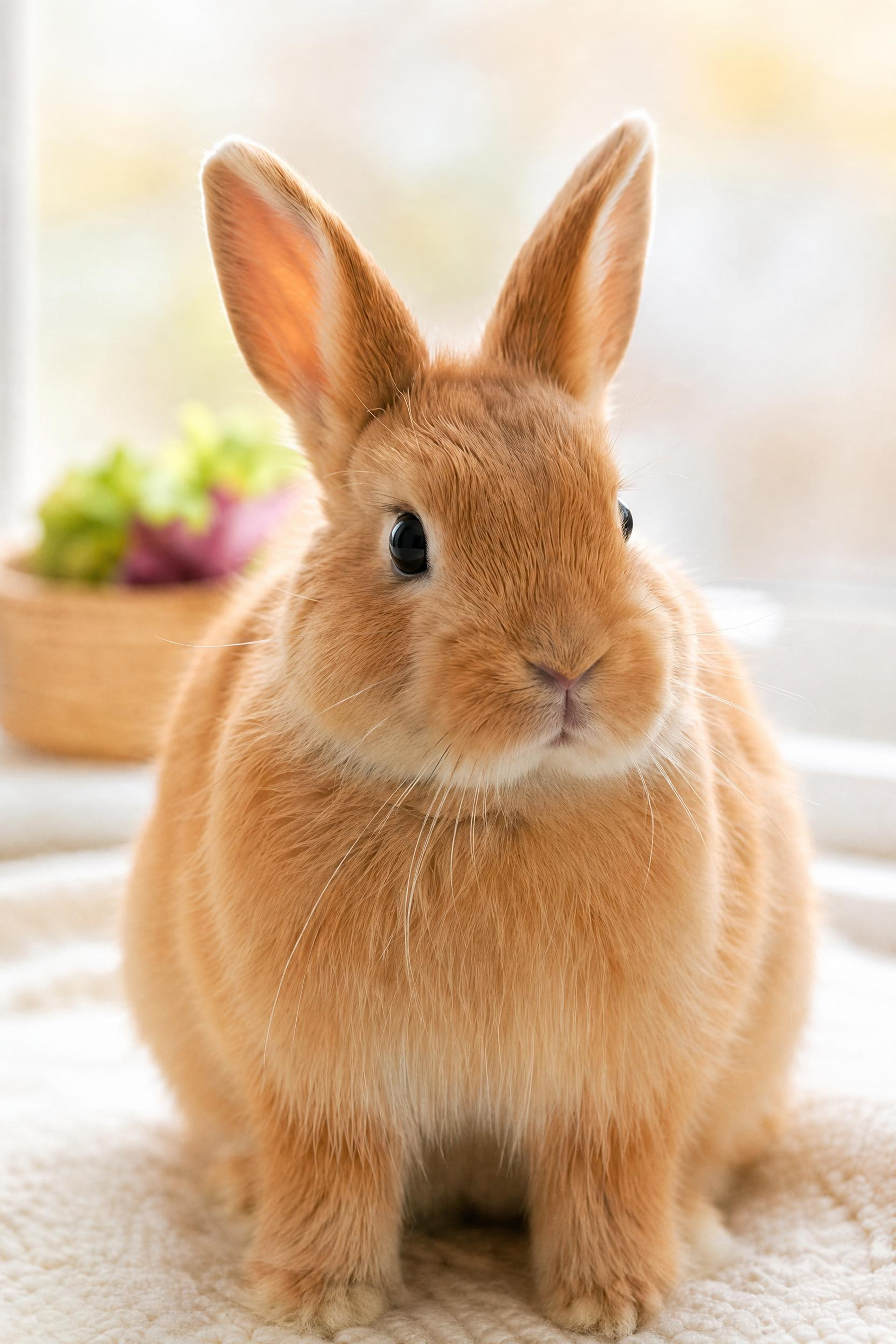
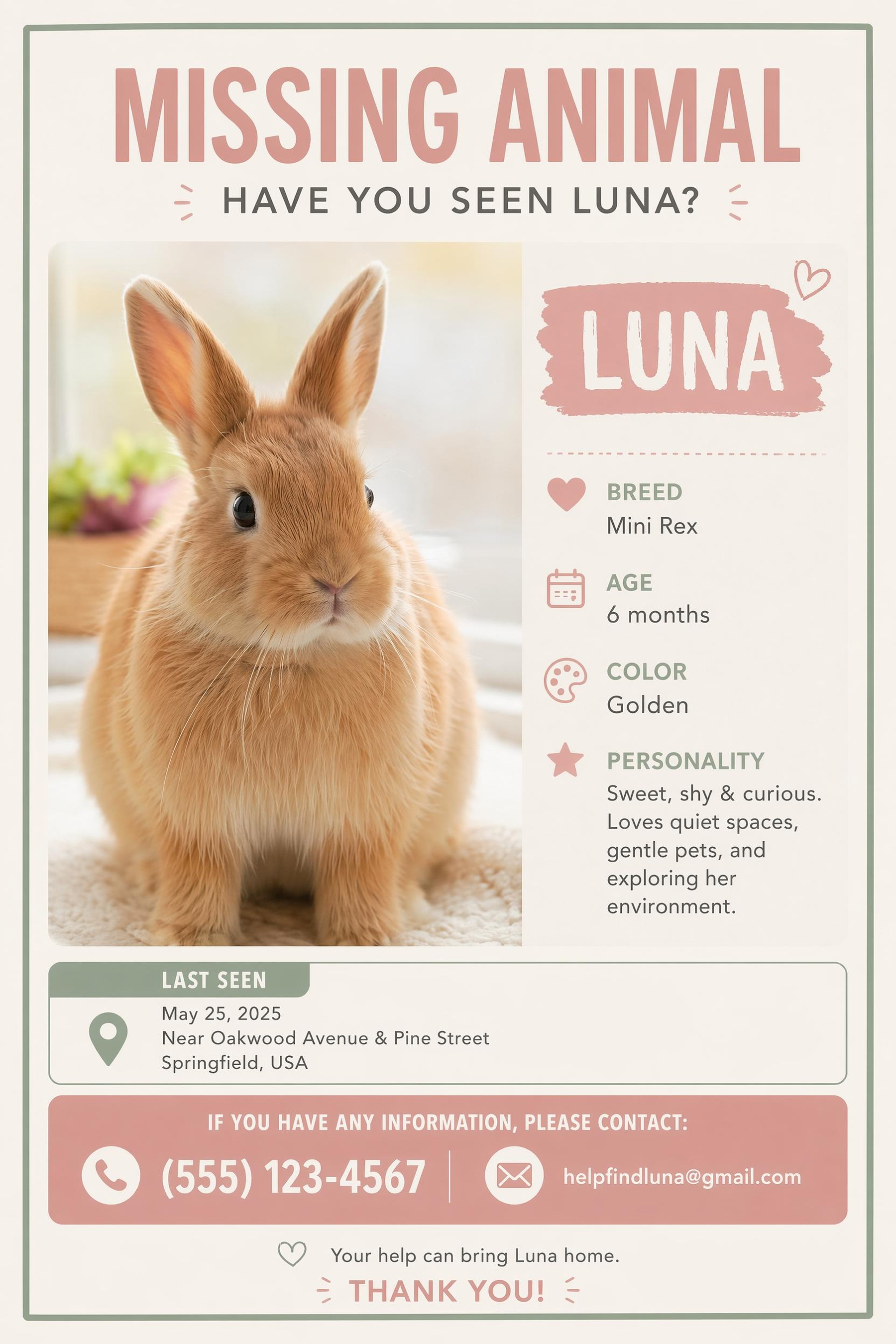
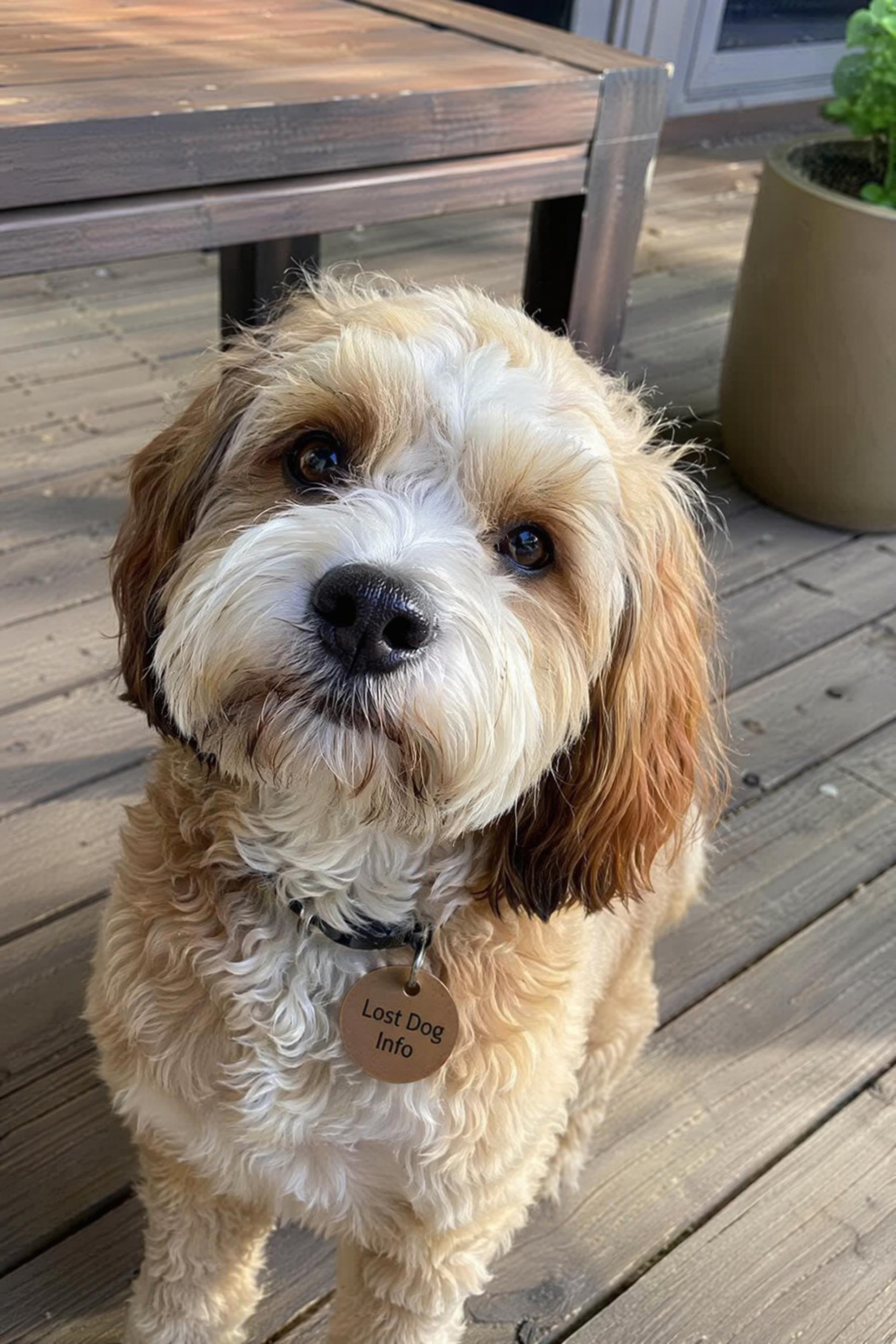
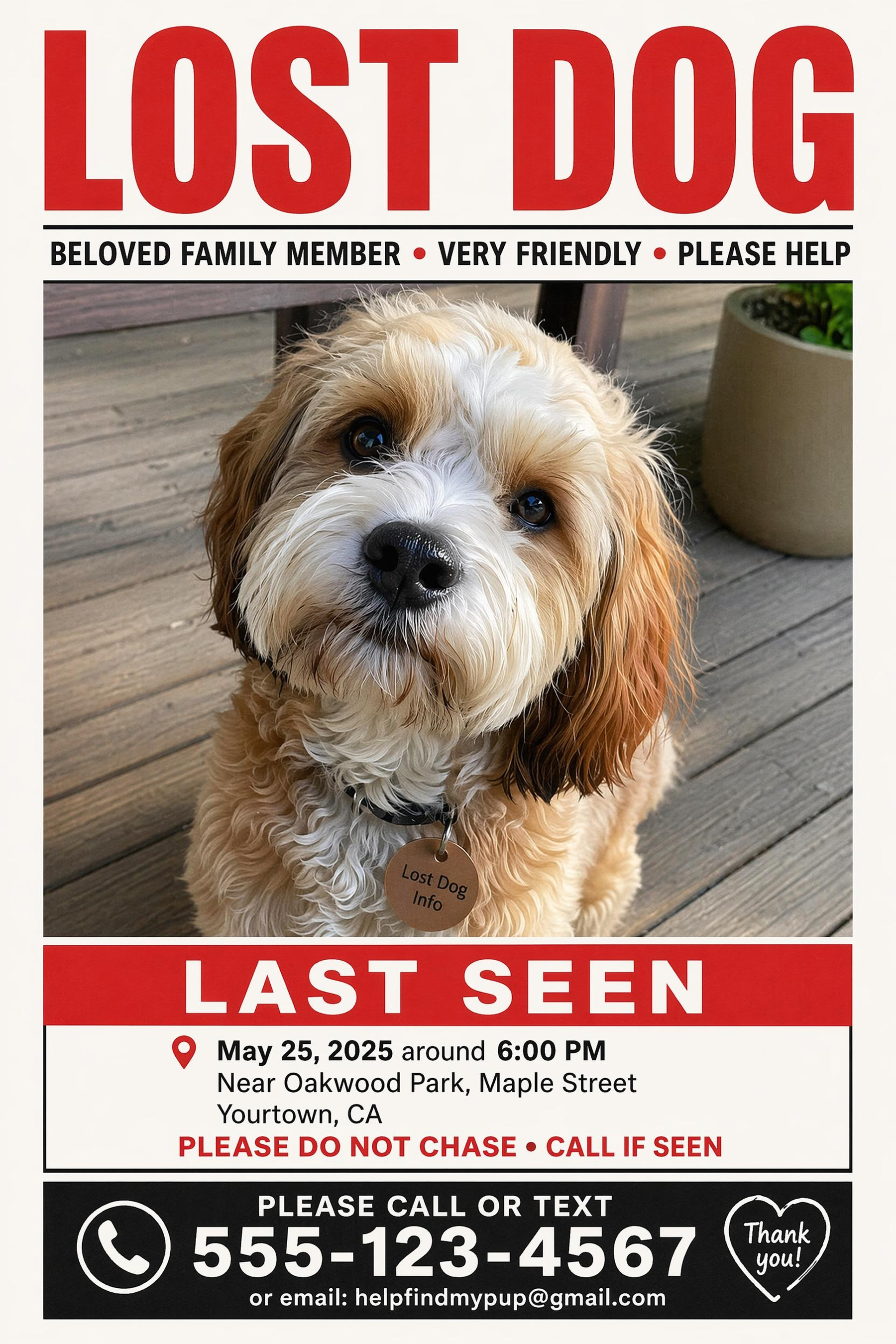
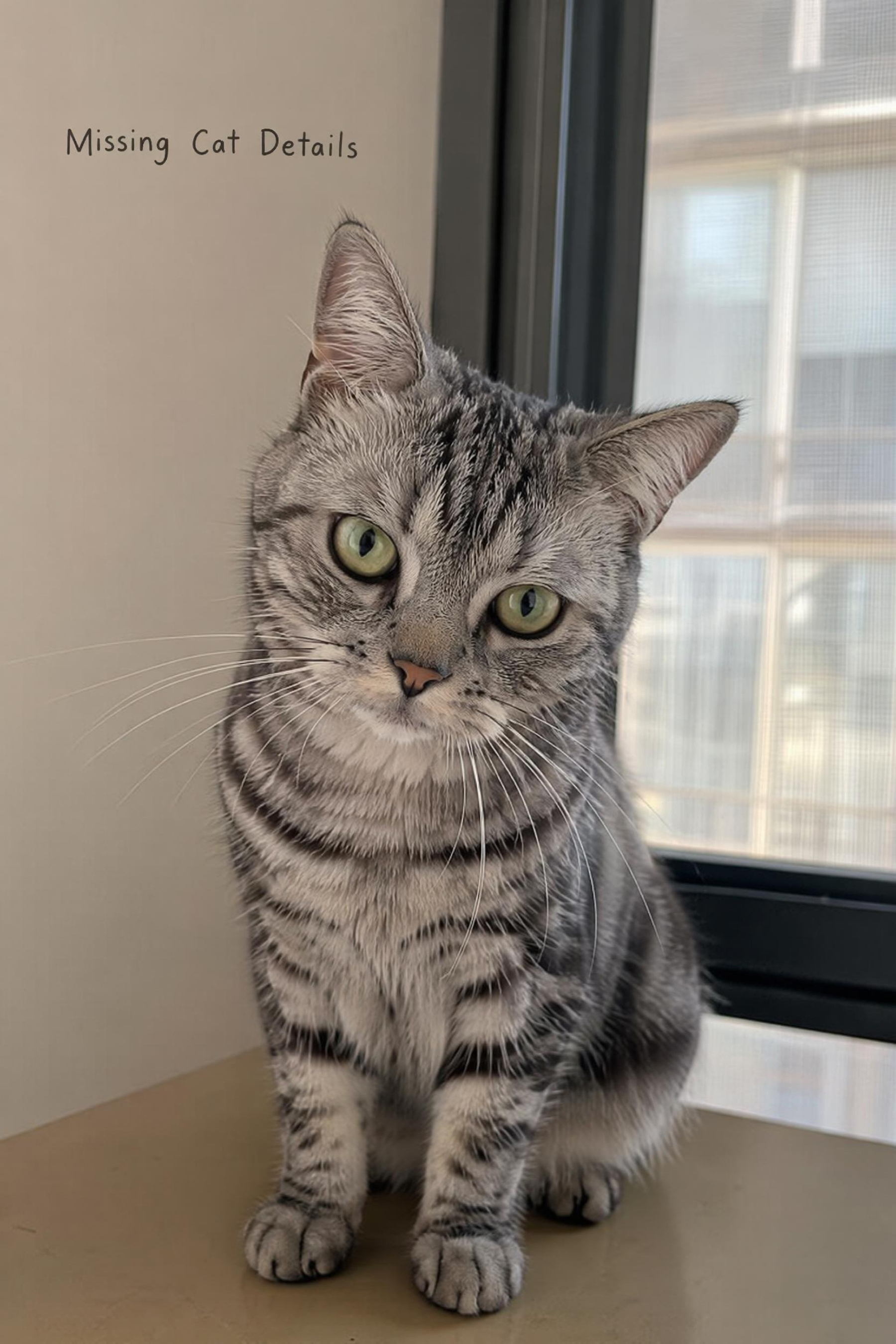
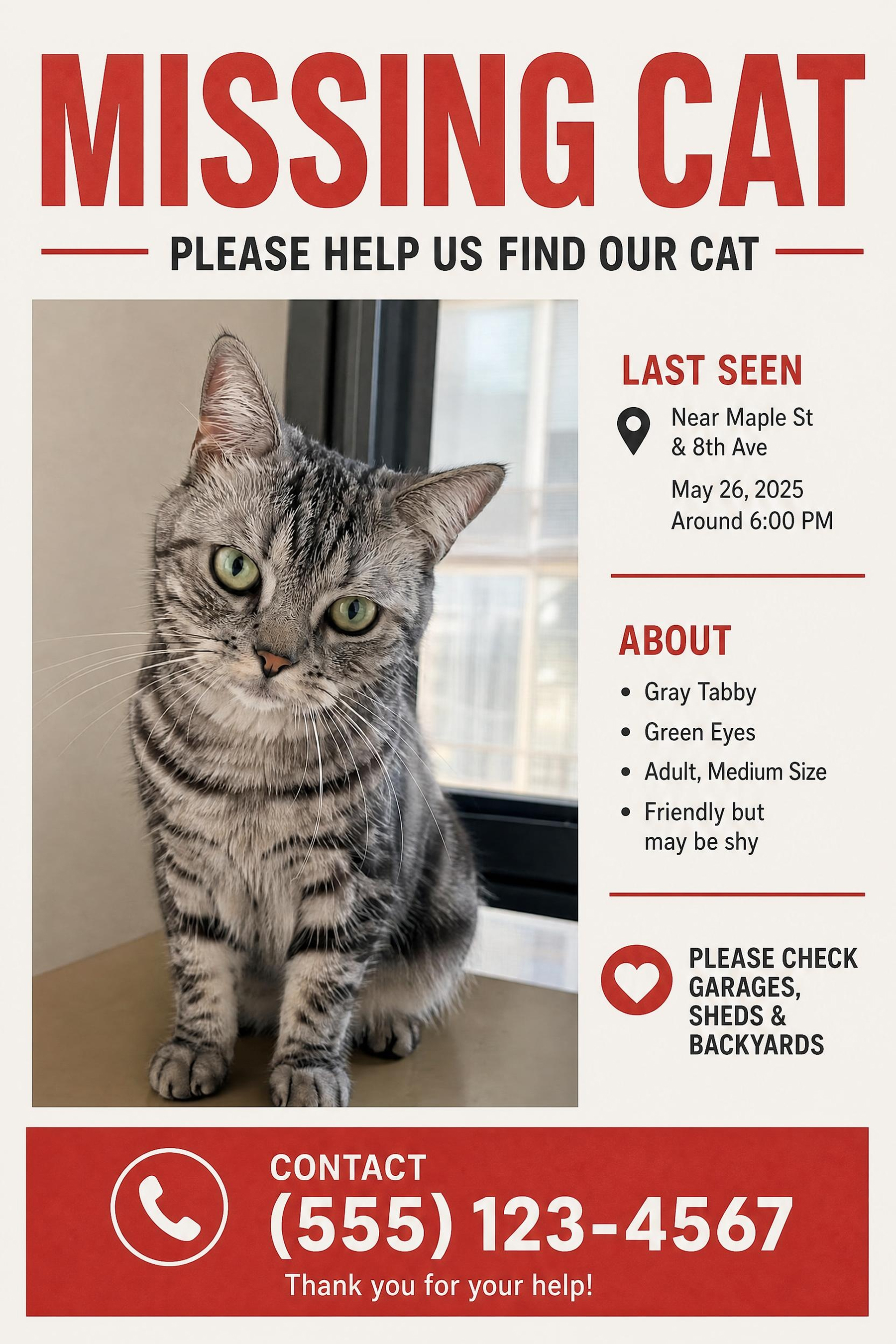
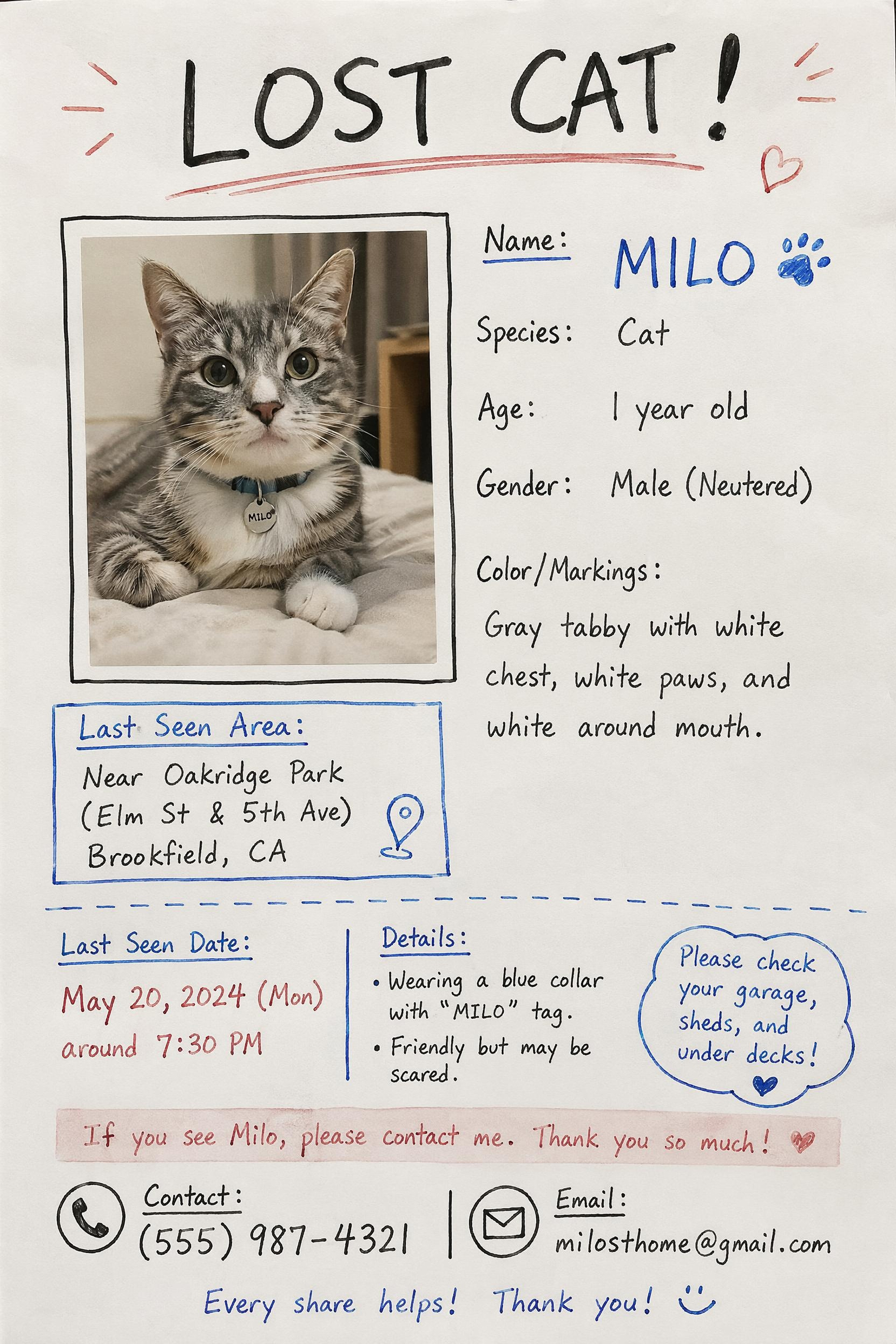
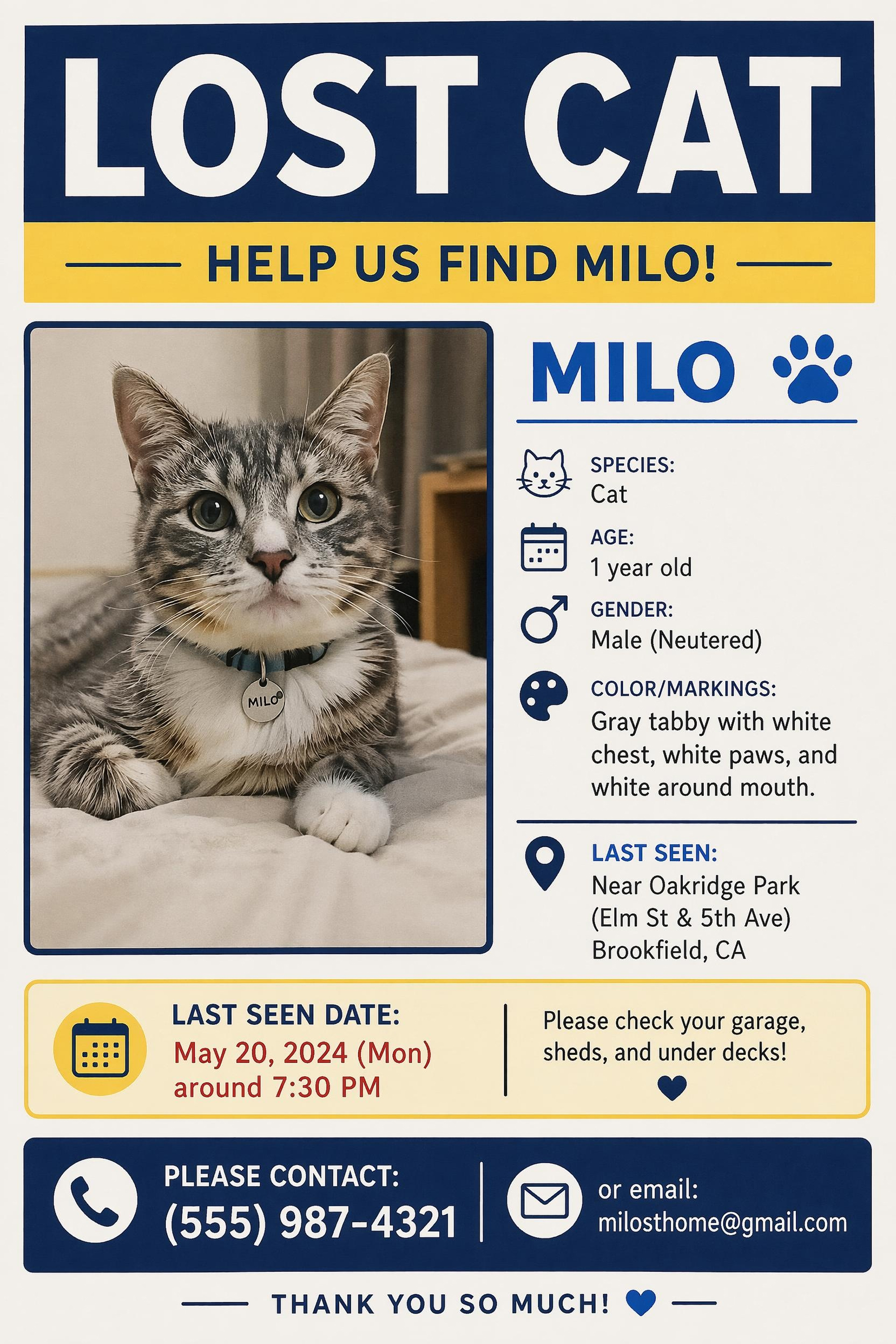
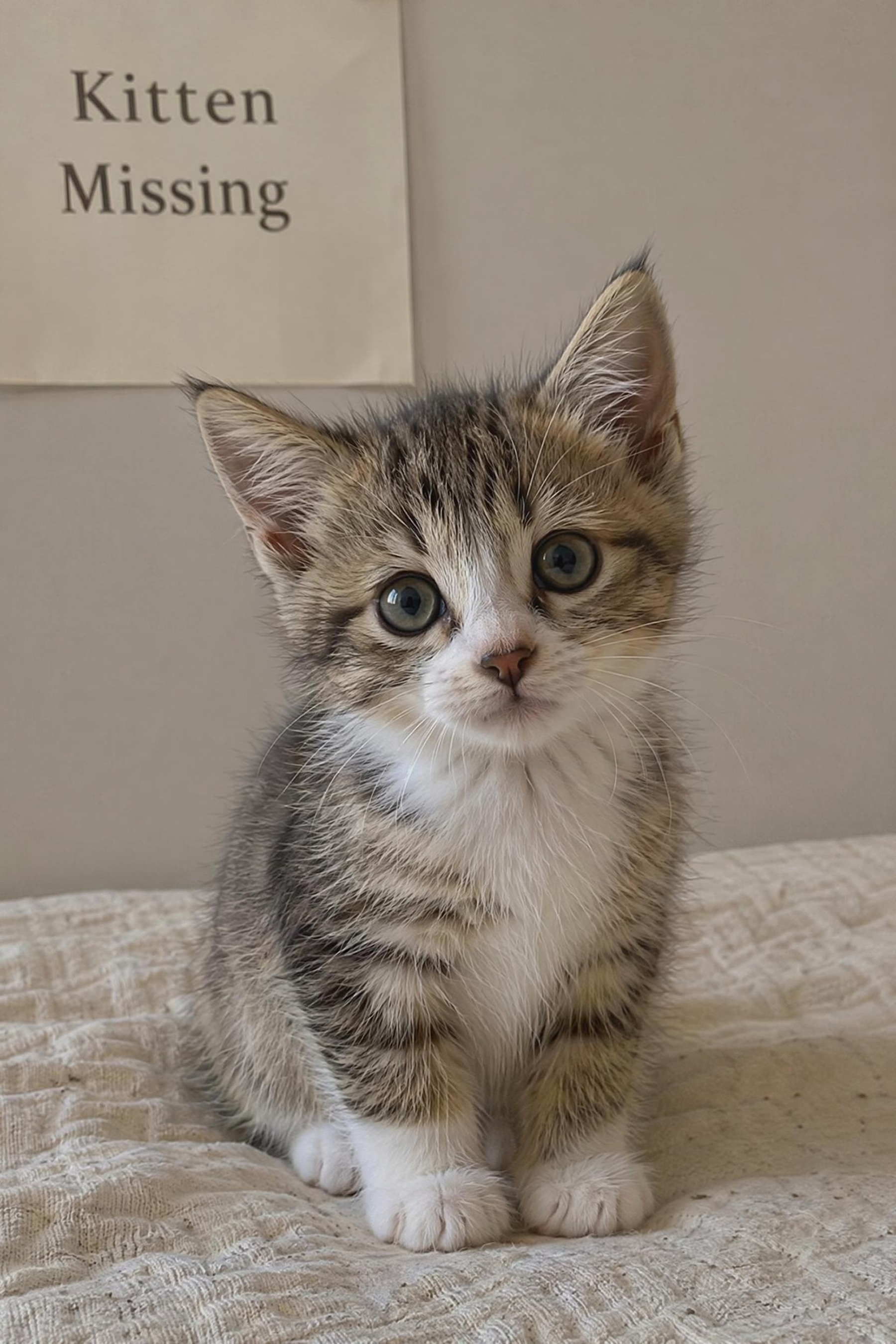
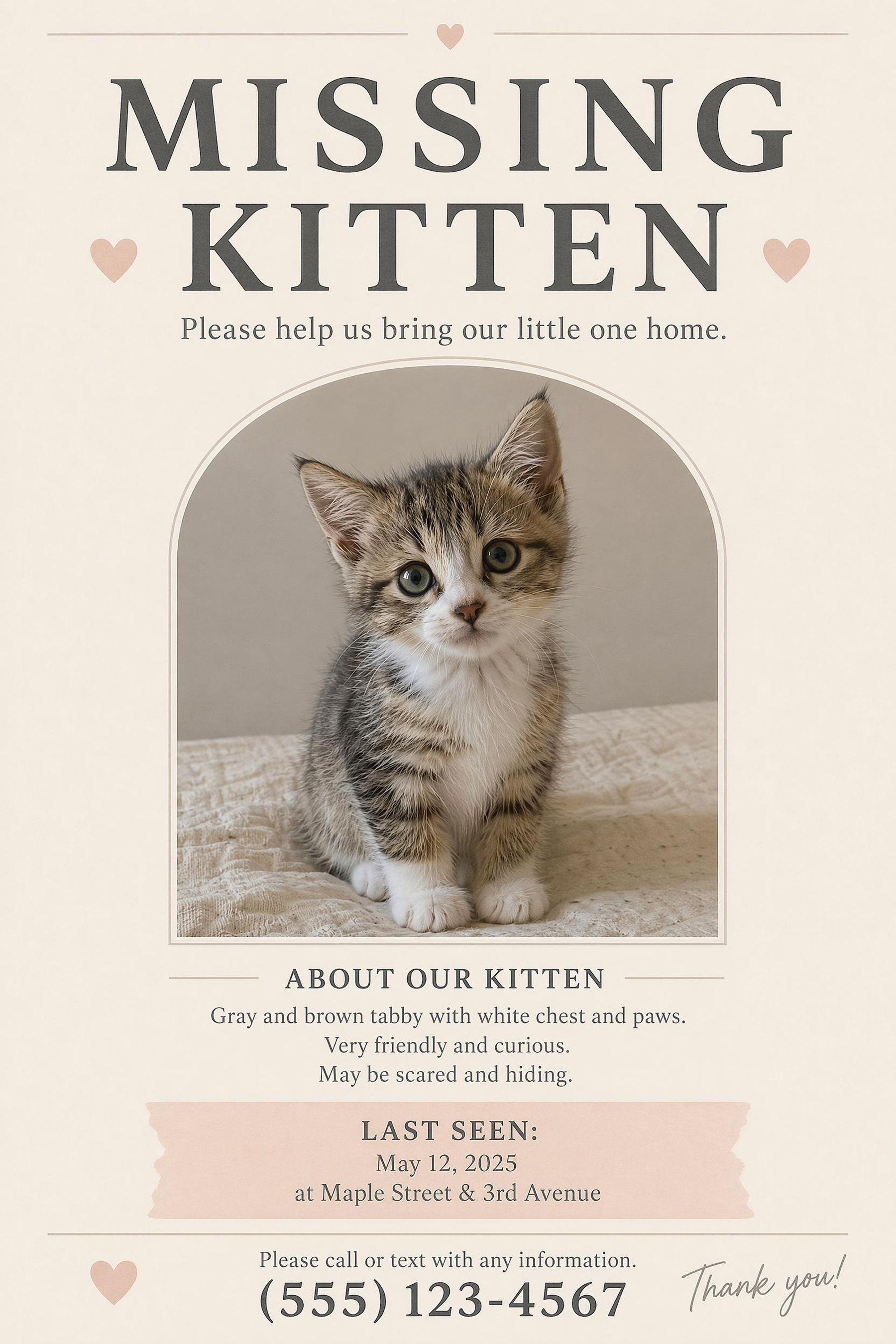
Choose a Missing Pet Poster Style and Personalize It
Start with a template style, then personalize the same layout with your pet photo and search information.
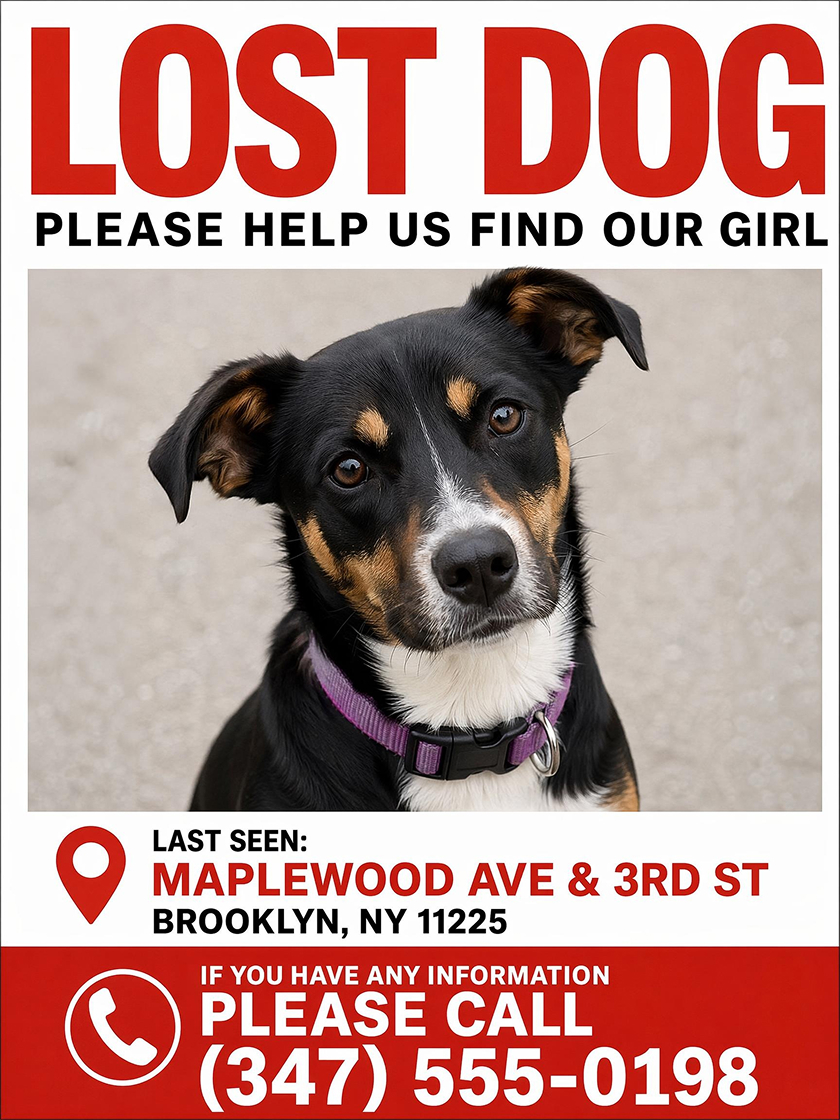
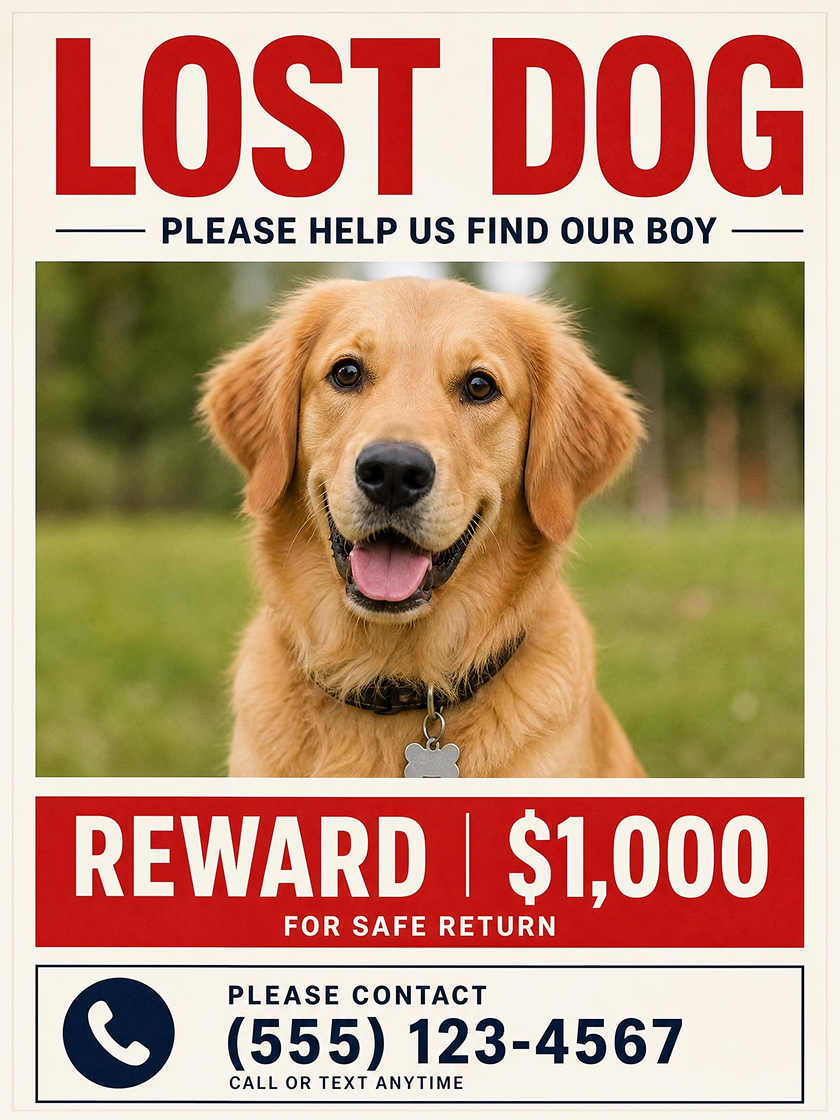
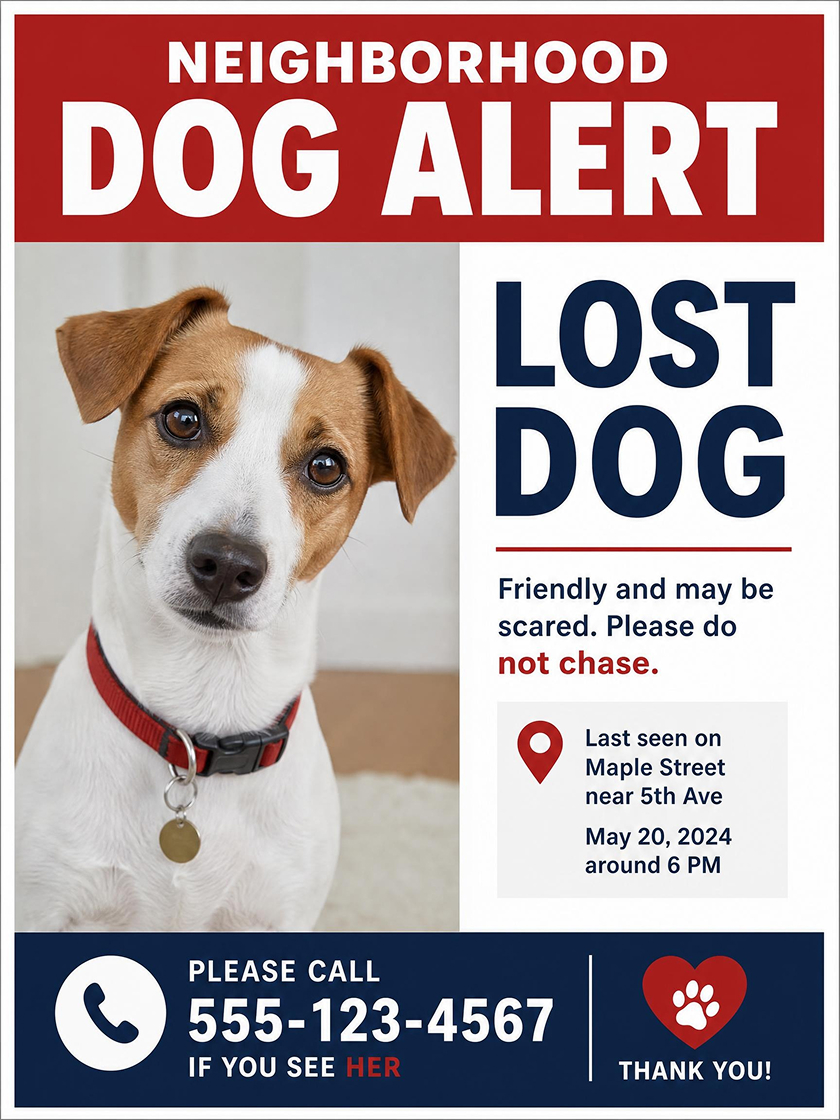
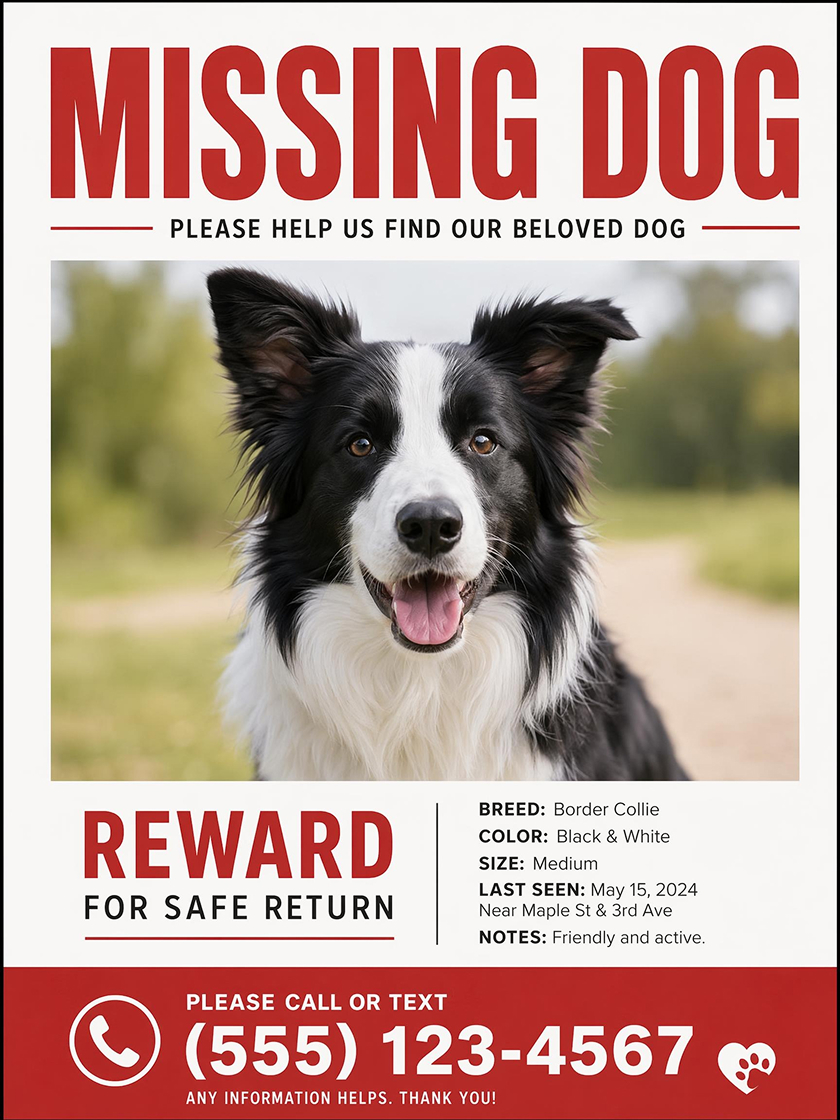
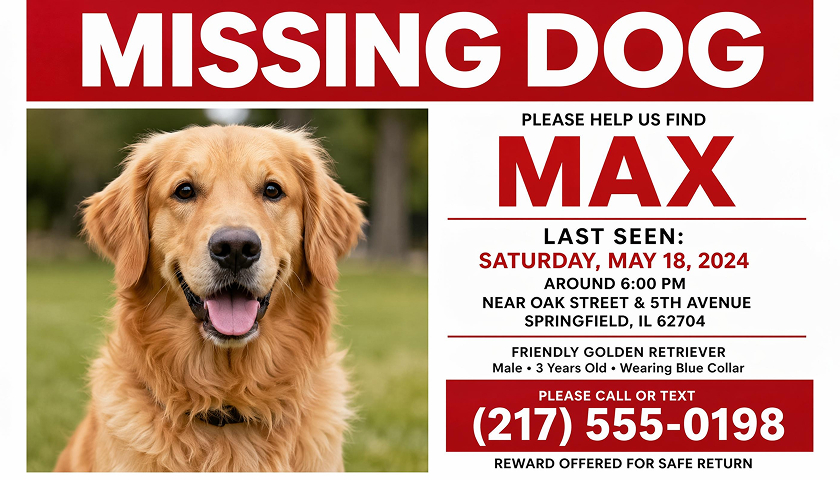
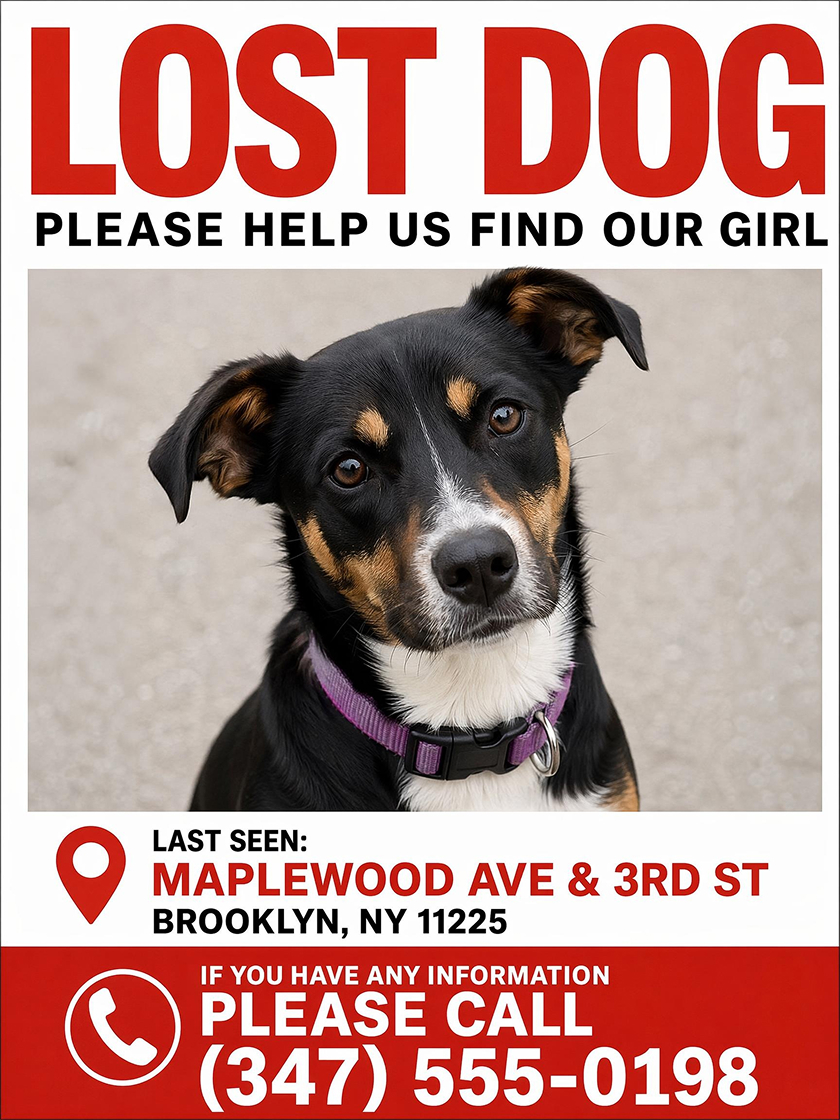 Lost Dog Poster
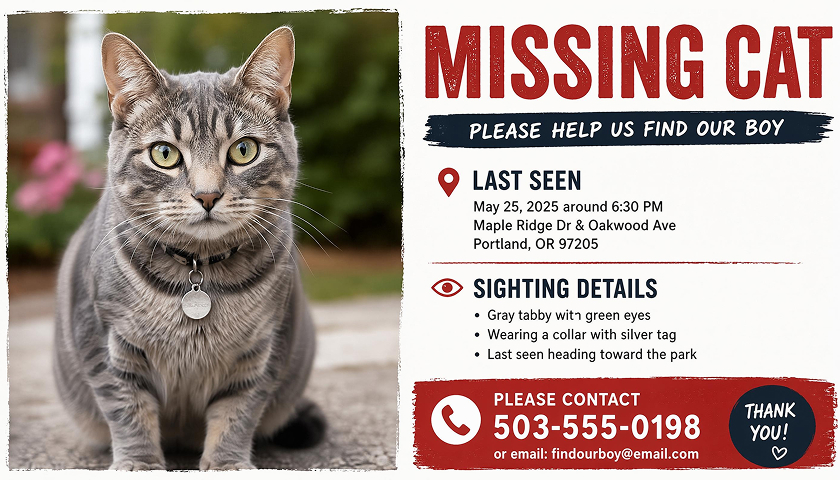
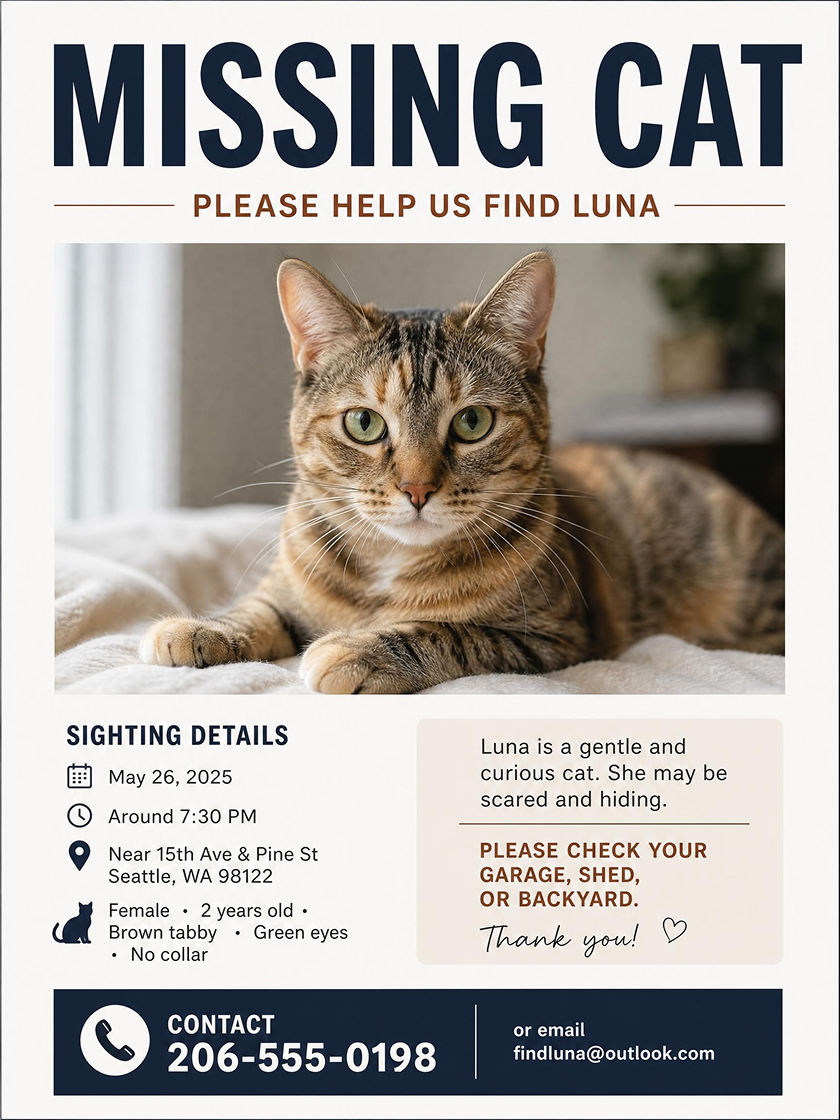 Missing Cat Poster
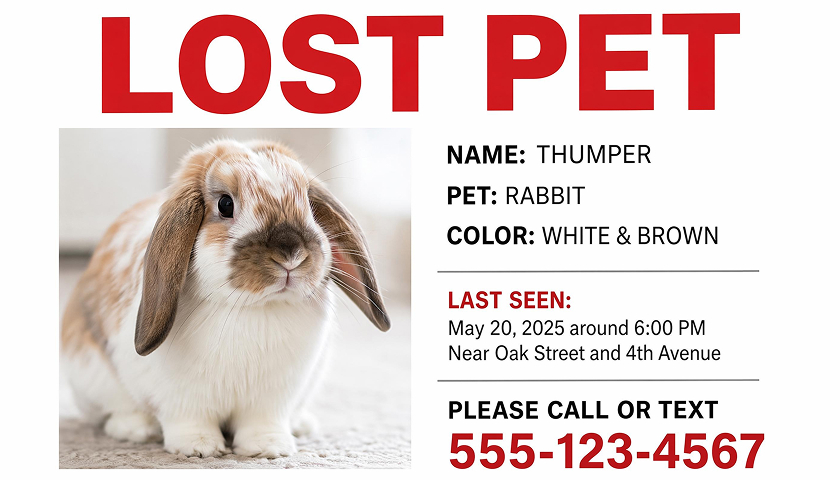
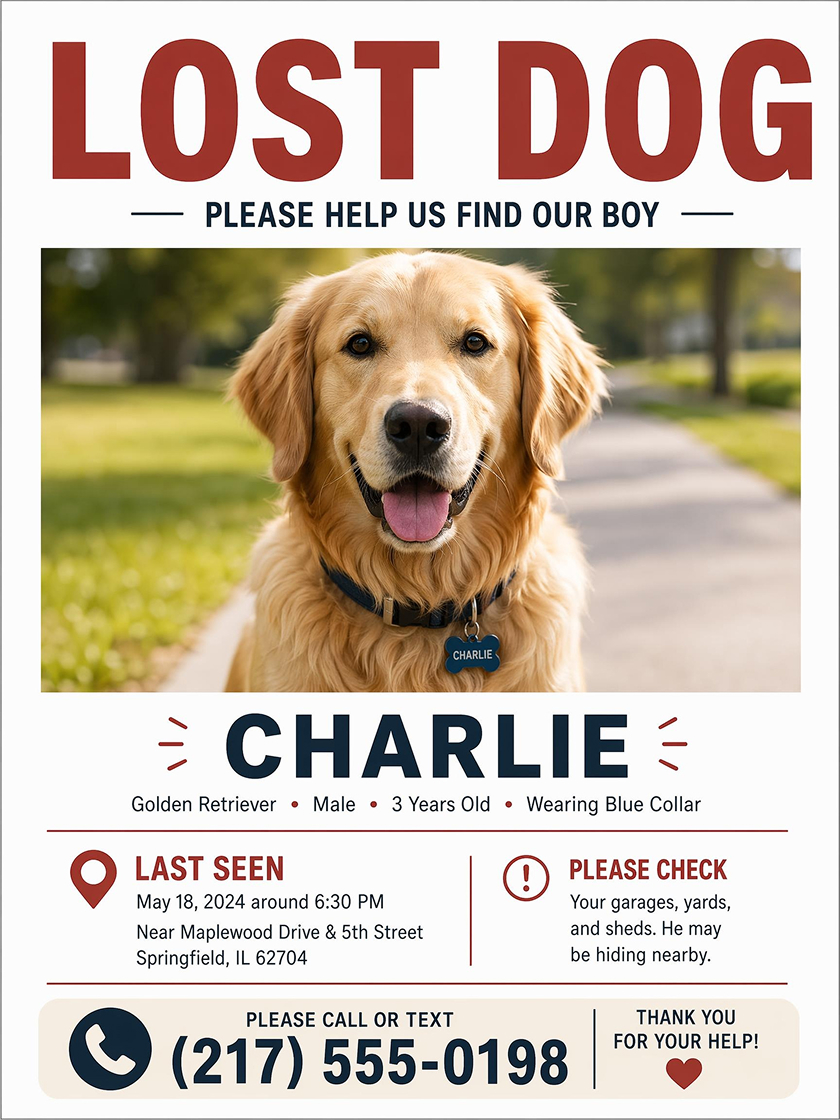 Lost Pet Flyer
How to Make a Missing Pet Poster With AI
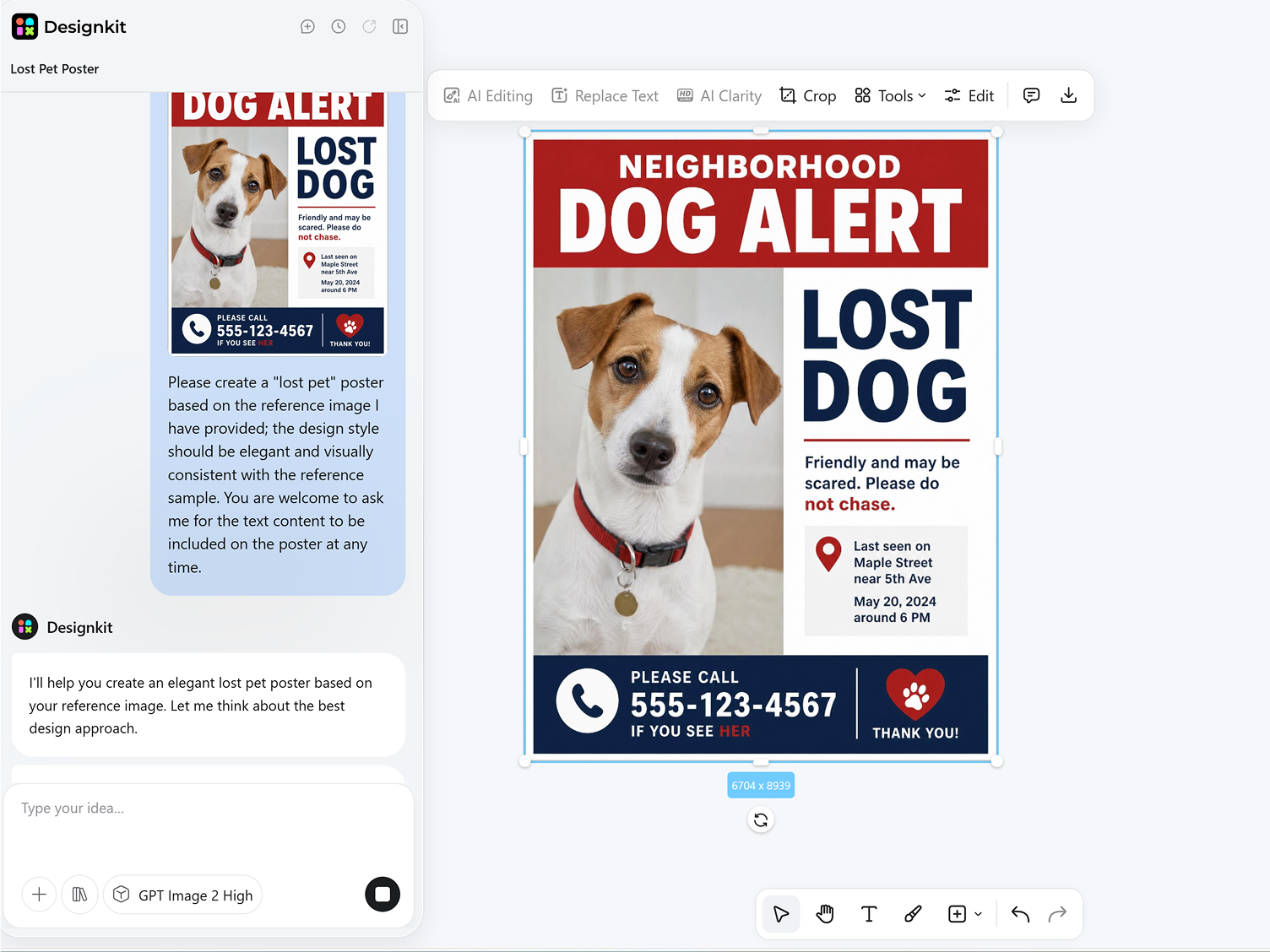
Choose a Style
Choose a missing pet poster style with an editable layout, then use it as the starting point for your pet photo and alert details.
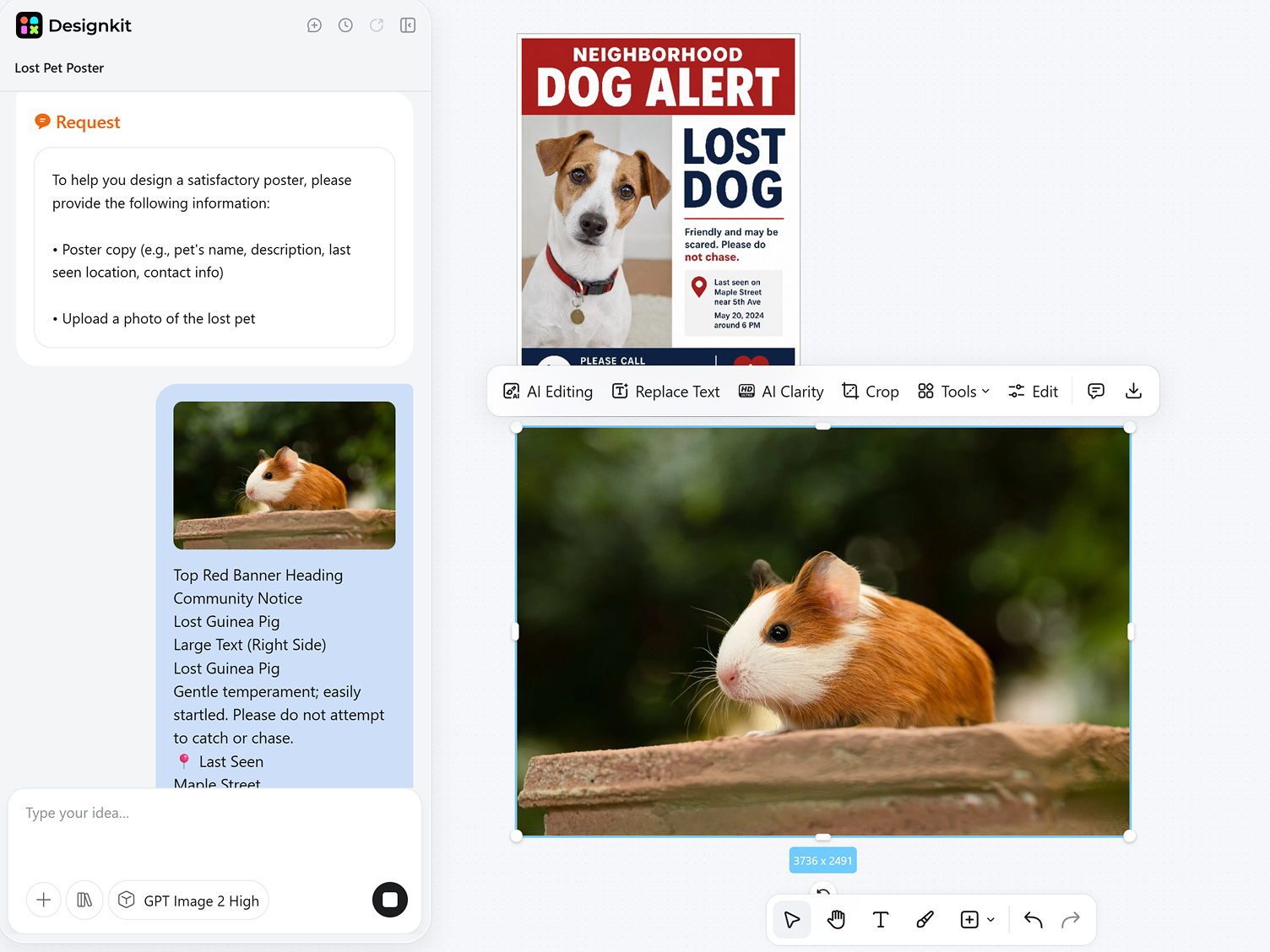
Add Your Pet Photo and Details
Upload a clear pet photo, then add the pet name, last seen area, date, contact method, and short identifying details.
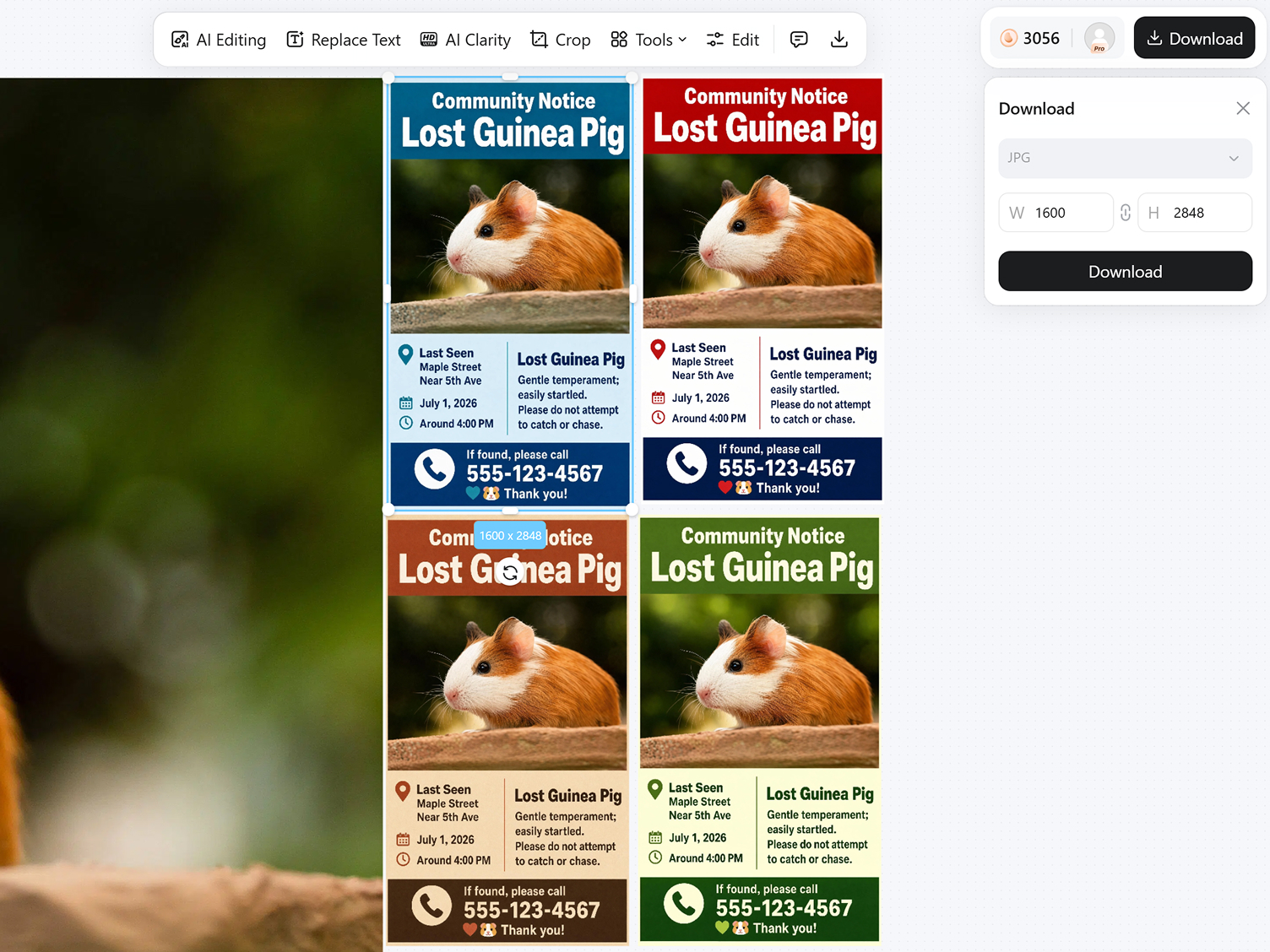
Generate, Edit and Export
Generate poster options, review the photo placement and text order, adjust any wording or layout, then export your design as a PNG.
Create Missing Pet Posters People Can Scan Fast
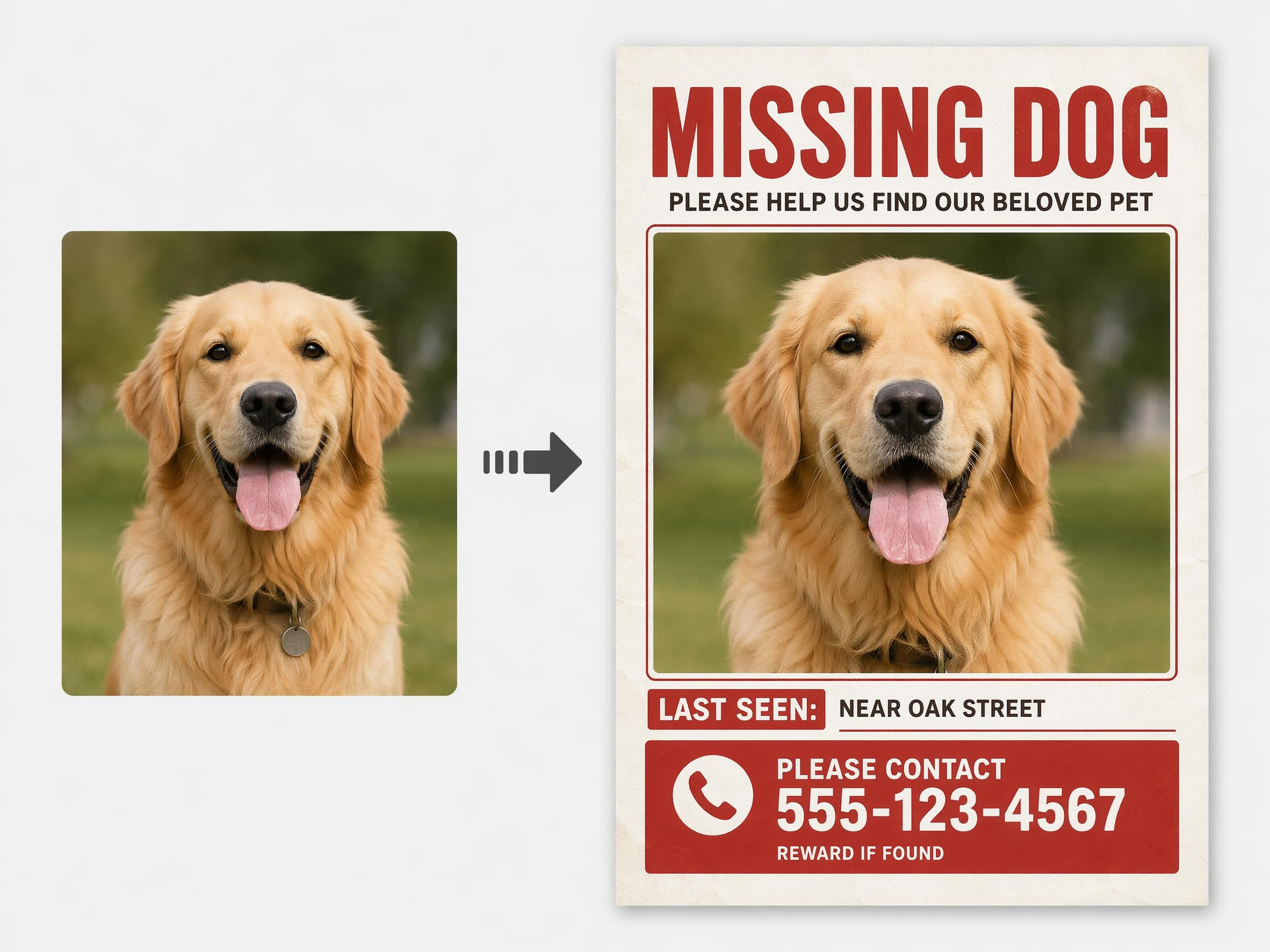
No Changes to Your Pet's Appearance
The poster generator does not reshape, recolor, or otherwise alter your dog or cat. Every detail, including coat pattern and markings, remains exactly as shown in your original photo, ensuring the final poster accurately represents your pet so neighbors can recognize them immediately.
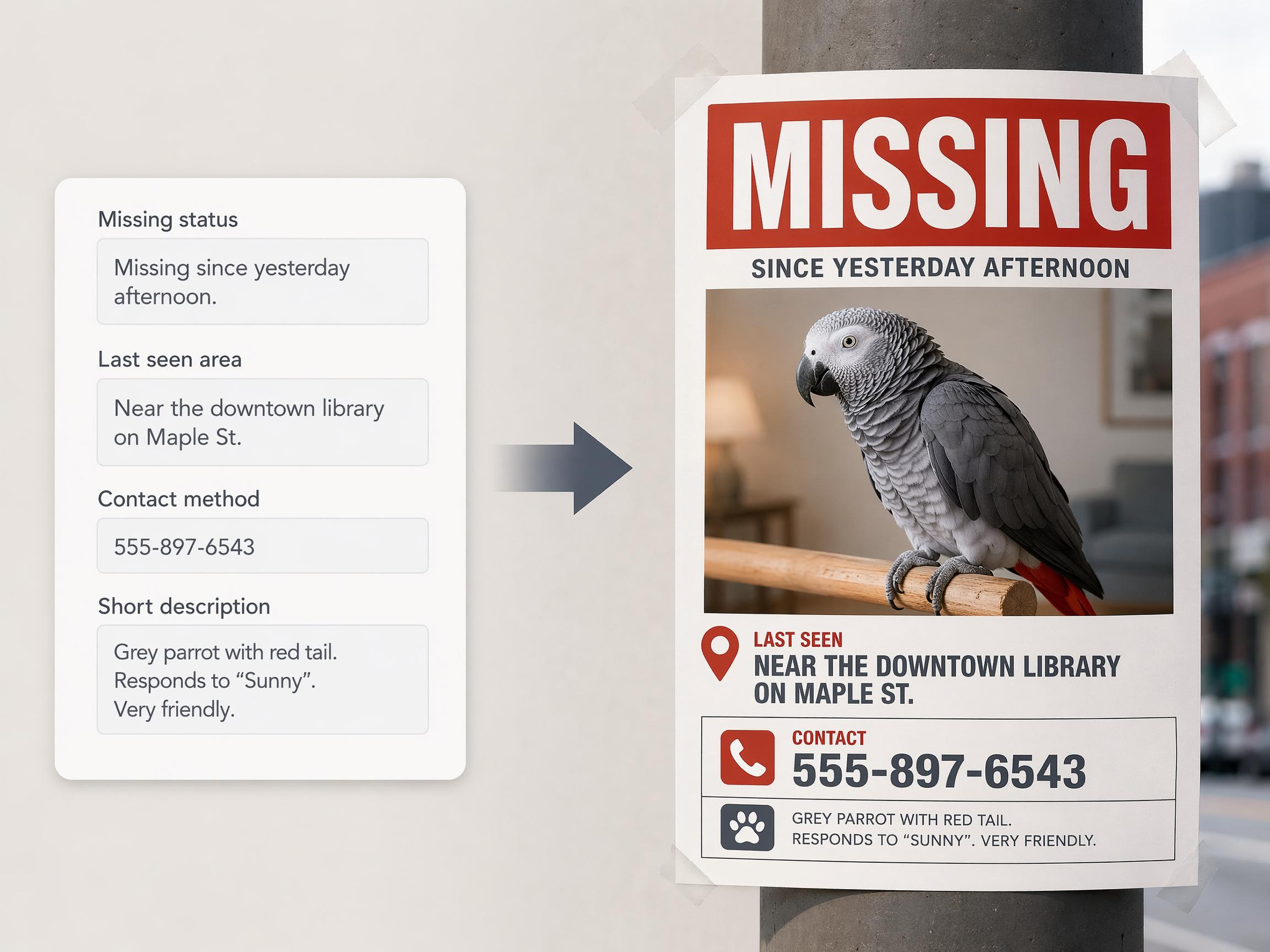
Put the Most Urgent Information First
The AI reads the details you enter and gives stronger visual weight to what matters most: the missing status, last seen area, and how to reach you. Supporting details stay visible but smaller, so the poster feels organized instead of overloaded when someone only has a moment to look.
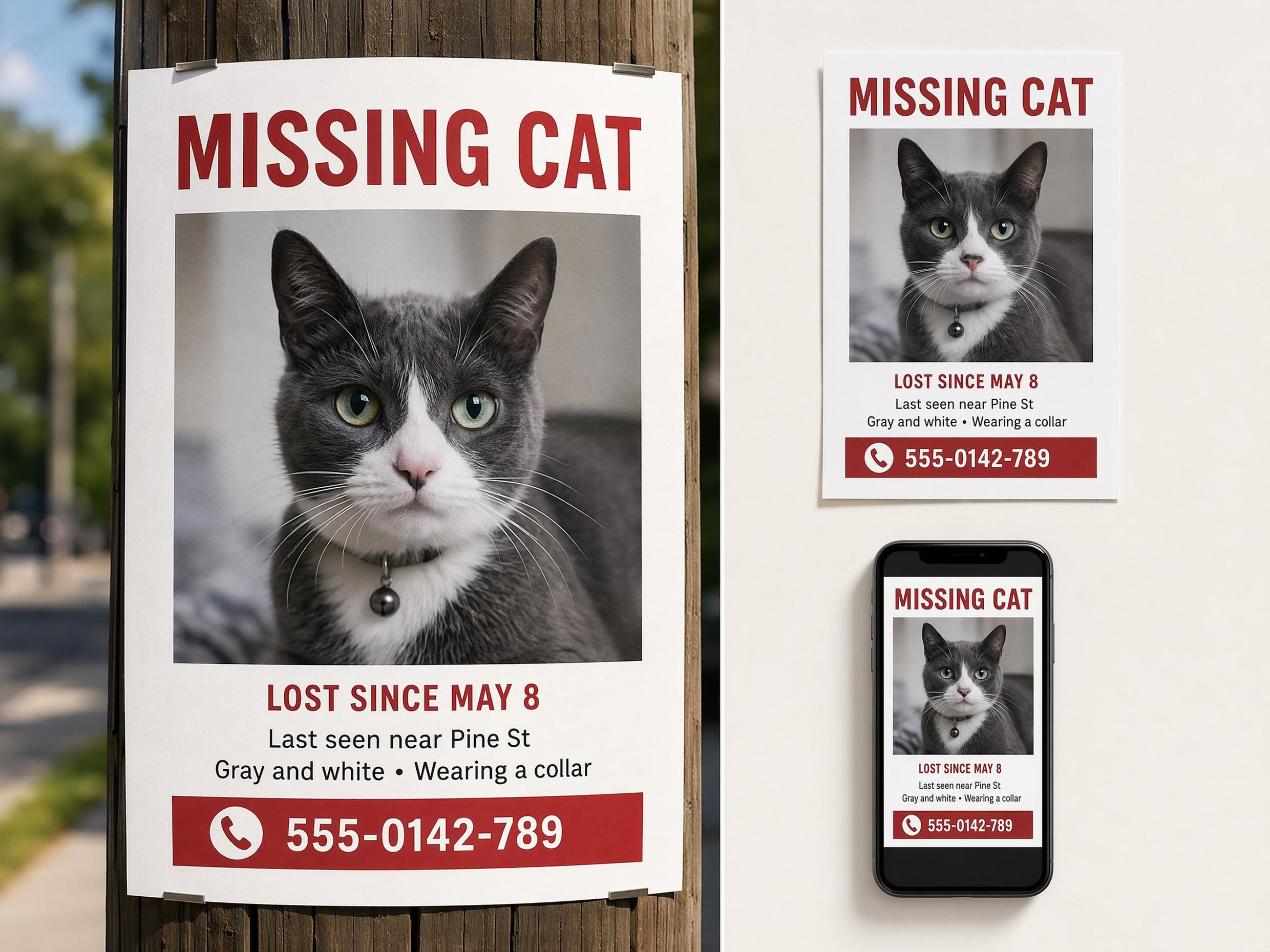
Keep the Alert Readable Across Sizes
Designkit adjusts text scale, spacing, and image balance so the missing pet poster stays readable in different formats. A headline that works on a printed notice may need a different rhythm for a phone screen, so the AI reshapes the layout while keeping the same core alert intact.
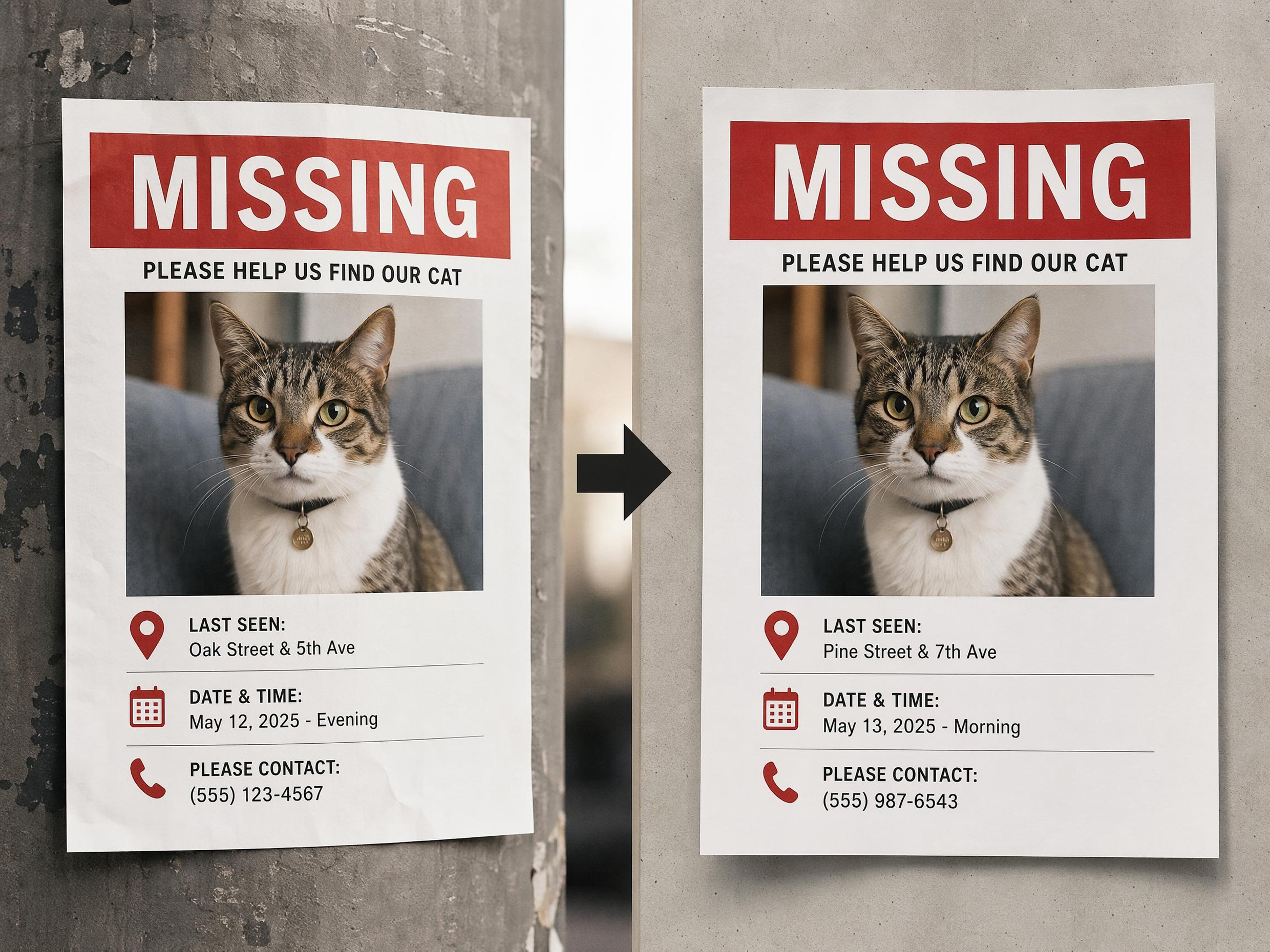
Generate Updates Without Rebuilding the Poster
When search details change, the original photo, layout, and overall message carry forward into the new version. Update the location, timing, or contact note, then generate a revised poster that still looks connected to the one you first shared.
Poster Types You Can Create with Designkit

Social Media Poster

Fashion Poster

Travel Poster

Cafe Poster

Food Poster
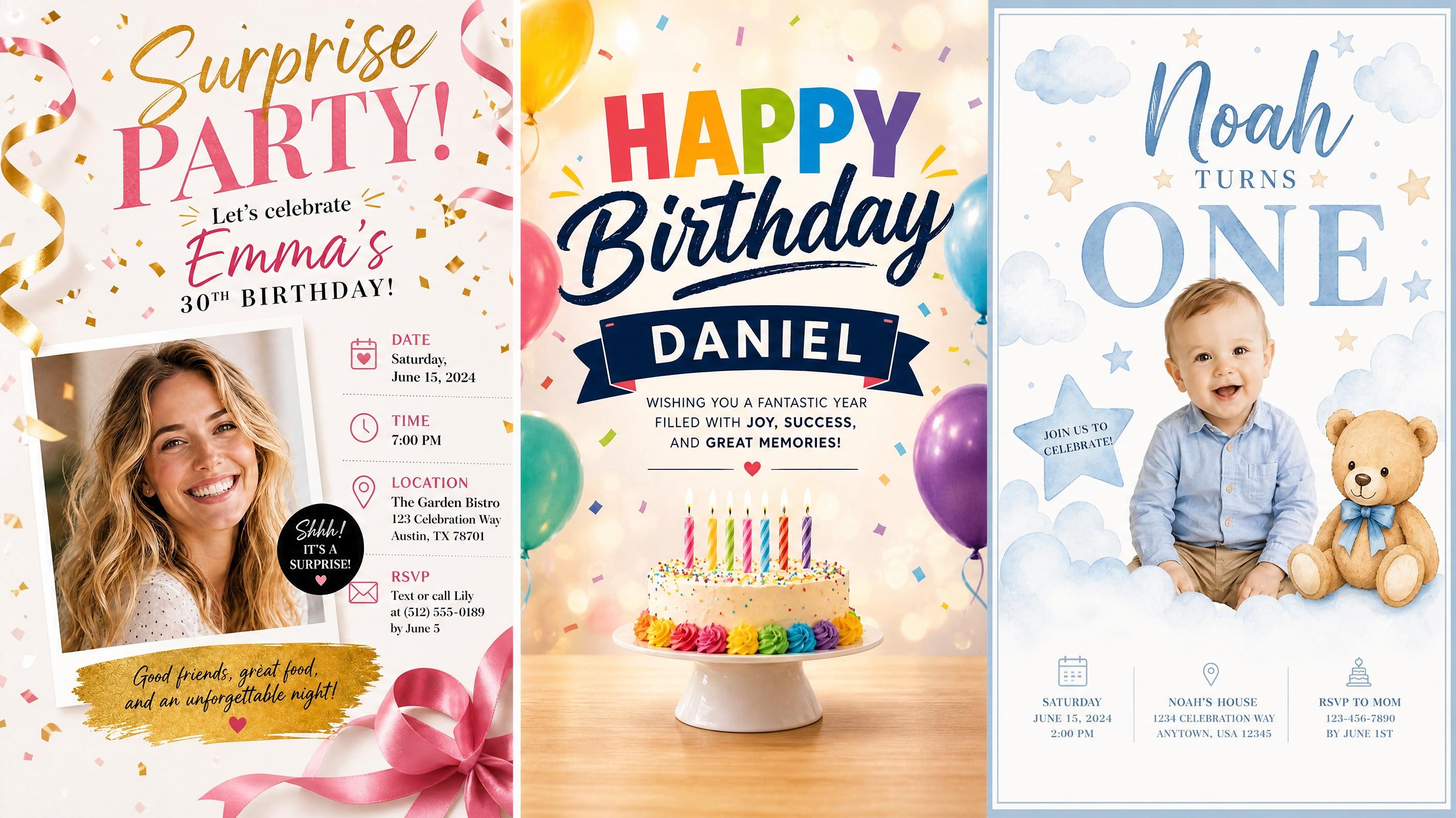
Birthday Poster

School Poster

Graduation Poster
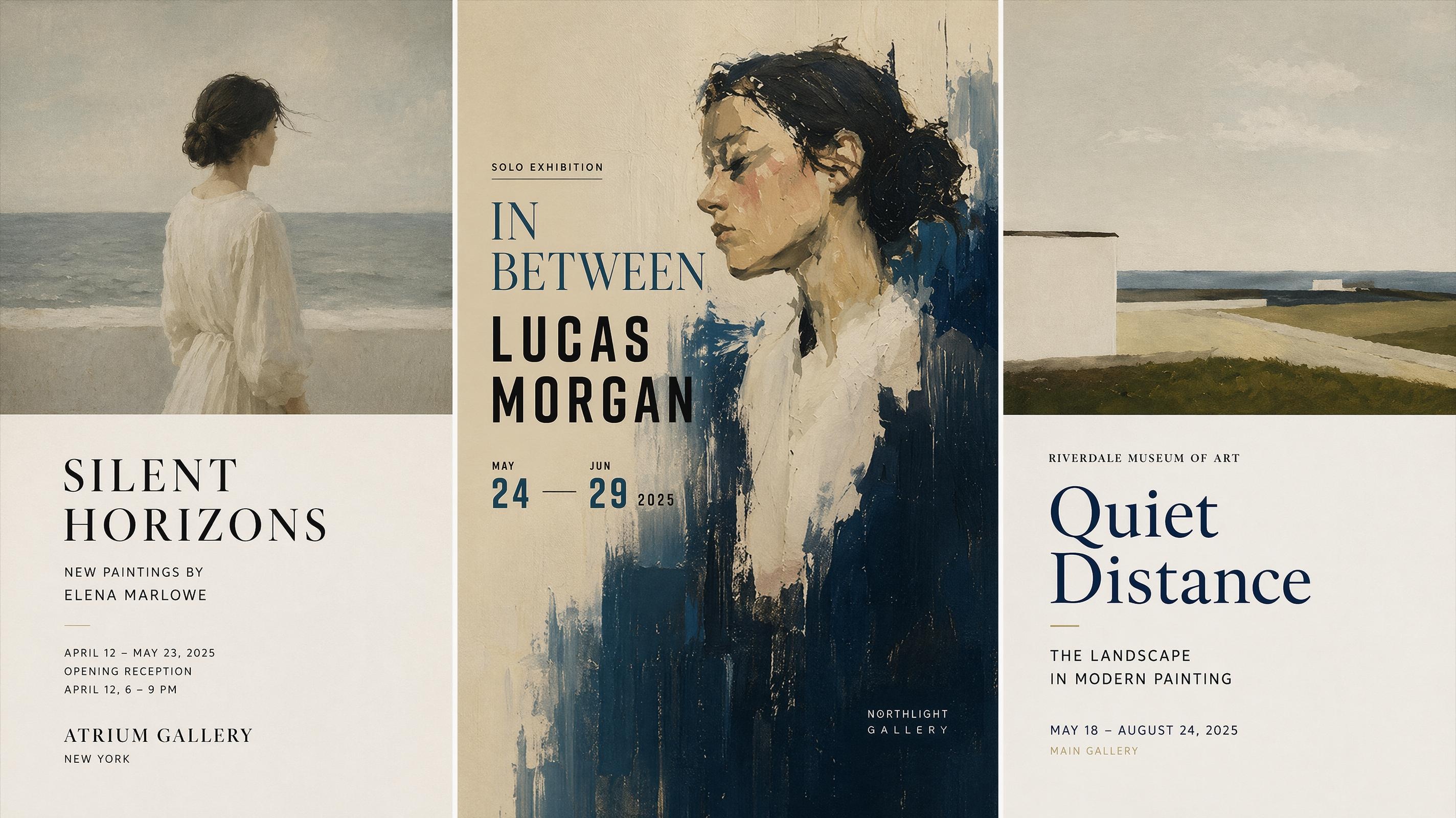
Art Poster
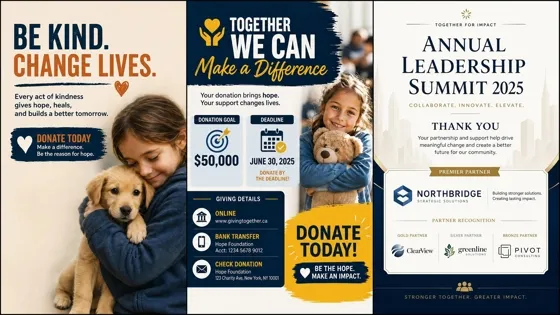
Fundraising Poster

Conference Poster

Festival Poster
Frequently Asked Questions
What is a missing pet poster generator?
Is the missing pet poster generator free to use?
Yes, you can generate and download a missing pet poster without paying. This matters when a pet just went missing and you need something ready to print or share within minutes, not hours.
What if I only have a blurry or low-quality photo of my pet?
A clear photo works best, but if the original is soft or dark, running it through an image enhancer first can help the pet's features stand out before you place it on the poster. A recognizable photo matters more than a perfect one.
Will the generator change how my dog or cat actually looks?
No. The tool places your dog or cat photo directly onto the poster layout rather than recreating or altering it, so the pet's true colors, markings, and features stay accurate. This matters most for a missing dog poster or missing cat poster, since neighbors rely on the real photo to recognize the animal.
Can I create a lost pet flyer for local sharing?
Yes. Use the Lost Pet Flyer template when you need a simple notice for neighborhood posting or community sharing. Keep the photo large, make the contact method easy to find, and avoid long paragraphs.
What details should I put on a missing pet poster?
Include the pet name, a clear photo, last seen area, date, contact method, and a short description. Add identifying details only when they help people recognize the pet quickly.
Can I update the poster after new sightings?
Yes. You can change the last seen area, edit the timing, update the contact note, or generate a new version from the same template. This keeps the alert current while preserving the original photo and message style.
Make a Clear Poster While the Details Are Fresh
Start with a template, add the details that help people recognize and contact you, and export a clear missing pet poster you can update as the search moves forward.



What Pet Owners Say About Designkit
Pet owners use Designkit to create clear missing pet alerts that are easy to update and share.
The Photo Finally Took Priority
I had the right information, but my first poster looked messy and the photo felt too small. The template made the pet image the main focus, and the final design was much easier for neighbors to understand at a glance.
The Contact Section Was Much Clearer
The generated poster made the phone number and search details stand out in a way my plain text note did not. I still changed a few words myself, but the layout gave the alert a clear order from the start.
Updating the Alert Felt Less Stressful
When we got a new sighting, I changed the location line and made another version instead of rebuilding the whole notice. Keeping the same photo and layout made the updates feel consistent.
The Flyer Looked More Complete
I needed something simple enough to print and share, but it still had to look serious. Designkit helped fit the photo, description, and contact details into one clean layout that did not feel overloaded.
Different Versions Helped Us Share Faster
We used one version for nearby posting and another for online sharing. The message stayed the same, but the spacing and text size felt better for each use, which saved us a lot of back-and-forth editing.