
Turn Your Name or Handwriting Into a Signature PNG
Upload a handwriting photo or enter your name to generate realistic signature styles. Download transparent PNG files for documents, watermarks, and brand assets.
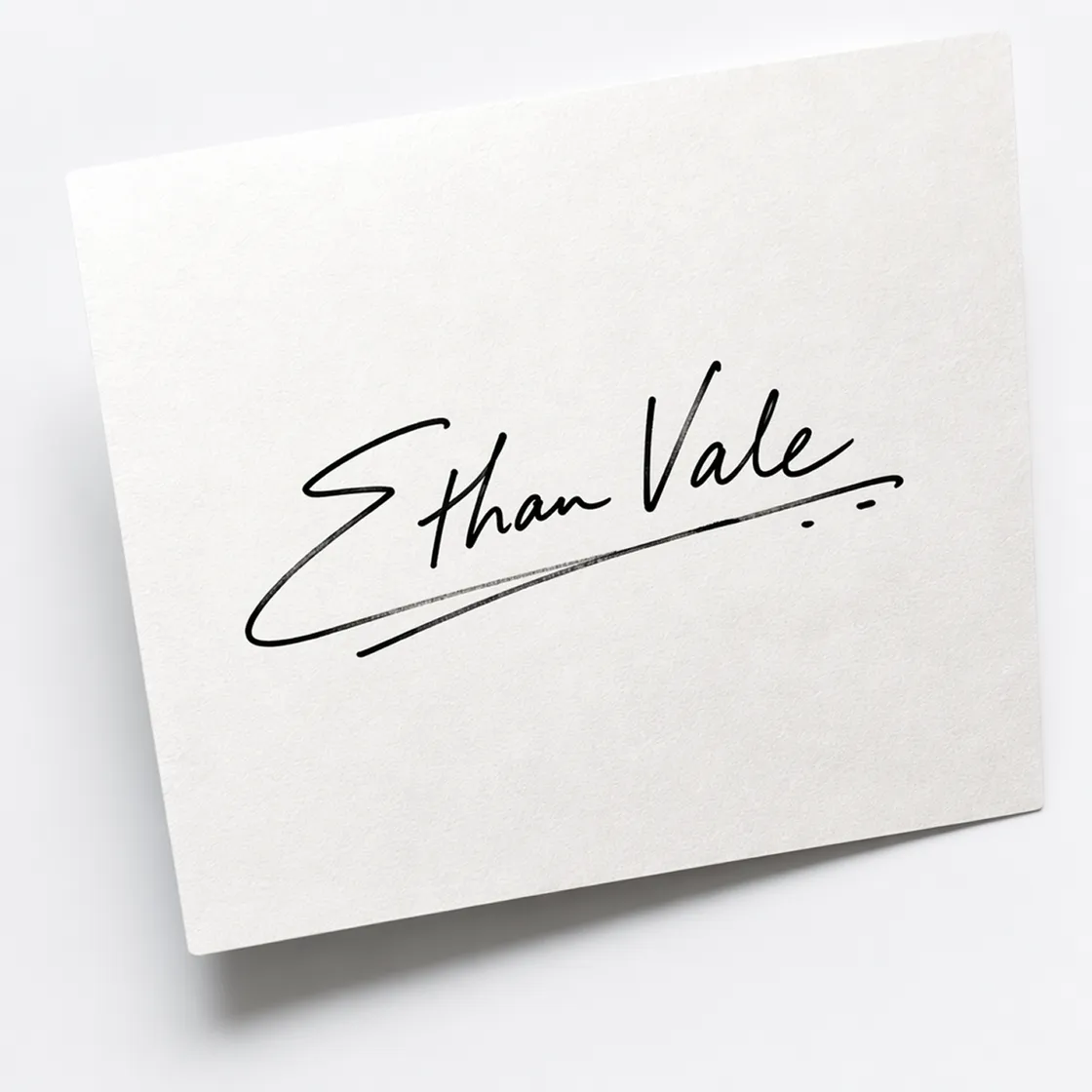
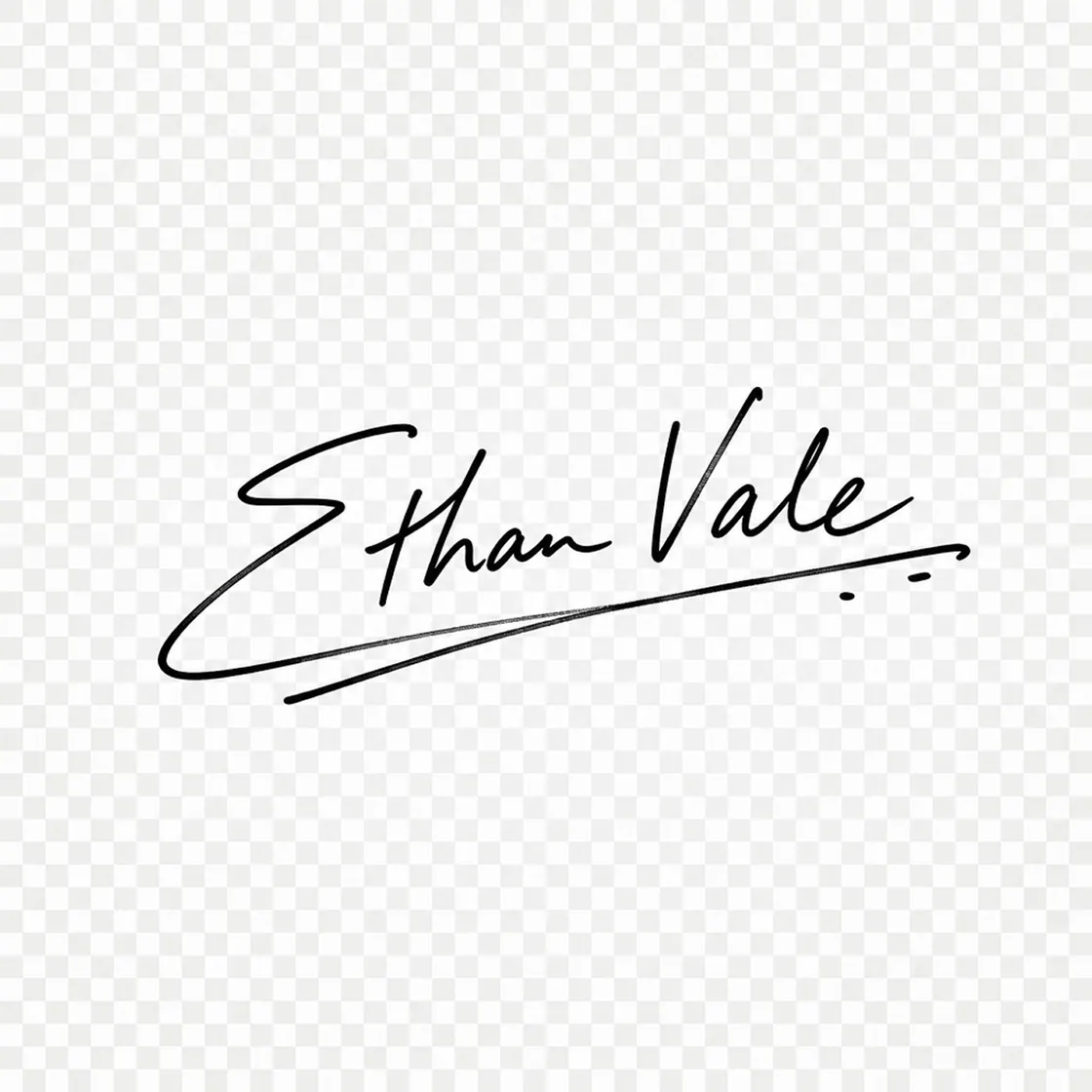
AI Image Prompt Templates for Every Signature Style
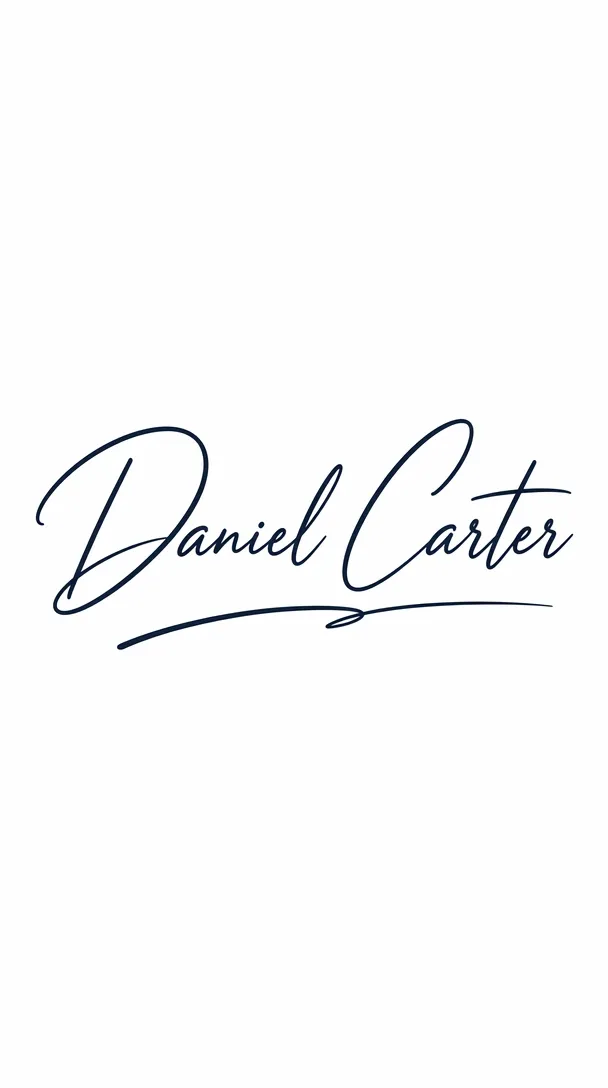
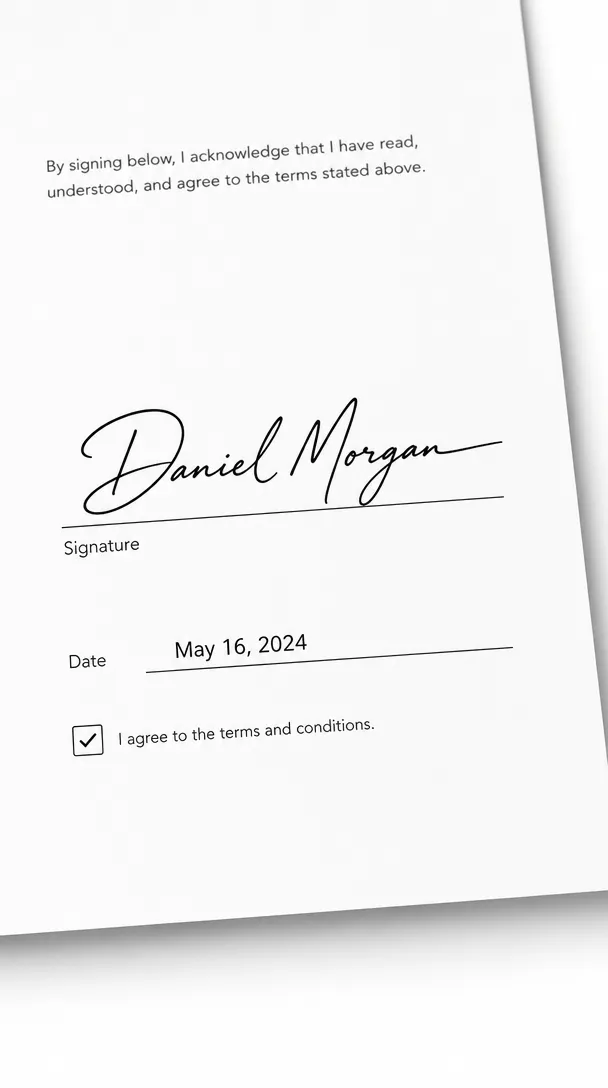

How to Create a Signature in 3 Steps
Upload Your Name or Handwritten Signature
Upload a handwriting photo or type your name. Designkit prepares it to create a signature that matches your personal writing style.
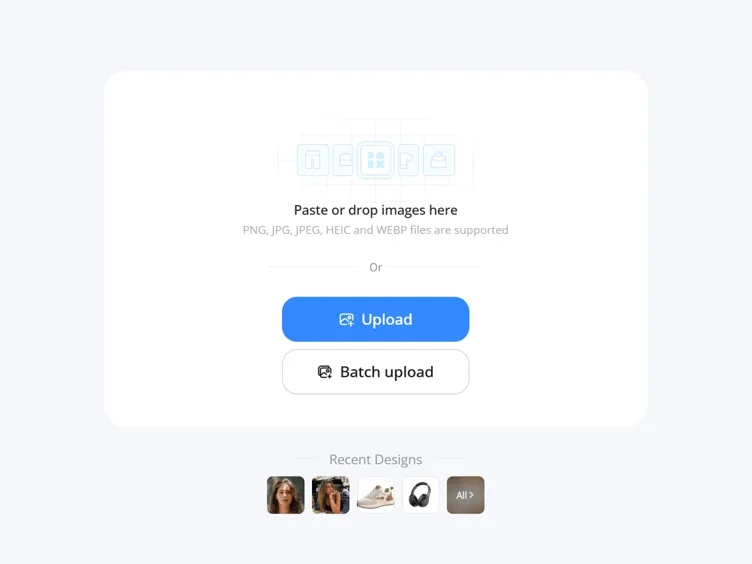
Generate and Customize Your Signature
Generate multiple signature styles, then adjust the stroke, spacing, and appearance until the design reflects your preferred signature.
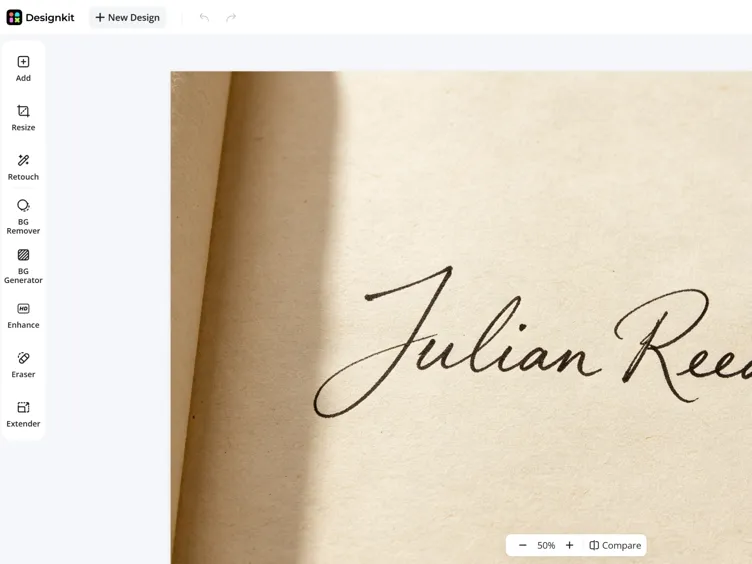
Export Your Signature PNG
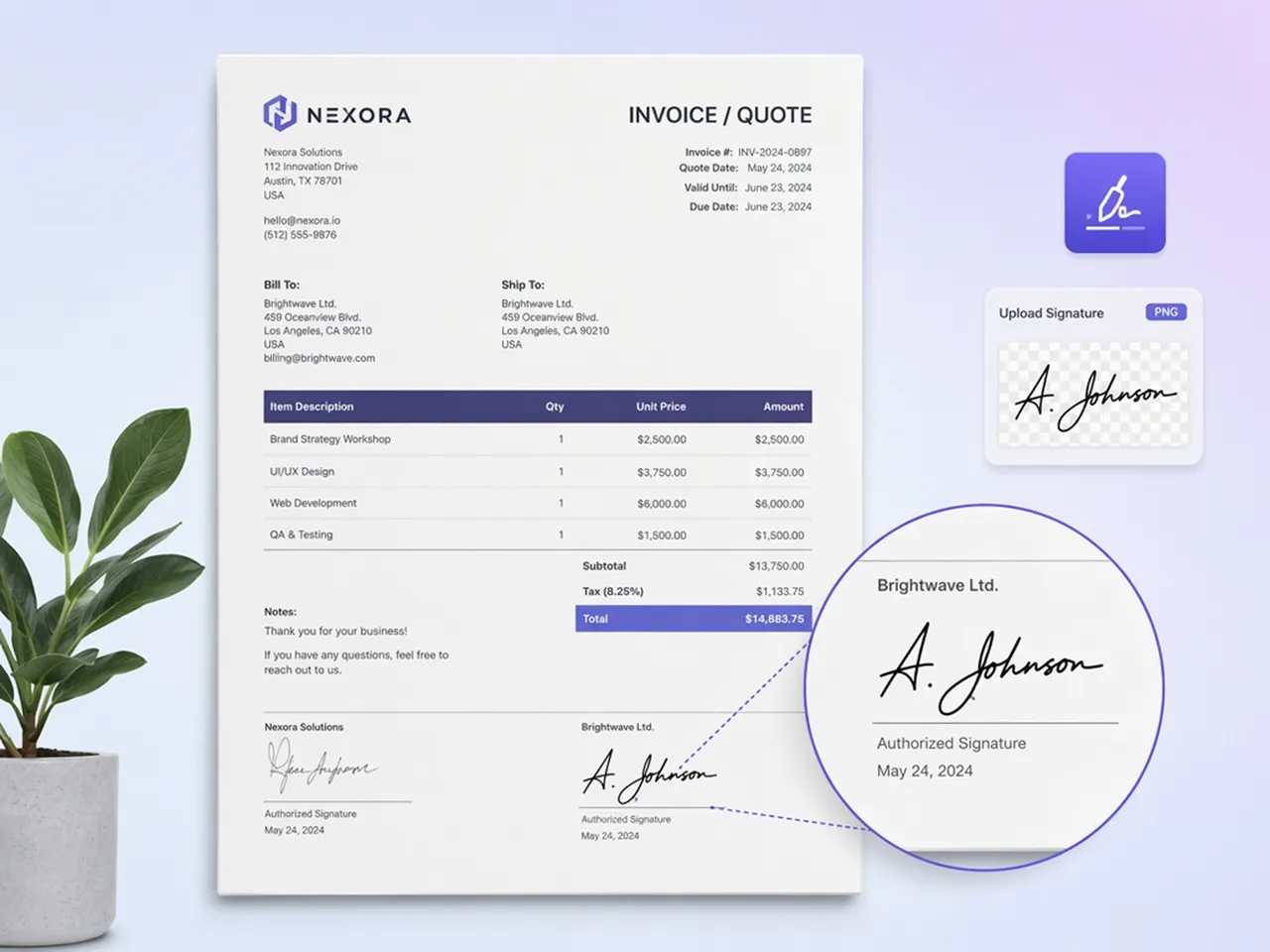
Download a transparent PNG signature ready for PDFs, invoices, watermarks, email signatures, and business branding materials.
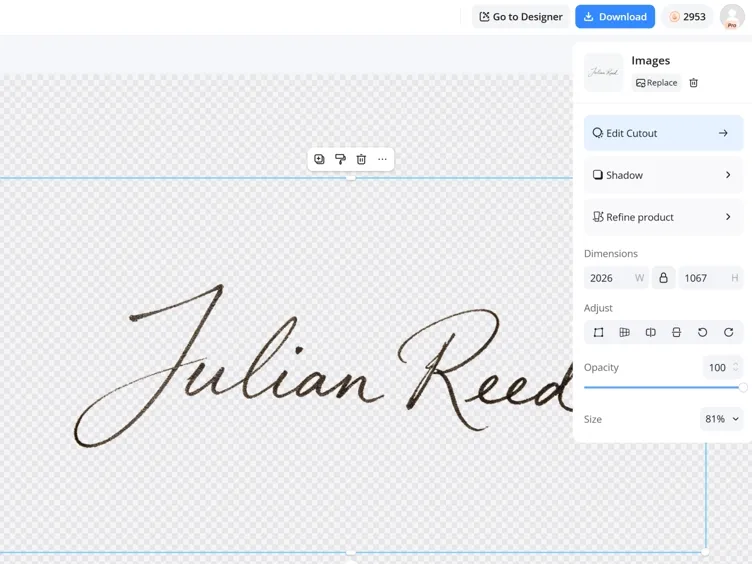
What Makes Designkit Ideal for Signature Generation
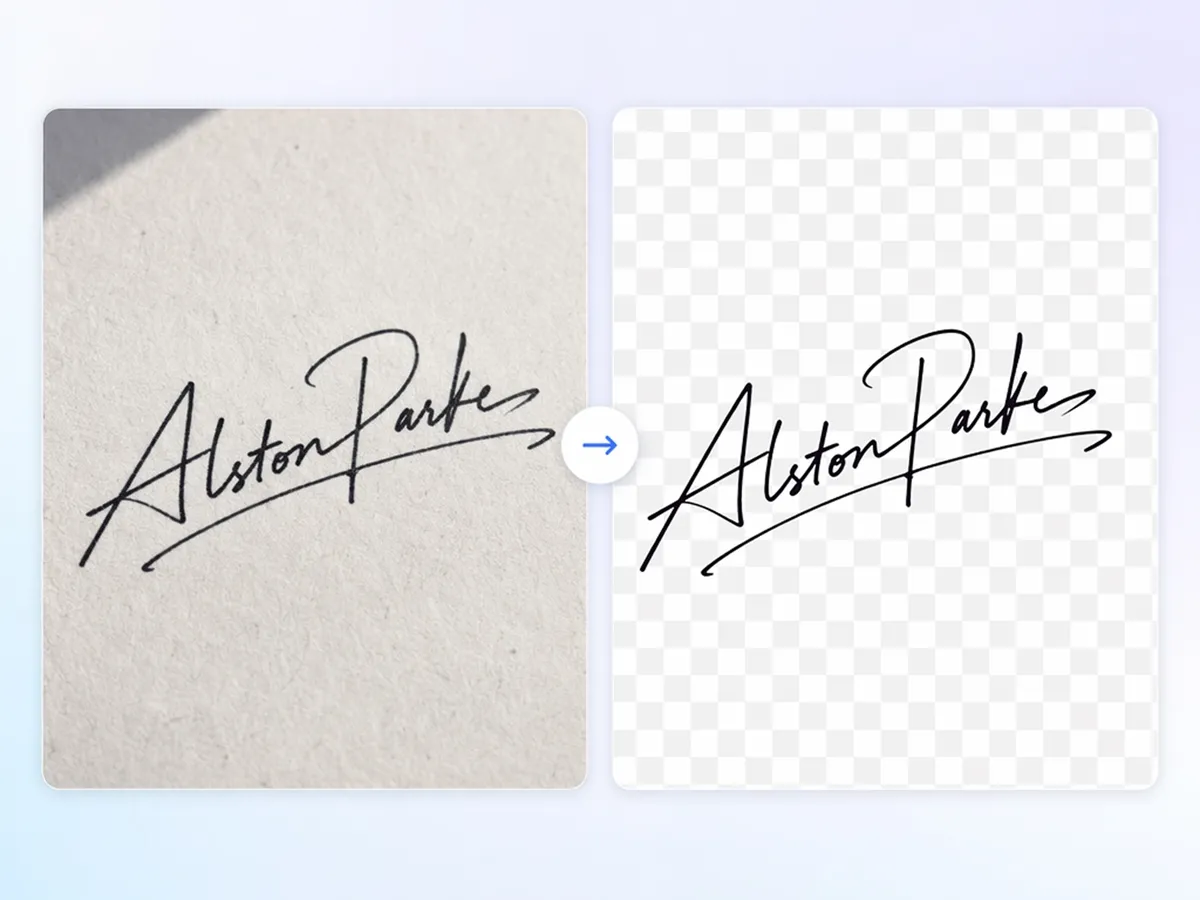
Turn Any Handwriting into a Digital Signature
Upload a handwritten photo or type your name, and the digital signature generator removes messy backgrounds before creating clean signature styles. It's an easy way to create signatures from picture files without manual editing.
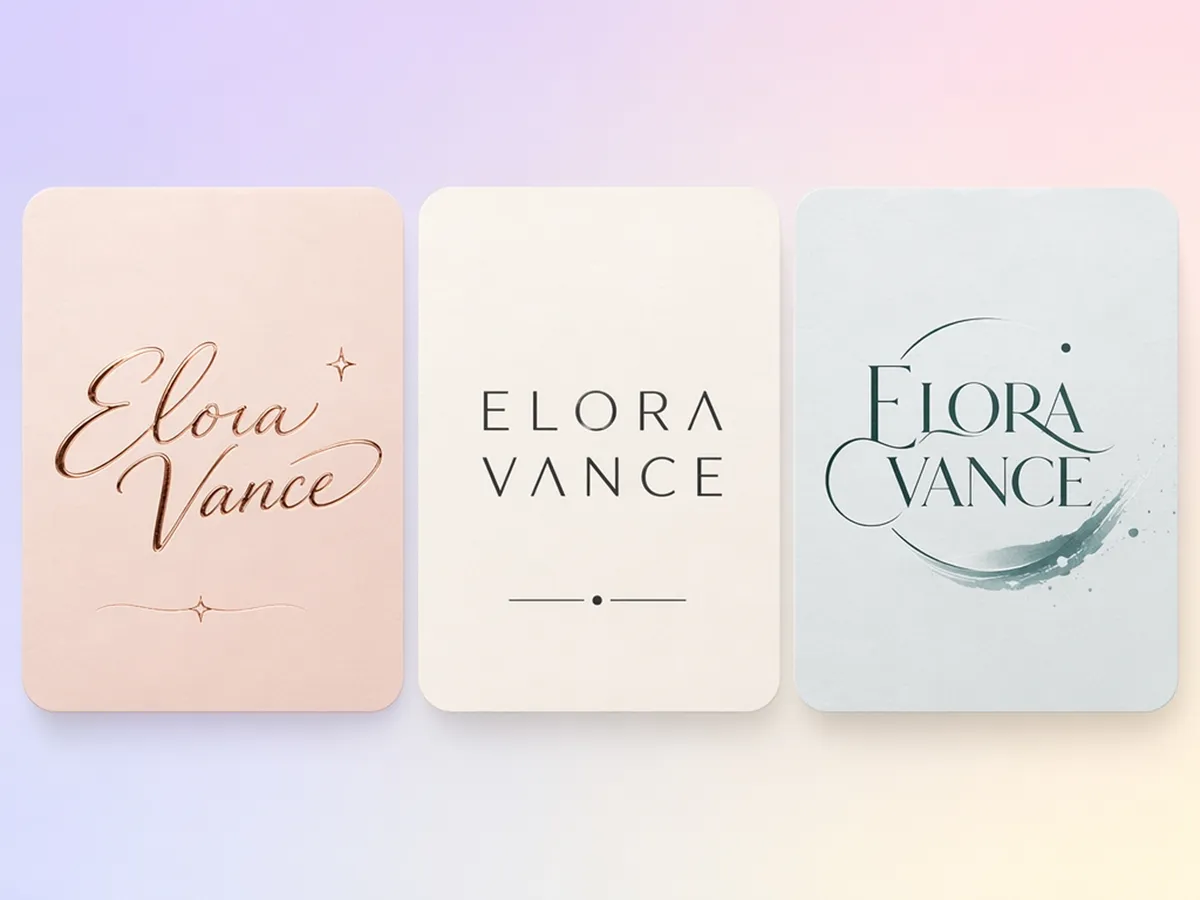
Generate Multiple Signature Styles Instantly
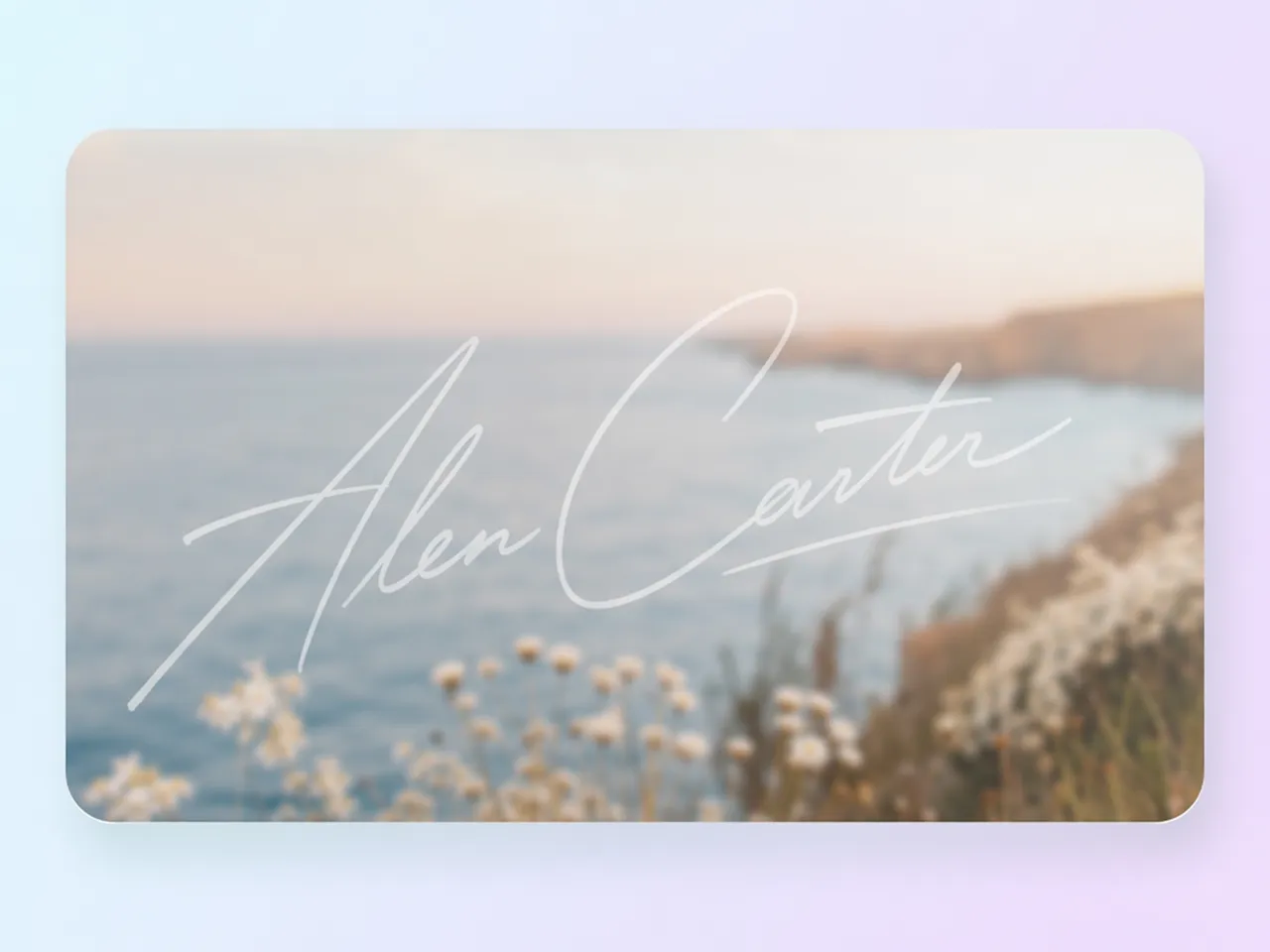
Compare elegant, modern, and creative signature styles from the same name or handwriting sample. The professional signature generator helps you explore different looks before exporting the version that suits you best.
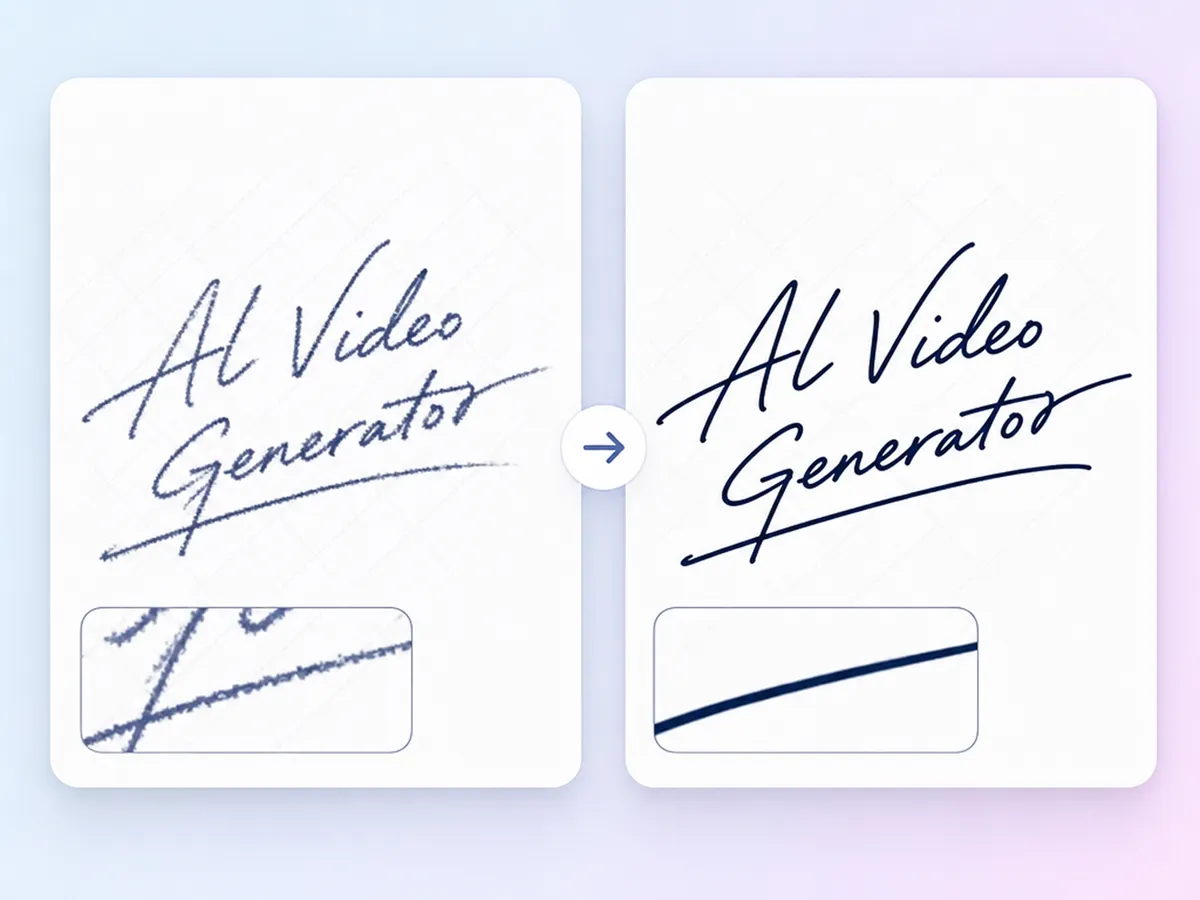
Draw Smooth Autographs with Stroke Correction
Turn uneven handwriting into smooth, natural-looking signatures with intelligent stroke refinement. Improve older or low-quality handwriting using the image enhancer before generating polished signatures that look clean and professional.
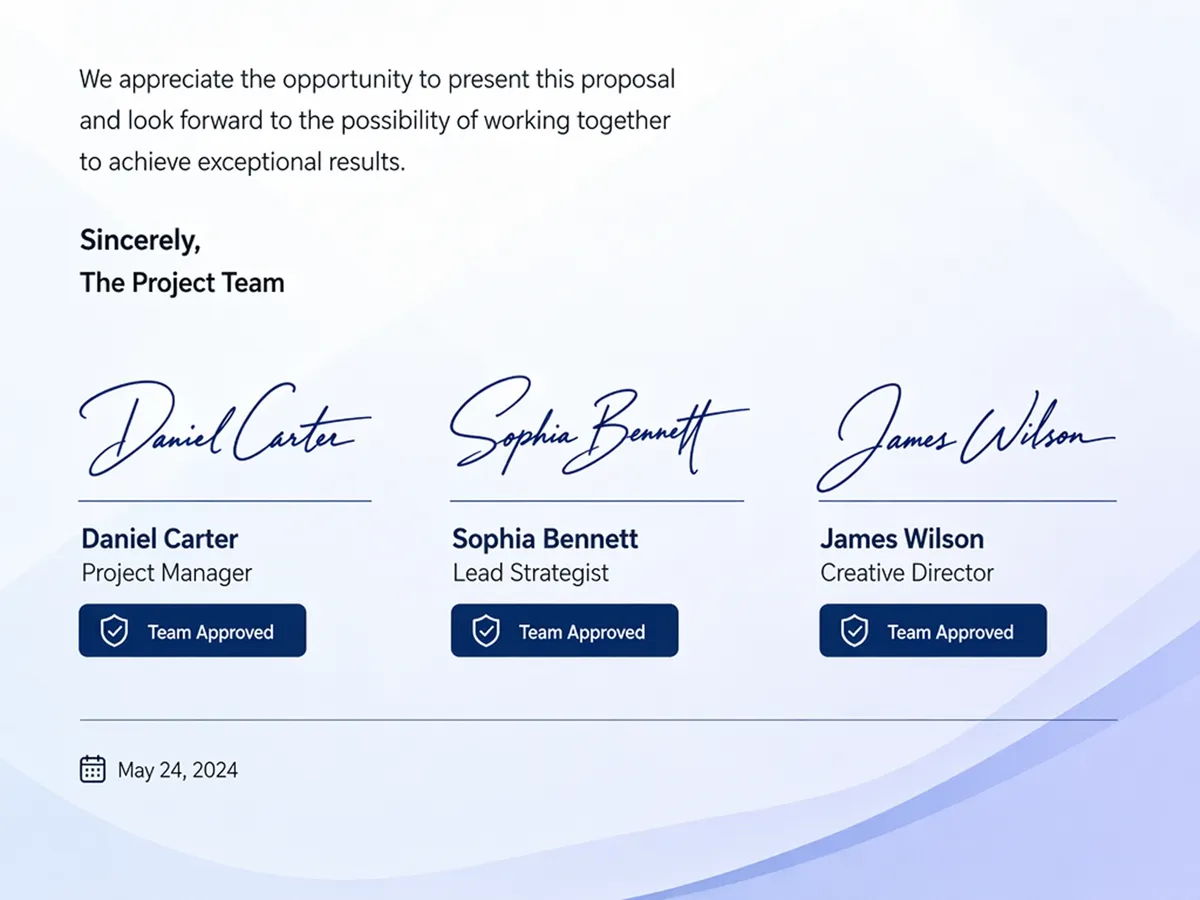
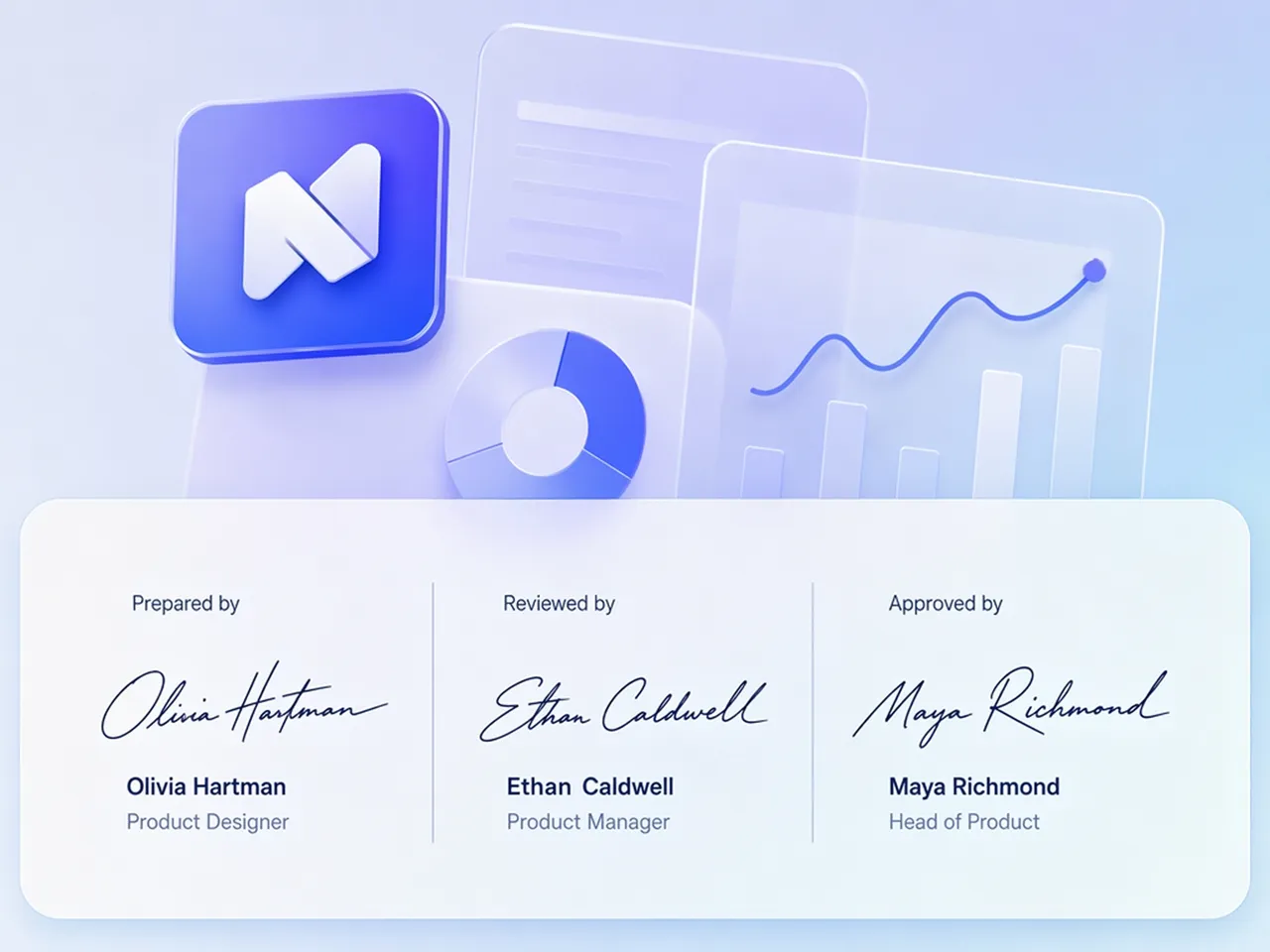
Keep Team Sign-Off PNGs On Brand
Generate matching signature styles for every team member while maintaining a consistent look across proposals, invoices, contracts, and presentations. Designkit's signature PNG generator helps strengthen your professional branding.
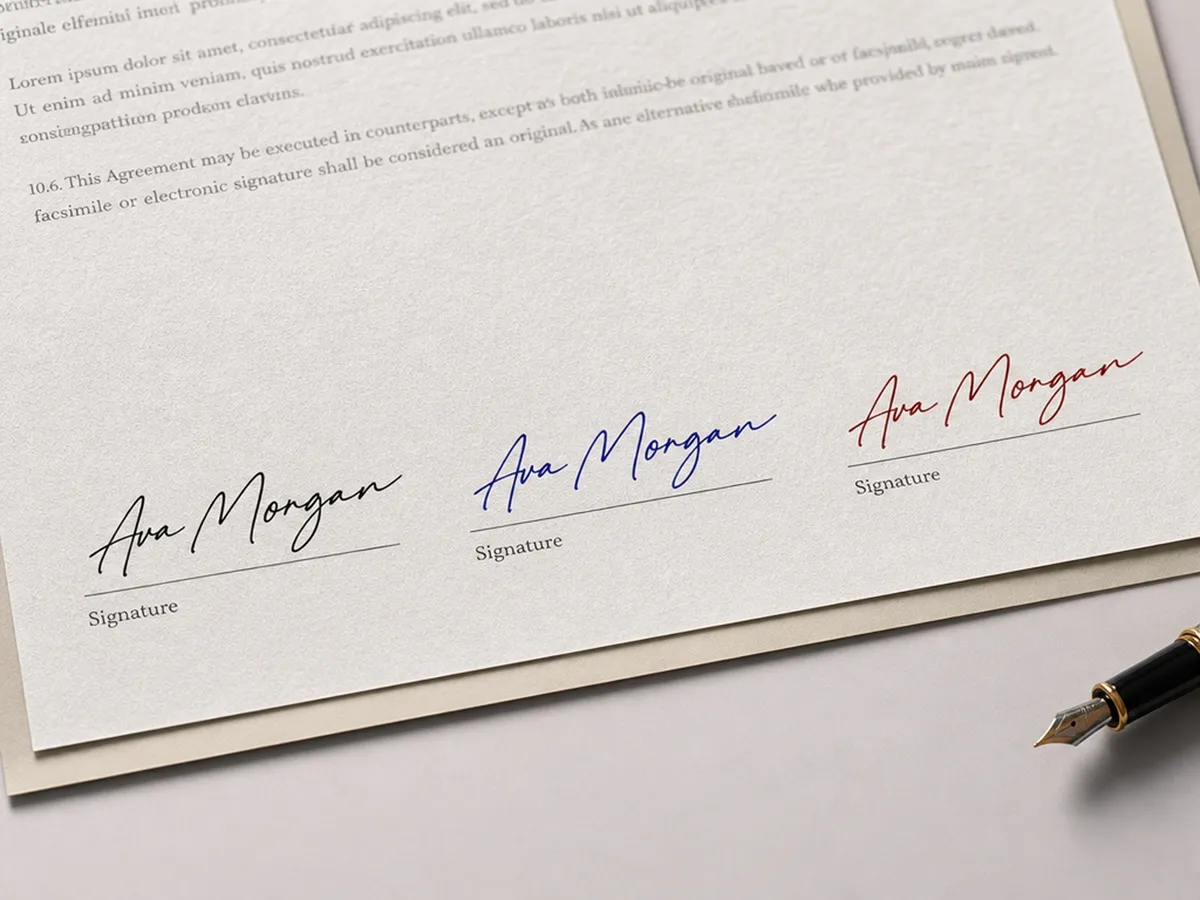
Customize Ink Color to Match Any Document
Switch between black, blue, or custom colors to suit contracts, branded templates, presentations, or marketing materials. The signature creator keeps one signature adaptable across different documents and visual styles.
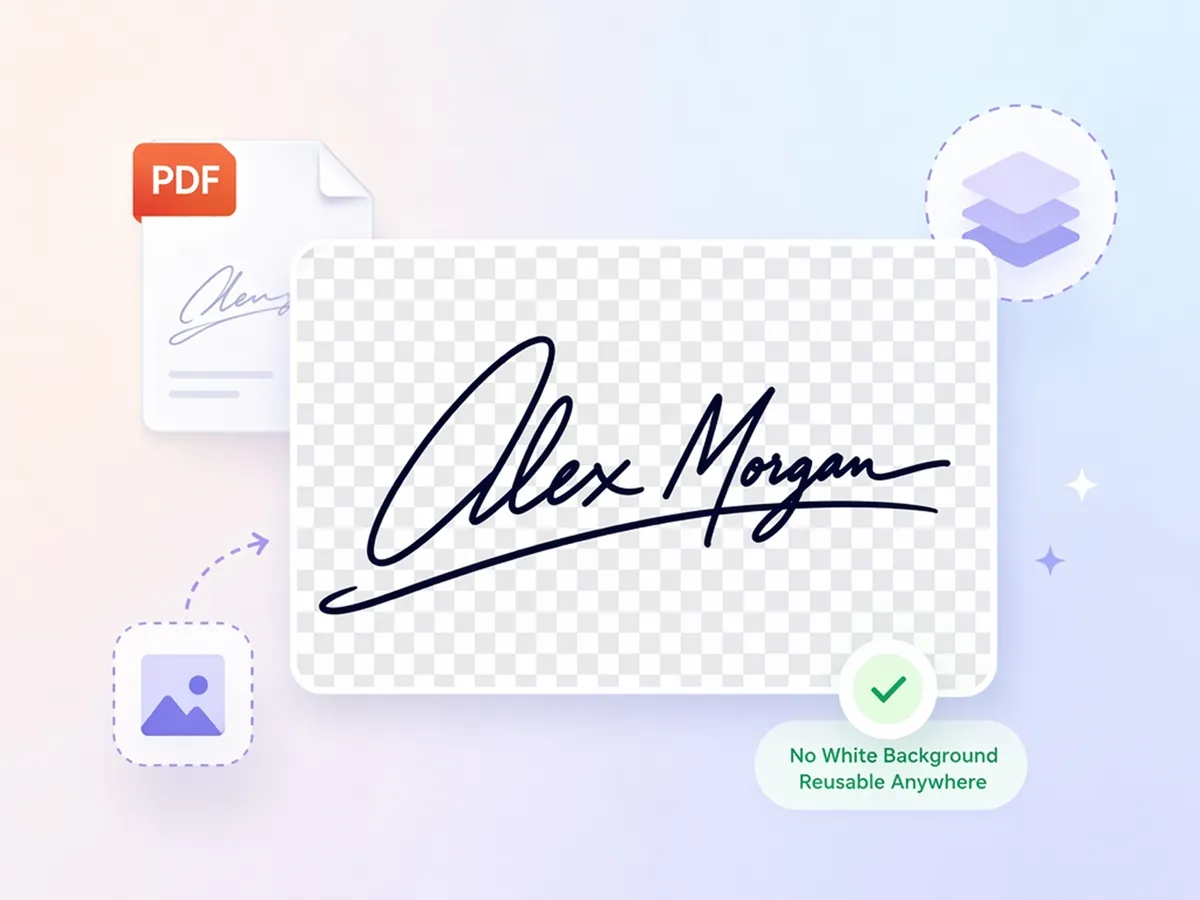
Export Transparent Signature PNG Files
Download transparent PNG signatures ready for PDFs, Word documents, email graphics, websites, and branding projects. The image-to-signature workflow makes it easy to reuse the same signature across multiple platforms.
Who Uses Designkit Signature Generator
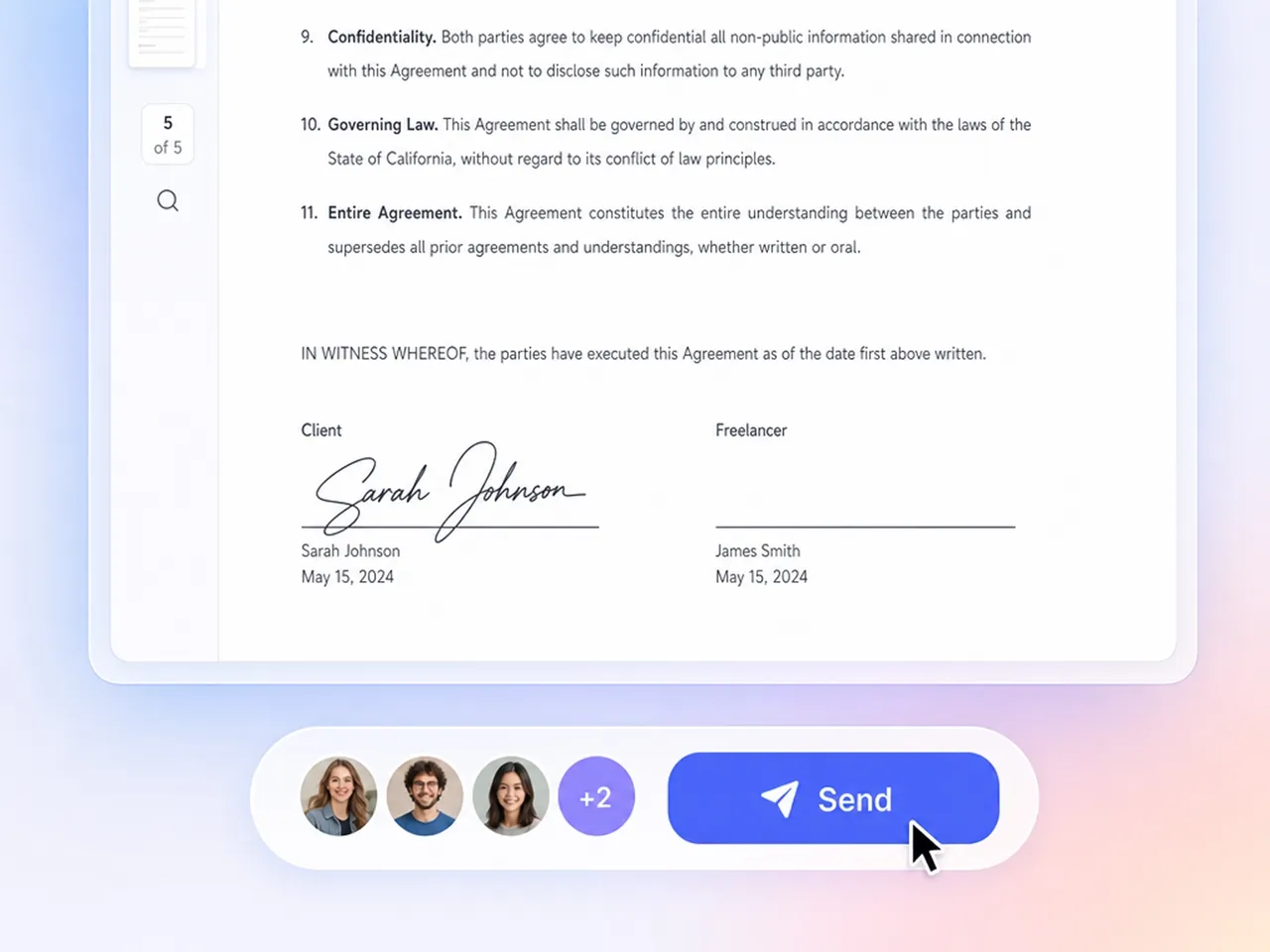
Add Your Signature to PDFs Without Scanning
Make a reusable signature PNG from your name or handwriting and put it on proposals, invoices, contracts, and NDAs. It's an easy way to sign documents online without the need to print, sign and scan.
Why Choose Designkit for Signature Generation

No More Grainy Scanned Signatures
Replace blurry scanned signatures with clean digital versions that look polished across business and creative documents.

Works Without a Stylus or Tablet
Create a natural-looking signature design simply from your idea, no stylus or tablet needed.
Match Your Real Handwriting From Photos
Upload a handwritten photo and preserve its natural flow instead of replacing it with a generic signature font.

Ready for Everyday Business Use
Use your signature on contracts, invoices, proposals, and marketing materials with a consistent professional look.
One Signature, Every Document Type
Reuse one exported signature across PDFs, Word files, emails, presentations, and branded business documents.

Free to Test Before You Commit
Try the free signature generator with your own handwriting before using it for personal or business projects.
Unlock More Creative Possibilities

AI Icon Generator
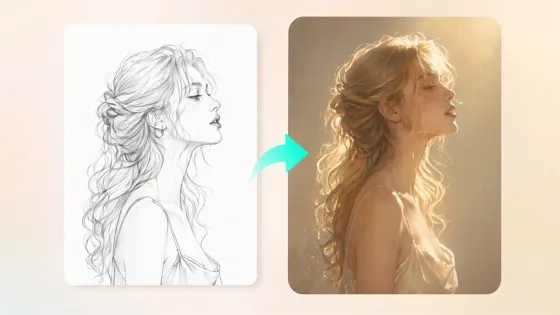
Sketch to Image AI
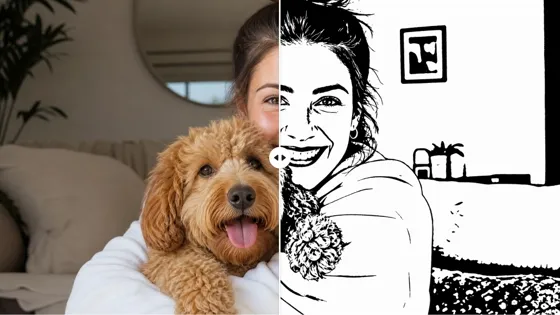
AI Stencil Maker
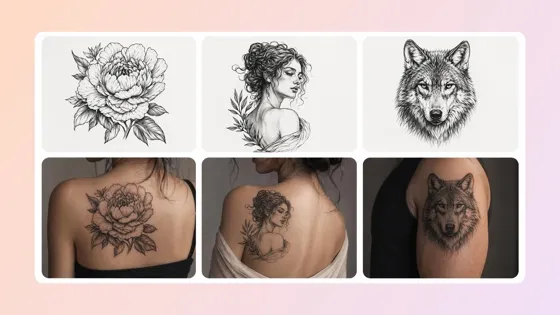
AI Tattoo Generator
Frequently Asked Questions
Can I create a signature from a picture?
Can AI generate a realistic handwritten signature?
Yes. A realistic signature generator generates natural-looking handwritten styles from your name or uploaded handwriting. Try out a few variations, experiment with different stroke styles and choose the one that best represents your personal or professional identity.
Will my signature have a white background?
No. Designkit exports signatures as transparent PNG files, making them easy to place on PDFs, Word documents, presentations, websites, invoices, and marketing materials. You won't need to remove a white background before using your signature.
Can I change the color of my uploaded signature?
Yes. Change your signature to black, blue, or custom colors that match your documents or branding. Once generated, you can reuse the same signature across different projects without creating a new version every time.
Are signatures created here legally binding e-signatures?
No. Designkit helps you make electronic signatures for branding, business documents, and everyday workflows, but regulated agreements may require a certified e-signature service that complies with local legal requirements.
Can I generate signatures for my whole team at once?
Yes. Create consistent signature styles for multiple team members to use across proposals, invoices, presentations, and internal documents. This helps maintain a professional brand image while giving everyone a matching digital sign-off.
Is my uploaded handwriting photo kept private?
Yes. Your uploaded handwriting is processed to generate your signature, and Designkit is designed to handle your files securely. Always review the latest privacy policy and terms for details about file storage and data handling.
What file formats can I export my signature in?
Export your signature as a high-resolution transparent PNG file that's ready for PDFs, Word documents, presentations, email signatures, websites, invoices, and branding materials. The downloaded file is easy to reuse across personal and professional projects.
Create Signature Designs Beyond Your Handwriting
Create unique AI-generated signatures that match your personality, profession, and personal style in seconds.

What Users Say About Designkit Signature Generator
Real feedback from professionals and creators who turned handwritten signatures into reusable digital assets.
Finally Got a Consistent Signature for Proposals
My signature looked different every time I signed a proposal or invoice. Designkit helped me compare several handwritten styles until I found one that felt authentic. Now every client document looks consistent and much more professional.
Turned My Handwriting Into a Clean PNG
I had only one photo of my handwritten signature saved on my phone. Designkit removed the background, cleaned up the edges, and made a transparent PNG that I now use on my portfolio, client galleries, and image watermarks.
Saved Time on Brand Assets
I needed a signature for invoices, packaging, and my website, but didn't want to hire a designer. Designkit allowed me to make several signature styles on my own, so I could easily update my branding whenever I wanted a fresh look.
Perfect for Author Branding
I wanted a signature that looked natural on signed bookplates and promotional materials. After comparing different styles, I found one that matched my handwriting and now use it across my books, website, and reader giveaways.
Easier Digital Documents
Printing, signing, and scanning documents have become part of my daily routine. Now I reuse one transparent signature PNG across contracts, proposals, and invoices, which saves time and keeps every document looking consistent.
Great for Creative Projects
I use handwritten signature styles in branding concepts, artwork, and presentation mockups. Generating multiple variations from one name gives me more creative options before I share ideas with clients or move into production. FAQs