
Home Decor Product Photography Without the Photoshoot
Upload a photo of your furniture or decor piece and get a styled room scene back with AI, no studio, no physical shoot, no stylist required.
How to Create Furniture Lifestyle Images in 3 Steps
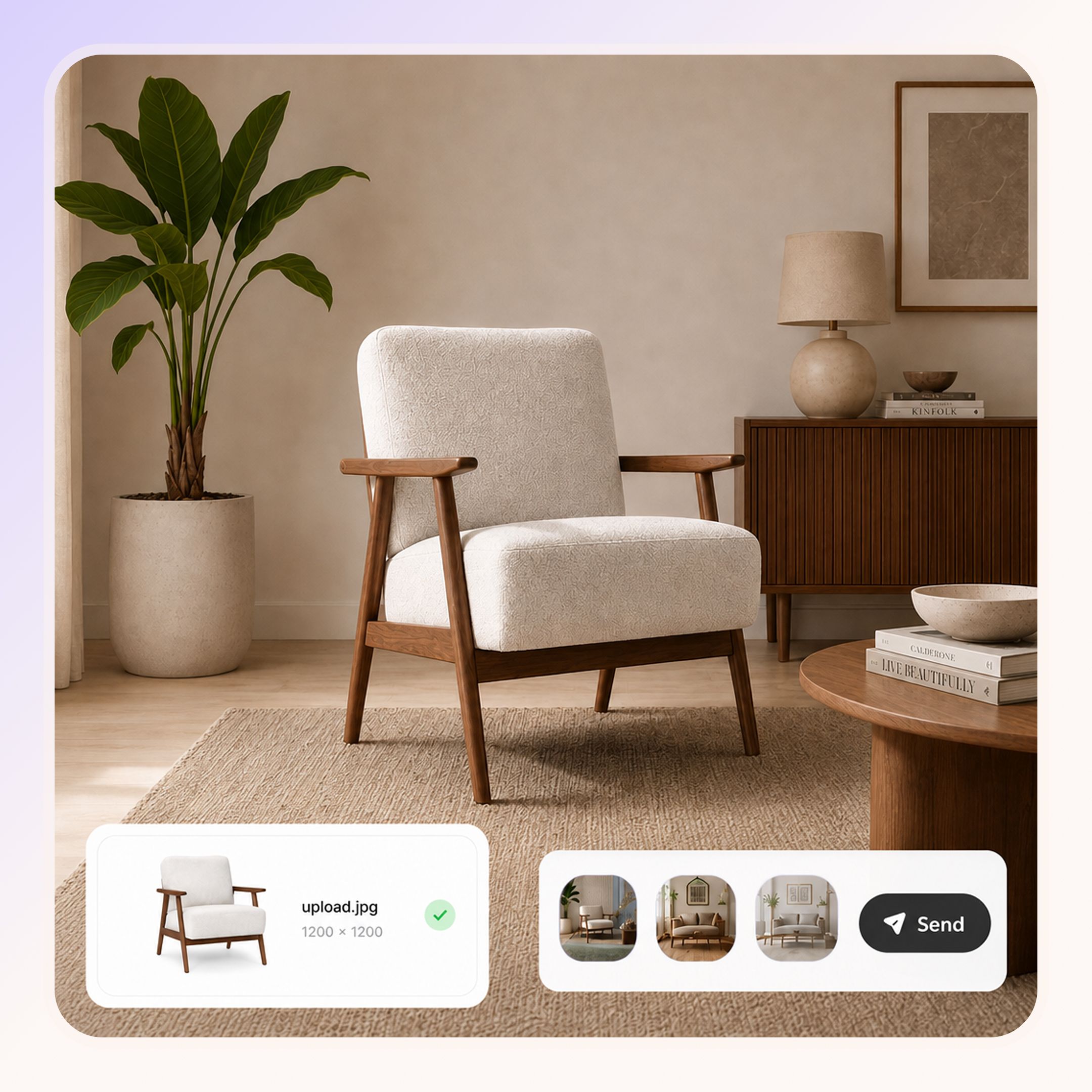
Upload Your Furniture Photo
Upload any furniture or decor image, including supplier photos, plain background shots, or existing product photography from a past shoot.
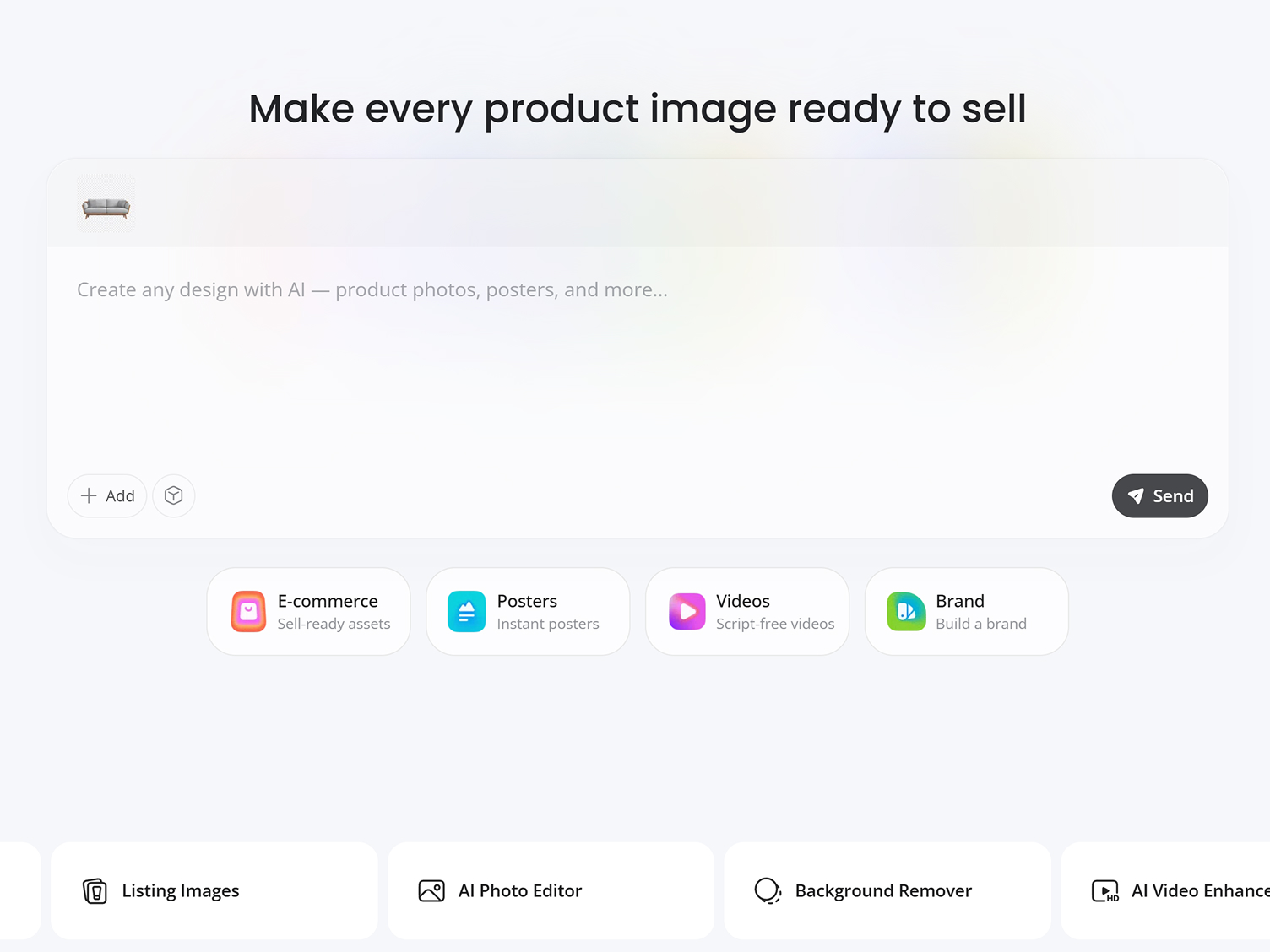
Generate a Lifestyle Product Scene
Enter prompts to describe a room style or outdoor setting. Designkit creates a realistic environment while keeping product details intact.
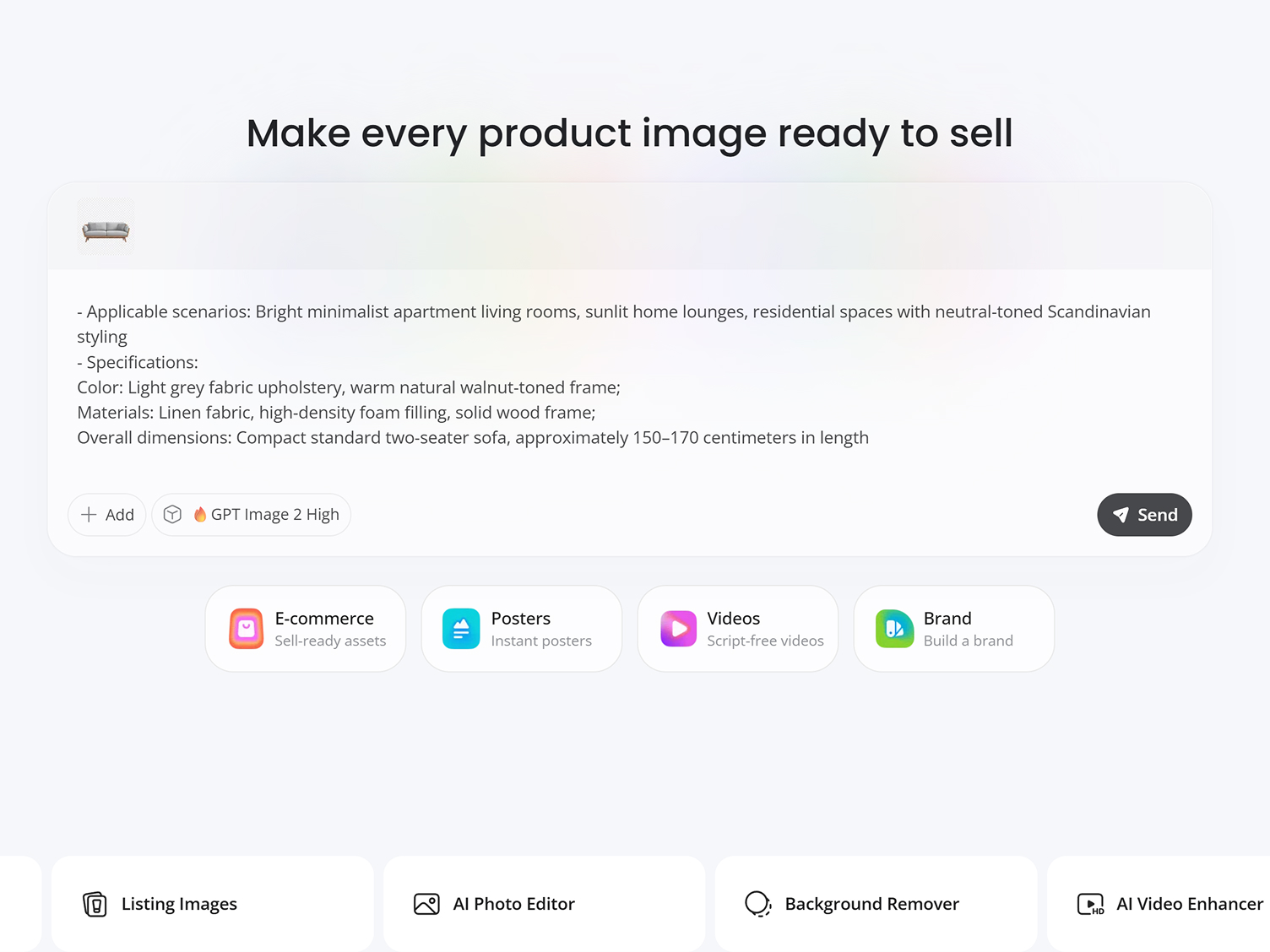
Download Ecommerce-Ready Images
Export high-resolution lifestyle product photos ready for ecommerce stores, marketplaces, catalogs, and paid advertising campaigns.
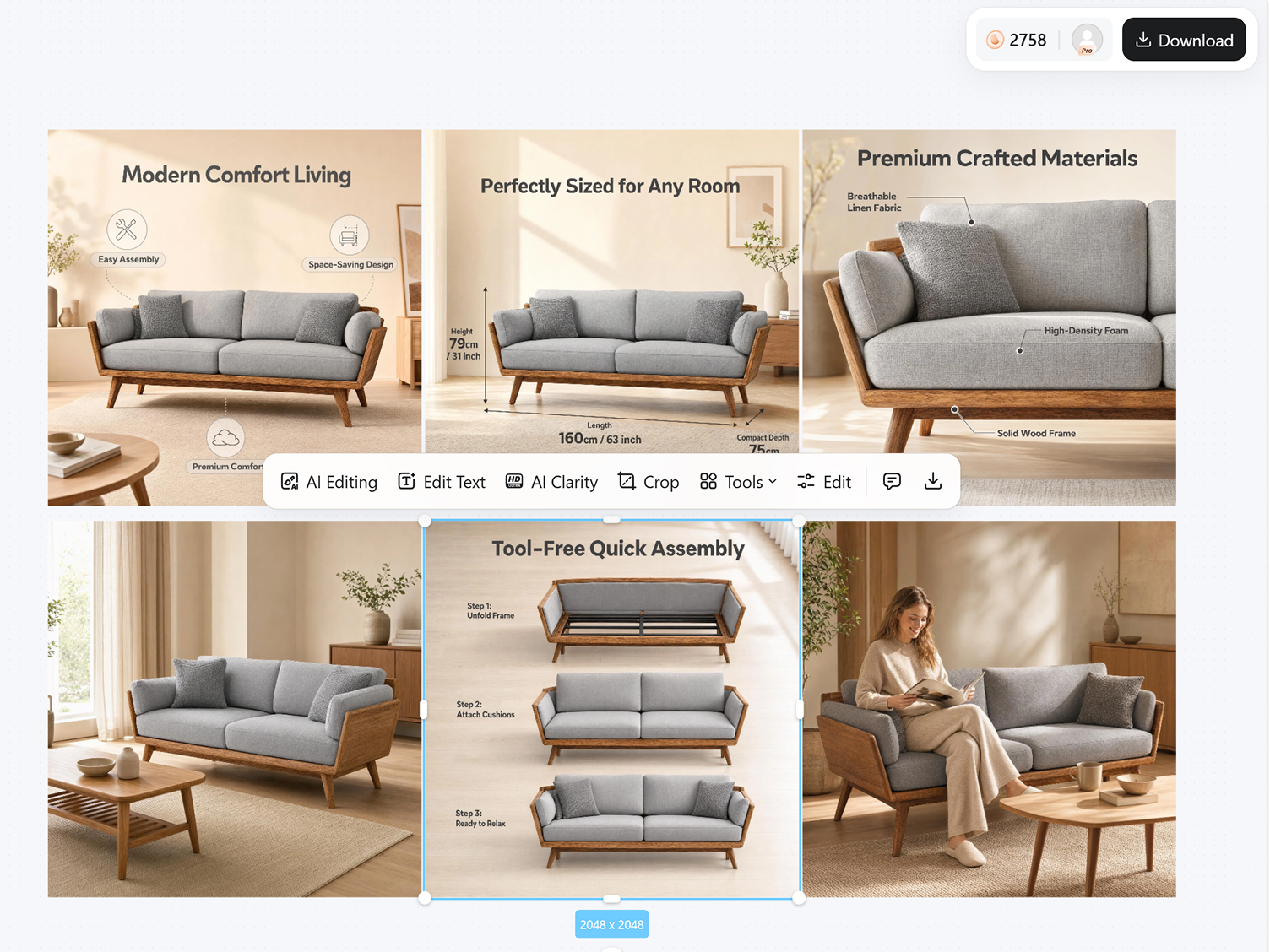
Key Features for Home Decor Product Photography
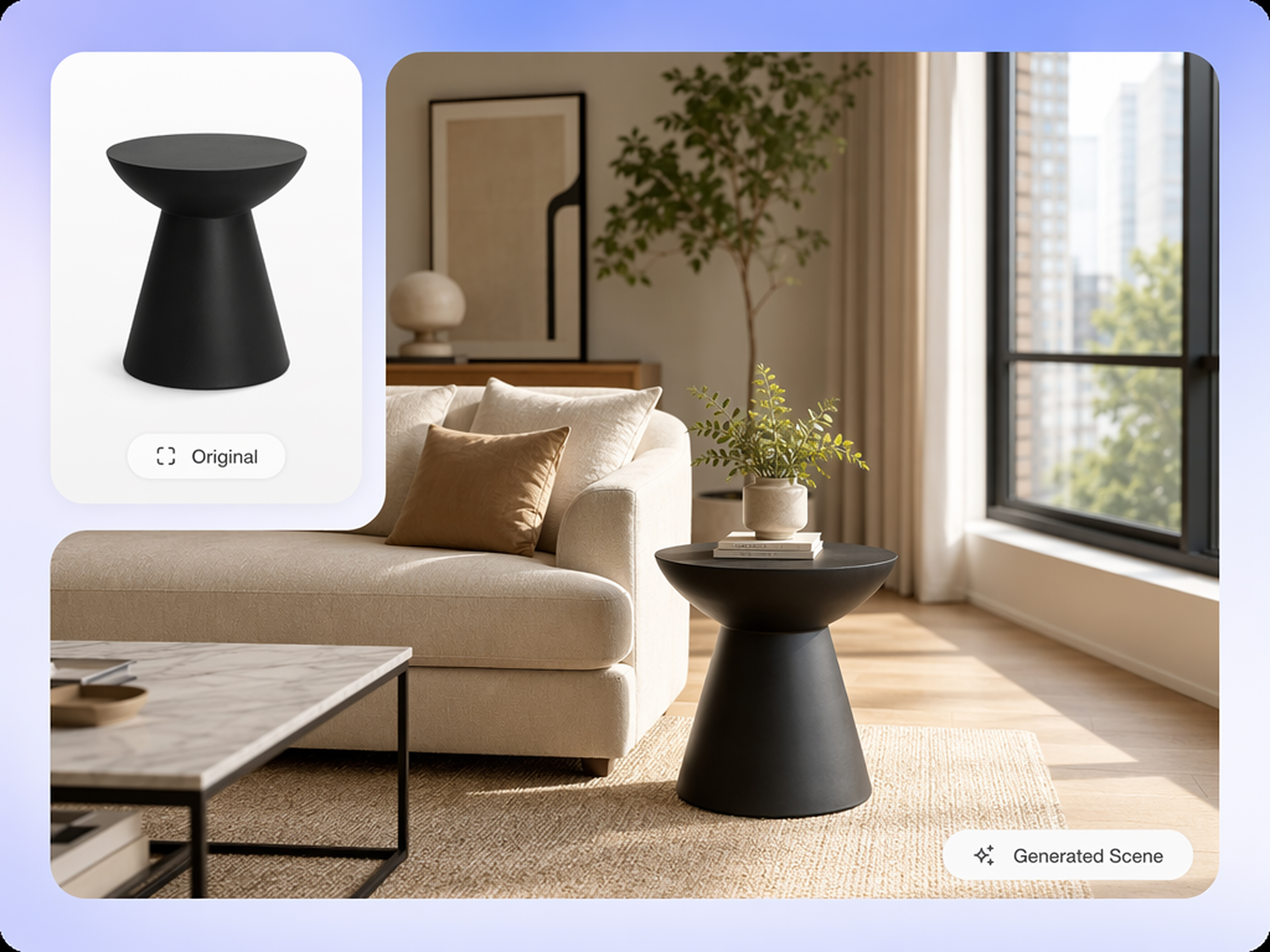
Create Lifestyle Photos Without Physical Staging
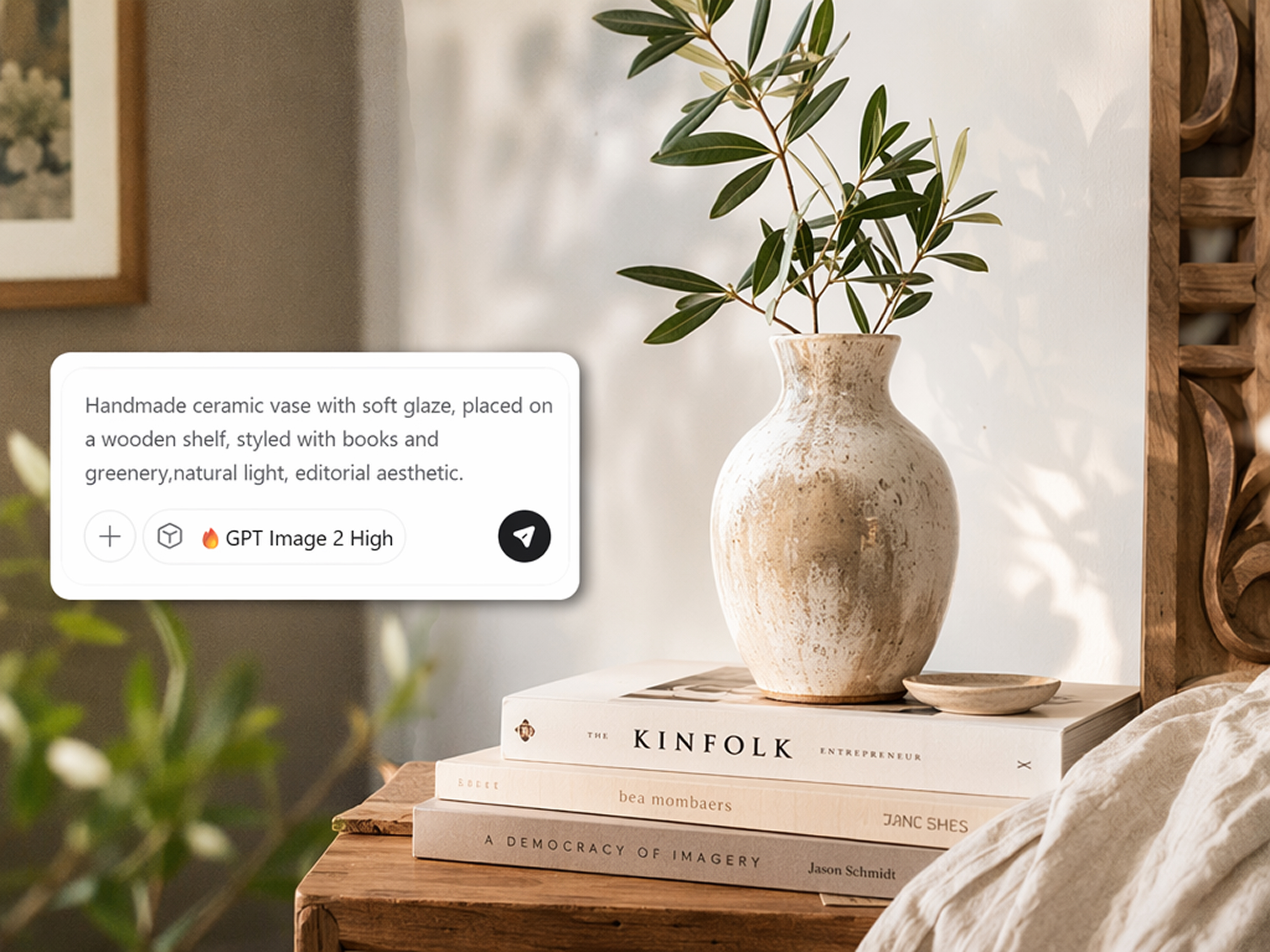
Traditional home decor photography needs a studio, props, and a stylist booked in advance. Designkit's lifestyle product photography generator builds a lifestyle room scene around your product photo with a simple idea.
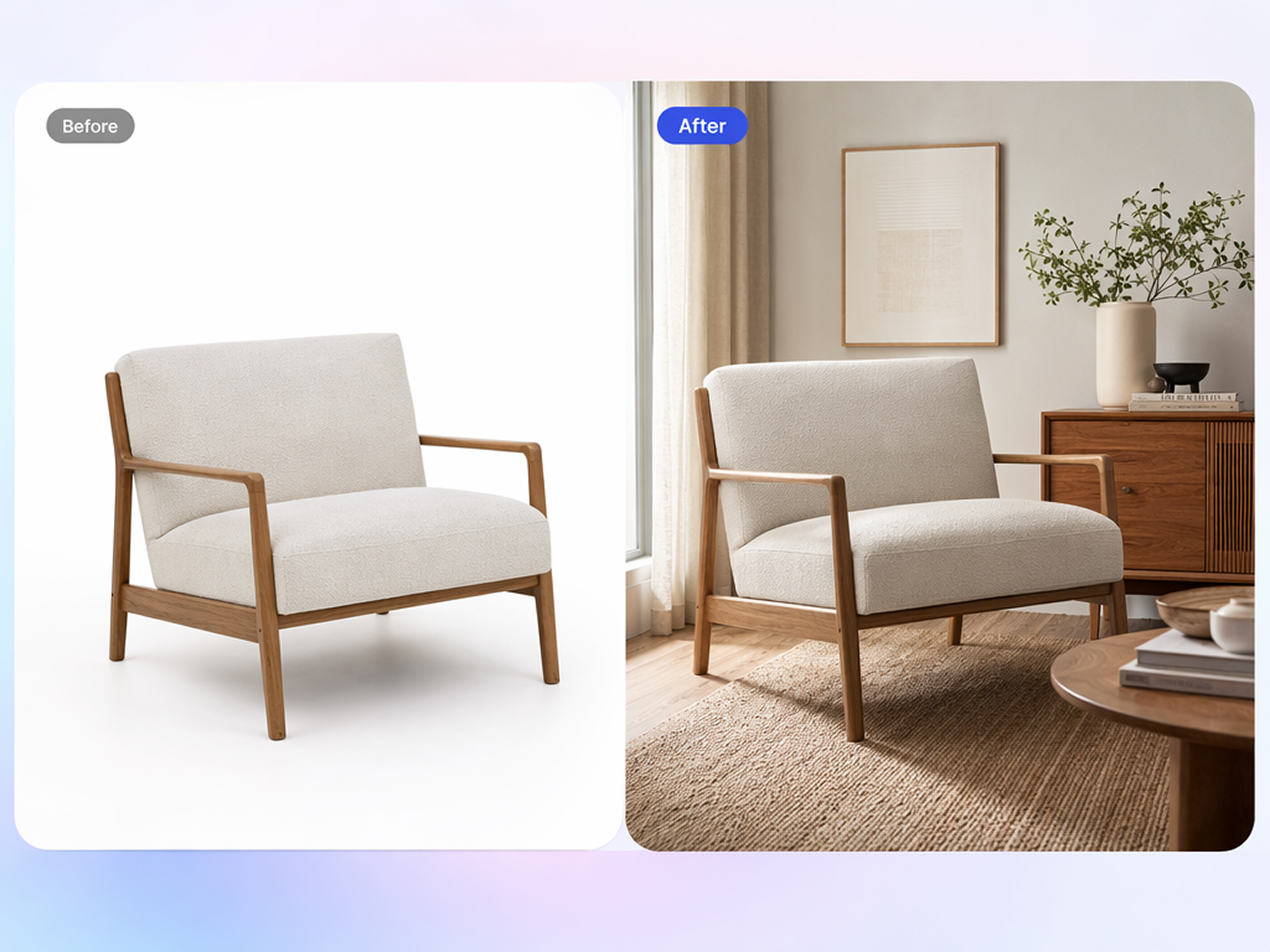
Replace Empty Backgrounds With Real Homes
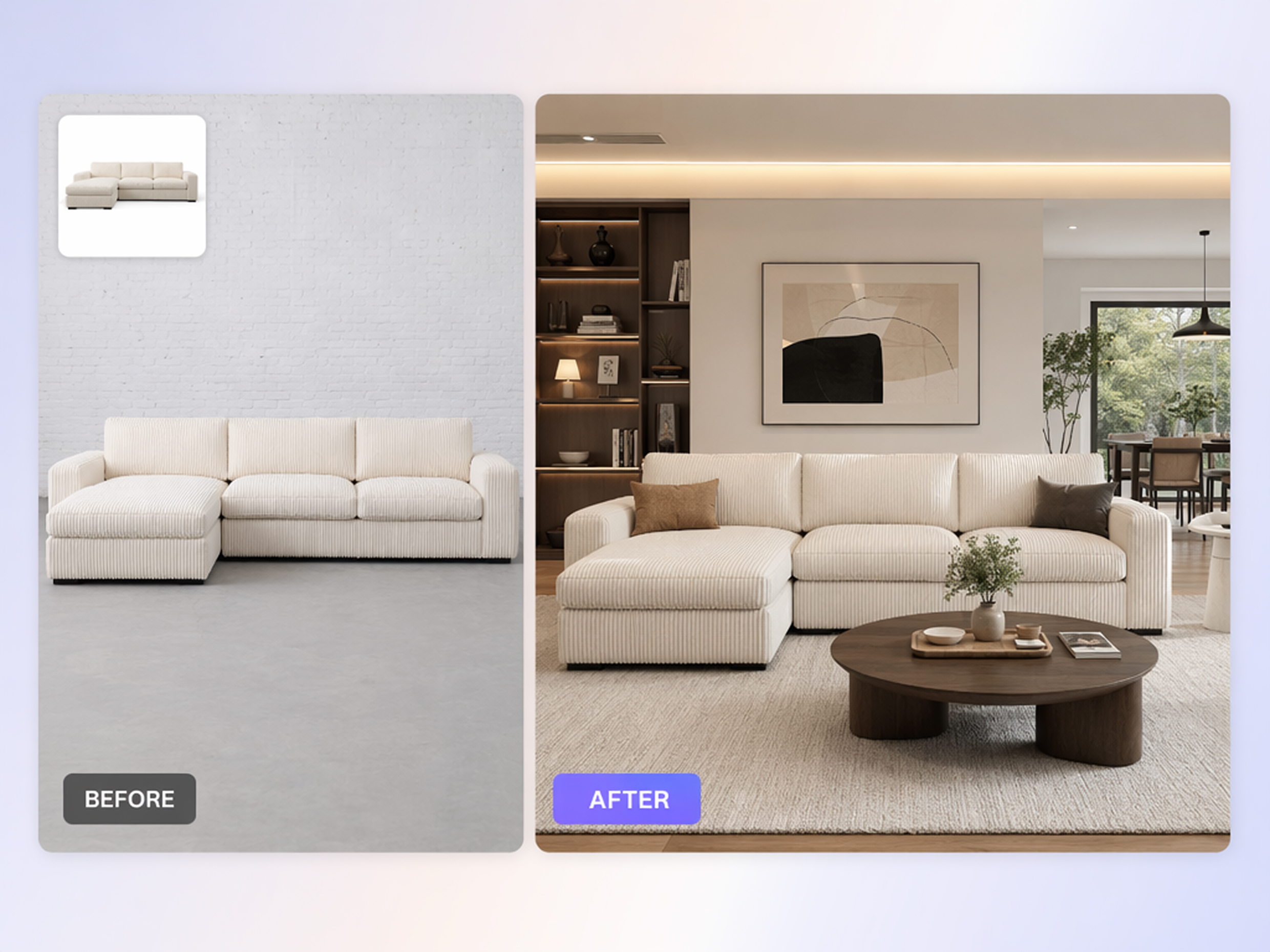
Swap a plain background for a living room, bedroom, or patio setting without moving the piece, renting a space, or hiring anyone to style the shot. Use the AI background generator to customize scenes for your furniture products.
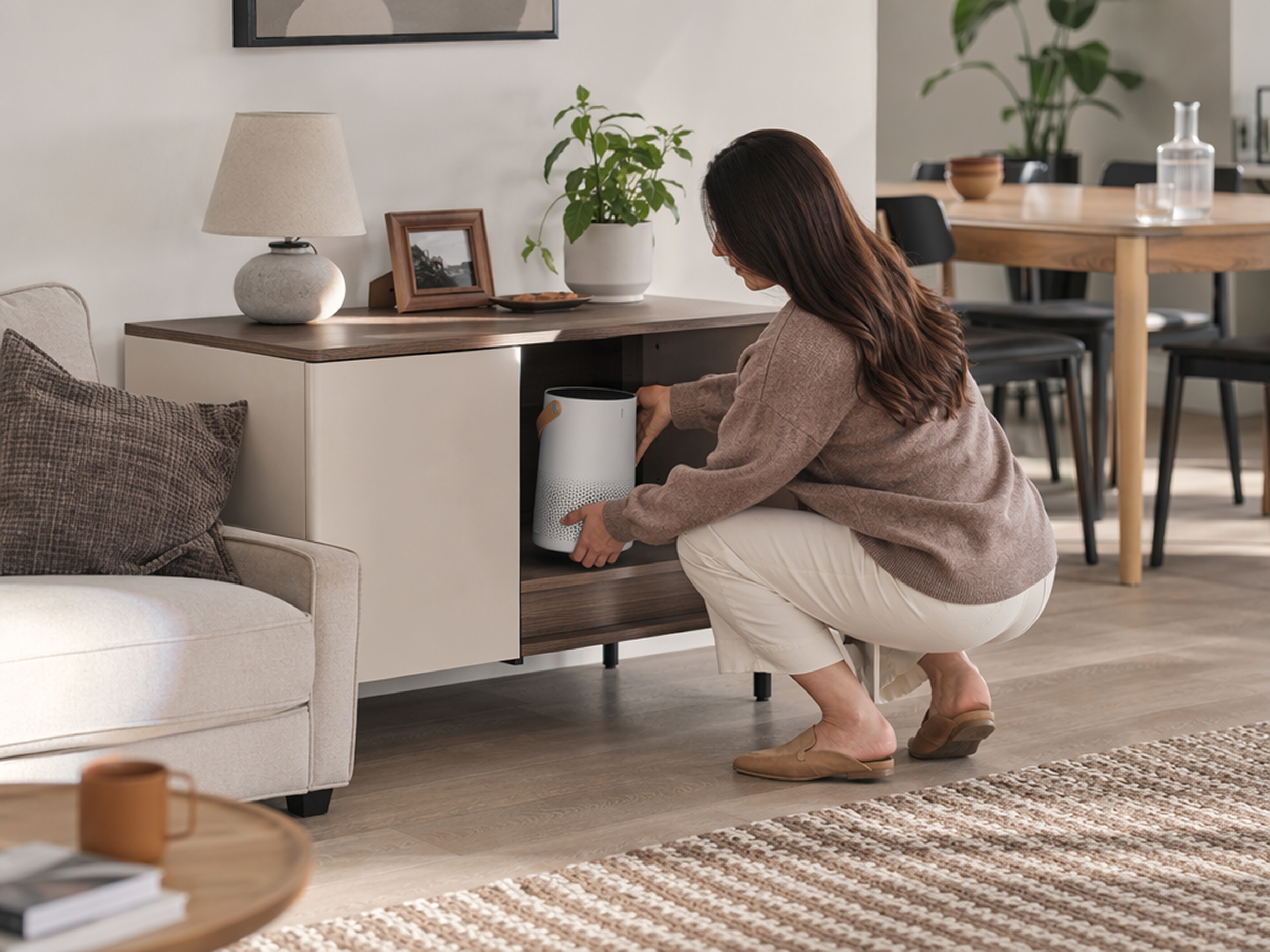
Show Furniture in Real-Life Context
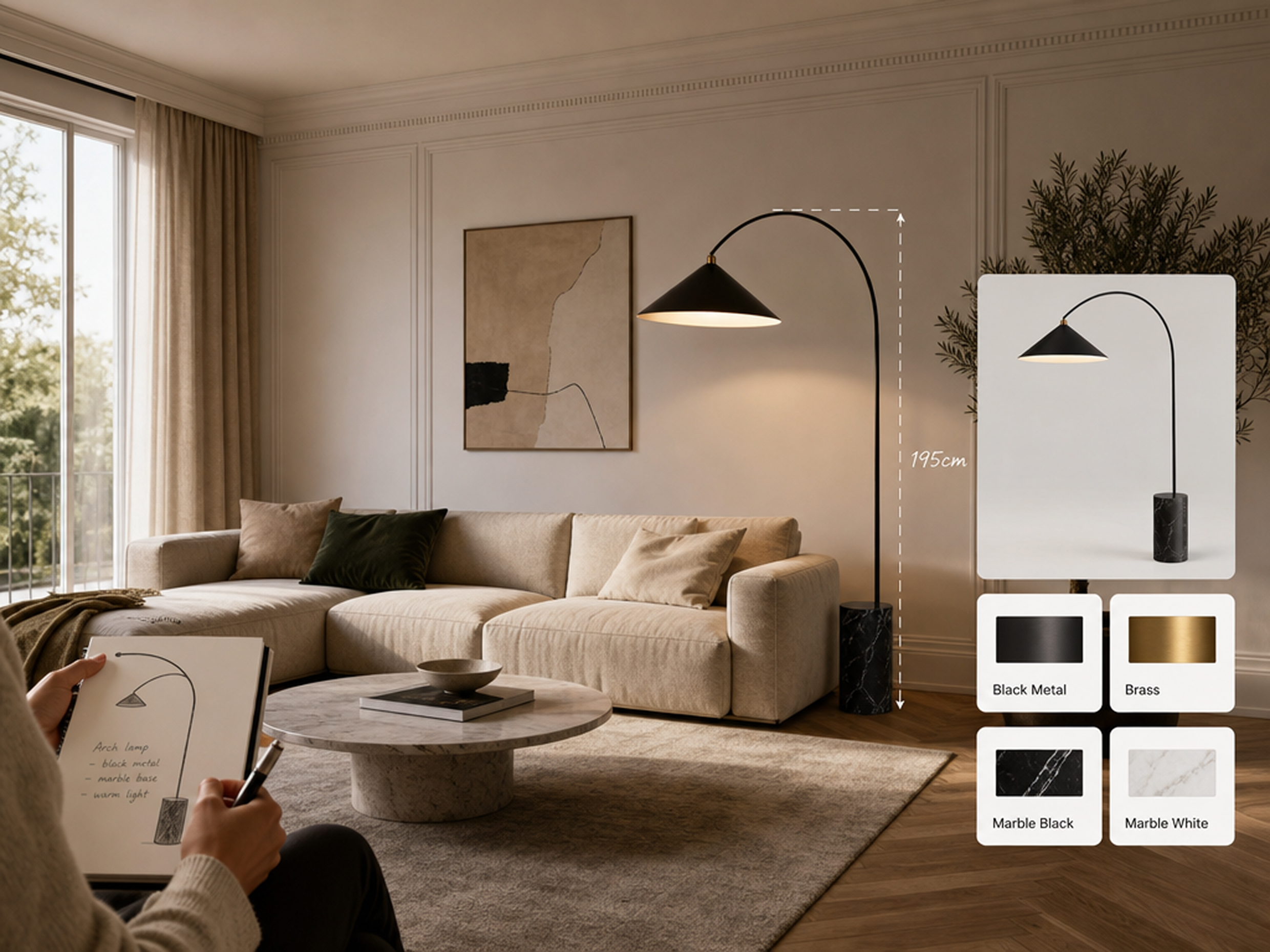
Show a sofa, lamp, or shelf the way it would actually sit in a real home, with lighting and shadow that matches the scene instead of looking like a flat cutout dropped onto a background.
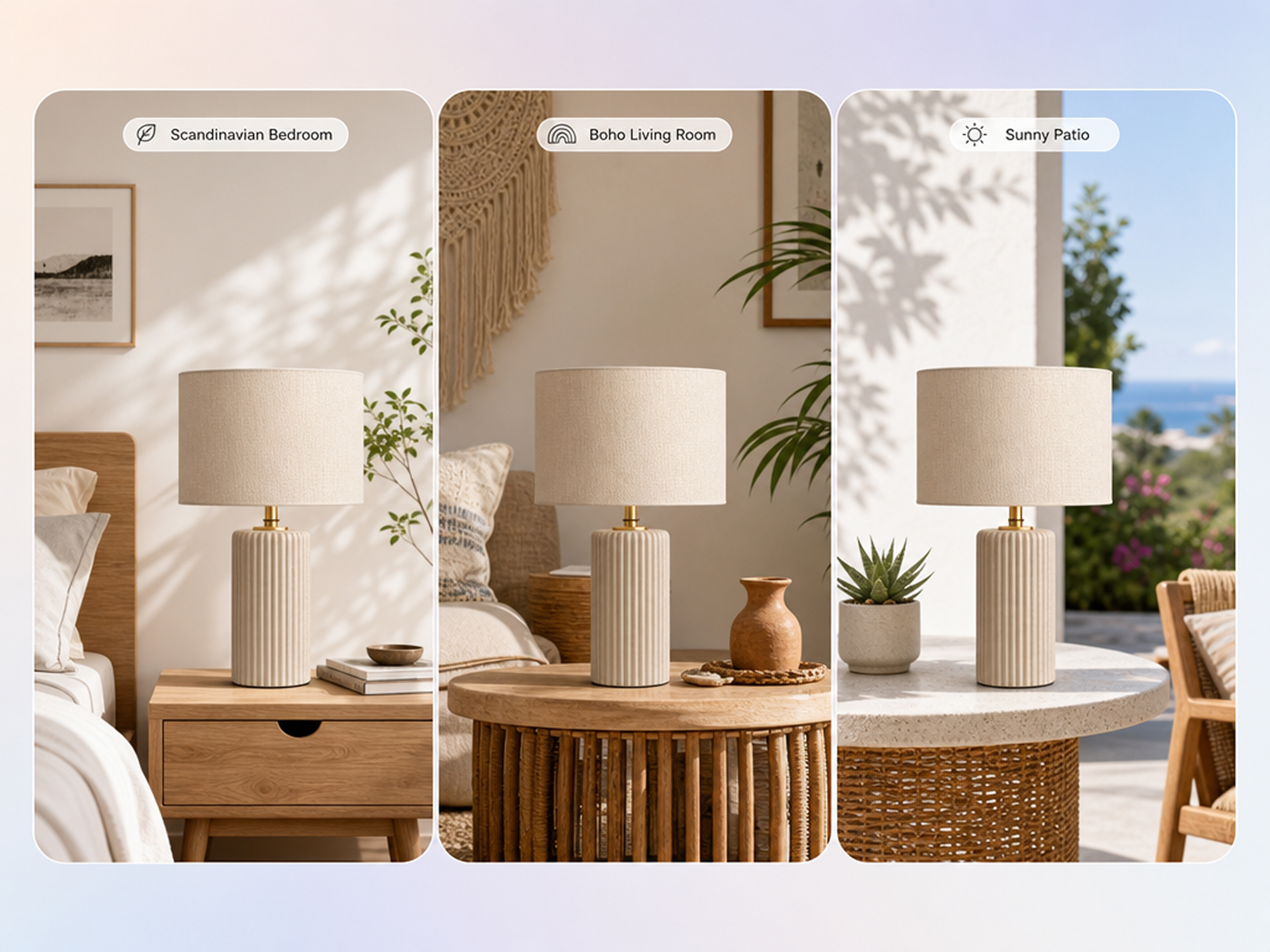
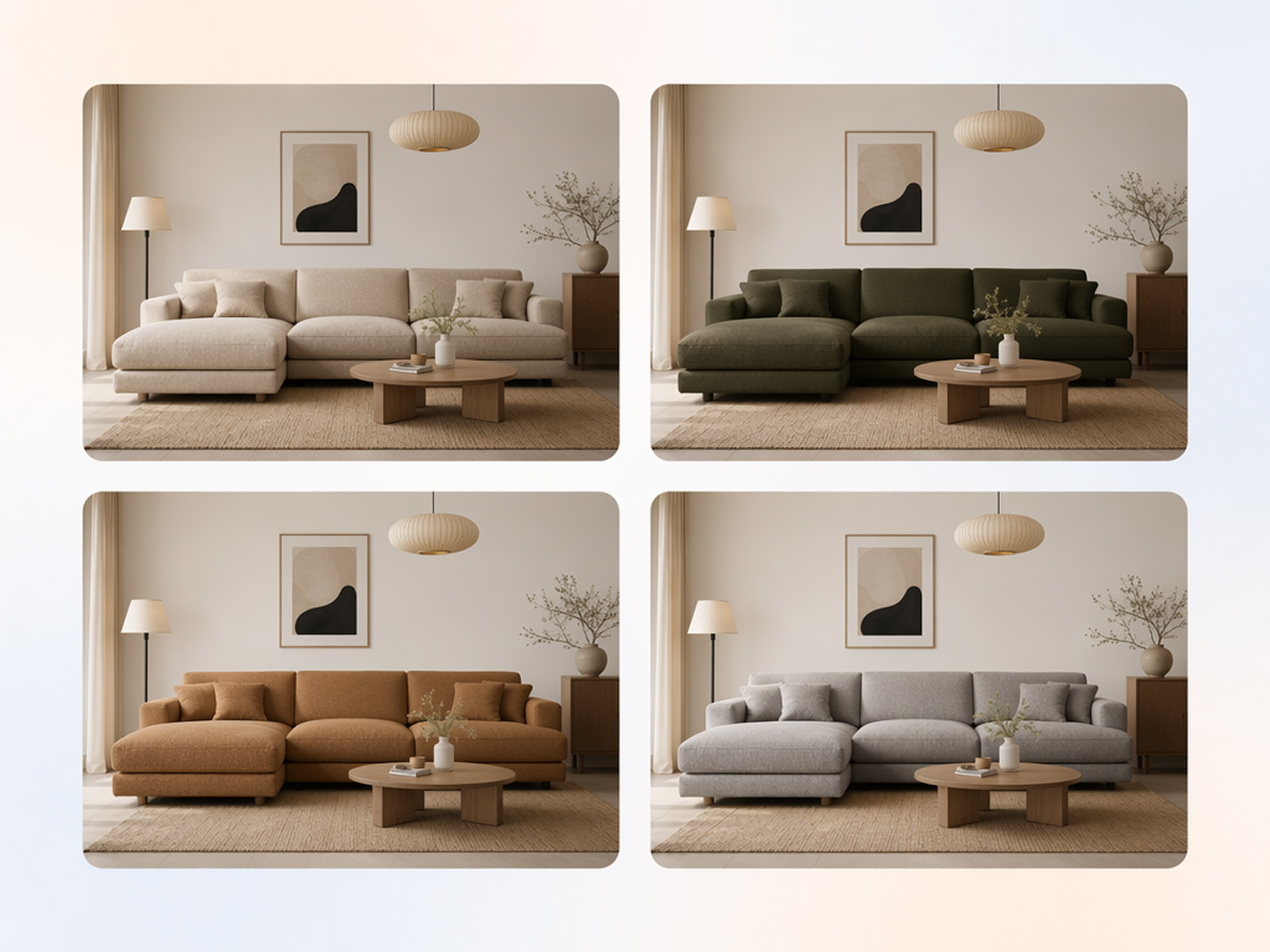
Create Multiple Interior Styles From One Photo
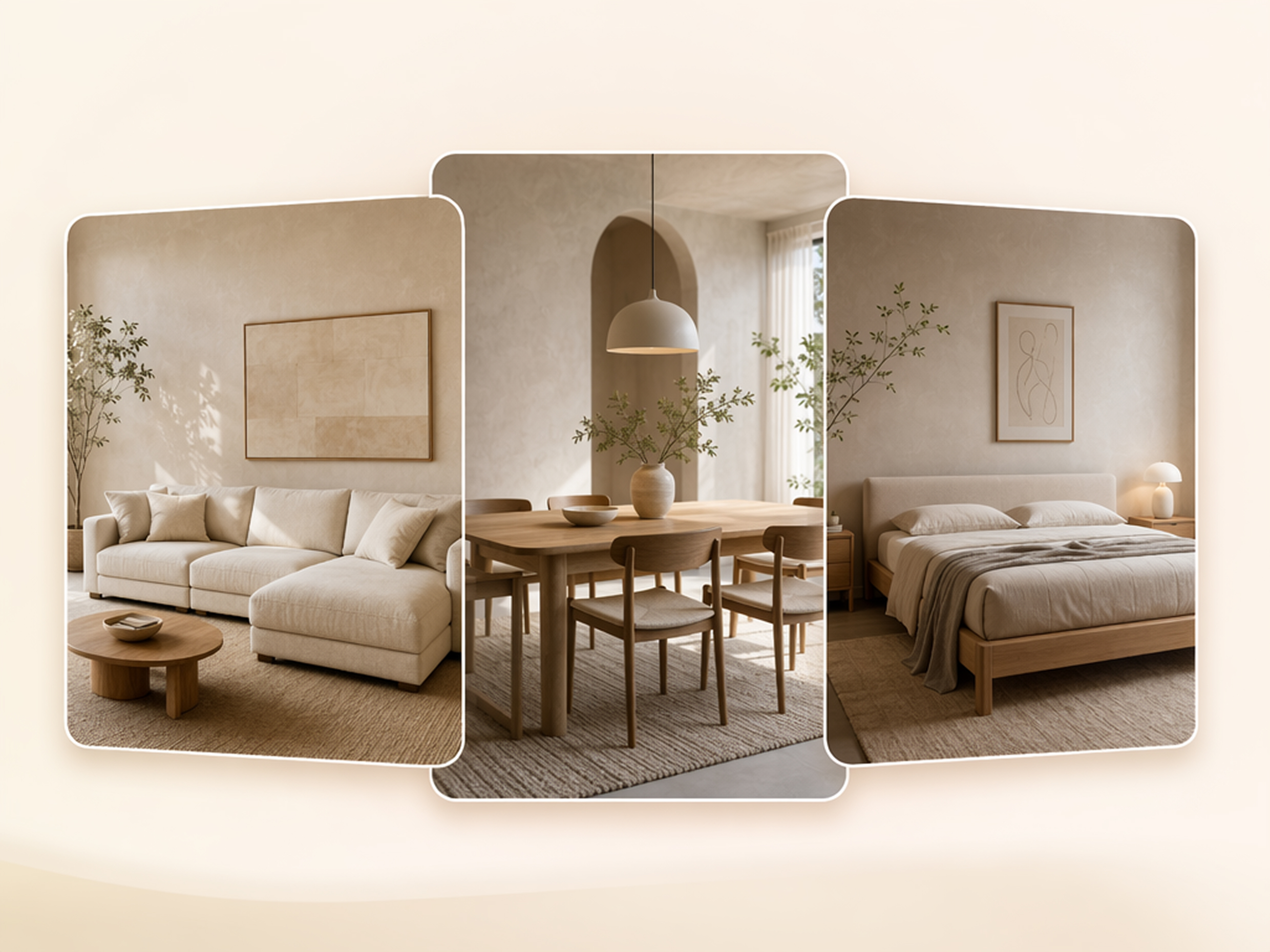
Generate a Scandinavian bedroom, a boho living room, and a sunny patio scene from the same single furniture photo instead of reshooting the piece for every interior style you want to show.
Preserve Materials and Product Details
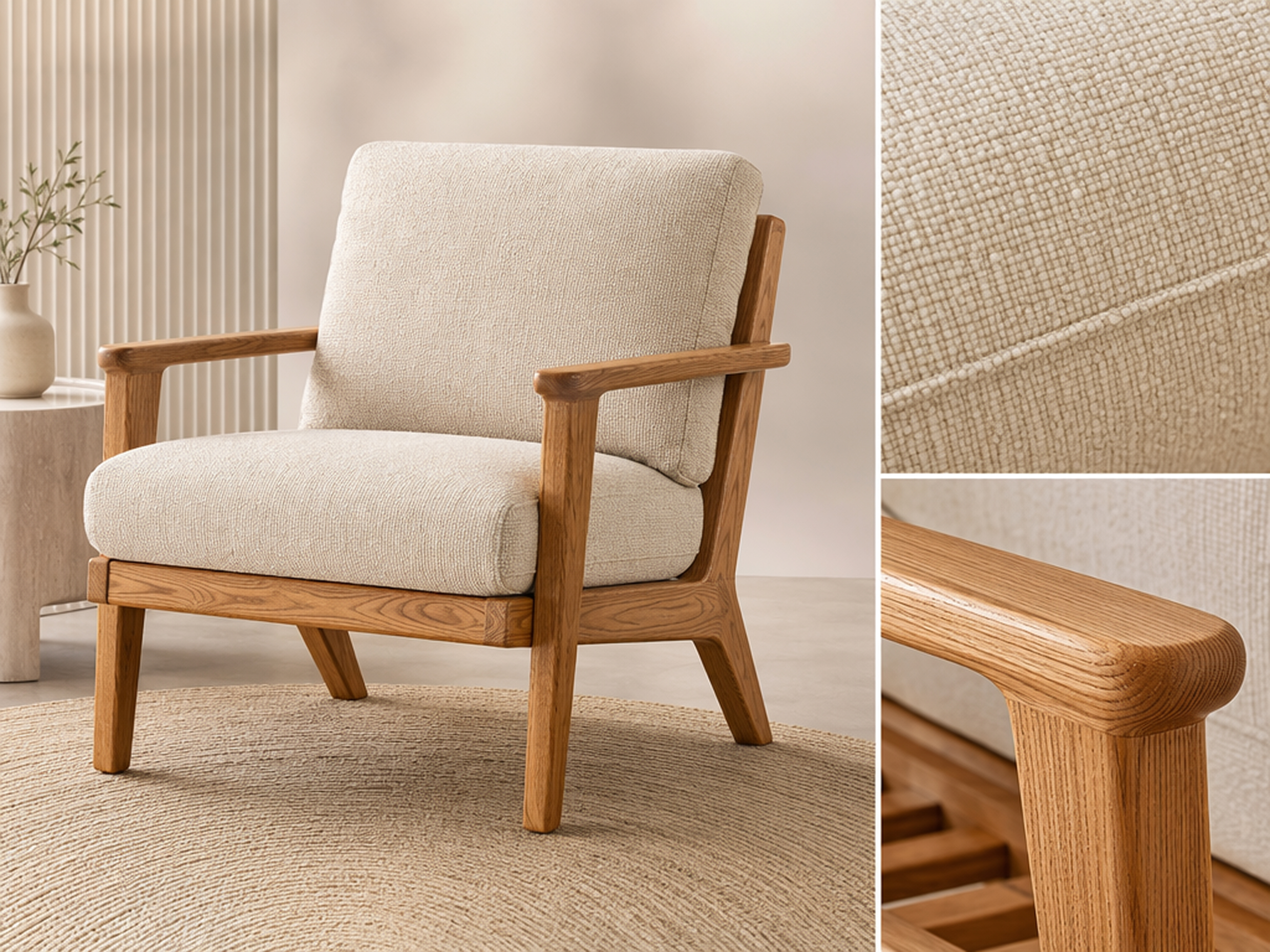
Fabric texture, wood grain, and hardware details stay accurate to the real product, so the room scene doesn't come at the cost of the product looking less like itself.
Scale Furniture Photography Across Your Catalog
Create lifestyle scenes for hundreds of SKUs at once with a batch photo editor approach instead of scheduling a shoot for every new furniture drop that gets added to the catalog.
Who Uses AI Home Decor Product Photography
Furniture Product Photography Without a Studio
Stage a sofa, table, or chair in a realistic room straight from a plain supplier or warehouse photo, without setting up a shoot yourself.
Why Choose Designkit for Home Decor Product Photography

Replace Expensive Furniture Shoots
Get lifestyle-ready room scenes without booking a studio, hiring a stylist, or renting props for every new item.

Launch Products Faster
Generate listing-ready images the same day a new item arrives instead of waiting on a photographer's schedule.
Make Customers Visualize Products
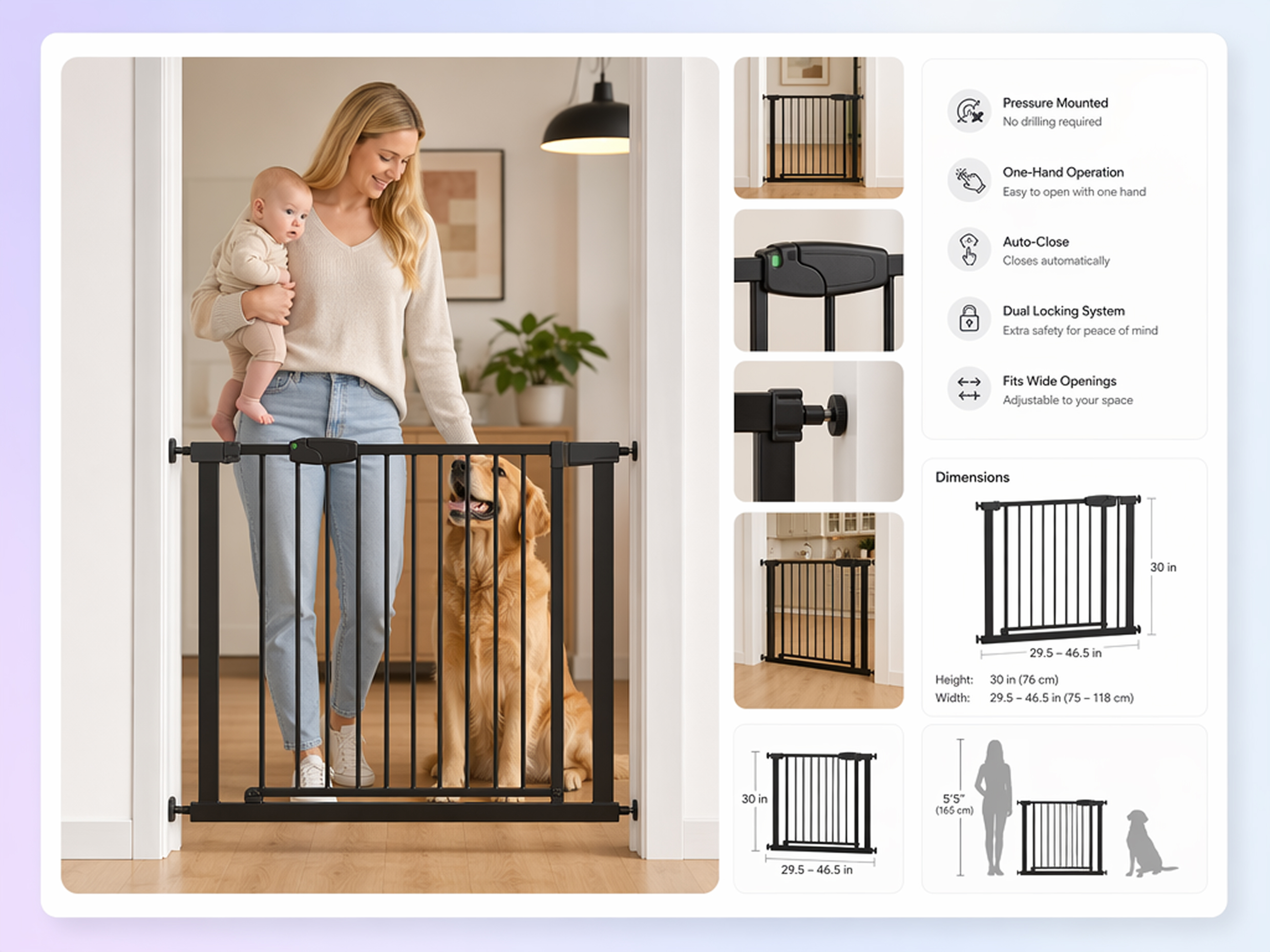
Show a piece in a styled room instead of on a plain background, so shoppers can picture it in their own space.

Create More Marketing Variations
Generate several room styles from one photo instead of paying for a separate shoot for each marketing angle.

Maintain Catalog Consistency
Apply a similar lifestyle look across every product page instead of mixing shoot styles from different sessions.

Reduce Photography Costs
Cut the recurring cost of studio time, props, and a stylist for every new furniture or decor release.
Unlock More Creative Possibilities
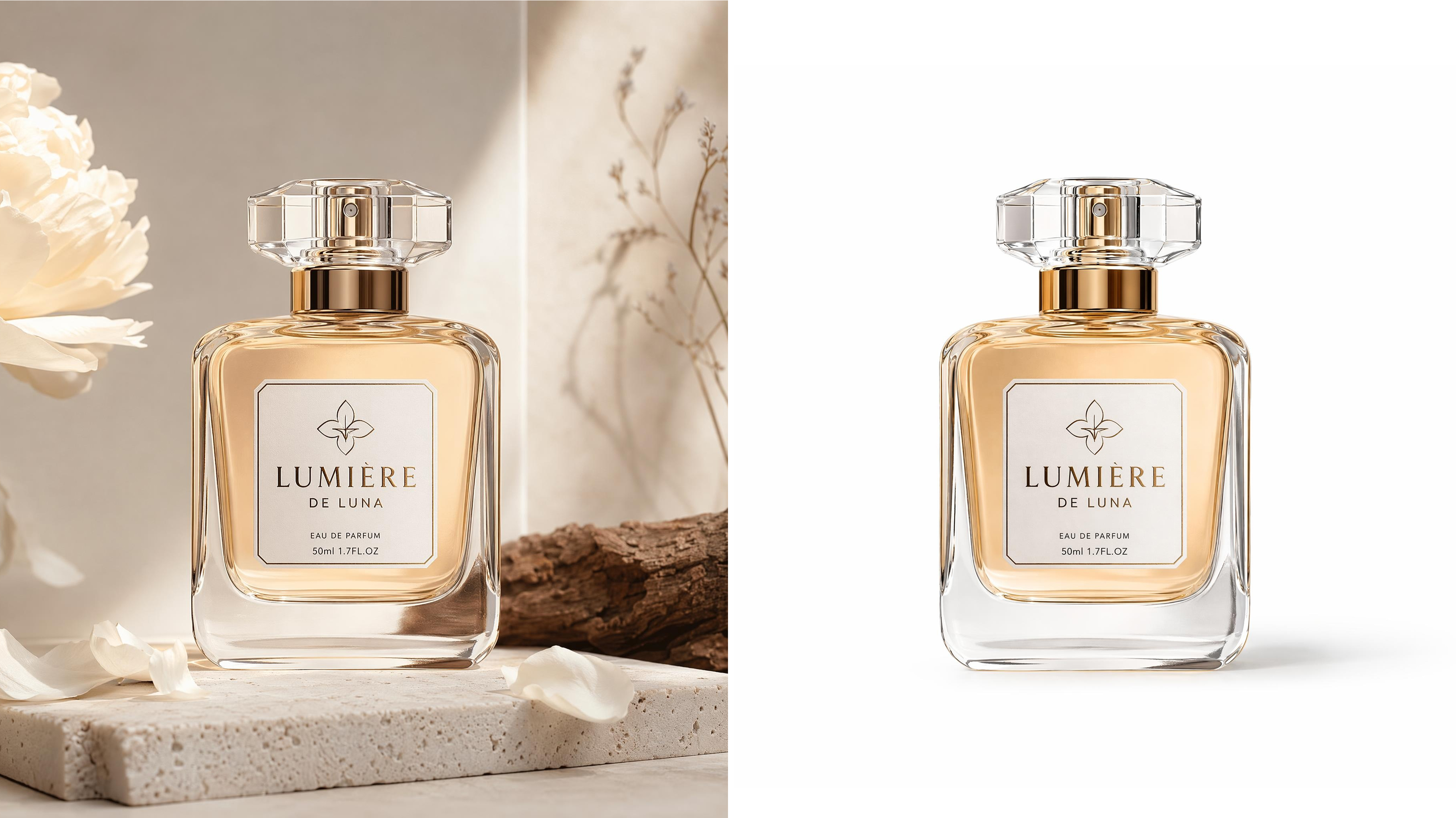
White Background to Product Photos
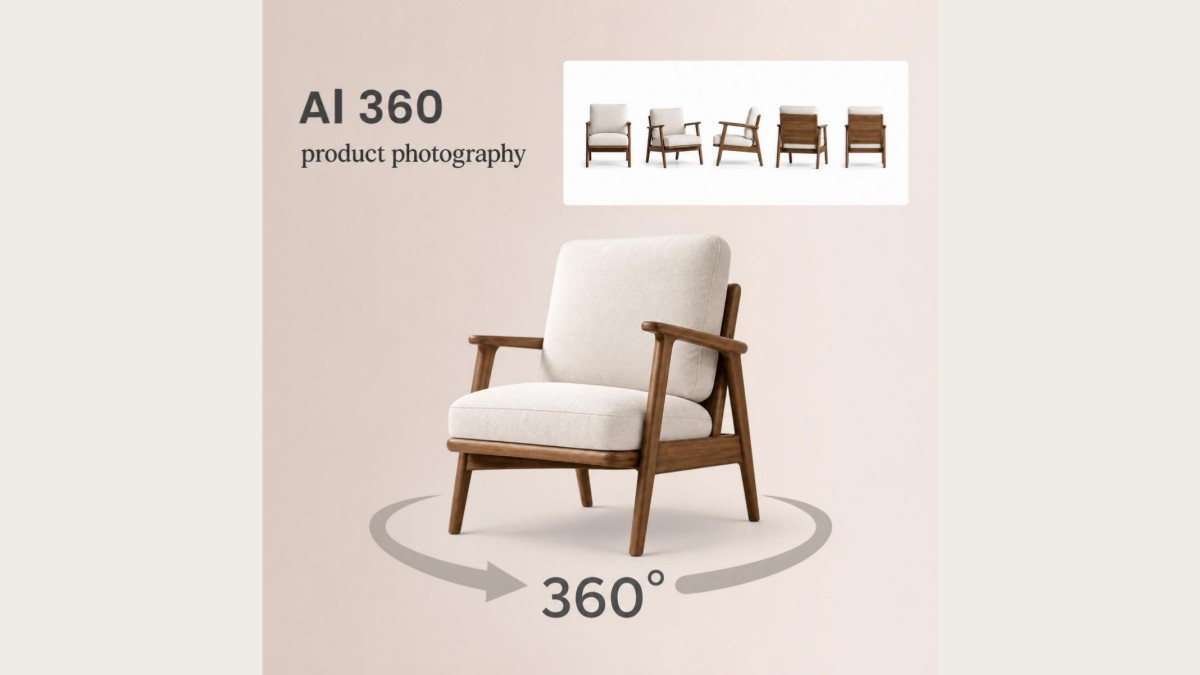
360 Product Photography Generator
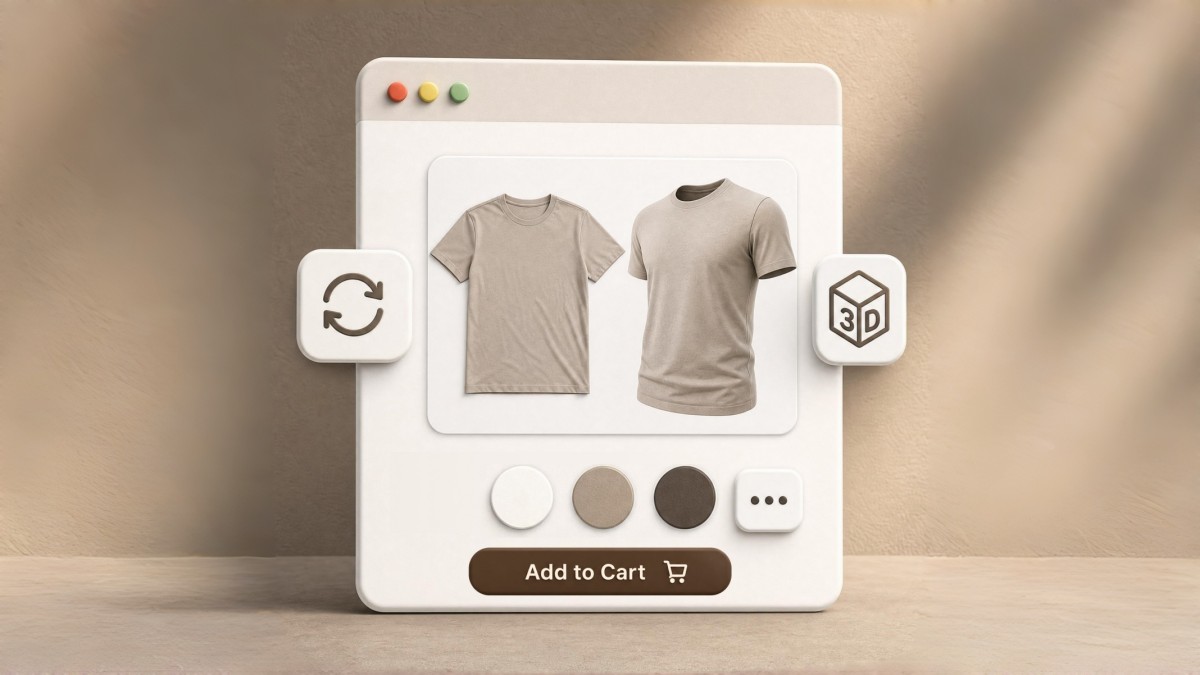
3D Product Image Generator
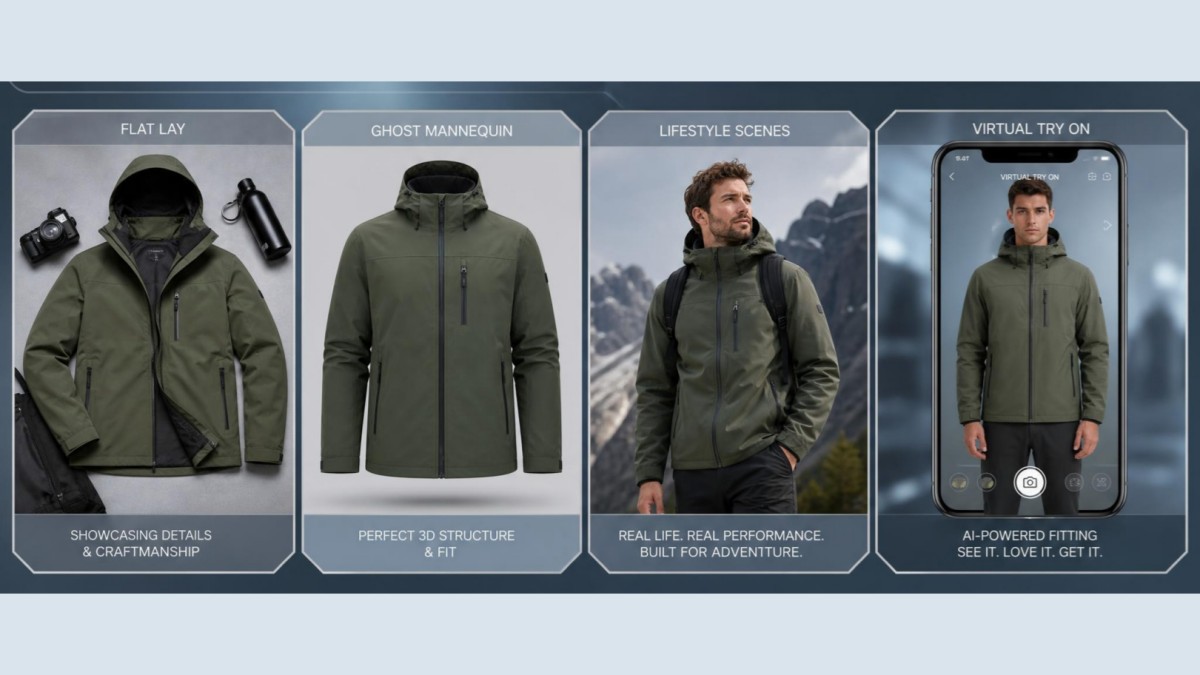
AI Clothing Photography Generator
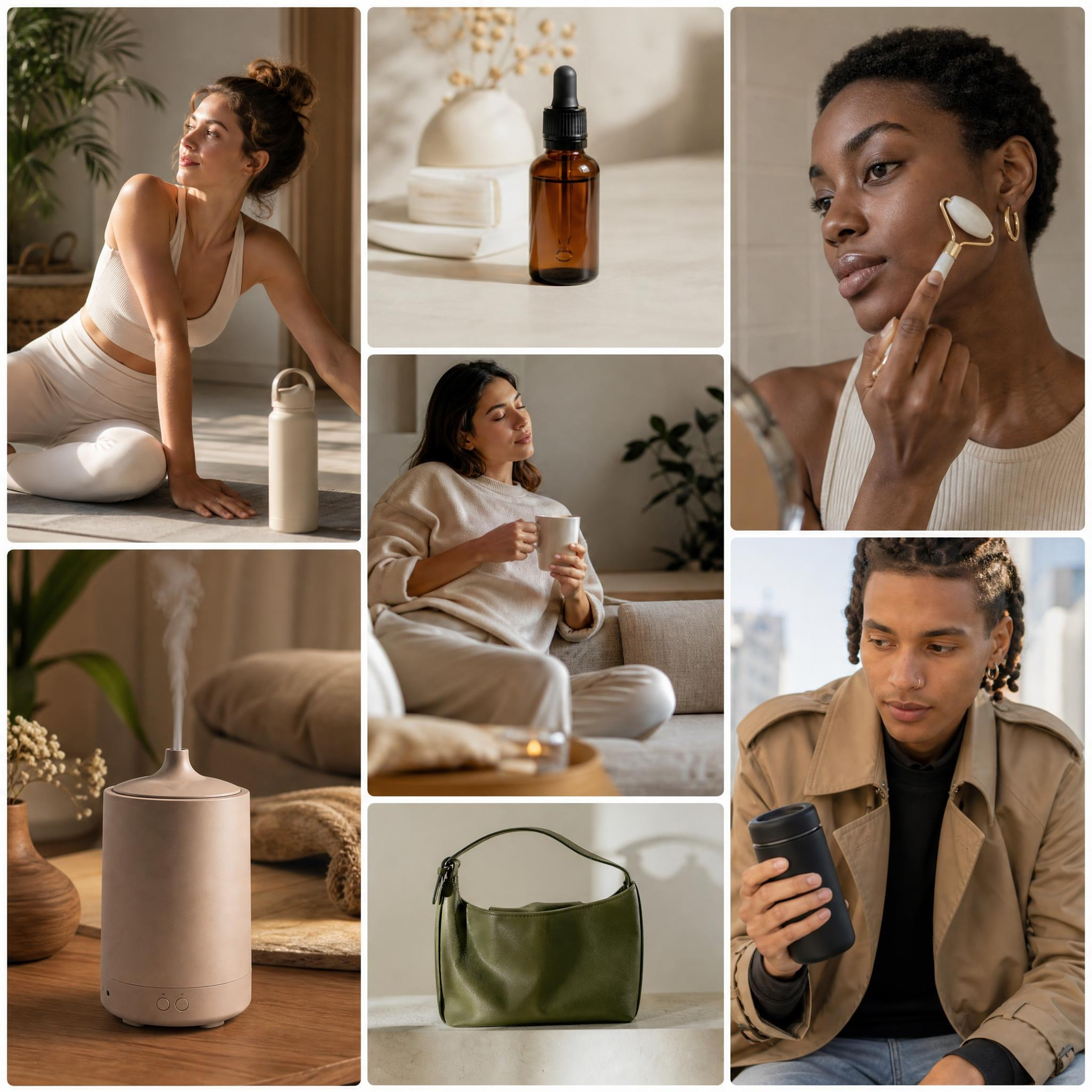
Lifestyle Product Photography Generator
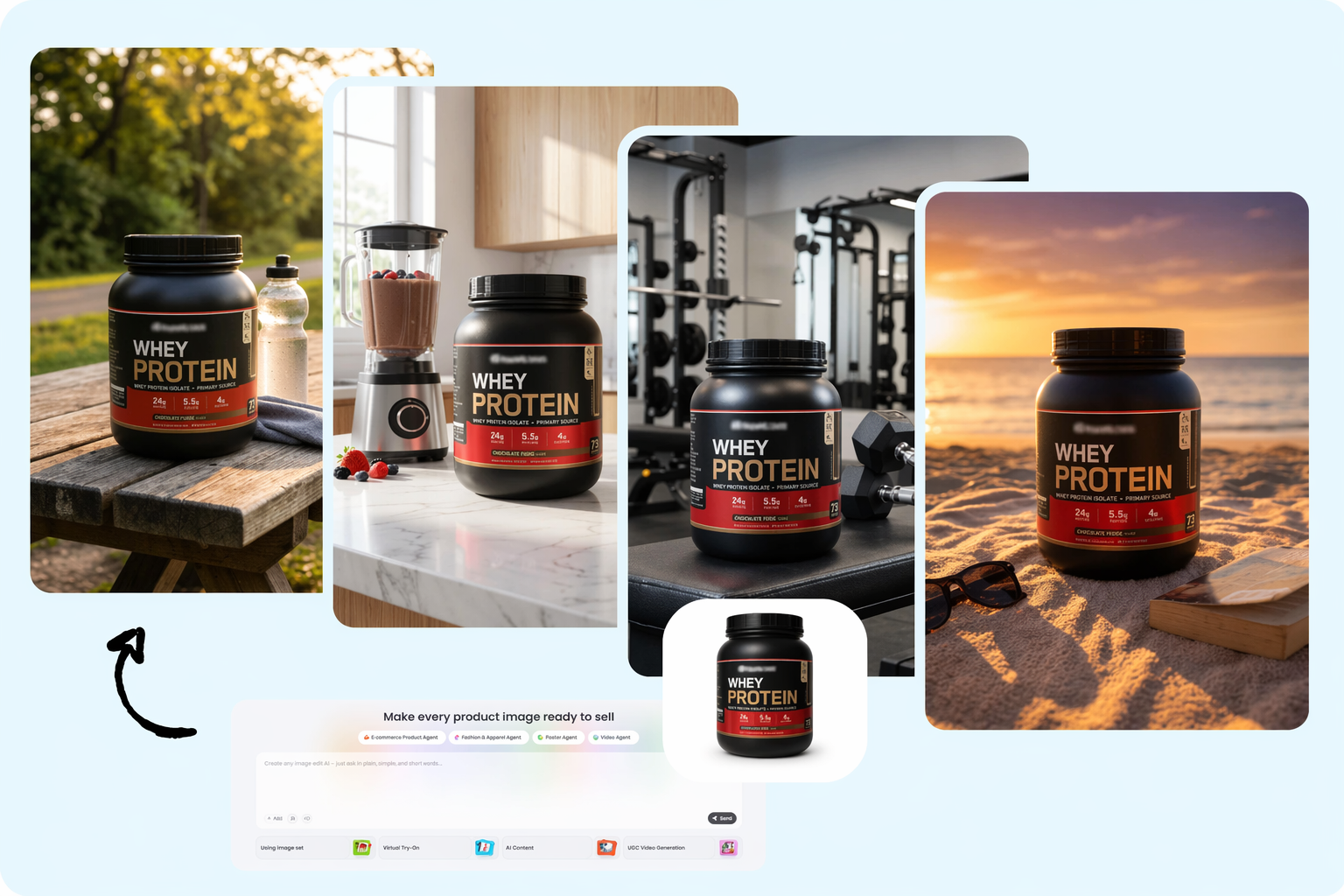
Supplement Product Photography Generator
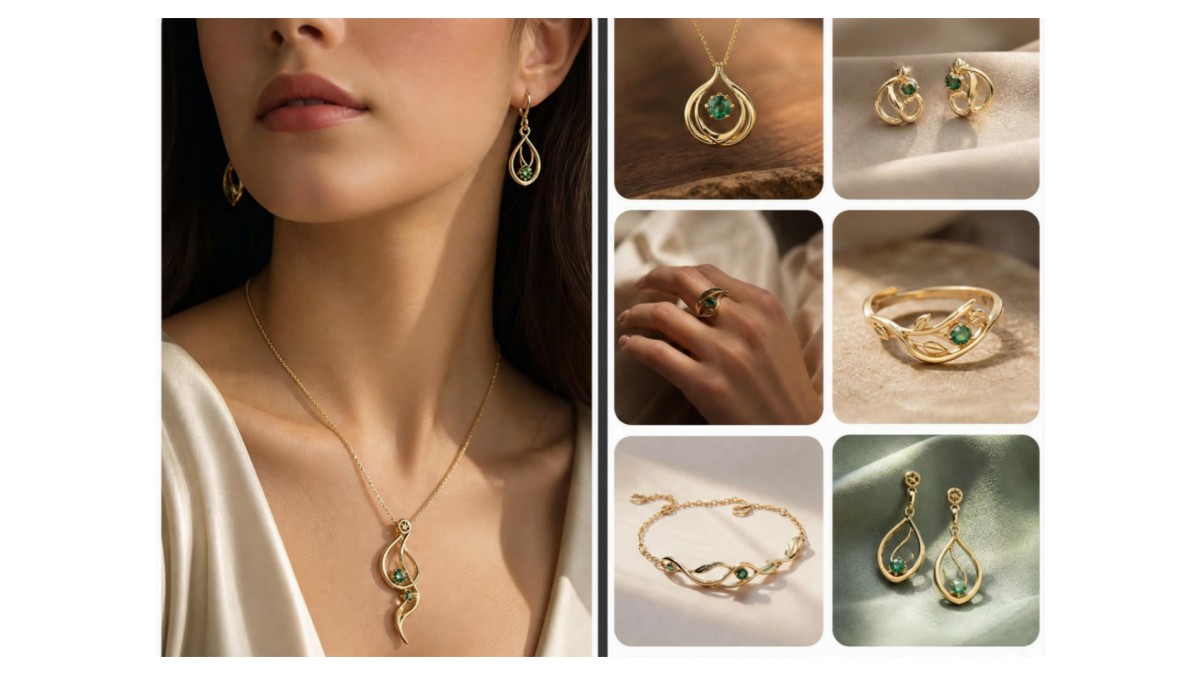
Jewelry Product Photography

AI Food Photography Generator
Frequently Asked Questions
Can I do furniture product photography without a studio?
What is AI furniture photography?
AI furniture photography uses artificial intelligence to place a furniture photo into a realistic room scene. Simply upload your product image to Designkit, choose a background or style, and let the AI generate a furnished lifestyle image.
Can I add furniture to photo backgrounds I already have?
Yes. Upload your furniture photo to Designkit, select or generate a new background, and the AI places your product into the scene while adjusting lighting and shadows for a more natural-looking result.
Does this work as an AI furniture background generator?
Yes. Upload your furniture image, choose the type of room or environment you want, and Designkit replaces the original background with a new AI-generated scene in just a few steps.
Is this an AI image generator for furniture and other home decor?
Yes. Upload photos of furniture or home decor items such as lamps, rugs, wall art, or decorative accessories, then use Designkit to generate lifestyle scenes that match your preferred setting.
How much does furniture photo editing cost compared to a shoot?
It depends on how many images you need. Designkit offers new users 20 free signup credits and 10 additional credits each day, so you can try AI furniture photo editing before deciding whether a paid plan fits your workflow.
Can I generate images for a whole furniture catalog at once?
Yes. Upload multiple furniture images to Designkit using batch processing, generate lifestyle scenes for them in one session, then review and download the finished images.
Do the generated lifestyle images look realistic?
Yes, in most cases. For the best results, upload a clear product photo with good lighting. Designkit places the furniture into a matching scene while adjusting lighting and shadows to create a natural-looking lifestyle image.
Get Home Decor Product Photography Without the Shoot
Upload a furniture or decor photo and get a styled room scene back in seconds, no studio or physical shoot required.

What Sellers Say About Designkit AI Furniture Photography
Real feedback from furniture and decor sellers.
Reduced New Product Photography Costs
We used to book a studio every time we added a new sofa color to the lineup. Now I upload one photo and get a styled room shot back in under a minute, without waiting on a photographer's schedule.
Great for Small Decor Items
I sell candles and vases and never had budget for real lifestyle photography as a small shop. This gave me shelf and table scenes that finally look like a real home instead of a plain product shot.
Saved a Client Presentation
I needed to show a client how a chair would look in their space fast, before a design meeting later that day. Uploading the photo and generating a scene took minutes, not a scheduled shoot.
Helped Customers Understand Scale
Showing furniture inside realistic rooms helped customers better understand how products would actually look in their own homes, which cut down on a lot of size and fit questions before purchase.