
AI Food Product Photography Generator for Studio-Quality Images
Turn basic food photos into polished, studio-style visuals with clean backgrounds, improved lighting, and styled scenes. Ready for Amazon, Shopify, delivery apps, and marketing in seconds, no studio or editing required.
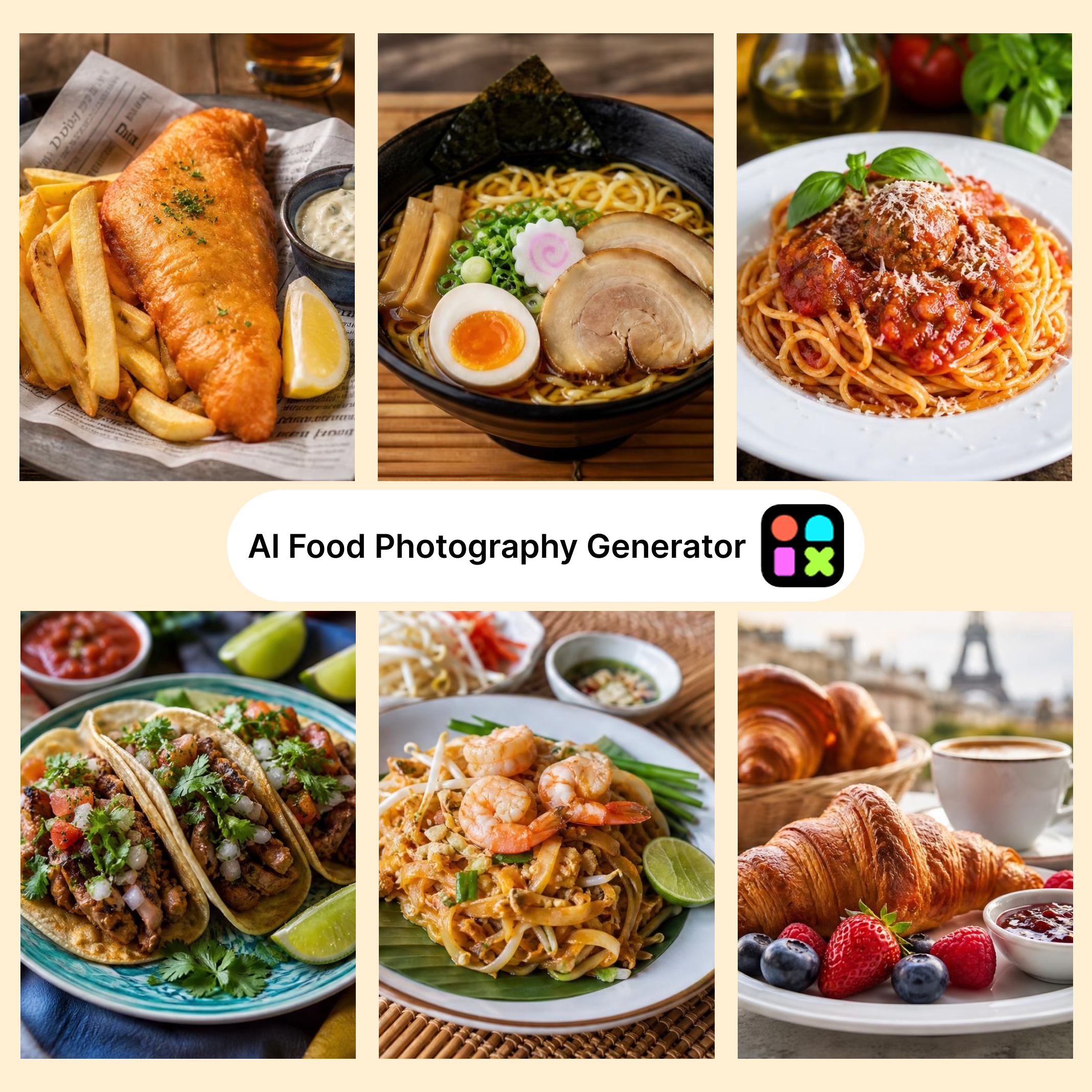
How to Create Food Images without Photoshoots in Designkit
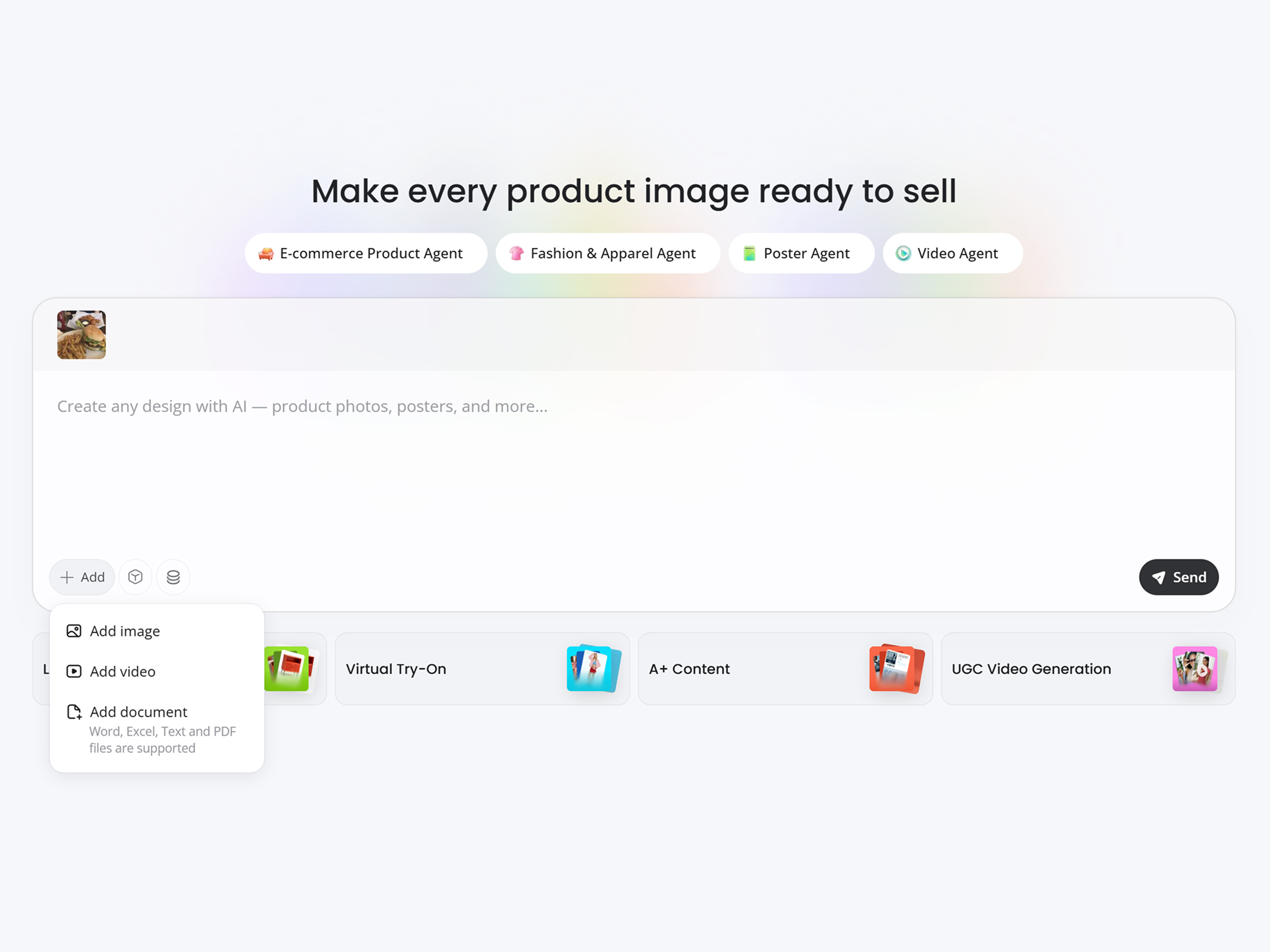
Upload Your Food Image
Upload any product photo—packaged food, beverages, or raw ingredients—and Designkit works with standard phone shots or existing images. No professional camera or studio setup needed.
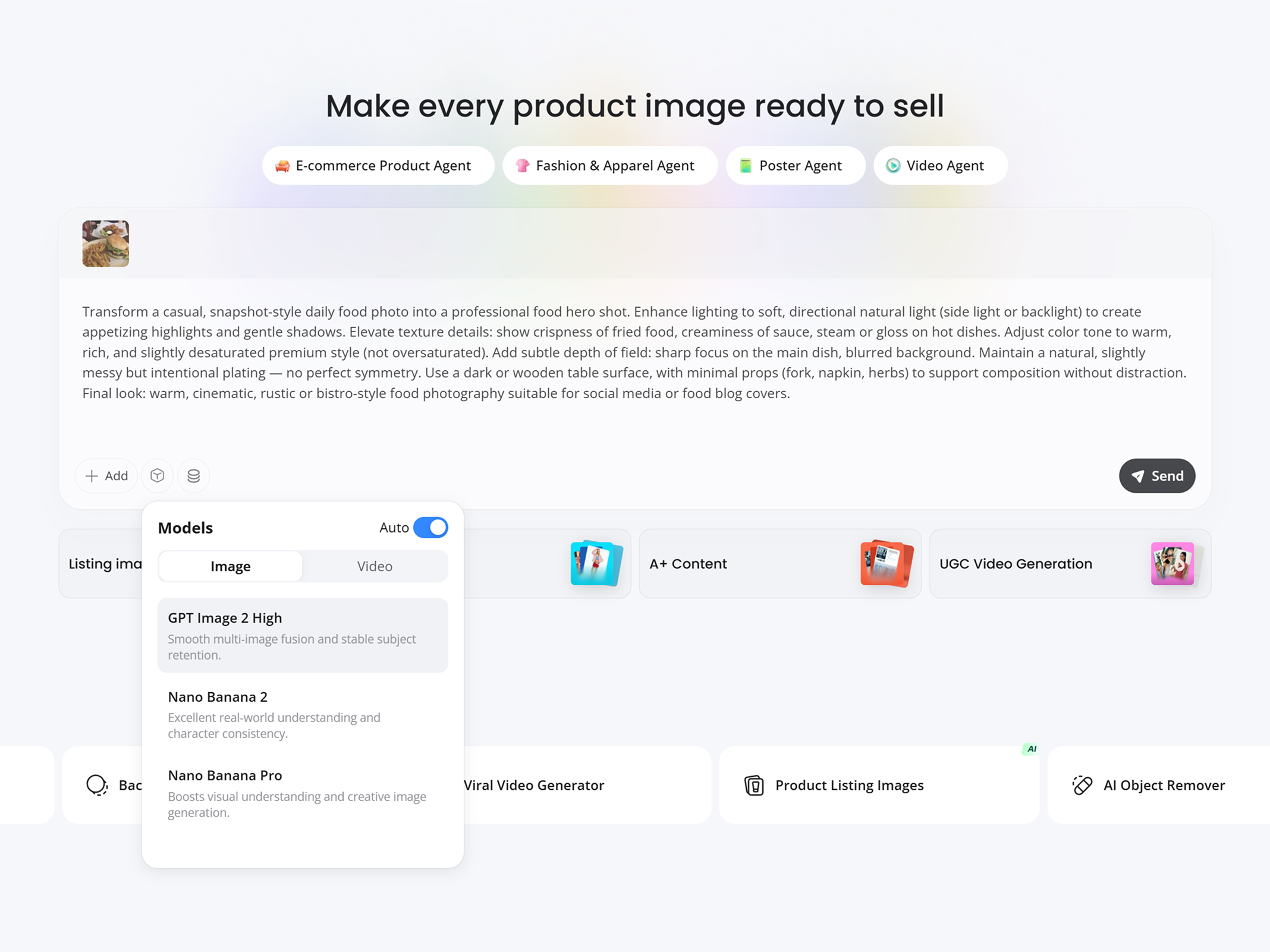
Describe Your Scene and Style
Describe your food image idea—lighting, texture, composition, and angle. Choose an AI model (GPT Image 2 High, Nano Banana 2, or Seedream 4.0), then click “Send” to generate.
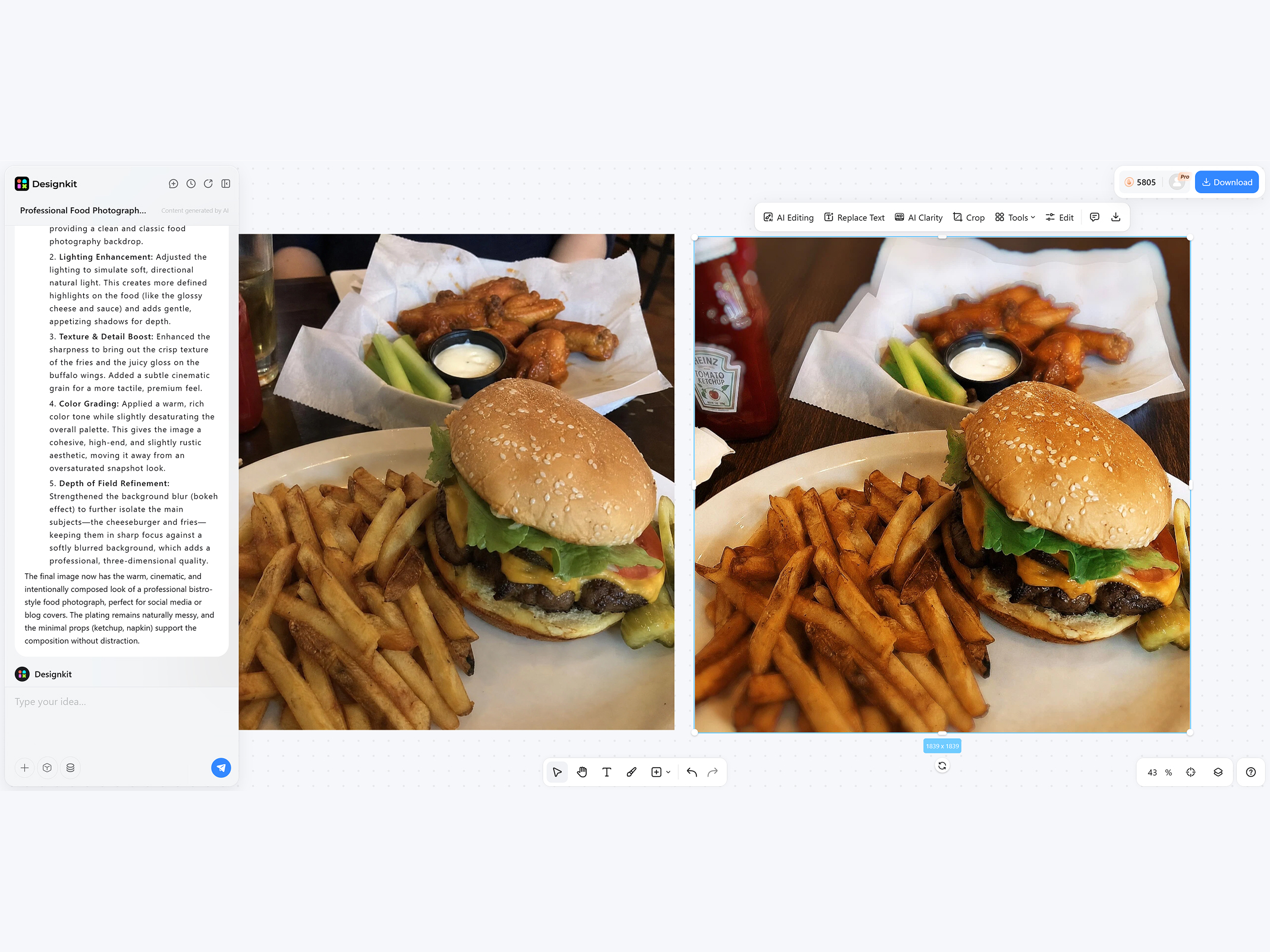
Preview, Refine and Download
Preview your generated food image and fine-tune as needed—adjust background, crop, or enhance texture with one click. When ready, download your commercial-quality image and publish it directly to your listings or campaigns.
What Designkit Does for Your Food Product Photography
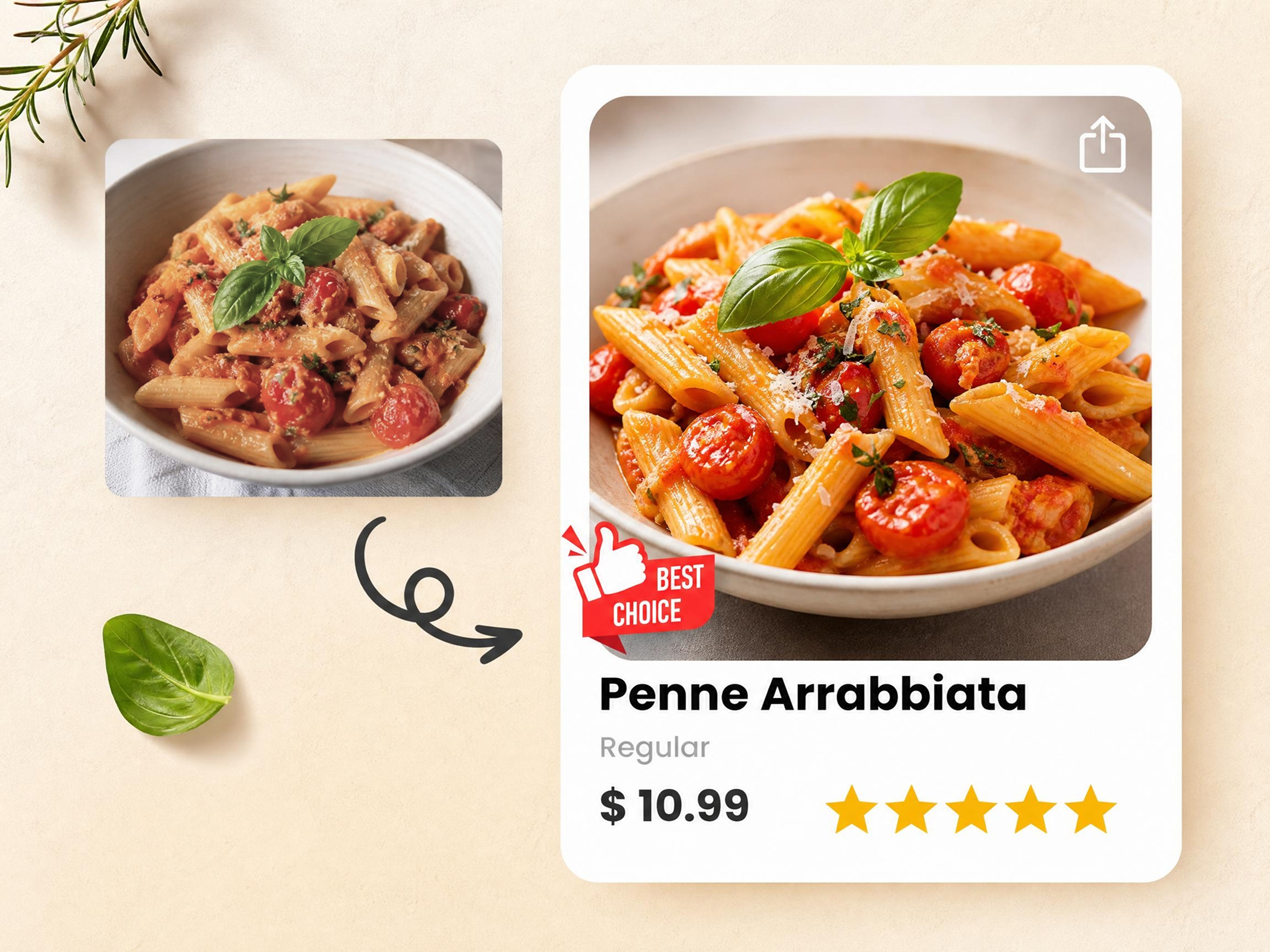
From Phone Snap to Studio-Style Food Images
Upload a raw food photo from your phone or supplier and instantly turn it into a studio-quality product image. Designkit automatically replaces backgrounds, enhances lighting, and corrects details to meet eCommerce listing standards. No studio setup, no photographer, and no editing skills required—just ready-to-use visuals for Shopify, Amazon, and brand campaigns in seconds.
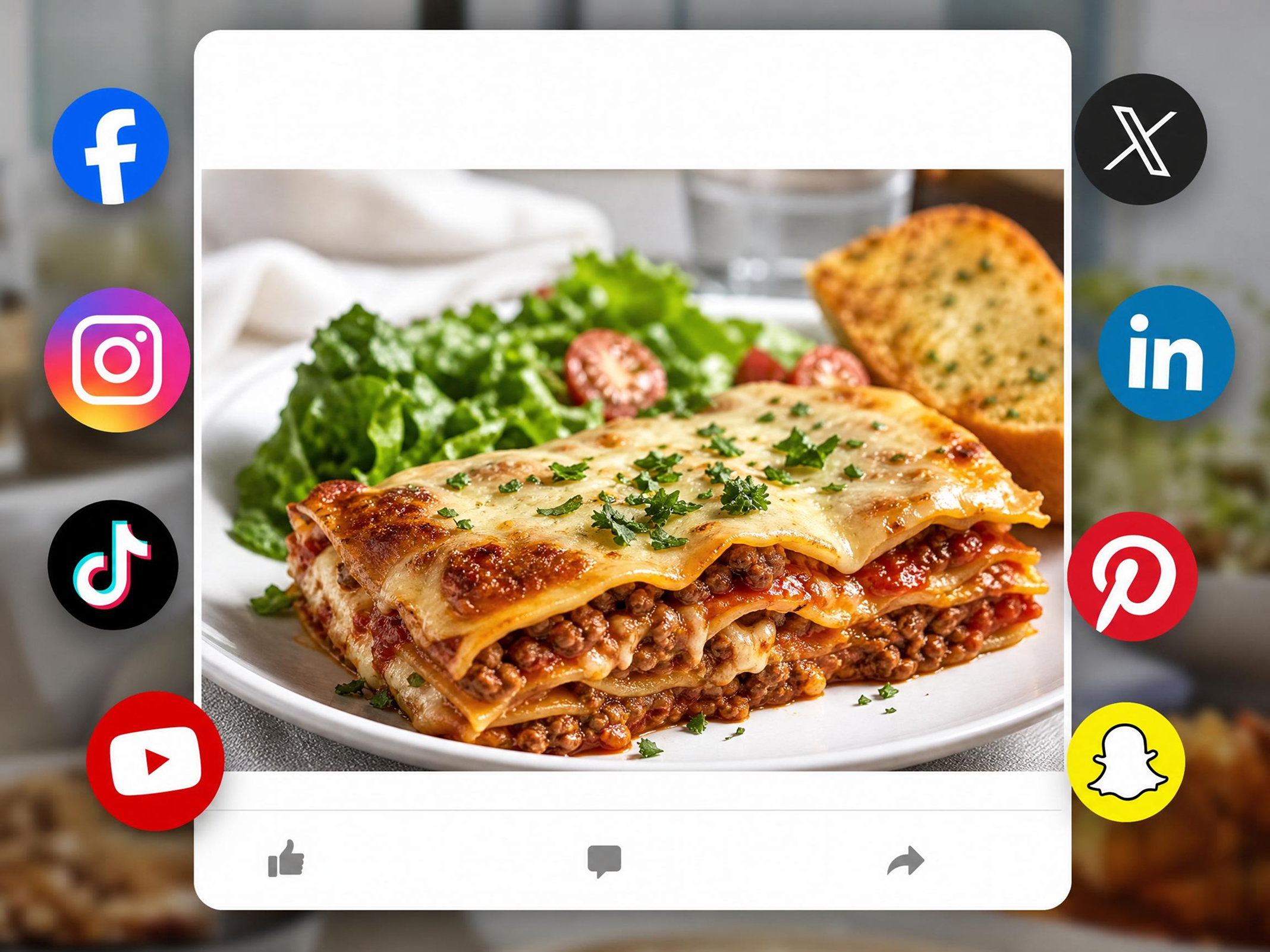
Automatically Fit Food Images for Every Sales Channel
Designkit's product photography generator automatically generates food product images that are correctly framed and optimized for Shopify, Amazon, food delivery apps, and social media platforms. It eliminates cropping issues, inconsistent layouts, and resizing work by delivering platform-ready visuals from the start. Publish faster, maintain brand consistency across channels, and reduce manual editing work for every product launch.
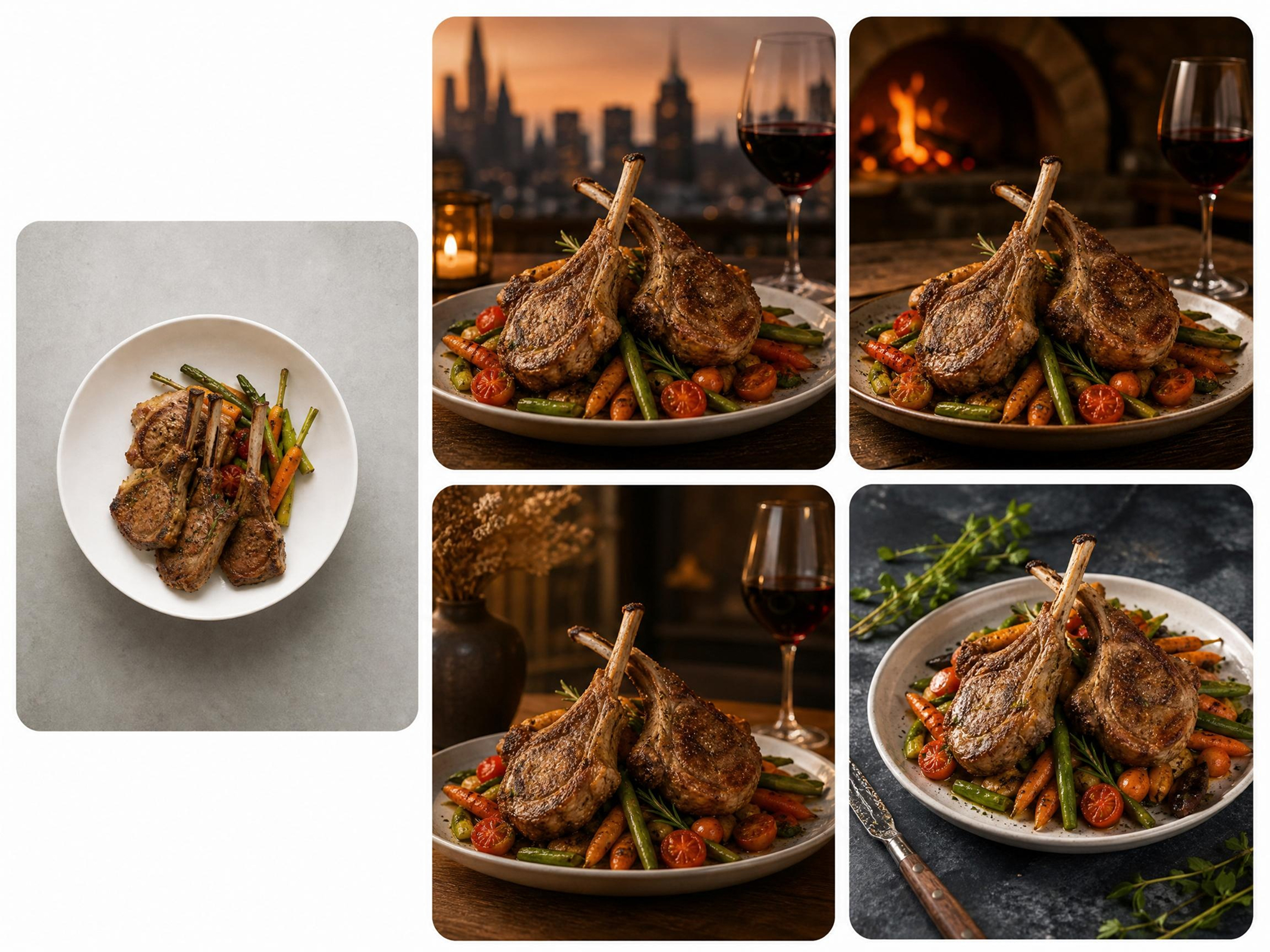
Place Food Products in Realistic, Styled Scenes
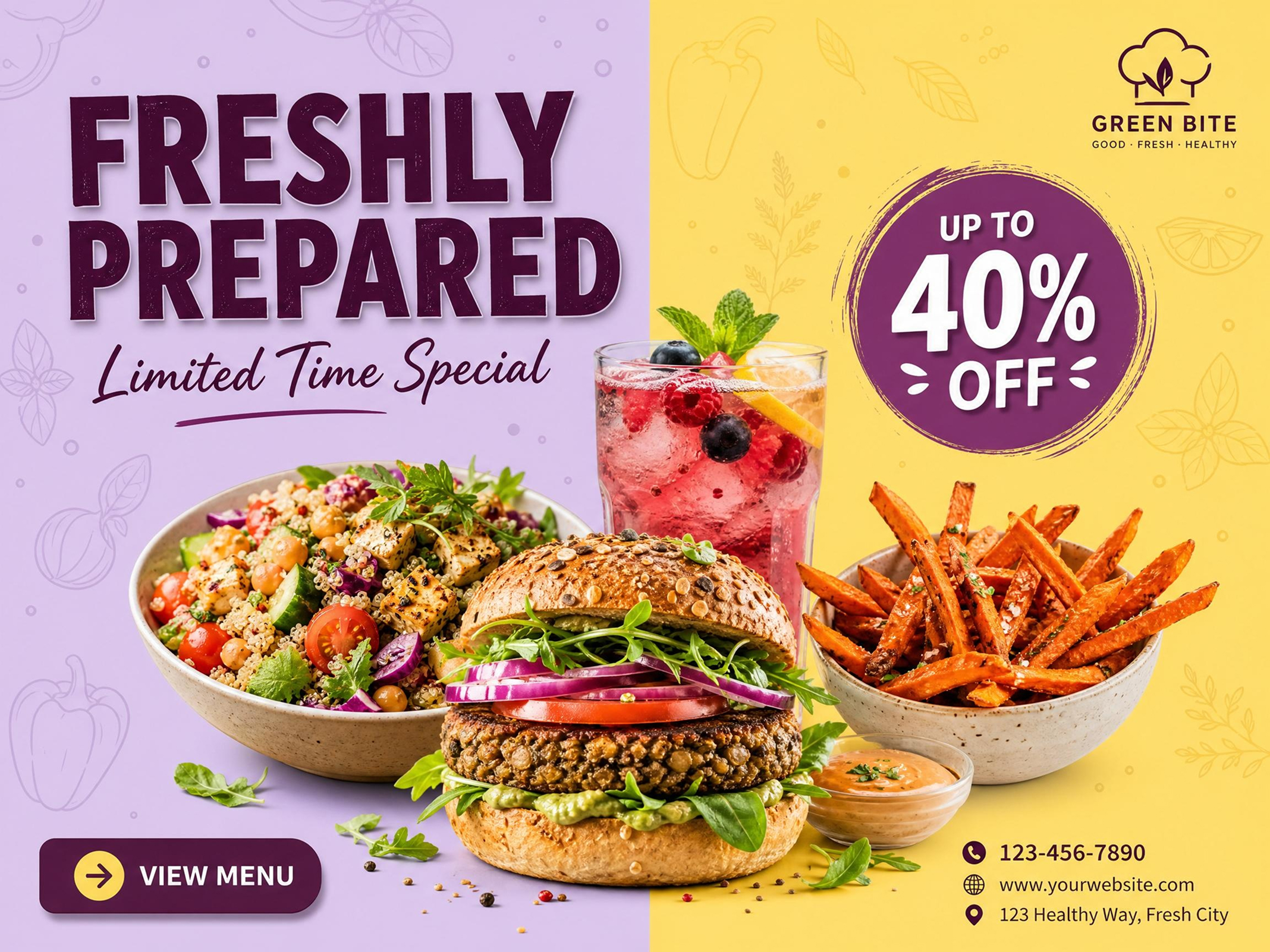
Creating consistent food visuals for campaigns usually requires props, studio setups, and photographers. With the AI image generator in Designkit, you can instantly place food products into realistic scenes like kitchen counters, restaurant tables, or seasonal backgrounds. Generate campaign-ready images for ads, social media, and product storytelling in seconds—without studios, stylists, or agencies.
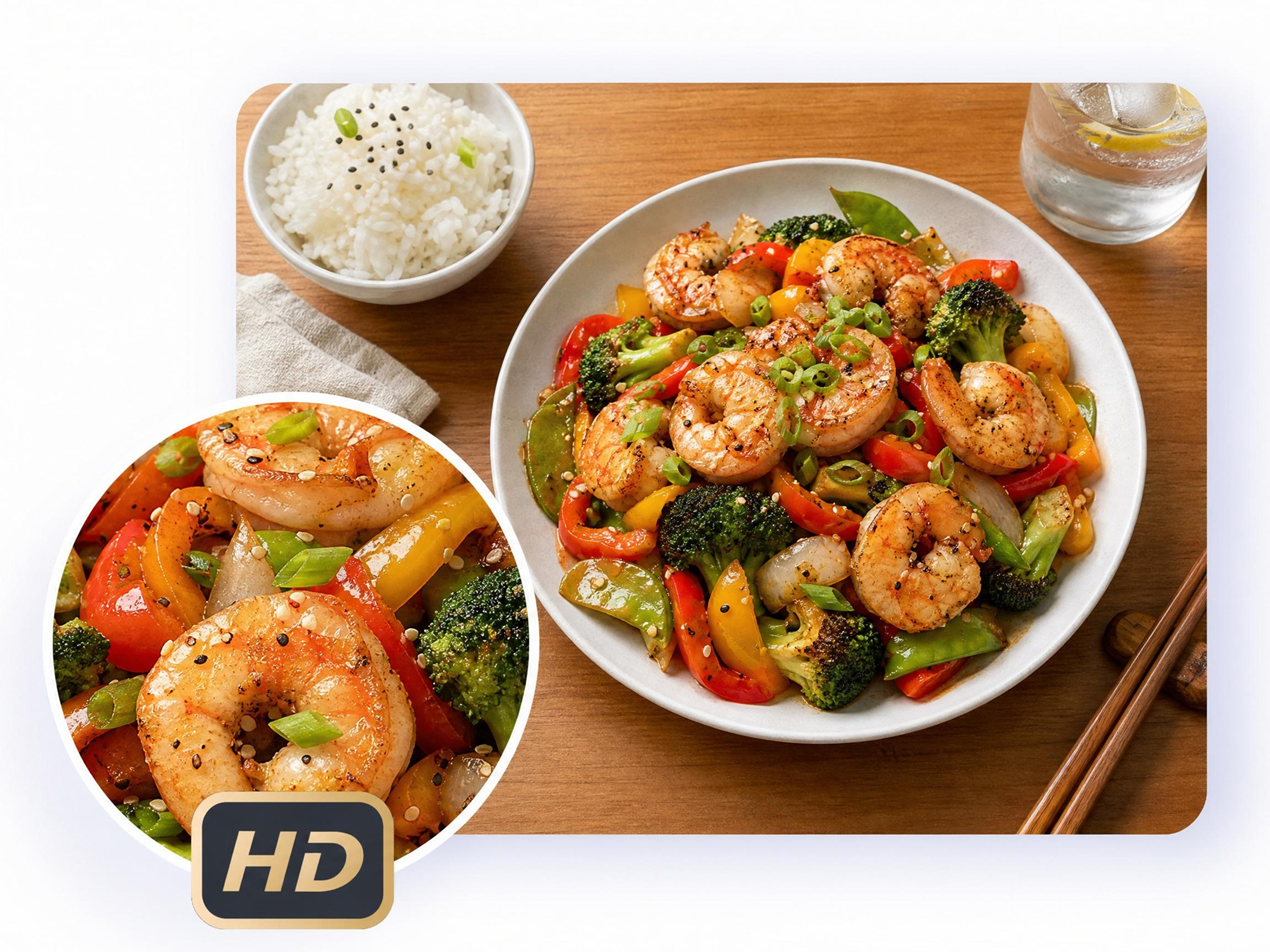
Highlight Food Details That Increase Buyer Confidence
Low-quality food images often hide important details like texture, freshness, and ingredients, reducing customer trust. Designkit enhances close-up food visuals to clearly show crisp textures, vibrant colors, and fresh ingredients. These detail-focused images help your products stand out in crowded marketplaces and improve conversion rates on listings and ads.
Who Uses Designkit for AI Food Product Photography
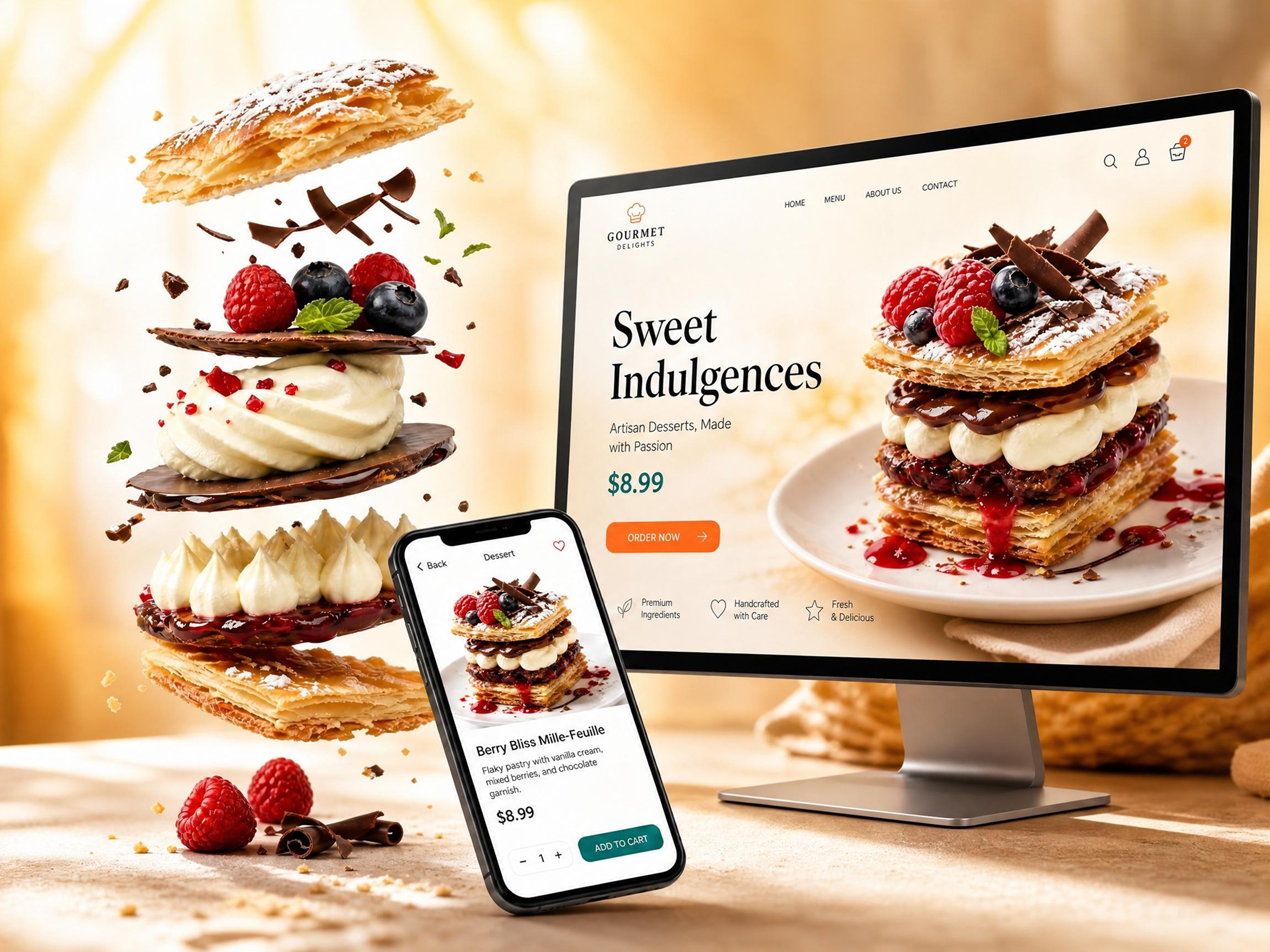
Scalable, Brand-Consistent Food Visuals for Online Listings
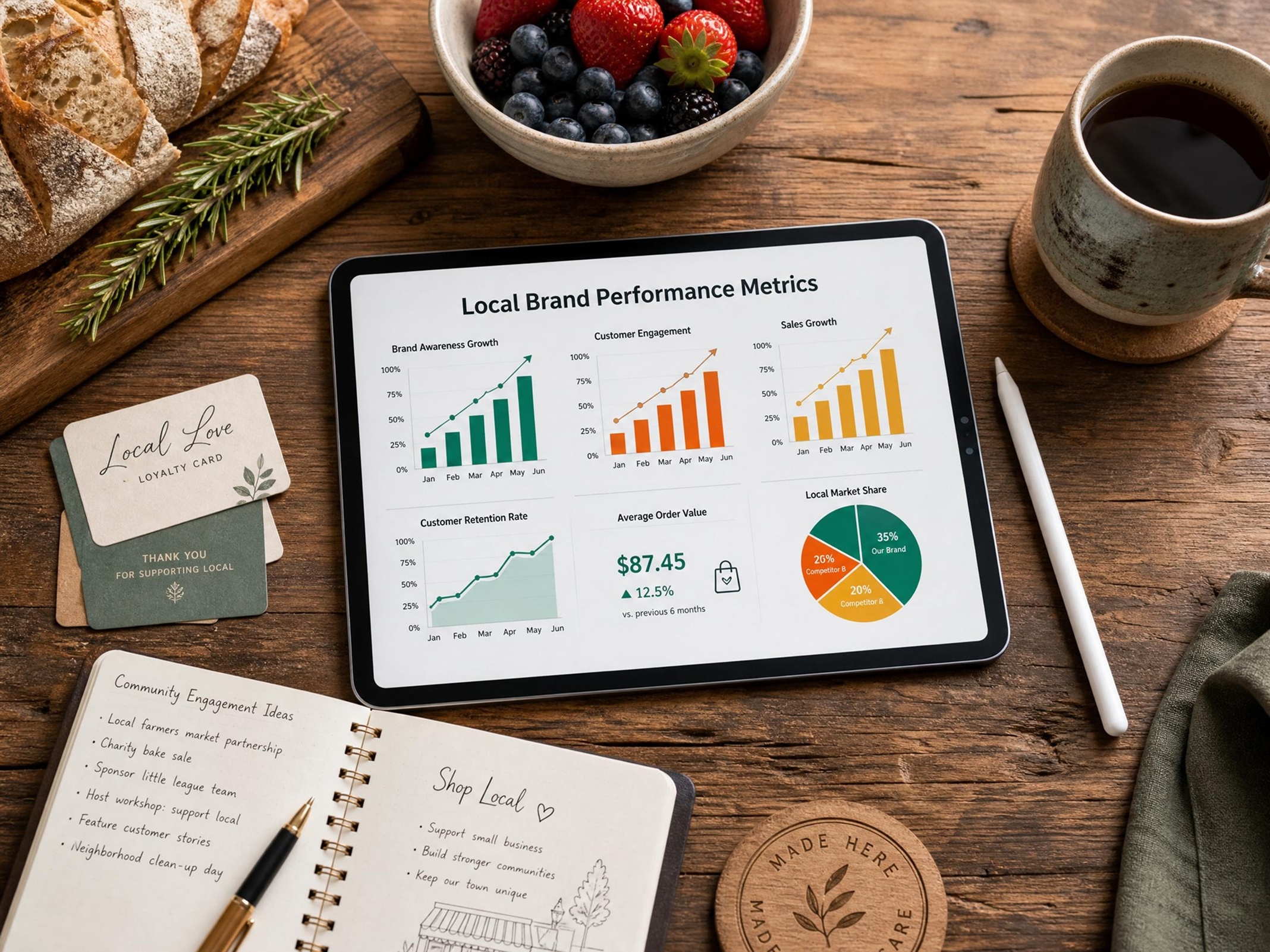
Scale your catalog without increasing photography costs. With Designkit, upload raw product or packaging images and instantly generate consistent, brand-aligned visuals for every SKU. Each image is optimized for clarity and ready for Amazon, Shopify, and marketplace listings.
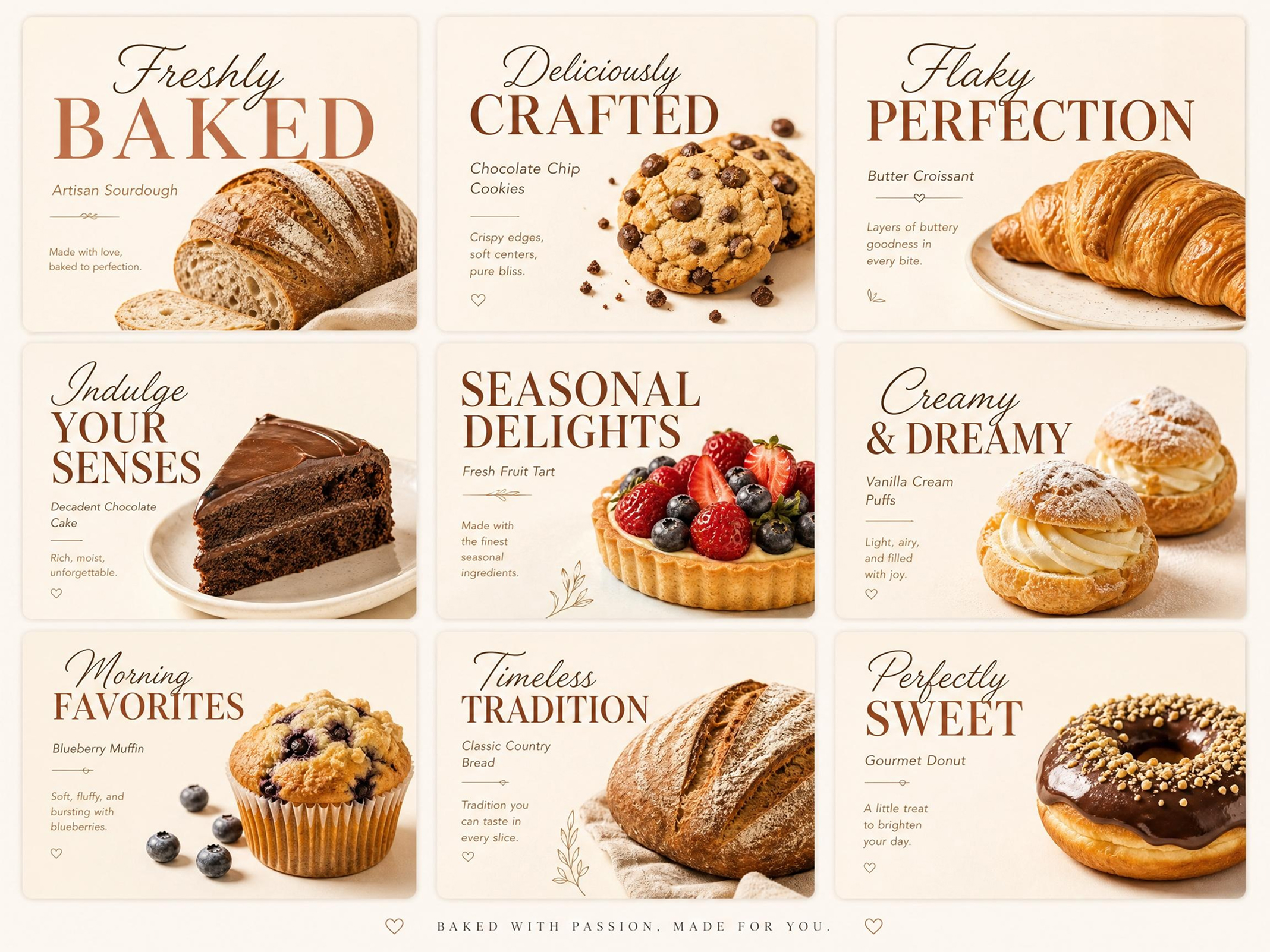
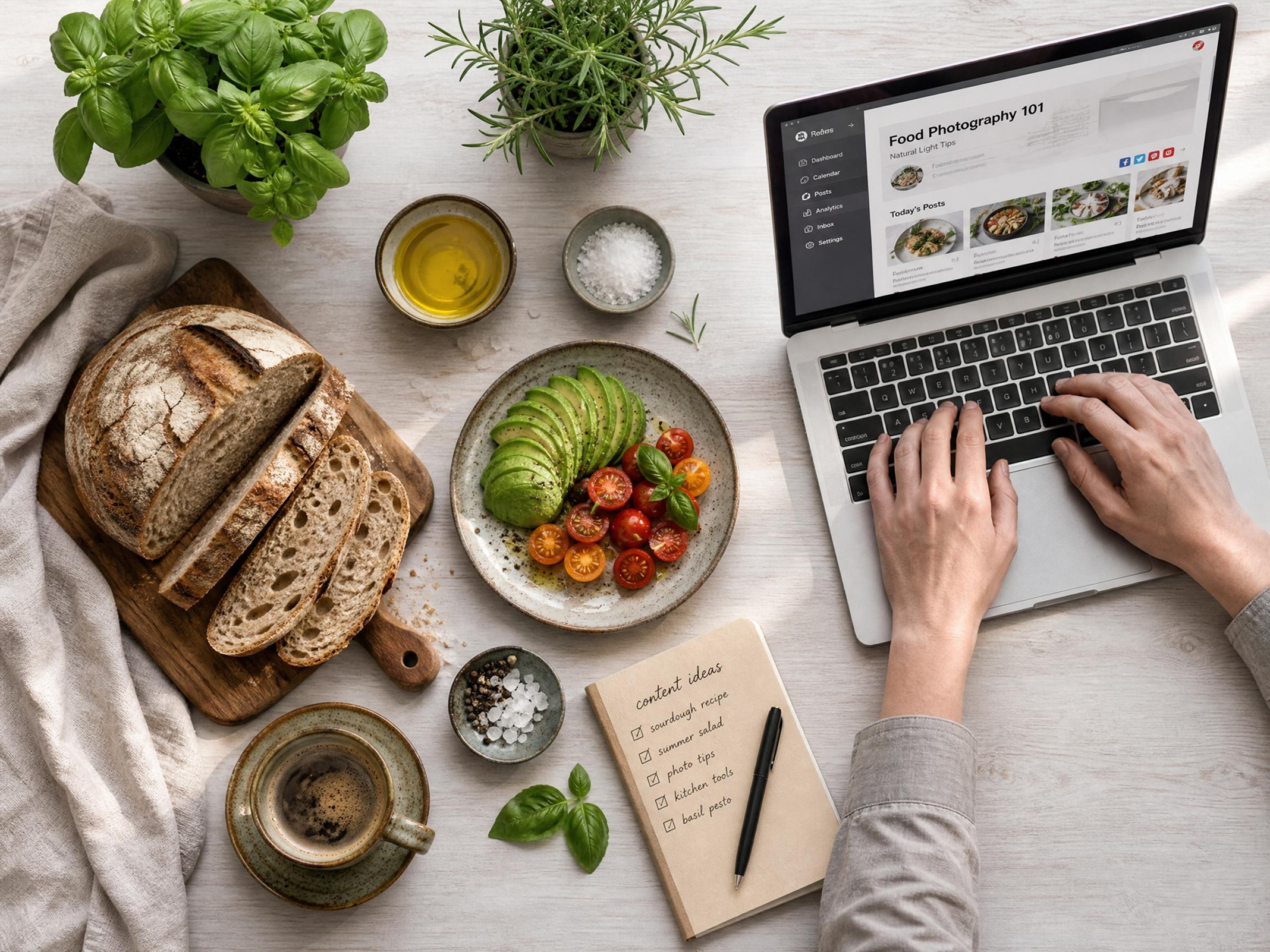
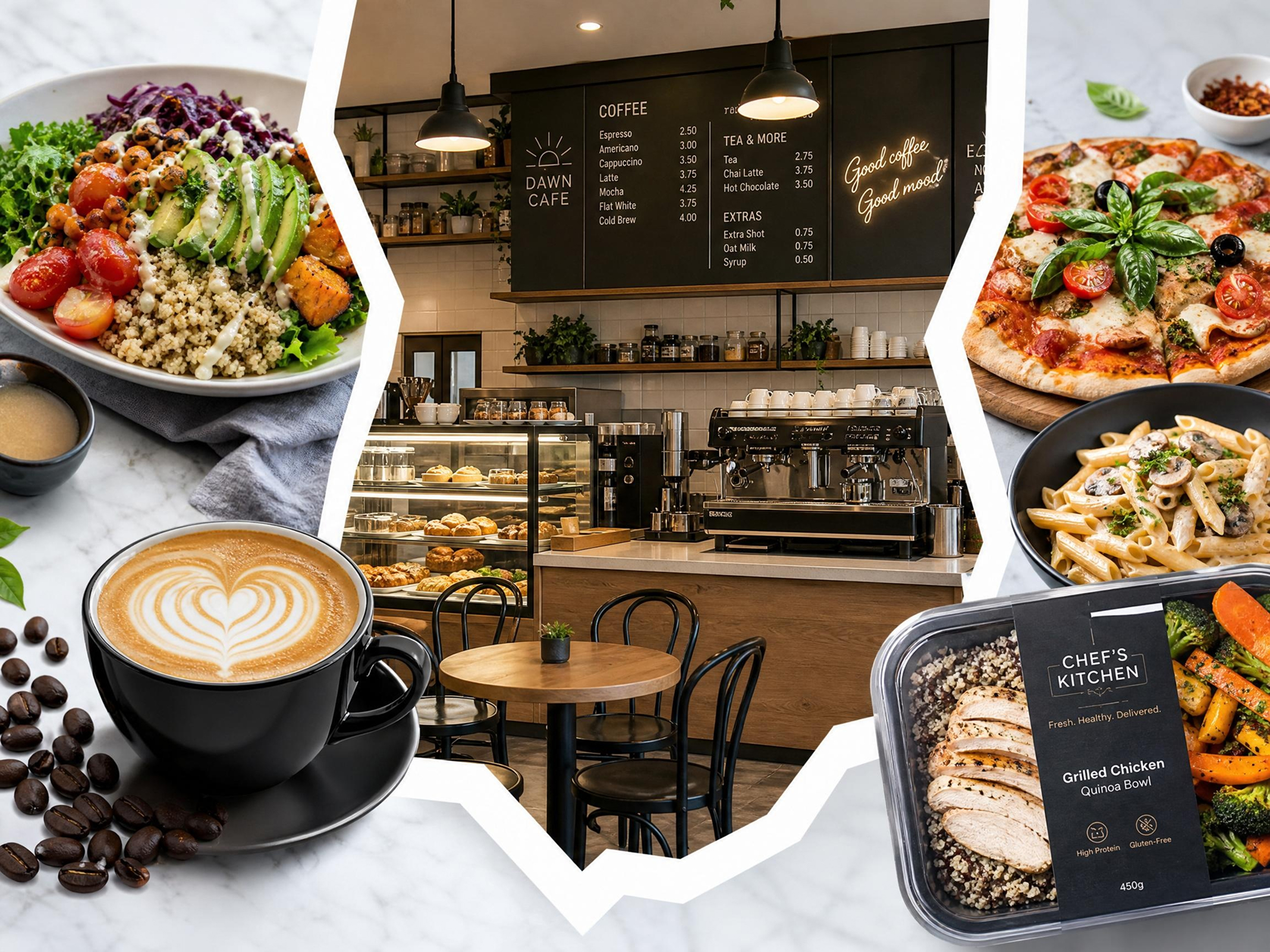
Why Online Food Sellers and Creators Choose Designkit

90% Lower Cost Than Traditional Food Photography
Skip studio rentals, photographers, and editing costs. Designkit generates commercial-grade food product photography from simple images, making it easier to produce consistent visuals for ecommerce, ads, and campaigns.
Studio-Quality Results in Minutes, Not Days
Avoid long production cycles. Designkit creates food product photography in minutes by defining your scene and output, helping you launch products faster and update campaigns without delays.

Flexible Output for Every Campaign Type
Designkit produces a variety of food product photography styles, from clean backgrounds to lifestyle scenes. Adapt visuals for seasonal campaigns, promotions, or branding without reshooting products.
Frequently Asked Questions
How can I create food product photography without a studio?
What is the best way to generate food product photography for ecommerce?
Using Designkit is the easiest way to create e-commerce product images for food. Specify the scene, background, and format, and Designkit will generate images that are sized and cropped for listings, thumbnails, and product pages, without additional design.
How do I get better food photography product images for online listings?
To create better food photography product images, you need to enhance sharpness, lighting and composition. That's where Designkit takes care of all of this, automatically generating better images with clearer colors and backgrounds suitable for ecommerce listings.
What are some easy food product photography ideas I can create quickly?
You can design food product photography styles such as pure backgrounds, ingredient-focused, or in the kitchen with props. This allows Designkit to create these styles on the fly by listening to your prompts and creating visuals for use in content and campaigns. This helps produce ready-to-use images for content and marketing campaigns with speed, consistency, and professional quality.
How can I improve food product photography tips using AI tools?
You can apply food product photography tips more effectively with Designkit by adjusting lighting, composition, and styling through simple inputs. It translates these into consistent, high-quality visuals without requiring manual setup or technical skills. As a result, you get professional-looking food images that maintain visual consistency, save time, and improve overall presentation across your eCommerce and marketing channels.
What is the difference between product and food photography in ecommerce?
Product photography focuses on general items, while food product photography highlights freshness, texture, and presentation. This is where Designkit steps in. It supports both, with specialized outputs for food visuals that require more detail and styling for ecommerce and ads.
What is commercial food product photography and how can AI help?
Commercial food product photography is used in ads, ecommerce, and branding. At this point, Designkit helps by generating styled, high-quality visuals from simple inputs, allowing businesses to produce professional images without traditional studio production.
Is food product photography pricing high?
Food product photography pricing is often high due to studio rentals, professional photographers, props, and post-production editing. Designkit reduces these costs by generating commercial-ready food product photography from simple images or ideas, allowing businesses to produce consistent, high-quality visuals without managing a full production workflow.
Can I use AI-generated images for commercial purposes?
Yes, images generated with Designkit can be used for commercial purposes, including ecommerce listings, ads, packaging, and websites. You retain full usage rights for your visuals, making them suitable for business use, while it's recommended to review licensing terms to ensure compliance with specific commercial requirements.
Turn simple food images into high-converting ecommerce visuals!
Generate commercial-quality food product images for Amazon, Shopify, menus, ads, and social media using Designkit. Transform basic product images into clean, styled, and commercial-ready visuals in minutes—without studio shoots, photographers, or manual editing.

How Good Is Designkit for AI Food Product Photography
See what users say about Designkit's AI food product photography
From Basic Cake Photos to Premium Brand Positioning
Before using Designkit, my cake photos looked basic and didn't reflect the premium quality of my products. After upgrading my visuals with Designkit, my listings and social media finally achieved a luxury-brand look. Within weeks, the improved presentation helped generate over $4,800 in additional monthly sales from higher customer conversions and stronger product perception.
Turning Homemade Dessert Photos into Store-Ready Visuals
I wanted to improve the images of my food products on social media and my website. Designkit allowed me to turn my dessert photos into clean, professional visuals. I saw my posts get more traction, a 30% increase in engagement, and more leads converted into sales.
Consistent Menu Visuals That Drive Repeat Orders
My food product shots were inconsistent, and made my menu appear cluttered. With Designkit, I crafted consistent, quality images for all menu items. This made the menu easier to understand, more appealing, and resulted in a 28% increase in return orders in a few weeks.
Scaling Client Campaigns with Studio-Style Food Visuals
I work with restaurants and food brands on campaigns. Designkit enabled me to transform raw food photographs into studio shots. This cut the time to design by 70% and improved the results of the ads, with clients seeing increased click-through rates and more cohesive branding across channels.
Faster Product Launches for Restaurant Chains
It was difficult to manage the images of various outlets because of poor food photography. Using Designkit, we were able to standardize all of our menu images, which would take 60% less time to design, and would speed up the launch of new campaigns, yet maintain a premium, consistent brand appearance across all locations.
Higher Engagement for Food Delivery Listings
My food listings were not appealing to the eye, and it had an impact on clicks and orders. Designkit was used to turn simple food images into clean and attractive visuals, engaging customers more by 35% and increasing conversions of orders across delivery platforms within weeks.