
Create Realistic Mockups for Every Card Design
Upload a finished card design and place it in desk, hand-held, or stack scenes. Get client-ready previews without printing samples or booking a photoshoot.
How to Create a Card Mockup in 3 Steps
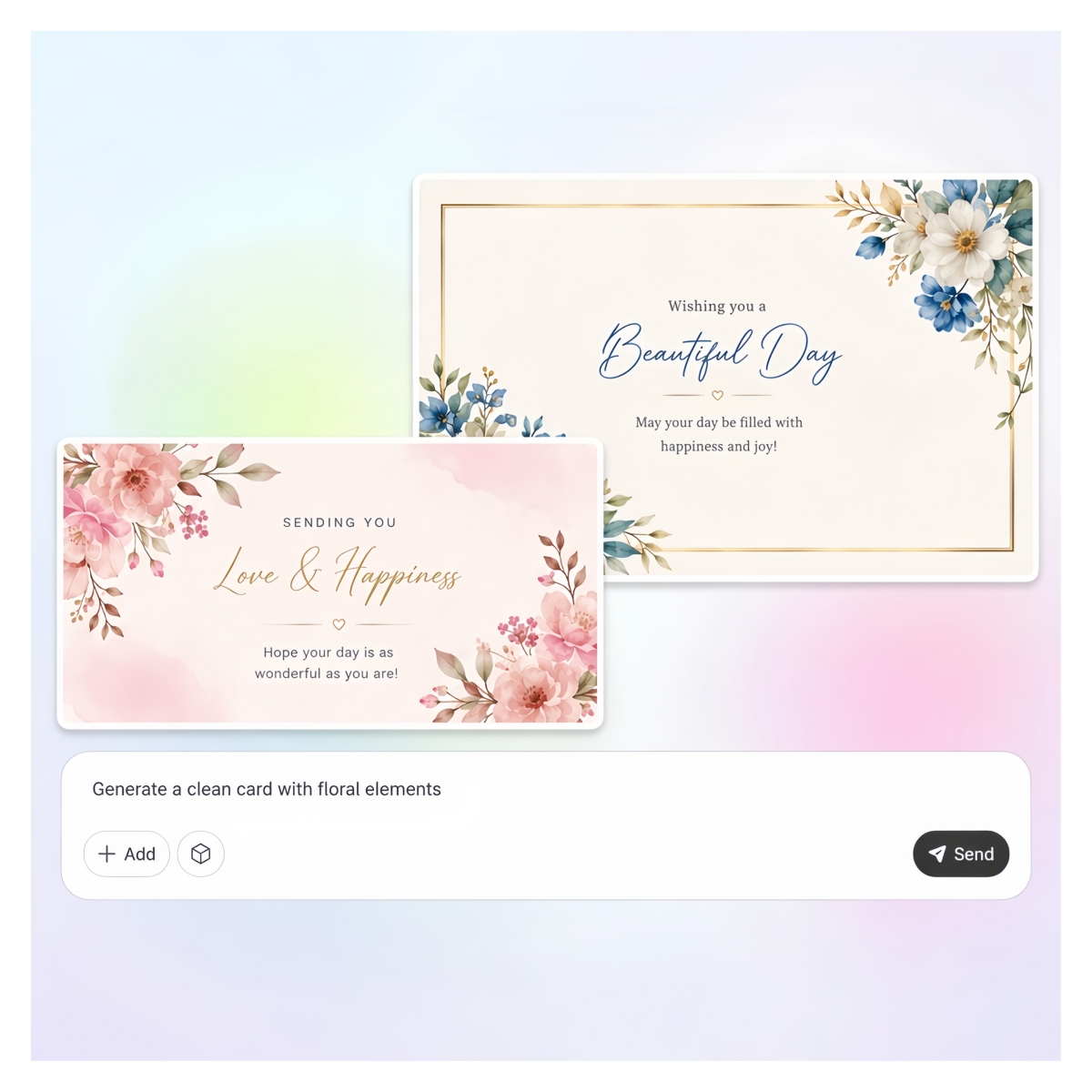
Upload Your Card Design
Add your business card, greeting card, or invitation file. A flat PNG or JPG works fine, no design software needed at all.
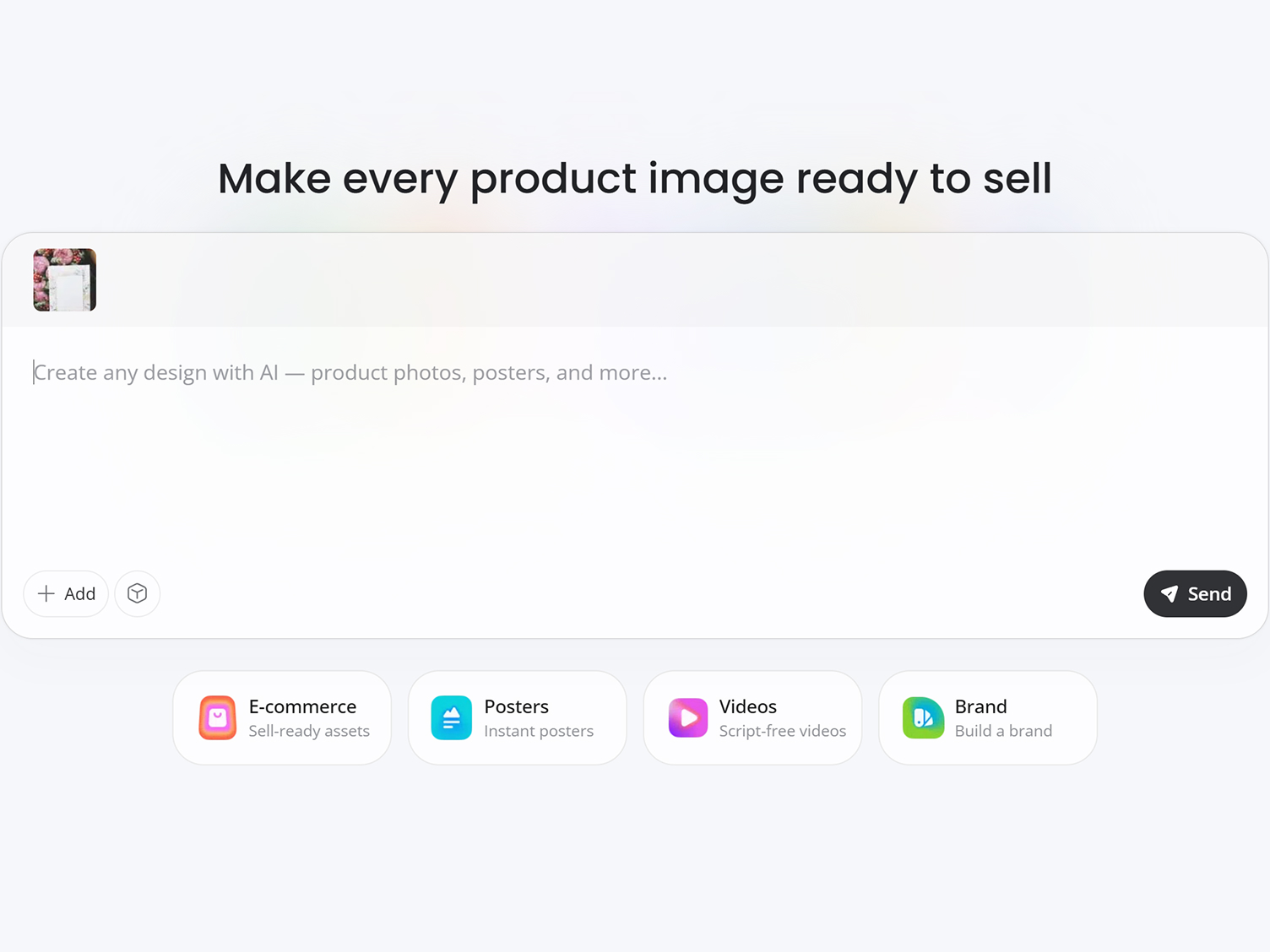
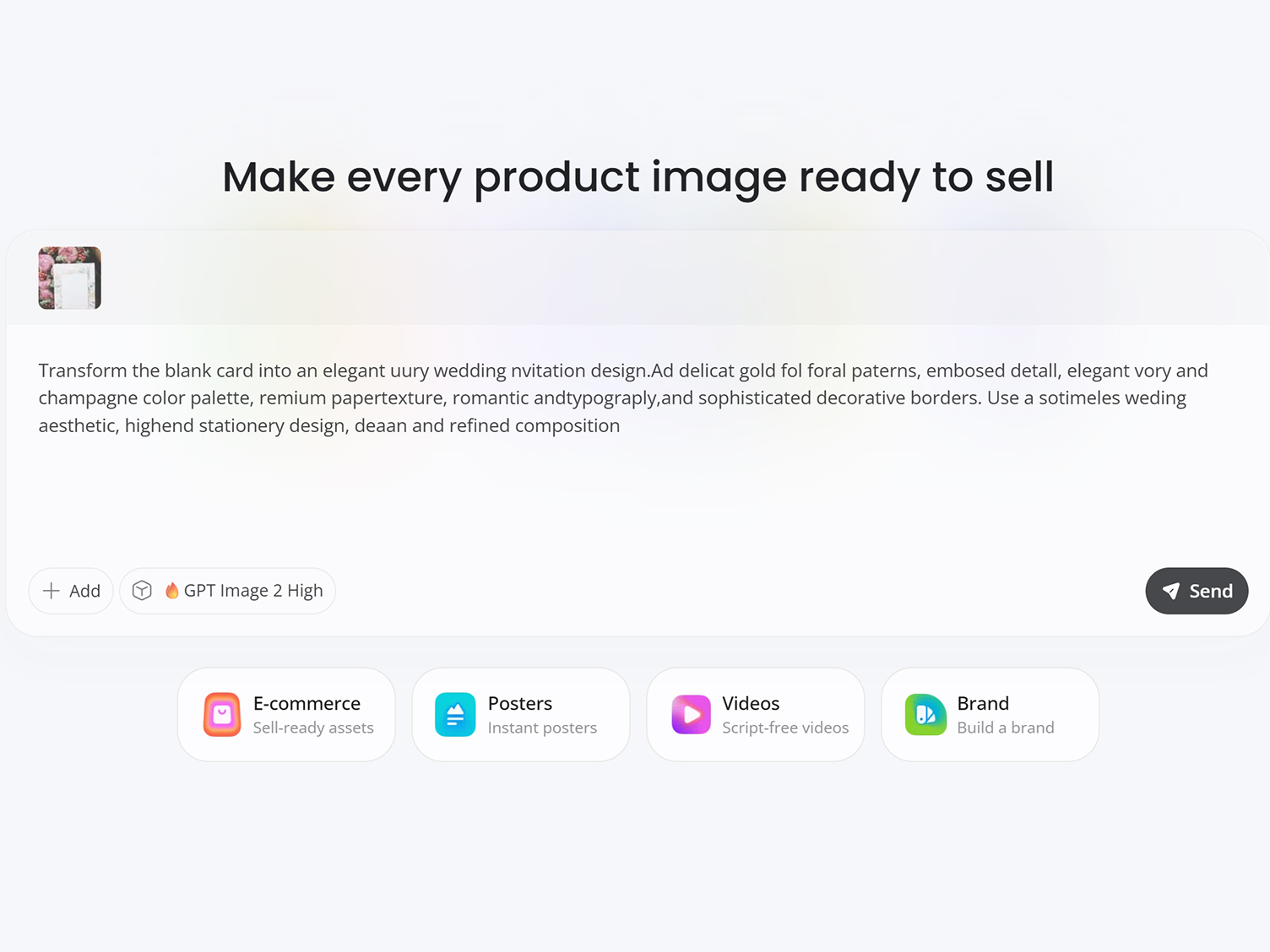
Describe Your Scene
Add a short prompt, and describe a desk, hand-held, or envelope setting. Designkit places your card in the scene with realistic lighting and shadows.
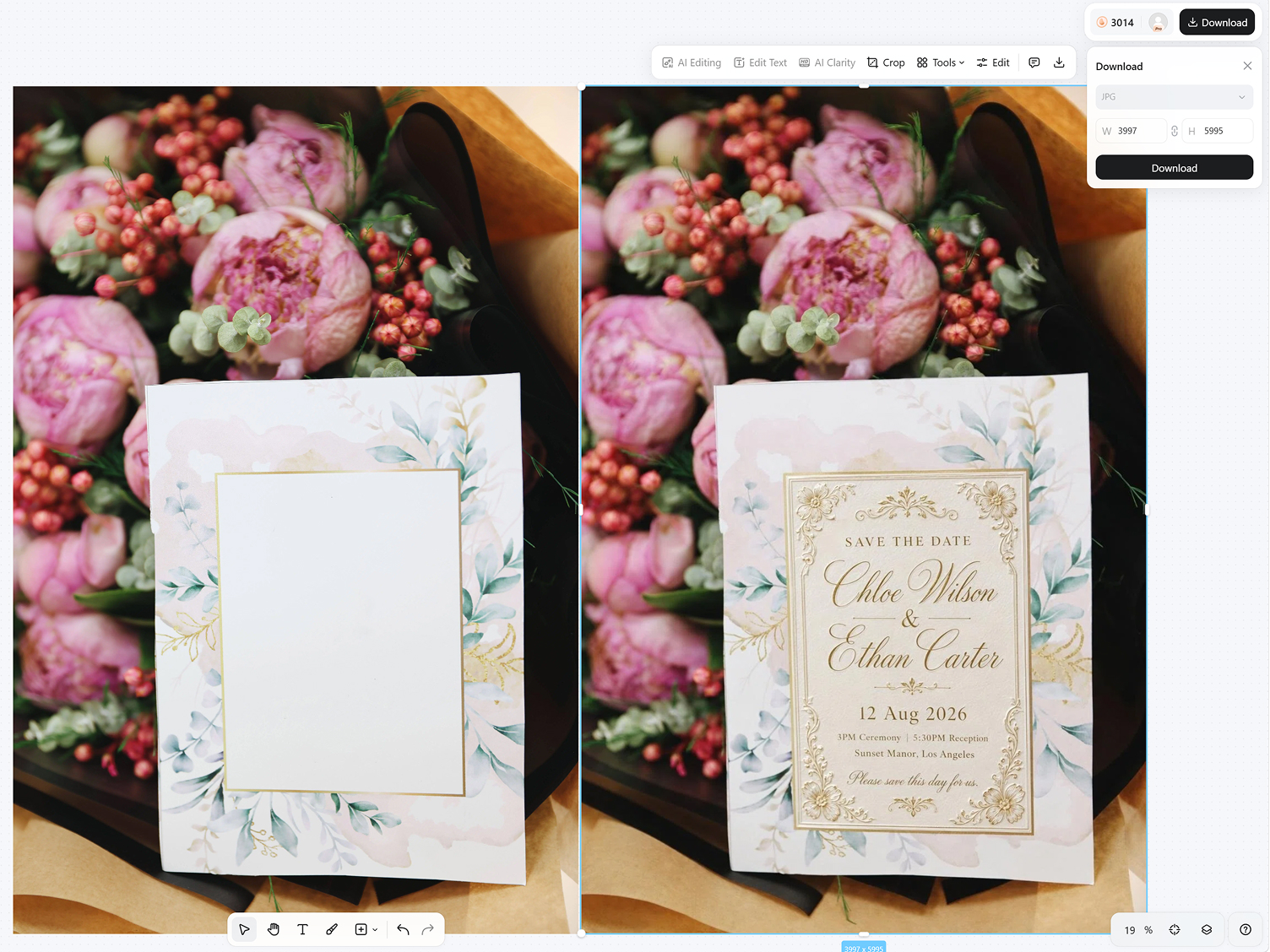
Download Your Mockup
Export a high-resolution card mockup in seconds, ready for your portfolio, shop listing, or client preview right away.
What Makes Designkit Ideal for Card Mockups
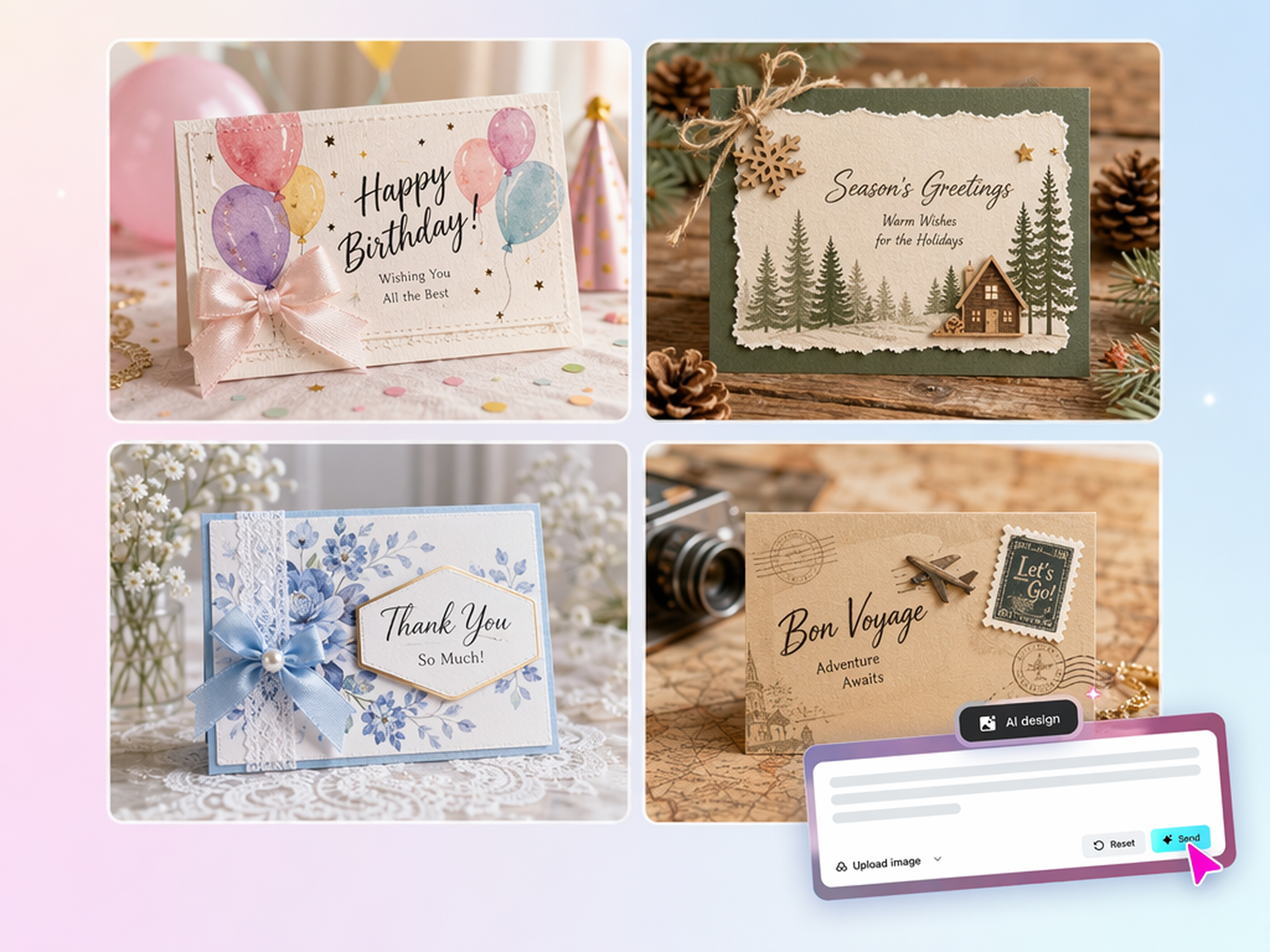
Generate Custom Card Scenes Instead of Templates
Finding the right mockup template can slow down your creative process. Instead of browsing endless options, Designkit lets you start with your idea or artwork and generates a realistic mockup that matches your vision instantly.
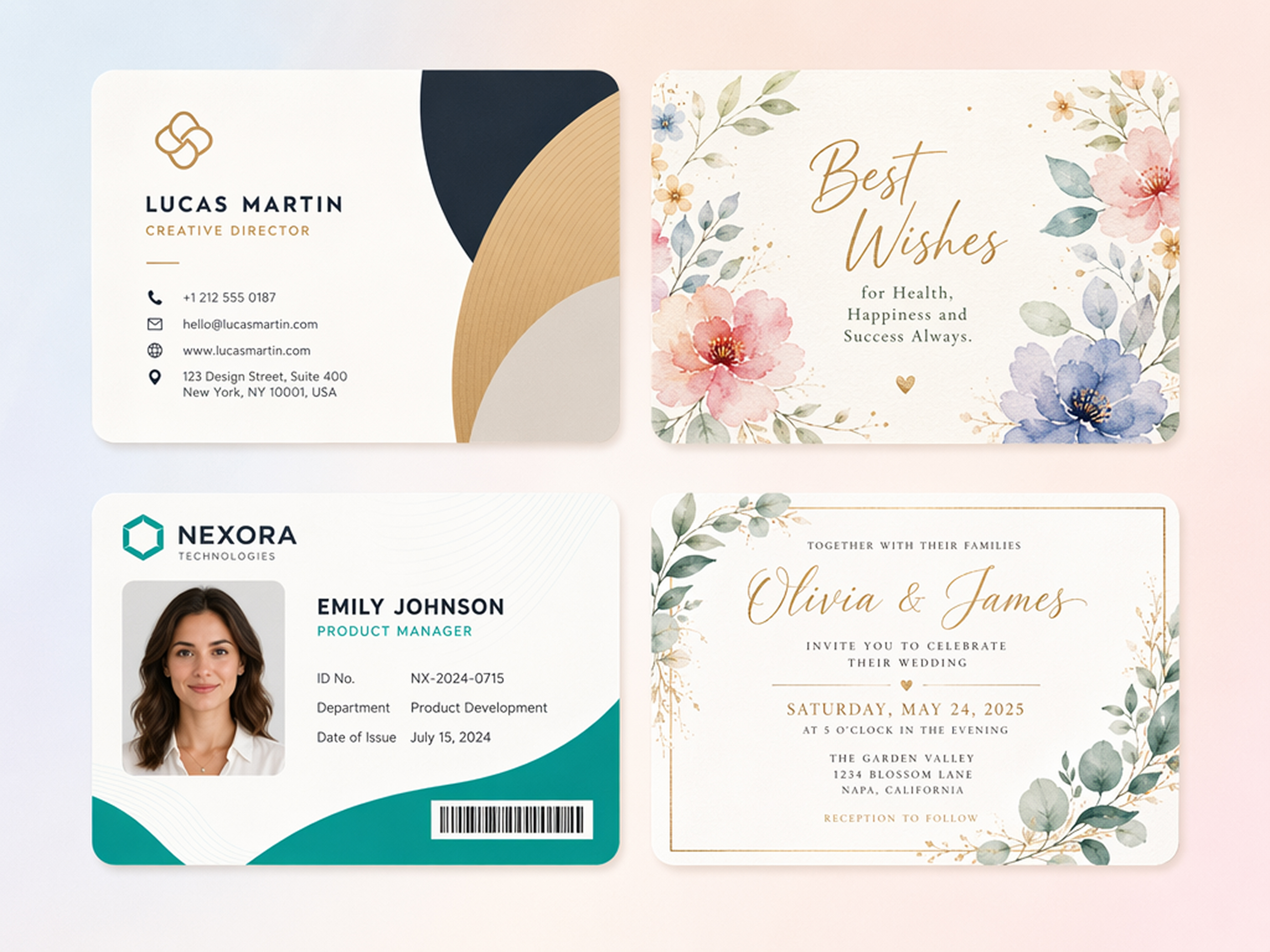
Support Every Card Type in One Workflow
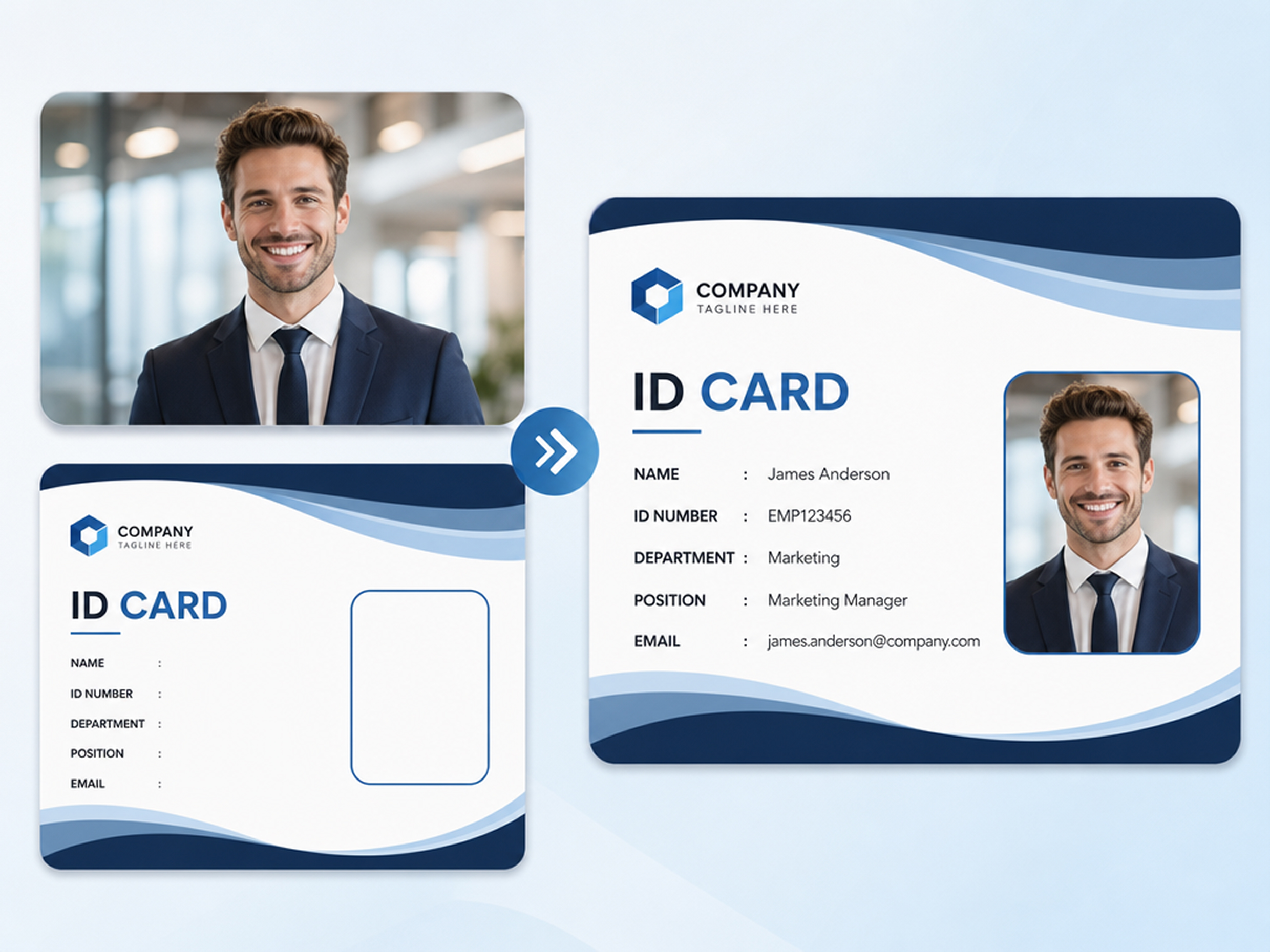
Create mockups for different card designs in one single workflow. Designkit generates realistic mockups for business cards, greeting cards, invitations, ID cards, and more without switching between separate tools for each type.
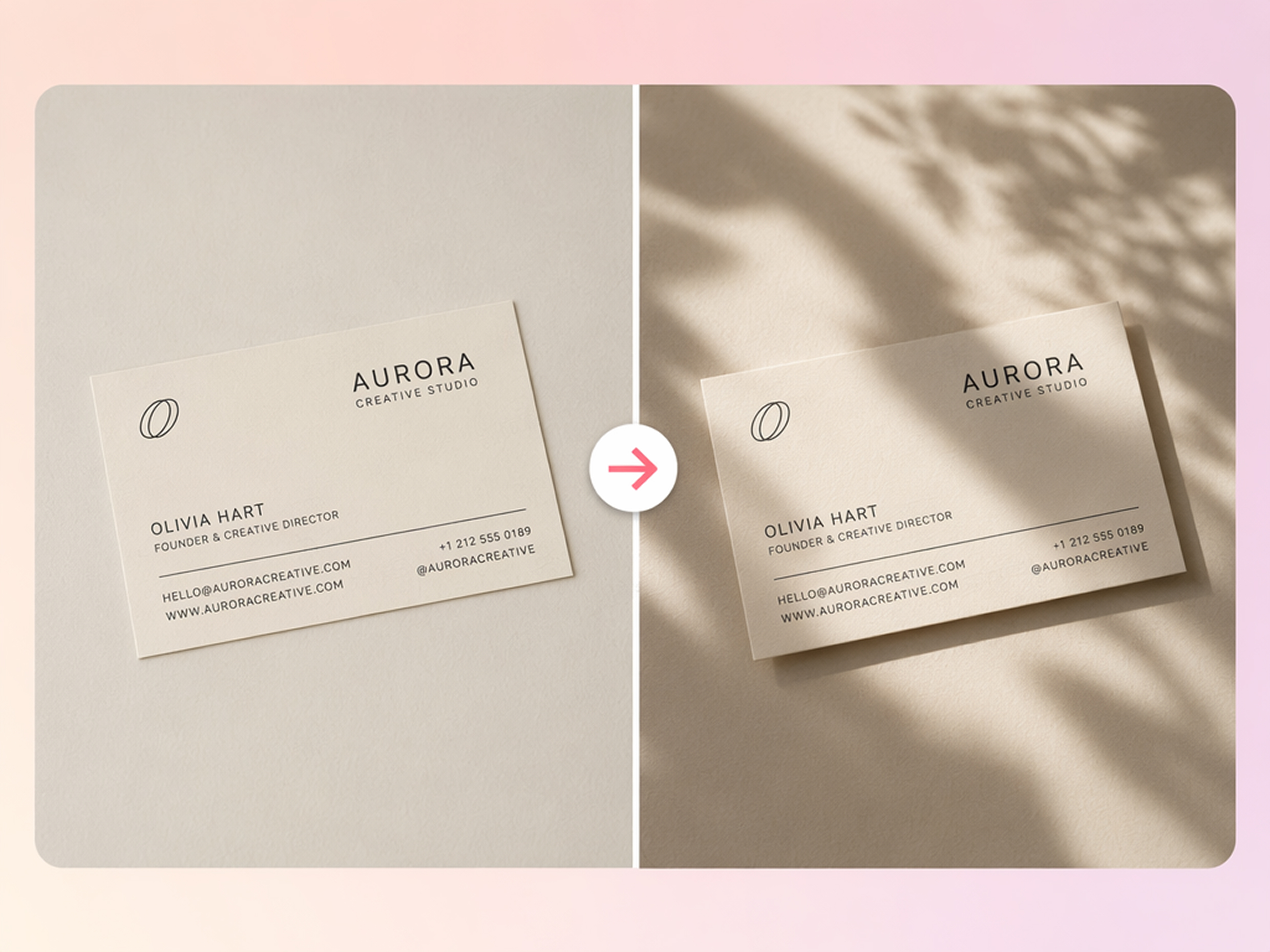
Add Realistic Perspective, Lighting, and Shadows
Your flat design is placed with natural lighting and shadows, creating a dimensional, almost 3D card mockup. For a top-down presentation style, you can also create a flat lay product shot.
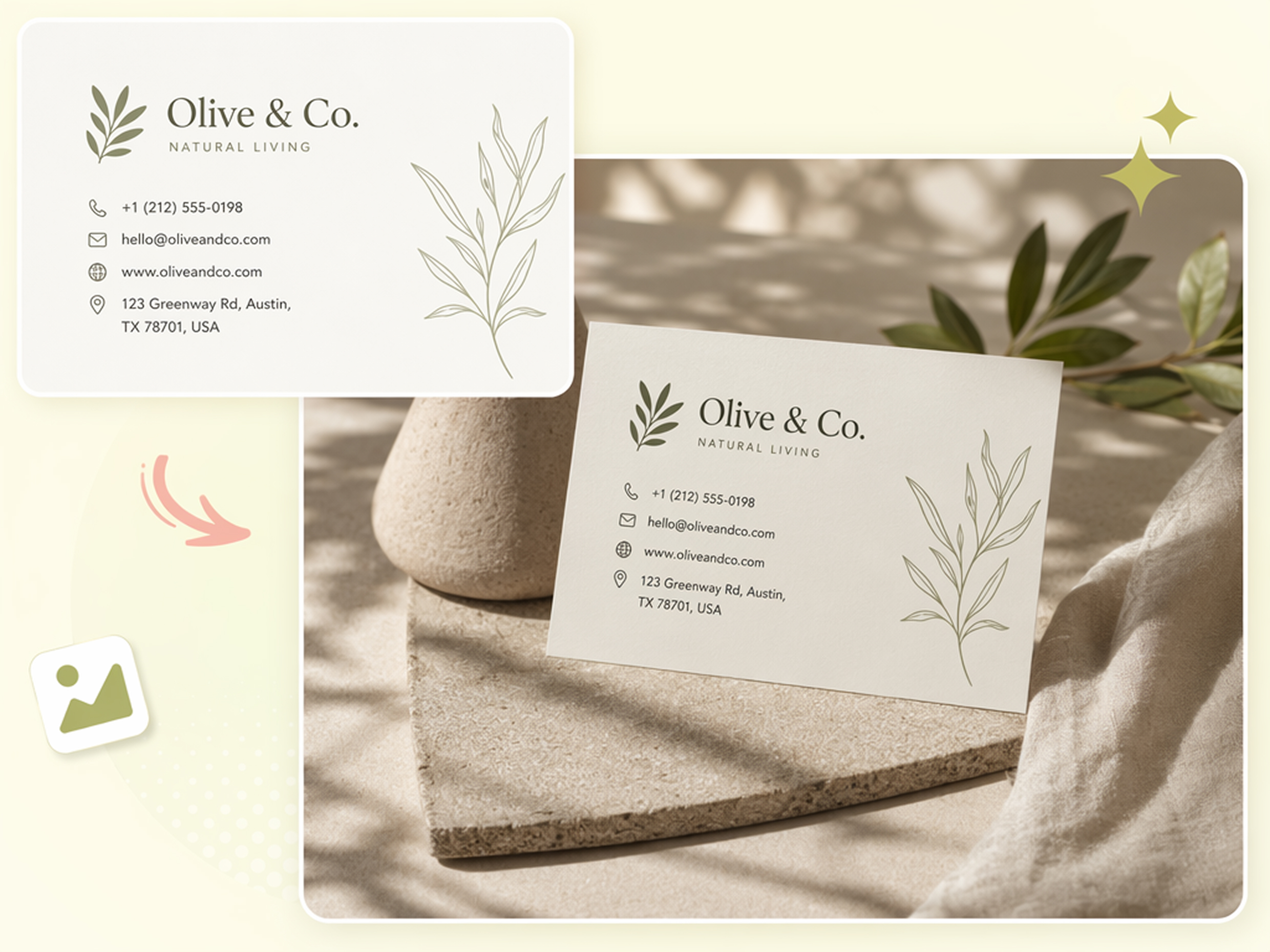
Generate New Scenes From One Upload
Upload once and switch between desk, hand-held, and envelope scenes without starting a new project, re-uploading the file, or searching through templates for a different layout.
Catch Layout Issues Before You Print
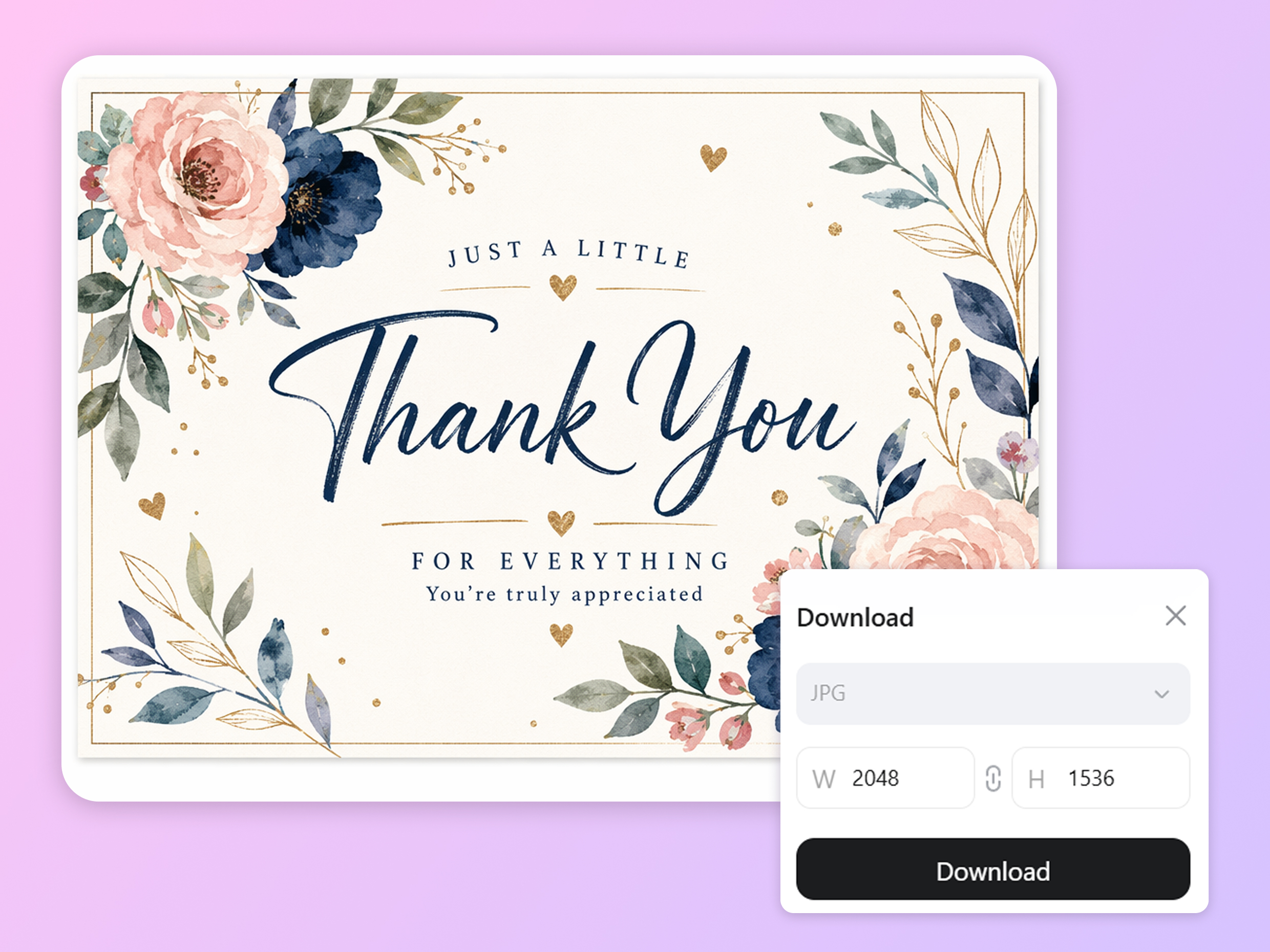
Preview card size, margins, and colors on a realistic surface, then use image resizing for printing to prepare the design before sending it to the printer.
Who Uses Designkit for Card Mockup Design
Present Professional Business Card Designs
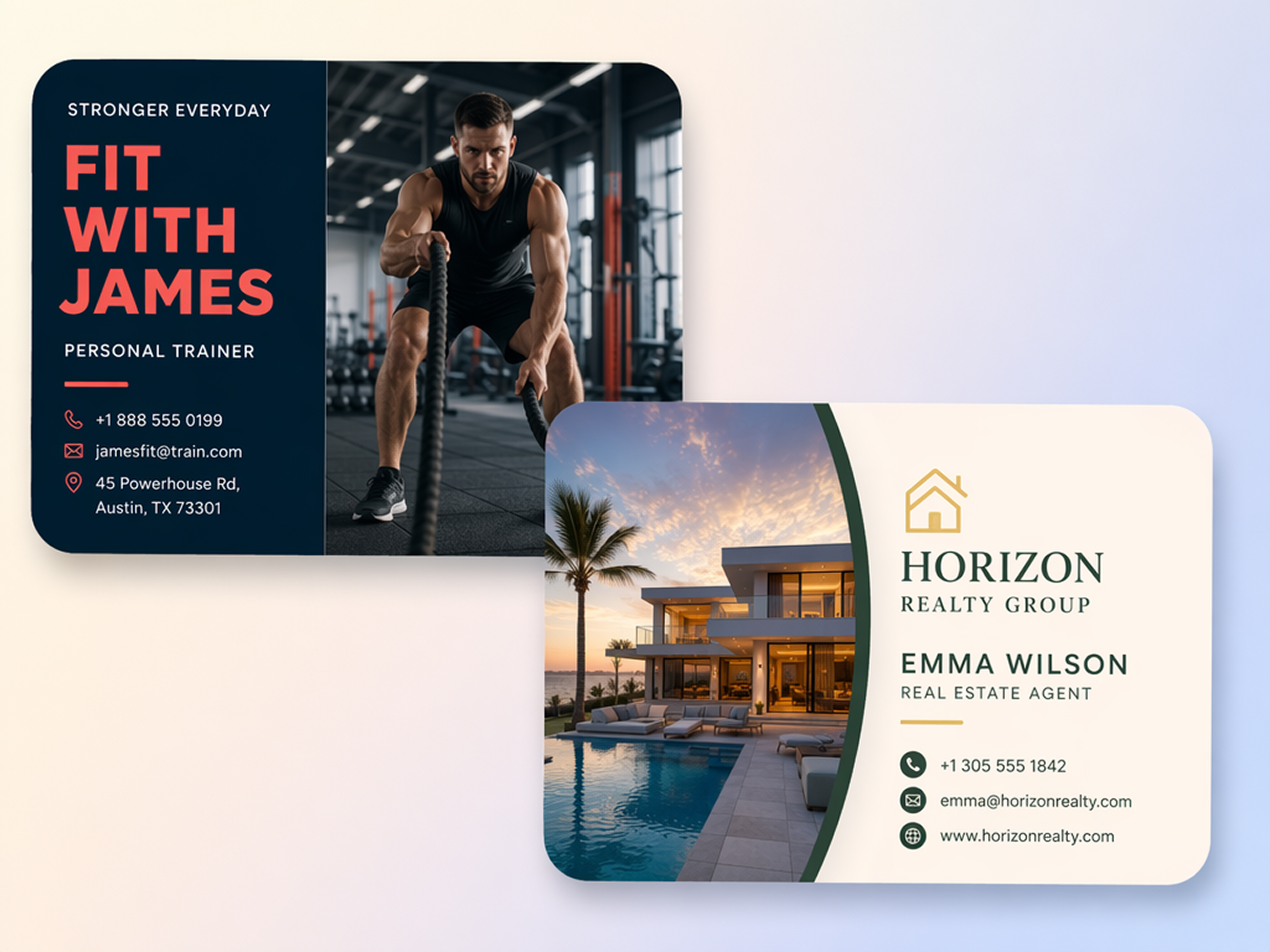
Turn a business card mockup generator file into a realistic desk or hand-held scene to show clients before printing the final batch.
Why Choose Designkit Card Mockup Generator

Replace Manual Editing Compositing
Upload a flat card file and get a scene mockup in the browser, without layer masks or manual shadow work.
Skip Physical Print Samples
Share a realistic preview with your printer or client before paying for a physical proof run that might change.
No Studio Setup for Product Photos
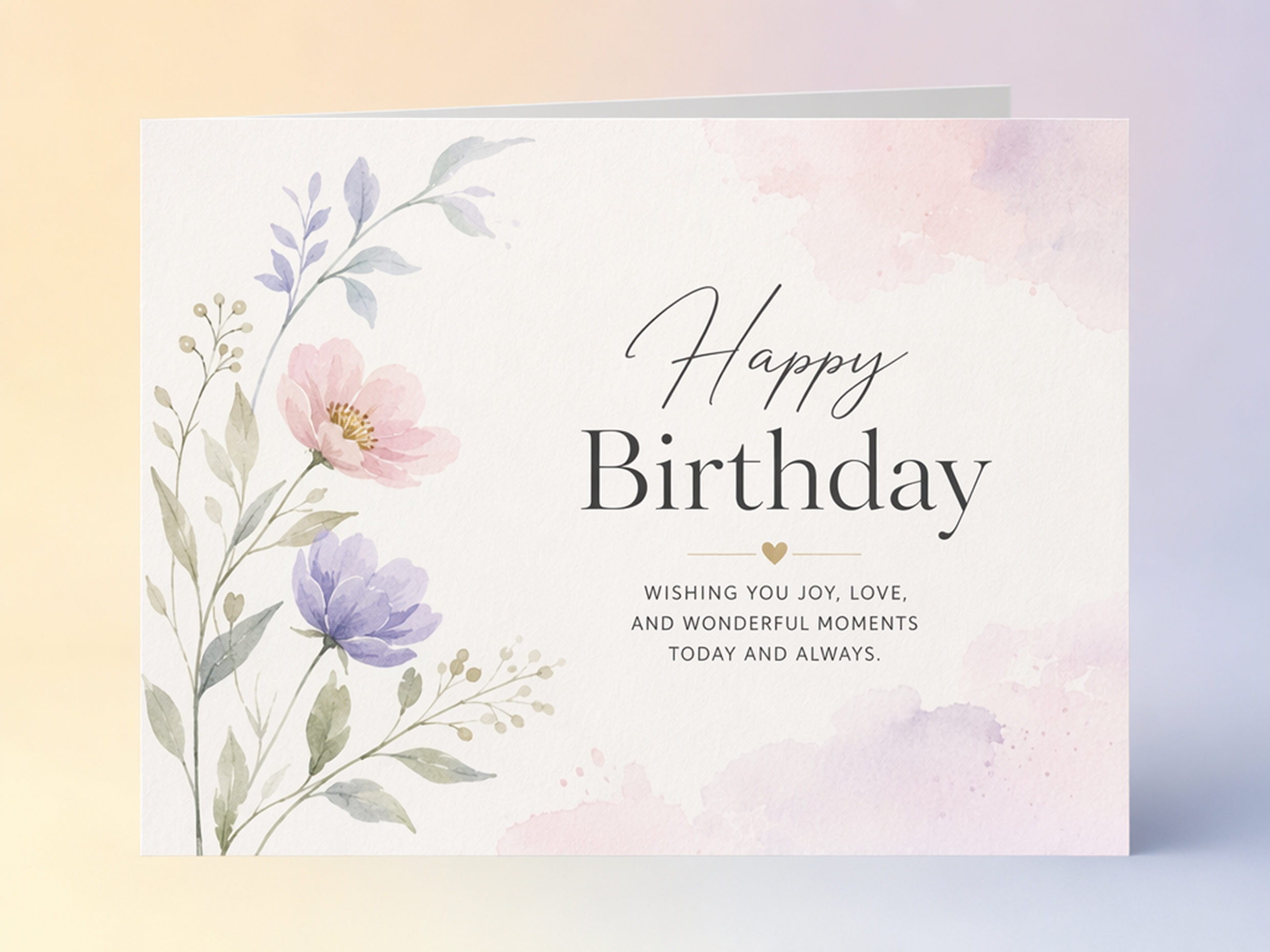
List new greeting card or invitation designs online without setting up a full photo shoot for every single SKU you add.

Revise Scenes Without Reshooting
Change the background, angle, or lighting with a new prompt instead of booking and paying for another photo shoot.
Present to Clients the Same Day
Send a client-ready preview right after the design is approved, without waiting on a photographer or mockup artist.
Export Files Ready for Portfolio and Listings
Download high-resolution images for portfolio pages, or prepare visuals for Etsy and other listings with the product listing generator before using them in pitch decks.
Unlock More Creative Possibilities

Mockup Generator
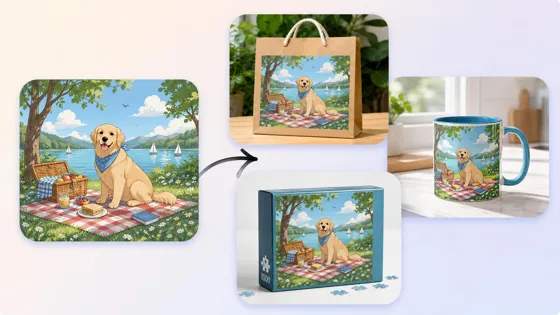
3D Mockup Generator
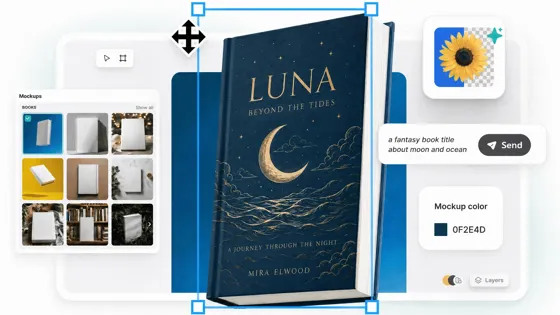
Book Mockup Generator
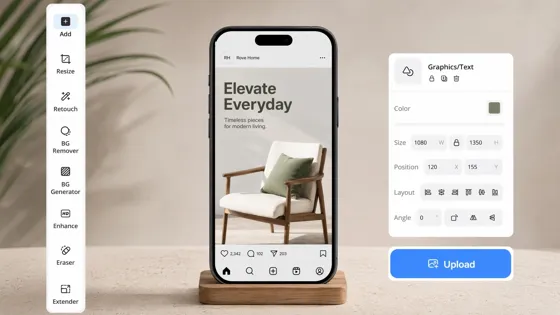
Instagram Mockup Generator
Frequently Asked Questions
Do the generated card mockups look realistic?
How do I create different scene styles for the same card?
Upload once, then type a new prompt to switch between a desk shot, hand-held scene, or envelope reveal without starting a new project or re-uploading the same design file again.
What is a card mockup generator?
A card mockup generator places your flat card design into a realistic scene, like a desk or hand-held shot, instead of relying on an online card generator's built-in editor to build the design itself.
What card types can I mockup?
Designkit works with business card mockups, greeting card mockup designs, visiting card mockup files, and invitation card mockup projects, all generated from the same single upload without switching tools.
Do I need design skills to create one?
No design skills are needed. If you already have a finished card file, you don't need to design a card online free first or use a separate maker, just upload it directly and generate a scene.
What card sizes and file formats work best for mockups?
Standard business, greeting, and invitation card sizes all work well here. If you still need to make a card online free before generating a mockup, design it first, then come back and upload the finished file.
What file formats can I upload and export?
Upload a PNG or JPG design file and export your finished mockup in high resolution, ready to use anywhere. Testing a greeting card mockup free of charge is available with signup credits before you commit to a paid plan.
Start With One Card Design, Export a Ready-to-Share Mockup
Upload your finished card file and generate a realistic scene for client reviews, shop listings, or print approval, free to try.



What Users Say About Designkit Card Mockups
Real feedback from designers and sellers who mockup cards without a studio.
Faster Branding Presentations
I used to build business card mockups manually, layering shadows by hand for every version. Now I upload the design and create realistic presentation scenes in minutes, making client reviews much easier to get through.
Better Etsy Product Listings
I sell greeting cards and invitations online and used to photograph every new design myself. Designkit helps me create realistic lifestyle mockups instead, without setting up a shoot for each new card in the collection.
Avoided Printing Mistakes
Before ordering hundreds of employee badges for a new office, we created realistic ID card previews first to check the layout. It helped our whole team catch design issues early, before the print order went out.
Created Wedding Invitation Previews Faster
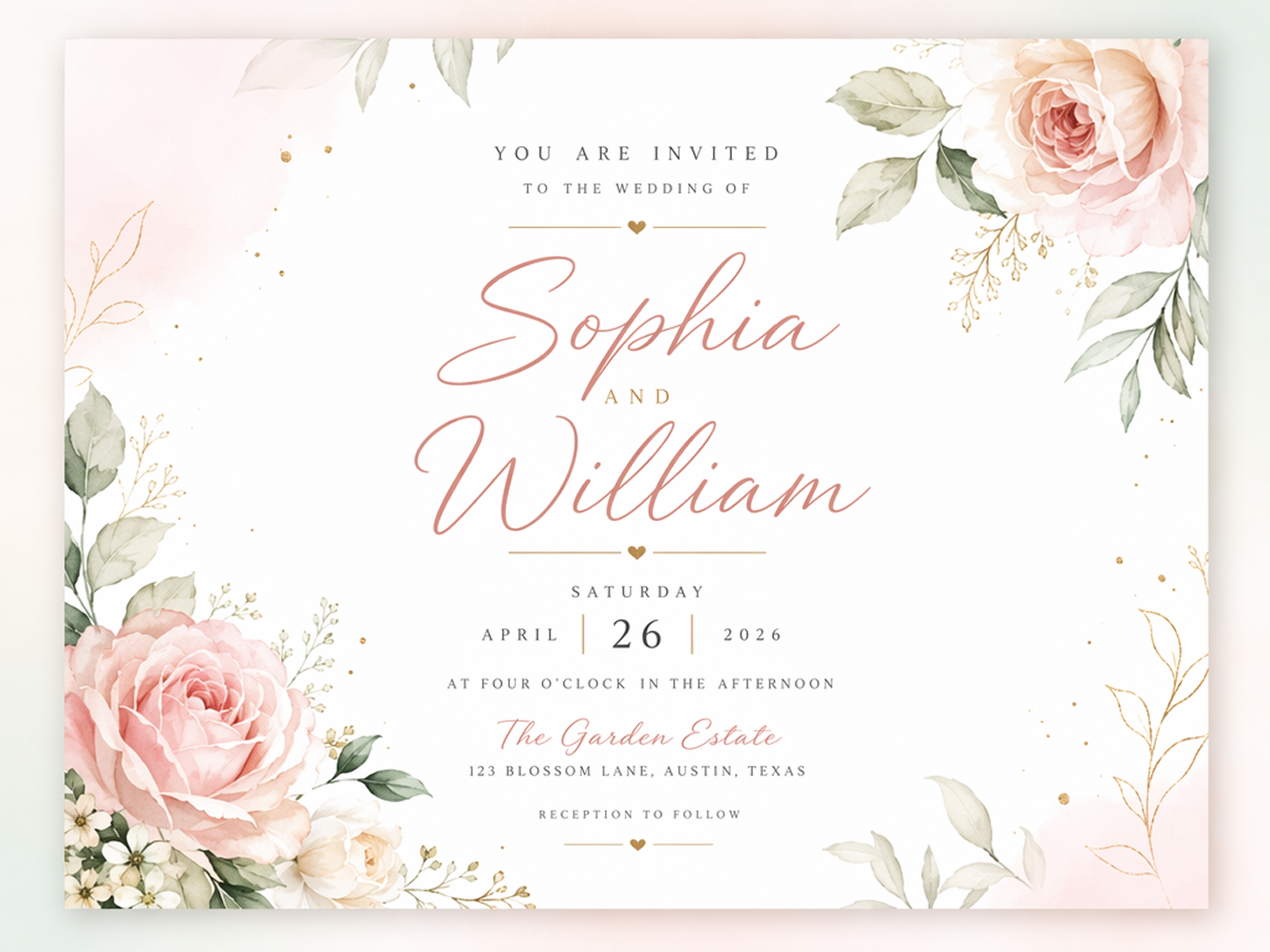
Clients can now see how their invitations look inside envelopes and full stationery scenes before approving the final design, instead of just imagining it from a flat proof file sent over email.
Built a Stronger Portfolio
My portfolio used to show flat JPEGs of card designs sitting on a plain background. Mockup scenes make the work feel finished when I send case studies to new leads, which has helped close a few pitches.