
Create Realistic 3D Mockups Without 3D Design Skills
Upload your flat file instead, and get a mockup with realistic depth and shadow back in seconds. No 3D modeling, no orbit tool, no rendering software required.
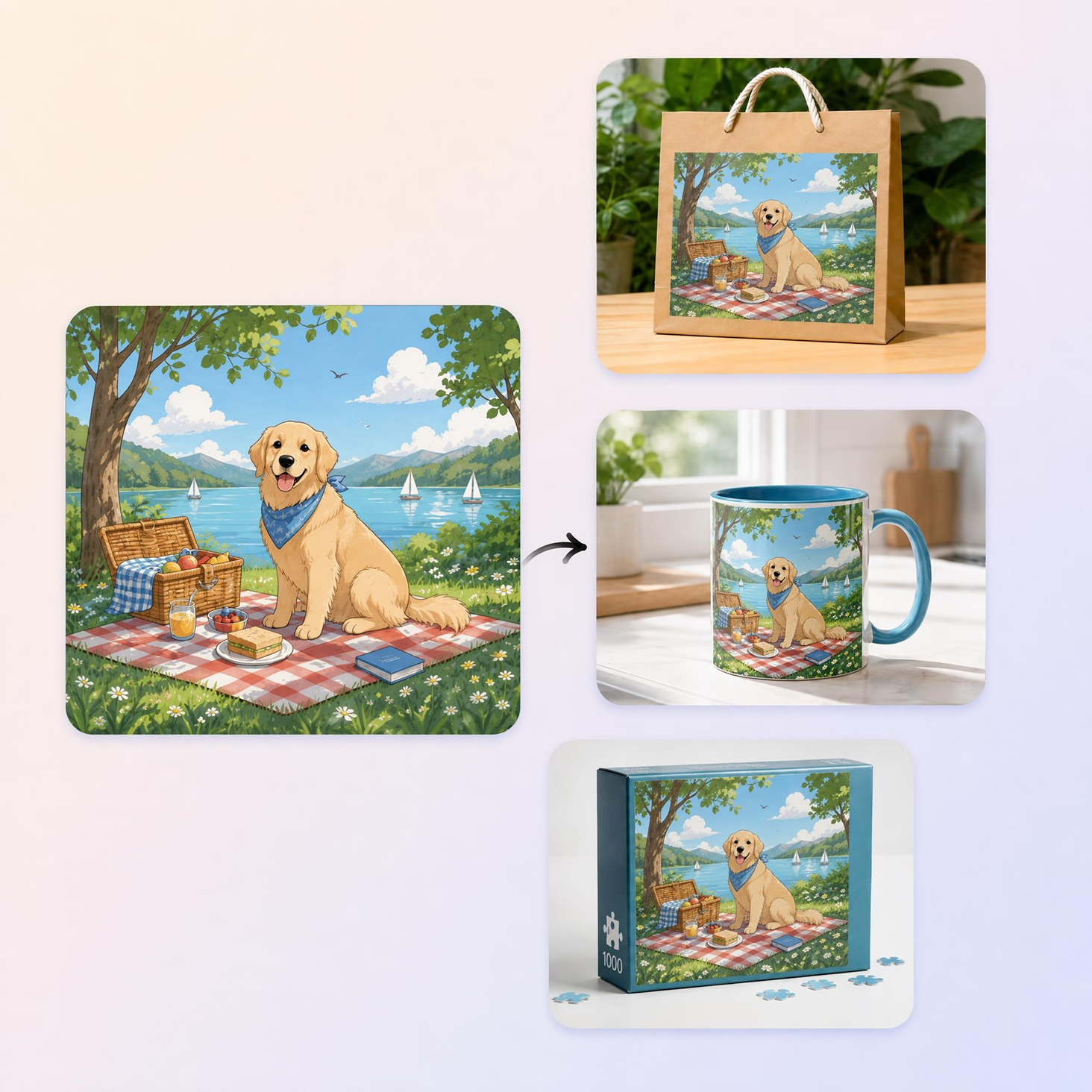
How to Make a 3D Mockup in 3 Steps
Upload Your Design
Add a flat design file, like a t-shirt graphic, box artwork, or clothing print. PNG or JPG both work fine for the upload.
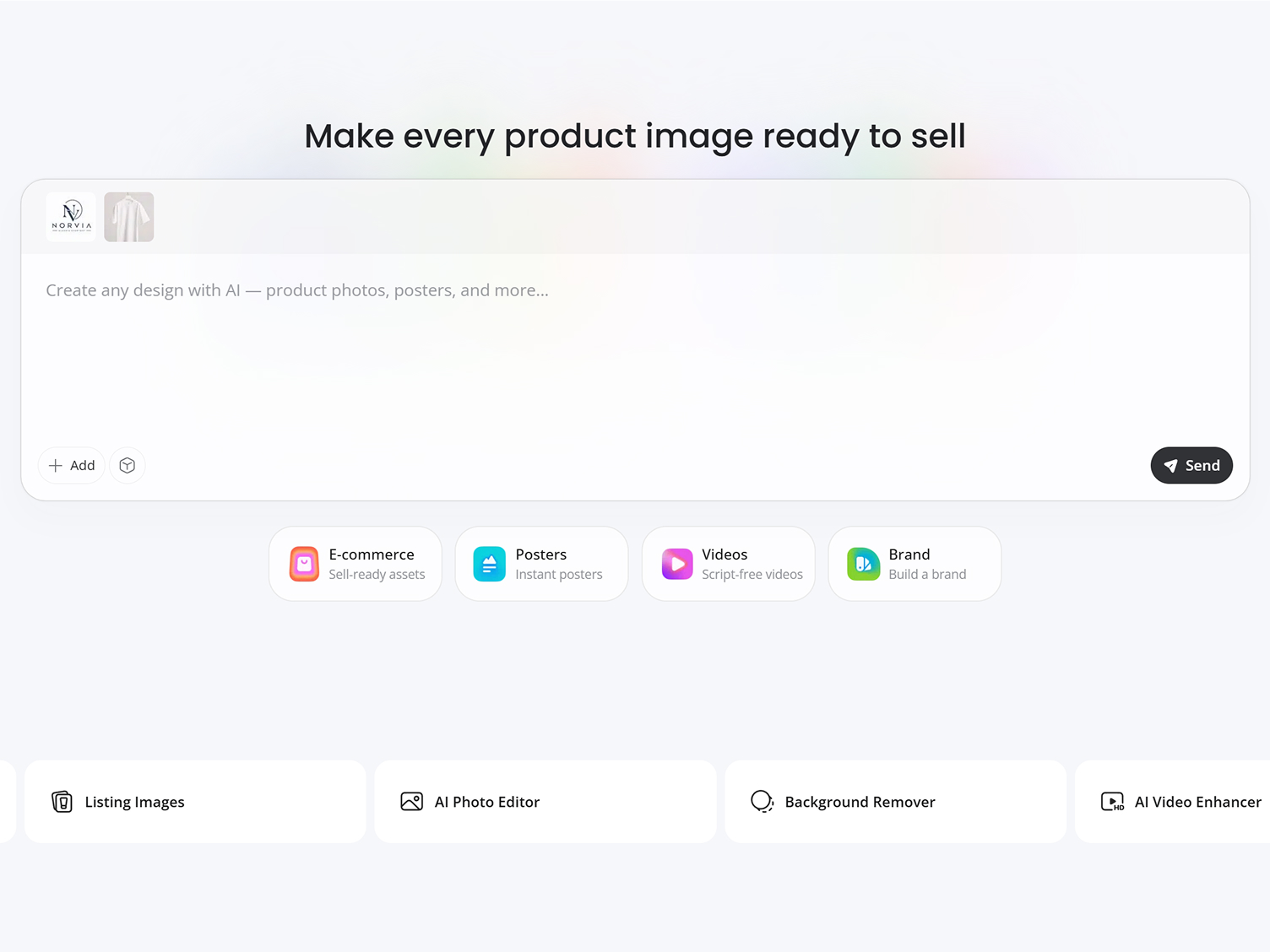
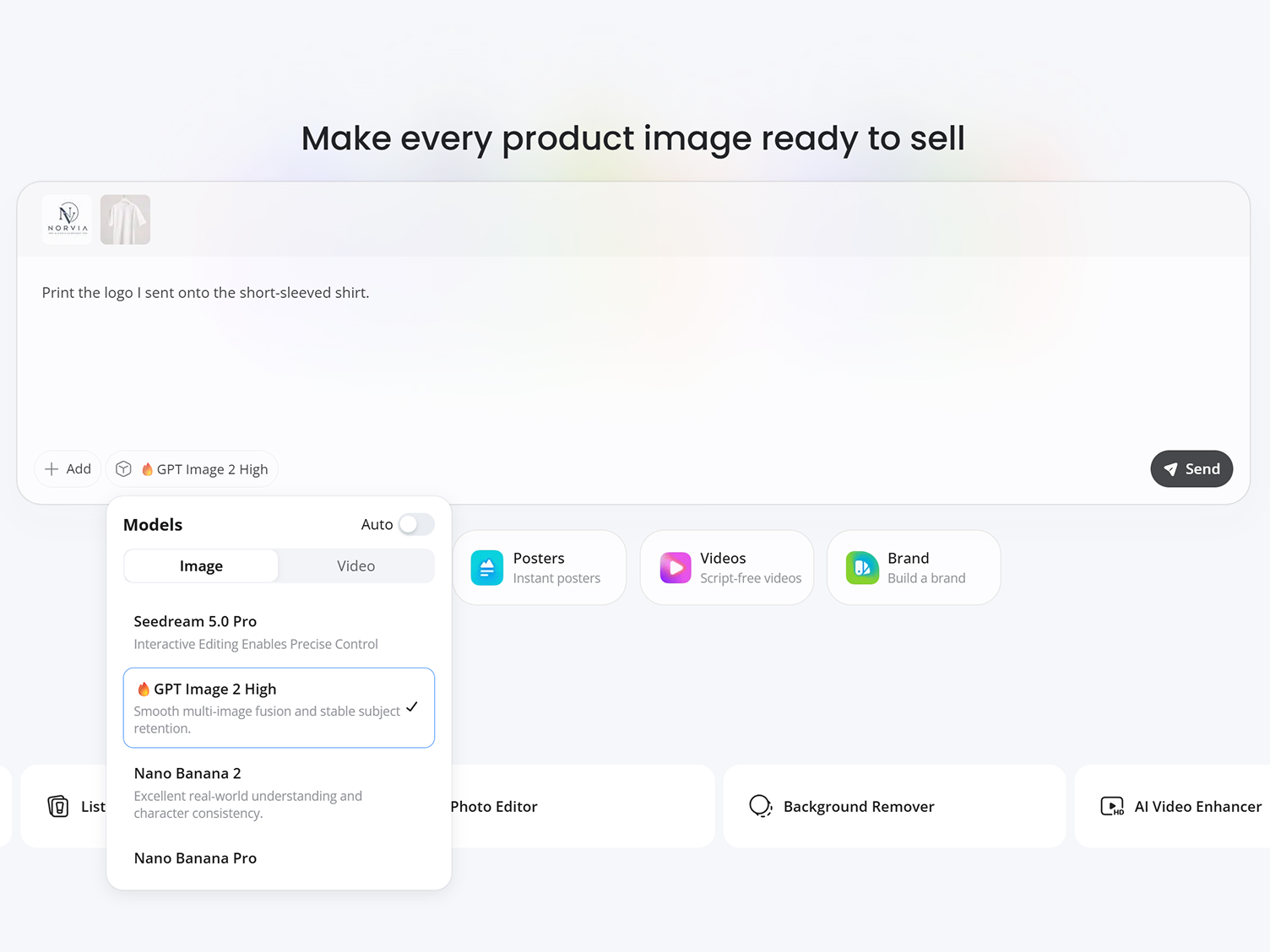
Customize Your Mockup Scene
Type a quick prompt describing the scene, like a folded shirt or a hanging display. Designkit's AI adds depth and shadow to match.
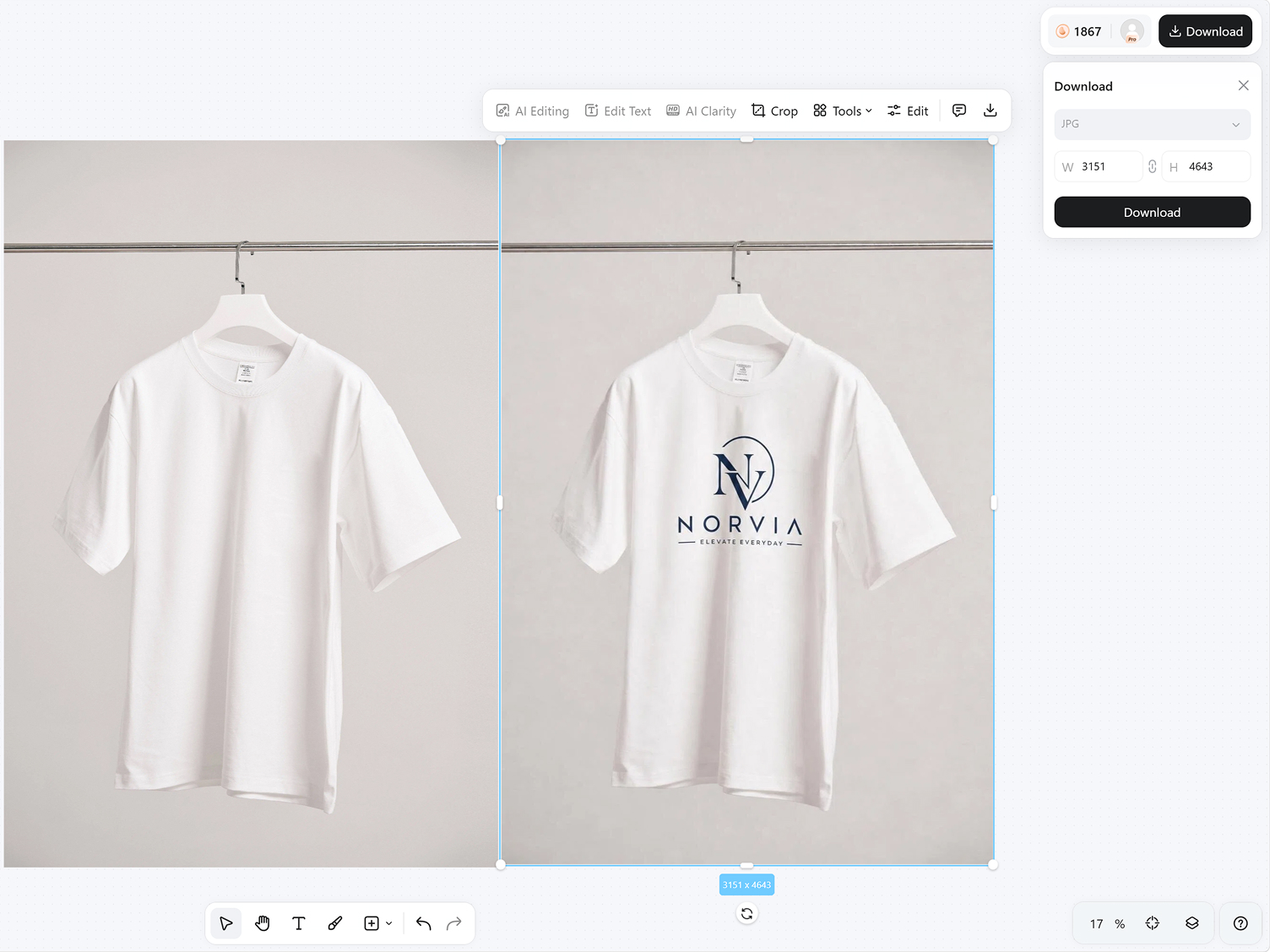
Preview and Download
Get a high-resolution mockup back in seconds, ready to use for your store listing, portfolio, or a client preview without further editing.
What Makes Designkit Ideal for 3D Mockups
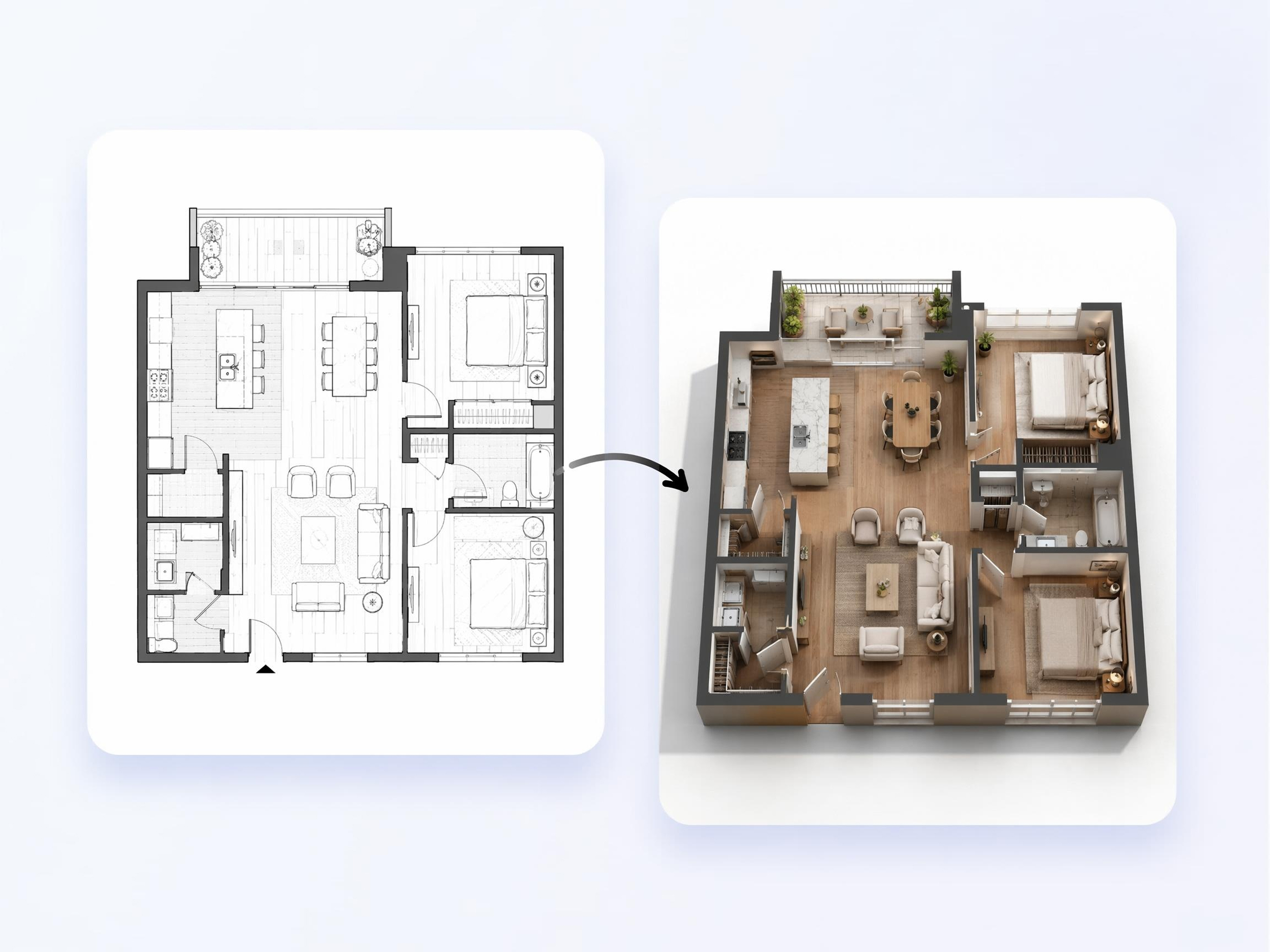
Transform Flat Designs Into 3D Visuals
Instead of creating a full 3D version with complex tasks and skills, Designkit's AI 3D rendering adds realistic depth and shadows directly to your flat design, letting you preview a dimensional mockup in the same session.
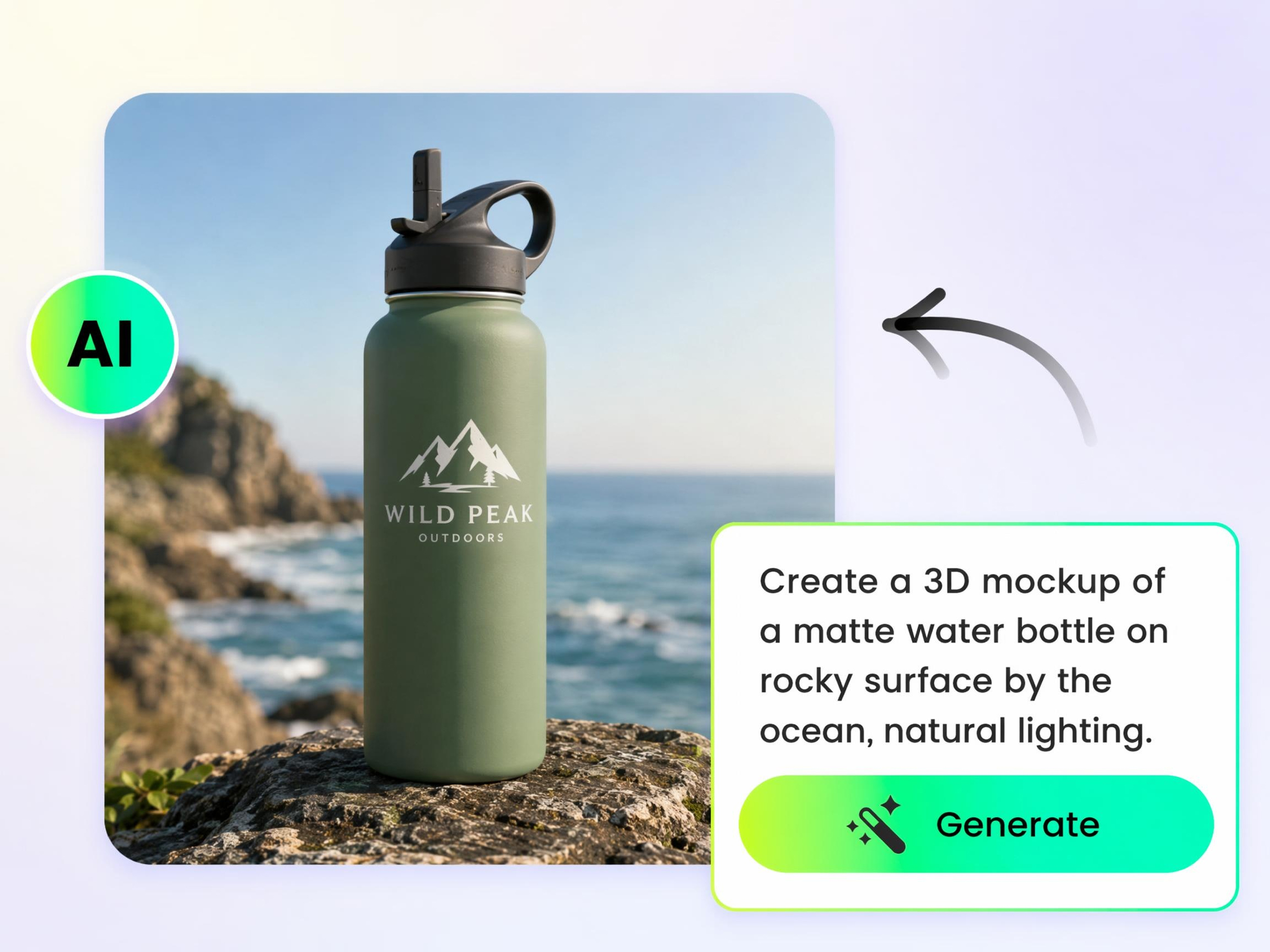
Create Mockups Without 3D Modeling
Skip learning 3D software or hiring a 3D artist just to preview a design. Upload your flat file to Designkit, and it generates a realistic mockup without requiring manual modeling or rendering.
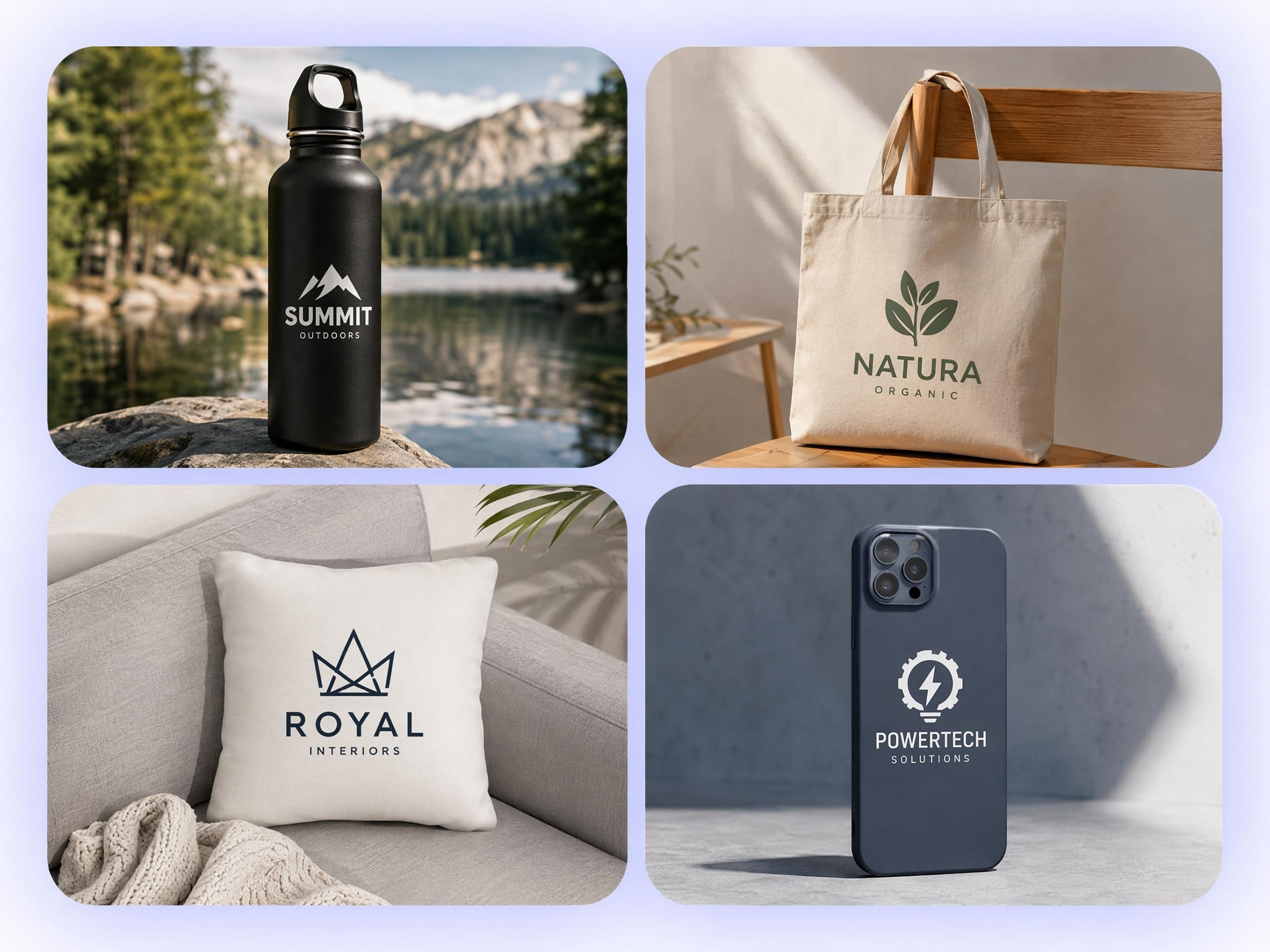
Visualize Products Before Production
Preview your design before ordering inventory or starting a print run, making it easier to catch layout, scale, or proportion issues before production begins.
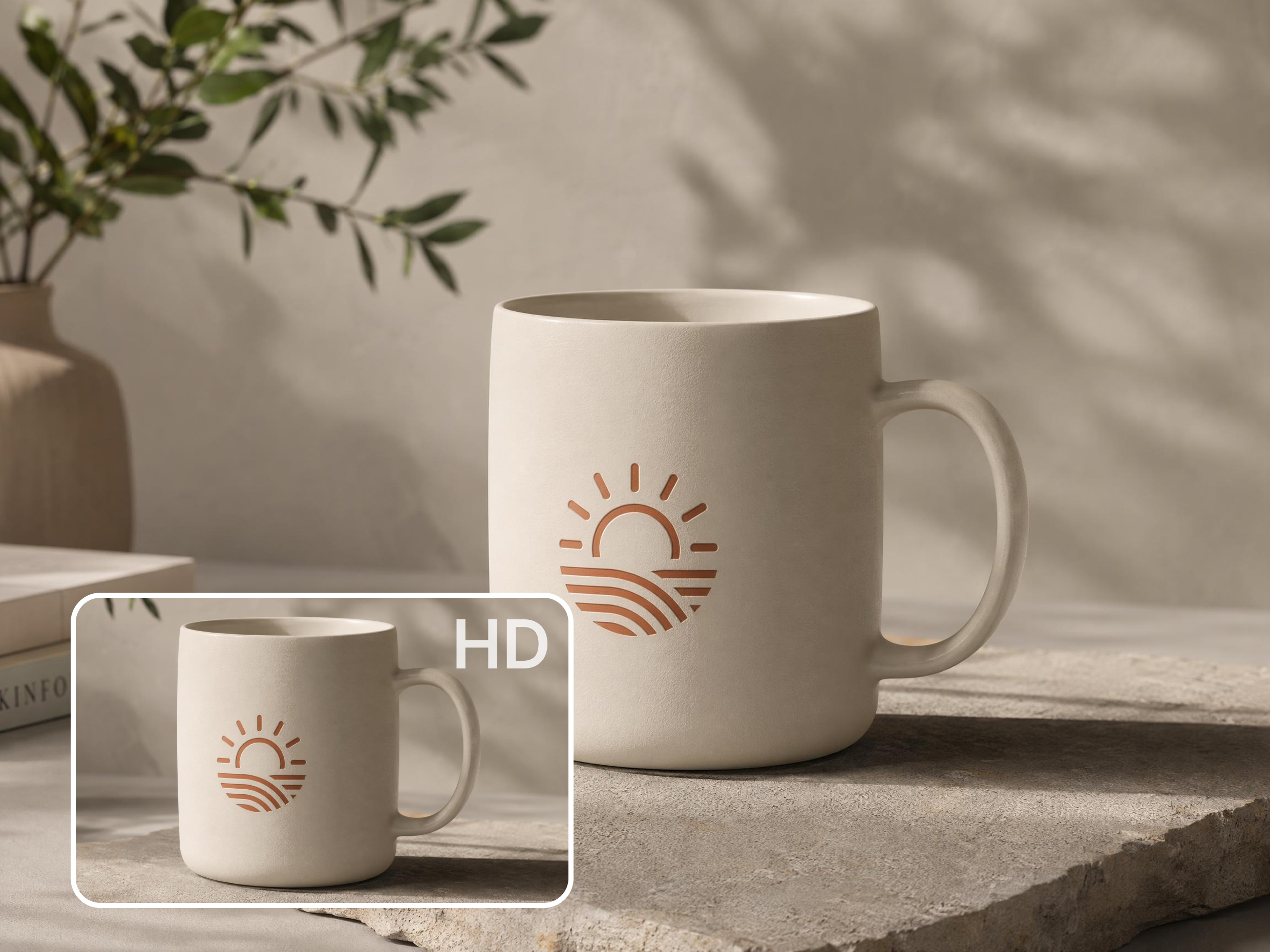
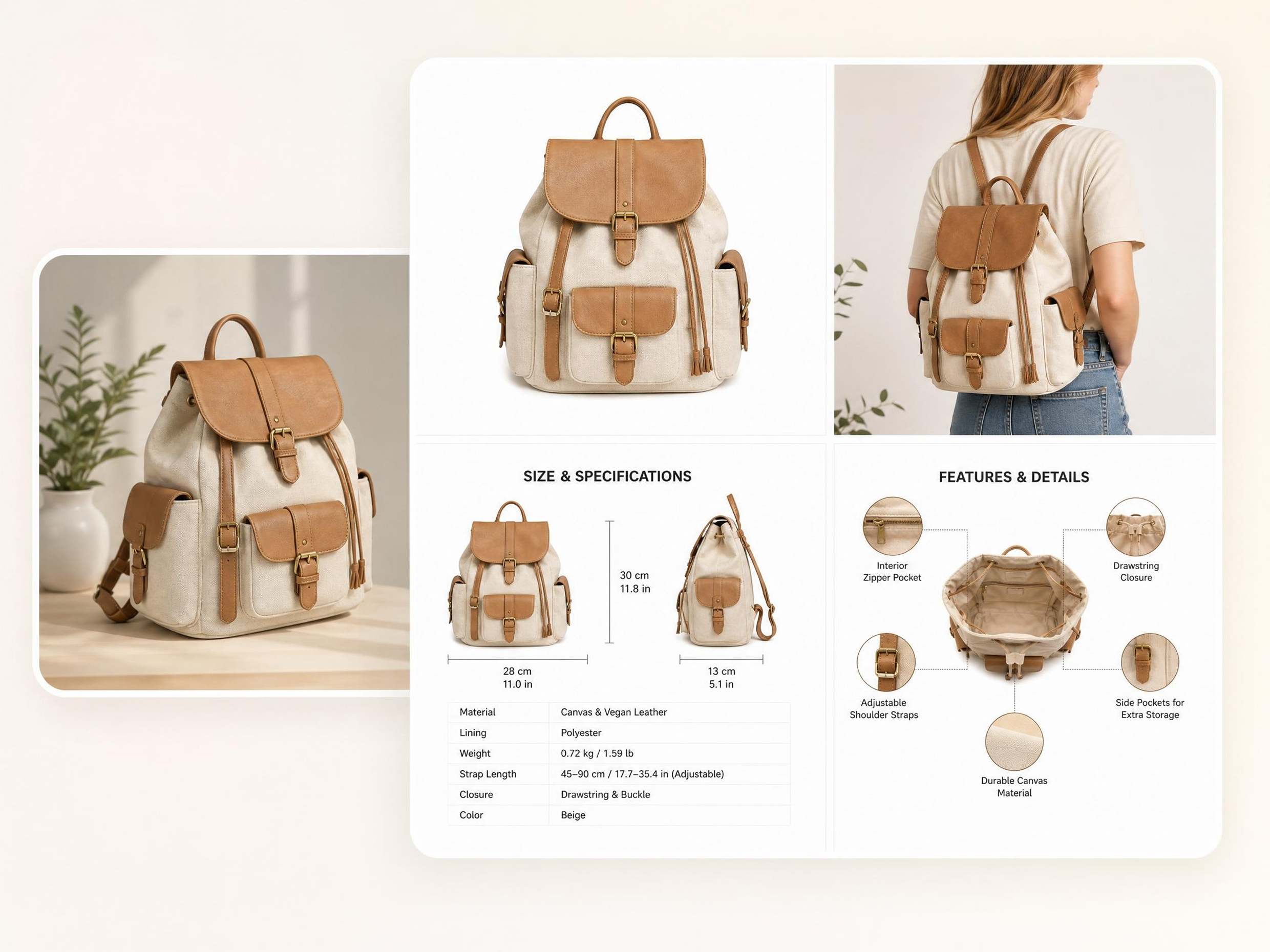
Keep Materials and Details Realistic
Designkit preserves realistic folds, edges, and surface textures, helping your mockups reflect how the finished product is likely to look instead of appearing flat or generic.
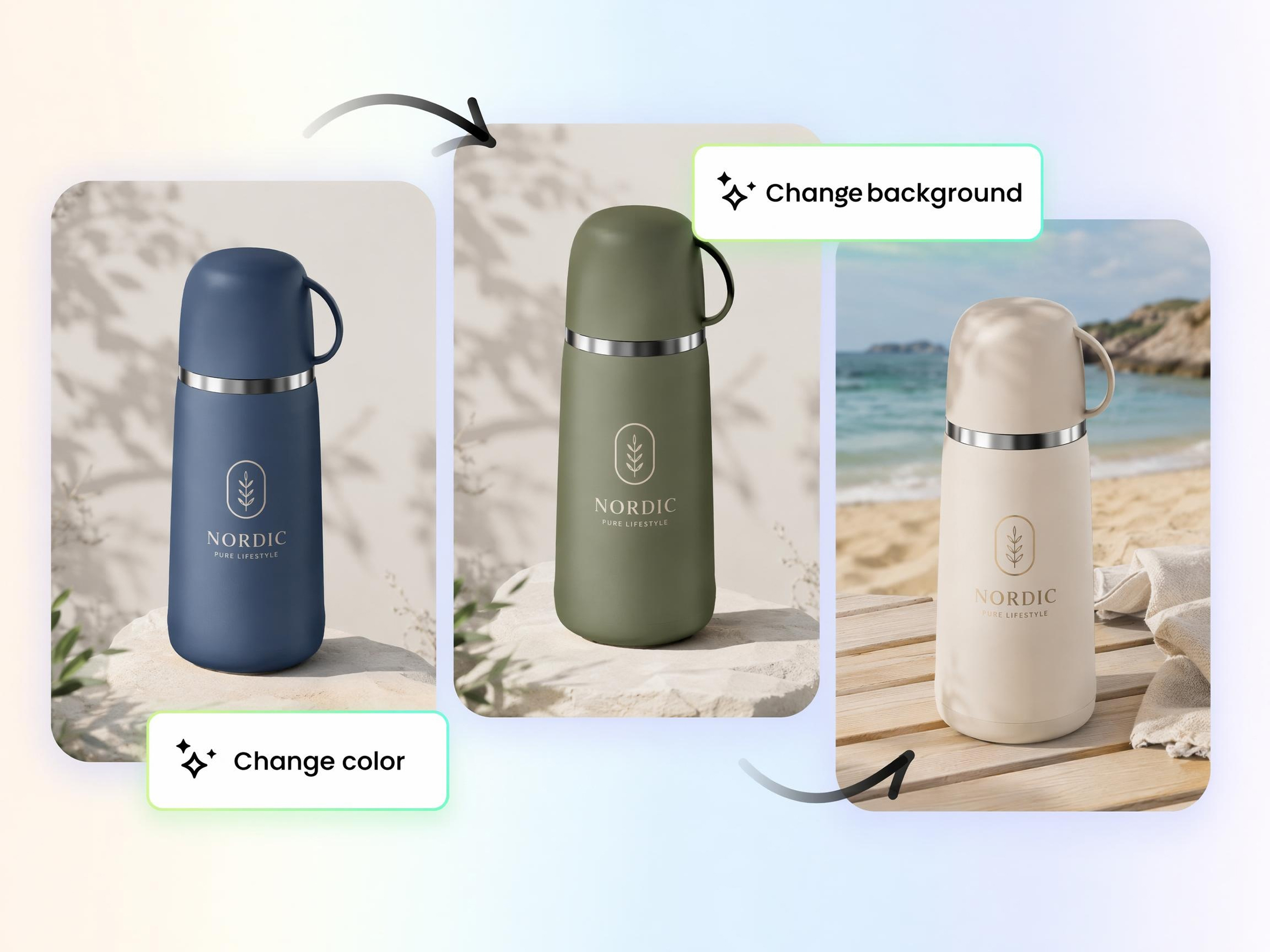
Generate Multiple Scenes From One Design
Create folded, hanging, worn, or flat lay versions of the same design from a single upload, so you can showcase different presentation styles without rebuilding each scene manually.
Built for Creators Who Need Realistic Product Visuals
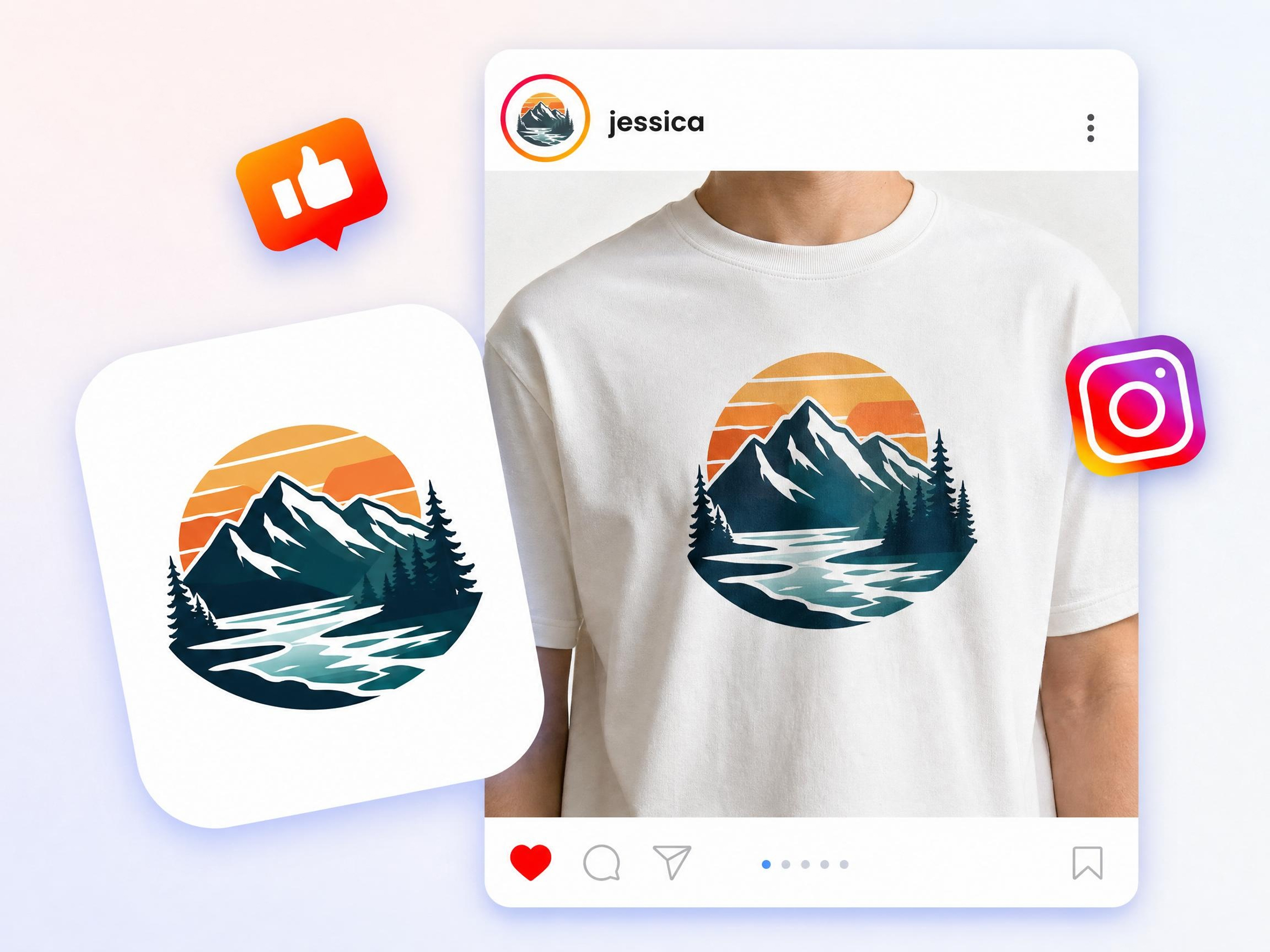
Preview Designs Before Printing
Upload your T-shirt design to Designkit and generate folded or worn mockups before ordering inventory, helping you review the final look before production.
Why Choose Designkit for 3D Mockups
Skip Render Queues and 3D Pipelines
Upload your flat design and generate a realistic mockup in just a few clicks, without learning 3D software or managing complex rendering workflows.
Visualize Ideas Before Building Products
Visualize your product before investing in samples, manufacturing, or a photoshoot, making it easier to spot design changes early.
Reuse Mockups Across Listings and Pitches
Download the same mockup for ecommerce stores, presentations, social media, or marketing materials without recreating the design.
Create Assets Beyond Mockups
Create mockups for presentations, social media, or product listings,using the same generated design, without rebuilding your assets for each platform.

Support Different Product Categories
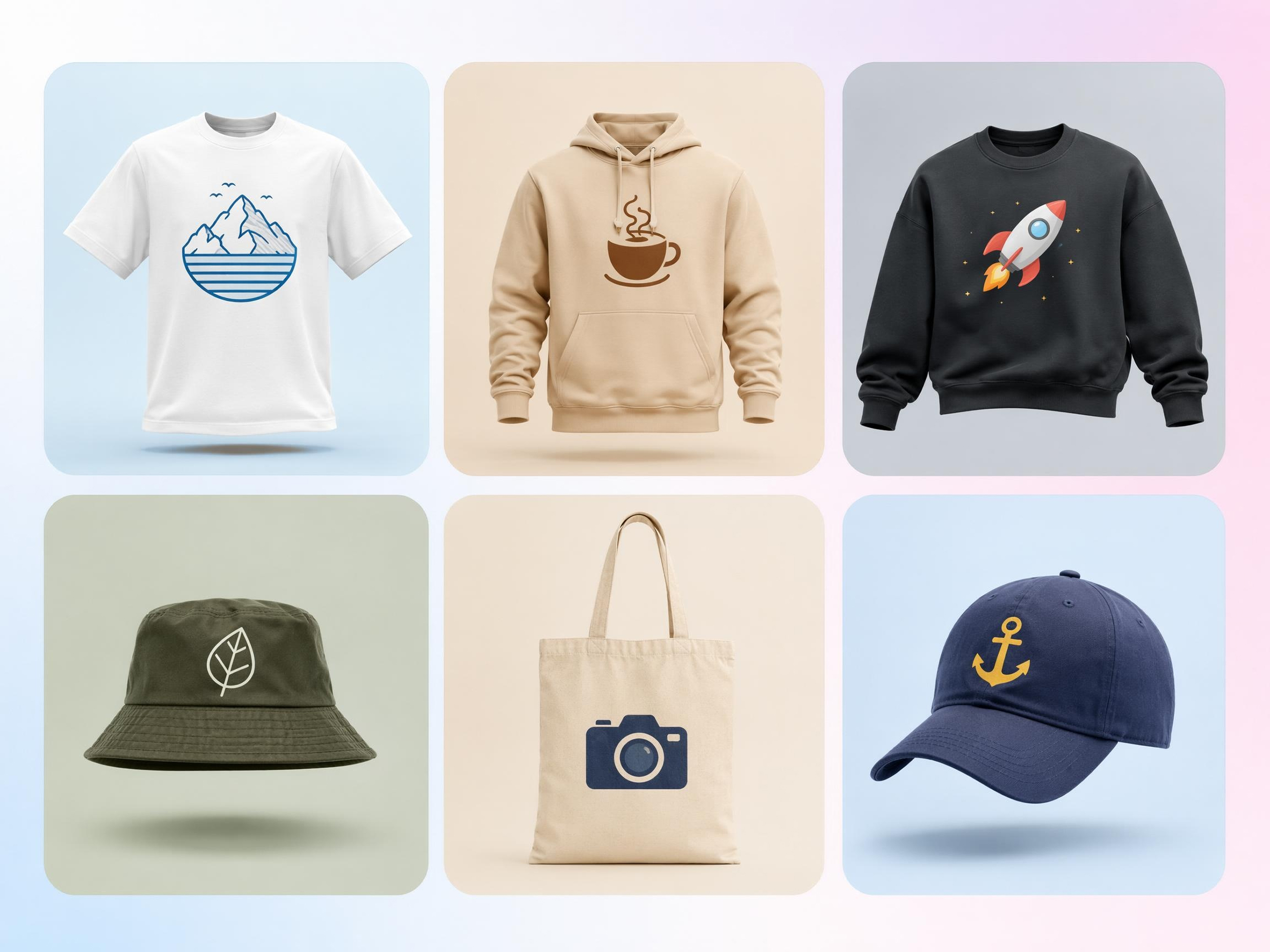
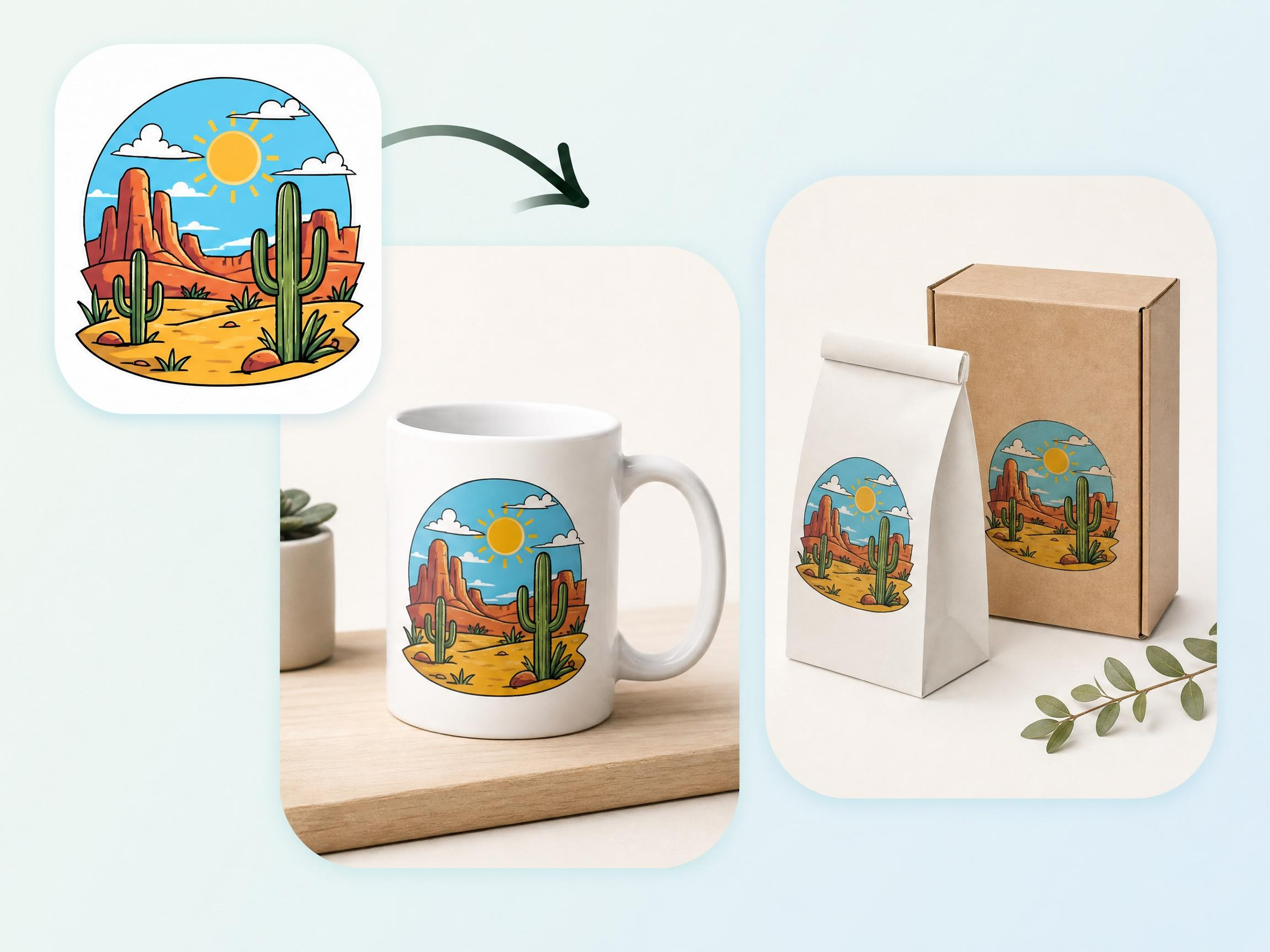
Generate realistic mockups for apparel, packaging, stationery, and other flat designs while preserving consistent depth, lighting, and shadows.
Keep Creative Reviews More Efficient
Share realistic mockups instead of flat artwork so clients and teammates can review the design in context and provide clearer feedback.
Unlock More Creative Possibilities
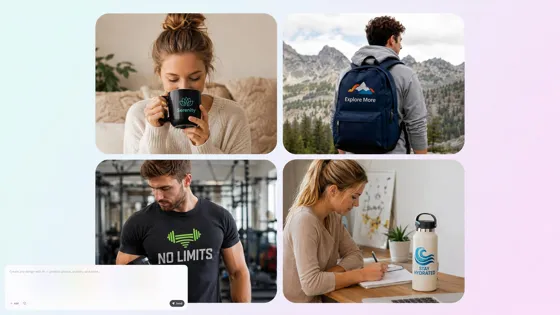
Mockup Generator
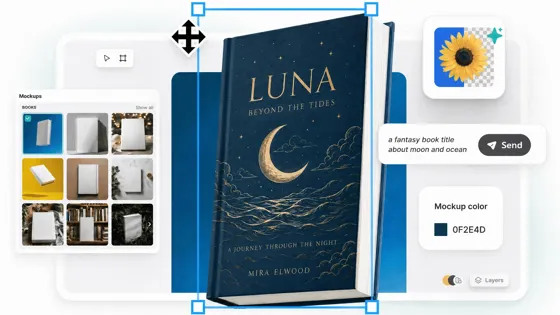
Book Mockup Generator
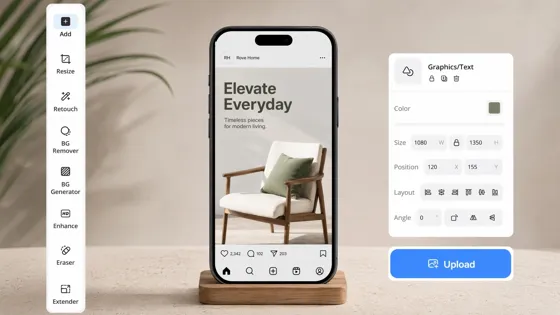
Instagram Mockup Generator
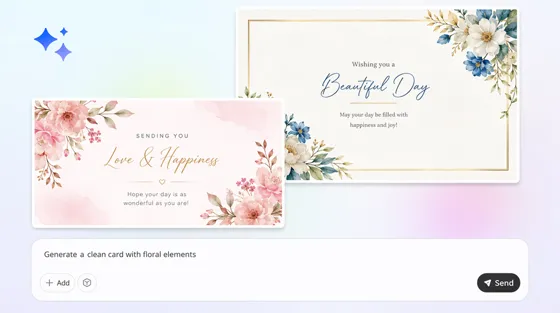
Card Mockup Generator
Frequently Asked Questions
Is there a free 3d mockup generator I can try?
Do I need 3D software to make a 3D mockup?
No. Upload your flat design to Designkit, choose a mockup style, and the AI automatically adds realistic lighting, shadows, and depth without requiring 3D modeling or rendering software.
Can I make a 3D t-shirt mockup here?
Yes. Upload your T-shirt design to Designkit, select a folded, hanging, or worn presentation style, then generate and download your mockup in just a few clicks.
How is this different from a true 3D mockup tool?
A traditional 3D mockup tool lets you rotate and inspect a fully modeled object from different angles. Designkit creates realistic mockup images from your flat design by adding depth, lighting, and shadows, but it does not generate an interactive 3D model.
Does this work for 3D clothing mockups beyond t-shirts?
Yes. Upload artwork for hoodies, jackets, dresses, and other apparel, then choose a suitable mockup style in Designkit to generate realistic product visuals.
Can I get 3D mockups for packaging too?
Yes. Upload your packaging design to Designkit, then generate realistic mockups for boxes, bags, and other packaging before sharing concepts or preparing for production.
Will my 3D mockup have a watermark?
It depends on your plan. Mockups exported with paid plans are available without a watermark. If you're using the free plan, check your account details to see whether watermark or export limitations apply.
Can I create a 3D mockup from an image?
Yes. Upload an image of your design to Designkit, and the AI generates a realistic mockup by adding depth, lighting, and shadows. You can use either a flat image or a design file to create the mockup.
Create Dimensional Mockups Without a 3D Workflow
Turn a flat design into a realistic dimensional product visual for clothing, packaging, store listings, and client presentations, all with AI.



What Users Say About Designkit 3D Mockups
Real feedback from sellers and designers who skipped 3D software.
Reduced Product Visualization Time
Creating apparel previews used to require complicated 3D tools nobody on the team knew how to use well. Designkit helped us turn shirt designs into realistic mockups in minutes, making customer approvals much easier to get through quickly.
Launched Collections Without New Photoshoots
Instead of arranging a photoshoot for every seasonal release, we now create realistic clothing visuals straight from our design files and explore several new concepts before committing anything to production.
Presented Packaging Ideas More Clearly
Clients understood our packaging concepts far faster once they saw realistic box mockups instead of flat artwork on a screen. It cut down a lot of unnecessary back-and-forth explanation during review calls.
Tested More Product Ideas Before Manufacturing
We use generated mockups to compare a few different product directions side by side before creating physical samples, which helps our whole team make better decisions much earlier in the process.
Created Store Visuals Without Physical Samples
We needed product images ready before inventory physically arrived at our warehouse. Designkit helped us prepare realistic visuals in time for listings and promotional campaigns without missing a launch date.
Delivered Better Client Presentations
Adding realistic mockup scenes into my deck made the whole presentation feel more professional and helped clients visualize the finished product immediately instead of imagining it from a flat file.