
Turn Your Brand Name Into a Y2K Logo
Turn your brand name, logo idea, or visual reference into a Y2K logo for clothing, merch, social profiles, and digital branding.
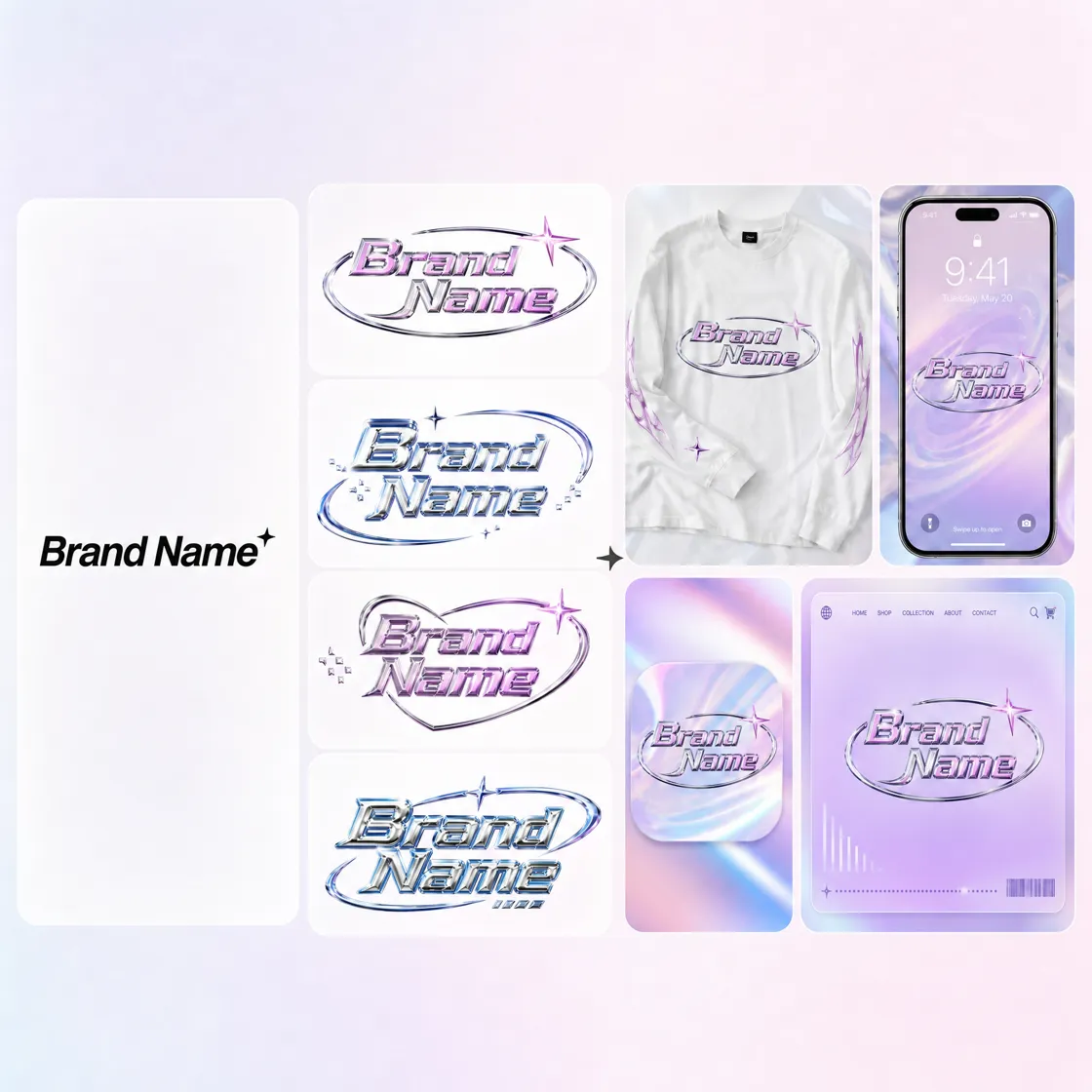
How to Create Y2K Logos With Designkit in 3 Steps
Step 1. Start With Your Brand Name or Logo Idea
Enter your brand name or describe the logo concept you want to create. You can start with a simple name, wordmark, or idea and use it as the foundation for your Y2K-inspired logo.
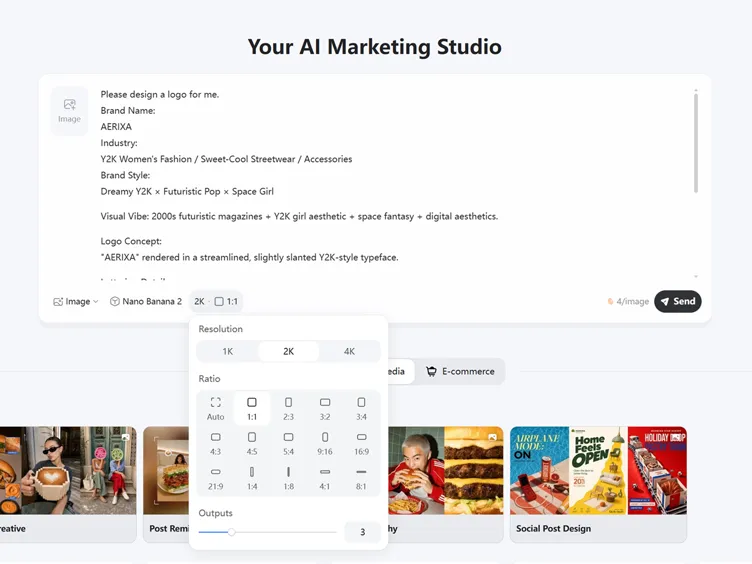
Step 2. Select a Logo Style and Define the Y2K Direction
Choose an available logo style such as Tech Futuristic, Geometric, or Vintage Classic. Since there is no dedicated Y2K logo style yet, describe the Y2K look you want in your prompt.
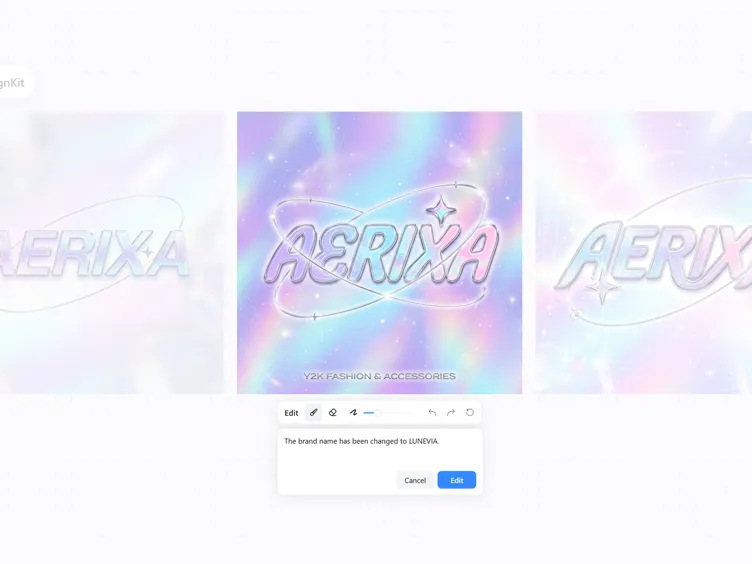
Step 3. Generate and Refine Your Logo
Generate your logo concepts, review the results, and refine the direction until you have a Y2K logo that fits your brand, then adjust finishes or details for the final look you want.
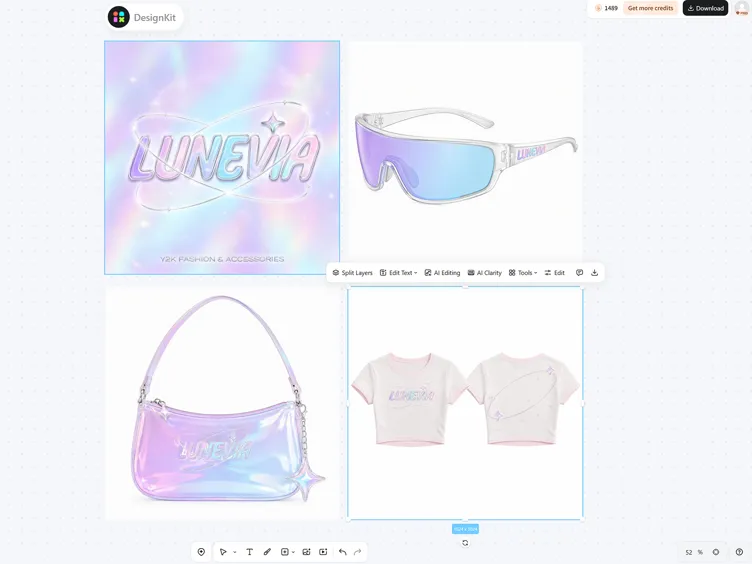
Capabilities of Designkit for Y2K Logo Generation
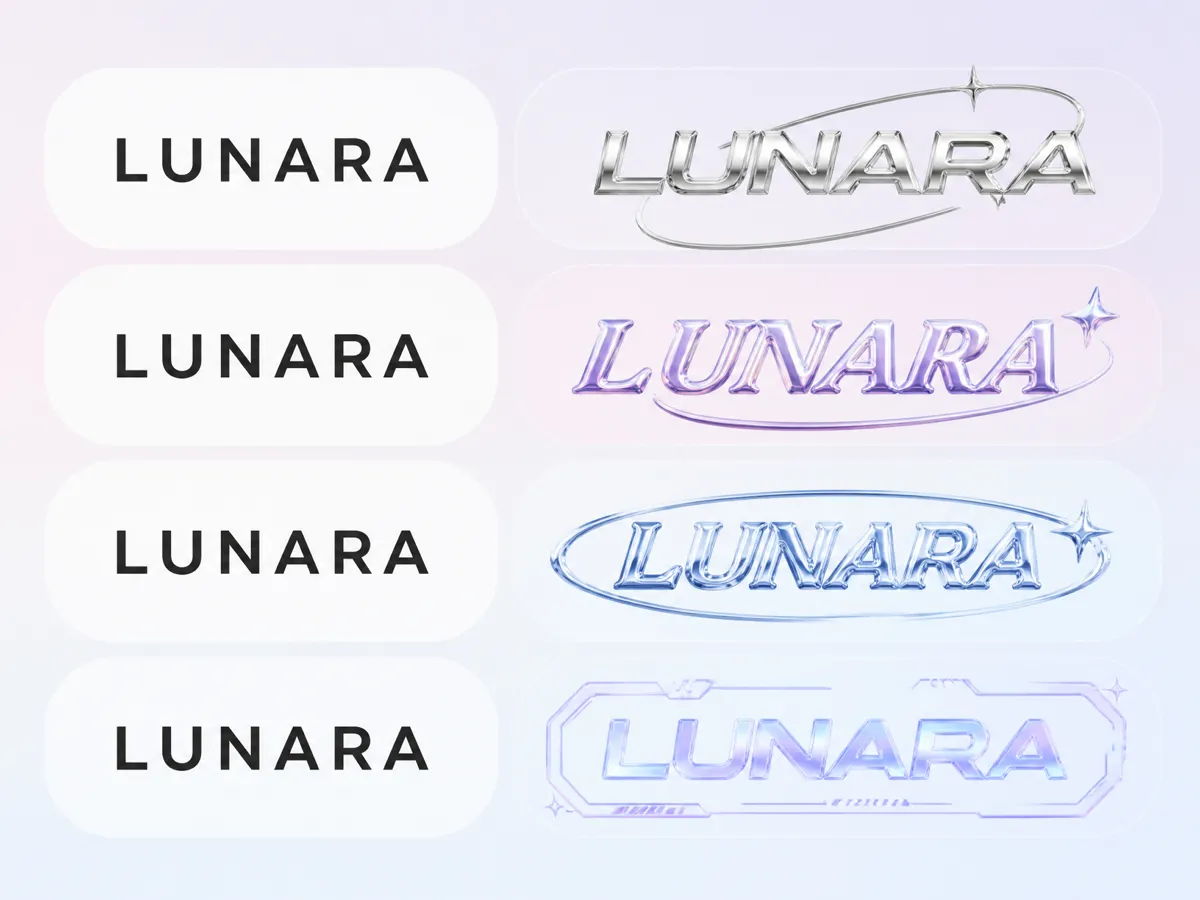
Turn Your Brand Name Into a Ready-to-Use Y2K Logo
Start with your brand name or logo idea and describe the Y2K direction you want to explore. If you want to explore other logo concepts alongside it, Designkit's AI logo generator provides a broader starting point for your brand design.
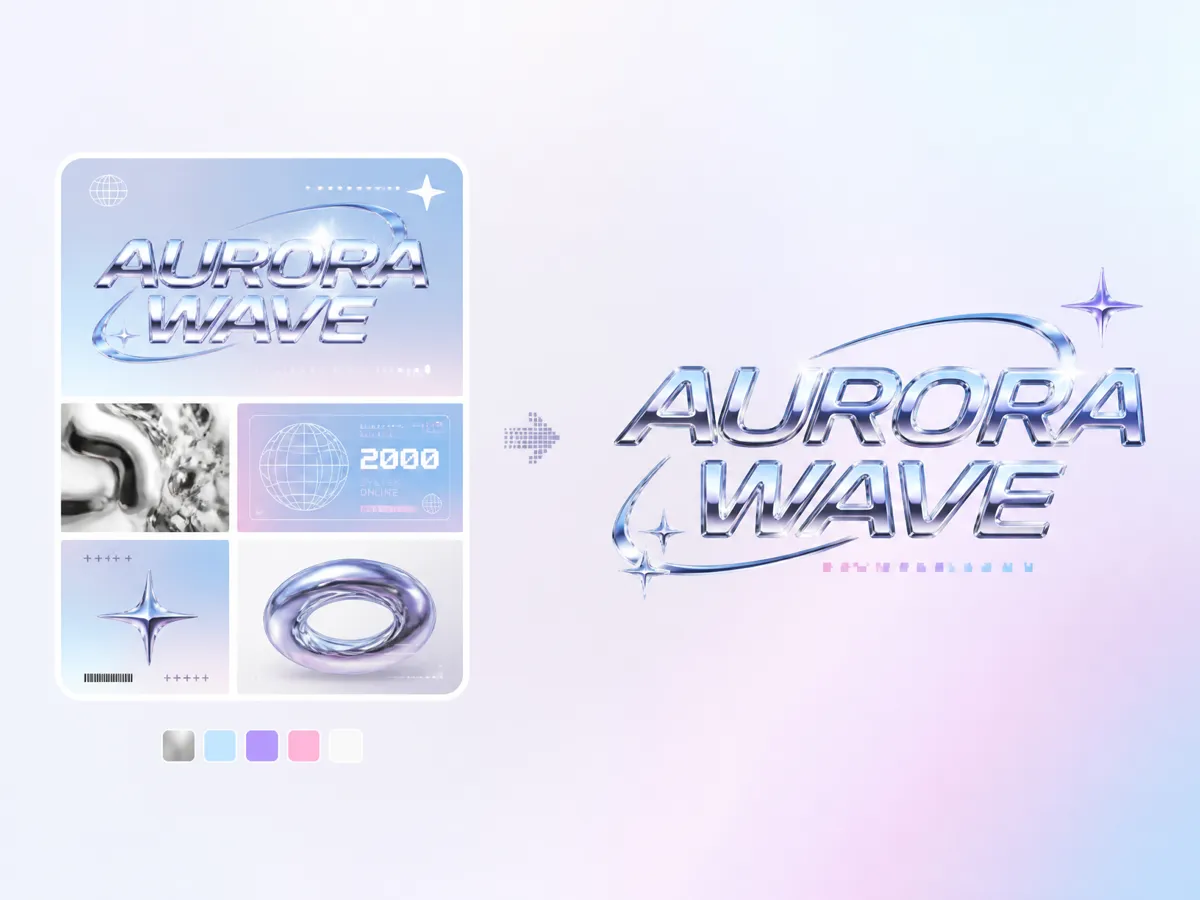
Build a Y2K Logo Around a Visual Reference
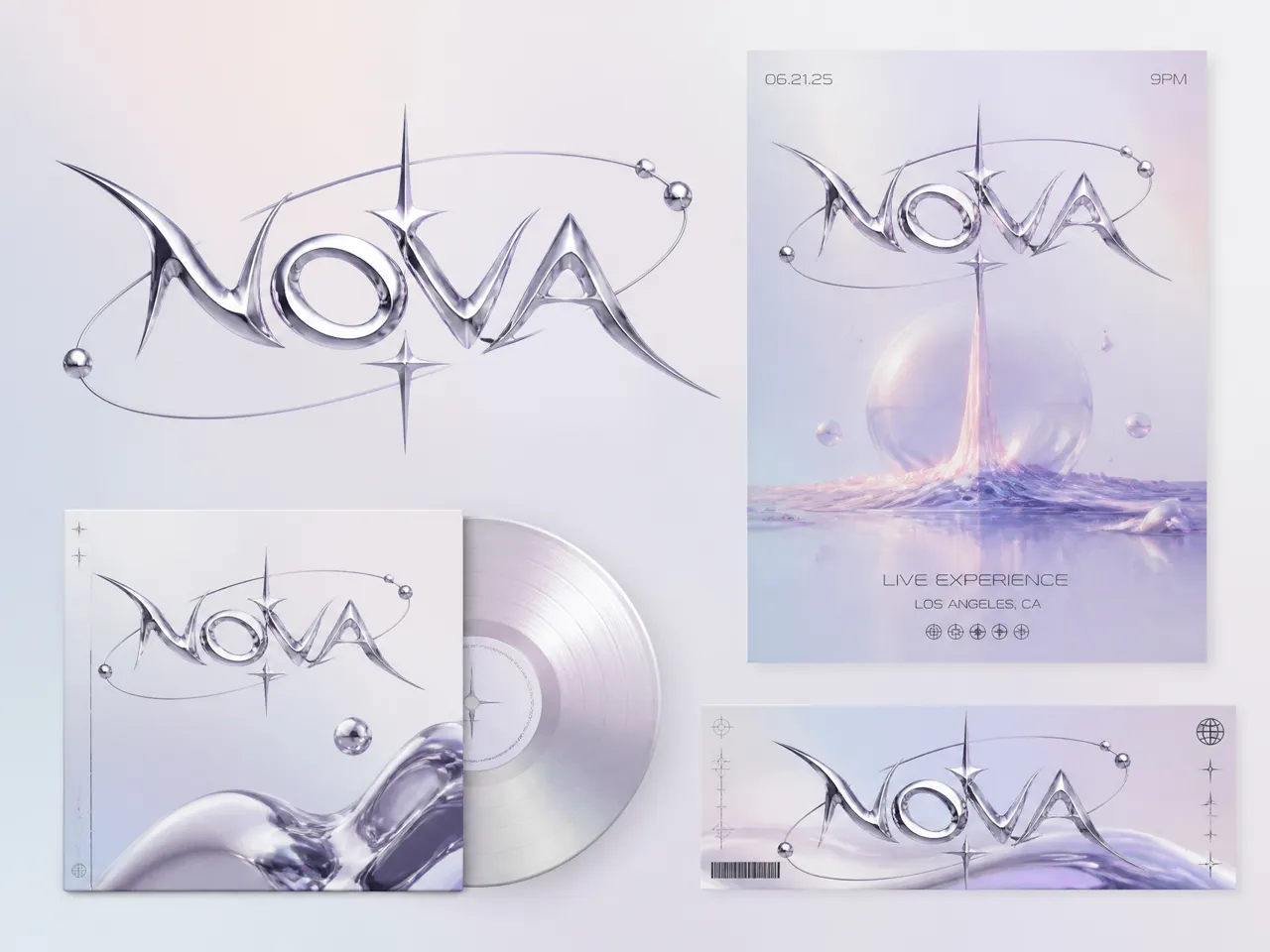
Upload a reference image when you already have a visual direction in mind. You can use Designkit's AI image generator to explore the reference further, then describe Y2K elements such as chrome finishes, metallic lettering, futuristic shapes, or retro digital details for your logo.
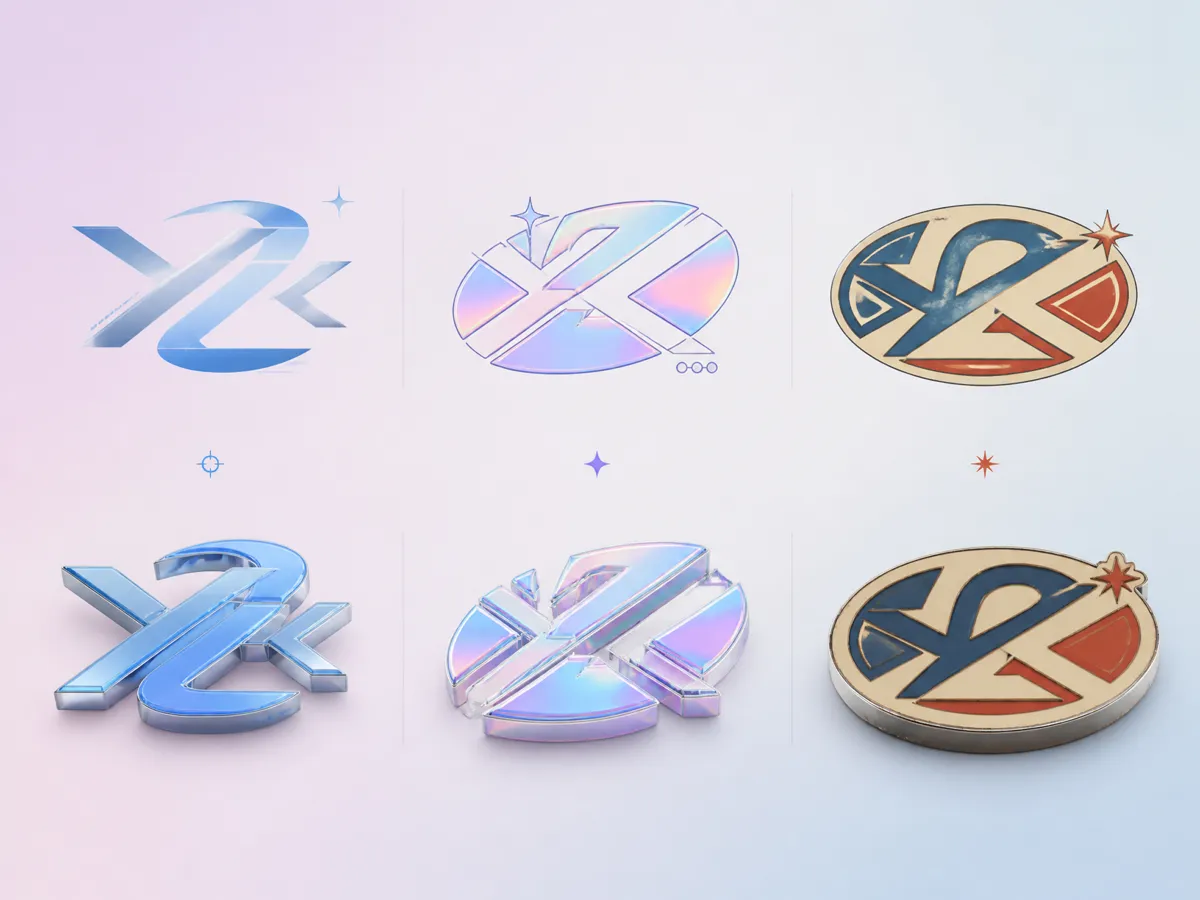
Explore Futuristic and Dimensional Logo Styles
Choose an available logo style such as Tech Futuristic, Geometric, or Vintage Classic, then describe the Y2K elements you want to add. For concepts with more depth and dimension, the 3D logo maker can also help you explore a different visual treatment.
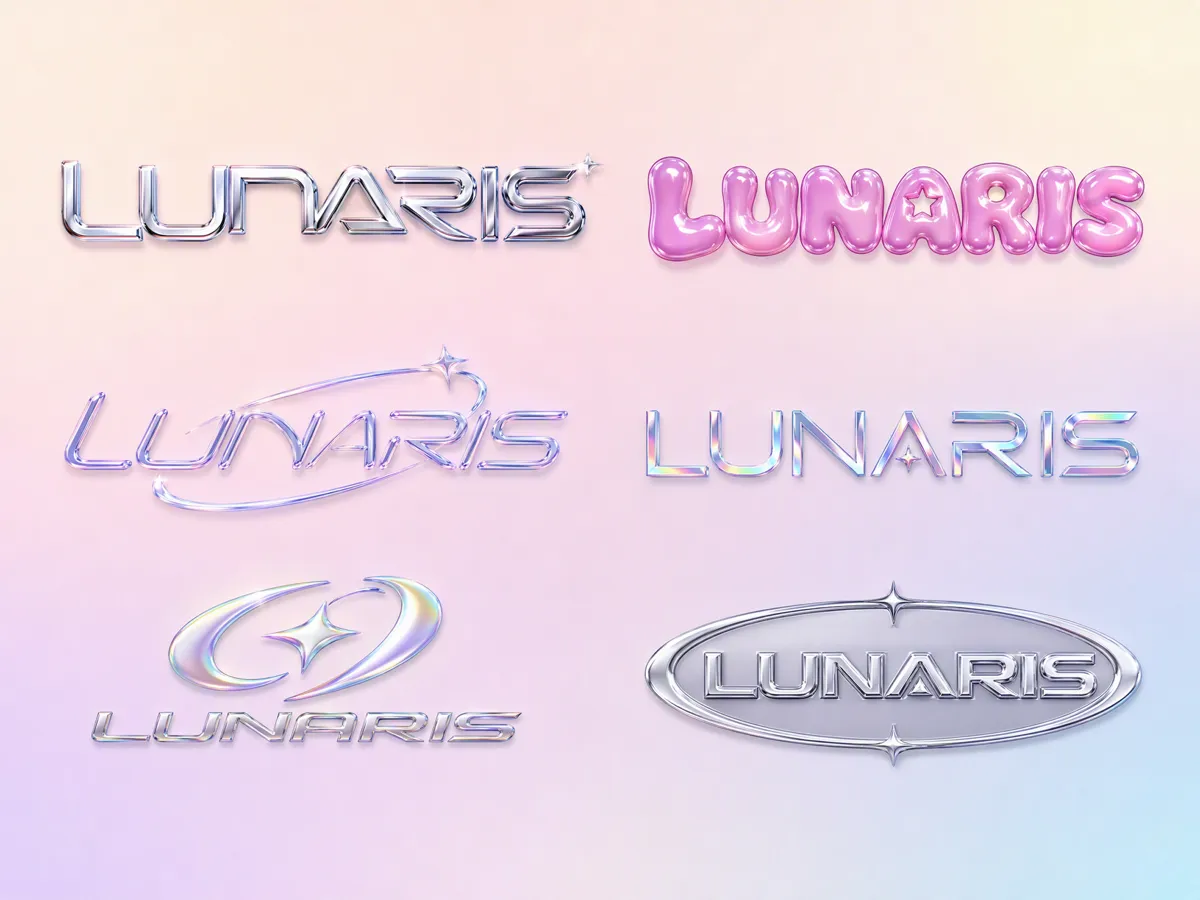
Compare Different Directions for the Same Brand
Keep your brand name while changing the visual direction to explore different Y2K-inspired concepts. Try variations in style, shape, finish, and typography to see how the same brand can take on different visual treatments.
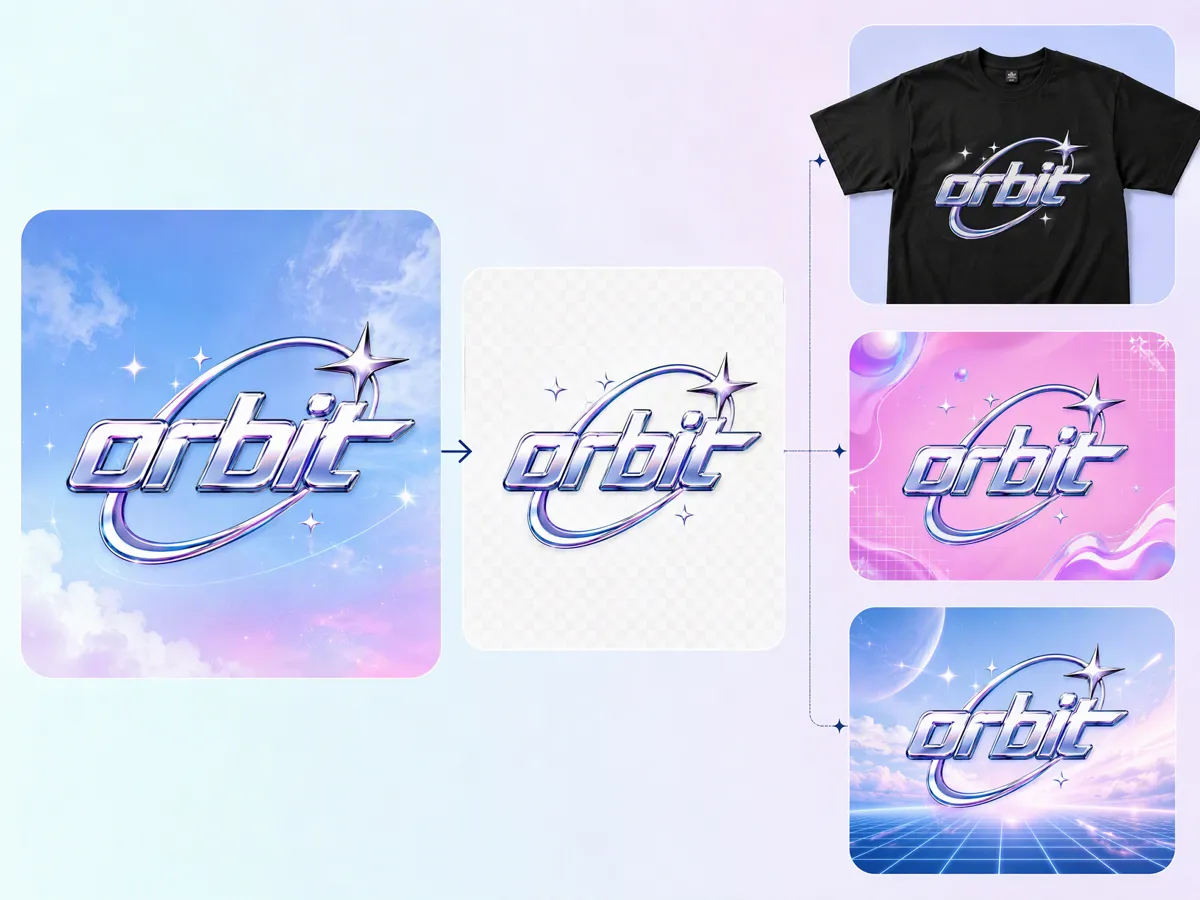
Get a Transparent Logo Asset for Merch and Digital Use
When your logo needs to work across different backgrounds, remove the original background with Designkit's transparent background maker. This gives you a cleaner logo asset for placing on apparel, graphics, and other branded materials.
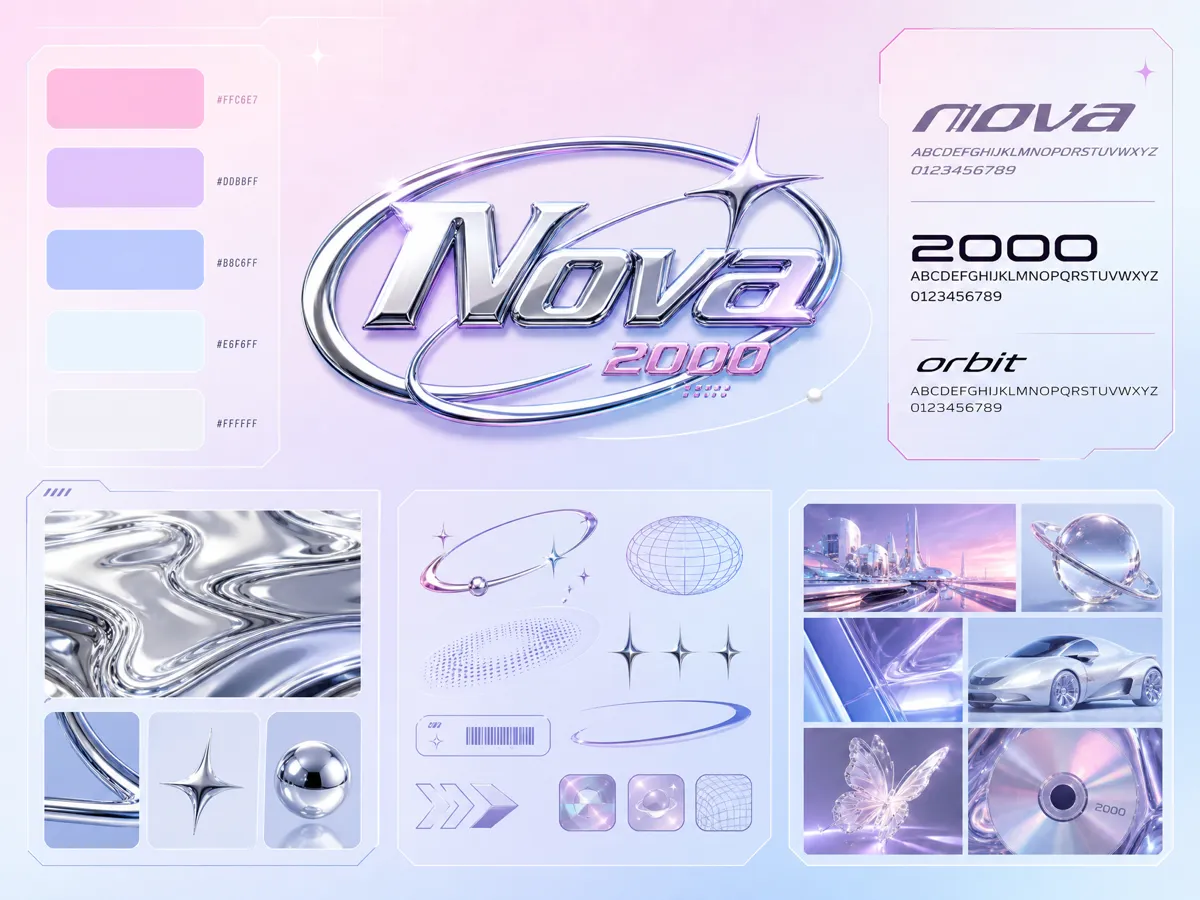
Extend One Y2K Logo Into a Broader Brand Look
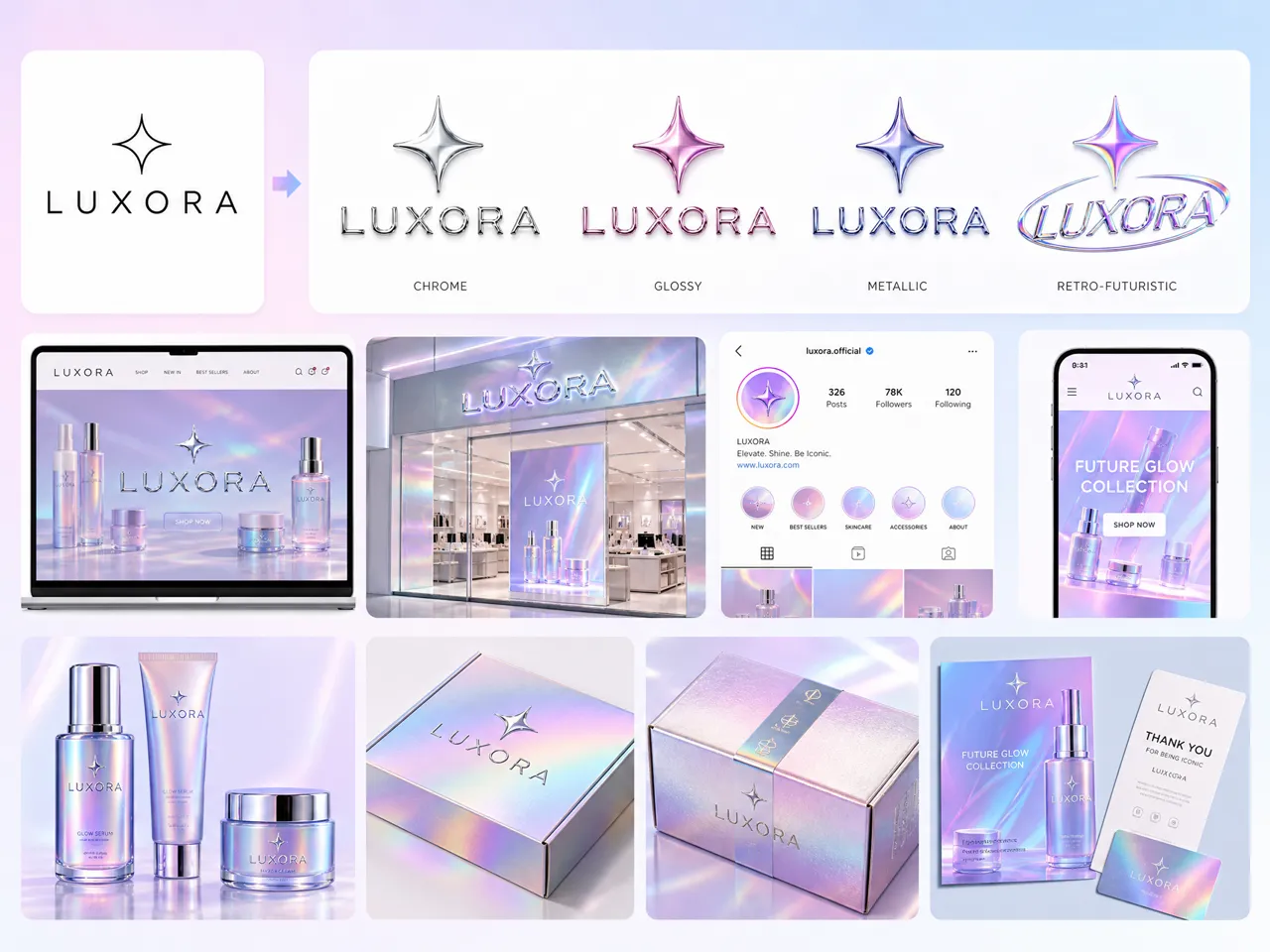
Carry your Y2K logo into a broader visual direction by building a visual board around its colors, typography, imagery, and overall aesthetic. Use the board to explore how the logo can fit across different brand materials and creative touchpoints.
Built for Every Creator Who Needs Y2K Branding
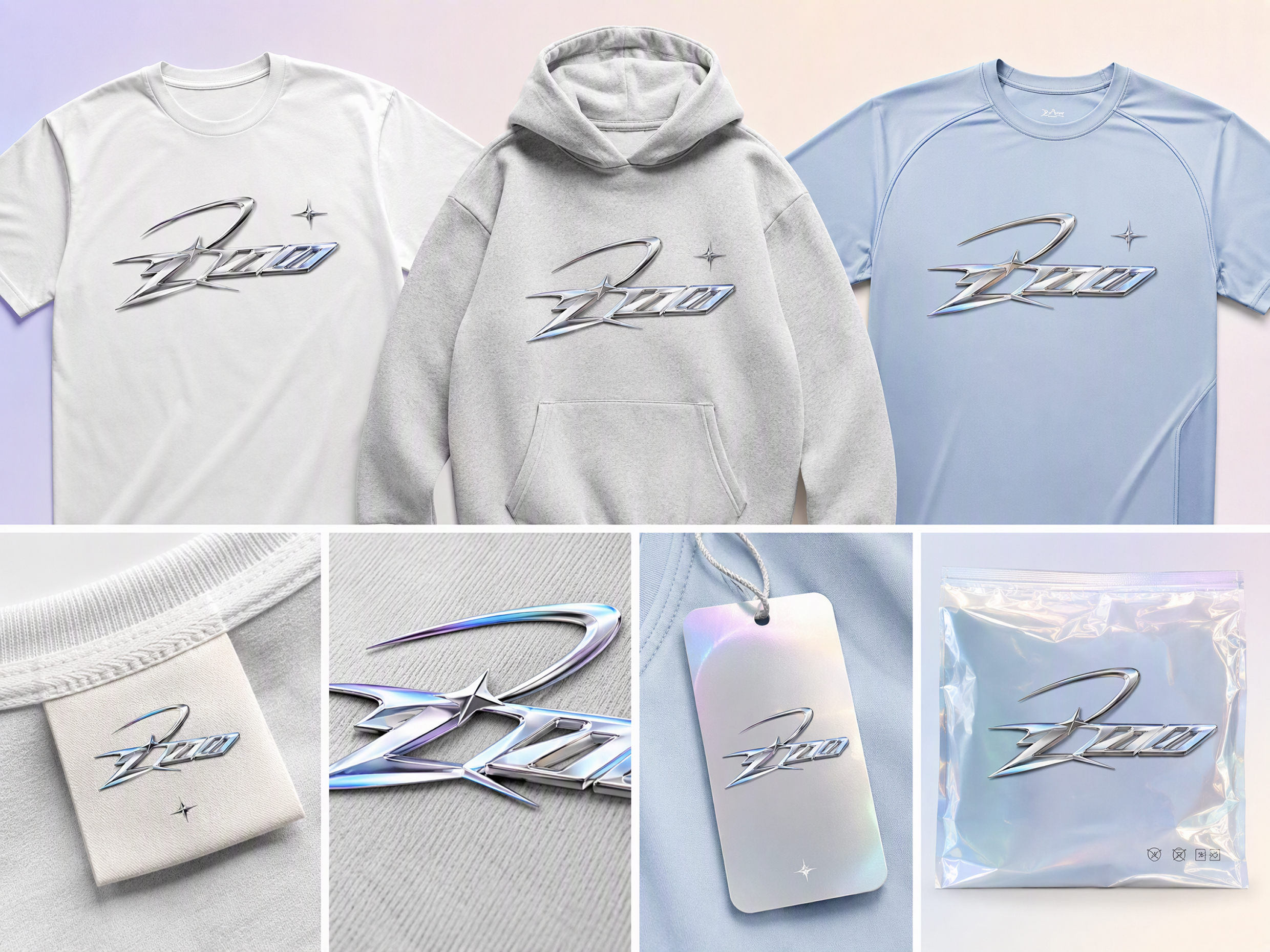
Design Y2K Logos for Apparel and Merch
Streetwear brands can explore chrome lettering, metallic details, and futuristic shapes for t-shirts, hoodies, drops, and merchandise. Once you have a direction, a t-shirt mockup generator can help place the logo in an apparel context.
Why Choose Designkit for Y2K Logo Design
Skip Graphic Design Project Cycles
Generate Y2K logo concepts from text prompts instead of starting from a blank design canvas or building every detail by hand.
Skip Expensive Graphic Design Cycles
Test Y2K logo directions first so you can skip long, expensive design cycles and endless revisions with a graphic designer.
Create AI Y2K Logo With Free Credits
Use available free credits to explore Y2K styles, chrome effects, and different logo directions before committing further.
Unlock More Ways to Create Brand Logos
Clothing Logo Maker
Sports Logo Maker
AI Logo Generator
3D Logo Maker
Frequently Asked Questions
How do I generate a Y2K logo with AI?
What makes a logo look Y2K?
Y2K logos typically combine chrome or metallic finishes with glossy surfaces, futuristic typography, bold shapes, and retro digital details. Describe the specific elements you want so the generated logo follows the visual direction you're looking for.
Can I create different Y2K logos for the same brand?
Yes. Keep the same brand name while changing the available logo style, visual details, or prompt direction. You can explore different combinations of typography, finishes, shapes, and other Y2K elements before choosing a concept.
Can I use a reference image for a Y2K logo?
Yes. Add a reference image when you already have a particular visual direction in mind. Then describe the Y2K elements you want to incorporate, such as metallic surfaces, futuristic forms, or retro digital styling.
Can I use a Y2K logo for apparel and merch?
Yes. Y2K logo concepts can be used for t-shirts, hoodies, merchandise, social profiles, and other branding applications. Review the generated design and prepare the logo according to the requirements of the final use.
How can I create a transparent Y2K logo PNG?
Generate your Y2K logo concept first, then use Designkit's transparent background maker to remove the background. This makes the logo easier to place across different apparel, graphics, and branding materials.
What styles can I use for Y2K logo design?
Designkit currently provides available styles such as Tech Futuristic, Geometric, and Vintage Classic. Choose one as your starting point, then describe the Y2K details you want to shape the overall logo direction.
Give Your Brand an Aesthetic Y2K Look
Start with your brand name, a visual reference, or a rough idea and explore Y2K logos for apparel, social media, merch, and digital branding.



What Creators Like About Designkit for Y2K Logos
See how streetwear designers, creators, and brand owners use Designkit to create Y2K logos, speed up asset creation, and launch new collections.
A Y2K Logo for Our Next Streetwear Drop
We were putting together a small streetwear drop and wanted the branding to lean into the early-2000s look. I started with the brand name and played around with chrome type, brighter colors, and a few futuristic details. It gave us several directions to look at before we picked the one that fit the collection.
I Finally Had a Visual Direction for the Gaming Brand
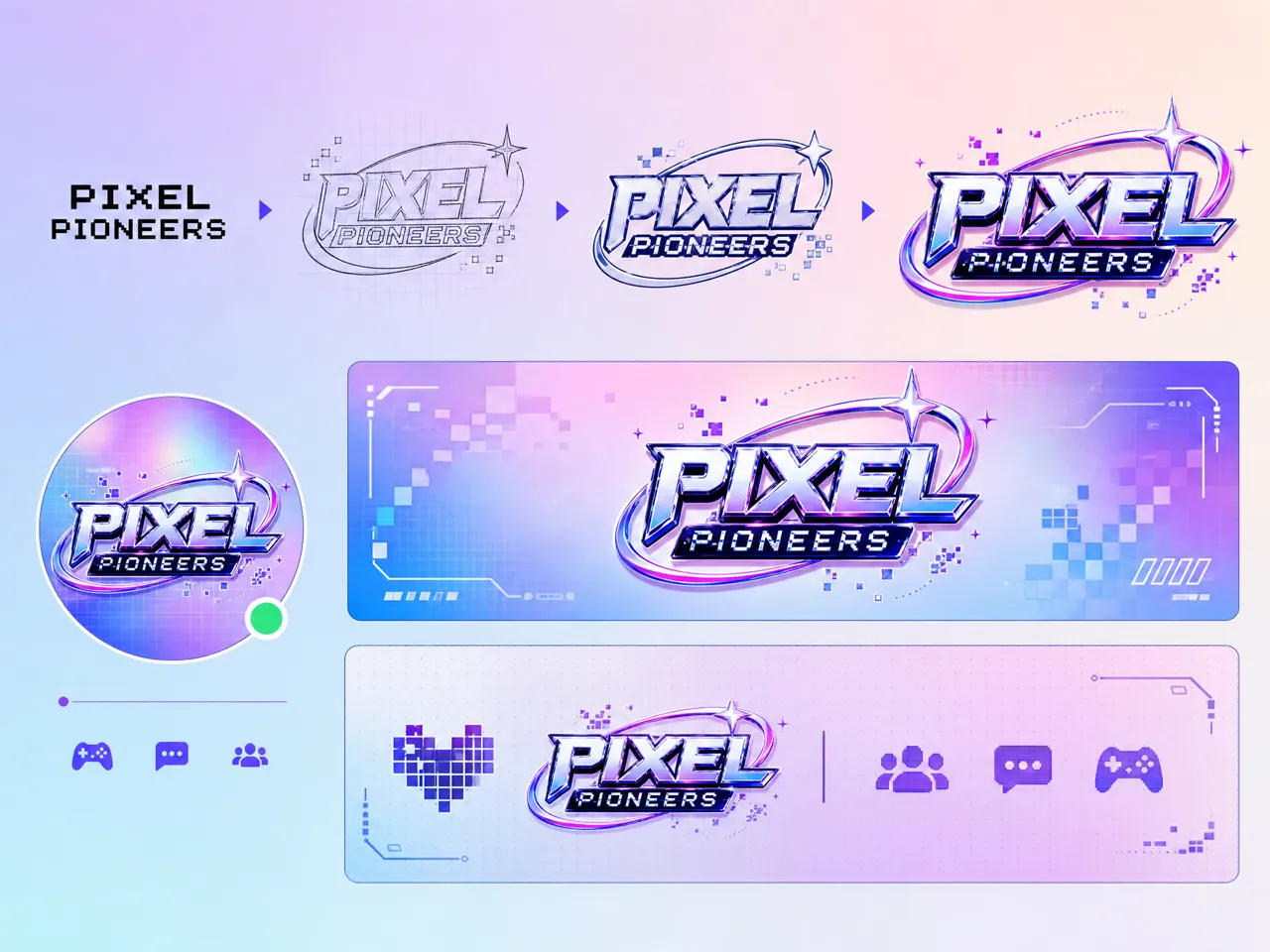
The hardest part wasn't coming up with the name. It was figuring out what the logo should actually look like. I tried a few Y2K directions with different lettering and graphic details, then used one of them for my channel artwork and other social assets.
I Used a Reference to Start the Logo Direction
I already had a Y2K visual reference that I liked, but I didn't want to copy the whole thing. I used it as a starting point and changed the direction around my own brand name. That gave me something much more specific to work from than starting with a blank canvas.
The Logo Became the Starting Point for Our Branding
I was working on a small online store refresh and wanted the branding to feel more Y2K without changing everything at once. I started with the logo, then used that direction for some of our social graphics and merch ideas. It was useful having the logo as a visual starting point. FAQs