
Create 3D-Style Logos from Text, Images, or a Flat Logo
Type a brand name or upload an existing logo, and Designkit generates a professional 3D-style logo with depth, lighting, and finish. No design software, no 3D experience.
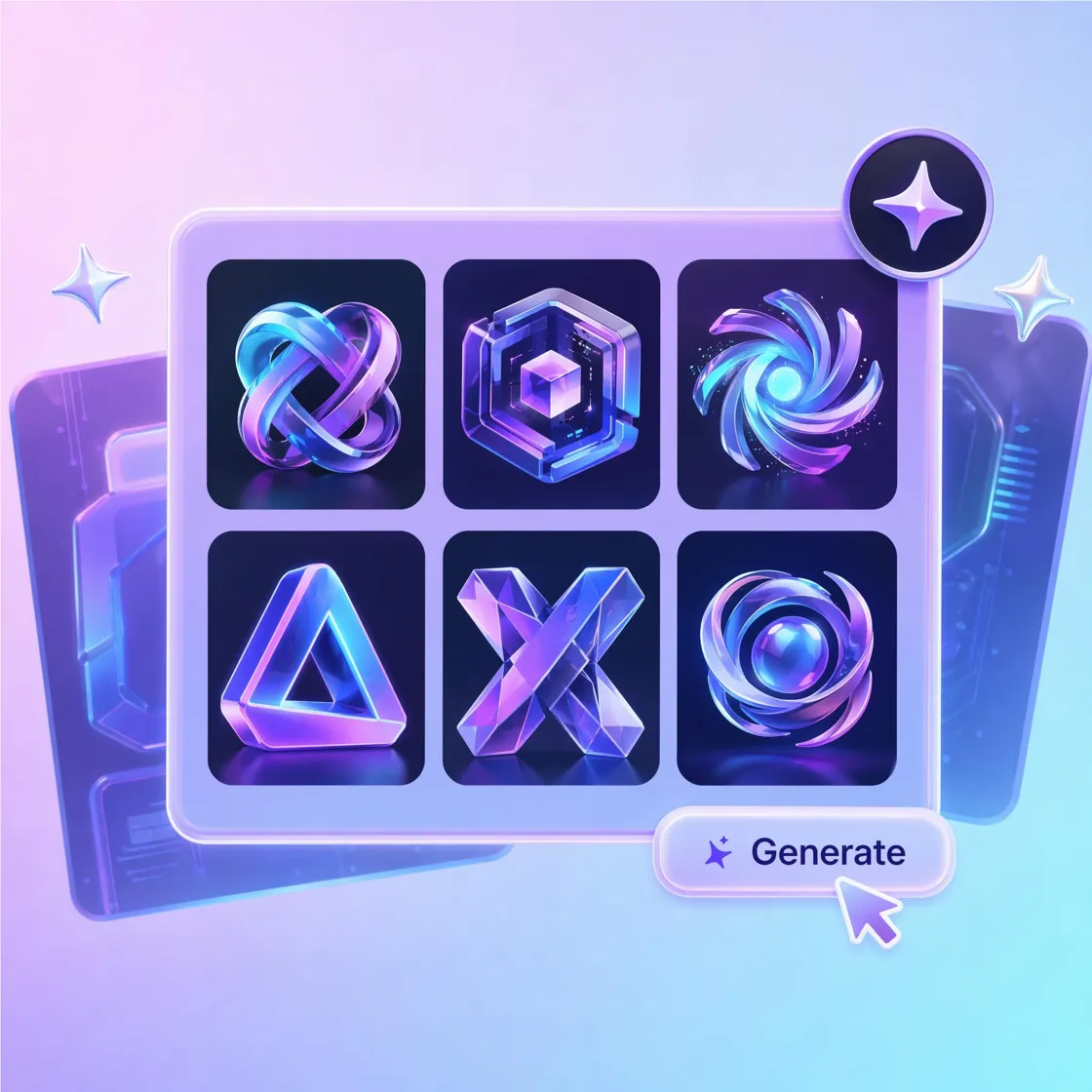
Turn Words and Ideas into Dimensional Logo Designs
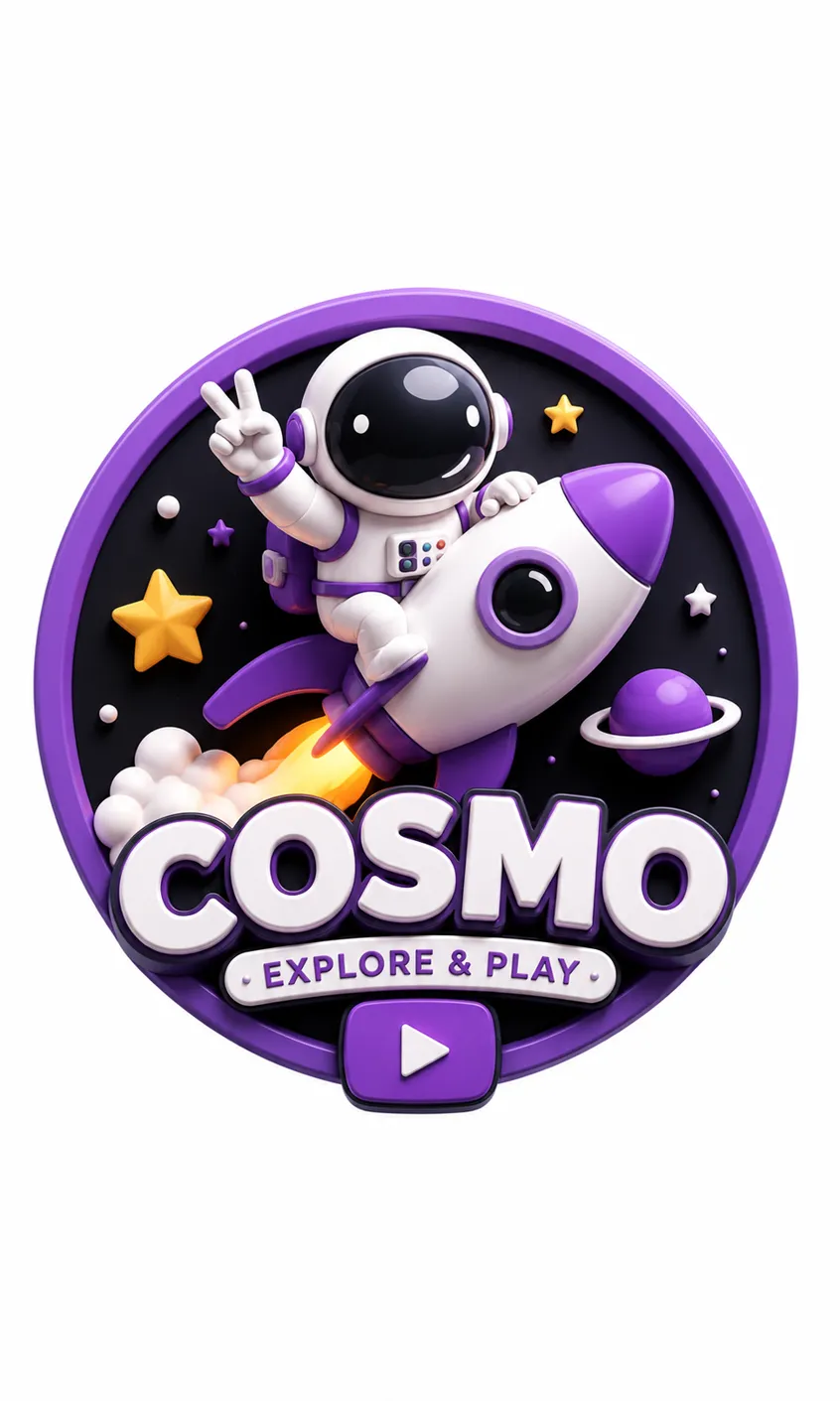
How to Create a 3D Logo in 3 Steps
Enter a Name or Upload a Logo
Type your company name, gaming team, or slogan, or upload a flat logo you already use. Designkit handles both text-to-logo and 2D-to-3D styling.
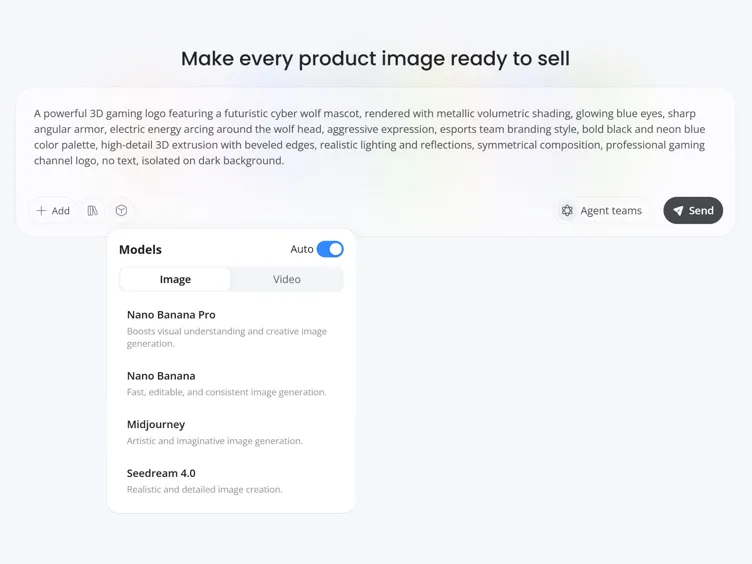
Customize 3D Style and Visual Effects
Designkit generates several directions from your input. Guide the look by setting style, colors, lighting, depth, and finish until it fits your brand.
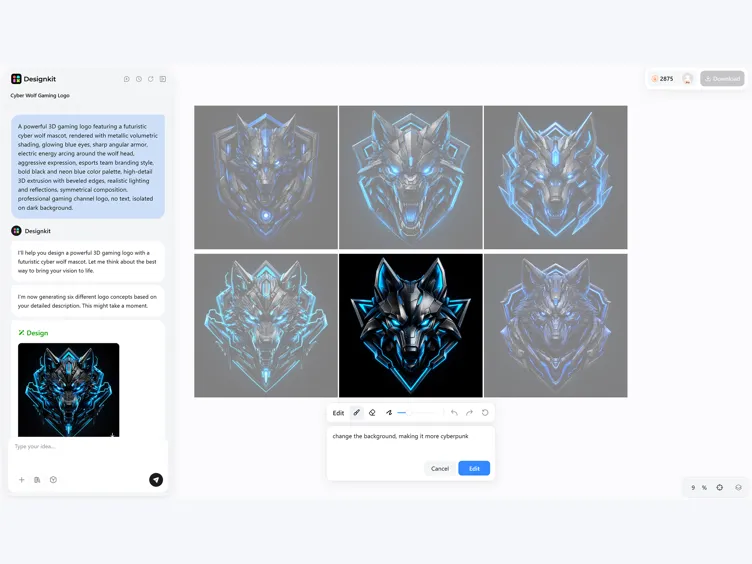
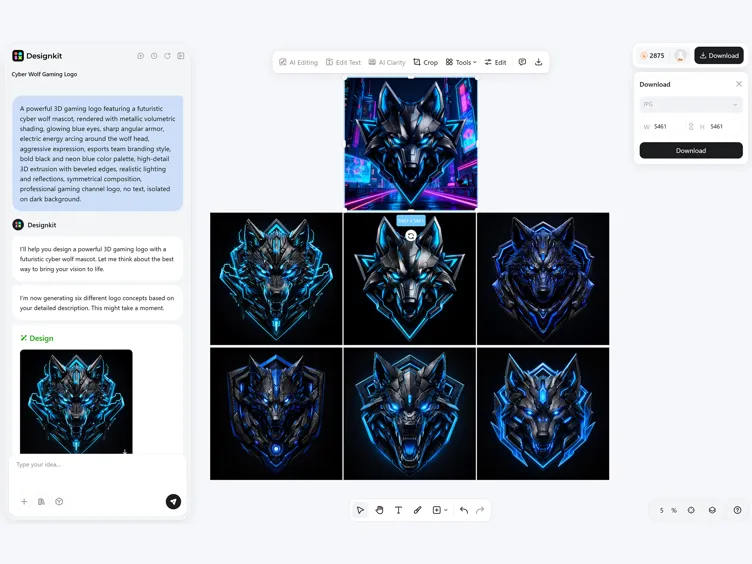
Download & Use Anywhere
Preview the result at different sizes, then download high-resolution files for your website, social profiles, channels, and merch.
What You Can Make with Designkit's 3D Logo Maker
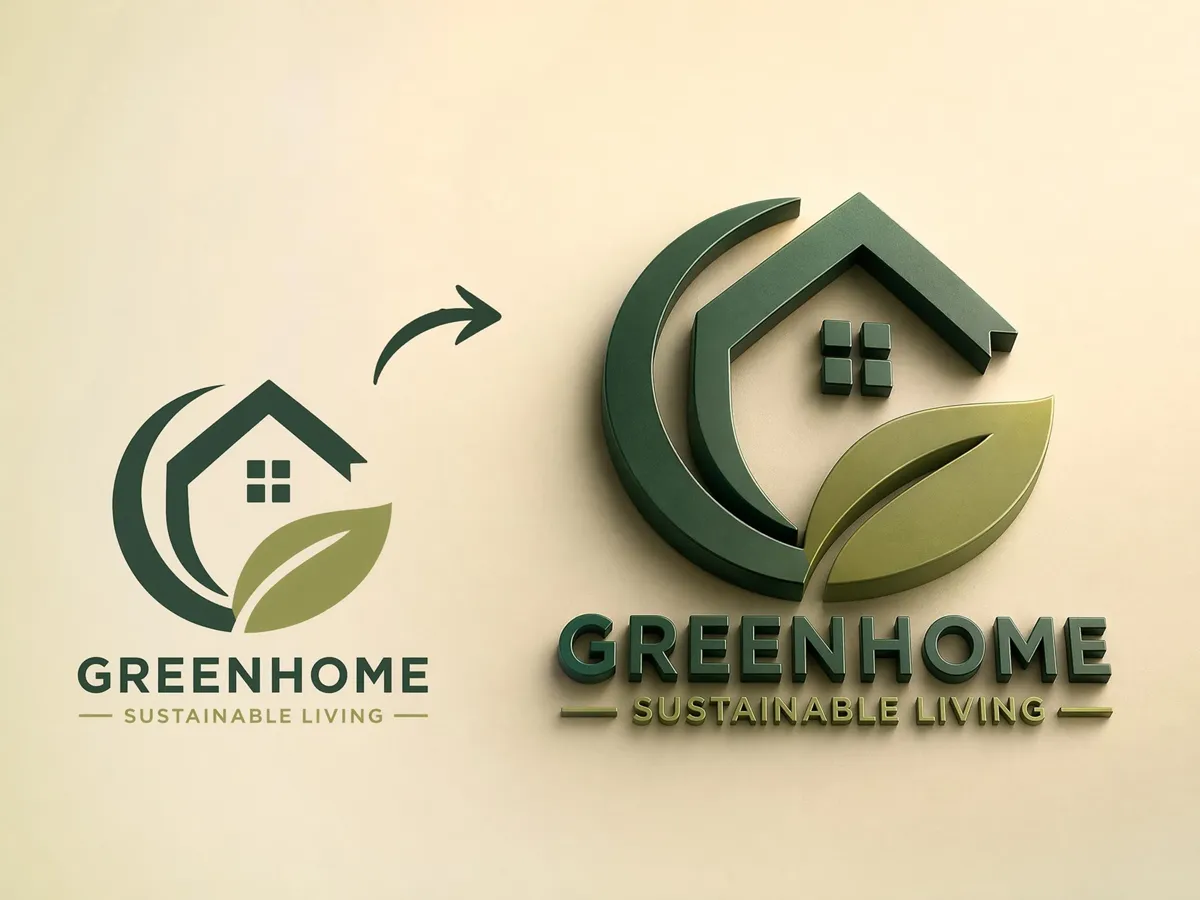
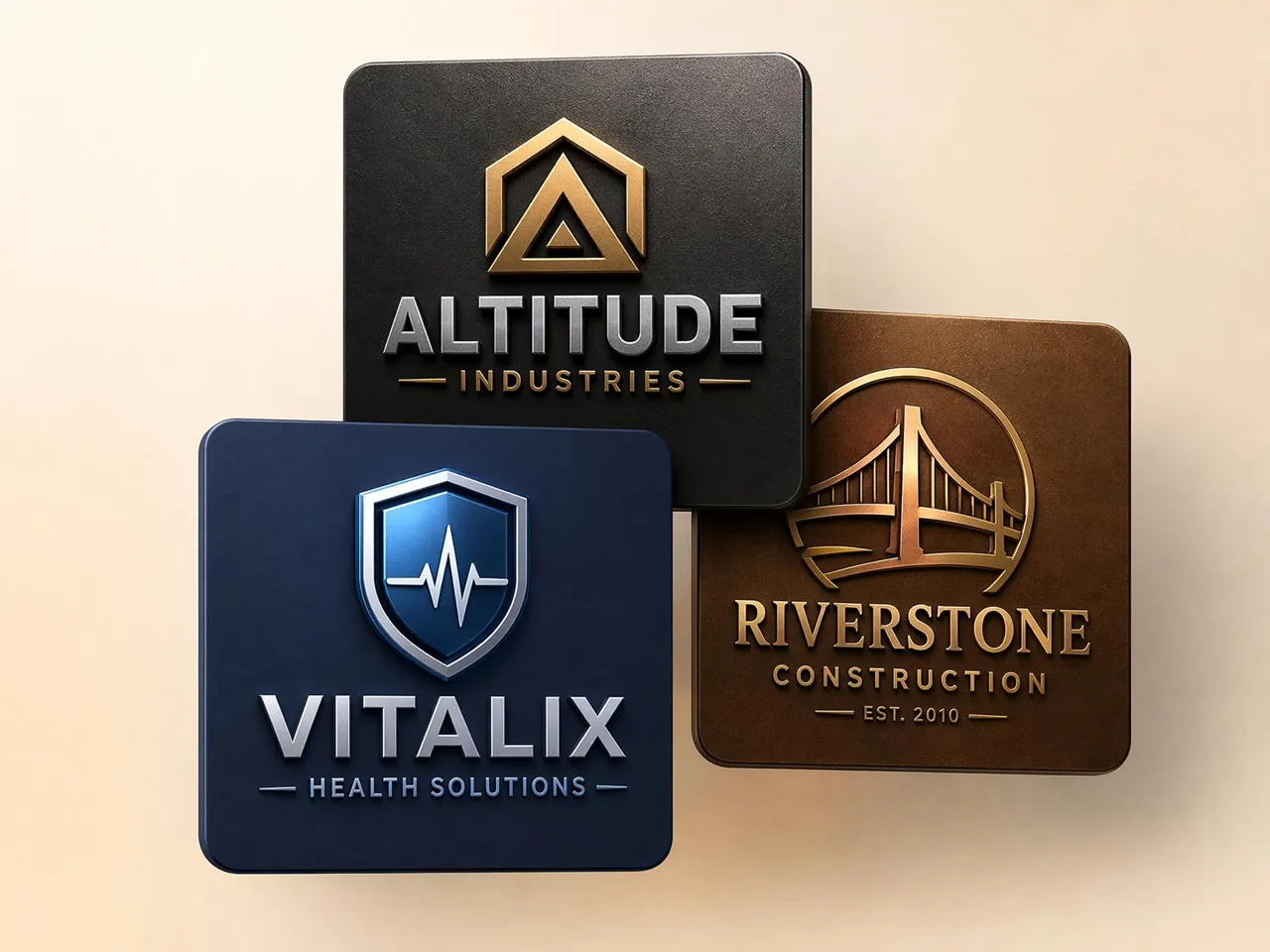
Turn a Flat Logo Into a 3D Design
Refresh an outdated 2D logo without rebuilding your brand. Upload your current design and turn it into a 3D version with depth, lighting, and dimension while keeping the original identity easy to recognize across channels and profiles.
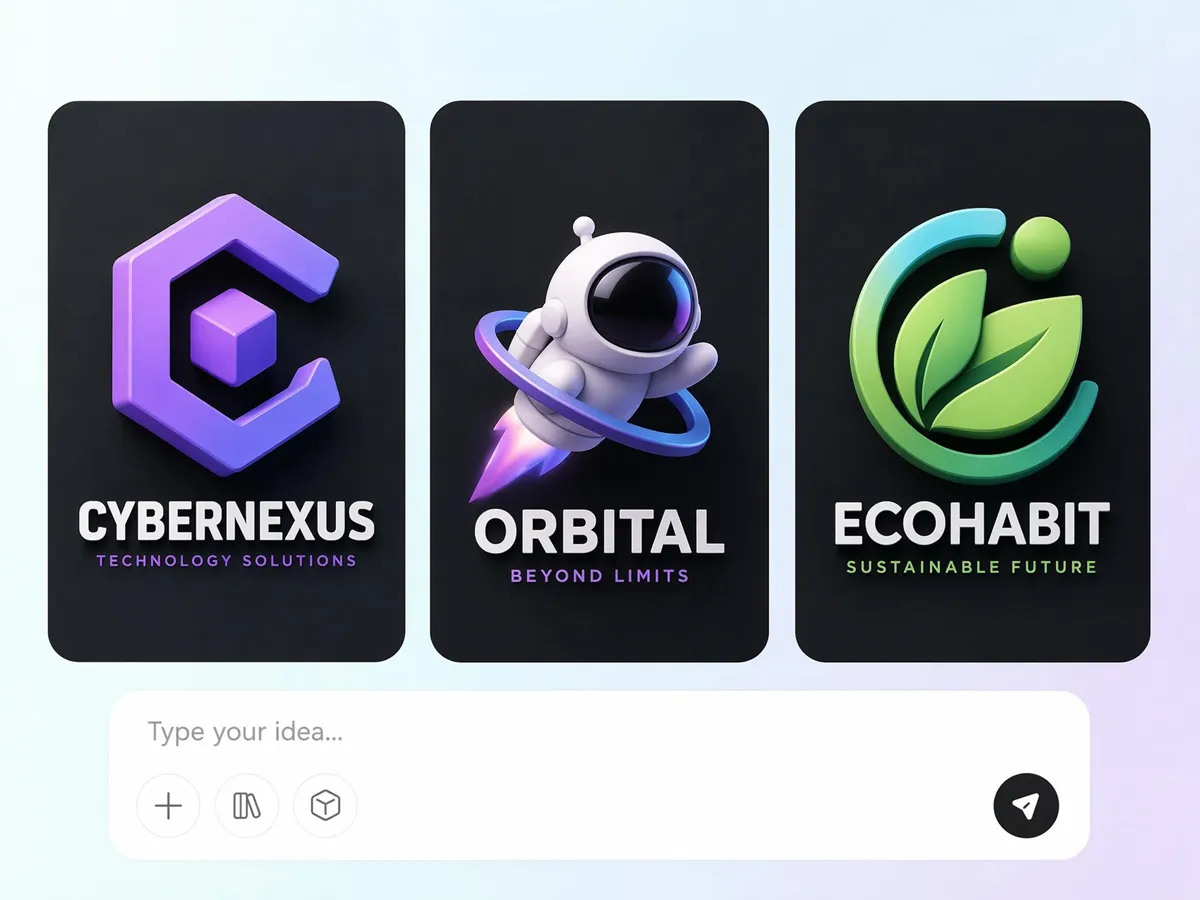
Generate 3D Logos From a Text Prompt
Launching a new brand without a logo can slow everything down. Describe your business, audience, or style, and Designkit turns the prompt into original 3D concepts you can review, refine, and use once the direction feels right.
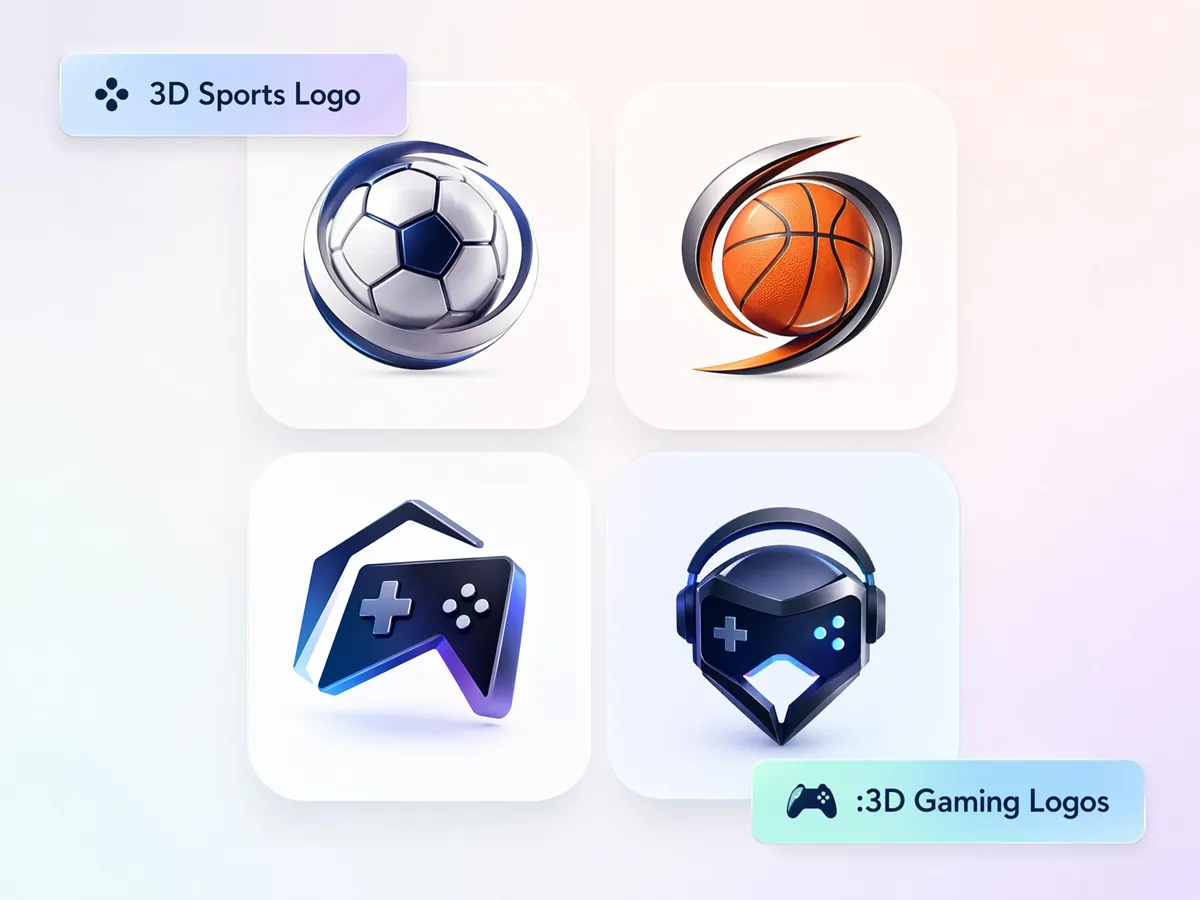
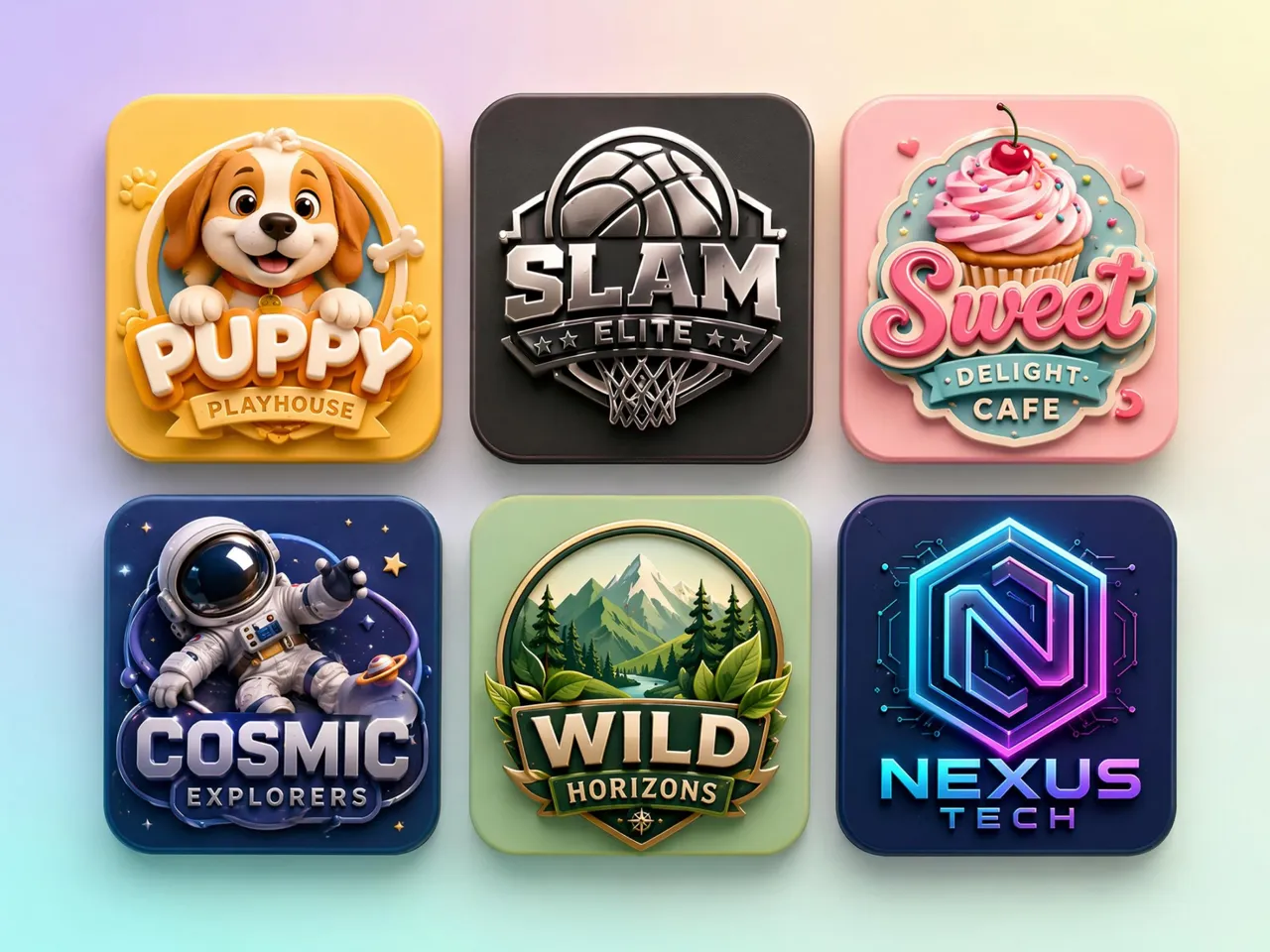
Create Gaming and Esports Logos
Gaming channels and esports teams need branding that grabs attention fast. Designkit turns team names, mascots, and ideas into bold 3D logo concepts built for Twitch, YouTube, Discord, and competitive communities.
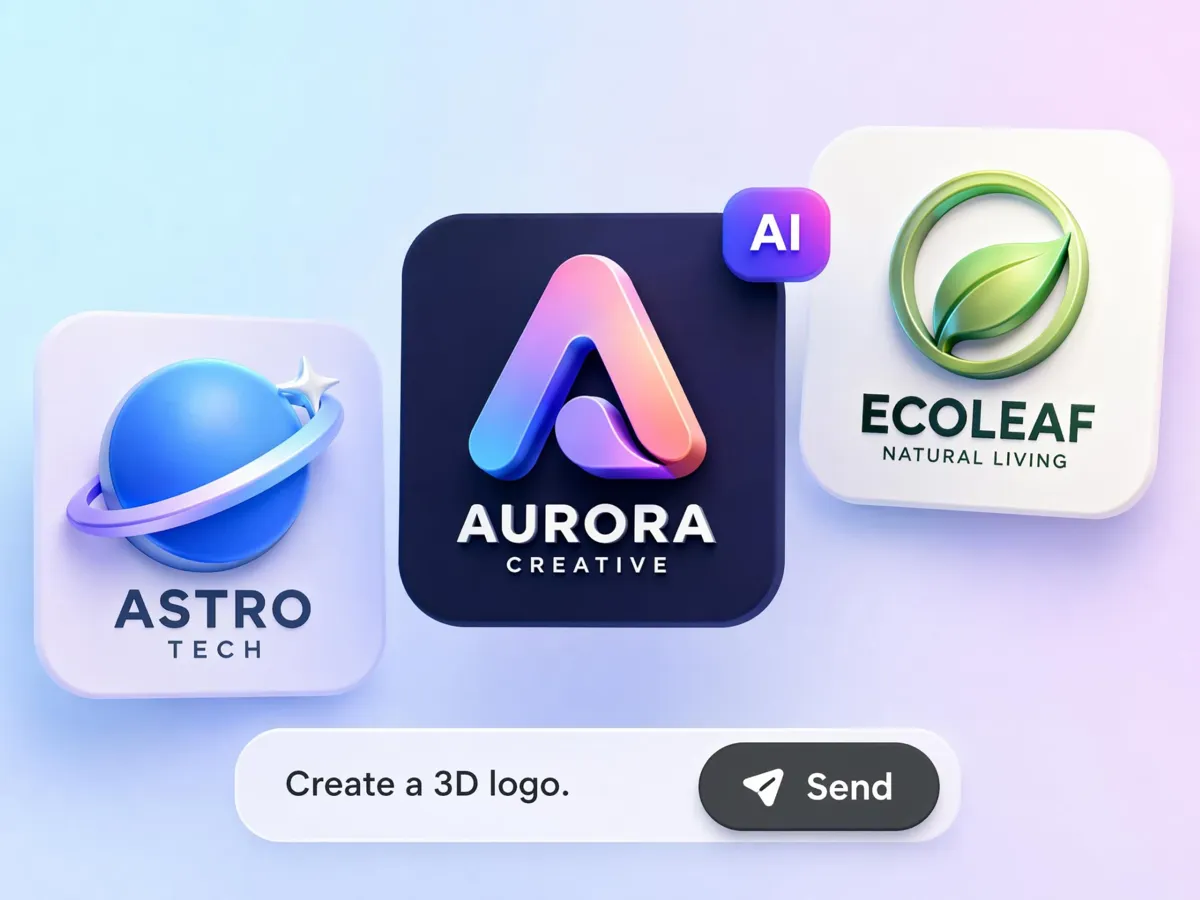
Generate Metallic, Glass, and Neon Styles
Different brands need different visual styles to match their audience. Create 3D logo design concepts with chrome, gold, glass, neon, holographic, matte, and embossed finishes without starting over each time you want a new direction.
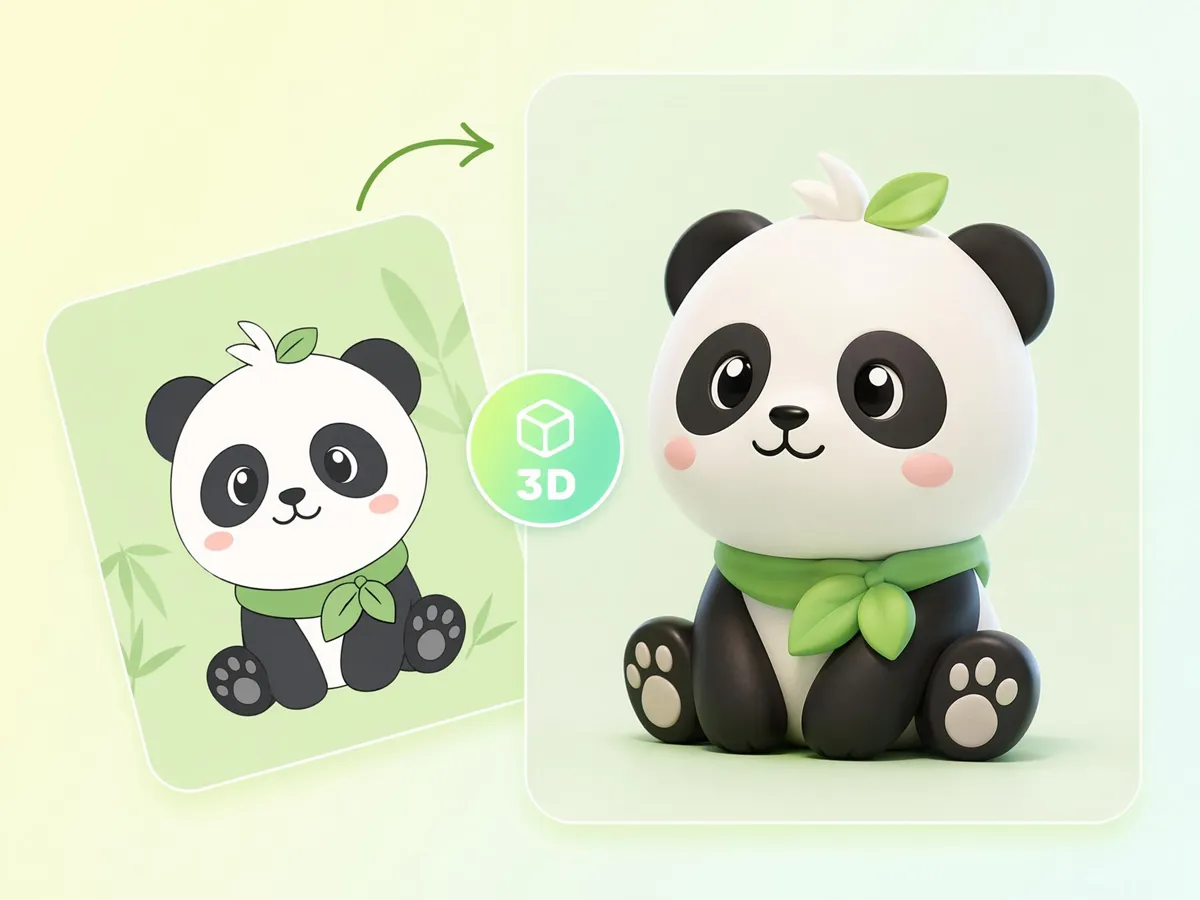
Turn Characters Into 3D Mascot Logos
Mascots help brands feel more memorable than text alone. Use the 3D cartoon logo maker to turn characters and illustrated ideas into eye-catching logos for creators, businesses, and gaming communities that need a stronger visual identity.
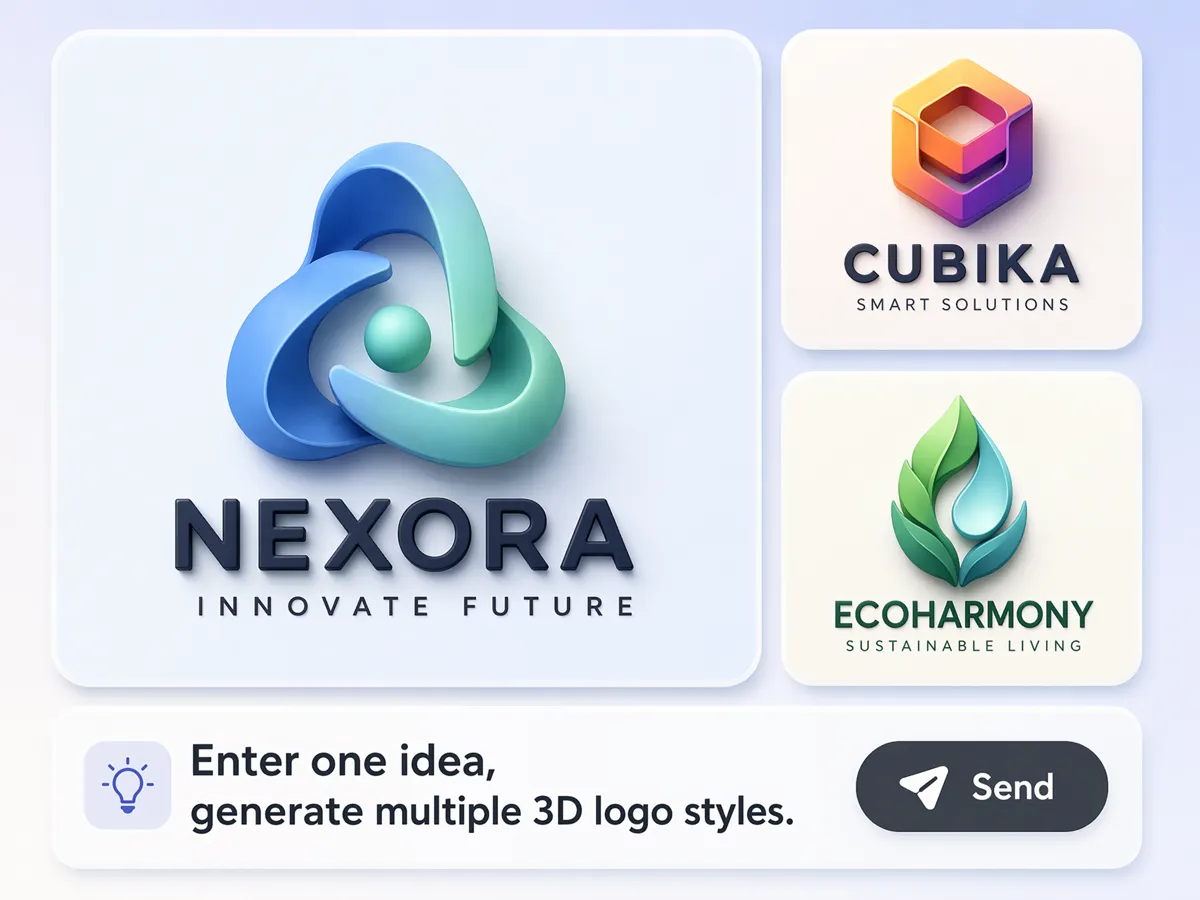
Compare Multiple Logo Concepts From One Idea
Choosing one logo is easier when you can compare several options first. Generate multiple concepts from the same prompt, review different creative directions side by side, and pick the version that fits your brand best.
3D Logo Creation for Brands, Gamers, Creators, and Businesses
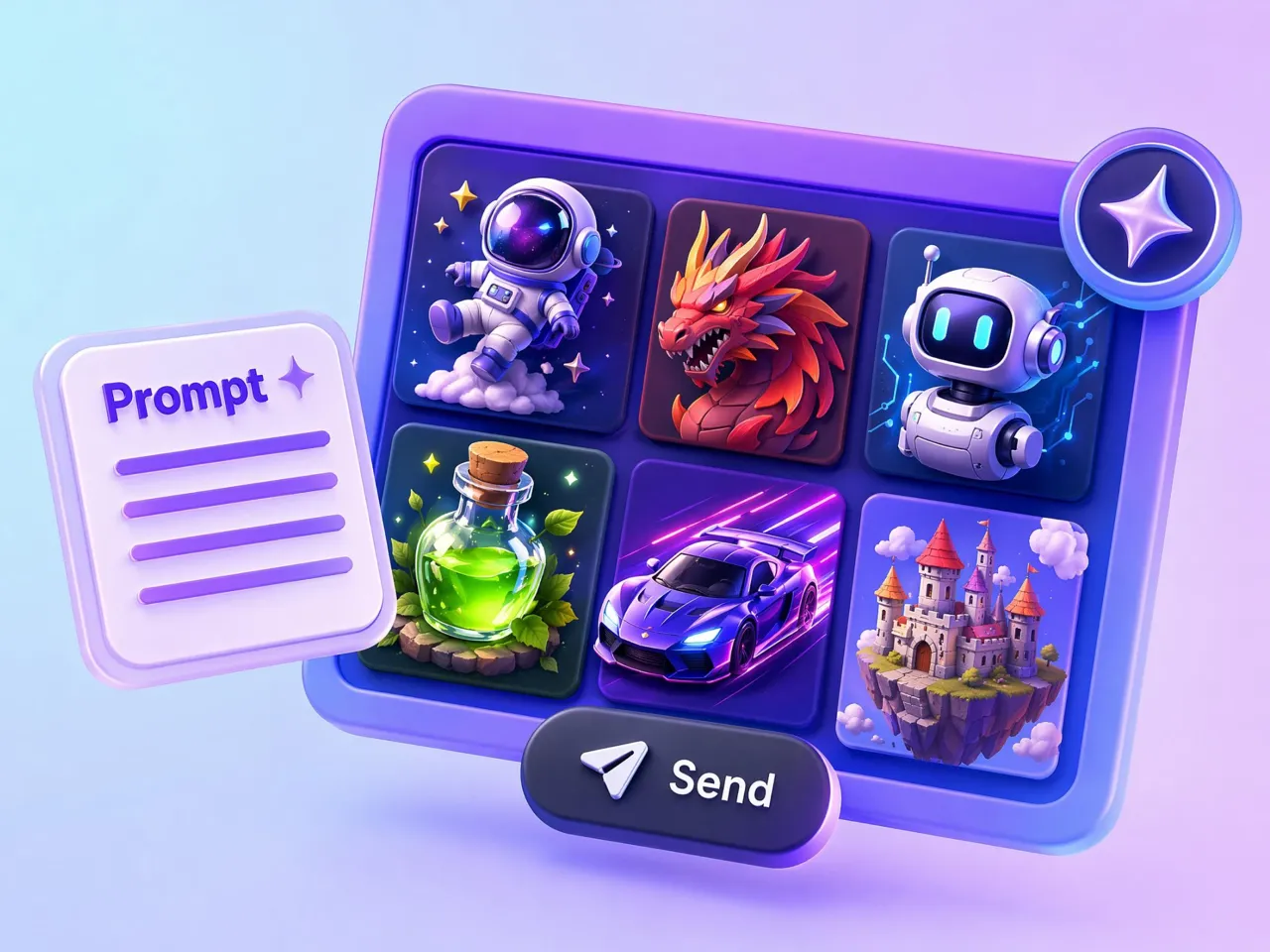
Build Logos That Stand Out in Competition
Gaming teams need branding that players remember across streaming platforms and tournaments. Designkit works as a 3D gaming logo maker, creating bold team emblems, mascots, and clan logos that strengthen your visual identity.
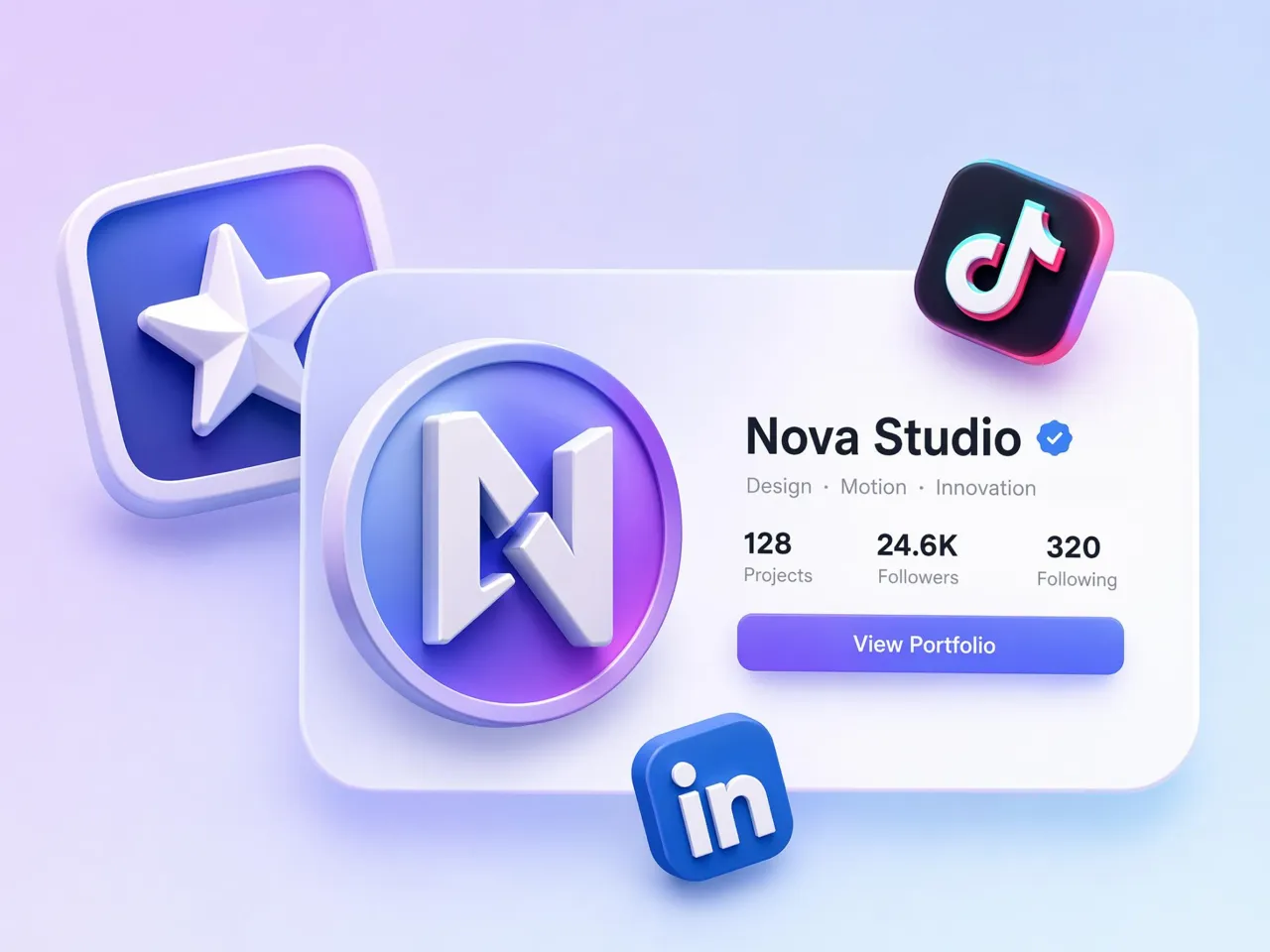
Why Choose Designkit's 3D Logo Maker
Create 3D-Style Logos Without Design Software
Skip the learning curve of advanced design software and turn ideas into usable 3D logo concepts with far less manual work.
Restyle a Flat Logo Without Starting Over
Refresh older logos into modern 3D versions while preserving the brand identity customers already recognize.
Built for Gaming, Business, and Creators
Create logos suited for gaming teams, businesses, creators, and startups without changing your entire design process.

Keep One Look Across Every Platform
Use the same visual identity across social media, websites, merchandise, presentations, and marketing materials with fewer revisions.
Skip Designer Fees and Long Wait Times
Explore multiple logo directions before outsourcing, helping teams spend less time and money on repeated revisions.
Get Usable Logo Concepts in Minutes
Move from a simple brand idea to several usable concepts that are ready for review, comparison, and further refinement.
Unlock More Creative Possibilities
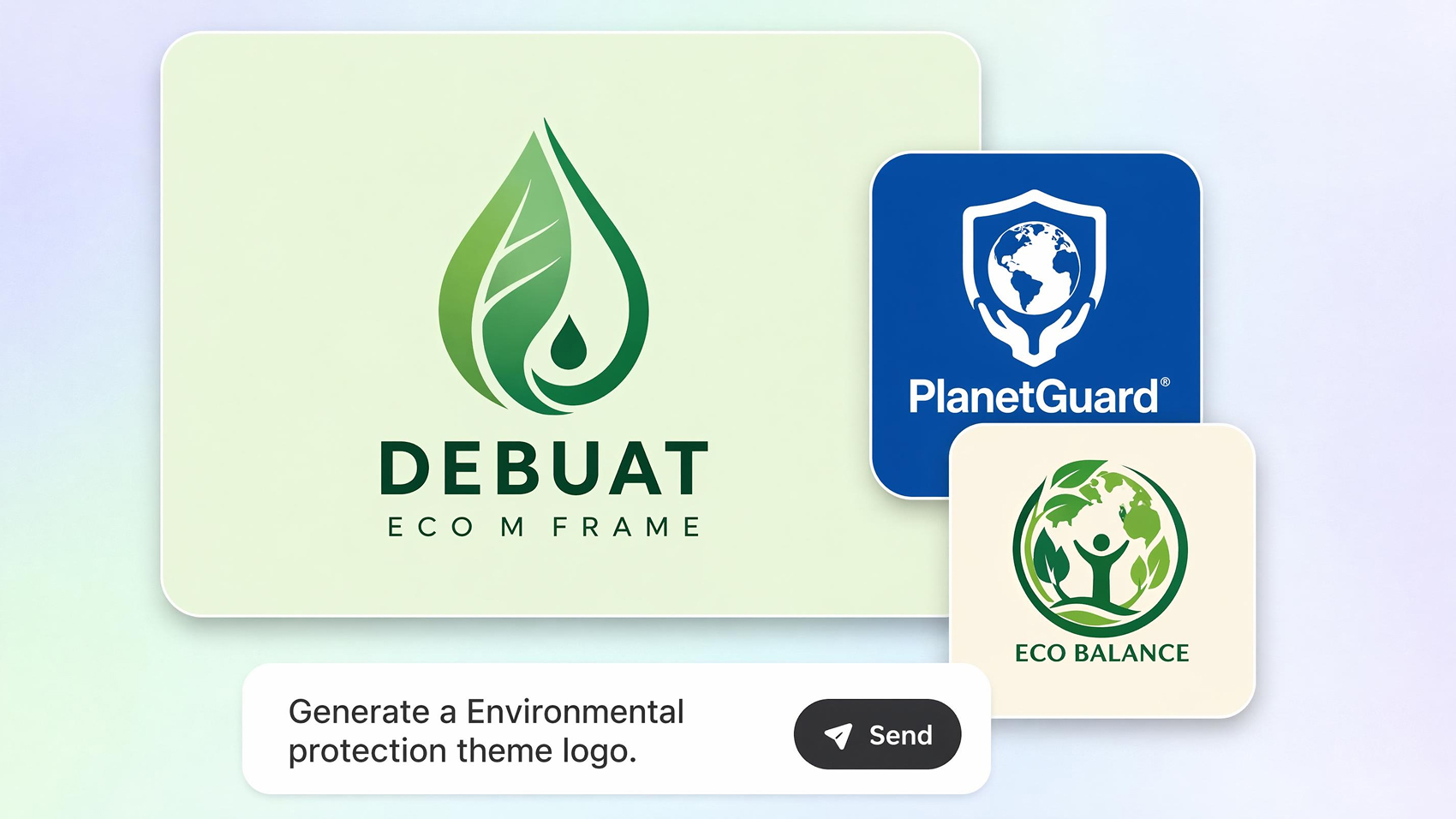
AI Logo Generator
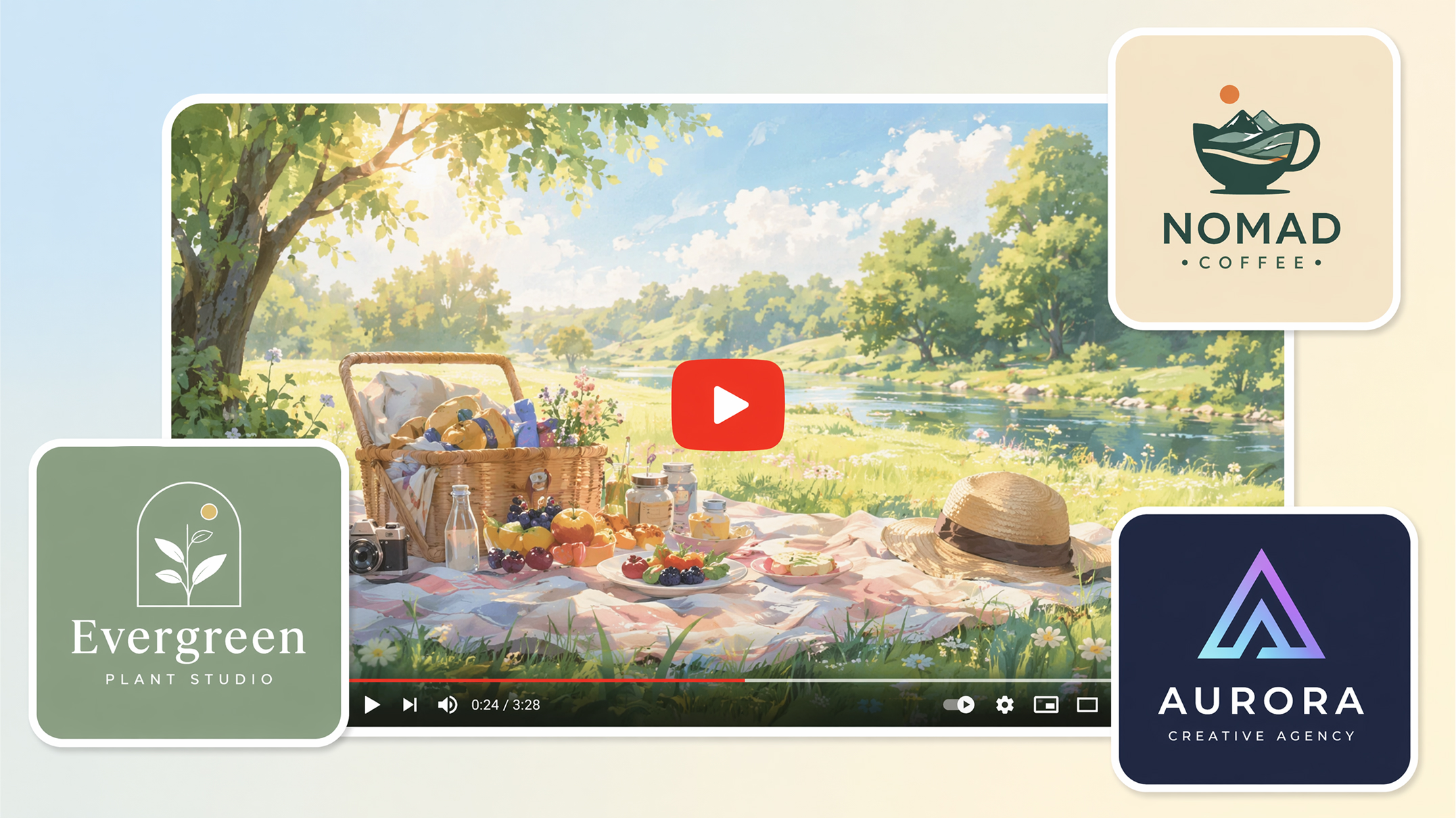
YouTube Logo Maker
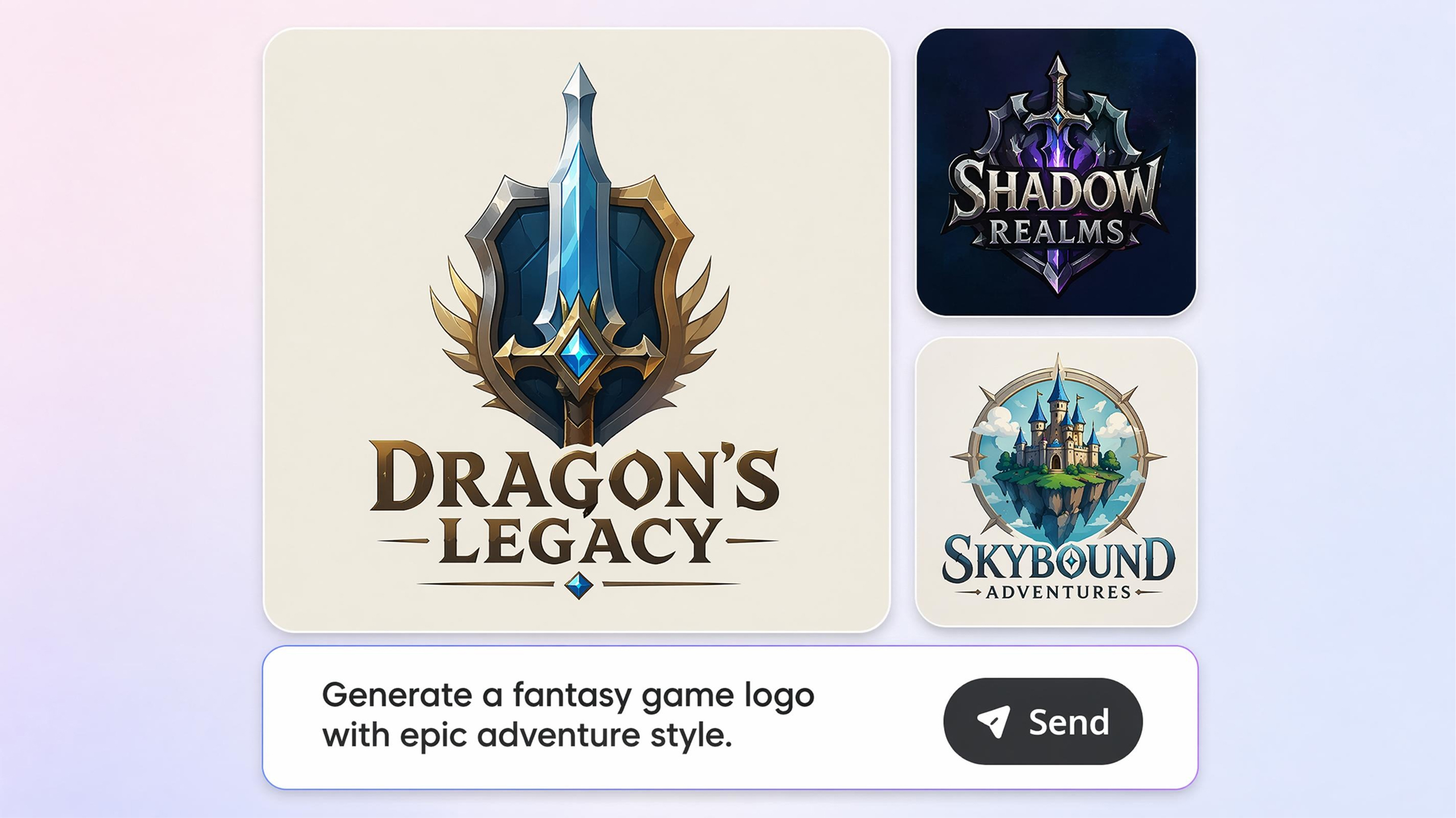
Gaming Logo Maker
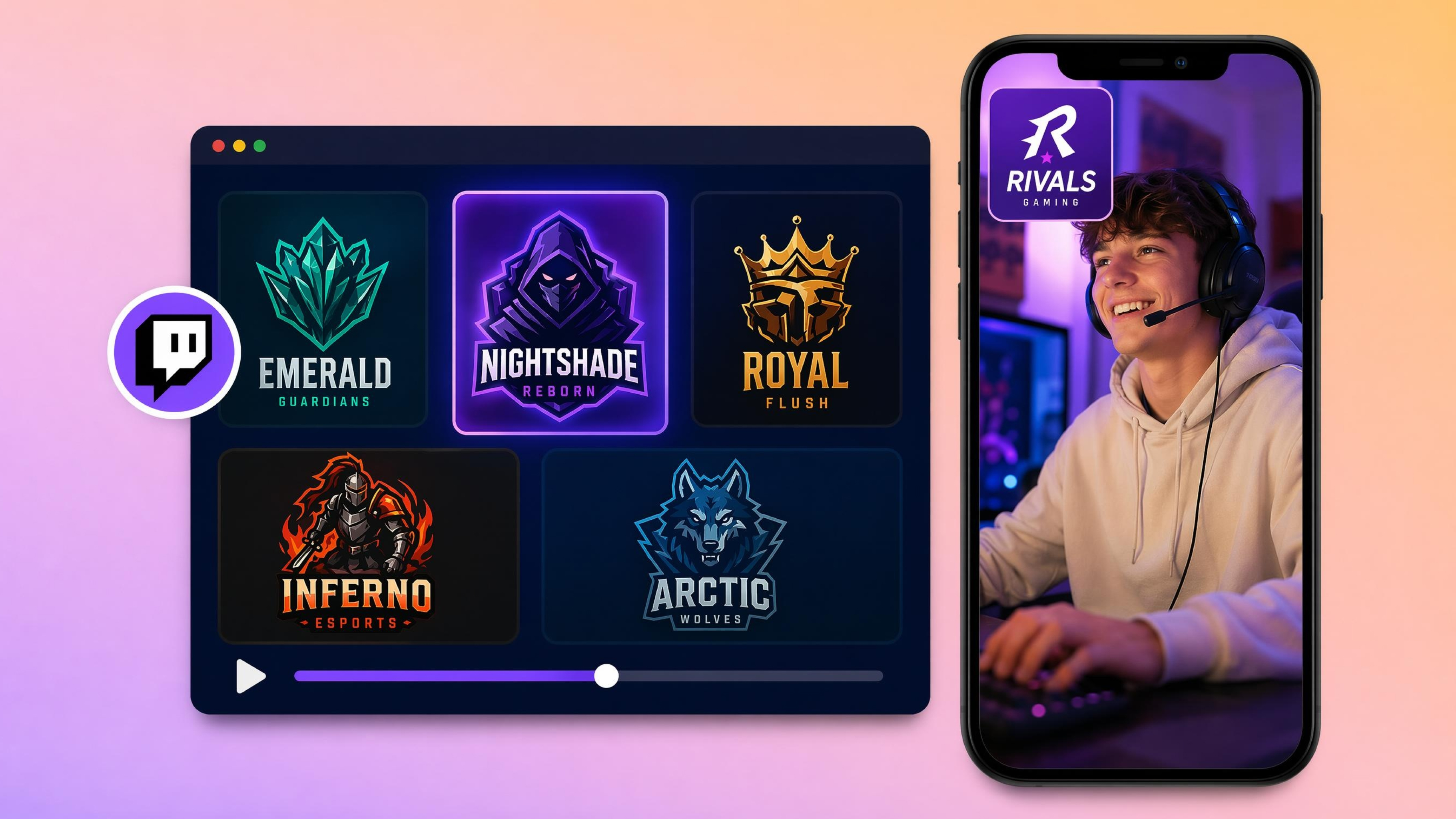
AI Twitch Logo Maker
Frequently Asked Questions
Can I turn my existing flat logo into a professional 3D version with AI?
Can I generate multiple 3D logo concepts before choosing a final design?
Seeing multiple concepts makes it easier to compare styles before making a decision. Designkit generates several 3D logo variations from the same idea, helping you evaluate different layouts, colors, and finishes without starting over. This gives you more creative options before selecting your preferred design.
What should I upload when converting a 2D logo into a 3D logo?
A clear image of your current logo works best. PNG, JPG, or other common image formats are suitable as long as the logo is easy to see. Designkit works like a 2d to 3d logo converter, using your uploaded design as the reference while rebuilding it with dimensional effects instead of simply adding filters.
Can I create metallic, chrome, neon, or futuristic 3D logo styles?
You can generate logos with a wide range of materials and visual effects, including metallic, chrome, glass, neon, holographic, and futuristic looks. Designkit lets you describe the finish you want in your prompt, then creates different style options you can compare before downloading.
Can I redesign an outdated company logo without losing brand recognition?
A logo can be modernized while preserving the shapes, colors, or symbols people already recognize. With Designkit, you can make a logo 3d and refresh its appearance instead of replacing it completely. This helps update your brand without losing the visual identity your audience already knows.
What if I don't have any design or 3D modeling experience?
That's not a problem. You don't need to know design software or 3D modeling techniques to create a new logo. Designkit guides the process through simple prompts and automatic generation, making it suitable for beginners while still allowing edits if you want more control over the final result. A free 3d logo creator is a practical starting point for first-time users.
How quickly can I generate a professional 3D logo concept?
Most concepts are generated within moments after you submit your prompt or upload a logo. Designkit reduces the time normally spent sketching and modeling, so you can move from an idea to several usable concepts in a single workflow. You can continue refining the design until it matches your brand goals.
Can I test different colors, materials, and lighting effects before downloading?
Yes. Comparing different finishes before exporting helps you choose the look that best fits your brand. Designkit lets you experiment with colors, materials, reflections, and lighting to create multiple versions. If you're exploring an online 3d logo maker free, this makes it simple to evaluate different visual styles before downloading your final logo.
Turn Your Brand into a 3D Logo Today
Create professional 3D logos from text, images, or existing logos. Generate gaming, business, and mascot logos in minutes with AI. No design skills are needed.



User Reviews of Designkit 3D Logo Maker
See how brands, creators, and gaming communities create professional 3D logos with AI.
Upgrading an Existing Brand Logo
Our company logo looked outdated compared to competitors. I uploaded the existing design into Designkit and converted it into a modern 3D logo with realistic depth and metallic effects. The new branding immediately looked more professional across our website and marketing materials.
Creating an Esports Team Identity
We needed a strong esports logo but didn't have the budget for a designer. Designkit generated several gaming logo concepts with mascot designs, neon effects, and competitive branding styles. We found a logo our entire team loved within one afternoon.
Faster Client Logo Development
Instead of spending hours creating initial concepts manually, I use Designkit to generate multiple 3D logo directions for clients. It speeds up brainstorming, presentations, and approvals while giving clients more options to choose from.
Launching a New Brand Faster
We were preparing to launch our online store and still didn't have a logo. I generated several 3D concepts from our brand idea, picked one, and customized it for our website and packaging. What usually took weeks of back-and-forth was completed in two days, keeping our launch on schedule.
Creating Matching Logos Across Platforms
I needed one logo that worked on YouTube, Twitch, Discord, and social profiles. After generating a few 3D versions, I chose one that stayed clear even at smaller sizes. I no longer have different logos for each platform, and my branding now feels much more recognizable.