
Create a Resume From Your Career Experience
Add your work history, skills, education, and achievements, then turn them into a structured resume you can customize for job applications, career changes, and professional opportunities.
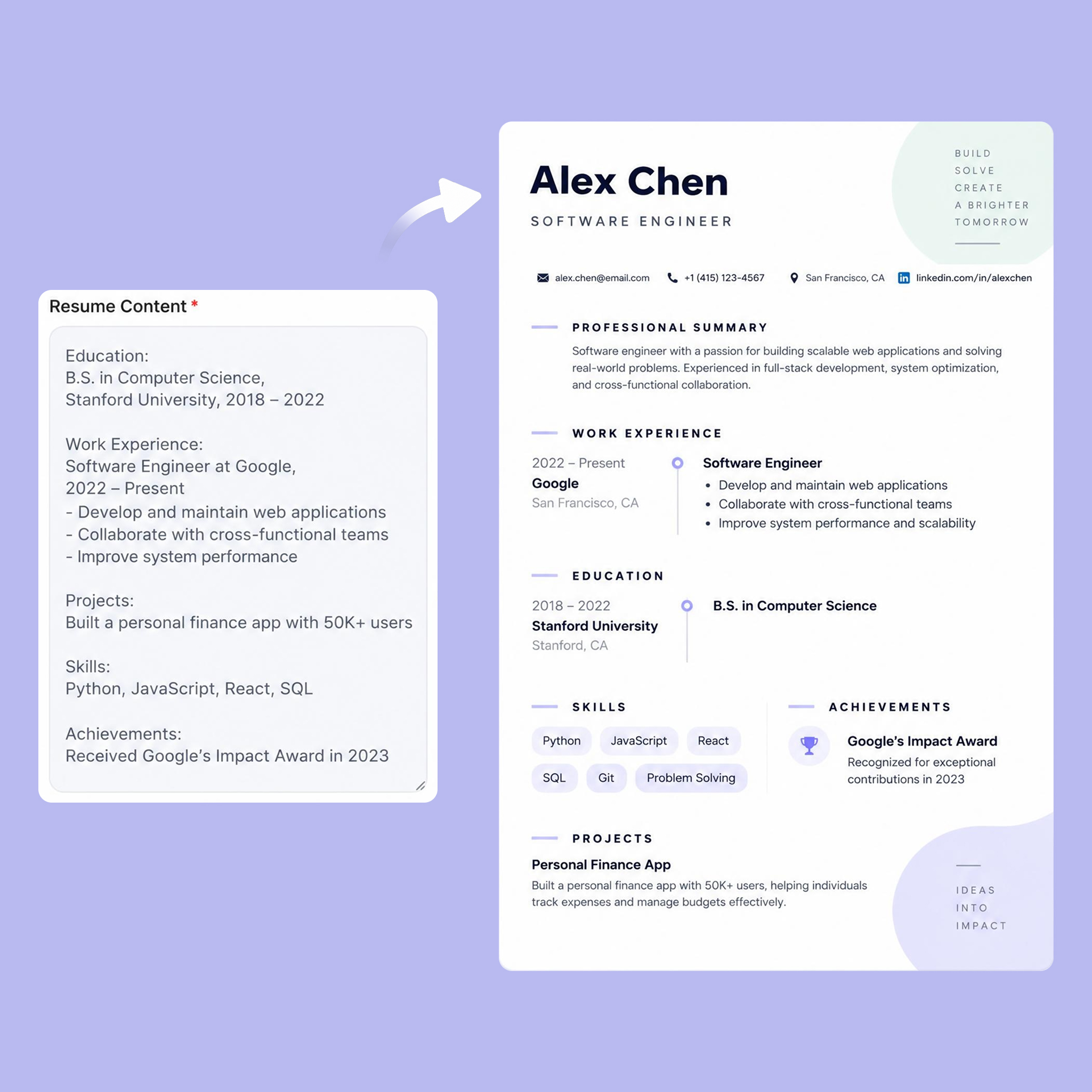
Build Your Resume in Minutes
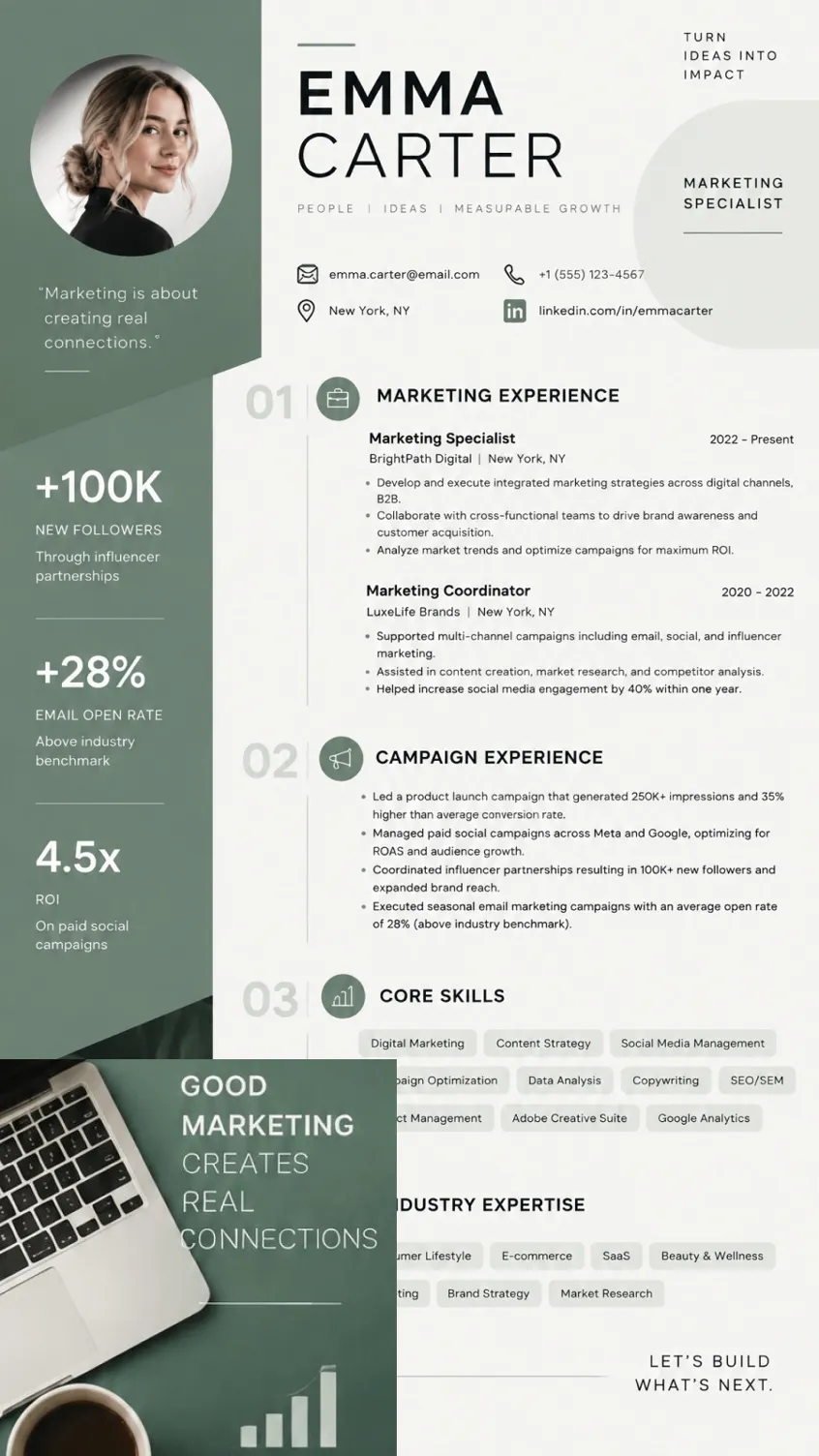
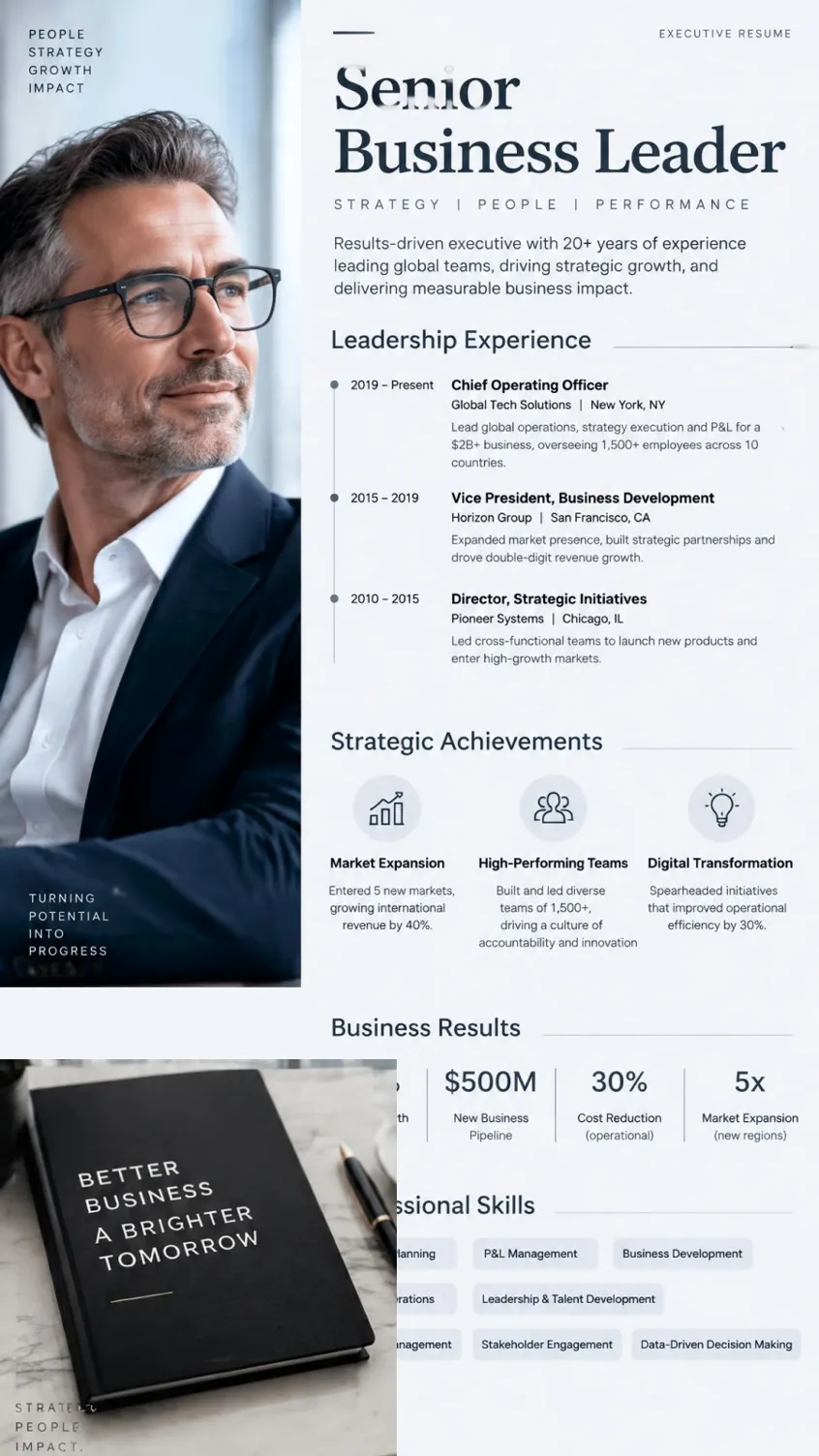
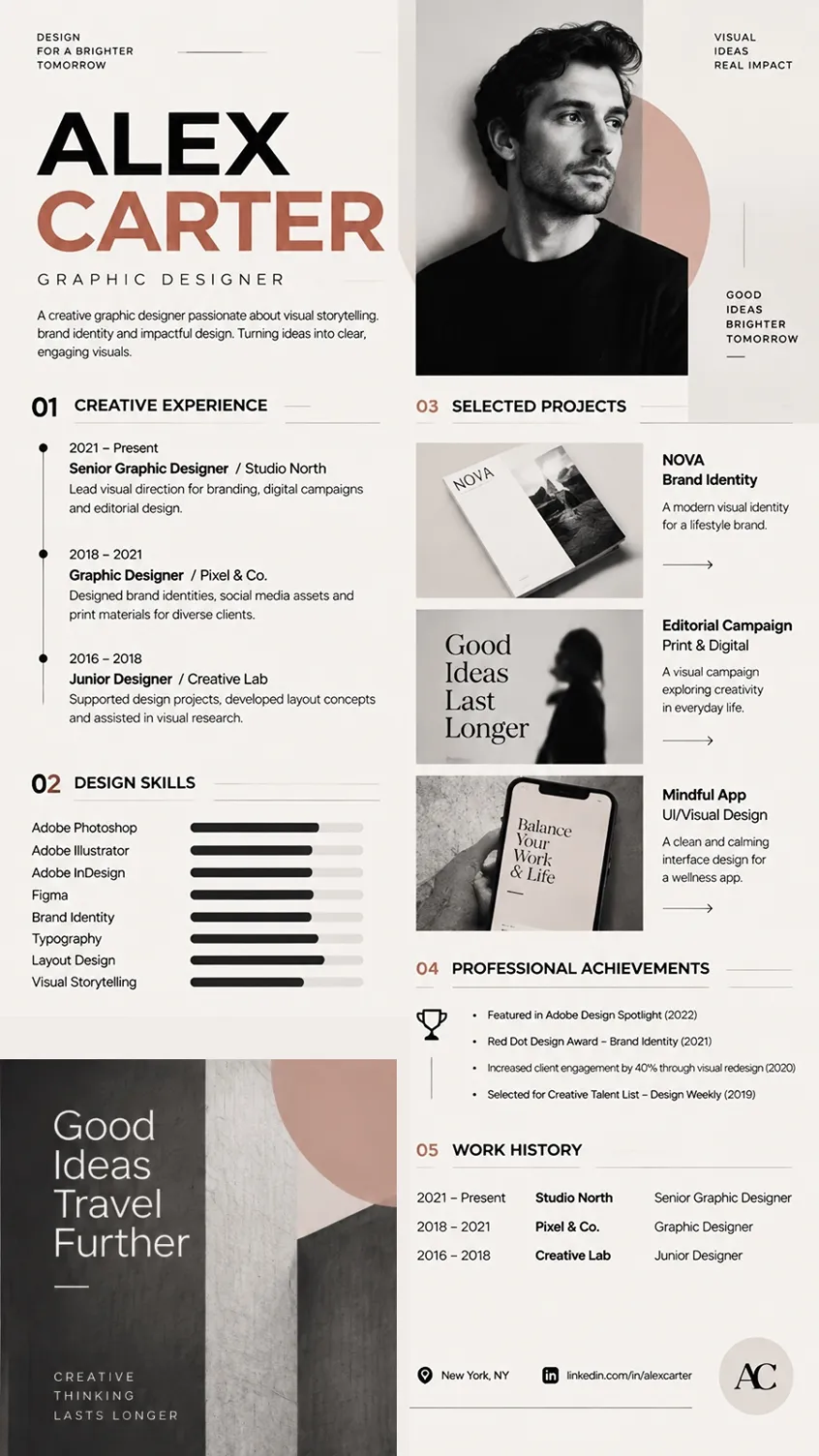
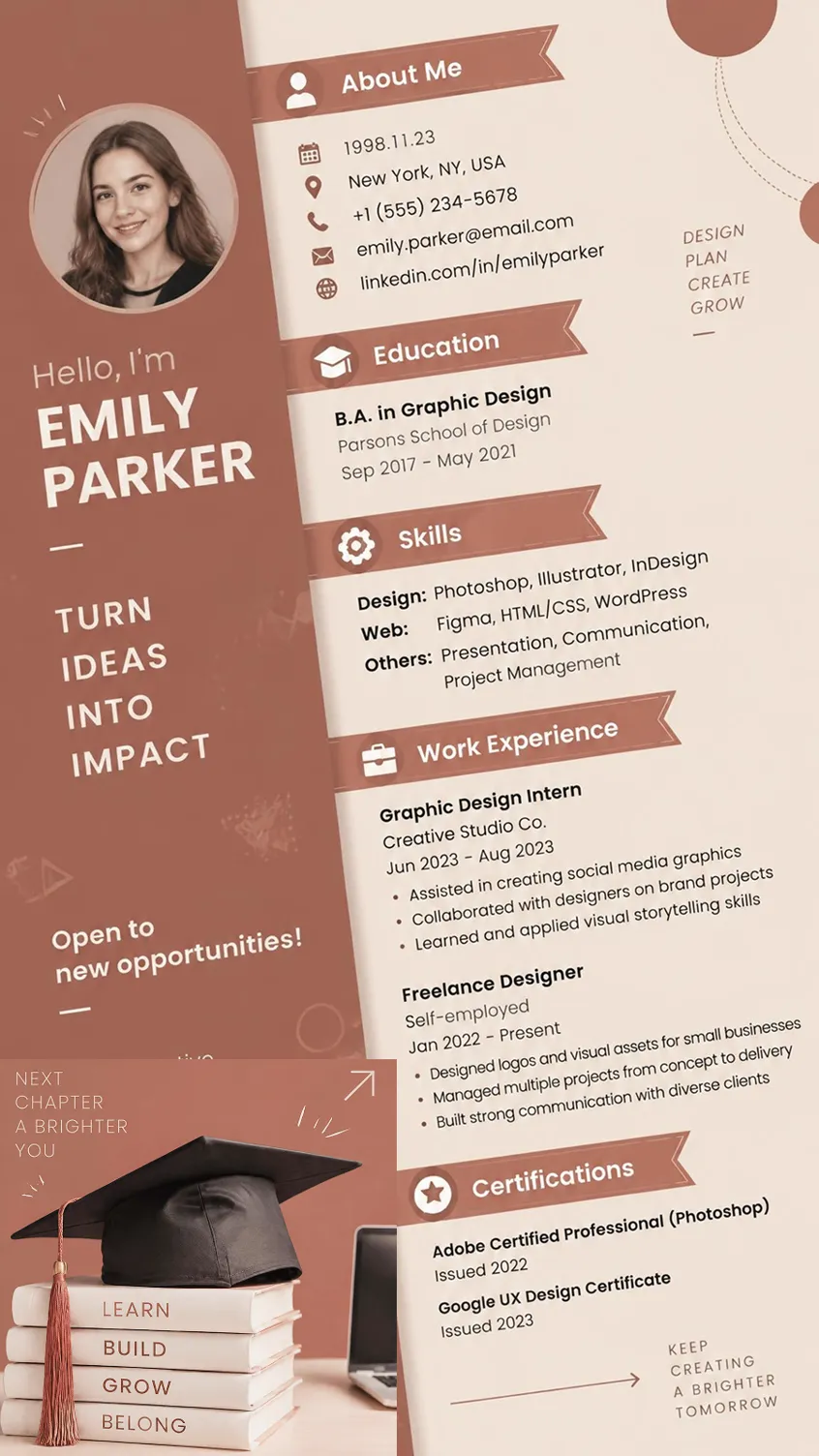
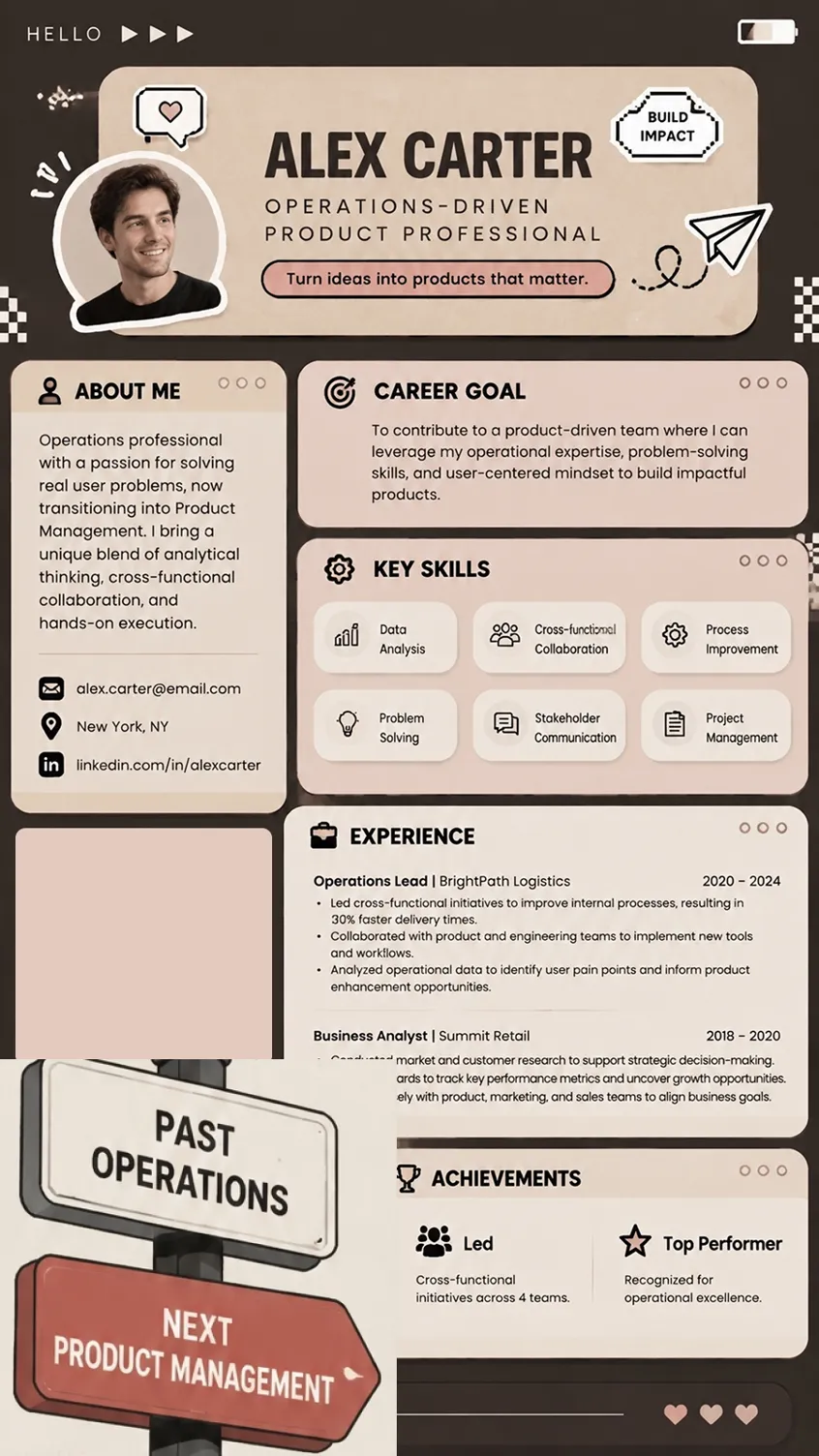
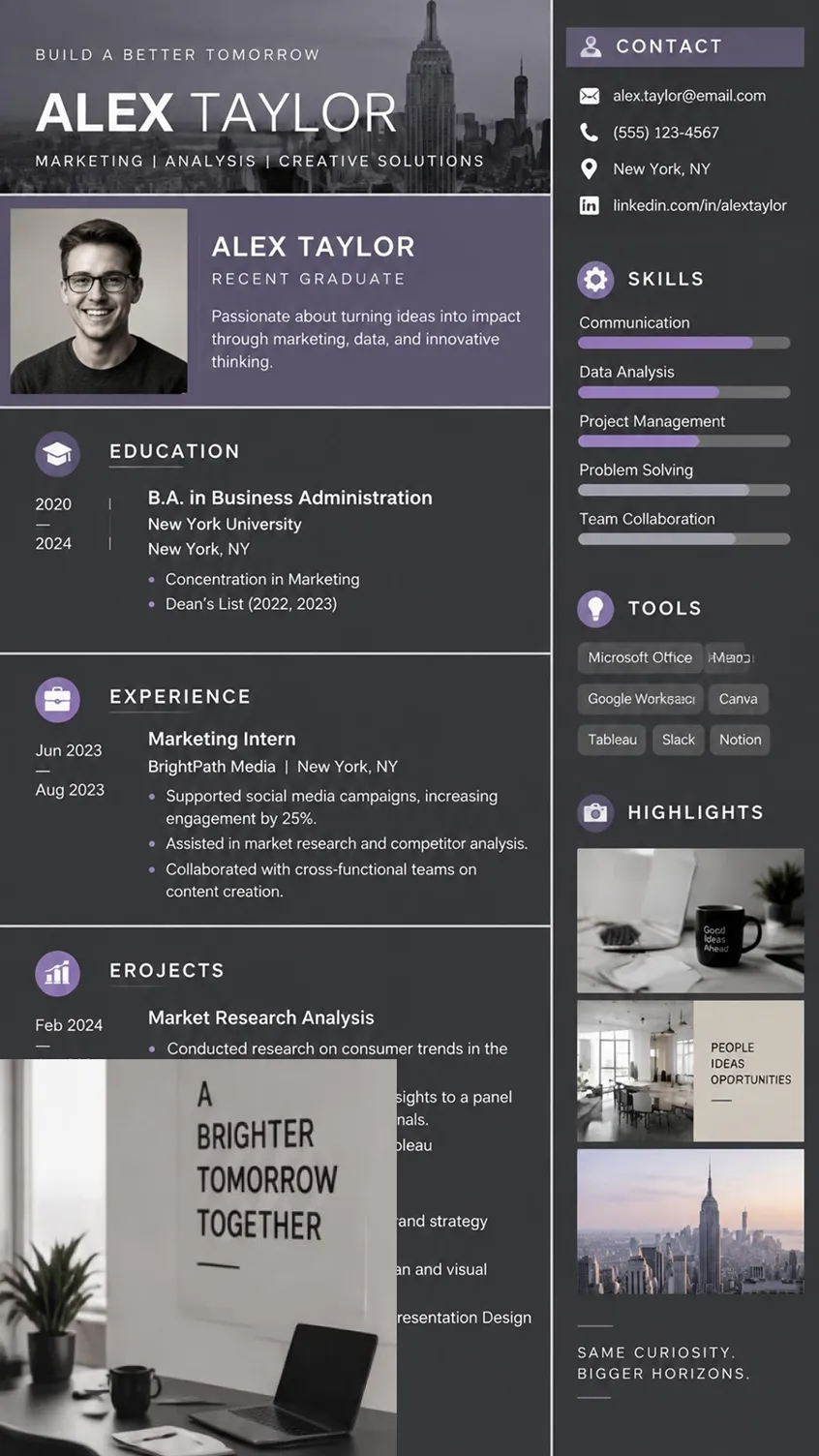
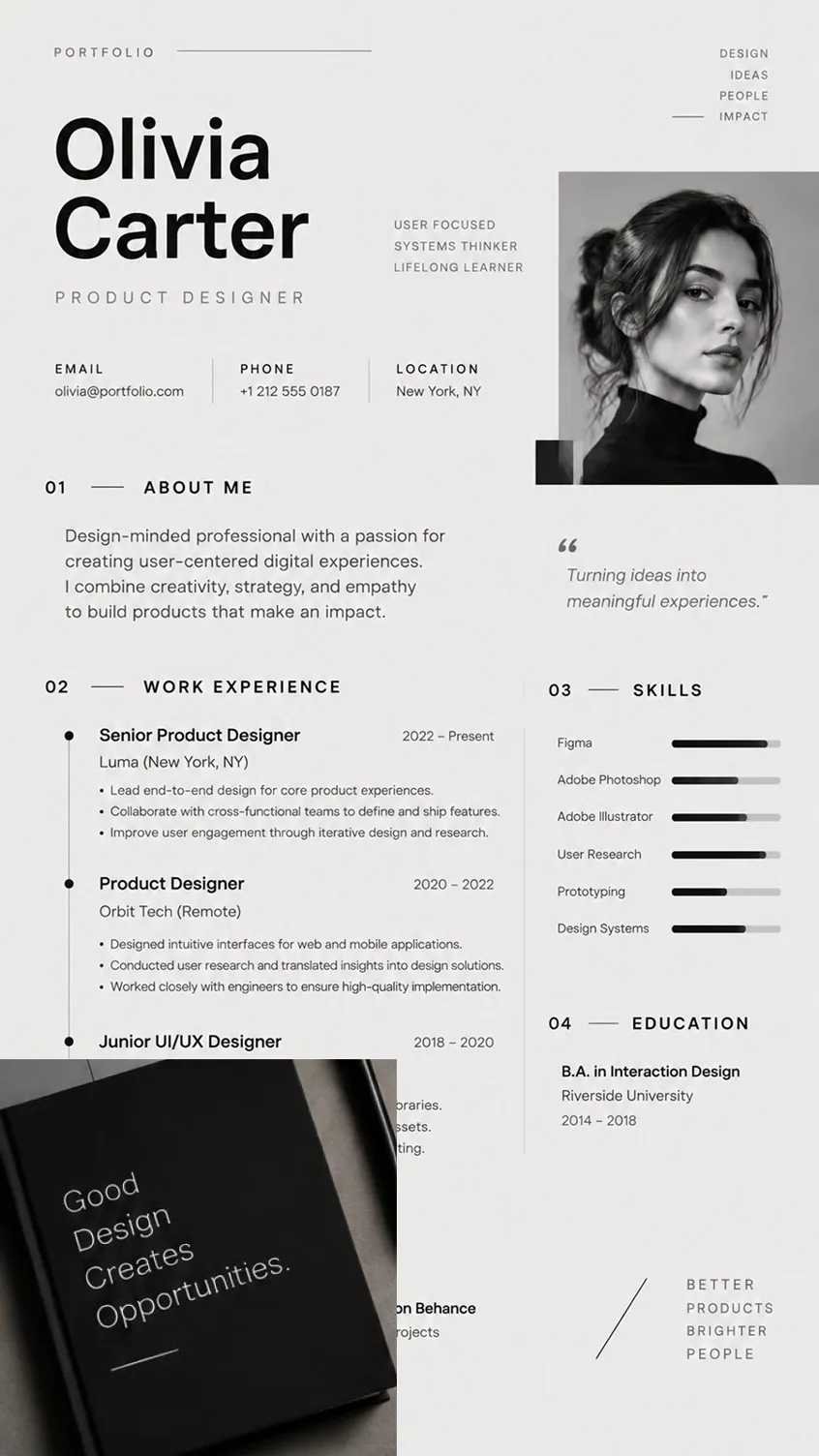
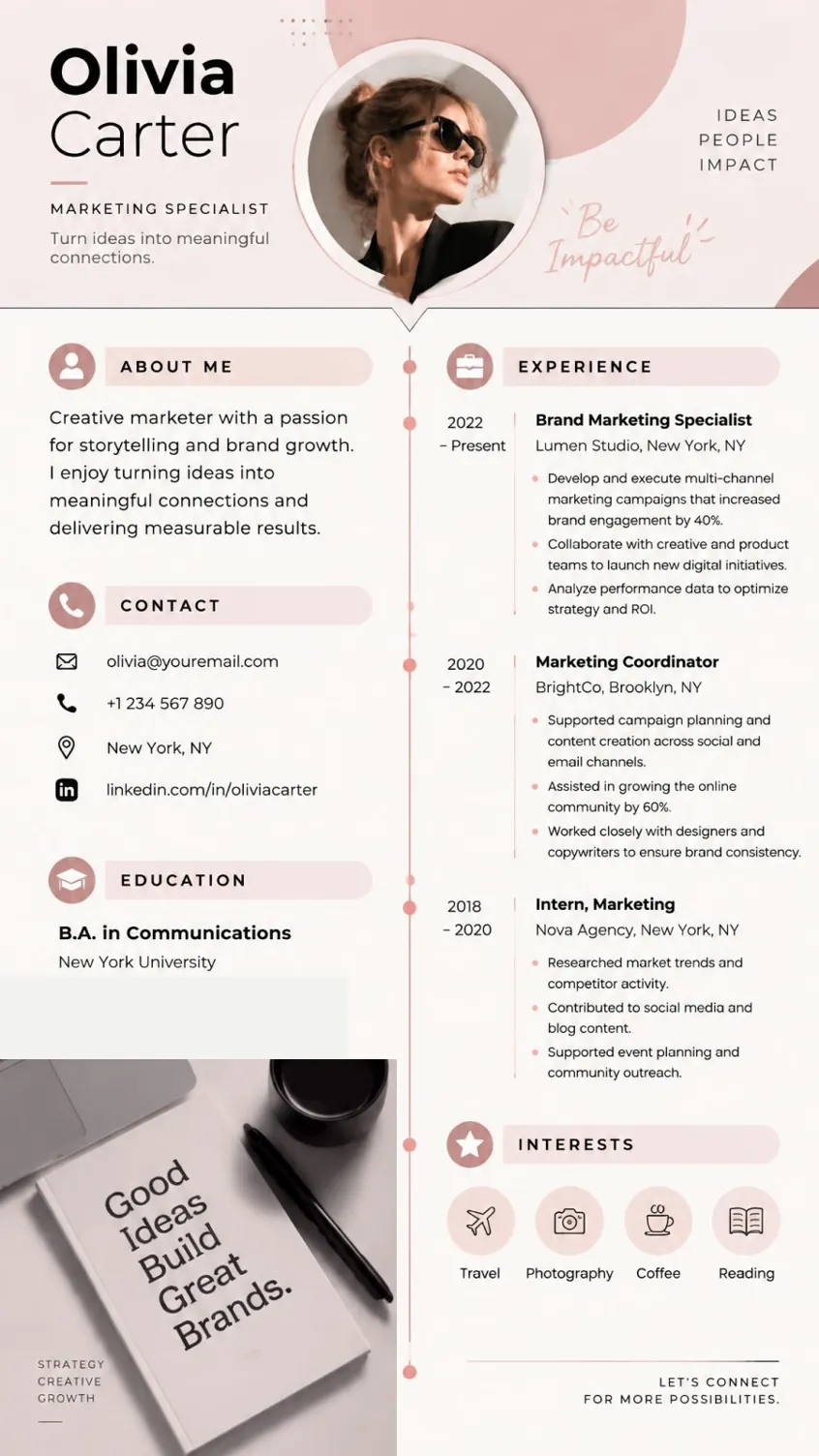
How to Create a Professional Resume With AI
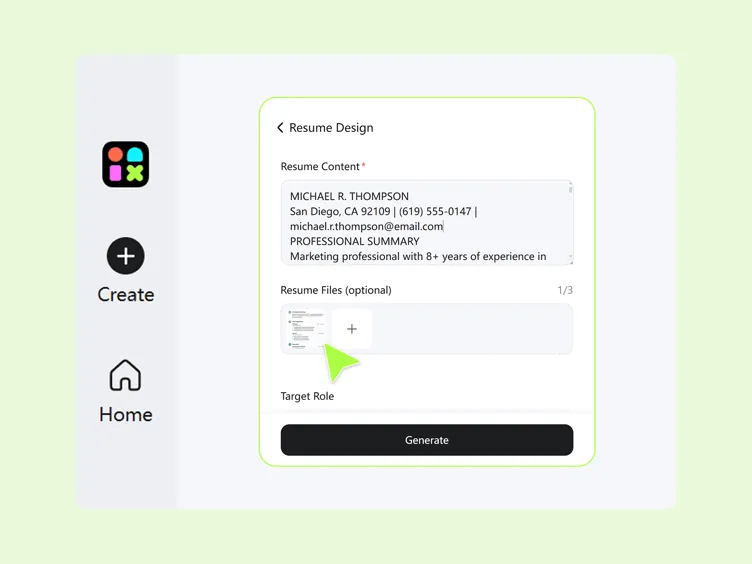
Step 1. Prepare Your Resume Materials
Enter your resume content and upload relevant files to provide the information needed for your design. Include your work history, education, achievements, and other career details you want to highlight.
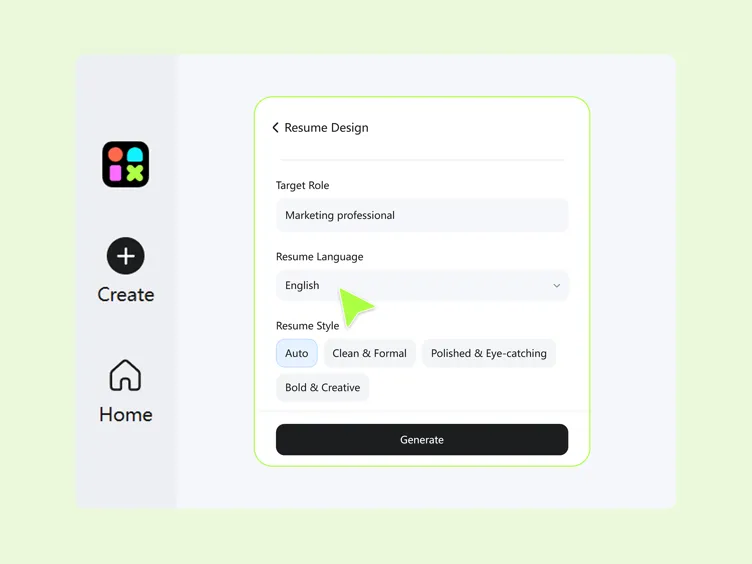
Step 2. Set Your Resume Preferences
Choose your target role, resume language, and preferred resume style, such as clean and formal, polished and eye-catching, or bold and creative. These choices help shape the content and presentation of your resume.
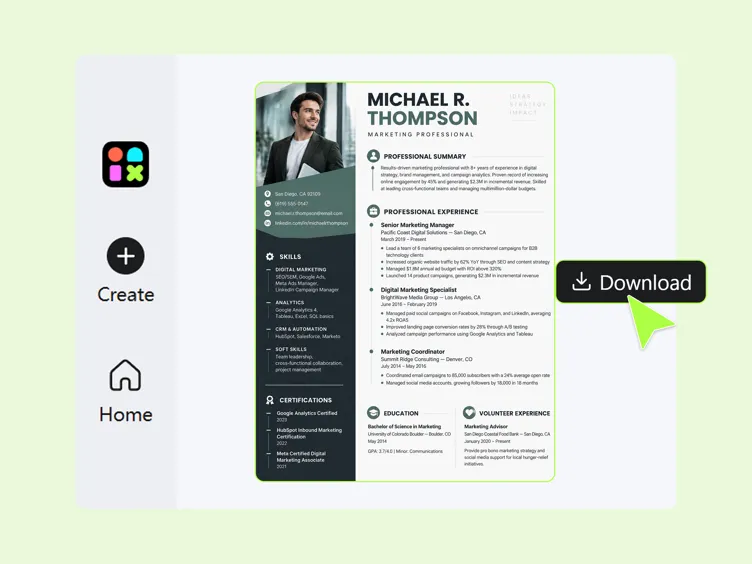
Step 3. Generate and Keep Editing
Generate your resume, review the first version, and continue editing and refining the design until it is ready to use. Update the content, layout, and formatting as needed for your application.
What You Can Create With Designkit's AI Resume Builder
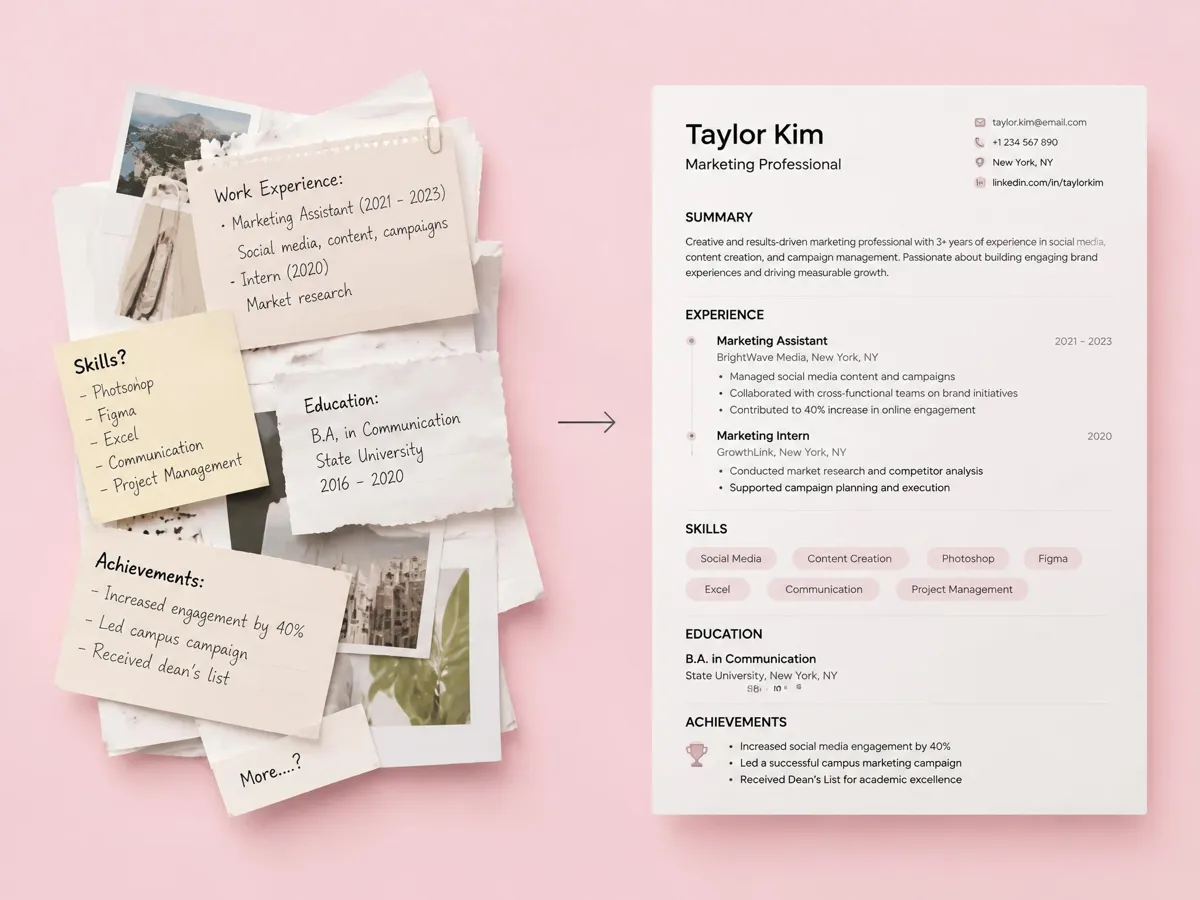
Turn Your Content Into a Resume
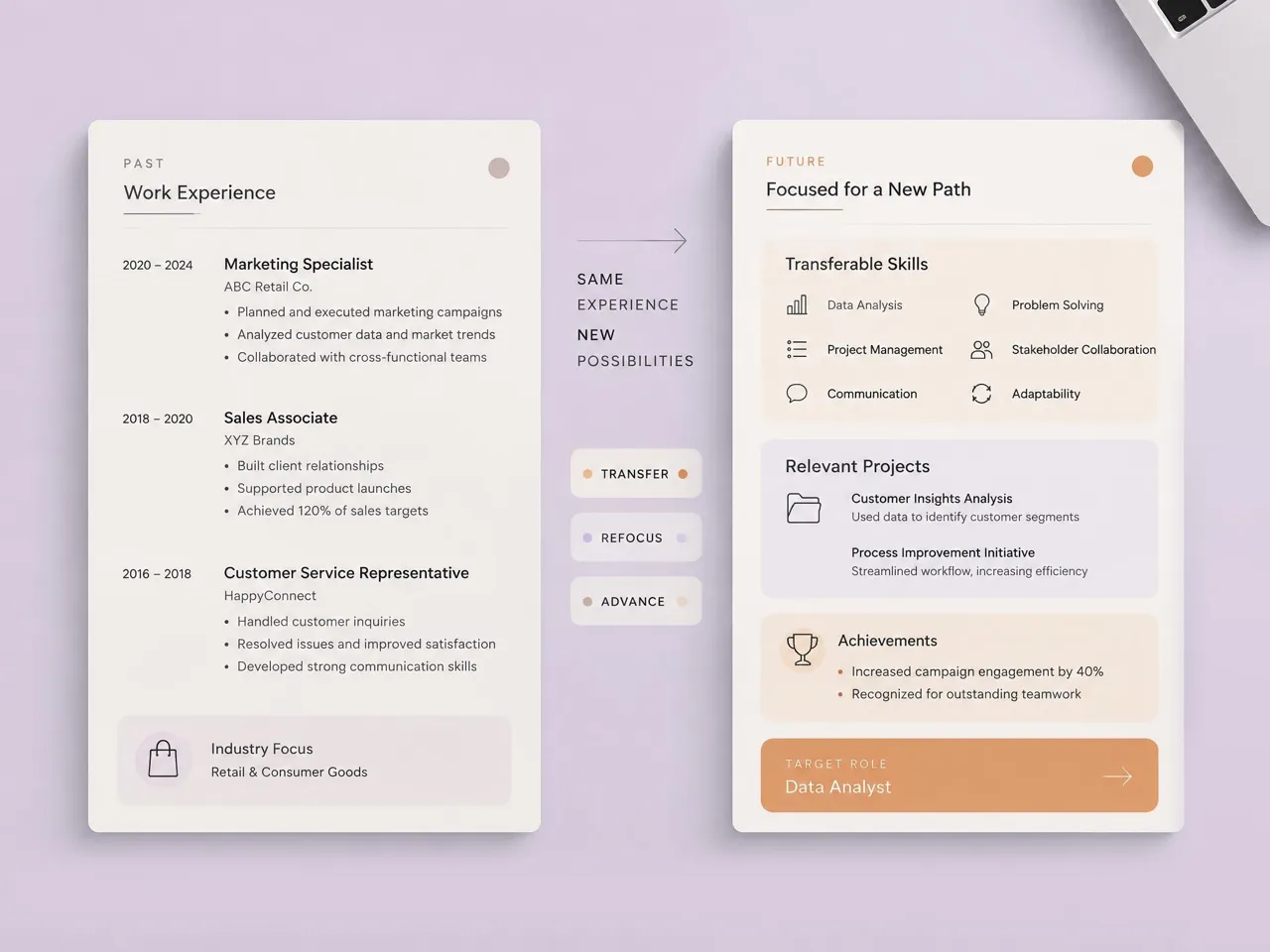
Transform raw work history, skills, education, and achievements into a clear, structured resume. Start with the information you already have, organize it into relevant sections, and refine the content before using it for an application.
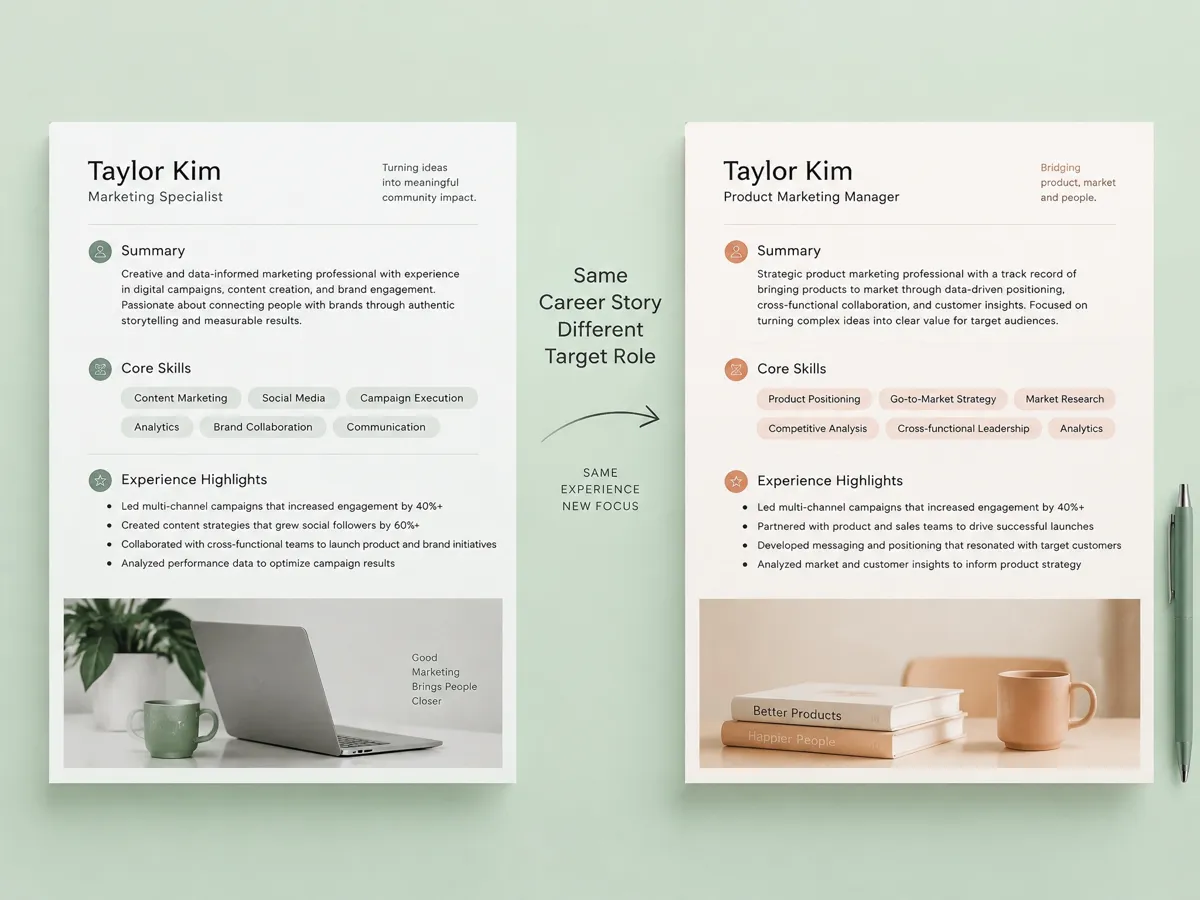
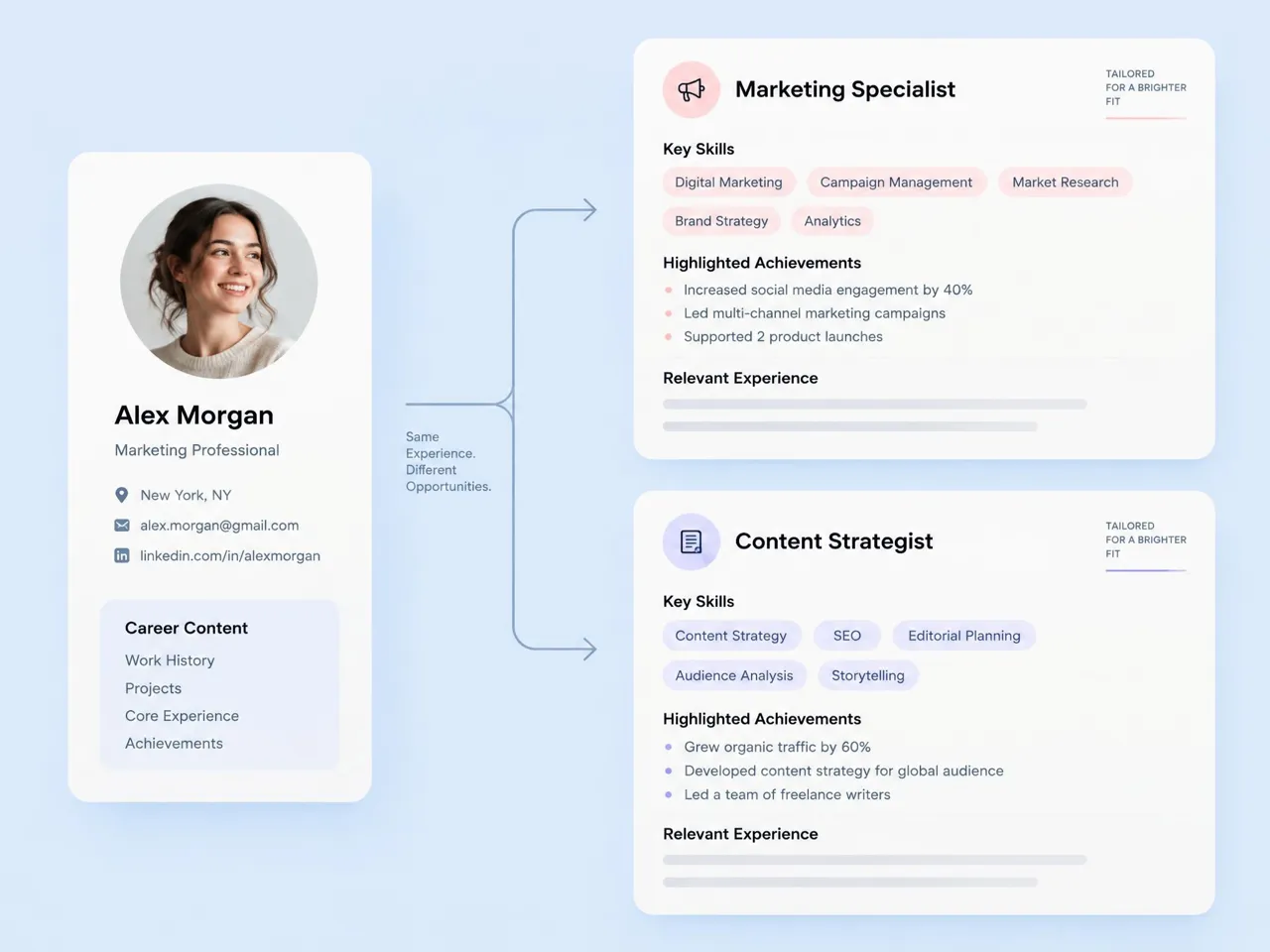
Tailor Your Resume to Target Roles
Set a target role and adjust your resume to emphasize the experience, skills, achievements, and qualifications most relevant to that position. Create different versions for roles with different requirements while keeping your core career information consistent.
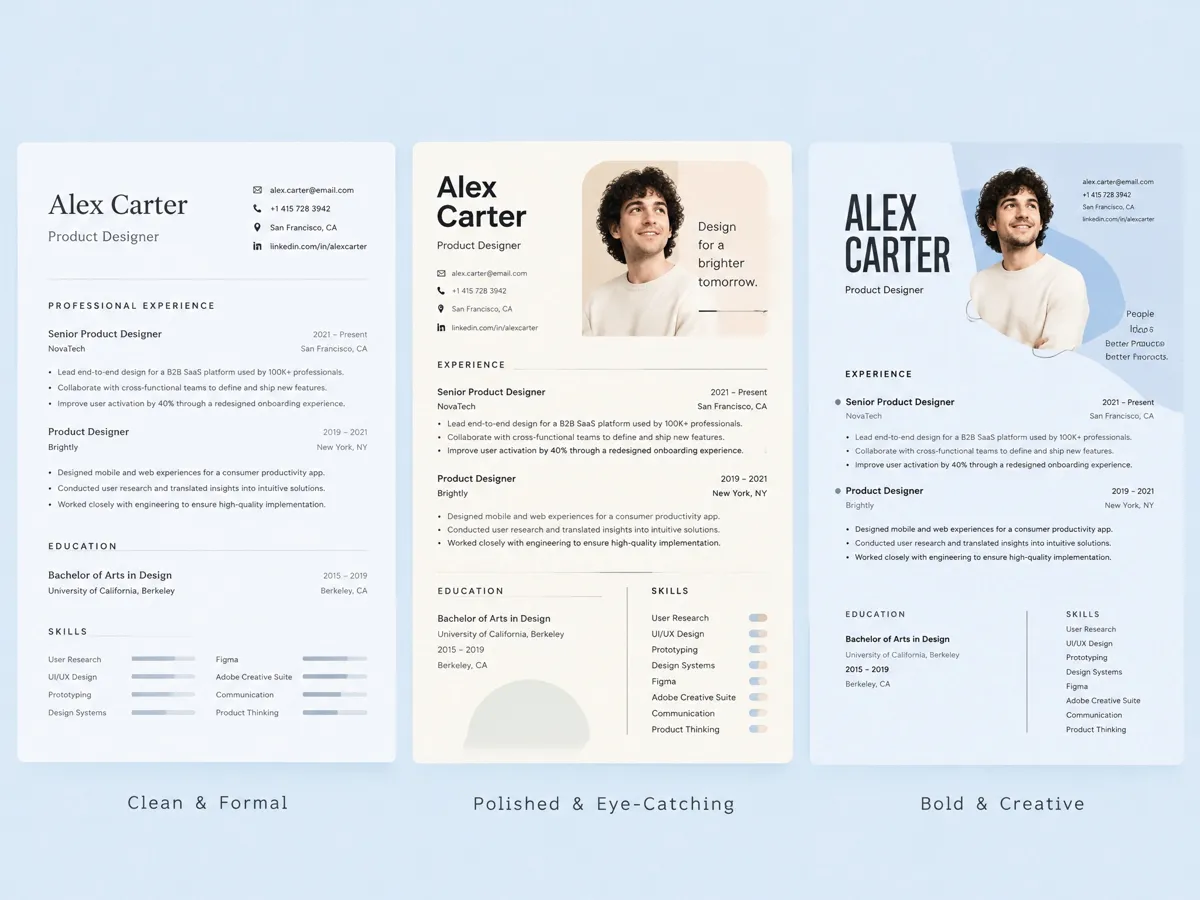
Control Your Resume Style
Customize the visual presentation of your resume with different layouts, spacing, typography, and design styles. Choose a clean, formal, polished, or creative approach while keeping your career information organized and easy to review.
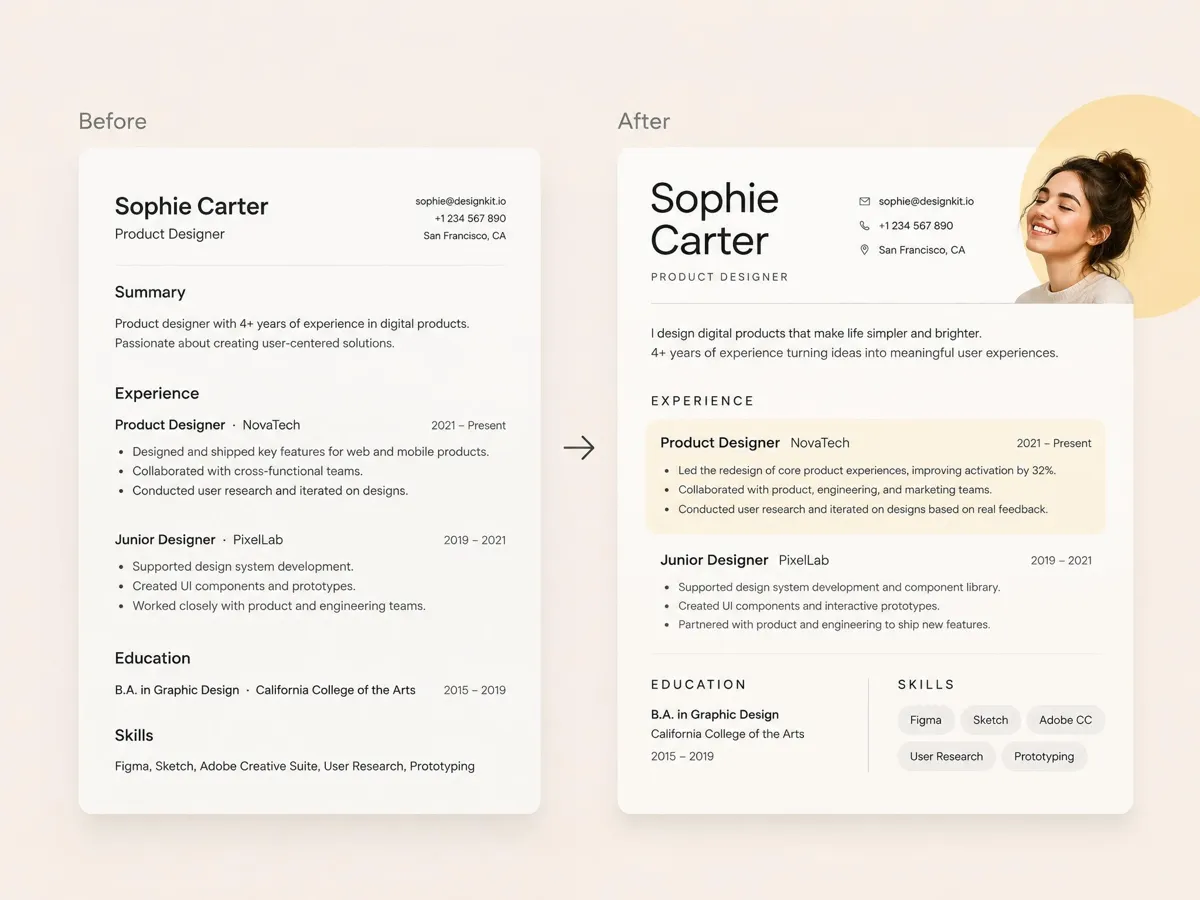
Generate First, Then Keep Editing
Use an AI resume generator with Designkit's AI models to create a starting draft from your career information. Review your experience, skills, and achievements, then adjust individual sections, wording, spacing, and layout until the resume is ready to use.
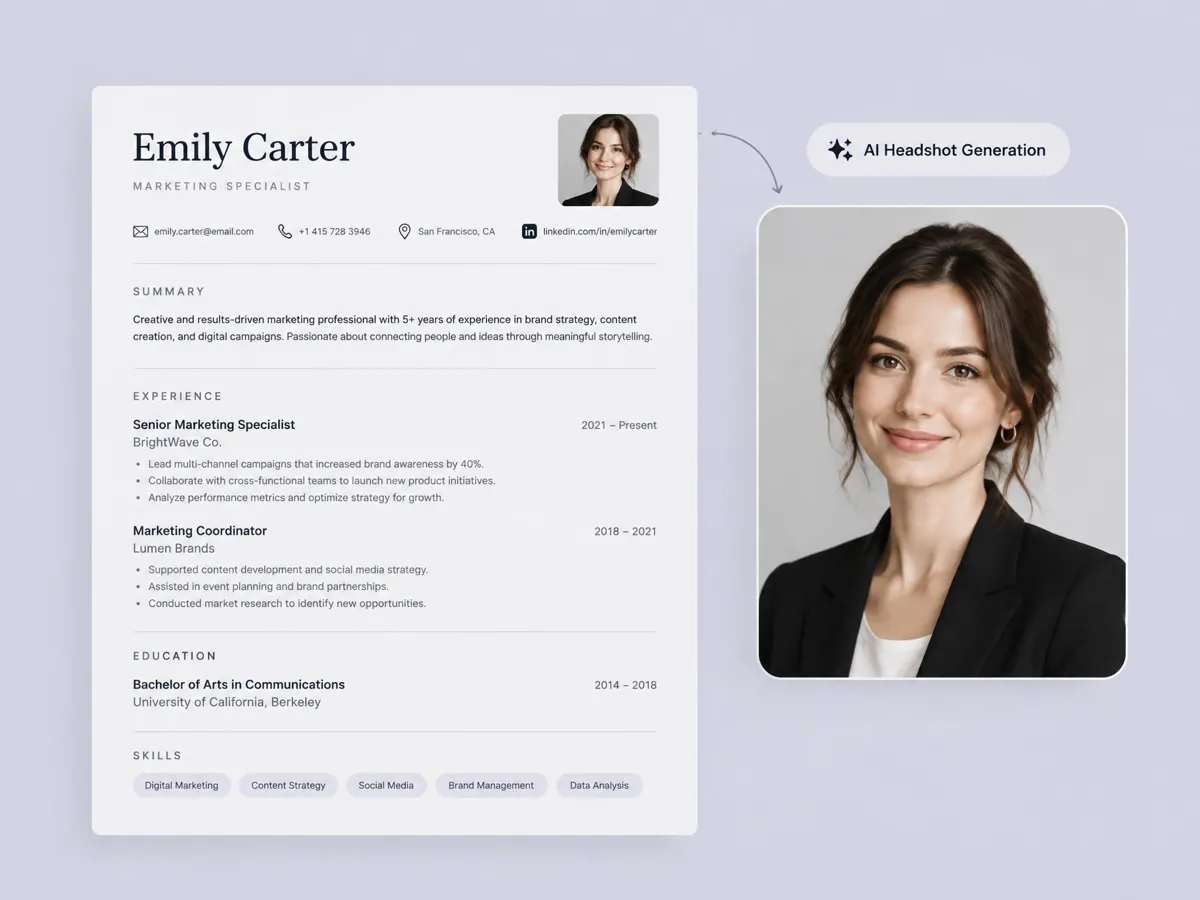
Need a professional photo
Add a professional headshot when your resume format or application calls for one. Designkit's AI headshot generator can help create a polished photo that fits your resume layout and can also be used across other professional career materials.
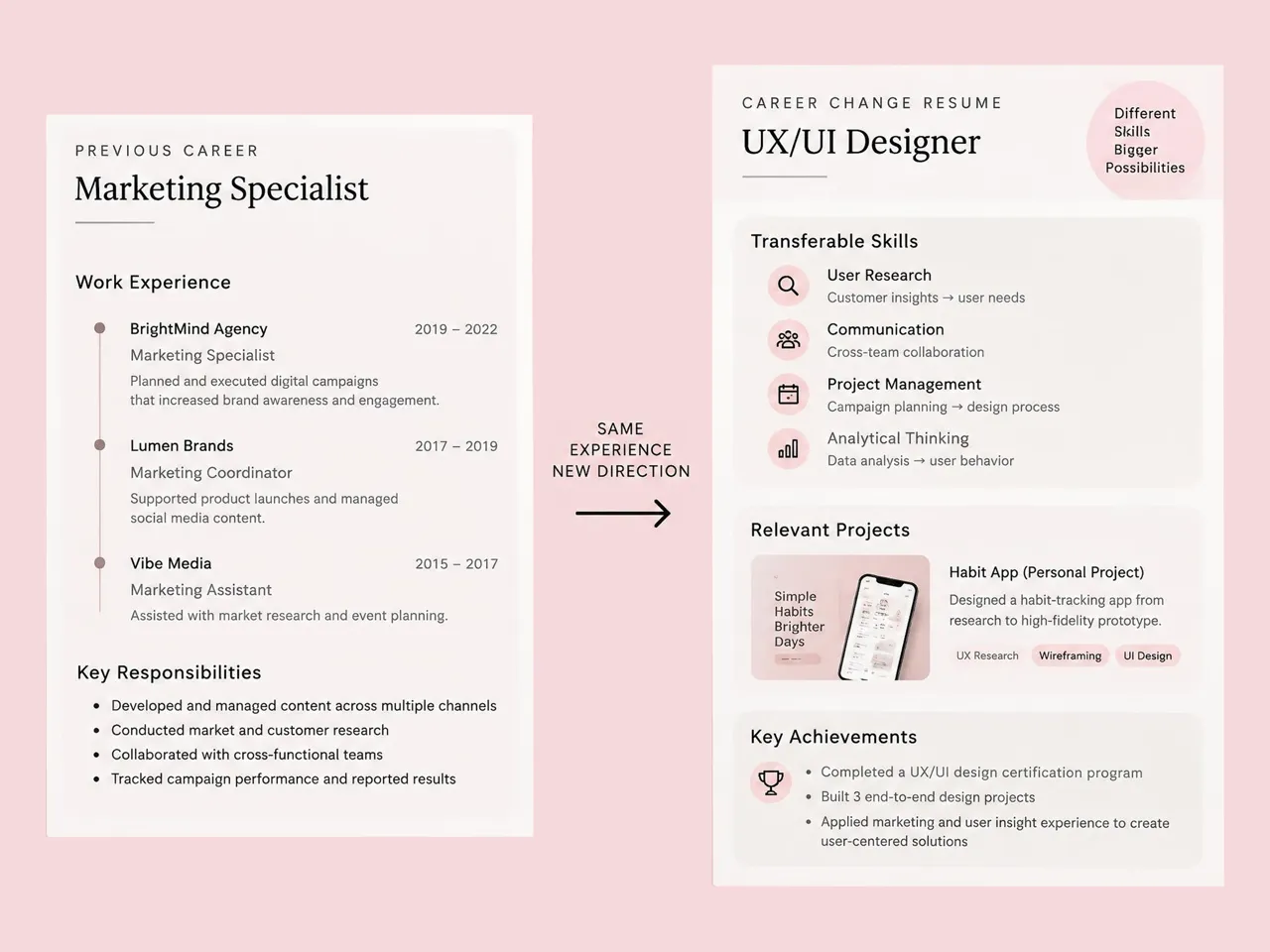
Create Resumes for Different Career Goals
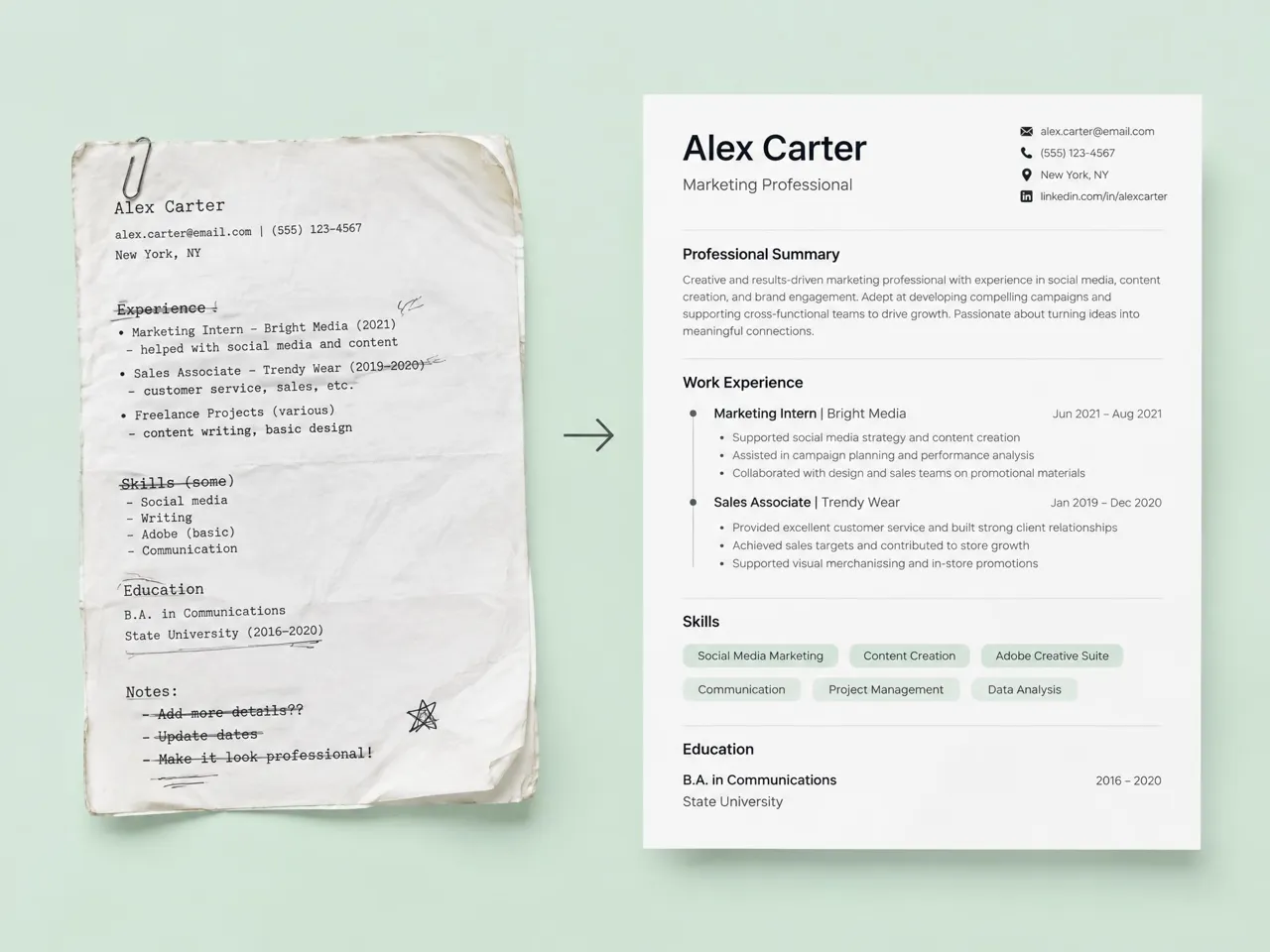
Build a Sendable Resume From Existing Content
Turn scattered notes, an outdated resume, or existing career information into a structured draft for your next application. Organize your work history, skills, and achievements into clear sections, then refine the content before sending it.
Why Choose Designkit for AI Resume Creation
Avoid Starting Every Resume From a Blank Page
Begin with your existing career information instead of manually building every section and layout from scratch.

Handle Content and Visual Design in One Workflow
Move from career details to a structured resume without switching between separate tools for content organization and visual design.
Start With Free Credits to Create Your Resume
Use Designkit's free credits to try the free online resume builder and create a resume before deciding on more usage.
Discover More Ways to Present Yourself
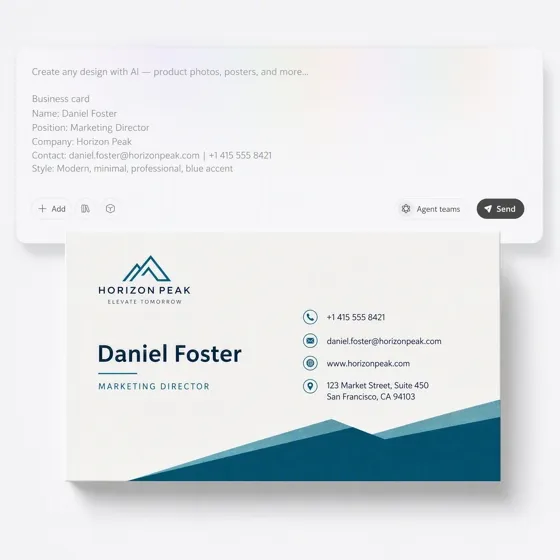
AI Business Card Maker
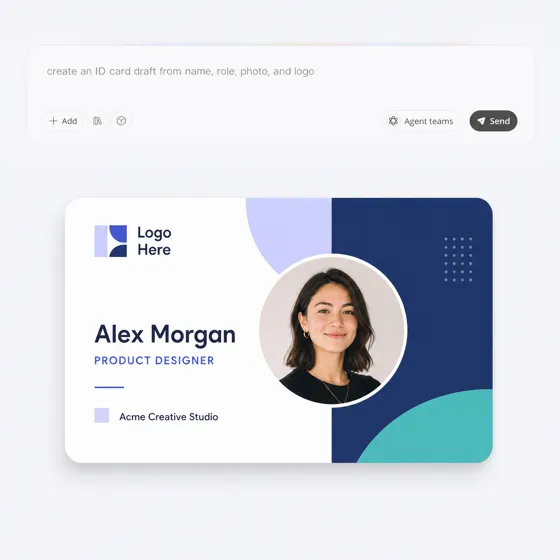
AI ID Card Maker
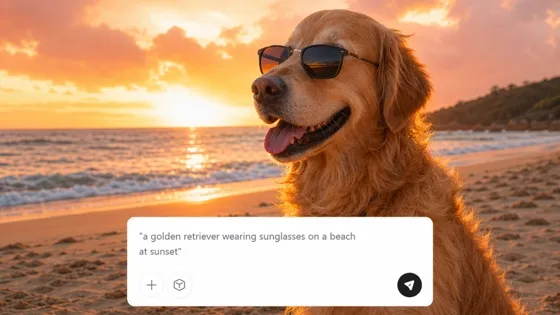
AI Text to Image
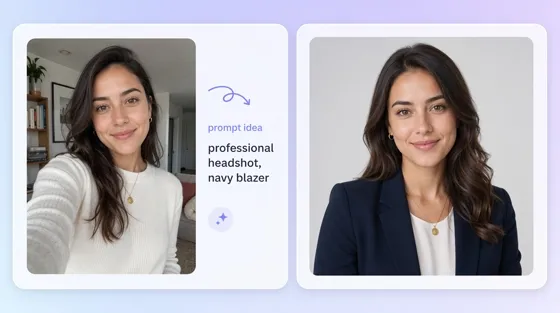
AI Portrait Generator
Frequently Asked Questions
Can I paste raw text or upload an existing CV to get started?
What is the Target Role feature, and how does it help?
Can I change the resume style?
Can I edit and polish the resume after it’s generated?
Will the generated resume sound generic?
Is the AI resume builder free or credit-based?
Get a Resume Ready for Your Next Application
Paste or upload your experience, set the target role and style, then generate a draft you can edit before you send it.



What Users Say About Designkit for AI Resume Creation
See how job seekers use Designkit to create polished resumes, simplify formatting, and prepare career materials for different needs.
From Scattered Notes to a Polished First Draft
I had years of scattered bullet points and an outdated PDF, but starting a new resume from scratch felt overwhelming. I pasted my rough notes into Designkit, set my target role, and got a clean, structured draft I could review and edit.
Tailored Drafts for Different Applications
I didn’t want to send the same generic resume to every job. With Designkit, I can keep my core resume content, update the target role, and generate another version for each application.
Cleaned Up an Old Resume
My old CV needed a lot of work before I could use it again. I uploaded the file to Designkit and generated a cleaner resume draft that made my experience easier to review and refine.
Switched Between Target Roles
I was applying for both UI/UX design and Design Systems roles. I could use the same experience, change the target role, and generate different resume versions for each application.