
Add a Santa Hat to Your Photo With AI
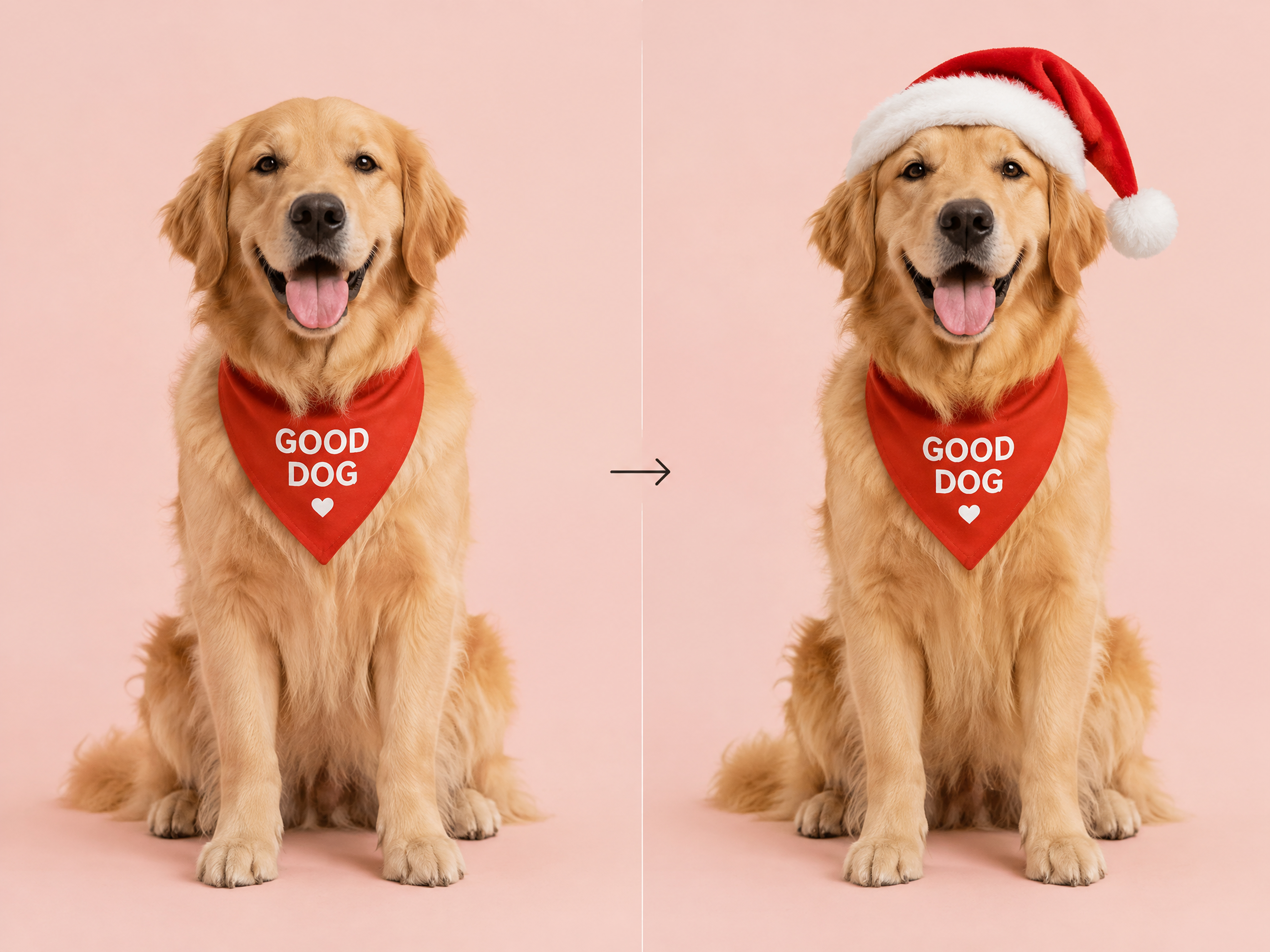
Upload a photo you already like and describe the hat. Designkit fits it to the head angle and light, so it doesn't look like clipart.
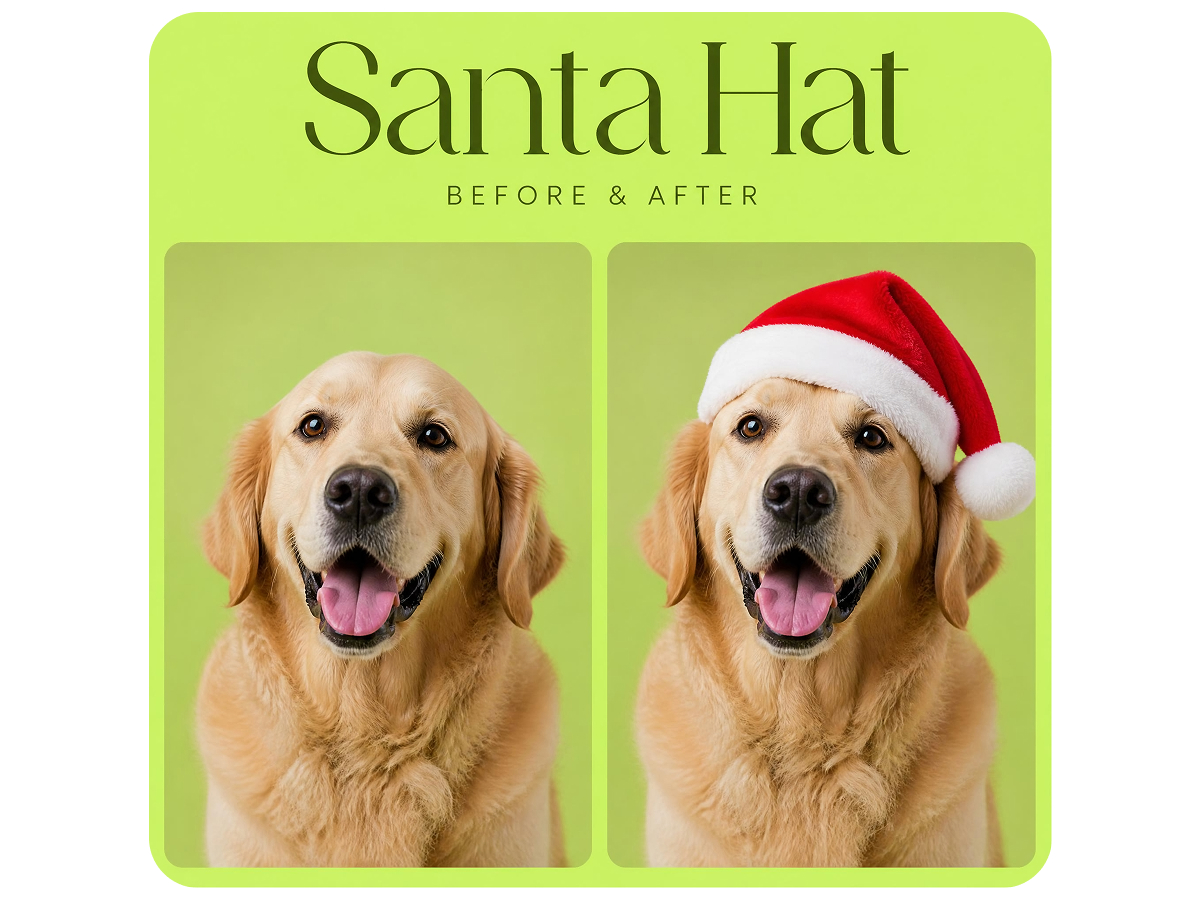
How to Add Santa Hat to Photo
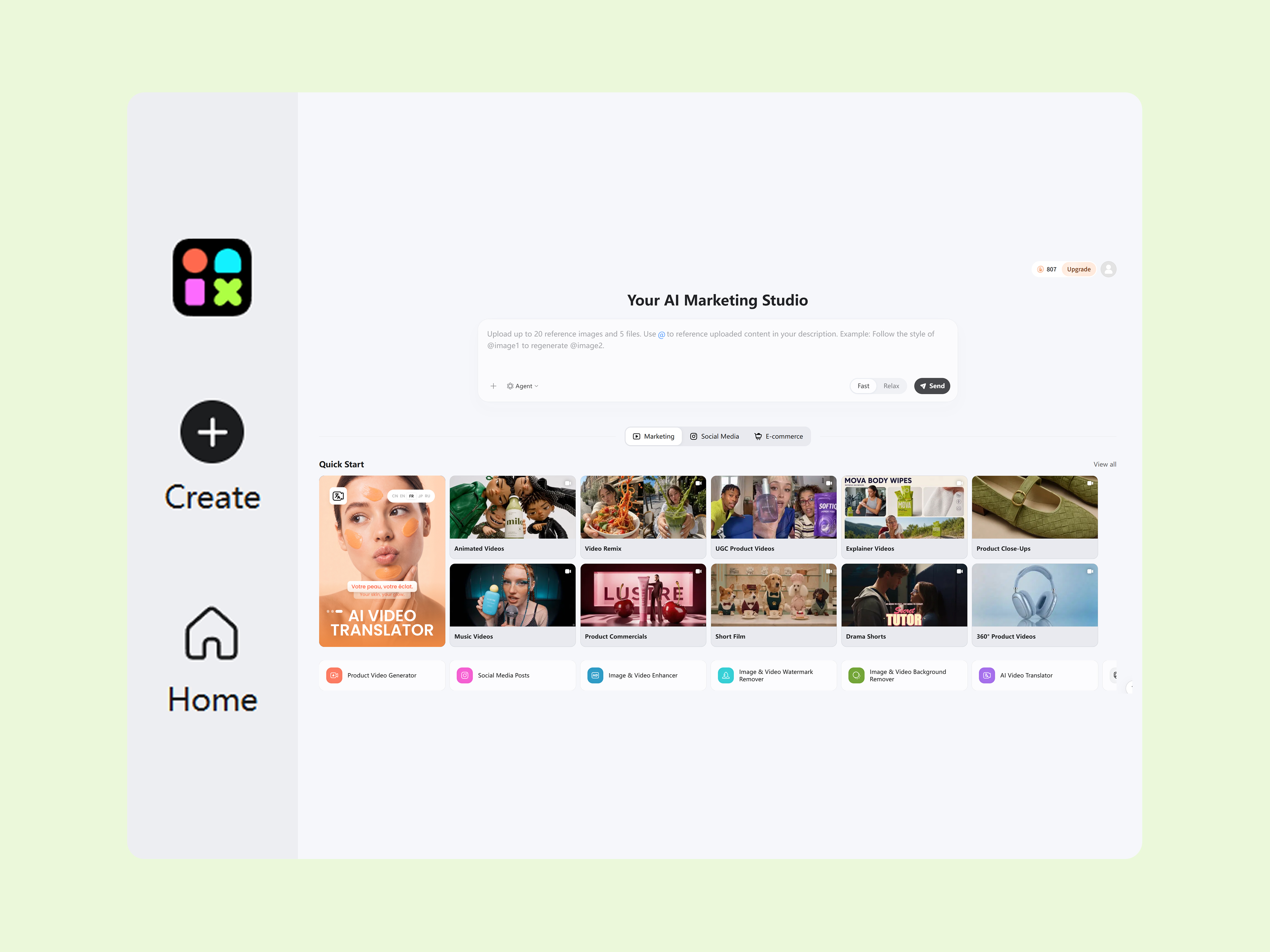
Step 1. Upload the Photo You Want to Edit
Pick a selfie, profile picture, family portrait, or pet photo. The clearer the top of the head, the better the hat fits.
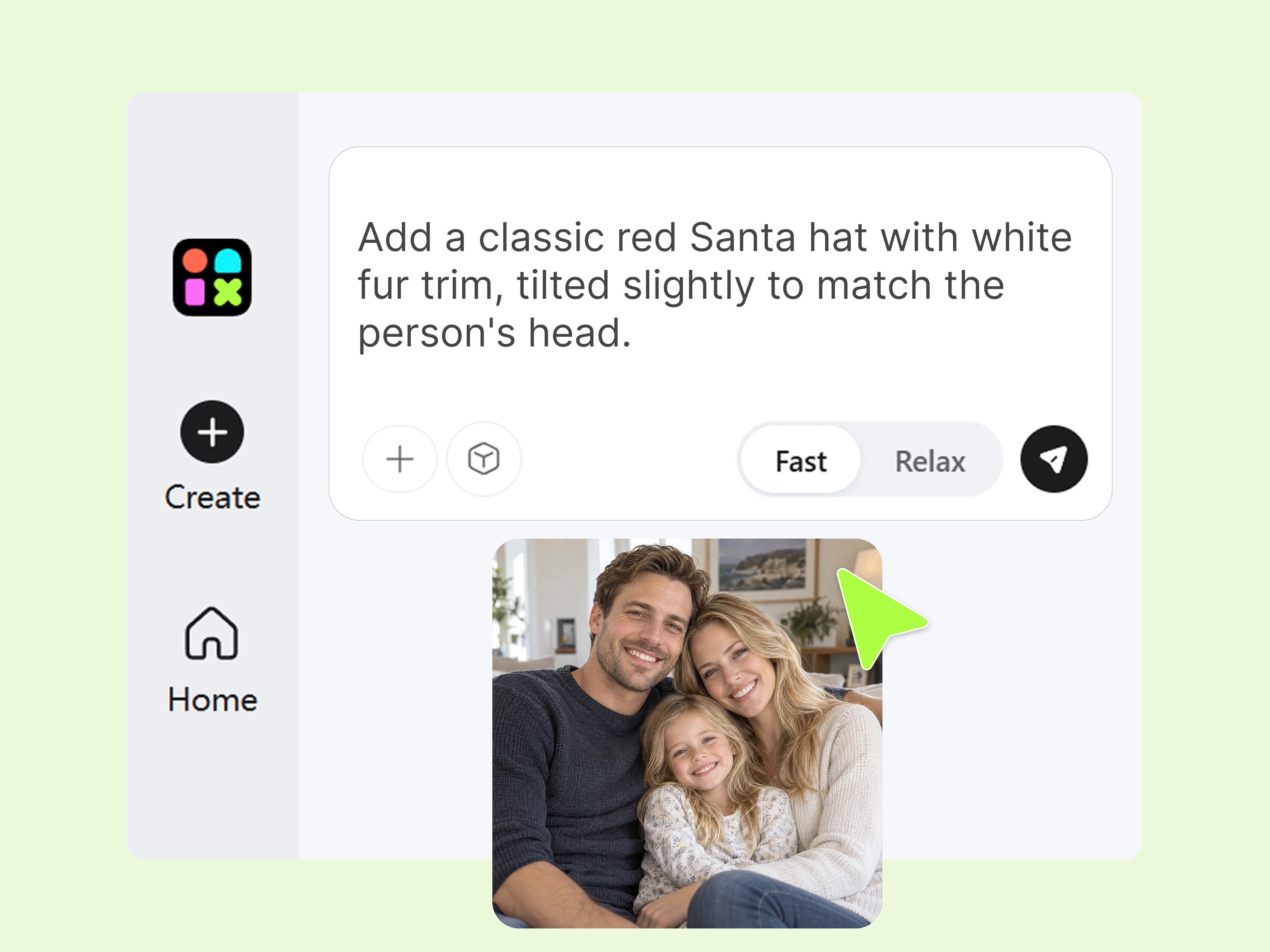
Step 2. Describe the Santa Hat You Want
Type something like "classic red Santa hat with white fur trim, tilted to match his head." Add any style or placement details you care about.
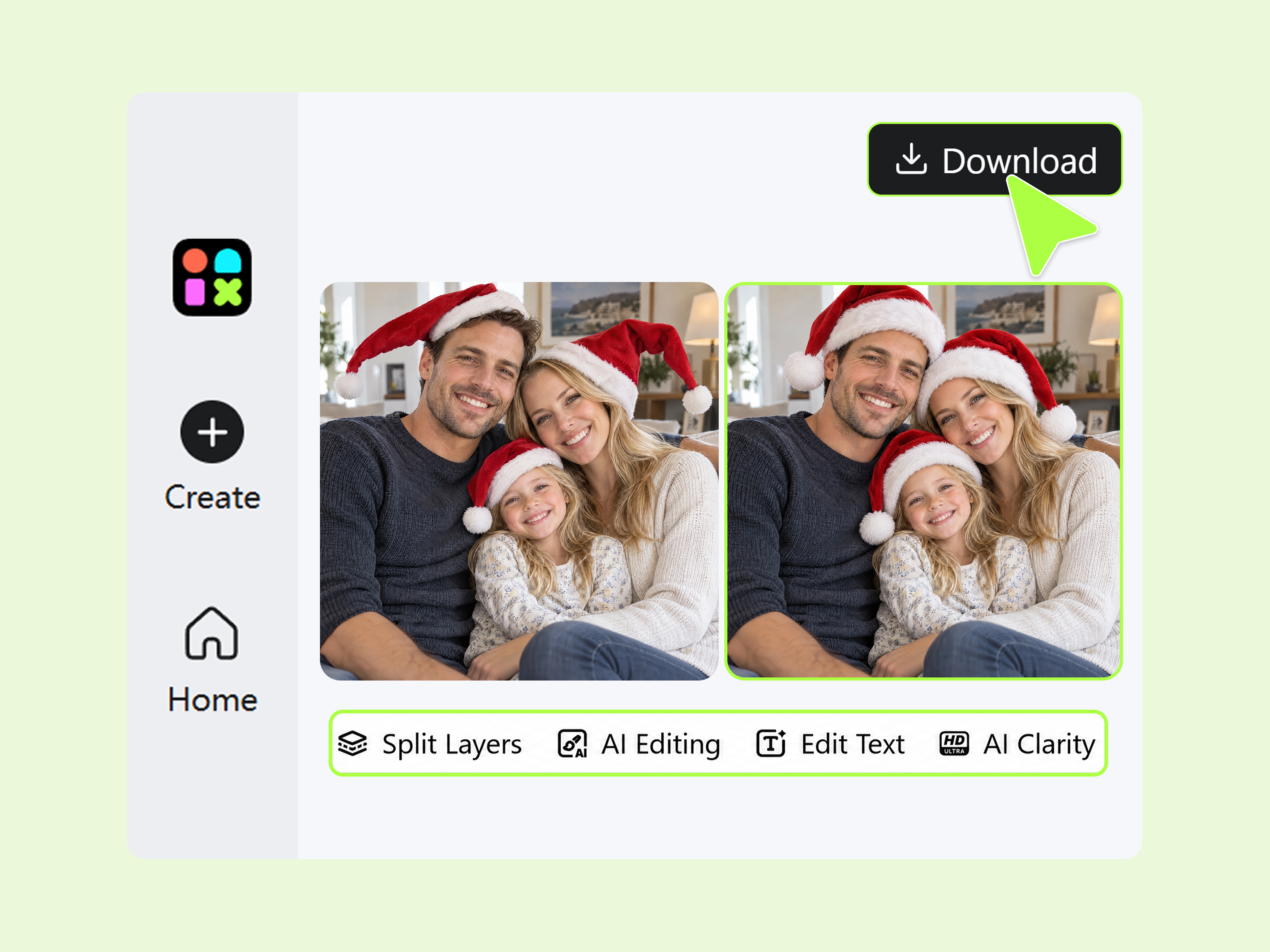
Step 3. Review Your Photo and Refine the Result
Check that the hat sits at the right angle and matches the light. If not, tweak the prompt and try again, then download.
What You Can Do With Santa Hat Photo Editor
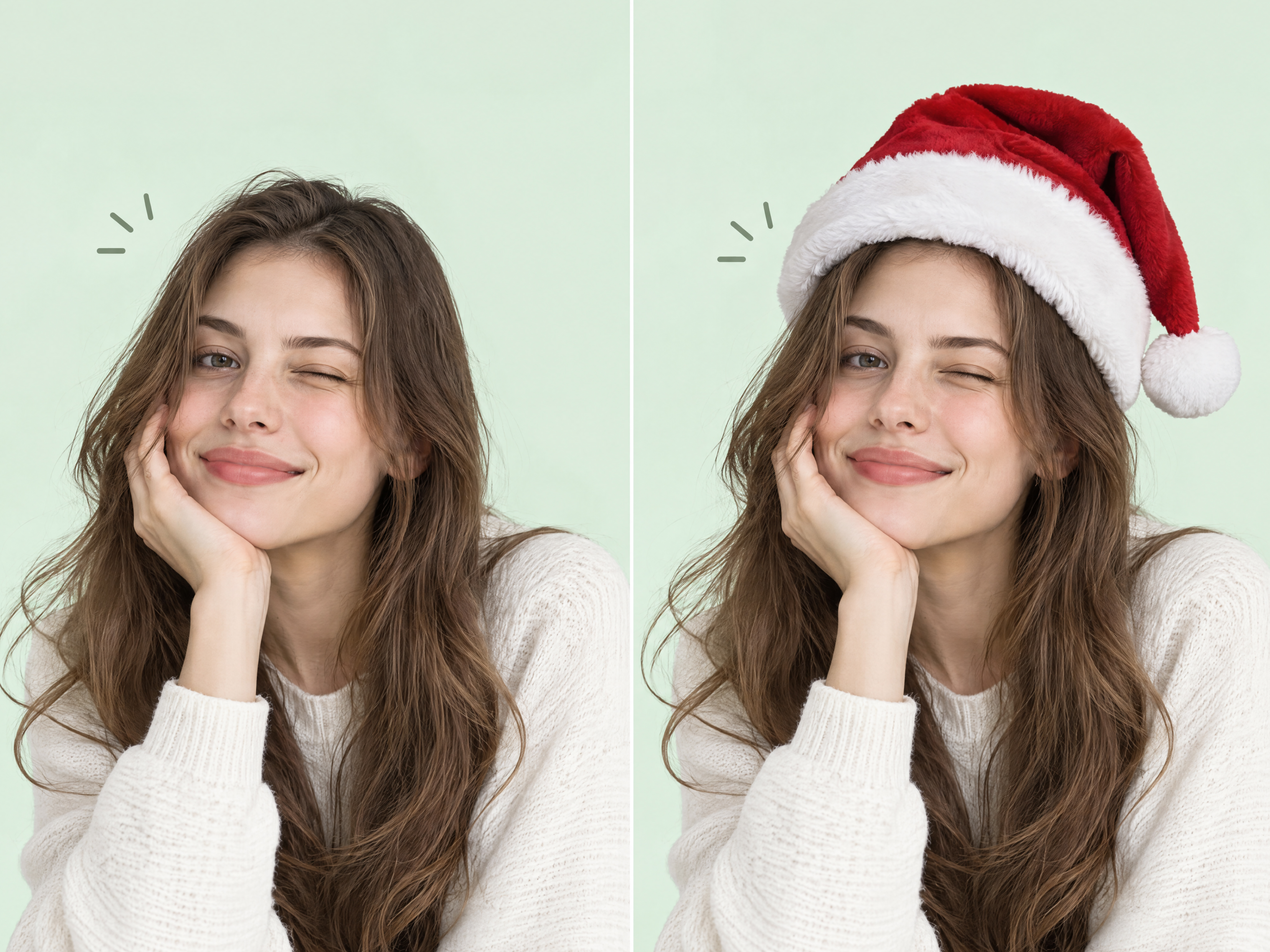
Make the Santa Hat Fit the Original Photo
Sticker hats float at odd angles and ignore shadows. When you put a Santa hat on your photo with Designkit, it follows the tilt of the head and the light already in the shot. A bit off? Change the prompt and run it again.
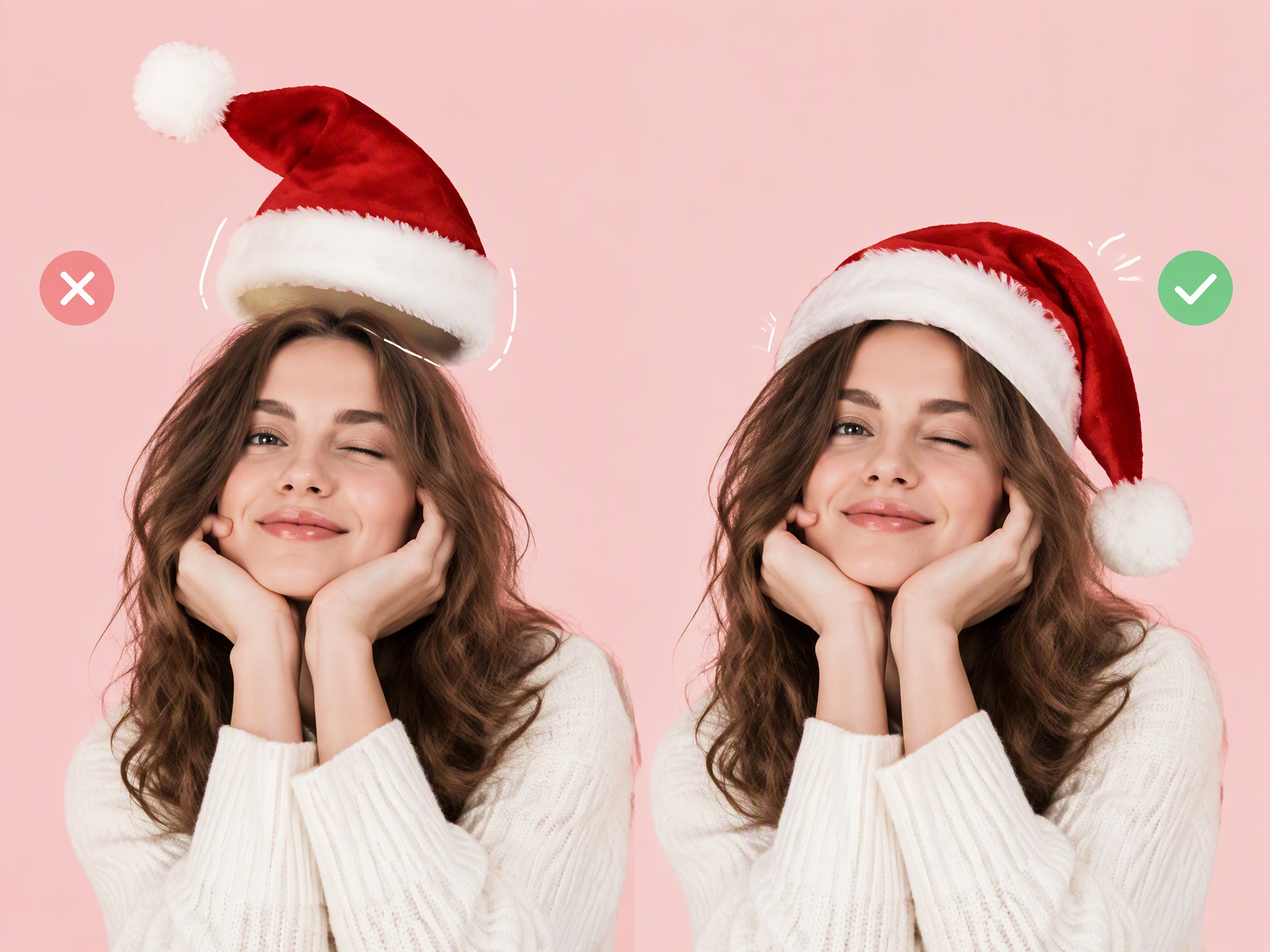
Fix a Hat That Sits at the Wrong Angle
Sometimes the first result isn't quite right: a hat sitting too high, facing the wrong way, or missing the tilt of the head. Update your prompt with the detail that's off, like "tilt the hat more to the left," and generate again until it sits naturally.
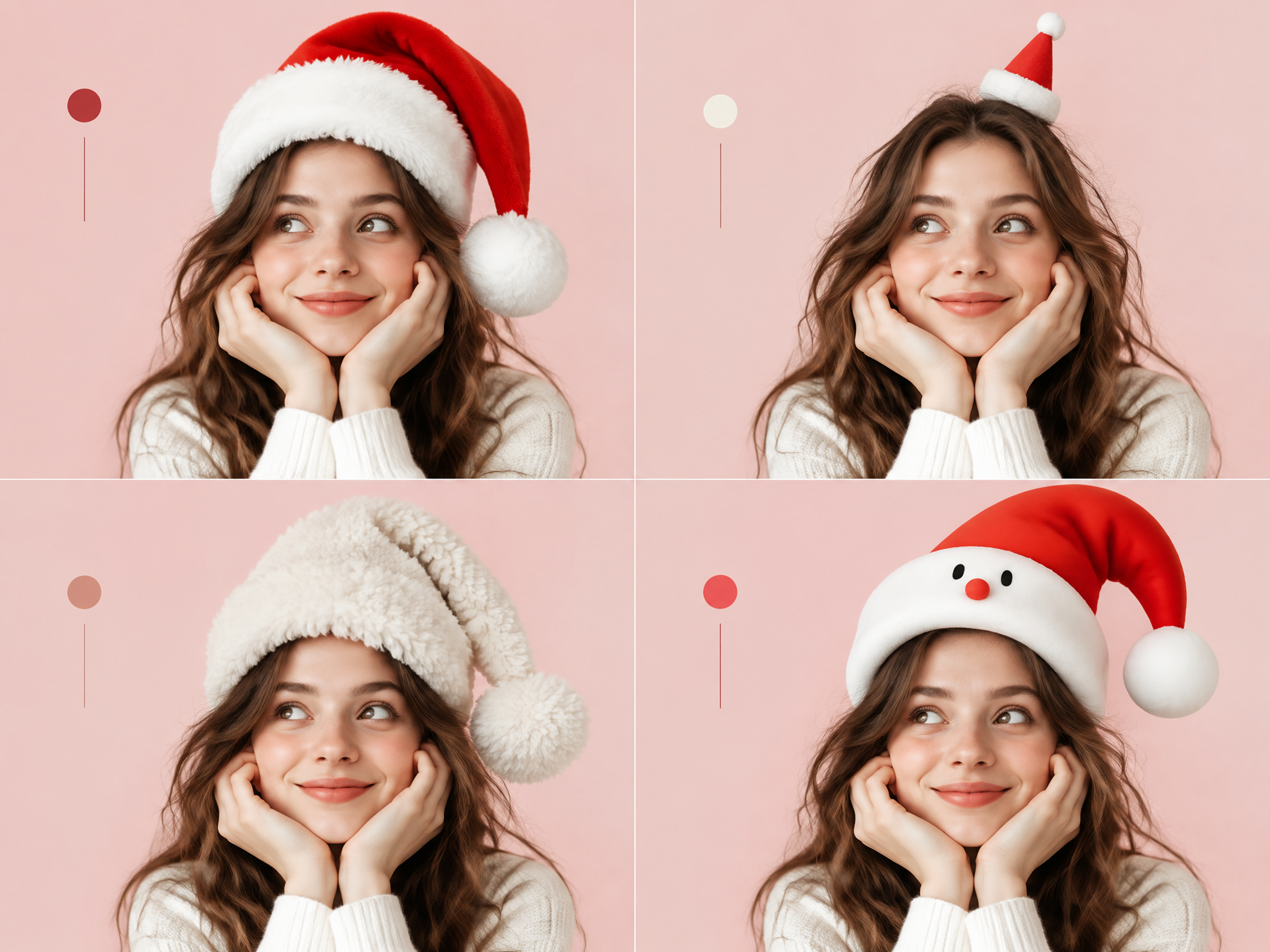
Try Different Santa Hat Styles on the Same Portrait
Classic red with white trim, a knitted one, sequins, an elf hat. Add a Christmas hat to photo versions in a few styles, line them up on the same portrait, and keep the one that suits you.
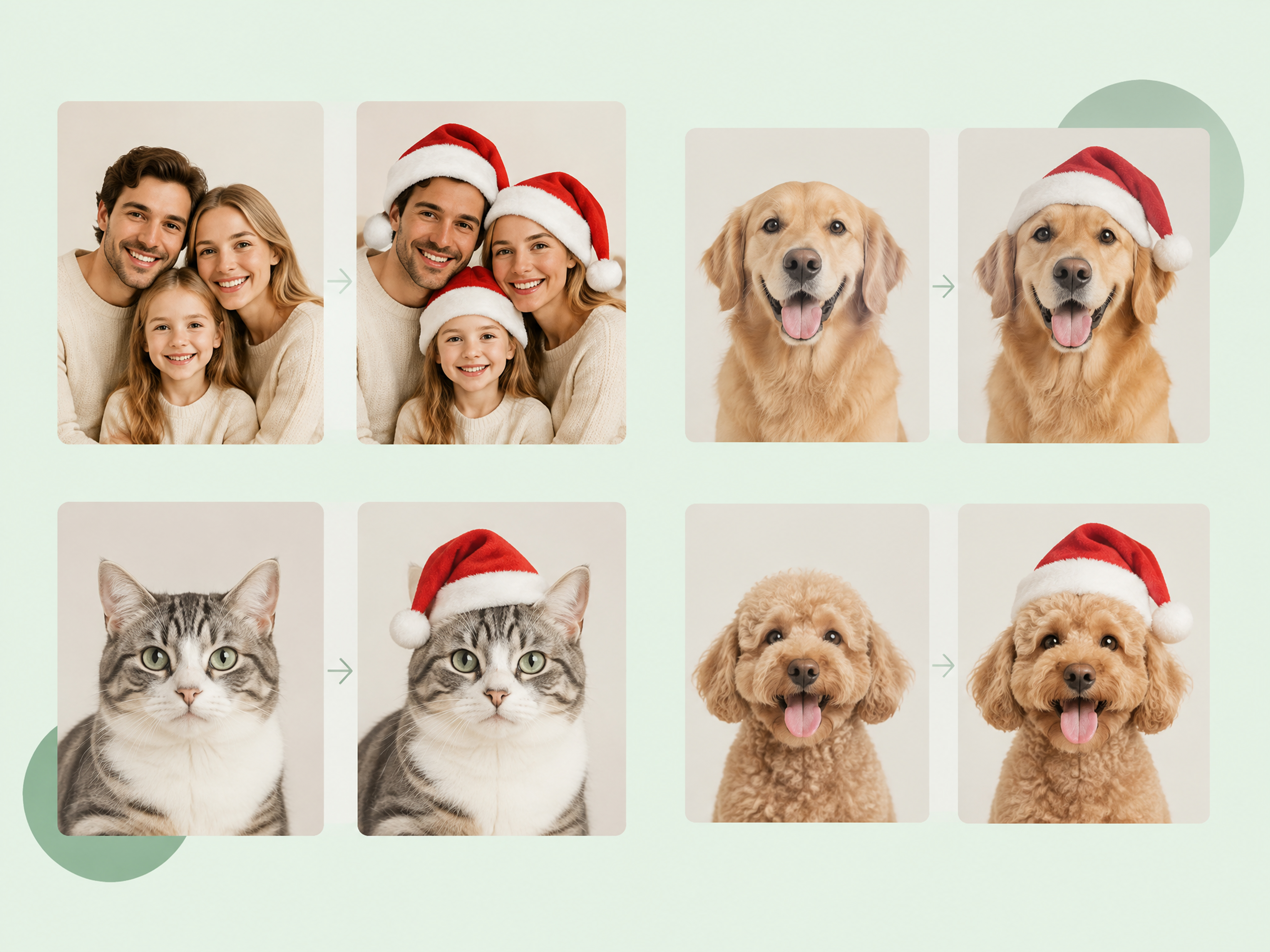
Give Family and Pet Photos a Christmas Touch
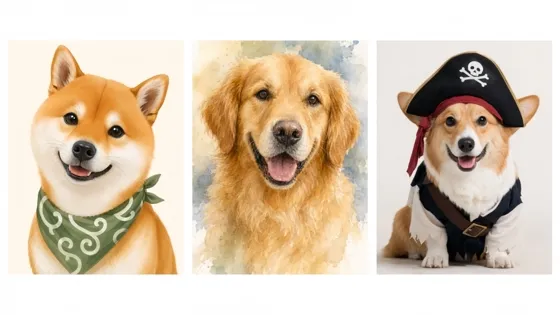
One photo of the whole family, or the dog that won't sit still for a costume; either way, you don't need a new photoshoot. Upload the picture you already have and ask for a Santa hat on each person or pet, so everyone's ready for the holidays in one shot.
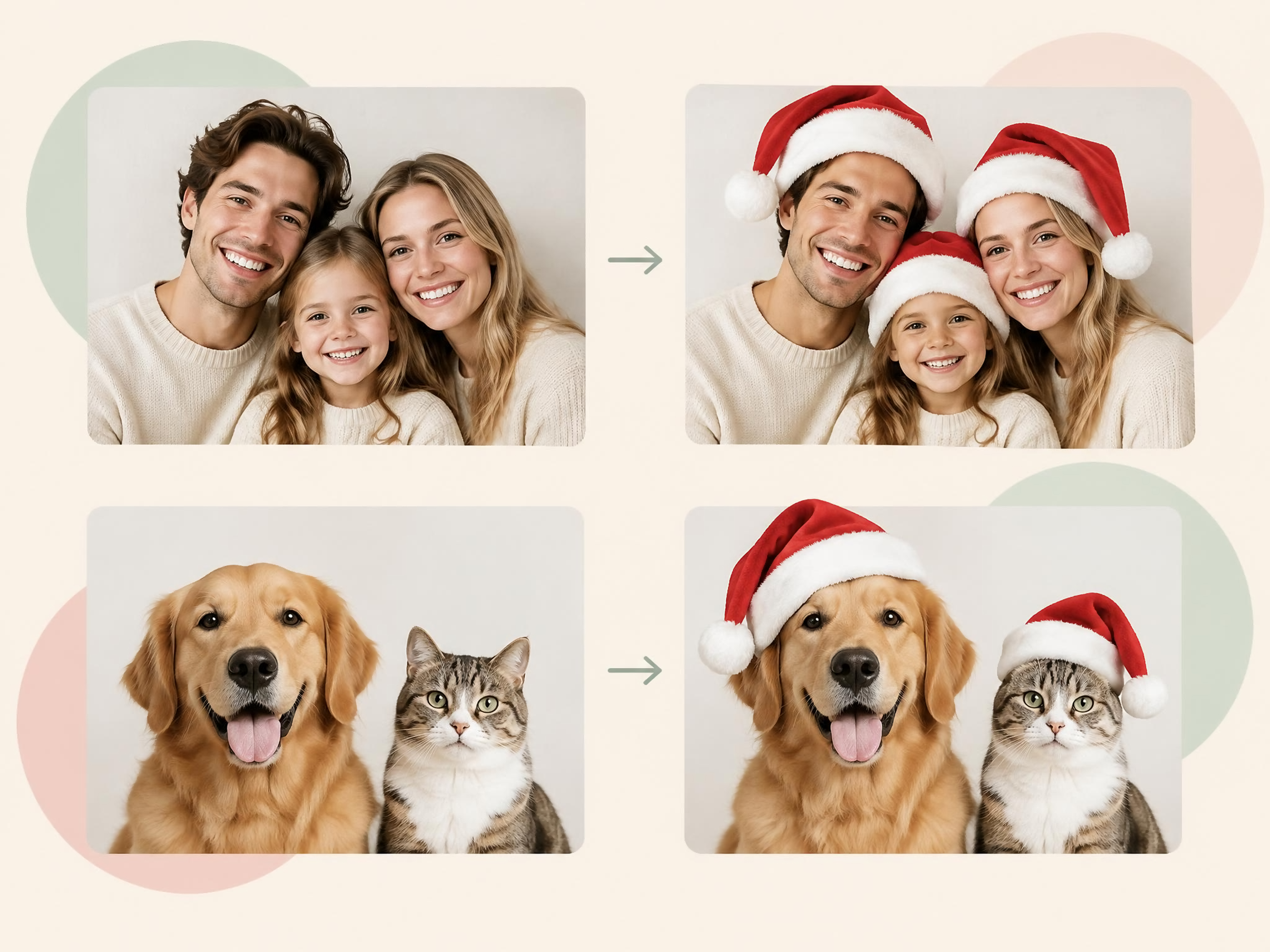
Prepare a Festive Photo for Cards and Social Posts
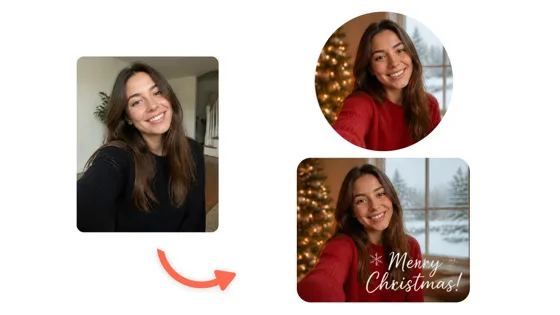
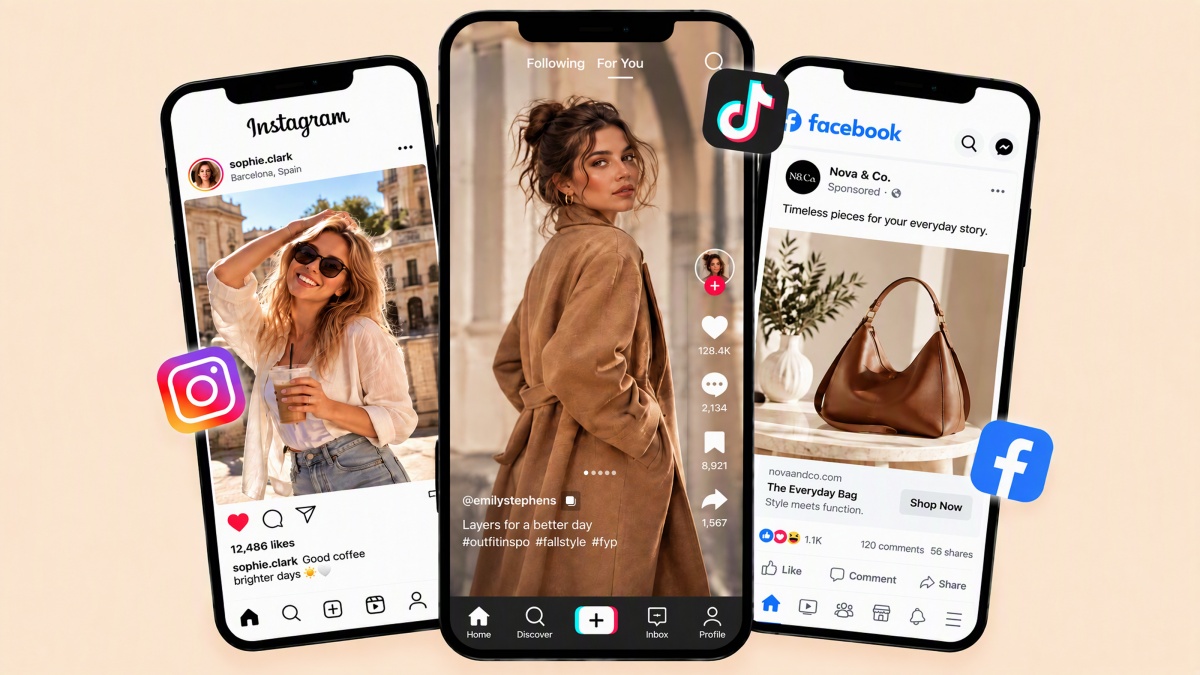
Once you add a Santa hat to your picture, you can keep going. Put a greeting on it with the image text editor or turn it into a holiday card with the AI poster generator to share your Christmas greetings with your friends, or post them on social media.
Add Santa Hats to Photos for Holiday Moments
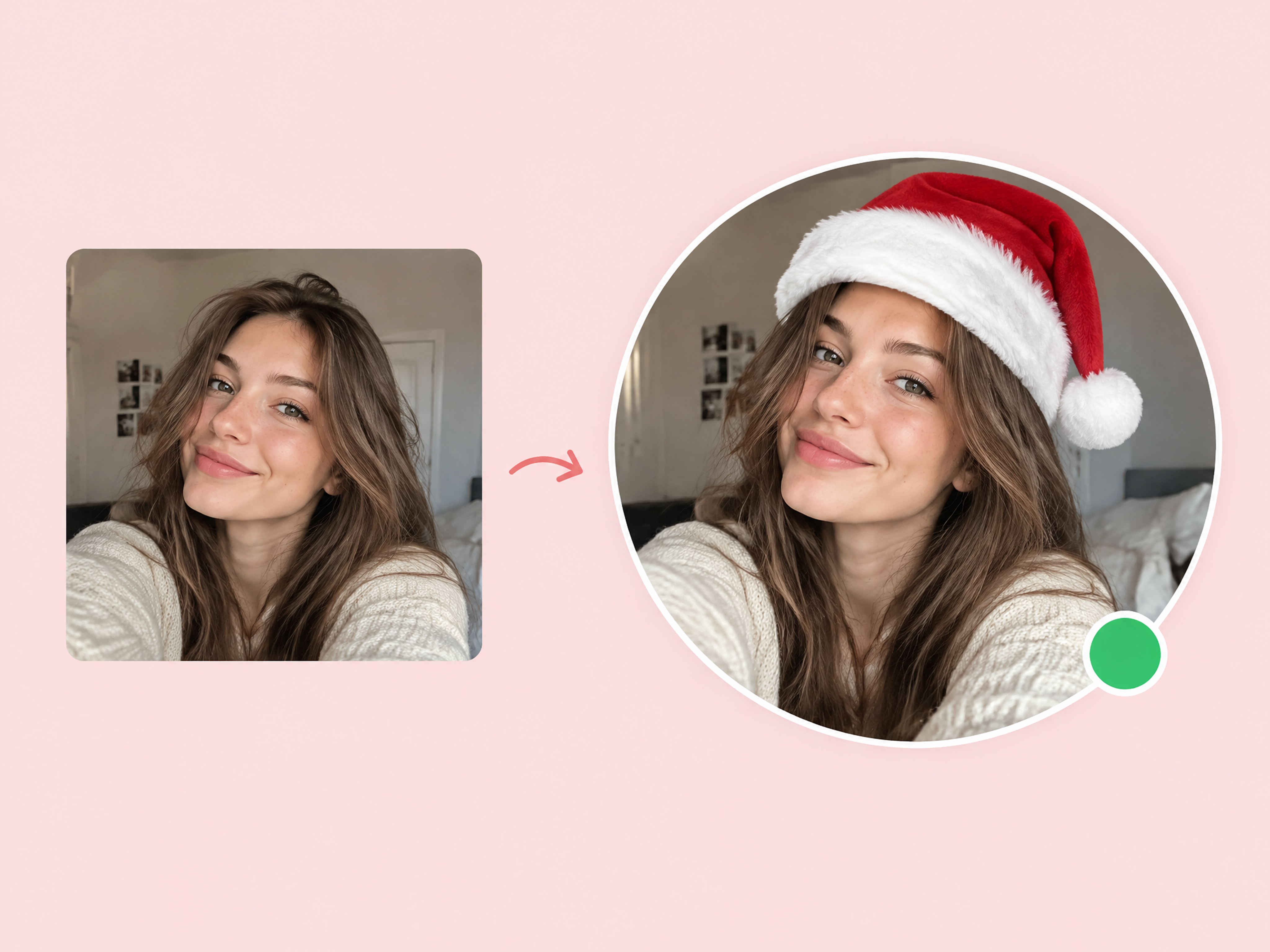
Make a Festive Version of Your Favorite Selfie
Your profile picture already works, so why reshoot it? Turn it into a Santa hat picture for December, then switch back in January. The original stays untouched.
Why Choose Us to Add a Santa Hat to Your Picture
Turn a photo you already like into a holiday version. No outfits, props, or new photo session to plan.
The hat follows the pose, angle, and light of your photo instead of sitting on top like clipart.
New accounts get 20 signup credits plus 10 a day, so you can try a few hat styles before paying.
Explore More Holiday Photo Tools

Frequently Asked Questions
How do I add a Santa hat to a photo?
Will the Santa hat look real, or like a sticker?
It should look like part of the photo, as long as the original is clear. The AI draws the hat to match the head angle, the light, and the shadows instead of pasting a flat image on top. Designkit works best with a well-lit photo where the top of the head is visible. Zoom in on the hairline before you share it.
Can I add a Christmas hat to my photo for free?
Yes, you can add Santa to photo online free to start. Designkit gives new accounts 20 signup credits plus 10 daily credits, and each generation uses credits. That's enough to try it on your own photos and a couple of hat styles before you decide whether you need a paid plan.
Can I add Santa hats to everyone in a group photo?
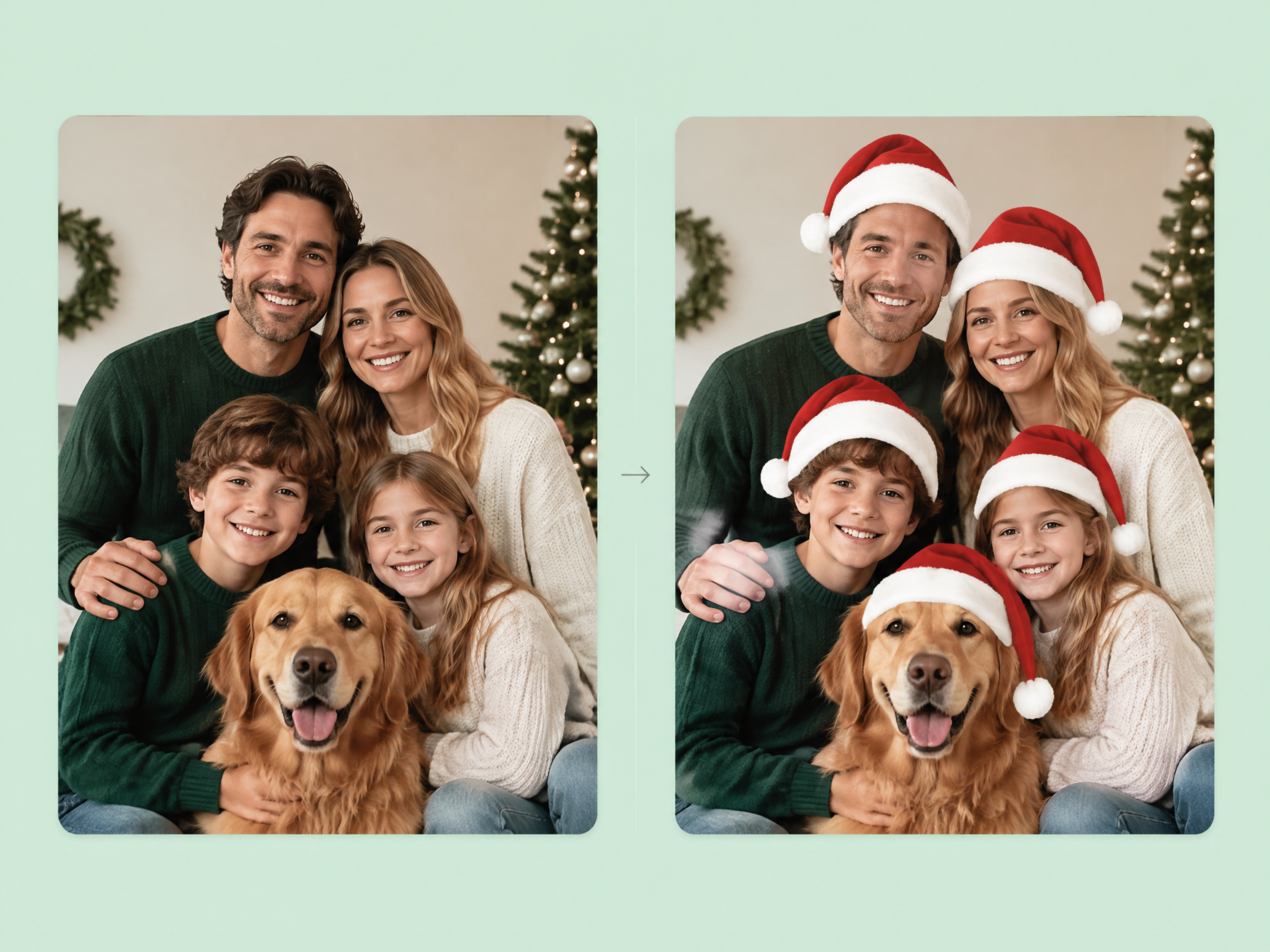
Usually, yes. To add Christmas hats on pictures with several people, say who should get one, like "add red Santa hats to all four people." Big groups and small faces are harder, so check everyone in the result. In Designkit, if one hat is missing or sits wrong, run it again with something more specific, like "the man on the left.
Will adding a Santa hat change my face or the background?
It shouldn't, but check anyway. Asking for the hat and nothing else keeps the edit on the head. In Designkit, adding "keep the face and background the same" to your prompt helps. Compare the result with your original and regenerate if anything else moved. Your uploaded photo isn't changed.
Give Your Favorite Photo a Christmas Touch
Start with a portrait you already like, add a Santa hat, and share the Christmas version with friends or family.



What People Use Designkit's Santa Hat Editor For
Notes from people who wanted a quick festive photo, not a whole editing session
My Profile Picture Was Ready for Christmas
I didn't want to hunt for a hat sticker and line it up myself again this year. I uploaded my usual profile photo, asked for a classic red hat with white trim, and had my Christmas version after a couple of tries.
Designkit Helped Give Our Family Photo a Holiday Update
, Parent We already had a family photo we loved, and nobody wanted to dress up for another one. I added Santa hats in Designkit and sent it to the relatives that same evening. I just checked each hat sat right first.
My Dog Got a Christmas Photo Too
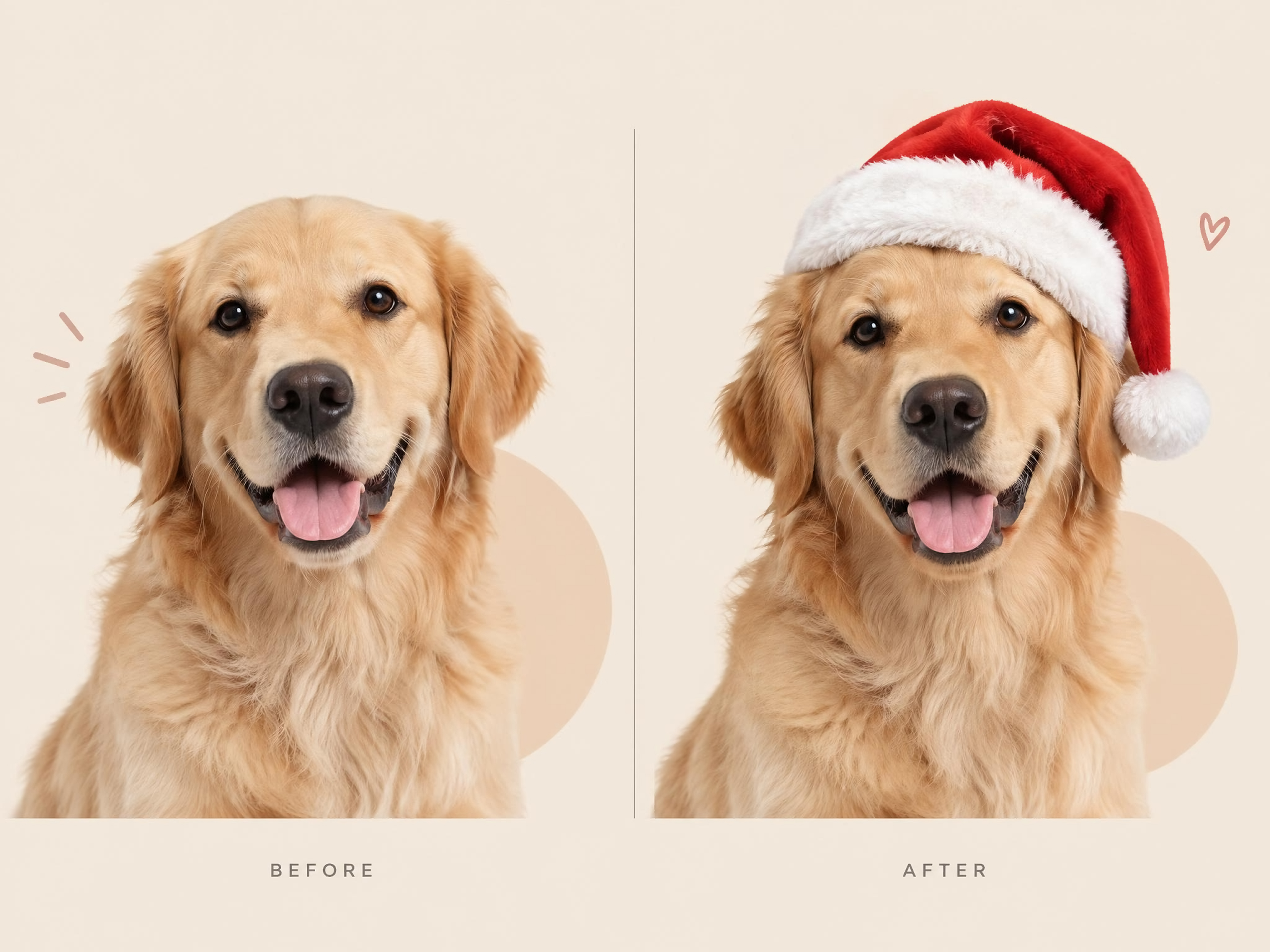
Getting my dog to sit still in a real Santa hat was never going to happen. I uploaded his usual portrait, asked for a red hat with fluffy trim, and he finally has a Christmas photo. Took one retry to get the size right.