
Make a Halloween Card That Fits Your Kind of Spooky
Describe who it’s for and the tone you want, cute for kids or classic spooky. Generate a greeting or party invite you can download and share.
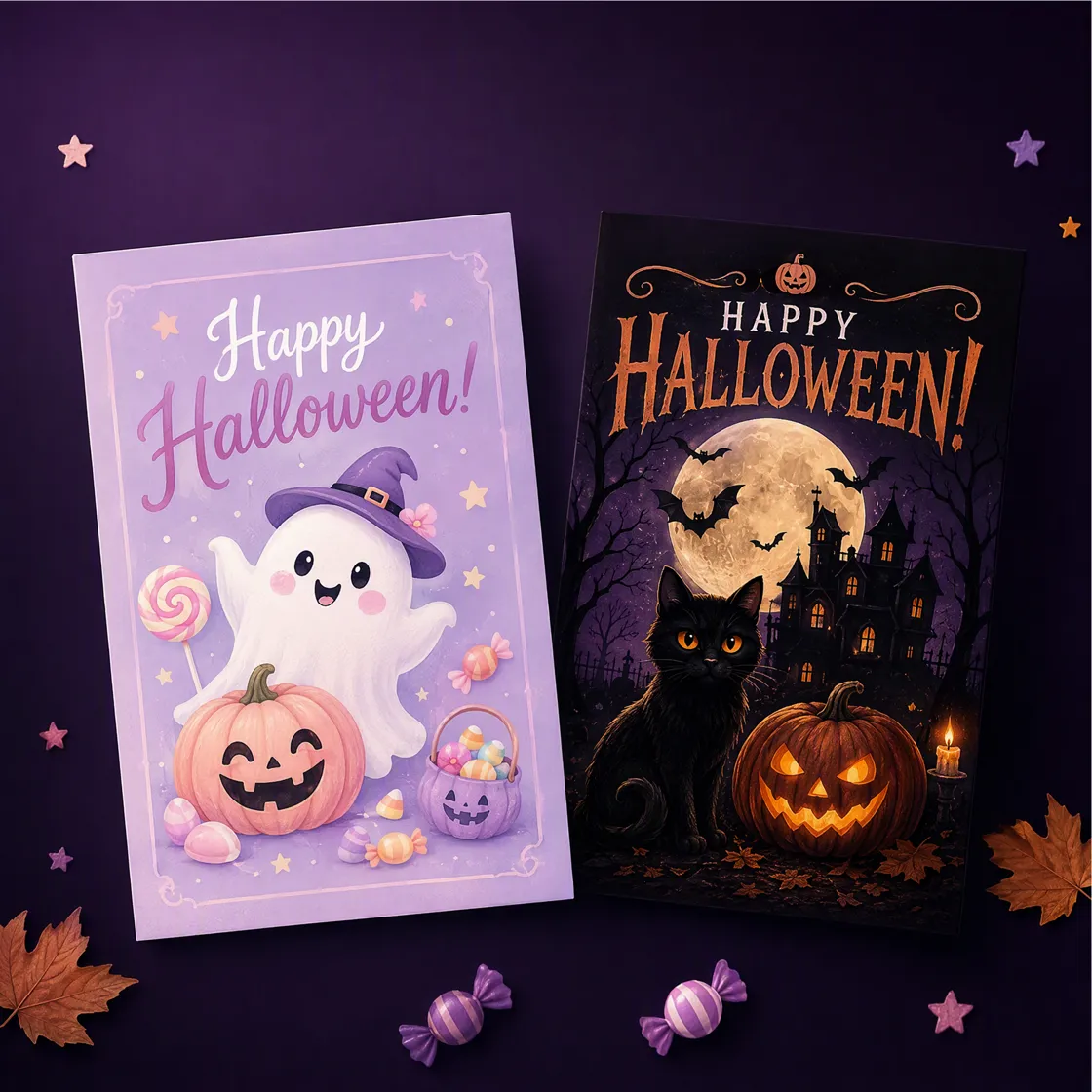
From Spooky Idea to Standout Card
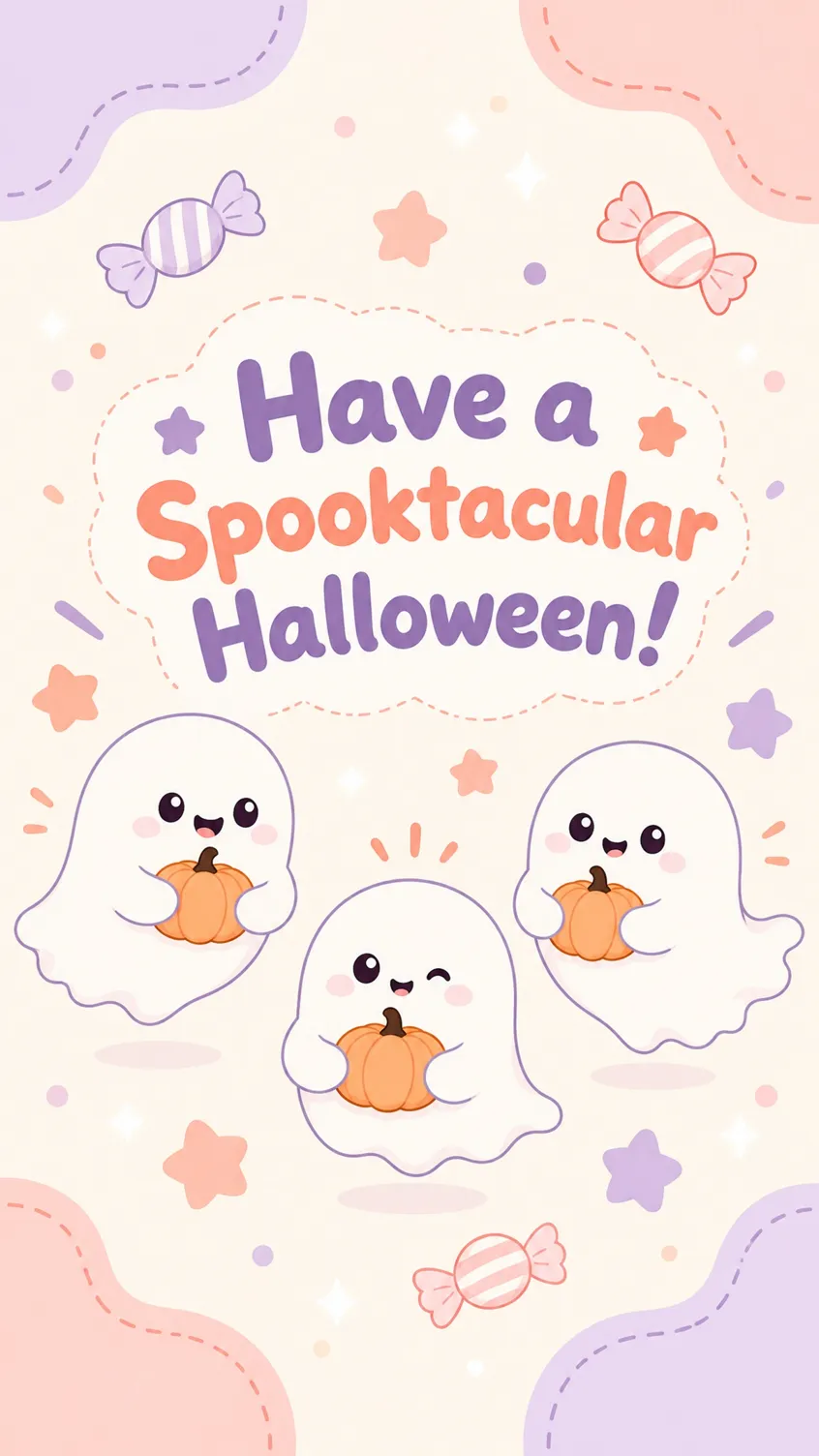
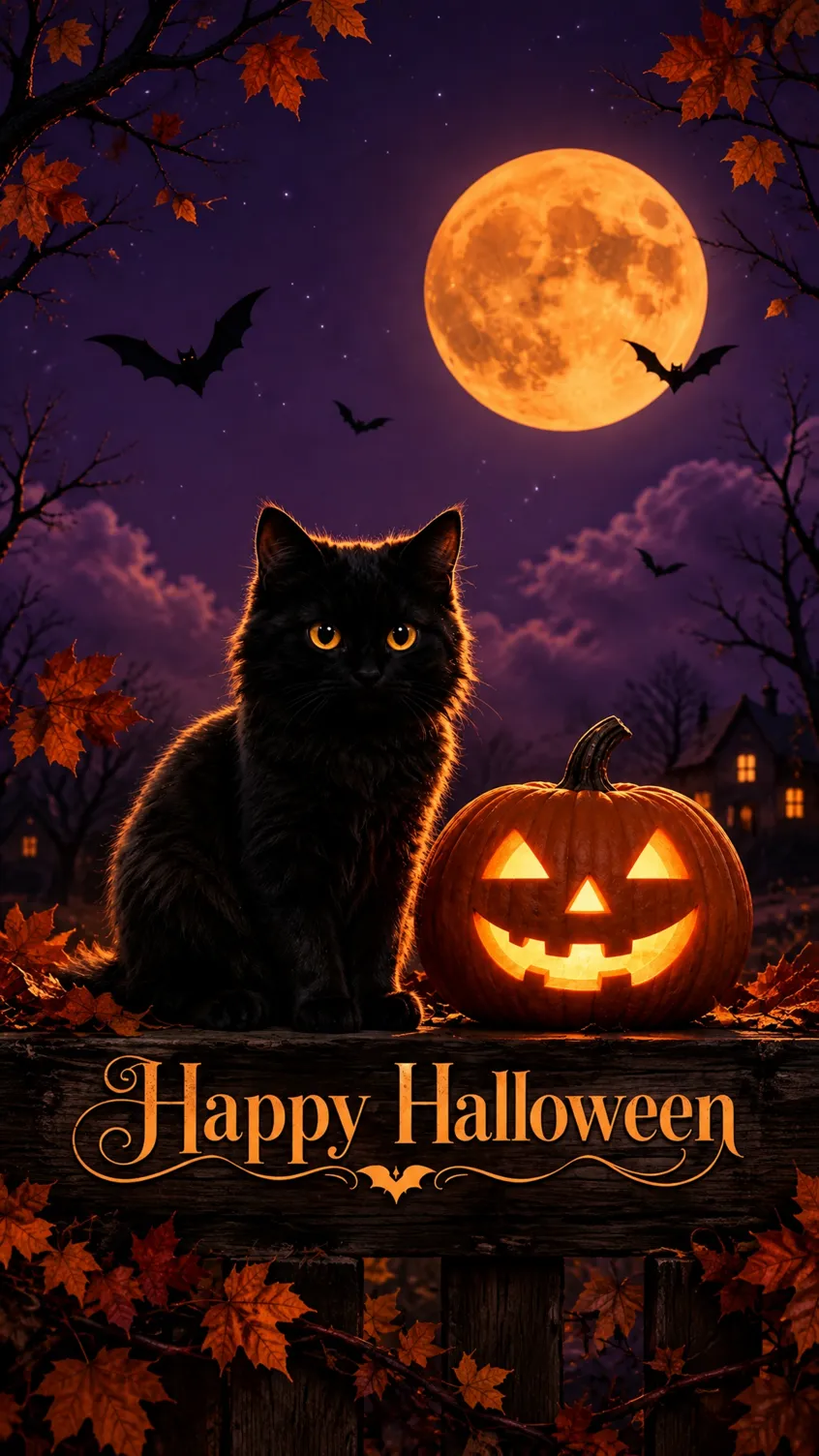
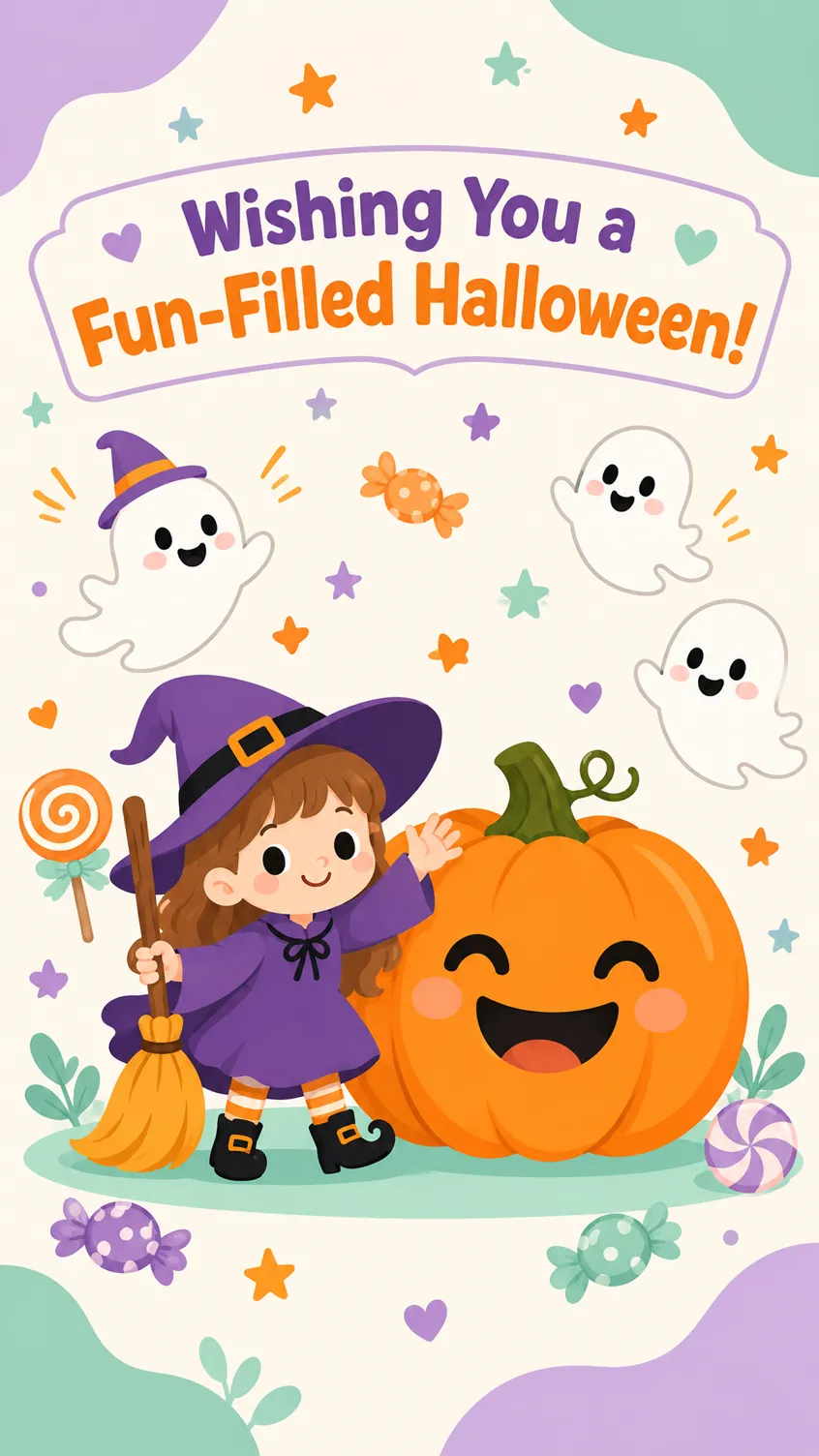
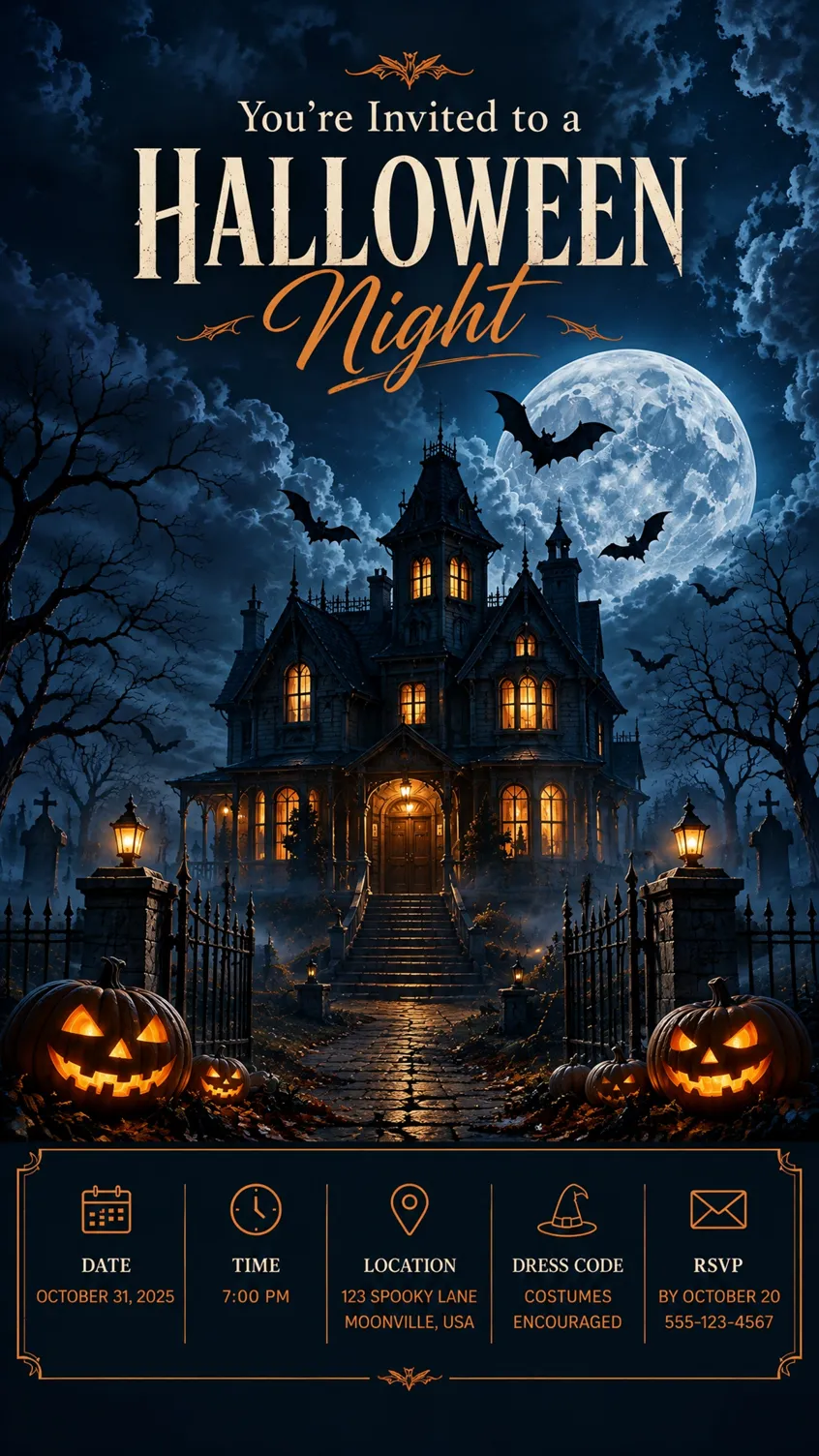
How to Make a Halloween Card With Designkit
Step 1. Describe Your Halloween Card Idea
Open Designkit and describe your card, including the recipient, greeting, Halloween theme, colors, illustrations, and style. Specify whether you need a cute greeting, spooky card, birthday design, or party invitation.
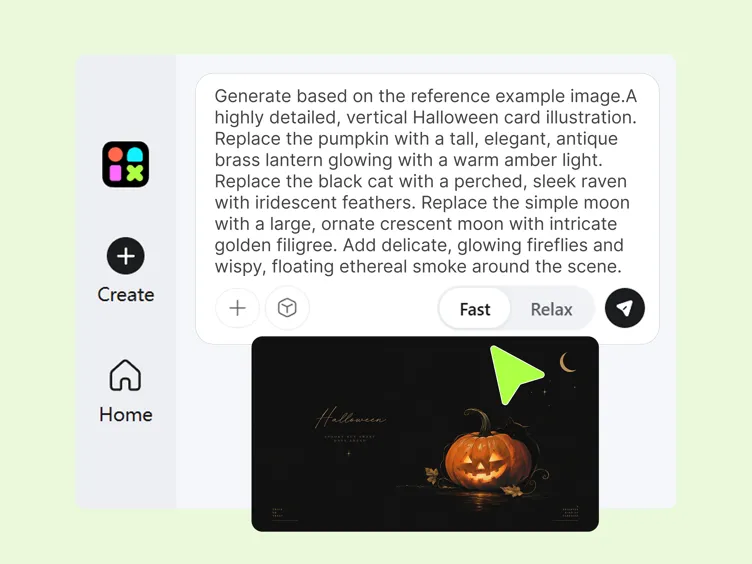
Step 2. Generate Your Halloween Card Design
Submit your prompt to generate a design. Describe the main artwork, typography, background, and text placement. If you are making an invitation, include placeholders for the date, time, venue, and RSVP details.
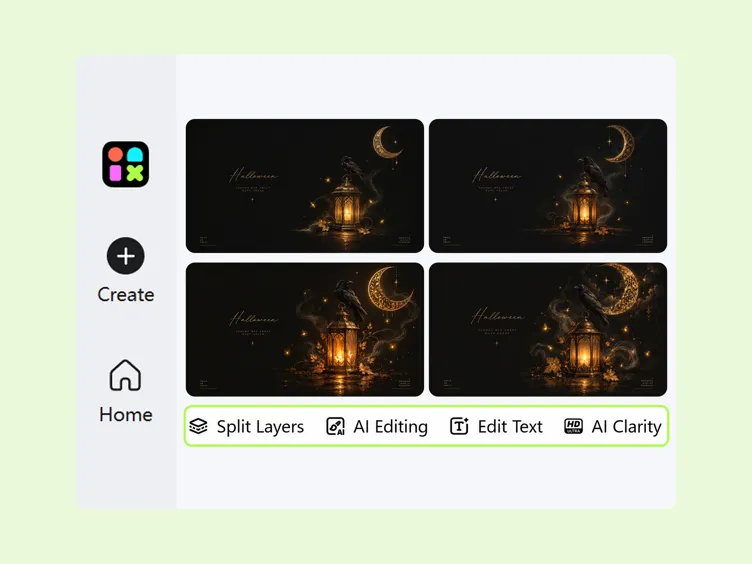
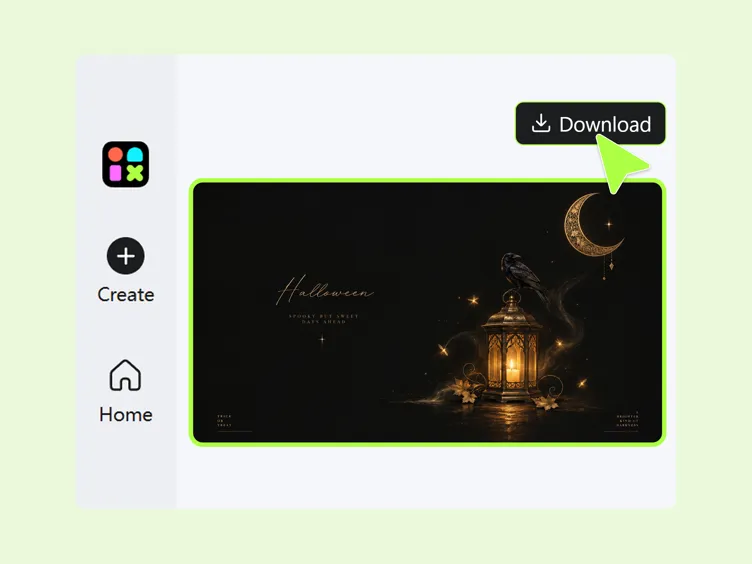
Step 3. Review and Download Your Card
Check the greeting, spelling, layout, and seasonal illustrations. Refine the design using available editing tools, making sure important text is readable. Download the finished card suitable for sharing or print.
Capabilities of Designkit's Halloween Card Maker
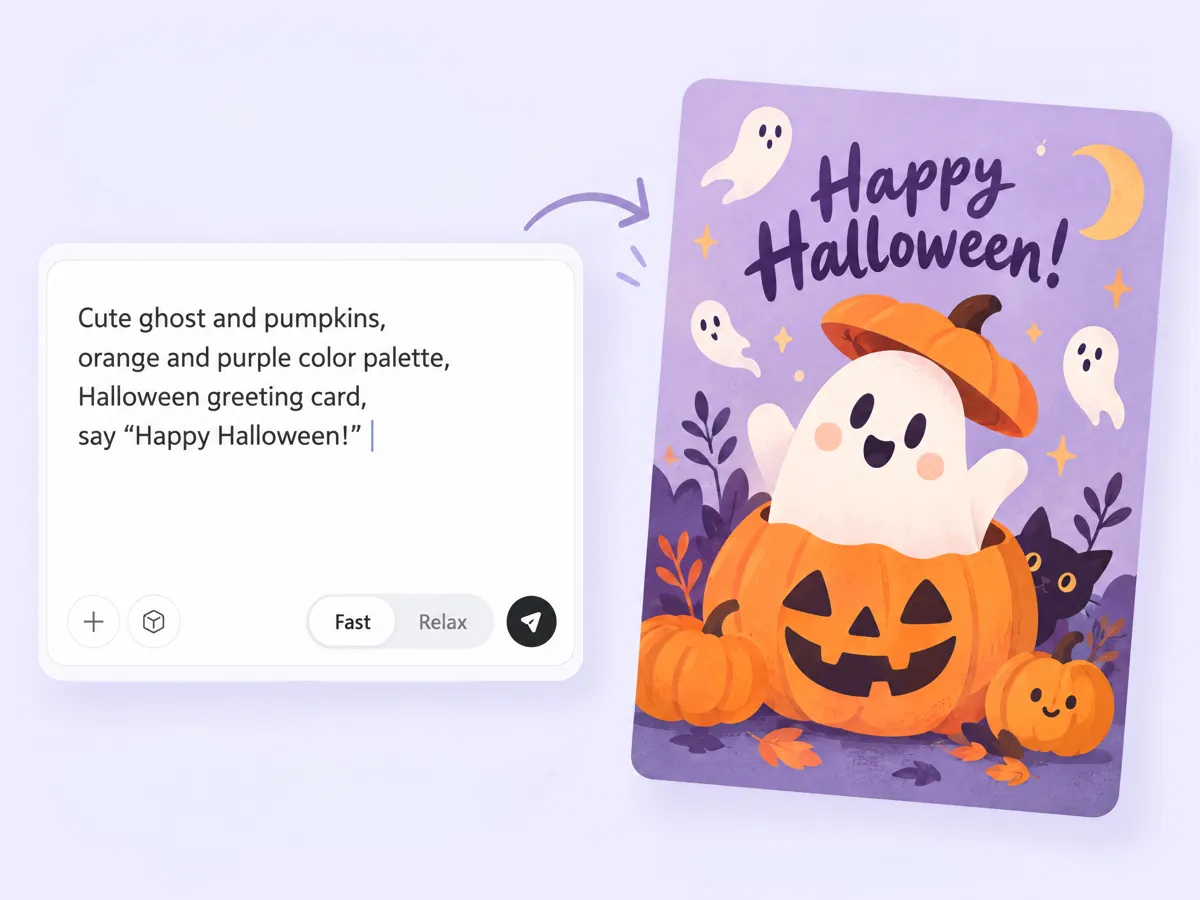
Turn a Text Prompt Into a Custom Halloween Card Design
Create a Halloween card around your own idea instead of settling for a generic design. Describe your preferred colors, characters, decorations, and greetings to explore personalized Halloween card ideas for friends, family, or customers. Designkit helps you develop a visual direction for your happy Halloween card, from playful pumpkins to eerie haunted houses. Use the AI image generator to explore original artwork for your design.
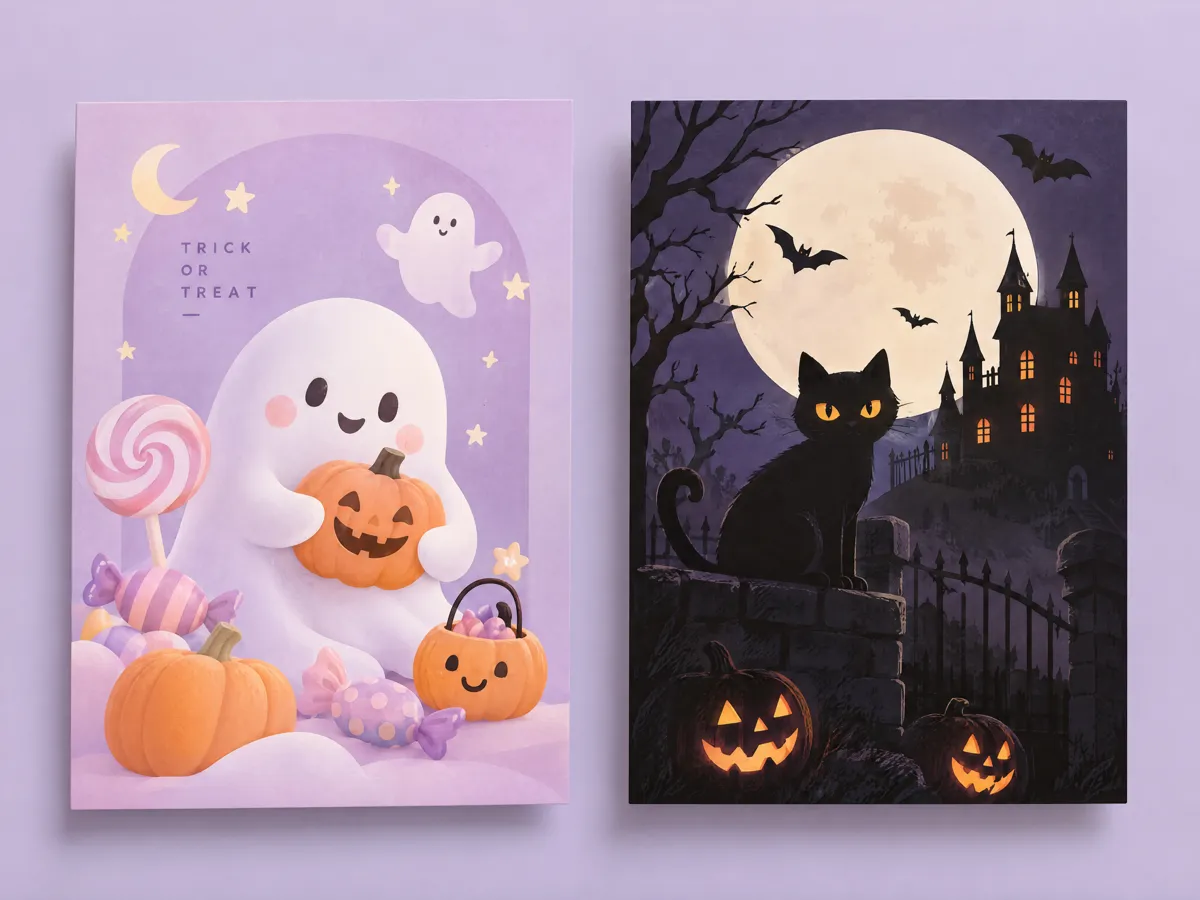
Keep kids’ cards cute or switch to classic spooky
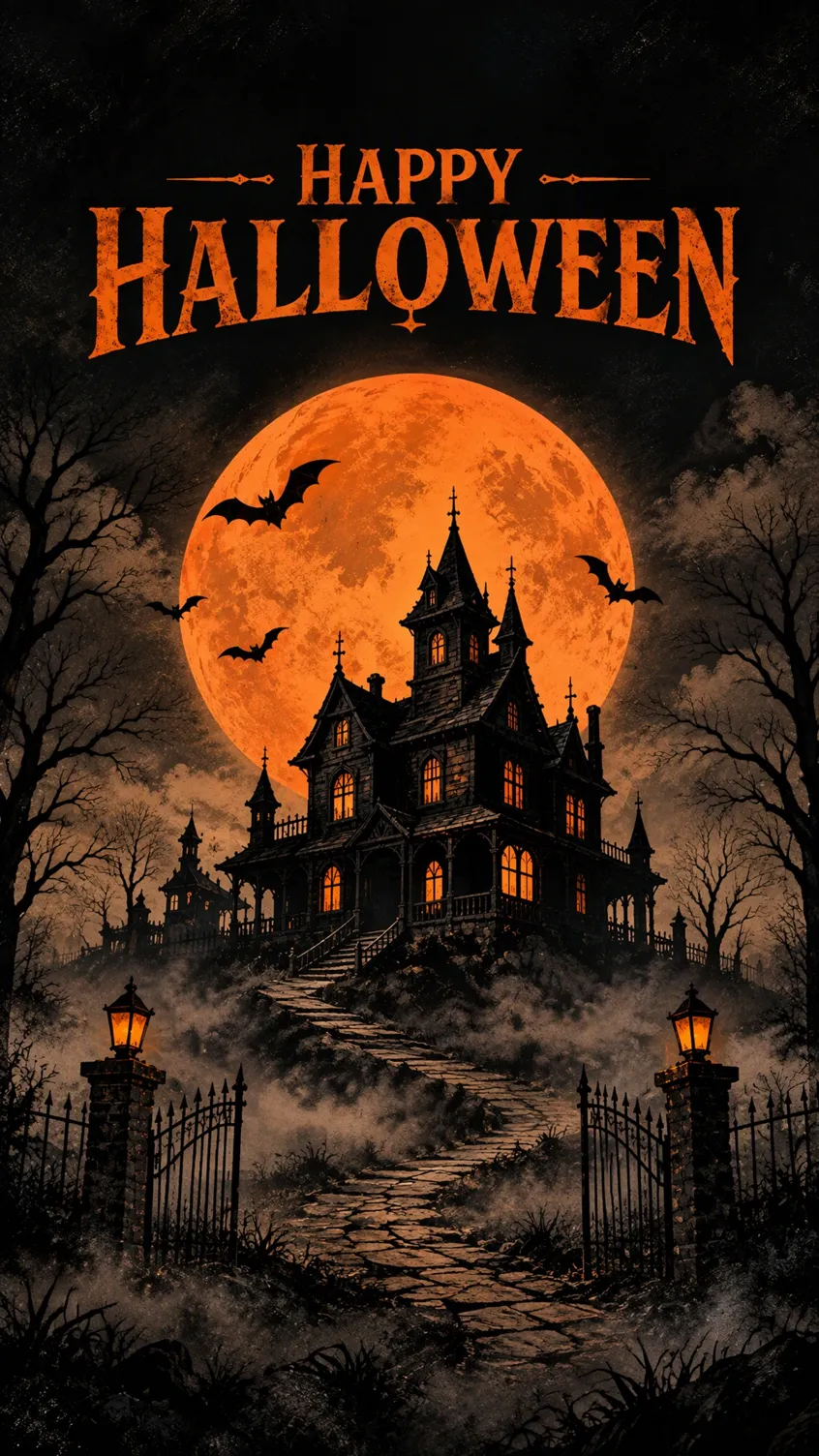
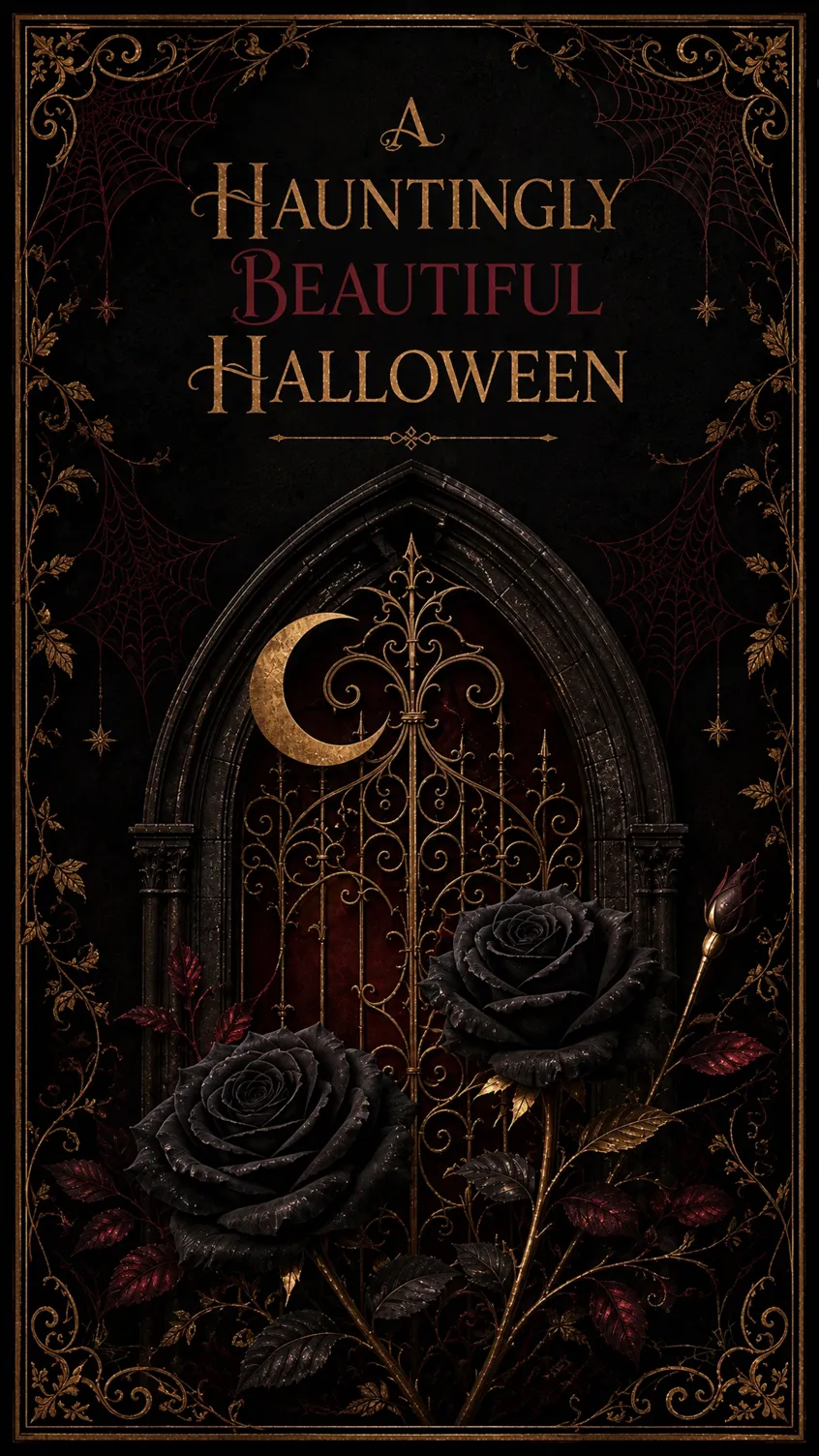
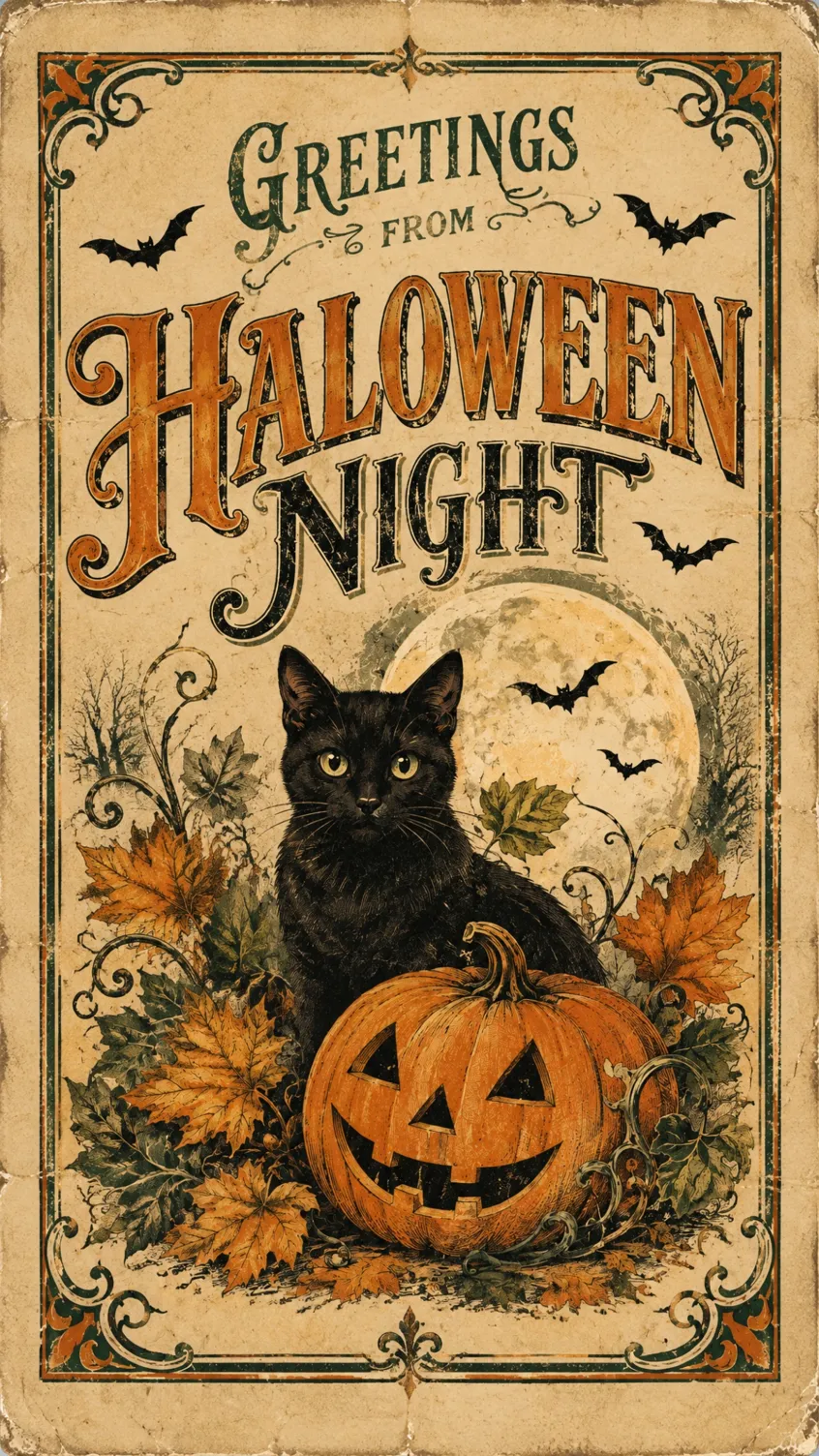
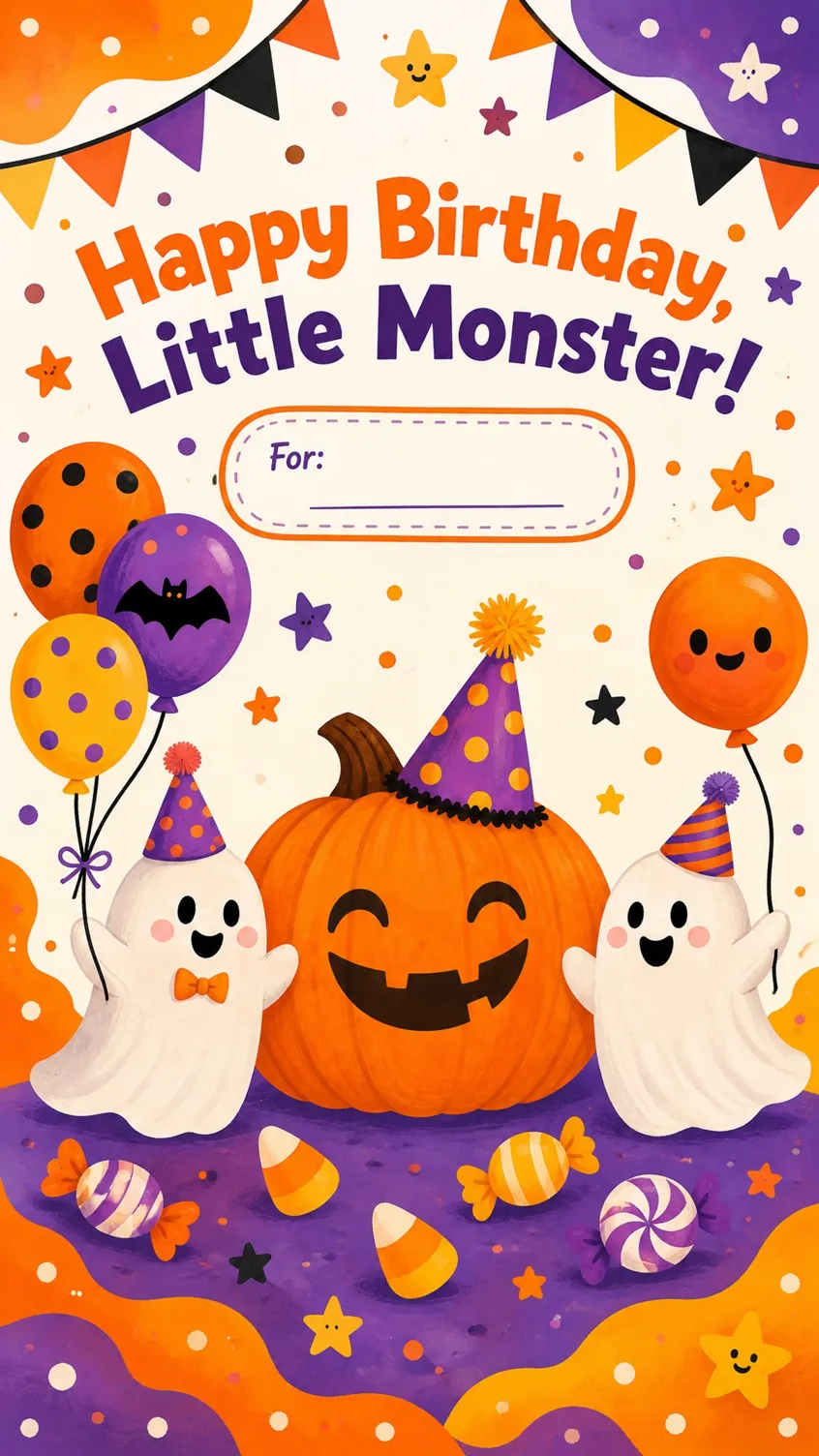
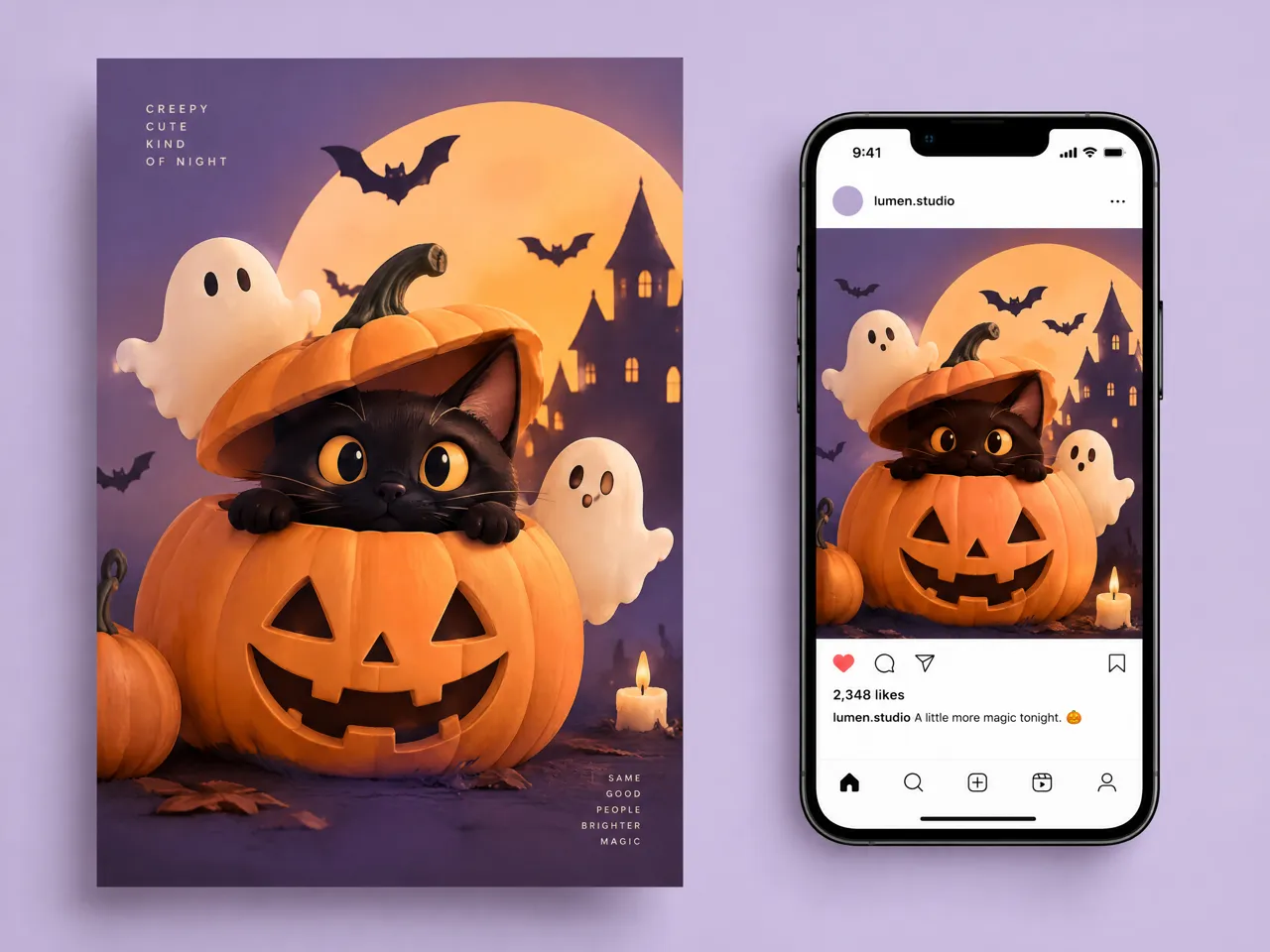
Make halloween cards for kids with smiling pumpkins, friendly ghosts, colorful candy, and cheerful illustrations, or choose a darker style with haunted houses, bats, and mysterious moonlit scenes. Adjust your creative direction to suit the recipient's age, personality, and the occasion. Whether you want cute Halloween card ideas for a classroom exchange or a more traditional greeting for adults, Designkit helps you explore styles that feel appropriate for your audience.
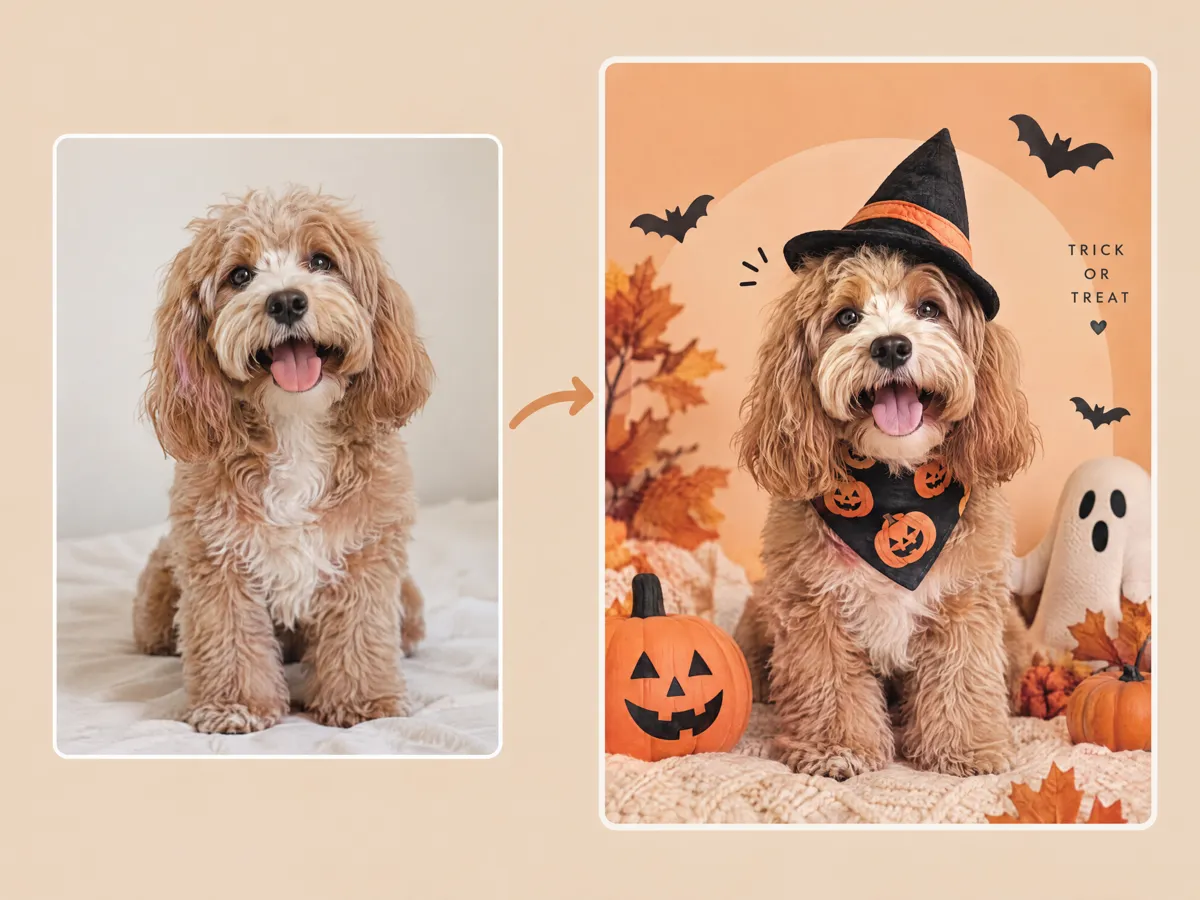
Convert Your Photo Into a Personalized Halloween Greeting
Give a Halloween greeting a personal touch by building your design around a photo. Start with a portrait, family picture, or themed image and explore creative transformations that complement your chosen Halloween style. Designkit's AI image to image generator can help you develop variations from an existing visual, making it easier to explore personalized greetings without starting from scratch. Refine the composition to create a card that feels more meaningful to the person receiving it.
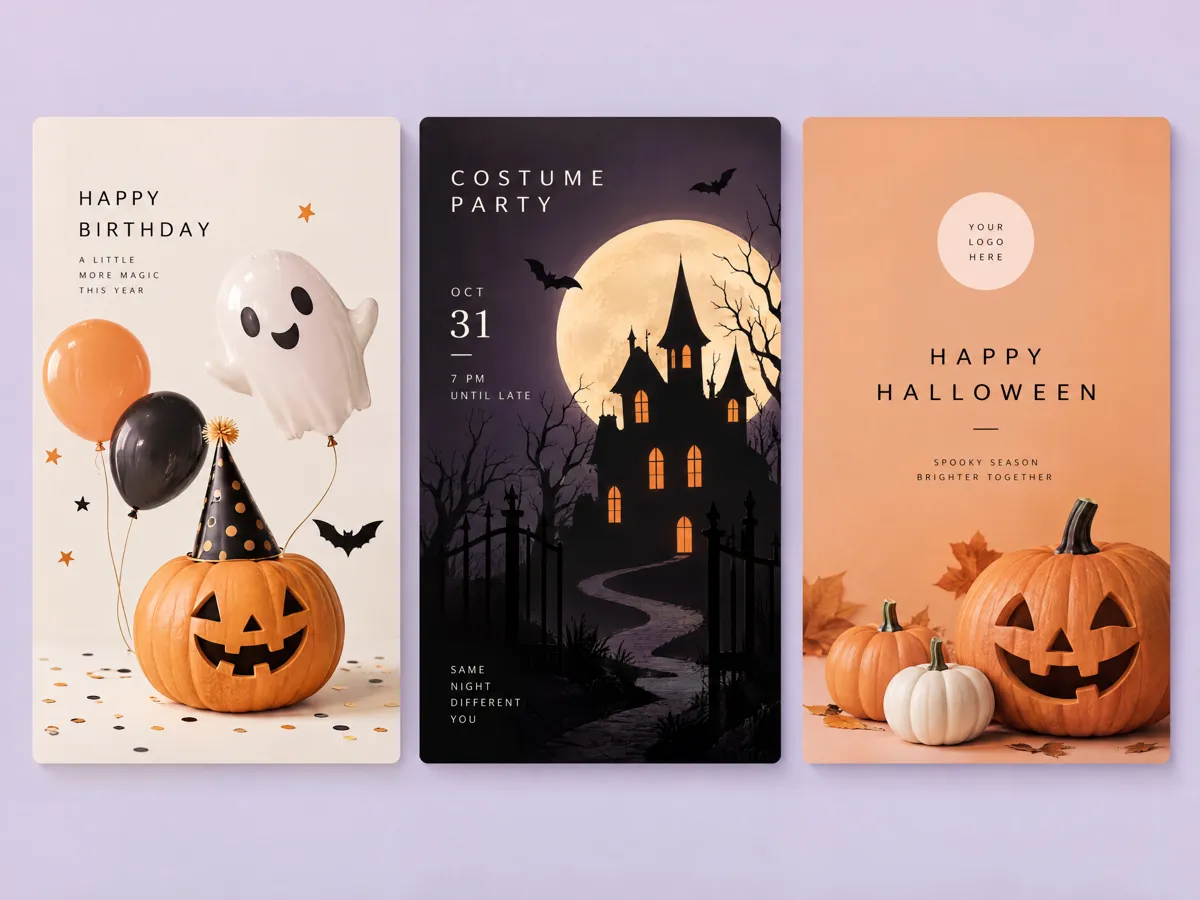
Make Halloween Cards for Other Occasions
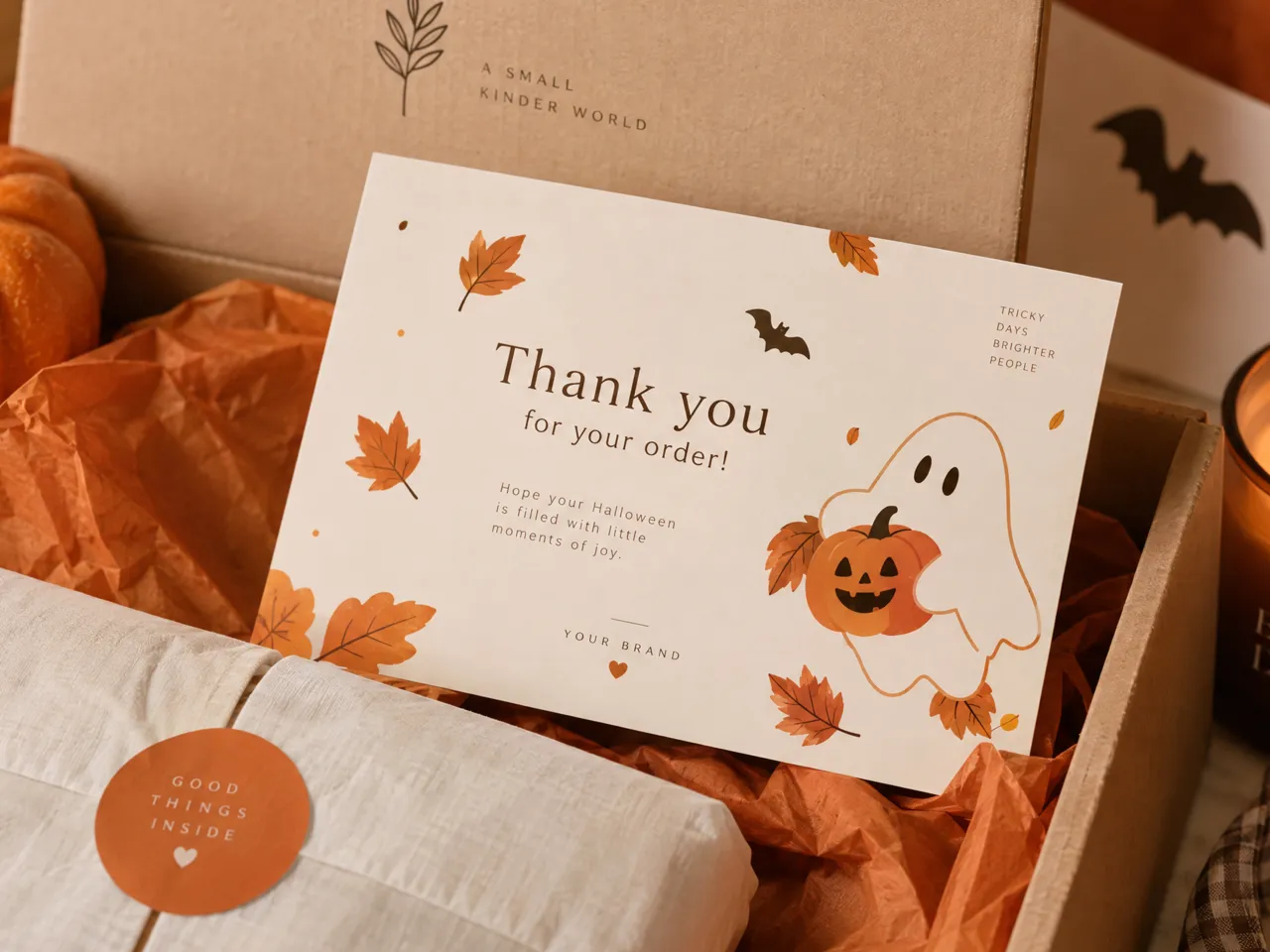
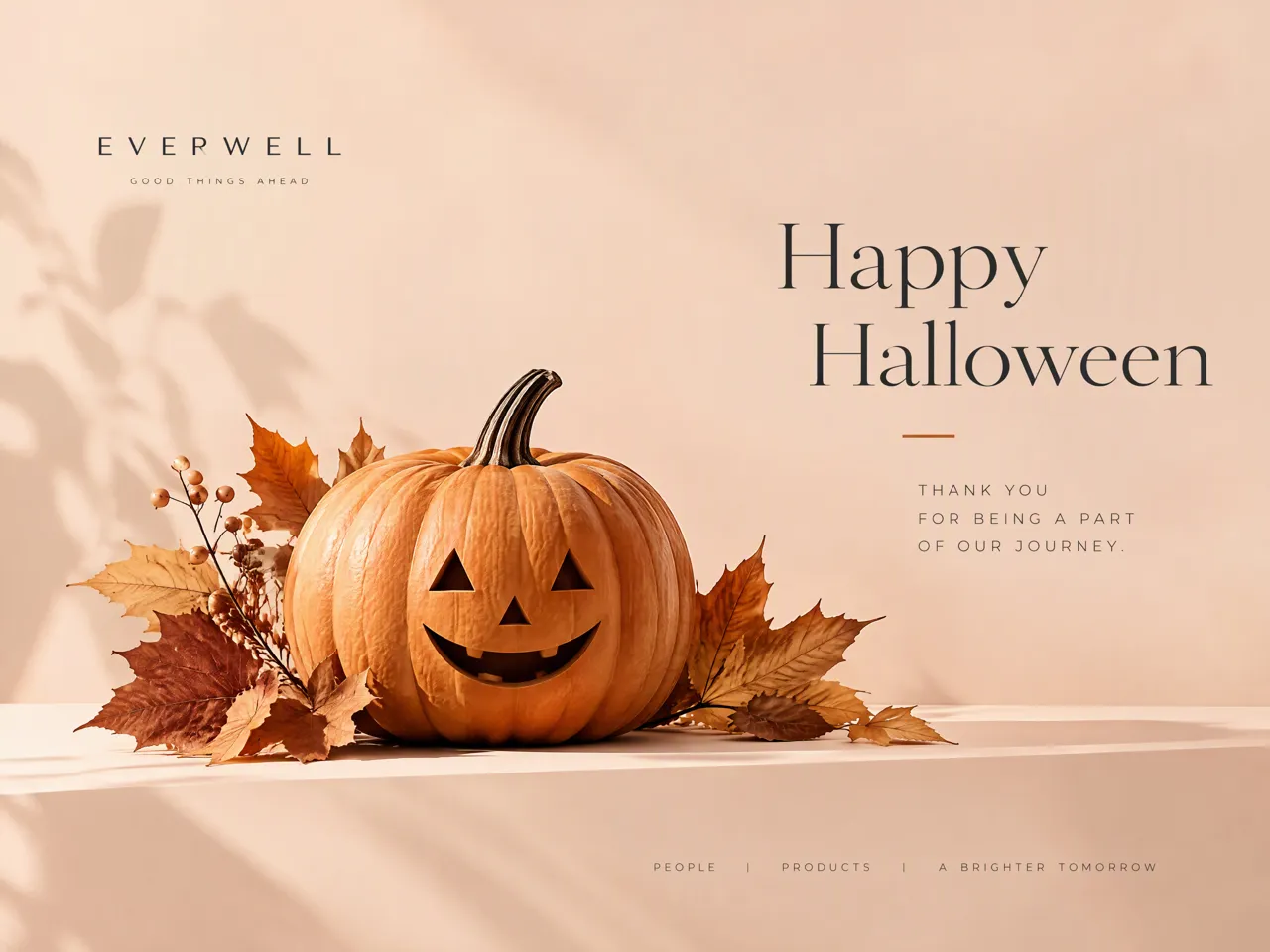
Go beyond traditional greetings by combining Halloween visuals with other occasions and creative needs. Design a birthday Halloween card with festive decorations, develop a Halloween invitation card for a costume party, or explore branded concepts for seasonal promotions. Designkit helps you test different layouts, colors, and visual themes for personal or business use. Turn your preferred concept into a starting point for social posts or event graphics with the AI social media poster generator.
Create Halloween Cards for Different People and Occasions
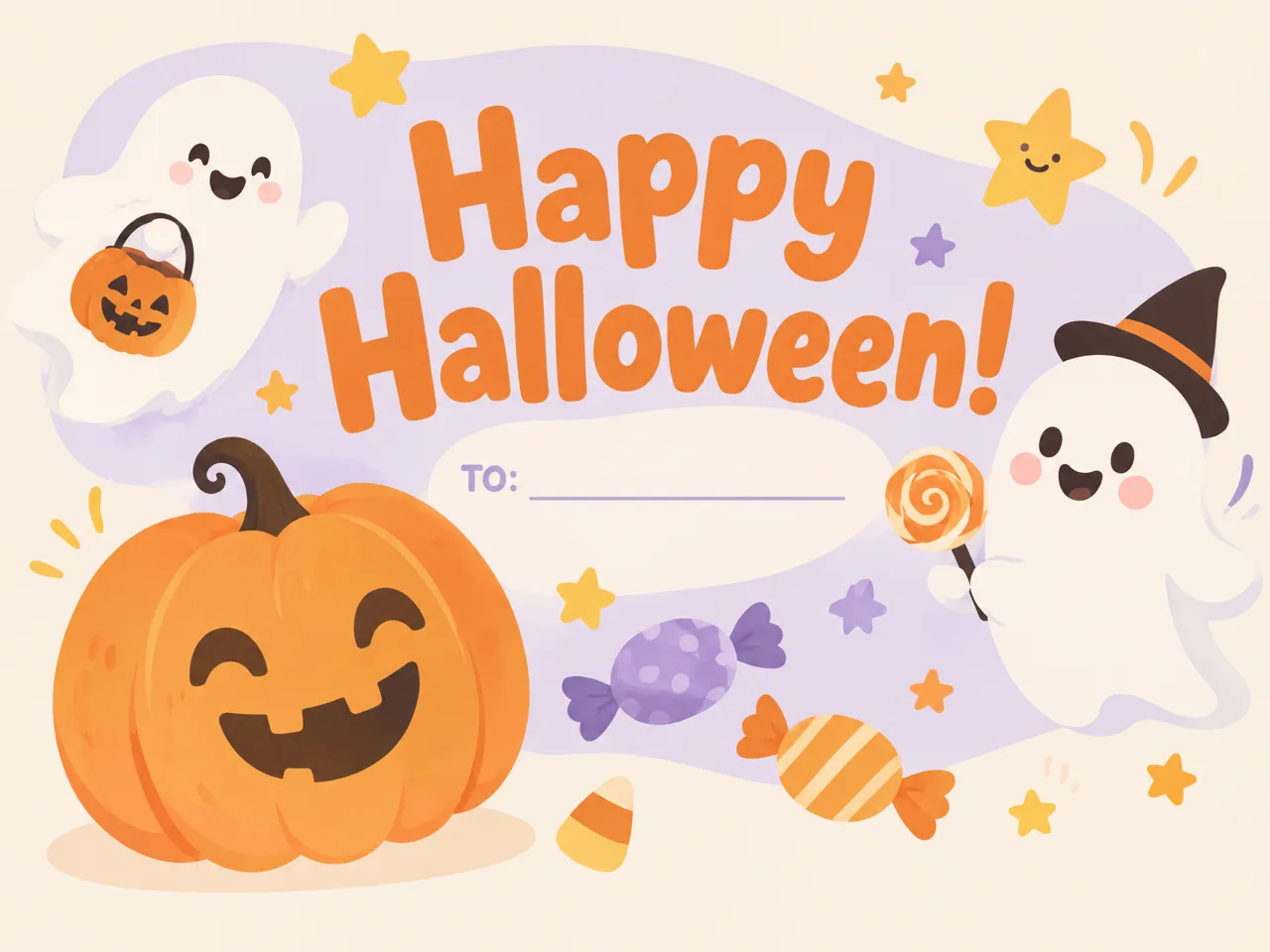
Send kids a cute Halloween card
Create halloween cards for kids with friendly ghosts, smiling pumpkins, candy, and playful colors. Explore a Halloween card template that suits classroom exchanges, family greetings, or party favors, and personalize the message to make each happy Halloween card feel fun and age-appropriate.
Why Choose Designkit as Your Halloween Card Creator?
Replace Individual Details Without Starting the Design Over
Refine your Halloween card design by exploring new colors, characters, and greetings without rebuilding your entire concept. Create personalized Halloween cards that fit your occasion.
Balance Halloween Artwork With Your Greeting and Event Details
Combine spooky illustrations with readable greetings, dates, and party information to create a well-balanced Halloween invitation card that communicates the essentials without losing its festive appeal.
One flow for greetings and party invites
Create seasonal greetings and party invitations from one creative workflow. Explore Halloween card designs for family, friends, and guests without switching between separate design tools. User Review
Explore More Photo Features to Finish Your Halloween Card
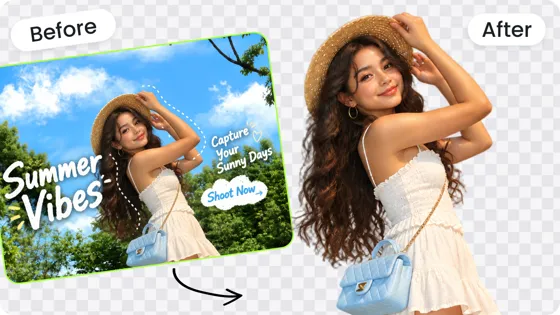
Free Background Remover
Change Background Color Free
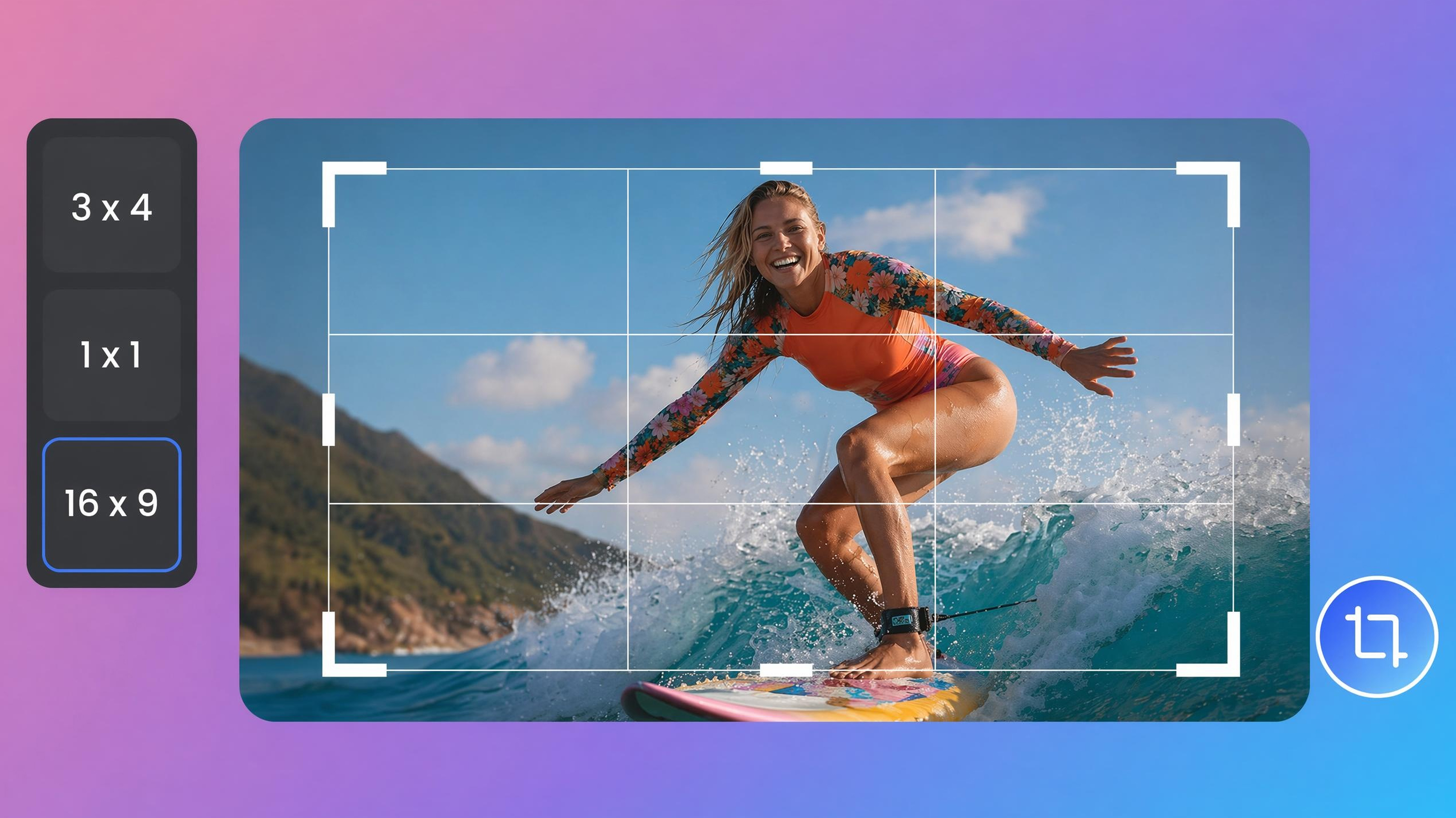
Image Cropper

Image Text Editor
Frequently Asked Questions
Can I make a Halloween card from my own photo?
Can I make cute Halloween cards that aren’t scary for kids?
Yes, cute Halloween cards can feature smiling pumpkins, friendly ghosts, colorful candy, cartoon bats, and cheerful autumn decorations instead of frightening imagery. Choose bright colors and simple illustrations to suit younger recipients, classroom exchanges, or family celebrations. With Designkit, you can explore different creative directions for Halloween cards for kids and develop a greeting that feels festive, friendly, and appropriate for your audience.
Can I edit my Halloween card after generating it?
You can refine your Halloween card concept after generating an initial design. You may want to explore different colors, change the visual theme, adjust the composition, or develop a new version that better suits your greeting. Designkit offers image creation and editing capabilities for exploring these changes. Available editing options depend on your workflow, so review the generated result and refine the elements that need improvement.
Can I create a Halloween party invitation with date and venue?
Yes, a Halloween party invitation can include the event date, start time, venue, RSVP instructions, and dress code. Plan the layout so guests can find these details quickly while Halloween illustrations establish the mood. Designkit can help you explore invitation artwork and themed layouts. You can also use the AI event poster generator to develop related event visuals for costume parties, school celebrations, or neighborhood gatherings.
Can AI add text to my Halloween card?
AI-generated artwork can help establish the visual style of a Halloween card, but text rendering may not always be accurate, especially for long greetings, names, dates, or venue details. Review every word before sharing or printing your design. With Designkit, you can explore Halloween card concepts and refine the result using available editing tools. For important event information, check that the final greeting is readable and all details are correct.
Do the Halloween cards look clear enough to print or send?
Image clarity depends on the generated or uploaded image, its dimensions, and the requirements of your intended format. Digital greetings for messaging apps and social media may need different dimensions from printed Halloween cards. Designkit helps you develop and refine Halloween card artwork, but you should check the available export options and image resolution before printing. Review fine details, text readability, and edges at the intended size to avoid unexpected quality issues.
Can I create a Halloween card for free, and are downloads included?
Free access and download availability depend on Designkit's current plan, credit limits, and export options. Before creating a large batch of Halloween cards, check which features are available to your account and whether downloading your finished design requires credits or a paid plan. You can explore greeting concepts for personal use or develop promotional artwork with the AI advertisement poster generator, then confirm the applicable export options before finalizing your designs.
Create a Halloween Card Made for Your Occasion
Turn your Halloween greeting, birthday message, or party invitation into a design shaped around your idea. Explore seasonal illustrations, refine the layout, and prepare your card for sharing or printing.



How Creators Use Designkit's Halloween Card Generator
Explore examples of Halloween card designs for personal greetings, themed parties, and seasonal business promotions.
Not too scary, not too cutesy, and it worked for October
I wanted a Halloween greeting for our regular customers without making it look too frightening or too childish. I explored a few options with warm colors and simple seasonal illustrations. The result gave us a direction to develop for our October customer messages.
I Found a Card Style That Fit My Social Posts
I wanted to share a Halloween greeting that felt like my usual content, rather than reposting a design everyone had seen. I tried a couple of illustration styles and adjusted the idea around a short message. It gave me a more personal visual to work with for the season.
The Cards Felt Right for Our Classroom Exchange
For our classroom Halloween exchange, I wanted something cheerful rather than scary. Friendly monsters, candy, and smiling pumpkins gave me a few directions to consider. I could focus on the look of the card before checking the wording and preparing the final version.
Just needed a Halloween party invite that people could actually read
We were hosting a costume night and every template I found buried the time under pumpkins. I kept the spooky look, but moved the date and address where you could see them. That was the version I sent.