
AI Bikini Design Generator: Create Bikini Designs Online
Turn text prompts and fabric references into AI-generated bikini designs. Explore different colors, prints, straps, necklines, and silhouettes to bring your swimwear ideas to life.
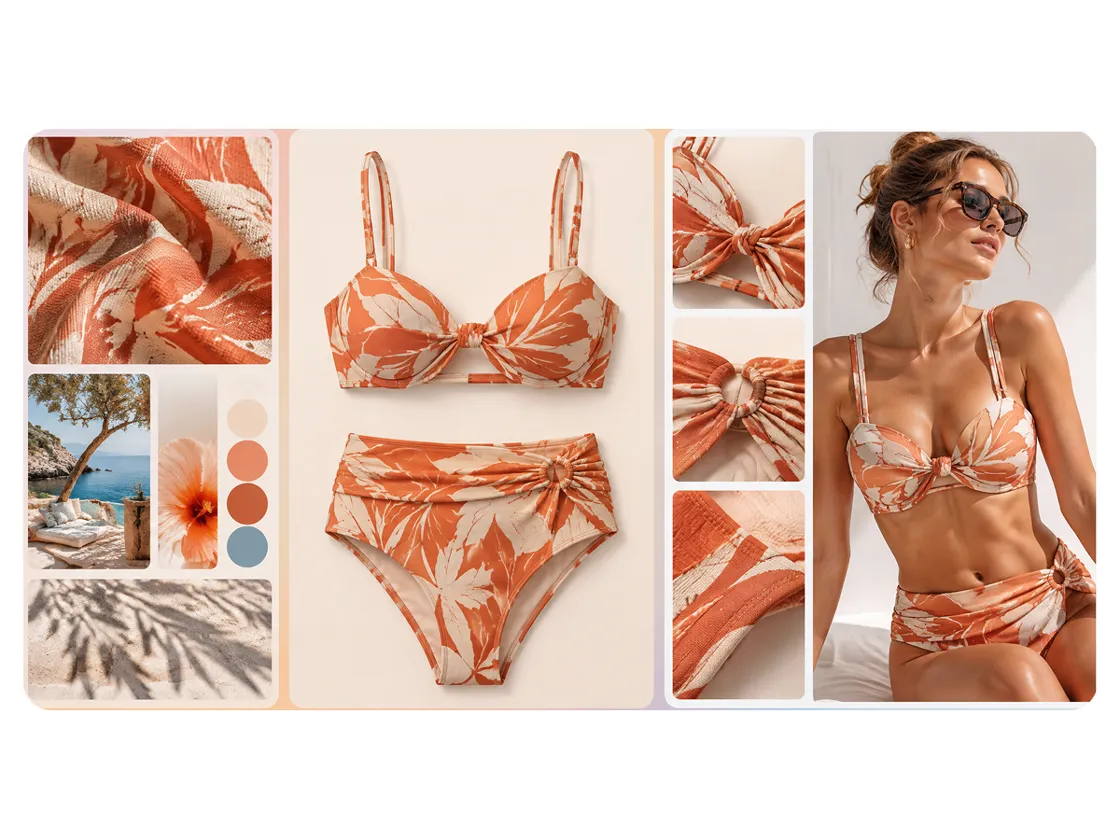
Create Swimwear That Matches Your Vision
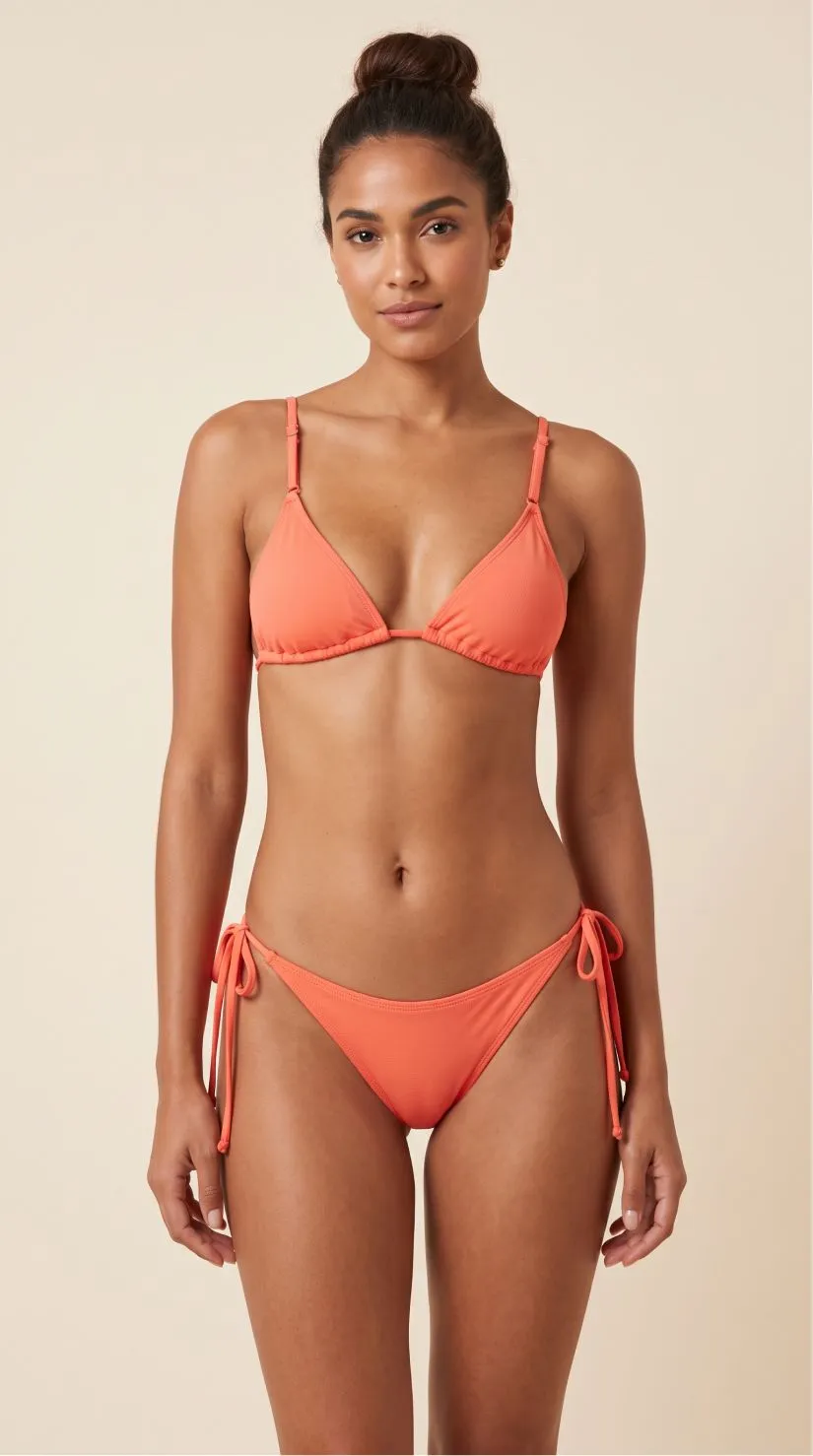
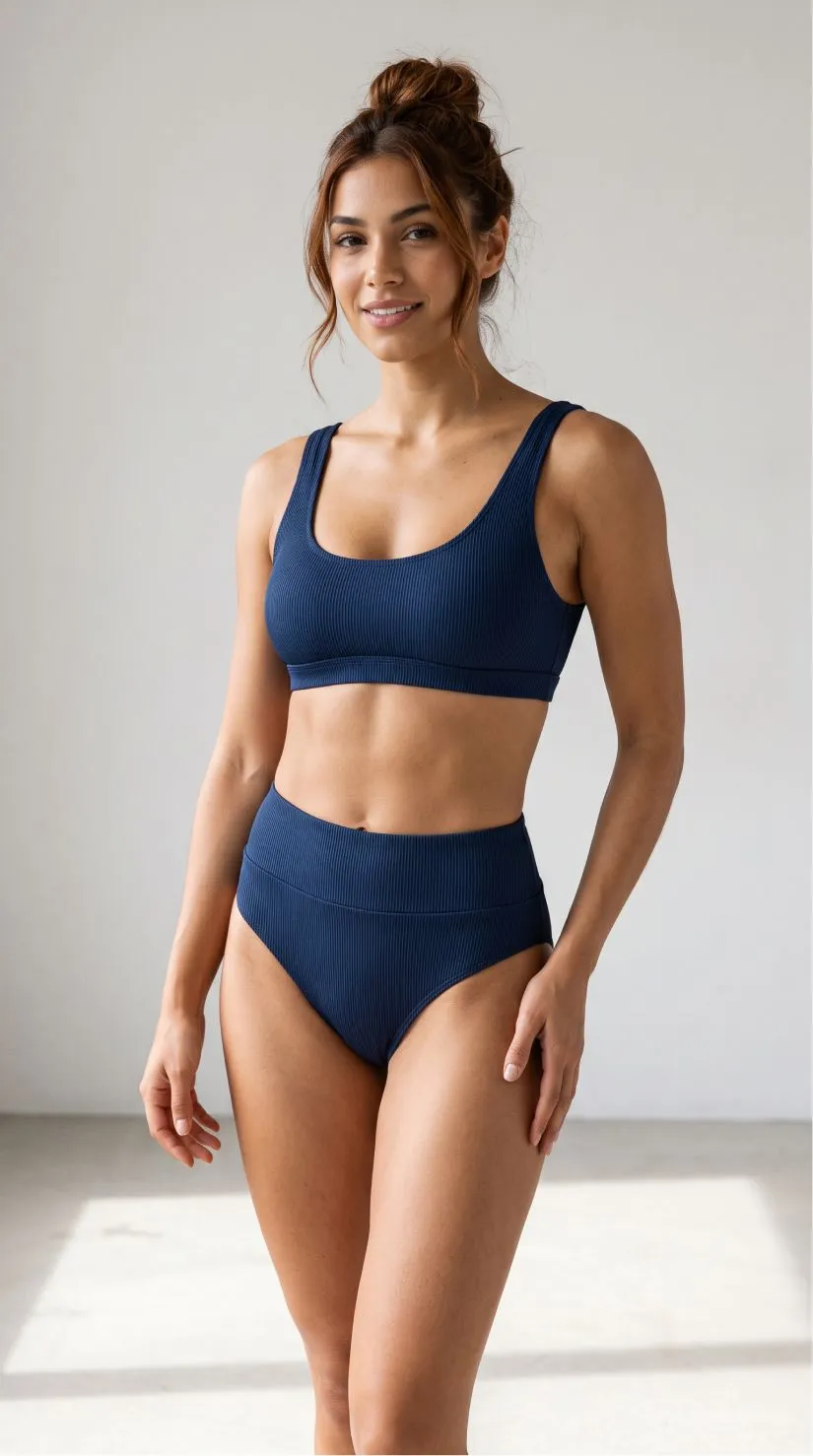
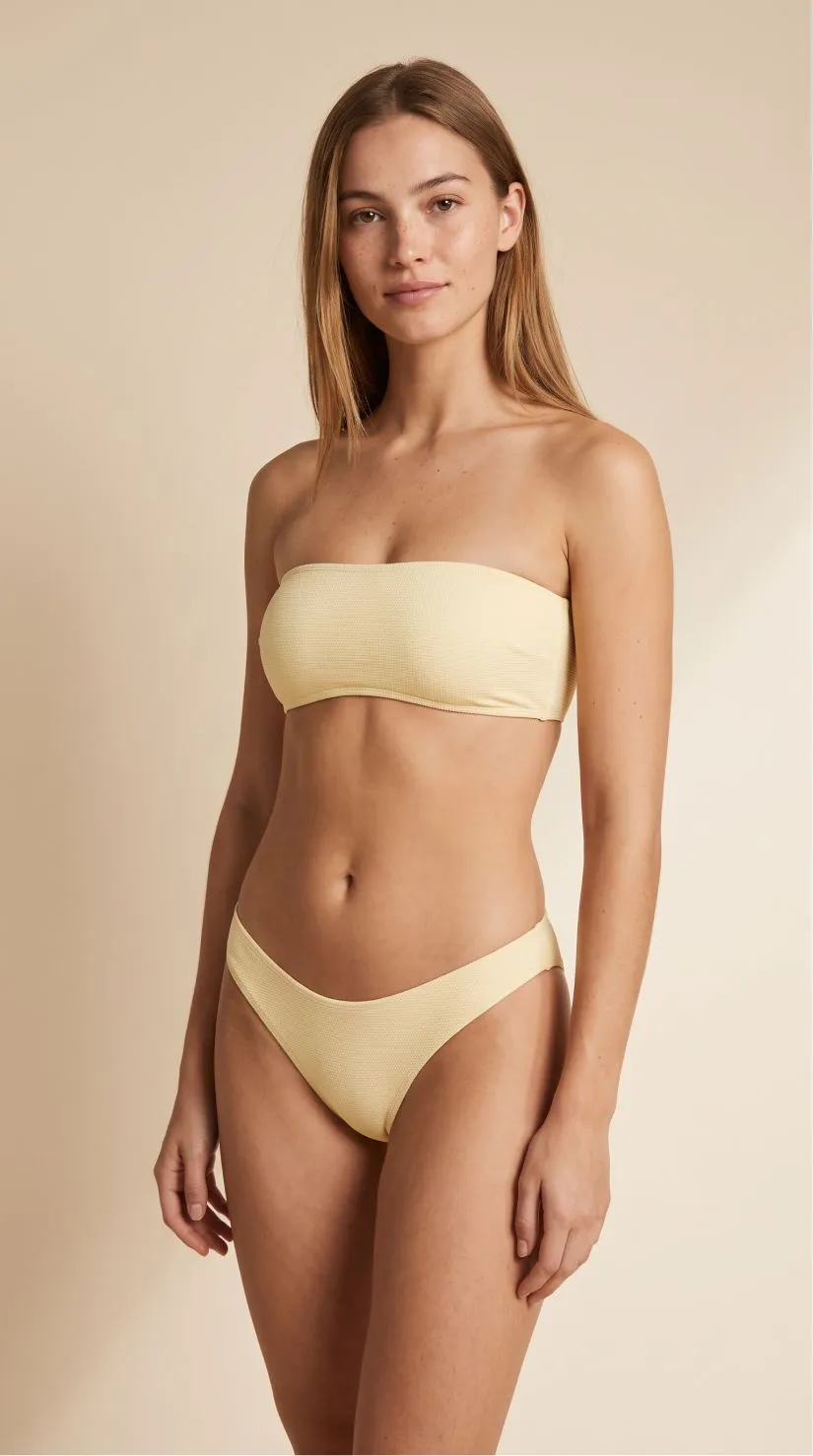
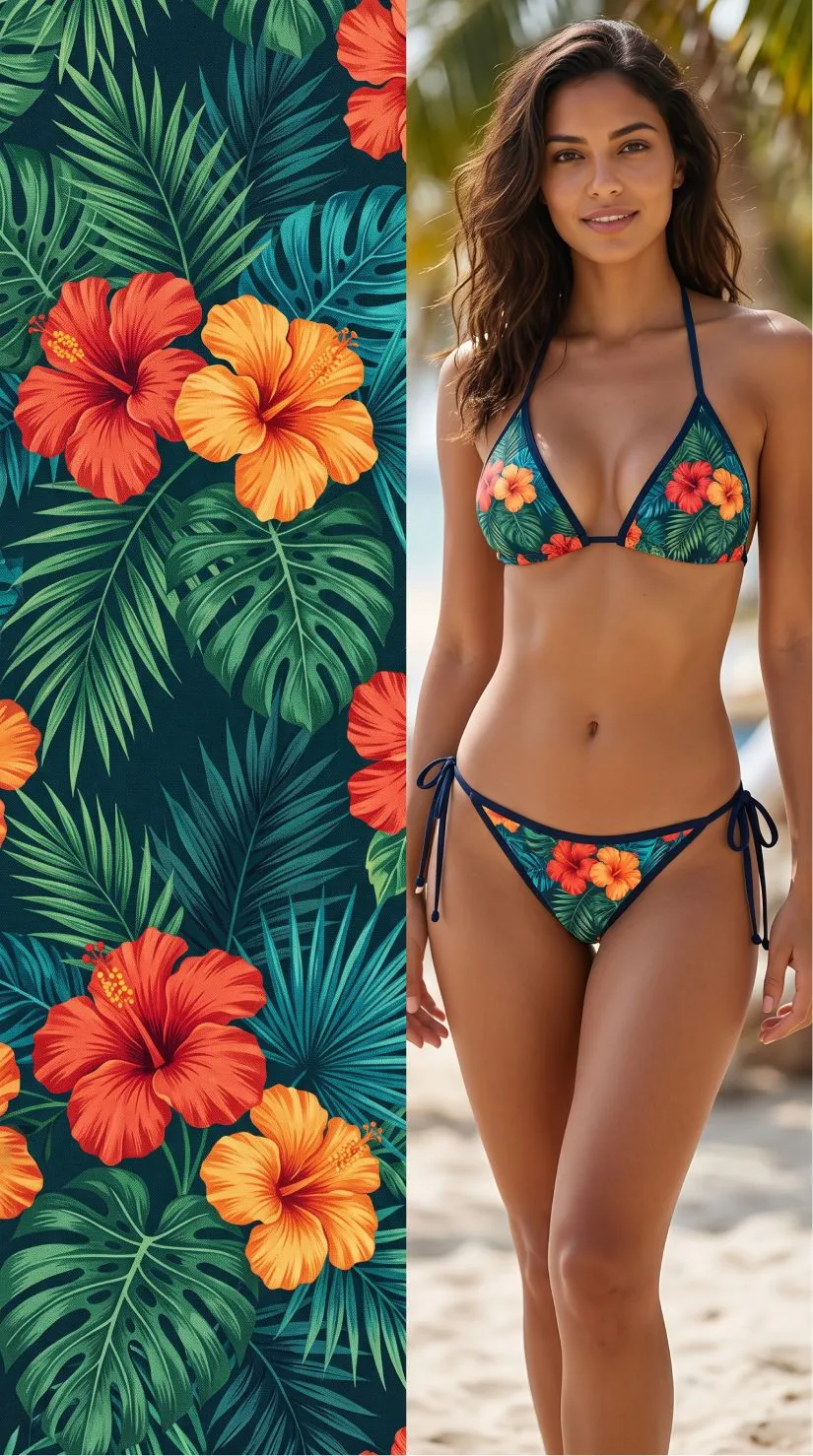
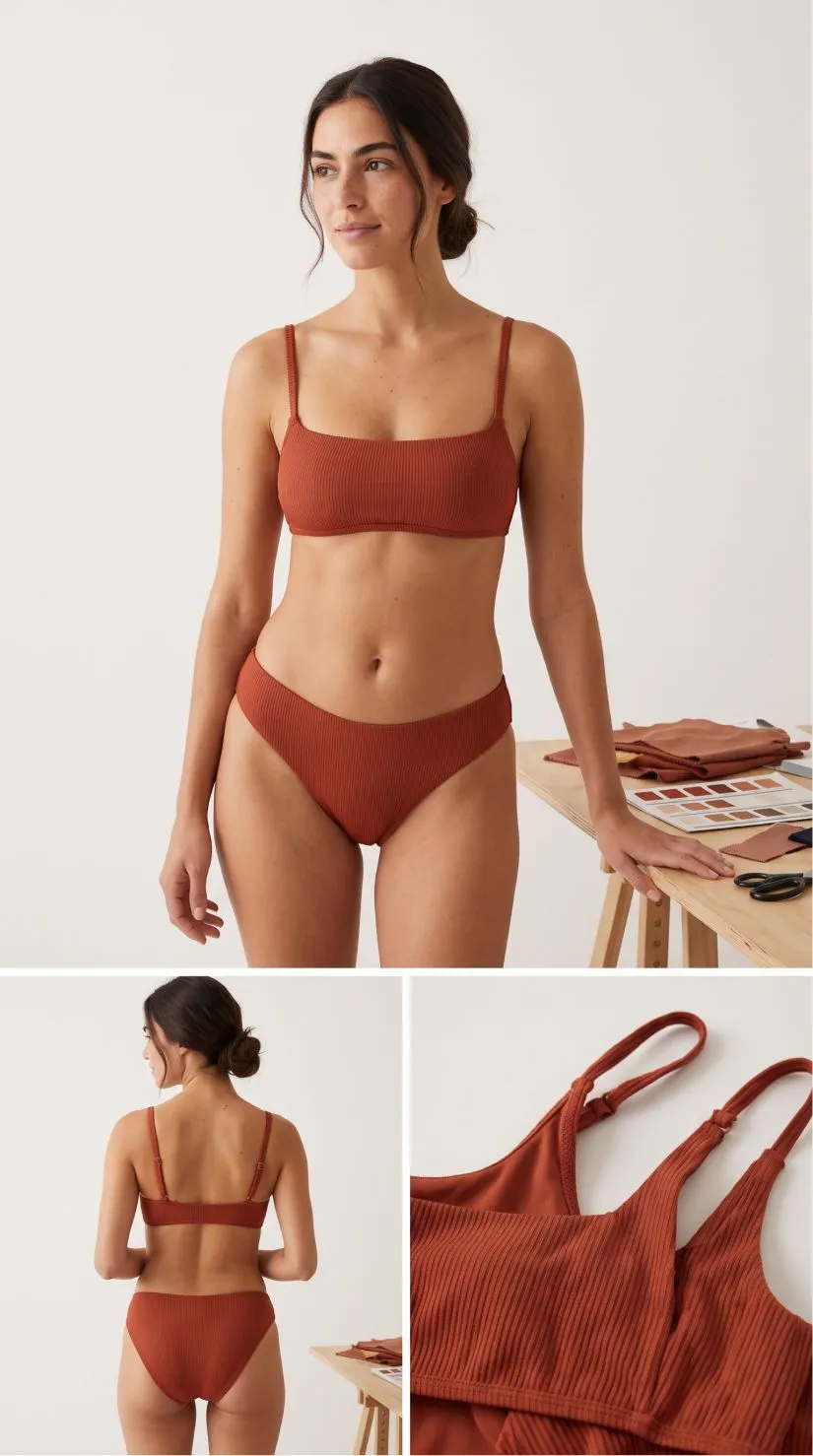
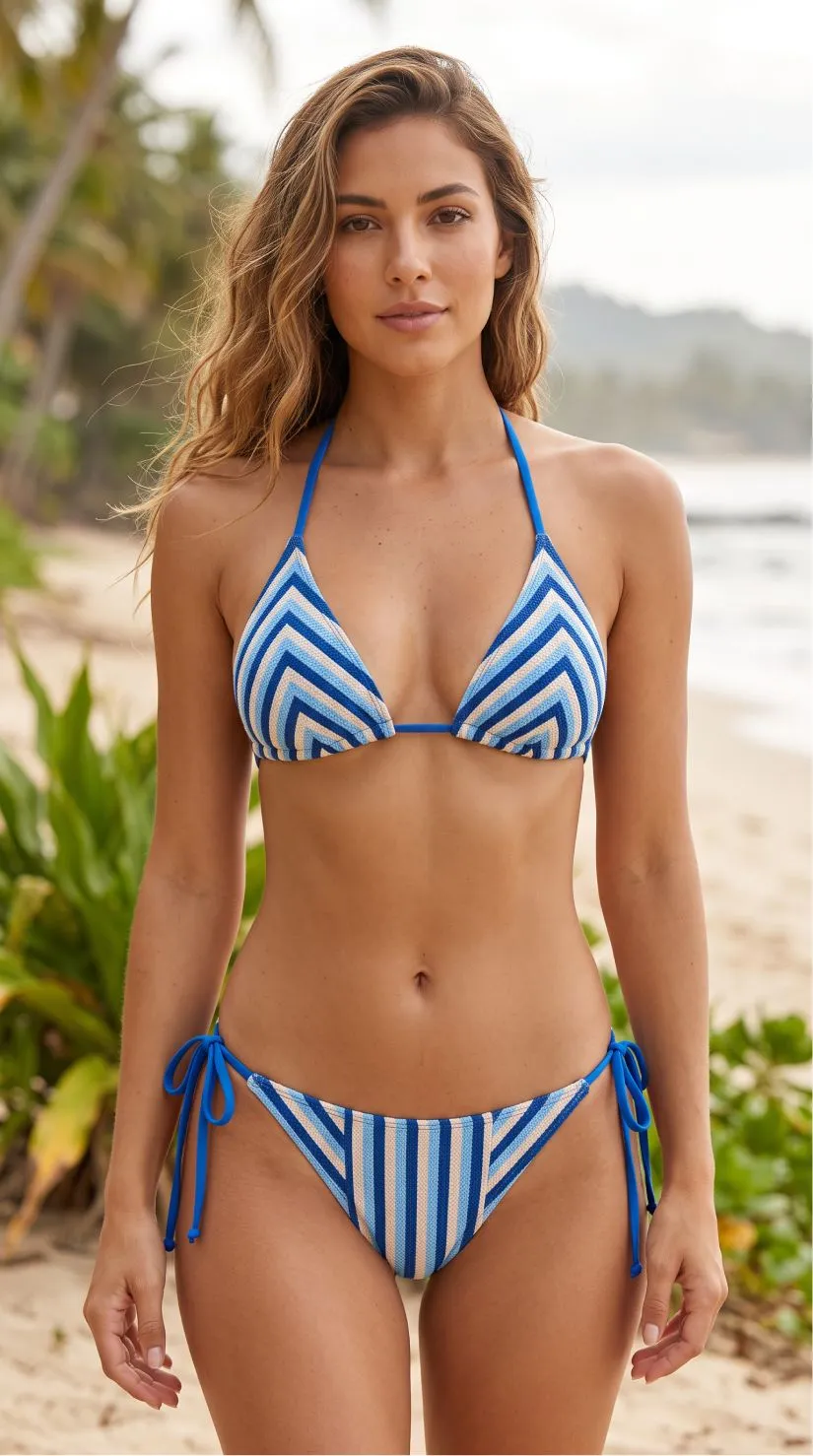
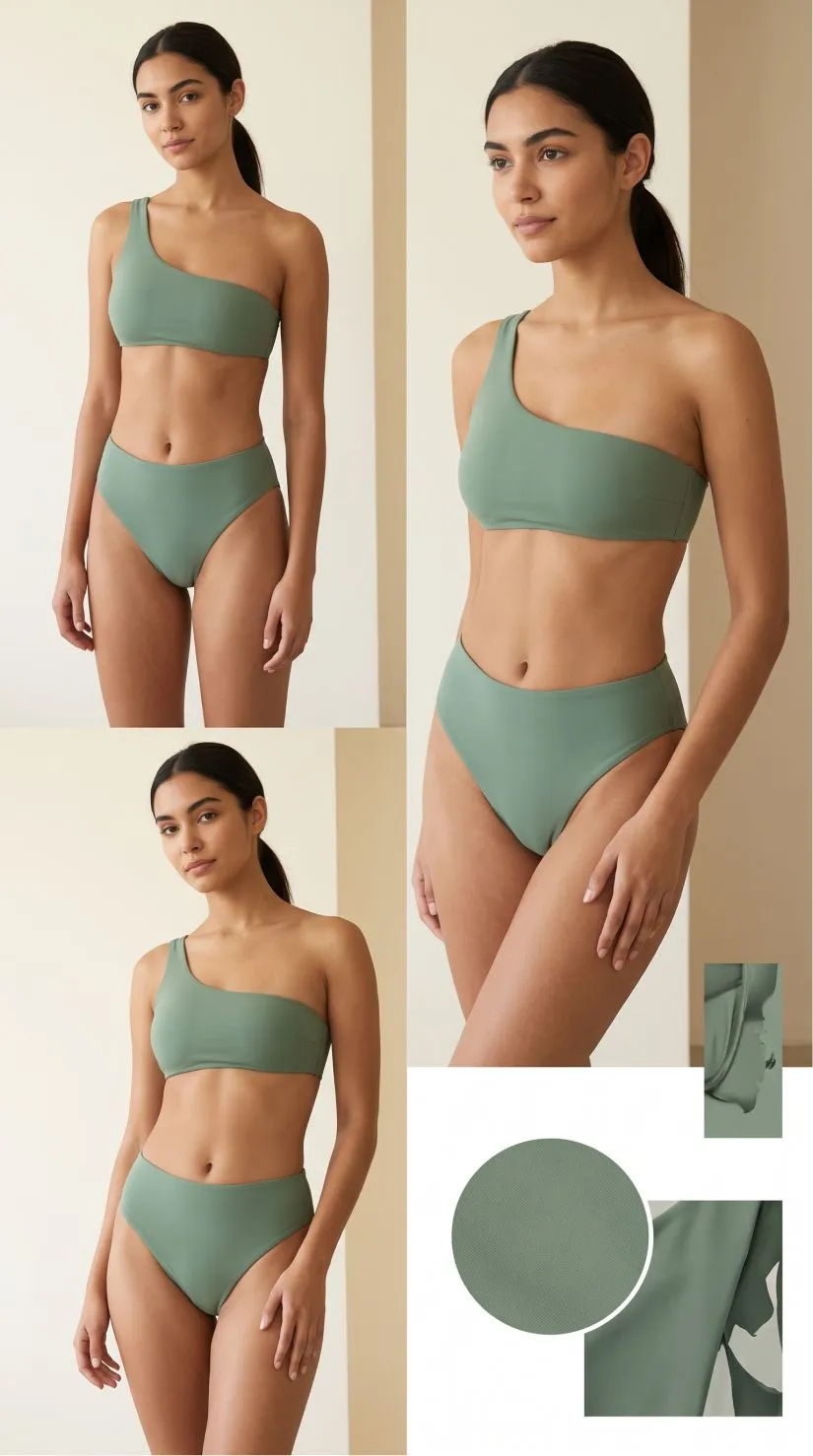
How to Create a Bikini Design With Designkit
Step 1. Upload Your Bikini or Fabric Photo
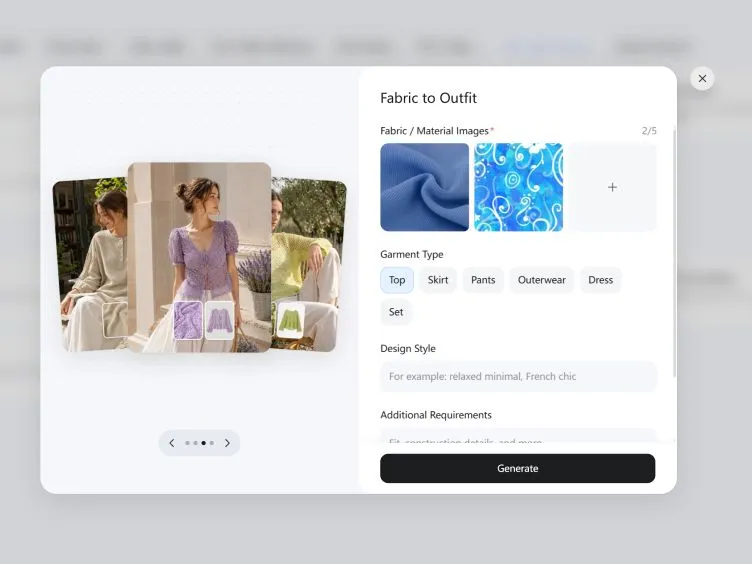
Open Designkit and go to Skills. Select Clothing & Wearing, then click Fabric to Outfit. When the interface opens, upload a photo of your fabric or material reference so you can use it as the starting point for your bikini concept.
Step 2. Describe Your Bikini Style
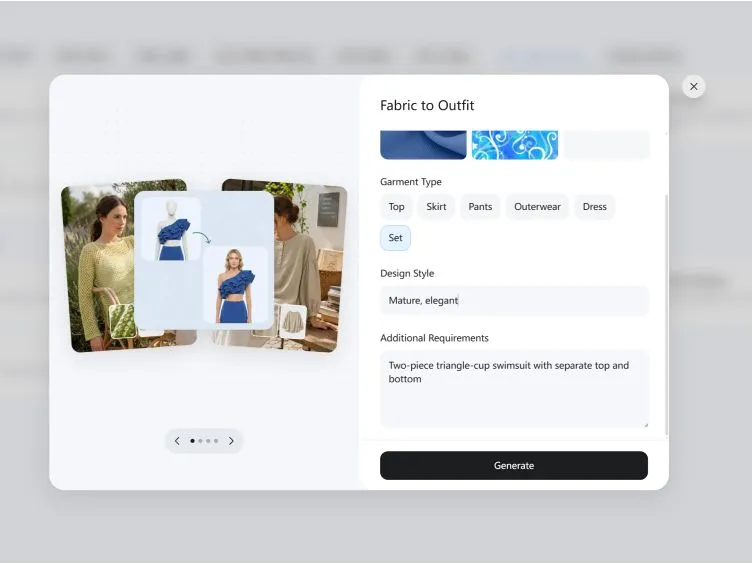
Select a garment type if available, then describe your desired bikini style in the Design Style box. Specify details such as triangle or bandeau tops, high-waisted or tie-side bottoms, fabric color, print, texture, straps, and coverage. Add any extra requirements to clarify the intended look.
Step 3. Generate, Review, and Download
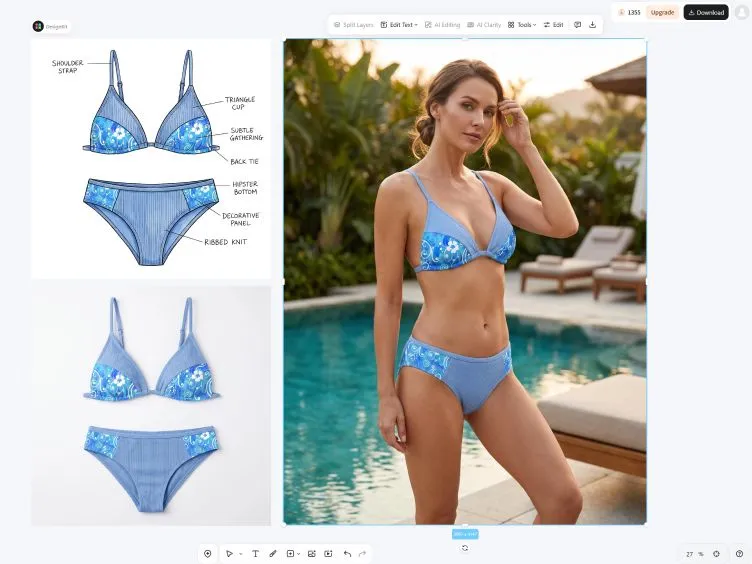
Click Generate to create your design concept. Preview the result and check whether the material, pattern, and silhouette match your instructions. Refine the prompt if necessary, then download the image using the available export option.
What Can You Create With Designkit's AI Bikini Generator
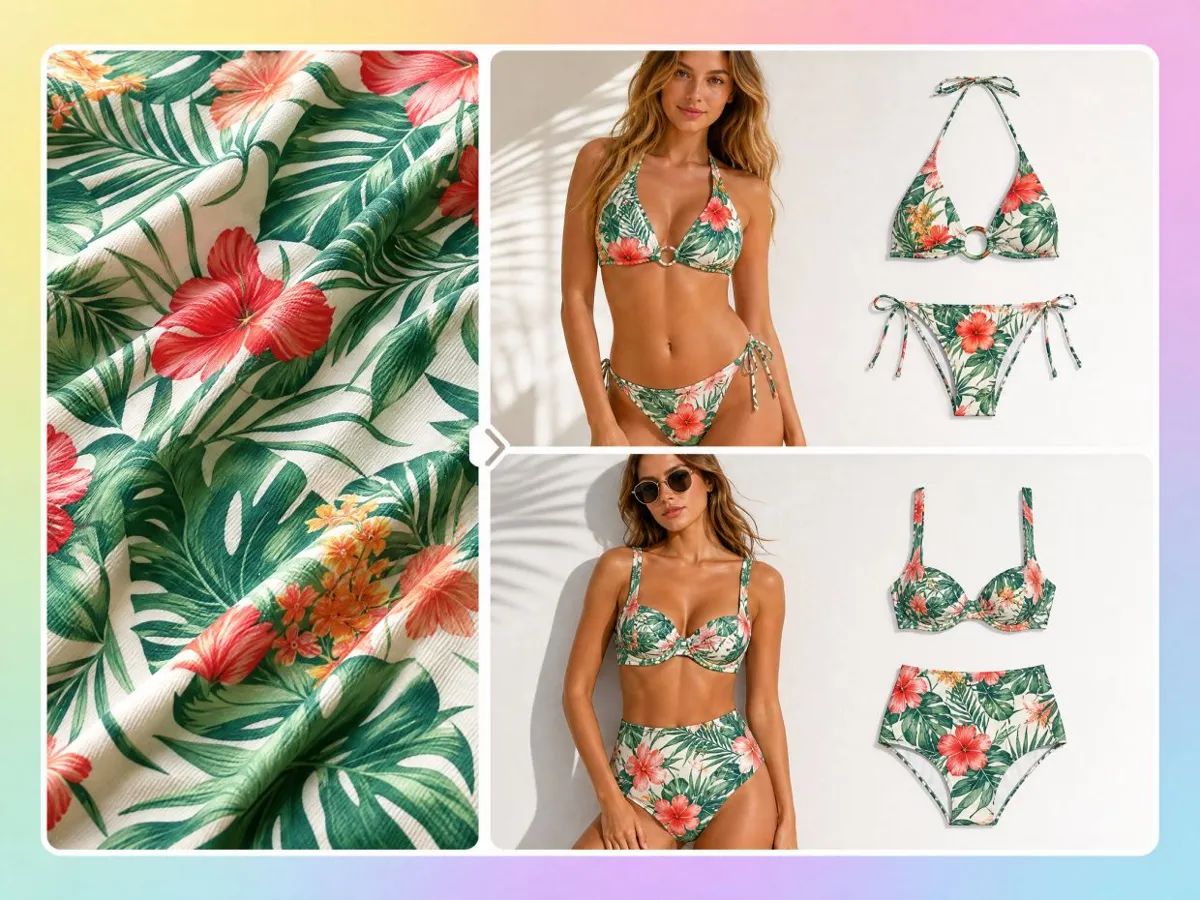
Turn Fabric References Into Bikini Design Concepts
Upload fabric swatches, patterns, or swimwear references to generate bikini design concepts. Explore different prints, textures, and color combinations with AI image-to-image generation.
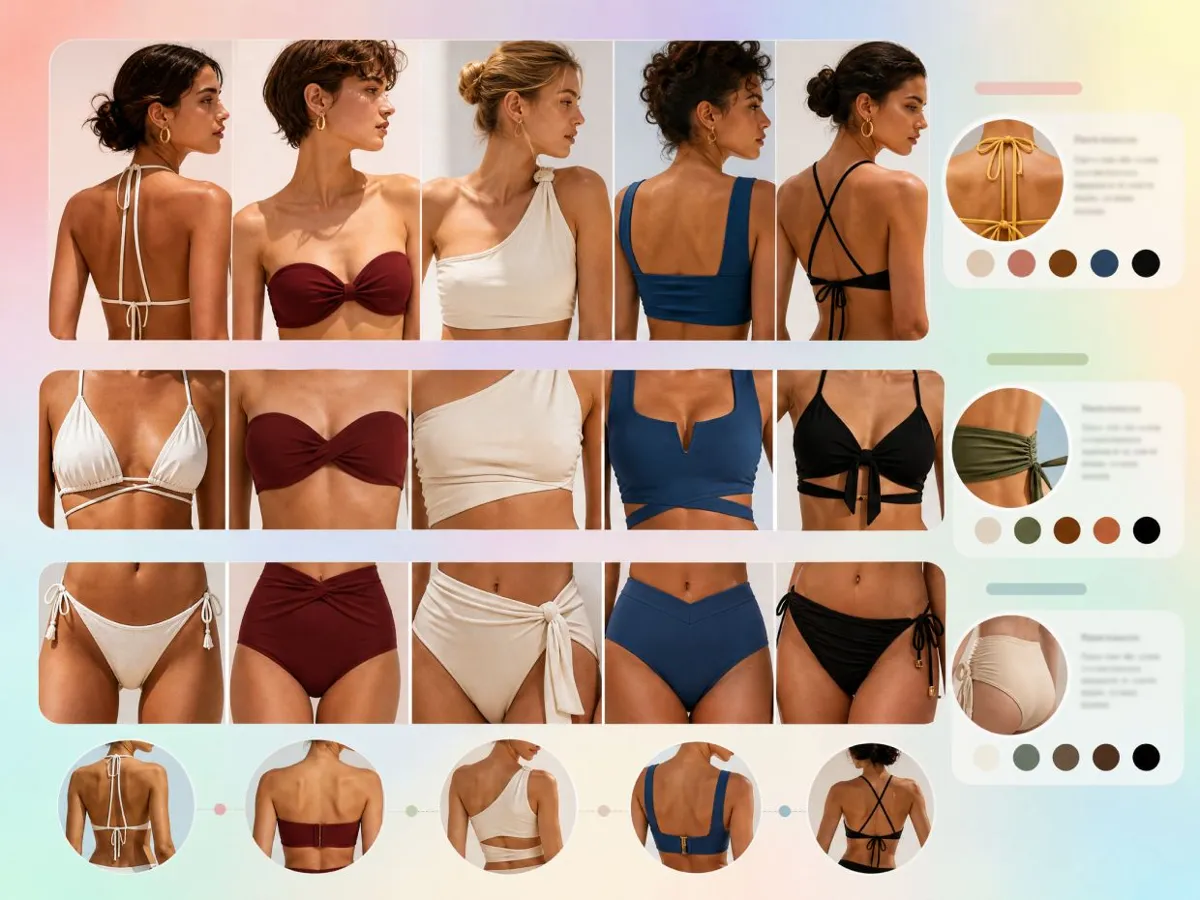
Design Every Strap, Cut, and Detail With AI
Describe your ideal neckline, straps, waistline, coverage, and fabric details in a text prompt. Create variations of triangle bikinis, bandeau tops, high-waisted bottoms, and matching sets.
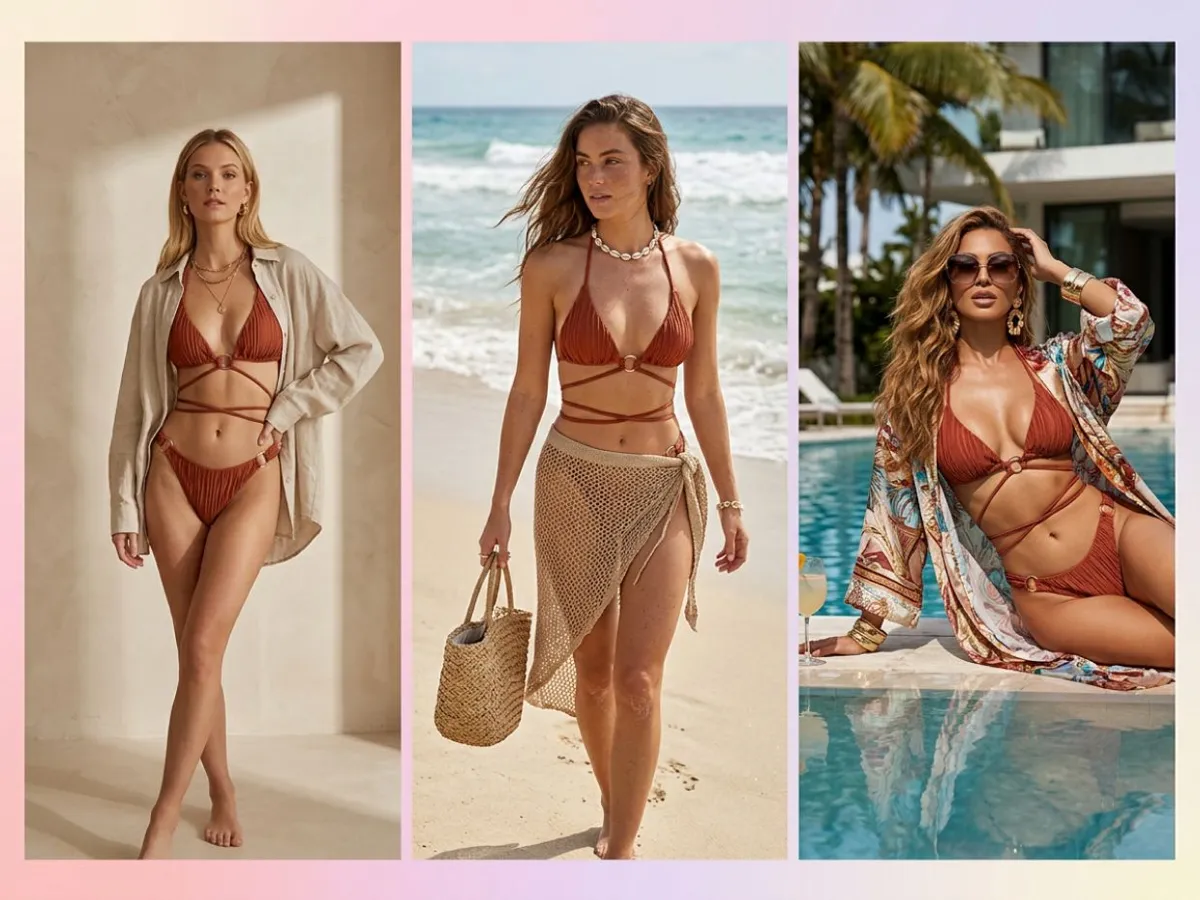
Visualize Your Bikini Design on Different Models
See the same bikini design on different AI fashion model, poses, and beach-inspired backgrounds. Explore campaign styling options while keeping key design details consistent.
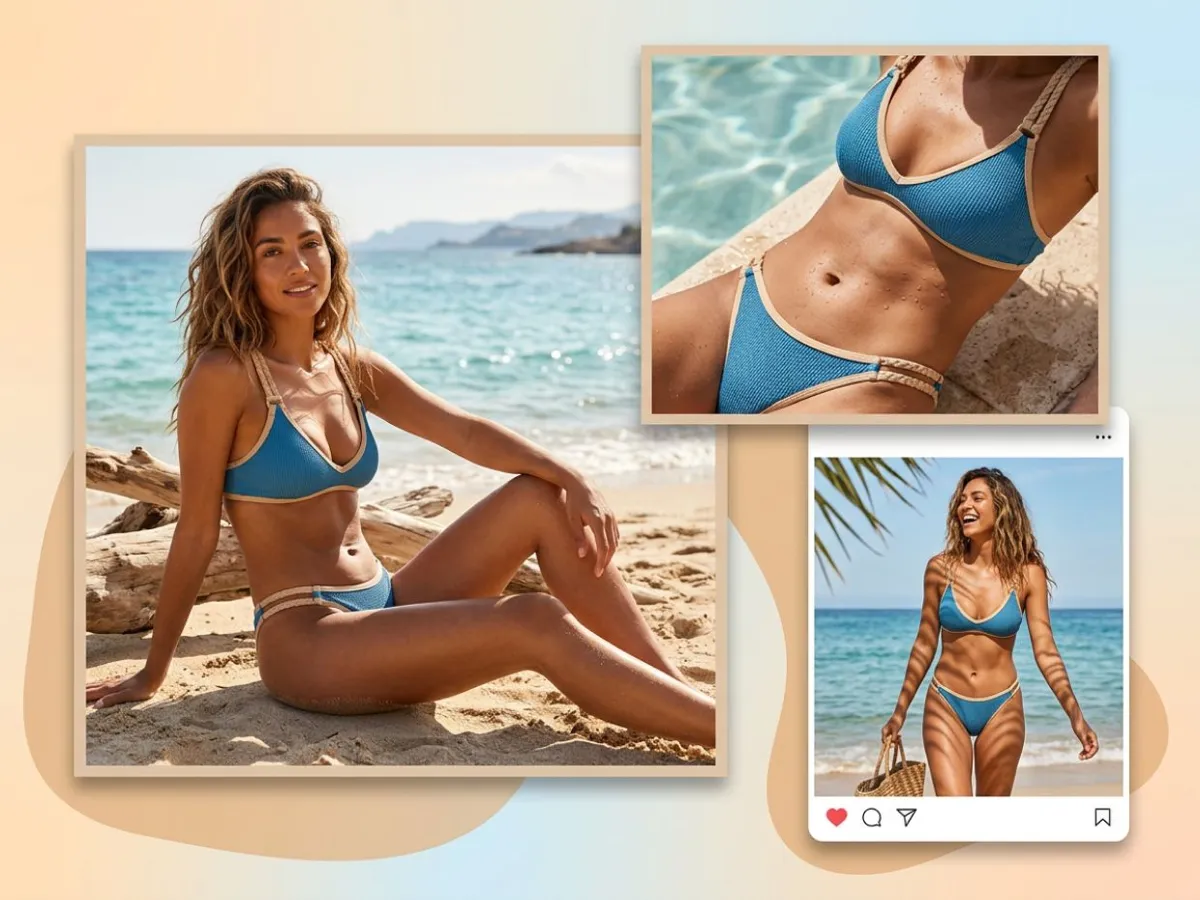
Prepare Campaign Images for Summer Swimwear Launches
Create summer swimwear visuals for product promotions, social media, and landing pages. Explore beach settings, poolside compositions, and model poses to match your campaign style.
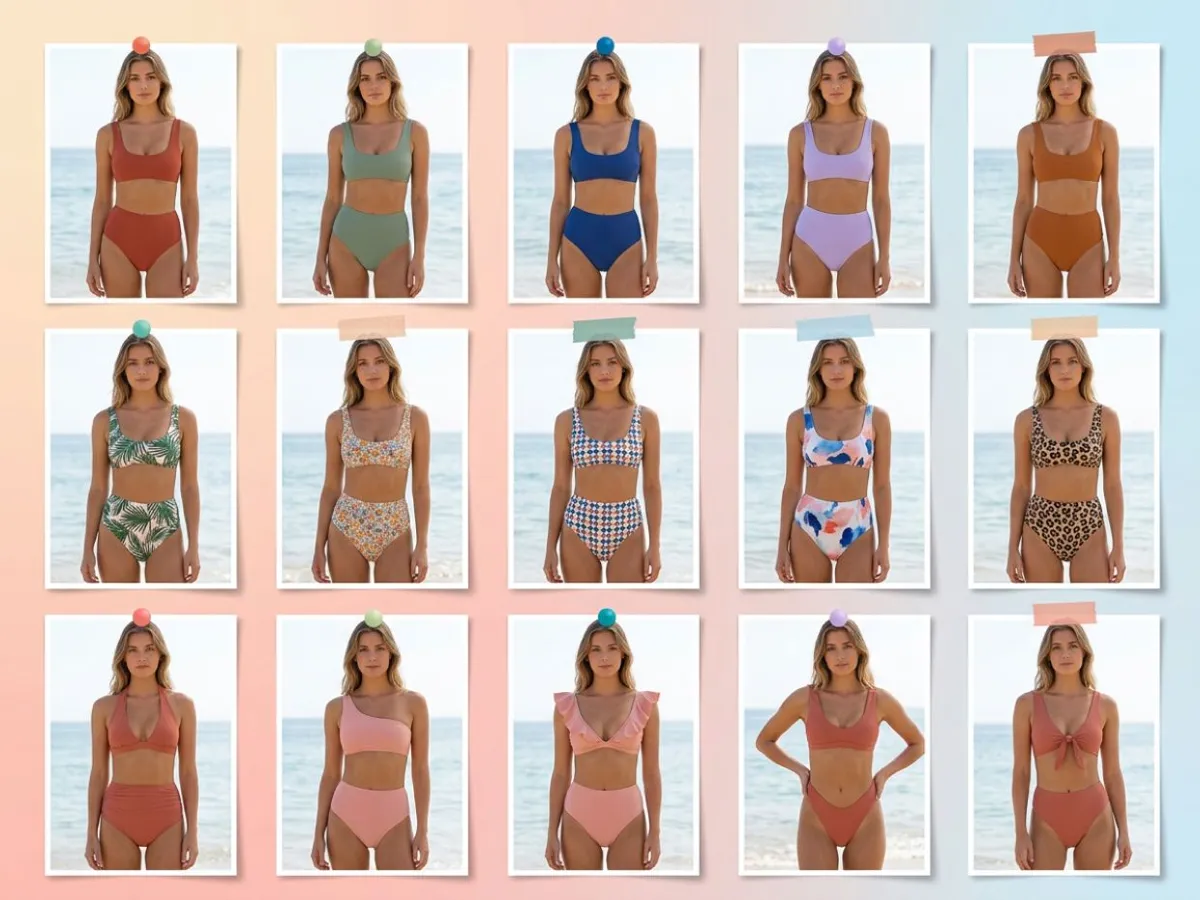
Preview Collection Variants Before You Sample
Compare bikini colors, prints, silhouettes, and matching sets before ordering physical samples. Generate multiple design variations to shortlist ideas and plan your next collection.
Where Can You Use AI-Generated Bikini Designs
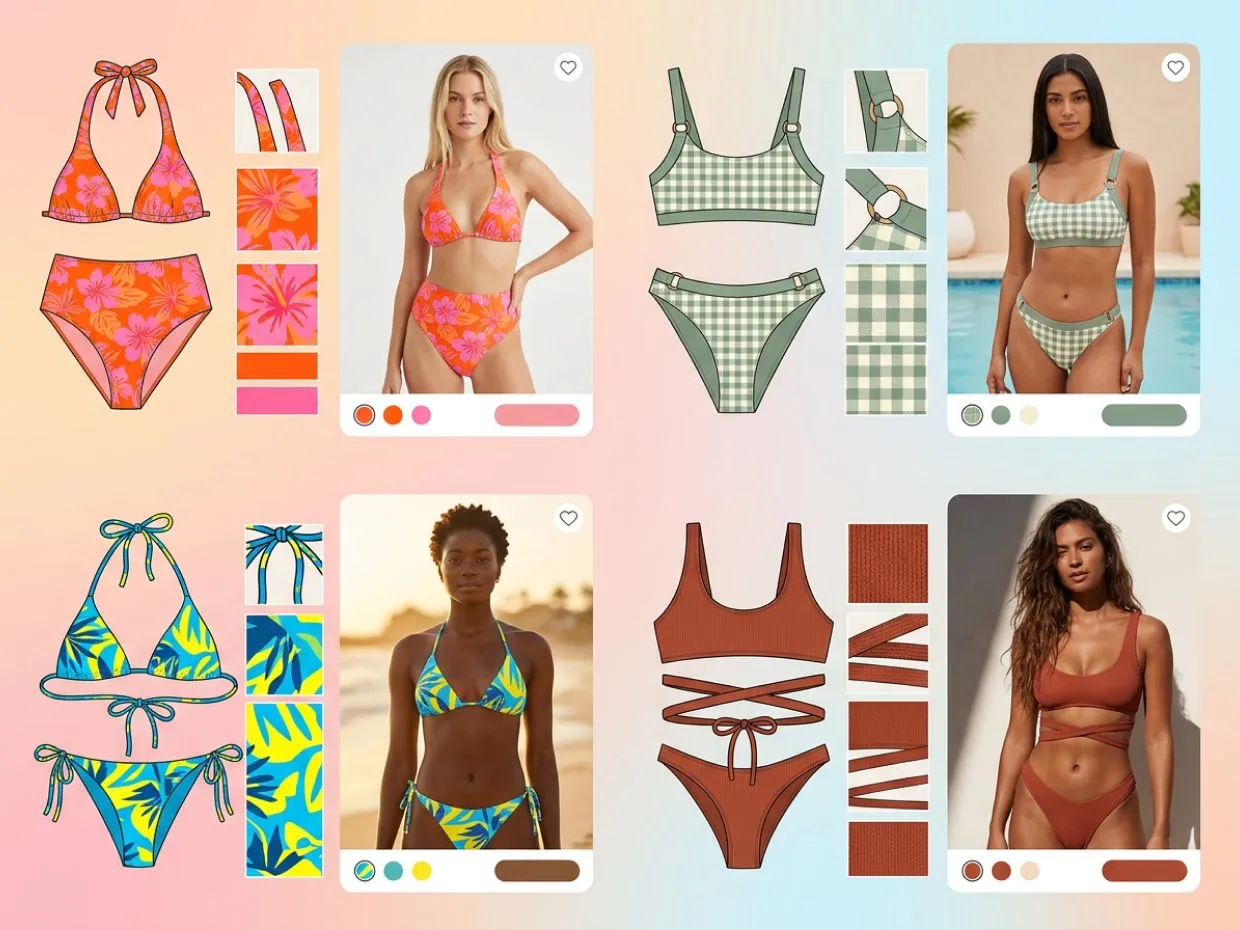
Create Product Visual Concepts Before Listing
Create listing visuals for a bikini before arranging photography. Use an AI image generator to explore model presentation, colors, and styles, then review each image for accurate product details before preparing listing assets.
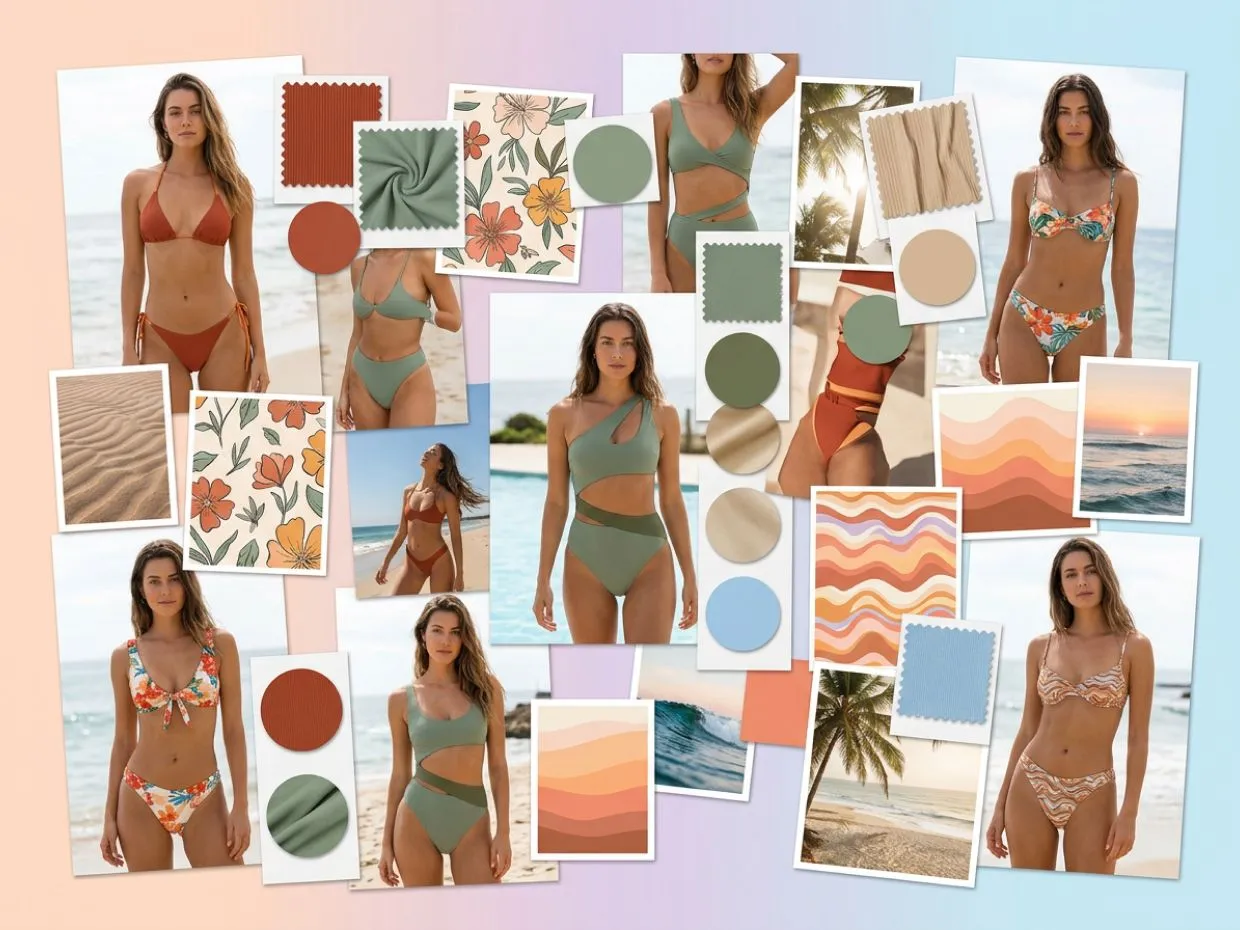
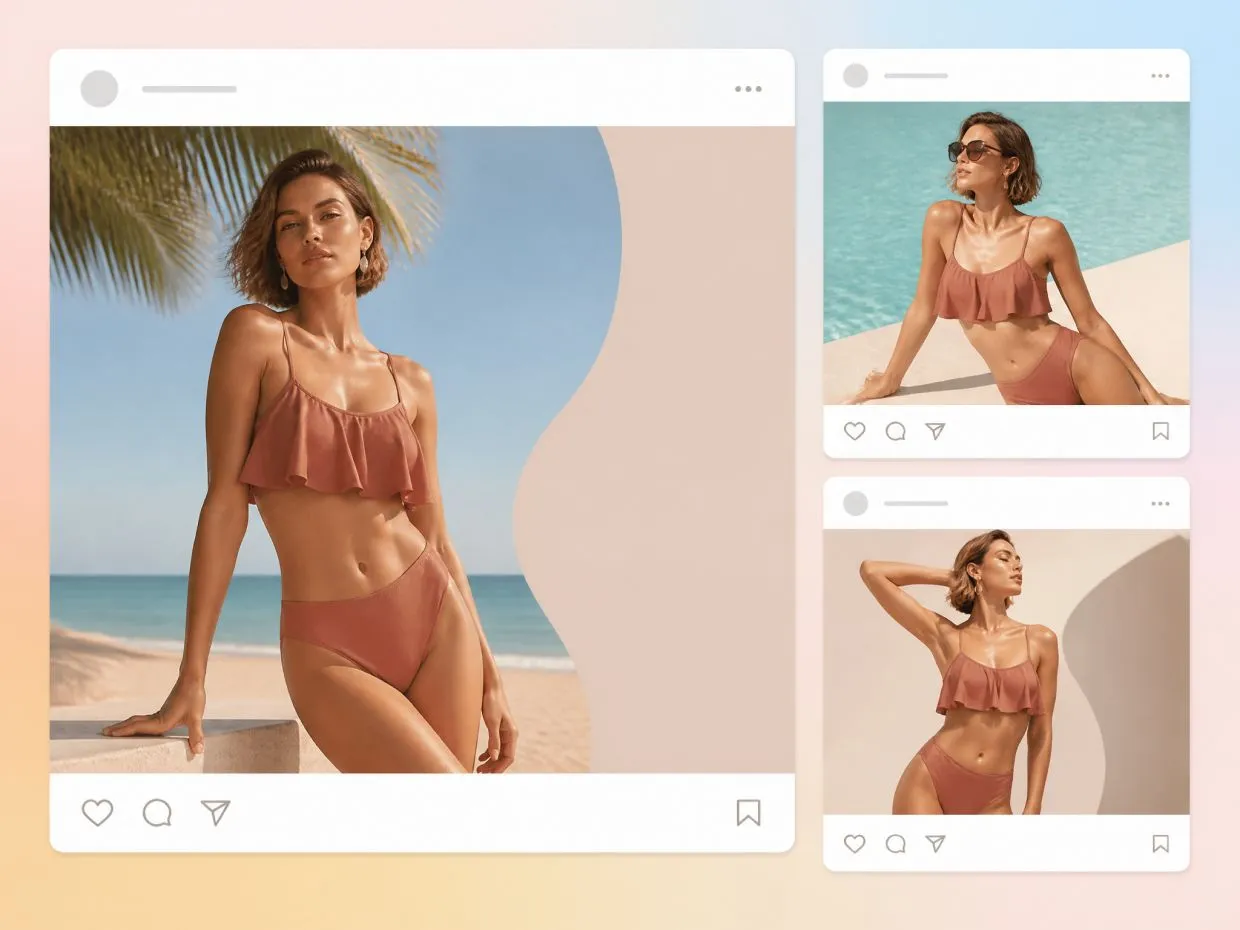
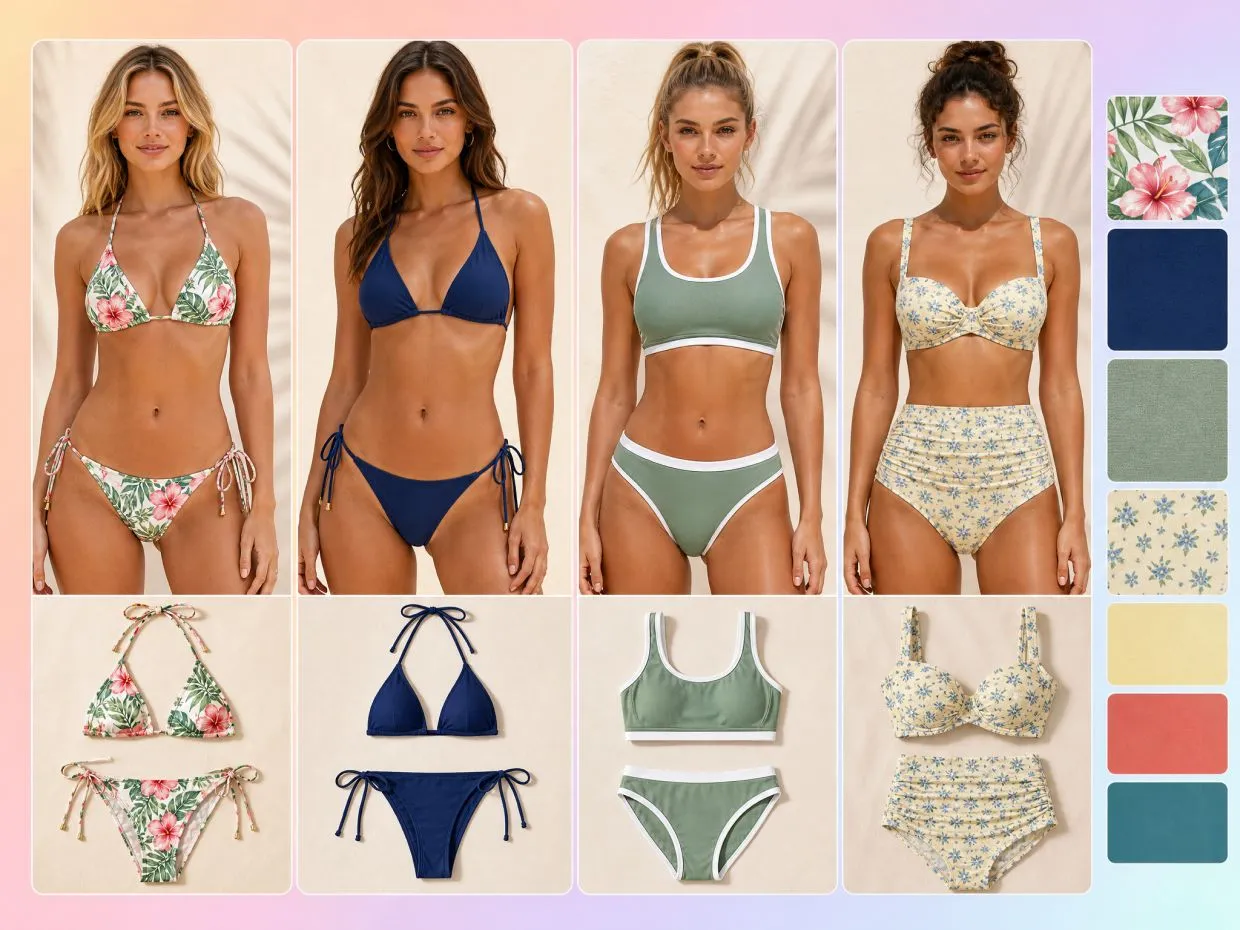
Why Choose Designkit for Bikini Design Exploration
Explore bikini styles, colors, and campaign concepts with a bikini model AI workflow before investing in physical samples or photography.
Compare bikini cuts, coverage, and prints with an AI-generated preview, then verify fit and fabric details against real samples before production.
Use Designkit to turn simple descriptions and reference images into visual concepts without advanced design software skills.
Explore More Tools for Bikini Designs

Frequently Asked Questions
Can I Change My Outfit to a Bikini Without Changing My Face?
Can I Try Different Bikini Colors and Prints on the Same Model?
You can explore different bikini colors, prints, and patterns on the same model by using a consistent reference image and changing the design instructions. An AI bikini try-on workflow can help you compare options for seasonal collections or campaign concepts. Check each result to ensure the model's appearance stays consistent and the bikini's key details change as intended.
How Do I Generate a Bikini With a Specific Top and Bottom Style?
Describe the top and bottom separately, including details such as triangle or bandeau tops, high-waisted or tie-side bottoms, strap placement, fabric, color, and coverage. A detailed text prompt helps communicate your design preferences more precisely. Designkit can help you explore visual concepts from your instructions, but generated images should be treated as references rather than production-ready garment patterns.
Do the bikini try-on results look realistic enough for listings?
AI-generated bikini images can look convincing when fabric texture, lighting, model proportions, and garment placement appear natural, but results vary. Inspect straps, seams, prints, body proportions, and coverage for visual errors. Designkit can help develop AI bikini photos for product presentation, but compare every image with your actual item and avoid misleading shoppers about the product's real appearance or fit.
Can AI Create a Bikini From a Fabric or Pattern Photo?
Yes, image-generation tools can use fabric swatches or pattern photos as visual references for bikini concepts. Upload a clear image and describe the desired silhouette, color placement, and how the pattern should appear on the garment. These references can help you explore possibilities, but review whether the print scale and fabric details remain accurate before using the concept for sampling or production.
Can I Generate Bikini Model Photos for My Online Store Without a Photoshoot?
AI tools can help create virtual model visuals for early product concepts and some ecommerce content without organizing a traditional photoshoot. You can explore different model presentations, backgrounds, and styles from prompts or references. With Designkit, review garment accuracy, image quality, and store requirements before publishing, especially when shoppers expect photos to represent the exact product.
Can I Use AI-Generated Bikini Images in Product Listings and Ads?
Yes, AI-generated bikini images may be used in listings and ads when they comply with marketplace rules, advertising policies, and applicable disclosure requirements. A bikini AI generator can support creative exploration, but generated visuals must not misrepresent product features, fit, color, or materials. Check platform guidelines and compare images with the real item before publishing any commercial content.
Can I Generate Bikini Images With Different Body Types and Poses?
You can describe different body types, poses, camera angles, and settings to explore a broader range of bikini presentation concepts. Specify the details you want to keep consistent, such as the bikini design, print, and color. AI-generated bikini models can help with visual planning, but inspect each result for natural anatomy, consistent garment details, and realistic presentation before use.
Create Your Bikini Design With AI
Upload a fabric reference or describe your ideal bikini style. Generate unique swimwear concepts and explore different colors, prints, and silhouettes with Designkit.



How Swimwear Sellers Use Designkit to Plan Bikini Designs
Explore how swimwear businesses can develop product visuals, clarify listing concepts, and prepare launch creatives before investing in samples or another photo shoot.
I Had a Clearer Direction for My Product Listings
I was planning a new bikini collection and needed a clearer way to compare colors and styles before preparing my product pages. Exploring design concepts with Designkit helped me narrow down the looks I wanted to present. It gave me a useful visual reference for planning the listing images and keeping the collection more consistent.
I Could Review New Styles Before Ordering Samples
I didn't want to commit to samples before I had a better idea of which designs might fit our next launch. I used Designkit to explore different bikini colors, prints, and silhouettes first. Having those visuals made it easier to discuss the direction with my team before moving on to supplier conversations and sample decisions.
It Gave Me More Options Without Another Photo Shoot
We sometimes need different creative directions for summer promotions, but arranging another shoot for every idea isn't practical. Designkit helped us explore alternative bikini visuals before deciding which concepts were worth developing further. That gave us more options to review for campaign planning without immediately organizing another product shoot.