
AI Lingerie Generator: Create Lingerie Designs and Model Photos
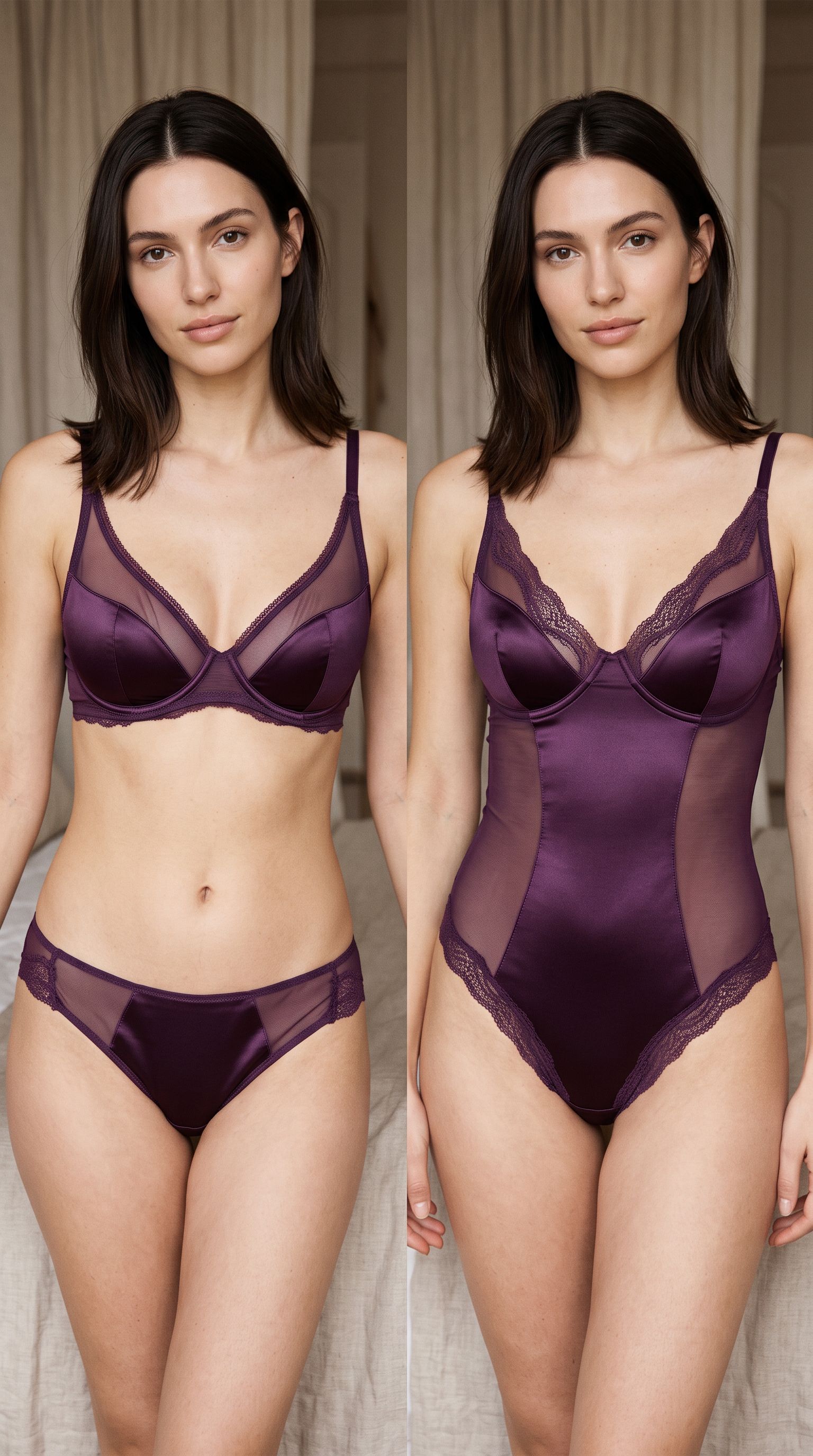
Generate lingerie design concepts from text prompts or fabric references. Explore different bra styles, lace details, satin finishes, and matching sets, then visualize your designs on AI fashion models for product presentations and creative projects.
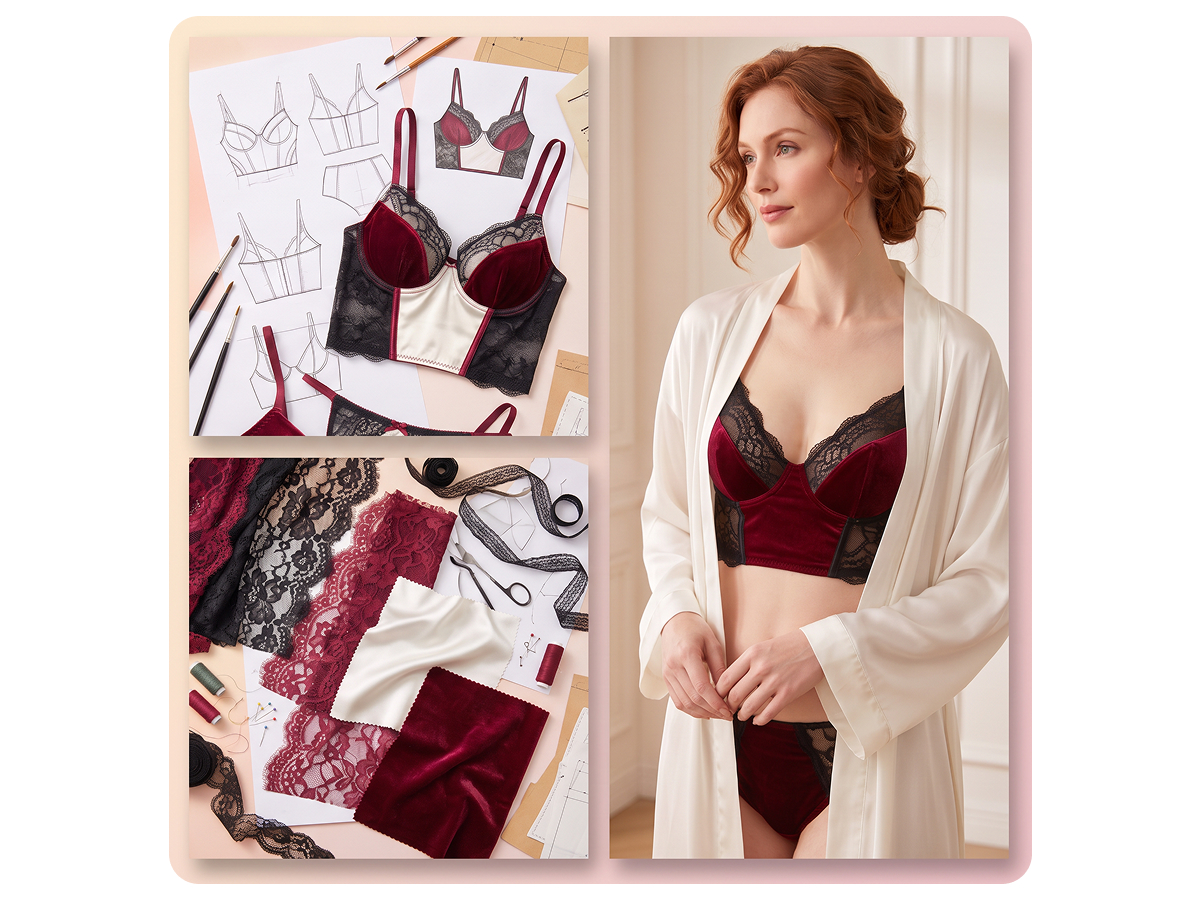
From Inspiration to Lingerie Design
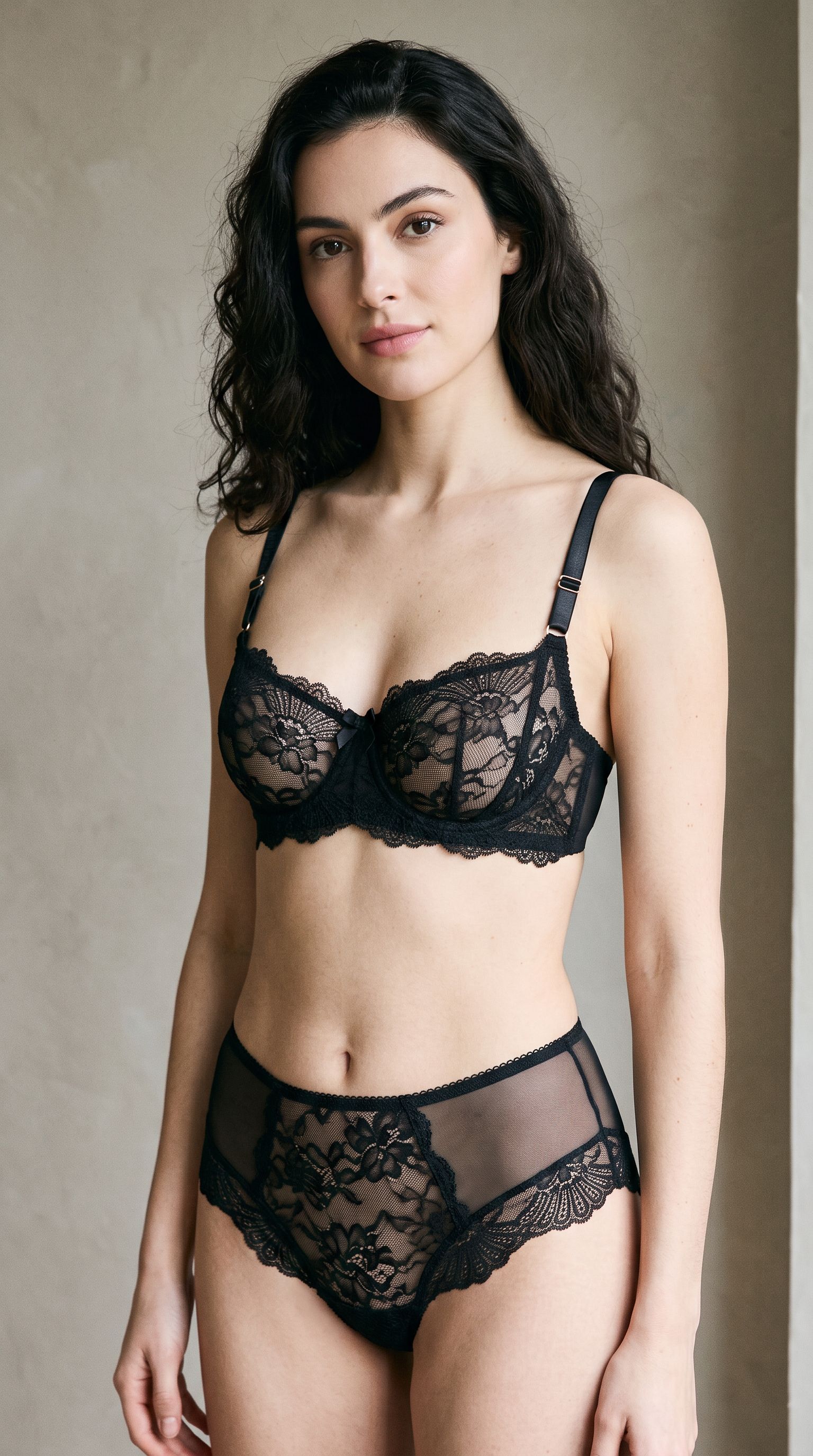
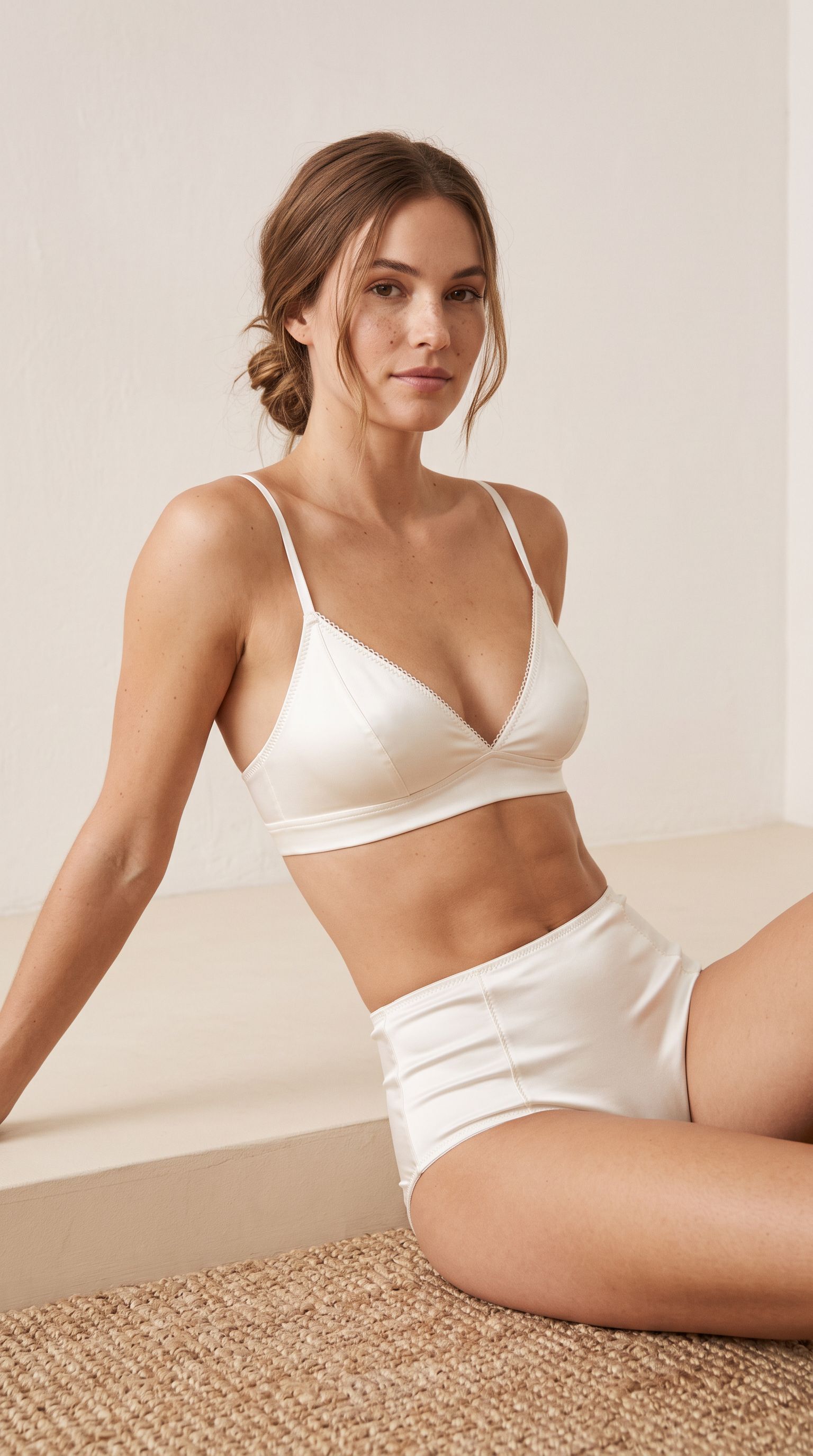
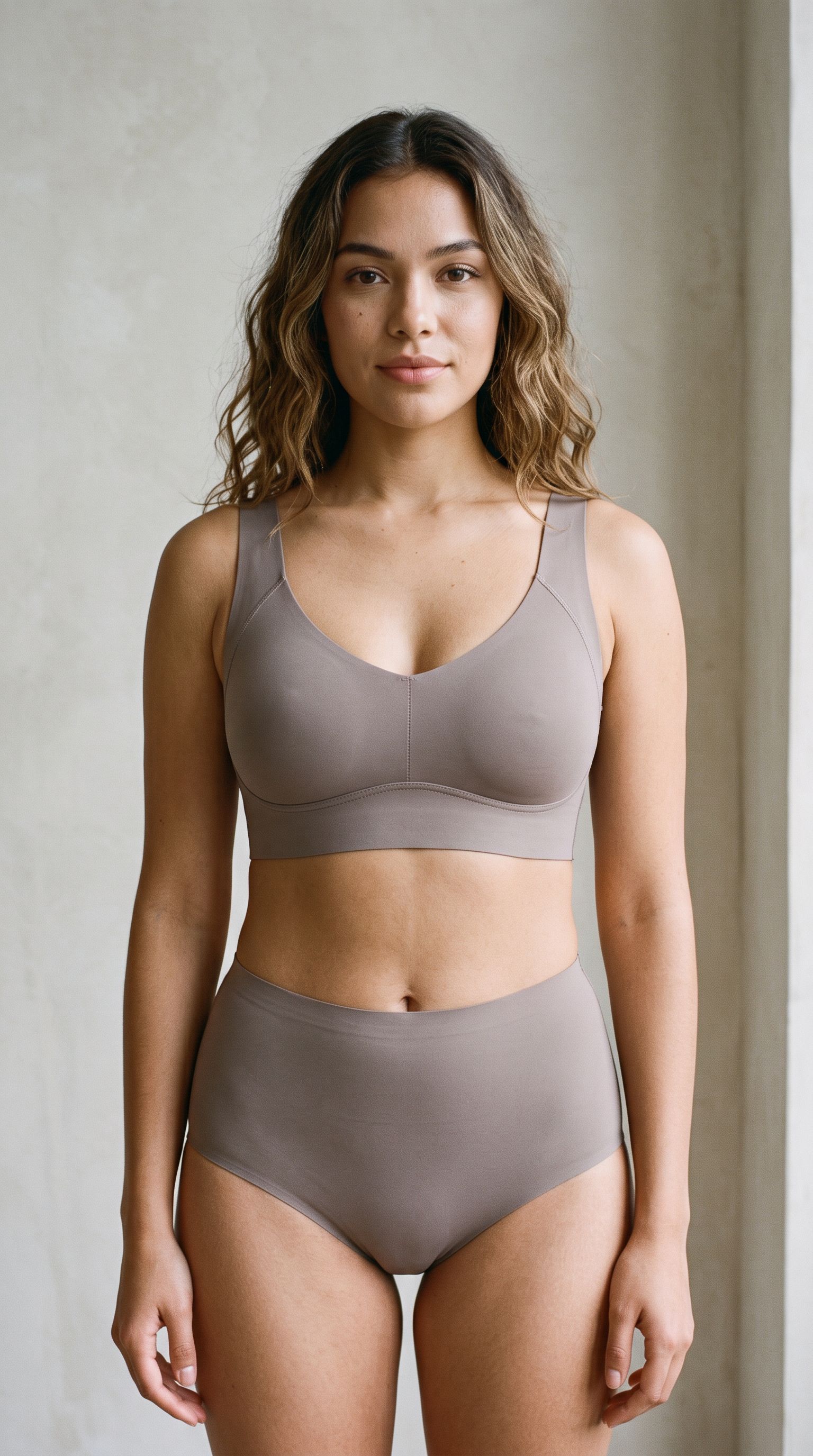
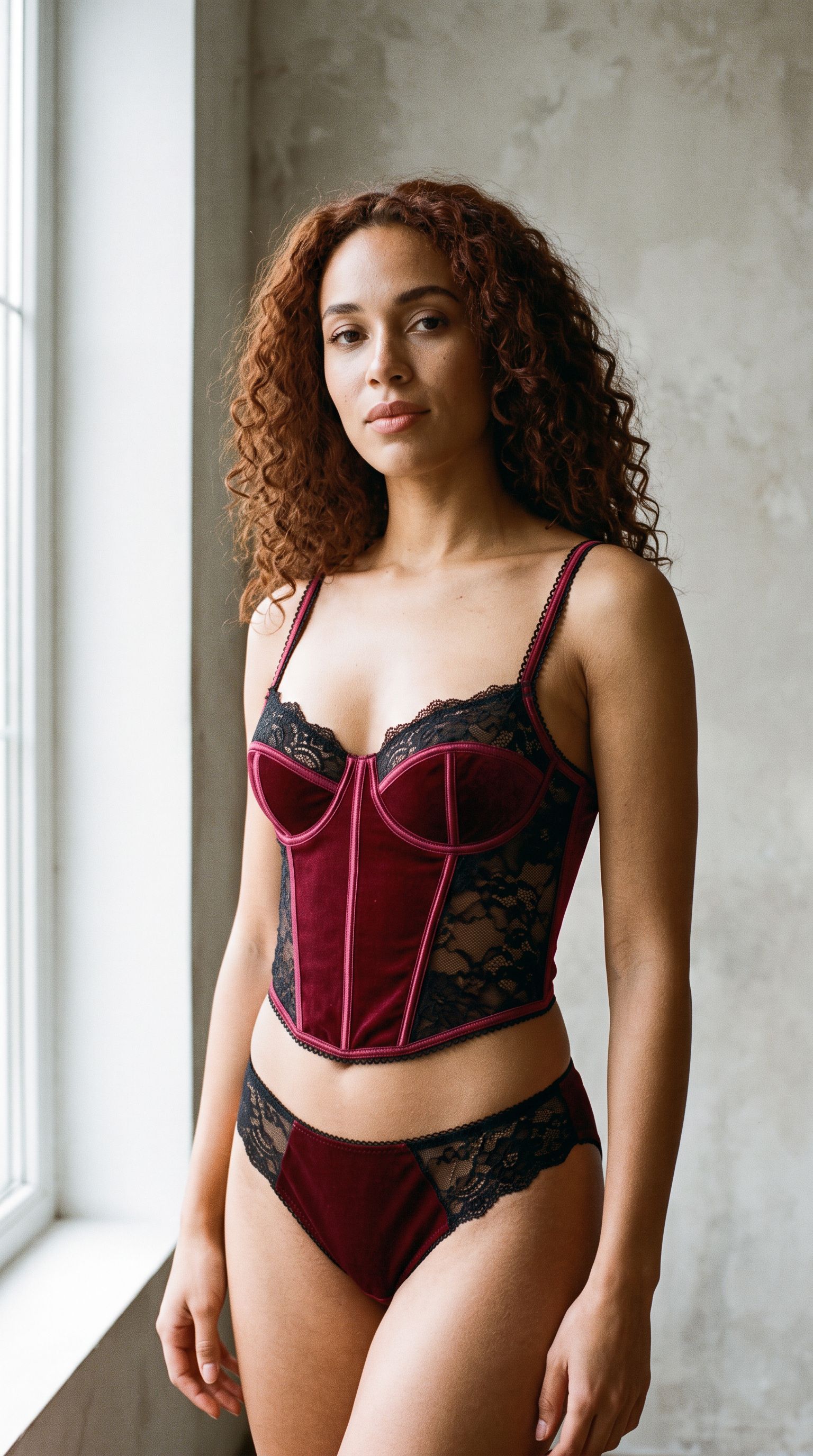
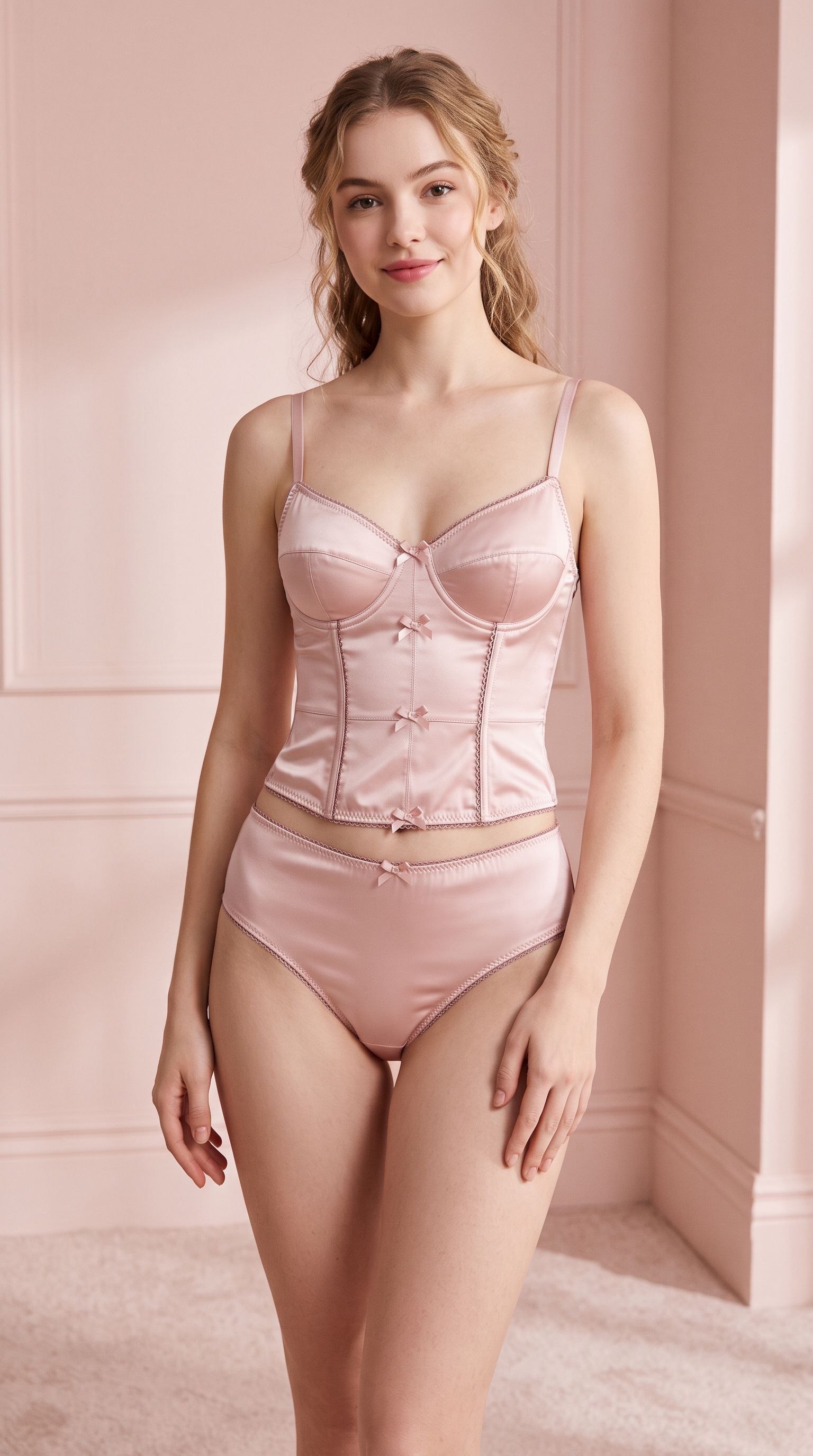
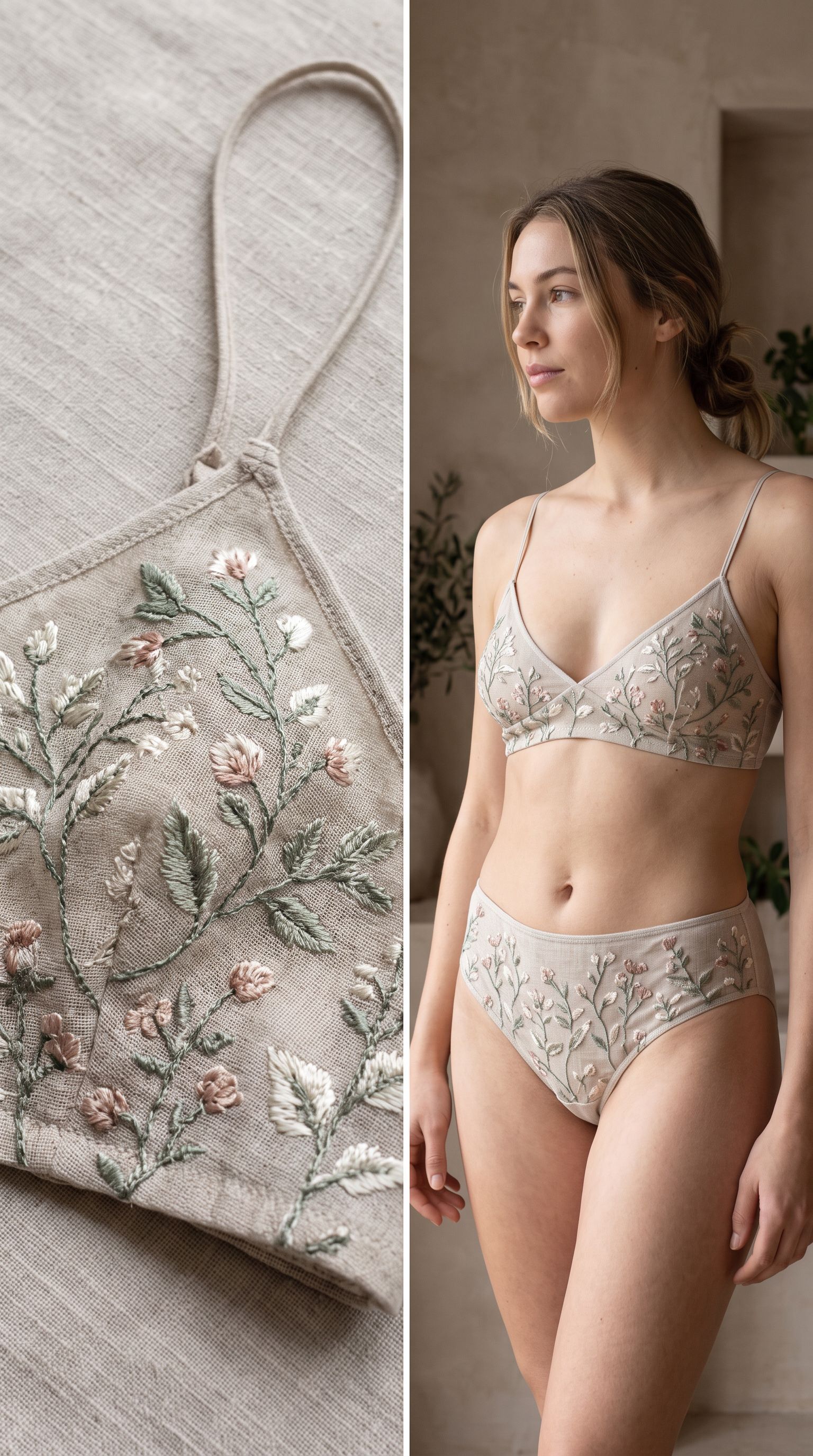
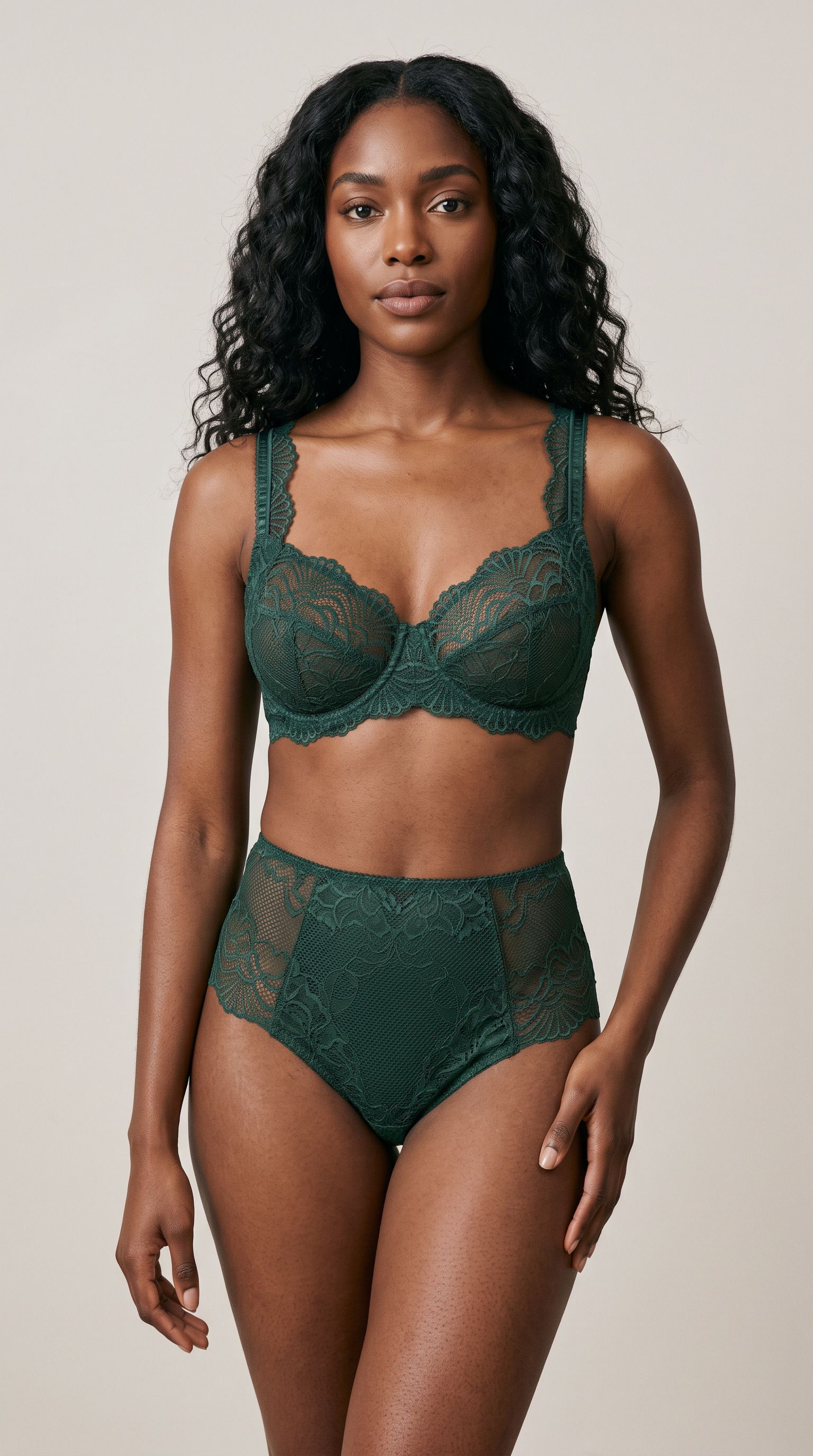
How to Generate AI Lingerie Designs With Designkit
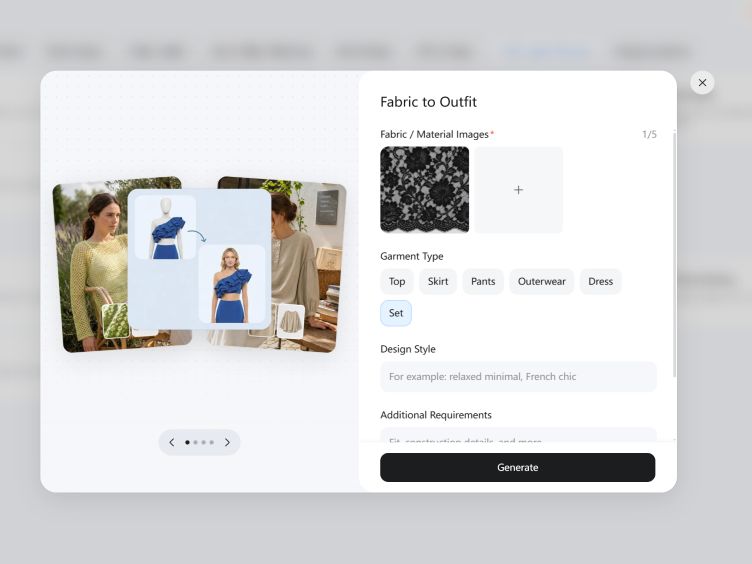
Step 1. Upload a Fabric or Material Reference
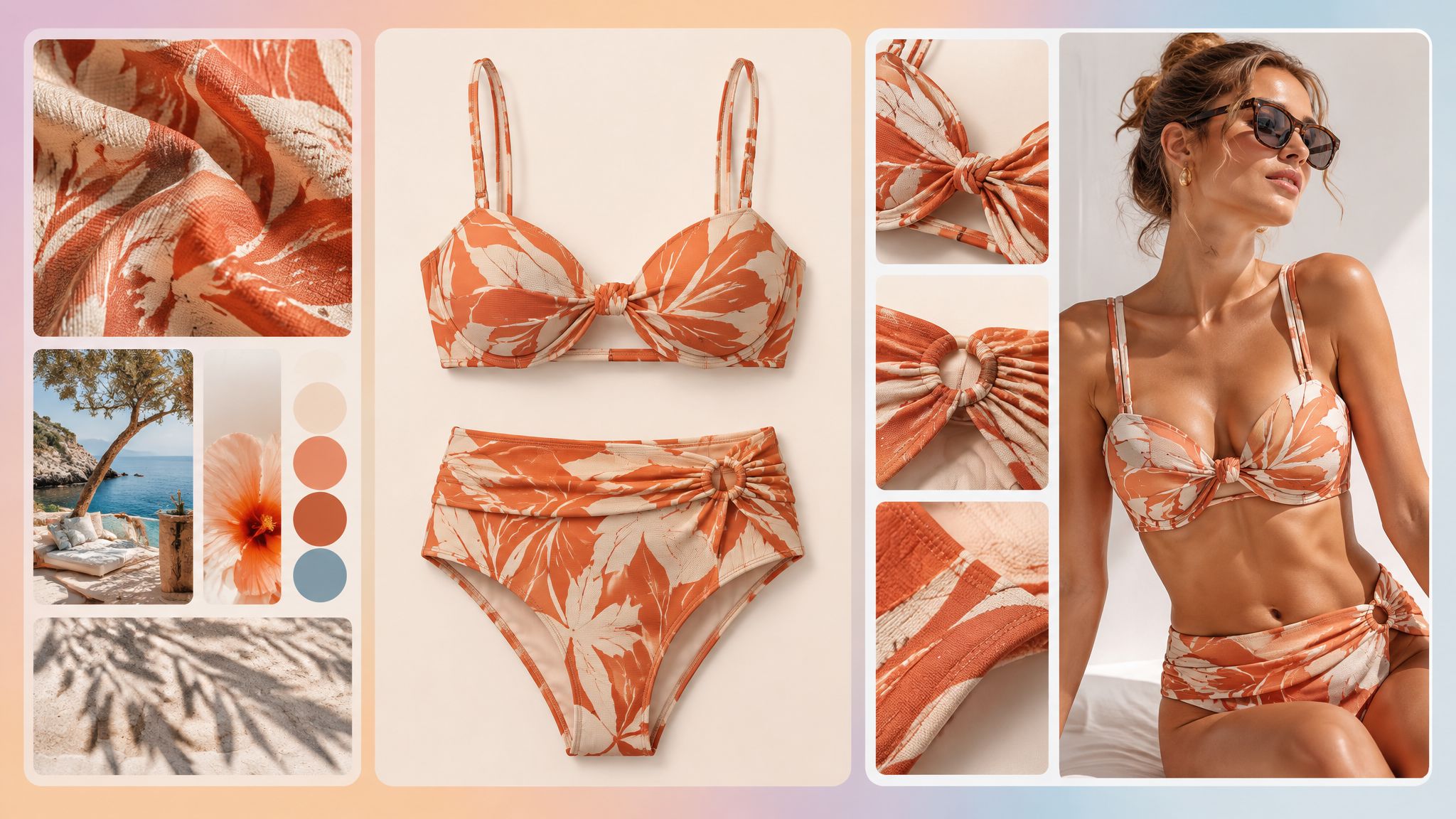
Open Designkit and go to Skills > Clothing & Wearing > Fabric to Outfit. Upload a clear fabric photo showing its colors, textures, and patterns.
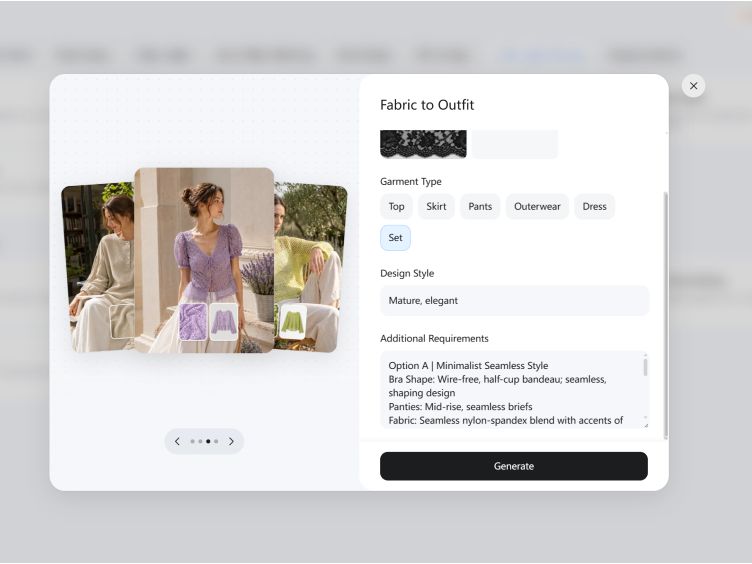
Step 2. Describe Your Lingerie Design
Select a garment type and describe your desired style in the Design Style box. Specify bra shapes, briefs styles, fabrics, colors, lace details, and other design preferences.
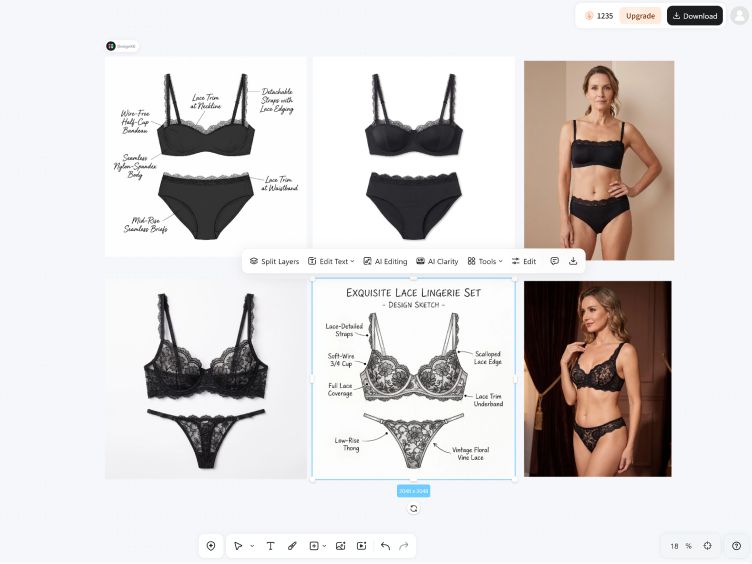
Step 3. Generate and Download Your Design
Click Generate to create your lingerie design. Preview the result, refine your prompt if needed, and download your image.
What Can You Create With Designkit Lingerie Generator
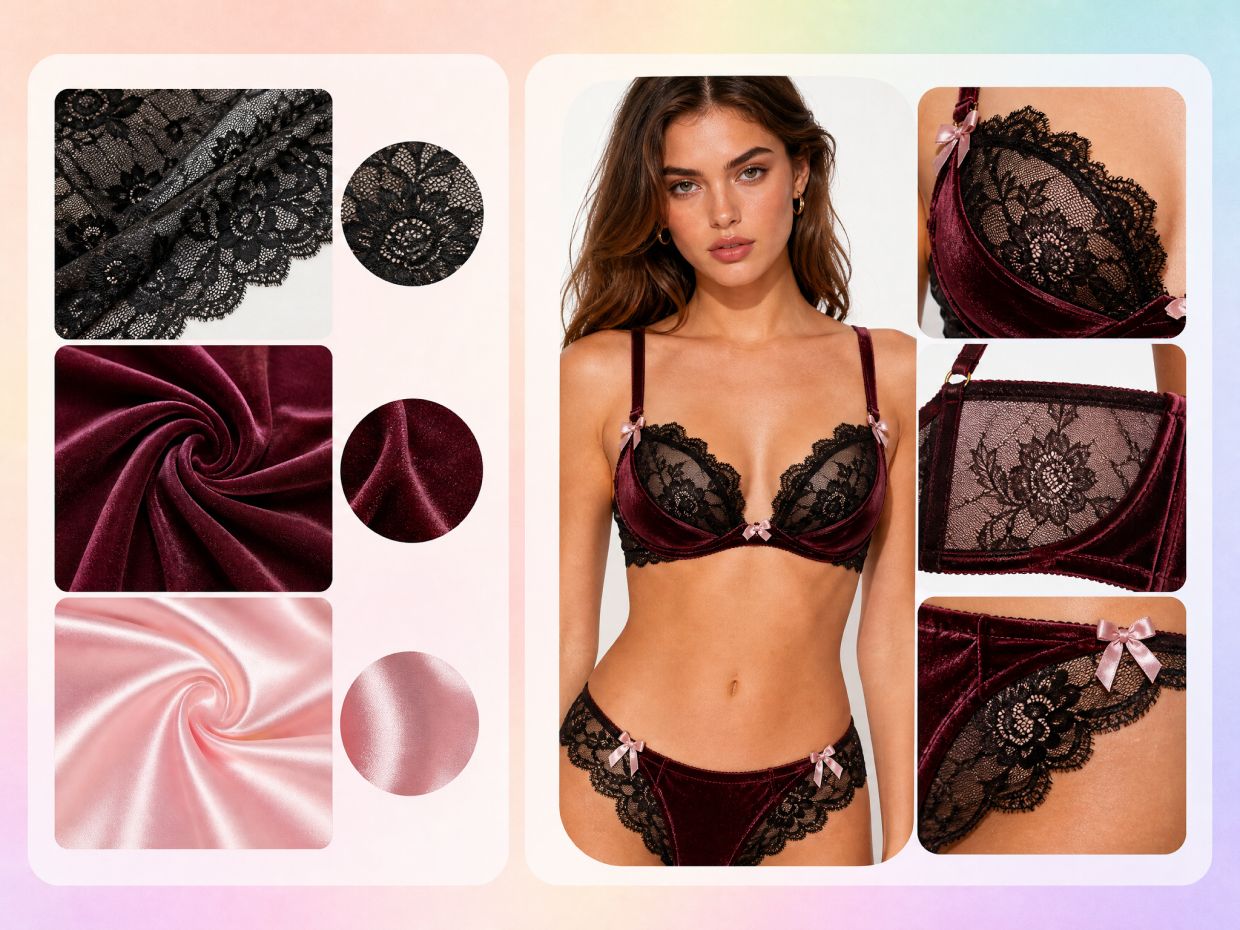
Turn Fabric Photos Into Lingerie Designs
Upload fabric references and use AI to transform colors, textures, and lace patterns into lingerie design concepts. Explore different styles for bras, briefs, and matching sets.
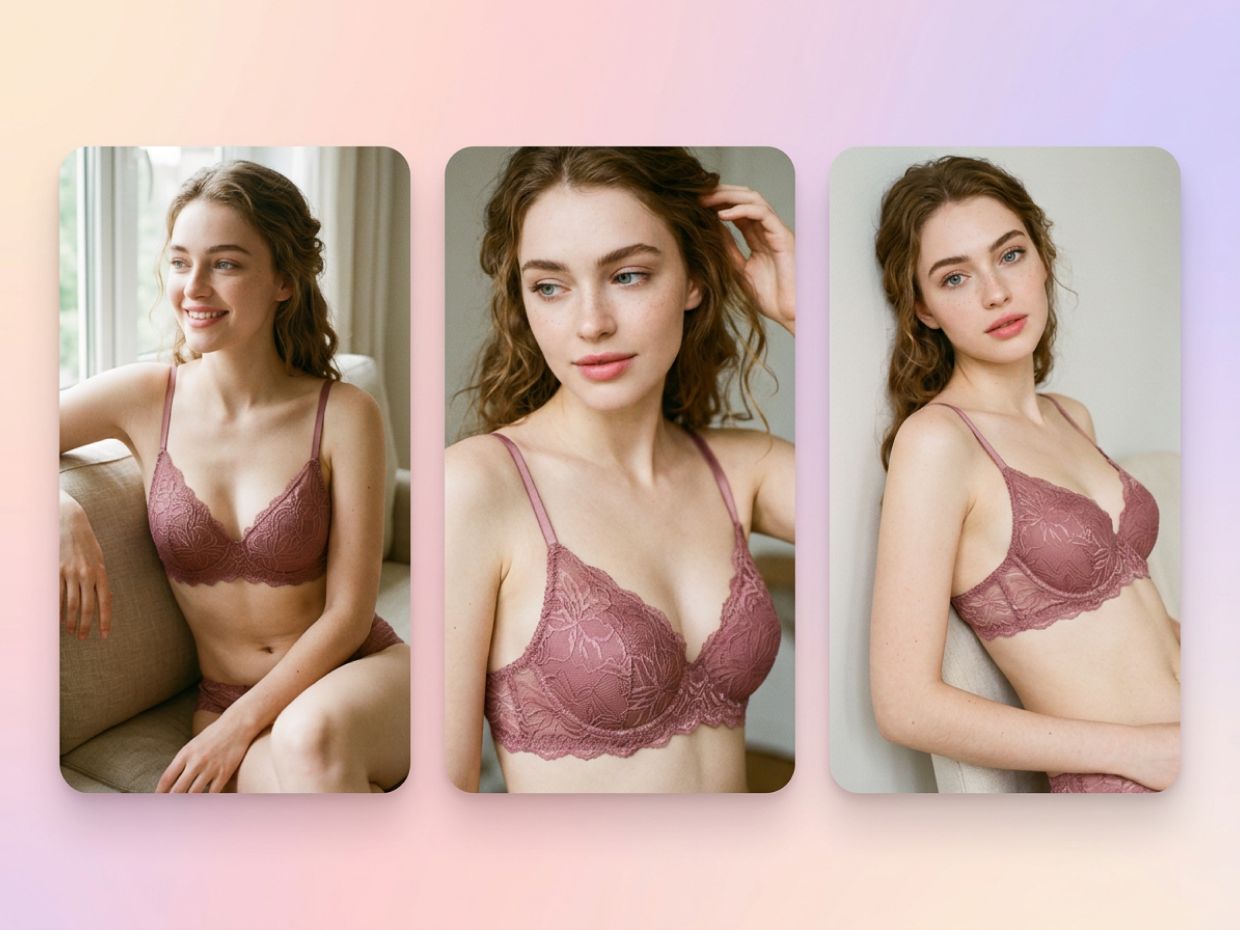
Show Lingerie Designs on AI Fashion Models
Visualize lingerie designs on AI fashion models without arranging a photoshoot for every variation. Explore different model presentations and prepare visuals for product pages or campaigns.
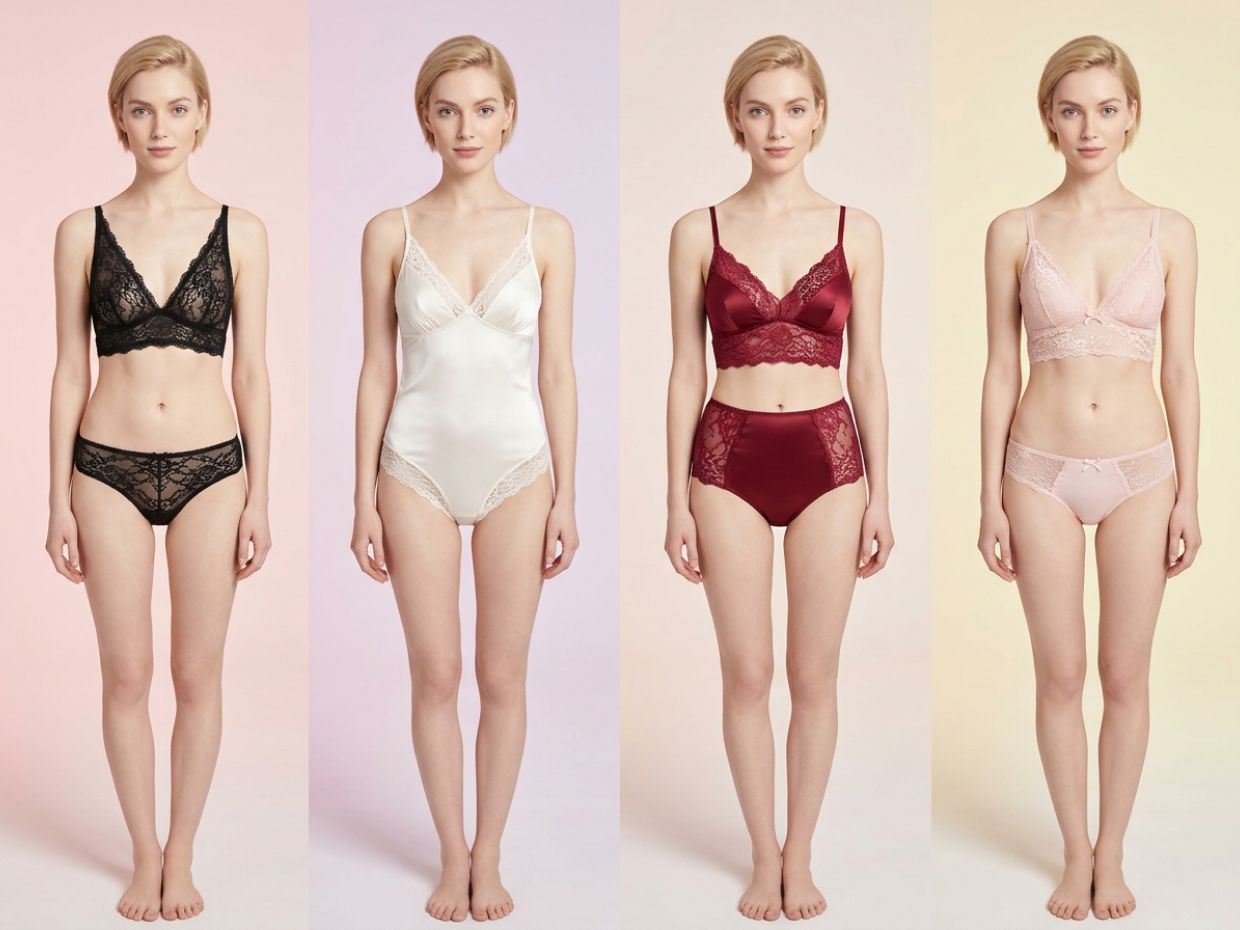
Explore Matching Colors and Styles for Lingerie Collections
Generate different colors, fabrics, and lace combinations for bras, briefs, and matching sets. Compare variations and develop a cohesive visual direction for your collection.
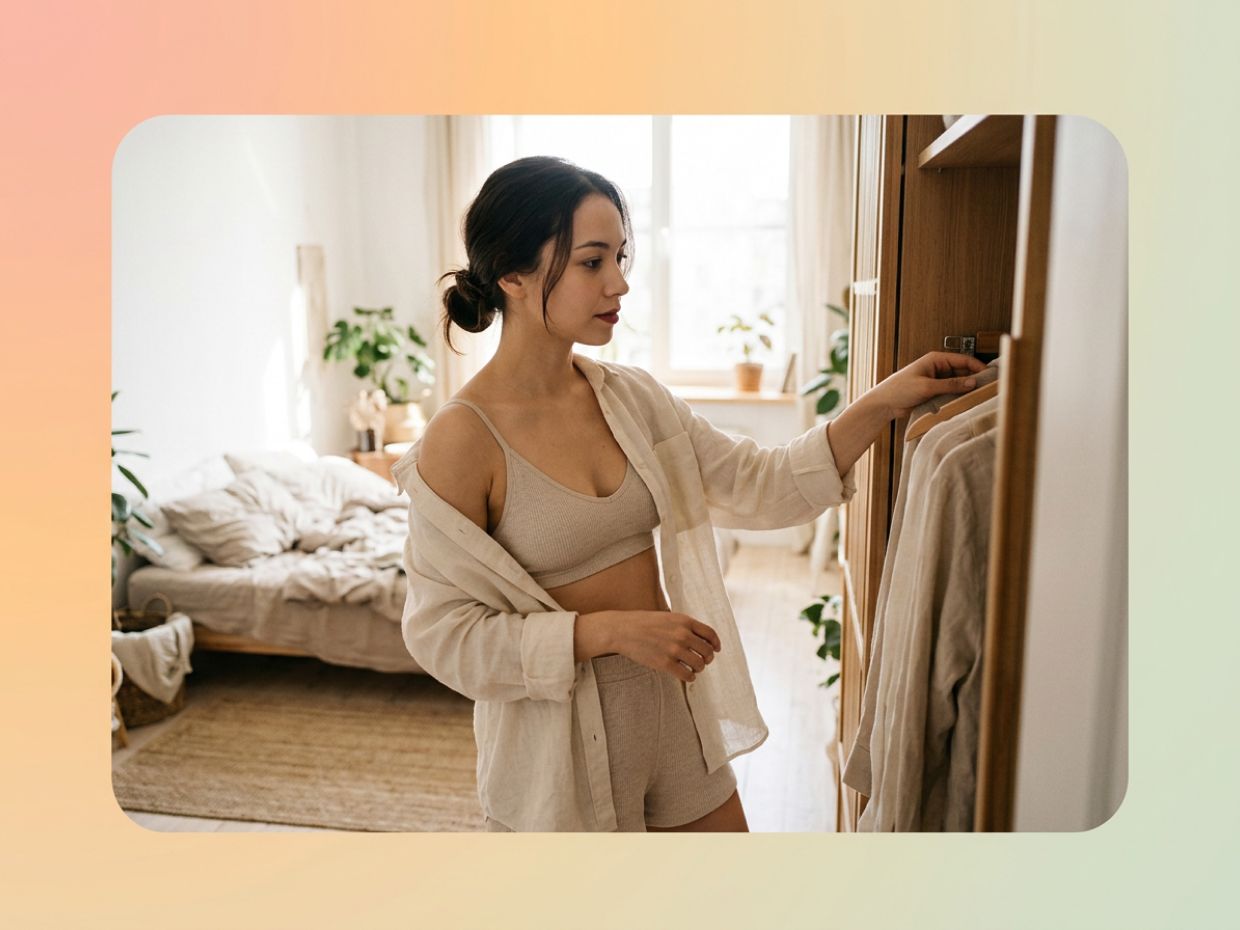
Create UGC-Style Lingerie Photos Without a Photoshoot
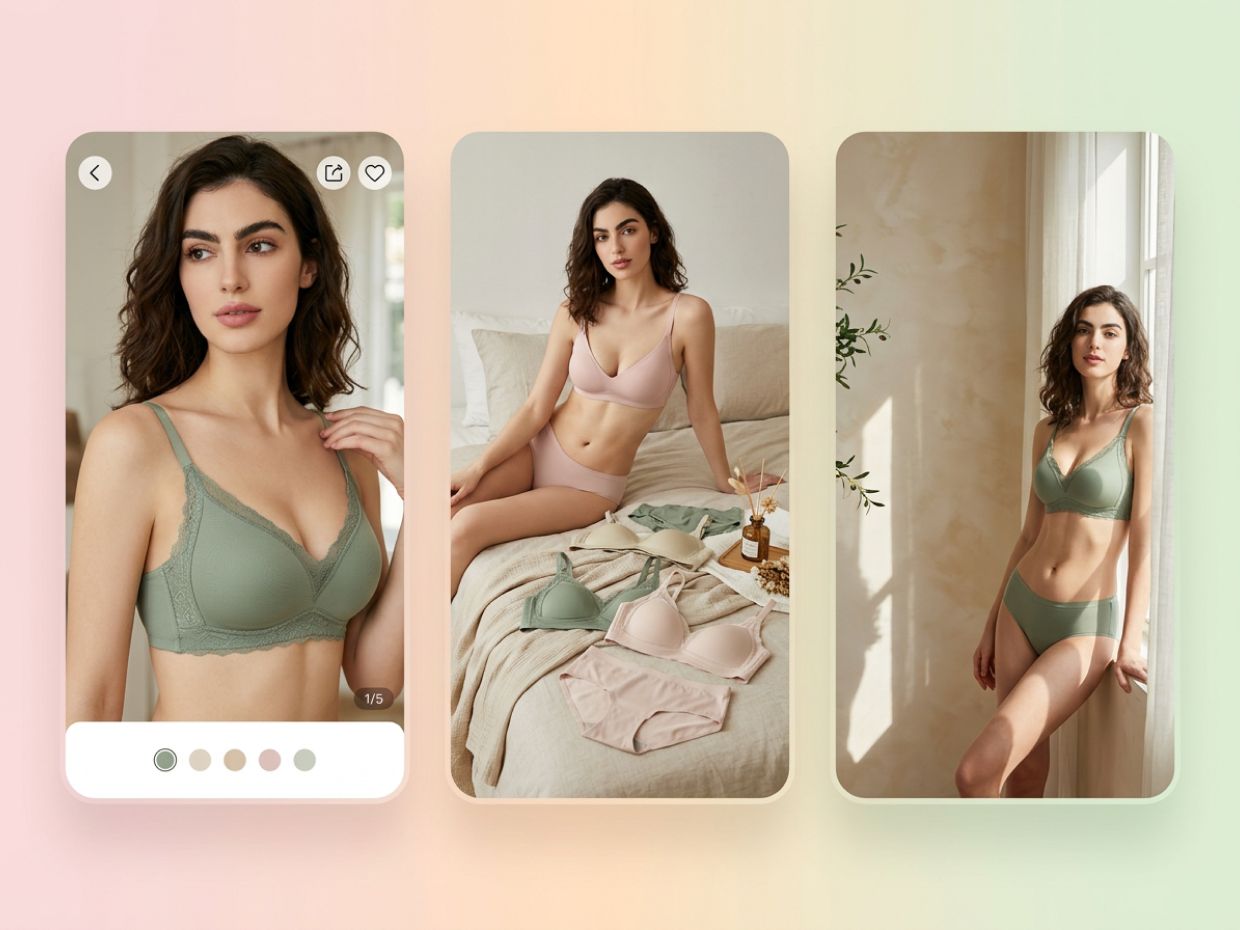
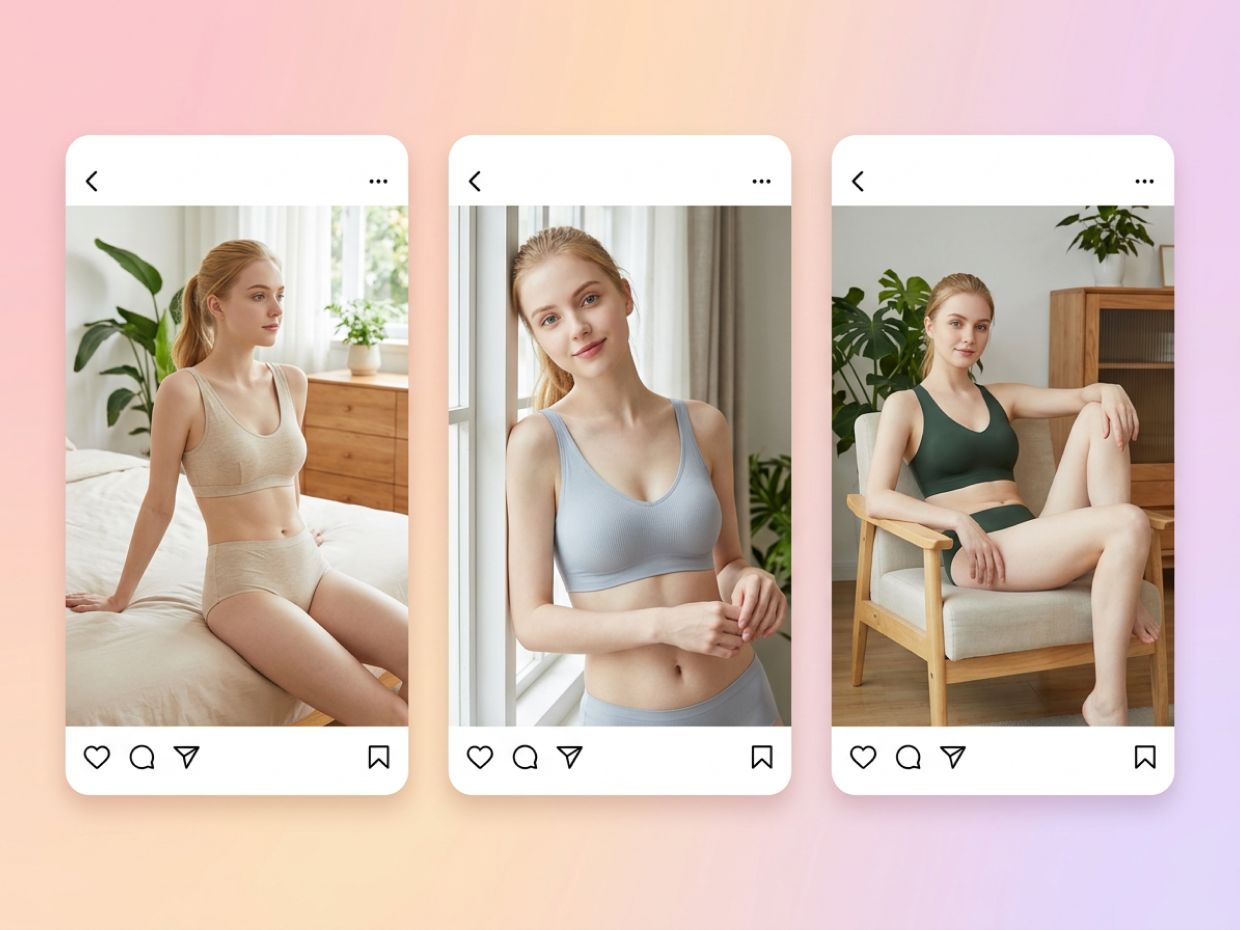
Create creator-style lingerie visuals with different poses, indoor settings, and lifestyle-inspired compositions. Prepare social media content without arranging a new shoot for every concept.
Create Lingerie Product Images and Campaign Visuals
Generate consistent lingerie visuals for ecommerce listings, collection pages, and promotional campaigns. Explore different product presentations and prepare images for multiple marketing channels.
Create Lingerie Visuals for E-Commerce, Marketing, and Fashion
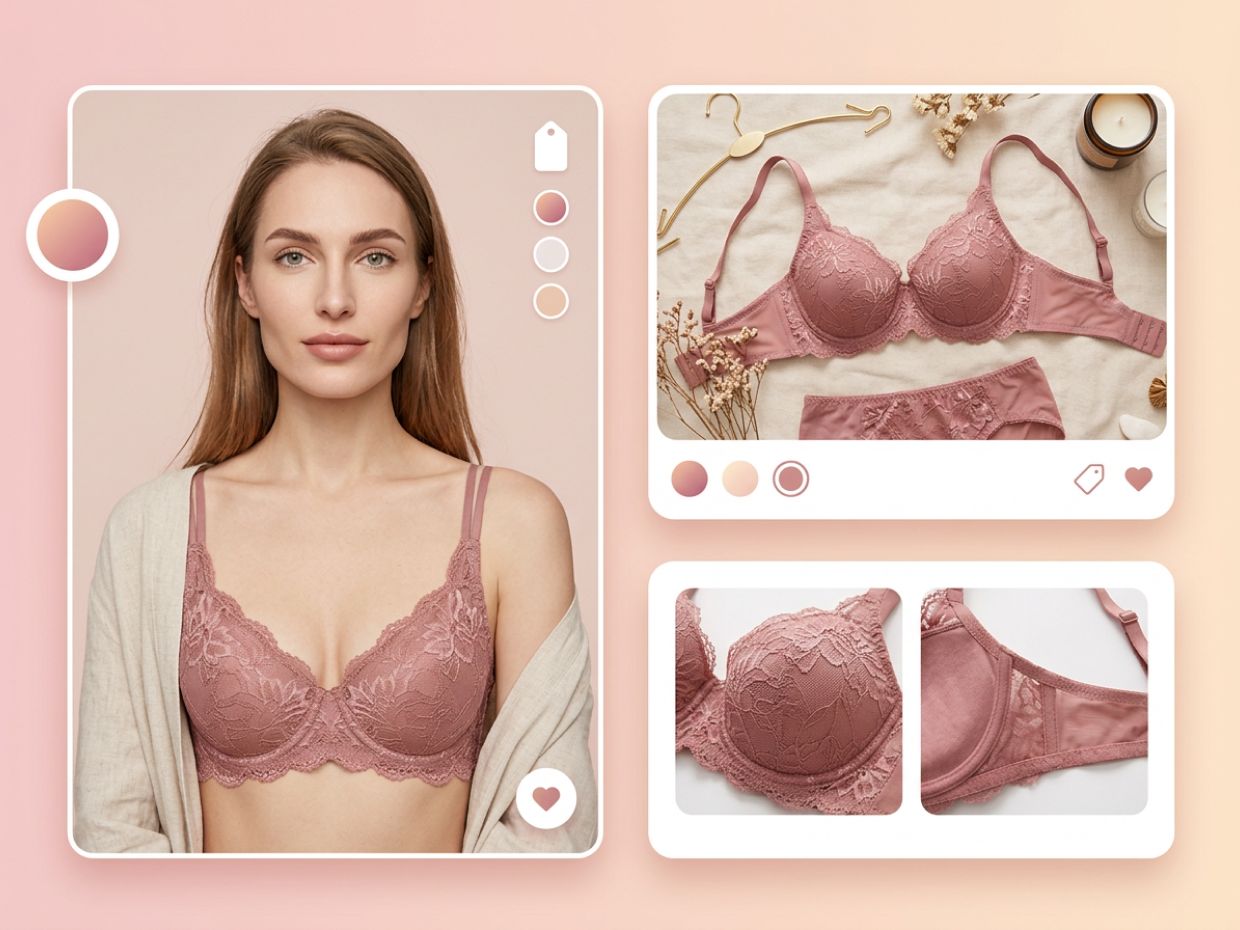
Create Consistent Lingerie Images for Online Stores
Create AI lingerie model visuals that show product styles, colors, and design details for online shoppers. Prepare consistent product listing images for your store, and review garment accuracy and coverage before publishing.
Why Choose Designkit for Lingerie Image Creation
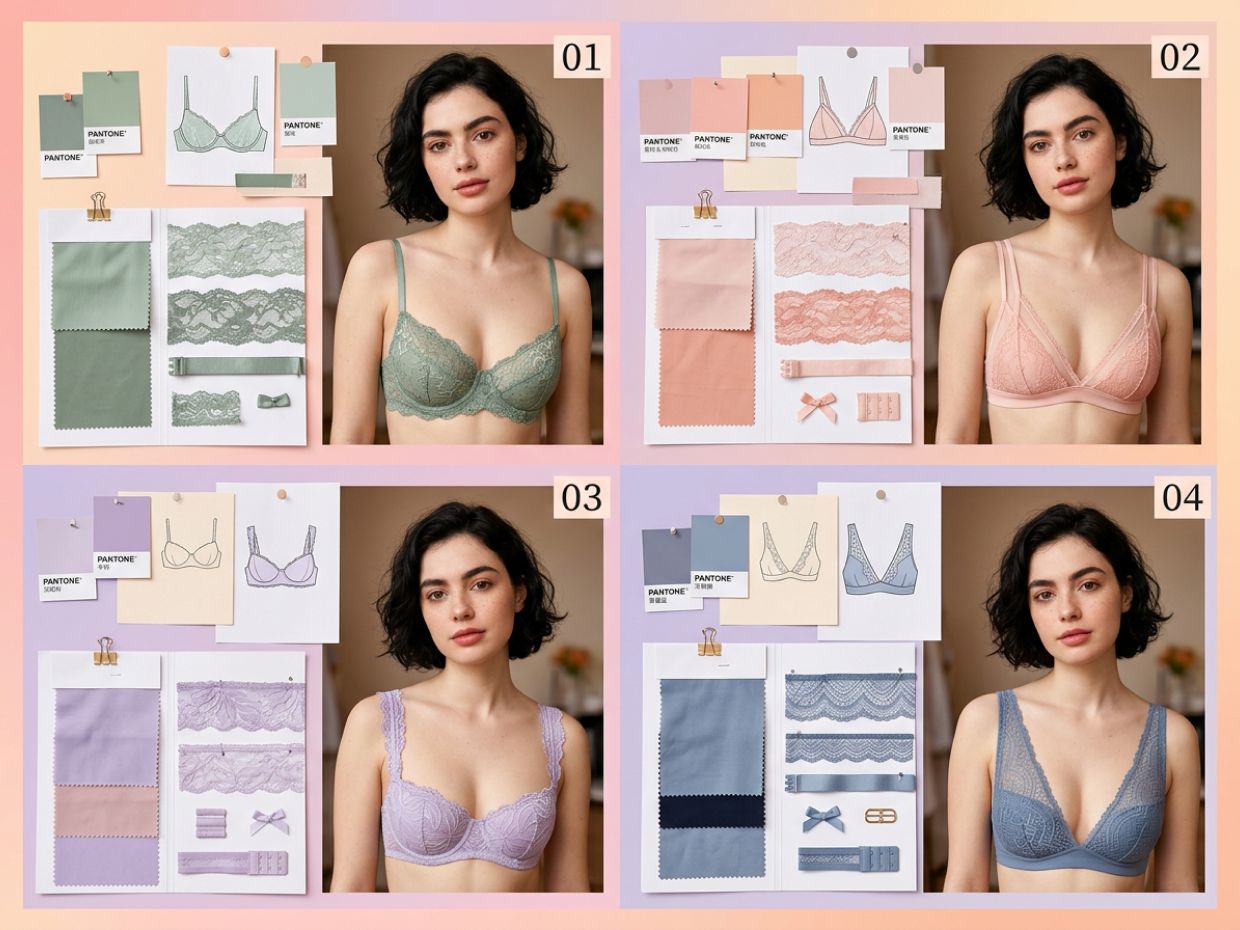
Explore AI-generated lingerie in different colors, silhouettes, and styles to compare concepts before choosing a direction for your next collection.
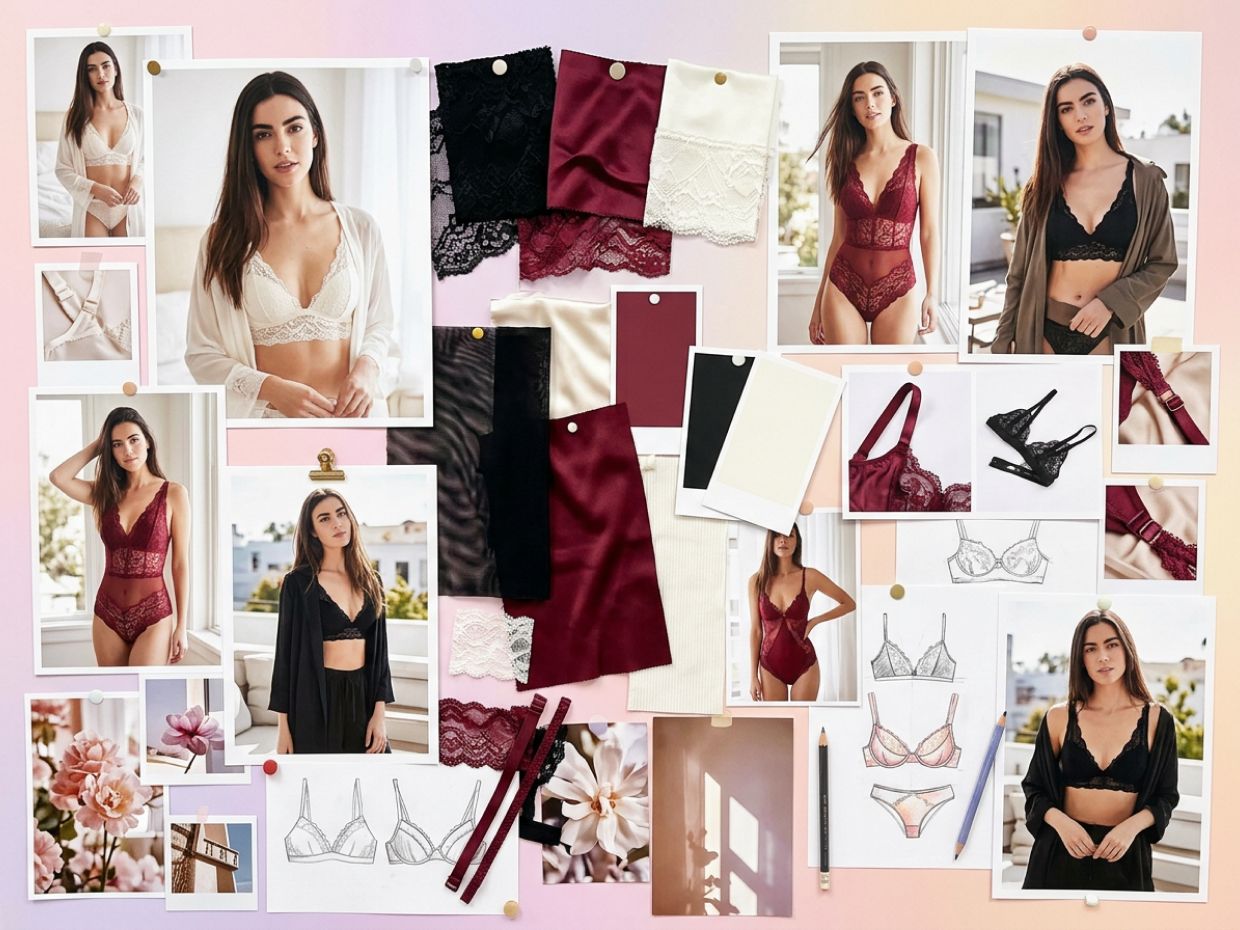
Turn feedback about lace, colors, silhouettes, and design details into visual concepts your team can review, compare, and refine together.
Explore related lingerie styles with consistent colors, fabrics, and visual presentation. Use AI-generated model visuals to compare product variations and develop a cohesive look across your collection.
Explore More Tools for Lingerie Designs

Frequently Asked Questions
Can I Try On Lingerie on an AI Fashion Model?
How Can I Generate UGC-Style Lingerie Photos With AI?
Start with a clear lingerie product reference or a specific scene, then define the model presentation, lighting, pose, and lifestyle aesthetic you want. An AI lingerie generator can help develop creator-style visuals without organizing a new shoot for every concept. With Designkit, review each result for natural composition, accurate garment details, appropriate coverage, and suitability for your intended social platform.
Can I Generate Different Bra Styles With AI?
Yes, AI image generation can help you explore different bra concepts, including variations in color, neckline, straps, lace, and overall silhouette. AI image generation can help you explore bra styles and design variations before sampling or production. Designkit can help you develop visual directions, but inspect each result carefully because generated images may not accurately represent construction, support, sizing, or how a finished garment will fit.
Do AI lingerie photos look real enough for listings?
AI-generated lingerie photos can look realistic when lighting, fabric texture, model proportions, and garment details are rendered well, but results vary. Review every image for distorted straps, inconsistent lace, unnatural skin, and inaccurate product features. Designkit can help you develop product visuals, but compare them with your actual inventory and use genuine product photography wherever shoppers need an exact representation of the item.
Can I Use AI-Generated Lingerie Photos in Ads and Social Media?
Yes, AI-generated lingerie visuals may be suitable for ads and social media when they meet the platform's content policies, advertising rules, and disclosure requirements. AI-generated lingerie images should present products appropriately and avoid misleading claims about fit or product features. Designkit can help create campaign concepts, but review brand guidelines, image rights, model-related permissions, and platform restrictions before publishing.
Can I generate a matching bra and underwear set in one image?
You can prompt an AI image tool to create a coordinated bra and underwear set by specifying matching colors, fabric, lace patterns, trims, and design details. For a coordinated lingerie set, provide clear references and describe how both pieces should match. Designkit can help explore the visual direction, but check that the generated pieces match each other and accurately reflect your intended products before using the image in a listing.
Can I Generate Lingerie Designs From Fabric Photos?
Yes, you can use fabric photos as visual references to explore lingerie design concepts. Upload a clear image and describe the desired garment style, colors, textures, and details. Designkit can help visualize how the material might look on different lingerie styles, but generated images should be reviewed against the actual fabric before sampling or production.
Create Lingerie Designs and Model Photos With AI
Upload fabric references or describe your ideal lingerie style. Generate bra and matching set concepts, explore different designs, and visualize your ideas on AI fashion models with Designkit.



How Creators Use Designkit for Lingerie Visuals
See how teams plan lingerie products, compare design ideas, and prepare campaign visuals.
We Can Plan Listings Before the Shoot
We use Designkit to explore lingerie styles and colors before booking a shoot. It helps us narrow down which looks are worth developing. I can plan product listings with a clearer idea of how the collection should look. That saves us from arranging shoots before we're ready.
I Can Check Designs Before Ordering Samples
I use Designkit to explore bra styles, colors, and fabric ideas before ordering samples. Sometimes I have a few directions in mind and need to see them side by side. It helps me decide which concepts fit the collection. I can also share the visuals with my team before we move forward.
It Helps Us Agree on a Campaign Look
Everyone usually has a different idea when we start planning a lingerie campaign. With Designkit, we can put those ideas into visuals and review them together. It's easier to agree on colors, styling, and the overall mood before production begins. That gives us a more focused direction for the final campaign assets.
We Can Try Different Looks for Social
For social content, we don't always want lingerie visuals to look like a traditional studio shoot. Designkit lets us explore different model poses, indoor settings, and more natural-looking compositions. We can compare a few styles before deciding what suits the campaign. It helps us plan posts without arranging a new shoot for every idea.