
AI Facebook Cover Photo Maker for Pages & Profiles
Upload a brand photo or describe your page in a few words. Designkit generates Facebook covers for profiles, business pages, and groups with safe-zone placement built in.
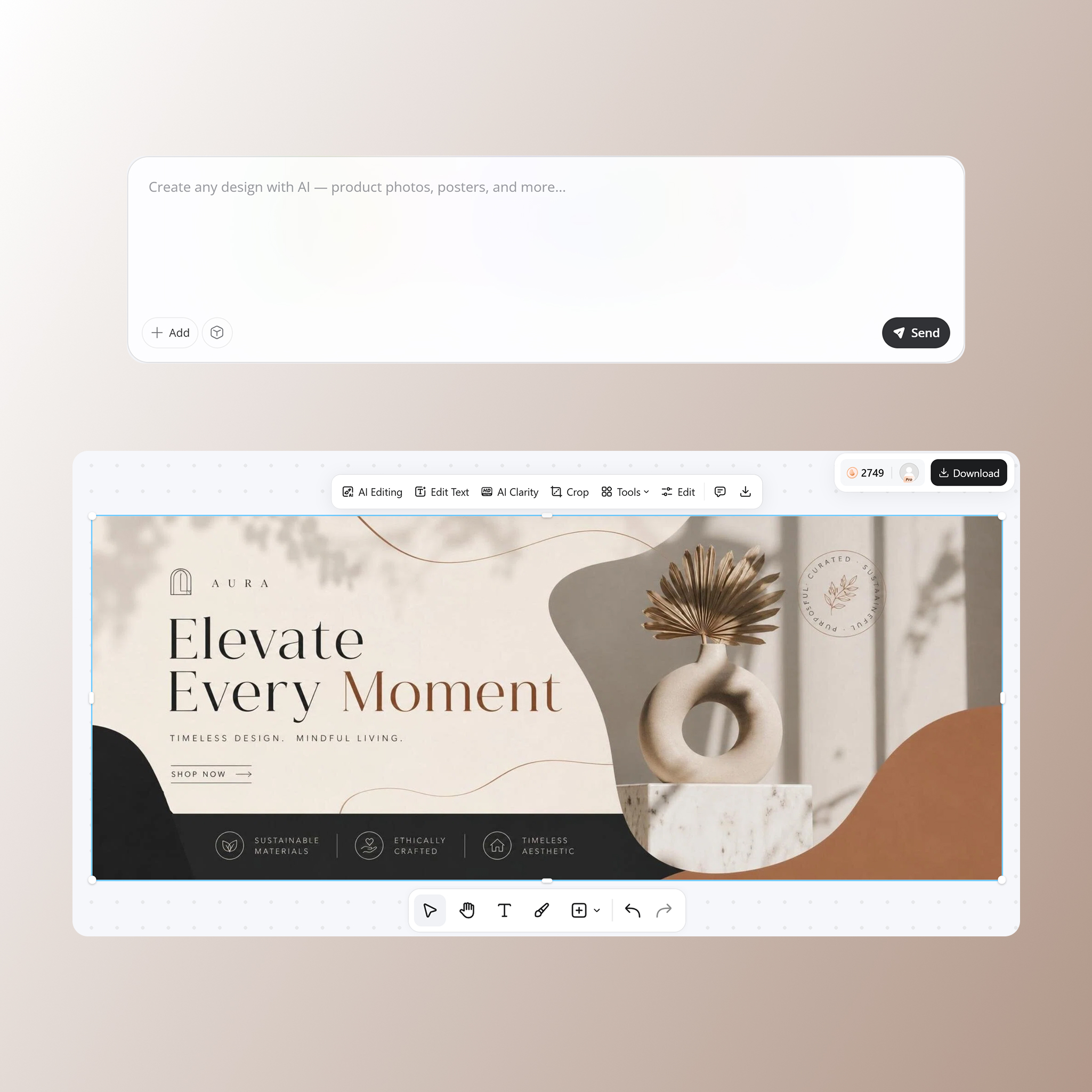
How to Create a Facebook Cover Photo in 3 Steps
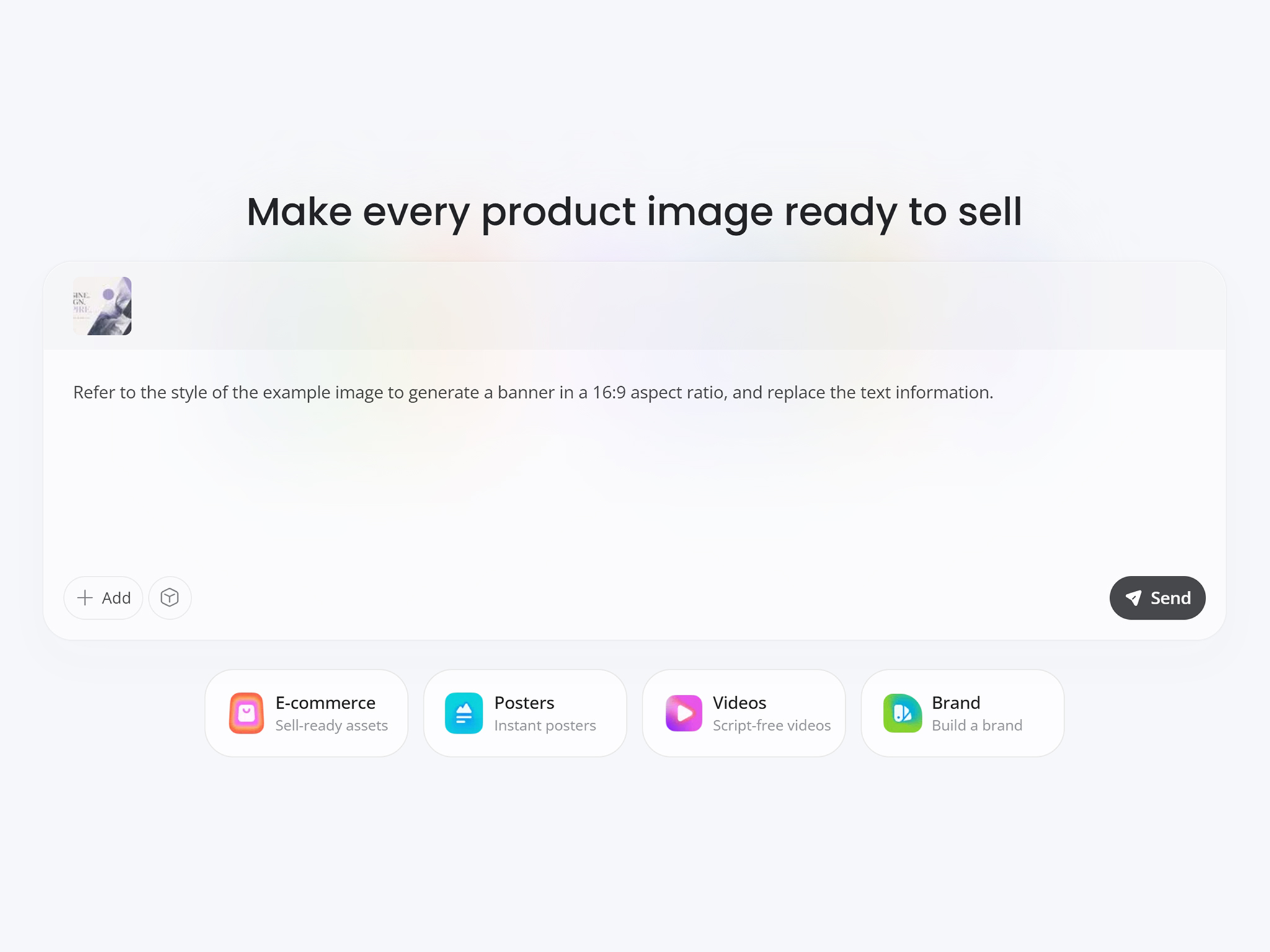
Upload Image or Add a Brief
Upload a product photo, logo, or type a short description of the cover you need.
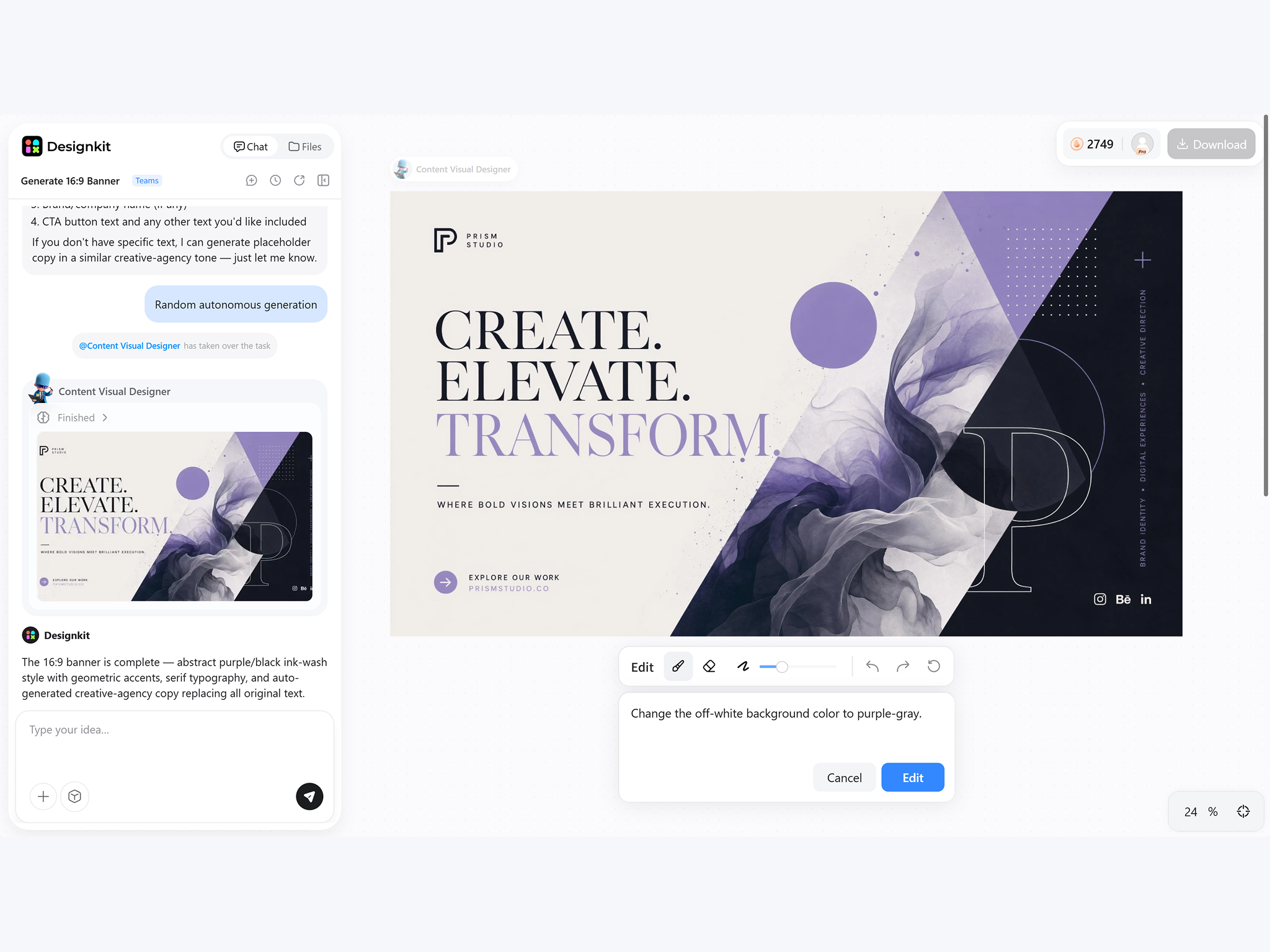
Customize the Cover Layout
Generate a cover with AI, adjust headlines, images, colors, and reposition important elements within Facebook's safe viewing area.
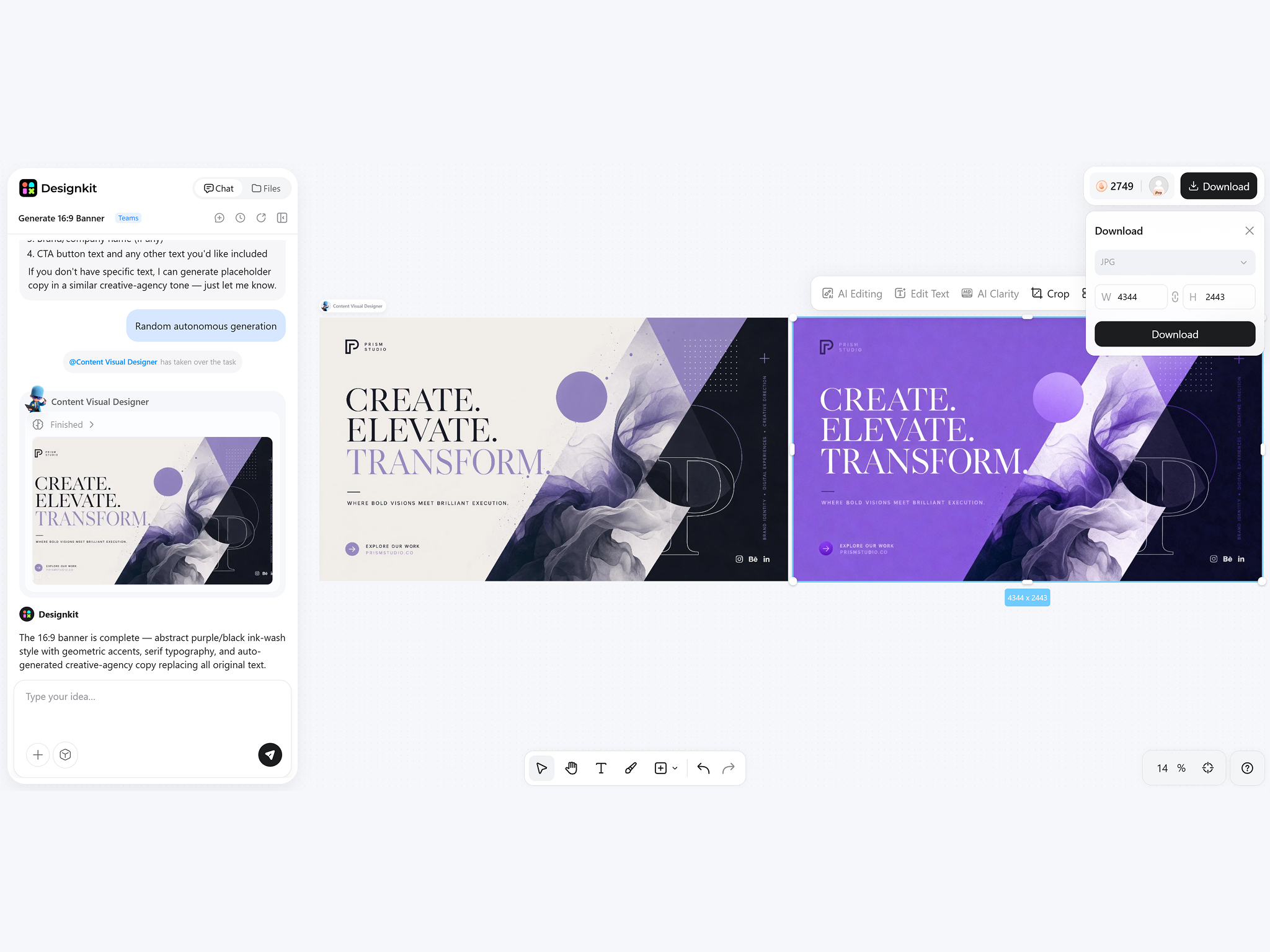
Export Your Facebook Cover
Download a high-resolution Facebook cover optimized for profile pages, business accounts, and community banners.
Facebook Cover Features That Save Layout Time
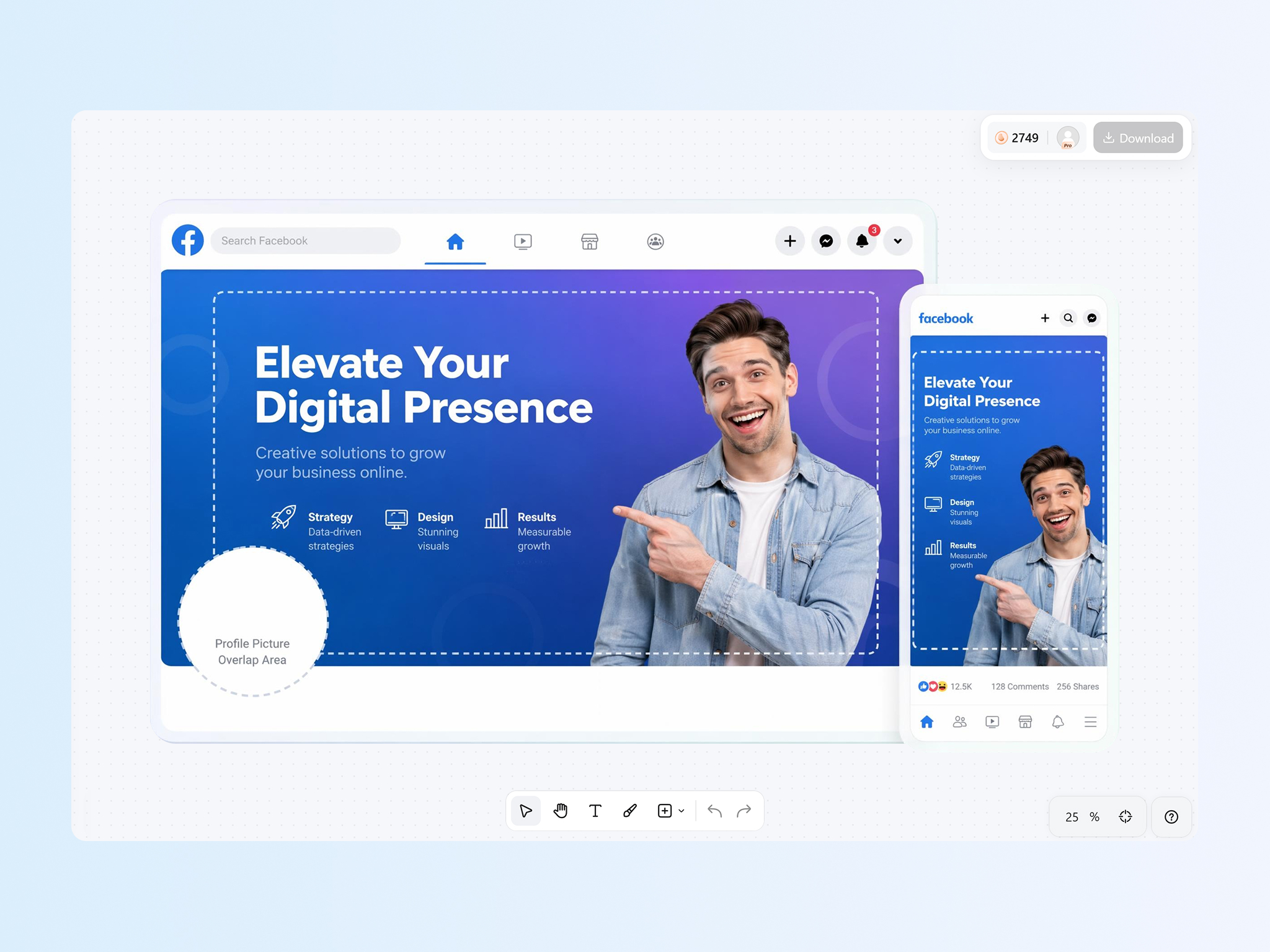
Protect Important Content Inside the Safe Area
Keep logos, headlines, and profile images visible across desktop and mobile layouts. Designkit helps create a photo for the Facebook cover with safe-area positioning, so key elements stay inside the visible zone and avoid awkward cropping after uploading to different screens.
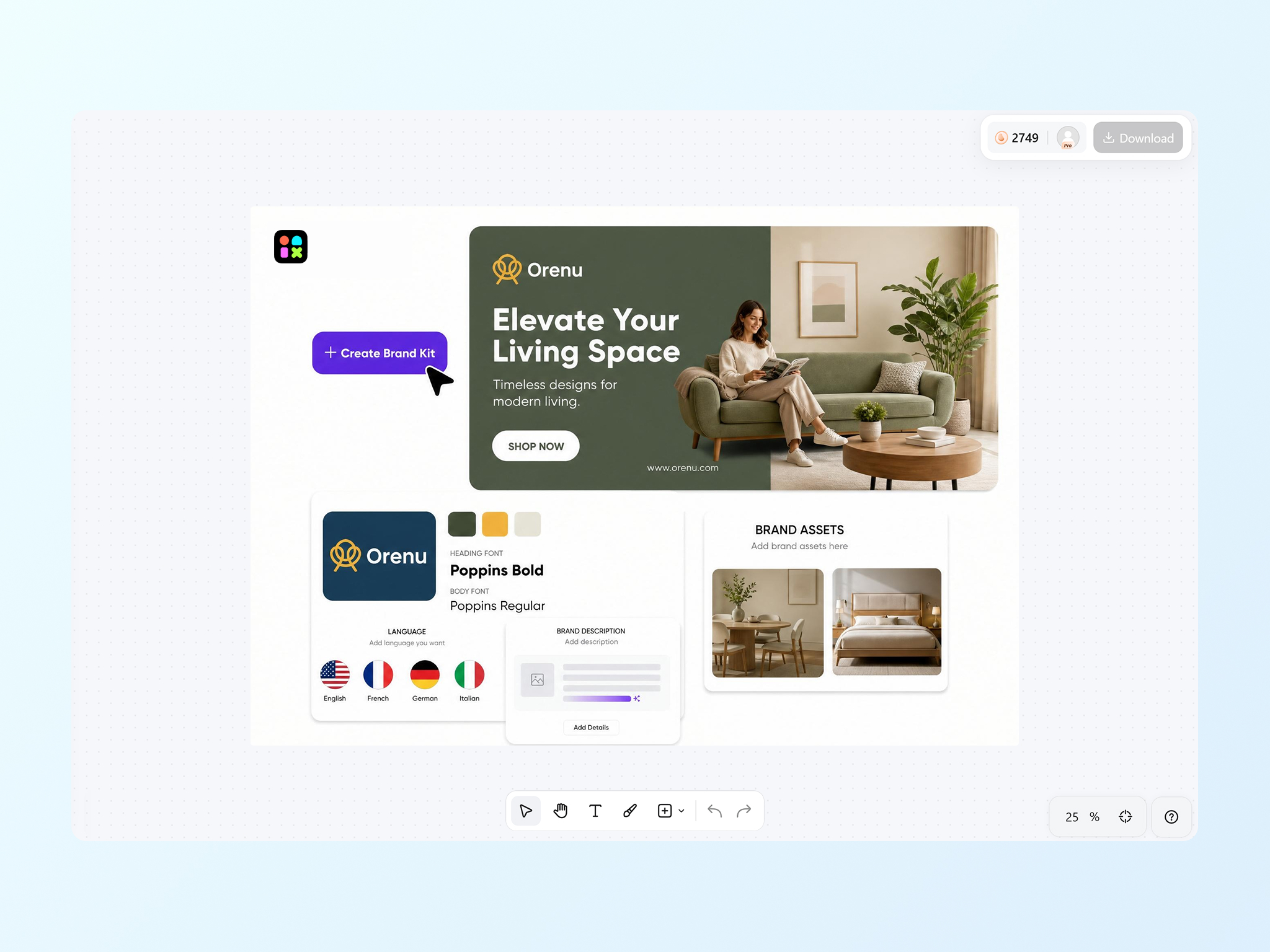
Generate Covers from Your Brand Assets
Turn your logo, brand colors, fonts, and campaign visuals into cohesive cover designs instead of rebuilding layouts from scratch. Designkit helps make a photo cover for Facebook that matches your existing brand identity, so every update still looks consistent and polished.
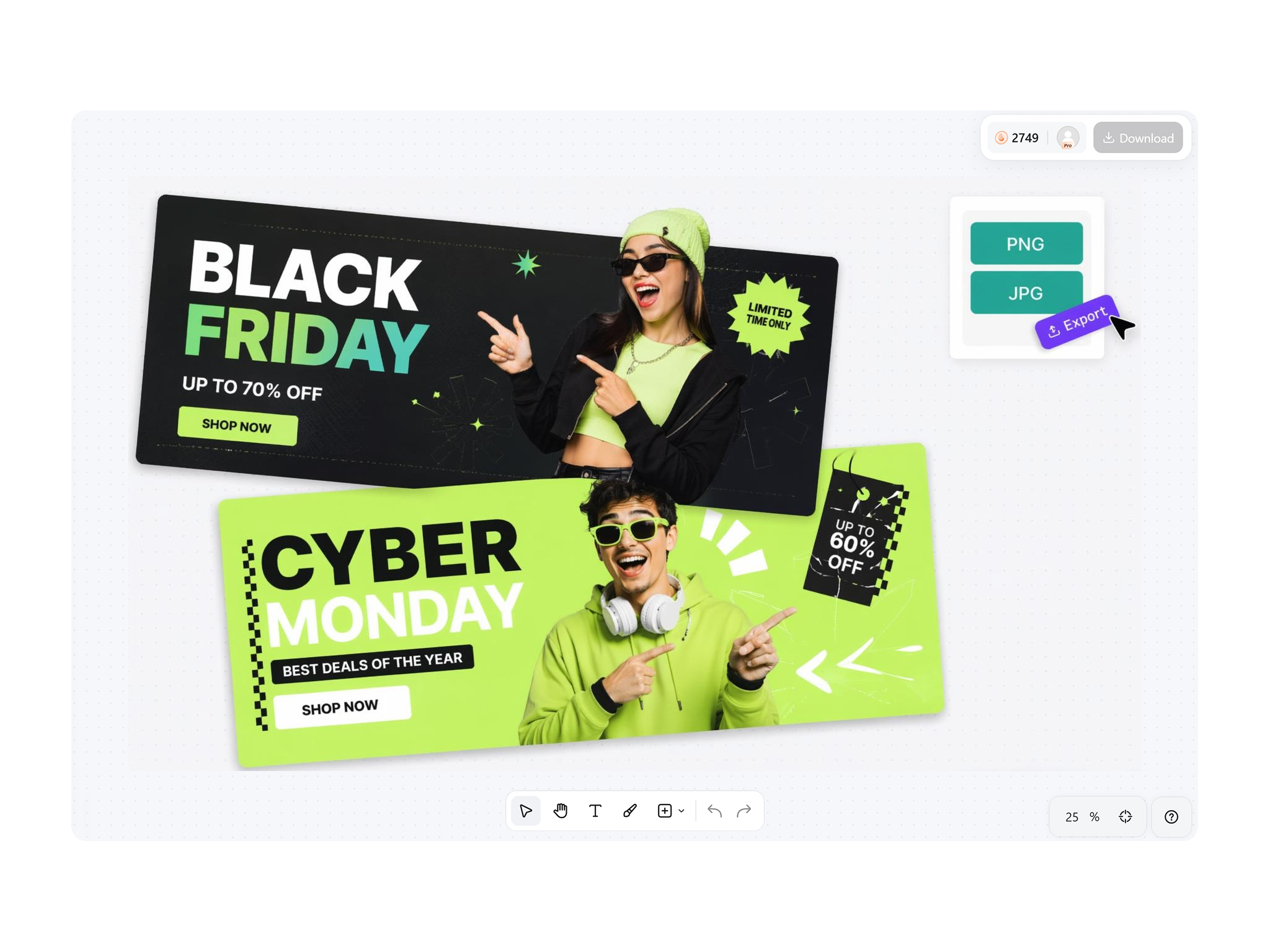
Create Seasonal and Promo Covers Fast
Launch holiday promotions, product releases, hiring campaigns, and event announcements using reusable brand elements. Designkit lets you create Facebook cover photo designs without recreating every campaign manually, so seasonal updates stay fast, consistent, and ready to publish.
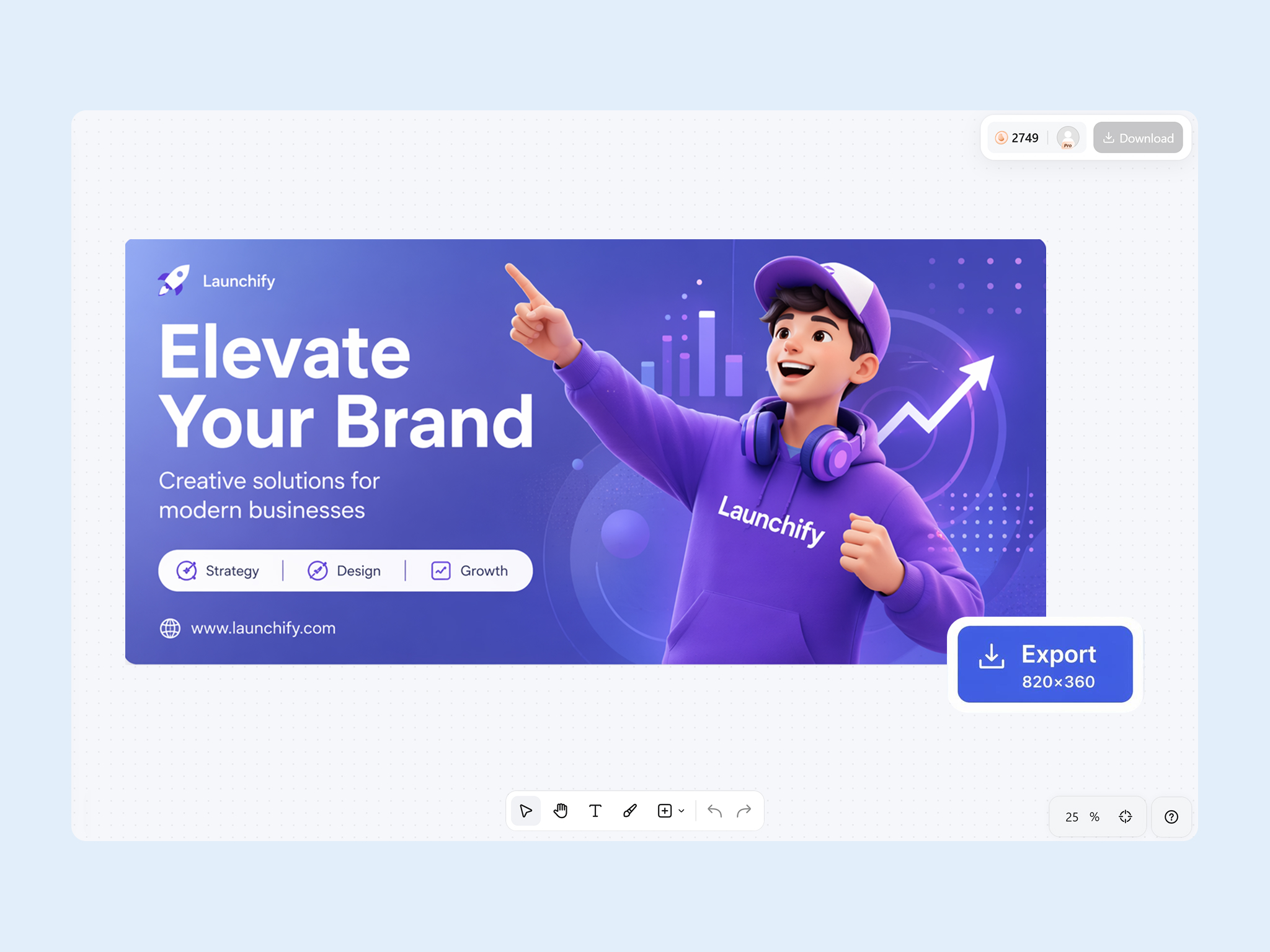
Export at 820x360 for Direct Upload
Avoid trial-and-error resizing before publishing. Designkit's Facebook banner maker exports covers on Facebook's recommended 820x360 size for direct upload, helping banners display correctly across supported devices and reducing the risk of blurry or misaligned uploads.
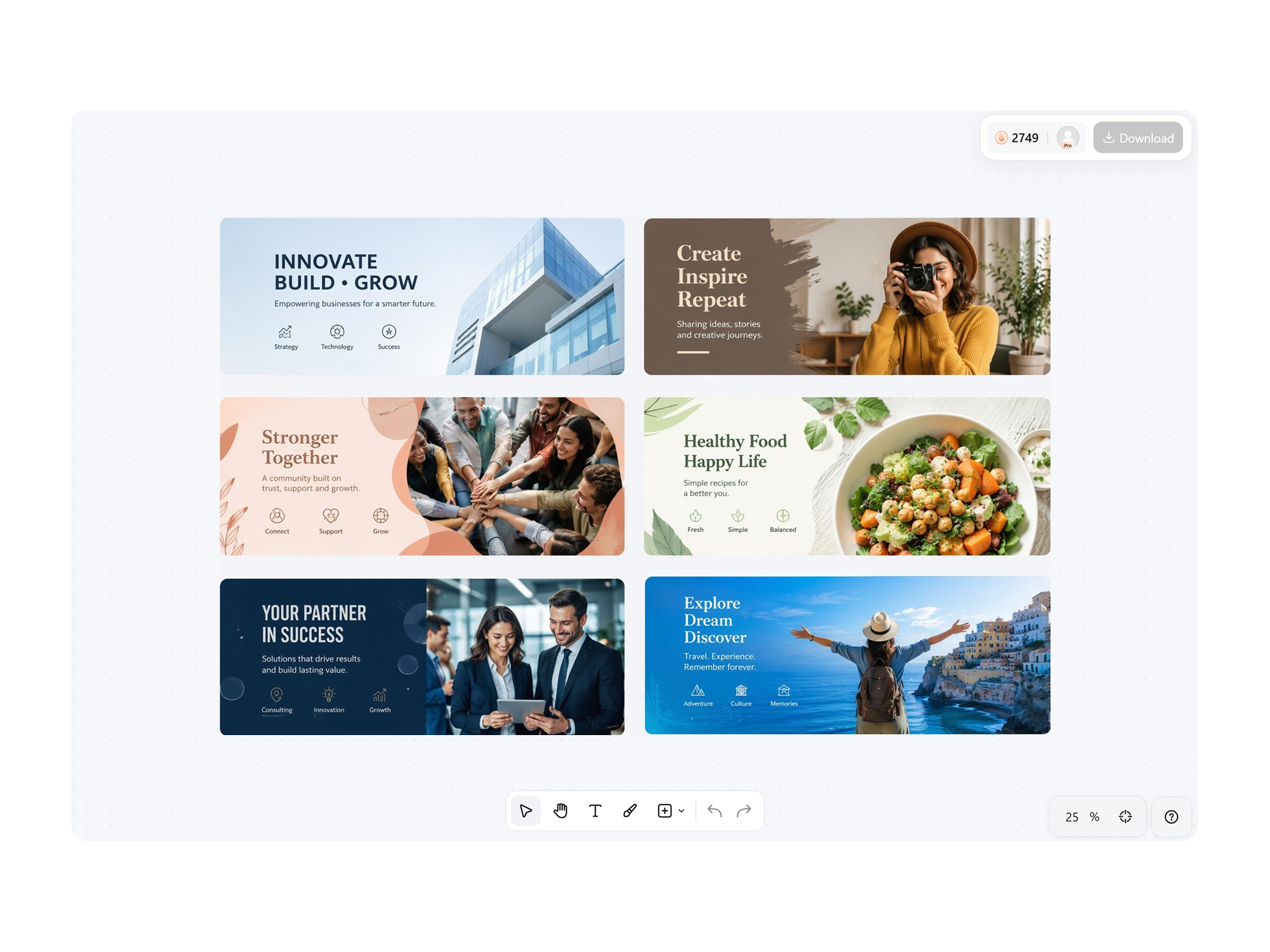
Cover Layouts for Pages, Creators, and Groups
Different Facebook pages require different messaging and layouts. Designkit's Facebook banner creator adapts covers for businesses, creators, communities, nonprofits, and public organizations from one workflow, so each profile gets the right tone without starting over.
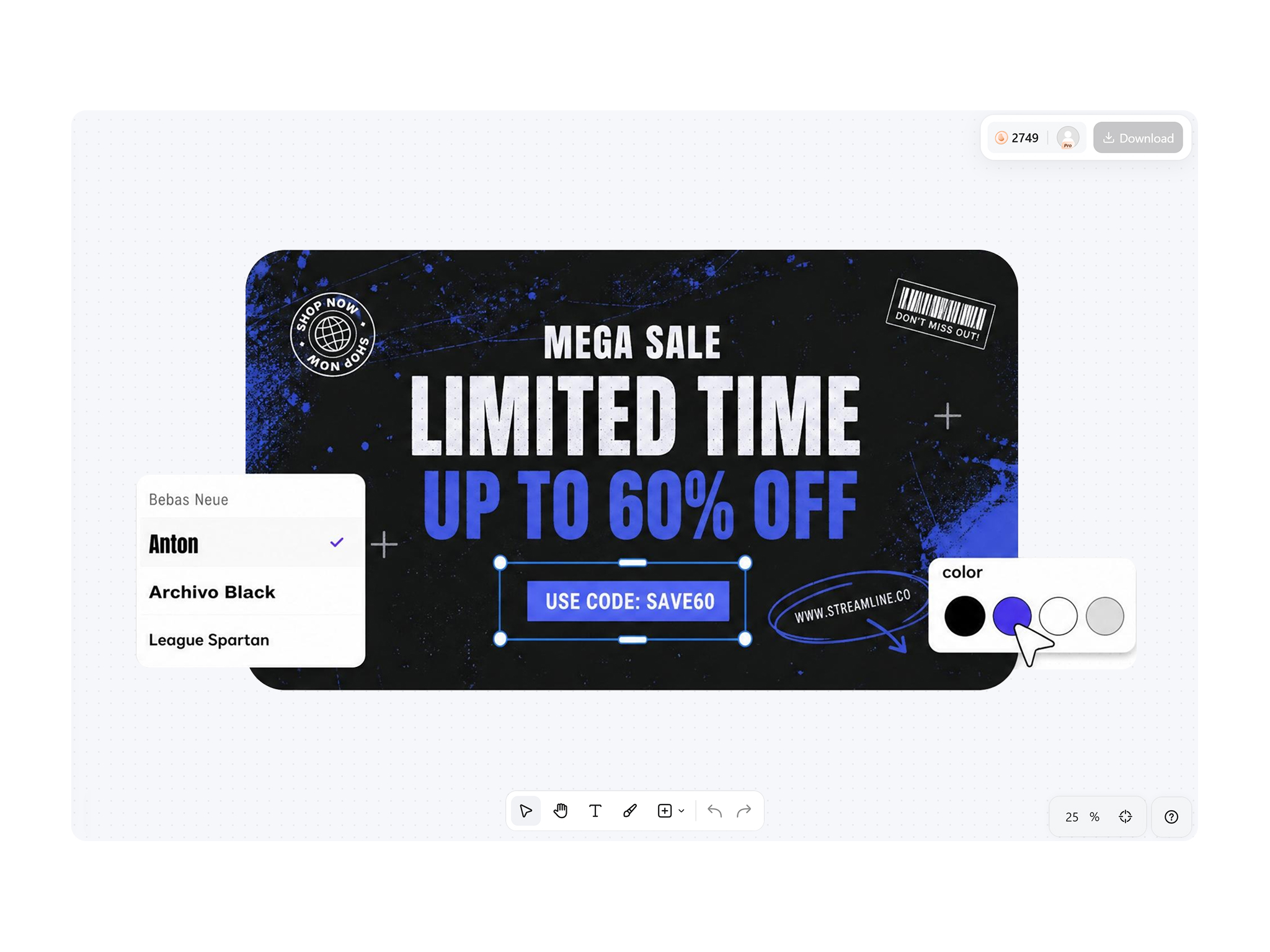
Refresh Covers without Losing Branding
Update campaign headlines, featured products, or promotional artwork while keeping your page visually recognizable. Designkit makes recurring cover updates simpler, so you can refresh banners for new offers or announcements without rebuilding your entire branding system.
Who Uses Designkit for Facebook Covers
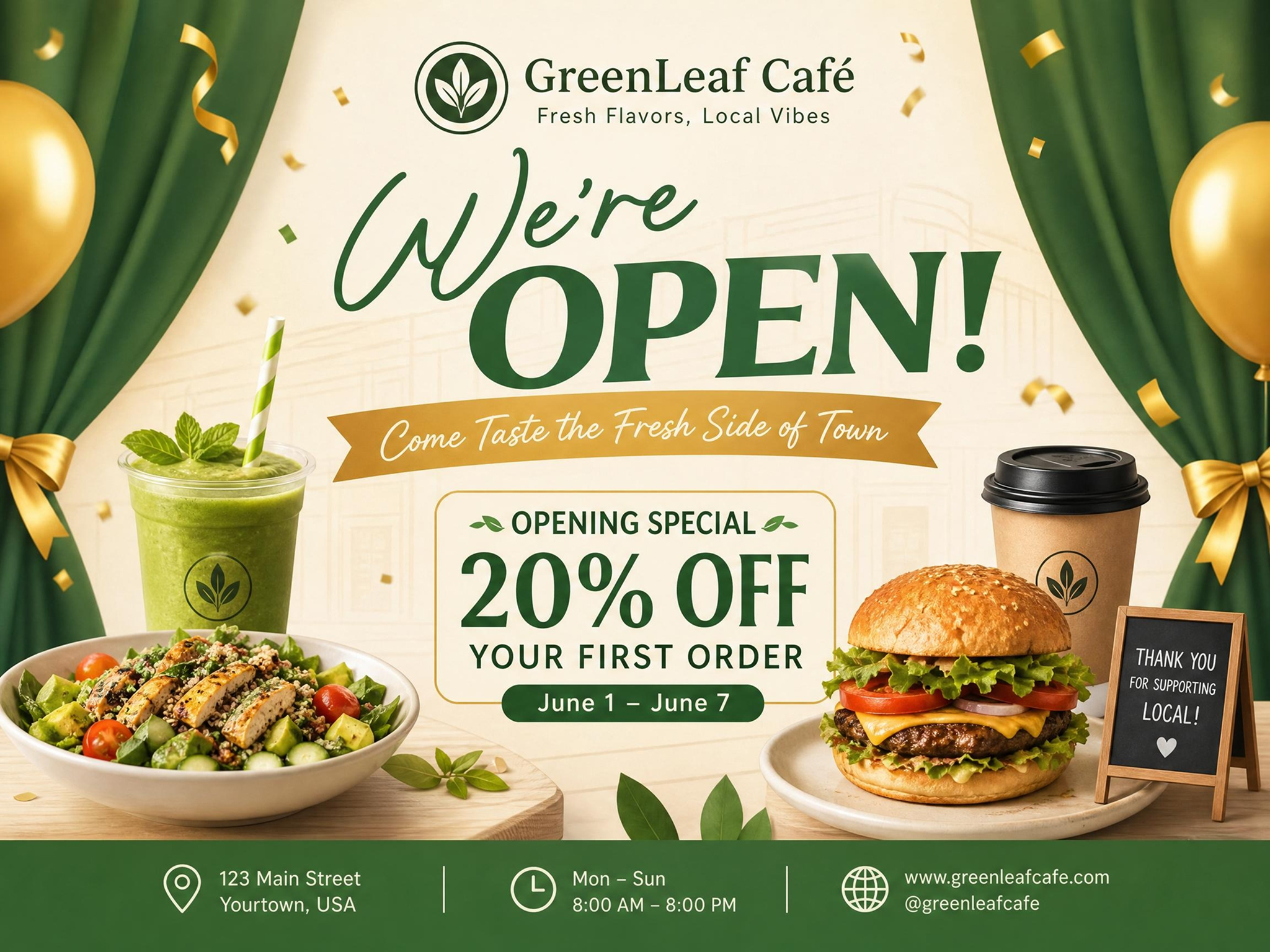
Promote Offers with a Branded Cover Design
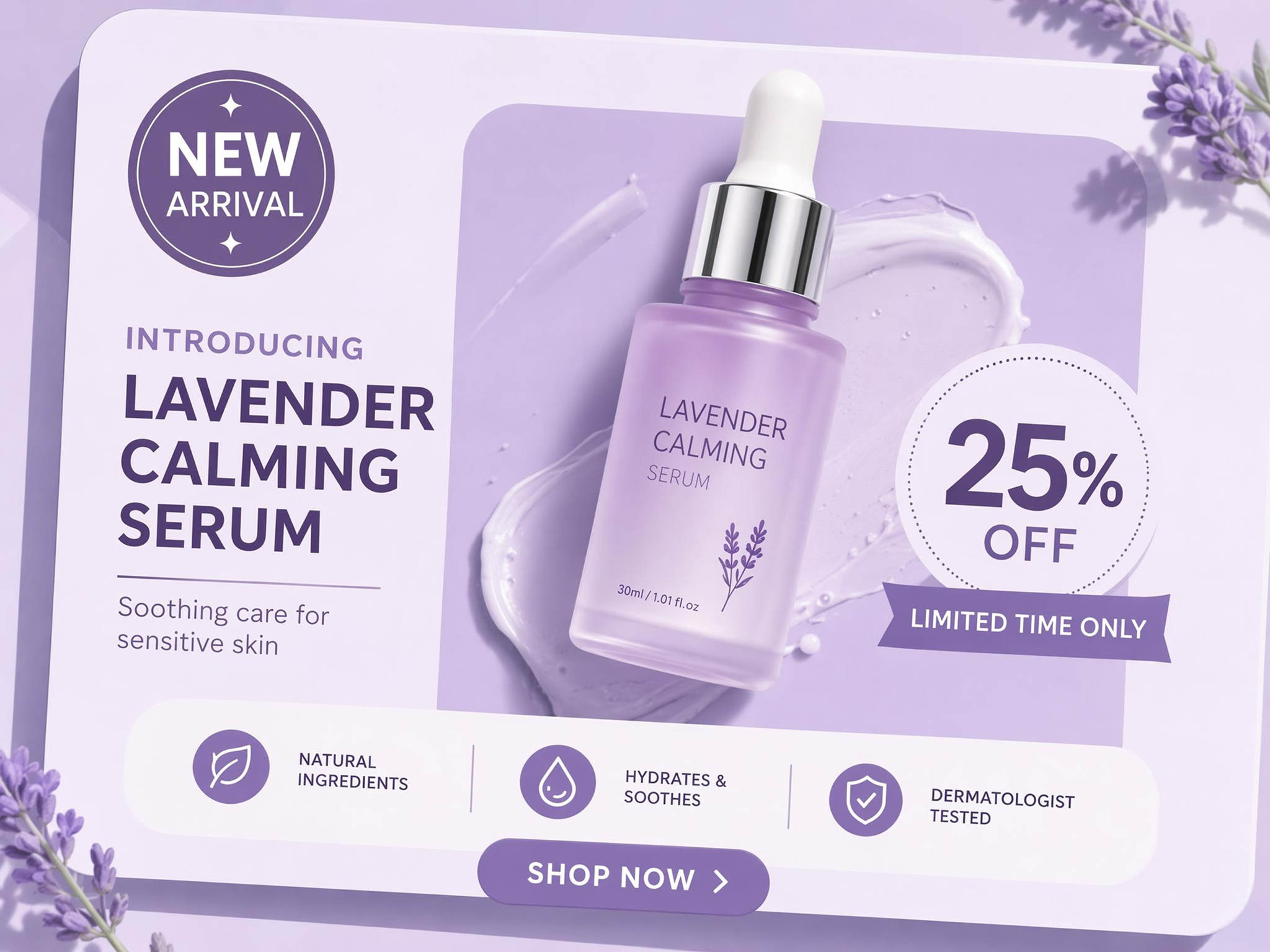
Small businesses often struggle to communicate promotions before visitors browse the page. Designkit's free Facebook cover maker creates branded cover images that highlight offers, services, and seasonal campaigns to attract attention immediately.
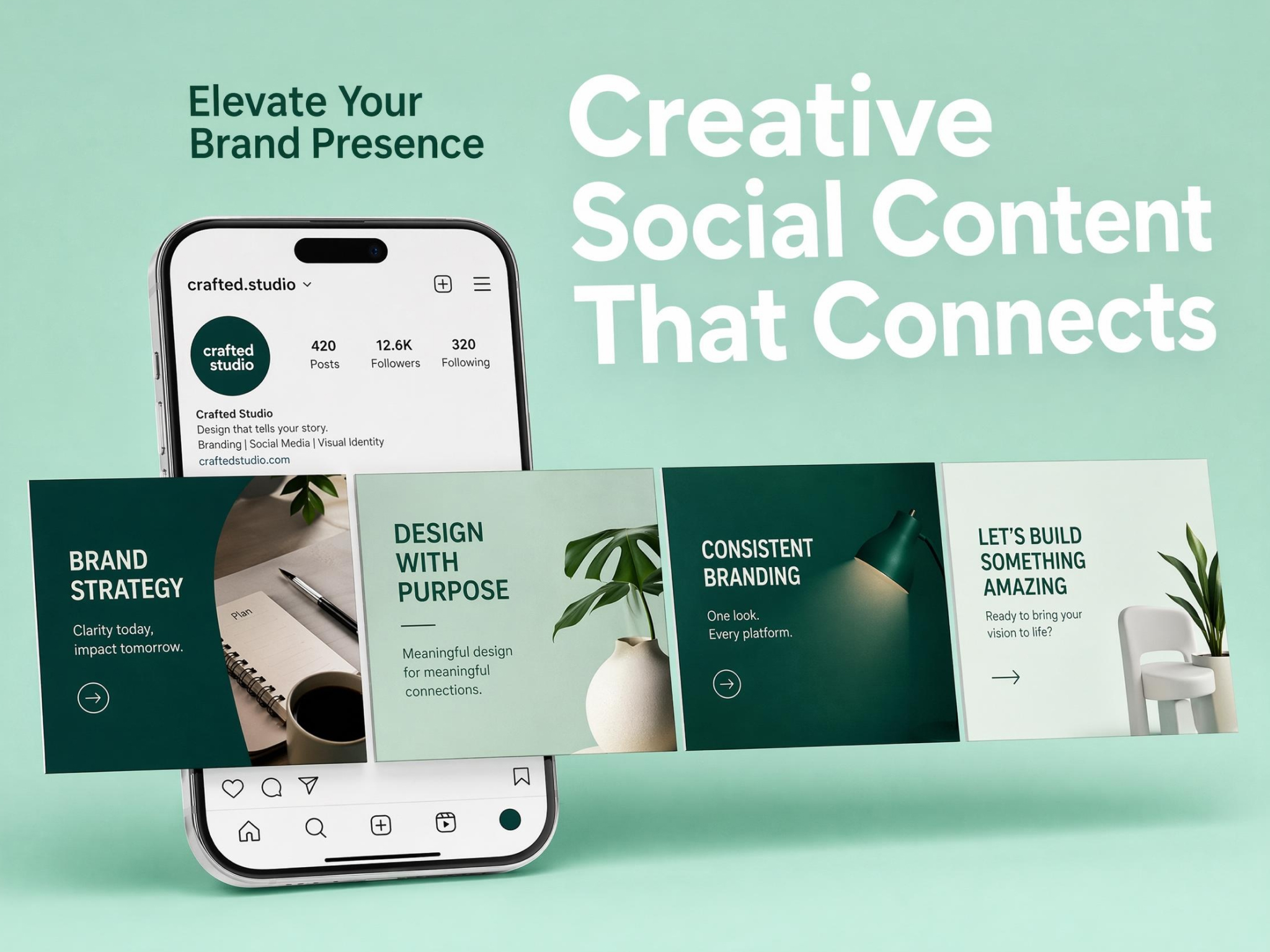
Why Choose Designkit for Facebook Cover Photo Creation
AI Brief-to-Cover, Not Template Hunting
Turn ideas or product briefs into branded covers without browsing countless generic templates.

Facebook Safe Zone Built In
Reduce cropping issues by keeping important content visible across desktop and mobile views.
Faster Than Briefing a Freelancer
Launch new campaign covers without waiting through multiple design feedback and revision cycles.
No Design Software Skills Needed
Create upload-ready Facebook covers without learning complex editing tools or layer-based software.

Brand-Consistent Covers Across Pages
Maintain the same branding across business pages, regional accounts, and franchise locations.
Covers That Match Your Existing Posts
Keep cover photos aligned with product images, campaigns, and content already published on your page.
Unlock More Creative Possibilities
AI Banner Maker
LinkedIn Banner Maker
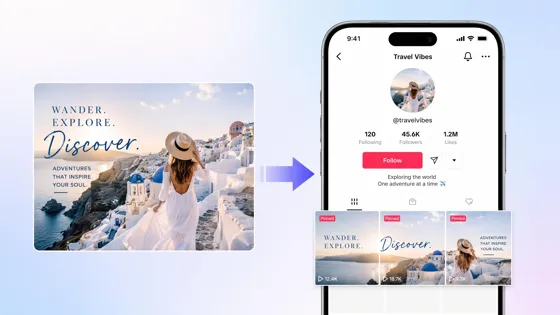
TikTok Banner Maker
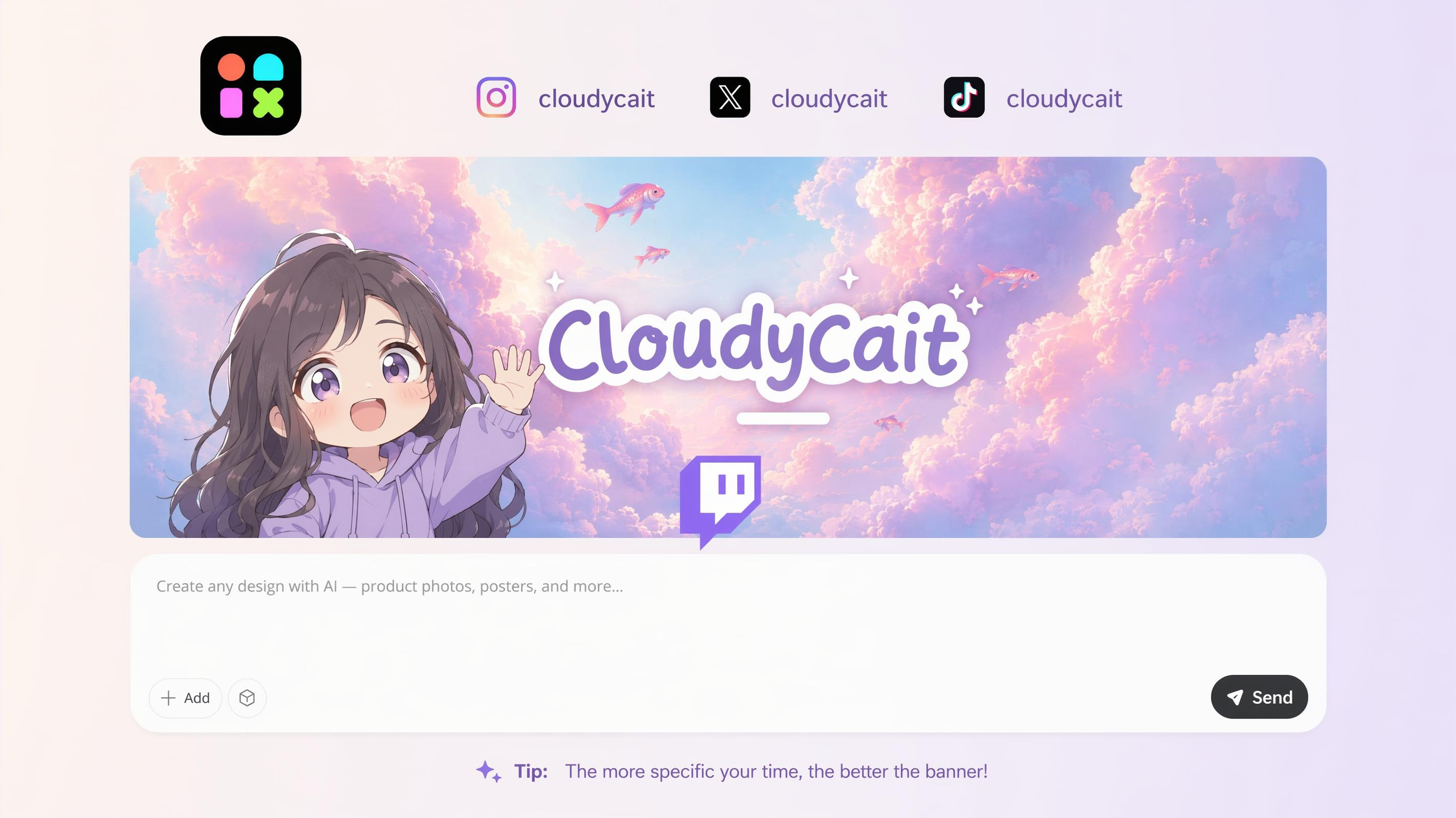
Twitch Banner Maker
Frequently Asked Questions
Can AI create Facebook covers from text prompts?
Will my Facebook cover fit both desktop and mobile?
A properly designed cover should keep important content visible across different devices. Designkit creates Facebook covers using layouts that consider Facebook's display areas, helping logos, headlines, and call-to-action elements remain visible on both desktop and mobile screens.
Can I use my own photos on the cover?
Yes. You can upload product photos, team images, event pictures, or brand assets as part of your cover design. Designkit combines your images with text, graphics, and branding elements, allowing you to create a personalized Facebook cover instead of relying only on stock visuals.
Can I create covers for Facebook business pages?
Facebook covers can be created for business pages, stores, creators, nonprofits, and community organizations. Designkit helps generate banners that promote products, services, events, or campaigns while matching the purpose and branding of your Facebook page.
Can I update promotional banners without starting over?
Existing cover designs can be updated with new offers, products, headlines, or campaign artwork instead of rebuilding them from scratch. Designkit lets you modify specific elements while keeping the overall layout and branding, making recurring campaign updates much more efficient.
Can multiple Facebook covers follow the same branding?
Multiple covers can share the same logo placement, color palette, typography, and visual style. Designkit makes it simple to create a series of branded Facebook covers for seasonal campaigns, regional pages, product launches, or recurring promotions while maintaining a unified appearance.
Can I create event banners for Facebook?
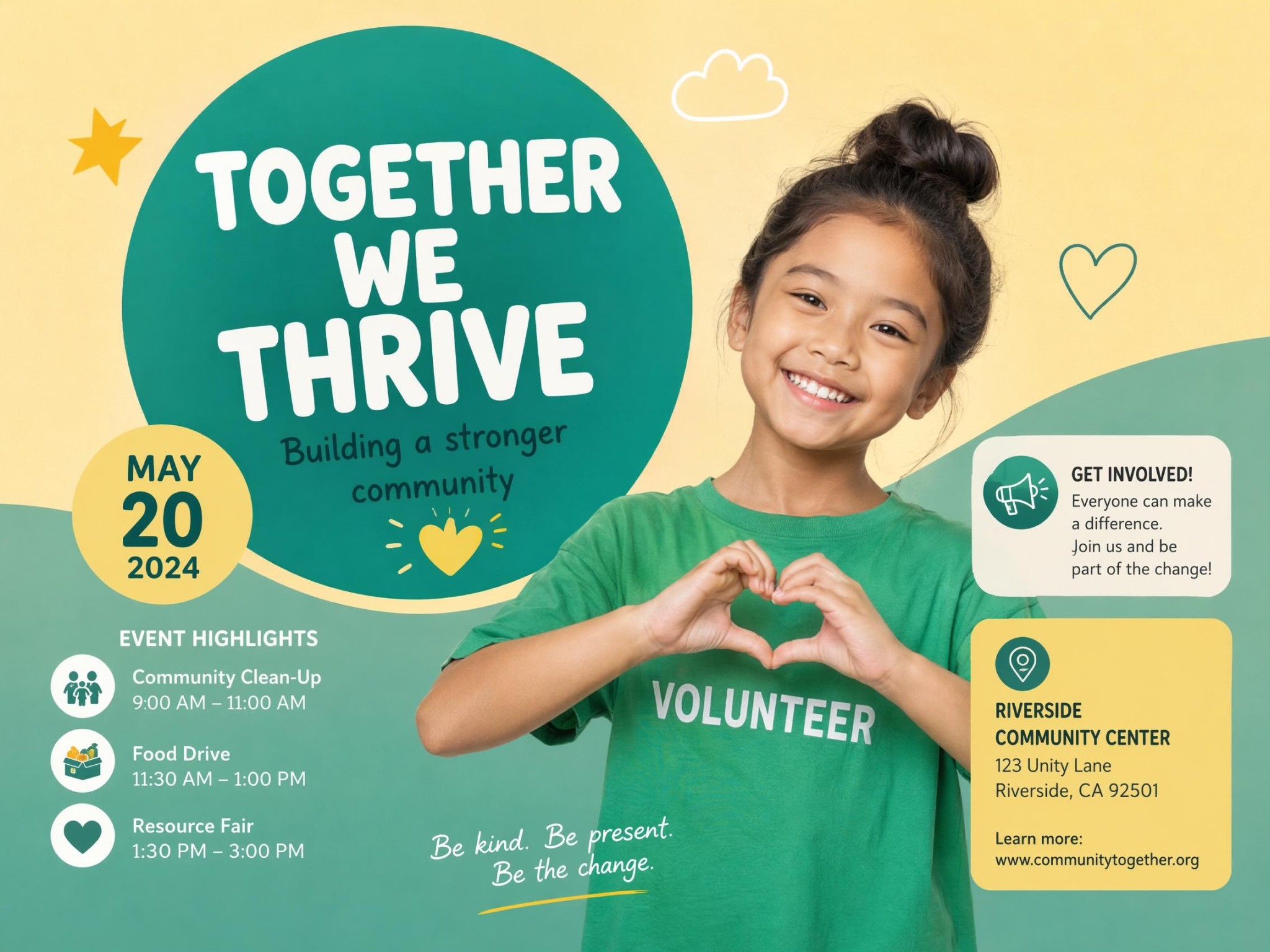
Facebook covers can be designed for conferences, webinars, product launches, fundraisers, workshops, community gatherings, and other events. Designkit helps you create event banners with dates, headlines, speakers, or promotional messaging that are ready to upload to your page.
Do AI-generated Facebook covers look professional on a business page?
Yes. AI-generated covers can produce clean, visually organized designs suitable for business use when they include clear branding and high-quality images. Designkit helps create Facebook covers with balanced layouts, readable text, and brand-focused visuals that are ready for public-facing business pages.
Publish a Facebook Cover That Fits Your Page
Generate professional Facebook cover photos with Designkit that showcase your business, community, or personal brand while fitting every profile perfectly.



What Facebook Page Owners Say About Designkit
Real experiences creating Facebook cover photos that strengthen page identity
Never Guessed the Crop Again
I used to resize covers three times before they looked right on mobile. Now the safe zone is handled upfront, and I upload once.
Launching Events Became Much Simpler
Every event required a new Facebook banner, and designing each one manually consumed valuable time. Now I update speakers, dates, and sponsors while keeping the overall event branding consistent across every campaign.
Helped My Creator Brand Feel Unified
I wanted my Facebook page to match my other social channels without copying the same artwork everywhere. The cover introduced my content style while still feeling unique to Facebook.
Made Promotions Impossible to Miss
We began featuring new product launches directly in our cover photo. Customers often mention seeing promotions there before browsing the rest of our page, making it a surprisingly effective marketing space.
Our Community Felt More Organized
Updating tournament schedules, announcements, and event branding became much easier because the cover now changes with every season while maintaining our community identity.
Created Confidence Before the First Click
When people visited our Facebook page for the first time, the cover immediately explained our mission and current fundraising campaign. It created a stronger first impression than text alone ever could.