
AI LinkedIn Banner Maker for Profile and Company Pages
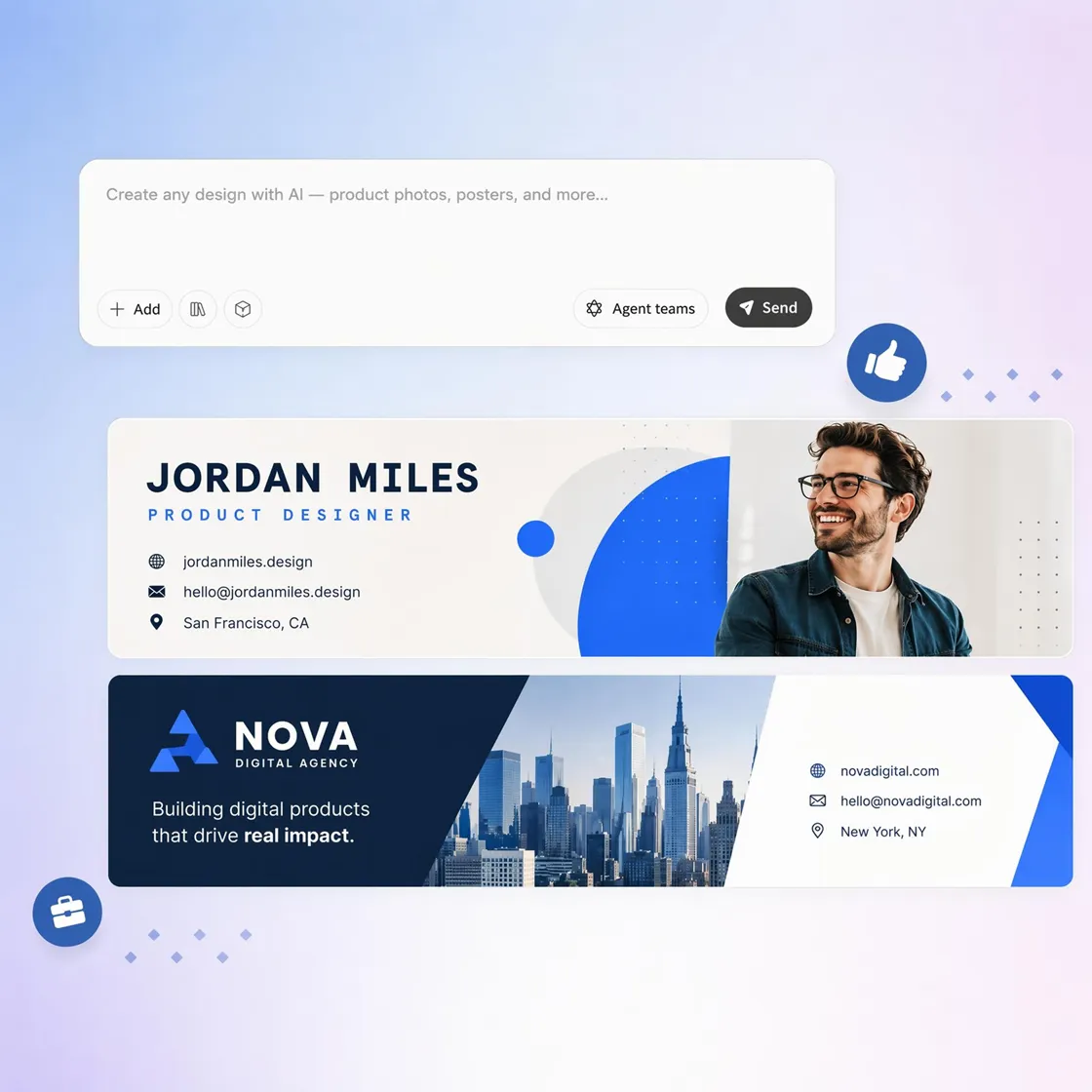
Create LinkedIn banners that highlight your expertise, industry, services, achievements, or employer brand while keeping every design optimized for LinkedIn's profile layout.
How to Create a LinkedIn Banner in 3 Steps
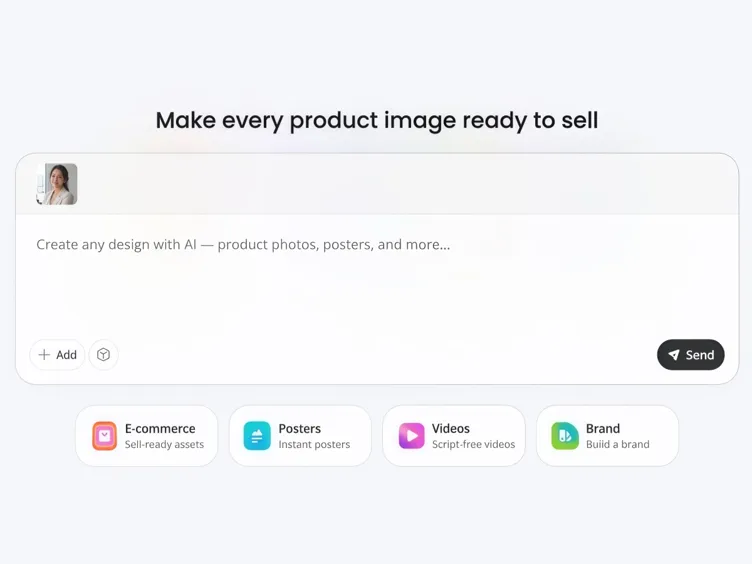
Upload Assets or Add a Brief
Upload a headshot, logo, product image, or type a short description of the banner you need.
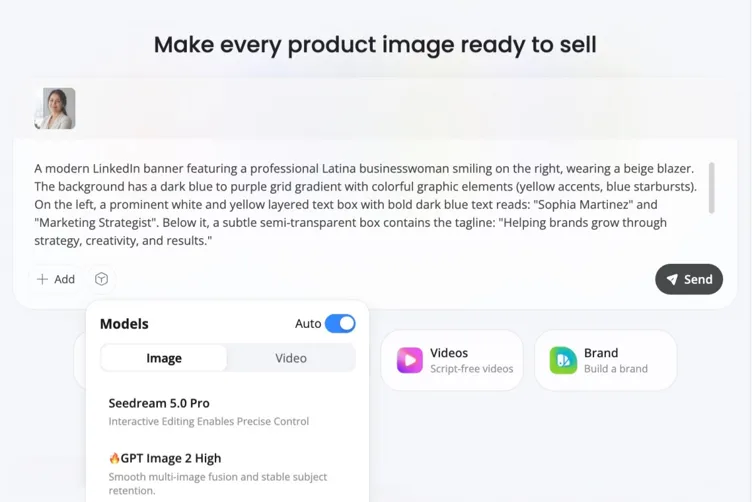
Generate Your Banner
Select personal profile (1584x396) or company page (1128x191), add your headline, and let AI place text away from the profile photo overlay.
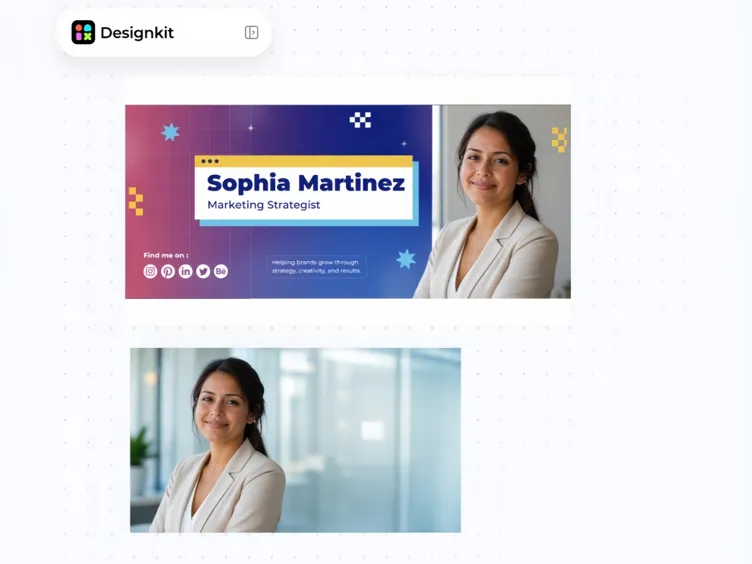
Download and Upload
Export a high-resolution banner ready to upload to your LinkedIn personal profile, company page, or showcase page.
LinkedIn Banner Features That Match Platform Specs
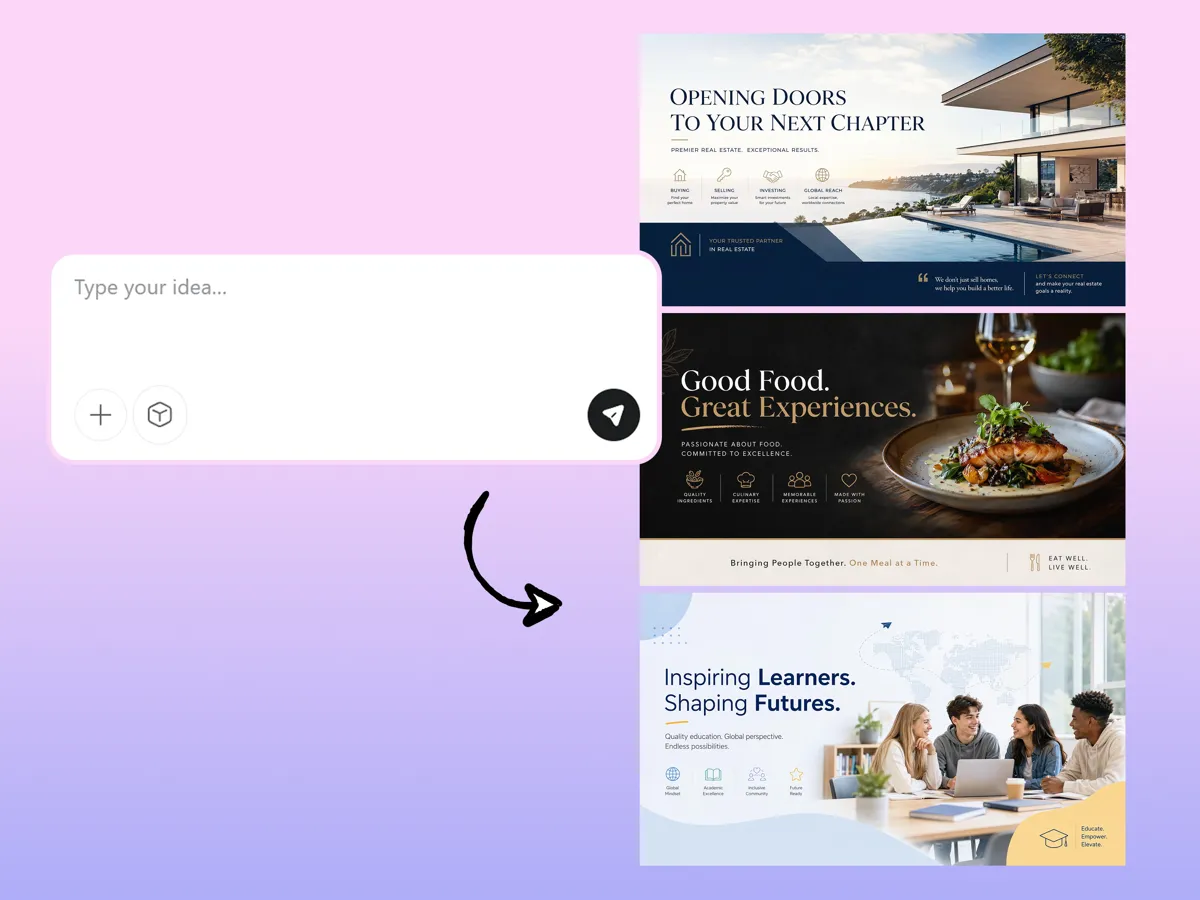
Turn Simple Texts into LinkedIn-Ready Banners for Every Niche
Turn a short description into a banner that highlights your expertise, services, or career goals. Designkit's LinkedIn banner generator turns plain text into a polished profile cover, so you can create a professional first impression without starting from a blank canvas.
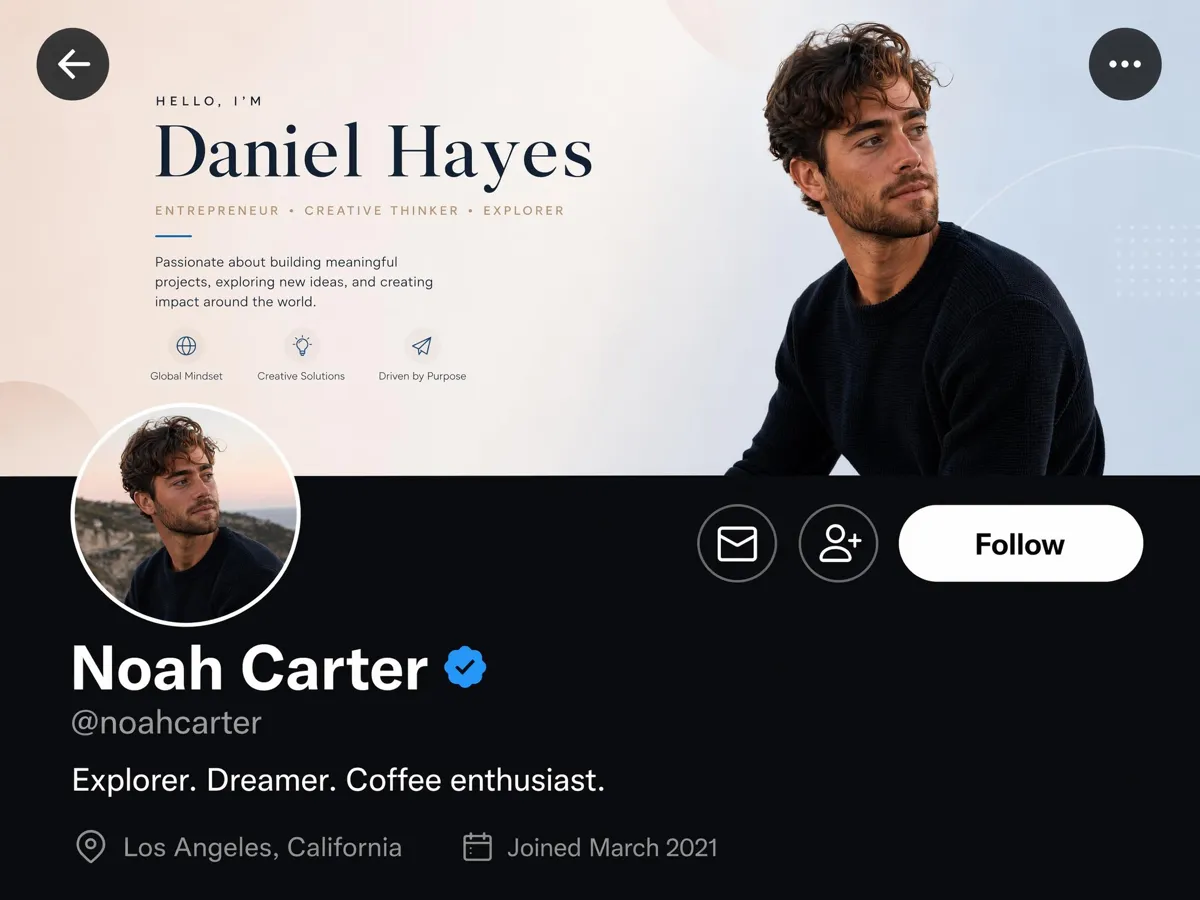
Keep Text Clear of the Profile Photo Overlay
Important headlines can disappear behind LinkedIn's profile photo overlay. Designkit's banner maker keeps text, logos, and calls to action inside the safe zone, so your key message stays readable on every profile view and device without manual resizing.
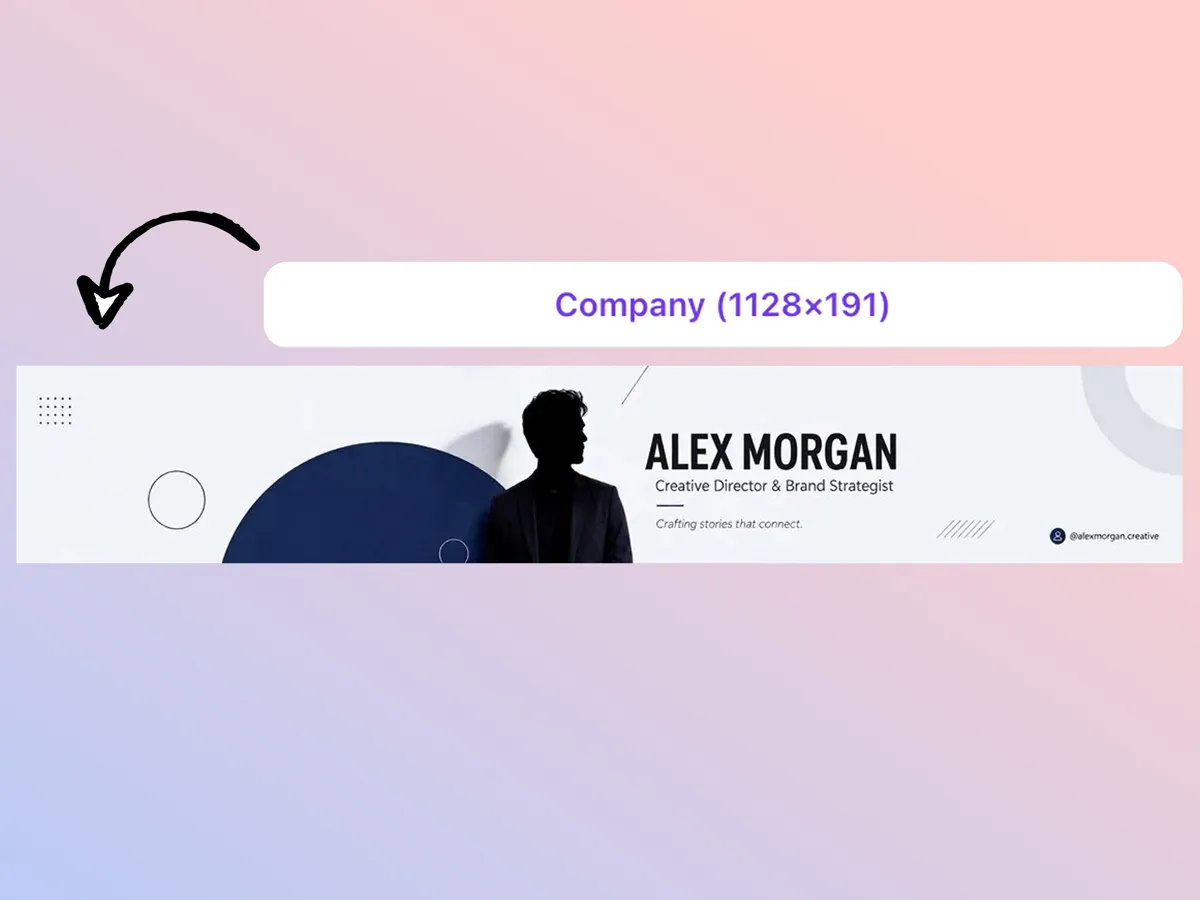
Generate Company Page Banners at 1128x191
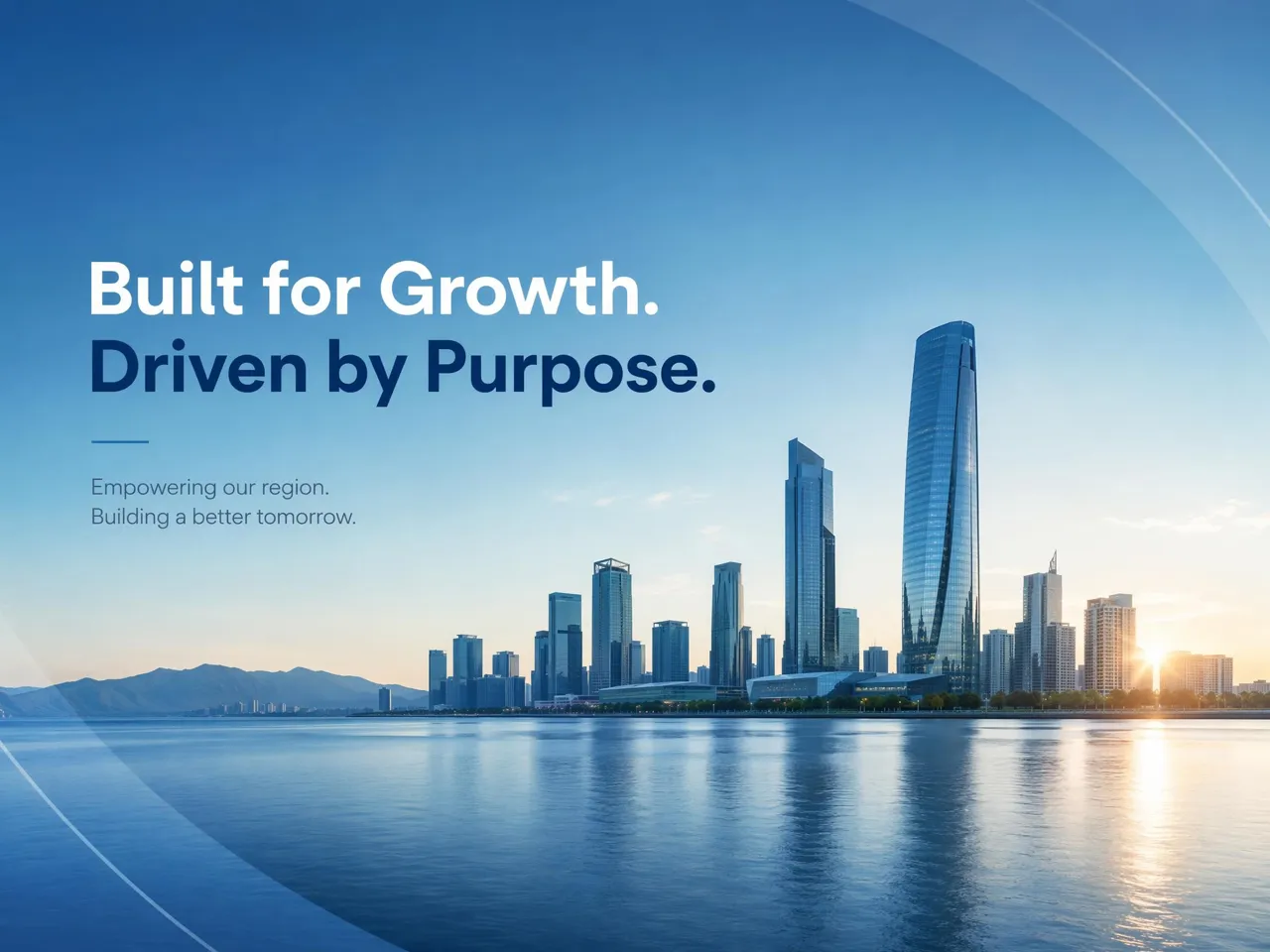
Business pages need the right cover size to avoid awkward cropping on desktop or mobile. Designkit creates LinkedIn banner layouts at the recommended 1128x191 dimensions, helping company pages display cleanly with consistent branding across screens and reducing the need for repeated fixes.
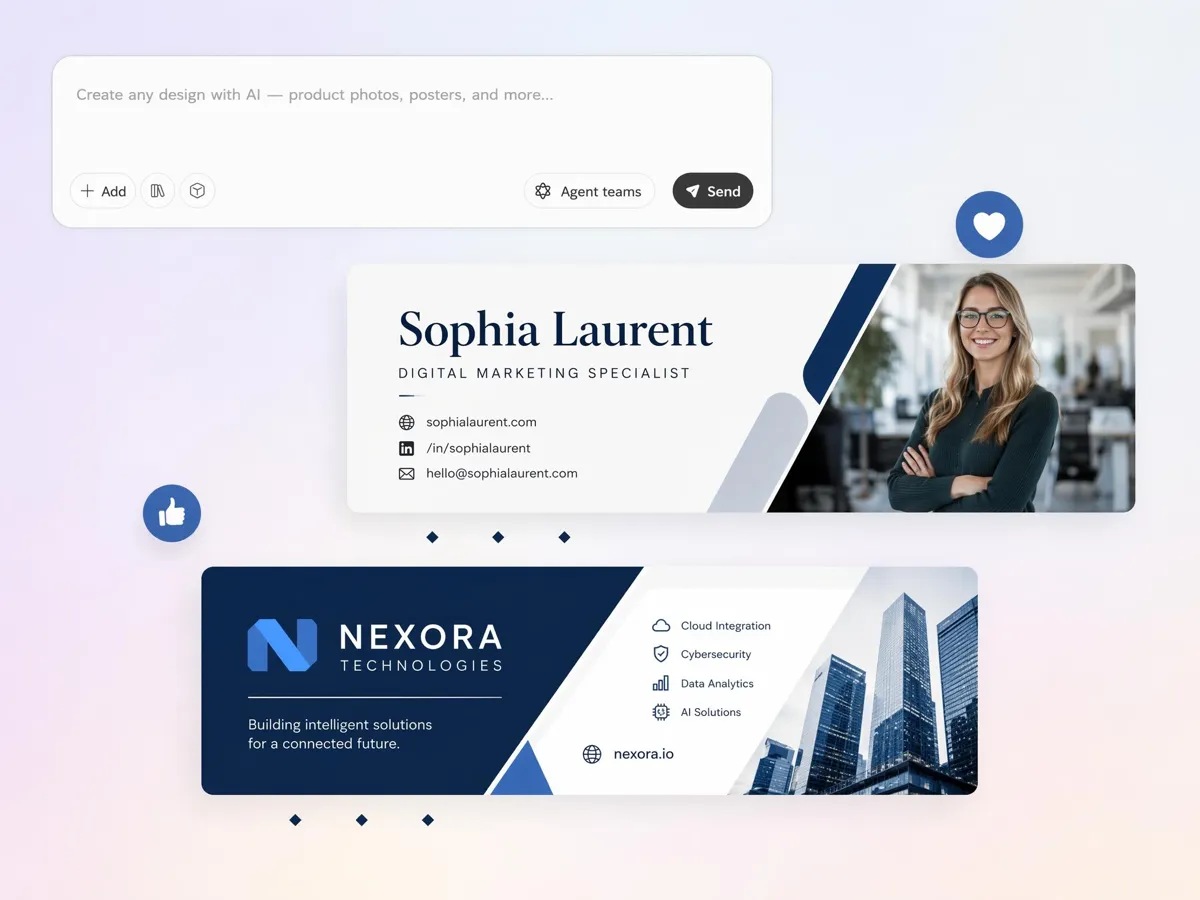
Turn a Short Brief into a Professional Banner
Starting with an empty design can slow content creation. Designkit's AI LinkedIn banner turns your role, niche, or value proposition into a complete cover, making how to make a LinkedIn banner much easier for founders, freelancers, and teams who need fast results.
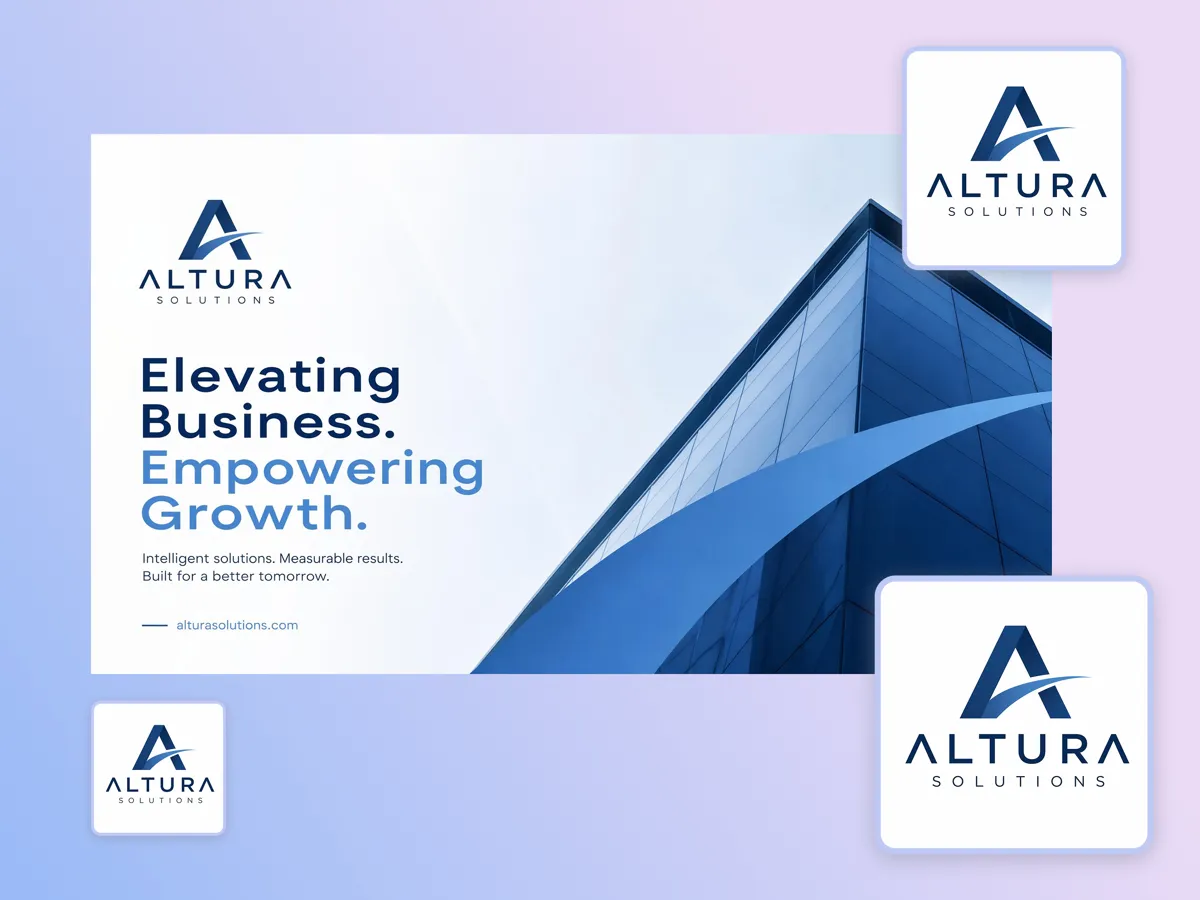
Use Your Logo, Product Shots, and Brand Colors
Generic templates rarely reflect your brand identity. Designkit's LinkedIn cover image generator uses your logo, product shots, colors, and fonts to build a banner that matches your existing branding instead of looking like a stock layout for personal profiles or company pages.
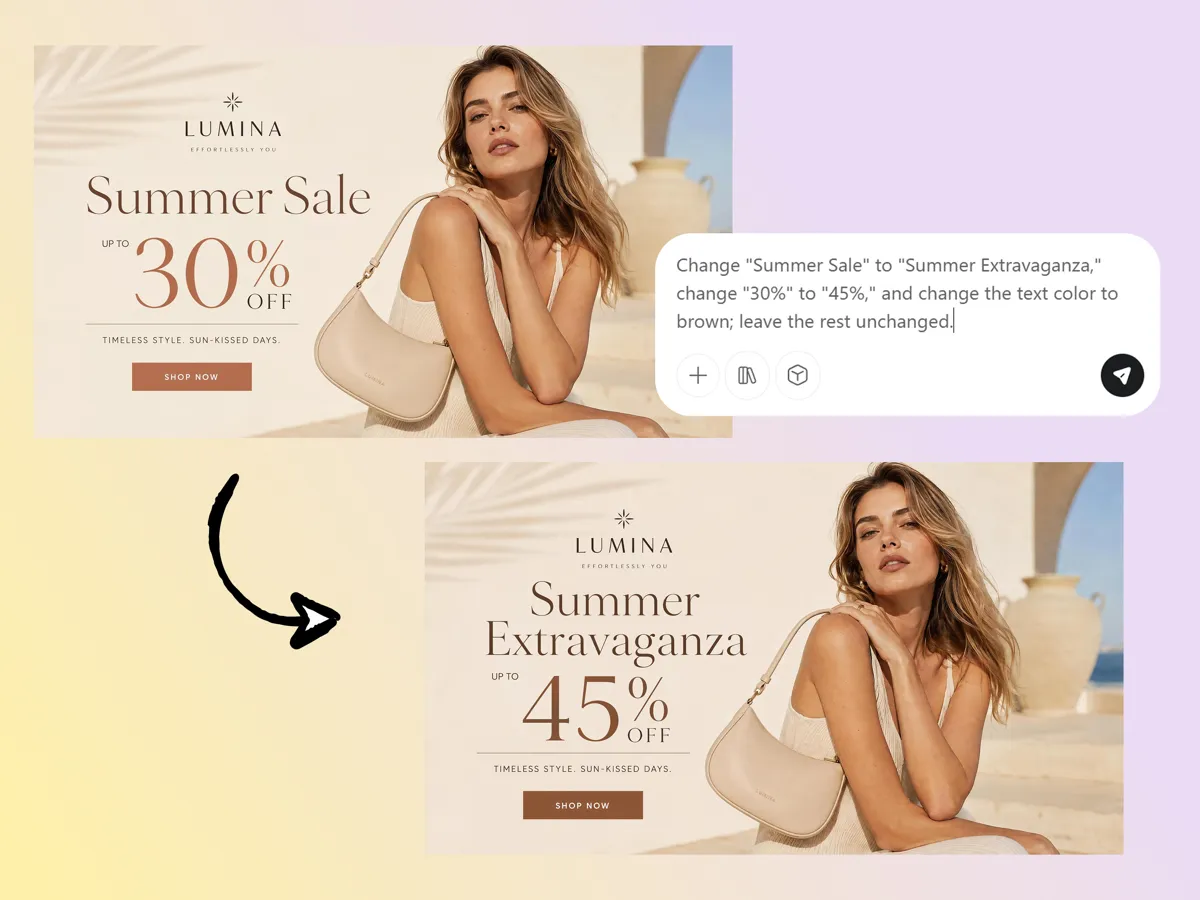
Update Headlines and Campaigns with AI Prompts
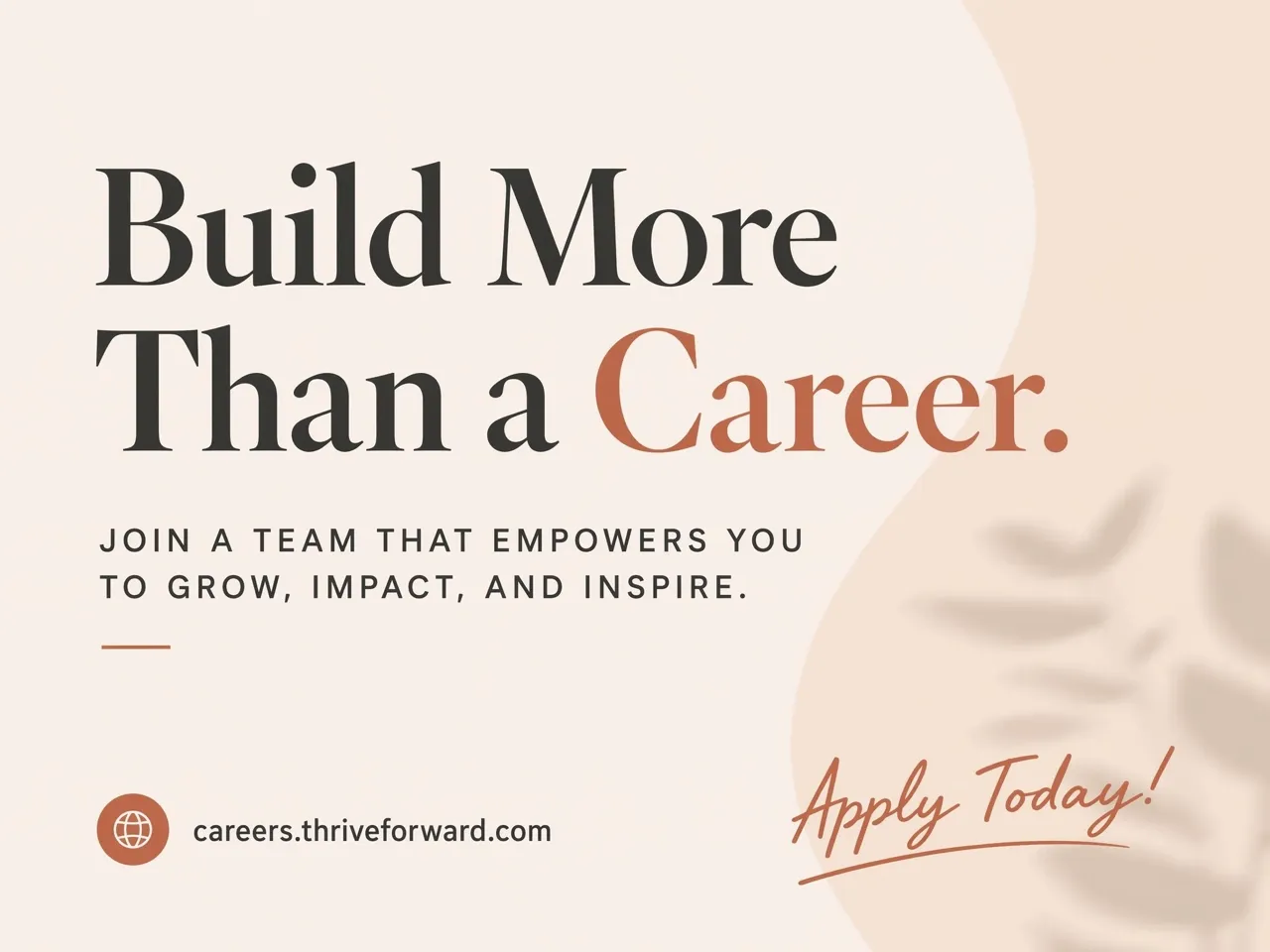
Hiring campaigns, product launches, and event promotions change throughout the year. Designkit simplifies LinkedIn banner design by letting you update headlines and campaign details with AI prompts while keeping the same visual style, layout, and brand consistency.
Who Uses Designkit for LinkedIn Banners
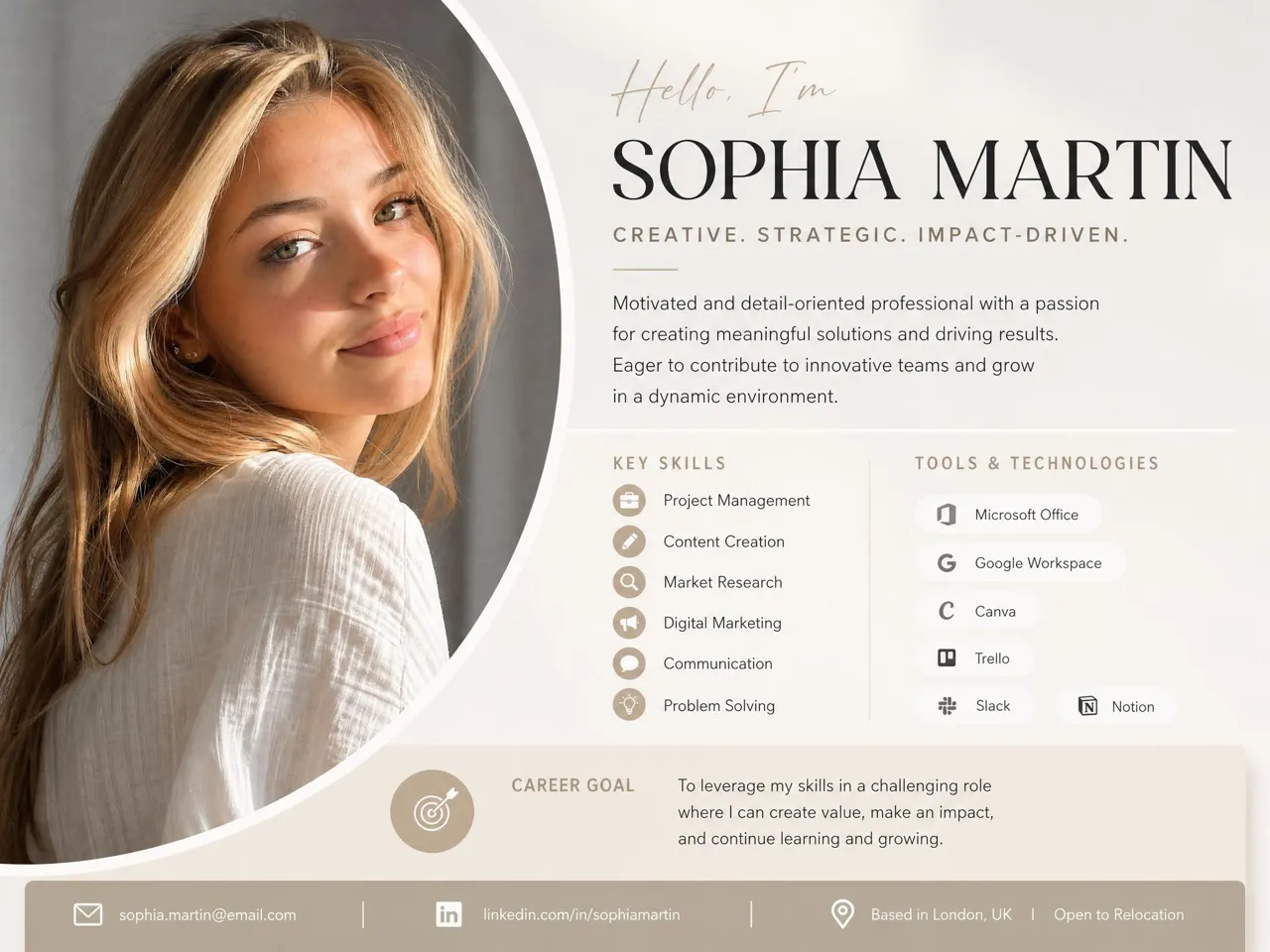
Show Skills and Goals Before Recruiters Read
Recruiters often decide whether to keep reading within seconds. Designkit's LinkedIn banner maker helps job seekers highlight skills, certifications, and career goals before visitors reach the experience section.
Why Choose Designkit for LinkedIn Banner Design
Brief-to-Banner, Not Template Hunting
Start from your role, offer, or brand image instead of editing a generic Canva layout for every update.
LinkedIn Safe Zone Built In
Skip manual guides and guesswork about where LinkedIn places your profile photo and mobile crops.
Personal and Company Sizes in One Tool
Export 1584x396 personal covers and 1128x191 company banners without switching tools or resizing files.
Faster Than Briefing a Designer
Publish a new hiring, promo, or certification banner in minutes when your message changes.

No Photoshop or Layout Skills Needed
Marketers, founders, and job seekers create upload-ready banners without layer editing experience.

Reuse One Brand Style Across Updates
Swap headlines, offers, or event details while keeping the same visual system across profile refreshes.
Unlock More Creative Possibilities
AI Banner Maker
Facebook Cover Photo Maker
TikTok Banner Maker
Twitch Banner Maker
Frequently Asked Questions
How do I make a LinkedIn banner look polished?
Can I create a LinkedIn banner from my company branding?
Yes. You can build a banner using your company logo, brand colors, fonts, product images, and other visual assets. Designkit combines these elements into a LinkedIn-ready banner, helping your profile or company page stay aligned with your existing brand identity.
What size should a LinkedIn banner be?
For personal profiles, LinkedIn recommends 1584 × 396 pixels, while company page banners use 1128 × 191 pixels. Designkit automatically generates banners in the appropriate dimensions, reducing the need for manual resizing or repeated crop adjustments after upload.
Can I make a banner for a personal profile and a company page?
Personal profiles and company pages use different layouts and dimensions. Designkit creates banners optimized for both, allowing individuals and businesses to maintain the right appearance while communicating their goals and branding effectively.
How do I keep LinkedIn banner text readable?
Place important text away from the profile photo area and avoid overcrowding the design. Designkit positions headlines, logos, and calls to action within the visible safe zone, helping key information remain readable across desktop and mobile devices.
Can I create a LinkedIn banner for hiring or recruitment?
A banner can highlight open positions, employer branding, career opportunities, or recruitment campaigns. Designkit helps create hiring banners that communicate your message clearly, making it easier for candidates to understand your recruitment focus as soon as they visit your page.
Can I update my banner when my role changes?
Yes. You can change job titles, certifications, services, campaign messages, or promotional content without creating a new design from scratch. Designkit lets you update individual elements while preserving your existing branding and overall banner layout.
Can I reuse one banner style for multiple team members?
A shared banner style helps maintain a unified brand across executives, departments, and regional teams. Designkit allows you to reuse the same visual identity while updating names, roles, or messaging for each team member, keeping every profile visually aligned.
Build A Stronger Professional First Impression
Create a LinkedIn banner that showcases your expertise, strengthens your personal brand, and supports career growth with every profile visit.



What Professionals Say About Designkit LinkedIn Banner Maker
Real experience improving professional profiles
Never Worried About Banner Size Again
I used to spend time resizing banners and checking how they looked after uploading. Designkit generated a correctly sized cover with the profile photo area already accounted for, so I only needed to upload it once.
Our Hiring Campaign Felt More Professional
We wanted our company page to communicate hiring opportunities before candidates opened a job listing. Designkit helped us create a banner that matched our employer branding and made our recruitment campaign easier to recognize.
Clients Recognized My Services Instantly
Visitors often didn't understand what I offered until they read my profile. Designkit gave me a banner that communicated my consulting focus immediately, helping potential clients understand my services at first glance.
Company Branding Became More Consistent
Managing banners across executive and regional pages was difficult to coordinate. Designkit helped us create matching cover designs that kept our branding aligned without rebuilding every layout for each department.
Career Updates Became Easier
Whenever I earned a certification or spoke at an event, updating my banner used to take longer than expected. Designkit let me refresh the headline while keeping the same visual style, making profile updates much simpler.
Helped Promote My Newsletter
I wanted more profile visitors to notice my newsletter without changing the rest of my page. Designkit helped me add a clear banner message that increased visibility and encouraged more people to explore my content.