
Twitch Channel Banners Sized for 1200x480 Upload
Generic banners get scrolled past. Designkit builds a Twitch banner around your games and schedule, so new visitors know your channel in seconds.
How to Create a Twitch Banner in 3 Steps
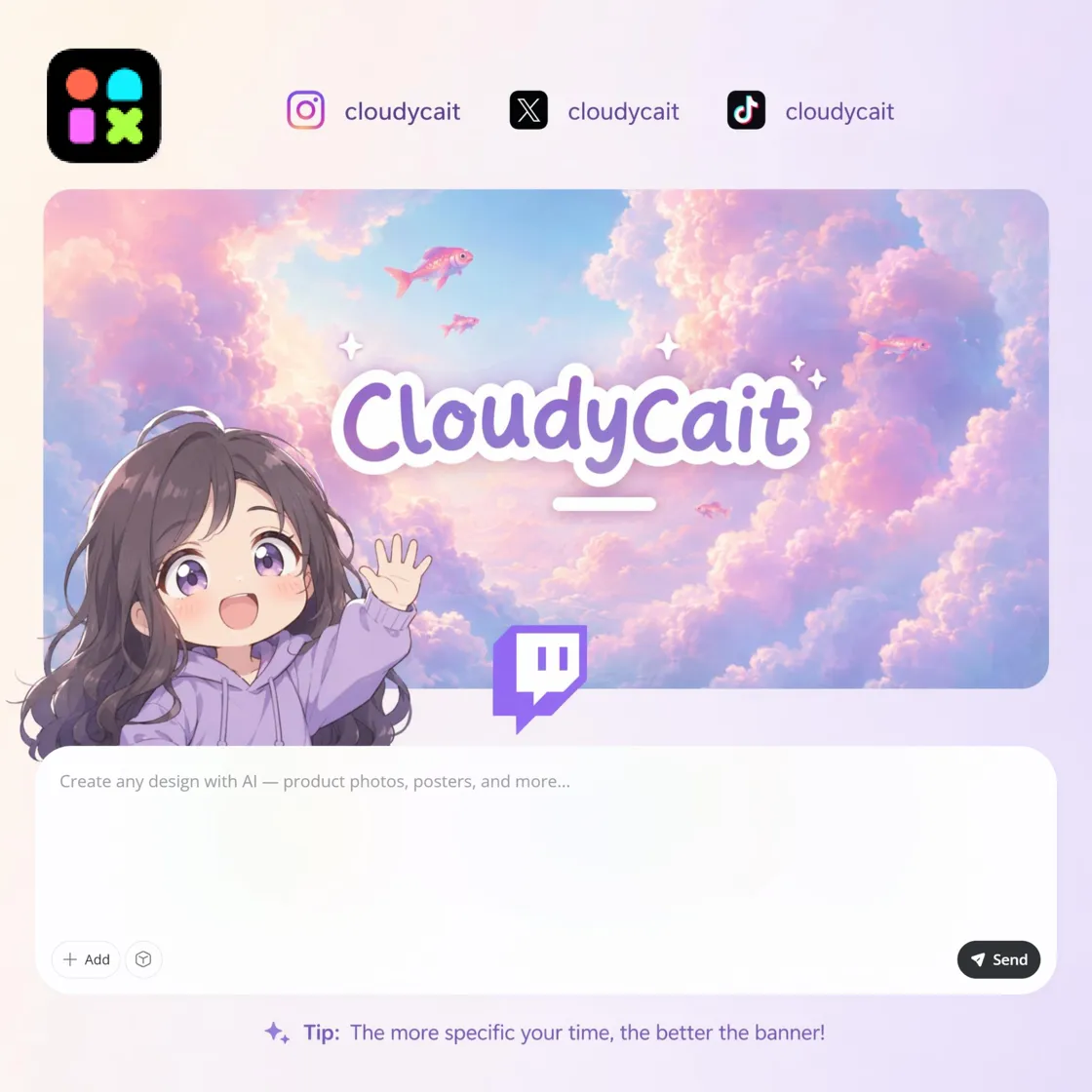
Upload Artwork or Add a Brief
Upload a logo, avatar, game artwork, or type a short description of your channel banner.
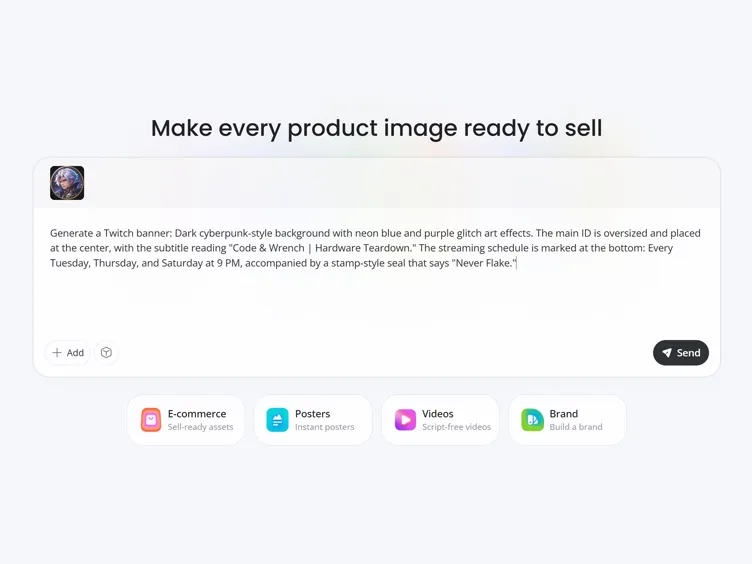
Set Style and Safe Zone
Pick your stream niche, add schedule or promo text, and let AI place logos and headlines inside Twitch's center safe area.
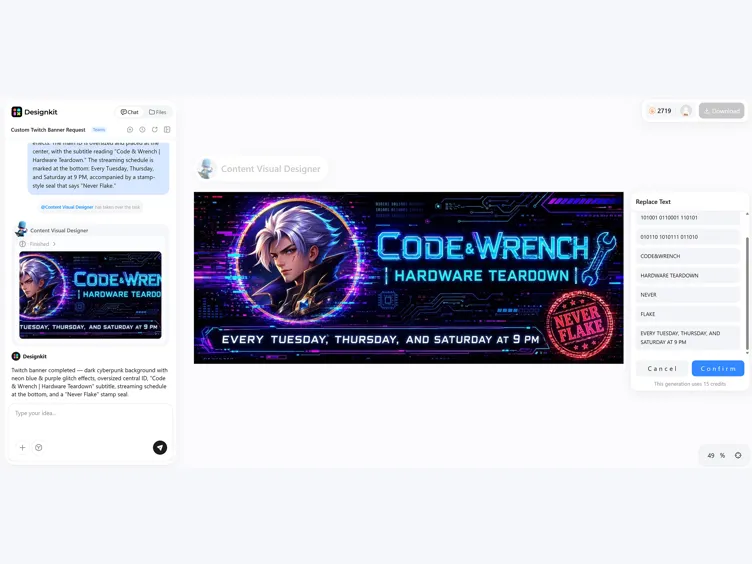
Download and Upload
Export a 1200x480 banner ready to upload to your Twitch profile.
Twitch Banner Features Built for Channel Upload Specs
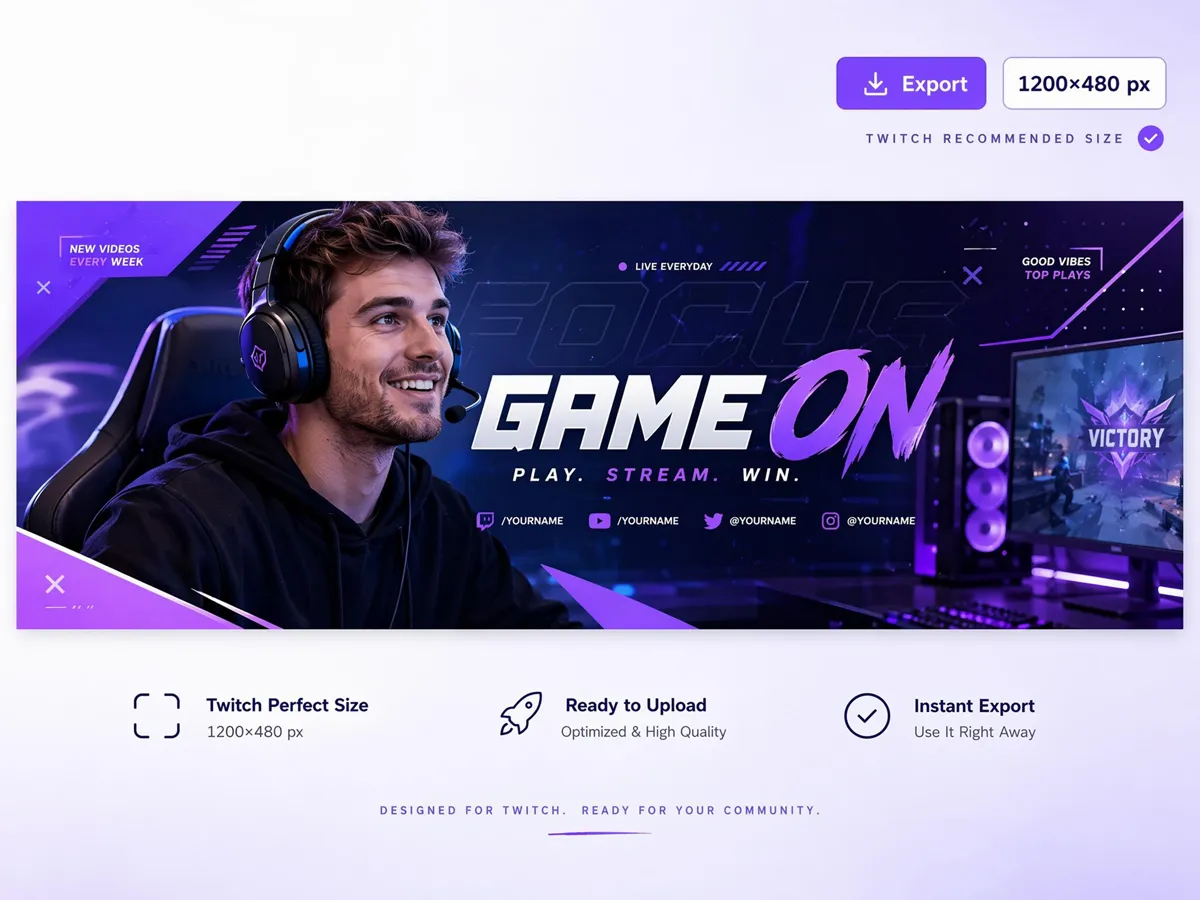
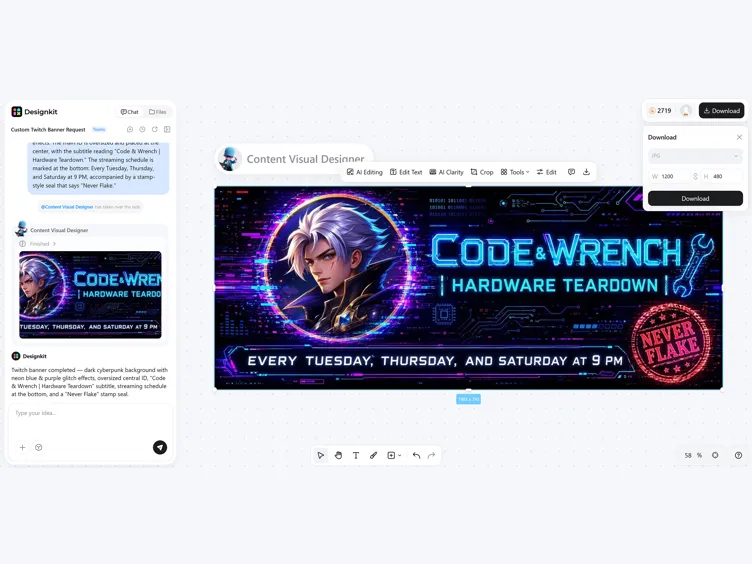
Export Channel Banners at 1200x480
Skip manual resizing before every upload. Designkit's banner maker exports to 1200×480, Twitch's recommended size, so your artwork fits the channel header cleanly and displays correctly across desktop, tablet, and mobile without extra crop fixes after publishing.
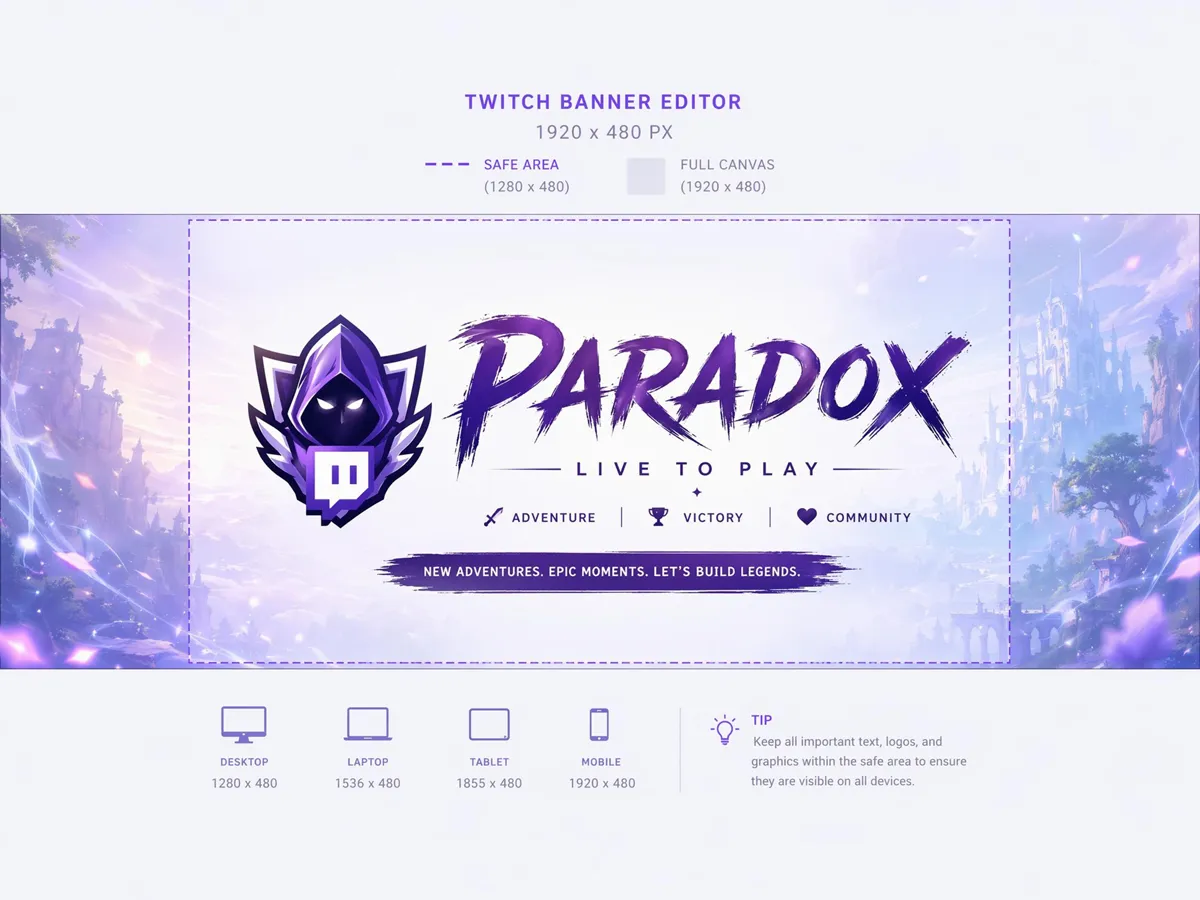
Keep Logos and Text Inside the Safe Zone
Keep stream names, logos, and schedule details inside Twitch's visible area. Designkit protects the safe zone, so important text stays readable after cropping, helping your banner stay clear on desktop, mobile, and smaller screens every time you update it, without awkward cutoffs.
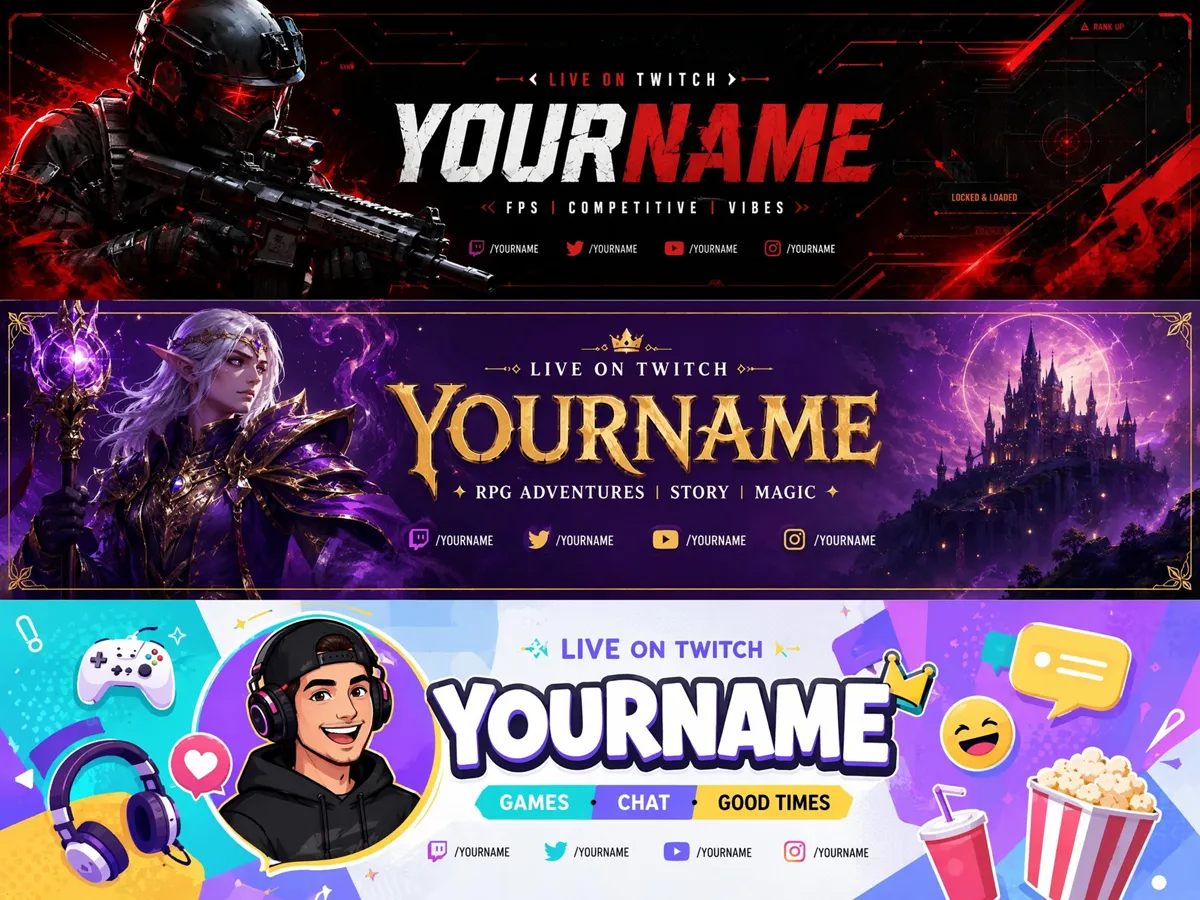
Generate Banners for FPS, RPG, Variety, and More
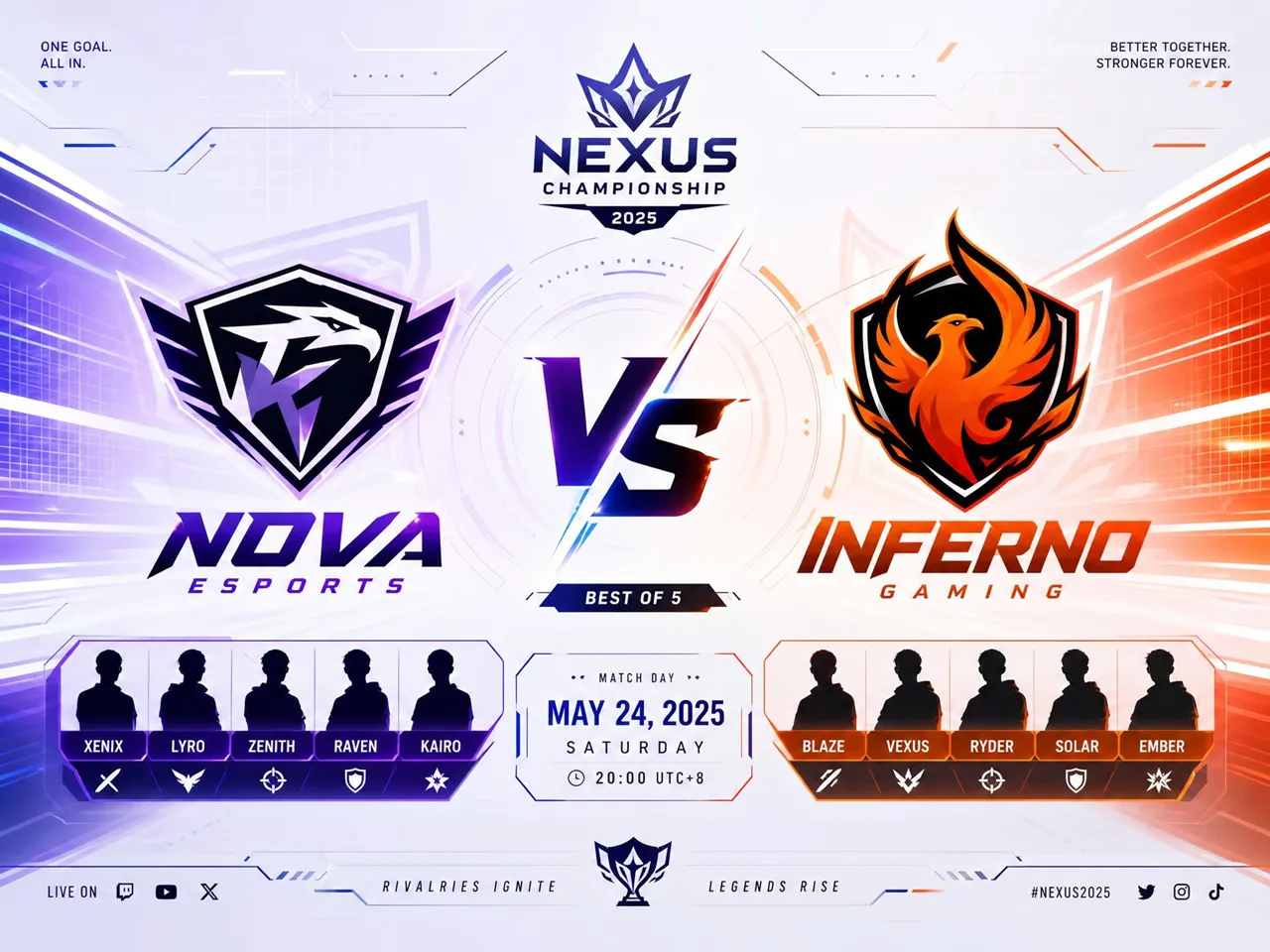
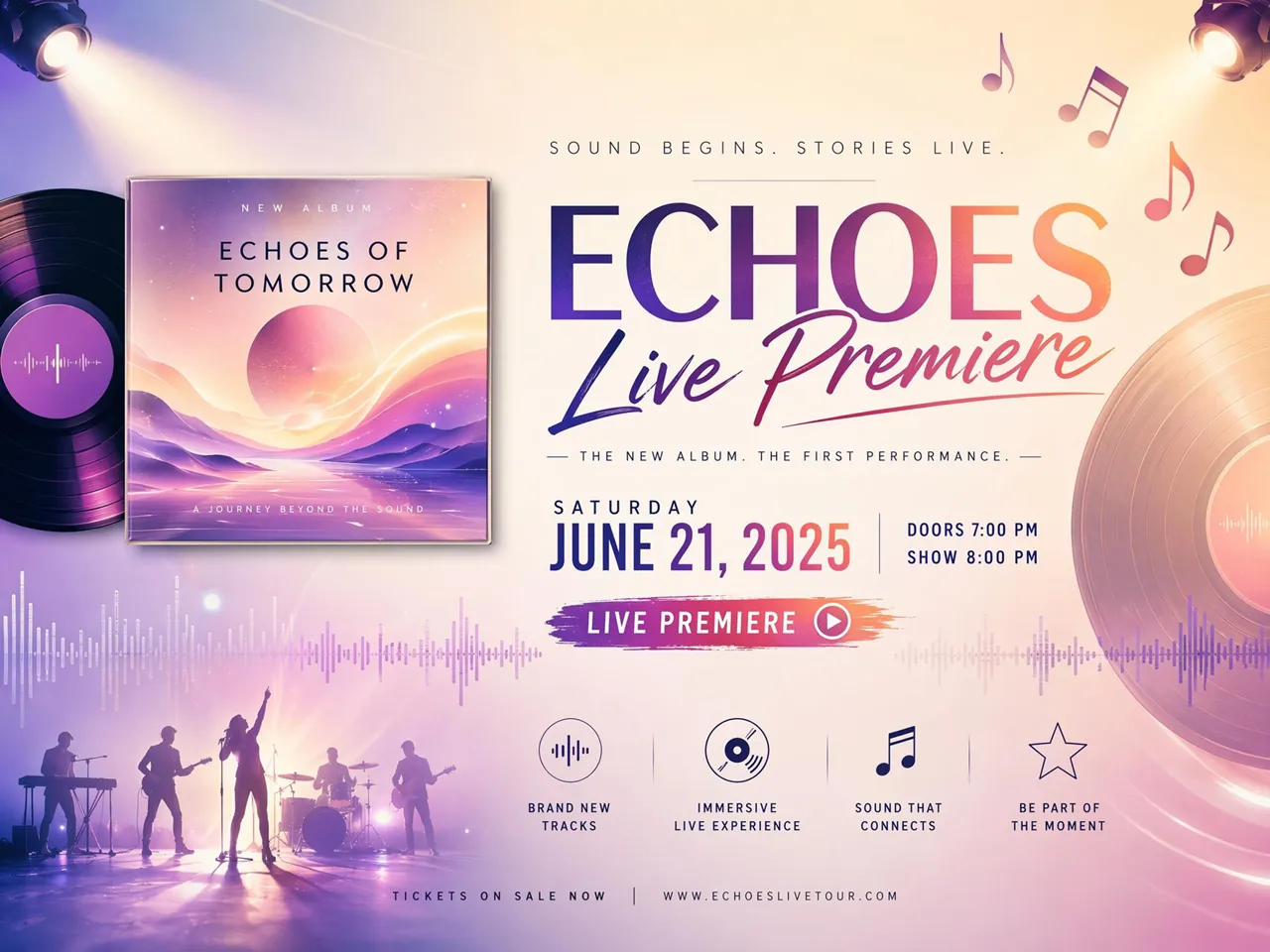
Generic gaming art can make every channel look the same. Designkit's Twitch banner generator creates layouts based on FPS, RPG, variety, or creator content, so your banner matches your stream style instead of using a generic template that blends in with everyone else's channel.
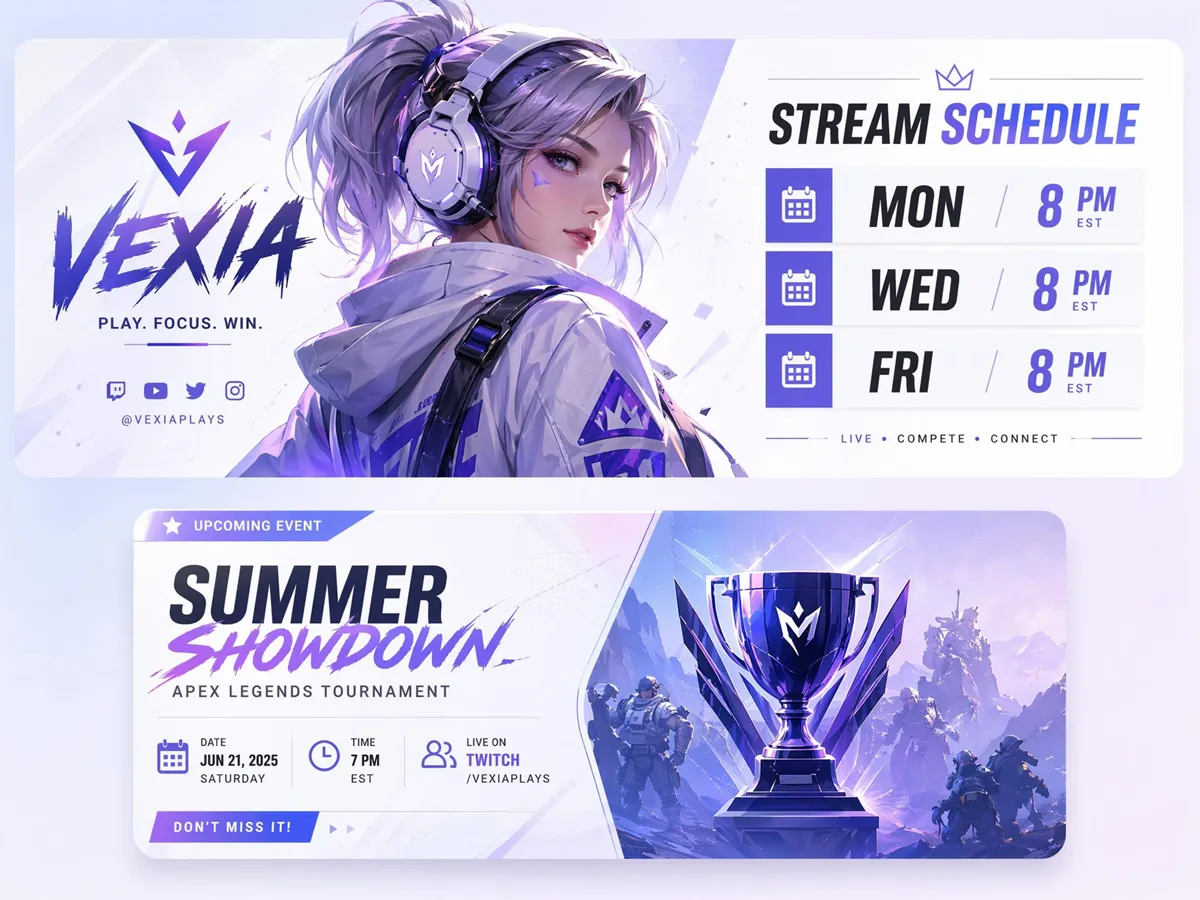
Add Stream Schedules and Event Dates
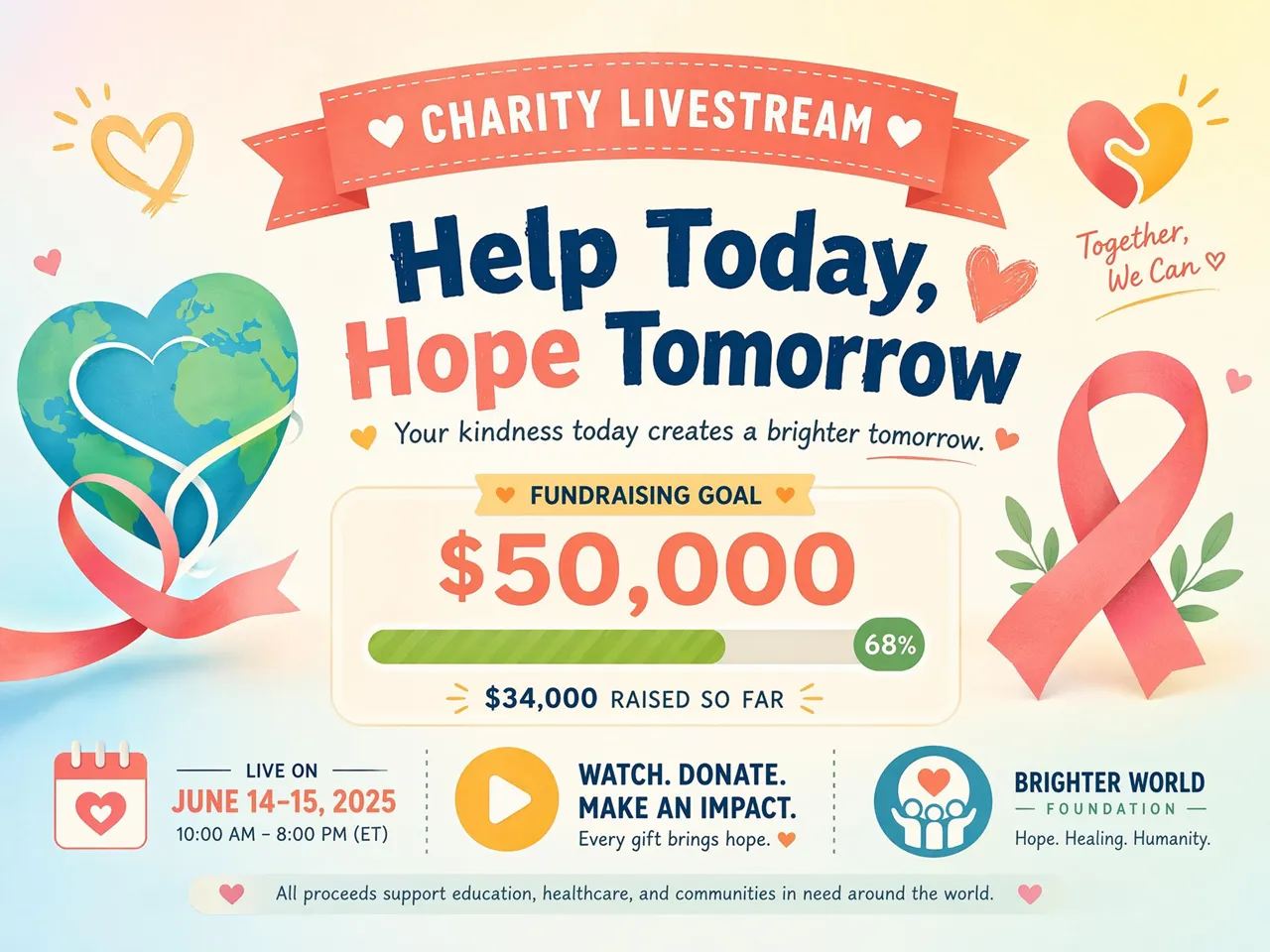
Viewers miss broadcast times when schedules sit in profile text. Designkit helps you place stream days, tournament dates, and charity goals directly on the banner, making key updates easy to spot at a glance across desktop and mobile during every visit.
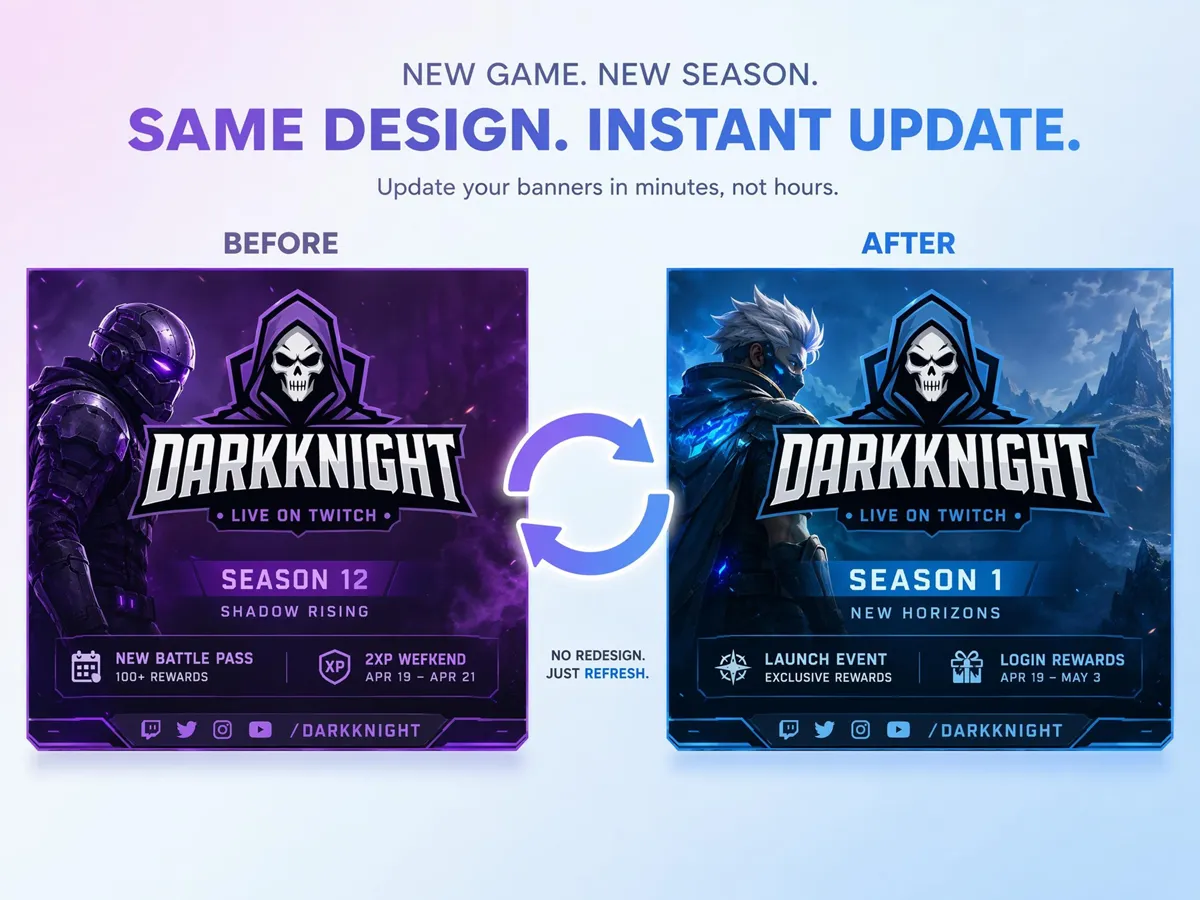
Refresh Banners for New Games and Seasons
When you switch games or launch a new season, you should not rebuild your banner from scratch. Designkit's Twitch video banner maker lets you update artwork, headlines, and promos while keeping your channel branding consistent and recognizable for returning viewers.
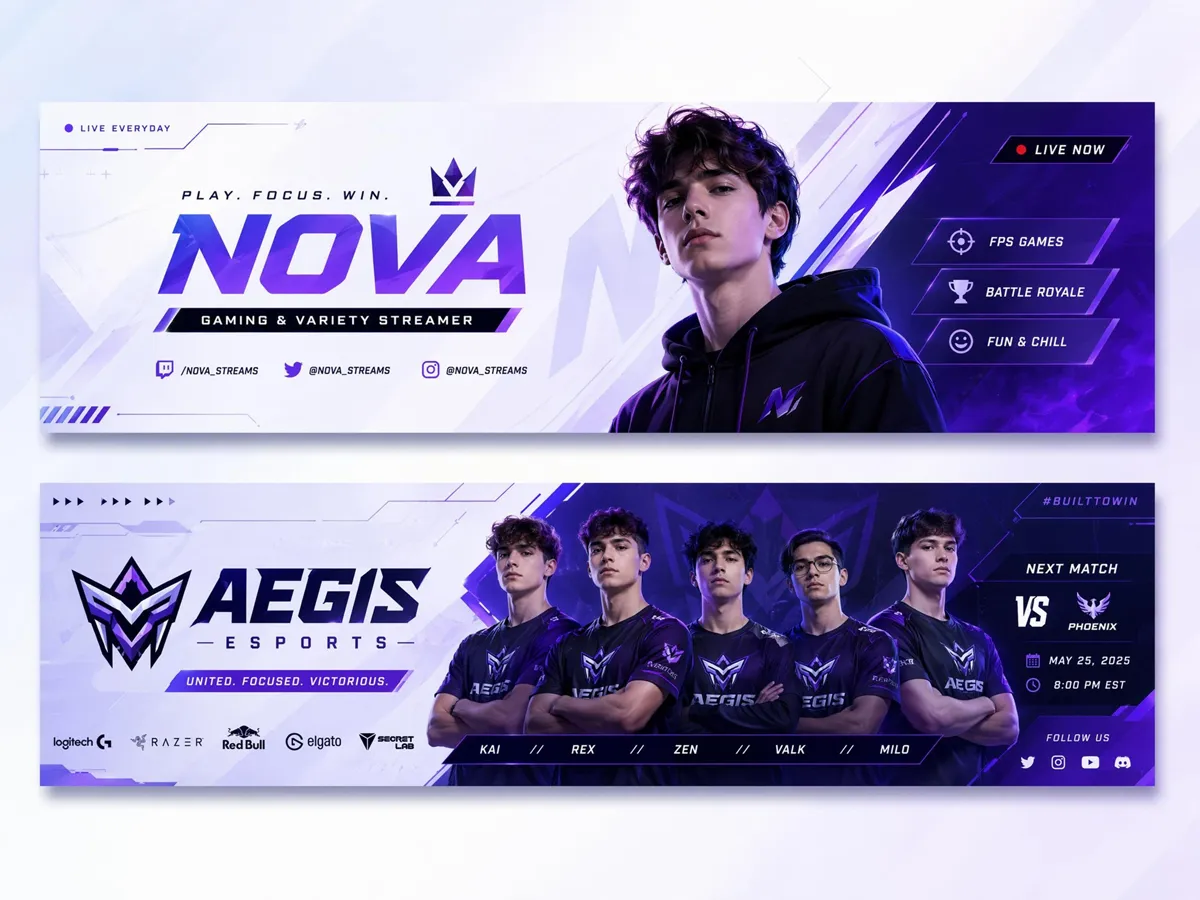
Create Banners for Teams and Solo Creators
Managing banners for solo creators, teams, and gaming communities can take too much time. Designkit's free Twitch banner creator generates layouts for streamers, esports groups, and collaborative channels from one workflow with less repetition and fewer design handoffs.
Built for Every Streamer Who Needs a Channel That Stands Out
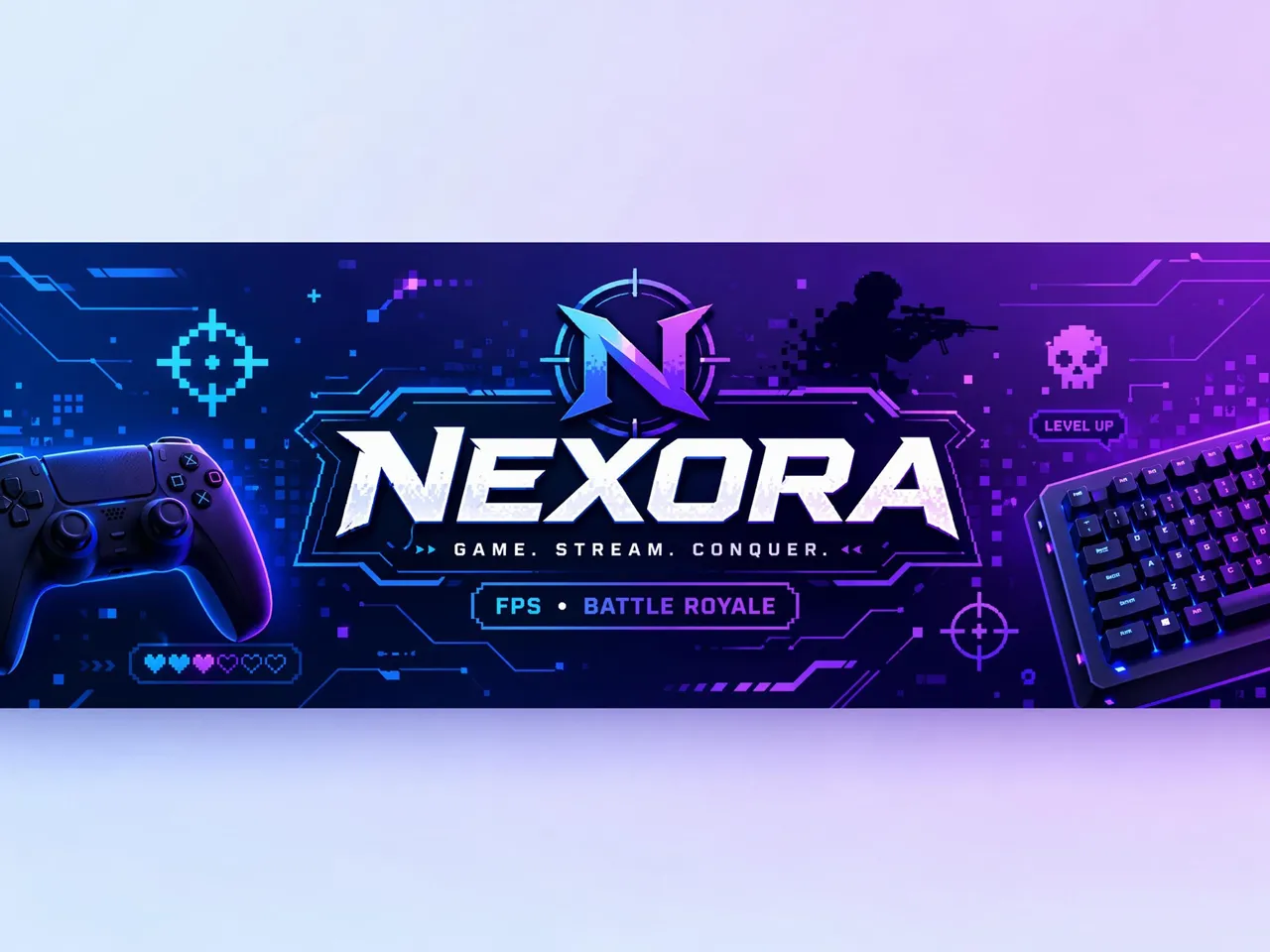
Custom Art That Shows Your Skill and Style
New visitors decide within seconds whether to follow a channel. Designkit's free Twitch banner maker helps showcase your gaming style, favorite titles, and streaming identity, making your channel more memorable before viewers watch a live stream.
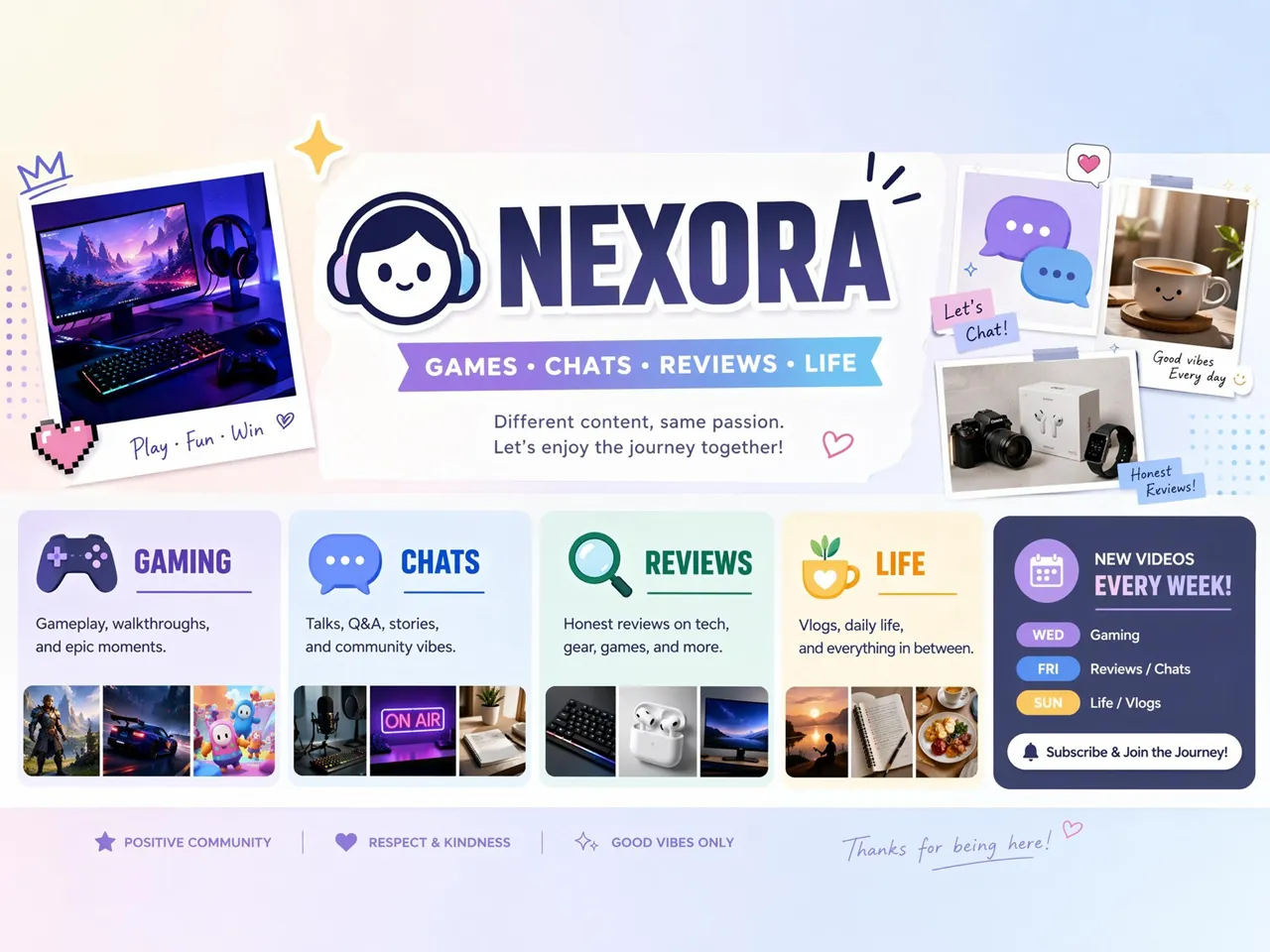
Why Choose Designkit for Twitch Banner Design
Brief-to-Banner, Not Template Scrolling
Turn stream ideas into channel banners without searching through generic gaming templates.
Twitch Safe Zone Built In
Keep key banner content visible across devices without repeated crop checks after every upload.

1200x480 Export Ready to Upload
Publish Twitch-ready banners without resizing files in multiple editing tools.
Faster Than Briefing a Designer
Launch seasonal, tournament, or event banners without lengthy design revision cycles.

No Editing Skills Required
Create channel-ready banners without learning layer-based editing or complex design software.
Reuse One Channel Look Across Updates
Keep branding recognizable while updating games, schedules, promotions, or seasonal artwork.
Unlock More Creative Possibilities
AI Banner Maker
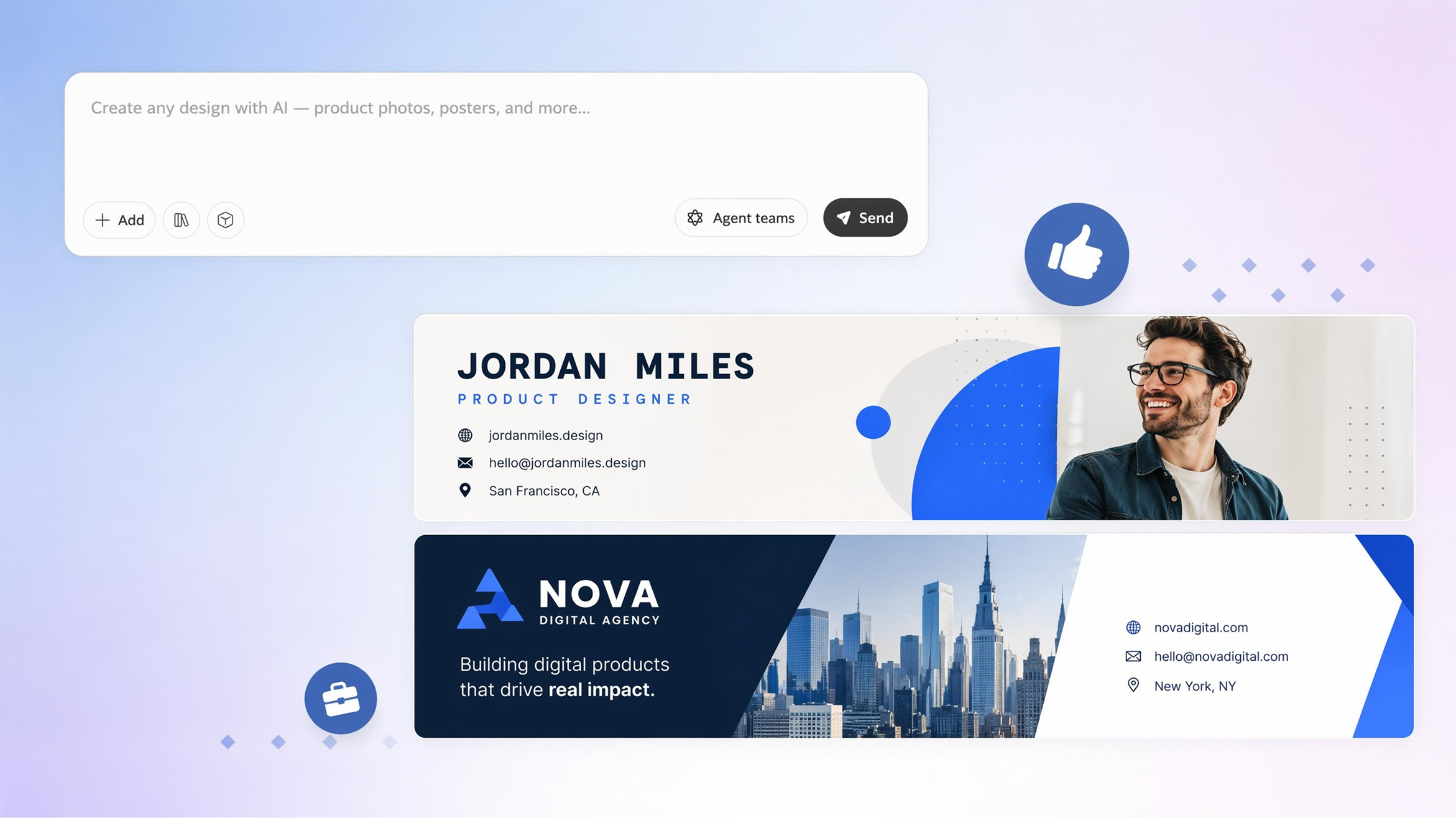
LinkedIn Banner Maker
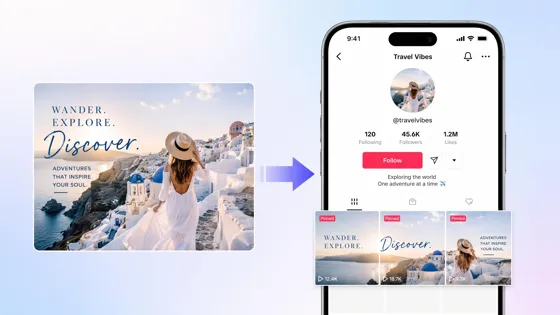
TikTok Banner Maker
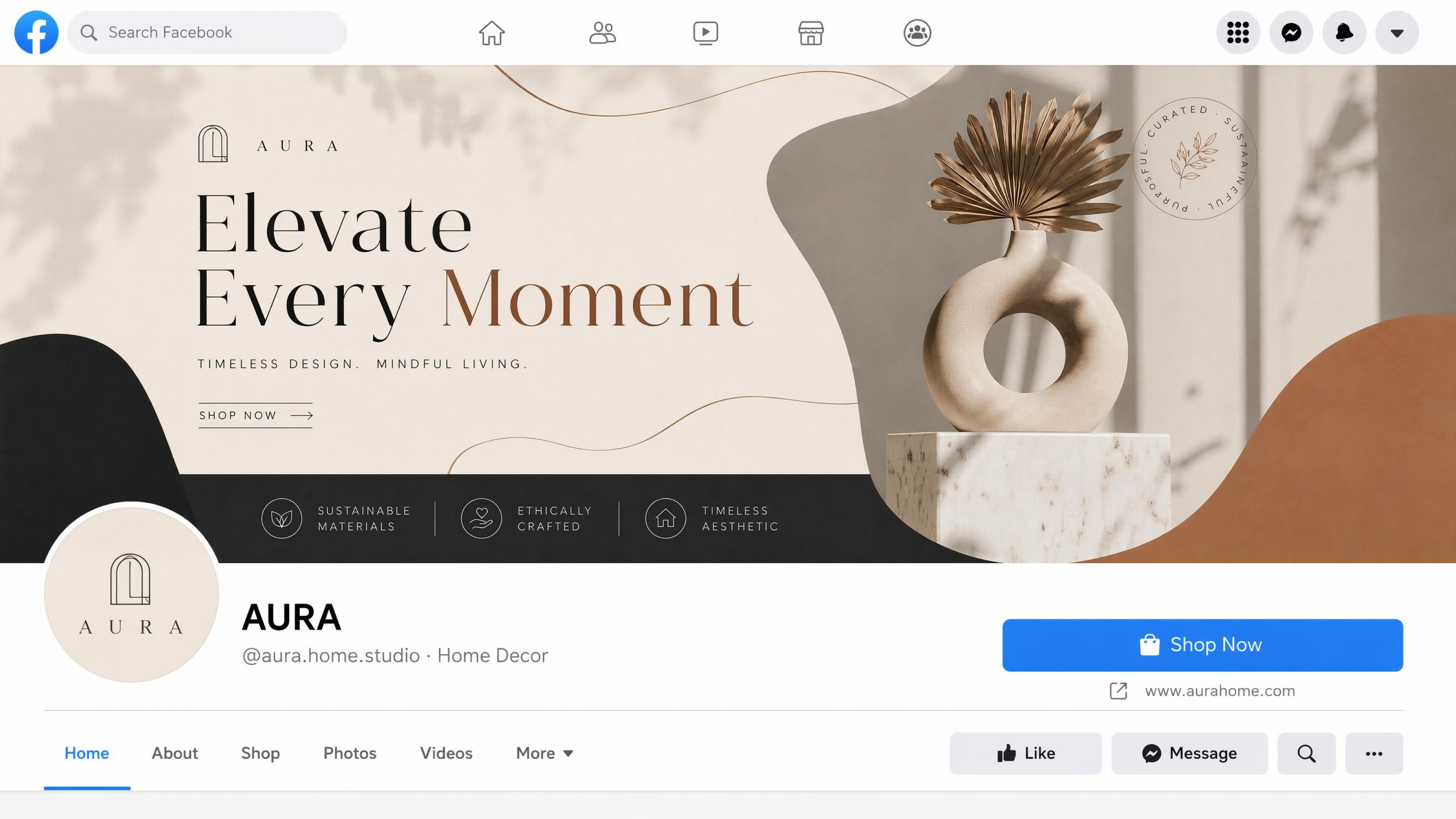
Facebook Cover Photo Maker
Frequently Asked Questions
What size should a Twitch banner be?
Can I include my streaming schedule?
Yes. A banner is a great place to display your streaming days, broadcast times, tournament dates, or special events. Designkit lets you add and update schedules directly in your banner, making important information visible before viewers watch your stream. This is especially useful for recurring broadcasts or seasonal events.
Can I match my banner with my channel branding?
Yes. You can use your own logo, colors, fonts, gaming artwork, and visual style to create a banner that reflects your channel identity. Designkit combines your branding elements into a cohesive layout, making it easier to keep your Twitch profile recognizable across future updates and promotions.
Can I make banners for esports teams?
Twitch banners can be created for esports organizations, gaming clubs, creator groups, and competitive teams. Designkit helps you build team banners that showcase sponsors, players, tournaments, and branding, making your channel look unified throughout competitive seasons.
Can I update banners for new games?
You can replace game artwork, promotional text, event details, or seasonal graphics without starting over. Designkit lets you modify existing banner content while keeping the overall visual style consistent, making how to make a Twitch banner much simpler whenever your channel evolves.
Can I use my own gaming artwork?
You can upload custom illustrations, screenshots, logos, character art, or promotional graphics as part of your banner. Designkit incorporates your assets into the final design, allowing you to personalize your channel instead of relying only on stock graphics or templates.
Do AI-generated Twitch banners look professional on a channel page?
Yes. Well-designed AI banners can create a clean, recognizable channel identity when they include clear branding and organized layouts. Designkit helps you make a Twitch banner with balanced visuals, readable text, and free Twitch banners to help your channel make a strong first impression on new visitors.
Upload a Twitch Banner That Fits Your Channel Page
Design a Twitch banner that introduces your channel, promotes upcoming streams, and strengthens your creator identity from the very first visit.



What Streamers Say About Designkit Twitch Banner Maker
Real experiences building memorable Twitch channels.
Tournament Updates Take Minutes Now
Before every tournament, we spent hours updating our banner with sponsor logos and dates. Now we swap in new details and republish in about 10 minutes, so our channel stays on-brand all season without cutting into practice time.
Tournament Promotions Became Much Easier
My old banner never mentioned the cause I was raising money for. After adding the fundraiser goal and date to my banner, viewers started clicking my donation link before the stream started, and my pre-show donations went up about 20%.
Everything Across My Channel Matches
Changing games used to mean rebuilding my banner from scratch every time. Designkit lets me update artwork for each new series while keeping the same visual identity, so returning viewers immediately recognize my channel.