
Turn Your Black Friday Offer Into a Banner That Shoppers Notice
Got a discount and a few product shots? Good. Designkit turns them into Black Friday banners people can read on a phone, a laptop, or in an inbox.
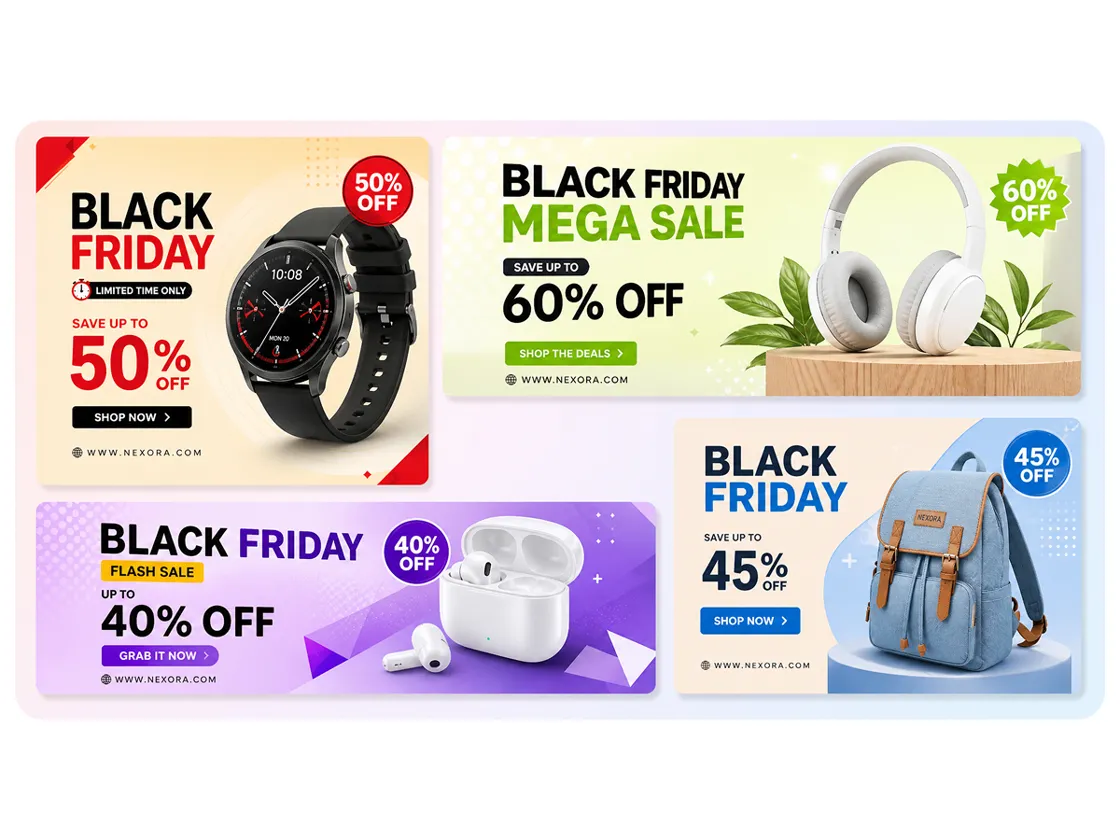
How to Make a Black Friday Sale Banner
Step 1. Enter Your Offer and Upload Products
Go to Skills > Poster Design > Marketing Posters. Enter your offer in Poster Content (e.g., "40% Off, Nov 27–30"), then upload your logo and up to 10 product photos in Asset Images.
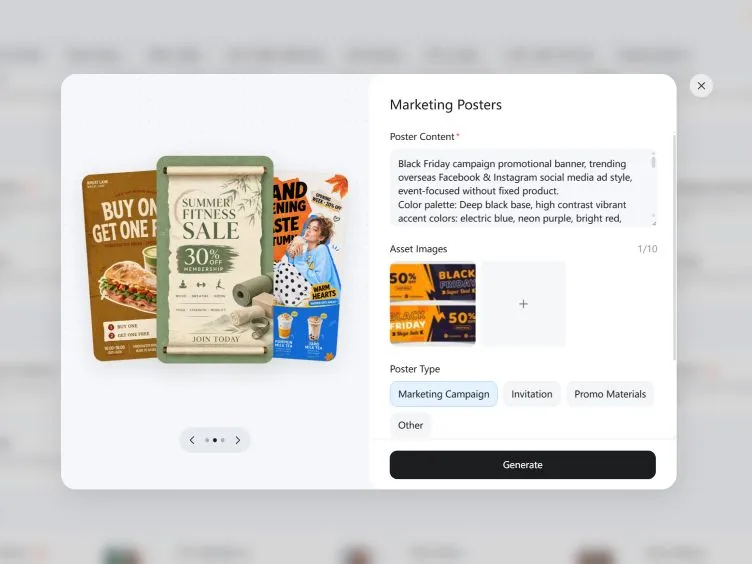
Step 2. Generate and Customize Your Banner
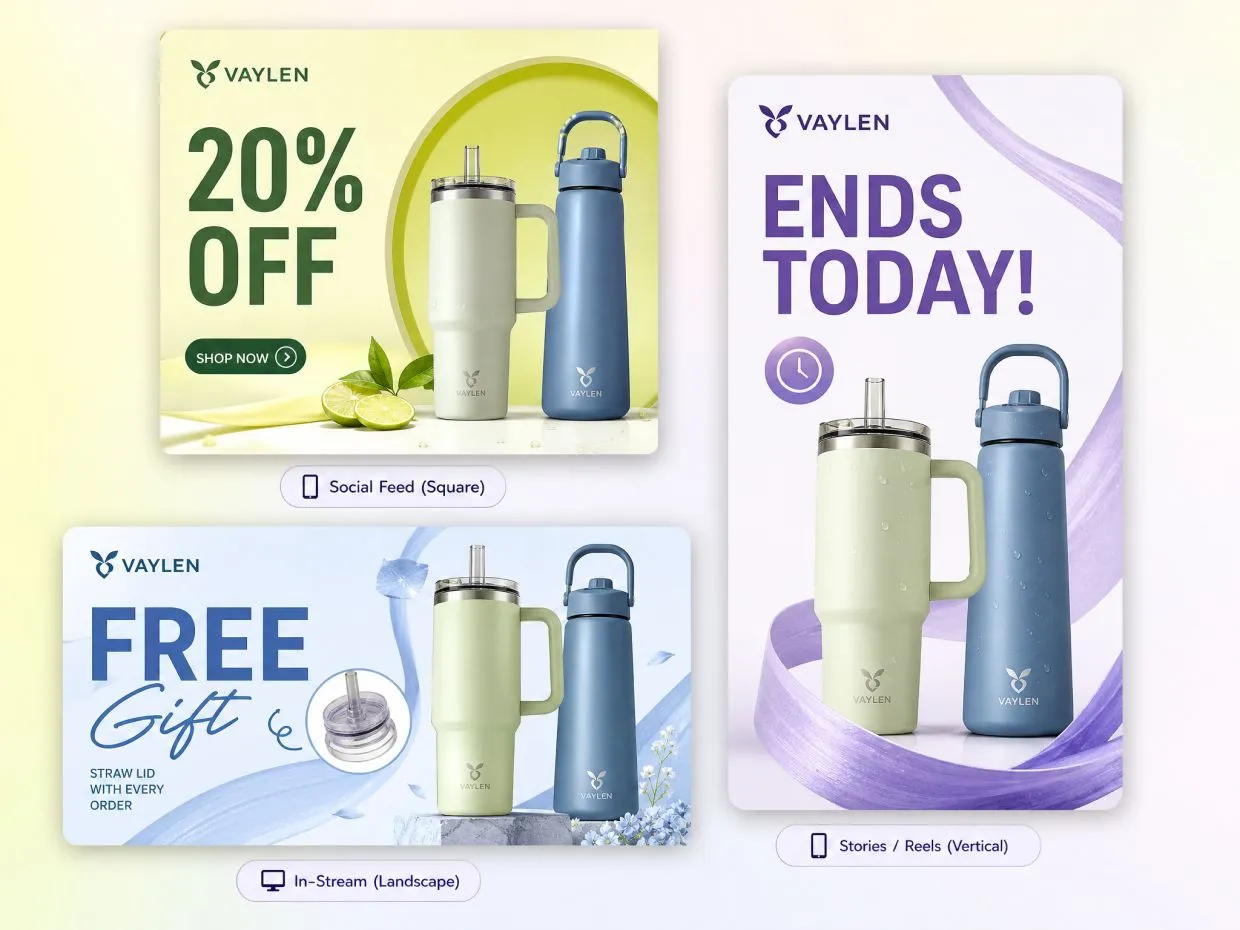
Choose Marketing Campaign or Promo Materials as the poster type. Select a size: 16:9 for website banners, 1:1 for social feeds, or 9:16 for Stories. Click Generate, then refine fonts, colors, or other details with follow-up prompts. Create multiple versions for A/B testing.
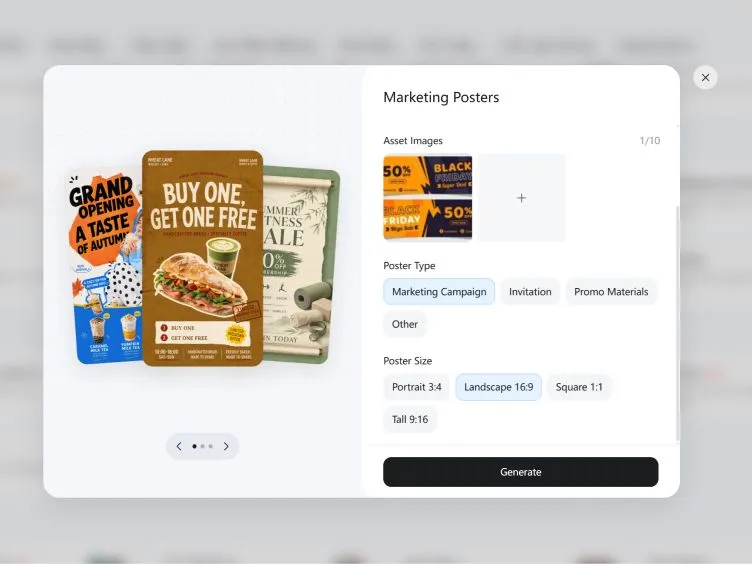
Step 3. Resize and Export for Each Channel
Open Skills > Poster Multi-size Expansion to adapt your design for websites, emails, and ads. Check text readability at smaller sizes, then download your banners as PNG or JPG files.
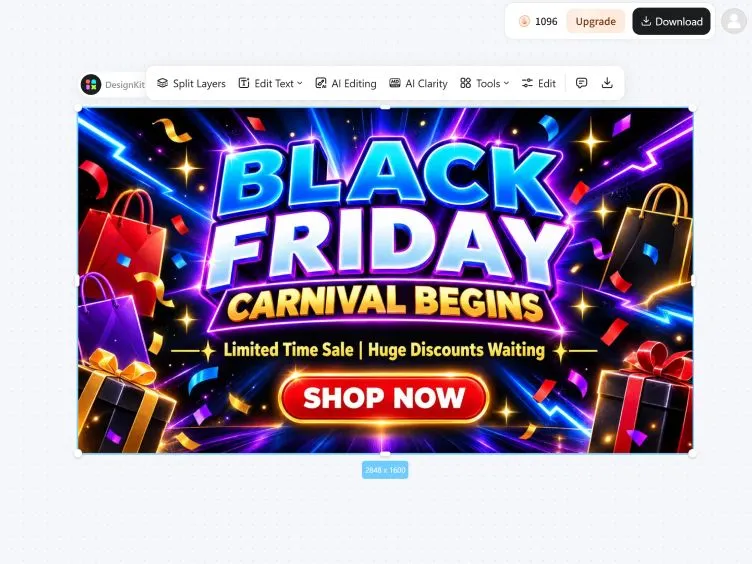
Black Friday Banner Design Made Easy
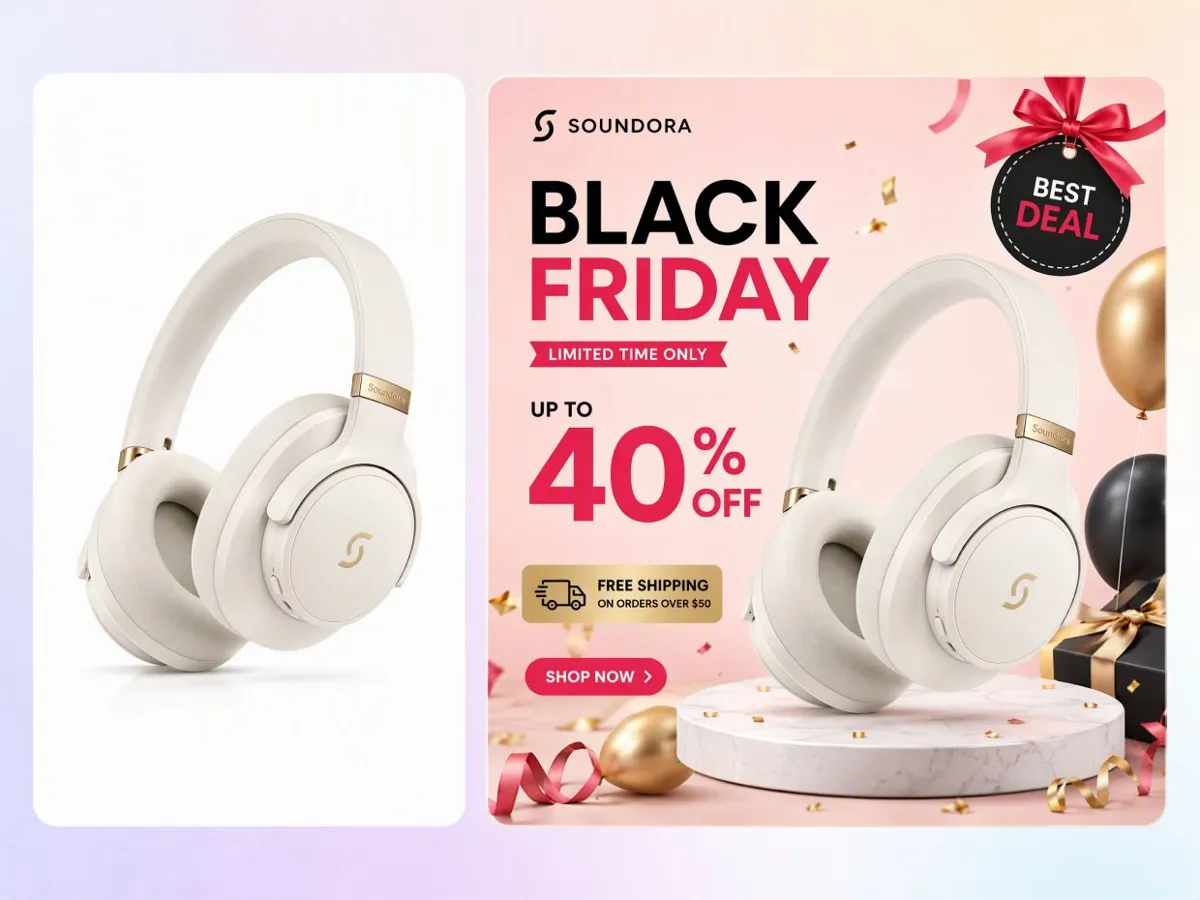
Turn Plain Product Photos Into Seasonal Campaign Visuals
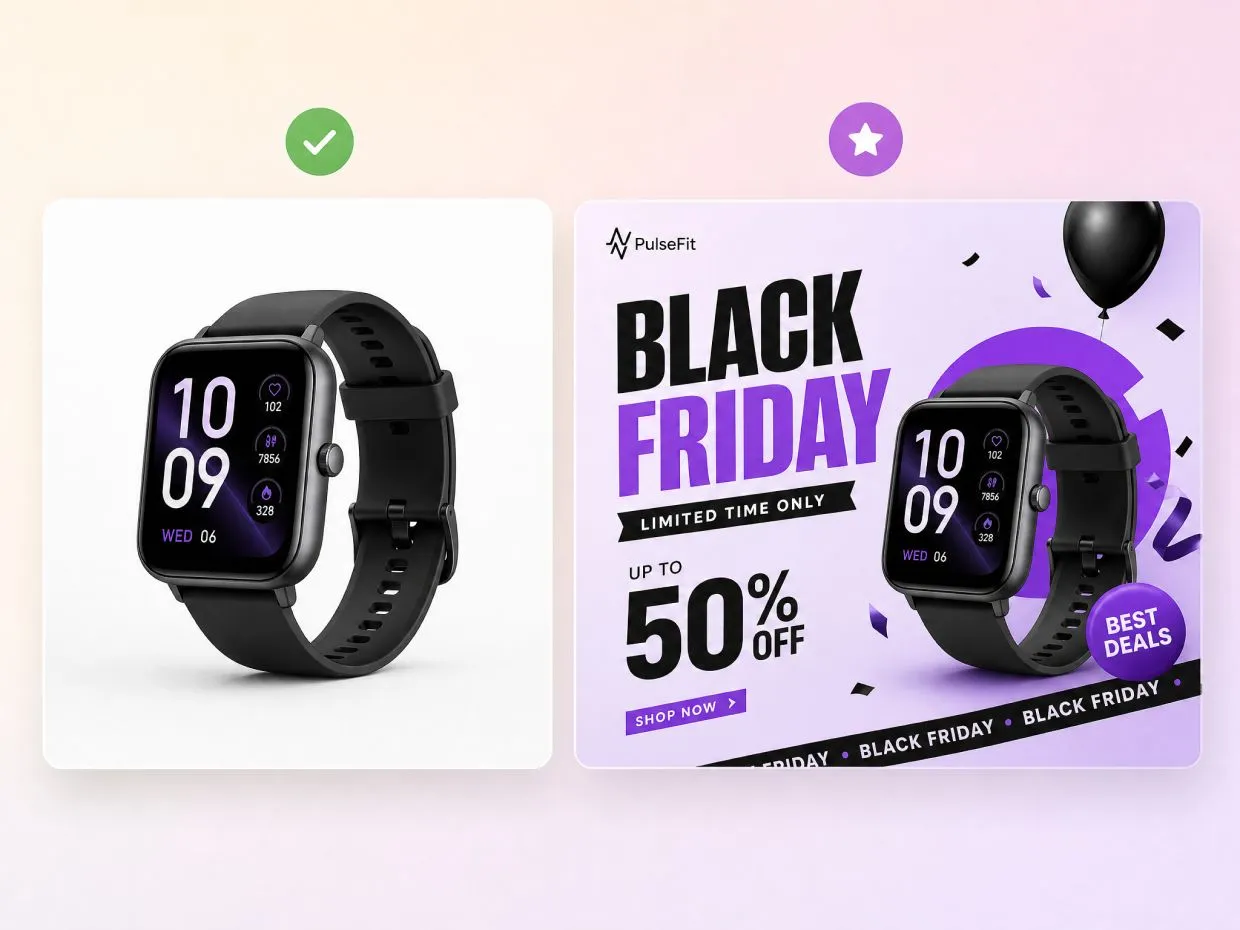
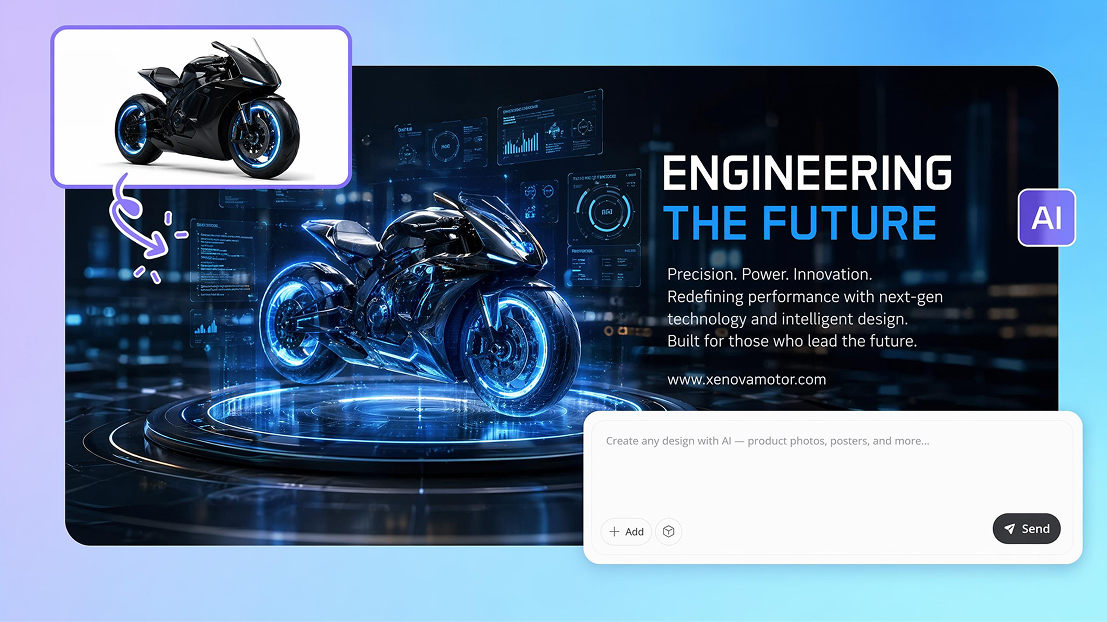
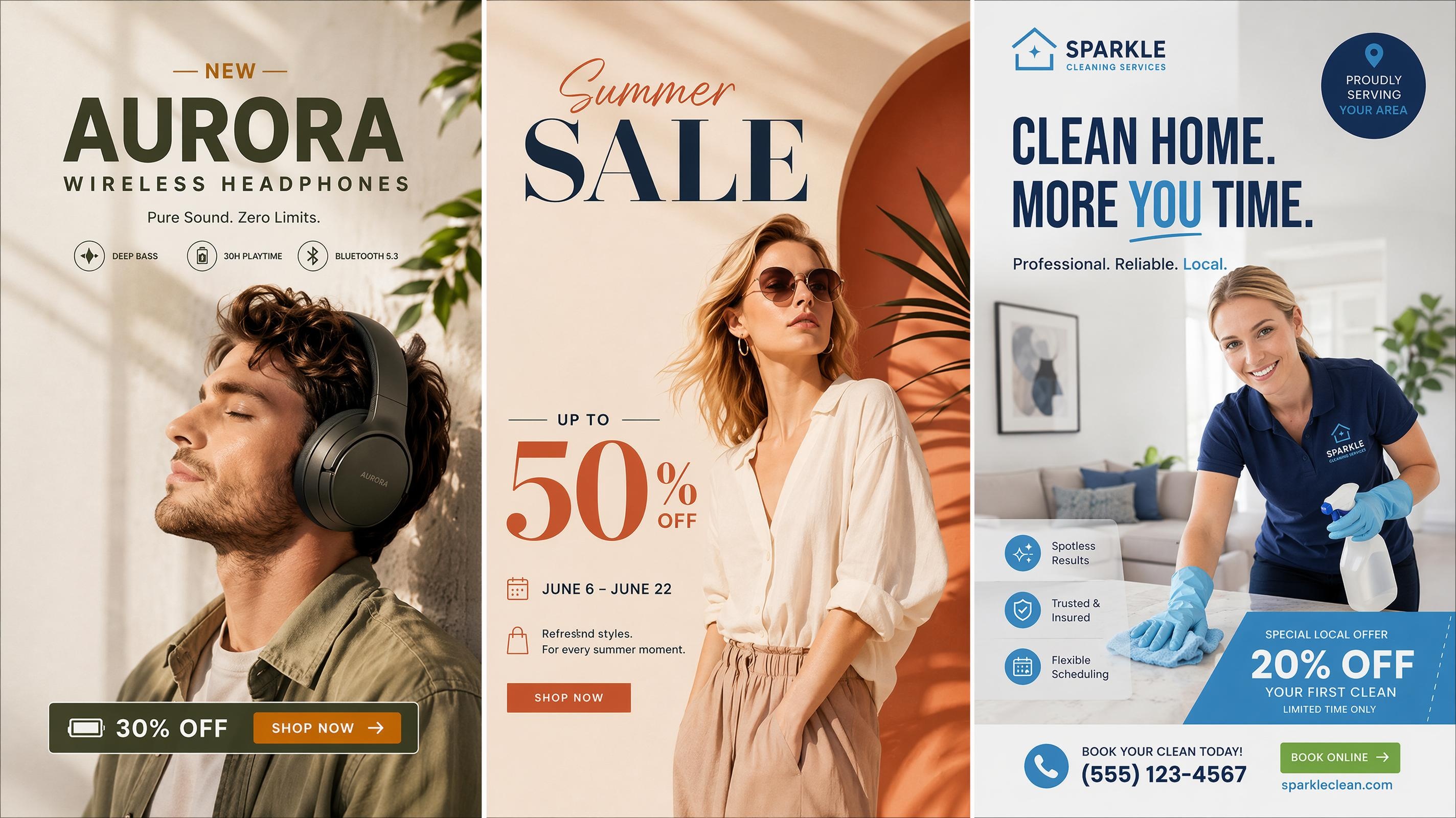
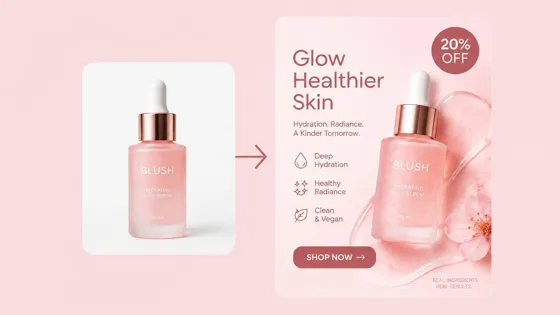
Upload a product photo and let Designkit turn it into an eye-catching Black Friday sale banner. Highlight your offers with seasonal colors, bold headlines, and creative layouts without arranging a photoshoot.
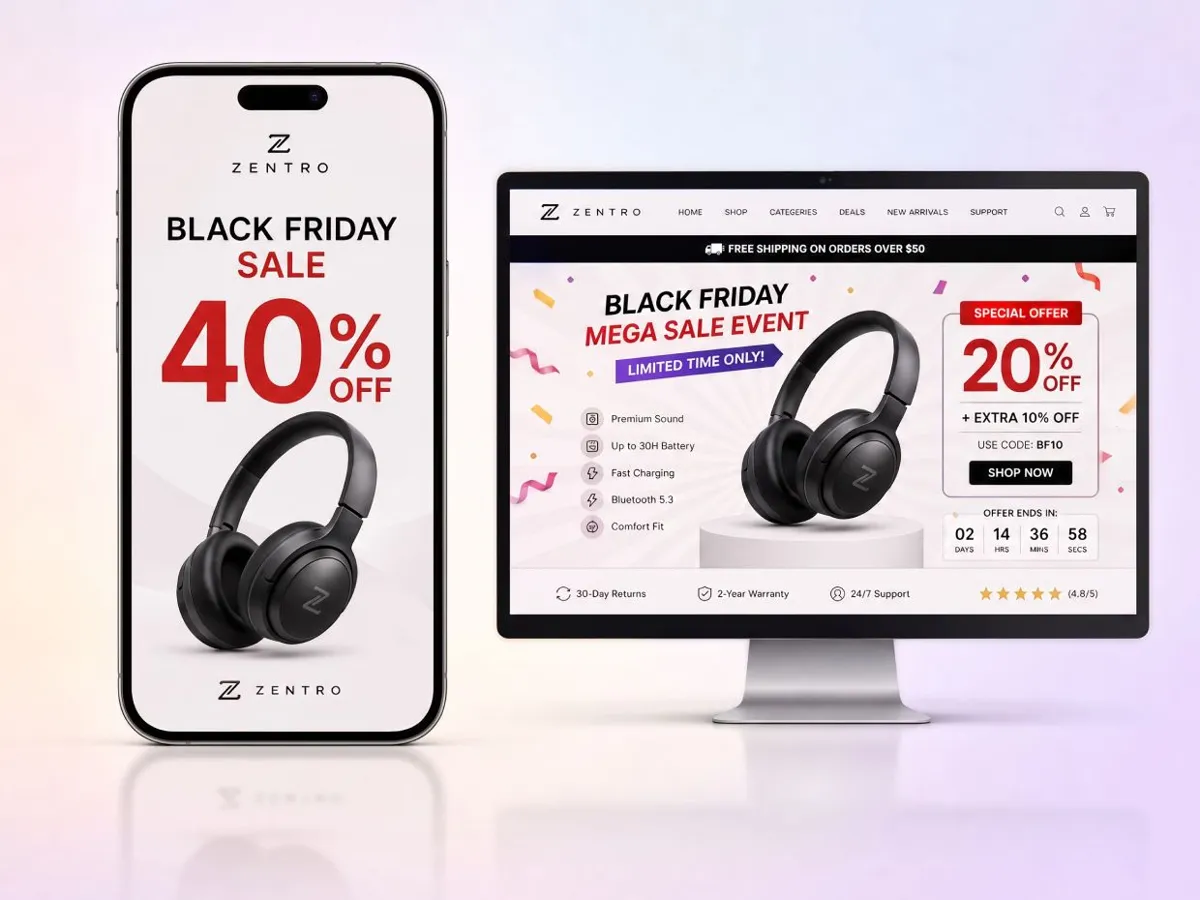
Keep the Main Deal Readable on Mobile Screens
Create mobile-friendly banners with bold discounts and short headlines that grab attention at a glance. Check text placement and cropping to ensure your main offer stays clear on smaller screens.
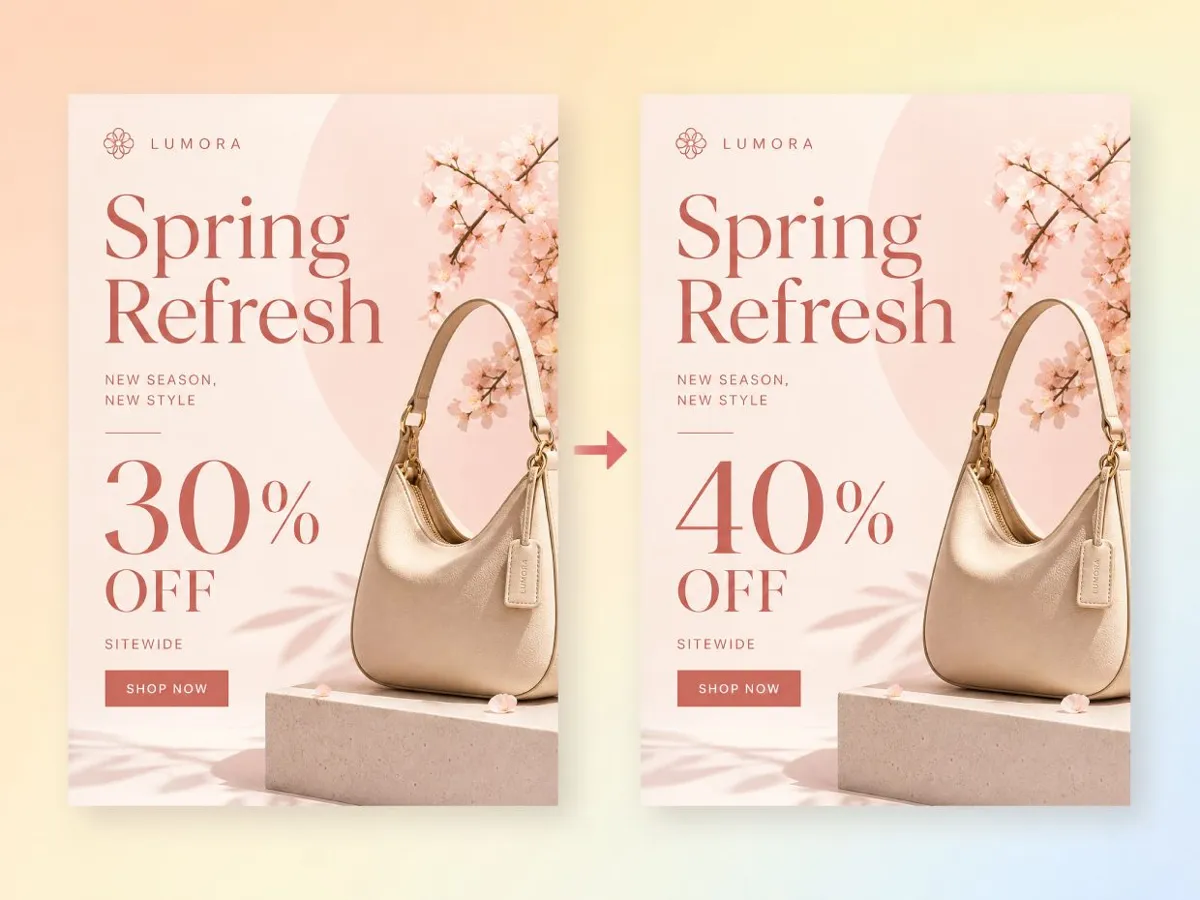
Update the Price When the Offer Changes
Need to change your discount? Simply update the price in a follow-up prompt while keeping the original layout, images, and colors consistent. Refresh your campaign visuals without starting over.
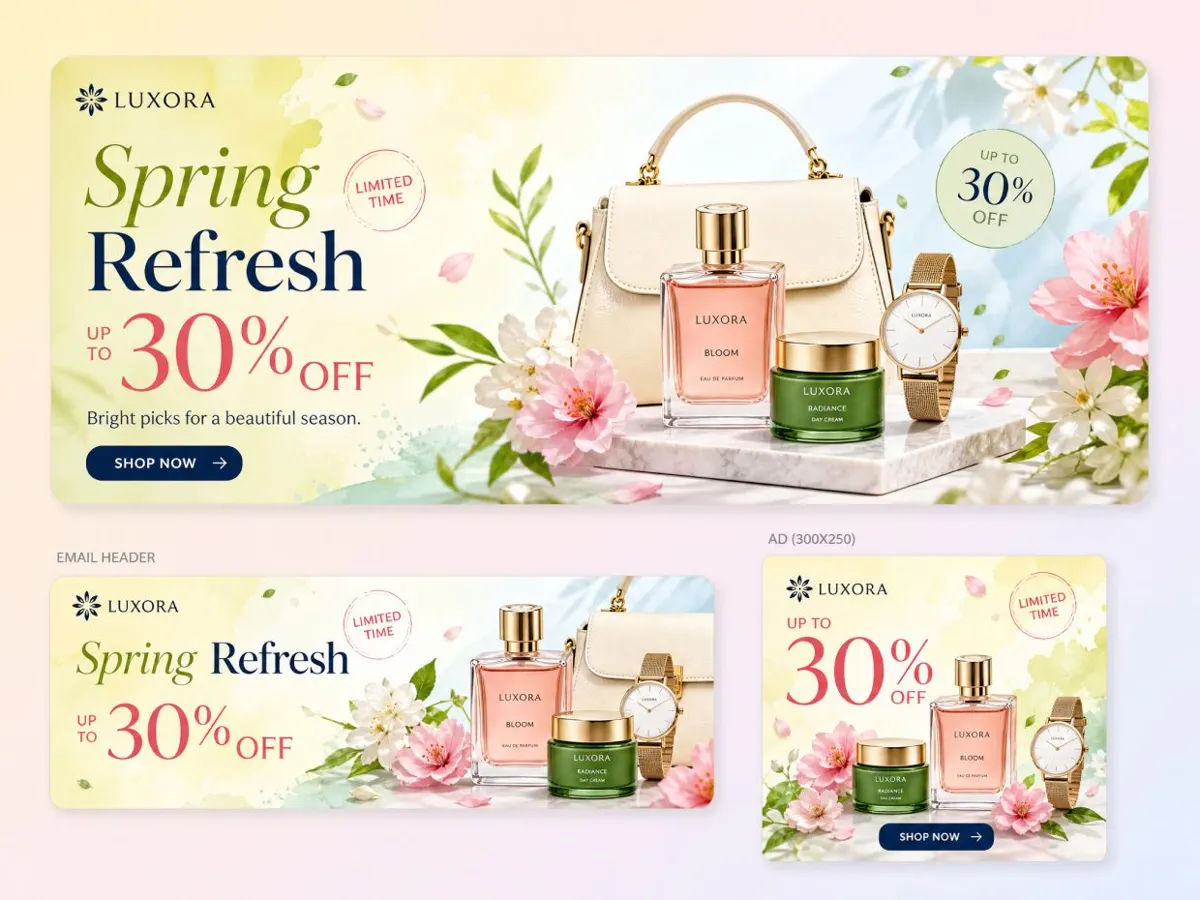
Export Matching Sizes for Site, Email, and Ads
Resize your Black Friday banner for websites, email headers, and social ads while keeping a consistent visual style. Create campaign assets for different placements without redesigning each version.
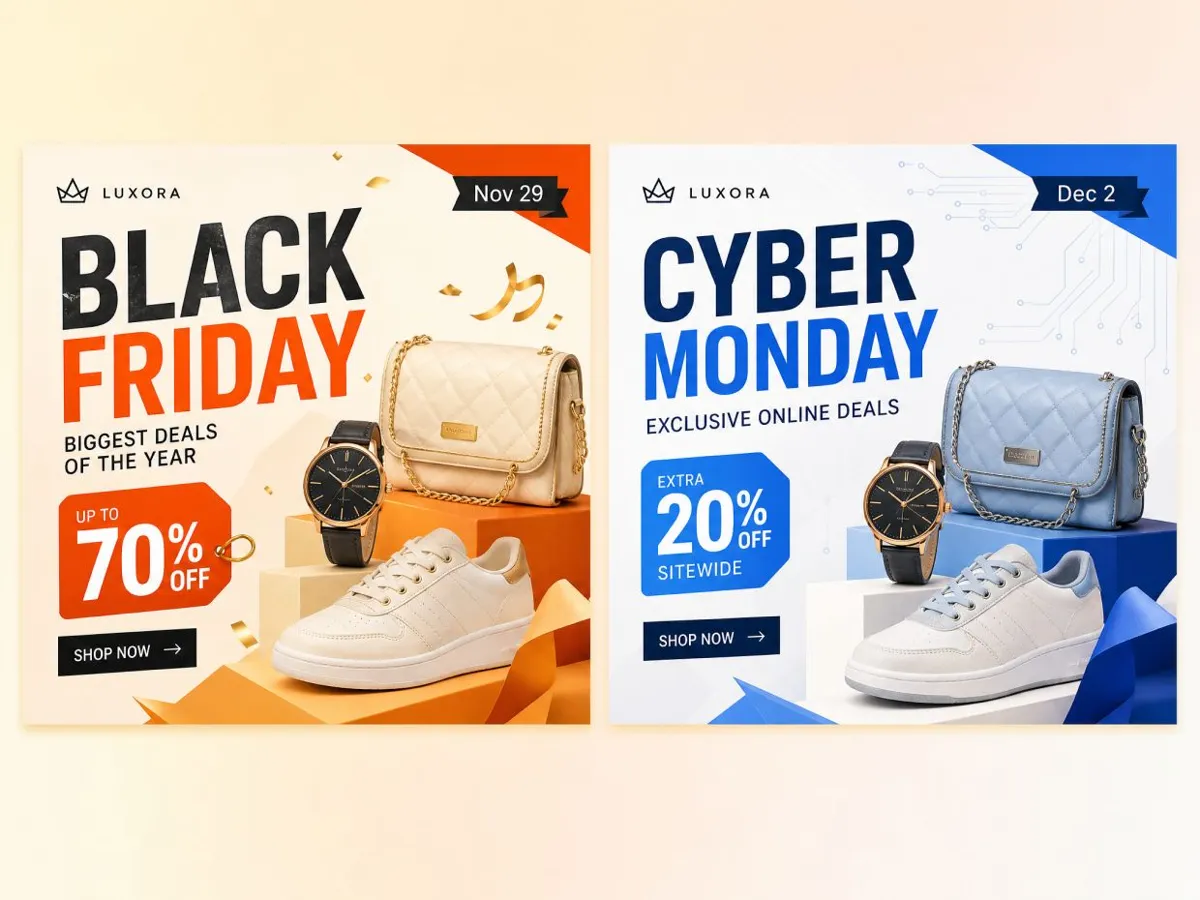
Carry Your Campaign From Black Friday Into Cyber Monday
Extend your campaign into Cyber Monday by updating headlines, offers, or product images while keeping the original design style. Create a seamless transition without rebuilding your banners from scratch.
Black Friday Banners for Any Campaign
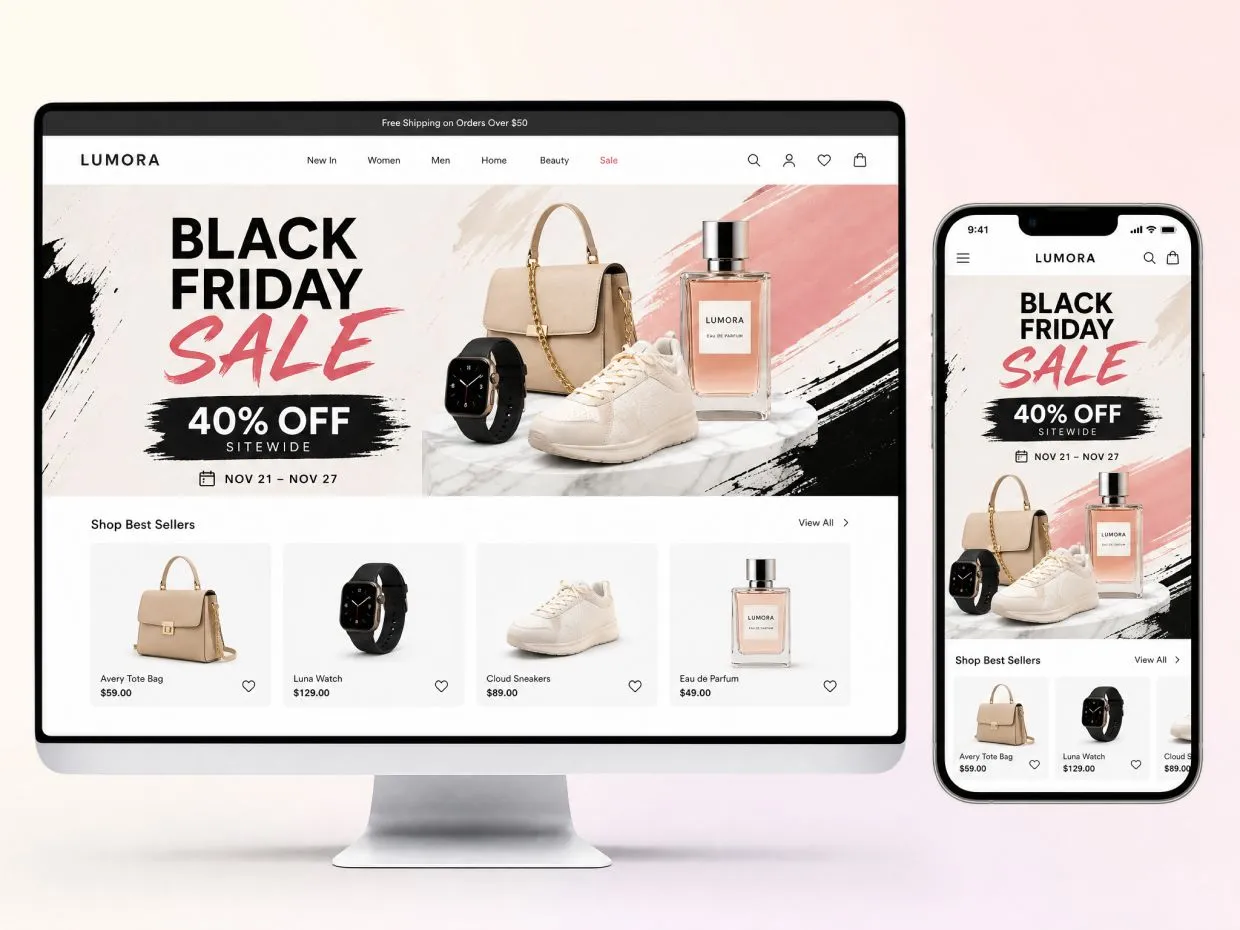
Launch a Homepage Banner Before the Sale Opens
The homepage banner is the first thing early shoppers see, so it shouldn't be the last thing you make. Build a Black Friday website banner with your best sellers and the discount a week early, then grab the other sizes from the banner maker. Schedule it for the night before. Midnight store edits are no fun. Make a mobile crop while you're at it.
Why Choose Designkit
Type the offer, add a few photos, done. No design software, no digging through template libraries.

Offer changed at 9 p.m.? Send a quick message. No reopening design files or waiting on anyone.
Design it once and resize it. You won't build the same banner four times for four channels.
Frequently Asked Questions
How do I make a Black Friday sale banner for free?
What are some Black Friday sale banner ideas that work?
The ones that work usually do one thing well. A giant number ("50% OFF"). A countdown ("48 hours only"). One hero product. A bundle with a gift. Or a color scheme that isn't black and red, so you stand out in a feed full of black and red. Generate a few of these Black Friday banner ideas from one offer and compare them side by side.
What size should a Black Friday banner be?
Depends where it's going. Website hero banners are often around 1920 x 600 px, email headers about 600 px wide, Instagram posts 1080 x 1080, and Stories 1080 x 1920. Your store theme or ad platform lists the exact specs, so check there first, then resize the design in Designkit for each spot.
Can I add my own logo and product photos?
Yes, please do. Upload the logo and product images and the banner gets built around them. Clean shots on a plain background work best. Busy lifestyle photos tend to fight with the offer text.
Can I use the banner on Shopify, Amazon, or Etsy?
Yes. You'll get PNG or JPG files that upload fine to a Shopify theme, an Amazon Brand Store, or an Etsy shop banner. Each platform has its own size and content rules, though. Amazon, for one, restricts promotional text in some image slots, so read the guidelines before you upload.
Can I make email and ad banners from one design?
Yes. Make the main banner first, then resize it for the email header and each ad placement. Keep the offer and product the same. Shorten the headline for small formats, since three words often read better than eight on a phone.
Can I change the discount after the banner is made?
Yes. Type the new discount or date in a follow-up message and the banner updates. Useful when the offer changes halfway through the weekend, or when Black Friday rolls into Cyber Monday.
Can I download Black Friday sale banners for free?
Yes, with your free credits. Make the banner, then download it as a PNG or JPG using signup or daily credits, so a Black Friday sale banner free download really does cost nothing. Planning to run it in paid ads? Check your plan's commercial-use terms first.
Launch Black Friday Banners Faster
Your offer, your products, a few minutes. That's a sale banner. The first ones are free, so why not start now?



What Sellers Say About Designkit
Store owners and marketers on how their Black Friday prep went this year.
One Concept Gave Us a Starting Point for the Storefront
Normally I start the homepage banner a few days before the sale and hate every version. This year I tried a few directions with our own product photos and had something I liked the same afternoon. A full week earlier than usual.
The Email Campaign Had a Clear Visual Direction
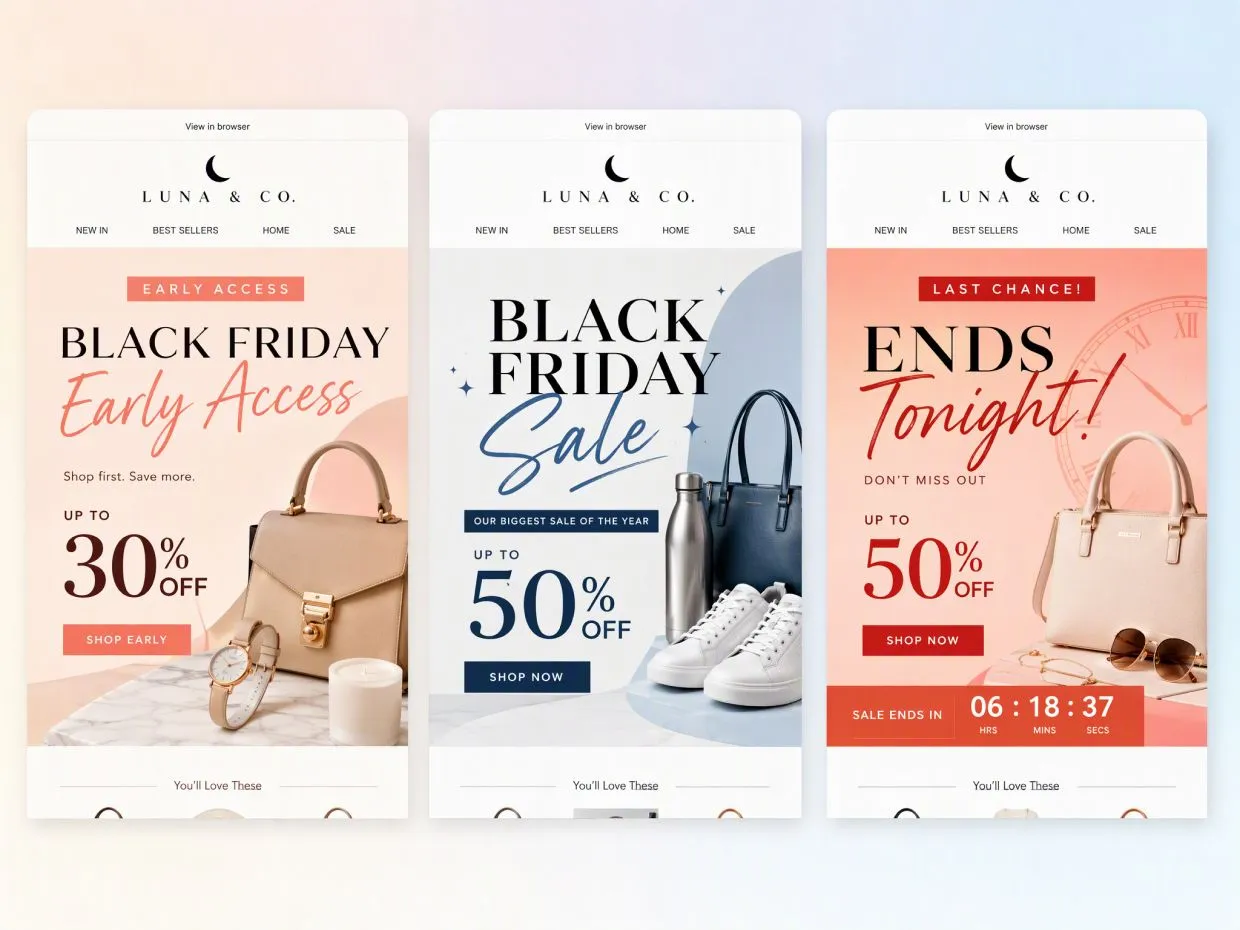
We had three sends: early access, main sale, last chance. I made one look and changed the offer for each. Subscribers could tell it was the same campaign, and the last-chance email finally felt urgent instead of copy-pasted.
Our Handmade Products Stayed at the Center of the Promotion
Stock sale graphics never looked like my handmade jewelry. They felt like a supermarket flyer. I built the banner from my own photos instead, and the pieces I featured were the first to sell out that weekend.
We Could Explore More Than One Ad Direction
I wanted to test a product-led banner against an offer-led one, which usually means begging a designer for extra versions. I made both, plus a few variations, in one sitting. We ran a proper test this year instead of guessing. FAQs