
Turn Product Photos Into Static Ads You Can Test
Upload a product image, add your offer and message, and create image ads for Meta, Instagram, and promotional campaigns.
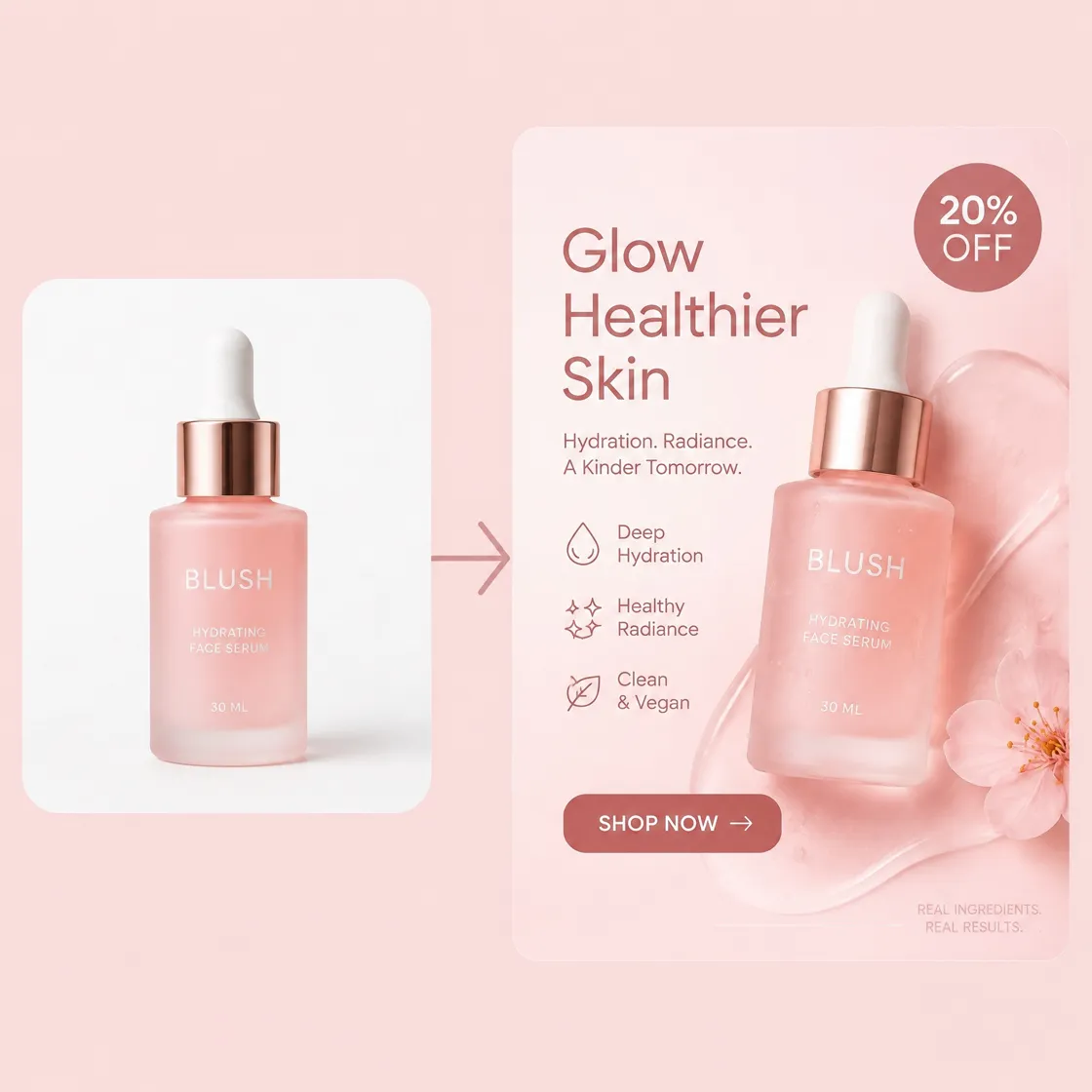
How to Create Static Ad Images With AI in 3 Steps
Step 1. Select the Ad Creatives Skill
Navigate to Poster Design under Skills and selectAd Creatives to open the generator. This takes you to the workflow where you can upload product images and set the details for your static ad.
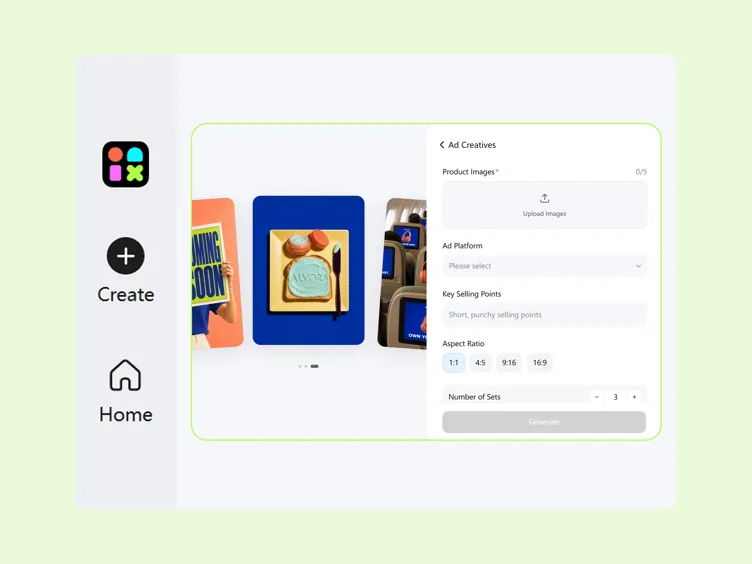
Step 2. Upload Assets & Campaign Details
Upload up to 5 product images, select your Ad Platform, enter your Key Selling Points, and choose an Aspect Ratio such as 1:1, 4:5, 9:16, or 16:9. These inputs define the product, message, and format for your ad.
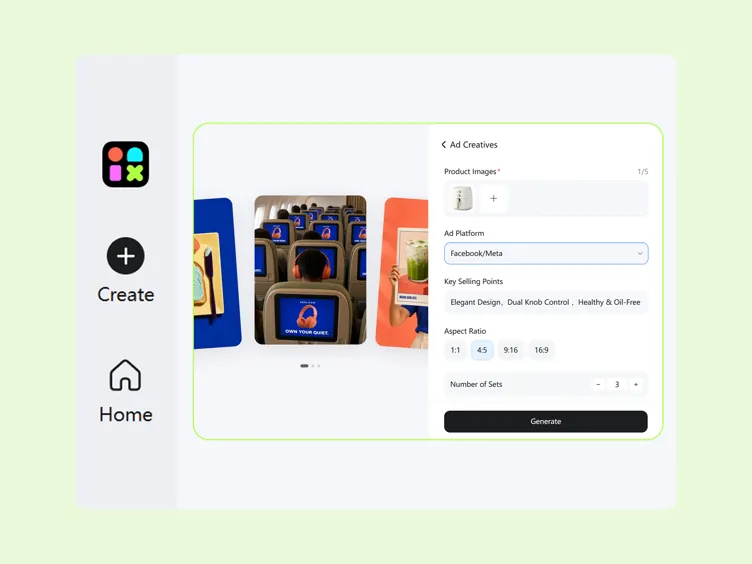
Step 3. Generate and Preview Your Ad
Click Generate to create an ad image from your uploaded images and campaign details. Review the product presentation, messaging, and overall composition before using the generated static ad in your campaign.
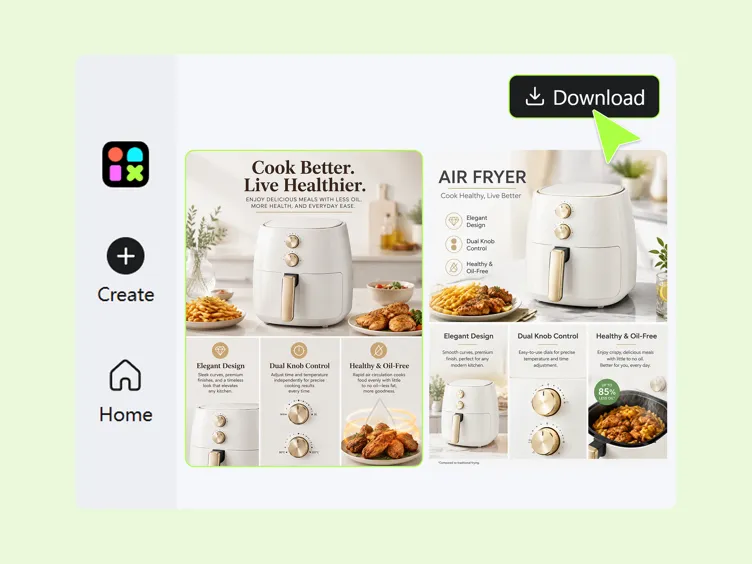
Build Static Ad Creatives Around Your Product
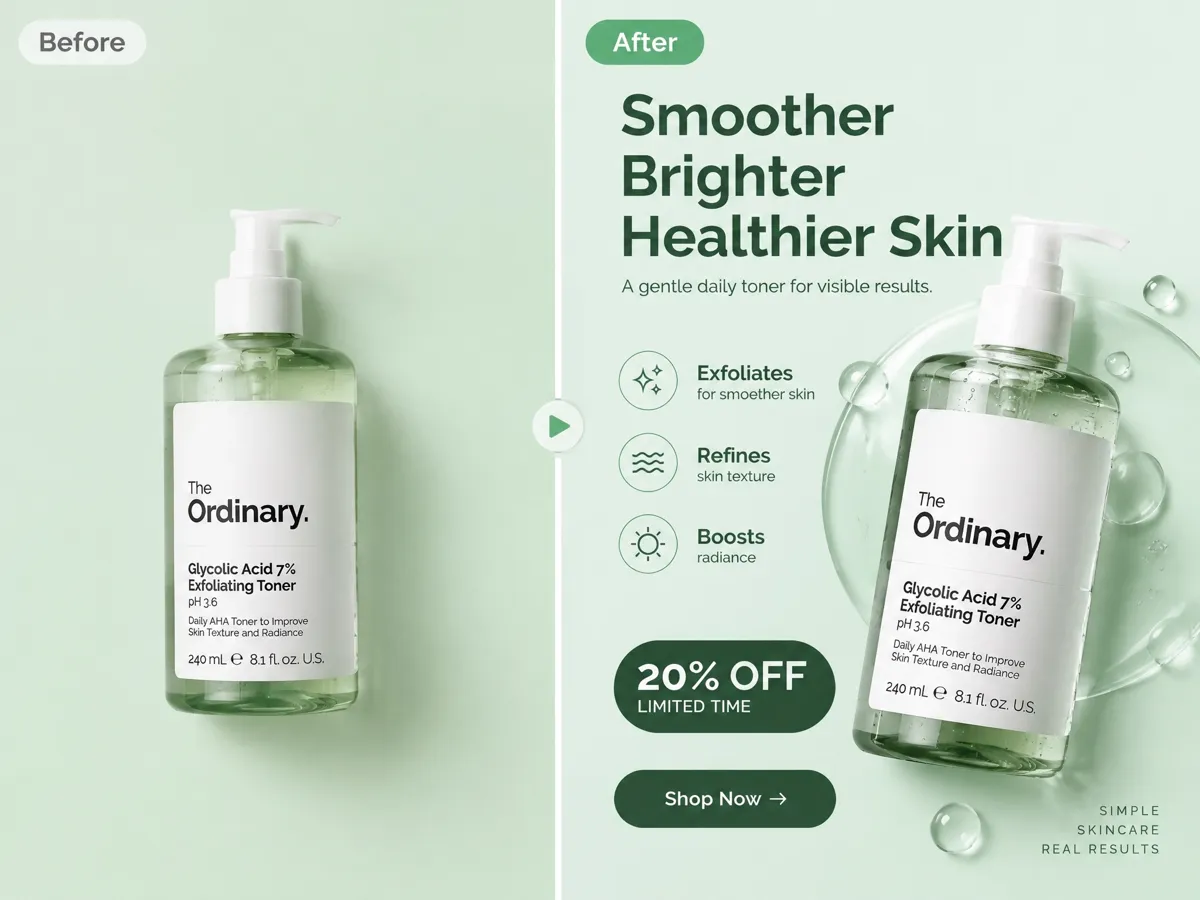
Turn a Product Photo Into a Ready-to-Use Static Ad
Turn raw product shots into static ads built around your campaign message and product benefits. When you need fresh visuals before starting, the product photography generator can help create product images that are ready to use in your ad concepts.
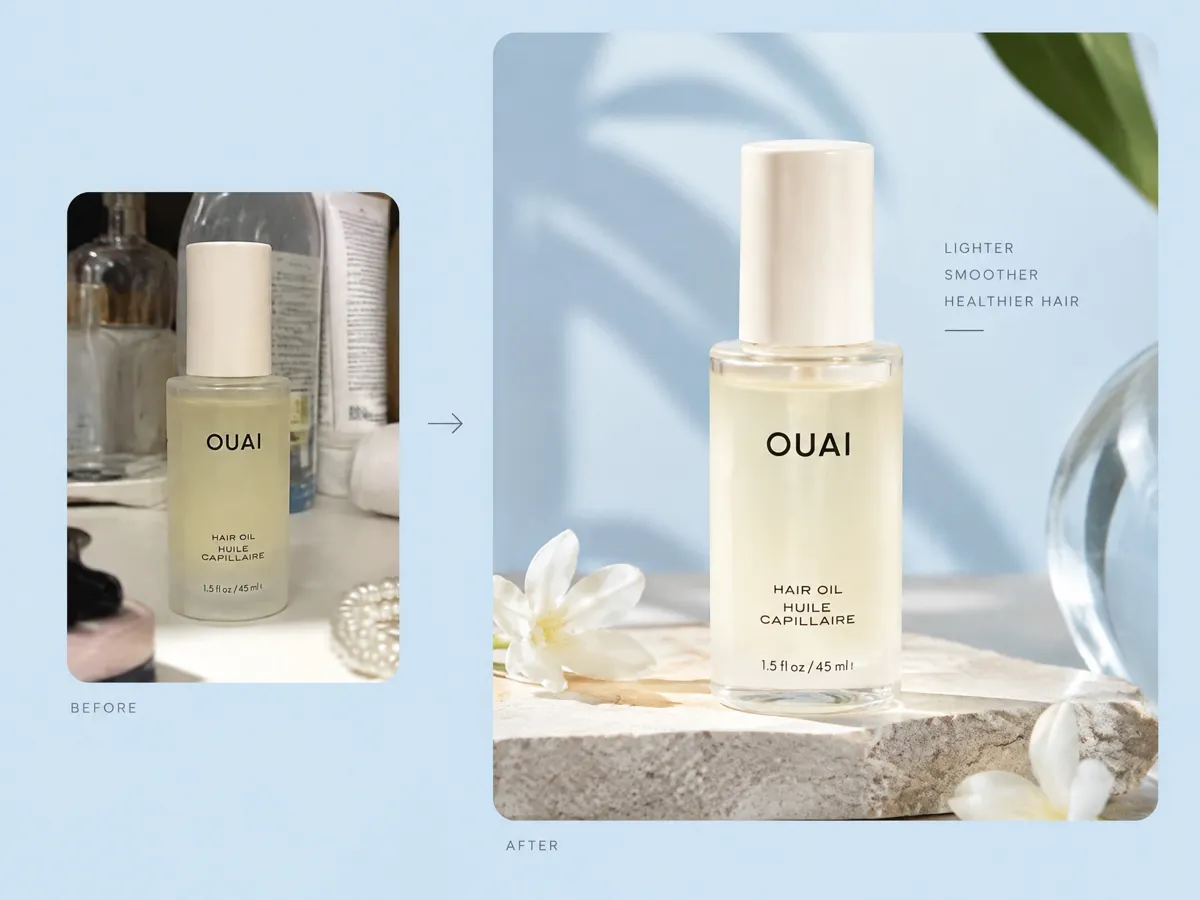
Place Your Product Into Scenes That Fit the Campaign
Place your product into visual scenes that match the campaign direction and give the ad more context. Create different settings around the same product to explore how it could appear across promotional campaigns and creative concepts.
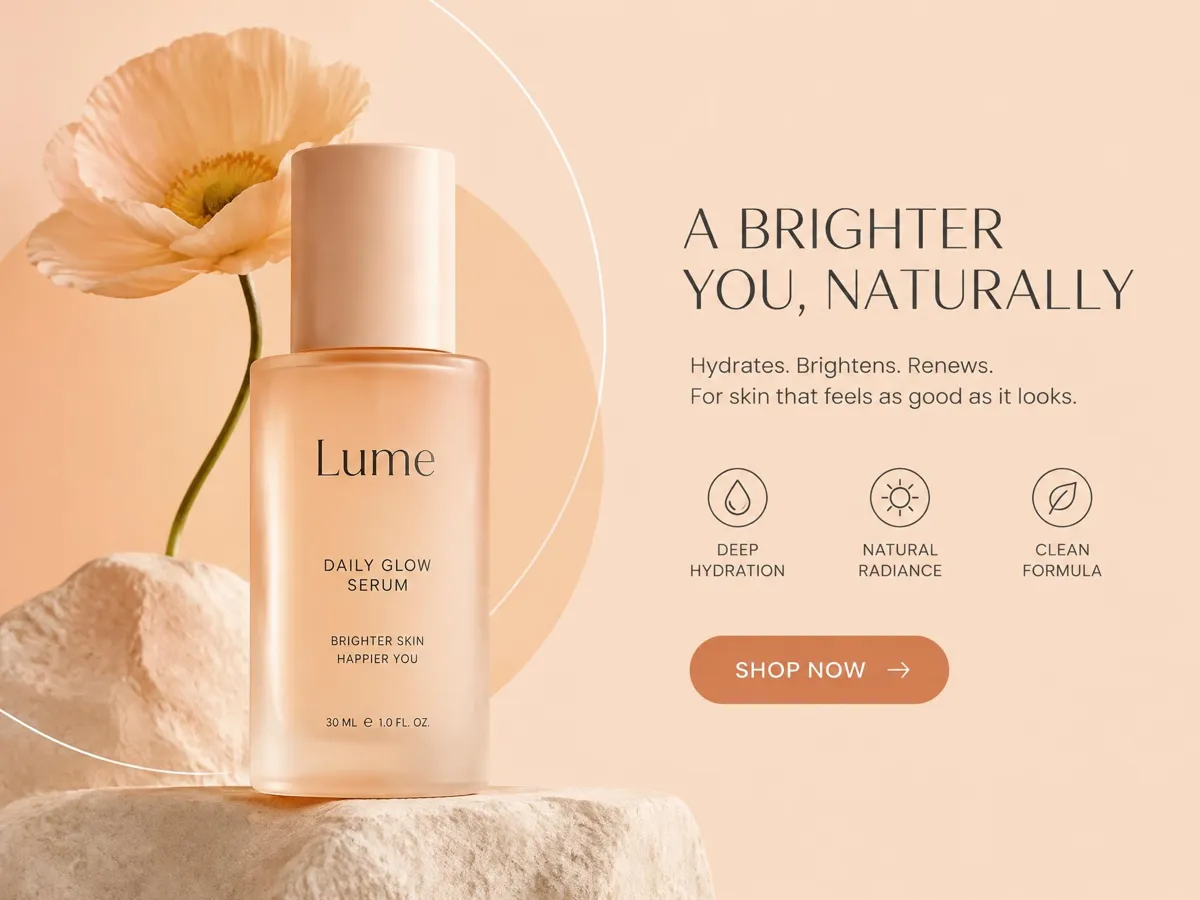
Combine Product Visuals, Copy, and CTAs in One Layout
Bring your product image, key selling points, promotional message, and CTA together in one static ad. When you need supporting promotional designs, you can also explore the advertisement poster generator for other campaign creatives.
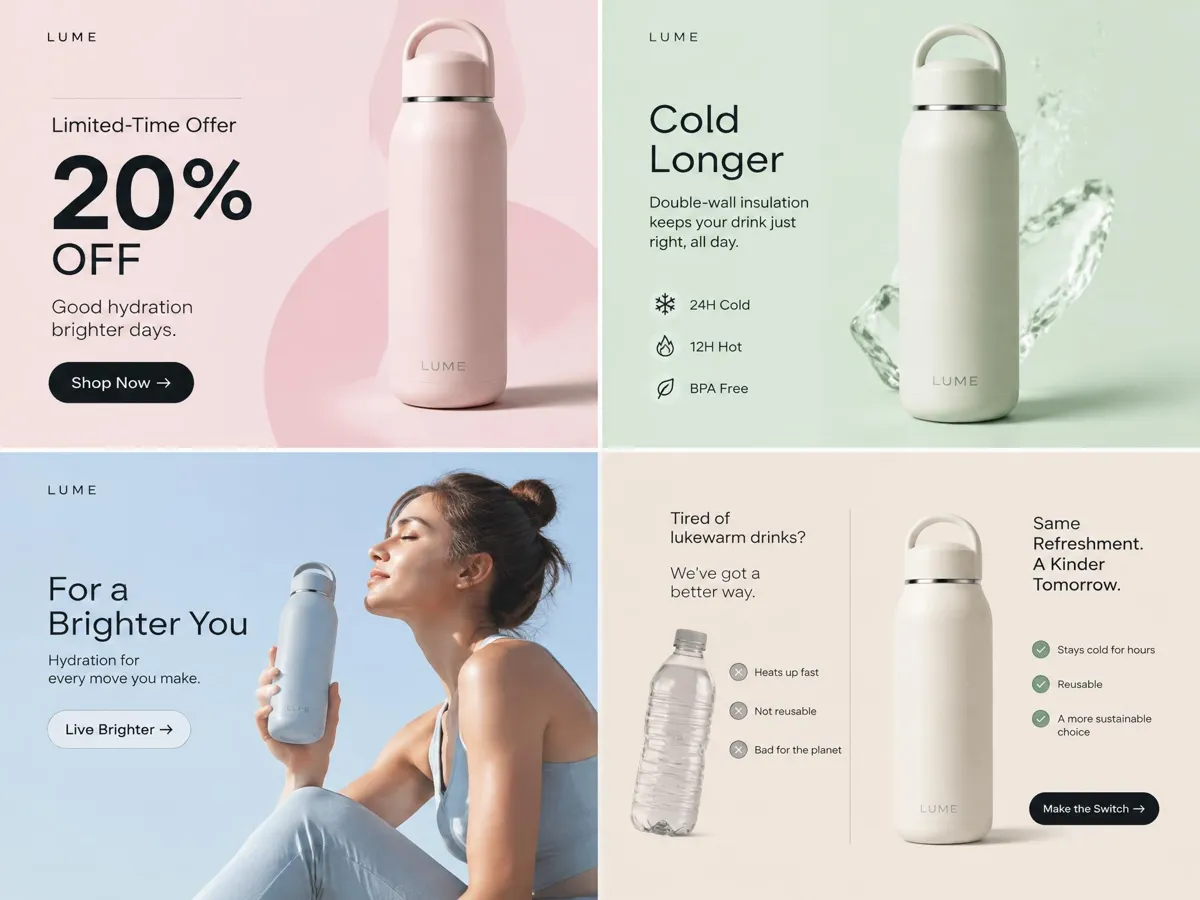
Create Different Ad Angles for the Same Product
Explore different creative directions without rebuilding the concept from scratch. Create multiple AI ad creatives by changing the campaign message, product presentation, or selling points, then compare how each approach fits your campaign.
Built for Every Seller Who Needs Better Static Ads
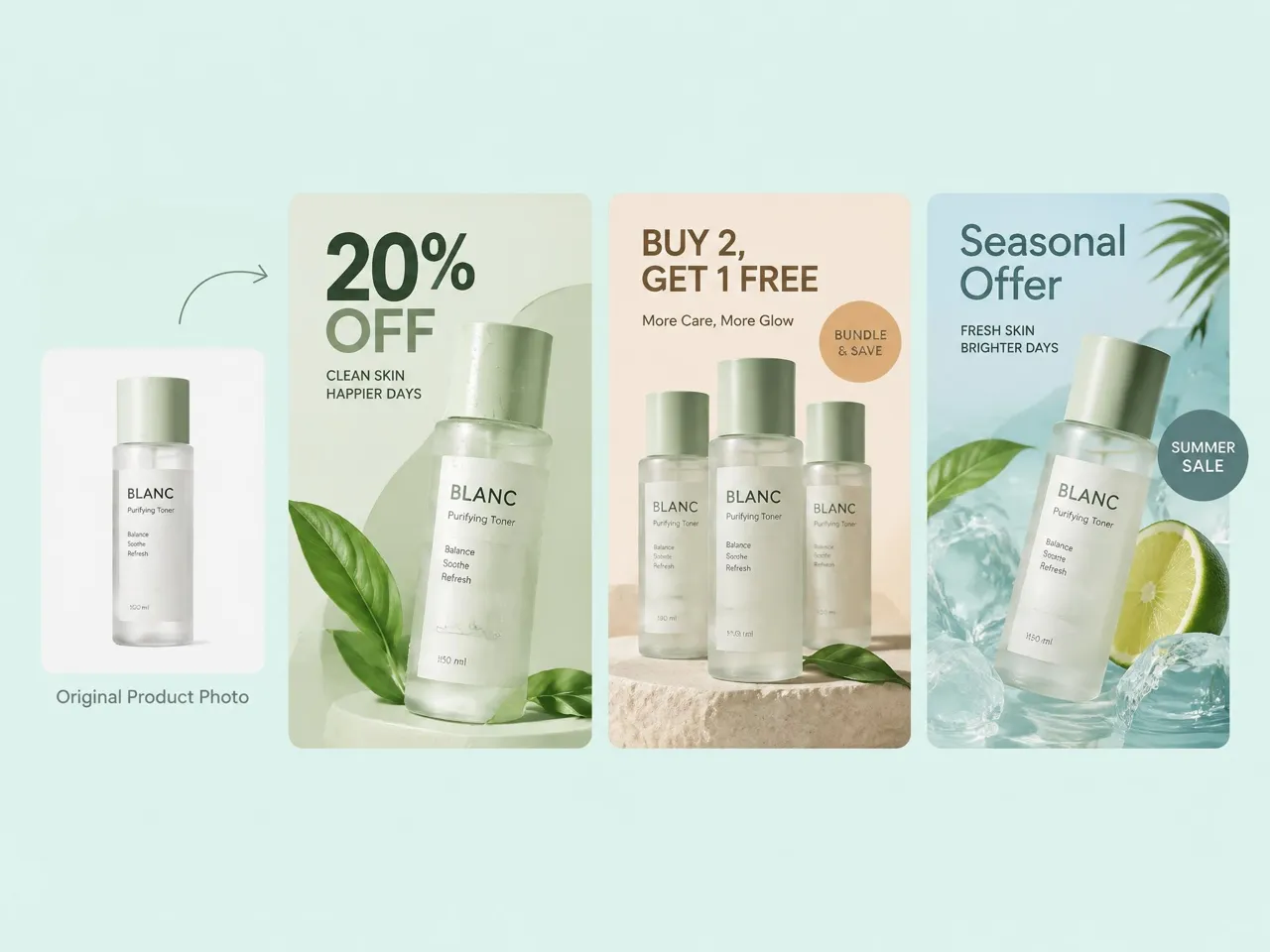
Make Scroll-Stopping Product Ad Concepts
Keep discounts, bundles, and seasonal promotions moving with fresh product ads. Turn existing product photos into static creatives with promotional messaging, then pair them with your product listing content when building out an ecommerce campaign.
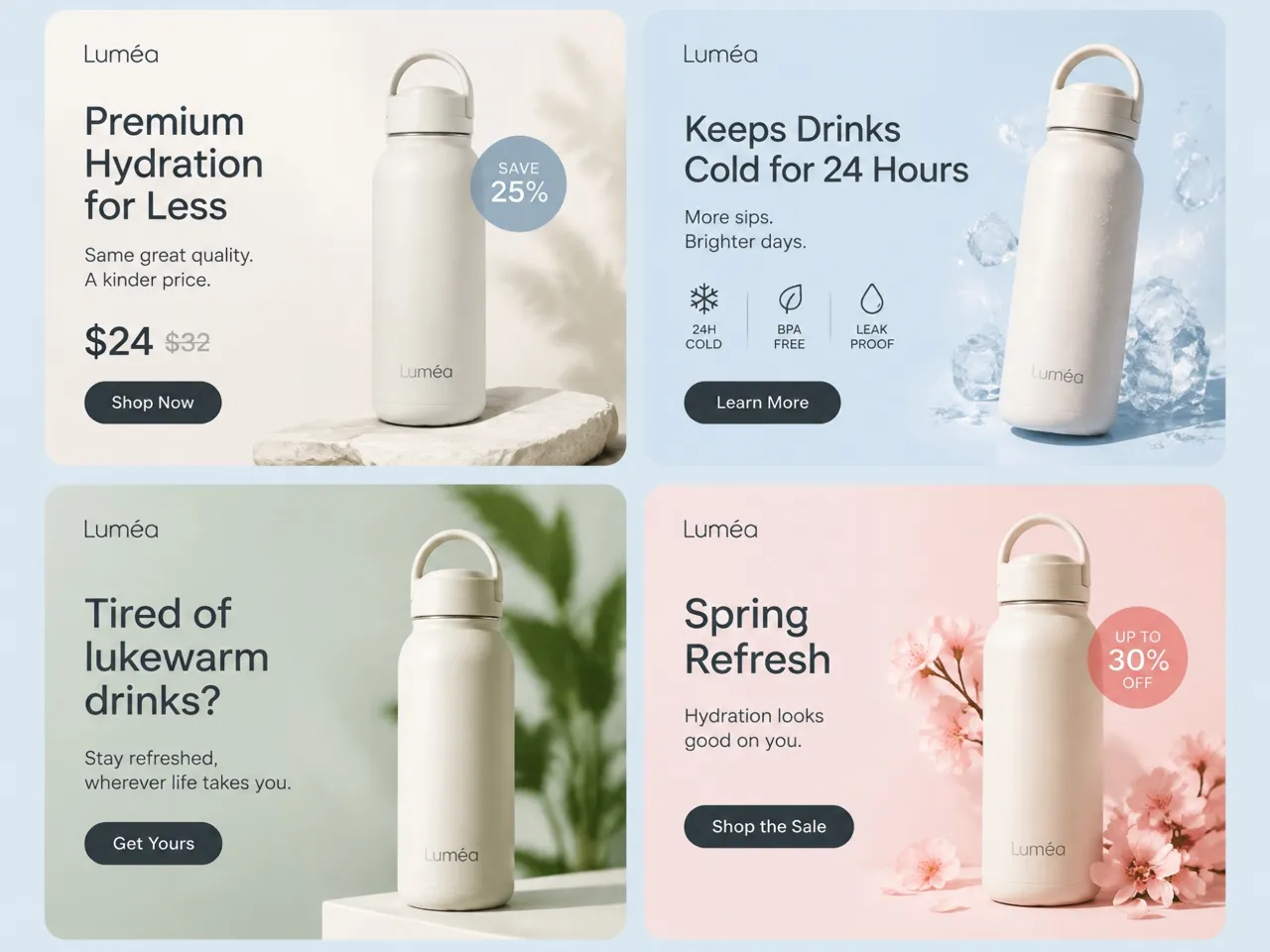
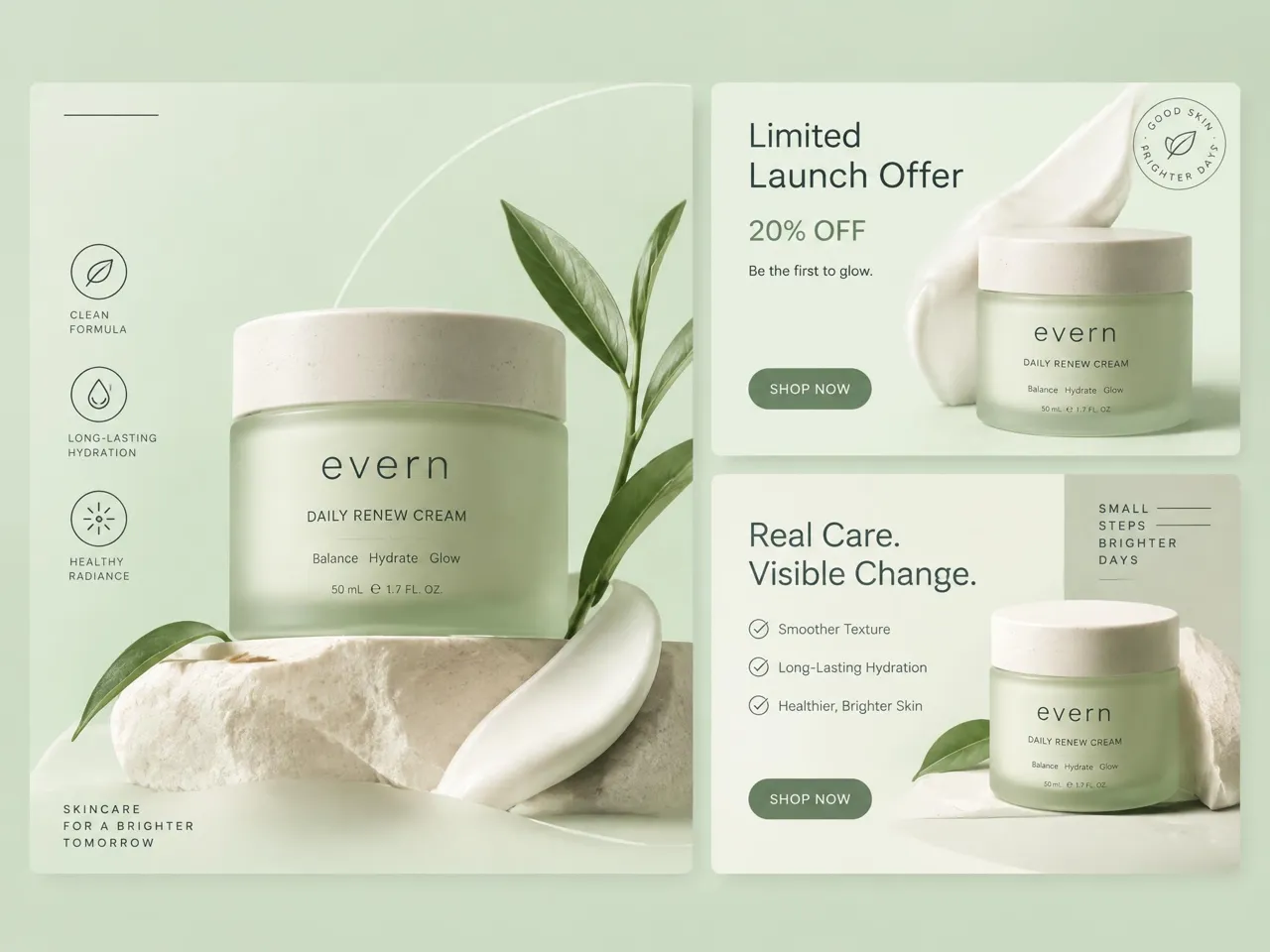
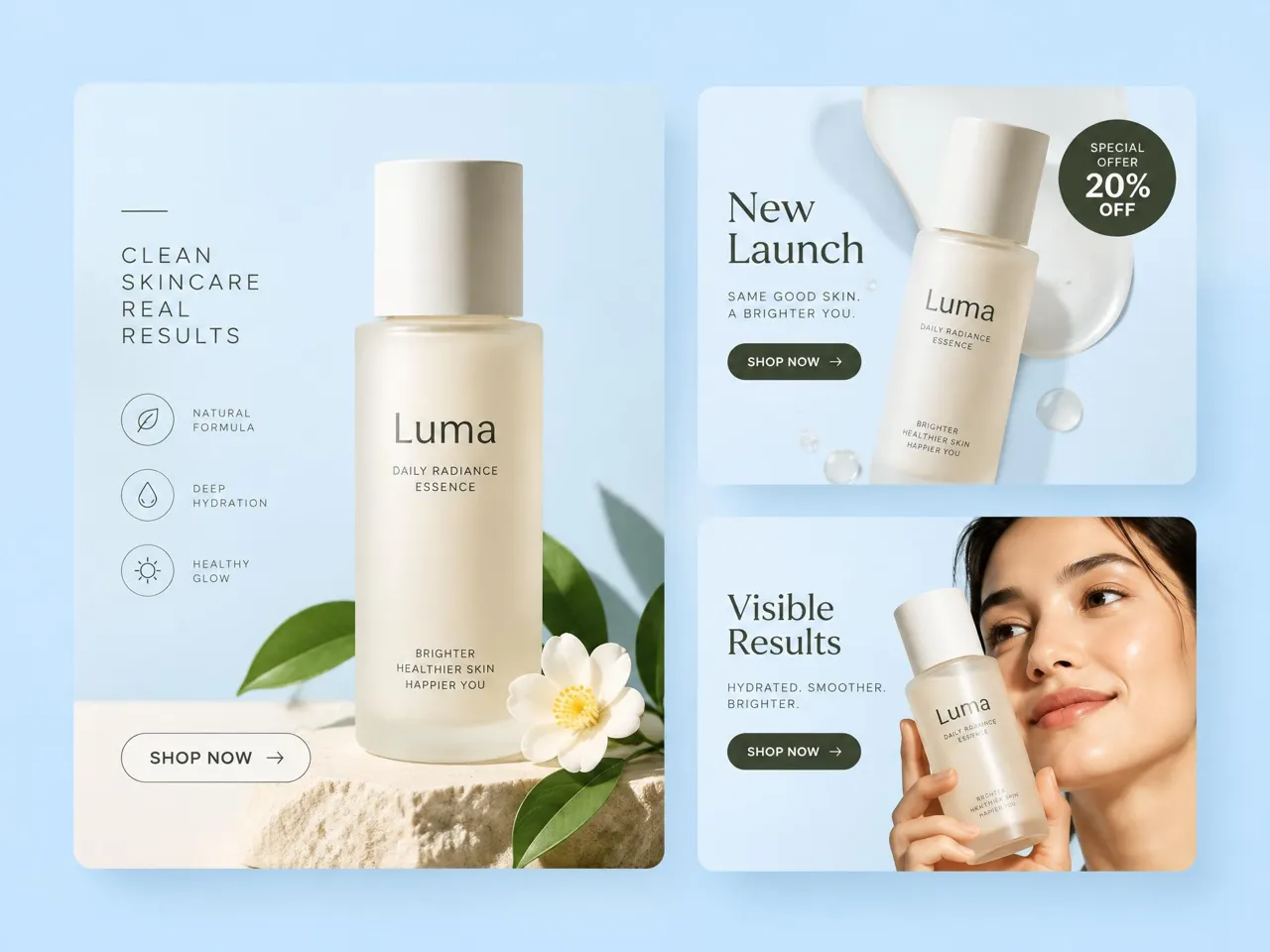
Why Choose Designkit for Static Ad Creatives

Build Ads From Your Product
Upload your product images and campaign details to start creating instead of building every ad element from scratch.
Skip a Full Design Handoff for Every Ad
Create and refine campaign creatives with Designkit's static ad creator using your product assets and campaign details.

Try AI Ad Creation With Free Credits
Use your available free credits to explore Designkit's AI ad creation workflow before deciding how you want to use it.
Unlock More Creative Possibilities for Your Ads
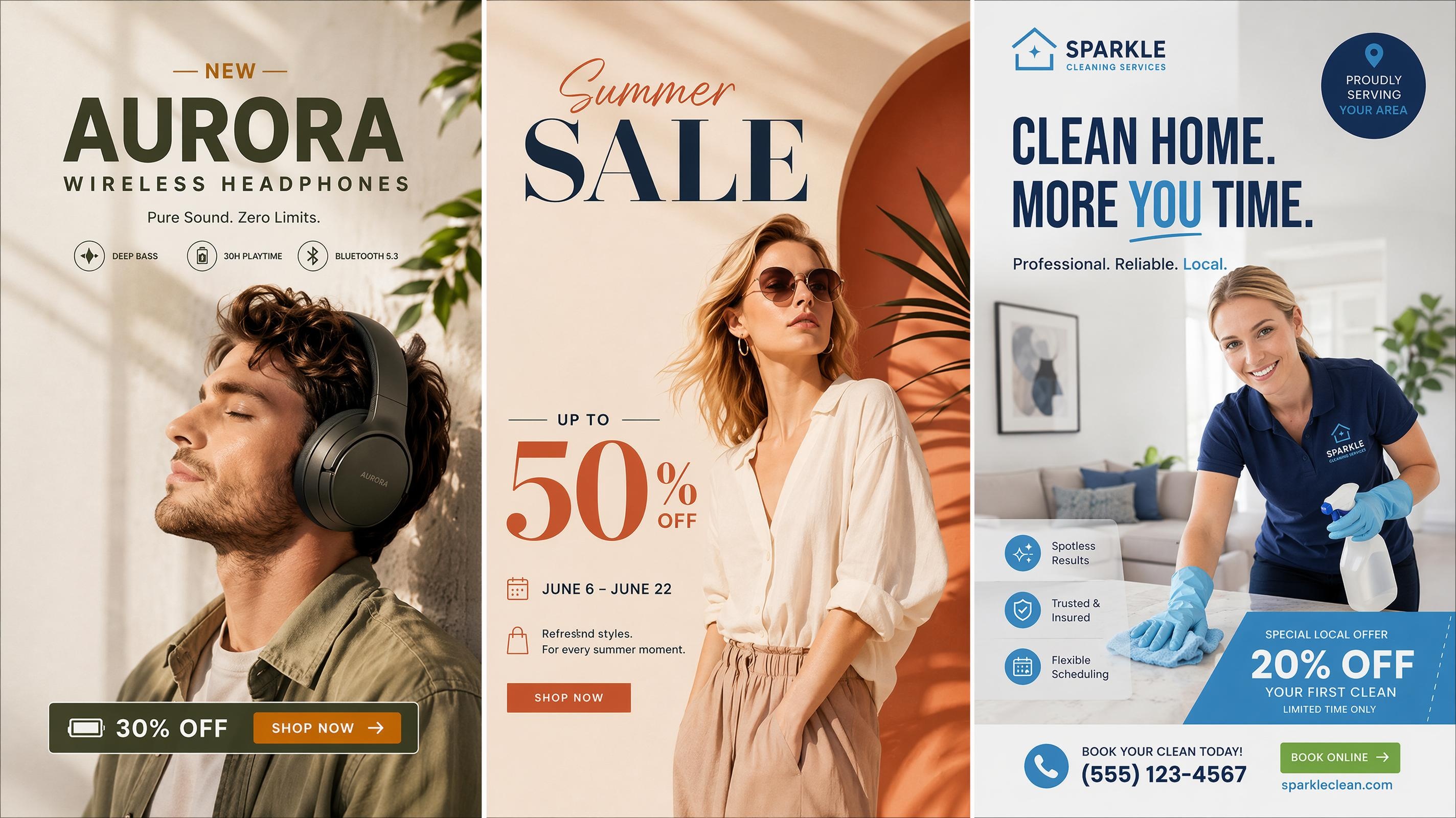
Ad Poster Generator
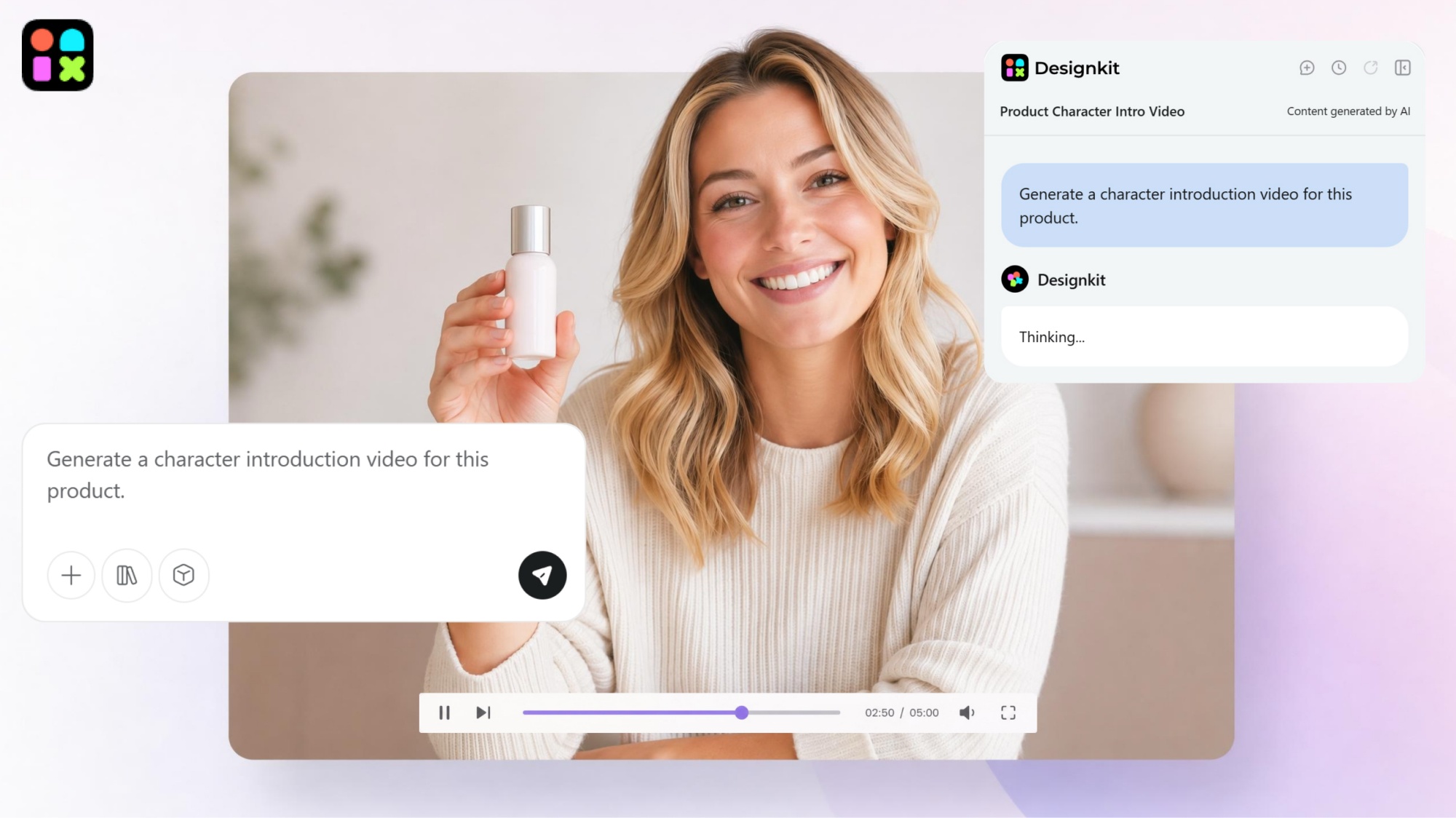
AI Video Ad Maker
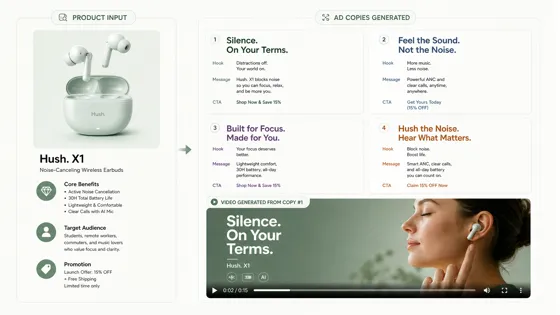
AI Ad Copy Generator
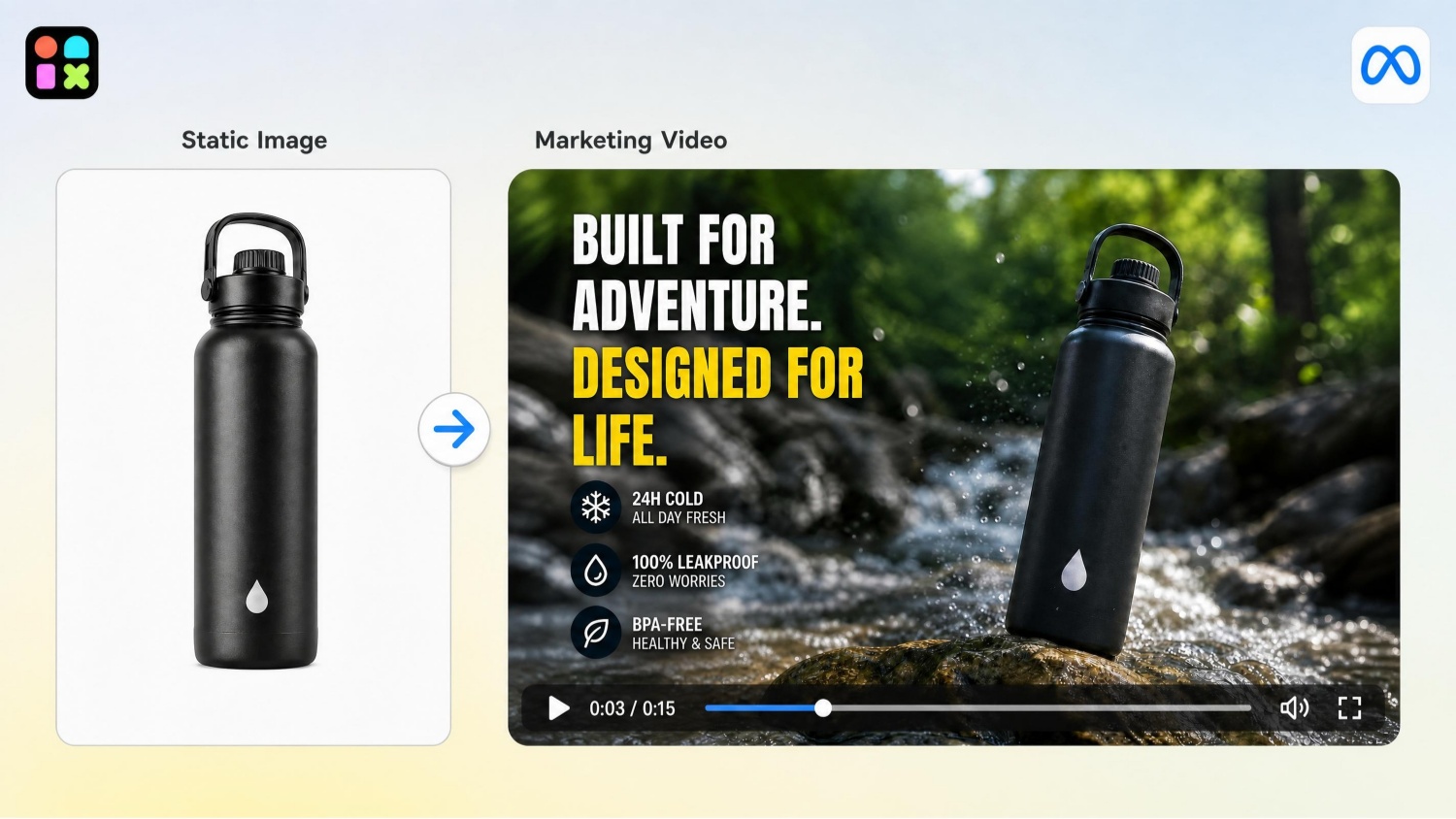
Marketing Video Maker
Frequently Asked Questions
What is a static ad?
Do I need design experience to make a static ad?
Can I use my own product photos to make an ad?
Can I create different static ads for the same product?
Can I add promotional text or a CTA to a static ad?
Will the product still look accurate in the ad?
Can I make static ads for Meta or Instagram?
Does Designkit include free credits to try ad creation?
Create Static Ads From Your Next Product Photo
Upload a product image, add your offer, and generate static ad creatives for testing and campaign refreshes. Start with free credits on Designkit.



What Marketers Like About Designkit for Static Ads
See how marketers and ecommerce teams use Designkit to create static ad creatives, reduce production work, and support ongoing campaigns.
I Can Create the First Version Myself
I'm not a designer, so I usually need help turning an idea into an actual ad. With Designkit, I can start with the product and describe what I want to see. It gives me something concrete to work with before asking for further design help.
I Don't Need a Designer for Every Small Change
We often need small changes for different promotions or campaigns. With Designkit, I can try a new headline, visual, or product setting myself. It's especially useful when I'm still figuring out what the ad should look like.
We Can Try Different Ideas Before Choosing One
We usually have several ideas for the same product, but creating every version takes time. Designkit helps us explore different visual directions before settling on one. It makes it easier to compare ideas instead of guessing which one will work.
The Product Stays at the Center of the Ad
Some AI tools make nice-looking images, but the product can get lost in the scene. With Designkit, I can create a more ad-focused visual while keeping the product as the main subject. That makes the creatives much more useful for our promotions.