See the product on a model
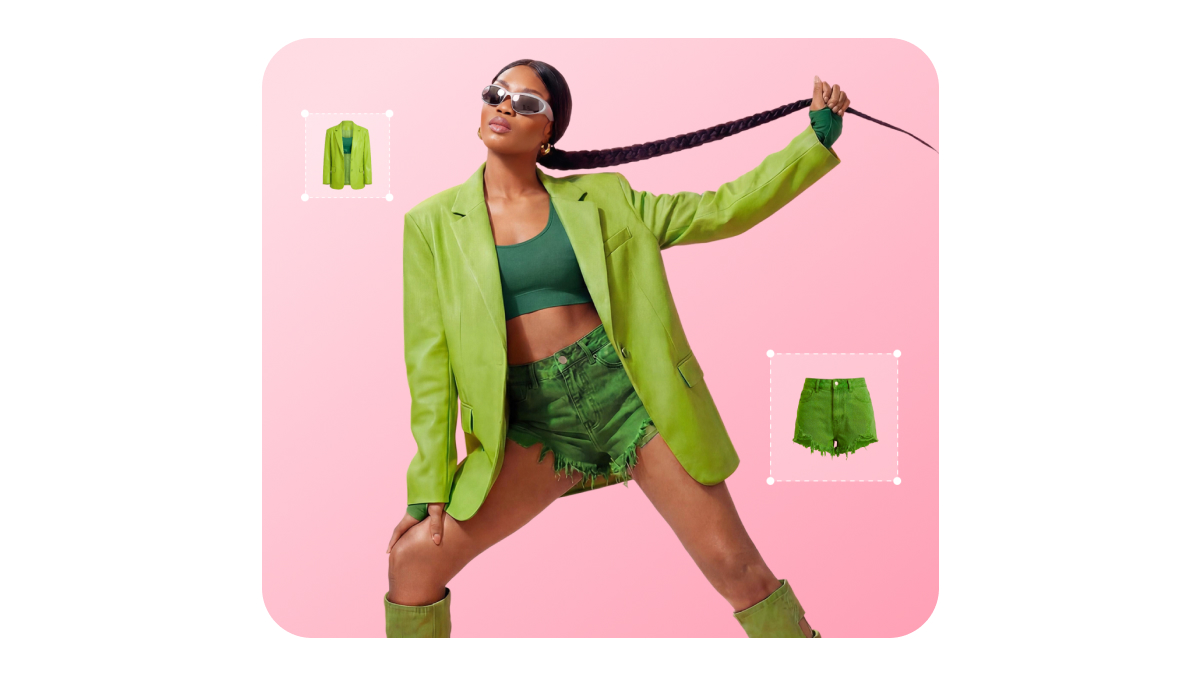
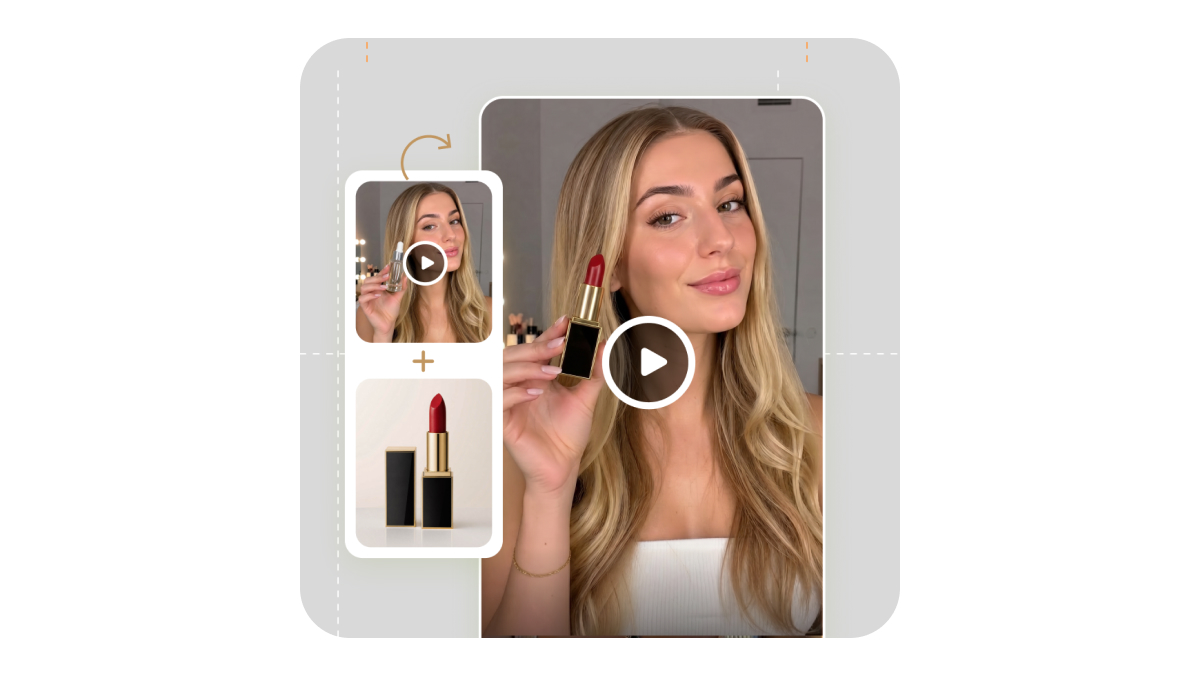
Put your product on a model and check the look before you book a shoot.

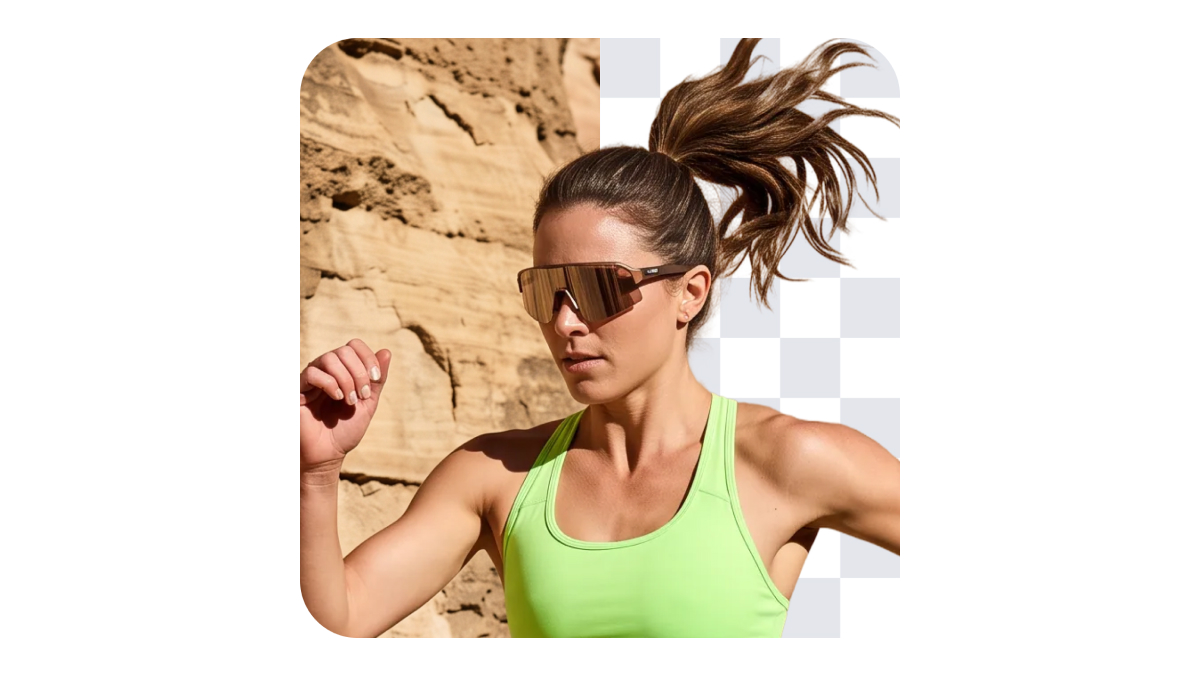
Recreate on-model product photos with your existing flat lays, white-background shots, or phone photos. Adjust the model and pose to prepare new visuals for your product listings.
PicCopilot closes December 7, 2026, at 23:59:59 (UTC+8).
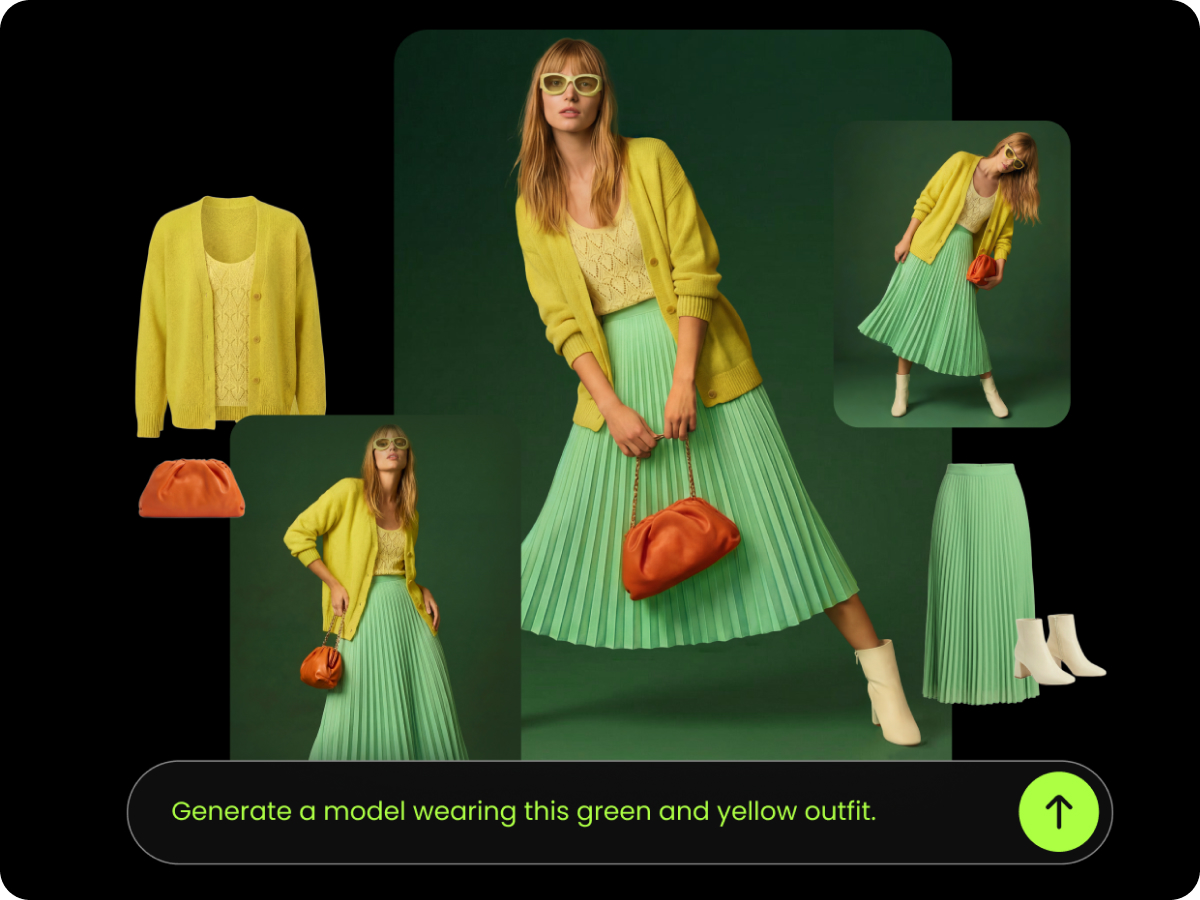
PicCopilot is shutting down on December 7, 2026.
If you use it to create on-model product photos, you’ll need another way to prepare images for your active listings.
PicCopilot closes on December 7, 2026, at 23:59:59 (UTC+8).
Download your original product photos and generated images before the site closes. Personal data will be deleted after the shutdown, within the period stated in the notice.
If you need to recreate product visuals, choose a workflow that fits your products, from on-model photos to listing images and short videos.
Designkit lets you create on-model product photos from flat lays, white-background shots, or phone photos, with additional tools for product images and videos.
Recreate on-model product photos for your live listings with Designkit. Start with your existing product photos, then create new model shots and other e-commerce assets as needed.
Put your product on a model and check the look before you book a shoot.

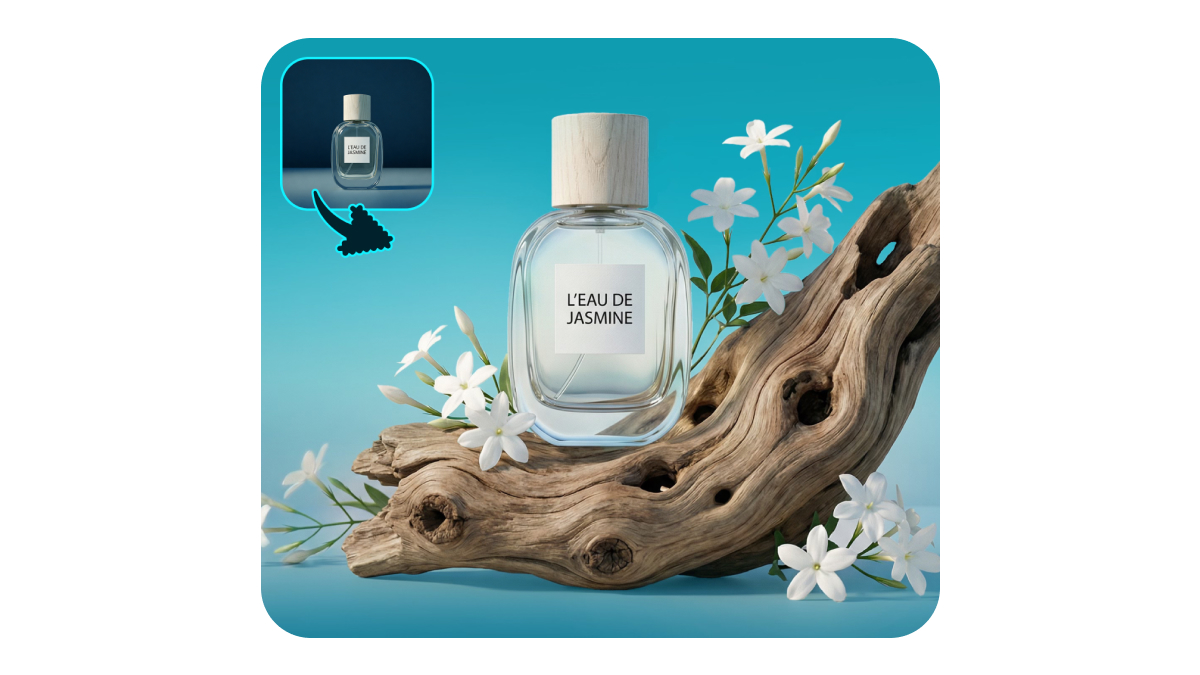
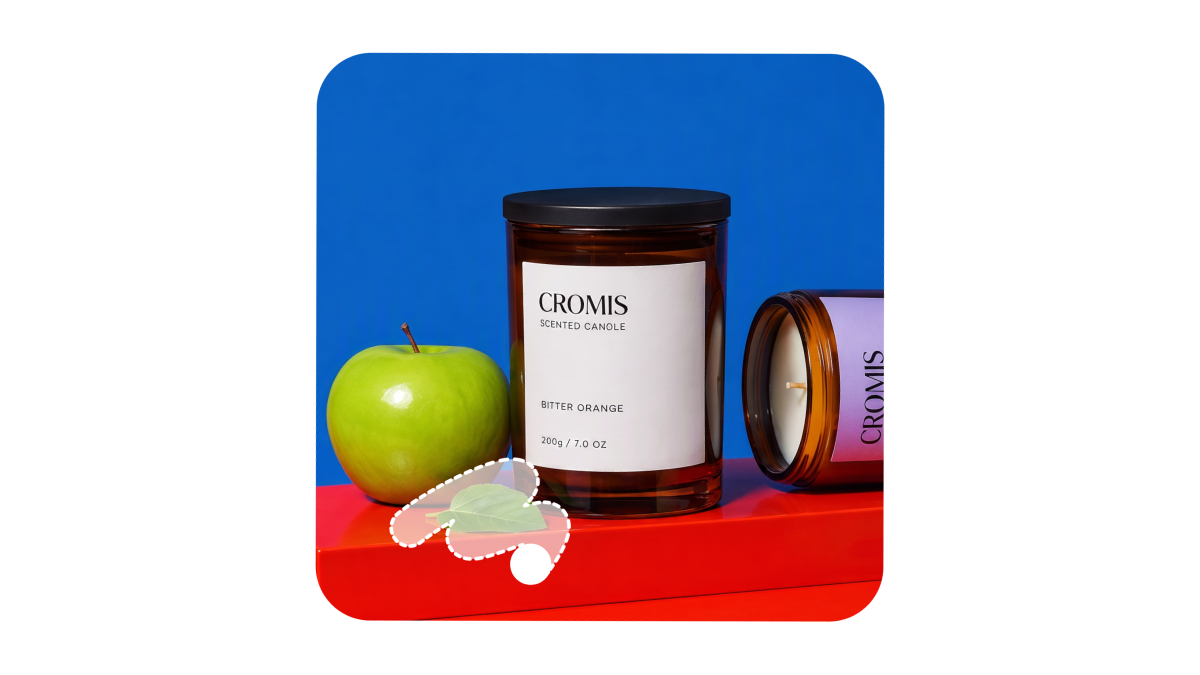
Turn the photos you have into the images for your listing and product page.

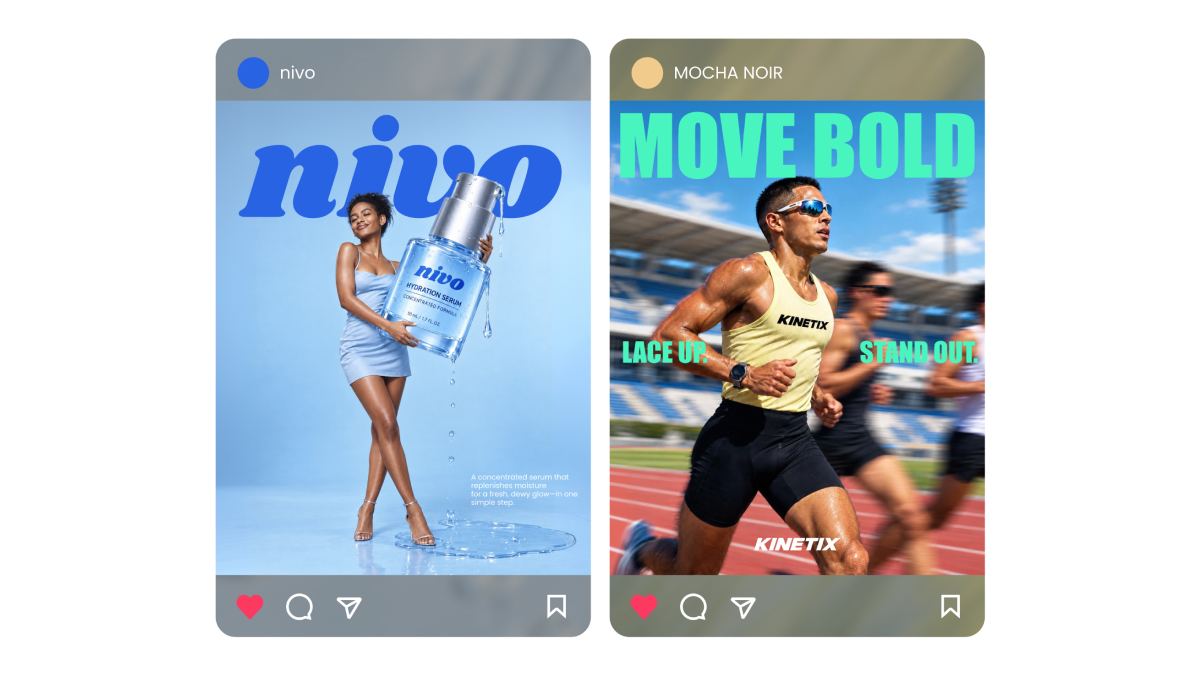
Create the social post and the marketing video for the same product.

Open a ready Skill, or pick a direction from the inspiration library.

Get 20 free credits on your first login and try the tools before you pay.
Turn your product photos into on-model images, listing visuals, social creatives, and short videos with Designkit.
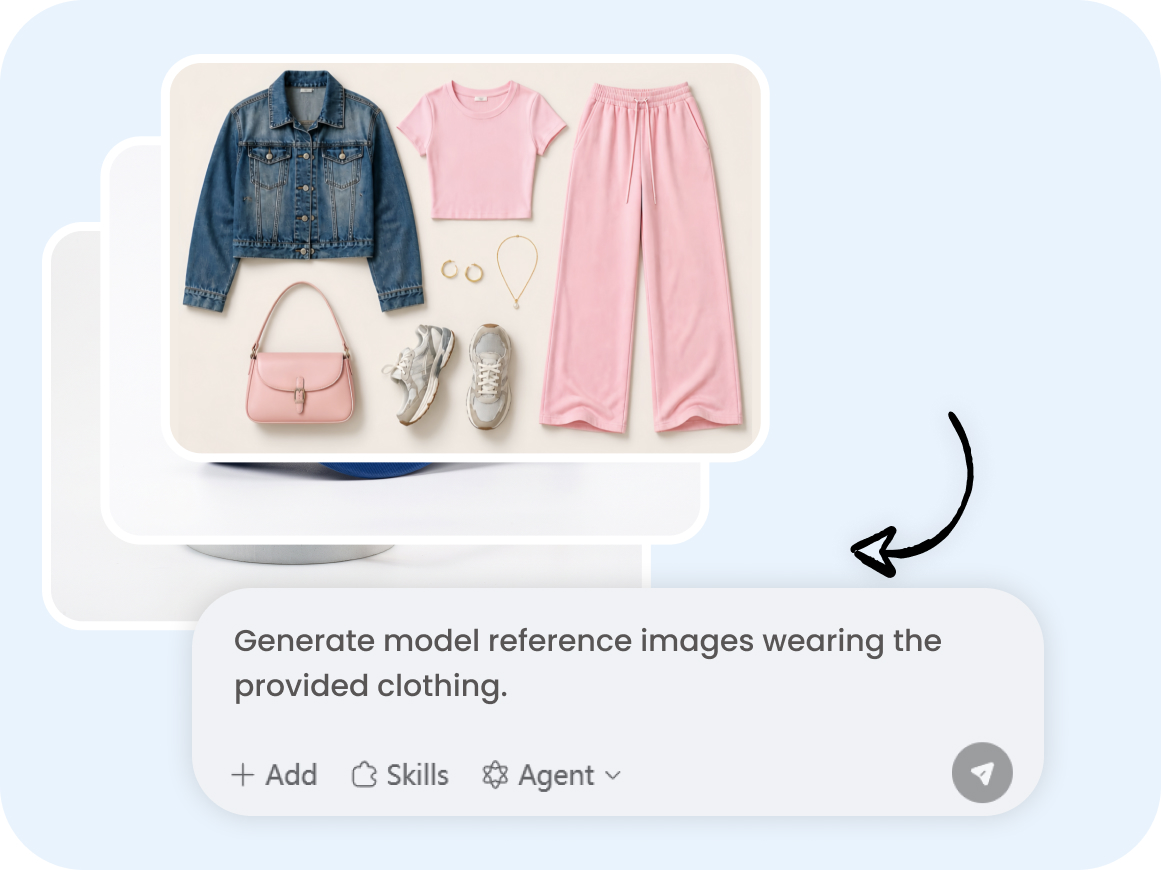
Start with a flat lay, hanger shot, or packshot. Reuse your original product photos to create new assets.
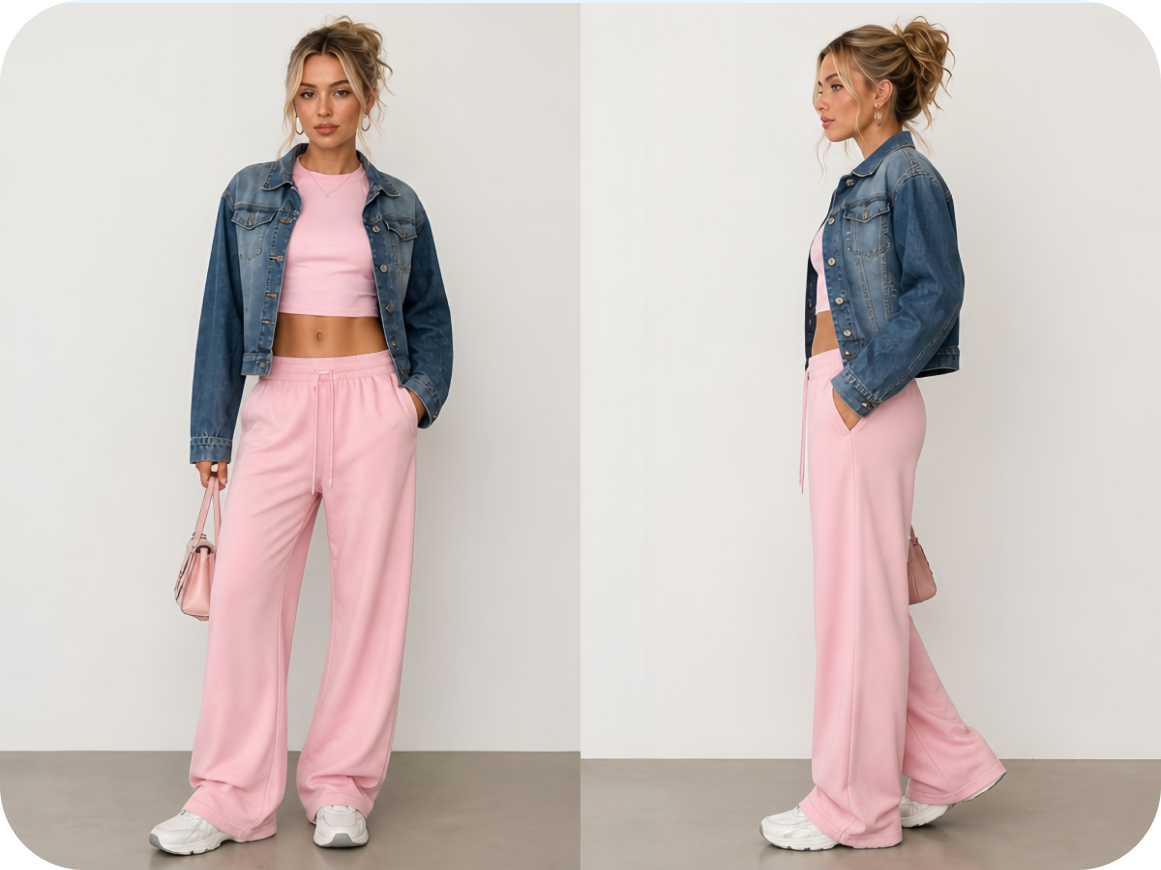
Create on-model images for clothing, shoes, jewelry, bags, glasses, and complete outfits. Check color, prints, logos, and fit against the real product.
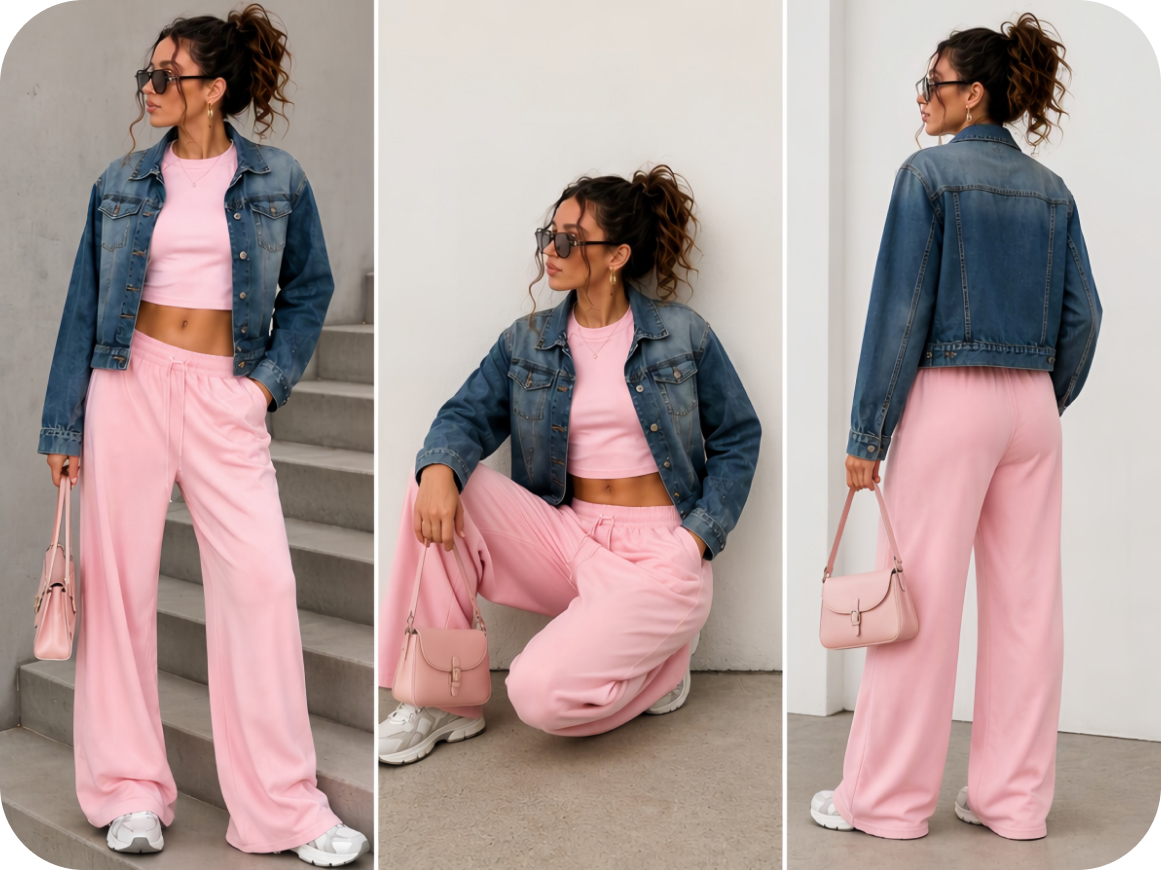
Adjust the model’s age, body type, ethnicity, and pose. Add a model or face reference to guide the look across products.
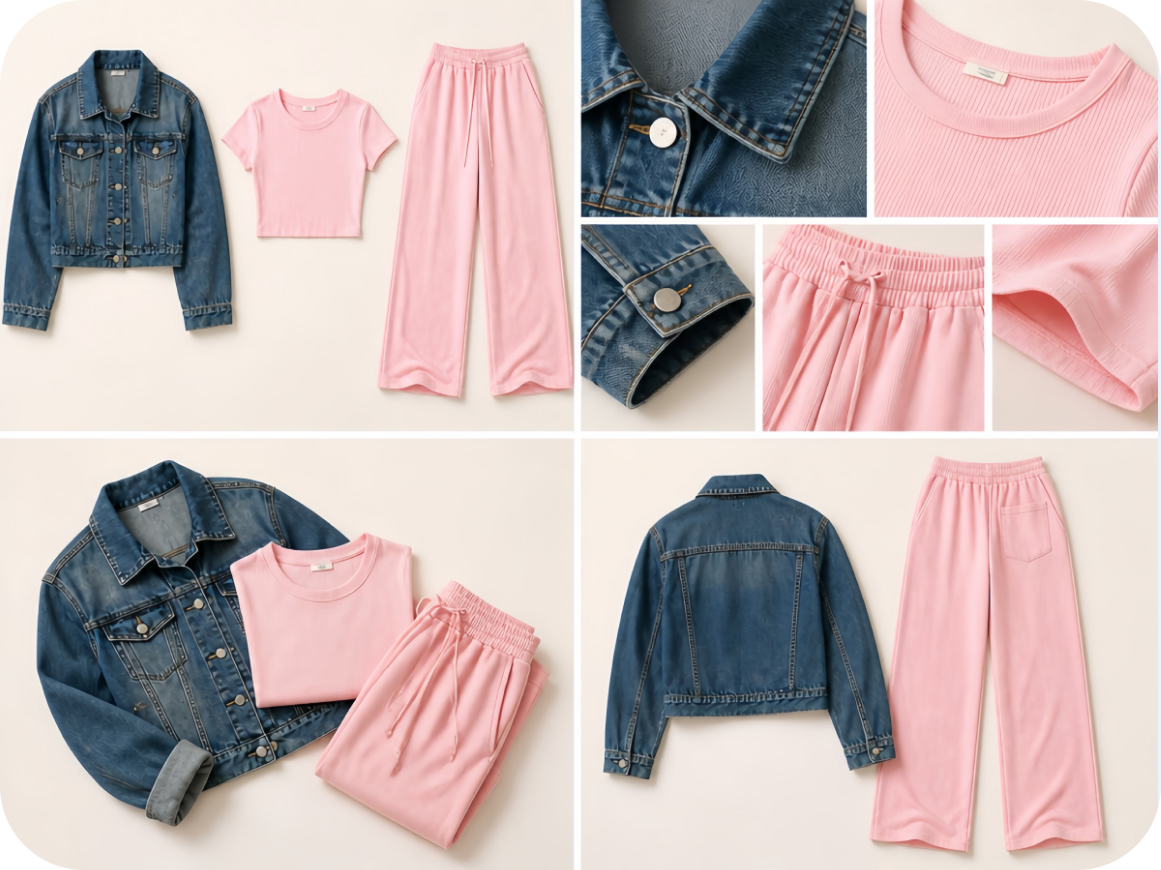
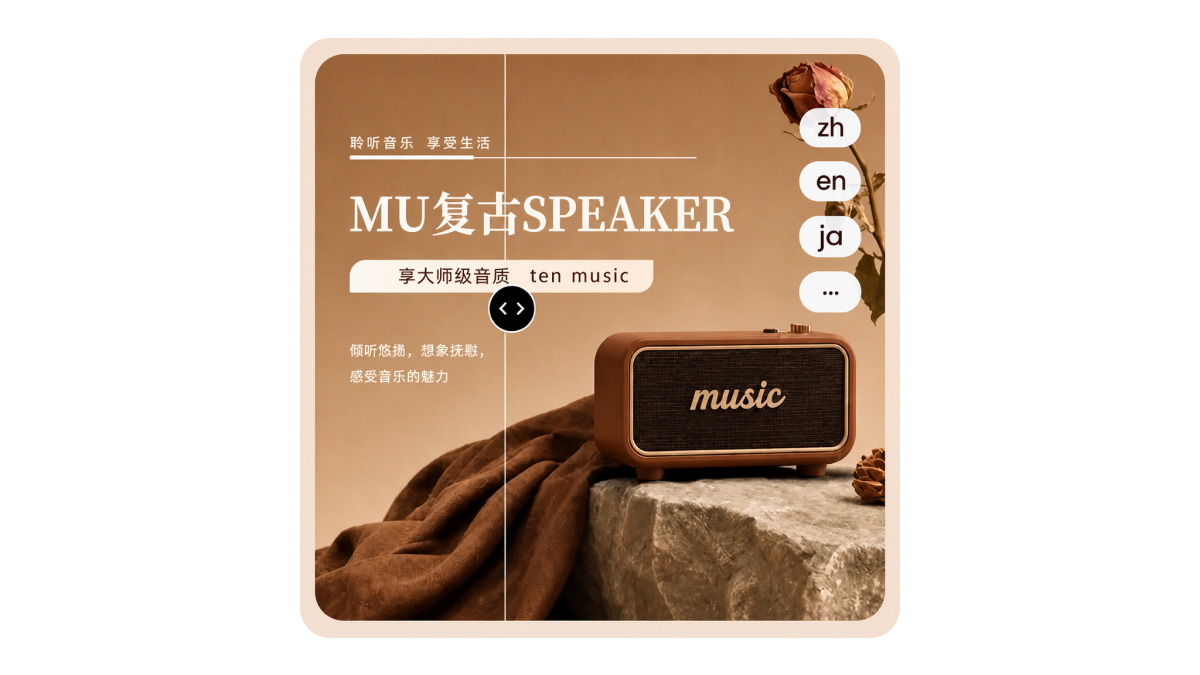
Turn product visuals into a complete listing set, including white-background main images, lifestyle scenes, supporting images, and A+ detail page visuals.
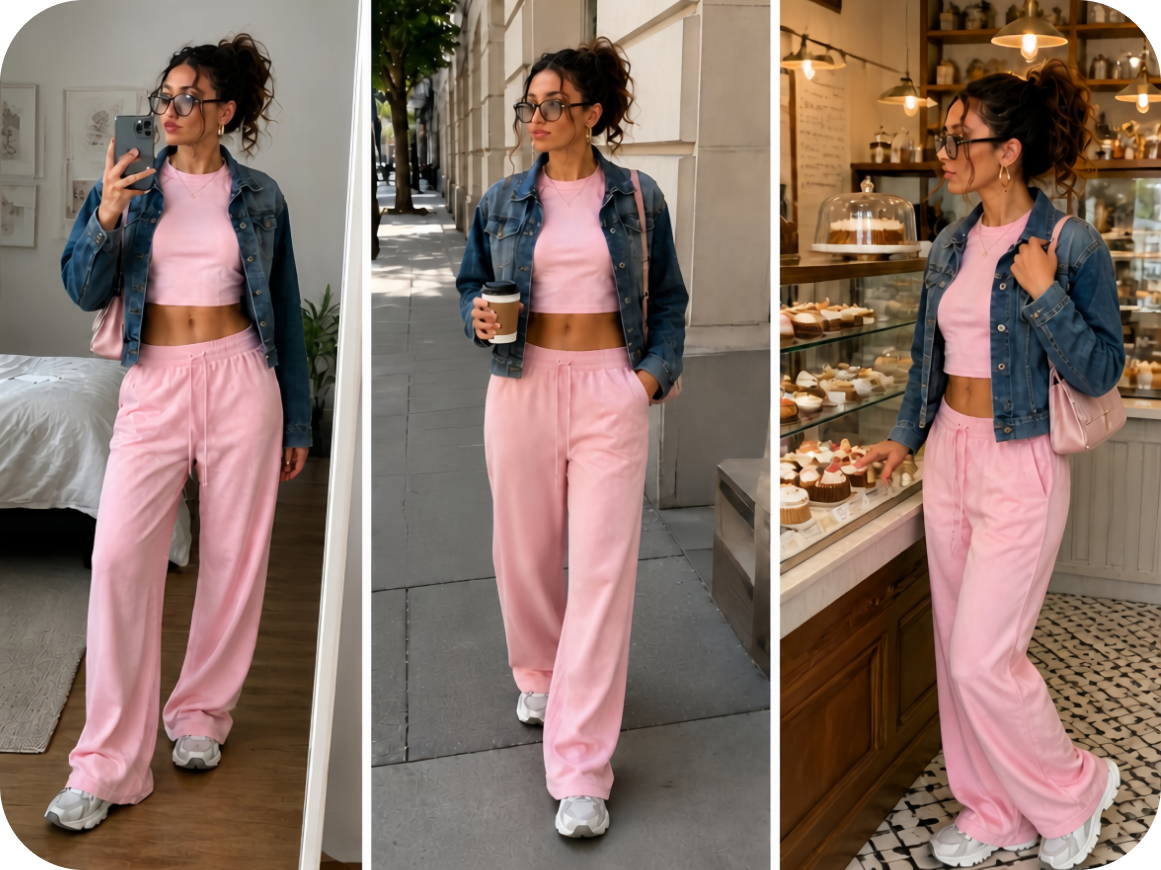
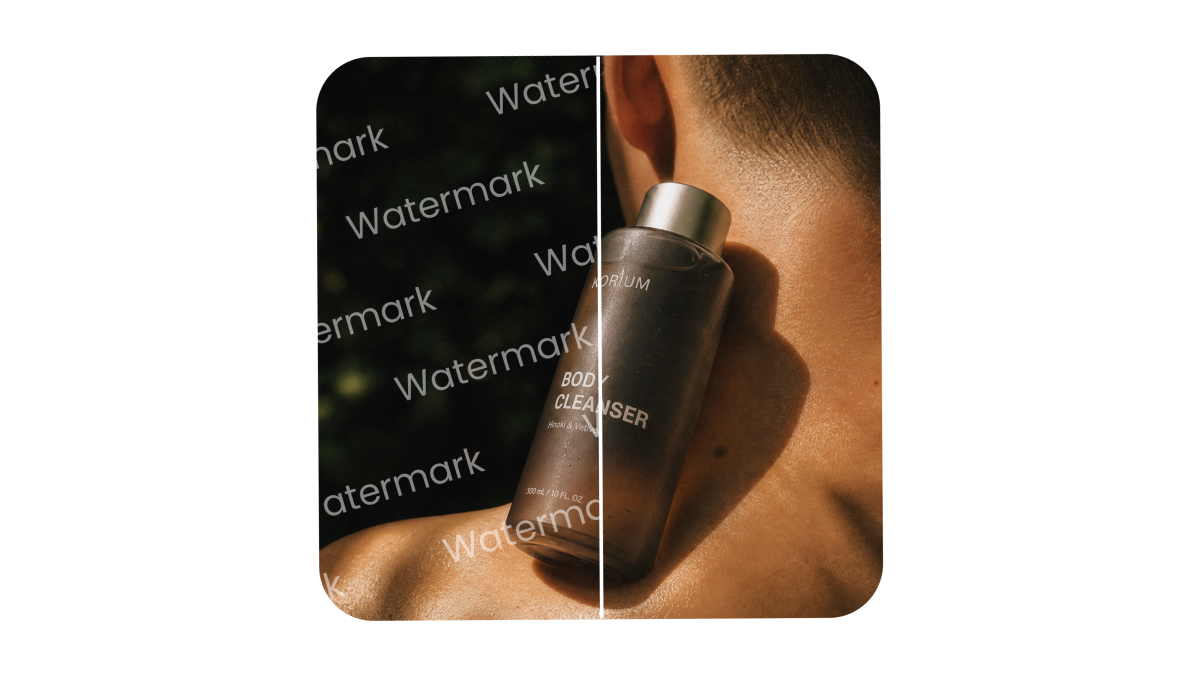
Adapt product visuals into social posts, promotional graphics, and campaign assets to showcase products, highlight features, and promote new arrivals.
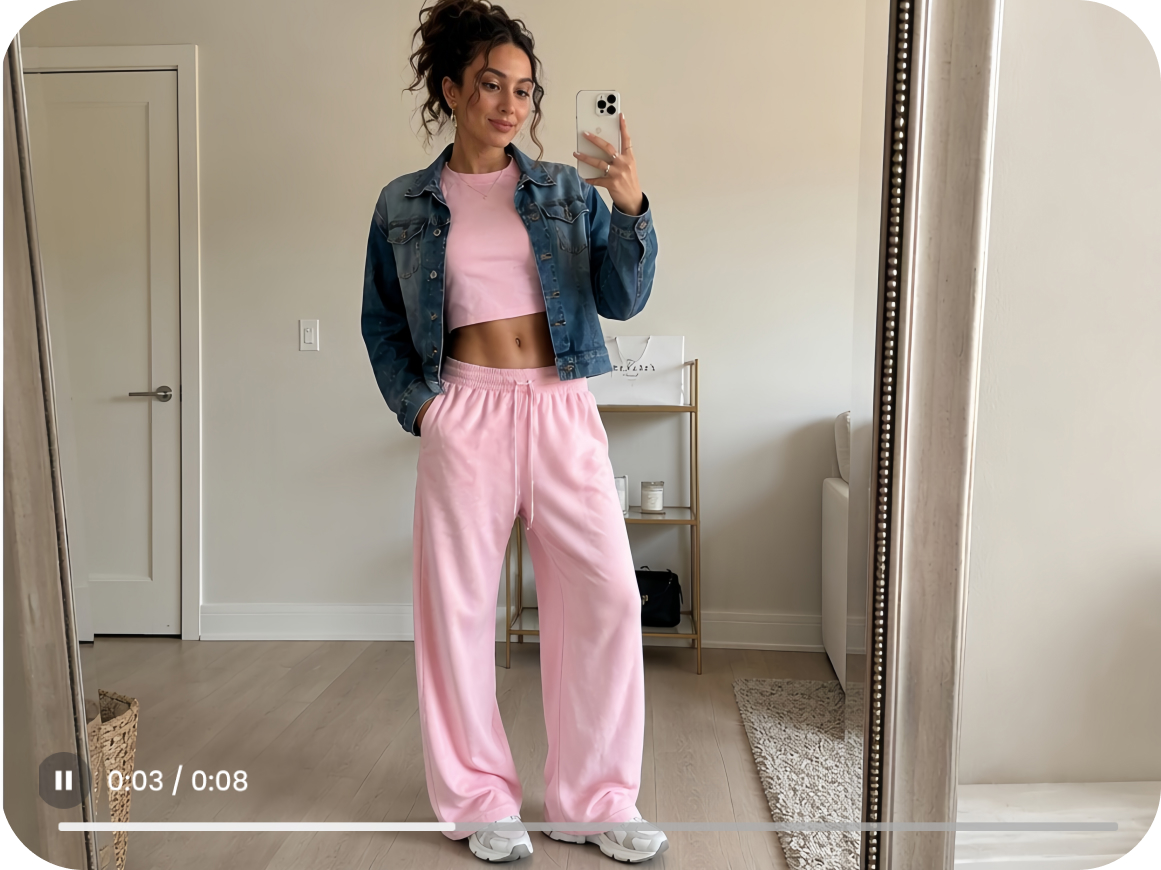
Create short product videos for social media, ads, and product promotion. Available video features depend on your Designkit plan.
PicCopilot’s closure notice says some capabilities, including image creation, have moved to Accio Work. Compare Accio Work and Designkit to find the right workflow for recreating product photos and preparing listing assets.
| What matters | PicCopilot (Accio Work) | Designkit |
|---|---|---|
| 1 · How you work | ||
| How you start | Use a Design Expert template or prompt to create assets through a chat-based workflow. | Upload a product photo, add a model or face reference, and adjust settings such as age, body type, and pose. |
| Where it runs | Desktop app for macOS and Windows. | Browser-based workflow. |
| 2 · What you make | ||
| On-model photos | Apparel images, including front, side, and back views. | Images for clothing, shoes, jewelry, bags, glasses, and complete outfits. Reuse a model or face reference across products. |
| Listing assets | Product listing and detail-page image sets, plus in-image text translation. | Product image sets, white-background photos, and A+ detail-page assets. |
| Product videos | Templates for apparel and footwear try-on videos, plus other Design Expert workflows. | Video creation tools, with availability depending on the plan. Free excludes video generation, Basic has limited video, and Pro includes video generation. |
| 3 · Pricing and commercial use | ||
| Free access | Free plan available. Pricing and credit details were not stated in the pages reviewed. | 20 credits on first login. Credit usage varies by task; video generation is not included. |
| Paid plans | The closure notice does not list Accio prices. |
|
| Commercial use | Commercial-use terms were not stated on the Accio pages reviewed. | Images and videos generated on paid plans can be used commercially. |
Use a Design Expert template or prompt to create assets through a chat-based workflow.
Upload a product photo, add a model or face reference, and adjust settings such as age, body type, and pose.
Desktop app for macOS and Windows.
Browser-based workflow.
Apparel images, including front, side, and back views.
Images for clothing, shoes, jewelry, bags, glasses, and complete outfits.
Reuse a model or face reference across products.
Product listing and detail-page image sets, plus in-image text translation.
Product image sets, white-background photos, and A+ detail-page assets.
Templates for apparel and footwear try-on videos, plus other Design Expert workflows.
Video creation tools, with availability depending on the plan. Free excludes video generation, Basic has limited video, and Pro includes video generation.
Free plan available. Pricing and credit details were not stated in the pages reviewed.
20 credits on first login. Credit usage varies by task; video generation is not included.
The closure notice does not list Accio prices.
Commercial-use terms were not stated on the Accio pages reviewed.
Images and videos generated on paid plans can be used commercially.
English notice: a Pro Plan that was still active at September 27, 2026, 23:59:59 (UTC+8) is refunded in full for that subscription period. Chinese notice: a paid membership that was still valid at that cutoff is refunded in full for that subscription period. The refund returns to the original payment method automatically. You do not need to apply. Refunds started in batches on October 8, 2026, and are expected about 30 days after each batch starts. The notice does not say whether unused credits are refunded, and it does not publish a separate refund-status address. Use the create page, or email support@piccopilot.com.
Download the data package before December 7, 2026, at 23:59:59 (UTC+8). It includes uploads, generated assets, orders, credit history, account details, agent chats, and activity logs. Other personal data is destroyed within 90 days from December 8, 2026, at 00:00:00 (UTC+8). Transaction records required by law are kept for the required period.
No. Download the package, then upload the original product photos yourself. A new on-model image starts from those photos.
Choose Accio Design Expert for a chat-based workflow, starting from a template or prompt. Templates checked on October 23, 2026 include on-model stills, apparel and footwear video, image translation, and listing sets. Choose Designkit virtual try-on for on-model listing photos: upload a product photo, add a model or face reference, then set ethnicity, age, body type, and pose.
Yes, you can keep files you downloaded before PicCopilot closes. Commercial use of those older files follows PicCopilot’s terms. New images and videos made on a Designkit paid plan can be used commercially, per the Designkit homepage FAQ.
Change the prompt or the model settings and generate again. Compare color, print, logo, and silhouette with the product before you publish.
No. Free does not include video generation. Basic includes limited video, and Pro includes video generation.