
AI YouTube Intro Maker for Your Channel and Video Series
Upload your logo, channel name, or a few brand visuals and generate a short opener you can reuse on every upload. Built for creators who need a consistent channel opening without motion design software.
How to Create a YouTube Intro with Designkit
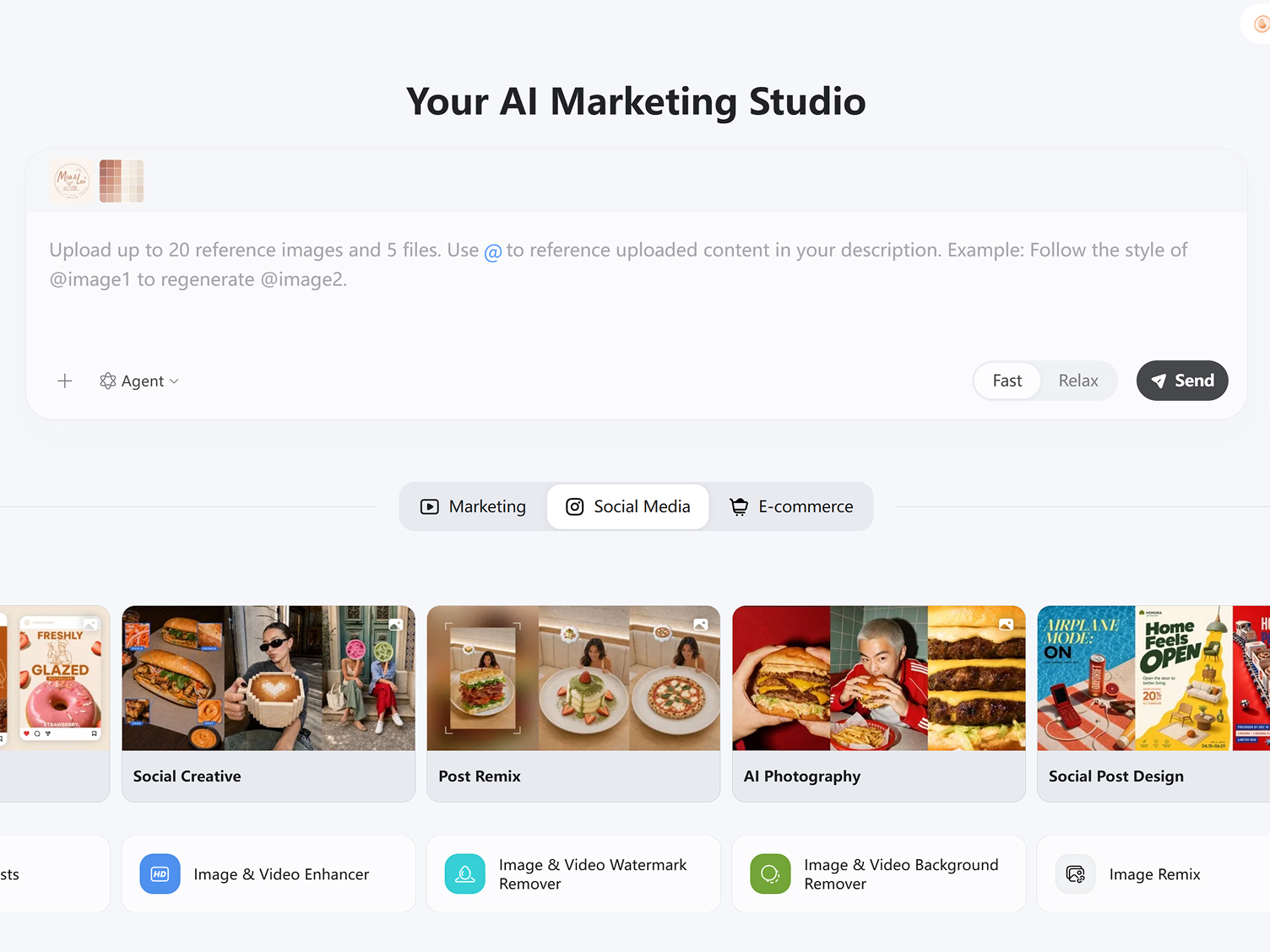
Enter Your Channel Information
Describe your channel niche, content style, audience, or upload brand assets to help Designkit understand your YouTube identity.
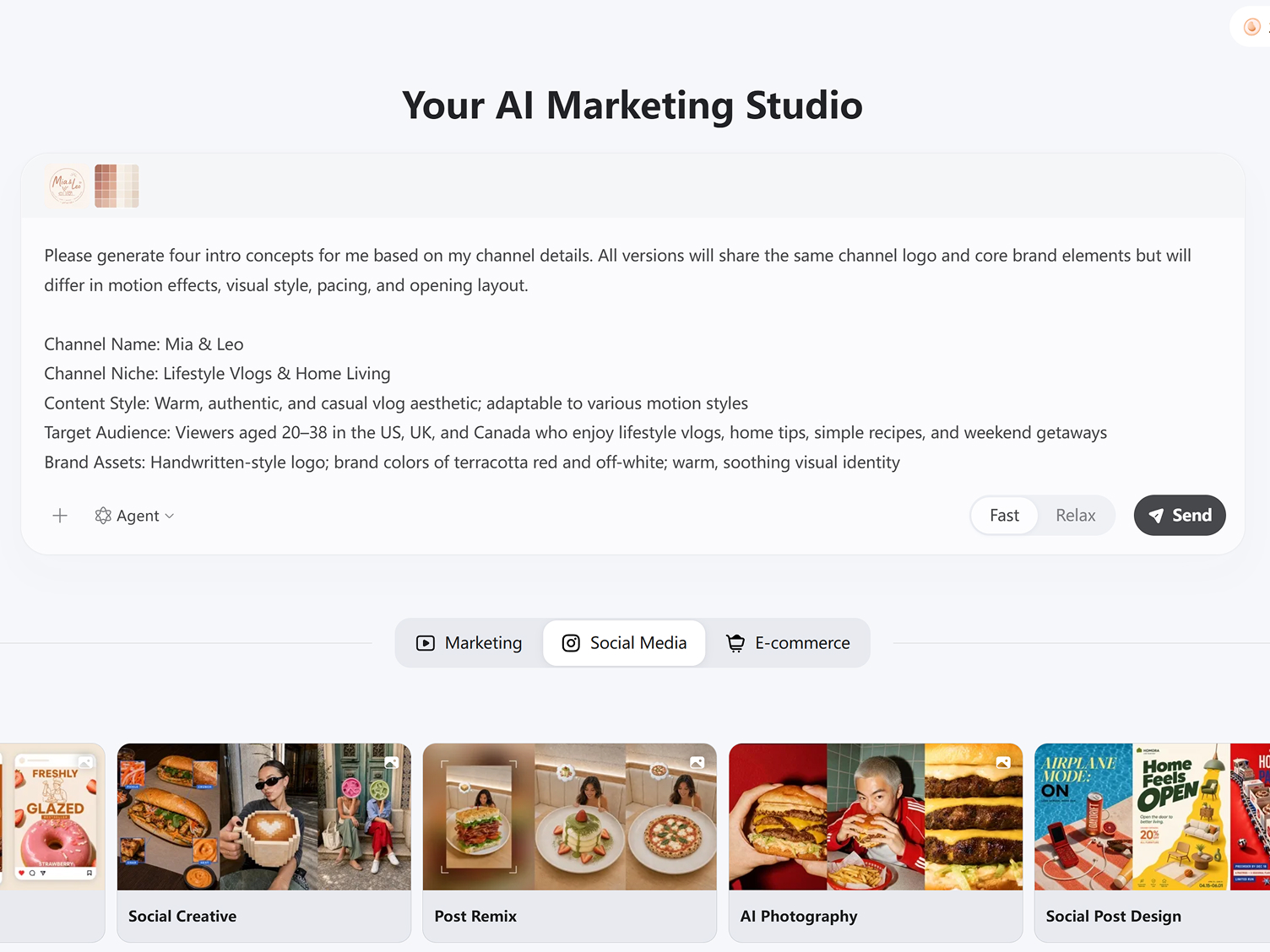
Generate Your YouTube Intro
Designkit automatically creates branded intro concepts with visuals, motion, and styling tailored to your channel and content series.
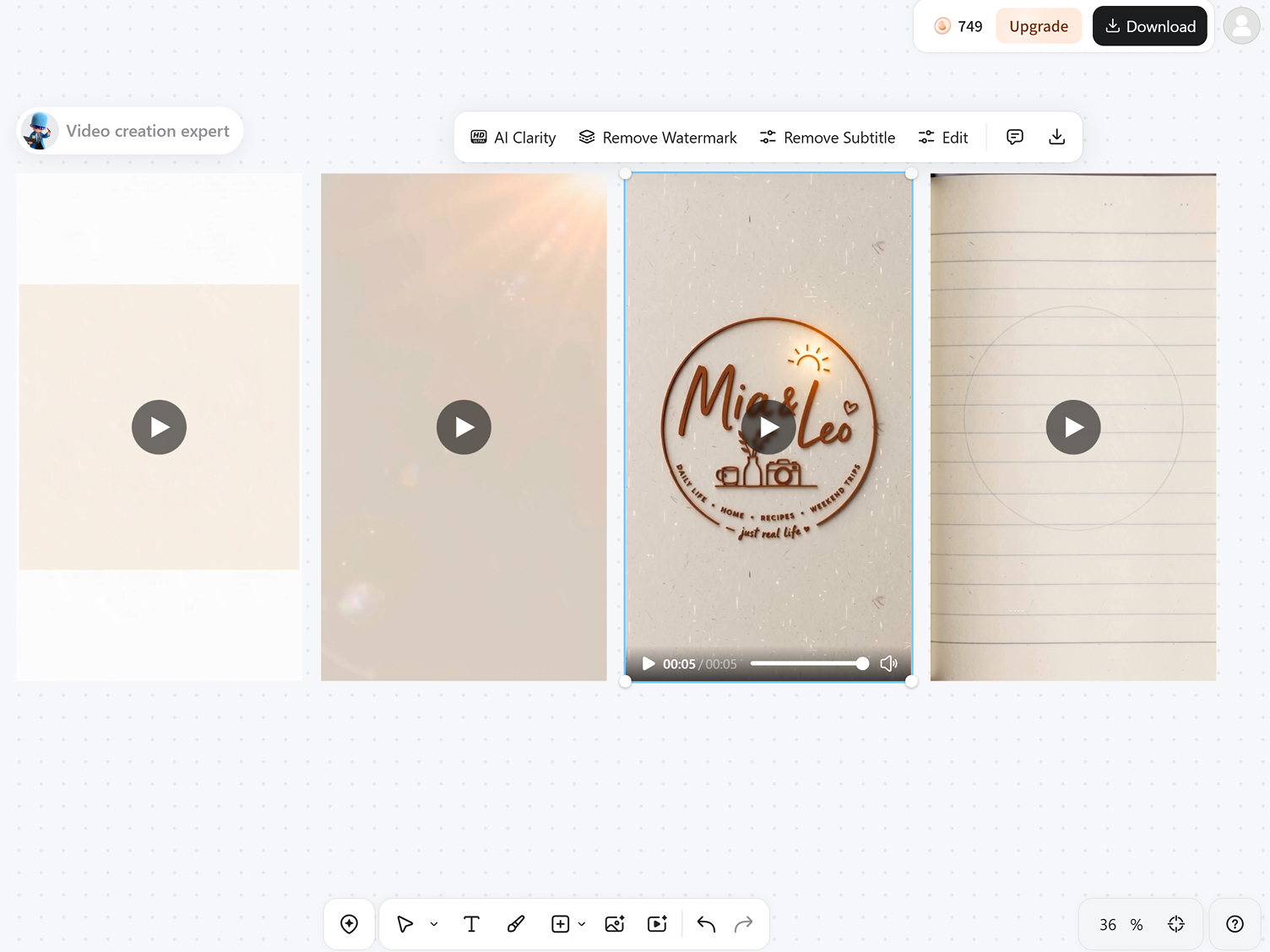
Export and Use Across Your Videos
Download your finished intro and add it to your YouTube content to build consistent channel recognition.
What Can You Create With Designkit's Yo Intro Maker?
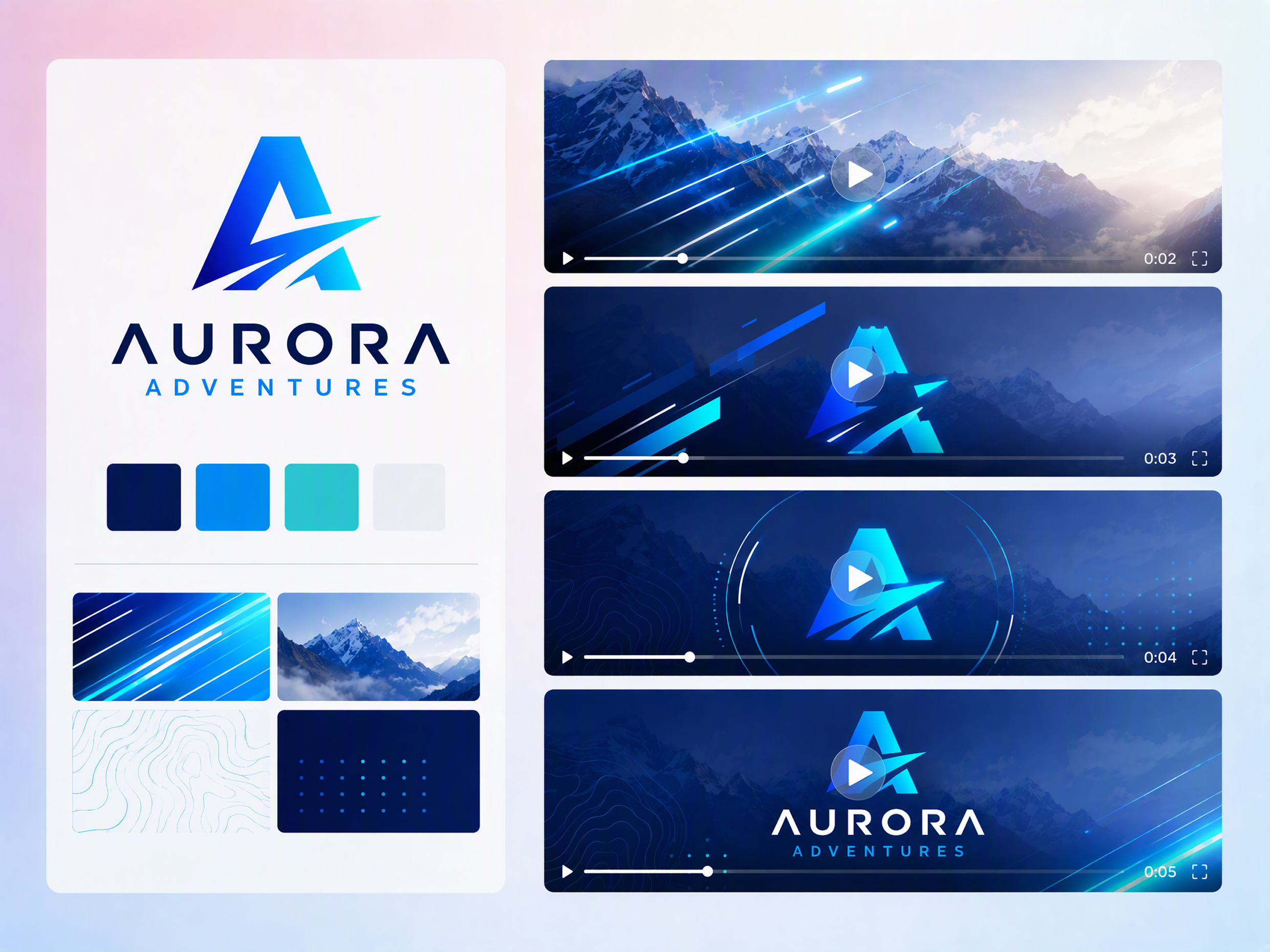
Turn Your Channel Identity Into a Short Video Opening
Create a short YouTube intro that introduces your channel before the main content begins. Add your channel name, visual identity, and preferred opening direction to create something you can reuse across uploads. Designkit’s YouTube intro maker gives you a practical way to make an intro without building every element from scratch, especially when you want a repeatable opening for your videos.
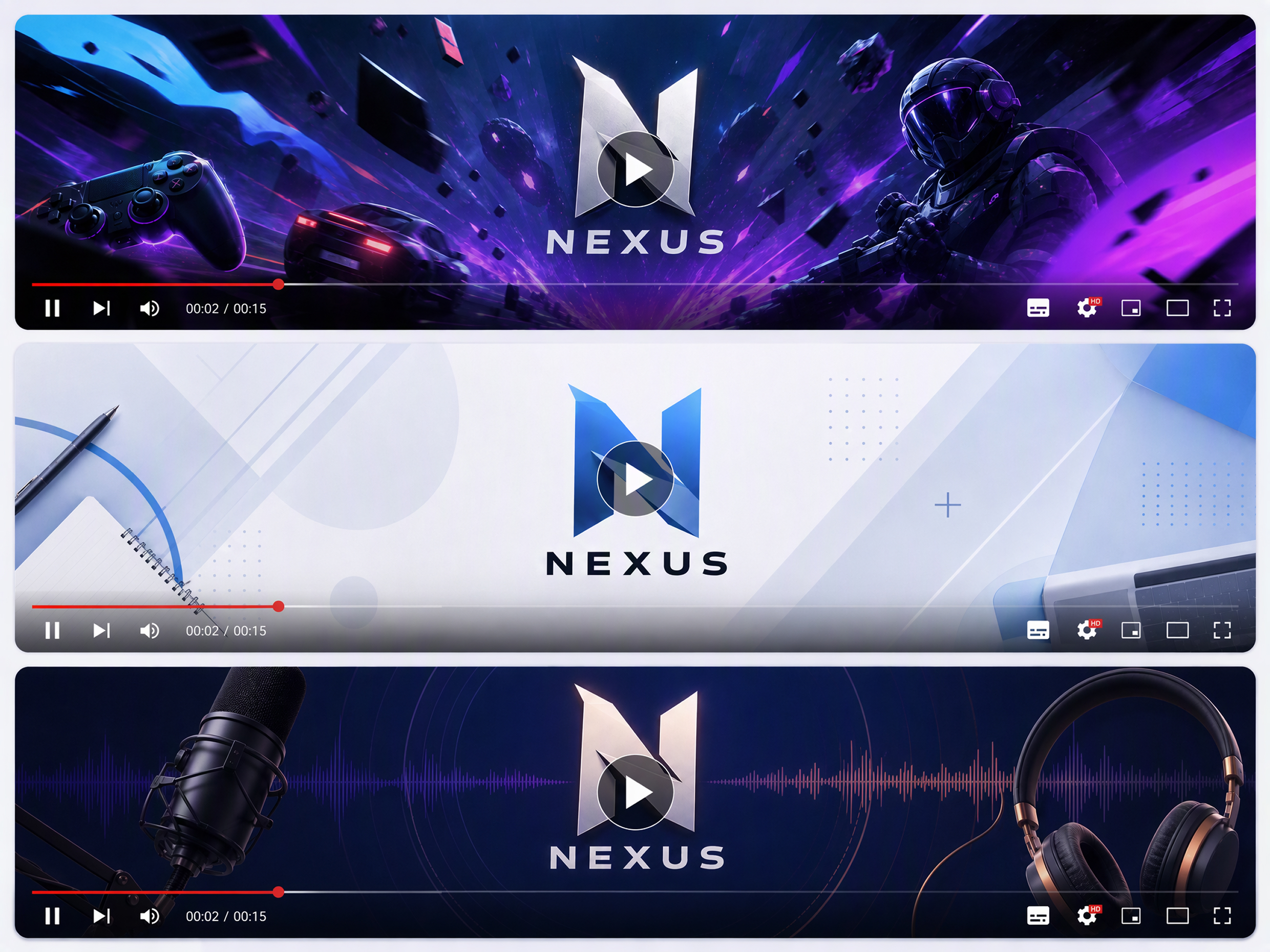
Match the Intro to What Your Channel Actually Covers
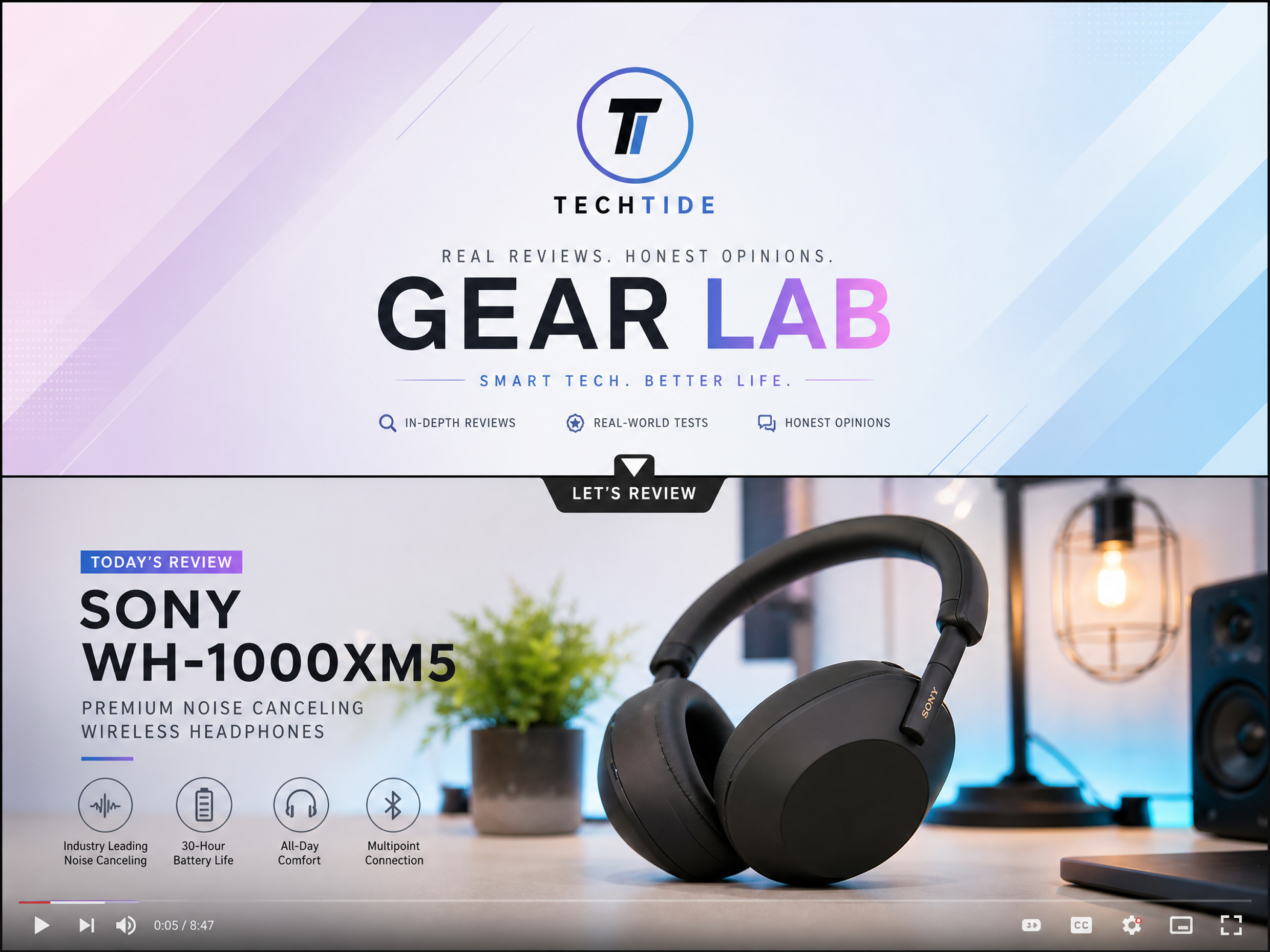
A good intro should fit the content that follows, whether you create tutorials, reviews, commentary, education, or entertainment. Use an AI YouTube intro maker to shape the opening around your niche and audience rather than choosing a generic animation. You can also keep the intro aligned with content created through a YouTube video maker, so the opening feels like part of the channel.

Make Different Intros for Each Series
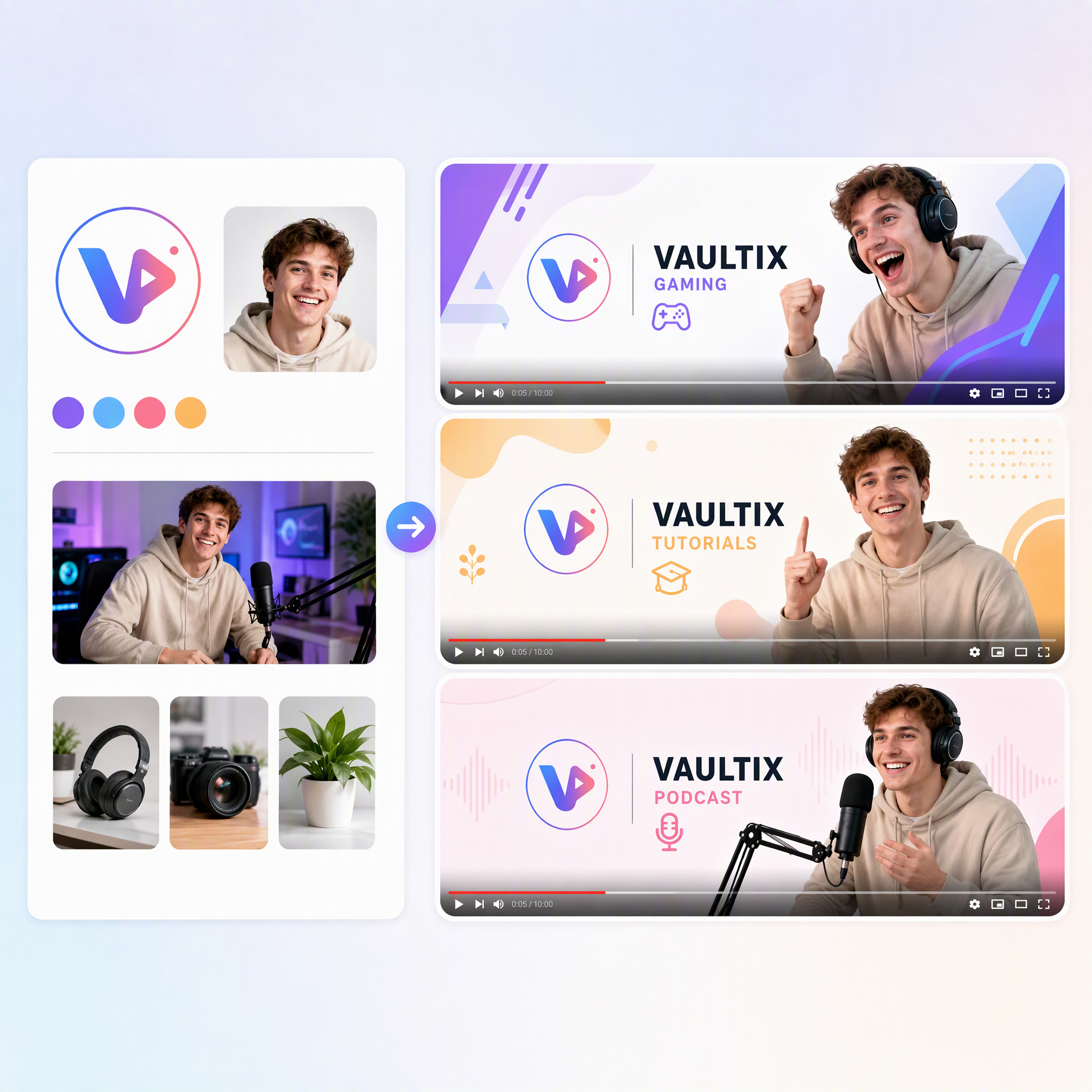
Create separate openings for recurring shows, playlists, or content series while keeping your overall channel identity recognizable. A YouTube video intro maker lets you develop variations around different topics or formats without recreating the entire concept each time. This is useful when you want to create YouTube intro free online and keep multiple series visually distinct.
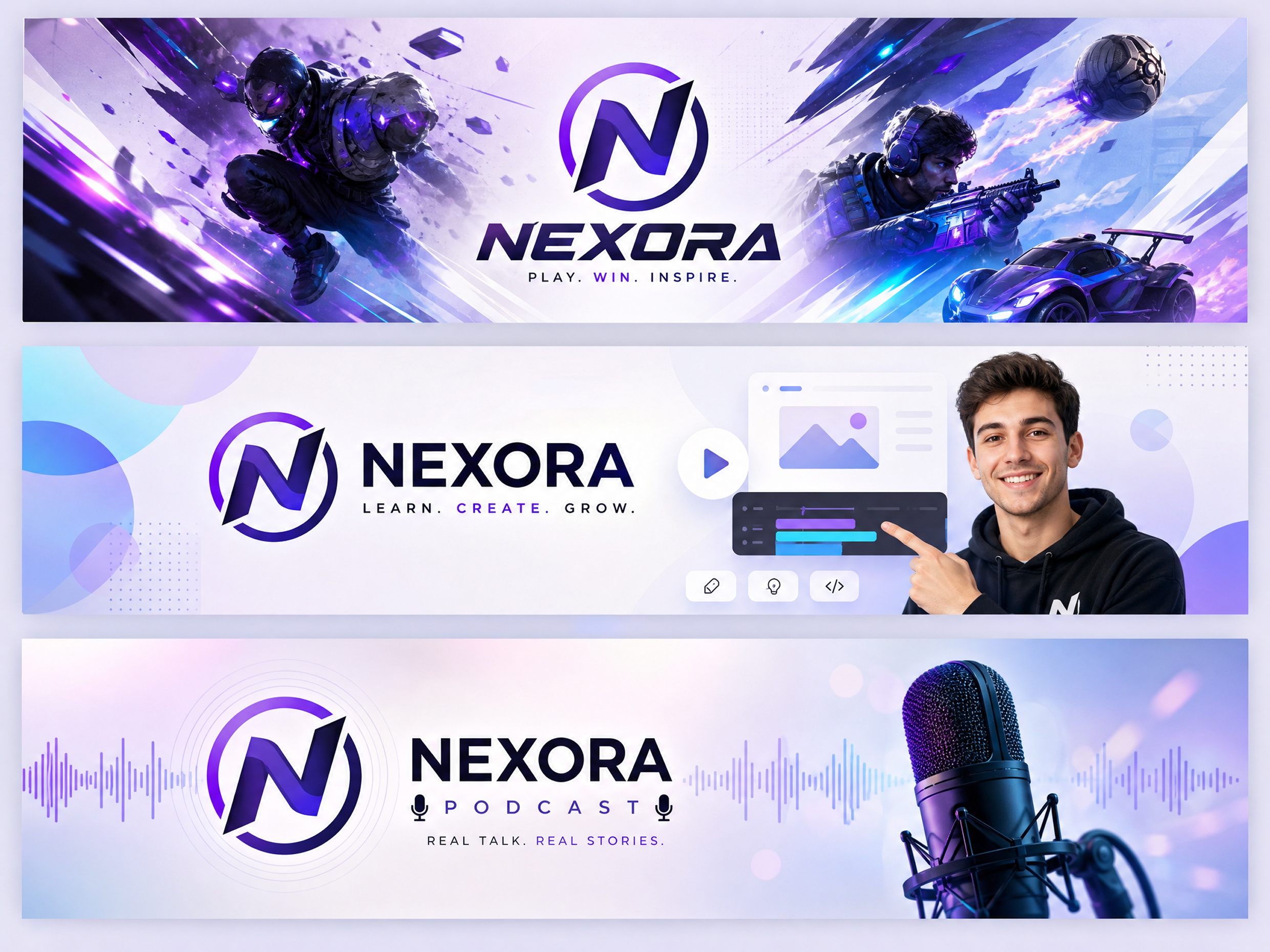
Match Different Content Styles Without Starting Over
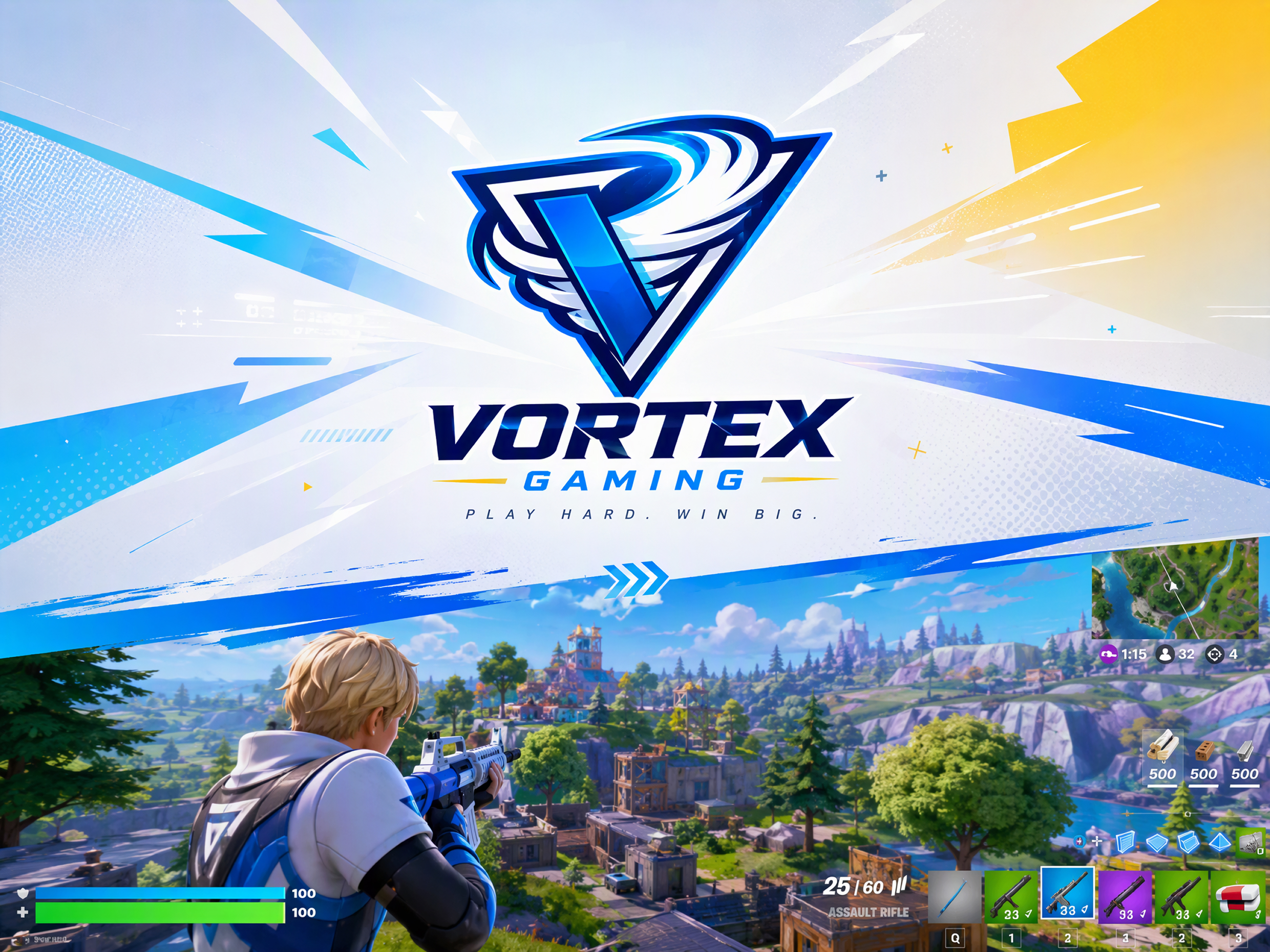
Build an opening around the pace and personality of your content instead of forcing every channel into the same intro style. A YouTube gaming intro maker can suit gameplay content, while tutorials and podcasts can use a simpler opening that gets viewers into the content faster. Designkit helps you make an intro online without starting every animation from zero.
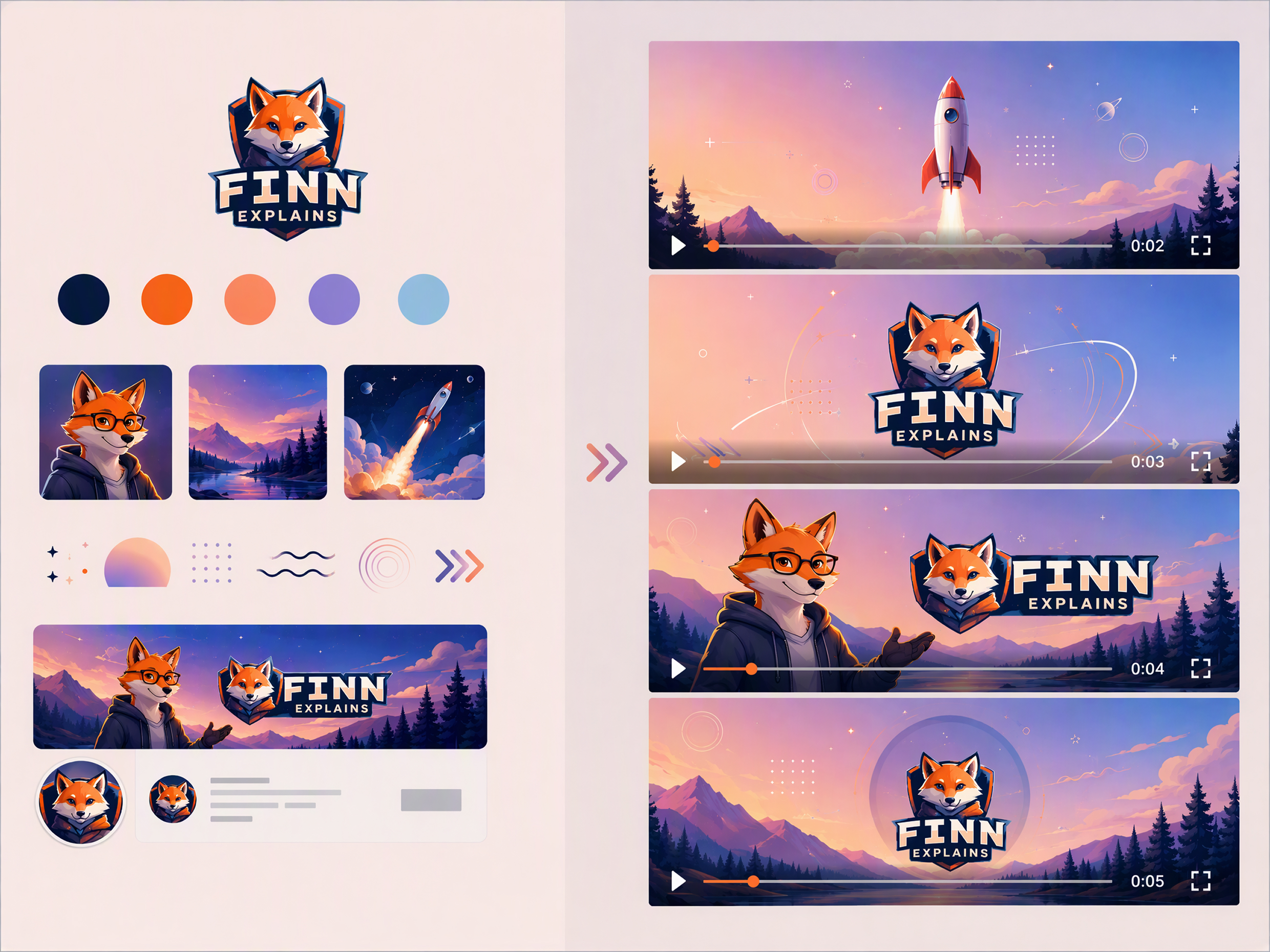
Bring Brand Colors and Artwork Into the Intro
Keep your intro connected to the visual identity viewers already recognize. Add existing colors, artwork, logos, and other assets to create a cohesive opening for your channel. If your branding needs an update first, you can pair the workflow with an AI YouTube logo generator, then bring the resulting visual direction into your intro design.
Create YouTube Intros for Different Channels and Content Series
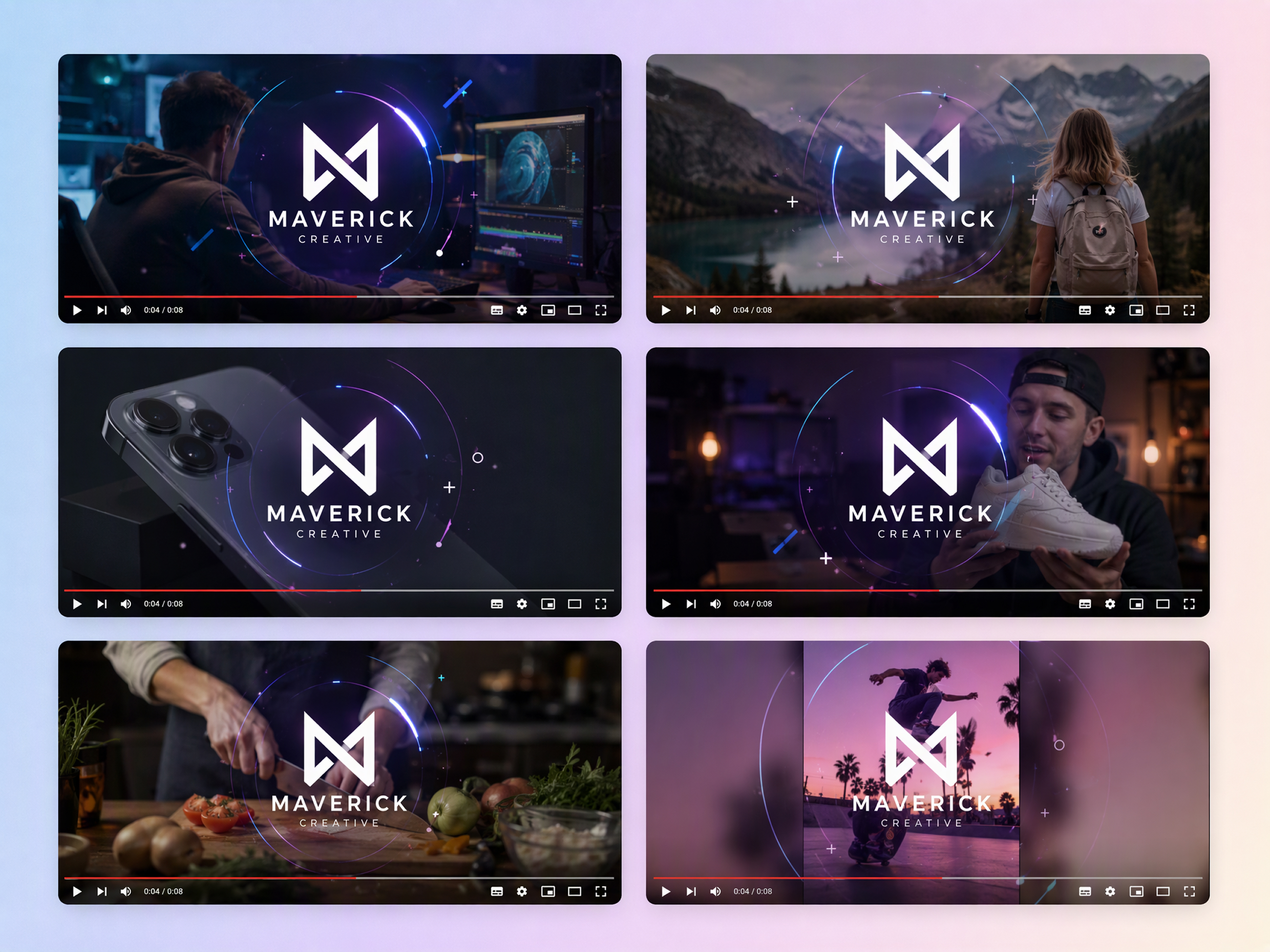
Give Every Upload a Recognizable Opening
Create a reusable YouTube channel intro that introduces your brand before each video. Keep the opening short and recognizable, so viewers know what channel they are watching without paying attention to the main content.
More Tools for Your YouTube Channel
AI YouTube Shorts Maker
AI YouTube Video Maker
TikTok Video Maker
TikTok Script Generator
Frequently Asked Questions
How do I create a YouTube intro?
How long should a YouTube intro be?
A YouTube intro should generally be short enough to introduce the channel without delaying the main content. The right length depends on your format, audience, and purpose, but a brief opening is often easier to reuse across different uploads. With Designkit’s free intro generator, you can explore different opening concepts before settling on one.
Can I create different intros for different YouTube series?
Yes. Creating separate intros can help distinguish recurring series while keeping the overall channel identity recognizable. For example, a gaming series, tutorial series, and interview show can each have their own opening. Designkit lets you create variations for different formats, including content later produced by a YouTube Shorts maker.
Do the intros look professional enough for a real channel?
A professional intro depends on more than effects. Clear branding, appropriate pacing, readable text, and visuals that match your content all contribute to the result. Designkit helps you build an intro around those elements, while its AI video generator can support the broader visual content you create for your channel.
Is there a free way to try the YouTube intro maker?
Yes, you can use Designkit’s available free credits to explore YouTube intro creation before committing to a larger production workflow. This gives you a chance to test different directions and see what fits your channel. If you want to make a free intro for YouTube, Designkit provides a starting point for experimenting with your opening.
What do I download, and how do I add it to my videos?
After creating your intro, download the finished video file and place it at the beginning of your YouTube edit using your preferred video editor. Keep a master version so you can reuse the same opening across uploads. Designkit creates the intro separately, making it easy to add to videos generated or edited in another workflow.
Can I use the intro on every upload commercially?
You can reuse an intro across your own commercial YouTube content as long as the assets and elements included in the final video are permitted for your intended use. Check the applicable licensing terms for any third-party assets. Designkit can help create a reusable channel opener that you can incorporate into your regular publishing workflow.
Give Your Channel a Recognizable Opening
Create a reusable intro around your channel, video series, brand assets, or visual style, then use it across your YouTube content.
Why Choose Designkit for YouTube Intro Creation
Skip Hiring a Motion Designer for One Short Opener
Create a polished channel opener yourself without hiring a motion designer for a single short intro or waiting through a full production process.
Create the Opening Around Your Actual Content
Build your intro around your channel topic, audience, and video style, so the opening feels connected to the content viewers come to watch.
Try YouTube Intro Creation With Free Credits
Use free credits to explore different intro ideas and find an opening that fits your channel before investing more time into production.



How Creators Build Channel Identity With Designkit
See how creators use Designkit's YouTube Intro Maker to improve branding, viewer retention, production speed, and content consistency.
I Needed Different Openings for Different Series
My channel has tutorials and product reviews, and using the exact same intro for everything started to feel a little off. I wanted each series to have its own opening without hiring someone to animate several versions. Designkit gave me a way to test different directions and keep the channel visuals connected.
The Gaming Intro Actually Matched My Videos
Most of the intro templates I tried looked fine, but they didn't really fit the rest of my channel. I wanted something that matched the energy of my gameplay videos instead of dropping a random logo animation at the start. Designkit helped me build an opening around the style I was already using.
Our Podcast Finally Had a Proper Video Opening
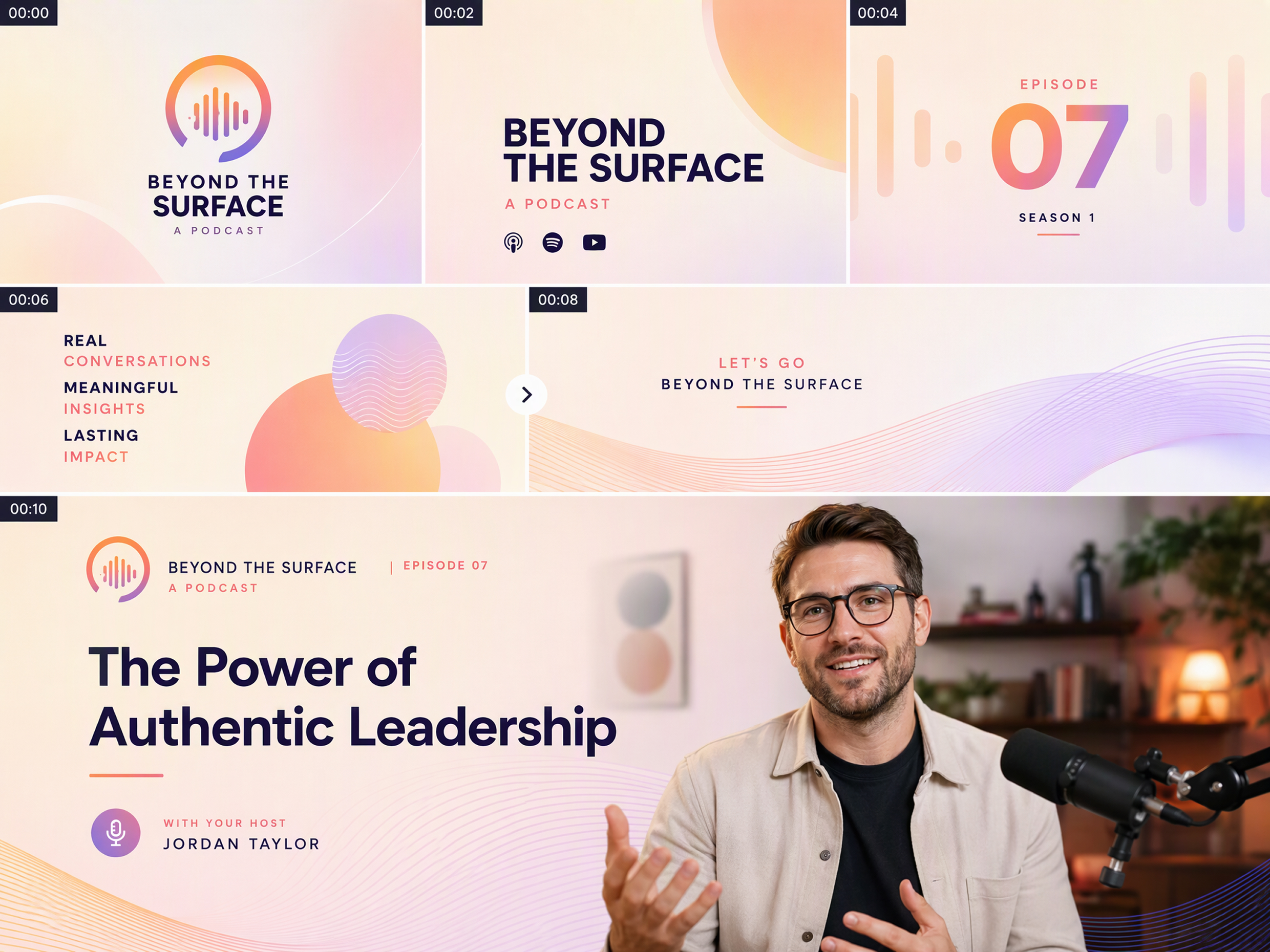
We had the podcast branding, artwork, and music already, but nothing that worked as a short video opener. I didn't need a full animated package. I just wanted something that could introduce the show before each episode. Designkit helped me turn the existing assets into an intro I could reuse.
The Intro Stopped Feeling Like an Afterthought
My videos had a consistent look everywhere except the first few seconds. I had the logo and channel graphics, but they weren't really being used together. I used Designkit to create a short opening around the same visual style, so the intro now feels like part of the channel instead of something added at the end.