
Create Before and After Videos That Instantly Show Product Results
Show visible product transformations that capture attention and build trust faster.
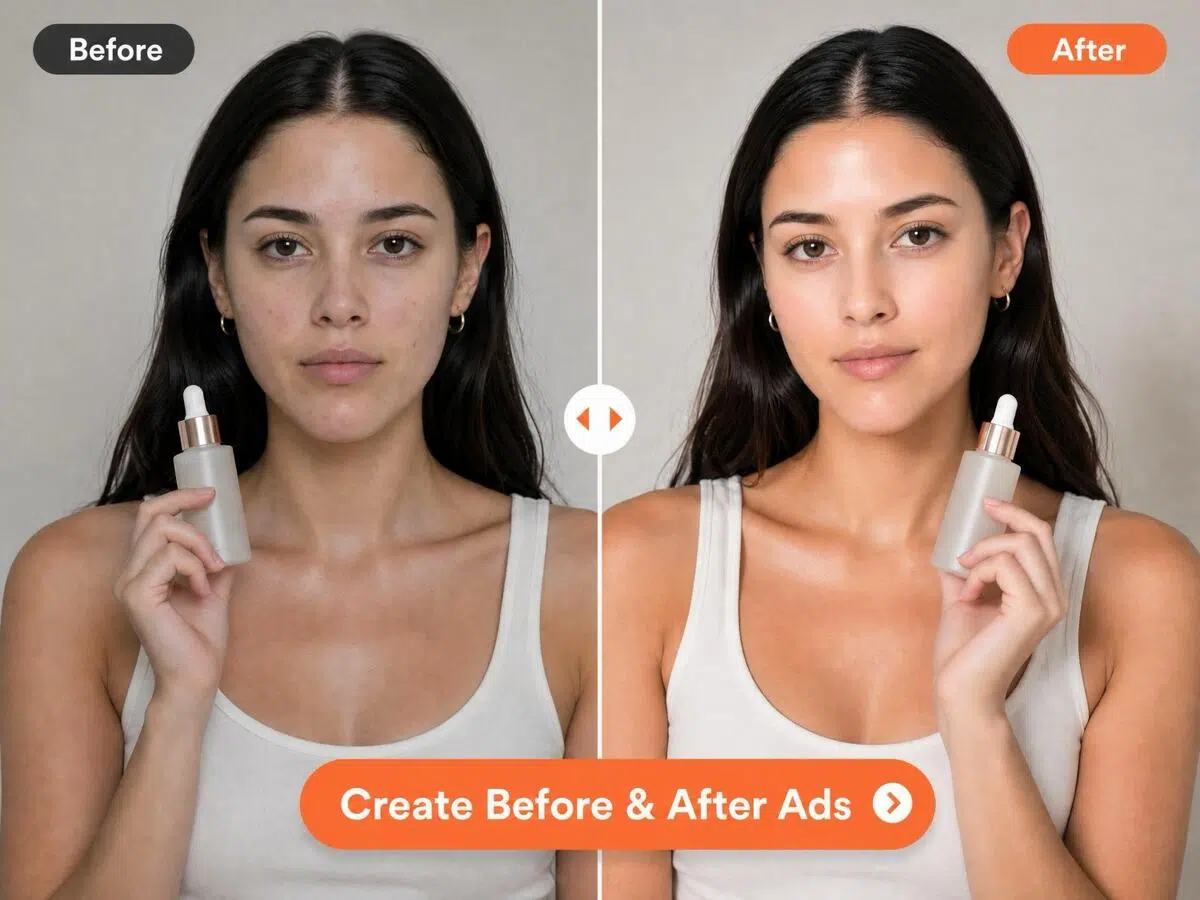
Turn product image into before and after videos in minutes.
How to Turn Product Images into Before and After Ads With Designkit
Upload Your Product Images and Selling Points
Upload the product images you want to compare. Add key selling points and features, or let AI generate them from your product description automatically.
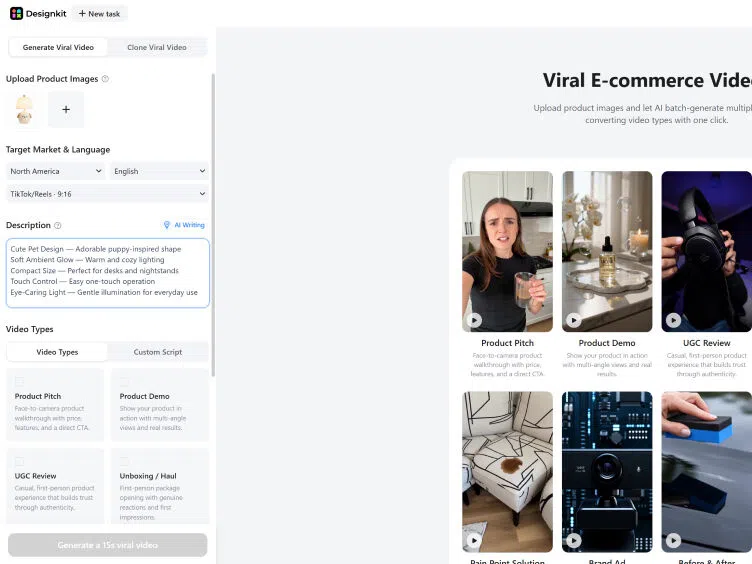
Create Before & After Videos
Choose the「Before & After」video type, then set your target market, language, and platform ratio (TikTok 9:16, Reels, YouTube Shorts, Amazon). Confirm and generate.
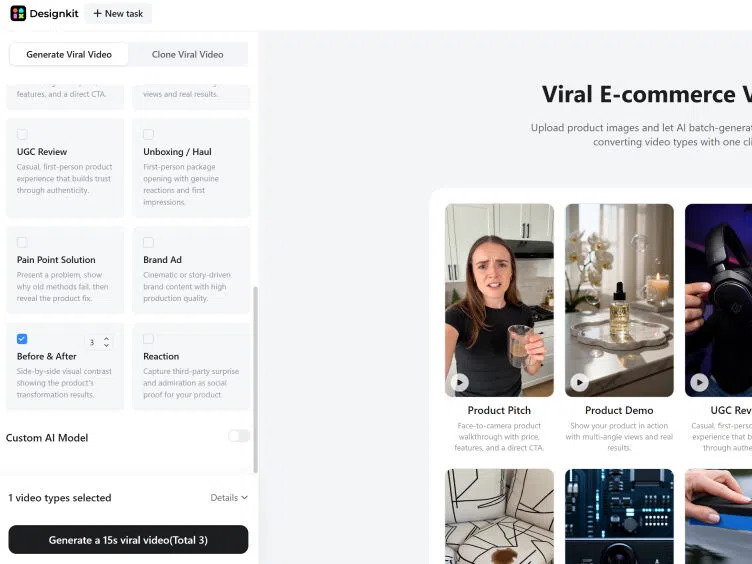
Preview and export Before & After Videos
Play back your video and generate more variations if needed. Download in platform-ready format, watermark-free, ready to publish.
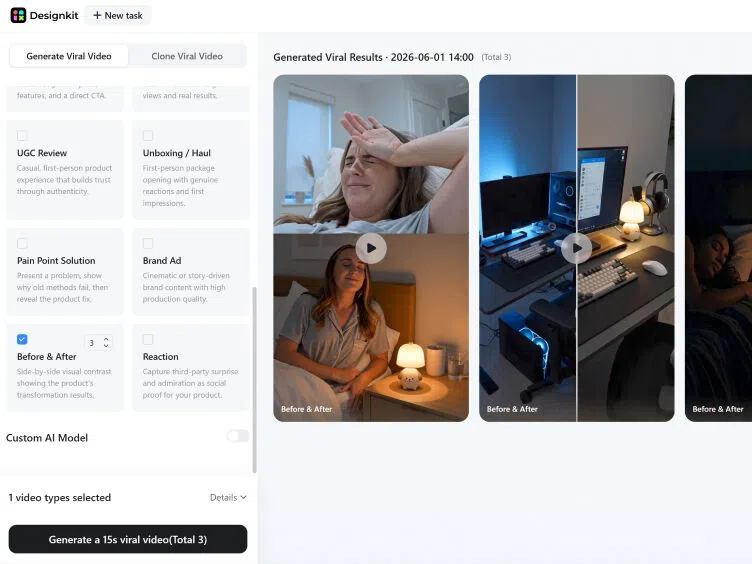
Create Results-Driven Before and After Videos with Designkit
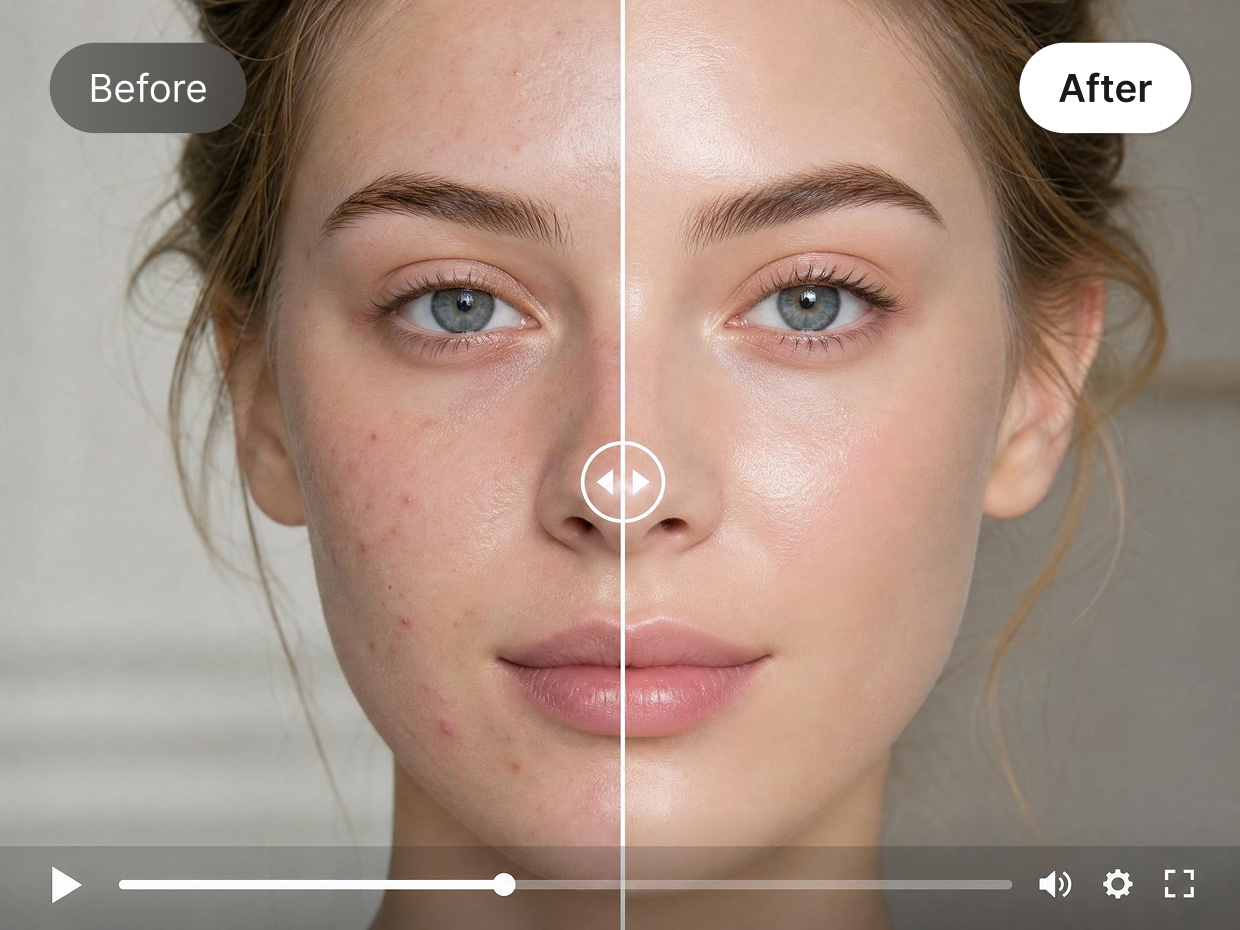
Showcase Product Transformations That Stop the Scroll
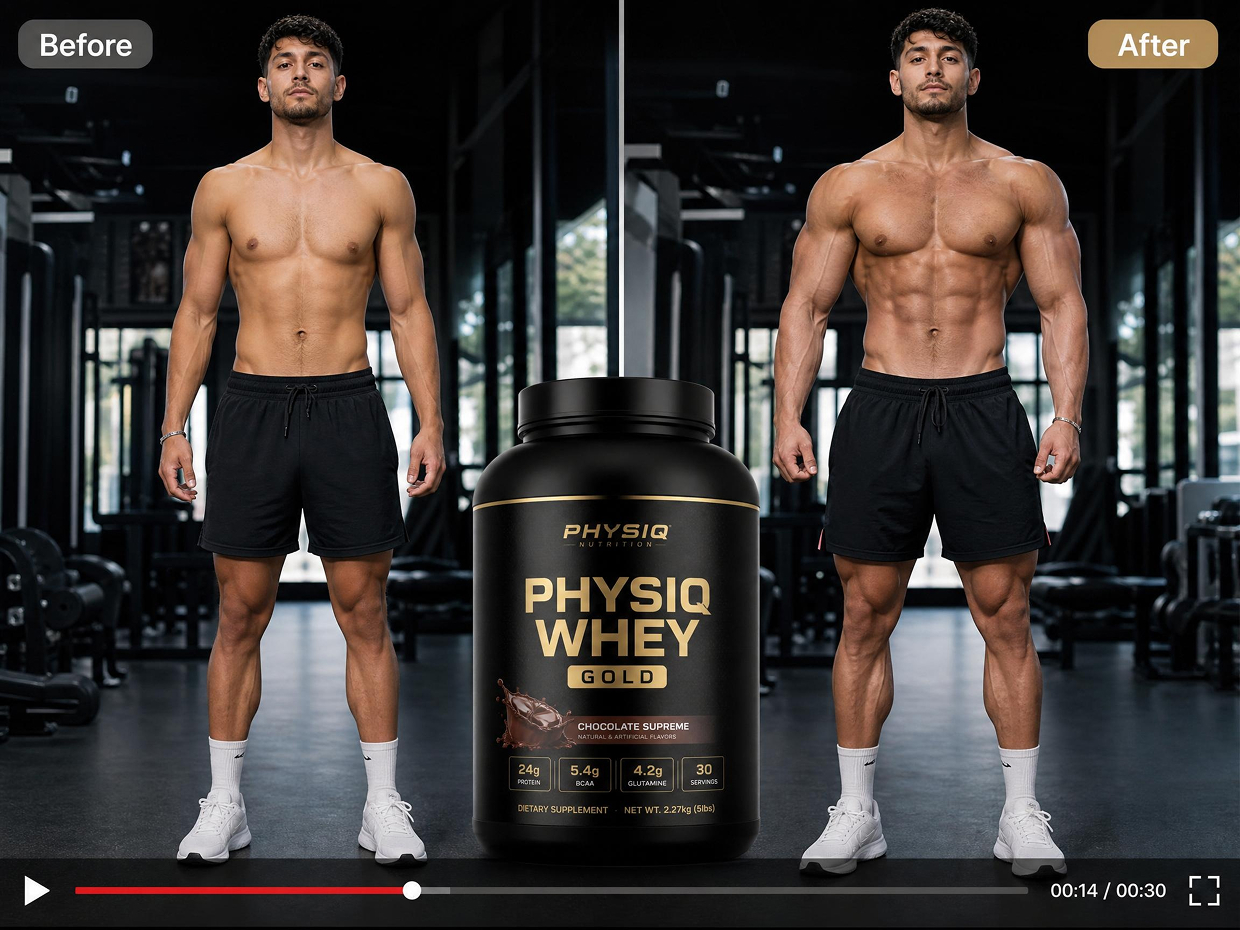
Turn static product photos into before and after videos that make visible changes impossible to ignore. Works for beauty, fitness, skincare, home improvement, and cleaning — any product where results speak louder than descriptions.
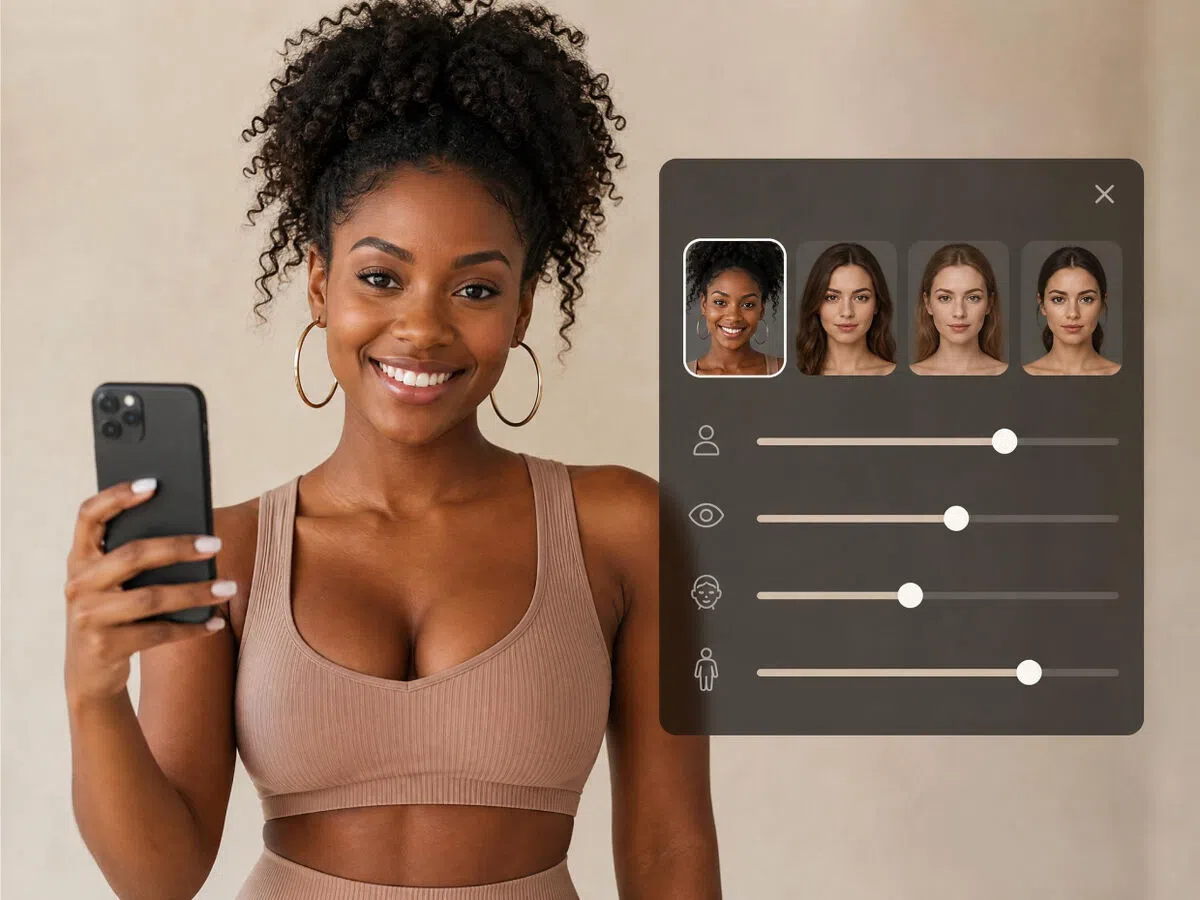
Customize AI Models for Targeted Audiences
Create content that feels more relevant to your audience with customizable AI models. Adjust age, appearance, style, and body types to create personalized transformation stories for different customer segments. Whether building beauty before and after ads, fitness campaigns, or lifestyle content, Designkit helps brands create more relatable and conversion-focused creatives.
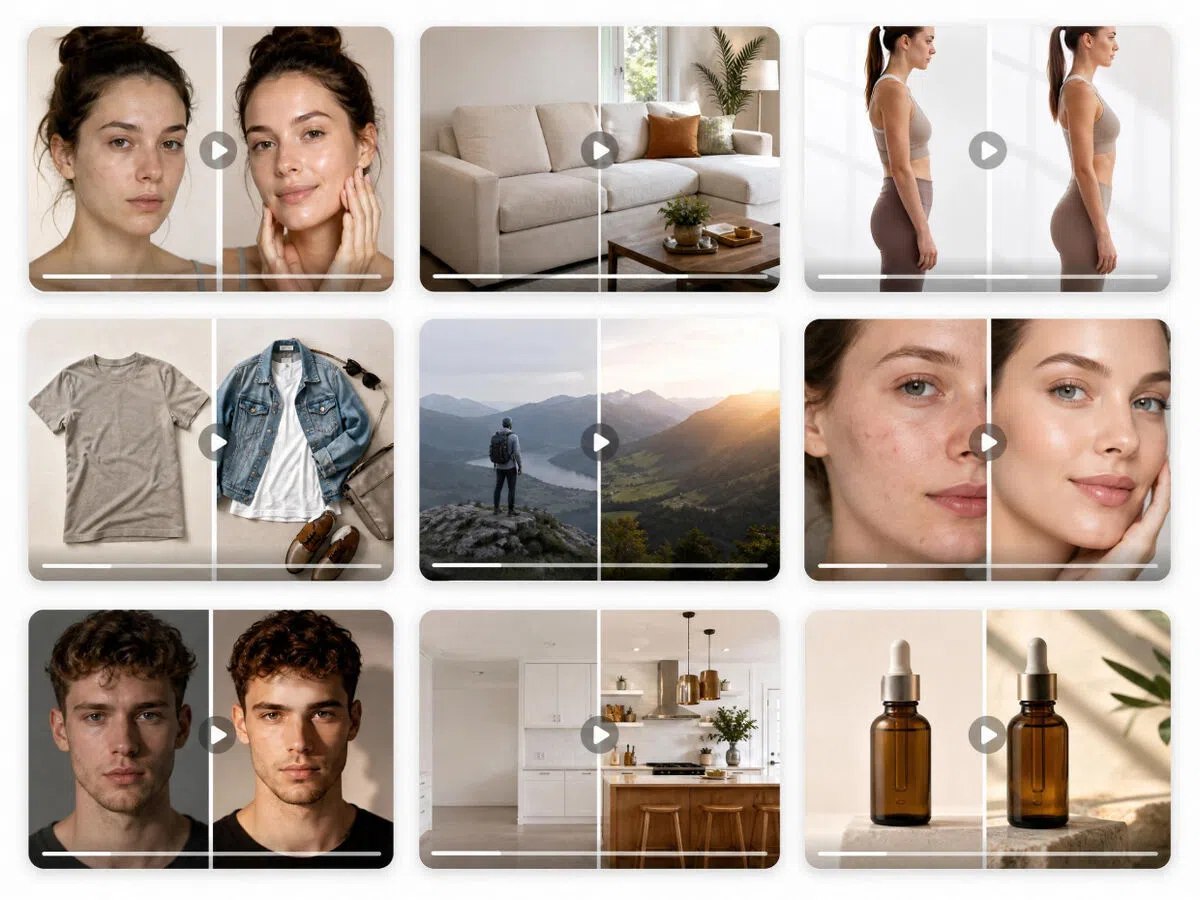
Try Multiple Before & After Video Variations for Every Campaign
Testing creative ideas becomes easier with Designkit's AI before and after video workflow. Generate 5–10 different video variations at once using different storytelling formats, pacing styles, and visual approaches. Experiment with different before and after video editing styles and quickly identify top-performing content for ads, product campaigns, and social platforms.
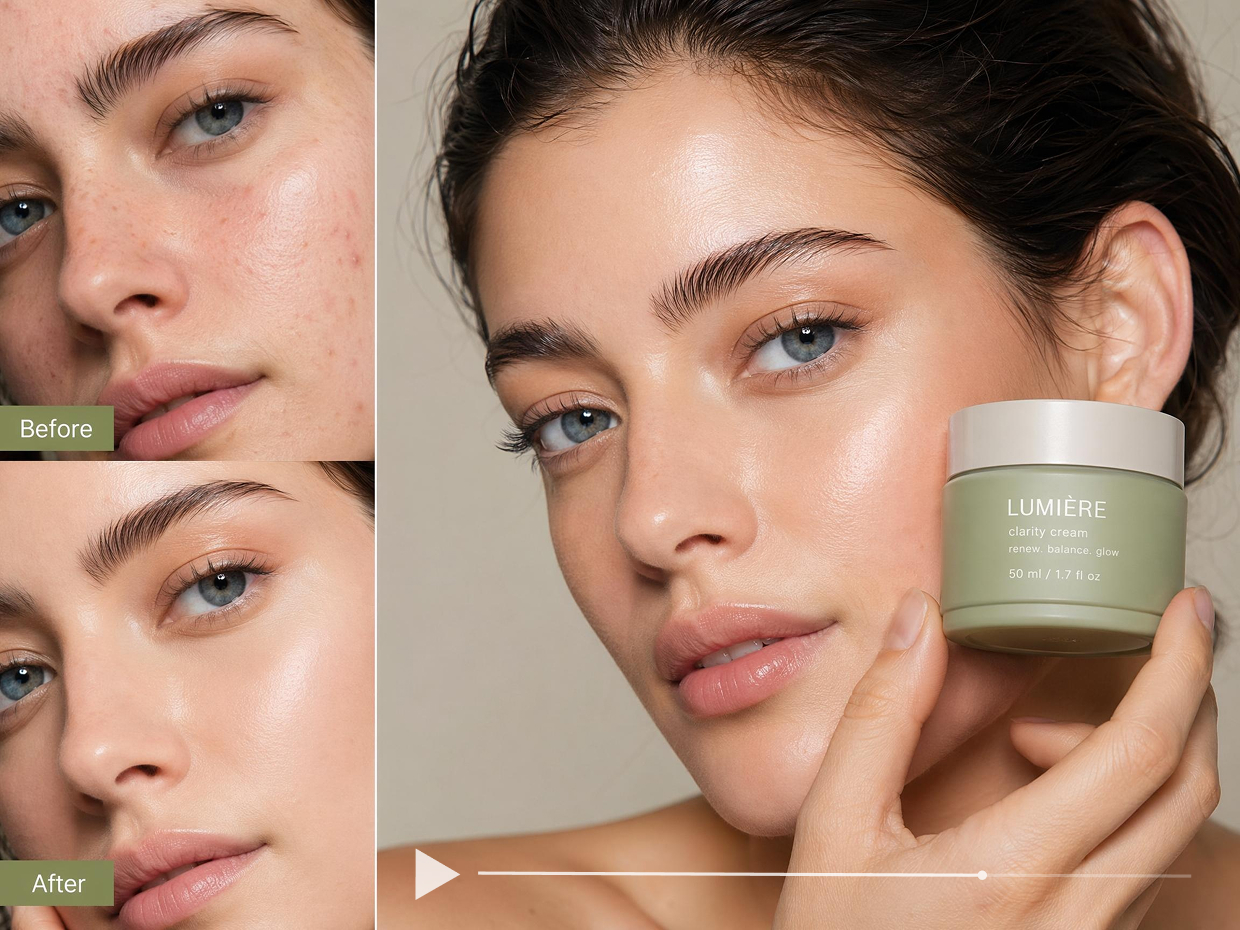
No Real Before-and-After Photos Required
Don't have real comparison shots? Designkit generates the transformation visuals from your product images — no shoots, no customer photo collection, no waiting for results. The AI builds a convincing before-and-after narrative from what you already have.
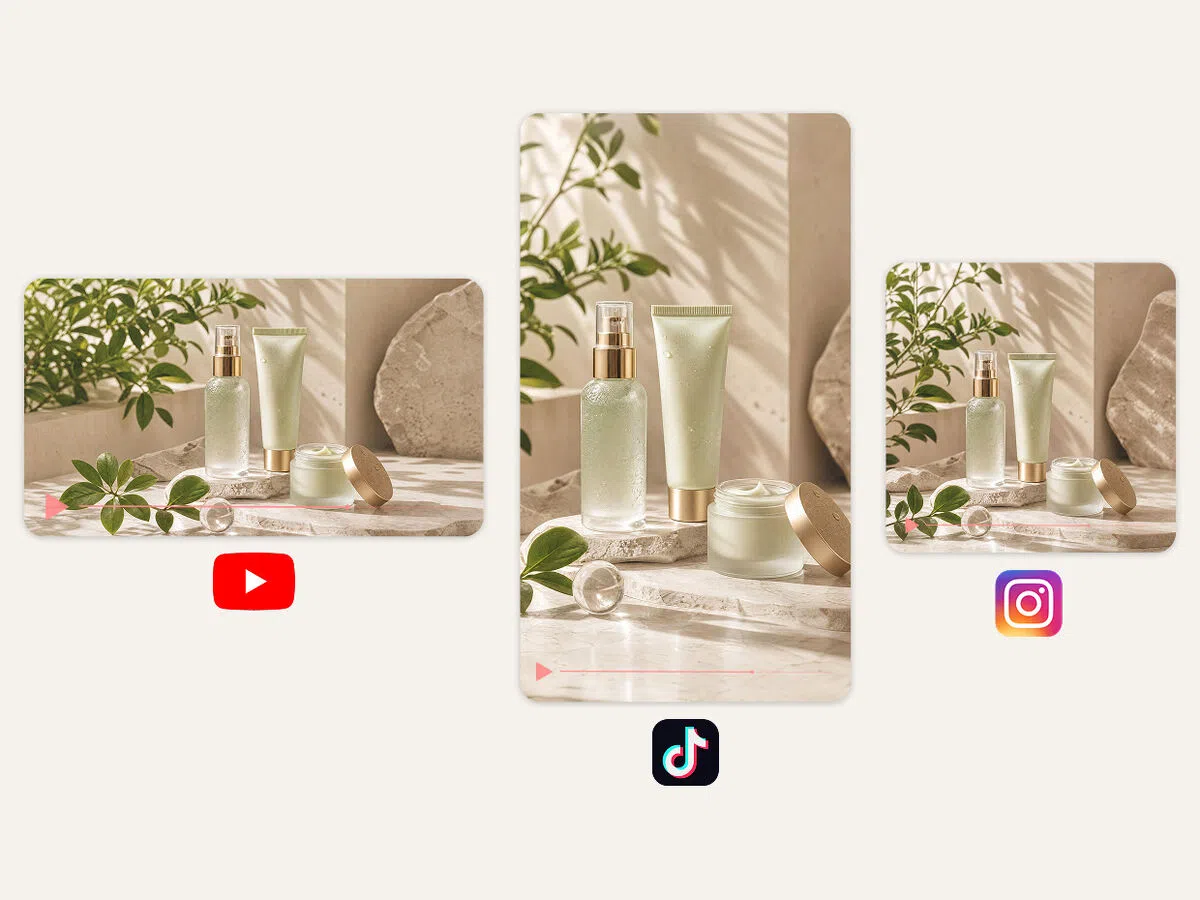
Auto-Formatted for TikTok, Reels, YouTube Shorts, and Amazon
Every before and after video exports in the right aspect ratio per platform: 9:16 for TikTok and Reels, 16:9 for Amazon and YouTube. Fast pacing and mobile-first transitions built in. No resizing, no reformatting per channel.
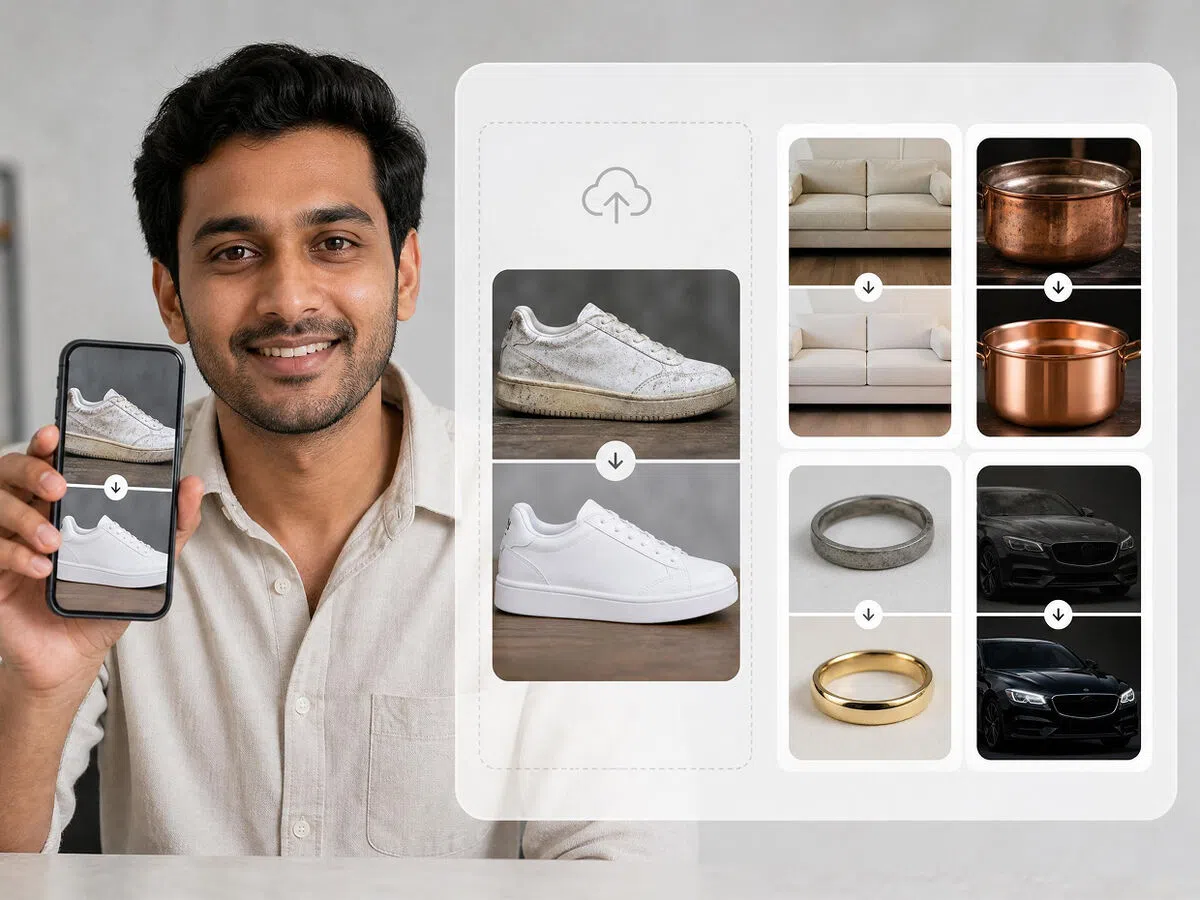
Replicate Winning Before & After Formats with Your Product
Upload a reference before and after video alongside your product images — Designkit analyzes its structure, pacing, and transition style, then recreates it with your product. Skip the guesswork of what format drives results.
Who Can Transform Videos with AI Before and After Effects Using Designkit
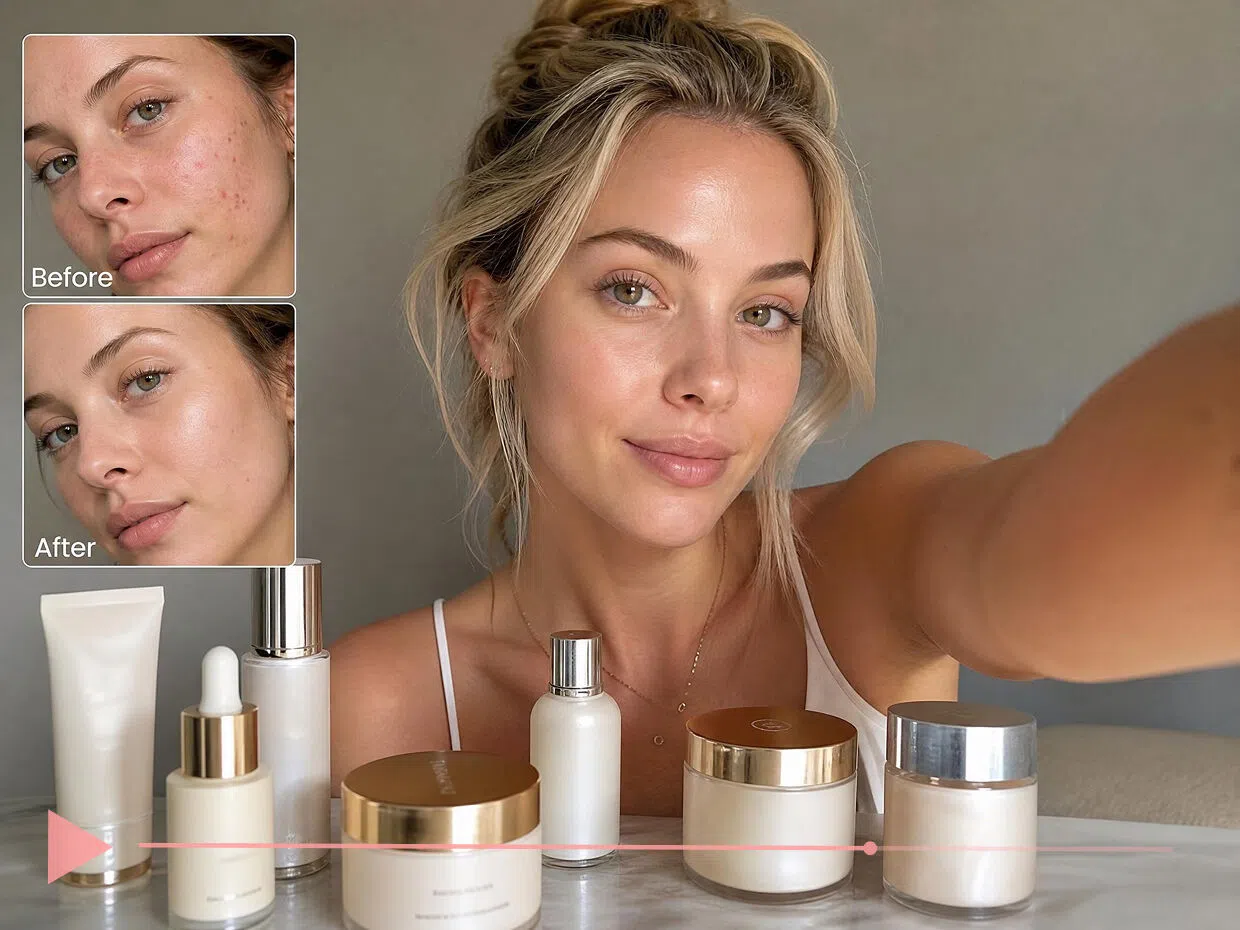
Skincare Transformation Videos That Show Results Before Buyers Hesitate
Skincare buyers want proof before they commit, but collecting real before-and-after photos takes time and depends on customers sharing results. Designkit generates transformation videos from product images directly, visualizing acne improvement, glow upgrades, and texture changes without waiting for real comparison content.
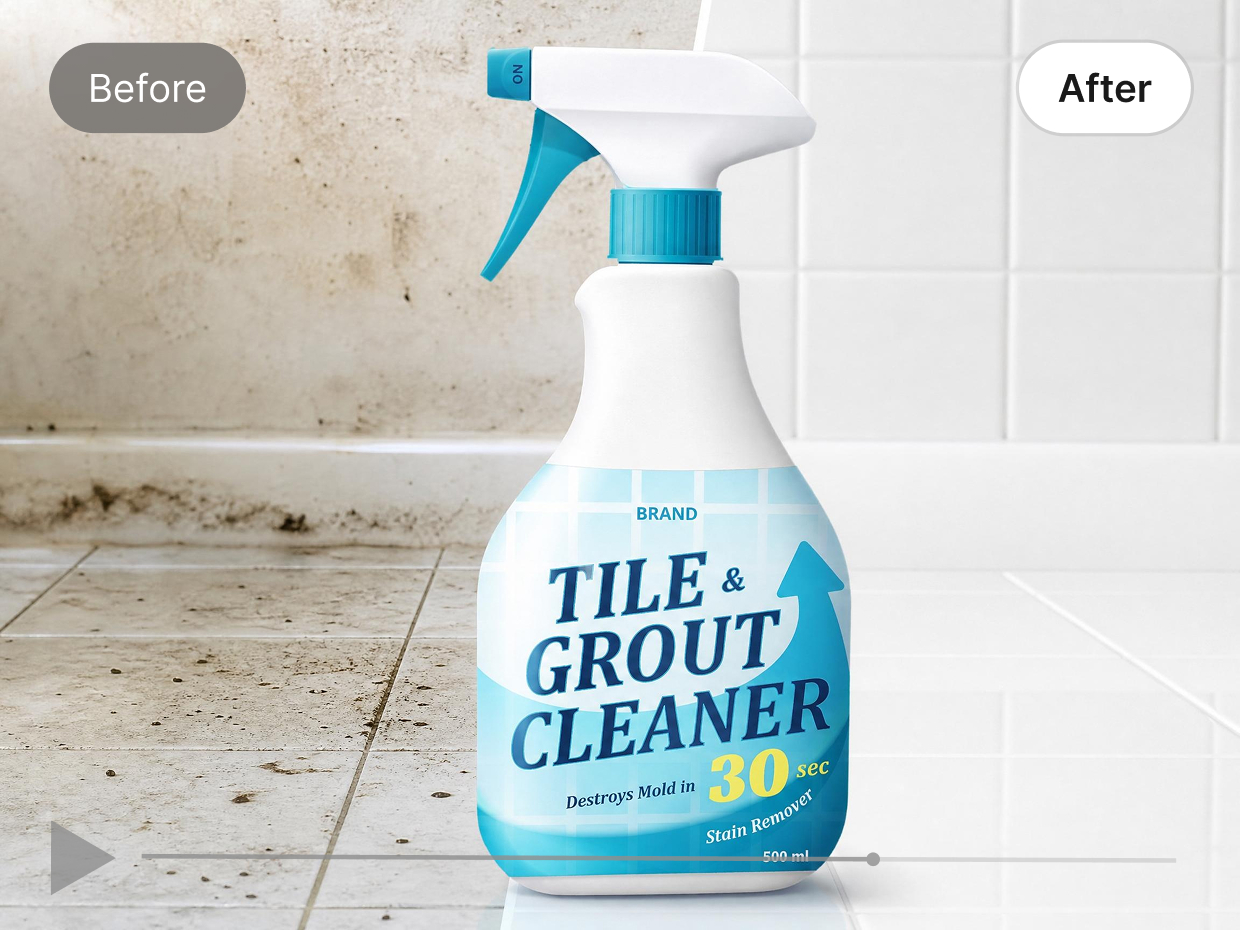
Why Choose Designkit for Your First Before and After Video Creation

Instantly Turn Product Results Into Engaging Videos
Static product photos become dynamic transformation videos automatically. No filming, no editing timeline, just upload and generate.

No Filming or Editing Skills Required
Traditional video creation often requires filming equipment and editing skills. Designkit automates before and after video editing, helping anyone create polished content with minimal effort.

No Real Before-and-After Photos Needed
Don't have real comparison shots? Designkit generates convincing transformation visuals from your existing product images — no customer photo collection, no shoot coordination required.

AI Model Customization for Any Audience
Customize your AI presenter's age, appearance, and body type to match your target customer. The same product can run different transformation narratives for different audience segments.

Scale Before-and-After Campaigns Without Production Delays
Generate multiple video variations in one session. Test different hooks, pacing styles, and formats, without additional shoot days or editing cycles between each version.

Formatted for Every Platform, Automatically
TikTok 9:16, Meta 1:1, Amazon 16:9, each video exports in the right format per platform. No resizing, no manual reformatting between channels.
Frequently Asked Questions
How does an AI before and after video maker work?
Can I create before and after videos from product images without real comparison photos?
Yes. Upload your product images and the AI generates a transformation video — no real before-and-after shots needed, no filming, no light setup. Designkit builds the visual comparison narrative from your existing product visuals and selling points.
Does it support batch generation of multiple versions?
Yes, Designkit supports generating multiple before and after video variations at once. You can test different styles, transitions, and storytelling formats in bulk, making it easier to compare performance and identify the most effective creative for ads and social media.
Do I need editing skills to make before and after videos with AI?
No editing skills are required. Designkit automates the entire before and after video creation process, from scene building to transitions and optimization. This allows beginners, marketers, and ecommerce sellers to create professional-quality videos in minutes.
Are videos automatically optimized for social media and ads?
Yes, all outputs are optimized for platforms like TikTok, Instagram Reels, YouTube Shorts, and ad networks. Designkit ensures videos are mobile-friendly, fast-paced, and formatted for high engagement in modern social commerce environments.
Can the AI model's appearance in the video be customized?
Yes, with Designkit, you can customize AI model appearance, including age, body type, style, and overall look to match your target audience. This helps create more relevant before and after videos for different campaigns like beauty, fitness, or ecommerce ads, improving personalization and ad performance without extra production effort.
How can I create a before-and-after video for a skincare cream transformation?
You can upload before and after skincare product images or results, then let Designkit automatically generate a transformation video. It highlights visible improvements like texture, glow, or skin clarity, making skincare results easier to understand and more persuasive for potential buyers.
What makes before and after videos effective for product marketing?
Before and after videos are effective because they clearly show product impact in a visual, easy-to-understand format. They reduce hesitation by demonstrating real results instead of only describing them. Designkit helps brands turn these transformations into engaging marketing content that increases trust, attention, and conversions.
Start Your First Before & After Video Free
Your product already has a story to tell. Upload an image, add your selling points, and get a before-and-after video ready to publish — free to start.

Designkit Before & After Ads Maker: User Reviews & Feedback
Users review Designkit before and after ads maker and how it helps them.
Multi-Variation Improves Performance Scaling
I can create multiple before-and-after video variations in just minutes, which used to take hours. We tested several versions in one campaign and quickly found a winning ad — and the whole process felt much more manageable than it did before.
User Review 2: AI-Generated Video Ads That Drive Conversions Without Real Shoots
Before Designkit, we had to rely on real before-and-after photos or expensive content shoots to prove results. It was time-consuming and inconsistent. Now, AI directly generates transformation-style video ads from product images, visually simulating results that actually convert. It feels like we can launch high-performing ads instantly without waiting for real comparison content or hiring creators.
Video Ad Transitions That Improve Product Clarity
The before-and-after videos made with Designkit completely changed how our products are perceived. Customers instantly understand the transformation, and it feels more trustworthy and real. Since using these videos, conversion rates improved noticeably and customers engage more confidently with our listings.